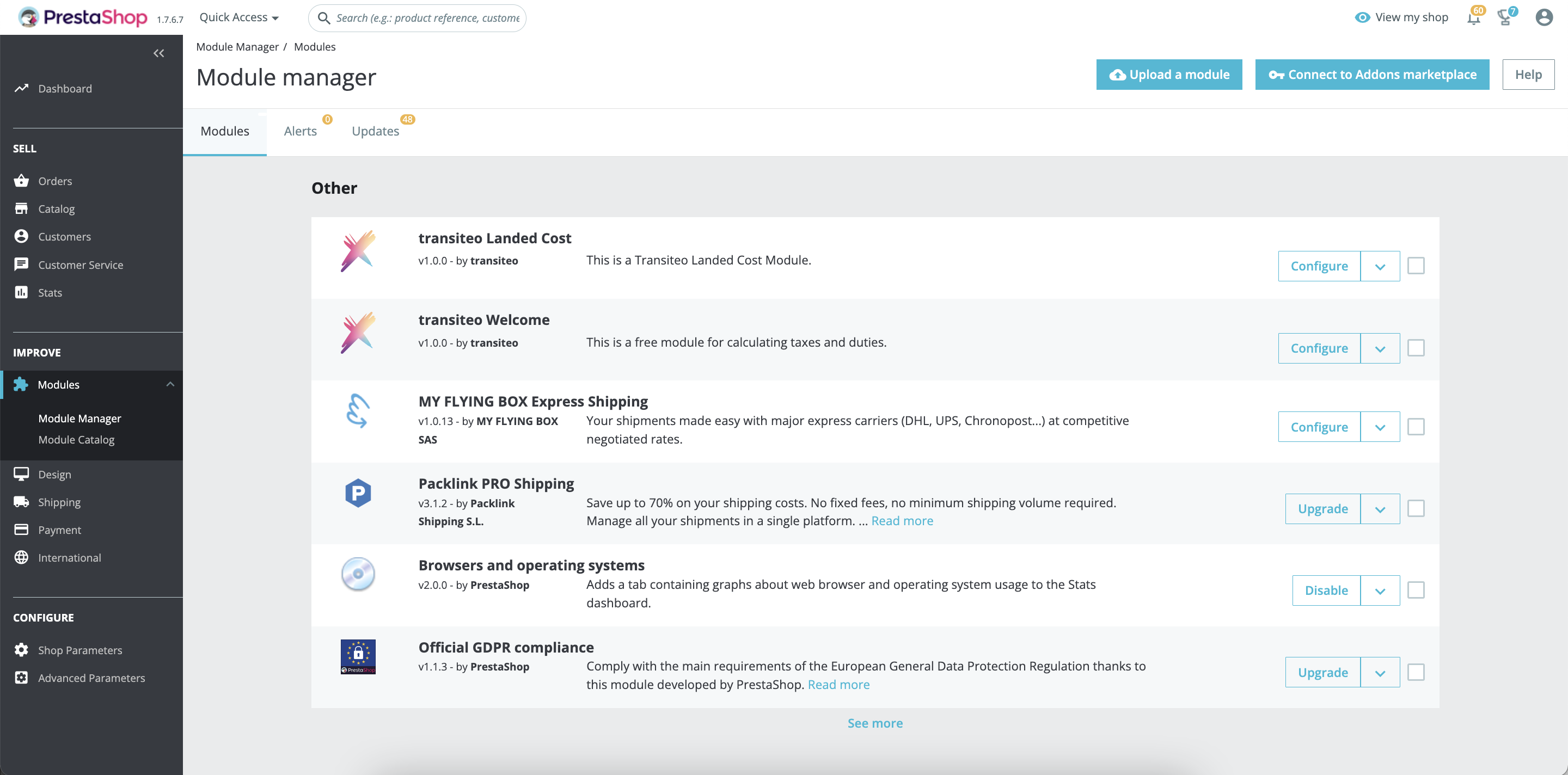
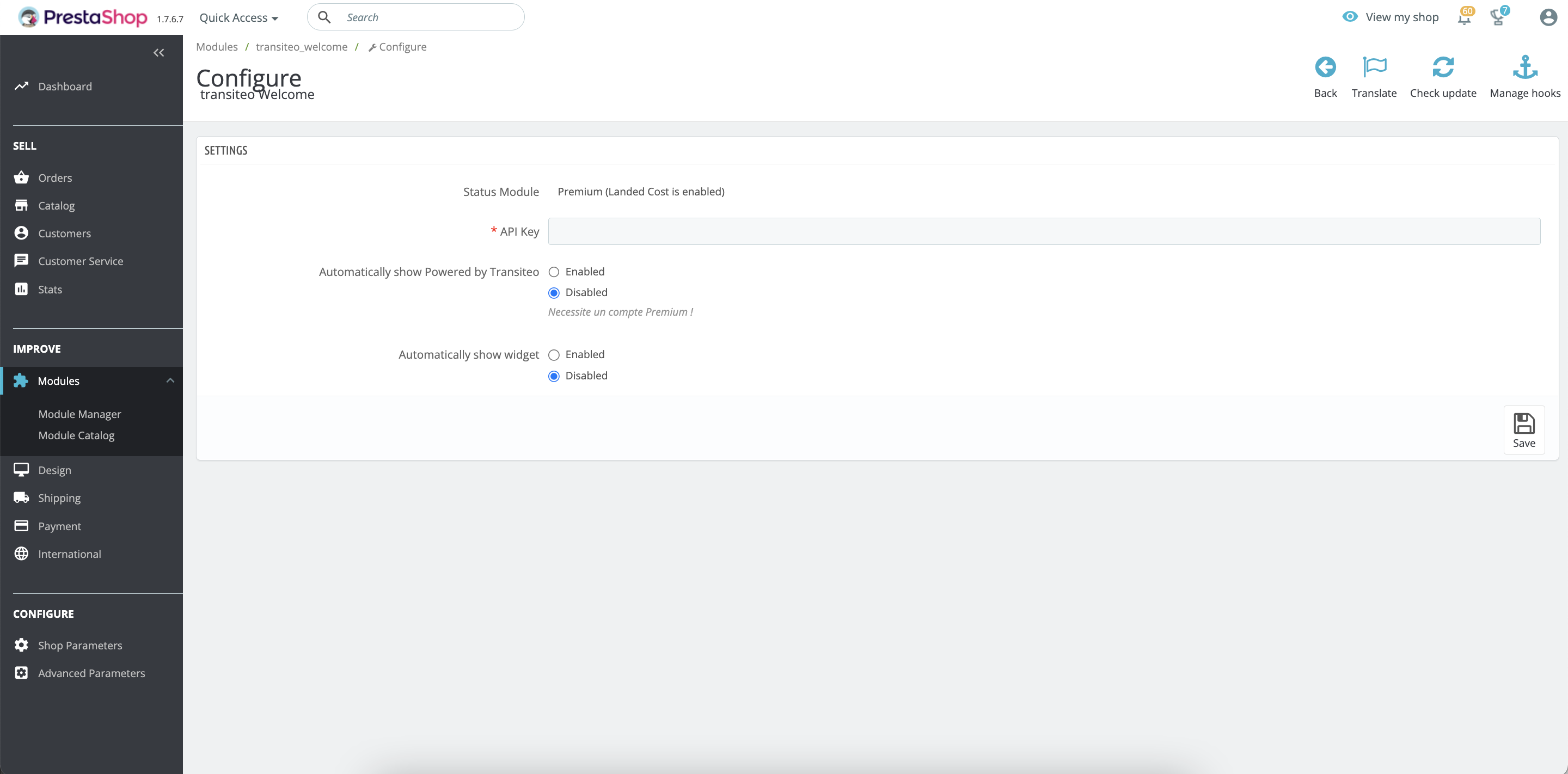
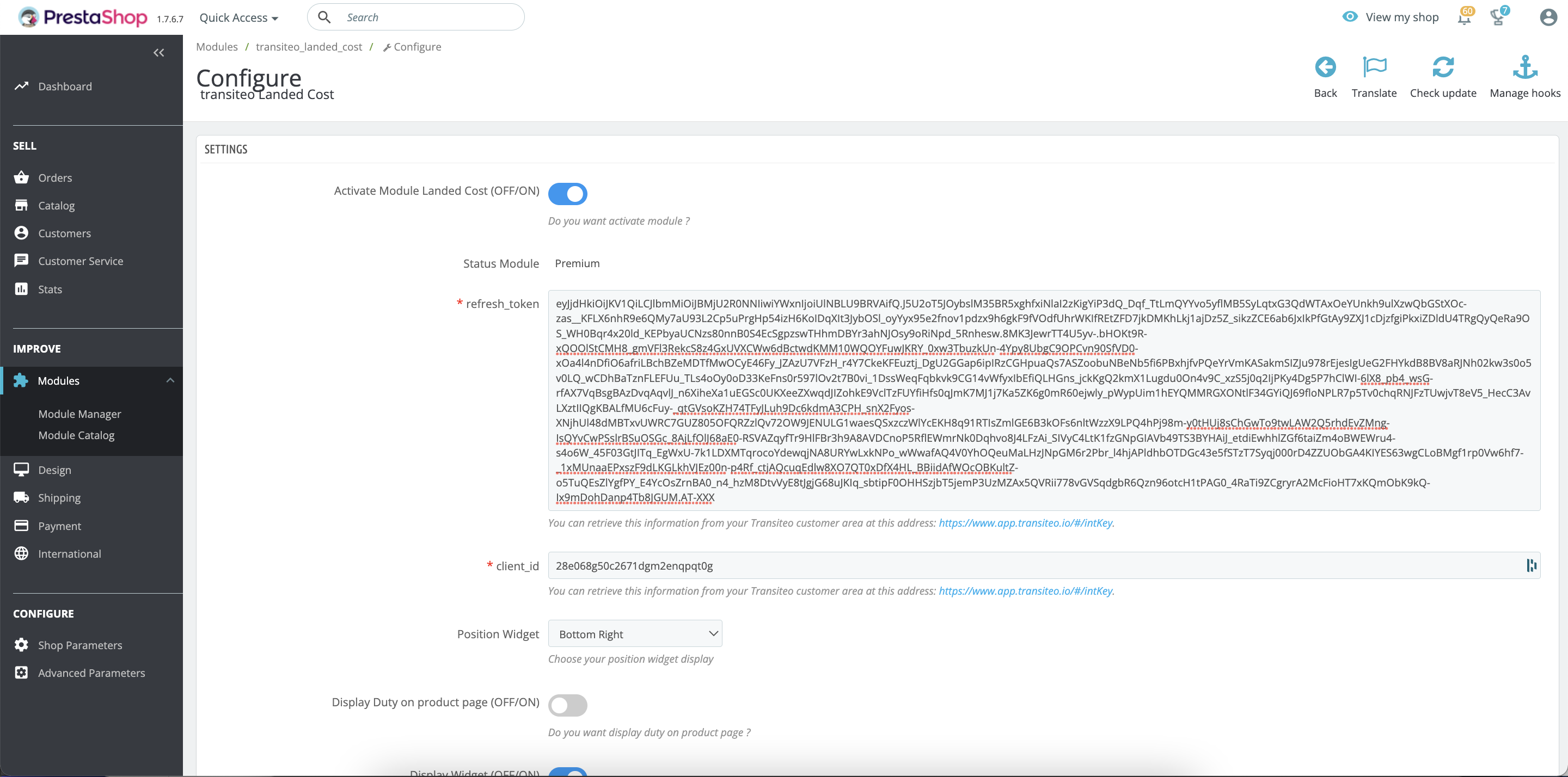
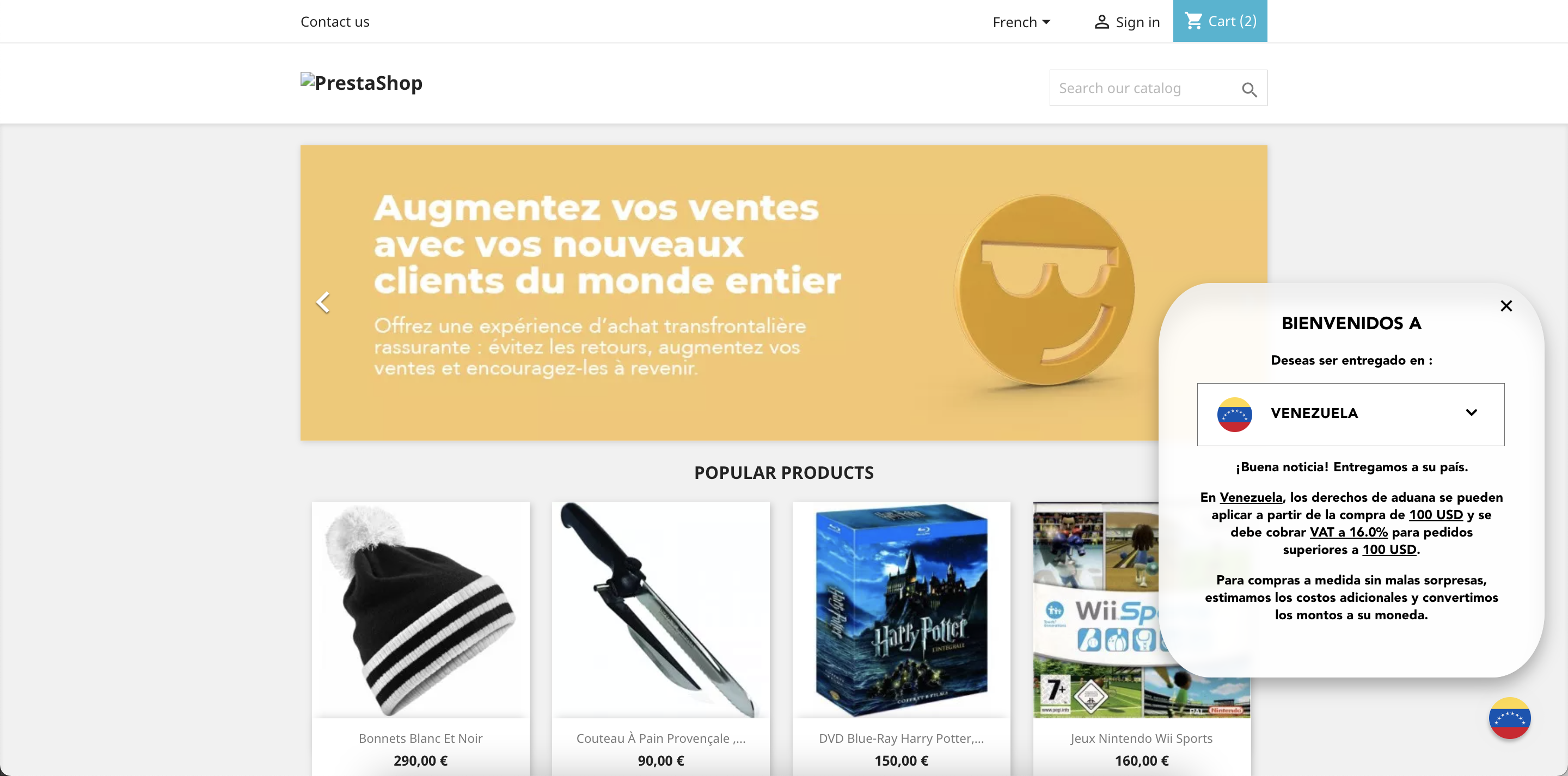
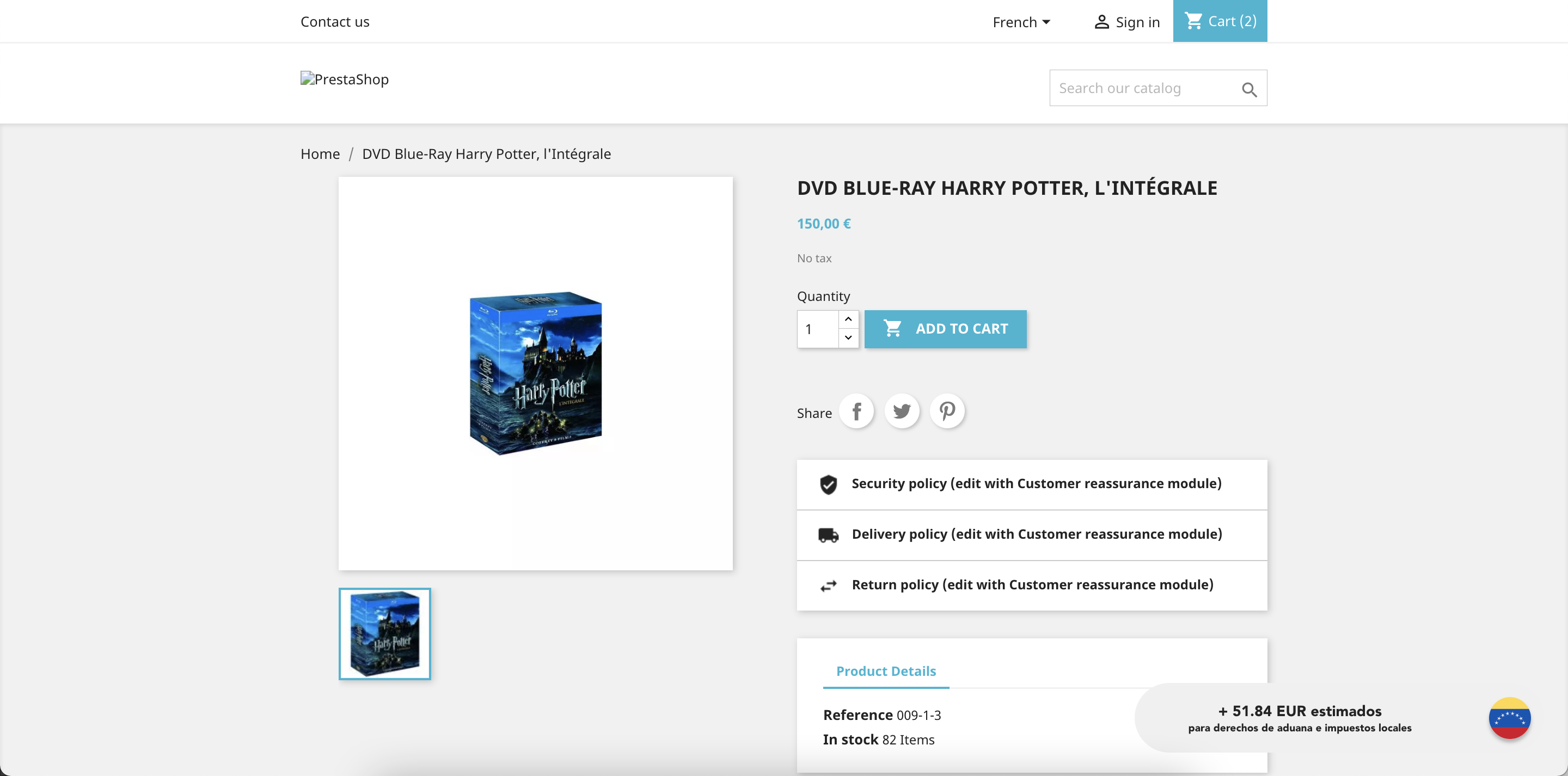
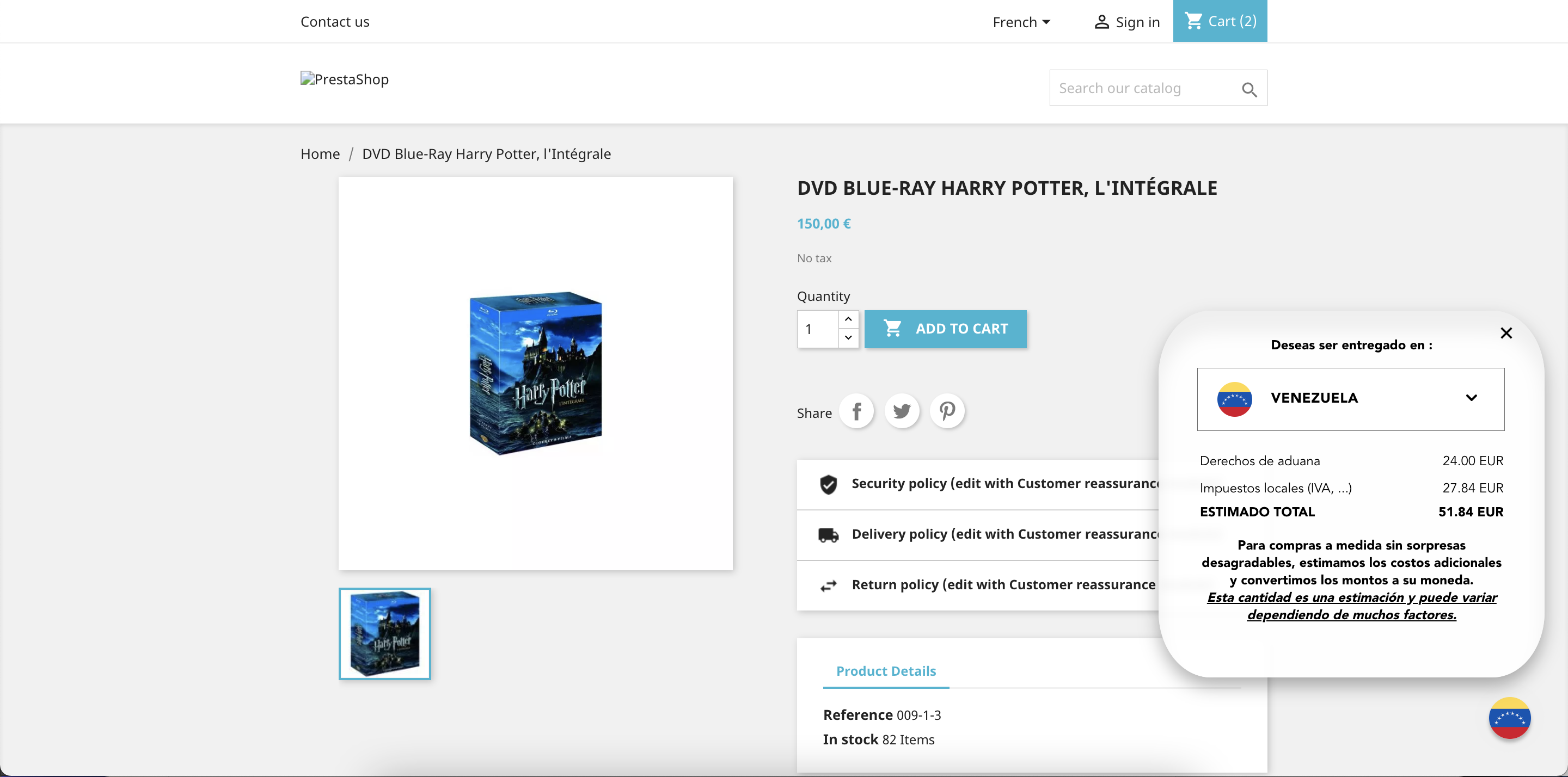
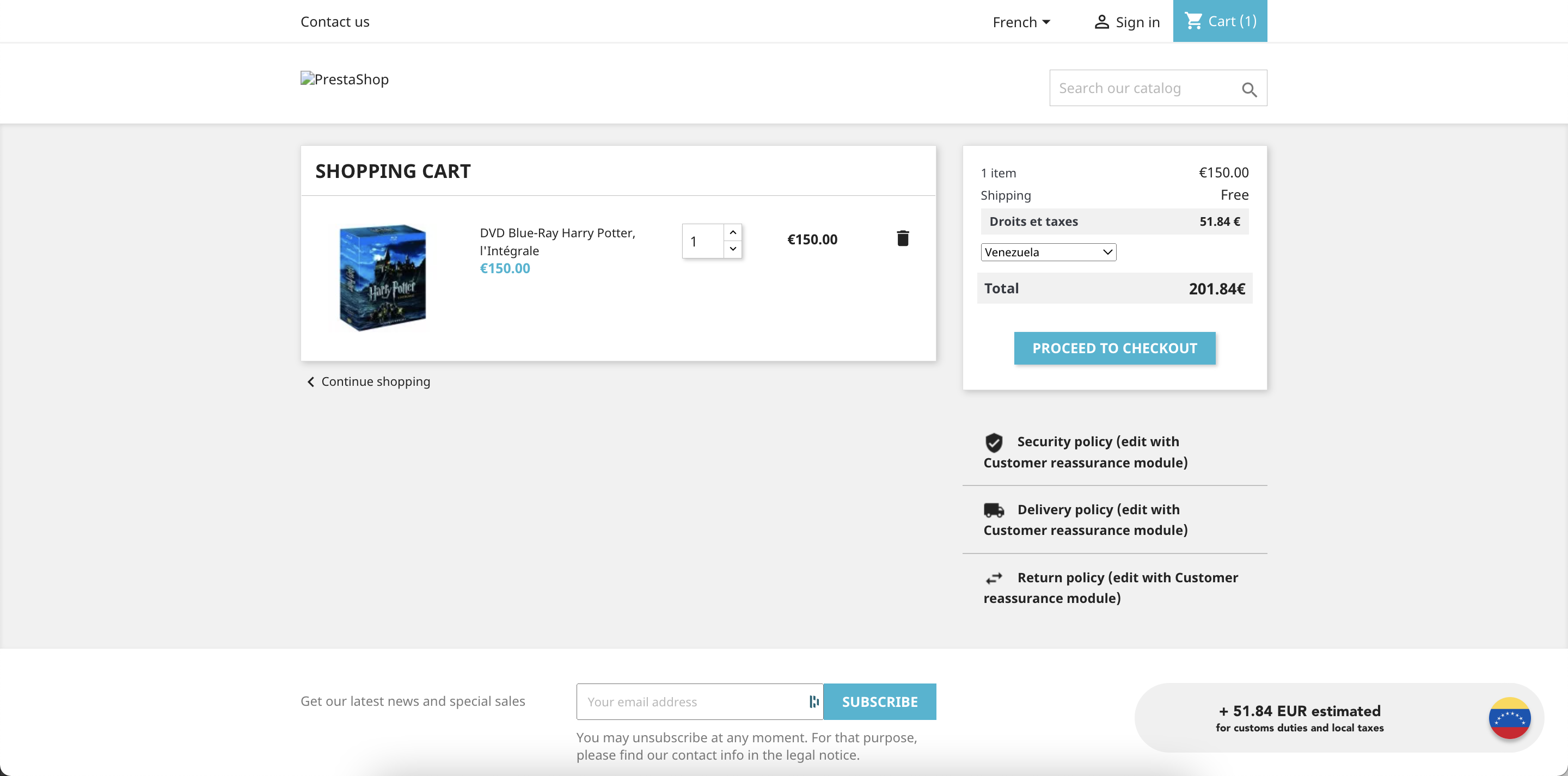
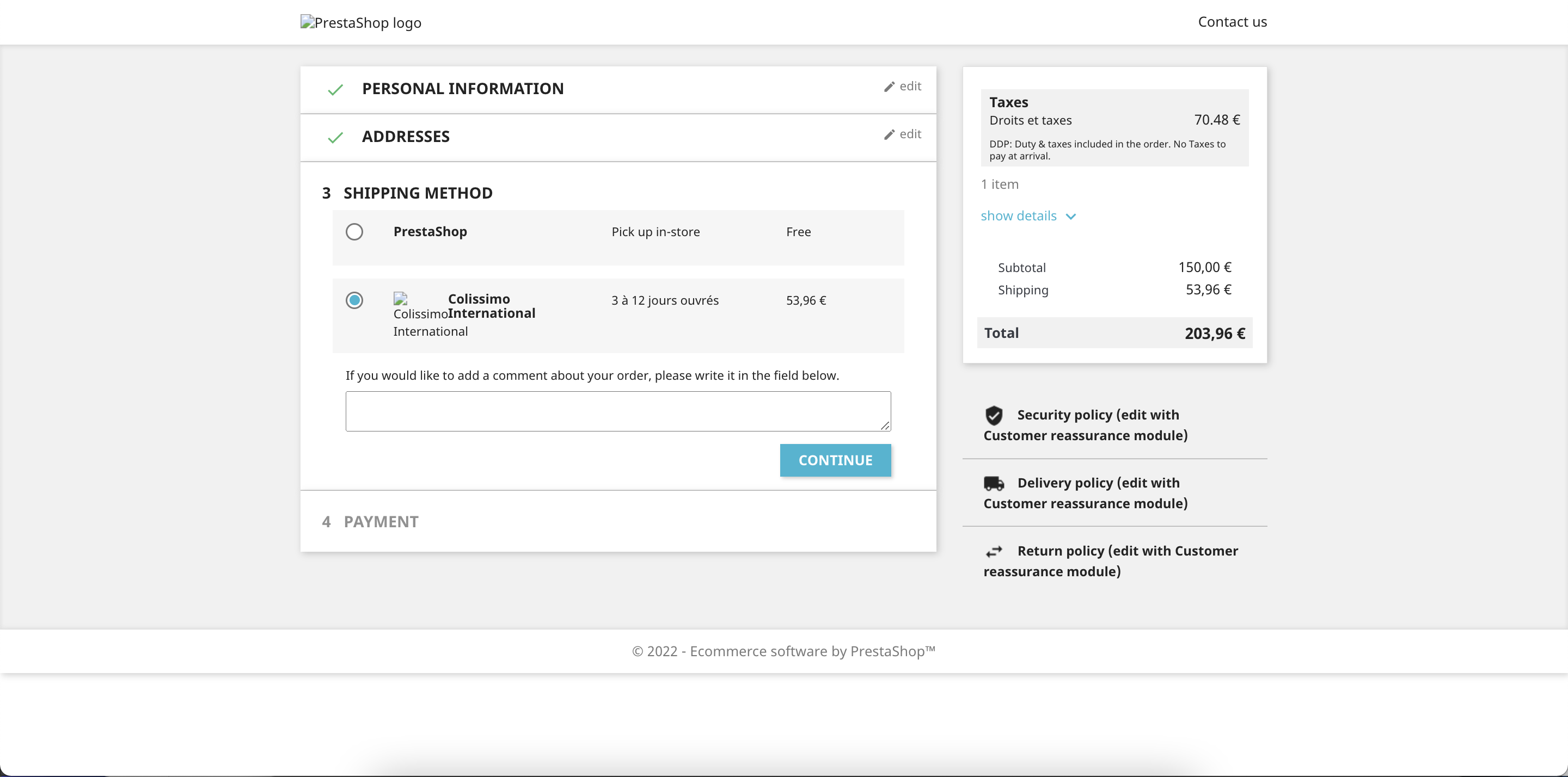
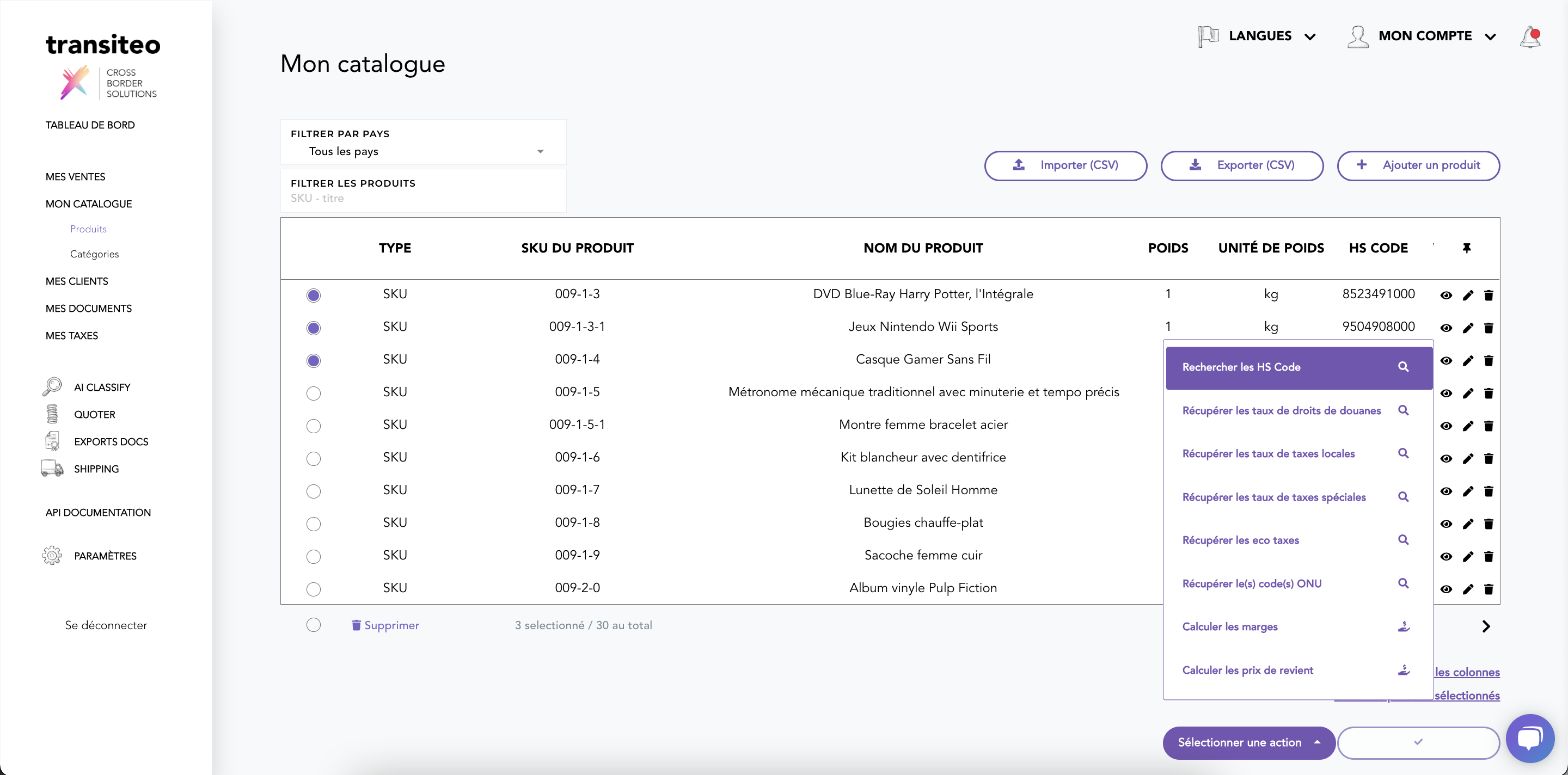
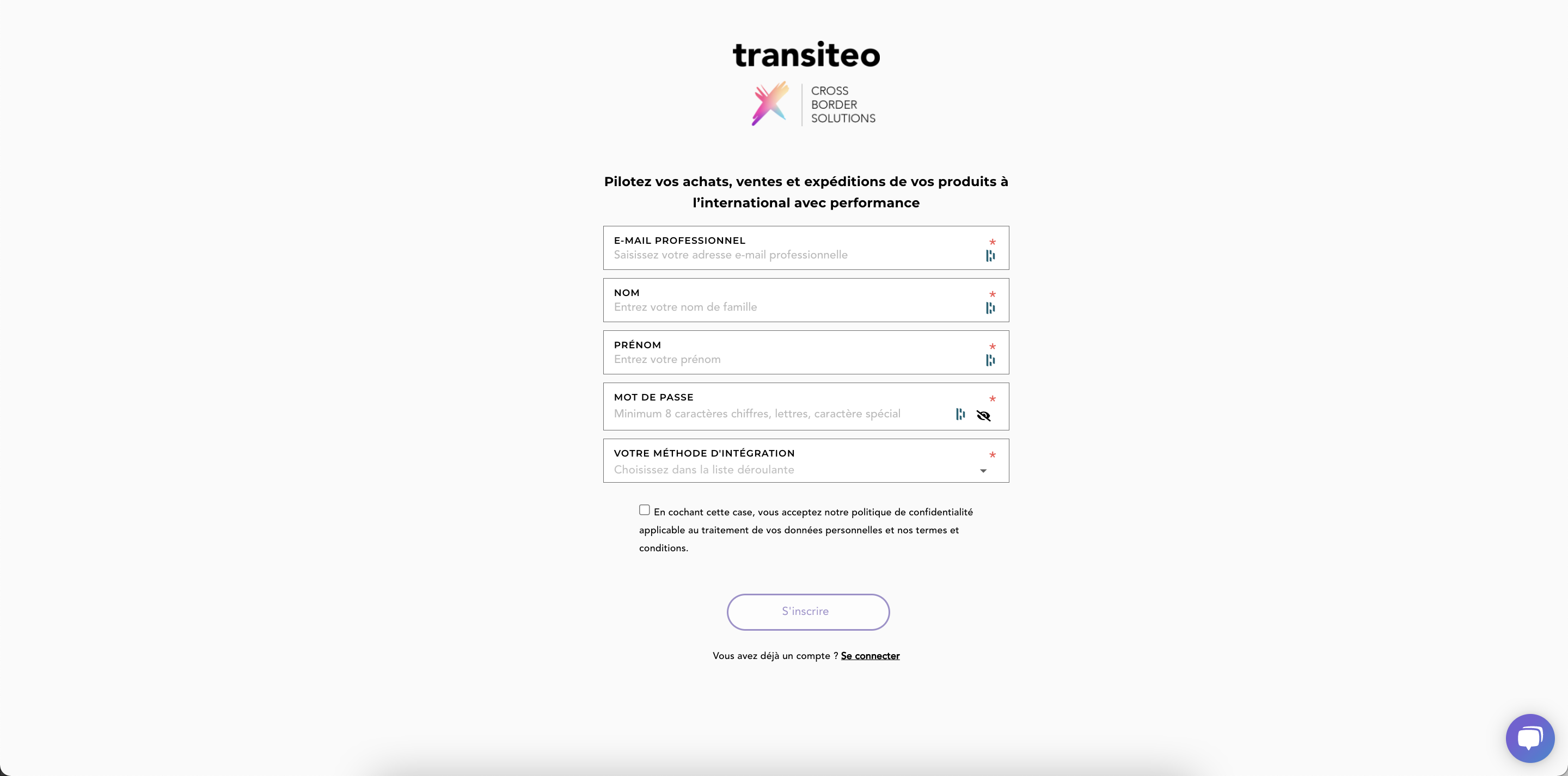
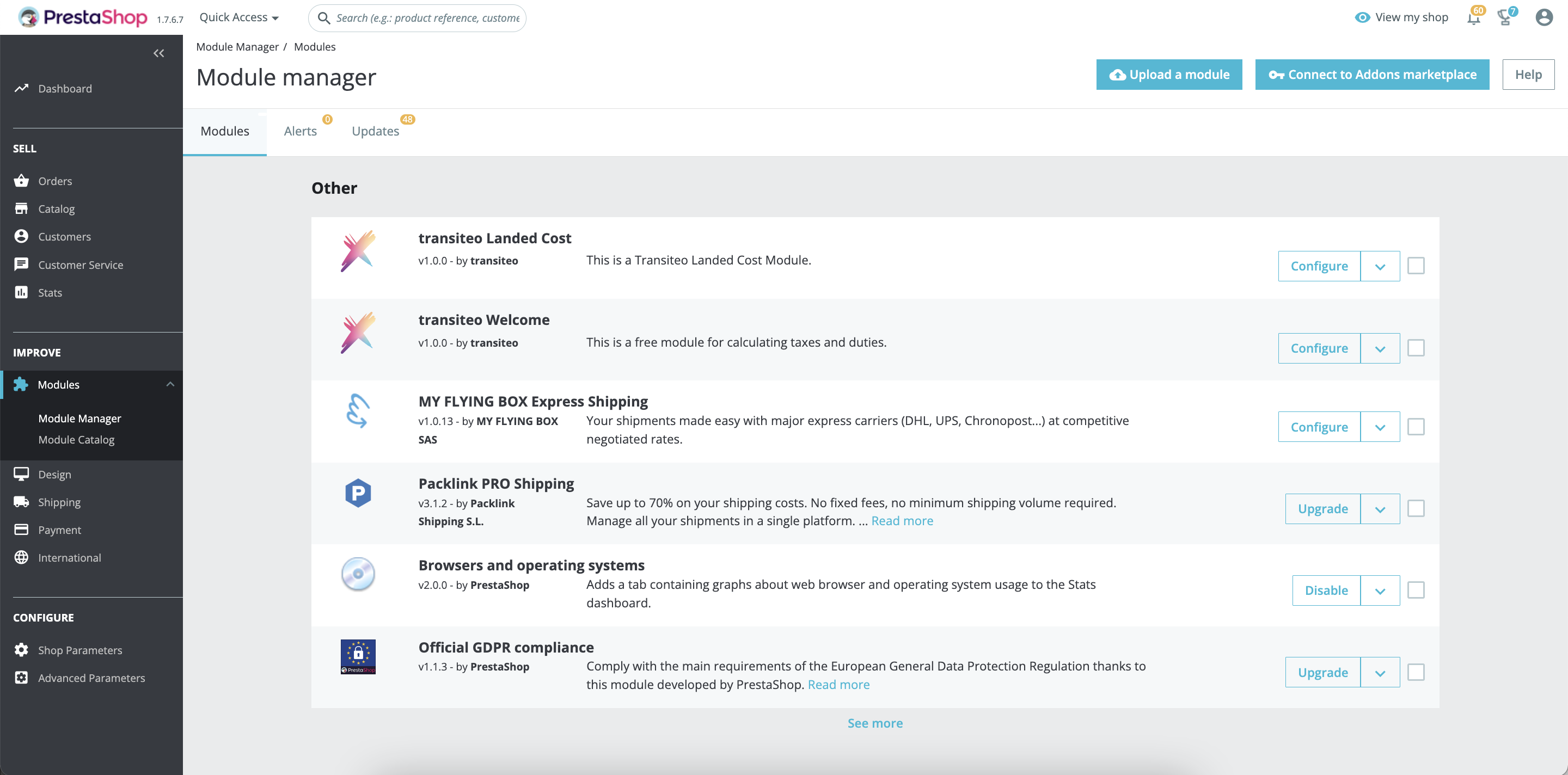
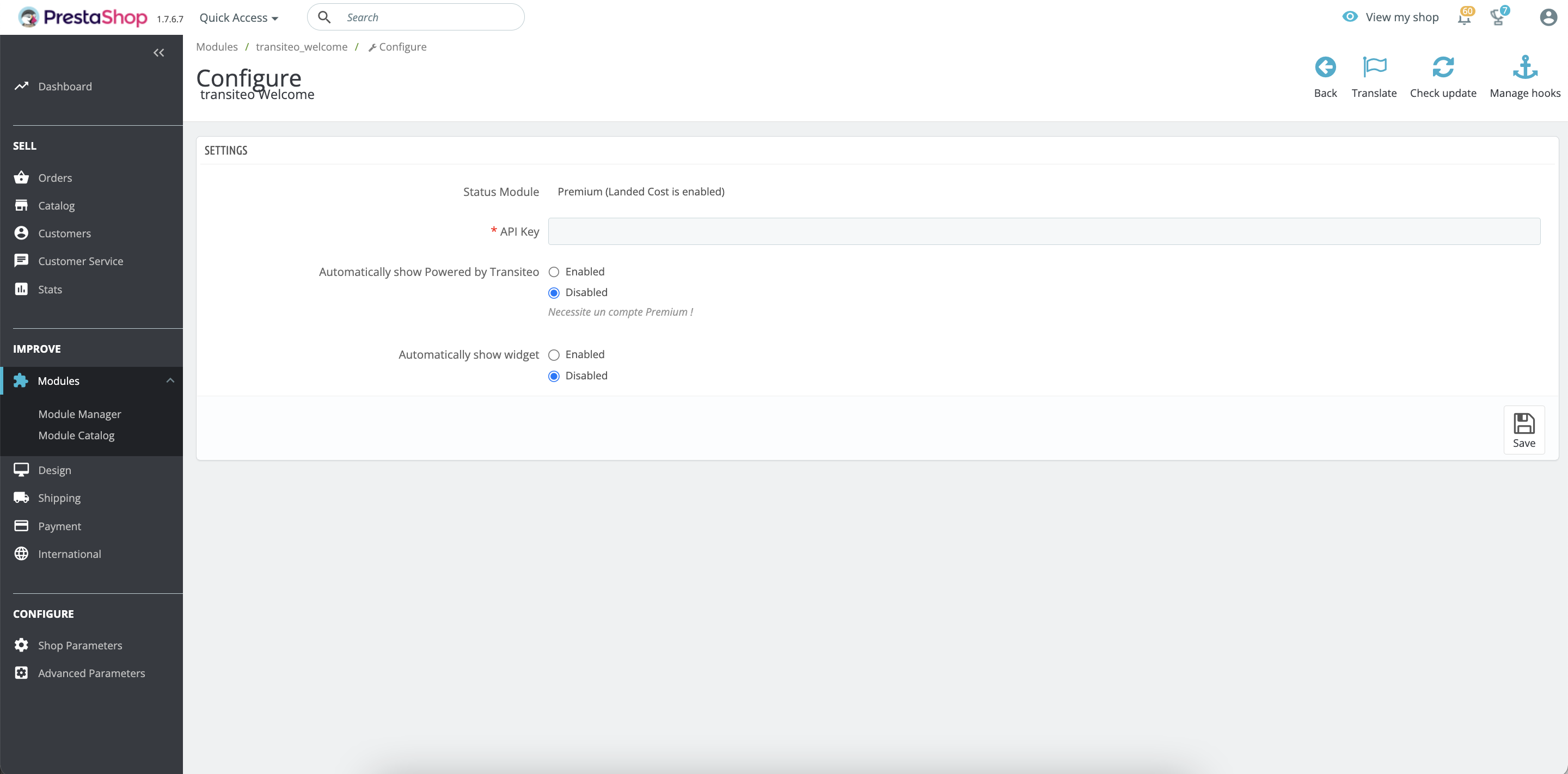
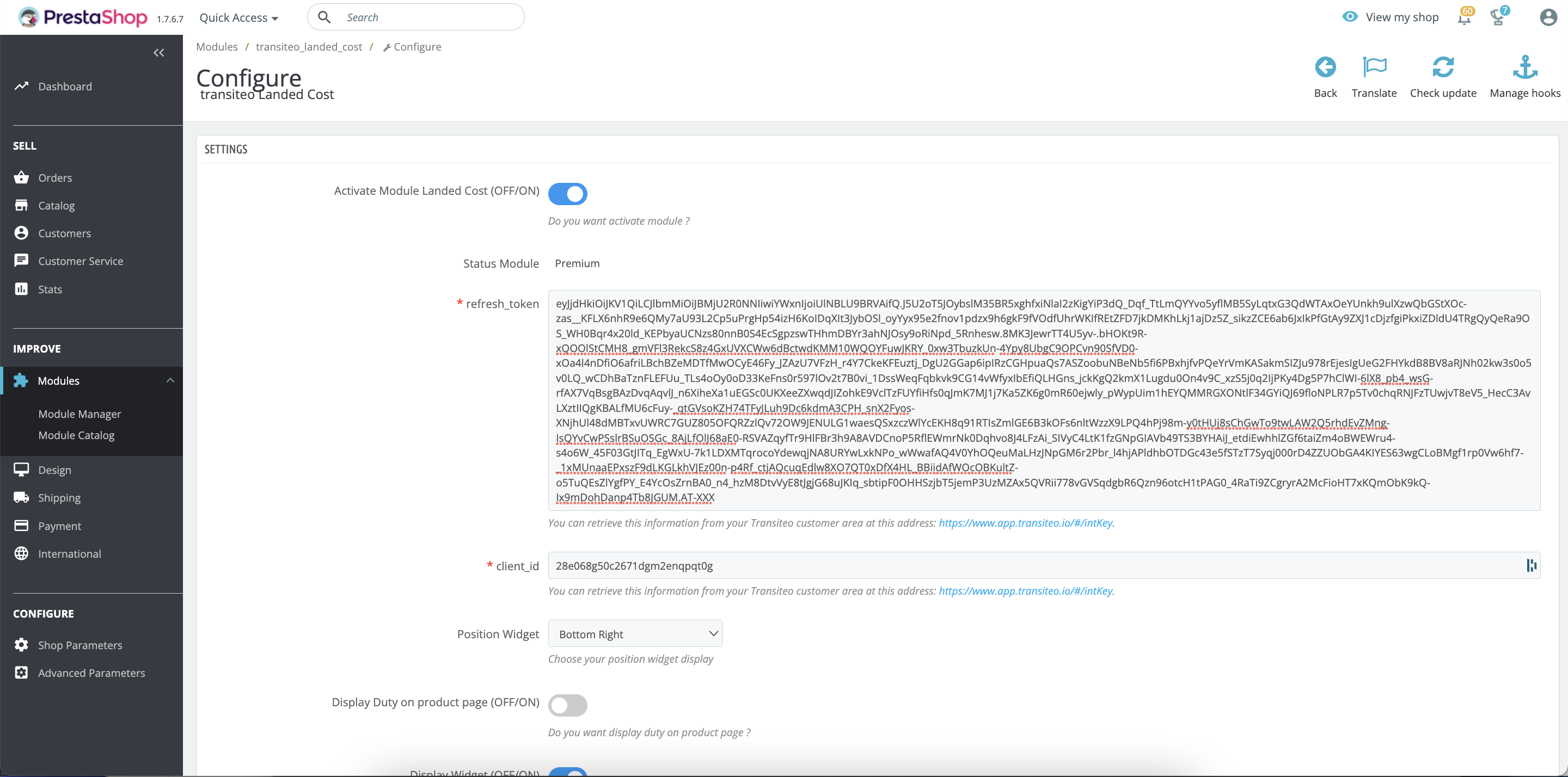
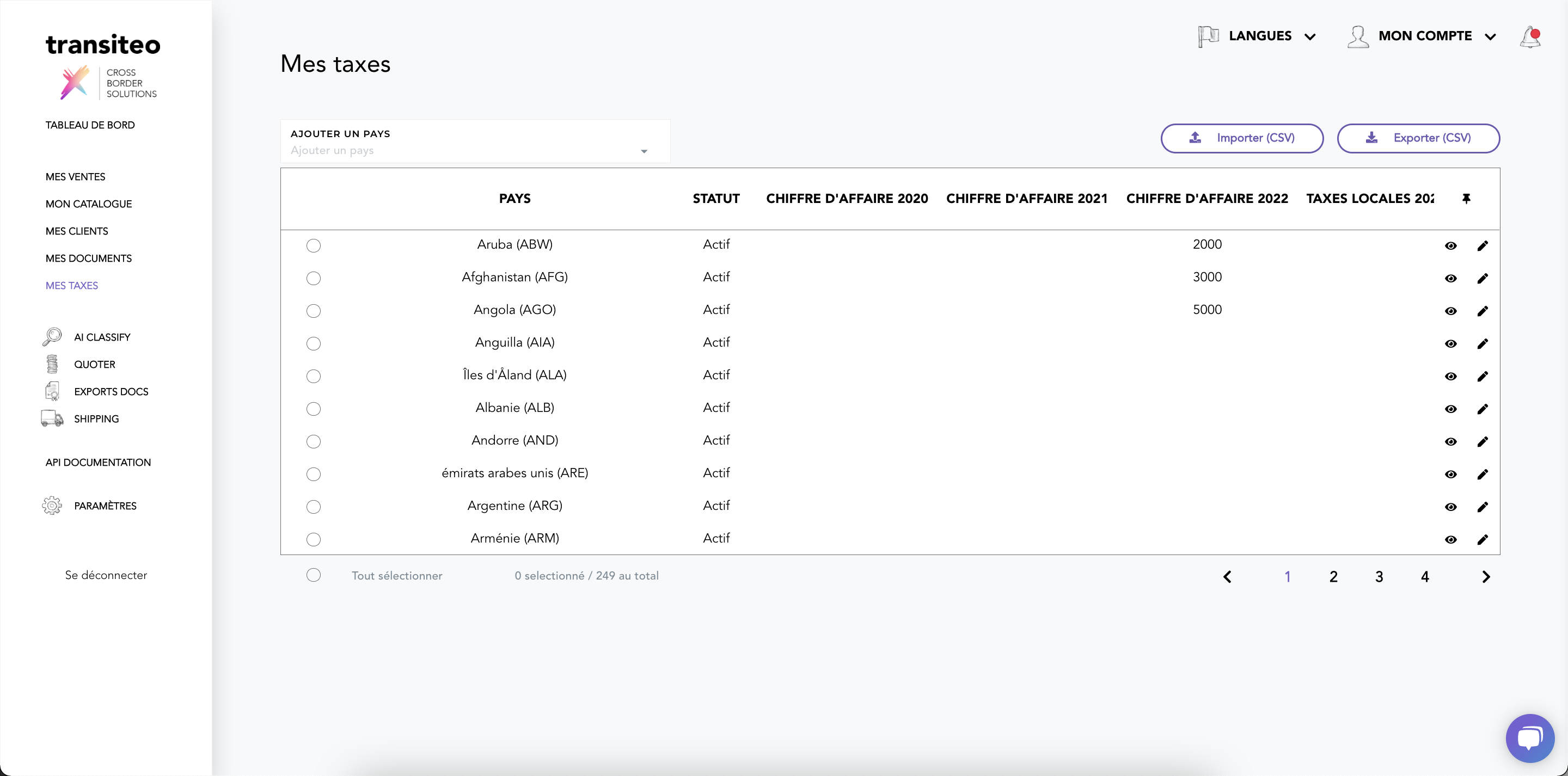
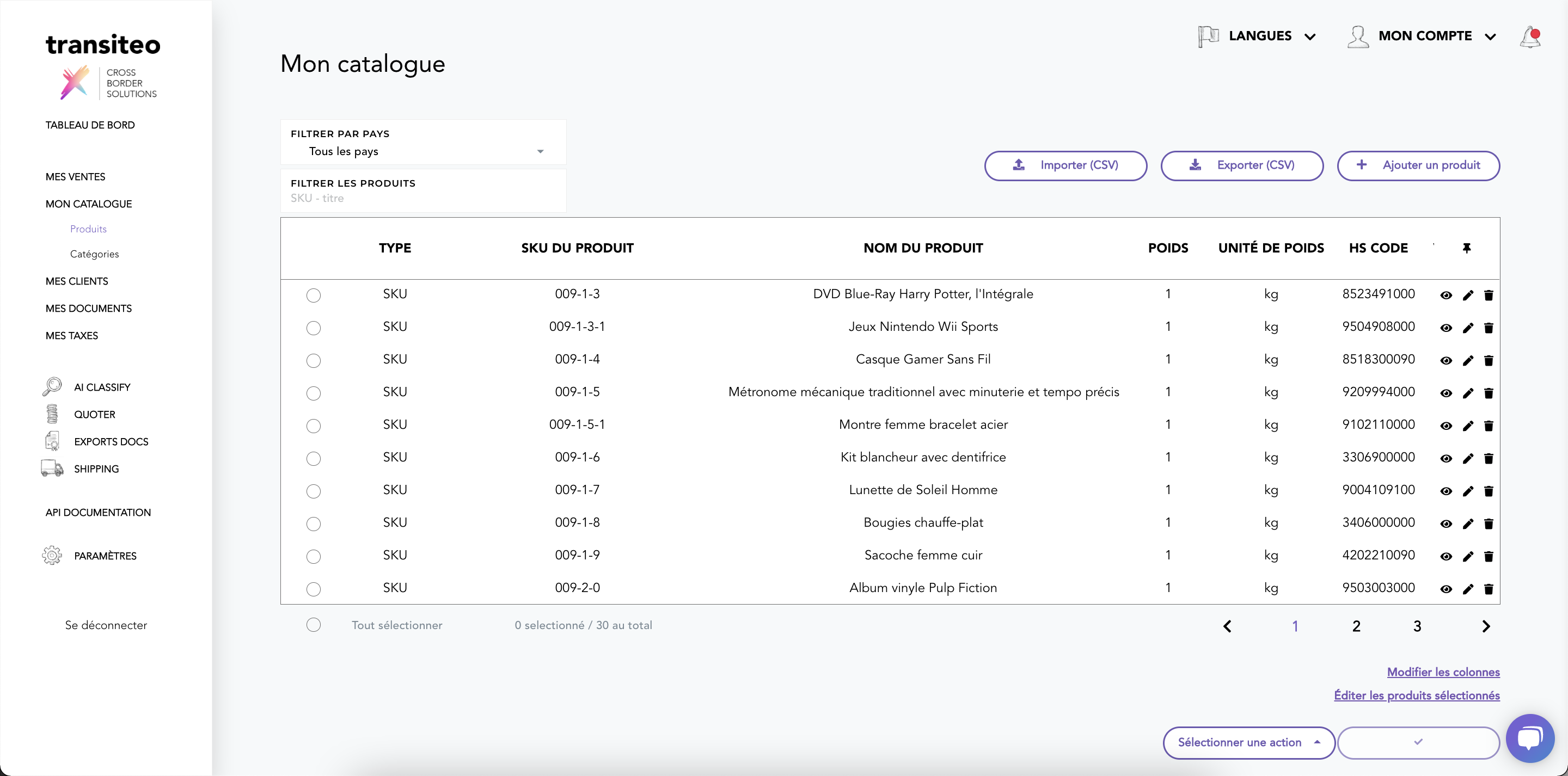
We study the e-commerce and the logistic industry everyday in order to optimize the supply chain process and making it easier for our clients .
Transiteo API is the easiest way to integrate our solutions, services, systems into your system.
The transiteo API allows developers to build applications that interface with the transiteo web services. The API can be used to automate many tasks including :
Find the good HS Code thanks to our A.I on any product (Description, title, barcodes, ...)
Calculate the duty & taxes (landed cost) from & to 198 countries
We can develop customized API for you. Just contact us via live chat or at support@transiteo.com
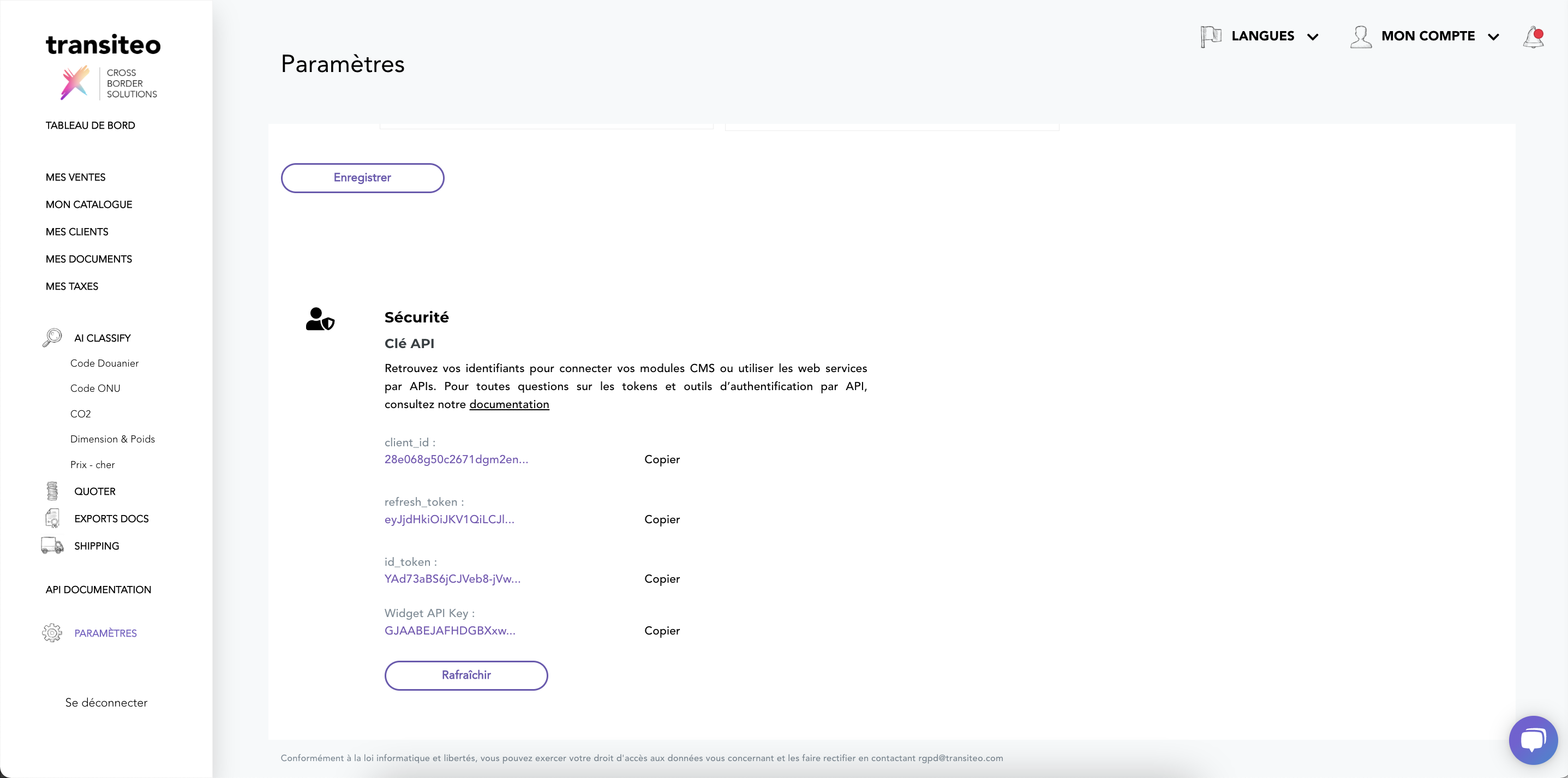
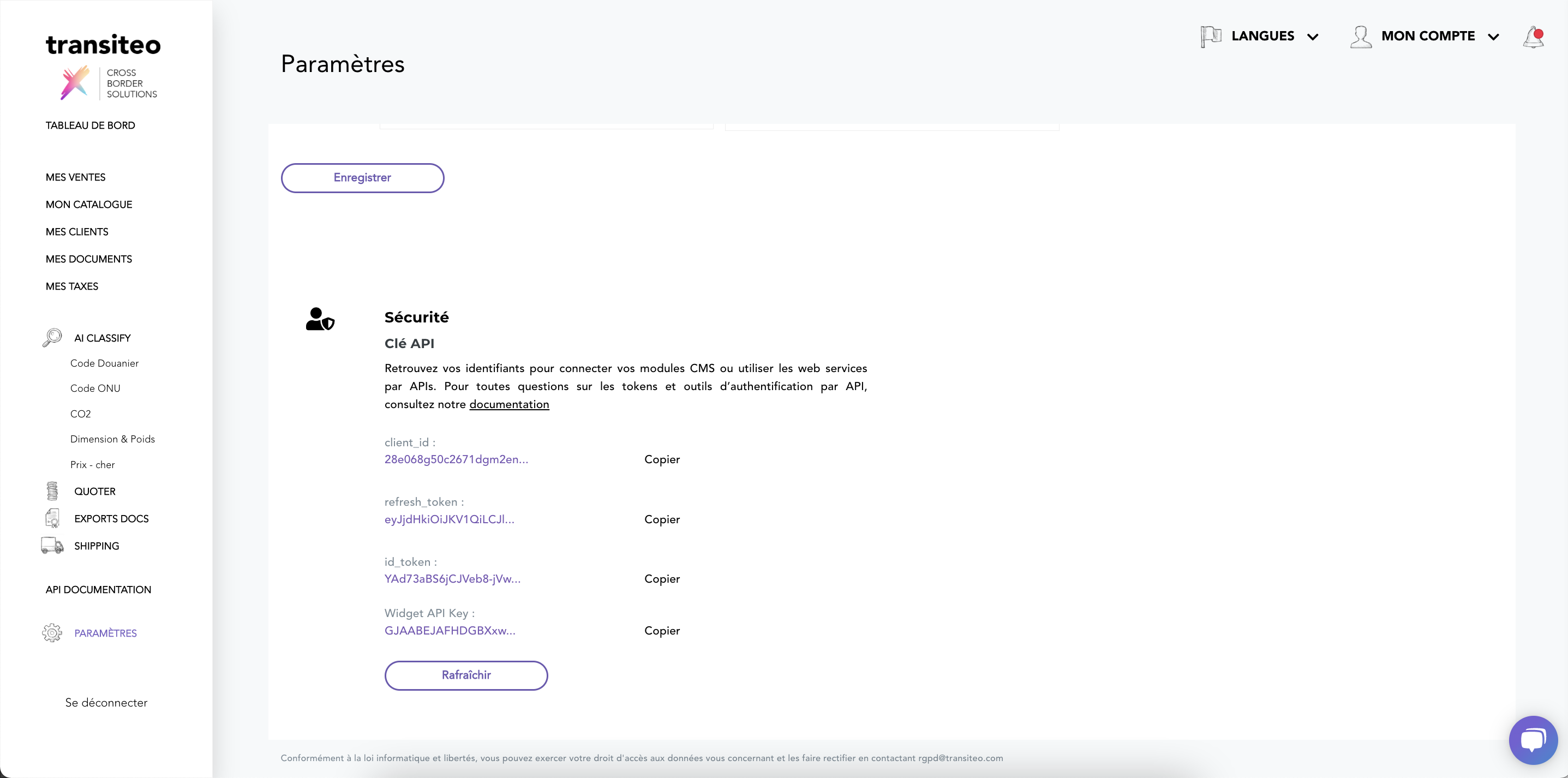
To get your Access tokens to call API
Plan a call with a transiteo team member - click here - for creating an API transiteo account.
\
When you will receive your access codes, you will have to log in to the transiteo web application : https://www.app.transiteo.io/#/login\
\
To run API, you have to get tokens. The tokens are available when you subscribe to a plan. \
\
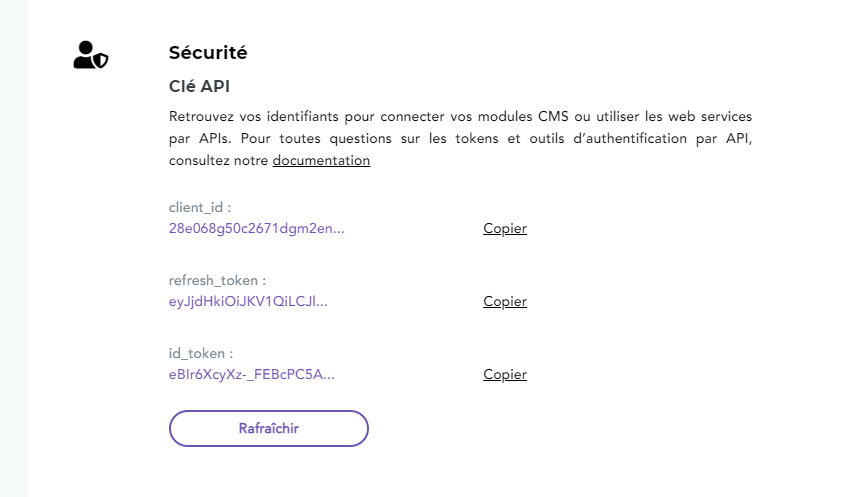
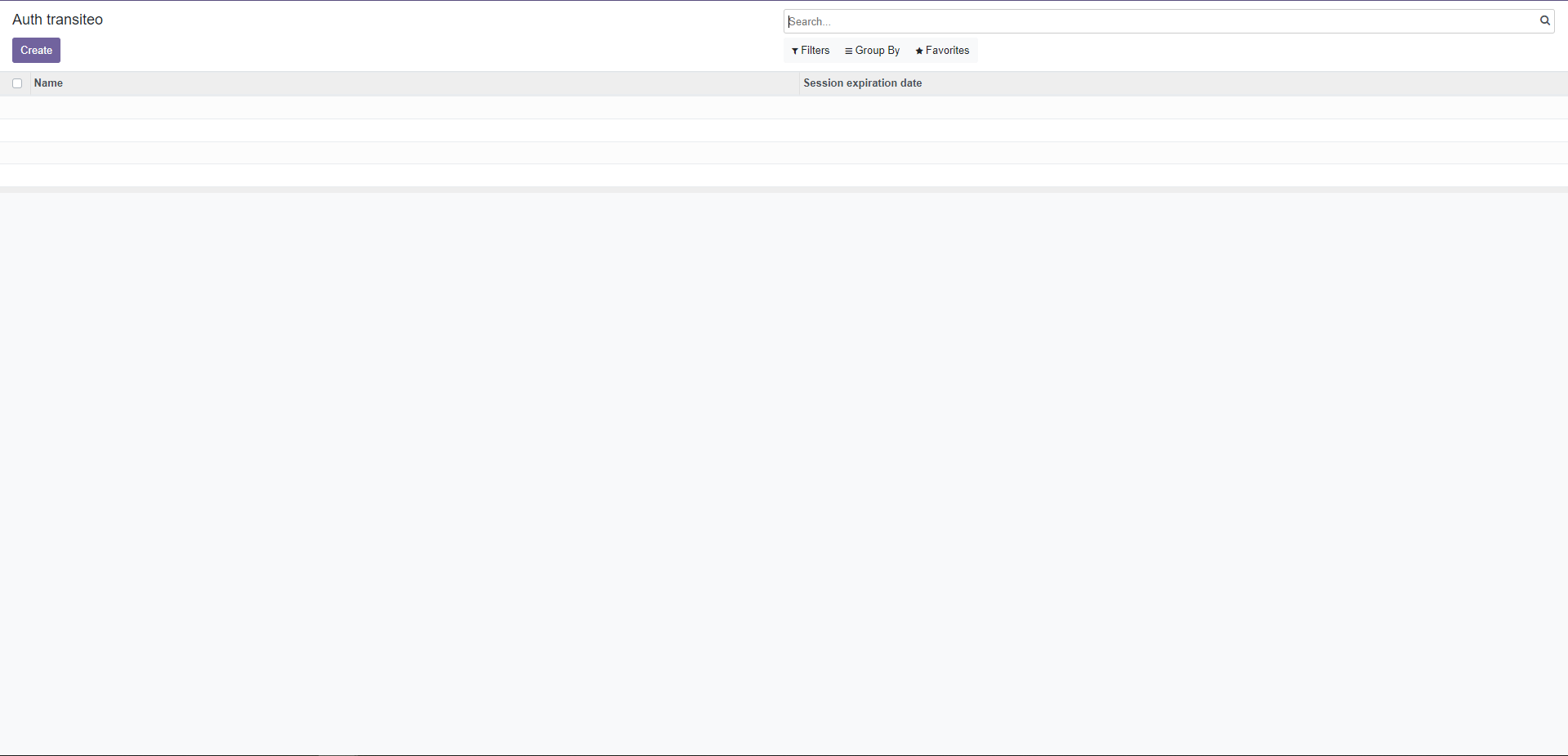
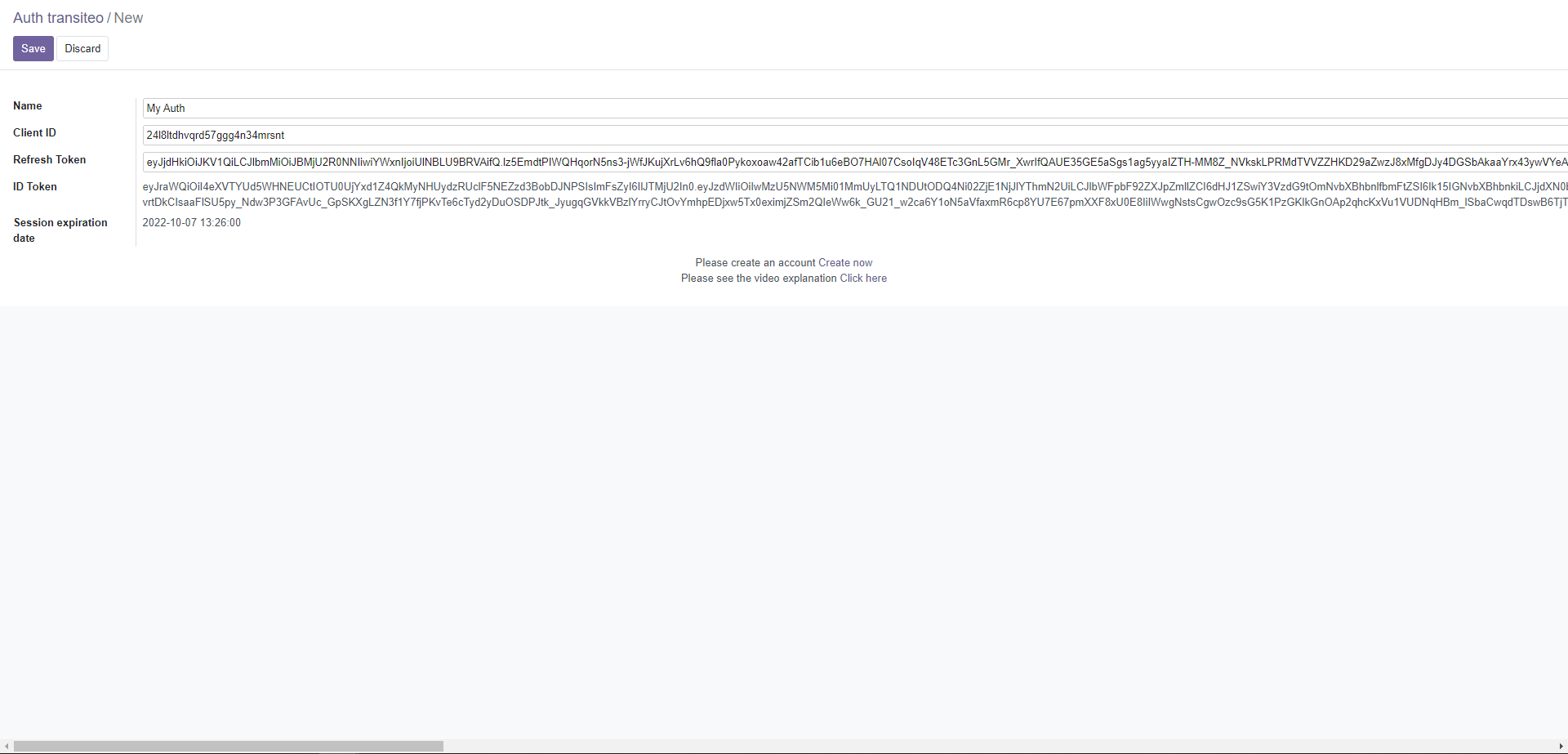
To request the transiteo API, you need your id_token. There are 2 ways to get it. \
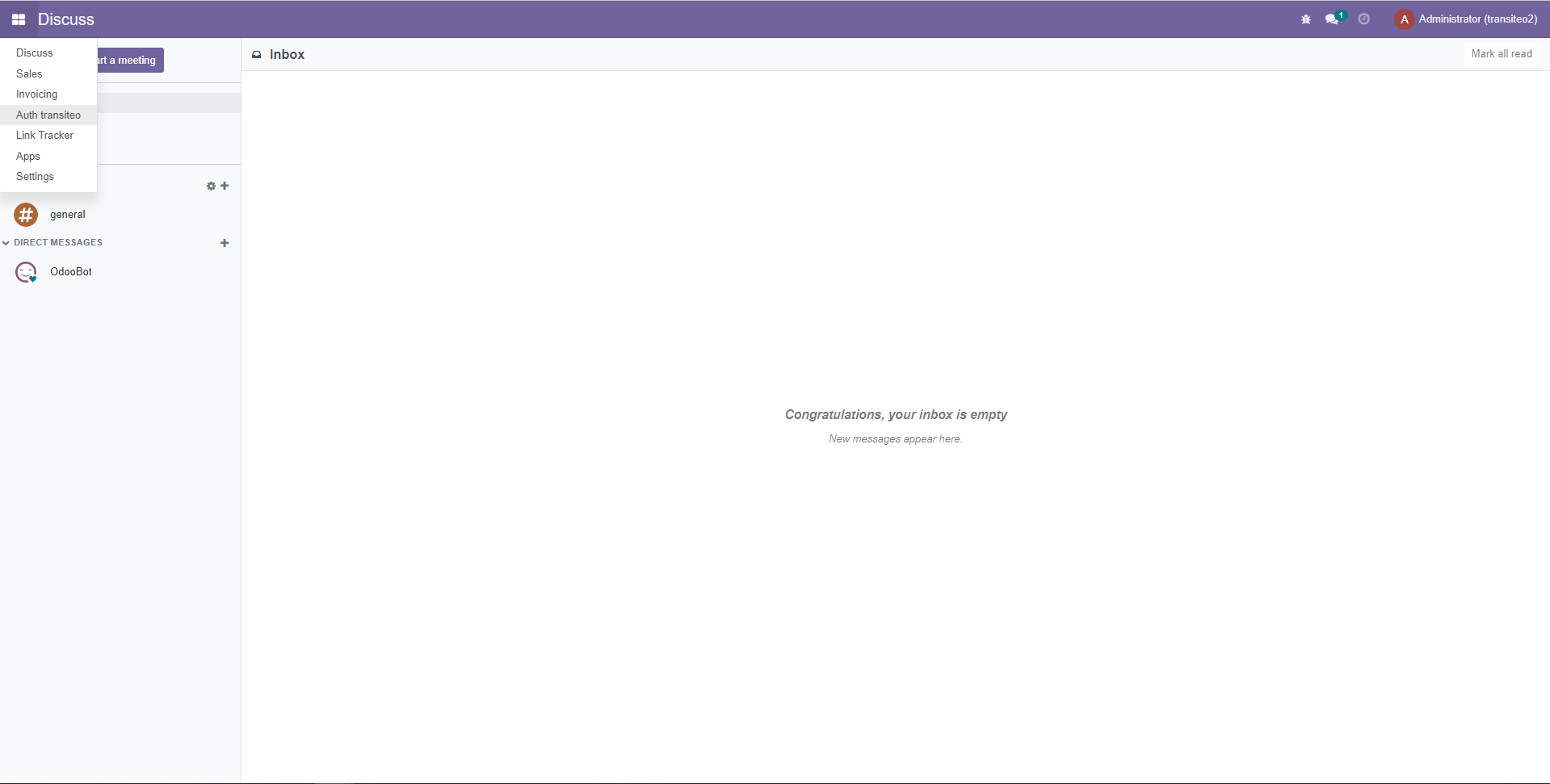
1. From the platform, go this page : https://www.app.transiteo.io/#/settings or via the main menu : Parameters.
You need to fill this field with a product's title, description, sku or barcode. We manage 2 languages (English & French)\
&#xNAN;Examples : \
&#xNAN;TEXT : "Ballon de football" or "Eggs" or "WASHERS FOR SPRINGING"\
SKU : "JHYU8_^ù/76YH" \
IMAGE_URL : “data:image/png;base64,iVBORw0KGgoAAAANSUhEUgAABpAAAA...DGPUZFVAZF”\
&#xNAN;Type : string\
&#xNAN;Required : yes
"products" / "identification" / "type"
You need to fill with "TEXT", "SKU" or "IMAGE_URL" to use the transiteo I.A\
&#xNAN;Type : string\
&#xNAN;Required : yes
"to_country"
You need to fill this field with the ISO Alpha 2 or 3 Code of the country.\
Download the list of countries.\
&#xNAN;Examples : "CHE"\
&#xNAN;Type : string\
&#xNAN;Required : yes
"ai_score"
Get the scoring of the AI in the result.\
&#xNAN;Examples : "true"\
&#xNAN;Type : boolean\
&#xNAN;Required : yes
"multi_results"
Get multi HSCode results.\
&#xNAN;Examples : 3\
&#xNAN;Type : number\
&#xNAN;Required : yes
We provide a HSCode of length between 8 and 13. It depends on the "to_country" field and product attributes.\
&#xNAN;Example : "9503006100"\
&#xNAN;Type : string
"hs_version"
Each country uses a specific HSCode version.\
&#xNAN;Examples : "HS17" or "HS12"\
&#xNAN;Type : string
"designation"
We provide the HSCode designation.\
&#xNAN;Example : "Toys, games and sports requisites; parts and accessories thereof -- heading_designation : Articles and equipment for general physical exercise, gymnastics, athletics, other sports (including table-tennis) or outdoor games, not specified or included elsewhere in this chapter; swimming pools and paddling pools. -- subheading_designation : Inflatable balls -- national_designation : Inflatable balls"\
&#xNAN;Type : string
"product_statut"
We provide the product statut in the destination country. There are 3 cases. \
&#xNAN;Example : "'Autorised" or "'Restricted" or "'Prohibited"\
&#xNAN;Type : string
"splitted_designation" / "chapter_designation"
We provide the HSCode chapter designation. \
&#xNAN;Example : "Toys, games and sports requisites; parts and accessories thereof"\
&#xNAN;Type : string
"splitted_designation" / "heading_designation"
We provide the HSCode heading designation. \
&#xNAN;Example : "Articles and equipment for general physical exercise, gymnastics, athletics, other sports (including table-tennis) or outdoor games, not specified or included elsewhere in this chapter; swimming pools and paddling pools."\
&#xNAN;Type : string
"splitted_designation" / "subheading_designation"
We provide the HSCode subheading designation. \
&#xNAN;Example : "Inflatable balls"\
&#xNAN;Type : string
"splitted_designation" / "national_designation"
We provide the HSCode nation designation. \
&#xNAN;Example : "Inflatable balls"\
&#xNAN;Type : string
"timestamp"
We provide the result timestamp. \
&#xNAN;Example : "1638440602271"\
&#xNAN;Type : string
Fret & Ecommerce - All languages
Post product title, description or barcode to get the importation HS Code
You need to fill this field with a product's title, description, sku or barcode. We manage 3 languages (English, French & Spanish)\
&#xNAN;Examples : \
&#xNAN;TEXT : "Ballon de football" or "Snacks Feringa, laits Catessy et My Star pour répondre aux besoins des chats et chatons... ils vont se régaler ! Faites découvrir les friandises au lait à votre chat grâce à ce lot mixte à prix mini !" or "0711719407577"\
SKU : "JHYU8_^ù/76YH" \
&#xNAN;Type : string\
&#xNAN;Required : yes
"products" / "identification" / "type"
You need to fill with "TEXT" to use the transiteo I.A\
&#xNAN;Type : string\
&#xNAN;Required : yes
"to_country"
You need to fill this field with the ISO Alpha 2 or 3 Code of the country.\
Download the list of countries.\
&#xNAN;Examples : "CHE"\
&#xNAN;Type : string\
&#xNAN;Required : yes
"ai_score"
Get the scoring of the AI in the result.\
&#xNAN;Examples : "true"\
&#xNAN;Type : boolean\
&#xNAN;Required : yes
"multi_results"
Get multi HSCode results.\
&#xNAN;Examples : 3\
&#xNAN;Type : number\
&#xNAN;Required : yes
We provide a HSCode of length between 8 and 13. It depends on the "to_country" field and product attributes.\
&#xNAN;Example : "9503006100"\
&#xNAN;Type : string
"hs_version"
Each country uses a specific HSCode version.\
&#xNAN;Examples : "HS17" or "HS12"\
&#xNAN;Type : string
"designation"
We provide the HSCode designation.\
&#xNAN;Example : "Toys, games and sports requisites; parts and accessories thereof -- heading_designation : Articles and equipment for general physical exercise, gymnastics, athletics, other sports (including table-tennis) or outdoor games, not specified or included elsewhere in this chapter; swimming pools and paddling pools. -- subheading_designation : Inflatable balls -- national_designation : Inflatable balls"\
&#xNAN;Type : string
"product_statut"
We provide the product statut in the destination country. There are 3 cases. \
&#xNAN;Example : "'Autorised" or "'Restricted" or "'Prohibited"\
&#xNAN;Type : string
"splitted_designation" / "chapter_designation"
We provide the HSCode chapter designation. \
&#xNAN;Example : "Toys, games and sports requisites; parts and accessories thereof"\
&#xNAN;Type : string
"splitted_designation" / "heading_designation"
We provide the HSCode heading designation. \
&#xNAN;Example : "Articles and equipment for general physical exercise, gymnastics, athletics, other sports (including table-tennis) or outdoor games, not specified or included elsewhere in this chapter; swimming pools and paddling pools."\
&#xNAN;Type : string
"splitted_designation" / "subheading_designation"
We provide the HSCode subheading designation. \
&#xNAN;Example : "Inflatable balls"\
&#xNAN;Type : string
"splitted_designation" / "national_designation"
We provide the HSCode nation designation. \
&#xNAN;Example : "Inflatable balls"\
&#xNAN;Type : string
"timestamp"
We provide the result timestamp. \
&#xNAN;Example : "1638440602271"\
&#xNAN;Type : string
You need to fill this field with a product's title, description, sku or barcode. We manage 5 languages (English, French, Spanish, Italian & Deutsch)\
&#xNAN;Examples : \
&#xNAN;TEXT : "Ballon de football" or "0711719407577" or SKU : "JHYU8_^ù/76YH" \
&#xNAN;Type : string\
&#xNAN;Required : yes
"products" / "identification" / "type"
You need to fill with "TEXT", "BARCODE" or "SKU"\
&#xNAN;Type : string\
&#xNAN;Required : yes
"to_country"
You need to fill this field with the ISO Alpha 2 or 3 Code of the country.\
Download the list of countries.\
&#xNAN;Examples : "CHE"\
&#xNAN;Type : string\
&#xNAN;Required : yes
You need to fill this field with a product's title, description, sku or barcode. We manage 5 languages (English, French, Spanish, Italian & Deutsch)\
&#xNAN;Examples : \
&#xNAN;TEXT : "Ballon de football" or "0711719407577" or SKU : "JHYU8_^ù/76YH" \
&#xNAN;Type : string\
&#xNAN;Required : yes
"products" / "identification" / "type"
You need to fill with "TEXT", "BARCODE" or "SKU"\
&#xNAN;Type : string\
&#xNAN;Required : yes
"to_country"
You need to fill this field with the ISO Alpha 2 or 3 Code of the country.\
Download the list of countries.\
&#xNAN;Examples : "FRA"\
&#xNAN;Type : string\
&#xNAN;Required : yes
You need to fill this field with a product's title, description, sku or barcode. We manage 5 languages (English, French, Spanish, Italian & Deutsch)\
&#xNAN;Examples : \
&#xNAN;TEXT : "Ballon de football" or "0711719407577" or SKU : "JHYU8_^ù/76YH" \
&#xNAN;Type : string\
&#xNAN;Required : yes
"products" / "identification" / "type"
You need to fill with "TEXT", "BARCODE" or "SKU"\
&#xNAN;Type : string\
&#xNAN;Required : yes
"weight"
You need to fill this field with the product weight.\
&#xNAN;Examples : 3.40\
&#xNAN;Type : number\
&#xNAN;Required : yes
"weight_unit"
You need to fill this field with the product weight unit.\
&#xNAN;Examples : kg\
&#xNAN;Type : string\
&#xNAN;Required : yes
"to_country"
You need to fill this field with the ISO Alpha 2 or 3 Code of the country.\
Download the list of countries.\
&#xNAN;Examples : "CHE"\
&#xNAN;Type : string\
&#xNAN;Required : yes
You need to fill this field with a product's title or description. \
&#xNAN;Examples : Samsung Galaxy 8\
&#xNAN;Type : string\
&#xNAN;Required : yes
"products" / "weight"
You need to fill the "weight" field of the product with a number.\
&#xNAN;Examples : 12 or 3.5\
&#xNAN;Type : number\
&#xNAN;Required : yes.
"products" / "weight_unit"
You need fill the "weight_unit" field with one of this two labels : \
&#xNAN;- "kg" : if you use the international metric system\
&#xNAN;- "lbs" : if you use the imperial system\
&#xNAN;Type : string\
&#xNAN;Required : yes
Incorrect Json (json body request incorrect) : a description of the error will be returned
403
1. Max requests exceed
{
    "code": "MAX_REQUESTS_EXCEED",
    "httpCode": 403,
    "name": "ClientError",
    "message": "You've reached the max requests authorized for your account. Please contact our service to upgrade your account",
    "details": [
        {
            "parameter": {
                "name": "UserRequests",
                "value": "${leftCredits}"
            },
            "causes": [
                "Max requests authorized for your account is ${capacity}. Left credits is ${leftCredits}"
            ]
        }
    ]
}

2. TRIAL_LIMIT_EXCEED

{
    "code": "TRIAL_LIMIT_EXCEED",
    "httpCode": 403,
    "name": "ClientError",
    "message": "You have exceeded the trial limit. Please contact our service to upgrade your account",
    "details": [
        {
            "parameter": {
                "name": "UserTrialLimit",
                "value": "${validity} days"
            },
            "causes": [
                "User trial is limited to ${validity} days of usage"
            ]
        }
    ]
}
500
{
    "code": "UNEXPECTED_ERROR",
    "httpCode": 500,
    "reason": "Please try again or contact our service",
}
World Product Pricing
World Product Pricing
Get the cheaper price of your product in 90 countries.
You need to fill this field with a product's title or description. We manage 5 languages (English, French, Spanish, Italian & Deutsch)\
&#xNAN;Examples : \
&#xNAN;TEXT : "Ballon de football" or "0711719407577" or SKU : "JHYU8_^ù/76YH" \
&#xNAN;Type : string\
&#xNAN;Required : yes
"products" / "identification" / "type"
You need to fill with "TEXT"\
&#xNAN;Type : string\
&#xNAN;Required : yes
"to_country"
You need to fill this field with the ISO Alpha 2 or 3 Code of the country.\
Download the list of countries.\
&#xNAN;Examples : "CHE"\
&#xNAN;Type : string\
&#xNAN;Required : yes
You need to fill with "HSCODE"\
&#xNAN;Type : string\
&#xNAN;Required : yes
"products" / "identification" / "value"
You need to fill this field with a HSCode 8 to 13 digits.\
&#xNAN;Examples : 9503006100\
&#xNAN;Type : string\
&#xNAN;Required : yes
"from_country"
You need to fill this field with the ISO Alpha 2 or 3 Code of the country.\
Download the list of countries.\
&#xNAN;Examples : "USA"\
&#xNAN;Type : string\
&#xNAN;Required : yes
"to_country"
You need to fill this field with the ISO Alpha 2 or 3 Code of the country.\
Download the list of countries.\
&#xNAN;Examples : "USA"\
&#xNAN;Type : string\
&#xNAN;Required : yes
We provide a HSCode of length between 8 and 13. It depends on the "to_country" field and product attributes.\
&#xNAN;Example : "9503006100"\
&#xNAN;Type : string
"hs_version"
Each country uses a specific HSCode version.\
&#xNAN;Examples : "HS17" or "HS12"\
&#xNAN;Type : string
"designation"
We provide the HSCode designation.\
&#xNAN;Example : "Electrical machinery and equipment and parts thereof; sound recorders and reproducers, television image and sound recorders and reproducers, and parts and accessories of such articles -- heading_designation : Vacuum cleaners. -- subheading_designation : Vacuum cleaners, incl. dry cleaners and wet vacuum cleaners, with self-contained electric motor ( excl. of a power <= 1?500?w and having a dust bag or other receptacle capacity <= 20?l) -- national_designation : Aspirateurs: a moteur électrique incorporé: autres: aspirateurs de poussièers, y compris les aspirateurs de matières sèches et de matières liquides"\
&#xNAN;Type : string
"product_statut"
We provide the product statut in the destination country. There are 3 cases. \
&#xNAN;Example : "'Authorized' à l'importation dans ce pays" or "'Restricted' à l'importation dans ce pays" or "'Prohibited' à l'importation dans ce pays"\
&#xNAN;Type : string
"splitted_designation" / "chapter_designation"
We provide the HSCode chapter designation. \
&#xNAN;Example : "Electrical machinery and equipment and parts thereof; sound recorders and reproducers, television image and sound recorders and reproducers, and parts and accessories of such articles", "heading_designation": "Vacuum cleaners."\
&#xNAN;Type : string
"splitted_designation" / "heading_designation"
We provide the HSCode heading designation. \
&#xNAN;Example : "Vacuum cleaners."\
&#xNAN;Type : string
"splitted_designation" / "subheading_designation"
We provide the HSCode subheading designation. \
&#xNAN;Example : "Vacuum cleaners, incl. dry cleaners and wet vacuum cleaners, with self-contained electric motor ( excl. of a power <= 1?500?w and having a dust bag or other receptacle capacity <= 20?l)"\
&#xNAN;Type : string
"splitted_designation" / "national_designation"
We provide the HSCode nation designation. \
&#xNAN;Example : "Aspirateurs: a moteur électrique incorporé: autres: aspirateurs de poussièers, y compris les aspirateurs de matières sèches et de matières liquides"\
&#xNAN;Type : string
"timestamp"
We provide the result timestamp. \
&#xNAN;Example : "1638441460961"\
&#xNAN;Type : string
{
  "hscode": "6505009090",
  "to_country": "FRA", // ISO2 or ISO3 country
  "lang": "fr"
}
Response
200
{
    "hscode_request": "6505009090",
    "to_country": "FRA",
    "version": "HS17",
    "hscode": {
        "chapter": "65",
        "heading": "05",
        "hscode_designation": "COIFFURES ET PARTIES DE COIFFURES - Chapeaux et autres coiffures en bonneterie ou confectionnés à l'aide de dentelles, de feutre ou d'autres produits textiles, en pièces (mais non en bandes), même garnis; résilles et filets à cheveux en toutes matières, même garnis - autres, autres - autres",
        "subdivision": "9090",
        "subheading": "00"
    }
}
400
1. Incorrect Json (json body request incorrect)

Response Example:
{
    "code": "INCORRECT_JSON",
    "name": "ClientError",
    "message": "Incorrect Json Request",
    "details": [
        {
            "parameter": {
                "name": "to_country",
                "value": "FRANCE"
            },
            "causes": [
                "to_country should be ISO3 or ISO2"
            ]
        }
    ]
}
403
1. Max requests exceed
{
    "code": "MAX_REQUESTS_EXCEED",
    "httpCode": 403,
    "name": "ClientError",
    "message": "You've reached the max requests authorized for your account. Please contact our service to upgrade your account",
    "details": [
        {
            "parameter": {
                "name": "UserRequests",
                "value": "${leftCredits}"
            },
            "causes": [
                "Max requests authorized for your account is ${capacity}. Left credits is ${leftCredits}"
            ]
        }
    ]
}

2. TRIAL_LIMIT_EXCEED

{
    "code": "TRIAL_LIMIT_EXCEED",
    "httpCode": 403,
    "name": "ClientError",
    "message": "You have exceeded the trial limit. Please contact our service to upgrade your account",
    "details": [
        {
            "parameter": {
                "name": "UserTrialLimit",
                "value": "${validity} days"
            },
            "causes": [
                "User trial is limited to ${validity} days of usage"
            ]
        }
    ]
}
404
{
    "code": "DATA_NOT_FOUND",
    "name": "BusinessError",
    "message": "Sorry, we did not find the data you are trying to retrieve",
    "details": []
}
500
{
    "code": "UNEXPECTED_ERROR",
    "httpCode": 500,
    "reason": "Please try again or contact our service",
}
</code></pre>
**Response**
<div class="tabs" markdown="1">
<div class="tab" markdown="1">
<p class="tab-t">200</p>
```json
[
{
"hscode_request": "8517130000",
"to_country": "FRA",
"version": "HS22",
"hscode": {
"chapter": "85",
"heading": "17",
"hscode_designation": "MACHINES, APPAREILS ET MATÉRIELS ÉLECTRIQUES ET LEURS PARTIES; APPAREILS D'ENREGISTREMENT OU DE REPRODUCTION DU SON, APPAREILS D'ENREGISTREMENT OU DE REPRODUCTION DES IMAGES ET DU SON EN TÉLÉVISION, ET PARTIES ET ACCESSOIRES DE CES APPAREILS - Postes téléphoniques d’usagers, y compris les téléphones intelligents et autres téléphones pour réseaux cellulaires et pour autres réseaux sans fil; autres appareils pour l'émission, la transmission ou la réception de la voix, d’images ou d'autres données, y compris les appareils pour la communication dans un réseau filaire ou sans fil (tel qu'un réseau local ou étendu), autres que ceux des nos 8443, 8525, 8527 ou 8528 - - Postes téléphoniques d’usagers, y compris les téléphones intelligents et autres téléphones pour réseaux cellulaires et pour autres réseaux sans fil, Téléphones intelligents",
"subdivision": "0000",
"subheading": "13"
},
"bti": [
{
"hscode": "8517130000",
"country": "FRA",
"id": "FRBTIFR-BTI-2022-04026",
"designation": "Appareil communicant se présentant sous la forme d’une montre. Cet appareil est munie d’un port carte SIM, compatible tout opérateur (abonnement ou carte prépayé) sur réseau 2G . Caractéristiques de l’appareil: - Écran tactile 1.44 Pouces - Écran TF 128x128 pixels - Microprocesseur: RDA8955 - Compatible tout opérateur (Abonnement ou carte prépayée) - Port carte SIM - 2G - Numéros SOS - Compatible ANDROID 3.0 et IOS 6.0 et antérieur - RAM: 128MB / ROM: 32MB - Port micro USB - Caméra 8MP - Flash - Jeux inclus Contrôle parental par application - Rejeter les appels inconnus par application - Temps réglable pour ne pas être dérangé par application - Fonction main libre - Date, heure, alarme - Multi -langage par application - Micro et haut-parleur intégrés - Batterie rechargeable li-ion polymère 350mAh incluse - Autonomie batterie: - en mode appel: 5 à 6 heures - en mode standby: 5 à 6 jours - Câble USB inclus - Bracelet silicone",
"expiry_date": "03/10/2025 ",
"keywords": " / TÉLÉPHONE CELLULAIRE / TÉLÉPHONE SANS FIL / TÉLÉPHONE PORTABLE / RECHARGEABLE, BATTERIE / PAR BATTERIE / AVEC CARTE SIM / MONTRE / ",
"issue": "04/10/2022",
"language": "fr"
},
{
"hscode": "8517130000",
"country": "FRA",
"id": "FRBTIFR-BTI-2022-04795",
"designation": "Téléphone mobile correspondant à un téléphone pour réseaux cellulaires avec un certain nombre de fonctionnalités supplémentaires. Il sert principalement à passer des appels téléphoniques. Il dispose également de fonctionnalités de navigation sur internet, d’appareil photographique, de caméra, de GPS et de radio. Il comprend un processeur de 2GHz, une mémoire RAM de 4Go, une batterie en Lithium 4940mAh, d’une mémoire de 64Go, d’un écran tactile, d’une prise jack mesurant 3,5mm et de deux emplacements pour carte SIM. Il est fourni avec des écouteurs filaires, un câble USB, un chargeur, un manuel d’utilisation, un outil sous la forme de tige en métal pour éjecter le tiroir à carte SIM et d’un X-Blocker (partie plastique permettant de fixer l’appareil téléphonique sur les accessoires de la marque). Il est conditionné dans un emballage. Dimensions 182 x 176 x 33,5 mm. Poids 557g.",
"expiry_date": "07/08/2025 ",
"keywords": " / TÉLÉPHONE PORTABLE / POUR RÉSEAU / AVEC CAMÉRA / AVEC ÉCRANS TACTILES / ",
"issue": "08/08/2022",
"language": "fr"
},
{
"hscode": "8517130000",
"country": "FRA",
"id": "FRBTIFR-BTI-2022-05208",
"designation": "Téléphone portable (smartphone). L'appareil est un téléphone intelligent. Ecran tactile 5,72 pouces QHD +IPS. / Résolution 850 x 480 pixels. / Compatible tout opérateur (abonnement ou carte prépayée). / Microprocesseur : MTK6737 / 4cores / 1,3 GHZ. / GSM900/1800/850/1900,WCDMA2100. / 4G : LTE800(B20)/1800(B3)/2100(B1)/2600(B7). / Système d’exploitation : ANDROID 6.0. / Double carte SIM. / Mémoire interne (ROM) : 16 GB. / RAM : 2 GB. / 2G/3G/4G. / WIFI. / GPS. / Bluetooth. / G-SENSOR. / GSM/GPRS. / Port micro USB. / Port carte micro SD jusqu’à 32 GB. / 2 caméras : Face 2 MP / Dos 8 MP. / Flash. / Messagerie SMS, MMS, EMAIL. / Radio FM. / Lit formats : MP3/MP4/WMA/MP2/OGG/AAC/M4A/MA4/ FLAC/APE/3GP/WAV/JPEG/JPG/GIF/BMP/PNG. / Organiseur, éditeur image/vidéo, Google search, Maps, Gmail, Youtube, calendrier, Google talk, jeux, etc... / Haut-parleur intégré. / Entrée jack 3,5 millimètres. / Batterie rechargeable li-on 1800 mAh incluse. / Autonomie : jusqu’à 100 heures en standby et jusqu’à 5 heures en utilisation appel (selon réseau). / Adaptateur secteur, câble USB et écouteurs inclus.",
"expiry_date": "04/08/2025 ",
"keywords": " / TÉLÉPHONE PORTABLE / DESTINÉ À LA COMMUNICATION / POUR TÉLÉCOMMUNICATIONS / RECHARGEABLE, BATTERIE / ",
"issue": "05/08/2022",
"language": "fr"
},
{
"hscode": "8517130000",
"country": "FRA",
"id": "FRBTIFR-BTI-2022-05597",
"designation": "Appareil de communication se présentant sous la forme d’une montre intelligente permettant de passer des appels ou de répondre à des appels. Il se compose de : - Écran tactile 1.54 Pouces - Écran TF 240x240 pixels - Microprocesseur : MTK6261D - Compatible tout opérateur (Abonnement ou carte prépayée) - Port carte SIM (carte SIM non incluse) - 2G - Compatible ANDROID et IOS - RAM : 32MB / ROM : 32MB - Bluetooth V3.0 - Port micro USB - Port carte mémoire micro SD jusqu’à 32GB - G-SENSOR Caméra 0.3MPX Formats audio : MP3/WMA - Formats photos : PNG/JPEG - Fonction télécommande pour prise photos(pour ANDROID uniquement) - Fonction main libre - Répondre ou rejeter les appels de votre poignet - Alerte par vibration - Podomètre (seulement pour la marche) - Alarme de sédentarité - Horloge avec alarme, calendrier, répertoire, calculatrice - Multi-langage - Micro et haut-parleur intégrés - Batterie rechargeable li-ion polymère 230mAh incluse (autonomie en standby : 100 heures et autonomie en mode appel : 3 heures) - Câble USB inclus.",
"expiry_date": "15/12/2025 ",
"keywords": " / APPAREILS DE COMMUNICATION / AVEC LA TECHNOLOGIE BLUETOOTH / RECHARGEABLE, BATTERIE / CÂBLES USB / MONTRE BRACELET / TÉLÉPHONE CELLULAIRE / ",
"issue": "16/12/2022",
"language": "fr"
},
{
"hscode": "8517130000",
"country": "FRA",
"id": "FRBTIFR-BTI-2023-04383",
"designation": "Appareil communicant indépendant se présentant sous la forme d’une montre avec bracelet interchangeable. Cet appareil est muni d’un port carte e-SIM. Il permet la gestion des appels, d'écouter de la musique, télécharger des applications sans être connecté à un téléphone. Il est équipé d'une unité de contrôle micro-électronique et d'une batterie au lithium à recharge rapide. Ses principales caractéristiques sont : appels vocaux (appeler, recevoir, rejeter), répertoire téléphonique, historique des messages, rappels géo-localisés, calendrier, charge sans fil USB-C, appels Bluetooth (appeler, recevoir, rejeter, appel en attente), fonctions d'entraînement (par ex.enregistrement), fonctions sport & bien-être (par exemple : course, surveillance de la fréquence cardiaque en continu, analyses corporelles et cycle de fertilité…), mode de vie (par exemple, surveillance du sommeil), suivis des performances sportives sur l’application Samsung Health, messagerie, fonction d'horloge, navigation en temps réel (GPS), télécommande de l’appareil photo du smartphone, télécommande de présentation Power Point, smart switch et déverrouillage automatique de son smartphone ou tablette. Caractéristiques de l’appareil : - Affichage : 1,19 pouces, écran couleur, super AMOLED. (Prend en charge les opérations tactiles plein écran, y compris balayage, tapotement, pression et maintien). - Processeur Exynos W920. Système d'exploitation Wear OS 3.5 Samsung Surcouche One UI Watch 4.5. - Mémoire : 16 Go de ROM interne ; 1.5 Go de RAM interne. - Microphone et haut-parleur. - Se connecte à un téléphone mobile via Bluetooth. - Carte e-SIM (4G/LTE), ce qui lui permet de passer et de recevoir des appels avec ou sans dispositif couplé (par exemple, un téléphone).",
"expiry_date": "13/05/2027 ",
"keywords": " / TÉLÉPHONE CELLULAIRE / TÉLÉPHONE SANS FIL / TÉLÉPHONE PORTABLE / RECHARGEABLE, BATTERIE / AVEC CARTE SIM / MONTRE / ",
"issue": "14/05/2024",
"language": "fr"
},
{
"hscode": "8517130000",
"country": "FRA",
"id": "FRBTIFR-BTI-2023-08552",
"designation": "Appareil de communication, se présentant sous la forme d’une montre intelligente permettant de passer des appels ou de répondre à des appels. La montre présente les caractéristiques suivantes : - port carte SIM (carte SIM non incluse), - prendre des appels et répondre aux messages sans téléphone, - espace de stockage 2 GO, - compatible avec les systèmes ANDROID, - 4G, - d’un écran tactile AMOLED 1.43 Pouces, - résolution d’affichage 466x466 pixels, - applications Google, - batterie haute capacité, - étanchéité 5ATM. La montre dispose de plusieurs fonctions permettant d’afficher différentes informations telles que : - le rythme cardiaque, - oxygène dans le sang, - composition corporelle, - sport suivi, - agenda, - la qualité du sommeil, - caméra contrôle, - météo, - enregistreur boussole, - contrôle de la musique, - pression atmosphérique, - portefeuille.",
"expiry_date": "25/04/2027 ",
"keywords": " / APPAREILS DE COMMUNICATION / MONTRE / AVEC LA TECHNOLOGIE BLUETOOTH / RECHARGEABLE, BATTERIE / MONTRE BRACELET / AVEC CARTE SIM / APPAREIL DE MESURE DES PULSATIONS CARDIAQUES / AVEC ÉCRANS TACTILES / ",
"issue": "26/04/2024",
"language": "fr"
}
]
},
{
"hscode_request": "6505009090",
"to_country": "FRA",
"version": "HS22",
"hscode": {
"chapter": "65",
"heading": "05",
"hscode_designation": "COIFFURES ET PARTIES DE COIFFURES - Chapeaux et autres coiffures en bonneterie ou confectionnés à l'aide de dentelles, de feutre ou d'autres produits textiles, en pièces (mais non en bandes), même garnis; résilles et filets à cheveux en toutes matières, même garnis - autres, autres, autres - ",
"subdivision": "9090",
"subheading": "00"
},
"bti": [
{
"hscode": "6505009090",
"country": "FRA",
"id": "FRBTIFR-BTI-2021-05790",
"designation": "Coiffure en bonneterie (100 % coton), de type bonnet pour bébés, de forme conique, confectionné en étoffe de bonneterie (coton), avec un revers sur la base. Existe en plusieurs modèles pouvant comporter sur ce revers : un nœud, un dessin imprimé ou brodé.",
"expiry_date": "03/10/2024 ",
"keywords": " / COIFFURES / EN BONNETERIE / DE COTON / BONNET / POUR BÉBÉS / AVEC REVERS / AVEC DÉCORATION, TEXTILE / ",
"issue": "04/10/2021",
"language": "fr"
},
{
"hscode": "6505009090",
"country": "FRA",
"id": "FRBTIFR-BTI-2021-06984",
"designation": "Coiffure confectionnée en matière textile, de type serviette pour cheveux, comportant un système d’attache au moyen d’un bouton et d’un élastique, afin de maintenir les cheveux et d’en faciliter leur séchage. L’article se décline en différents coloris. Dimensions : 25 x 68 cm.",
"expiry_date": "21/09/2024 ",
"keywords": " / COIFFE / TURBAN / DE MATIÈRE TEXTILE / AVEC BOUCLE / AVEC BOUTON / ",
"issue": "22/09/2021",
"language": "fr"
},
{
"hscode": "6505009090",
"country": "FRA",
"id": "FRBTIFR-BTI-2021-07633",
"designation": "Capuche amovible, confectionnée, en tissu enduit majoritairement en polyester et se fixant à l’aide de boutons-pression. Cette capuche contient une doublure en coton, une fermeture par 4 boutons-pression, des élastiques resserrant et une patte de serrage. Cet article est destiné à être fixé sur une veste. La capuche sert de protection contre la pluie et le vent.",
"expiry_date": "23/11/2024 ",
"keywords": " / CAPUCHON, PARTIE DE VÊTEMENT / AMOVIBLE / CONFECTIONNÉ / DE TISSU / ENDUIT, SAUF PAPIER / VESTE IMPERMÉABLE / DE POLYESTER / AVEC BOUTON-PRESSION / AVEC DOUBLURE INTÉRIEURE / DE COTON / AVEC ÉLÉMENT RESSERRANT / AVEC ÉLASTIQUE / AVEC VELCRO / BANDE VELCRO / PARTIE SUPÉRIEURE, VÊTEMENTS / POUR VÊTEMENTS / ",
"issue": "24/11/2021",
"language": "fr"
},
{
"hscode": "6505009090",
"country": "FRA",
"id": "FRBTIFR-BTI-2021-09315",
"designation": "Assortiment de deux articles, confectionnés en étoffe de bonneterie de fibres acryliques (100 %) doublée de fibres de polyester (100 %), se décomposant en : - un bonnet, muni d'un pompon, - un tour du cou assorti aux couleurs du bonnet.",
"expiry_date": "06/02/2025 ",
"keywords": " / BONNET / AVEC BANDE AUTOUR DU COU / ÉTOFFE DE BONNETERIE / DE FIBRE SYNTHÉTIQUE / D'ACRYLIQUE / DE POLYESTER / ASSORTIMENT, VÊTEMENTS / MARCHANDISE PRÉS. EN ASSORTIMENT / AVEC POMPON / AVEC DOUBLURE / ",
"issue": "07/02/2022",
"language": "fr"
},
{
"hscode": "6505009090",
"country": "FRA",
"id": "FRBTIFR-BTI-2021-09364",
"designation": "Chapeau, de type haut-de-forme, confectionné à partir d’une seule pièce en feutrine, dont la calotte est de forme cylindrique et d’une hauteur de 13 cm, et dont les bords sont légèrement courbés. Existe en deux modèles : blanc ou gris avec des têtes de mort imprimées.",
"expiry_date": "07/02/2025 ",
"keywords": " / CHAPEAU / CHAPEAU HAUT DE FORME / CALOTTE / DE FORME CYLINDRIQUE / CONFECTIONNÉ / DE FEUTRINE / BORD, CHAPEAU / AVEC MOTIF / IMPRIMÉ / ",
"issue": "08/02/2022",
"language": "fr"
},
{
"hscode": "6505009090",
"country": "FRA",
"id": "FRBTIFR-BTI-2022-00060",
"designation": "Filet à cheveux, confectionné à partir de fibres synthétiques (100 % polyamide), avec une base élastiquée comportant un élément décoratif de type dentelle.",
"expiry_date": "11/04/2025 ",
"keywords": " / FILET, RÉSEAU DE MAILLES / FILET À CHEVEUX / CONFECTIONNÉ / DE FIBRE SYNTHÉTIQUE / POLYAMIDE / AVEC ÉLASTIQUE / À LA BASE / AVEC DENTELLE / ",
"issue": "12/04/2022",
"language": "fr"
},
{
"hscode": "6505009090",
"country": "FRA",
"id": "FRBTIFR-BTI-2022-01073",
"designation": "Cagoule de protection pour soudeur, recouvrant entièrement la tête (sauf le visage), le cou et les épaules, de couleur bleu foncé, composé majoritairement de pièces de tissu de coton (98%), et de carbone (2%). Cette cagoule est composée d'un tissu retardateur de flammes (ignifugée), et est dotée de bandes auto-agrippantes sur le dessus de la tête, et d'un système de fermeture avec bandes auto-agrippantes sous le menton. Densité : 350 g/m².",
"expiry_date": "19/06/2025 ",
"keywords": " / CAGOULE / POUR SOUDAGE / POUR PROTECTION CONTRE LA CHALEUR / DE TISSU / DE COTON / COMPRENANT DES FERMETURES VELCRO / ",
"issue": "20/06/2022",
"language": "fr"
},
{
"hscode": "6505009090",
"country": "FRA",
"id": "FRBTIFR-BTI-2022-01080",
"designation": "Cagoule de type « passe-montagne », de couleur noire, couvrant la tête et le cou, avec une ouverture sur le devant laissant apparaître les yeux. Elle est composée de fibres modal (46 %), coton (47 %) et élasthanne (7 %). Grammage : 200 g/m².",
"expiry_date": "06/04/2025 ",
"keywords": " / CAGOULE / DE FIBRE SYNTHÉTIQUE / DE FIBRE ARTIFICIELLE / FIBRE TEXTILE / DE MODAL / D'ELASTHANE / DE COTON / AVEC OUVERTURE PARTIELLE / ",
"issue": "07/04/2022",
"language": "fr"
},
{
"hscode": "6505009090",
"country": "FRA",
"id": "FRBTIFR-BTI-2022-01767",
"designation": "Serviette pour cheveux, confectionnée en microfibres synthétiques absorbantes (polyester 85 % et polyuréthane 15 %), comportant un système d’attache. Elle est destinée à recouvrir les cheveux, de part sa forme anatomique, pour les sécher. Dimensions : 67 x 27 cm.",
"expiry_date": "22/06/2025 ",
"keywords": " / COIFFE / TURBAN / SERVIETTE / SERVIETTE DE BAIN / CONFECTIONNÉ / MICROFIBRE / DE FIBRE SYNTHÉTIQUE / DE POLYESTER / DE POLYURÉTHANE / ",
"issue": "23/06/2022",
"language": "fr"
},
{
"hscode": "6505009090",
"country": "FRA",
"id": "FRBTIFR-BTI-2022-01781",
"designation": "Bonnet fantaisiste, en bonneterie de fibres synthétiques de polyester (100 %), ayant l’aspect d’une peluche représentant un léopard, par la présence des yeux, des oreilles, du museau rembourré et du pelage moucheté. Ce couvre-chef est aussi une écharpe à nouer au moyen des pompons suspendus aux extrémités de ce qui s'apparente à des pattes avant de l'animal imité. Poids : 115 g. Dimensions (L x l x h) : 25 x 9 x 19 cm.",
"expiry_date": "26/10/2025 ",
"keywords": " / COIFFURES / BONNET / ÉCHARPE / EN BONNETERIE / DE POLYESTER / DE FANTAISIE / BONNETERIE PELUCHE / EN FORME D'ANIMAL / FÉLIN SAUVAGE / DE MATIÈRE TEXTILE / ",
"issue": "27/10/2022",
"language": "fr"
},
{
"hscode": "6505009090",
"country": "FRA",
"id": "FRBTIFR-BTI-2022-01803",
"designation": "Coiffure, de type serviette pour cheveux,confectionnée en matière textile (microfibres). Cet article est destiné à être porté sur la tête afin de faciliter le séchage des cheveux, en réduisant les frottements et en évitant de les casser.",
"expiry_date": "13/06/2025 ",
"keywords": " / COIFFURES / CHEVEUX / TURBAN / DE MATIÈRE TEXTILE / MICROFIBRE / ",
"issue": "14/06/2022",
"language": "fr"
},
{
"hscode": "6505009090",
"country": "FRA",
"id": "FRBTIFR-BTI-2022-02750",
"designation": "Chapeau de déguisement de couleur rose, confectionné en feutrine, décoré de plumes organiques et revêtue de différentes mentions en fonction du modèle telles que l'âge, miss retraite... Cet article est destiné à un usage festif.",
"expiry_date": "18/07/2025 ",
"keywords": " / CHAPEAU / CONFECTIONNÉ / DE FEUTRINE / À USAGE FESTIF / POUR FEMMES / COIFFE / DÉGUISEMENT / ",
"issue": "19/07/2022",
"language": "fr"
},
{
"hscode": "6505009090",
"country": "FRA",
"id": "FRBTIFR-BTI-2022-04239",
"designation": "Bonnet pour bébé confectionné en bonneterie (jersey, 100% coton), de forme conique, comportant un revers sur la base. Il peut comporter un dessin brodé ou imprimé, ainsi que des oreilles.",
"expiry_date": "29/08/2025 ",
"keywords": " / ARTICLE TEXTILE / CONFECTIONNÉ / BONNET / POUR BÉBÉS / BONNETERIE / COTON / ",
"issue": "30/08/2022",
"language": "fr"
},
{
"hscode": "6505009090",
"country": "FRA",
"id": "FRBTIFR-BTI-2022-04697",
"designation": "Cagoule avec masque de protection en non tissé de polypropylène, utilisée comme protection individuelle jetable dans des secteurs tels que l’agro-alimentaire ou l’industrie. Ce produit est conditionné par sachet de 50, et carton de 500 unités, mis sur palette.",
"expiry_date": "10/10/2025 ",
"keywords": " / CAGOULE / MASQUE / DE NONTISSÉ / POUR PROTECTION / COIFFE / JETABLE / CONDITIONNÉ POUR VENTE AU DÉTAIL / ",
"issue": "11/10/2022",
"language": "fr"
},
{
"hscode": "6505009090",
"country": "FRA",
"id": "FRBTIFR-BTI-2022-06601",
"designation": "Ensemble de naissance pour bébés, conditionné pour la vente au détail, d’un coffret comprenant : - Un bonnet de forme conique, en étoffe de bonneterie de coton, avec un revers sur la base. Il peut comporter un dessin brodé ou imprimé, ainsi que des oreilles. - Une paire de moufles en étoffe de bonneterie de coton avec un revers au niveau des poignets. Le coffret se décline en plusieurs modèles.",
"expiry_date": "06/11/2025 ",
"keywords": " / COFFRET / MARCHANDISE PRÉS. EN ASSORTIMENT / BONNET / POUR BÉBÉS / ÉTOFFE DE BONNETERIE / COTON / AVEC REVERS / MOUFLE / IMPRIMÉ / AVEC MOTIF / AVEC BRODERIE / PRÉSENTÉ EN EMBALLAGE / CONFECTIONNÉ / ",
"issue": "07/11/2022",
"language": "fr"
},
{
"hscode": "6505009090",
"country": "FRA",
"id": "FRBTIFR-BTI-2022-07564",
"designation": "Bonnet de nuit, confectionné en tissu de matière textile en satin, de fibres synthétiques (100 % polyester). L’article existe en différents modèles et couleurs. Certains modèles se présentent sous forme de turban, froncé sur tout le pourtour. Cet article est utilisé pour la protection de la chevelure et éviter les frisottis.",
"expiry_date": "16/02/2026 ",
"keywords": " / BONNET / DE MATIÈRE TEXTILE / CONFECTIONNÉ / SATIN / DE FIBRE SYNTHÉTIQUE / POLYESTER / AVEC BORD ÉLASTIQUE / POUR PROTECTION / CHEVEUX / VÊTEMENT DE NUIT / ",
"issue": "17/02/2023",
"language": "fr"
},
{
"hscode": "6505009090",
"country": "FRA",
"id": "FRBTIFR-BTI-2022-08653",
"designation": "Bonnet à revers pour adulte, confectionné en bonneterie de fibres synthétiques (de polyester ou acrylique selon les modèles). Cet article est destiné à un usage lors d’intervention dans des milieux froids dans les domaines du B.T.P, l'agriculture, l'horticulture, la pêche, l'entretien des espaces verts ou les loisirs. Le bonnet existe en une déclinaison de modèles et en divers coloris. L’article est conditionné par lot de 10 dans un sachet, puis dans des cartons par 100.",
"expiry_date": "01/01/2026 ",
"keywords": " / BONNET / AVEC REVERS / UNISEXE / POUR ADULTES / CONFECTIONNÉ / ÉTOFFE DE BONNETERIE / DE FIBRE SYNTHÉTIQUE / POLYESTER / ACRYLIQUE / TÊTE / POUR PROTECTION / POUR PROTECTION CONTRE LE FROID / CONDITIONNÉ POUR VENTE AU DÉTAIL / PRÉSENTÉ EN EMBALLAGE / CARTON / ",
"issue": "02/01/2023",
"language": "fr"
},
{
"hscode": "6505009090",
"country": "FRA",
"id": "FRBTIFR-BTI-2022-08699",
"designation": "Bonnet, de type « chapka » fantaisiste, en tissu peluché de fibres synthétiques (100 % polyester), pouvant représenter divers animaux ou personnages stylisés, dotés d’une tête, d’oreilles et de deux longues pattes (ou pieds) couvrant les oreilles jusqu’aux épaules. Ces pattes peuvent bouger et se relever ponctuellement au moyen de poires de gonflage situées à l’extrémité des pattes. L’article dispose également d’un bouton poussoir, doté d’une fonction ON/OFF, permettant d’activer des diodes électroluminescentes (LED), fonctionnant avec des piles. Modèles : licorne, lapin, chien, père noël. Dimensions à plat : 70 cm.",
"expiry_date": "20/03/2026 ",
"keywords": " / COIFFURES / BONNET / TISSU / DE MATIÈRE TEXTILE SYNTHÉTIQUE / POLYESTER / PELUCHE, TISSU / EN FORME D'ANIMAL / DIODE / ÉLECTROLUMINESCENT / LED / ",
"issue": "21/03/2023",
"language": "fr"
},
{
"hscode": "6505009090",
"country": "FRA",
"id": "FRBTIFR-BTI-2023-02522",
"designation": "Coiffure, de type turban, confectionnée en matière textile de fibres synthétiques (polyester), comportant un système d’attache. Elle est destinée à recouvrir les cheveux grâce à sa forme anatomique.",
"expiry_date": "19/06/2026 ",
"keywords": " / COIFFE / TURBAN / CONFECTIONNÉ / DE FIBRE SYNTHÉTIQUE / DE POLYESTER / ",
"issue": "20/06/2023",
"language": "fr"
},
{
"hscode": "6505009090",
"country": "FRA",
"id": "FRBTIFR-BTI-2023-03247-02",
"designation": "Assortiment d'articles de déguisement, pour enfants, composé de 3 pièces : - un vêtement destiné à couvrir le haut du corps effet trompe l’œil chemise/veste/ceinture, non reconnaissable comme étant pour hommes ou pour femmes dont la majeure partie de la surface extérieure est confectionné d’étoffe de bonneterie de fibres synthétiques de polyester, - un pantalon confectionné majoritairement en étoffe de bonneterie de fibres synthétiques de polyester, sans ouverture ni fermeture, non reconnaissable comme étant pour hommes ou pour femmes, - un chapeau de pirate confectionné en matière textile de polyester. L’ensemble représente un costume d’un personnage de fiction : Jack Sparrow. Ce RTC reprend uniquement le classement du chapeau de pirate, les autres marchandises feront l’objet d’un classement séparé.",
"expiry_date": "03/07/2026 ",
"keywords": " / MARCHANDISE PRÉS. EN ASSORTIMENT / PARTIE SUPÉRIEURE, VÊTEMENTS / ÉTOFFE DE BONNETERIE / CONFECTIONNÉ / DE FIBRE SYNTHÉTIQUE / DE POLYESTER / DÉGUISEMENT / PANOPLIE DE DÉGUISEMENT / POUR ENFANTS / PANTALON / CHAPEAU / PRÉSENTÉ EN EMBALLAGE / ",
"issue": "04/07/2023",
"language": "fr"
},
{
"hscode": "6505009090",
"country": "FRA",
"id": "FRBTIFR-BTI-2023-05493",
"designation": "Coiffure confectionnée en matière textile de fibres artificielles de bambou (90%) et de fibres synthétiques de polyester (10%), de type serviette pour cheveux, de forme anatomique, comportant un système d’attache au moyen d’un bouton et d’un lien, afin de recouvrir et maintenir les cheveux et d’en faciliter leur séchage.",
"expiry_date": "06/02/2027 ",
"keywords": " / COIFFURES / TURBAN / DE MATIÈRE TEXTILE / TEXTILES ET ARTICLES TEXTILES / DE TISSU / TISSU BOUCLE DU GENRE ÉPONGE / AVEC BOUTON / CHEVEUX / ",
"issue": "07/02/2024",
"language": "fr"
},
{
"hscode": "6505009090",
"country": "FRA",
"id": "FRBTIFR-BTI-2023-05952",
"designation": "Ensemble de naissance pour bébés, conditionné pour la vente au détail dans un coffret comprenant : - Un bonnet de forme conique, en étoffe de bonneterie de coton (100%), doté d’un revers sur la base. Celui-ci peut comporter un dessin brodé ou imprimé, ainsi que des oreilles. - Une paire de moufles en étoffe de bonneterie de coton (100%), dotée d’un revers au niveau des poignets.",
"expiry_date": "25/10/2026 ",
"keywords": " / MARCHANDISE PRÉS. EN ASSORTIMENT / ARTICLE TEXTILE / POUR BÉBÉS / BONNET / MOUFLE / CONFECTIONNÉ / ÉTOFFE DE BONNETERIE / COTON / IMPRIMÉ / AVEC MOTIF / AVEC BRODERIE / AVEC REVERS / CONDITIONNÉ POUR VENTE AU DÉTAIL / COFFRET / ",
"issue": "26/10/2023",
"language": "fr"
},
{
"hscode": "6505009090",
"country": "FRA",
"id": "FRBTIFR-BTI-2024-00639",
"designation": "Bonnet, de type « chapka » fantaisiste, en tissu peluché de fibres synthétiques (100 % polyester), pouvant représenter une citrouille ou un fantôme, dotés d’une tête, d’oreilles et de deux longues pattes (ou pieds) couvrant les oreilles jusqu’aux épaules. Les oreilles peuvent bouger et se relever ponctuellement au moyen de poires de gonflage situées à l’extrémité des pattes.",
"expiry_date": "06/05/2027 ",
"keywords": " / BONNET / COIFFURES / DE MATIÈRE TEXTILE / TISSU / DE MATIÈRE TEXTILE SYNTHÉTIQUE / POLYESTER / PELUCHE, TISSU / EN FORME D'ANIMAL / ",
"issue": "07/05/2024",
"language": "fr"
},
{
"hscode": "6505009090",
"country": "FRA",
"id": "FRBTIFR-BTI-2024-00841-01",
"designation": "Assortiment de marchandises conditionnées ensemble pour la vente au détail dans un coffret pour adultes, en carton imprimé, comprenant : - 1 livret de 32 pages contenant des conseils pour la vie quotidienne, l’art de vivre etc, - un mug en céramique (porcelaine), - un bonnet en acrylique doté d’une étiquette brodée et d’un revers à la base. Ce RTC ne reprend que le bonnet, les autres articles faisant l'objet d'un classement séparé.",
"expiry_date": "17/03/2027 ",
"keywords": " / MARCHANDISE PRÉS. EN ASSORTIMENT / CONDITIONNÉ POUR VENTE AU DÉTAIL / COFFRET / ARTICLE TEXTILE / CONFECTIONNÉ / ACRYLIQUE / AVEC BRODERIE / AVEC REVERS / BONNET / ",
"issue": "18/03/2024",
"language": "fr"
},
{
"hscode": "6505009090",
"country": "FRA",
"id": "FRBTIFR-BTI-2024-00843-03",
"designation": "Assortiment de marchandises conditionnées ensemble pour la vente au détail dans un coffret pour adultes, en carton imprimé, comprenant : - 1 livret de 32 pages contenant des recettes gourmandes, - un mug en céramique (porcelaine), - un bonnet en acrylique doté d’une étiquette brodée et d’un revers à la base. Ce RTC ne reprend que le bonnet, les autres articles faisant l'objet d'un classement séparé.",
"expiry_date": "01/04/2027 ",
"keywords": " / MARCHANDISE PRÉS. EN ASSORTIMENT / CONDITIONNÉ POUR VENTE AU DÉTAIL / COFFRET / ARTICLE TEXTILE / CONFECTIONNÉ / BONNET / ACRYLIQUE / AVEC BRODERIE / AVEC REVERS / ",
"issue": "02/04/2024",
"language": "fr"
},
{
"hscode": "6505009090",
"country": "FRA",
"id": "FRBTIFR-BTI-2024-00850-03",
"designation": "Assortiment de marchandises conditionnées ensemble pour la vente au détail, dans une boite en carton, imprimée, dotée d’une cloche en matière plastique, comprenant : - un livre de 48 pages contenant des conseils pour l'entretien et le soin des barbes et moustaches ; - un mug en céramique (porcelaine) ; - un bonnet en acrylique (100%) ; - une paire de ciseaux en métal ; - une pince à épiler en métal ; - un peigne en bois acajou ; Ce RTC ne reprend que le bonnet en acrylique (100%), les autres articles du coffret faisant l’objet de classements séparés.",
"expiry_date": "01/04/2027 ",
"keywords": " / MARCHANDISE PRÉS. EN ASSORTIMENT / CONDITIONNÉ POUR VENTE AU DÉTAIL / COFFRET / CARTON / IMPRIMÉ / LIVRE / TASSE / DE CÉRAMIQUE / PORCELAINE / AVEC ACCESSOIRES / BONNET / ACRYLIQUE / ",
"issue": "02/04/2024",
"language": "fr"
}
]
}
]
400
1. Incorrect Json (json body request incorrect)
Response Example:
{
"code": "INCORRECT_JSON",
"name": "ClientError",
"message": "Incorrect Json Request",
"details": [
{
"parameter": {
"name": "to_country",
"value": "FRANCE"
},
"causes": [
"to_country should be ISO3 or ISO2"
]
}
]
}
403
1. Max requests exceed
{
"code": "MAX_REQUESTS_EXCEED",
"httpCode": 403,
"name": "ClientError",
"message": "You've reached the max requests authorized for your account. Please contact our service to upgrade your account",
"details": [
{
"parameter": {
"name": "UserRequests",
"value": "${leftCredits}"
},
"causes": [
"Max requests authorized for your account is ${capacity}. Left credits is ${leftCredits}"
]
}
]
}
2. TRIAL_LIMIT_EXCEED
{
"code": "TRIAL_LIMIT_EXCEED",
"httpCode": 403,
"name": "ClientError",
"message": "You have exceeded the trial limit. Please contact our service to upgrade your account",
"details": [
{
"parameter": {
"name": "UserTrialLimit",
"value": "${validity} days"
},
"causes": [
"User trial is limited to ${validity} days of usage"
]
}
]
}
404
{
"code": "DATA_NOT_FOUND",
"name": "BusinessError",
"message": "Sorry, we did not find the data you are trying to retrieve",
"details": []
}
500
{
"code": "UNEXPECTED_ERROR",
"httpCode": 500,
"reason": "Please try again or contact our service",
}
Check
Check
Check if the hscode is a right hscode for a specific country
1. Incorrect Json (json body request incorrect
a)
    @ValidateNested()
    product: {
        identification: HsCodeFinderIdentification
    };
    @IsNotEmpty()
    @Length(3, 3, {message: "to_country should be ISO3"})
    to_country: string;

    @ValidateIf(o => o.product.identification.type == HsCodeFinderEnum.HSCODE)
    @IsNotEmpty()
    @Length(3, 3, {message: "from_country should be ISO3"})
    from_country: string;

    @IsEnum(LANG_ENUM, {
        message: `Lang is required and should be fill with one of these values : ${JSON.stringify(Object.keys(LANG_ENUM).map(k => k.toLowerCase()))}`
    })
    lang: string;

b) Error Response Example:
{
    "code": "INCORRECT_JSON",
    "httpCode": 400,
    "name": "ClientError",
    "message": "Requête Json incorrecte",
    "details": [
        {
            "parameter": {
                "name": "Product",
                "value": {
                    "value": "TEXT",
                    "type": "Voiture de sport"
                }
            },
            "causes": [
                "[\"from_country should be ISO3"]"
            ]
        }
    ]
}

2. The barcode given in the request is not a barcode

{
    "code": "NOT_BARCODE",
    "httpCode": 400,
    "name": "ClientError",
    "message": "This is not a valid barcode",
    "details": []
}
Untitled
{
    "code": "UNEXPECTED_ERROR",
    "httpCode": 500,
    "reason": "Please try again or contact our service",
}
A.I Customs Code Control
A.I Customs Code Control
Control with A.I if the HSCode be equivalent to product title or description
1. Max requests exceed
{
"code": "MAX_REQUESTS_EXCEED",
"httpCode": 403,
"name": "ClientError",
"message": "You've reached the max requests authorized for your account. Please contact our service to upgrade your account",
"details": [
{
"parameter": {
"name": "UserRequests",
"value": "${leftCredits}"
},
"causes": [
"Max requests authorized for your account is ${capacity}. Left credits is ${leftCredits}"
]
}
]
}
2. TRIAL_LIMIT_EXCEED
{
"code": "TRIAL_LIMIT_EXCEED",
"httpCode": 403,
"name": "ClientError",
"message": "You have exceeded the trial limit. Please contact our service to upgrade your account",
"details": [
{
"parameter": {
"name": "UserTrialLimit",
"value": "${validity} days"
},
"causes": [
"User trial is limited to ${validity} days of usage"
]
}
]
}
500
{
    "code": "UNEXPECTED_ERROR",
    "httpCode": 500,
    "reason": "Please try again or contact our service",
}
1. Max requests exceed
{
    "code": "MAX_REQUESTS_EXCEED",
    "httpCode": 403,
    "name": "ClientError",
    "message": "You've reached the max requests authorized for your account. Please contact our service to upgrade your account",
    "details": [
        {
            "parameter": {
                "name": "UserRequests",
                "value": "${leftCredits}"
            },
            "causes": [
                "Max requests authorized for your account is ${capacity}. Left credits is ${leftCredits}"
            ]
        }
    ]
}

2. TRIAL_LIMIT_EXCEED

{
    "code": "TRIAL_LIMIT_EXCEED",
    "httpCode": 403,
    "name": "ClientError",
    "message": "You have exceeded the trial limit. Please contact our service to upgrade your account",
    "details": [
        {
            "parameter": {
                "name": "UserTrialLimit",
                "value": "${validity} days"
            },
            "causes": [
                "User trial is limited to ${validity} days of usage"
            ]
        }
    ]
}
500
{
    "code": "UNEXPECTED_ERROR",
    "httpCode": 500,
    "reason": "Please try again or contact our service",
}
1. Max requests exceed
{
"code": "MAX_REQUESTS_EXCEED",
"httpCode": 403,
"name": "ClientError",
"message": "You've reached the max requests authorized for your account. Please contact our service to upgrade your account",
"details": [
{
"parameter": {
"name": "UserRequests",
"value": "${leftCredits}"
},
"causes": [
"Max requests authorized for your account is ${capacity}. Left credits is ${leftCredits}"
]
}
]
}
2. TRIAL_LIMIT_EXCEED
{
"code": "TRIAL_LIMIT_EXCEED",
"httpCode": 403,
"name": "ClientError",
"message": "You have exceeded the trial limit. Please contact our service to upgrade your account",
"details": [
{
"parameter": {
"name": "UserTrialLimit",
"value": "${validity} days"
},
"causes": [
"User trial is limited to ${validity} days of usage"
]
}
]
}
500
{
    "code": "UNEXPECTED_ERROR",
    "httpCode": 500,
    "reason": "Please try again or contact our service",
}
1. Max requests exceed
{
    "code": "MAX_REQUESTS_EXCEED",
    "httpCode": 403,
    "name": "ClientError",
    "message": "You've reached the max requests authorized for your account. Please contact our service to upgrade your account",
    "details": [
        {
            "parameter": {
                "name": "UserRequests",
                "value": "${leftCredits}"
            },
            "causes": [
                "Max requests authorized for your account is ${capacity}. Left credits is ${leftCredits}"
            ]
        }
    ]
}

2. TRIAL_LIMIT_EXCEED

{
    "code": "TRIAL_LIMIT_EXCEED",
    "httpCode": 403,
    "name": "ClientError",
    "message": "You have exceeded the trial limit. Please contact our service to upgrade your account",
    "details": [
        {
            "parameter": {
                "name": "UserTrialLimit",
                "value": "${validity} days"
            },
            "causes": [
                "User trial is limited to ${validity} days of usage"
            ]
        }
    ]
}
500
{
    "code": "UNEXPECTED_ERROR",
    "httpCode": 500,
    "reason": "Please try again or contact our service",
}
1. value in json is not recognized or incorrect
a) Possible causes :
Lang is required and should be fill with one of these values
from_country should be ISO3
to_country should be ISO3
shipment_type should be one of these values
global_ship_price is not a number
currency_global_ship_price not string and has more than 3 char
if pro :
currency_revenue_country_annual should be string with max 3 char
revenue_country_annual should be number
activity_id should be string
ReqProduct :
identification :
type identification should be fill with one of these values
value should not be empty
weight should be positive number
weight_unit should be one of these values
unit (optional) should be number
if unit unit_types should be one of these values
quantity should be min 1
unit_price should be positive
unit_ship_price or global ship price should be a number
currency_unit_price should be max 3 char
if not global_ship_price
Transport type should be fill with one of these values
id should not be empty
b) Error Response Example:
{
"code": "INCORRECT_JSON",
"httpCode": 400,
"name": "ClientError",
"message": "Requête Json incorrecte",
"details": [
{
"parameter": {
"name": "Product",
"value": {
"value": "TEXT",
"type": "Voiture de sport"
}
},
"causes": [
"[\"quantity must not be less than 1\",\"quantity must be an integer number\"]"
]
}
]
}
2. Invalid HSCODE (hscode has whitespace)
a) Response
{
"code": "INCORRECT_JSON",
"httpCode": 400,
"name": "ClientError",
"message": "This is not a valid hs17 code",
"details": []
}
3. Not a barcode
{
"code": "NOT_BARCODE",
"httpCode": 400,
"name": "ClientError",
"message": "This is not a valid barcode",
"details": []
}
403: Forbidden
1. Max requests exceed
{
"code": "MAX_REQUESTS_EXCEED",
"httpCode": 403,
"name": "ClientError",
"message": "You've reached the max requests authorized for your account. Please contact our service to upgrade your account",
"details": [
{
"parameter": {
"name": "UserRequests",
"value": "${leftCredits}"
},
"causes": [
"Max requests authorized for your account is ${capacity}. Left credits is ${leftCredits}"
]
}
]
}
2. TRIAL_LIMIT_EXCEED
{
"code": "TRIAL_LIMIT_EXCEED",
"httpCode": 403,
"name": "ClientError",
"message": "You have exceeded the trial limit. Please contact our service to upgrade your account",
"details": [
{
"parameter": {
"name": "UserTrialLimit",
"value": "${validity} days"
},
"causes": [
"User trial is limited to ${validity} days of usage"
]
}
]
}
404: Not Found
1. Product.identification.value not found in our system
{
"code": "PRODUCT_NOT_FOUND",
"httpCode": 404,
"name": "BusinessError",
"message": "Cannot find product with barcode, Hs17, or Text",
"details": [
{
"parameter": {
"name": "product.identification.value",
"value": "<productFromClient>"
},
"causes": [
"productFromClient was not identified in the database"
]
}
]
}
2. CATEGORY_NOT_FOUND with barcode (Did not find category from CATEGORY_DYNAMO with dynamoProduct.node)
{
"code": "CATEGORY_NOT_FOUND",
"httpCode": 404,
"name": "ClientError",
"message": "No category data found for categoryCode",
"details": []
}
3. Machine Learning did not recognize text (maybee text with special
characters or text is a barcode){
"code": "TEXT_NOT_FOUND",
"httpCode": 404,
"name": "ClientError",
"message": "Did not find your text in our database",
"details": []
}
4. Duty not found.
Happened when both below return nothing :
findDuty(toCountry.iso3, `${hsCodeDesignation.reporter_hscode}#${fromCountry.iso3}`)
const hs06 = hsCodeDesignation.reporter_hscode.substr(0, 6)
findDutyBeginsWithHsCode(toCountry.iso3, hs06, fromCountry.iso3)
{
"code": "DUTY_NOT_FOUND",
"httpCode": 404,
"name": "BusinessError",
"message": "No duty data found",
"details": []
}
500: Internal Server Error
{
    "code": "UNEXPECTED_ERROR",
    "httpCode": 500,
    "reason": "Please try again or contact our service",
}
It exist many possibilities. Please book a call with our support team.
Request fields & values
"products" / "identification" / "type"
You need to fill this field with HSCODE. \
&#xNAN;Examples : HSCODE\
&#xNAN;Type : string\
&#xNAN;Required : yes
"products" / "identification" / "value"
You need to fill this field with a product's HSCode of "to_country". Between 8 to 13 digits numbers.\
&#xNAN;Examples : 9503006100\
&#xNAN;Type : string\
&#xNAN;Required : yes
"products" / "weight"
You need to fill the "weight" field of the product with a number.\
&#xNAN;Examples : 12 or 3.5\
&#xNAN;Type : number\
&#xNAN;Required : yes
"products" / "weight_unit"
You can fill the "weight_unit" field with one of this two labels : \
&#xNAN;- "kg" : if you use the international metric system\
&#xNAN;- "lbs" : if you use the imperial system\
&#xNAN;Type : string\
&#xNAN;Required : yes
"products" / "quantity"
You need to fill the "quantity" field with a entire number representing your product units.\
&#xNAN;Examples : 1 or 9\
&#xNAN;Type : number\
&#xNAN;Required : yes
"products" / "unit_price"
You need to fill the "unit_price" field with a number representing the price of one item.\
&#xNAN;Examples : 39 or 99.90\
&#xNAN;Type : number\
&#xNAN;Required : yes.
"products" / "currency_unit_price"
You need to fill the "currency_unit_price" field of the product with a currency iso Alpha 3.\
Download the list of currencies with them name and code.\
&#xNAN;Examples : "EUR" or "CAD"\
&#xNAN;Type : string\
&#xNAN;Required : yes
"products" / "unit_ship_price"
You need to fill the "unit_ship_price" field of the product with a number.\
&#xNAN;Examples : 19 or 34.37\
&#xNAN;Type : number\
&#xNAN;Required : yes if you fill "shipment_type" with ARTICLE.
"products" / "unit_packaging_price"
You need to fill the "unit_packaging_price" field of the product with a number.\
&#xNAN;Examples : 19 or 34.37\
&#xNAN;Type : number\
&#xNAN;Required : yes if you fill "shipment_type" with ARTICLE.
"products" / "unit_insurance_price"
You need to fill the "unit_insurance_price" field of the product with a number.\
&#xNAN;Examples : 19 or 34.37\
&#xNAN;Type : number\
&#xNAN;Required : yes if you fill "shipment_type" with ARTICLE.
"products" / "group_shipping_price"
You need to fill the "group_shipping_price" field with a number representing the shipping price of all products.\
&#xNAN;Examples : 39 or 99.90\
&#xNAN;Type : number\
&#xNAN;Required : Yes if you fill "shipment_type" with GROUP.
"products" / "group_packaging_price"
You need to fill the "group_shipping_price" field with a number representing the packaging price of all products.\
&#xNAN;Examples : 39 or 99.90\
&#xNAN;Type : number\
&#xNAN;Required : Yes if you fill "shipment_type" with GROUP.
"products" / "group_insurance_price"
You need to fill the "group_shipping_price" field with a number representing the insurance price of all products.\
&#xNAN;Examples : 39 or 99.90\
&#xNAN;Type : number\
&#xNAN;Required : Yes if you fill "shipment_type" with GROUP.
"products" / "origin_country"
You need to fill the "origin_country" field with the Iso Alpha 2 or 3 code from where the product had build.\
Download the list of countries.\
&#xNAN;Examples : "FRA" or "VEN"\
&#xNAN;Type : string\
&#xNAN;Required : no. If you don't fill this field, we will consider that the country of "origin_country" is the country of "from_country".
"products" / "from_country"
You need to fill the "from_country" field with the Iso Alpha 2 or 3 from where the product is sent.\
Download the list of countries.\
&#xNAN;Examples : "CHN"\
&#xNAN;Type : string\
&#xNAN;Required : yes
"products" / "to_country"
You need to fill the "to_country" field with the Iso Alpha 2 or 3 from where the product arrives.\
Download the list of countries.\
&#xNAN;Examples : "GLP" \
&#xNAN;Type : string\
&#xNAN;Required : yes
"products" / "to_district"
You need to fill the "to_district" field with the Iso codes of the district from where the product arrives.\
Download the list of districts.\
&#xNAN;Examples : "AL-11" or "FR-GES"\
&#xNAN;Type : string\
&#xNAN;Required : yes if the to_country is USA, CAN or BRA.
"products" / "included_tax"
If you fill with true, we consider that the product(s) price is tax incl. so we will deduct the taxes attached to the departure country from the duties & taxes amount. If you fill with false or no value, we consider that the product(s) price is tax excl.\
&#xNAN;Examples : true or false\
&#xNAN;Type : boolean\
&#xNAN;Required : yes
"products" / "incoterm"
2 choices : if it's CIF, we calcul the duties and taxes on product(s) and shipping price(s). If it's FOB, only on product(s).\
&#xNAN;Examples : CIF or FOB\
&#xNAN;Type : string\
&#xNAN;Required : yes (by default fill the field with CIF)
"products" / "sender" / "pro"
You need to fill the "pro" field with true or false dependind if the sender is a business company or not.\
&#xNAN;Type : boolean\
&#xNAN;Required : yes
"products" / "sender" / "revenue_country_annual"
You need to fill the "revenue_country_annual" field with a number.\
&#xNAN;Examples : 34560 or 234567.98\
&#xNAN;Type : number\
&#xNAN;Required : yes if "sender" / "pro" field is "true" and that "to_country" field is an european country.
You need to fill the "currency_global_ship_price" field with a currency iso Alpha 3.\
Download the list of currencies.\
&#xNAN;Examples : "USD" or "AUD"\
&#xNAN;Type : string\
&#xNAN;Required : yes if "sender" / "pro" field is "true" and that "to_country" field is an european country.
"products" / "transit_fees" / "percentage"
You can fill the "percentage" field of your duty fees.\
&#xNAN;Examples : "0.01" or "0.3" (0.01 = 1% / 0.3 = 30%)\
&#xNAN;Type : number\
&#xNAN;Required : optional
"products" / "transit_fees" / "amount"
You can fill the "amount" field of your duty fees.\
&#xNAN;Examples : "10" or "29.99"\
&#xNAN;Type : number\
&#xNAN;Required : optional
"products" / "transit_fees" / "currency"
You can fill the "amount" field of your duty fees.\
&#xNAN;Examples : "10" or "29.99"\
&#xNAN;Type : number\
&#xNAN;Required : optional (required if you fill "transit_fees" / "amount" field )
"products" / "transit_fees" / "on_products_price"
You have three choices : on_products_price / on_shipping_products_price / on_global\
If on_products_price = true, the transit_fees will be calculated only on the price of product(s).\
Examples : "true" or "false"\
Type : boolean\
Required : optional but required if you fill "transit_fees" / "percentage" or "transit_fees" / "amount"
You have three choices : on_products_price / on_shipping_products_price / on_global\
If on_shipping_products_price = true, the transit_fees will be calculated only on the price of shipping.\
&#xNAN;Examples : "true" or "false"\
&#xNAN;Type : boolean\
&#xNAN;Required : optional but required if you fill "transit_fees" / "percentage" or "transit_fees" / "amount"
"products" / "transit_fees" / "on_global"
You have three choices : on_products_price / on_shipping_products_price / on_global\
If on_global = true, the transit_fees will be calculated only on the price of product(s) and the shipping.\
&#xNAN;Examples : "true" or "false"\
&#xNAN;Type : boolean\
&#xNAN;Required : optional but required if you fill "transit_fees" / "percentage" or "transit_fees" / "amount"
"from_country"
You need to fill the "from_country" field with the Iso Alpha 2 or 3 from where the product is sent.\
Download the list of countries.\
&#xNAN;Examples : "CHN"\
&#xNAN;Type : string\
&#xNAN;Required : yes
"to_country"
You need to fill the "to_country" field with the Iso Alpha 2 or 3 from where the product arrives.\
Download the list of countries.\
&#xNAN;Examples : "GLP" \
&#xNAN;Type : string\
&#xNAN;Required : yes
"to_district"
You need to fill the "to_district" field with the Iso codes of the district from where the product arrives.\
Download the list of districts.\
&#xNAN;Examples : "AL-11" or "FR-GES"\
&#xNAN;Type : string\
&#xNAN;Required : yes if the to_country is USA, CAN or BRA.
"shipment_type"
GLOBAL : global shipping / ARTICLE : One ship price per article / GROUP : One ship price for all articles\
Type : string\
Required: yes
"ecommerce_type"
E-Commerce\
Type : string\
Required: yes
"sales_term"
2 options : "btoc" or "btob"\
Type : string\
Required: optional
"global_ship_price"
You need to fill the "global_ship_price" field with a number. \
&#xNAN;Examples : 450 or 3451.87\
&#xNAN;Type : number\
&#xNAN;Required : yes if you fill "shipment_type" with GLOBAL.
"currency_global_ship_price"
You need to fill the "currency_global_ship_price" field of the product with a currency iso Alpha 3.\
Download the list of currencies.\
&#xNAN;Examples : "USD" or "AUD"\
&#xNAN;Type : string\
&#xNAN;Required : yes if you fill "shipment_type" with GLOBAL.
"global_packaging_price"
You need to fill the "global_packaging_price" field with a number. \
&#xNAN;Examples : 450 or 3451.87\
&#xNAN;Type : number\
&#xNAN;Required : yes if you fill "shipment_type" with GLOBAL.
"currency_global_packaging_price"
You need to fill the "currency_global_packaging_price" field of the product with a currency iso Alpha 3.\
Download the list of currencies.\
&#xNAN;Examples : "USD" or "AUD"\
&#xNAN;Type : string\
&#xNAN;Required : yes if you fill "shipment_type" with GLOBAL.
"global_insurance_price"
You need to fill the "global_insurance_price" field with a number. \
&#xNAN;Examples : 450 or 3451.87\
&#xNAN;Type : number\
&#xNAN;Required : yes if you fill "shipment_type" with GLOBAL.
"currency_global_insurance_price"
You need to fill the "currency_global_insurance_price" field of the product with a currency iso Alpha 3.\
Download the list of currencies.\
&#xNAN;Examples : "USD" or "AUD"\
&#xNAN;Type : string\
&#xNAN;Required : yes if you fill "shipment_type" with GLOBAL.
"included_tax"
If you fill with true, we consider that the product(s) price is tax incl. so we will deduct the taxes attached to the departure country from the duties & taxes amount. If you fill with false or no value, we consider that the product(s) price is tax excl.\
&#xNAN;Examples : true or false\
&#xNAN;Type : boolean\
&#xNAN;Required : yes
"incoterm"
2 choices : if it's CIF, we calcul the duties and taxes on product(s) and shipping price(s). If it's FOB, only on product(s).\
&#xNAN;Examples : CIF or FOB\
&#xNAN;Type : string\
&#xNAN;Required : yes (by default fill the field with CIF)
"extra_fees"
You can add extra fees to duties & taxes amount. You need to fill the "extra_fees" field with a number. \
&#xNAN;Examples : 0.02 or 0.1 (0.02 = 2% / 0.1 = 10%)\
&#xNAN;Type : number\
&#xNAN;Required : optional
"sender" / "pro"
You need to fill the "pro" field with true or false dependind if the sender is a business company or not.\
&#xNAN;Type : boolean\
&#xNAN;Required : yes
"sender" / "revenue_country_annual"
You need to fill the "revenue_country_annual" field with a number.\
&#xNAN;Examples : 34560 or 234567.98\
&#xNAN;Type : number\
&#xNAN;Required : yes if "sender" / "pro" field is "true" and that "to_country" field is an european country.
"sender" / "currency_revenue_country_annual"
You need to fill the "currency_global_ship_price" field with a currency iso Alpha 3.\
Download the list of currencies.\
&#xNAN;Examples : "USD" or "AUD"\
&#xNAN;Type : string\
&#xNAN;Required : yes if "sender" / "pro" field is "true" and that "to_country" field is an european country.
"receiver" / "pro"
You need to fill the "pro" field by "true" or "false" dependind if the receiver is a business company or not.\
&#xNAN;Type : boolean\
&#xNAN;Required : yes
"receiver" / "activity_id"
You need to fill the "activity_id" field with an activity code.\
Download the list of companies activities.\
&#xNAN;Examples : "0112Z" or "7161A"\
&#xNAN;Type : string\
&#xNAN;Required : yes if "receiver" / "pro" field is "true".
"transit_fees" / "percentage"
You can fill the "percentage" field of your duty fees.\
&#xNAN;Examples : "0.01" or "0.3" (0.01 = 1% / 0.3 = 30%)\
&#xNAN;Type : number\
&#xNAN;Required : optional
"transit_fees" / "amount"
You can fill the "amount" field of your duty fees.\
&#xNAN;Examples : "10" or "29.99"\
&#xNAN;Type : number\
&#xNAN;Required : optional
"transit_fees" / "currency"
You can fill the "amount" field of your duty fees.\
&#xNAN;Examples : "10" or "29.99"\
&#xNAN;Type : number\
&#xNAN;Required : optional (required if you fill "transit_fees" / "amount" field )
"transit_fees" / "on_products_price"
You have three choices : on_products_price / on_shipping_products_price / on_global\
If on_products_price = true, the transit_fees will be calculated only on the price of product(s).\
Examples : "true" or "false"\
Type : boolean\
Required : optional but required if you fill "transit_fees" / "percentage" or "transit_fees" / "amount"
"transit_fees" / "on_shipping_products_price"
You have three choices : on_products_price / on_shipping_products_price / on_global\
If on_shipping_products_price = true, the transit_fees will be calculated only on the price of shipping.\
&#xNAN;Examples : "true" or "false"\
&#xNAN;Type : boolean\
&#xNAN;Required : optional but required if you fill "transit_fees" / "percentage" or "transit_fees" / "amount"
"transit_fees" / "on_global"
You have three choices : on_products_price / on_shipping_products_price / on_global\
If on_global = true, the transit_fees will be calculated only on the price of product(s) and the shipping.\
&#xNAN;Examples : "true" or "false"\
&#xNAN;Type : boolean\
&#xNAN;Required : optional but required if you fill "transit_fees" / "percentage" or "transit_fees" / "amount"
It exist many possibilities. Please book a call with our support team.
Response fields & values
"products" / "identification" / "type"
The value is HSCODE\
&#xNAN;File type : string
"products" / "identification" / "value"
The value is the product's HSCode. A code between 8 and 13 digits.\
&#xNAN;File type : string
"products" / "product_statut"
The value is the product's statut : Authorized, Restricted or Prohibited for importation\
&#xNAN;File type : string
"products" / "amount_exclusive"
The value is the amount of the product excluding duty and taxes.\
&#xNAN;File type : number
"products" / "amount_inclusive_vat"
The value is the amount of the product including vat taxes.\
&#xNAN;File type : number
"products" / "amount_duty_and_tax"
The value is the amount of duty and taxes\
&#xNAN;File type : number
"products" / "amount_total"
The value is total amount of product including duty and taxes\
&#xNAN;File type : number
"products" / "product_co2"
The value is the CO2 weight of 1kg of the product.\
&#xNAN;File type : number
"products" / "percentage_duty_and_tax"
The value is the percentage of duty and taxes on product's amount.\
&#xNAN;File type : number
"products" / "transit_fees" / "amount"
The value is the amount of your carrier transit fees by product. The currency of this amount depends on "currency_unit_price".\
&#xNAN;Examples : 16.75 or 80\
&#xNAN;File type : number
"products" / "duty" / "label"
The value is the label "DUTY"\
&#xNAN;File type : string
"products" / "duty" / "percentage"
The value is the percentage (%) of custom duties called "DUTY"\
&#xNAN;Examples : 10 or 3.5\
&#xNAN;File type : number
"products" / "duty" / "product_taxes_amount"
The value is the amount of : ("unit_price" x "products" / "duty" / "percentage"). The currency of this amount depends on "currency_unit_price".\
&#xNAN;Examples : 12.87 or 20\
&#xNAN;File type : number
"products" / "duty" / "shipping_taxes_amount"
The value is the amount of : ("unit_ship_price" x "products" / "duty" / "percentage"). The currency of this amount depends on "currency_unit_ship_price".\
&#xNAN;Examples : 45.89 or 90\
&#xNAN;File type : number
"products" / "duty" / "packaging_taxes_amount"
The value is the amount of : ("unit_packaging_price" x "products" / "duty" / "percentage"). The currency of this amount depends on "currency_unit_ship_price".\
&#xNAN;Examples : 45.89 or 90\
&#xNAN;File type : number
"products" / "duty" / "insurance_taxes_amount"
The value is the amount of : ("unit_insurance_price" x "products" / "duty" / "percentage"). The currency of this amount depends on "currency_unit_ship_price".\
&#xNAN;Examples : 45.89 or 90\
&#xNAN;File type : number
"products" / "duty" / "vat_product_taxes_amount"
The value is the amount of : (("unit_price" x "products" / "duty" / "percentage")) x "vat" / "percentage". The currency of this amount depends on "currency_unit_price".\
&#xNAN;Examples : 12.87 or 20\
&#xNAN;File type : number
"products" / "duty" / "vat_shipping_taxes_amount"
The value is the amount of : (("unit_ship_price" x "products" / "duty" / "percentage")) x "vat" / "percentage". The currency of this amount depends on "currency_unit_ship_price".\
&#xNAN;Examples : 45.89 or 90\
&#xNAN;File type : number
The value is the amount of : (("unit_packaging_price" x "products" / "duty" / "percentage")) x "vat" / "percentage". The currency of this amount depends on "currency_unit_ship_price".\
&#xNAN;Examples : 45.89 or 90\
&#xNAN;File type : number
The value is the amount of : (("unit_insurance_price" x "products" / "duty" / "percentage")) x "vat" / "percentage". The currency of this amount depends on "currency_unit_ship_price".\
&#xNAN;Examples : 45.89 or 90\
&#xNAN;File type : number
"products" / "duty" / "vat_taxes_amount"
The value is the amount of vat on "duty" taxes:\
&#xNAN;Examples : 5.39 or 21\
&#xNAN;File type : number
"products" / "duty" / "agreement"
The value is the agreement name between "from_country" to "to_country".\
&#xNAN;Examples : "Preferential tariff for ..."\
&#xNAN;File type : number
"products" / "vat" / "label"
The value is the label of VAT tax. It depends on the "to_country" field in the request.\
&#xNAN;Examples : vat or gst\
&#xNAN;File type : string
"products" / "vat" / "percentage"
The value is the percentage (%) of VAT tax.\
&#xNAN;Examples : 3 or 1.5\
&#xNAN;File type : number
"products" / "vat" / "product_taxes_amount"
The value is the amount of : ("unit_price" x "products" / "vat" / "percentage"). The currency of this amount depends on "currency_unit_ship_price".\
&#xNAN;Examples : 3.45 or 2\
&#xNAN;File type : number
"products" / "vat" / "shipping_taxes_amount"
The value is the amount of : ("unit_ship_price" x "products" / "vat" / "percentage"). The currency of this amount depends on "currency_unit_ship_price".\
&#xNAN;Examples : 2.88 or 9\
&#xNAN;File type : number
"products" / "vat" / "packaging_taxes_amount"
The value is the amount of : ("unit_packaging_price" x "products" / "vat" / "percentage"). The currency of this amount depends on "currency_unit_ship_price".\
&#xNAN;Examples : 2.88 or 9\
&#xNAN;File type : number
"products" / "vat" / "insurance_taxes_amount"
The value is the amount of : ("unit_insurance_price" x "products" / "vat" / "percentage"). The currency of this amount depends on "currency_unit_ship_price".\
&#xNAN;Examples : 2.88 or 9\
&#xNAN;File type : number
"products" / "vat" / "message"
The message is the VAT, GST, IVA, TVA, ... rule.\
&#xNAN;Examples : No VAT for this company's activity\
&#xNAN;File type : string
"products" / "special_taxes" / "label"
The value is the label of the special tax. It depends on the "to_country" field in the request.\
&#xNAN;Examples : om or omr\
&#xNAN;File type : string
"products" / "special_taxes" / "percentage"
The value is the percentage (%) of the special tax.\
&#xNAN;Examples : 3.1 or 1.9\
&#xNAN;File type : number
The value is the amount of : ("unit_price" x "products" / "special_taxes" / "percentage"). The currency of this amount depends on "currency_unit_ship_price".\
&#xNAN;Examples : 5.45 or 8\
&#xNAN;File type : number
The value is the amount of : ("unit_ship_price" x "products" / "special_taxes" / "percentage"). The currency of this amount depends on "currency_unit_ship_price".\
&#xNAN;Examples : 2.18 or 4\
&#xNAN;File type : number
The value is the amount of : ("unit_packaging_price" x "products" / "special_taxes" / "percentage"). The currency of this amount depends on "currency_unit_ship_price".\
&#xNAN;Examples : 2.18 or 4\
&#xNAN;File type : number
The value is the amount of : ("unit_insurance_price" x "products" / "special_taxes" / "percentage"). The currency of this amount depends on "currency_unit_ship_price".\
&#xNAN;Examples : 2.18 or 4\
&#xNAN;File type : number
The value is the amount of : (("unit_price" x "products" / "special_taxes" / "percentage") x "vat" / "percentage"). The currency of this amount depends on "currency_unit_ship_price".\
&#xNAN;Examples : 5.45 or 8\
&#xNAN;File type : number
The value is the amount of : (("unit_ship_price" x "products" / "special_taxes" / "percentage") x "vat" / "percentage"). The currency of this amount depends on "currency_unit_ship_price".\
&#xNAN;Examples : 2.18 or 4\
&#xNAN;File type : number
The value is the amount of : (("unit_packaging_price" x "products" / "special_taxes" / "percentage") x "vat" / "percentage"). The currency of this amount depends on "currency_unit_ship_price".\
&#xNAN;Examples : 2.18 or 4\
&#xNAN;File type : number
The value is the amount of : (("unit_insurance_price" x "products" / "special_taxes" / "percentage") x "vat" / "percentage"). The currency of this amount depends on "currency_unit_ship_price".\
&#xNAN;Examples : 2.18 or 4\
&#xNAN;File type : number
"products" / "special_taxes" / "vat_taxes_amount"
The value is the amount of vat on "special_taxes" taxes:\
&#xNAN;Examples : 2.33 or 8\
&#xNAN;File type : number
"products" / "special_taxes" / "message"
The message is the specials taxes rule.\
&#xNAN;Examples : No taxes between the from and to country\
&#xNAN;File type : string
"shipping_global" / "duty" / "label"
The value is the label "DUTY"\
&#xNAN;File type : string
"shipping_global" / "duty" / "percentage"
The value is the percentage (%) of custom duties called "DUTY"\
&#xNAN;Examples : 10 or 3.5\
&#xNAN;File type : number
The value is the amount of : ("global_ship_price" x "shipping_global" / "duty" / "percentage"). The currency of this amount depends on "currency_global_ship_price".\
&#xNAN;Examples : 1.87 or 20\
&#xNAN;File type : number
The value is the amount of : ("unit_ship_price" x "products" / "duty" / "percentage"). The currency of this amount depends on "currency_unit_ship_price".\
&#xNAN;Examples : 45.89 or 90\
&#xNAN;File type : number
The value is the amount of : ("unit_packaging_price" x "products" / "duty" / "percentage"). The currency of this amount depends on "currency_unit_ship_price".\
&#xNAN;Examples : 45.89 or 90\
&#xNAN;File type : number
The value is the amount of : ("unit_insurance_price" x "products" / "duty" / "percentage"). The currency of this amount depends on "currency_unit_ship_price".\
&#xNAN;Examples : 45.89 or 90\
&#xNAN;File type : number
The value is the amount of : (("unit_price" x "products" / "duty" / "percentage")) x "vat" / "percentage". The currency of this amount depends on "currency_unit_price".\
&#xNAN;Examples : 12.87 or 20\
&#xNAN;File type : number
The value is the amount of : (("unit_ship_price" x "products" / "duty" / "percentage")) x "vat" / "percentage". The currency of this amount depends on "currency_unit_ship_price".\
&#xNAN;Examples : 45.89 or 90\
&#xNAN;File type : number
The value is the amount of : (("unit_packaging_price" x "products" / "duty" / "percentage")) x "vat" / "percentage". The currency of this amount depends on "currency_unit_ship_price".\
&#xNAN;Examples : 45.89 or 90\
&#xNAN;File type : number
The value is the amount of : (("unit_insurance_price" x "products" / "duty" / "percentage")) x "vat" / "percentage". The currency of this amount depends on "currency_unit_ship_price".\
&#xNAN;Examples : 45.89 or 90\
&#xNAN;File type : number
"shipping_global" / "duty" / "vat_taxes_amount"
The value is the amount of vat on "duty" taxes:\
&#xNAN;Examples : 5.39 or 21\
&#xNAN;File type : number
"shipping_global" / "duty" / "agreement"
The value is the agreement name between "from_country" to "to_country".\
&#xNAN;Examples : "Preferential tariff for ..."\
&#xNAN;File type : number
"shipping_global" / "vat" / "label"
The value is the label of VAT tax. It depends on the "to_country" field in the request.\
&#xNAN;Examples : vat or gst\
&#xNAN;File type : string
"shipping_global" / "vat" / "percentage"
The value is the percentage (%) of VAT tax.\
&#xNAN;Examples : 3 or 1.5\
&#xNAN;File type : number
The value is the amount of : ("global_ship_price" x "shipping_global" / "vat" / "percentage"). The currency of this amount depend of "currency_global_ship_price".\
&#xNAN;Examples : 345 or 29.99\
&#xNAN;File type : number
The value is the amount of : ("unit_ship_price" x "products" / "vat" / "percentage"). The currency of this amount depends on "currency_unit_ship_price".\
&#xNAN;Examples : 2.88 or 9\
&#xNAN;File type : number
The value is the amount of : ("unit_packaging_price" x "products" / "vat" / "percentage"). The currency of this amount depends on "currency_unit_ship_price".\
&#xNAN;Examples : 2.88 or 9\
&#xNAN;File type : number
The value is the amount of : ("unit_insurance_price" x "products" / "vat" / "percentage"). The currency of this amount depends on "currency_unit_ship_price".\
&#xNAN;Examples : 2.88 or 9\
&#xNAN;File type : number
"shipping_global" / "vat" / "message"
The message is the VAT, GST, IVA, TVA, ... rule.\
&#xNAN;Examples : No VAT for this company's activity\
&#xNAN;File type : string
"shipping_global" / "special_taxes" / "label"
The value is the label of special taxe. It depends on the "to_country" field in the request.\
&#xNAN;Examples : om or omr\
&#xNAN;File type : string
The value is the amount of : ("global_ship_price" x "products" / "special_taxes" / "percentage"). The currency of this amount depends on "currency_global_ship_price".\
&#xNAN;Examples : 5.45 or 8\
&#xNAN;File type : number
The value is the amount of : ("global_ship_price" x "shipping_global" / "duty" / "percentage"). The currency of this amount depends on "currency_global_ship_price".\
&#xNAN;Examples : 1.87 or 20\
&#xNAN;File type : number
The value is the amount of : ("unit_ship_price" x "products" / "duty" / "percentage"). The currency of this amount depends on "currency_unit_ship_price".\
&#xNAN;Examples : 45.89 or 90\
&#xNAN;File type : number
The value is the amount of : ("unit_packaging_price" x "products" / "duty" / "percentage"). The currency of this amount depends on "currency_unit_ship_price".\
&#xNAN;Examples : 45.89 or 90\
&#xNAN;File type : number
The value is the amount of : ("unit_insurance_price" x "products" / "duty" / "percentage"). The currency of this amount depends on "currency_unit_ship_price".\
&#xNAN;Examples : 45.89 or 90\
&#xNAN;File type : number
The value is the amount of : (("unit_price" x "products" / "duty" / "percentage")) x "vat" / "percentage". The currency of this amount depends on "currency_unit_price".\
&#xNAN;Examples : 12.87 or 20\
&#xNAN;File type : number
The value is the amount of : (("unit_ship_price" x "products" / "duty" / "percentage")) x "vat" / "percentage". The currency of this amount depends on "currency_unit_ship_price".\
&#xNAN;Examples : 45.89 or 90\
&#xNAN;File type : number
The value is the amount of : (("unit_packaging_price" x "products" / "duty" / "percentage")) x "vat" / "percentage". The currency of this amount depends on "currency_unit_ship_price".\
&#xNAN;Examples : 45.89 or 90\
&#xNAN;File type : number
The value is the amount of : (("unit_insurance_price" x "products" / "duty" / "percentage")) x "vat" / "percentage". The currency of this amount depends on "currency_unit_ship_price".\
&#xNAN;Examples : 45.89 or 90\
&#xNAN;File type : number
"packaging_global" / "duty" / "vat_taxes_amount"
The value is the amount of vat on "duty" taxes:\
&#xNAN;Examples : 5.39 or 21\
&#xNAN;File type : number
"packaging_global" / "duty" / "agreement"
The value is the agreement name between "from_country" to "to_country".\
&#xNAN;Examples : "Preferential tariff for ..."\
&#xNAN;File type : number
"packaging_global" / "vat" / "label"
The value is the label of VAT tax. It depends on the "to_country" field in the request.\
&#xNAN;Examples : vat or gst\
&#xNAN;File type : string
"packaging_global" / "vat" / "percentage"
The value is the percentage (%) of VAT tax.\
&#xNAN;Examples : 3 or 1.5\
&#xNAN;File type : number
The value is the amount of : ("global_ship_price" x "shipping_global" / "vat" / "percentage"). The currency of this amount depend of "currency_global_ship_price".\
&#xNAN;Examples : 345 or 29.99\
&#xNAN;File type : number
The value is the amount of : ("unit_ship_price" x "products" / "vat" / "percentage"). The currency of this amount depends on "currency_unit_ship_price".\
&#xNAN;Examples : 2.88 or 9\
&#xNAN;File type : number
The value is the amount of : ("unit_packaging_price" x "products" / "vat" / "percentage"). The currency of this amount depends on "currency_unit_ship_price".\
&#xNAN;Examples : 2.88 or 9\
&#xNAN;File type : number
The value is the amount of : ("unit_insurance_price" x "products" / "vat" / "percentage"). The currency of this amount depends on "currency_unit_ship_price".\
&#xNAN;Examples : 2.88 or 9\
&#xNAN;File type : number
"packaging_global" / "vat" / "message"
The message is the VAT, GST, IVA, TVA, ... rule.\
&#xNAN;Examples : No VAT for this company's activity\
&#xNAN;File type : string
"packaging_global" / "special_taxes" / "label"
The value is the label of special taxe. It depends on the "to_country" field in the request.\
&#xNAN;Examples : om or omr\
&#xNAN;File type : string
The value is the amount of : ("global_ship_price" x "products" / "special_taxes" / "percentage"). The currency of this amount depends on "currency_global_ship_price".\
&#xNAN;Examples : 5.45 or 8\
&#xNAN;File type : number
The value is the amount of : ("global_ship_price" x "shipping_global" / "duty" / "percentage"). The currency of this amount depends on "currency_global_ship_price".\
&#xNAN;Examples : 1.87 or 20\
&#xNAN;File type : number
The value is the amount of : ("unit_ship_price" x "products" / "duty" / "percentage"). The currency of this amount depends on "currency_unit_ship_price".\
&#xNAN;Examples : 45.89 or 90\
&#xNAN;File type : number
The value is the amount of : ("unit_packaging_price" x "products" / "duty" / "percentage"). The currency of this amount depends on "currency_unit_ship_price".\
&#xNAN;Examples : 45.89 or 90\
&#xNAN;File type : number
The value is the amount of : ("unit_insurance_price" x "products" / "duty" / "percentage"). The currency of this amount depends on "currency_unit_ship_price".\
&#xNAN;Examples : 45.89 or 90\
&#xNAN;File type : number
The value is the amount of : (("unit_price" x "products" / "duty" / "percentage")) x "vat" / "percentage". The currency of this amount depends on "currency_unit_price".\
&#xNAN;Examples : 12.87 or 20\
&#xNAN;File type : number
The value is the amount of : (("unit_ship_price" x "products" / "duty" / "percentage")) x "vat" / "percentage". The currency of this amount depends on "currency_unit_ship_price".\
&#xNAN;Examples : 45.89 or 90\
&#xNAN;File type : number
The value is the amount of : (("unit_packaging_price" x "products" / "duty" / "percentage")) x "vat" / "percentage". The currency of this amount depends on "currency_unit_ship_price".\
&#xNAN;Examples : 45.89 or 90\
&#xNAN;File type : number
The value is the amount of : (("unit_insurance_price" x "products" / "duty" / "percentage")) x "vat" / "percentage". The currency of this amount depends on "currency_unit_ship_price".\
&#xNAN;Examples : 45.89 or 90\
&#xNAN;File type : number
"insurance_global" / "duty" / "vat_taxes_amount"
The value is the amount of vat on "duty" taxes:\
&#xNAN;Examples : 5.39 or 21\
&#xNAN;File type : number
"insurance_global" / "duty" / "agreement"
The value is the agreement name between "from_country" to "to_country".\
&#xNAN;Examples : "Preferential tariff for ..."\
&#xNAN;File type : number
"insurance_global" / "vat" / "label"
The value is the label of VAT tax. It depends on the "to_country" field in the request.\
&#xNAN;Examples : vat or gst\
&#xNAN;File type : string
"insurance_global" / "vat" / "percentage"
The value is the percentage (%) of VAT tax.\
&#xNAN;Examples : 3 or 1.5\
&#xNAN;File type : number
The value is the amount of : ("global_ship_price" x "shipping_global" / "vat" / "percentage"). The currency of this amount depend of "currency_global_ship_price".\
&#xNAN;Examples : 345 or 29.99\
&#xNAN;File type : number
The value is the amount of : ("unit_ship_price" x "products" / "vat" / "percentage"). The currency of this amount depends on "currency_unit_ship_price".\
&#xNAN;Examples : 2.88 or 9\
&#xNAN;File type : number
The value is the amount of : ("unit_packaging_price" x "products" / "vat" / "percentage"). The currency of this amount depends on "currency_unit_ship_price".\
&#xNAN;Examples : 2.88 or 9\
&#xNAN;File type : number
The value is the amount of : ("unit_insurance_price" x "products" / "vat" / "percentage"). The currency of this amount depends on "currency_unit_ship_price".\
&#xNAN;Examples : 2.88 or 9\
&#xNAN;File type : number
"insurance_global" / "vat" / "message"
The message is the VAT, GST, IVA, TVA, ... rule.\
&#xNAN;Examples : No VAT for this company's activity\
&#xNAN;File type : string
"insurance_global" / "special_taxes" / "label"
The value is the label of special taxe. It depends on the "to_country" field in the request.\
&#xNAN;Examples : om or omr\
&#xNAN;File type : string
The value is the amount of : ("global_ship_price" x "products" / "special_taxes" / "percentage"). The currency of this amount depends on "currency_global_ship_price".\
&#xNAN;Examples : 5.45 or 8\
&#xNAN;File type : number
The value is the amount of vat on "special_taxes" shipping taxes:\
&#xNAN;Examples : 2.33 or 8\
&#xNAN;File type : number
"transit_fees_global" / "amount"
The value is the amount of your carrier duty fees for global order. The currency of this amount depends on "currency_unit_price".\
&#xNAN;Examples : 16.75 or 80\
&#xNAN;File type : number
"incoterm"
The value is the value of "incoterm" in your request.\
&#xNAN;Examples : CIF or FOB\
&#xNAN;Type : string
"extra_fees" / "percentage"
The value is the percentage of you account's extra fees.\
&#xNAN;Examples : 20\
&#xNAN;Type : number
"extra_fees" / "amount"
The value is the amount of extra fees on duty and taxes total.\
&#xNAN;Examples : 0.76\
&#xNAN;Type : number
"extra_fees" / "currency"
The value is the currency of extra fees of duty and taxes total.\
&#xNAN;Examples : EUR\
&#xNAN;Type : string
"global" / "amount"
The value is the sum of all amount fields.\
&#xNAN;Examples : 1675 or 80.98\
&#xNAN;File type : number
"global" / "amount_exclusive"
The value is the global sum excluding duty and taxes.\
&#xNAN;Examples : 1675 or 80.98\
&#xNAN;File type : number
"global" / "amount_inclusive_vat"
The value is the global sum including vat taxes.\
&#xNAN;Examples : 1675 or 80.98\
&#xNAN;File type : number
"global" / "amount_total"
The value is the global sum including duty and taxes.\
&#xNAN;Examples : 1675 or 80.98\
&#xNAN;File type : number
"global" / "amout_duty_and_tax"
The value is the global sum of duty and taxes.\
&#xNAN;Examples : 1675 or 80.98\
&#xNAN;File type : number
"global" / "percentage_duty_and_tax"
The value is the percentage of duty and taxes on the global sum.\
&#xNAN;Examples : 1675 or 80.98\
&#xNAN;File type : number
"global" / "amount_ecoTax"
The value is the amount of eco taxe.\
&#xNAN;Examples : 2,67\
&#xNAN;File type : number
"global" / "products_co2"
The value is the CO2 weight of 1kg of the product + the CO2 of shipping, packaging and insurance.\
&#xNAN;File type : number
"timestamp"
The value is a time stamp.\
&#xNAN;Examples : 1635349537562\
&#xNAN;File type : number
JSON Examples - Request & Response
It exist many possibilities. Please book a call with our support team.
1. value in json is not recognized or incorrect
a) Possible causes :
Lang is required and should be fill with one of these values
from_country should be ISO3
to_country should be ISO3
shipment_type should be one of these values
global_ship_price is not a number
currency_global_ship_price not string and has more than 3 char
if pro :
currency_revenue_country_annual should be string with max 3 char
revenue_country_annual should be number
activity_id should be string
ReqProduct :
identification :
type identification should be fill with one of these values
value should not be empty
weight should be positive number
weight_unit should be one of these values
unit (optional) should be number
if unit unit_types should be one of these values
quantity should be min 1
unit_price should be positive
unit_ship_price or global ship price should be a number
currency_unit_price should be max 3 char
if not global_ship_price
Transport type should be fill with one of these values
id should not be empty
b) Error Response Example:
{
"code": "INCORRECT_JSON",
"httpCode": 400,
"name": "ClientError",
"message": "Requête Json incorrecte",
"details": [
{
"parameter": {
"name": "Product",
"value": {
"value": "TEXT",
"type": "Voiture de sport"
}
},
"causes": [
"[\"quantity must not be less than 1\",\"quantity must be an integer number\"]"
]
}
]
}
2. Invalid HSCODE (hscode has whitespace)
a) Response
{
"code": "INCORRECT_JSON",
"httpCode": 400,
"name": "ClientError",
"message": "This is not a valid hs17 code",
"details": []
}
3. Not a barcode
{
"code": "NOT_BARCODE",
"httpCode": 400,
"name": "ClientError",
"message": "This is not a valid barcode",
"details": []
}
403: Forbidden
1. Max requests exceed
{
    "code": "MAX_REQUESTS_EXCEED",
    "httpCode": 403,
    "name": "ClientError",
    "message": "You've reached the max requests authorized for your account. Please contact our service to upgrade your account",
    "details": [
        {
            "parameter": {
                "name": "UserRequests",
                "value": "${leftCredits}"
            },
            "causes": [
                "Max requests authorized for your account is ${capacity}. Left credits is ${leftCredits}"
            ]
        }
    ]
}

2. TRIAL_LIMIT_EXCEED

{
    "code": "TRIAL_LIMIT_EXCEED",
    "httpCode": 403,
    "name": "ClientError",
    "message": "You have exceeded the trial limit. Please contact our service to upgrade your account",
    "details": [
        {
            "parameter": {
                "name": "UserTrialLimit",
                "value": "${validity} days"
            },
            "causes": [
                "User trial is limited to ${validity} days of usage"
            ]
        }
    ]
}
404: Not Found
1. Product.identification.value not found in our system
{
"code": "PRODUCT_NOT_FOUND",
"httpCode": 404,
"name": "BusinessError",
"message": "Cannot find product with barcode, Hs17, or Text",
"details": [
{
"parameter": {
"name": "product.identification.value",
"value": "<productFromClient>"
},
"causes": [
"productFromClient was not identified in the database"
]
}
]
}
2. CATEGORY_NOT_FOUND with barcode (Did not find category from CATEGORY_DYNAMO with dynamoProduct.node)
{
"code": "CATEGORY_NOT_FOUND",
"httpCode": 404,
"name": "ClientError",
"message": "No category data found for categoryCode",
"details": []
}
3. Machine Learning did not recognize text (maybee text with special
characters or text is a barcode){
"code": "TEXT_NOT_FOUND",
"httpCode": 404,
"name": "ClientError",
"message": "Did not find your text in our database",
"details": []
}
4. Duty not found.
Happened when both below return nothing :
findDuty(toCountry.iso3, `${hsCodeDesignation.reporter_hscode}#${fromCountry.iso3}`)
const hs06 = hsCodeDesignation.reporter_hscode.substr(0, 6)
findDutyBeginsWithHsCode(toCountry.iso3, hs06, fromCountry.iso3)
{
"code": "DUTY_NOT_FOUND",
"httpCode": 404,
"name": "BusinessError",
"message": "No duty data found",
"details": []
}
500: Internal Server Error
{
    "code": "UNEXPECTED_ERROR",
    "httpCode": 500,
    "reason": "Please try again or contact our service",
}
It exist many possibilities. Please book a call with our support team.
Request fields & values
"products" / "identification" / "type"
You need to fill this field with HSCODE. \
&#xNAN;Examples : HSCODE\
&#xNAN;Type : string\
&#xNAN;Required : yes
"products" / "identification" / "value"
You need to fill this field with a product's HSCode of "to_country". Between 8 to 13 digits numbers.\
&#xNAN;Examples : 9503006100\
&#xNAN;Type : string\
&#xNAN;Required : yes
"products" / "weight"
You need to fill the "weight" field of the product with a number.\
&#xNAN;Examples : 12 or 3.5\
&#xNAN;Type : number\
&#xNAN;Required : yes
"products" / "weight_unit"
You can fill the "weight_unit" field with one of this two labels : \
&#xNAN;- "kg" : if you use the international metric system\
&#xNAN;- "lbs" : if you use the imperial system\
&#xNAN;Type : string\
&#xNAN;Required : yes
"products" / "quantity"
You need to fill the "quantity" field with a entire number representing your product units.\
&#xNAN;Examples : 1 or 9\
&#xNAN;Type : number\
&#xNAN;Required : yes
"products" / "unit_price"
You need to fill the "unit_price" field with a number representing the price of one item.\
&#xNAN;Examples : 39 or 99.90\
&#xNAN;Type : number\
&#xNAN;Required : yes.
"products" / "currency_unit_price"
You need to fill the "currency_unit_price" field of the product with a currency iso Alpha 3.\
Download the list of currencies with them name and code.\
&#xNAN;Examples : "EUR" or "CAD"\
&#xNAN;Type : string\
&#xNAN;Required : yes
"products" / "unit_ship_price"
You need to fill the "unit_ship_price" field of the product with a number.\
&#xNAN;Examples : 19 or 34.37\
&#xNAN;Type : number\
&#xNAN;Required : yes if you fill "shipment_type" with ARTICLE.
"products" / "unit_packaging_price"
You need to fill the "unit_packaging_price" field of the product with a number.\
&#xNAN;Examples : 19 or 34.37\
&#xNAN;Type : number\
&#xNAN;Required : yes if you fill "shipment_type" with ARTICLE.
"products" / "unit_insurance_price"
You need to fill the "unit_insurance_price" field of the product with a number.\
&#xNAN;Examples : 19 or 34.37\
&#xNAN;Type : number\
&#xNAN;Required : yes if you fill "shipment_type" with ARTICLE.
"products" / "group_shipping_price"
You need to fill the "group_shipping_price" field with a number representing the shipping price of all products.\
&#xNAN;Examples : 39 or 99.90\
&#xNAN;Type : number\
&#xNAN;Required : Yes if you fill "shipment_type" with GROUP.
"products" / "group_packaging_price"
You need to fill the "group_shipping_price" field with a number representing the packaging price of all products.\
&#xNAN;Examples : 39 or 99.90\
&#xNAN;Type : number\
&#xNAN;Required : Yes if you fill "shipment_type" with GROUP.
"products" / "group_insurance_price"
You need to fill the "group_shipping_price" field with a number representing the insurance price of all products.\
&#xNAN;Examples : 39 or 99.90\
&#xNAN;Type : number\
&#xNAN;Required : Yes if you fill "shipment_type" with GROUP.
"products" / "origin_country"
You need to fill the "origin_country" field with the Iso Alpha 2 or 3 code from where the product had build.\
Download the list of countries.\
&#xNAN;Examples : "FRA" or "VEN"\
&#xNAN;Type : string\
&#xNAN;Required : no. If you don't fill this field, we will consider that the country of "origin_country" is the country of "from_country".
"products" / "from_country"
You need to fill the "from_country" field with the Iso Alpha 2 or 3 from where the product is sent.\
Download the list of countries.\
&#xNAN;Examples : "CHN"\
&#xNAN;Type : string\
&#xNAN;Required : yes
"products" / "to_country"
You need to fill the "to_country" field with the Iso Alpha 2 or 3 from where the product arrives.\
Download the list of countries.\
&#xNAN;Examples : "GLP" \
&#xNAN;Type : string\
&#xNAN;Required : yes
"products" / "to_district"
You need to fill the "to_district" field with the Iso codes of the district from where the product arrives.\
Download the list of districts.\
&#xNAN;Examples : "AL-11" or "FR-GES"\
&#xNAN;Type : string\
&#xNAN;Required : yes if the to_country is USA, CAN or BRA.
"products" / "included_tax"
If you fill with true, we consider that the product(s) price is tax incl. so we will deduct the taxes attached to the departure country from the duties & taxes amount. If you fill with false or no value, we consider that the product(s) price is tax excl.\
&#xNAN;Examples : true or false\
&#xNAN;Type : boolean\
&#xNAN;Required : yes
"products" / "incoterm"
2 choices : if it's CIF, we calcul the duties and taxes on product(s) and shipping price(s). If it's FOB, only on product(s).\
&#xNAN;Examples : CIF or FOB\
&#xNAN;Type : string\
&#xNAN;Required : yes (by default fill the field with CIF)
"products" / "sender" / "pro"
You need to fill the "pro" field with true or false dependind if the sender is a business company or not.\
&#xNAN;Type : boolean\
&#xNAN;Required : yes
"products" / "sender" / "revenue_country_annual"
You need to fill the "revenue_country_annual" field with a number.\
&#xNAN;Examples : 34560 or 234567.98\
&#xNAN;Type : number\
&#xNAN;Required : yes if "sender" / "pro" field is "true" and that "to_country" field is an european country.
You need to fill the "currency_global_ship_price" field with a currency iso Alpha 3.\
Download the list of currencies.\
&#xNAN;Examples : "USD" or "AUD"\
&#xNAN;Type : string\
&#xNAN;Required : yes if "sender" / "pro" field is "true" and that "to_country" field is an european country.
"products" / "transit_fees" / "percentage"
You can fill the "percentage" field of your duty fees.\
&#xNAN;Examples : "0.01" or "0.3" (0.01 = 1% / 0.3 = 30%)\
&#xNAN;Type : number\
&#xNAN;Required : optional
"products" / "transit_fees" / "amount"
You can fill the "amount" field of your duty fees.\
&#xNAN;Examples : "10" or "29.99"\
&#xNAN;Type : number\
&#xNAN;Required : optional
"products" / "transit_fees" / "currency"
You can fill the "amount" field of your duty fees.\
&#xNAN;Examples : "10" or "29.99"\
&#xNAN;Type : number\
&#xNAN;Required : optional (required if you fill "transit_fees" / "amount" field )
"products" / "transit_fees" / "on_products_price"
You have three choices : on_products_price / on_shipping_products_price / on_global\
If on_products_price = true, the transit_fees will be calculated only on the price of product(s).\
Examples : "true" or "false"\
Type : boolean\
Required : optional but required if you fill "transit_fees" / "percentage" or "transit_fees" / "amount"
You have three choices : on_products_price / on_shipping_products_price / on_global\
If on_shipping_products_price = true, the transit_fees will be calculated only on the price of shipping.\
&#xNAN;Examples : "true" or "false"\
&#xNAN;Type : boolean\
&#xNAN;Required : optional but required if you fill "transit_fees" / "percentage" or "transit_fees" / "amount"
"products" / "transit_fees" / "on_global"
You have three choices : on_products_price / on_shipping_products_price / on_global\
If on_global = true, the transit_fees will be calculated only on the price of product(s) and the shipping.\
&#xNAN;Examples : "true" or "false"\
&#xNAN;Type : boolean\
&#xNAN;Required : optional but required if you fill "transit_fees" / "percentage" or "transit_fees" / "amount"
"from_country"
You need to fill the "from_country" field with the Iso Alpha 2 or 3 from where the product is sent.\
Download the list of countries.\
&#xNAN;Examples : "CHN"\
&#xNAN;Type : string\
&#xNAN;Required : yes
"to_country"
You need to fill the "to_country" field with the Iso Alpha 2 or 3 from where the product arrives.\
Download the list of countries.\
&#xNAN;Examples : "GLP" \
&#xNAN;Type : string\
&#xNAN;Required : yes
"to_district"
You need to fill the "to_district" field with the Iso codes of the district from where the product arrives.\
Download the list of districts.\
&#xNAN;Examples : "AL-11" or "FR-GES"\
&#xNAN;Type : string\
&#xNAN;Required : yes if the to_country is USA, CAN or BRA.
"shipment_type"
GLOBAL : global shipping / ARTICLE : One ship price per article / GROUP : One ship price for all articles\
Type : string\
Required: yes
"ecommerce_type"
Marketplace\
Type : string\
Required: yes
"sales_term"
2 options : "btoc" or "btob"\
Type : string\
Required: optional
"global_ship_price"
You need to fill the "global_ship_price" field with a number. \
&#xNAN;Examples : 450 or 3451.87\
&#xNAN;Type : number\
&#xNAN;Required : yes if you fill "shipment_type" with GLOBAL.
"currency_global_ship_price"
You need to fill the "currency_global_ship_price" field of the product with a currency iso Alpha 3.\
Download the list of currencies.\
&#xNAN;Examples : "USD" or "AUD"\
&#xNAN;Type : string\
&#xNAN;Required : yes if you fill "shipment_type" with GLOBAL.
"global_packaging_price"
You need to fill the "global_packaging_price" field with a number. \
&#xNAN;Examples : 450 or 3451.87\
&#xNAN;Type : number\
&#xNAN;Required : yes if you fill "shipment_type" with GLOBAL.
"currency_global_packaging_price"
You need to fill the "currency_global_packaging_price" field of the product with a currency iso Alpha 3.\
Download the list of currencies.\
&#xNAN;Examples : "USD" or "AUD"\
&#xNAN;Type : string\
&#xNAN;Required : yes if you fill "shipment_type" with GLOBAL.
"global_insurance_price"
You need to fill the "global_insurance_price" field with a number. \
&#xNAN;Examples : 450 or 3451.87\
&#xNAN;Type : number\
&#xNAN;Required : yes if you fill "shipment_type" with GLOBAL.
"currency_global_insurance_price"
You need to fill the "currency_global_insurance_price" field of the product with a currency iso Alpha 3.\
Download the list of currencies.\
&#xNAN;Examples : "USD" or "AUD"\
&#xNAN;Type : string\
&#xNAN;Required : yes if you fill "shipment_type" with GLOBAL.
"included_tax"
If you fill with true, we consider that the product(s) price is tax incl. so we will deduct the taxes attached to the departure country from the duties & taxes amount. If you fill with false or no value, we consider that the product(s) price is tax excl.\
&#xNAN;Examples : true or false\
&#xNAN;Type : boolean\
&#xNAN;Required : yes
"incoterm"
2 choices : if it's CIF, we calcul the duties and taxes on product(s) and shipping price(s). If it's FOB, only on product(s).\
&#xNAN;Examples : CIF or FOB\
&#xNAN;Type : string\
&#xNAN;Required : yes (by default fill the field with CIF)
"extra_fees"
You can add extra fees to duties & taxes amount. You need to fill the "extra_fees" field with a number. \
&#xNAN;Examples : 0.02 or 0.1 (0.02 = 2% / 0.1 = 10%)\
&#xNAN;Type : number\
&#xNAN;Required : optional
"sender" / "pro"
You need to fill the "pro" field with true or false dependind if the sender is a business company or not.\
&#xNAN;Type : boolean\
&#xNAN;Required : yes
"sender" / "revenue_country_annual"
You need to fill the "revenue_country_annual" field with a number.\
&#xNAN;Examples : 34560 or 234567.98\
&#xNAN;Type : number\
&#xNAN;Required : yes if "sender" / "pro" field is "true" and that "to_country" field is an european country.
"sender" / "currency_revenue_country_annual"
You need to fill the "currency_global_ship_price" field with a currency iso Alpha 3.\
Download the list of currencies.\
&#xNAN;Examples : "USD" or "AUD"\
&#xNAN;Type : string\
&#xNAN;Required : yes if "sender" / "pro" field is "true" and that "to_country" field is an european country.
"receiver" / "pro"
You need to fill the "pro" field by "true" or "false" dependind if the receiver is a business company or not.\
&#xNAN;Type : boolean\
&#xNAN;Required : yes
"receiver" / "activity_id"
You need to fill the "activity_id" field with an activity code.\
Download the list of companies activities.\
&#xNAN;Examples : "0112Z" or "7161A"\
&#xNAN;Type : string\
&#xNAN;Required : yes if "receiver" / "pro" field is "true".
"transit_fees" / "percentage"
You can fill the "percentage" field of your duty fees.\
&#xNAN;Examples : "0.01" or "0.3" (0.01 = 1% / 0.3 = 30%)\
&#xNAN;Type : number\
&#xNAN;Required : optional
"transit_fees" / "amount"
You can fill the "amount" field of your duty fees.\
&#xNAN;Examples : "10" or "29.99"\
&#xNAN;Type : number\
&#xNAN;Required : optional
"transit_fees" / "currency"
You can fill the "amount" field of your duty fees.\
&#xNAN;Examples : "10" or "29.99"\
&#xNAN;Type : number\
&#xNAN;Required : optional (required if you fill "transit_fees" / "amount" field )
"transit_fees" / "on_products_price"
You have three choices : on_products_price / on_shipping_products_price / on_global\
If on_products_price = true, the transit_fees will be calculated only on the price of product(s).\
Examples : "true" or "false"\
Type : boolean\
Required : optional but required if you fill "transit_fees" / "percentage" or "transit_fees" / "amount"
"transit_fees" / "on_shipping_products_price"
You have three choices : on_products_price / on_shipping_products_price / on_global\
If on_shipping_products_price = true, the transit_fees will be calculated only on the price of shipping.\
&#xNAN;Examples : "true" or "false"\
&#xNAN;Type : boolean\
&#xNAN;Required : optional but required if you fill "transit_fees" / "percentage" or "transit_fees" / "amount"
"transit_fees" / "on_global"
You have three choices : on_products_price / on_shipping_products_price / on_global\
If on_global = true, the transit_fees will be calculated only on the price of product(s) and the shipping.\
&#xNAN;Examples : "true" or "false"\
&#xNAN;Type : boolean\
&#xNAN;Required : optional but required if you fill "transit_fees" / "percentage" or "transit_fees" / "amount"
It exist many possibilities. Please book a call with our support team.
Response fields & values
"products" / "identification" / "type"
The value is HSCODE\
&#xNAN;File type : string
"products" / "identification" / "value"
The value is the product's HSCode. A code between 8 and 13 digits.\
&#xNAN;File type : string
"products" / "product_statut"
The value is the product's statut : Authorized, Restricted or Prohibited for importation\
&#xNAN;File type : string
"products" / "amount_exclusive"
The value is the amount of the product excluding duty and taxes.\
&#xNAN;File type : number
"products" / "amount_inclusive_vat"
The value is the amount of the product including vat taxes.\
&#xNAN;File type : number
"products" / "amount_duty_and_tax"
The value is the amount of duty and taxes\
&#xNAN;File type : number
"products" / "amount_total"
The value is total amount of product including duty and taxes\
&#xNAN;File type : number
"products" / "product_co2"
The value is the CO2 weight of 1kg of the product.\
&#xNAN;File type : number
"products" / "percentage_duty_and_tax"
The value is the percentage of duty and taxes on product's amount.\
&#xNAN;File type : number
"products" / "transit_fees" / "amount"
The value is the amount of your carrier transit fees by product. The currency of this amount depends on "currency_unit_price".\
&#xNAN;Examples : 16.75 or 80\
&#xNAN;File type : number
"products" / "duty" / "label"
The value is the label "DUTY"\
&#xNAN;File type : string
"products" / "duty" / "percentage"
The value is the percentage (%) of custom duties called "DUTY"\
&#xNAN;Examples : 10 or 3.5\
&#xNAN;File type : number
"products" / "duty" / "product_taxes_amount"
The value is the amount of : ("unit_price" x "products" / "duty" / "percentage"). The currency of this amount depends on "currency_unit_price".\
&#xNAN;Examples : 12.87 or 20\
&#xNAN;File type : number
"products" / "duty" / "shipping_taxes_amount"
The value is the amount of : ("unit_ship_price" x "products" / "duty" / "percentage"). The currency of this amount depends on "currency_unit_ship_price".\
&#xNAN;Examples : 45.89 or 90\
&#xNAN;File type : number
"products" / "duty" / "packaging_taxes_amount"
The value is the amount of : ("unit_packaging_price" x "products" / "duty" / "percentage"). The currency of this amount depends on "currency_unit_ship_price".\
&#xNAN;Examples : 45.89 or 90\
&#xNAN;File type : number
"products" / "duty" / "insurance_taxes_amount"
The value is the amount of : ("unit_insurance_price" x "products" / "duty" / "percentage"). The currency of this amount depends on "currency_unit_ship_price".\
&#xNAN;Examples : 45.89 or 90\
&#xNAN;File type : number
"products" / "duty" / "vat_product_taxes_amount"
The value is the amount of : (("unit_price" x "products" / "duty" / "percentage")) x "vat" / "percentage". The currency of this amount depends on "currency_unit_price".\
&#xNAN;Examples : 12.87 or 20\
&#xNAN;File type : number
"products" / "duty" / "vat_shipping_taxes_amount"
The value is the amount of : (("unit_ship_price" x "products" / "duty" / "percentage")) x "vat" / "percentage". The currency of this amount depends on "currency_unit_ship_price".\
&#xNAN;Examples : 45.89 or 90\
&#xNAN;File type : number
The value is the amount of : (("unit_packaging_price" x "products" / "duty" / "percentage")) x "vat" / "percentage". The currency of this amount depends on "currency_unit_ship_price".\
&#xNAN;Examples : 45.89 or 90\
&#xNAN;File type : number
The value is the amount of : (("unit_insurance_price" x "products" / "duty" / "percentage")) x "vat" / "percentage". The currency of this amount depends on "currency_unit_ship_price".\
&#xNAN;Examples : 45.89 or 90\
&#xNAN;File type : number
"products" / "duty" / "vat_taxes_amount"
The value is the amount of vat on "duty" taxes:\
&#xNAN;Examples : 5.39 or 21\
&#xNAN;File type : number
"products" / "duty" / "agreement"
The value is the agreement name between "from_country" to "to_country".\
&#xNAN;Examples : "Preferential tariff for ..."\
&#xNAN;File type : number
"products" / "vat" / "label"
The value is the label of VAT tax. It depends on the "to_country" field in the request.\
&#xNAN;Examples : vat or gst\
&#xNAN;File type : string
"products" / "vat" / "percentage"
The value is the percentage (%) of VAT tax.\
&#xNAN;Examples : 3 or 1.5\
&#xNAN;File type : number
"products" / "vat" / "product_taxes_amount"
The value is the amount of : ("unit_price" x "products" / "vat" / "percentage"). The currency of this amount depends on "currency_unit_ship_price".\
&#xNAN;Examples : 3.45 or 2\
&#xNAN;File type : number
"products" / "vat" / "shipping_taxes_amount"
The value is the amount of : ("unit_ship_price" x "products" / "vat" / "percentage"). The currency of this amount depends on "currency_unit_ship_price".\
&#xNAN;Examples : 2.88 or 9\
&#xNAN;File type : number
"products" / "vat" / "packaging_taxes_amount"
The value is the amount of : ("unit_packaging_price" x "products" / "vat" / "percentage"). The currency of this amount depends on "currency_unit_ship_price".\
&#xNAN;Examples : 2.88 or 9\
&#xNAN;File type : number
"products" / "vat" / "insurance_taxes_amount"
The value is the amount of : ("unit_insurance_price" x "products" / "vat" / "percentage"). The currency of this amount depends on "currency_unit_ship_price".\
&#xNAN;Examples : 2.88 or 9\
&#xNAN;File type : number
"products" / "vat" / "message"
The message is the VAT, GST, IVA, TVA, ... rule.\
&#xNAN;Examples : No VAT for this company's activity\
&#xNAN;File type : string
"products" / "special_taxes" / "label"
The value is the label of the special tax. It depends on the "to_country" field in the request.\
&#xNAN;Examples : om or omr\
&#xNAN;File type : string
"products" / "special_taxes" / "percentage"
The value is the percentage (%) of the special tax.\
&#xNAN;Examples : 3.1 or 1.9\
&#xNAN;File type : number
The value is the amount of : ("unit_price" x "products" / "special_taxes" / "percentage"). The currency of this amount depends on "currency_unit_ship_price".\
&#xNAN;Examples : 5.45 or 8\
&#xNAN;File type : number
The value is the amount of : ("unit_ship_price" x "products" / "special_taxes" / "percentage"). The currency of this amount depends on "currency_unit_ship_price".\
&#xNAN;Examples : 2.18 or 4\
&#xNAN;File type : number
The value is the amount of : ("unit_packaging_price" x "products" / "special_taxes" / "percentage"). The currency of this amount depends on "currency_unit_ship_price".\
&#xNAN;Examples : 2.18 or 4\
&#xNAN;File type : number
The value is the amount of : ("unit_insurance_price" x "products" / "special_taxes" / "percentage"). The currency of this amount depends on "currency_unit_ship_price".\
&#xNAN;Examples : 2.18 or 4\
&#xNAN;File type : number
The value is the amount of : (("unit_price" x "products" / "special_taxes" / "percentage") x "vat" / "percentage"). The currency of this amount depends on "currency_unit_ship_price".\
&#xNAN;Examples : 5.45 or 8\
&#xNAN;File type : number
The value is the amount of : (("unit_ship_price" x "products" / "special_taxes" / "percentage") x "vat" / "percentage"). The currency of this amount depends on "currency_unit_ship_price".\
&#xNAN;Examples : 2.18 or 4\
&#xNAN;File type : number
The value is the amount of : (("unit_packaging_price" x "products" / "special_taxes" / "percentage") x "vat" / "percentage"). The currency of this amount depends on "currency_unit_ship_price".\
&#xNAN;Examples : 2.18 or 4\
&#xNAN;File type : number
The value is the amount of : (("unit_insurance_price" x "products" / "special_taxes" / "percentage") x "vat" / "percentage"). The currency of this amount depends on "currency_unit_ship_price".\
&#xNAN;Examples : 2.18 or 4\
&#xNAN;File type : number
"products" / "special_taxes" / "vat_taxes_amount"
The value is the amount of vat on "special_taxes" taxes:\
&#xNAN;Examples : 2.33 or 8\
&#xNAN;File type : number
"products" / "special_taxes" / "message"
The message is the specials taxes rule.\
&#xNAN;Examples : No taxes between the from and to country\
&#xNAN;File type : string
"shipping_global" / "duty" / "label"
The value is the label "DUTY"\
&#xNAN;File type : string
"shipping_global" / "duty" / "percentage"
The value is the percentage (%) of custom duties called "DUTY"\
&#xNAN;Examples : 10 or 3.5\
&#xNAN;File type : number
The value is the amount of : ("global_ship_price" x "shipping_global" / "duty" / "percentage"). The currency of this amount depends on "currency_global_ship_price".\
&#xNAN;Examples : 1.87 or 20\
&#xNAN;File type : number
The value is the amount of : ("unit_ship_price" x "products" / "duty" / "percentage"). The currency of this amount depends on "currency_unit_ship_price".\
&#xNAN;Examples : 45.89 or 90\
&#xNAN;File type : number
The value is the amount of : ("unit_packaging_price" x "products" / "duty" / "percentage"). The currency of this amount depends on "currency_unit_ship_price".\
&#xNAN;Examples : 45.89 or 90\
&#xNAN;File type : number
The value is the amount of : ("unit_insurance_price" x "products" / "duty" / "percentage"). The currency of this amount depends on "currency_unit_ship_price".\
&#xNAN;Examples : 45.89 or 90\
&#xNAN;File type : number
The value is the amount of : (("unit_price" x "products" / "duty" / "percentage")) x "vat" / "percentage". The currency of this amount depends on "currency_unit_price".\
&#xNAN;Examples : 12.87 or 20\
&#xNAN;File type : number
The value is the amount of : (("unit_ship_price" x "products" / "duty" / "percentage")) x "vat" / "percentage". The currency of this amount depends on "currency_unit_ship_price".\
&#xNAN;Examples : 45.89 or 90\
&#xNAN;File type : number
The value is the amount of : (("unit_packaging_price" x "products" / "duty" / "percentage")) x "vat" / "percentage". The currency of this amount depends on "currency_unit_ship_price".\
&#xNAN;Examples : 45.89 or 90\
&#xNAN;File type : number
The value is the amount of : (("unit_insurance_price" x "products" / "duty" / "percentage")) x "vat" / "percentage". The currency of this amount depends on "currency_unit_ship_price".\
&#xNAN;Examples : 45.89 or 90\
&#xNAN;File type : number
"shipping_global" / "duty" / "vat_taxes_amount"
The value is the amount of vat on "duty" taxes:\
&#xNAN;Examples : 5.39 or 21\
&#xNAN;File type : number
"shipping_global" / "duty" / "agreement"
The value is the agreement name between "from_country" to "to_country".\
&#xNAN;Examples : "Preferential tariff for ..."\
&#xNAN;File type : number
"shipping_global" / "vat" / "label"
The value is the label of VAT tax. It depends on the "to_country" field in the request.\
&#xNAN;Examples : vat or gst\
&#xNAN;File type : string
"shipping_global" / "vat" / "percentage"
The value is the percentage (%) of VAT tax.\
&#xNAN;Examples : 3 or 1.5\
&#xNAN;File type : number
The value is the amount of : ("global_ship_price" x "shipping_global" / "vat" / "percentage"). The currency of this amount depend of "currency_global_ship_price".\
&#xNAN;Examples : 345 or 29.99\
&#xNAN;File type : number
The value is the amount of : ("unit_ship_price" x "products" / "vat" / "percentage"). The currency of this amount depends on "currency_unit_ship_price".\
&#xNAN;Examples : 2.88 or 9\
&#xNAN;File type : number
The value is the amount of : ("unit_packaging_price" x "products" / "vat" / "percentage"). The currency of this amount depends on "currency_unit_ship_price".\
&#xNAN;Examples : 2.88 or 9\
&#xNAN;File type : number
The value is the amount of : ("unit_insurance_price" x "products" / "vat" / "percentage"). The currency of this amount depends on "currency_unit_ship_price".\
&#xNAN;Examples : 2.88 or 9\
&#xNAN;File type : number
"shipping_global" / "vat" / "message"
The message is the VAT, GST, IVA, TVA, ... rule.\
&#xNAN;Examples : No VAT for this company's activity\
&#xNAN;File type : string
"shipping_global" / "special_taxes" / "label"
The value is the label of special taxe. It depends on the "to_country" field in the request.\
&#xNAN;Examples : om or omr\
&#xNAN;File type : string
The value is the amount of : ("global_ship_price" x "products" / "special_taxes" / "percentage"). The currency of this amount depends on "currency_global_ship_price".\
&#xNAN;Examples : 5.45 or 8\
&#xNAN;File type : number
The value is the amount of : ("global_ship_price" x "shipping_global" / "duty" / "percentage"). The currency of this amount depends on "currency_global_ship_price".\
&#xNAN;Examples : 1.87 or 20\
&#xNAN;File type : number
The value is the amount of : ("unit_ship_price" x "products" / "duty" / "percentage"). The currency of this amount depends on "currency_unit_ship_price".\
&#xNAN;Examples : 45.89 or 90\
&#xNAN;File type : number
The value is the amount of : ("unit_packaging_price" x "products" / "duty" / "percentage"). The currency of this amount depends on "currency_unit_ship_price".\
&#xNAN;Examples : 45.89 or 90\
&#xNAN;File type : number
The value is the amount of : ("unit_insurance_price" x "products" / "duty" / "percentage"). The currency of this amount depends on "currency_unit_ship_price".\
&#xNAN;Examples : 45.89 or 90\
&#xNAN;File type : number
The value is the amount of : (("unit_price" x "products" / "duty" / "percentage")) x "vat" / "percentage". The currency of this amount depends on "currency_unit_price".\
&#xNAN;Examples : 12.87 or 20\
&#xNAN;File type : number
The value is the amount of : (("unit_ship_price" x "products" / "duty" / "percentage")) x "vat" / "percentage". The currency of this amount depends on "currency_unit_ship_price".\
&#xNAN;Examples : 45.89 or 90\
&#xNAN;File type : number
The value is the amount of : (("unit_packaging_price" x "products" / "duty" / "percentage")) x "vat" / "percentage". The currency of this amount depends on "currency_unit_ship_price".\
&#xNAN;Examples : 45.89 or 90\
&#xNAN;File type : number
The value is the amount of : (("unit_insurance_price" x "products" / "duty" / "percentage")) x "vat" / "percentage". The currency of this amount depends on "currency_unit_ship_price".\
&#xNAN;Examples : 45.89 or 90\
&#xNAN;File type : number
"packaging_global" / "duty" / "vat_taxes_amount"
The value is the amount of vat on "duty" taxes:\
&#xNAN;Examples : 5.39 or 21\
&#xNAN;File type : number
"packaging_global" / "duty" / "agreement"
The value is the agreement name between "from_country" to "to_country".\
&#xNAN;Examples : "Preferential tariff for ..."\
&#xNAN;File type : number
"packaging_global" / "vat" / "label"
The value is the label of VAT tax. It depends on the "to_country" field in the request.\
&#xNAN;Examples : vat or gst\
&#xNAN;File type : string
"packaging_global" / "vat" / "percentage"
The value is the percentage (%) of VAT tax.\
&#xNAN;Examples : 3 or 1.5\
&#xNAN;File type : number
The value is the amount of : ("global_ship_price" x "shipping_global" / "vat" / "percentage"). The currency of this amount depend of "currency_global_ship_price".\
&#xNAN;Examples : 345 or 29.99\
&#xNAN;File type : number
The value is the amount of : ("unit_ship_price" x "products" / "vat" / "percentage"). The currency of this amount depends on "currency_unit_ship_price".\
&#xNAN;Examples : 2.88 or 9\
&#xNAN;File type : number
The value is the amount of : ("unit_packaging_price" x "products" / "vat" / "percentage"). The currency of this amount depends on "currency_unit_ship_price".\
&#xNAN;Examples : 2.88 or 9\
&#xNAN;File type : number
The value is the amount of : ("unit_insurance_price" x "products" / "vat" / "percentage"). The currency of this amount depends on "currency_unit_ship_price".\
&#xNAN;Examples : 2.88 or 9\
&#xNAN;File type : number
"packaging_global" / "vat" / "message"
The message is the VAT, GST, IVA, TVA, ... rule.\
&#xNAN;Examples : No VAT for this company's activity\
&#xNAN;File type : string
"packaging_global" / "special_taxes" / "label"
The value is the label of special taxe. It depends on the "to_country" field in the request.\
&#xNAN;Examples : om or omr\
&#xNAN;File type : string
The value is the amount of : ("global_ship_price" x "products" / "special_taxes" / "percentage"). The currency of this amount depends on "currency_global_ship_price".\
&#xNAN;Examples : 5.45 or 8\
&#xNAN;File type : number
The value is the amount of : ("global_ship_price" x "shipping_global" / "duty" / "percentage"). The currency of this amount depends on "currency_global_ship_price".\
&#xNAN;Examples : 1.87 or 20\
&#xNAN;File type : number
The value is the amount of : ("unit_ship_price" x "products" / "duty" / "percentage"). The currency of this amount depends on "currency_unit_ship_price".\
&#xNAN;Examples : 45.89 or 90\
&#xNAN;File type : number
The value is the amount of : ("unit_packaging_price" x "products" / "duty" / "percentage"). The currency of this amount depends on "currency_unit_ship_price".\
&#xNAN;Examples : 45.89 or 90\
&#xNAN;File type : number
The value is the amount of : ("unit_insurance_price" x "products" / "duty" / "percentage"). The currency of this amount depends on "currency_unit_ship_price".\
&#xNAN;Examples : 45.89 or 90\
&#xNAN;File type : number
The value is the amount of : (("unit_price" x "products" / "duty" / "percentage")) x "vat" / "percentage". The currency of this amount depends on "currency_unit_price".\
&#xNAN;Examples : 12.87 or 20\
&#xNAN;File type : number
The value is the amount of : (("unit_ship_price" x "products" / "duty" / "percentage")) x "vat" / "percentage". The currency of this amount depends on "currency_unit_ship_price".\
&#xNAN;Examples : 45.89 or 90\
&#xNAN;File type : number
The value is the amount of : (("unit_packaging_price" x "products" / "duty" / "percentage")) x "vat" / "percentage". The currency of this amount depends on "currency_unit_ship_price".\
&#xNAN;Examples : 45.89 or 90\
&#xNAN;File type : number
The value is the amount of : (("unit_insurance_price" x "products" / "duty" / "percentage")) x "vat" / "percentage". The currency of this amount depends on "currency_unit_ship_price".\
&#xNAN;Examples : 45.89 or 90\
&#xNAN;File type : number
"insurance_global" / "duty" / "vat_taxes_amount"
The value is the amount of vat on "duty" taxes:\
&#xNAN;Examples : 5.39 or 21\
&#xNAN;File type : number
"insurance_global" / "duty" / "agreement"
The value is the agreement name between "from_country" to "to_country".\
&#xNAN;Examples : "Preferential tariff for ..."\
&#xNAN;File type : number
"insurance_global" / "vat" / "label"
The value is the label of VAT tax. It depends on the "to_country" field in the request.\
&#xNAN;Examples : vat or gst\
&#xNAN;File type : string
"insurance_global" / "vat" / "percentage"
The value is the percentage (%) of VAT tax.\
&#xNAN;Examples : 3 or 1.5\
&#xNAN;File type : number
The value is the amount of : ("global_ship_price" x "shipping_global" / "vat" / "percentage"). The currency of this amount depend of "currency_global_ship_price".\
&#xNAN;Examples : 345 or 29.99\
&#xNAN;File type : number
The value is the amount of : ("unit_ship_price" x "products" / "vat" / "percentage"). The currency of this amount depends on "currency_unit_ship_price".\
&#xNAN;Examples : 2.88 or 9\
&#xNAN;File type : number
The value is the amount of : ("unit_packaging_price" x "products" / "vat" / "percentage"). The currency of this amount depends on "currency_unit_ship_price".\
&#xNAN;Examples : 2.88 or 9\
&#xNAN;File type : number
The value is the amount of : ("unit_insurance_price" x "products" / "vat" / "percentage"). The currency of this amount depends on "currency_unit_ship_price".\
&#xNAN;Examples : 2.88 or 9\
&#xNAN;File type : number
"insurance_global" / "vat" / "message"
The message is the VAT, GST, IVA, TVA, ... rule.\
&#xNAN;Examples : No VAT for this company's activity\
&#xNAN;File type : string
"insurance_global" / "special_taxes" / "label"
The value is the label of special taxe. It depends on the "to_country" field in the request.\
&#xNAN;Examples : om or omr\
&#xNAN;File type : string
The value is the amount of : ("global_ship_price" x "products" / "special_taxes" / "percentage"). The currency of this amount depends on "currency_global_ship_price".\
&#xNAN;Examples : 5.45 or 8\
&#xNAN;File type : number
The value is the amount of vat on "special_taxes" shipping taxes:\
&#xNAN;Examples : 2.33 or 8\
&#xNAN;File type : number
"transit_fees_global" / "amount"
The value is the amount of your carrier duty fees for global order. The currency of this amount depends on "currency_unit_price".\
&#xNAN;Examples : 16.75 or 80\
&#xNAN;File type : number
"incoterm"
The value is the value of "incoterm" in your request.\
&#xNAN;Examples : CIF or FOB\
&#xNAN;Type : string
"extra_fees" / "percentage"
The value is the percentage of you account's extra fees.\
&#xNAN;Examples : 20\
&#xNAN;Type : number
"extra_fees" / "amount"
The value is the amount of extra fees on duty and taxes total.\
&#xNAN;Examples : 0.76\
&#xNAN;Type : number
"extra_fees" / "currency"
The value is the currency of extra fees of duty and taxes total.\
&#xNAN;Examples : EUR\
&#xNAN;Type : string
"global" / "amount"
The value is the sum of all amount fields.\
&#xNAN;Examples : 1675 or 80.98\
&#xNAN;File type : number
"global" / "amount_exclusive"
The value is the global sum excluding duty and taxes.\
&#xNAN;Examples : 1675 or 80.98\
&#xNAN;File type : number
"global" / "amount_inclusive_vat"
The value is the global sum including vat taxes.\
&#xNAN;Examples : 1675 or 80.98\
&#xNAN;File type : number
"global" / "amount_total"
The value is the global sum including duty and taxes.\
&#xNAN;Examples : 1675 or 80.98\
&#xNAN;File type : number
"global" / "amout_duty_and_tax"
The value is the global sum of duty and taxes.\
&#xNAN;Examples : 1675 or 80.98\
&#xNAN;File type : number
"global" / "percentage_duty_and_tax"
The value is the percentage of duty and taxes on the global sum.\
&#xNAN;Examples : 1675 or 80.98\
&#xNAN;File type : number
"global" / "amount_ecoTax"
The value is the amount of eco taxe.\
&#xNAN;Examples : 2,67\
&#xNAN;File type : number
"global" / "products_co2"
The value is the CO2 weight of 1kg of the product + the CO2 of shipping, packaging and insurance.\
&#xNAN;File type : number
"timestamp"
The value is a time stamp.\
&#xNAN;Examples : 1635349537562\
&#xNAN;File type : number
JSON Examples - Request & Response
It exist many possibilities. Please book a call with our support team.
1. value in json is not recognized or incorrect
a) Possible causes :
Lang is required and should be fill with one of these values
from_country should be ISO3
to_country should be ISO3
shipment_type should be one of these values
global_ship_price is not a number
currency_global_ship_price not string and has more than 3 char
if pro :
currency_revenue_country_annual should be string with max 3 char
revenue_country_annual should be number
activity_id should be string
ReqProduct :
identification :
type identification should be fill with one of these values
value should not be empty
weight should be positive number
weight_unit should be one of these values
unit (optional) should be number
if unit unit_types should be one of these values
quantity should be min 1
unit_price should be positive
unit_ship_price or global ship price should be a number
currency_unit_price should be max 3 char
if not global_ship_price
Transport type should be fill with one of these values
id should not be empty
b) Error Response Example:
{
"code": "INCORRECT_JSON",
"httpCode": 400,
"name": "ClientError",
"message": "Requête Json incorrecte",
"details": [
{
"parameter": {
"name": "Product",
"value": {
"value": "TEXT",
"type": "Voiture de sport"
}
},
"causes": [
"[\"quantity must not be less than 1\",\"quantity must be an integer number\"]"
]
}
]
}
2. Invalid HSCODE (hscode has whitespace)
a) Response
{
"code": "INCORRECT_JSON",
"httpCode": 400,
"name": "ClientError",
"message": "This is not a valid hs17 code",
"details": []
}
3. Not a barcode
{
"code": "NOT_BARCODE",
"httpCode": 400,
"name": "ClientError",
"message": "This is not a valid barcode",
"details": []
}
403: Forbidden
1. Max requests exceed
{
"code": "MAX_REQUESTS_EXCEED",
"httpCode": 403,
"name": "ClientError",
"message": "You've reached the max requests authorized for your account. Please contact our service to upgrade your account",
"details": [
{
"parameter": {
"name": "UserRequests",
"value": "${leftCredits}"
},
"causes": [
"Max requests authorized for your account is ${capacity}. Left credits is ${leftCredits}"
]
}
]
}
2. TRIAL_LIMIT_EXCEED
{
"code": "TRIAL_LIMIT_EXCEED",
"httpCode": 403,
"name": "ClientError",
"message": "You have exceeded the trial limit. Please contact our service to upgrade your account",
"details": [
{
"parameter": {
"name": "UserTrialLimit",
"value": "${validity} days"
},
"causes": [
"User trial is limited to ${validity} days of usage"
]
}
]
}
404: Not Found
1. Product.identification.value not found in our system
{
"code": "PRODUCT_NOT_FOUND",
"httpCode": 404,
"name": "BusinessError",
"message": "Cannot find product with barcode, Hs17, or Text",
"details": [
{
"parameter": {
"name": "product.identification.value",
"value": "<productFromClient>"
},
"causes": [
"productFromClient was not identified in the database"
]
}
]
}
2. CATEGORY_NOT_FOUND with barcode (Did not find category from CATEGORY_DYNAMO with dynamoProduct.node)
{
"code": "CATEGORY_NOT_FOUND",
"httpCode": 404,
"name": "ClientError",
"message": "No category data found for categoryCode",
"details": []
}
3. Machine Learning did not recognize text (maybee text with special
characters or text is a barcode){
"code": "TEXT_NOT_FOUND",
"httpCode": 404,
"name": "ClientError",
"message": "Did not find your text in our database",
"details": []
}
4. Duty not found.
Happened when both below return nothing :
findDuty(toCountry.iso3, `${hsCodeDesignation.reporter_hscode}#${fromCountry.iso3}`)
const hs06 = hsCodeDesignation.reporter_hscode.substr(0, 6)
findDutyBeginsWithHsCode(toCountry.iso3, hs06, fromCountry.iso3)
{
"code": "DUTY_NOT_FOUND",
"httpCode": 404,
"name": "BusinessError",
"message": "No duty data found",
"details": []
}
500: Internal Server Error
{
    "code": "UNEXPECTED_ERROR",
    "httpCode": 500,
    "reason": "Please try again or contact our service",
}
It exist many possibilities. Please book a call with our support team.
Request fields & values
"products" / "identification" / "type"
You need to fill this field with HSCODE. \
&#xNAN;Examples : HSCODE\
&#xNAN;Type : string\
&#xNAN;Required : yes
"products" / "identification" / "value"
You need to fill this field with a product's HSCode of "to_country". Between 8 to 13 digits numbers.\
&#xNAN;Examples : 9503006100\
&#xNAN;Type : string\
&#xNAN;Required : yes
"products" / "weight"
You need to fill the "weight" field of the product with a number.\
&#xNAN;Examples : 12 or 3.5\
&#xNAN;Type : number\
&#xNAN;Required : yes
"products" / "weight_unit"
You can fill the "weight_unit" field with one of this two labels : \
&#xNAN;- "kg" : if you use the international metric system\
&#xNAN;- "lbs" : if you use the imperial system\
&#xNAN;Type : string\
&#xNAN;Required : yes
"products" / "quantity"
You need to fill the "quantity" field with a entire number representing your product units.\
&#xNAN;Examples : 1 or 9\
&#xNAN;Type : number\
&#xNAN;Required : yes
"products" / "unit_price"
You need to fill the "unit_price" field with a number representing the price of one item.\
&#xNAN;Examples : 39 or 99.90\
&#xNAN;Type : number\
&#xNAN;Required : yes.
"products" / "currency_unit_price"
You need to fill the "currency_unit_price" field of the product with a currency iso Alpha 3.\
Download the list of currencies with them name and code.\
&#xNAN;Examples : "EUR" or "CAD"\
&#xNAN;Type : string\
&#xNAN;Required : yes
"products" / "unit_ship_price"
You need to fill the "unit_ship_price" field of the product with a number.\
&#xNAN;Examples : 19 or 34.37\
&#xNAN;Type : number\
&#xNAN;Required : yes if you fill "shipment_type" with ARTICLE.
"products" / "unit_packaging_price"
You need to fill the "unit_packaging_price" field of the product with a number.\
&#xNAN;Examples : 19 or 34.37\
&#xNAN;Type : number\
&#xNAN;Required : yes if you fill "shipment_type" with ARTICLE.
"products" / "unit_insurance_price"
You need to fill the "unit_insurance_price" field of the product with a number.\
&#xNAN;Examples : 19 or 34.37\
&#xNAN;Type : number\
&#xNAN;Required : yes if you fill "shipment_type" with ARTICLE.
"products" / "group_shipping_price"
You need to fill the "group_shipping_price" field with a number representing the shipping price of all products.\
&#xNAN;Examples : 39 or 99.90\
&#xNAN;Type : number\
&#xNAN;Required : Yes if you fill "shipment_type" with GROUP.
"products" / "group_packaging_price"
You need to fill the "group_shipping_price" field with a number representing the packaging price of all products.\
&#xNAN;Examples : 39 or 99.90\
&#xNAN;Type : number\
&#xNAN;Required : Yes if you fill "shipment_type" with GROUP.
"products" / "group_insurance_price"
You need to fill the "group_shipping_price" field with a number representing the insurance price of all products.\
&#xNAN;Examples : 39 or 99.90\
&#xNAN;Type : number\
&#xNAN;Required : Yes if you fill "shipment_type" with GROUP.
"products" / "origin_country"
You need to fill the "origin_country" field with the Iso Alpha 2 or 3 code from where the product had build.\
Download the list of countries.\
&#xNAN;Examples : "FRA" or "VEN"\
&#xNAN;Type : string\
&#xNAN;Required : no. If you don't fill this field, we will consider that the country of "origin_country" is the country of "from_country".
"products" / "from_country"
You need to fill the "from_country" field with the Iso Alpha 2 or 3 from where the product is sent.\
Download the list of countries.\
&#xNAN;Examples : "CHN"\
&#xNAN;Type : string\
&#xNAN;Required : yes
"products" / "to_country"
You need to fill the "to_country" field with the Iso Alpha 2 or 3 from where the product arrives.\
Download the list of countries.\
&#xNAN;Examples : "GLP" \
&#xNAN;Type : string\
&#xNAN;Required : yes
"products" / "to_district"
You need to fill the "to_district" field with the Iso codes of the district from where the product arrives.\
Download the list of districts.\
&#xNAN;Examples : "AL-11" or "FR-GES"\
&#xNAN;Type : string\
&#xNAN;Required : yes if the to_country is USA, CAN or BRA.
"products" / "included_tax"
If you fill with true, we consider that the product(s) price is tax incl. so we will deduct the taxes attached to the departure country from the duties & taxes amount. If you fill with false or no value, we consider that the product(s) price is tax excl.\
&#xNAN;Examples : true or false\
&#xNAN;Type : boolean\
&#xNAN;Required : yes
"products" / "incoterm"
2 choices : if it's CIF, we calcul the duties and taxes on product(s) and shipping price(s). If it's FOB, only on product(s).\
&#xNAN;Examples : CIF or FOB\
&#xNAN;Type : string\
&#xNAN;Required : yes (by default fill the field with CIF)
"products" / "sender" / "pro"
You need to fill the "pro" field with true or false dependind if the sender is a business company or not.\
&#xNAN;Type : boolean\
&#xNAN;Required : yes
"products" / "sender" / "revenue_country_annual"
You need to fill the "revenue_country_annual" field with a number.\
&#xNAN;Examples : 34560 or 234567.98\
&#xNAN;Type : number\
&#xNAN;Required : yes if "sender" / "pro" field is "true" and that "to_country" field is an european country.
You need to fill the "currency_global_ship_price" field with a currency iso Alpha 3.\
Download the list of currencies.\
&#xNAN;Examples : "USD" or "AUD"\
&#xNAN;Type : string\
&#xNAN;Required : yes if "sender" / "pro" field is "true" and that "to_country" field is an european country.
"products" / "transit_fees" / "percentage"
You can fill the "percentage" field of your duty fees.\
&#xNAN;Examples : "0.01" or "0.3" (0.01 = 1% / 0.3 = 30%)\
&#xNAN;Type : number\
&#xNAN;Required : optional
"products" / "transit_fees" / "amount"
You can fill the "amount" field of your duty fees.\
&#xNAN;Examples : "10" or "29.99"\
&#xNAN;Type : number\
&#xNAN;Required : optional
"products" / "transit_fees" / "currency"
You can fill the "amount" field of your duty fees.\
&#xNAN;Examples : "10" or "29.99"\
&#xNAN;Type : number\
&#xNAN;Required : optional (required if you fill "transit_fees" / "amount" field )
"products" / "transit_fees" / "on_products_price"
You have three choices : on_products_price / on_shipping_products_price / on_global\
If on_products_price = true, the transit_fees will be calculated only on the price of product(s).\
Examples : "true" or "false"\
Type : boolean\
Required : optional but required if you fill "transit_fees" / "percentage" or "transit_fees" / "amount"
You have three choices : on_products_price / on_shipping_products_price / on_global\
If on_shipping_products_price = true, the transit_fees will be calculated only on the price of shipping.\
&#xNAN;Examples : "true" or "false"\
&#xNAN;Type : boolean\
&#xNAN;Required : optional but required if you fill "transit_fees" / "percentage" or "transit_fees" / "amount"
"products" / "transit_fees" / "on_global"
You have three choices : on_products_price / on_shipping_products_price / on_global\
If on_global = true, the transit_fees will be calculated only on the price of product(s) and the shipping.\
&#xNAN;Examples : "true" or "false"\
&#xNAN;Type : boolean\
&#xNAN;Required : optional but required if you fill "transit_fees" / "percentage" or "transit_fees" / "amount"
"from_country"
You need to fill the "from_country" field with the Iso Alpha 2 or 3 from where the product is sent.\
Download the list of countries.\
&#xNAN;Examples : "CHN"\
&#xNAN;Type : string\
&#xNAN;Required : yes
"to_country"
You need to fill the "to_country" field with the Iso Alpha 2 or 3 from where the product arrives.\
Download the list of countries.\
&#xNAN;Examples : "GLP" \
&#xNAN;Type : string\
&#xNAN;Required : yes
"to_district"
You need to fill the "to_district" field with the Iso codes of the district from where the product arrives.\
Download the list of districts.\
&#xNAN;Examples : "AL-11" or "FR-GES"\
&#xNAN;Type : string\
&#xNAN;Required : yes if the to_country is USA, CAN or BRA.
"shipment_type"
GLOBAL : global shipping / ARTICLE : One ship price per article / GROUP : One ship price for all articles\
Type : string\
Required: yes
"ecommerce_type"
Marketplace\
Type : string\
Required: yes
"global_ship_price"
You need to fill the "global_ship_price" field with a number. \
&#xNAN;Examples : 450 or 3451.87\
&#xNAN;Type : number\
&#xNAN;Required : yes if you fill "shipment_type" with GLOBAL.
"currency_global_ship_price"
You need to fill the "currency_global_ship_price" field of the product with a currency iso Alpha 3.\
Download the list of currencies.\
&#xNAN;Examples : "USD" or "AUD"\
&#xNAN;Type : string\
&#xNAN;Required : yes if you fill "shipment_type" with GLOBAL.
"global_packaging_price"
You need to fill the "global_packaging_price" field with a number. \
&#xNAN;Examples : 450 or 3451.87\
&#xNAN;Type : number\
&#xNAN;Required : yes if you fill "shipment_type" with GLOBAL.
"currency_global_packaging_price"
You need to fill the "currency_global_packaging_price" field of the product with a currency iso Alpha 3.\
Download the list of currencies.\
&#xNAN;Examples : "USD" or "AUD"\
&#xNAN;Type : string\
&#xNAN;Required : yes if you fill "shipment_type" with GLOBAL.
"global_insurance_price"
You need to fill the "global_insurance_price" field with a number. \
&#xNAN;Examples : 450 or 3451.87\
&#xNAN;Type : number\
&#xNAN;Required : yes if you fill "shipment_type" with GLOBAL.
"currency_global_insurance_price"
You need to fill the "currency_global_insurance_price" field of the product with a currency iso Alpha 3.\
Download the list of currencies.\
&#xNAN;Examples : "USD" or "AUD"\
&#xNAN;Type : string\
&#xNAN;Required : yes if you fill "shipment_type" with GLOBAL.
"included_tax"
If you fill with true, we consider that the product(s) price is tax incl. so we will deduct the taxes attached to the departure country from the duties & taxes amount. If you fill with false or no value, we consider that the product(s) price is tax excl.\
&#xNAN;Examples : true or false\
&#xNAN;Type : boolean\
&#xNAN;Required : yes
"incoterm"
2 choices : if it's CIF, we calcul the duties and taxes on product(s) and shipping price(s). If it's FOB, only on product(s).\
&#xNAN;Examples : CIF or FOB\
&#xNAN;Type : string\
&#xNAN;Required : yes (by default fill the field with CIF)
"extra_fees"
You can add extra fees to duties & taxes amount. You need to fill the "extra_fees" field with a number. \
&#xNAN;Examples : 0.02 or 0.1 (0.02 = 2% / 0.1 = 10%)\
&#xNAN;Type : number\
&#xNAN;Required : optional
"sender" / "pro"
You need to fill the "pro" field with true or false dependind if the sender is a business company or not.\
&#xNAN;Type : boolean\
&#xNAN;Required : yes
"sender" / "revenue_country_annual"
You need to fill the "revenue_country_annual" field with a number.\
&#xNAN;Examples : 34560 or 234567.98\
&#xNAN;Type : number\
&#xNAN;Required : yes if "sender" / "pro" field is "true" and that "to_country" field is an european country.
"sender" / "currency_revenue_country_annual"
You need to fill the "currency_global_ship_price" field with a currency iso Alpha 3.\
Download the list of currencies.\
&#xNAN;Examples : "USD" or "AUD"\
&#xNAN;Type : string\
&#xNAN;Required : yes if "sender" / "pro" field is "true" and that "to_country" field is an european country.
"receiver" / "pro"
You need to fill the "pro" field by "true" or "false" dependind if the receiver is a business company or not.\
&#xNAN;Type : boolean\
&#xNAN;Required : yes
"receiver" / "activity_id"
You need to fill the "activity_id" field with an activity code.\
Download the list of companies activities.\
&#xNAN;Examples : "0112Z" or "7161A"\
&#xNAN;Type : string\
&#xNAN;Required : yes if "receiver" / "pro" field is "true".
"transit_fees" / "percentage"
You can fill the "percentage" field of your duty fees.\
&#xNAN;Examples : "0.01" or "0.3" (0.01 = 1% / 0.3 = 30%)\
&#xNAN;Type : number\
&#xNAN;Required : optional
"transit_fees" / "amount"
You can fill the "amount" field of your duty fees.\
&#xNAN;Examples : "10" or "29.99"\
&#xNAN;Type : number\
&#xNAN;Required : optional
"transit_fees" / "currency"
You can fill the "amount" field of your duty fees.\
&#xNAN;Examples : "10" or "29.99"\
&#xNAN;Type : number\
&#xNAN;Required : optional (required if you fill "transit_fees" / "amount" field )
"transit_fees" / "on_products_price"
You have three choices : on_products_price / on_shipping_products_price / on_global\
If on_products_price = true, the transit_fees will be calculated only on the price of product(s).\
Examples : "true" or "false"\
Type : boolean\
Required : optional but required if you fill "transit_fees" / "percentage" or "transit_fees" / "amount"
"transit_fees" / "on_shipping_products_price"
You have three choices : on_products_price / on_shipping_products_price / on_global\
If on_shipping_products_price = true, the transit_fees will be calculated only on the price of shipping.\
&#xNAN;Examples : "true" or "false"\
&#xNAN;Type : boolean\
&#xNAN;Required : optional but required if you fill "transit_fees" / "percentage" or "transit_fees" / "amount"
"transit_fees" / "on_global"
You have three choices : on_products_price / on_shipping_products_price / on_global\
If on_global = true, the transit_fees will be calculated only on the price of product(s) and the shipping.\
&#xNAN;Examples : "true" or "false"\
&#xNAN;Type : boolean\
&#xNAN;Required : optional but required if you fill "transit_fees" / "percentage" or "transit_fees" / "amount"
It exist many possibilities. Please book a call with our support team.
Response fields & values
"products" / "identification" / "type"
The value is HSCODE\
&#xNAN;File type : string
"products" / "identification" / "value"
The value is the product's HSCode. A code between 8 and 13 digits.\
&#xNAN;File type : string
"products" / "product_statut"
The value is the product's statut : Authorized, Restricted or Prohibited for importation\
&#xNAN;File type : string
"products" / "amount_exclusive"
The value is the amount of the product excluding duty and taxes.\
&#xNAN;File type : number
"products" / "amount_inclusive_vat"
The value is the amount of the product including vat taxes.\
&#xNAN;File type : number
"products" / "amount_duty_and_tax"
The value is the amount of duty and taxes\
&#xNAN;File type : number
"products" / "amount_total"
The value is total amount of product including duty and taxes\
&#xNAN;File type : number
"products" / "product_co2"
The value is the CO2 weight of 1kg of the product.\
&#xNAN;File type : number
"products" / "percentage_duty_and_tax"
The value is the percentage of duty and taxes on product's amount.\
&#xNAN;File type : number
"products" / "transit_fees" / "amount"
The value is the amount of your carrier transit fees by product. The currency of this amount depends on "currency_unit_price".\
&#xNAN;Examples : 16.75 or 80\
&#xNAN;File type : number
"products" / "duty" / "label"
The value is the label "DUTY"\
&#xNAN;File type : string
"products" / "duty" / "percentage"
The value is the percentage (%) of custom duties called "DUTY"\
&#xNAN;Examples : 10 or 3.5\
&#xNAN;File type : number
"products" / "duty" / "product_taxes_amount"
The value is the amount of : ("unit_price" x "products" / "duty" / "percentage"). The currency of this amount depends on "currency_unit_price".\
&#xNAN;Examples : 12.87 or 20\
&#xNAN;File type : number
"products" / "duty" / "shipping_taxes_amount"
The value is the amount of : ("unit_ship_price" x "products" / "duty" / "percentage"). The currency of this amount depends on "currency_unit_ship_price".\
&#xNAN;Examples : 45.89 or 90\
&#xNAN;File type : number
"products" / "duty" / "packaging_taxes_amount"
The value is the amount of : ("unit_packaging_price" x "products" / "duty" / "percentage"). The currency of this amount depends on "currency_unit_ship_price".\
&#xNAN;Examples : 45.89 or 90\
&#xNAN;File type : number
"products" / "duty" / "insurance_taxes_amount"
The value is the amount of : ("unit_insurance_price" x "products" / "duty" / "percentage"). The currency of this amount depends on "currency_unit_ship_price".\
&#xNAN;Examples : 45.89 or 90\
&#xNAN;File type : number
"products" / "duty" / "vat_product_taxes_amount"
The value is the amount of : (("unit_price" x "products" / "duty" / "percentage")) x "vat" / "percentage". The currency of this amount depends on "currency_unit_price".\
&#xNAN;Examples : 12.87 or 20\
&#xNAN;File type : number
"products" / "duty" / "vat_shipping_taxes_amount"
The value is the amount of : (("unit_ship_price" x "products" / "duty" / "percentage")) x "vat" / "percentage". The currency of this amount depends on "currency_unit_ship_price".\
&#xNAN;Examples : 45.89 or 90\
&#xNAN;File type : number
The value is the amount of : (("unit_packaging_price" x "products" / "duty" / "percentage")) x "vat" / "percentage". The currency of this amount depends on "currency_unit_ship_price".\
&#xNAN;Examples : 45.89 or 90\
&#xNAN;File type : number
The value is the amount of : (("unit_insurance_price" x "products" / "duty" / "percentage")) x "vat" / "percentage". The currency of this amount depends on "currency_unit_ship_price".\
&#xNAN;Examples : 45.89 or 90\
&#xNAN;File type : number
"products" / "duty" / "vat_taxes_amount"
The value is the amount of vat on "duty" taxes:\
&#xNAN;Examples : 5.39 or 21\
&#xNAN;File type : number
"products" / "duty" / "agreement"
The value is the agreement name between "from_country" to "to_country".\
&#xNAN;Examples : "Preferential tariff for ..."\
&#xNAN;File type : number
"products" / "vat" / "label"
The value is the label of VAT tax. It depends on the "to_country" field in the request.\
&#xNAN;Examples : vat or gst\
&#xNAN;File type : string
"products" / "vat" / "percentage"
The value is the percentage (%) of VAT tax.\
&#xNAN;Examples : 3 or 1.5\
&#xNAN;File type : number
"products" / "vat" / "product_taxes_amount"
The value is the amount of : ("unit_price" x "products" / "vat" / "percentage"). The currency of this amount depends on "currency_unit_ship_price".\
&#xNAN;Examples : 3.45 or 2\
&#xNAN;File type : number
"products" / "vat" / "shipping_taxes_amount"
The value is the amount of : ("unit_ship_price" x "products" / "vat" / "percentage"). The currency of this amount depends on "currency_unit_ship_price".\
&#xNAN;Examples : 2.88 or 9\
&#xNAN;File type : number
"products" / "vat" / "packaging_taxes_amount"
The value is the amount of : ("unit_packaging_price" x "products" / "vat" / "percentage"). The currency of this amount depends on "currency_unit_ship_price".\
&#xNAN;Examples : 2.88 or 9\
&#xNAN;File type : number
"products" / "vat" / "insurance_taxes_amount"
The value is the amount of : ("unit_insurance_price" x "products" / "vat" / "percentage"). The currency of this amount depends on "currency_unit_ship_price".\
&#xNAN;Examples : 2.88 or 9\
&#xNAN;File type : number
"products" / "vat" / "message"
The message is the VAT, GST, IVA, TVA, ... rule.\
&#xNAN;Examples : No VAT for this company's activity\
&#xNAN;File type : string
"products" / "special_taxes" / "label"
The value is the label of the special tax. It depends on the "to_country" field in the request.\
&#xNAN;Examples : om or omr\
&#xNAN;File type : string
"products" / "special_taxes" / "percentage"
The value is the percentage (%) of the special tax.\
&#xNAN;Examples : 3.1 or 1.9\
&#xNAN;File type : number
The value is the amount of : ("unit_price" x "products" / "special_taxes" / "percentage"). The currency of this amount depends on "currency_unit_ship_price".\
&#xNAN;Examples : 5.45 or 8\
&#xNAN;File type : number
The value is the amount of : ("unit_ship_price" x "products" / "special_taxes" / "percentage"). The currency of this amount depends on "currency_unit_ship_price".\
&#xNAN;Examples : 2.18 or 4\
&#xNAN;File type : number
The value is the amount of : ("unit_packaging_price" x "products" / "special_taxes" / "percentage"). The currency of this amount depends on "currency_unit_ship_price".\
&#xNAN;Examples : 2.18 or 4\
&#xNAN;File type : number
The value is the amount of : ("unit_insurance_price" x "products" / "special_taxes" / "percentage"). The currency of this amount depends on "currency_unit_ship_price".\
&#xNAN;Examples : 2.18 or 4\
&#xNAN;File type : number
The value is the amount of : (("unit_price" x "products" / "special_taxes" / "percentage") x "vat" / "percentage"). The currency of this amount depends on "currency_unit_ship_price".\
&#xNAN;Examples : 5.45 or 8\
&#xNAN;File type : number
The value is the amount of : (("unit_ship_price" x "products" / "special_taxes" / "percentage") x "vat" / "percentage"). The currency of this amount depends on "currency_unit_ship_price".\
&#xNAN;Examples : 2.18 or 4\
&#xNAN;File type : number
The value is the amount of : (("unit_packaging_price" x "products" / "special_taxes" / "percentage") x "vat" / "percentage"). The currency of this amount depends on "currency_unit_ship_price".\
&#xNAN;Examples : 2.18 or 4\
&#xNAN;File type : number
The value is the amount of : (("unit_insurance_price" x "products" / "special_taxes" / "percentage") x "vat" / "percentage"). The currency of this amount depends on "currency_unit_ship_price".\
&#xNAN;Examples : 2.18 or 4\
&#xNAN;File type : number
"products" / "special_taxes" / "vat_taxes_amount"
The value is the amount of vat on "special_taxes" taxes:\
&#xNAN;Examples : 2.33 or 8\
&#xNAN;File type : number
"products" / "special_taxes" / "message"
The message is the specials taxes rule.\
&#xNAN;Examples : No taxes between the from and to country\
&#xNAN;File type : string
"shipping_global" / "duty" / "label"
The value is the label "DUTY"\
&#xNAN;File type : string
"shipping_global" / "duty" / "percentage"
The value is the percentage (%) of custom duties called "DUTY"\
&#xNAN;Examples : 10 or 3.5\
&#xNAN;File type : number
The value is the amount of : ("global_ship_price" x "shipping_global" / "duty" / "percentage"). The currency of this amount depends on "currency_global_ship_price".\
&#xNAN;Examples : 1.87 or 20\
&#xNAN;File type : number
The value is the amount of : ("unit_ship_price" x "products" / "duty" / "percentage"). The currency of this amount depends on "currency_unit_ship_price".\
&#xNAN;Examples : 45.89 or 90\
&#xNAN;File type : number
The value is the amount of : ("unit_packaging_price" x "products" / "duty" / "percentage"). The currency of this amount depends on "currency_unit_ship_price".\
&#xNAN;Examples : 45.89 or 90\
&#xNAN;File type : number
The value is the amount of : ("unit_insurance_price" x "products" / "duty" / "percentage"). The currency of this amount depends on "currency_unit_ship_price".\
&#xNAN;Examples : 45.89 or 90\
&#xNAN;File type : number
The value is the amount of : (("unit_price" x "products" / "duty" / "percentage")) x "vat" / "percentage". The currency of this amount depends on "currency_unit_price".\
&#xNAN;Examples : 12.87 or 20\
&#xNAN;File type : number
The value is the amount of : (("unit_ship_price" x "products" / "duty" / "percentage")) x "vat" / "percentage". The currency of this amount depends on "currency_unit_ship_price".\
&#xNAN;Examples : 45.89 or 90\
&#xNAN;File type : number
The value is the amount of : (("unit_packaging_price" x "products" / "duty" / "percentage")) x "vat" / "percentage". The currency of this amount depends on "currency_unit_ship_price".\
&#xNAN;Examples : 45.89 or 90\
&#xNAN;File type : number
The value is the amount of : (("unit_insurance_price" x "products" / "duty" / "percentage")) x "vat" / "percentage". The currency of this amount depends on "currency_unit_ship_price".\
&#xNAN;Examples : 45.89 or 90\
&#xNAN;File type : number
"shipping_global" / "duty" / "vat_taxes_amount"
The value is the amount of vat on "duty" taxes:\
&#xNAN;Examples : 5.39 or 21\
&#xNAN;File type : number
"shipping_global" / "duty" / "agreement"
The value is the agreement name between "from_country" to "to_country".\
&#xNAN;Examples : "Preferential tariff for ..."\
&#xNAN;File type : number
"shipping_global" / "vat" / "label"
The value is the label of VAT tax. It depends on the "to_country" field in the request.\
&#xNAN;Examples : vat or gst\
&#xNAN;File type : string
"shipping_global" / "vat" / "percentage"
The value is the percentage (%) of VAT tax.\
&#xNAN;Examples : 3 or 1.5\
&#xNAN;File type : number
The value is the amount of : ("global_ship_price" x "shipping_global" / "vat" / "percentage"). The currency of this amount depend of "currency_global_ship_price".\
&#xNAN;Examples : 345 or 29.99\
&#xNAN;File type : number
The value is the amount of : ("unit_ship_price" x "products" / "vat" / "percentage"). The currency of this amount depends on "currency_unit_ship_price".\
&#xNAN;Examples : 2.88 or 9\
&#xNAN;File type : number
The value is the amount of : ("unit_packaging_price" x "products" / "vat" / "percentage"). The currency of this amount depends on "currency_unit_ship_price".\
&#xNAN;Examples : 2.88 or 9\
&#xNAN;File type : number
The value is the amount of : ("unit_insurance_price" x "products" / "vat" / "percentage"). The currency of this amount depends on "currency_unit_ship_price".\
&#xNAN;Examples : 2.88 or 9\
&#xNAN;File type : number
"shipping_global" / "vat" / "message"
The message is the VAT, GST, IVA, TVA, ... rule.\
&#xNAN;Examples : No VAT for this company's activity\
&#xNAN;File type : string
"shipping_global" / "special_taxes" / "label"
The value is the label of special taxe. It depends on the "to_country" field in the request.\
&#xNAN;Examples : om or omr\
&#xNAN;File type : string
The value is the amount of : ("global_ship_price" x "products" / "special_taxes" / "percentage"). The currency of this amount depends on "currency_global_ship_price".\
&#xNAN;Examples : 5.45 or 8\
&#xNAN;File type : number
The value is the amount of : ("global_ship_price" x "shipping_global" / "duty" / "percentage"). The currency of this amount depends on "currency_global_ship_price".\
&#xNAN;Examples : 1.87 or 20\
&#xNAN;File type : number
The value is the amount of : ("unit_ship_price" x "products" / "duty" / "percentage"). The currency of this amount depends on "currency_unit_ship_price".\
&#xNAN;Examples : 45.89 or 90\
&#xNAN;File type : number
The value is the amount of : ("unit_packaging_price" x "products" / "duty" / "percentage"). The currency of this amount depends on "currency_unit_ship_price".\
&#xNAN;Examples : 45.89 or 90\
&#xNAN;File type : number
The value is the amount of : ("unit_insurance_price" x "products" / "duty" / "percentage"). The currency of this amount depends on "currency_unit_ship_price".\
&#xNAN;Examples : 45.89 or 90\
&#xNAN;File type : number
The value is the amount of : (("unit_price" x "products" / "duty" / "percentage")) x "vat" / "percentage". The currency of this amount depends on "currency_unit_price".\
&#xNAN;Examples : 12.87 or 20\
&#xNAN;File type : number
The value is the amount of : (("unit_ship_price" x "products" / "duty" / "percentage")) x "vat" / "percentage". The currency of this amount depends on "currency_unit_ship_price".\
&#xNAN;Examples : 45.89 or 90\
&#xNAN;File type : number
The value is the amount of : (("unit_packaging_price" x "products" / "duty" / "percentage")) x "vat" / "percentage". The currency of this amount depends on "currency_unit_ship_price".\
&#xNAN;Examples : 45.89 or 90\
&#xNAN;File type : number
The value is the amount of : (("unit_insurance_price" x "products" / "duty" / "percentage")) x "vat" / "percentage". The currency of this amount depends on "currency_unit_ship_price".\
&#xNAN;Examples : 45.89 or 90\
&#xNAN;File type : number
"packaging_global" / "duty" / "vat_taxes_amount"
The value is the amount of vat on "duty" taxes:\
&#xNAN;Examples : 5.39 or 21\
&#xNAN;File type : number
"packaging_global" / "duty" / "agreement"
The value is the agreement name between "from_country" to "to_country".\
&#xNAN;Examples : "Preferential tariff for ..."\
&#xNAN;File type : number
"packaging_global" / "vat" / "label"
The value is the label of VAT tax. It depends on the "to_country" field in the request.\
&#xNAN;Examples : vat or gst\
&#xNAN;File type : string
"packaging_global" / "vat" / "percentage"
The value is the percentage (%) of VAT tax.\
&#xNAN;Examples : 3 or 1.5\
&#xNAN;File type : number
The value is the amount of : ("global_ship_price" x "shipping_global" / "vat" / "percentage"). The currency of this amount depend of "currency_global_ship_price".\
&#xNAN;Examples : 345 or 29.99\
&#xNAN;File type : number
The value is the amount of : ("unit_ship_price" x "products" / "vat" / "percentage"). The currency of this amount depends on "currency_unit_ship_price".\
&#xNAN;Examples : 2.88 or 9\
&#xNAN;File type : number
The value is the amount of : ("unit_packaging_price" x "products" / "vat" / "percentage"). The currency of this amount depends on "currency_unit_ship_price".\
&#xNAN;Examples : 2.88 or 9\
&#xNAN;File type : number
The value is the amount of : ("unit_insurance_price" x "products" / "vat" / "percentage"). The currency of this amount depends on "currency_unit_ship_price".\
&#xNAN;Examples : 2.88 or 9\
&#xNAN;File type : number
"packaging_global" / "vat" / "message"
The message is the VAT, GST, IVA, TVA, ... rule.\
&#xNAN;Examples : No VAT for this company's activity\
&#xNAN;File type : string
"packaging_global" / "special_taxes" / "label"
The value is the label of special taxe. It depends on the "to_country" field in the request.\
&#xNAN;Examples : om or omr\
&#xNAN;File type : string
The value is the amount of : ("global_ship_price" x "products" / "special_taxes" / "percentage"). The currency of this amount depends on "currency_global_ship_price".\
&#xNAN;Examples : 5.45 or 8\
&#xNAN;File type : number
The value is the amount of : ("global_ship_price" x "shipping_global" / "duty" / "percentage"). The currency of this amount depends on "currency_global_ship_price".\
&#xNAN;Examples : 1.87 or 20\
&#xNAN;File type : number
The value is the amount of : ("unit_ship_price" x "products" / "duty" / "percentage"). The currency of this amount depends on "currency_unit_ship_price".\
&#xNAN;Examples : 45.89 or 90\
&#xNAN;File type : number
The value is the amount of : ("unit_packaging_price" x "products" / "duty" / "percentage"). The currency of this amount depends on "currency_unit_ship_price".\
&#xNAN;Examples : 45.89 or 90\
&#xNAN;File type : number
The value is the amount of : ("unit_insurance_price" x "products" / "duty" / "percentage"). The currency of this amount depends on "currency_unit_ship_price".\
&#xNAN;Examples : 45.89 or 90\
&#xNAN;File type : number
The value is the amount of : (("unit_price" x "products" / "duty" / "percentage")) x "vat" / "percentage". The currency of this amount depends on "currency_unit_price".\
&#xNAN;Examples : 12.87 or 20\
&#xNAN;File type : number
The value is the amount of : (("unit_ship_price" x "products" / "duty" / "percentage")) x "vat" / "percentage". The currency of this amount depends on "currency_unit_ship_price".\
&#xNAN;Examples : 45.89 or 90\
&#xNAN;File type : number
The value is the amount of : (("unit_packaging_price" x "products" / "duty" / "percentage")) x "vat" / "percentage". The currency of this amount depends on "currency_unit_ship_price".\
&#xNAN;Examples : 45.89 or 90\
&#xNAN;File type : number
The value is the amount of : (("unit_insurance_price" x "products" / "duty" / "percentage")) x "vat" / "percentage". The currency of this amount depends on "currency_unit_ship_price".\
&#xNAN;Examples : 45.89 or 90\
&#xNAN;File type : number
"insurance_global" / "duty" / "vat_taxes_amount"
The value is the amount of vat on "duty" taxes:\
&#xNAN;Examples : 5.39 or 21\
&#xNAN;File type : number
"insurance_global" / "duty" / "agreement"
The value is the agreement name between "from_country" to "to_country".\
&#xNAN;Examples : "Preferential tariff for ..."\
&#xNAN;File type : number
"insurance_global" / "vat" / "label"
The value is the label of VAT tax. It depends on the "to_country" field in the request.\
&#xNAN;Examples : vat or gst\
&#xNAN;File type : string
"insurance_global" / "vat" / "percentage"
The value is the percentage (%) of VAT tax.\
&#xNAN;Examples : 3 or 1.5\
&#xNAN;File type : number
The value is the amount of : ("global_ship_price" x "shipping_global" / "vat" / "percentage"). The currency of this amount depend of "currency_global_ship_price".\
&#xNAN;Examples : 345 or 29.99\
&#xNAN;File type : number
The value is the amount of : ("unit_ship_price" x "products" / "vat" / "percentage"). The currency of this amount depends on "currency_unit_ship_price".\
&#xNAN;Examples : 2.88 or 9\
&#xNAN;File type : number
The value is the amount of : ("unit_packaging_price" x "products" / "vat" / "percentage"). The currency of this amount depends on "currency_unit_ship_price".\
&#xNAN;Examples : 2.88 or 9\
&#xNAN;File type : number
The value is the amount of : ("unit_insurance_price" x "products" / "vat" / "percentage"). The currency of this amount depends on "currency_unit_ship_price".\
&#xNAN;Examples : 2.88 or 9\
&#xNAN;File type : number
"insurance_global" / "vat" / "message"
The message is the VAT, GST, IVA, TVA, ... rule.\
&#xNAN;Examples : No VAT for this company's activity\
&#xNAN;File type : string
"insurance_global" / "special_taxes" / "label"
The value is the label of special taxe. It depends on the "to_country" field in the request.\
&#xNAN;Examples : om or omr\
&#xNAN;File type : string
The value is the amount of : ("global_ship_price" x "products" / "special_taxes" / "percentage"). The currency of this amount depends on "currency_global_ship_price".\
&#xNAN;Examples : 5.45 or 8\
&#xNAN;File type : number
The value is the amount of vat on "special_taxes" shipping taxes:\
&#xNAN;Examples : 2.33 or 8\
&#xNAN;File type : number
"transit_fees_global" / "amount"
The value is the amount of your carrier duty fees for global order. The currency of this amount depends on "currency_unit_price".\
&#xNAN;Examples : 16.75 or 80\
&#xNAN;File type : number
"incoterm"
The value is the value of "incoterm" in your request.\
&#xNAN;Examples : CIF or FOB\
&#xNAN;Type : string
"extra_fees" / "percentage"
The value is the percentage of you account's extra fees.\
&#xNAN;Examples : 20\
&#xNAN;Type : number
"extra_fees" / "amount"
The value is the amount of extra fees on duty and taxes total.\
&#xNAN;Examples : 0.76\
&#xNAN;Type : number
"extra_fees" / "currency"
The value is the currency of extra fees of duty and taxes total.\
&#xNAN;Examples : EUR\
&#xNAN;Type : string
"global" / "amount"
The value is the sum of all amount fields.\
&#xNAN;Examples : 1675 or 80.98\
&#xNAN;File type : number
"global" / "amount_exclusive"
The value is the global sum excluding duty and taxes.\
&#xNAN;Examples : 1675 or 80.98\
&#xNAN;File type : number
"global" / "amount_inclusive_vat"
The value is the global sum including vat taxes.\
&#xNAN;Examples : 1675 or 80.98\
&#xNAN;File type : number
"global" / "amount_total"
The value is the global sum including duty and taxes.\
&#xNAN;Examples : 1675 or 80.98\
&#xNAN;File type : number
"global" / "amout_duty_and_tax"
The value is the global sum of duty and taxes.\
&#xNAN;Examples : 1675 or 80.98\
&#xNAN;File type : number
"global" / "percentage_duty_and_tax"
The value is the percentage of duty and taxes on the global sum.\
&#xNAN;Examples : 1675 or 80.98\
&#xNAN;File type : number
"global" / "amount_ecoTax"
The value is the amount of eco taxe.\
&#xNAN;Examples : 2,67\
&#xNAN;File type : number
"global" / "products_co2"
The value is the CO2 weight of 1kg of the product + the CO2 of shipping, packaging and insurance.\
&#xNAN;File type : number
"timestamp"
The value is a time stamp.\
&#xNAN;Examples : 1635349537562\
&#xNAN;File type : number
JSON Examples - Request & Response
It exist many possibilities. Please book a call with our support team.
1. value in json is not recognized or incorrect
a) Possible causes :
Lang is required and should be fill with one of these values
from_country should be ISO3
to_country should be ISO3
shipment_type should be one of these values
global_ship_price is not a number
currency_global_ship_price not string and has more than 3 char
if pro :
currency_revenue_country_annual should be string with max 3 char
revenue_country_annual should be number
activity_id should be string
ReqProduct :
identification :
type identification should be fill with one of these values
value should not be empty
weight should be positive number
weight_unit should be one of these values
unit (optional) should be number
if unit unit_types should be one of these values
quantity should be min 1
unit_price should be positive
unit_ship_price or global ship price should be a number
currency_unit_price should be max 3 char
if not global_ship_price
Transport type should be fill with one of these values
id should not be empty
b) Error Response Example:
{
"code": "INCORRECT_JSON",
"httpCode": 400,
"name": "ClientError",
"message": "Requête Json incorrecte",
"details": [
{
"parameter": {
"name": "Product",
"value": {
"value": "TEXT",
"type": "Voiture de sport"
}
},
"causes": [
"[\"quantity must not be less than 1\",\"quantity must be an integer number\"]"
]
}
]
}
2. Invalid HSCODE (hscode has whitespace)
a) Response
{
"code": "INCORRECT_JSON",
"httpCode": 400,
"name": "ClientError",
"message": "This is not a valid hs17 code",
"details": []
}
3. Not a barcode
{
"code": "NOT_BARCODE",
"httpCode": 400,
"name": "ClientError",
"message": "This is not a valid barcode",
"details": []
}
403: Forbidden
1. Max requests exceed
{
    "code": "MAX_REQUESTS_EXCEED",
    "httpCode": 403,
    "name": "ClientError",
    "message": "You've reached the max requests authorized for your account. Please contact our service to upgrade your account",
    "details": [
        {
            "parameter": {
                "name": "UserRequests",
                "value": "${leftCredits}"
            },
            "causes": [
                "Max requests authorized for your account is ${capacity}. Left credits is ${leftCredits}"
            ]
        }
    ]
}

2. TRIAL_LIMIT_EXCEED

{
    "code": "TRIAL_LIMIT_EXCEED",
    "httpCode": 403,
    "name": "ClientError",
    "message": "You have exceeded the trial limit. Please contact our service to upgrade your account",
    "details": [
        {
            "parameter": {
                "name": "UserTrialLimit",
                "value": "${validity} days"
            },
            "causes": [
                "User trial is limited to ${validity} days of usage"
            ]
        }
    ]
}
404: Not Found
1. Product.identification.value not found in our system
{
"code": "PRODUCT_NOT_FOUND",
"httpCode": 404,
"name": "BusinessError",
"message": "Cannot find product with barcode, Hs17, or Text",
"details": [
{
"parameter": {
"name": "product.identification.value",
"value": "<productFromClient>"
},
"causes": [
"productFromClient was not identified in the database"
]
}
]
}
2. CATEGORY_NOT_FOUND with barcode (Did not find category from CATEGORY_DYNAMO with dynamoProduct.node)
{
"code": "CATEGORY_NOT_FOUND",
"httpCode": 404,
"name": "ClientError",
"message": "No category data found for categoryCode",
"details": []
}
3. Machine Learning did not recognize text (maybee text with special
characters or text is a barcode){
"code": "TEXT_NOT_FOUND",
"httpCode": 404,
"name": "ClientError",
"message": "Did not find your text in our database",
"details": []
}
4. Duty not found.
Happened when both below return nothing :
findDuty(toCountry.iso3, `${hsCodeDesignation.reporter_hscode}#${fromCountry.iso3}`)
const hs06 = hsCodeDesignation.reporter_hscode.substr(0, 6)
findDutyBeginsWithHsCode(toCountry.iso3, hs06, fromCountry.iso3)
{
"code": "DUTY_NOT_FOUND",
"httpCode": 404,
"name": "BusinessError",
"message": "No duty data found",
"details": []
}
500: Internal Server Error
{
    "code": "UNEXPECTED_ERROR",
    "httpCode": 500,
    "reason": "Please try again or contact our service",
}
It exist many possibilities. Please book a call with our support team.
Request fields & values
"products" / "identification" / "type"
You need to fill this field with HSCODE. \
&#xNAN;Examples : HSCODE\
&#xNAN;Type : string\
&#xNAN;Required : yes
"products" / "identification" / "value"
You need to fill this field with a product's HSCode of "to_country". Between 8 to 13 digits numbers.\
&#xNAN;Examples : 9503006100\
&#xNAN;Type : string\
&#xNAN;Required : yes
"products" / "weight"
You need to fill the "weight" field of the product with a number.\
&#xNAN;Examples : 12 or 3.5\
&#xNAN;Type : number\
&#xNAN;Required : yes
"products" / "weight_unit"
You can fill the "weight_unit" field with one of this two labels : \
&#xNAN;- "kg" : if you use the international metric system\
&#xNAN;- "lbs" : if you use the imperial system\
&#xNAN;Type : string\
&#xNAN;Required : yes
"products" / "quantity"
You need to fill the "quantity" field with a entire number representing your product units.\
&#xNAN;Examples : 1 or 9\
&#xNAN;Type : number\
&#xNAN;Required : yes
"products" / "unit_price"
You need to fill the "unit_price" field with a number representing the price of one item.\
&#xNAN;Examples : 39 or 99.90\
&#xNAN;Type : number\
&#xNAN;Required : yes.
"products" / "currency_unit_price"
You need to fill the "currency_unit_price" field of the product with a currency iso Alpha 3.\
Download the list of currencies with them name and code.\
&#xNAN;Examples : "EUR" or "CAD"\
&#xNAN;Type : string\
&#xNAN;Required : yes
"products" / "unit_ship_price"
You need to fill the "unit_ship_price" field of the product with a number.\
&#xNAN;Examples : 19 or 34.37\
&#xNAN;Type : number\
&#xNAN;Required : yes if you fill "shipment_type" with ARTICLE.
"products" / "unit_packaging_price"
You need to fill the "unit_packaging_price" field of the product with a number.\
&#xNAN;Examples : 19 or 34.37\
&#xNAN;Type : number\
&#xNAN;Required : yes if you fill "shipment_type" with ARTICLE.
"products" / "unit_insurance_price"
You need to fill the "unit_insurance_price" field of the product with a number.\
&#xNAN;Examples : 19 or 34.37\
&#xNAN;Type : number\
&#xNAN;Required : yes if you fill "shipment_type" with ARTICLE.
"products" / "group_shipping_price"
You need to fill the "group_shipping_price" field with a number representing the shipping price of all products.\
&#xNAN;Examples : 39 or 99.90\
&#xNAN;Type : number\
&#xNAN;Required : Yes if you fill "shipment_type" with GROUP.
"products" / "group_packaging_price"
You need to fill the "group_shipping_price" field with a number representing the packaging price of all products.\
&#xNAN;Examples : 39 or 99.90\
&#xNAN;Type : number\
&#xNAN;Required : Yes if you fill "shipment_type" with GROUP.
"products" / "group_insurance_price"
You need to fill the "group_shipping_price" field with a number representing the insurance price of all products.\
&#xNAN;Examples : 39 or 99.90\
&#xNAN;Type : number\
&#xNAN;Required : Yes if you fill "shipment_type" with GROUP.
"products" / "origin_country"
You need to fill the "origin_country" field with the Iso Alpha 2 or 3 code from where the product had build.\
Download the list of countries.\
&#xNAN;Examples : "FRA" or "VEN"\
&#xNAN;Type : string\
&#xNAN;Required : no. If you don't fill this field, we will consider that the country of "origin_country" is the country of "from_country".
"products" / "from_country"
You need to fill the "from_country" field with the Iso Alpha 2 or 3 from where the product is sent.\
Download the list of countries.\
&#xNAN;Examples : "CHN"\
&#xNAN;Type : string\
&#xNAN;Required : yes
"products" / "to_country"
You need to fill the "to_country" field with the Iso Alpha 2 or 3 from where the product arrives.\
Download the list of countries.\
&#xNAN;Examples : "GLP" \
&#xNAN;Type : string\
&#xNAN;Required : yes
"products" / "to_district"
You need to fill the "to_district" field with the Iso codes of the district from where the product arrives.\
Download the list of districts.\
&#xNAN;Examples : "AL-11" or "FR-GES"\
&#xNAN;Type : string\
&#xNAN;Required : yes if the to_country is USA, CAN or BRA.
"products" / "included_tax"
If you fill with true, we consider that the product(s) price is tax incl. so we will deduct the taxes attached to the departure country from the duties & taxes amount. If you fill with false or no value, we consider that the product(s) price is tax excl.\
&#xNAN;Examples : true or false\
&#xNAN;Type : boolean\
&#xNAN;Required : yes
"products" / "incoterm"
2 choices : if it's CIF, we calcul the duties and taxes on product(s) and shipping price(s). If it's FOB, only on product(s).\
&#xNAN;Examples : CIF or FOB\
&#xNAN;Type : string\
&#xNAN;Required : yes (by default fill the field with CIF)
"products" / "sender" / "pro"
You need to fill the "pro" field with true or false dependind if the sender is a business company or not.\
&#xNAN;Type : boolean\
&#xNAN;Required : yes
"products" / "sender" / "revenue_country_annual"
You need to fill the "revenue_country_annual" field with a number.\
&#xNAN;Examples : 34560 or 234567.98\
&#xNAN;Type : number\
&#xNAN;Required : yes if "sender" / "pro" field is "true" and that "to_country" field is an european country.
You need to fill the "currency_global_ship_price" field with a currency iso Alpha 3.\
Download the list of currencies.\
&#xNAN;Examples : "USD" or "AUD"\
&#xNAN;Type : string\
&#xNAN;Required : yes if "sender" / "pro" field is "true" and that "to_country" field is an european country.
"products" / "transit_fees" / "percentage"
You can fill the "percentage" field of your duty fees.\
&#xNAN;Examples : "0.01" or "0.3" (0.01 = 1% / 0.3 = 30%)\
&#xNAN;Type : number\
&#xNAN;Required : optional
"products" / "transit_fees" / "amount"
You can fill the "amount" field of your duty fees.\
&#xNAN;Examples : "10" or "29.99"\
&#xNAN;Type : number\
&#xNAN;Required : optional
"products" / "transit_fees" / "currency"
You can fill the "amount" field of your duty fees.\
&#xNAN;Examples : "10" or "29.99"\
&#xNAN;Type : number\
&#xNAN;Required : optional (required if you fill "transit_fees" / "amount" field )
"products" / "transit_fees" / "on_products_price"
You have three choices : on_products_price / on_shipping_products_price / on_global\
If on_products_price = true, the transit_fees will be calculated only on the price of product(s).\
Examples : "true" or "false"\
Type : boolean\
Required : optional but required if you fill "transit_fees" / "percentage" or "transit_fees" / "amount"
You have three choices : on_products_price / on_shipping_products_price / on_global\
If on_shipping_products_price = true, the transit_fees will be calculated only on the price of shipping.\
&#xNAN;Examples : "true" or "false"\
&#xNAN;Type : boolean\
&#xNAN;Required : optional but required if you fill "transit_fees" / "percentage" or "transit_fees" / "amount"
"products" / "transit_fees" / "on_global"
You have three choices : on_products_price / on_shipping_products_price / on_global\
If on_global = true, the transit_fees will be calculated only on the price of product(s) and the shipping.\
&#xNAN;Examples : "true" or "false"\
&#xNAN;Type : boolean\
&#xNAN;Required : optional but required if you fill "transit_fees" / "percentage" or "transit_fees" / "amount"
"from_country"
You need to fill the "from_country" field with the Iso Alpha 2 or 3 from where the product is sent.\
Download the list of countries.\
&#xNAN;Examples : "CHN"\
&#xNAN;Type : string\
&#xNAN;Required : yes
"to_country"
You need to fill the "to_country" field with the Iso Alpha 2 or 3 from where the product arrives.\
Download the list of countries.\
&#xNAN;Examples : "GLP" \
&#xNAN;Type : string\
&#xNAN;Required : yes
"to_district"
You need to fill the "to_district" field with the Iso codes of the district from where the product arrives.\
Download the list of districts.\
&#xNAN;Examples : "AL-11" or "FR-GES"\
&#xNAN;Type : string\
&#xNAN;Required : yes if the to_country is USA, CAN or BRA.
"shipment_type"
GLOBAL : global shipping / ARTICLE : One ship price per article / GROUP : One ship price for all articles\
Type : string\
Required: yes
"ecommerce_type"
Marketplace\
Type : string\
Required: yes
"global_ship_price"
You need to fill the "global_ship_price" field with a number. \
&#xNAN;Examples : 450 or 3451.87\
&#xNAN;Type : number\
&#xNAN;Required : yes if you fill "shipment_type" with GLOBAL.
"currency_global_ship_price"
You need to fill the "currency_global_ship_price" field of the product with a currency iso Alpha 3.\
Download the list of currencies.\
&#xNAN;Examples : "USD" or "AUD"\
&#xNAN;Type : string\
&#xNAN;Required : yes if you fill "shipment_type" with GLOBAL.
"global_packaging_price"
You need to fill the "global_packaging_price" field with a number. \
&#xNAN;Examples : 450 or 3451.87\
&#xNAN;Type : number\
&#xNAN;Required : yes if you fill "shipment_type" with GLOBAL.
"currency_global_packaging_price"
You need to fill the "currency_global_packaging_price" field of the product with a currency iso Alpha 3.\
Download the list of currencies.\
&#xNAN;Examples : "USD" or "AUD"\
&#xNAN;Type : string\
&#xNAN;Required : yes if you fill "shipment_type" with GLOBAL.
"global_insurance_price"
You need to fill the "global_insurance_price" field with a number. \
&#xNAN;Examples : 450 or 3451.87\
&#xNAN;Type : number\
&#xNAN;Required : yes if you fill "shipment_type" with GLOBAL.
"currency_global_insurance_price"
You need to fill the "currency_global_insurance_price" field of the product with a currency iso Alpha 3.\
Download the list of currencies.\
&#xNAN;Examples : "USD" or "AUD"\
&#xNAN;Type : string\
&#xNAN;Required : yes if you fill "shipment_type" with GLOBAL.
"included_tax"
If you fill with true, we consider that the product(s) price is tax incl. so we will deduct the taxes attached to the departure country from the duties & taxes amount. If you fill with false or no value, we consider that the product(s) price is tax excl.\
&#xNAN;Examples : true or false\
&#xNAN;Type : boolean\
&#xNAN;Required : yes
"incoterm"
2 choices : if it's CIF, we calcul the duties and taxes on product(s) and shipping price(s). If it's FOB, only on product(s).\
&#xNAN;Examples : CIF or FOB\
&#xNAN;Type : string\
&#xNAN;Required : yes (by default fill the field with CIF)
"extra_fees"
You can add extra fees to duties & taxes amount. You need to fill the "extra_fees" field with a number. \
&#xNAN;Examples : 0.02 or 0.1 (0.02 = 2% / 0.1 = 10%)\
&#xNAN;Type : number\
&#xNAN;Required : optional
"sender" / "pro"
You need to fill the "pro" field with true or false dependind if the sender is a business company or not.\
&#xNAN;Type : boolean\
&#xNAN;Required : yes
"sender" / "revenue_country_annual"
You need to fill the "revenue_country_annual" field with a number.\
&#xNAN;Examples : 34560 or 234567.98\
&#xNAN;Type : number\
&#xNAN;Required : yes if "sender" / "pro" field is "true" and that "to_country" field is an european country.
"sender" / "currency_revenue_country_annual"
You need to fill the "currency_global_ship_price" field with a currency iso Alpha 3.\
Download the list of currencies.\
&#xNAN;Examples : "USD" or "AUD"\
&#xNAN;Type : string\
&#xNAN;Required : yes if "sender" / "pro" field is "true" and that "to_country" field is an european country.
"receiver" / "pro"
You need to fill the "pro" field by "true" or "false" dependind if the receiver is a business company or not.\
&#xNAN;Type : boolean\
&#xNAN;Required : yes
"receiver" / "activity_id"
You need to fill the "activity_id" field with an activity code.\
Download the list of companies activities.\
&#xNAN;Examples : "0112Z" or "7161A"\
&#xNAN;Type : string\
&#xNAN;Required : yes if "receiver" / "pro" field is "true".
"transit_fees" / "percentage"
You can fill the "percentage" field of your duty fees.\
&#xNAN;Examples : "0.01" or "0.3" (0.01 = 1% / 0.3 = 30%)\
&#xNAN;Type : number\
&#xNAN;Required : optional
"transit_fees" / "amount"
You can fill the "amount" field of your duty fees.\
&#xNAN;Examples : "10" or "29.99"\
&#xNAN;Type : number\
&#xNAN;Required : optional
"transit_fees" / "currency"
You can fill the "amount" field of your duty fees.\
&#xNAN;Examples : "10" or "29.99"\
&#xNAN;Type : number\
&#xNAN;Required : optional (required if you fill "transit_fees" / "amount" field )
"transit_fees" / "on_products_price"
You have three choices : on_products_price / on_shipping_products_price / on_global\
If on_products_price = true, the transit_fees will be calculated only on the price of product(s).\
Examples : "true" or "false"\
Type : boolean\
Required : optional but required if you fill "transit_fees" / "percentage" or "transit_fees" / "amount"
"transit_fees" / "on_shipping_products_price"
You have three choices : on_products_price / on_shipping_products_price / on_global\
If on_shipping_products_price = true, the transit_fees will be calculated only on the price of shipping.\
&#xNAN;Examples : "true" or "false"\
&#xNAN;Type : boolean\
&#xNAN;Required : optional but required if you fill "transit_fees" / "percentage" or "transit_fees" / "amount"
"transit_fees" / "on_global"
You have three choices : on_products_price / on_shipping_products_price / on_global\
If on_global = true, the transit_fees will be calculated only on the price of product(s) and the shipping.\
&#xNAN;Examples : "true" or "false"\
&#xNAN;Type : boolean\
&#xNAN;Required : optional but required if you fill "transit_fees" / "percentage" or "transit_fees" / "amount"
It exist many possibilities. Please book a call with our support team.
Response fields & values
"products" / "identification" / "type"
The value is HSCODE\
&#xNAN;File type : string
"products" / "identification" / "value"
The value is the product's HSCode. A code between 8 and 13 digits.\
&#xNAN;File type : string
"products" / "product_statut"
The value is the product's statut : Authorized, Restricted or Prohibited for importation\
&#xNAN;File type : string
"products" / "amount_exclusive"
The value is the amount of the product excluding duty and taxes.\
&#xNAN;File type : number
"products" / "amount_inclusive_vat"
The value is the amount of the product including vat taxes.\
&#xNAN;File type : number
"products" / "amount_duty_and_tax"
The value is the amount of duty and taxes\
&#xNAN;File type : number
"products" / "amount_total"
The value is total amount of product including duty and taxes\
&#xNAN;File type : number
"products" / "product_co2"
The value is the CO2 weight of 1kg of the product.\
&#xNAN;File type : number
"products" / "percentage_duty_and_tax"
The value is the percentage of duty and taxes on product's amount.\
&#xNAN;File type : number
"products" / "transit_fees" / "amount"
The value is the amount of your carrier transit fees by product. The currency of this amount depends on "currency_unit_price".\
&#xNAN;Examples : 16.75 or 80\
&#xNAN;File type : number
"products" / "duty" / "label"
The value is the label "DUTY"\
&#xNAN;File type : string
"products" / "duty" / "percentage"
The value is the percentage (%) of custom duties called "DUTY"\
&#xNAN;Examples : 10 or 3.5\
&#xNAN;File type : number
"products" / "duty" / "product_taxes_amount"
The value is the amount of : ("unit_price" x "products" / "duty" / "percentage"). The currency of this amount depends on "currency_unit_price".\
&#xNAN;Examples : 12.87 or 20\
&#xNAN;File type : number
"products" / "duty" / "shipping_taxes_amount"
The value is the amount of : ("unit_ship_price" x "products" / "duty" / "percentage"). The currency of this amount depends on "currency_unit_ship_price".\
&#xNAN;Examples : 45.89 or 90\
&#xNAN;File type : number
"products" / "duty" / "packaging_taxes_amount"
The value is the amount of : ("unit_packaging_price" x "products" / "duty" / "percentage"). The currency of this amount depends on "currency_unit_ship_price".\
&#xNAN;Examples : 45.89 or 90\
&#xNAN;File type : number
"products" / "duty" / "insurance_taxes_amount"
The value is the amount of : ("unit_insurance_price" x "products" / "duty" / "percentage"). The currency of this amount depends on "currency_unit_ship_price".\
&#xNAN;Examples : 45.89 or 90\
&#xNAN;File type : number
"products" / "duty" / "vat_product_taxes_amount"
The value is the amount of : (("unit_price" x "products" / "duty" / "percentage")) x "vat" / "percentage". The currency of this amount depends on "currency_unit_price".\
&#xNAN;Examples : 12.87 or 20\
&#xNAN;File type : number
"products" / "duty" / "vat_shipping_taxes_amount"
The value is the amount of : (("unit_ship_price" x "products" / "duty" / "percentage")) x "vat" / "percentage". The currency of this amount depends on "currency_unit_ship_price".\
&#xNAN;Examples : 45.89 or 90\
&#xNAN;File type : number
The value is the amount of : (("unit_packaging_price" x "products" / "duty" / "percentage")) x "vat" / "percentage". The currency of this amount depends on "currency_unit_ship_price".\
&#xNAN;Examples : 45.89 or 90\
&#xNAN;File type : number
The value is the amount of : (("unit_insurance_price" x "products" / "duty" / "percentage")) x "vat" / "percentage". The currency of this amount depends on "currency_unit_ship_price".\
&#xNAN;Examples : 45.89 or 90\
&#xNAN;File type : number
"products" / "duty" / "vat_taxes_amount"
The value is the amount of vat on "duty" taxes:\
&#xNAN;Examples : 5.39 or 21\
&#xNAN;File type : number
"products" / "duty" / "agreement"
The value is the agreement name between "from_country" to "to_country".\
&#xNAN;Examples : "Preferential tariff for ..."\
&#xNAN;File type : number
"products" / "vat" / "label"
The value is the label of VAT tax. It depends on the "to_country" field in the request.\
&#xNAN;Examples : vat or gst\
&#xNAN;File type : string
"products" / "vat" / "percentage"
The value is the percentage (%) of VAT tax.\
&#xNAN;Examples : 3 or 1.5\
&#xNAN;File type : number
"products" / "vat" / "product_taxes_amount"
The value is the amount of : ("unit_price" x "products" / "vat" / "percentage"). The currency of this amount depends on "currency_unit_ship_price".\
&#xNAN;Examples : 3.45 or 2\
&#xNAN;File type : number
"products" / "vat" / "shipping_taxes_amount"
The value is the amount of : ("unit_ship_price" x "products" / "vat" / "percentage"). The currency of this amount depends on "currency_unit_ship_price".\
&#xNAN;Examples : 2.88 or 9\
&#xNAN;File type : number
"products" / "vat" / "packaging_taxes_amount"
The value is the amount of : ("unit_packaging_price" x "products" / "vat" / "percentage"). The currency of this amount depends on "currency_unit_ship_price".\
&#xNAN;Examples : 2.88 or 9\
&#xNAN;File type : number
"products" / "vat" / "insurance_taxes_amount"
The value is the amount of : ("unit_insurance_price" x "products" / "vat" / "percentage"). The currency of this amount depends on "currency_unit_ship_price".\
&#xNAN;Examples : 2.88 or 9\
&#xNAN;File type : number
"products" / "vat" / "message"
The message is the VAT, GST, IVA, TVA, ... rule.\
&#xNAN;Examples : No VAT for this company's activity\
&#xNAN;File type : string
"products" / "special_taxes" / "label"
The value is the label of the special tax. It depends on the "to_country" field in the request.\
&#xNAN;Examples : om or omr\
&#xNAN;File type : string
"products" / "special_taxes" / "percentage"
The value is the percentage (%) of the special tax.\
&#xNAN;Examples : 3.1 or 1.9\
&#xNAN;File type : number
The value is the amount of : ("unit_price" x "products" / "special_taxes" / "percentage"). The currency of this amount depends on "currency_unit_ship_price".\
&#xNAN;Examples : 5.45 or 8\
&#xNAN;File type : number
The value is the amount of : ("unit_ship_price" x "products" / "special_taxes" / "percentage"). The currency of this amount depends on "currency_unit_ship_price".\
&#xNAN;Examples : 2.18 or 4\
&#xNAN;File type : number
The value is the amount of : ("unit_packaging_price" x "products" / "special_taxes" / "percentage"). The currency of this amount depends on "currency_unit_ship_price".\
&#xNAN;Examples : 2.18 or 4\
&#xNAN;File type : number
The value is the amount of : ("unit_insurance_price" x "products" / "special_taxes" / "percentage"). The currency of this amount depends on "currency_unit_ship_price".\
&#xNAN;Examples : 2.18 or 4\
&#xNAN;File type : number
The value is the amount of : (("unit_price" x "products" / "special_taxes" / "percentage") x "vat" / "percentage"). The currency of this amount depends on "currency_unit_ship_price".\
&#xNAN;Examples : 5.45 or 8\
&#xNAN;File type : number
The value is the amount of : (("unit_ship_price" x "products" / "special_taxes" / "percentage") x "vat" / "percentage"). The currency of this amount depends on "currency_unit_ship_price".\
&#xNAN;Examples : 2.18 or 4\
&#xNAN;File type : number
The value is the amount of : (("unit_packaging_price" x "products" / "special_taxes" / "percentage") x "vat" / "percentage"). The currency of this amount depends on "currency_unit_ship_price".\
&#xNAN;Examples : 2.18 or 4\
&#xNAN;File type : number
The value is the amount of : (("unit_insurance_price" x "products" / "special_taxes" / "percentage") x "vat" / "percentage"). The currency of this amount depends on "currency_unit_ship_price".\
&#xNAN;Examples : 2.18 or 4\
&#xNAN;File type : number
"products" / "special_taxes" / "vat_taxes_amount"
The value is the amount of vat on "special_taxes" taxes:\
&#xNAN;Examples : 2.33 or 8\
&#xNAN;File type : number
"products" / "special_taxes" / "message"
The message is the specials taxes rule.\
&#xNAN;Examples : No taxes between the from and to country\
&#xNAN;File type : string
"shipping_global" / "duty" / "label"
The value is the label "DUTY"\
&#xNAN;File type : string
"shipping_global" / "duty" / "percentage"
The value is the percentage (%) of custom duties called "DUTY"\
&#xNAN;Examples : 10 or 3.5\
&#xNAN;File type : number
The value is the amount of : ("global_ship_price" x "shipping_global" / "duty" / "percentage"). The currency of this amount depends on "currency_global_ship_price".\
&#xNAN;Examples : 1.87 or 20\
&#xNAN;File type : number
The value is the amount of : ("unit_ship_price" x "products" / "duty" / "percentage"). The currency of this amount depends on "currency_unit_ship_price".\
&#xNAN;Examples : 45.89 or 90\
&#xNAN;File type : number
The value is the amount of : ("unit_packaging_price" x "products" / "duty" / "percentage"). The currency of this amount depends on "currency_unit_ship_price".\
&#xNAN;Examples : 45.89 or 90\
&#xNAN;File type : number
The value is the amount of : ("unit_insurance_price" x "products" / "duty" / "percentage"). The currency of this amount depends on "currency_unit_ship_price".\
&#xNAN;Examples : 45.89 or 90\
&#xNAN;File type : number
The value is the amount of : (("unit_price" x "products" / "duty" / "percentage")) x "vat" / "percentage". The currency of this amount depends on "currency_unit_price".\
&#xNAN;Examples : 12.87 or 20\
&#xNAN;File type : number
The value is the amount of : (("unit_ship_price" x "products" / "duty" / "percentage")) x "vat" / "percentage". The currency of this amount depends on "currency_unit_ship_price".\
&#xNAN;Examples : 45.89 or 90\
&#xNAN;File type : number
The value is the amount of : (("unit_packaging_price" x "products" / "duty" / "percentage")) x "vat" / "percentage". The currency of this amount depends on "currency_unit_ship_price".\
&#xNAN;Examples : 45.89 or 90\
&#xNAN;File type : number
The value is the amount of : (("unit_insurance_price" x "products" / "duty" / "percentage")) x "vat" / "percentage". The currency of this amount depends on "currency_unit_ship_price".\
&#xNAN;Examples : 45.89 or 90\
&#xNAN;File type : number
"shipping_global" / "duty" / "vat_taxes_amount"
The value is the amount of vat on "duty" taxes:\
&#xNAN;Examples : 5.39 or 21\
&#xNAN;File type : number
"shipping_global" / "duty" / "agreement"
The value is the agreement name between "from_country" to "to_country".\
&#xNAN;Examples : "Preferential tariff for ..."\
&#xNAN;File type : number
"shipping_global" / "vat" / "label"
The value is the label of VAT tax. It depends on the "to_country" field in the request.\
&#xNAN;Examples : vat or gst\
&#xNAN;File type : string
"shipping_global" / "vat" / "percentage"
The value is the percentage (%) of VAT tax.\
&#xNAN;Examples : 3 or 1.5\
&#xNAN;File type : number
The value is the amount of : ("global_ship_price" x "shipping_global" / "vat" / "percentage"). The currency of this amount depend of "currency_global_ship_price".\
&#xNAN;Examples : 345 or 29.99\
&#xNAN;File type : number
The value is the amount of : ("unit_ship_price" x "products" / "vat" / "percentage"). The currency of this amount depends on "currency_unit_ship_price".\
&#xNAN;Examples : 2.88 or 9\
&#xNAN;File type : number
The value is the amount of : ("unit_packaging_price" x "products" / "vat" / "percentage"). The currency of this amount depends on "currency_unit_ship_price".\
&#xNAN;Examples : 2.88 or 9\
&#xNAN;File type : number
The value is the amount of : ("unit_insurance_price" x "products" / "vat" / "percentage"). The currency of this amount depends on "currency_unit_ship_price".\
&#xNAN;Examples : 2.88 or 9\
&#xNAN;File type : number
"shipping_global" / "vat" / "message"
The message is the VAT, GST, IVA, TVA, ... rule.\
&#xNAN;Examples : No VAT for this company's activity\
&#xNAN;File type : string
"shipping_global" / "special_taxes" / "label"
The value is the label of special taxe. It depends on the "to_country" field in the request.\
&#xNAN;Examples : om or omr\
&#xNAN;File type : string
The value is the amount of : ("global_ship_price" x "products" / "special_taxes" / "percentage"). The currency of this amount depends on "currency_global_ship_price".\
&#xNAN;Examples : 5.45 or 8\
&#xNAN;File type : number
The value is the amount of : ("global_ship_price" x "shipping_global" / "duty" / "percentage"). The currency of this amount depends on "currency_global_ship_price".\
&#xNAN;Examples : 1.87 or 20\
&#xNAN;File type : number
The value is the amount of : ("unit_ship_price" x "products" / "duty" / "percentage"). The currency of this amount depends on "currency_unit_ship_price".\
&#xNAN;Examples : 45.89 or 90\
&#xNAN;File type : number
The value is the amount of : ("unit_packaging_price" x "products" / "duty" / "percentage"). The currency of this amount depends on "currency_unit_ship_price".\
&#xNAN;Examples : 45.89 or 90\
&#xNAN;File type : number
The value is the amount of : ("unit_insurance_price" x "products" / "duty" / "percentage"). The currency of this amount depends on "currency_unit_ship_price".\
&#xNAN;Examples : 45.89 or 90\
&#xNAN;File type : number
The value is the amount of : (("unit_price" x "products" / "duty" / "percentage")) x "vat" / "percentage". The currency of this amount depends on "currency_unit_price".\
&#xNAN;Examples : 12.87 or 20\
&#xNAN;File type : number
The value is the amount of : (("unit_ship_price" x "products" / "duty" / "percentage")) x "vat" / "percentage". The currency of this amount depends on "currency_unit_ship_price".\
&#xNAN;Examples : 45.89 or 90\
&#xNAN;File type : number
The value is the amount of : (("unit_packaging_price" x "products" / "duty" / "percentage")) x "vat" / "percentage". The currency of this amount depends on "currency_unit_ship_price".\
&#xNAN;Examples : 45.89 or 90\
&#xNAN;File type : number
The value is the amount of : (("unit_insurance_price" x "products" / "duty" / "percentage")) x "vat" / "percentage". The currency of this amount depends on "currency_unit_ship_price".\
&#xNAN;Examples : 45.89 or 90\
&#xNAN;File type : number
"packaging_global" / "duty" / "vat_taxes_amount"
The value is the amount of vat on "duty" taxes:\
&#xNAN;Examples : 5.39 or 21\
&#xNAN;File type : number
"packaging_global" / "duty" / "agreement"
The value is the agreement name between "from_country" to "to_country".\
&#xNAN;Examples : "Preferential tariff for ..."\
&#xNAN;File type : number
"packaging_global" / "vat" / "label"
The value is the label of VAT tax. It depends on the "to_country" field in the request.\
&#xNAN;Examples : vat or gst\
&#xNAN;File type : string
"packaging_global" / "vat" / "percentage"
The value is the percentage (%) of VAT tax.\
&#xNAN;Examples : 3 or 1.5\
&#xNAN;File type : number
The value is the amount of : ("global_ship_price" x "shipping_global" / "vat" / "percentage"). The currency of this amount depend of "currency_global_ship_price".\
&#xNAN;Examples : 345 or 29.99\
&#xNAN;File type : number
The value is the amount of : ("unit_ship_price" x "products" / "vat" / "percentage"). The currency of this amount depends on "currency_unit_ship_price".\
&#xNAN;Examples : 2.88 or 9\
&#xNAN;File type : number
The value is the amount of : ("unit_packaging_price" x "products" / "vat" / "percentage"). The currency of this amount depends on "currency_unit_ship_price".\
&#xNAN;Examples : 2.88 or 9\
&#xNAN;File type : number
The value is the amount of : ("unit_insurance_price" x "products" / "vat" / "percentage"). The currency of this amount depends on "currency_unit_ship_price".\
&#xNAN;Examples : 2.88 or 9\
&#xNAN;File type : number
"packaging_global" / "vat" / "message"
The message is the VAT, GST, IVA, TVA, ... rule.\
&#xNAN;Examples : No VAT for this company's activity\
&#xNAN;File type : string
"packaging_global" / "special_taxes" / "label"
The value is the label of special taxe. It depends on the "to_country" field in the request.\
&#xNAN;Examples : om or omr\
&#xNAN;File type : string
The value is the amount of : ("global_ship_price" x "products" / "special_taxes" / "percentage"). The currency of this amount depends on "currency_global_ship_price".\
&#xNAN;Examples : 5.45 or 8\
&#xNAN;File type : number
The value is the amount of : ("global_ship_price" x "shipping_global" / "duty" / "percentage"). The currency of this amount depends on "currency_global_ship_price".\
&#xNAN;Examples : 1.87 or 20\
&#xNAN;File type : number
The value is the amount of : ("unit_ship_price" x "products" / "duty" / "percentage"). The currency of this amount depends on "currency_unit_ship_price".\
&#xNAN;Examples : 45.89 or 90\
&#xNAN;File type : number
The value is the amount of : ("unit_packaging_price" x "products" / "duty" / "percentage"). The currency of this amount depends on "currency_unit_ship_price".\
&#xNAN;Examples : 45.89 or 90\
&#xNAN;File type : number
The value is the amount of : ("unit_insurance_price" x "products" / "duty" / "percentage"). The currency of this amount depends on "currency_unit_ship_price".\
&#xNAN;Examples : 45.89 or 90\
&#xNAN;File type : number
The value is the amount of : (("unit_price" x "products" / "duty" / "percentage")) x "vat" / "percentage". The currency of this amount depends on "currency_unit_price".\
&#xNAN;Examples : 12.87 or 20\
&#xNAN;File type : number
The value is the amount of : (("unit_ship_price" x "products" / "duty" / "percentage")) x "vat" / "percentage". The currency of this amount depends on "currency_unit_ship_price".\
&#xNAN;Examples : 45.89 or 90\
&#xNAN;File type : number
The value is the amount of : (("unit_packaging_price" x "products" / "duty" / "percentage")) x "vat" / "percentage". The currency of this amount depends on "currency_unit_ship_price".\
&#xNAN;Examples : 45.89 or 90\
&#xNAN;File type : number
The value is the amount of : (("unit_insurance_price" x "products" / "duty" / "percentage")) x "vat" / "percentage". The currency of this amount depends on "currency_unit_ship_price".\
&#xNAN;Examples : 45.89 or 90\
&#xNAN;File type : number
"insurance_global" / "duty" / "vat_taxes_amount"
The value is the amount of vat on "duty" taxes:\
&#xNAN;Examples : 5.39 or 21\
&#xNAN;File type : number
"insurance_global" / "duty" / "agreement"
The value is the agreement name between "from_country" to "to_country".\
&#xNAN;Examples : "Preferential tariff for ..."\
&#xNAN;File type : number
"insurance_global" / "vat" / "label"
The value is the label of VAT tax. It depends on the "to_country" field in the request.\
&#xNAN;Examples : vat or gst\
&#xNAN;File type : string
"insurance_global" / "vat" / "percentage"
The value is the percentage (%) of VAT tax.\
&#xNAN;Examples : 3 or 1.5\
&#xNAN;File type : number
The value is the amount of : ("global_ship_price" x "shipping_global" / "vat" / "percentage"). The currency of this amount depend of "currency_global_ship_price".\
&#xNAN;Examples : 345 or 29.99\
&#xNAN;File type : number
The value is the amount of : ("unit_ship_price" x "products" / "vat" / "percentage"). The currency of this amount depends on "currency_unit_ship_price".\
&#xNAN;Examples : 2.88 or 9\
&#xNAN;File type : number
The value is the amount of : ("unit_packaging_price" x "products" / "vat" / "percentage"). The currency of this amount depends on "currency_unit_ship_price".\
&#xNAN;Examples : 2.88 or 9\
&#xNAN;File type : number
The value is the amount of : ("unit_insurance_price" x "products" / "vat" / "percentage"). The currency of this amount depends on "currency_unit_ship_price".\
&#xNAN;Examples : 2.88 or 9\
&#xNAN;File type : number
"insurance_global" / "vat" / "message"
The message is the VAT, GST, IVA, TVA, ... rule.\
&#xNAN;Examples : No VAT for this company's activity\
&#xNAN;File type : string
"insurance_global" / "special_taxes" / "label"
The value is the label of special taxe. It depends on the "to_country" field in the request.\
&#xNAN;Examples : om or omr\
&#xNAN;File type : string
The value is the amount of : ("global_ship_price" x "products" / "special_taxes" / "percentage"). The currency of this amount depends on "currency_global_ship_price".\
&#xNAN;Examples : 5.45 or 8\
&#xNAN;File type : number
The value is the amount of vat on "special_taxes" shipping taxes:\
&#xNAN;Examples : 2.33 or 8\
&#xNAN;File type : number
"transit_fees_global" / "amount"
The value is the amount of your carrier duty fees for global order. The currency of this amount depends on "currency_unit_price".\
&#xNAN;Examples : 16.75 or 80\
&#xNAN;File type : number
"incoterm"
The value is the value of "incoterm" in your request.\
&#xNAN;Examples : CIF or FOB\
&#xNAN;Type : string
"extra_fees" / "percentage"
The value is the percentage of you account's extra fees.\
&#xNAN;Examples : 20\
&#xNAN;Type : number
"extra_fees" / "amount"
The value is the amount of extra fees on duty and taxes total.\
&#xNAN;Examples : 0.76\
&#xNAN;Type : number
"extra_fees" / "currency"
The value is the currency of extra fees of duty and taxes total.\
&#xNAN;Examples : EUR\
&#xNAN;Type : string
"global" / "amount"
The value is the sum of all amount fields.\
&#xNAN;Examples : 1675 or 80.98\
&#xNAN;File type : number
"global" / "amount_exclusive"
The value is the global sum excluding duty and taxes.\
&#xNAN;Examples : 1675 or 80.98\
&#xNAN;File type : number
"global" / "amount_inclusive_vat"
The value is the global sum including vat taxes.\
&#xNAN;Examples : 1675 or 80.98\
&#xNAN;File type : number
"global" / "amount_total"
The value is the global sum including duty and taxes.\
&#xNAN;Examples : 1675 or 80.98\
&#xNAN;File type : number
"global" / "amout_duty_and_tax"
The value is the global sum of duty and taxes.\
&#xNAN;Examples : 1675 or 80.98\
&#xNAN;File type : number
"global" / "percentage_duty_and_tax"
The value is the percentage of duty and taxes on the global sum.\
&#xNAN;Examples : 1675 or 80.98\
&#xNAN;File type : number
"global" / "amount_ecoTax"
The value is the amount of eco taxe.\
&#xNAN;Examples : 2,67\
&#xNAN;File type : number
"global" / "products_co2"
The value is the CO2 weight of 1kg of the product + the CO2 of shipping, packaging and insurance.\
&#xNAN;File type : number
"timestamp"
The value is a time stamp.\
&#xNAN;Examples : 1635349537562\
&#xNAN;File type : number
JSON Examples - Request & Response
It exist many possibilities. Please book a call with our support team.
1. value in json is not recognized or incorrect
a) Possible causes :
Lang is required and should be fill with one of these values
from_country should be ISO3
to_country should be ISO3
shipment_type should be one of these values
global_ship_price is not a number
currency_global_ship_price not string and has more than 3 char
if pro :
currency_revenue_country_annual should be string with max 3 char
revenue_country_annual should be number
activity_id should be string
ReqProduct :
identification :
type identification should be fill with one of these values
value should not be empty
weight should be positive number
weight_unit should be one of these values
unit (optional) should be number
if unit unit_types should be one of these values
quantity should be min 1
unit_price should be positive
unit_ship_price or global ship price should be a number
currency_unit_price should be max 3 char
if not global_ship_price
Transport type should be fill with one of these values
id should not be empty
b) Error Response Example:
{
"code": "INCORRECT_JSON",
"httpCode": 400,
"name": "ClientError",
"message": "Requête Json incorrecte",
"details": [
{
"parameter": {
"name": "Product",
"value": {
"value": "TEXT",
"type": "Voiture de sport"
}
},
"causes": [
"[\"quantity must not be less than 1\",\"quantity must be an integer number\"]"
]
}
]
}
2. Invalid HSCODE (hscode has whitespace)
a) Response
{
"code": "INCORRECT_JSON",
"httpCode": 400,
"name": "ClientError",
"message": "This is not a valid hs17 code",
"details": []
}
3. Not a barcode
{
"code": "NOT_BARCODE",
"httpCode": 400,
"name": "ClientError",
"message": "This is not a valid barcode",
"details": []
}
403: Forbidden
1. Max requests exceed
{
"code": "MAX_REQUESTS_EXCEED",
"httpCode": 403,
"name": "ClientError",
"message": "You've reached the max requests authorized for your account. Please contact our service to upgrade your account",
"details": [
{
"parameter": {
"name": "UserRequests",
"value": "${leftCredits}"
},
"causes": [
"Max requests authorized for your account is ${capacity}. Left credits is ${leftCredits}"
]
}
]
}
2. TRIAL_LIMIT_EXCEED
{
"code": "TRIAL_LIMIT_EXCEED",
"httpCode": 403,
"name": "ClientError",
"message": "You have exceeded the trial limit. Please contact our service to upgrade your account",
"details": [
{
"parameter": {
"name": "UserTrialLimit",
"value": "${validity} days"
},
"causes": [
"User trial is limited to ${validity} days of usage"
]
}
]
}
404: Not Found
1. Product.identification.value not found in our system
{
"code": "PRODUCT_NOT_FOUND",
"httpCode": 404,
"name": "BusinessError",
"message": "Cannot find product with barcode, Hs17, or Text",
"details": [
{
"parameter": {
"name": "product.identification.value",
"value": "<productFromClient>"
},
"causes": [
"productFromClient was not identified in the database"
]
}
]
}
2. CATEGORY_NOT_FOUND with barcode (Did not find category from CATEGORY_DYNAMO with dynamoProduct.node)
{
"code": "CATEGORY_NOT_FOUND",
"httpCode": 404,
"name": "ClientError",
"message": "No category data found for categoryCode",
"details": []
}
3. Machine Learning did not recognize text (maybee text with special
characters or text is a barcode){
"code": "TEXT_NOT_FOUND",
"httpCode": 404,
"name": "ClientError",
"message": "Did not find your text in our database",
"details": []
}
4. Duty not found.
Happened when both below return nothing :
findDuty(toCountry.iso3, `${hsCodeDesignation.reporter_hscode}#${fromCountry.iso3}`)
const hs06 = hsCodeDesignation.reporter_hscode.substr(0, 6)
findDutyBeginsWithHsCode(toCountry.iso3, hs06, fromCountry.iso3)
{
"code": "DUTY_NOT_FOUND",
"httpCode": 404,
"name": "BusinessError",
"message": "No duty data found",
"details": []
}
500: Internal Server Error
{
    "code": "UNEXPECTED_ERROR",
    "httpCode": 500,
    "reason": "Please try again or contact our service",
}
It exist many possibilities. Please book a call with our support team.
Request fields & values
"products" / "identification" / "type"
You need to fill this field with HSCODE. \
&#xNAN;Examples : HSCODE\
&#xNAN;Type : string\
&#xNAN;Required : yes
"products" / "identification" / "value"
You need to fill this field with a product's HSCode of "to_country". Between 8 to 13 digits numbers.\
&#xNAN;Examples : 9503006100\
&#xNAN;Type : string\
&#xNAN;Required : yes
"products" / "weight"
You need to fill the "weight" field of the product with a number.\
&#xNAN;Examples : 12 or 3.5\
&#xNAN;Type : number\
&#xNAN;Required : yes
"products" / "weight_unit"
You can fill the "weight_unit" field with one of this two labels : \
&#xNAN;- "kg" : if you use the international metric system\
&#xNAN;- "lbs" : if you use the imperial system\
&#xNAN;Type : string\
&#xNAN;Required : yes
"products" / "quantity"
You need to fill the "quantity" field with a entire number representing your product units.\
&#xNAN;Examples : 1 or 9\
&#xNAN;Type : number\
&#xNAN;Required : yes
"products" / "unit_price"
You need to fill the "unit_price" field with a number representing the price of one item.\
&#xNAN;Examples : 39 or 99.90\
&#xNAN;Type : number\
&#xNAN;Required : yes.
"products" / "currency_unit_price"
You need to fill the "currency_unit_price" field of the product with a currency iso Alpha 3.\
Download the list of currencies with them name and code.\
&#xNAN;Examples : "EUR" or "CAD"\
&#xNAN;Type : string\
&#xNAN;Required : yes
"products" / "unit_ship_price"
You need to fill the "unit_ship_price" field of the product with a number.\
&#xNAN;Examples : 19 or 34.37\
&#xNAN;Type : number\
&#xNAN;Required : yes if you fill "shipment_type" with ARTICLE.
"products" / "unit_packaging_price"
You need to fill the "unit_packaging_price" field of the product with a number.\
&#xNAN;Examples : 19 or 34.37\
&#xNAN;Type : number\
&#xNAN;Required : yes if you fill "shipment_type" with ARTICLE.
"products" / "unit_insurance_price"
You need to fill the "unit_insurance_price" field of the product with a number.\
&#xNAN;Examples : 19 or 34.37\
&#xNAN;Type : number\
&#xNAN;Required : yes if you fill "shipment_type" with ARTICLE.
"products" / "group_shipping_price"
You need to fill the "group_shipping_price" field with a number representing the shipping price of all products.\
&#xNAN;Examples : 39 or 99.90\
&#xNAN;Type : number\
&#xNAN;Required : Yes if you fill "shipment_type" with GROUP.
"products" / "group_packaging_price"
You need to fill the "group_shipping_price" field with a number representing the packaging price of all products.\
&#xNAN;Examples : 39 or 99.90\
&#xNAN;Type : number\
&#xNAN;Required : Yes if you fill "shipment_type" with GROUP.
"products" / "group_insurance_price"
You need to fill the "group_shipping_price" field with a number representing the insurance price of all products.\
&#xNAN;Examples : 39 or 99.90\
&#xNAN;Type : number\
&#xNAN;Required : Yes if you fill "shipment_type" with GROUP.
"products" / "origin_country"
You need to fill the "origin_country" field with the Iso Alpha 2 or 3 code from where the product had build.\
Download the list of countries.\
&#xNAN;Examples : "FRA" or "VEN"\
&#xNAN;Type : string\
&#xNAN;Required : no. If you don't fill this field, we will consider that the country of "origin_country" is the country of "from_country".
"products" / "from_country"
You need to fill the "from_country" field with the Iso Alpha 2 or 3 from where the product is sent.\
Download the list of countries.\
&#xNAN;Examples : "CHN"\
&#xNAN;Type : string\
&#xNAN;Required : yes
"products" / "to_country"
You need to fill the "to_country" field with the Iso Alpha 2 or 3 from where the product arrives.\
Download the list of countries.\
&#xNAN;Examples : "GLP" \
&#xNAN;Type : string\
&#xNAN;Required : yes
"products" / "to_district"
You need to fill the "to_district" field with the Iso codes of the district from where the product arrives.\
Download the list of districts.\
&#xNAN;Examples : "AL-11" or "FR-GES"\
&#xNAN;Type : string\
&#xNAN;Required : yes if the to_country is USA, CAN or BRA.
"products" / "included_tax"
If you fill with true, we consider that the product(s) price is tax incl. so we will deduct the taxes attached to the departure country from the duties & taxes amount. If you fill with false or no value, we consider that the product(s) price is tax excl.\
&#xNAN;Examples : true or false\
&#xNAN;Type : boolean\
&#xNAN;Required : yes
"products" / "incoterm"
2 choices : if it's CIF, we calcul the duties and taxes on product(s) and shipping price(s). If it's FOB, only on product(s).\
&#xNAN;Examples : CIF or FOB\
&#xNAN;Type : string\
&#xNAN;Required : yes (by default fill the field with CIF)
"products" / "sender" / "pro"
You need to fill the "pro" field with true or false dependind if the sender is a business company or not.\
&#xNAN;Type : boolean\
&#xNAN;Required : yes
"products" / "sender" / "revenue_country_annual"
You need to fill the "revenue_country_annual" field with a number.\
&#xNAN;Examples : 34560 or 234567.98\
&#xNAN;Type : number\
&#xNAN;Required : yes if "sender" / "pro" field is "true" and that "to_country" field is an european country.
You need to fill the "currency_global_ship_price" field with a currency iso Alpha 3.\
Download the list of currencies.\
&#xNAN;Examples : "USD" or "AUD"\
&#xNAN;Type : string\
&#xNAN;Required : yes if "sender" / "pro" field is "true" and that "to_country" field is an european country.
"products" / "transit_fees" / "percentage"
You can fill the "percentage" field of your duty fees.\
&#xNAN;Examples : "0.01" or "0.3" (0.01 = 1% / 0.3 = 30%)\
&#xNAN;Type : number\
&#xNAN;Required : optional
"products" / "transit_fees" / "amount"
You can fill the "amount" field of your duty fees.\
&#xNAN;Examples : "10" or "29.99"\
&#xNAN;Type : number\
&#xNAN;Required : optional
"products" / "transit_fees" / "currency"
You can fill the "amount" field of your duty fees.\
&#xNAN;Examples : "10" or "29.99"\
&#xNAN;Type : number\
&#xNAN;Required : optional (required if you fill "transit_fees" / "amount" field )
"products" / "transit_fees" / "on_products_price"
You have three choices : on_products_price / on_shipping_products_price / on_global\
If on_products_price = true, the transit_fees will be calculated only on the price of product(s).\
Examples : "true" or "false"\
Type : boolean\
Required : optional but required if you fill "transit_fees" / "percentage" or "transit_fees" / "amount"
You have three choices : on_products_price / on_shipping_products_price / on_global\
If on_shipping_products_price = true, the transit_fees will be calculated only on the price of shipping.\
&#xNAN;Examples : "true" or "false"\
&#xNAN;Type : boolean\
&#xNAN;Required : optional but required if you fill "transit_fees" / "percentage" or "transit_fees" / "amount"
"products" / "transit_fees" / "on_global"
You have three choices : on_products_price / on_shipping_products_price / on_global\
If on_global = true, the transit_fees will be calculated only on the price of product(s) and the shipping.\
&#xNAN;Examples : "true" or "false"\
&#xNAN;Type : boolean\
&#xNAN;Required : optional but required if you fill "transit_fees" / "percentage" or "transit_fees" / "amount"
"from_country"
You need to fill the "from_country" field with the Iso Alpha 2 or 3 from where the product is sent.\
Download the list of countries.\
&#xNAN;Examples : "CHN"\
&#xNAN;Type : string\
&#xNAN;Required : yes
"to_country"
You need to fill the "to_country" field with the Iso Alpha 2 or 3 from where the product arrives.\
Download the list of countries.\
&#xNAN;Examples : "GLP" \
&#xNAN;Type : string\
&#xNAN;Required : yes
"to_district"
You need to fill the "to_district" field with the Iso codes of the district from where the product arrives.\
Download the list of districts.\
&#xNAN;Examples : "AL-11" or "FR-GES"\
&#xNAN;Type : string\
&#xNAN;Required : yes if the to_country is USA, CAN or BRA.
"shipment_type"
GLOBAL : global shipping / ARTICLE : One ship price per article / GROUP : One ship price for all articles\
Type : string\
Required: yes
"ecommerce_type"
ESHOP or MARKETPLACE\
Type : string\
Required: yes
"global_ship_price"
You need to fill the "global_ship_price" field with a number. \
&#xNAN;Examples : 450 or 3451.87\
&#xNAN;Type : number\
&#xNAN;Required : yes if you fill "shipment_type" with GLOBAL.
"currency_global_ship_price"
You need to fill the "currency_global_ship_price" field of the product with a currency iso Alpha 3.\
Download the list of currencies.\
&#xNAN;Examples : "USD" or "AUD"\
&#xNAN;Type : string\
&#xNAN;Required : yes if you fill "shipment_type" with GLOBAL.
"global_packaging_price"
You need to fill the "global_packaging_price" field with a number. \
&#xNAN;Examples : 450 or 3451.87\
&#xNAN;Type : number\
&#xNAN;Required : yes if you fill "shipment_type" with GLOBAL.
"currency_global_packaging_price"
You need to fill the "currency_global_packaging_price" field of the product with a currency iso Alpha 3.\
Download the list of currencies.\
&#xNAN;Examples : "USD" or "AUD"\
&#xNAN;Type : string\
&#xNAN;Required : yes if you fill "shipment_type" with GLOBAL.
"global_insurance_price"
You need to fill the "global_insurance_price" field with a number. \
&#xNAN;Examples : 450 or 3451.87\
&#xNAN;Type : number\
&#xNAN;Required : yes if you fill "shipment_type" with GLOBAL.
"currency_global_insurance_price"
You need to fill the "currency_global_insurance_price" field of the product with a currency iso Alpha 3.\
Download the list of currencies.\
&#xNAN;Examples : "USD" or "AUD"\
&#xNAN;Type : string\
&#xNAN;Required : yes if you fill "shipment_type" with GLOBAL.
"included_tax"
If you fill with true, we consider that the product(s) price is tax incl. so we will deduct the taxes attached to the departure country from the duties & taxes amount. If you fill with false or no value, we consider that the product(s) price is tax excl.\
&#xNAN;Examples : true or false\
&#xNAN;Type : boolean\
&#xNAN;Required : yes
"incoterm"
2 choices : if it's CIF, we calcul the duties and taxes on product(s) and shipping price(s). If it's FOB, only on product(s).\
&#xNAN;Examples : CIF or FOB\
&#xNAN;Type : string\
&#xNAN;Required : yes (by default fill the field with CIF)
"extra_fees"
You can add extra fees to duties & taxes amount. You need to fill the "extra_fees" field with a number. \
&#xNAN;Examples : 0.02 or 0.1 (0.02 = 2% / 0.1 = 10%)\
&#xNAN;Type : number\
&#xNAN;Required : optional
"sender" / "pro"
You need to fill the "pro" field with true or false dependind if the sender is a business company or not.\
&#xNAN;Type : boolean\
&#xNAN;Required : yes
"sender" / "revenue_country_annual"
You need to fill the "revenue_country_annual" field with a number.\
&#xNAN;Examples : 34560 or 234567.98\
&#xNAN;Type : number\
&#xNAN;Required : yes if "sender" / "pro" field is "true" and that "to_country" field is an european country.
"sender" / "currency_revenue_country_annual"
You need to fill the "currency_global_ship_price" field with a currency iso Alpha 3.\
Download the list of currencies.\
&#xNAN;Examples : "USD" or "AUD"\
&#xNAN;Type : string\
&#xNAN;Required : yes if "sender" / "pro" field is "true" and that "to_country" field is an european country.
"receiver" / "pro"
You need to fill the "pro" field by "true" or "false" dependind if the receiver is a business company or not.\
&#xNAN;Type : boolean\
&#xNAN;Required : yes
"receiver" / "activity_id"
You need to fill the "activity_id" field with an activity code.\
Download the list of companies activities.\
&#xNAN;Examples : "0112Z" or "7161A"\
&#xNAN;Type : string\
&#xNAN;Required : yes if "receiver" / "pro" field is "true".
"transit_fees" / "percentage"
You can fill the "percentage" field of your duty fees.\
&#xNAN;Examples : "0.01" or "0.3" (0.01 = 1% / 0.3 = 30%)\
&#xNAN;Type : number\
&#xNAN;Required : optional
"transit_fees" / "amount"
You can fill the "amount" field of your duty fees.\
&#xNAN;Examples : "10" or "29.99"\
&#xNAN;Type : number\
&#xNAN;Required : optional
"transit_fees" / "currency"
You can fill the "amount" field of your duty fees.\
&#xNAN;Examples : "10" or "29.99"\
&#xNAN;Type : number\
&#xNAN;Required : optional (required if you fill "transit_fees" / "amount" field )
"transit_fees" / "on_products_price"
You have three choices : on_products_price / on_shipping_products_price / on_global\
If on_products_price = true, the transit_fees will be calculated only on the price of product(s).\
Examples : "true" or "false"\
Type : boolean\
Required : optional but required if you fill "transit_fees" / "percentage" or "transit_fees" / "amount"
"transit_fees" / "on_shipping_products_price"
You have three choices : on_products_price / on_shipping_products_price / on_global\
If on_shipping_products_price = true, the transit_fees will be calculated only on the price of shipping.\
&#xNAN;Examples : "true" or "false"\
&#xNAN;Type : boolean\
&#xNAN;Required : optional but required if you fill "transit_fees" / "percentage" or "transit_fees" / "amount"
"transit_fees" / "on_global"
You have three choices : on_products_price / on_shipping_products_price / on_global\
If on_global = true, the transit_fees will be calculated only on the price of product(s) and the shipping.\
&#xNAN;Examples : "true" or "false"\
&#xNAN;Type : boolean\
&#xNAN;Required : optional but required if you fill "transit_fees" / "percentage" or "transit_fees" / "amount"
It exist many possibilities. Please book a call with our support team.
Response fields & values
"products" / "identification" / "type"
The value is HSCODE\
&#xNAN;File type : string
"products" / "identification" / "value"
The value is the product's HSCode. A code between 8 and 13 digits.\
&#xNAN;File type : string
"products" / "product_statut"
The value is the product's statut : Authorized, Restricted or Prohibited for importation\
&#xNAN;File type : string
"products" / "amount_exclusive"
The value is the amount of the product excluding duty and taxes.\
&#xNAN;File type : number
"products" / "amount_inclusive_vat"
The value is the amount of the product including vat taxes.\
&#xNAN;File type : number
"products" / "amount_duty_and_tax"
The value is the amount of duty and taxes\
&#xNAN;File type : number
"products" / "amount_total"
The value is total amount of product including duty and taxes\
&#xNAN;File type : number
"products" / "product_co2"
The value is the CO2 weight of 1kg of the product.\
&#xNAN;File type : number
"products" / "percentage_duty_and_tax"
The value is the percentage of duty and taxes on product's amount.\
&#xNAN;File type : number
"products" / "transit_fees" / "amount"
The value is the amount of your carrier transit fees by product. The currency of this amount depends on "currency_unit_price".\
&#xNAN;Examples : 16.75 or 80\
&#xNAN;File type : number
"products" / "duty" / "label"
The value is the label "DUTY"\
&#xNAN;File type : string
"products" / "duty" / "percentage"
The value is the percentage (%) of custom duties called "DUTY"\
&#xNAN;Examples : 10 or 3.5\
&#xNAN;File type : number
"products" / "duty" / "product_taxes_amount"
The value is the amount of : ("unit_price" x "products" / "duty" / "percentage"). The currency of this amount depends on "currency_unit_price".\
&#xNAN;Examples : 12.87 or 20\
&#xNAN;File type : number
"products" / "duty" / "shipping_taxes_amount"
The value is the amount of : ("unit_ship_price" x "products" / "duty" / "percentage"). The currency of this amount depends on "currency_unit_ship_price".\
&#xNAN;Examples : 45.89 or 90\
&#xNAN;File type : number
"products" / "duty" / "packaging_taxes_amount"
The value is the amount of : ("unit_packaging_price" x "products" / "duty" / "percentage"). The currency of this amount depends on "currency_unit_ship_price".\
&#xNAN;Examples : 45.89 or 90\
&#xNAN;File type : number
"products" / "duty" / "insurance_taxes_amount"
The value is the amount of : ("unit_insurance_price" x "products" / "duty" / "percentage"). The currency of this amount depends on "currency_unit_ship_price".\
&#xNAN;Examples : 45.89 or 90\
&#xNAN;File type : number
"products" / "duty" / "vat_product_taxes_amount"
The value is the amount of : (("unit_price" x "products" / "duty" / "percentage")) x "vat" / "percentage". The currency of this amount depends on "currency_unit_price".\
&#xNAN;Examples : 12.87 or 20\
&#xNAN;File type : number
"products" / "duty" / "vat_shipping_taxes_amount"
The value is the amount of : (("unit_ship_price" x "products" / "duty" / "percentage")) x "vat" / "percentage". The currency of this amount depends on "currency_unit_ship_price".\
&#xNAN;Examples : 45.89 or 90\
&#xNAN;File type : number
The value is the amount of : (("unit_packaging_price" x "products" / "duty" / "percentage")) x "vat" / "percentage". The currency of this amount depends on "currency_unit_ship_price".\
&#xNAN;Examples : 45.89 or 90\
&#xNAN;File type : number
The value is the amount of : (("unit_insurance_price" x "products" / "duty" / "percentage")) x "vat" / "percentage". The currency of this amount depends on "currency_unit_ship_price".\
&#xNAN;Examples : 45.89 or 90\
&#xNAN;File type : number
"products" / "duty" / "vat_taxes_amount"
The value is the amount of vat on "duty" taxes:\
&#xNAN;Examples : 5.39 or 21\
&#xNAN;File type : number
"products" / "duty" / "agreement"
The value is the agreement name between "from_country" to "to_country".\
&#xNAN;Examples : "Preferential tariff for ..."\
&#xNAN;File type : number
"products" / "vat" / "label"
The value is the label of VAT tax. It depends on the "to_country" field in the request.\
&#xNAN;Examples : vat or gst\
&#xNAN;File type : string
"products" / "vat" / "percentage"
The value is the percentage (%) of VAT tax.\
&#xNAN;Examples : 3 or 1.5\
&#xNAN;File type : number
"products" / "vat" / "product_taxes_amount"
The value is the amount of : ("unit_price" x "products" / "vat" / "percentage"). The currency of this amount depends on "currency_unit_ship_price".\
&#xNAN;Examples : 3.45 or 2\
&#xNAN;File type : number
"products" / "vat" / "shipping_taxes_amount"
The value is the amount of : ("unit_ship_price" x "products" / "vat" / "percentage"). The currency of this amount depends on "currency_unit_ship_price".\
&#xNAN;Examples : 2.88 or 9\
&#xNAN;File type : number
"products" / "vat" / "packaging_taxes_amount"
The value is the amount of : ("unit_packaging_price" x "products" / "vat" / "percentage"). The currency of this amount depends on "currency_unit_ship_price".\
&#xNAN;Examples : 2.88 or 9\
&#xNAN;File type : number
"products" / "vat" / "insurance_taxes_amount"
The value is the amount of : ("unit_insurance_price" x "products" / "vat" / "percentage"). The currency of this amount depends on "currency_unit_ship_price".\
&#xNAN;Examples : 2.88 or 9\
&#xNAN;File type : number
"products" / "vat" / "message"
The message is the VAT, GST, IVA, TVA, ... rule.\
&#xNAN;Examples : No VAT for this company's activity\
&#xNAN;File type : string
"products" / "special_taxes" / "label"
The value is the label of the special tax. It depends on the "to_country" field in the request.\
&#xNAN;Examples : om or omr\
&#xNAN;File type : string
"products" / "special_taxes" / "percentage"
The value is the percentage (%) of the special tax.\
&#xNAN;Examples : 3.1 or 1.9\
&#xNAN;File type : number
The value is the amount of : ("unit_price" x "products" / "special_taxes" / "percentage"). The currency of this amount depends on "currency_unit_ship_price".\
&#xNAN;Examples : 5.45 or 8\
&#xNAN;File type : number
The value is the amount of : ("unit_ship_price" x "products" / "special_taxes" / "percentage"). The currency of this amount depends on "currency_unit_ship_price".\
&#xNAN;Examples : 2.18 or 4\
&#xNAN;File type : number
The value is the amount of : ("unit_packaging_price" x "products" / "special_taxes" / "percentage"). The currency of this amount depends on "currency_unit_ship_price".\
&#xNAN;Examples : 2.18 or 4\
&#xNAN;File type : number
The value is the amount of : ("unit_insurance_price" x "products" / "special_taxes" / "percentage"). The currency of this amount depends on "currency_unit_ship_price".\
&#xNAN;Examples : 2.18 or 4\
&#xNAN;File type : number
The value is the amount of : (("unit_price" x "products" / "special_taxes" / "percentage") x "vat" / "percentage"). The currency of this amount depends on "currency_unit_ship_price".\
&#xNAN;Examples : 5.45 or 8\
&#xNAN;File type : number
The value is the amount of : (("unit_ship_price" x "products" / "special_taxes" / "percentage") x "vat" / "percentage"). The currency of this amount depends on "currency_unit_ship_price".\
&#xNAN;Examples : 2.18 or 4\
&#xNAN;File type : number
The value is the amount of : (("unit_packaging_price" x "products" / "special_taxes" / "percentage") x "vat" / "percentage"). The currency of this amount depends on "currency_unit_ship_price".\
&#xNAN;Examples : 2.18 or 4\
&#xNAN;File type : number
The value is the amount of : (("unit_insurance_price" x "products" / "special_taxes" / "percentage") x "vat" / "percentage"). The currency of this amount depends on "currency_unit_ship_price".\
&#xNAN;Examples : 2.18 or 4\
&#xNAN;File type : number
"products" / "special_taxes" / "vat_taxes_amount"
The value is the amount of vat on "special_taxes" taxes:\
&#xNAN;Examples : 2.33 or 8\
&#xNAN;File type : number
"products" / "special_taxes" / "message"
The message is the specials taxes rule.\
&#xNAN;Examples : No taxes between the from and to country\
&#xNAN;File type : string
"shipping_global" / "duty" / "label"
The value is the label "DUTY"\
&#xNAN;File type : string
"shipping_global" / "duty" / "percentage"
The value is the percentage (%) of custom duties called "DUTY"\
&#xNAN;Examples : 10 or 3.5\
&#xNAN;File type : number
The value is the amount of : ("global_ship_price" x "shipping_global" / "duty" / "percentage"). The currency of this amount depends on "currency_global_ship_price".\
&#xNAN;Examples : 1.87 or 20\
&#xNAN;File type : number
The value is the amount of : ("unit_ship_price" x "products" / "duty" / "percentage"). The currency of this amount depends on "currency_unit_ship_price".\
&#xNAN;Examples : 45.89 or 90\
&#xNAN;File type : number
The value is the amount of : ("unit_packaging_price" x "products" / "duty" / "percentage"). The currency of this amount depends on "currency_unit_ship_price".\
&#xNAN;Examples : 45.89 or 90\
&#xNAN;File type : number
The value is the amount of : ("unit_insurance_price" x "products" / "duty" / "percentage"). The currency of this amount depends on "currency_unit_ship_price".\
&#xNAN;Examples : 45.89 or 90\
&#xNAN;File type : number
The value is the amount of : (("unit_price" x "products" / "duty" / "percentage")) x "vat" / "percentage". The currency of this amount depends on "currency_unit_price".\
&#xNAN;Examples : 12.87 or 20\
&#xNAN;File type : number
The value is the amount of : (("unit_ship_price" x "products" / "duty" / "percentage")) x "vat" / "percentage". The currency of this amount depends on "currency_unit_ship_price".\
&#xNAN;Examples : 45.89 or 90\
&#xNAN;File type : number
The value is the amount of : (("unit_packaging_price" x "products" / "duty" / "percentage")) x "vat" / "percentage". The currency of this amount depends on "currency_unit_ship_price".\
&#xNAN;Examples : 45.89 or 90\
&#xNAN;File type : number
The value is the amount of : (("unit_insurance_price" x "products" / "duty" / "percentage")) x "vat" / "percentage". The currency of this amount depends on "currency_unit_ship_price".\
&#xNAN;Examples : 45.89 or 90\
&#xNAN;File type : number
"shipping_global" / "duty" / "vat_taxes_amount"
The value is the amount of vat on "duty" taxes:\
&#xNAN;Examples : 5.39 or 21\
&#xNAN;File type : number
"shipping_global" / "duty" / "agreement"
The value is the agreement name between "from_country" to "to_country".\
&#xNAN;Examples : "Preferential tariff for ..."\
&#xNAN;File type : number
"shipping_global" / "vat" / "label"
The value is the label of VAT tax. It depends on the "to_country" field in the request.\
&#xNAN;Examples : vat or gst\
&#xNAN;File type : string
"shipping_global" / "vat" / "percentage"
The value is the percentage (%) of VAT tax.\
&#xNAN;Examples : 3 or 1.5\
&#xNAN;File type : number
The value is the amount of : ("global_ship_price" x "shipping_global" / "vat" / "percentage"). The currency of this amount depend of "currency_global_ship_price".\
&#xNAN;Examples : 345 or 29.99\
&#xNAN;File type : number
The value is the amount of : ("unit_ship_price" x "products" / "vat" / "percentage"). The currency of this amount depends on "currency_unit_ship_price".\
&#xNAN;Examples : 2.88 or 9\
&#xNAN;File type : number
The value is the amount of : ("unit_packaging_price" x "products" / "vat" / "percentage"). The currency of this amount depends on "currency_unit_ship_price".\
&#xNAN;Examples : 2.88 or 9\
&#xNAN;File type : number
The value is the amount of : ("unit_insurance_price" x "products" / "vat" / "percentage"). The currency of this amount depends on "currency_unit_ship_price".\
&#xNAN;Examples : 2.88 or 9\
&#xNAN;File type : number
"shipping_global" / "vat" / "message"
The message is the VAT, GST, IVA, TVA, ... rule.\
&#xNAN;Examples : No VAT for this company's activity\
&#xNAN;File type : string
"shipping_global" / "special_taxes" / "label"
The value is the label of special taxe. It depends on the "to_country" field in the request.\
&#xNAN;Examples : om or omr\
&#xNAN;File type : string
The value is the amount of : ("global_ship_price" x "products" / "special_taxes" / "percentage"). The currency of this amount depends on "currency_global_ship_price".\
&#xNAN;Examples : 5.45 or 8\
&#xNAN;File type : number
The value is the amount of : ("global_ship_price" x "shipping_global" / "duty" / "percentage"). The currency of this amount depends on "currency_global_ship_price".\
&#xNAN;Examples : 1.87 or 20\
&#xNAN;File type : number
The value is the amount of : ("unit_ship_price" x "products" / "duty" / "percentage"). The currency of this amount depends on "currency_unit_ship_price".\
&#xNAN;Examples : 45.89 or 90\
&#xNAN;File type : number
The value is the amount of : ("unit_packaging_price" x "products" / "duty" / "percentage"). The currency of this amount depends on "currency_unit_ship_price".\
&#xNAN;Examples : 45.89 or 90\
&#xNAN;File type : number
The value is the amount of : ("unit_insurance_price" x "products" / "duty" / "percentage"). The currency of this amount depends on "currency_unit_ship_price".\
&#xNAN;Examples : 45.89 or 90\
&#xNAN;File type : number
The value is the amount of : (("unit_price" x "products" / "duty" / "percentage")) x "vat" / "percentage". The currency of this amount depends on "currency_unit_price".\
&#xNAN;Examples : 12.87 or 20\
&#xNAN;File type : number
The value is the amount of : (("unit_ship_price" x "products" / "duty" / "percentage")) x "vat" / "percentage". The currency of this amount depends on "currency_unit_ship_price".\
&#xNAN;Examples : 45.89 or 90\
&#xNAN;File type : number
The value is the amount of : (("unit_packaging_price" x "products" / "duty" / "percentage")) x "vat" / "percentage". The currency of this amount depends on "currency_unit_ship_price".\
&#xNAN;Examples : 45.89 or 90\
&#xNAN;File type : number
The value is the amount of : (("unit_insurance_price" x "products" / "duty" / "percentage")) x "vat" / "percentage". The currency of this amount depends on "currency_unit_ship_price".\
&#xNAN;Examples : 45.89 or 90\
&#xNAN;File type : number
"packaging_global" / "duty" / "vat_taxes_amount"
The value is the amount of vat on "duty" taxes:\
&#xNAN;Examples : 5.39 or 21\
&#xNAN;File type : number
"packaging_global" / "duty" / "agreement"
The value is the agreement name between "from_country" to "to_country".\
&#xNAN;Examples : "Preferential tariff for ..."\
&#xNAN;File type : number
"packaging_global" / "vat" / "label"
The value is the label of VAT tax. It depends on the "to_country" field in the request.\
&#xNAN;Examples : vat or gst\
&#xNAN;File type : string
"packaging_global" / "vat" / "percentage"
The value is the percentage (%) of VAT tax.\
&#xNAN;Examples : 3 or 1.5\
&#xNAN;File type : number
The value is the amount of : ("global_ship_price" x "shipping_global" / "vat" / "percentage"). The currency of this amount depend of "currency_global_ship_price".\
&#xNAN;Examples : 345 or 29.99\
&#xNAN;File type : number
The value is the amount of : ("unit_ship_price" x "products" / "vat" / "percentage"). The currency of this amount depends on "currency_unit_ship_price".\
&#xNAN;Examples : 2.88 or 9\
&#xNAN;File type : number
The value is the amount of : ("unit_packaging_price" x "products" / "vat" / "percentage"). The currency of this amount depends on "currency_unit_ship_price".\
&#xNAN;Examples : 2.88 or 9\
&#xNAN;File type : number
The value is the amount of : ("unit_insurance_price" x "products" / "vat" / "percentage"). The currency of this amount depends on "currency_unit_ship_price".\
&#xNAN;Examples : 2.88 or 9\
&#xNAN;File type : number
"packaging_global" / "vat" / "message"
The message is the VAT, GST, IVA, TVA, ... rule.\
&#xNAN;Examples : No VAT for this company's activity\
&#xNAN;File type : string
"packaging_global" / "special_taxes" / "label"
The value is the label of special taxe. It depends on the "to_country" field in the request.\
&#xNAN;Examples : om or omr\
&#xNAN;File type : string
The value is the amount of : ("global_ship_price" x "products" / "special_taxes" / "percentage"). The currency of this amount depends on "currency_global_ship_price".\
&#xNAN;Examples : 5.45 or 8\
&#xNAN;File type : number
The value is the amount of : ("global_ship_price" x "shipping_global" / "duty" / "percentage"). The currency of this amount depends on "currency_global_ship_price".\
&#xNAN;Examples : 1.87 or 20\
&#xNAN;File type : number
The value is the amount of : ("unit_ship_price" x "products" / "duty" / "percentage"). The currency of this amount depends on "currency_unit_ship_price".\
&#xNAN;Examples : 45.89 or 90\
&#xNAN;File type : number
The value is the amount of : ("unit_packaging_price" x "products" / "duty" / "percentage"). The currency of this amount depends on "currency_unit_ship_price".\
&#xNAN;Examples : 45.89 or 90\
&#xNAN;File type : number
The value is the amount of : ("unit_insurance_price" x "products" / "duty" / "percentage"). The currency of this amount depends on "currency_unit_ship_price".\
&#xNAN;Examples : 45.89 or 90\
&#xNAN;File type : number
The value is the amount of : (("unit_price" x "products" / "duty" / "percentage")) x "vat" / "percentage". The currency of this amount depends on "currency_unit_price".\
&#xNAN;Examples : 12.87 or 20\
&#xNAN;File type : number
The value is the amount of : (("unit_ship_price" x "products" / "duty" / "percentage")) x "vat" / "percentage". The currency of this amount depends on "currency_unit_ship_price".\
&#xNAN;Examples : 45.89 or 90\
&#xNAN;File type : number
The value is the amount of : (("unit_packaging_price" x "products" / "duty" / "percentage")) x "vat" / "percentage". The currency of this amount depends on "currency_unit_ship_price".\
&#xNAN;Examples : 45.89 or 90\
&#xNAN;File type : number
The value is the amount of : (("unit_insurance_price" x "products" / "duty" / "percentage")) x "vat" / "percentage". The currency of this amount depends on "currency_unit_ship_price".\
&#xNAN;Examples : 45.89 or 90\
&#xNAN;File type : number
"insurance_global" / "duty" / "vat_taxes_amount"
The value is the amount of vat on "duty" taxes:\
&#xNAN;Examples : 5.39 or 21\
&#xNAN;File type : number
"insurance_global" / "duty" / "agreement"
The value is the agreement name between "from_country" to "to_country".\
&#xNAN;Examples : "Preferential tariff for ..."\
&#xNAN;File type : number
"insurance_global" / "vat" / "label"
The value is the label of VAT tax. It depends on the "to_country" field in the request.\
&#xNAN;Examples : vat or gst\
&#xNAN;File type : string
"insurance_global" / "vat" / "percentage"
The value is the percentage (%) of VAT tax.\
&#xNAN;Examples : 3 or 1.5\
&#xNAN;File type : number
The value is the amount of : ("global_ship_price" x "shipping_global" / "vat" / "percentage"). The currency of this amount depend of "currency_global_ship_price".\
&#xNAN;Examples : 345 or 29.99\
&#xNAN;File type : number
The value is the amount of : ("unit_ship_price" x "products" / "vat" / "percentage"). The currency of this amount depends on "currency_unit_ship_price".\
&#xNAN;Examples : 2.88 or 9\
&#xNAN;File type : number
The value is the amount of : ("unit_packaging_price" x "products" / "vat" / "percentage"). The currency of this amount depends on "currency_unit_ship_price".\
&#xNAN;Examples : 2.88 or 9\
&#xNAN;File type : number
The value is the amount of : ("unit_insurance_price" x "products" / "vat" / "percentage"). The currency of this amount depends on "currency_unit_ship_price".\
&#xNAN;Examples : 2.88 or 9\
&#xNAN;File type : number
"insurance_global" / "vat" / "message"
The message is the VAT, GST, IVA, TVA, ... rule.\
&#xNAN;Examples : No VAT for this company's activity\
&#xNAN;File type : string
"insurance_global" / "special_taxes" / "label"
The value is the label of special taxe. It depends on the "to_country" field in the request.\
&#xNAN;Examples : om or omr\
&#xNAN;File type : string
The value is the amount of : ("global_ship_price" x "products" / "special_taxes" / "percentage"). The currency of this amount depends on "currency_global_ship_price".\
&#xNAN;Examples : 5.45 or 8\
&#xNAN;File type : number
The value is the amount of vat on "special_taxes" shipping taxes:\
&#xNAN;Examples : 2.33 or 8\
&#xNAN;File type : number
"transit_fees_global" / "amount"
The value is the amount of your carrier duty fees for global order. The currency of this amount depends on "currency_unit_price".\
&#xNAN;Examples : 16.75 or 80\
&#xNAN;File type : number
"incoterm"
The value is the value of "incoterm" in your request.\
&#xNAN;Examples : CIF or FOB\
&#xNAN;Type : string
"extra_fees" / "percentage"
The value is the percentage of you account's extra fees.\
&#xNAN;Examples : 20\
&#xNAN;Type : number
"extra_fees" / "amount"
The value is the amount of extra fees on duty and taxes total.\
&#xNAN;Examples : 0.76\
&#xNAN;Type : number
"extra_fees" / "currency"
The value is the currency of extra fees of duty and taxes total.\
&#xNAN;Examples : EUR\
&#xNAN;Type : string
"global" / "amount"
The value is the sum of all amount fields.\
&#xNAN;Examples : 1675 or 80.98\
&#xNAN;File type : number
"global" / "amount_exclusive"
The value is the global sum excluding duty and taxes.\
&#xNAN;Examples : 1675 or 80.98\
&#xNAN;File type : number
"global" / "amount_inclusive_vat"
The value is the global sum including vat taxes.\
&#xNAN;Examples : 1675 or 80.98\
&#xNAN;File type : number
"global" / "amount_total"
The value is the global sum including duty and taxes.\
&#xNAN;Examples : 1675 or 80.98\
&#xNAN;File type : number
"global" / "amout_duty_and_tax"
The value is the global sum of duty and taxes.\
&#xNAN;Examples : 1675 or 80.98\
&#xNAN;File type : number
"global" / "percentage_duty_and_tax"
The value is the percentage of duty and taxes on the global sum.\
&#xNAN;Examples : 1675 or 80.98\
&#xNAN;File type : number
"global" / "amount_ecoTax"
The value is the amount of eco taxe.\
&#xNAN;Examples : 2,67\
&#xNAN;File type : number
"global" / "products_co2"
The value is the CO2 weight of 1kg of the product + the CO2 of shipping, packaging and insurance.\
&#xNAN;File type : number
"timestamp"
The value is a time stamp.\
&#xNAN;Examples : 1635349537562\
&#xNAN;File type : number
JSON Examples - Request & Response
It exist many possibilities. Please book a call with our support team.
It exist many possibilities. Please book a call with our support team.
Request fields & values
"products" / "identification" / "type"
You need to fill this field with SKU. \
&#xNAN;Examples : SKU\
&#xNAN;Type : string\
&#xNAN;Required : yes
"products" / "identification" / "value"
You need to fill this field with your product SKU in your catalog.\
&#xNAN;Examples : ARE-987UY\
&#xNAN;Type : string\
&#xNAN;Required : yes
"products" / "weight"
You need to fill the "weight" field of the product with a number.\
&#xNAN;Examples : 12 or 3.5\
&#xNAN;Type : number\
&#xNAN;Required : yes
"products" / "weight_unit"
You can fill the "weight_unit" field with one of this two labels : \
&#xNAN;- "kg" : if you use the international metric system\
&#xNAN;- "lbs" : if you use the imperial system\
&#xNAN;Type : string\
&#xNAN;Required : yes
"products" / "quantity"
You need to fill the "quantity" field with a entire number representing your product units.\
&#xNAN;Examples : 1 or 9\
&#xNAN;Type : number\
&#xNAN;Required : yes
"products" / "unit_price"
You need to fill the "unit_price" field with a number representing the price of one item.\
&#xNAN;Examples : 39 or 99.90\
&#xNAN;Type : number\
&#xNAN;Required : yes.
"products" / "currency_unit_price"
You need to fill the "currency_unit_price" field of the product with a currency iso Alpha 3.\
Download the list of currencies with them name and code.\
&#xNAN;Examples : "EUR" or "CAD"\
&#xNAN;Type : string\
&#xNAN;Required : yes
"products" / "unit_ship_price"
You need to fill the "unit_ship_price" field of the product with a number.\
&#xNAN;Examples : 19 or 34.37\
&#xNAN;Type : number\
&#xNAN;Required : yes if you fill "shipment_type" with ARTICLE.
"products" / "unit_packaging_price"
You need to fill the "unit_packaging_price" field of the product with a number.\
&#xNAN;Examples : 19 or 34.37\
&#xNAN;Type : number\
&#xNAN;Required : yes if you fill "shipment_type" with ARTICLE.
"products" / "unit_insurance_price"
You need to fill the "unit_insurance_price" field of the product with a number.\
&#xNAN;Examples : 19 or 34.37\
&#xNAN;Type : number\
&#xNAN;Required : yes if you fill "shipment_type" with ARTICLE.
"products" / "group_shipping_price"
You need to fill the "group_shipping_price" field with a number representing the shipping price of all products.\
&#xNAN;Examples : 39 or 99.90\
&#xNAN;Type : number\
&#xNAN;Required : Yes if you fill "shipment_type" with GROUP.
"products" / "group_packaging_price"
You need to fill the "group_shipping_price" field with a number representing the packaging price of all products.\
&#xNAN;Examples : 39 or 99.90\
&#xNAN;Type : number\
&#xNAN;Required : Yes if you fill "shipment_type" with GROUP.
"products" / "group_insurance_price"
You need to fill the "group_shipping_price" field with a number representing the insurance price of all products.\
&#xNAN;Examples : 39 or 99.90\
&#xNAN;Type : number\
&#xNAN;Required : Yes if you fill "shipment_type" with GROUP.
"products" / "origin_country"
You need to fill the "origin_country" field with the Iso Alpha 2 or 3 code from where the product had build.\
Download the list of countries.\
&#xNAN;Examples : "FRA" or "VEN"\
&#xNAN;Type : string\
&#xNAN;Required : no. If you don't fill this field, we will consider that the country of "origin_country" is the country of "from_country".
"products" / "from_country"
You need to fill the "from_country" field with the Iso Alpha 2 or 3 from where the product is sent.\
Download the list of countries.\
&#xNAN;Examples : "CHN"\
&#xNAN;Type : string\
&#xNAN;Required : yes
"products" / "to_country"
You need to fill the "to_country" field with the Iso Alpha 2 or 3 from where the product arrives.\
Download the list of countries.\
&#xNAN;Examples : "GLP" \
&#xNAN;Type : string\
&#xNAN;Required : yes
"products" / "to_district"
You need to fill the "to_district" field with the Iso codes of the district from where the product arrives.\
Download the list of districts.\
&#xNAN;Examples : "AL-11" or "FR-GES"\
&#xNAN;Type : string\
&#xNAN;Required : yes if the to_country is USA, CAN or BRA.
"products" / "included_tax"
If you fill with true, we consider that the product(s) price is tax incl. so we will deduct the taxes attached to the departure country from the duties & taxes amount. If you fill with false or no value, we consider that the product(s) price is tax excl.\
&#xNAN;Examples : true or false\
&#xNAN;Type : boolean\
&#xNAN;Required : yes
"products" / "incoterm"
2 choices : if it's CIF, we calcul the duties and taxes on product(s) and shipping price(s). If it's FOB, only on product(s).\
&#xNAN;Examples : CIF or FOB\
&#xNAN;Type : string\
&#xNAN;Required : yes (by default fill the field with CIF)
"products" / "sender" / "pro"
You need to fill the "pro" field with true or false dependind if the sender is a business company or not.\
&#xNAN;Type : boolean\
&#xNAN;Required : yes
"products" / "sender" / "revenue_country_annual"
You need to fill the "revenue_country_annual" field with a number.\
&#xNAN;Examples : 34560 or 234567.98\
&#xNAN;Type : number\
&#xNAN;Required : yes if "sender" / "pro" field is "true" and that "to_country" field is an european country.
You need to fill the "currency_global_ship_price" field with a currency iso Alpha 3.\
Download the list of currencies.\
&#xNAN;Examples : "USD" or "AUD"\
&#xNAN;Type : string\
&#xNAN;Required : yes if "sender" / "pro" field is "true" and that "to_country" field is an european country.
"products" / "transit_fees" / "percentage"
You can fill the "percentage" field of your duty fees.\
&#xNAN;Examples : "0.01" or "0.3" (0.01 = 1% / 0.3 = 30%)\
&#xNAN;Type : number\
&#xNAN;Required : optional
"products" / "transit_fees" / "amount"
You can fill the "amount" field of your duty fees.\
&#xNAN;Examples : "10" or "29.99"\
&#xNAN;Type : number\
&#xNAN;Required : optional
"products" / "transit_fees" / "currency"
You can fill the "amount" field of your duty fees.\
&#xNAN;Examples : "10" or "29.99"\
&#xNAN;Type : number\
&#xNAN;Required : optional (required if you fill "transit_fees" / "amount" field )
"products" / "transit_fees" / "on_products_price"
You have three choices : on_products_price / on_shipping_products_price / on_global\
If on_products_price = true, the transit_fees will be calculated only on the price of product(s).\
Examples : "true" or "false"\
Type : boolean\
Required : optional but required if you fill "transit_fees" / "percentage" or "transit_fees" / "amount"
You have three choices : on_products_price / on_shipping_products_price / on_global\
If on_shipping_products_price = true, the transit_fees will be calculated only on the price of shipping.\
&#xNAN;Examples : "true" or "false"\
&#xNAN;Type : boolean\
&#xNAN;Required : optional but required if you fill "transit_fees" / "percentage" or "transit_fees" / "amount"
"products" / "transit_fees" / "on_global"
You have three choices : on_products_price / on_shipping_products_price / on_global\
If on_global = true, the transit_fees will be calculated only on the price of product(s) and the shipping.\
&#xNAN;Examples : "true" or "false"\
&#xNAN;Type : boolean\
&#xNAN;Required : optional but required if you fill "transit_fees" / "percentage" or "transit_fees" / "amount"
"from_country"
You need to fill the "from_country" field with the Iso Alpha 2 or 3 from where the product is sent.\
Download the list of countries.\
&#xNAN;Examples : "CHN"\
&#xNAN;Type : string\
&#xNAN;Required : yes
"to_country"
You need to fill the "to_country" field with the Iso Alpha 2 or 3 from where the product arrives.\
Download the list of countries.\
&#xNAN;Examples : "GLP" \
&#xNAN;Type : string\
&#xNAN;Required : yes
"to_district"
You need to fill the "to_district" field with the Iso codes of the district from where the product arrives.\
Download the list of districts.\
&#xNAN;Examples : "AL-11" or "FR-GES"\
&#xNAN;Type : string\
&#xNAN;Required : yes if the to_country is USA, CAN or BRA.
"shipment_type"
GLOBAL : global shipping / ARTICLE : One ship price per article / GROUP : One ship price for all articles\
Type : string\
Required: yes
"ecommerce_type"
ESHOP or MARKETPLACE\
Type : string\
Required: yes
"ecommerce_type"
btoc or btob\
Type : string\
Required: no
"global_ship_price"
You need to fill the "global_ship_price" field with a number. \
&#xNAN;Examples : 450 or 3451.87\
&#xNAN;Type : number\
&#xNAN;Required : yes if you fill "shipment_type" with GLOBAL.
"currency_global_ship_price"
You need to fill the "currency_global_ship_price" field of the product with a currency iso Alpha 3.\
Download the list of currencies.\
&#xNAN;Examples : "USD" or "AUD"\
&#xNAN;Type : string\
&#xNAN;Required : yes if you fill "shipment_type" with GLOBAL.
"global_packaging_price"
You need to fill the "global_packaging_price" field with a number. \
&#xNAN;Examples : 450 or 3451.87\
&#xNAN;Type : number\
&#xNAN;Required : yes if you fill "shipment_type" with GLOBAL.
"currency_global_packaging_price"
You need to fill the "currency_global_packaging_price" field of the product with a currency iso Alpha 3.\
Download the list of currencies.\
&#xNAN;Examples : "USD" or "AUD"\
&#xNAN;Type : string\
&#xNAN;Required : yes if you fill "shipment_type" with GLOBAL.
"global_insurance_price"
You need to fill the "global_insurance_price" field with a number. \
&#xNAN;Examples : 450 or 3451.87\
&#xNAN;Type : number\
&#xNAN;Required : yes if you fill "shipment_type" with GLOBAL.
"currency_global_insurance_price"
You need to fill the "currency_global_insurance_price" field of the product with a currency iso Alpha 3.\
Download the list of currencies.\
&#xNAN;Examples : "USD" or "AUD"\
&#xNAN;Type : string\
&#xNAN;Required : yes if you fill "shipment_type" with GLOBAL.
"included_tax"
If you fill with true, we consider that the product(s) price is tax incl. so we will deduct the taxes attached to the departure country from the duties & taxes amount. If you fill with false or no value, we consider that the product(s) price is tax excl.\
&#xNAN;Examples : true or false\
&#xNAN;Type : boolean\
&#xNAN;Required : yes
"incoterm"
2 choices : if it's CIF, we calcul the duties and taxes on product(s) and shipping price(s). If it's FOB, only on product(s).\
&#xNAN;Examples : CIF or FOB\
&#xNAN;Type : string\
&#xNAN;Required : yes (by default fill the field with CIF)
"extra_fees"
You can add extra fees to duties & taxes amount. You need to fill the "extra_fees" field with a number. \
&#xNAN;Examples : 0.02 or 0.1 (0.02 = 2% / 0.1 = 10%)\
&#xNAN;Type : number\
&#xNAN;Required : optional
"sender" / "pro"
You need to fill the "pro" field with true or false dependind if the sender is a business company or not.\
&#xNAN;Type : boolean\
&#xNAN;Required : yes
"sender" / "revenue_country_annual"
You need to fill the "revenue_country_annual" field with a number.\
&#xNAN;Examples : 34560 or 234567.98\
&#xNAN;Type : number\
&#xNAN;Required : yes if "sender" / "pro" field is "true" and that "to_country" field is an european country.
"sender" / "currency_revenue_country_annual"
You need to fill the "currency_global_ship_price" field with a currency iso Alpha 3.\
Download the list of currencies.\
&#xNAN;Examples : "USD" or "AUD"\
&#xNAN;Type : string\
&#xNAN;Required : yes if "sender" / "pro" field is "true" and that "to_country" field is an european country.
"receiver" / "pro"
You need to fill the "pro" field by "true" or "false" dependind if the receiver is a business company or not.\
&#xNAN;Type : boolean\
&#xNAN;Required : yes
"receiver" / "activity_id"
You need to fill the "activity_id" field with an activity code.\
Download the list of companies activities.\
&#xNAN;Examples : "0112Z" or "7161A"\
&#xNAN;Type : string\
&#xNAN;Required : yes if "receiver" / "pro" field is "true".
"transit_fees" / "percentage"
You can fill the "percentage" field of your duty fees.\
&#xNAN;Examples : "0.01" or "0.3" (0.01 = 1% / 0.3 = 30%)\
&#xNAN;Type : number\
&#xNAN;Required : optional
"transit_fees" / "amount"
You can fill the "amount" field of your duty fees.\
&#xNAN;Examples : "10" or "29.99"\
&#xNAN;Type : number\
&#xNAN;Required : optional
"transit_fees" / "currency"
You can fill the "amount" field of your duty fees.\
&#xNAN;Examples : "10" or "29.99"\
&#xNAN;Type : number\
&#xNAN;Required : optional (required if you fill "transit_fees" / "amount" field )
"transit_fees" / "on_products_price"
You have three choices : on_products_price / on_shipping_products_price / on_global\
If on_products_price = true, the transit_fees will be calculated only on the price of product(s).\
Examples : "true" or "false"\
Type : boolean\
Required : optional but required if you fill "transit_fees" / "percentage" or "transit_fees" / "amount"
"transit_fees" / "on_shipping_products_price"
You have three choices : on_products_price / on_shipping_products_price / on_global\
If on_shipping_products_price = true, the transit_fees will be calculated only on the price of shipping.\
&#xNAN;Examples : "true" or "false"\
&#xNAN;Type : boolean\
&#xNAN;Required : optional but required if you fill "transit_fees" / "percentage" or "transit_fees" / "amount"
"transit_fees" / "on_global"
You have three choices : on_products_price / on_shipping_products_price / on_global\
If on_global = true, the transit_fees will be calculated only on the price of product(s) and the shipping.\
&#xNAN;Examples : "true" or "false"\
&#xNAN;Type : boolean\
&#xNAN;Required : optional but required if you fill "transit_fees" / "percentage" or "transit_fees" / "amount"
It exist many possibilities. Please book a call with our support team.
Response fields & values
"products" / "identification" / "type"
The value is SKU\
&#xNAN;File type : string
"products" / "identification" / "value"
The value is the product's SKU. A intern reference code.\
&#xNAN;File type : string
"products" / "product_statut"
The value is the product's statut : Authorized, Restricted or Prohibited for importation\
&#xNAN;File type : string
"products" / "amount_exclusive"
The value is the amount of the product excluding duty and taxes.\
&#xNAN;File type : number
"products" / "amount_inclusive_vat"
The value is the amount of the product including vat taxes.\
&#xNAN;File type : number
"products" / "amount_duty_and_tax"
The value is the amount of duty and taxes\
&#xNAN;File type : number
"products" / "amount_total"
The value is total amount of product including duty and taxes\
&#xNAN;File type : number
"products" / "product_co2"
The value is the CO2 weight of 1kg of the product.\
&#xNAN;File type : number
"products" / "percentage_duty_and_tax"
The value is the percentage of duty and taxes on product's amount.\
&#xNAN;File type : number
"products" / "transit_fees" / "amount"
The value is the amount of your carrier transit fees by product. The currency of this amount depends on "currency_unit_price".\
&#xNAN;Examples : 16.75 or 80\
&#xNAN;File type : number
"products" / "duty" / "label"
The value is the label "DUTY"\
&#xNAN;File type : string
"products" / "duty" / "percentage"
The value is the percentage (%) of custom duties called "DUTY"\
&#xNAN;Examples : 10 or 3.5\
&#xNAN;File type : number
"products" / "duty" / "product_taxes_amount"
The value is the amount of : ("unit_price" x "products" / "duty" / "percentage"). The currency of this amount depends on "currency_unit_price".\
&#xNAN;Examples : 12.87 or 20\
&#xNAN;File type : number
"products" / "duty" / "shipping_taxes_amount"
The value is the amount of : ("unit_ship_price" x "products" / "duty" / "percentage"). The currency of this amount depends on "currency_unit_ship_price".\
&#xNAN;Examples : 45.89 or 90\
&#xNAN;File type : number
"products" / "duty" / "packaging_taxes_amount"
The value is the amount of : ("unit_packaging_price" x "products" / "duty" / "percentage"). The currency of this amount depends on "currency_unit_ship_price".\
&#xNAN;Examples : 45.89 or 90\
&#xNAN;File type : number
"products" / "duty" / "insurance_taxes_amount"
The value is the amount of : ("unit_insurance_price" x "products" / "duty" / "percentage"). The currency of this amount depends on "currency_unit_ship_price".\
&#xNAN;Examples : 45.89 or 90\
&#xNAN;File type : number
"products" / "duty" / "vat_product_taxes_amount"
The value is the amount of : (("unit_price" x "products" / "duty" / "percentage")) x "vat" / "percentage". The currency of this amount depends on "currency_unit_price".\
&#xNAN;Examples : 12.87 or 20\
&#xNAN;File type : number
"products" / "duty" / "vat_shipping_taxes_amount"
The value is the amount of : (("unit_ship_price" x "products" / "duty" / "percentage")) x "vat" / "percentage". The currency of this amount depends on "currency_unit_ship_price".\
&#xNAN;Examples : 45.89 or 90\
&#xNAN;File type : number
The value is the amount of : (("unit_packaging_price" x "products" / "duty" / "percentage")) x "vat" / "percentage". The currency of this amount depends on "currency_unit_ship_price".\
&#xNAN;Examples : 45.89 or 90\
&#xNAN;File type : number
The value is the amount of : (("unit_insurance_price" x "products" / "duty" / "percentage")) x "vat" / "percentage". The currency of this amount depends on "currency_unit_ship_price".\
&#xNAN;Examples : 45.89 or 90\
&#xNAN;File type : number
"products" / "duty" / "vat_taxes_amount"
The value is the amount of vat on "duty" taxes:\
&#xNAN;Examples : 5.39 or 21\
&#xNAN;File type : number
"products" / "duty" / "agreement"
The value is the agreement name between "from_country" to "to_country".\
&#xNAN;Examples : "Preferential tariff for ..."\
&#xNAN;File type : number
"products" / "vat" / "label"
The value is the label of VAT tax. It depends on the "to_country" field in the request.\
&#xNAN;Examples : vat or gst\
&#xNAN;File type : string
"products" / "vat" / "percentage"
The value is the percentage (%) of VAT tax.\
&#xNAN;Examples : 3 or 1.5\
&#xNAN;File type : number
"products" / "vat" / "product_taxes_amount"
The value is the amount of : ("unit_price" x "products" / "vat" / "percentage"). The currency of this amount depends on "currency_unit_ship_price".\
&#xNAN;Examples : 3.45 or 2\
&#xNAN;File type : number
"products" / "vat" / "shipping_taxes_amount"
The value is the amount of : ("unit_ship_price" x "products" / "vat" / "percentage"). The currency of this amount depends on "currency_unit_ship_price".\
&#xNAN;Examples : 2.88 or 9\
&#xNAN;File type : number
"products" / "vat" / "packaging_taxes_amount"
The value is the amount of : ("unit_packaging_price" x "products" / "vat" / "percentage"). The currency of this amount depends on "currency_unit_ship_price".\
&#xNAN;Examples : 2.88 or 9\
&#xNAN;File type : number
"products" / "vat" / "insurance_taxes_amount"
The value is the amount of : ("unit_insurance_price" x "products" / "vat" / "percentage"). The currency of this amount depends on "currency_unit_ship_price".\
&#xNAN;Examples : 2.88 or 9\
&#xNAN;File type : number
"products" / "vat" / "message"
The message is the VAT, GST, IVA, TVA, ... rule.\
&#xNAN;Examples : No VAT for this company's activity\
&#xNAN;File type : string
"products" / "special_taxes" / "label"
The value is the label of the special tax. It depends on the "to_country" field in the request.\
&#xNAN;Examples : om or omr\
&#xNAN;File type : string
"products" / "special_taxes" / "percentage"
The value is the percentage (%) of the special tax.\
&#xNAN;Examples : 3.1 or 1.9\
&#xNAN;File type : number
The value is the amount of : ("unit_price" x "products" / "special_taxes" / "percentage"). The currency of this amount depends on "currency_unit_ship_price".\
&#xNAN;Examples : 5.45 or 8\
&#xNAN;File type : number
The value is the amount of : ("unit_ship_price" x "products" / "special_taxes" / "percentage"). The currency of this amount depends on "currency_unit_ship_price".\
&#xNAN;Examples : 2.18 or 4\
&#xNAN;File type : number
The value is the amount of : ("unit_packaging_price" x "products" / "special_taxes" / "percentage"). The currency of this amount depends on "currency_unit_ship_price".\
&#xNAN;Examples : 2.18 or 4\
&#xNAN;File type : number
The value is the amount of : ("unit_insurance_price" x "products" / "special_taxes" / "percentage"). The currency of this amount depends on "currency_unit_ship_price".\
&#xNAN;Examples : 2.18 or 4\
&#xNAN;File type : number
The value is the amount of : (("unit_price" x "products" / "special_taxes" / "percentage") x "vat" / "percentage"). The currency of this amount depends on "currency_unit_ship_price".\
&#xNAN;Examples : 5.45 or 8\
&#xNAN;File type : number
The value is the amount of : (("unit_ship_price" x "products" / "special_taxes" / "percentage") x "vat" / "percentage"). The currency of this amount depends on "currency_unit_ship_price".\
&#xNAN;Examples : 2.18 or 4\
&#xNAN;File type : number
The value is the amount of : (("unit_packaging_price" x "products" / "special_taxes" / "percentage") x "vat" / "percentage"). The currency of this amount depends on "currency_unit_ship_price".\
&#xNAN;Examples : 2.18 or 4\
&#xNAN;File type : number
The value is the amount of : (("unit_insurance_price" x "products" / "special_taxes" / "percentage") x "vat" / "percentage"). The currency of this amount depends on "currency_unit_ship_price".\
&#xNAN;Examples : 2.18 or 4\
&#xNAN;File type : number
"products" / "special_taxes" / "vat_taxes_amount"
The value is the amount of vat on "special_taxes" taxes:\
&#xNAN;Examples : 2.33 or 8\
&#xNAN;File type : number
"products" / "special_taxes" / "message"
The message is the specials taxes rule.\
&#xNAN;Examples : No taxes between the from and to country\
&#xNAN;File type : string
"shipping_global" / "duty" / "label"
The value is the label "DUTY"\
&#xNAN;File type : string
"shipping_global" / "duty" / "percentage"
The value is the percentage (%) of custom duties called "DUTY"\
&#xNAN;Examples : 10 or 3.5\
&#xNAN;File type : number
The value is the amount of : ("global_ship_price" x "shipping_global" / "duty" / "percentage"). The currency of this amount depends on "currency_global_ship_price".\
&#xNAN;Examples : 1.87 or 20\
&#xNAN;File type : number
The value is the amount of : ("unit_ship_price" x "products" / "duty" / "percentage"). The currency of this amount depends on "currency_unit_ship_price".\
&#xNAN;Examples : 45.89 or 90\
&#xNAN;File type : number
The value is the amount of : ("unit_packaging_price" x "products" / "duty" / "percentage"). The currency of this amount depends on "currency_unit_ship_price".\
&#xNAN;Examples : 45.89 or 90\
&#xNAN;File type : number
The value is the amount of : ("unit_insurance_price" x "products" / "duty" / "percentage"). The currency of this amount depends on "currency_unit_ship_price".\
&#xNAN;Examples : 45.89 or 90\
&#xNAN;File type : number
The value is the amount of : (("unit_price" x "products" / "duty" / "percentage")) x "vat" / "percentage". The currency of this amount depends on "currency_unit_price".\
&#xNAN;Examples : 12.87 or 20\
&#xNAN;File type : number
The value is the amount of : (("unit_ship_price" x "products" / "duty" / "percentage")) x "vat" / "percentage". The currency of this amount depends on "currency_unit_ship_price".\
&#xNAN;Examples : 45.89 or 90\
&#xNAN;File type : number
The value is the amount of : (("unit_packaging_price" x "products" / "duty" / "percentage")) x "vat" / "percentage". The currency of this amount depends on "currency_unit_ship_price".\
&#xNAN;Examples : 45.89 or 90\
&#xNAN;File type : number
The value is the amount of : (("unit_insurance_price" x "products" / "duty" / "percentage")) x "vat" / "percentage". The currency of this amount depends on "currency_unit_ship_price".\
&#xNAN;Examples : 45.89 or 90\
&#xNAN;File type : number
"shipping_global" / "duty" / "vat_taxes_amount"
The value is the amount of vat on "duty" taxes:\
&#xNAN;Examples : 5.39 or 21\
&#xNAN;File type : number
"shipping_global" / "duty" / "agreement"
The value is the agreement name between "from_country" to "to_country".\
&#xNAN;Examples : "Preferential tariff for ..."\
&#xNAN;File type : number
"shipping_global" / "vat" / "label"
The value is the label of VAT tax. It depends on the "to_country" field in the request.\
&#xNAN;Examples : vat or gst\
&#xNAN;File type : string
"shipping_global" / "vat" / "percentage"
The value is the percentage (%) of VAT tax.\
&#xNAN;Examples : 3 or 1.5\
&#xNAN;File type : number
The value is the amount of : ("global_ship_price" x "shipping_global" / "vat" / "percentage"). The currency of this amount depend of "currency_global_ship_price".\
&#xNAN;Examples : 345 or 29.99\
&#xNAN;File type : number
The value is the amount of : ("unit_ship_price" x "products" / "vat" / "percentage"). The currency of this amount depends on "currency_unit_ship_price".\
&#xNAN;Examples : 2.88 or 9\
&#xNAN;File type : number
The value is the amount of : ("unit_packaging_price" x "products" / "vat" / "percentage"). The currency of this amount depends on "currency_unit_ship_price".\
&#xNAN;Examples : 2.88 or 9\
&#xNAN;File type : number
The value is the amount of : ("unit_insurance_price" x "products" / "vat" / "percentage"). The currency of this amount depends on "currency_unit_ship_price".\
&#xNAN;Examples : 2.88 or 9\
&#xNAN;File type : number
"shipping_global" / "vat" / "message"
The message is the VAT, GST, IVA, TVA, ... rule.\
&#xNAN;Examples : No VAT for this company's activity\
&#xNAN;File type : string
"shipping_global" / "special_taxes" / "label"
The value is the label of special taxe. It depends on the "to_country" field in the request.\
&#xNAN;Examples : om or omr\
&#xNAN;File type : string
The value is the amount of : ("global_ship_price" x "products" / "special_taxes" / "percentage"). The currency of this amount depends on "currency_global_ship_price".\
&#xNAN;Examples : 5.45 or 8\
&#xNAN;File type : number
The value is the amount of : ("global_ship_price" x "shipping_global" / "duty" / "percentage"). The currency of this amount depends on "currency_global_ship_price".\
&#xNAN;Examples : 1.87 or 20\
&#xNAN;File type : number
The value is the amount of : ("unit_ship_price" x "products" / "duty" / "percentage"). The currency of this amount depends on "currency_unit_ship_price".\
&#xNAN;Examples : 45.89 or 90\
&#xNAN;File type : number
The value is the amount of : ("unit_packaging_price" x "products" / "duty" / "percentage"). The currency of this amount depends on "currency_unit_ship_price".\
&#xNAN;Examples : 45.89 or 90\
&#xNAN;File type : number
The value is the amount of : ("unit_insurance_price" x "products" / "duty" / "percentage"). The currency of this amount depends on "currency_unit_ship_price".\
&#xNAN;Examples : 45.89 or 90\
&#xNAN;File type : number
The value is the amount of : (("unit_price" x "products" / "duty" / "percentage")) x "vat" / "percentage". The currency of this amount depends on "currency_unit_price".\
&#xNAN;Examples : 12.87 or 20\
&#xNAN;File type : number
The value is the amount of : (("unit_ship_price" x "products" / "duty" / "percentage")) x "vat" / "percentage". The currency of this amount depends on "currency_unit_ship_price".\
&#xNAN;Examples : 45.89 or 90\
&#xNAN;File type : number
The value is the amount of : (("unit_packaging_price" x "products" / "duty" / "percentage")) x "vat" / "percentage". The currency of this amount depends on "currency_unit_ship_price".\
&#xNAN;Examples : 45.89 or 90\
&#xNAN;File type : number
The value is the amount of : (("unit_insurance_price" x "products" / "duty" / "percentage")) x "vat" / "percentage". The currency of this amount depends on "currency_unit_ship_price".\
&#xNAN;Examples : 45.89 or 90\
&#xNAN;File type : number
"packaging_global" / "duty" / "vat_taxes_amount"
The value is the amount of vat on "duty" taxes:\
&#xNAN;Examples : 5.39 or 21\
&#xNAN;File type : number
"packaging_global" / "duty" / "agreement"
The value is the agreement name between "from_country" to "to_country".\
&#xNAN;Examples : "Preferential tariff for ..."\
&#xNAN;File type : number
"packaging_global" / "vat" / "label"
The value is the label of VAT tax. It depends on the "to_country" field in the request.\
&#xNAN;Examples : vat or gst\
&#xNAN;File type : string
"packaging_global" / "vat" / "percentage"
The value is the percentage (%) of VAT tax.\
&#xNAN;Examples : 3 or 1.5\
&#xNAN;File type : number
The value is the amount of : ("global_ship_price" x "shipping_global" / "vat" / "percentage"). The currency of this amount depend of "currency_global_ship_price".\
&#xNAN;Examples : 345 or 29.99\
&#xNAN;File type : number
The value is the amount of : ("unit_ship_price" x "products" / "vat" / "percentage"). The currency of this amount depends on "currency_unit_ship_price".\
&#xNAN;Examples : 2.88 or 9\
&#xNAN;File type : number
The value is the amount of : ("unit_packaging_price" x "products" / "vat" / "percentage"). The currency of this amount depends on "currency_unit_ship_price".\
&#xNAN;Examples : 2.88 or 9\
&#xNAN;File type : number
The value is the amount of : ("unit_insurance_price" x "products" / "vat" / "percentage"). The currency of this amount depends on "currency_unit_ship_price".\
&#xNAN;Examples : 2.88 or 9\
&#xNAN;File type : number
"packaging_global" / "vat" / "message"
The message is the VAT, GST, IVA, TVA, ... rule.\
&#xNAN;Examples : No VAT for this company's activity\
&#xNAN;File type : string
"packaging_global" / "special_taxes" / "label"
The value is the label of special taxe. It depends on the "to_country" field in the request.\
&#xNAN;Examples : om or omr\
&#xNAN;File type : string
The value is the amount of : ("global_ship_price" x "products" / "special_taxes" / "percentage"). The currency of this amount depends on "currency_global_ship_price".\
&#xNAN;Examples : 5.45 or 8\
&#xNAN;File type : number
The value is the amount of : ("global_ship_price" x "shipping_global" / "duty" / "percentage"). The currency of this amount depends on "currency_global_ship_price".\
&#xNAN;Examples : 1.87 or 20\
&#xNAN;File type : number
The value is the amount of : ("unit_ship_price" x "products" / "duty" / "percentage"). The currency of this amount depends on "currency_unit_ship_price".\
&#xNAN;Examples : 45.89 or 90\
&#xNAN;File type : number
The value is the amount of : ("unit_packaging_price" x "products" / "duty" / "percentage"). The currency of this amount depends on "currency_unit_ship_price".\
&#xNAN;Examples : 45.89 or 90\
&#xNAN;File type : number
The value is the amount of : ("unit_insurance_price" x "products" / "duty" / "percentage"). The currency of this amount depends on "currency_unit_ship_price".\
&#xNAN;Examples : 45.89 or 90\
&#xNAN;File type : number
The value is the amount of : (("unit_price" x "products" / "duty" / "percentage")) x "vat" / "percentage". The currency of this amount depends on "currency_unit_price".\
&#xNAN;Examples : 12.87 or 20\
&#xNAN;File type : number
The value is the amount of : (("unit_ship_price" x "products" / "duty" / "percentage")) x "vat" / "percentage". The currency of this amount depends on "currency_unit_ship_price".\
&#xNAN;Examples : 45.89 or 90\
&#xNAN;File type : number
The value is the amount of : (("unit_packaging_price" x "products" / "duty" / "percentage")) x "vat" / "percentage". The currency of this amount depends on "currency_unit_ship_price".\
&#xNAN;Examples : 45.89 or 90\
&#xNAN;File type : number
The value is the amount of : (("unit_insurance_price" x "products" / "duty" / "percentage")) x "vat" / "percentage". The currency of this amount depends on "currency_unit_ship_price".\
&#xNAN;Examples : 45.89 or 90\
&#xNAN;File type : number
"insurance_global" / "duty" / "vat_taxes_amount"
The value is the amount of vat on "duty" taxes:\
&#xNAN;Examples : 5.39 or 21\
&#xNAN;File type : number
"insurance_global" / "duty" / "agreement"
The value is the agreement name between "from_country" to "to_country".\
&#xNAN;Examples : "Preferential tariff for ..."\
&#xNAN;File type : number
"insurance_global" / "vat" / "label"
The value is the label of VAT tax. It depends on the "to_country" field in the request.\
&#xNAN;Examples : vat or gst\
&#xNAN;File type : string
"insurance_global" / "vat" / "percentage"
The value is the percentage (%) of VAT tax.\
&#xNAN;Examples : 3 or 1.5\
&#xNAN;File type : number
The value is the amount of : ("global_ship_price" x "shipping_global" / "vat" / "percentage"). The currency of this amount depend of "currency_global_ship_price".\
&#xNAN;Examples : 345 or 29.99\
&#xNAN;File type : number
The value is the amount of : ("unit_ship_price" x "products" / "vat" / "percentage"). The currency of this amount depends on "currency_unit_ship_price".\
&#xNAN;Examples : 2.88 or 9\
&#xNAN;File type : number
The value is the amount of : ("unit_packaging_price" x "products" / "vat" / "percentage"). The currency of this amount depends on "currency_unit_ship_price".\
&#xNAN;Examples : 2.88 or 9\
&#xNAN;File type : number
The value is the amount of : ("unit_insurance_price" x "products" / "vat" / "percentage"). The currency of this amount depends on "currency_unit_ship_price".\
&#xNAN;Examples : 2.88 or 9\
&#xNAN;File type : number
"insurance_global" / "vat" / "message"
The message is the VAT, GST, IVA, TVA, ... rule.\
&#xNAN;Examples : No VAT for this company's activity\
&#xNAN;File type : string
"insurance_global" / "special_taxes" / "label"
The value is the label of special taxe. It depends on the "to_country" field in the request.\
&#xNAN;Examples : om or omr\
&#xNAN;File type : string
The value is the amount of : ("global_ship_price" x "products" / "special_taxes" / "percentage"). The currency of this amount depends on "currency_global_ship_price".\
&#xNAN;Examples : 5.45 or 8\
&#xNAN;File type : number
The value is the amount of vat on "special_taxes" shipping taxes:\
&#xNAN;Examples : 2.33 or 8\
&#xNAN;File type : number
"transit_fees_global" / "amount"
The value is the amount of your carrier duty fees for global order. The currency of this amount depends on "currency_unit_price".\
&#xNAN;Examples : 16.75 or 80\
&#xNAN;File type : number
"incoterm"
The value is the value of "incoterm" in your request.\
&#xNAN;Examples : CIF or FOB\
&#xNAN;Type : string
"extra_fees" / "percentage"
The value is the percentage of you account's extra fees.\
&#xNAN;Examples : 20\
&#xNAN;Type : number
"extra_fees" / "amount"
The value is the amount of extra fees on duty and taxes total.\
&#xNAN;Examples : 0.76\
&#xNAN;Type : number
"extra_fees" / "currency"
The value is the currency of extra fees of duty and taxes total.\
&#xNAN;Examples : EUR\
&#xNAN;Type : string
"global" / "amount"
The value is the sum of all amount fields.\
&#xNAN;Examples : 1675 or 80.98\
&#xNAN;File type : number
"global" / "amount_exclusive"
The value is the global sum excluding duty and taxes.\
&#xNAN;Examples : 1675 or 80.98\
&#xNAN;File type : number
"global" / "amount_inclusive_vat"
The value is the global sum including vat taxes.\
&#xNAN;Examples : 1675 or 80.98\
&#xNAN;File type : number
"global" / "amount_total"
The value is the global sum including duty and taxes.\
&#xNAN;Examples : 1675 or 80.98\
&#xNAN;File type : number
"global" / "amout_duty_and_tax"
The value is the global sum of duty and taxes.\
&#xNAN;Examples : 1675 or 80.98\
&#xNAN;File type : number
"global" / "percentage_duty_and_tax"
The value is the percentage of duty and taxes on the global sum.\
&#xNAN;Examples : 1675 or 80.98\
&#xNAN;File type : number
"global" / "amount_ecoTax"
The value is the amount of eco taxe.\
&#xNAN;Examples : 2,67\
&#xNAN;File type : number
"global" / "products_co2"
The value is the CO2 weight of 1kg of the product + the CO2 of shipping, packaging and insurance.\
&#xNAN;File type : number
"timestamp"
The value is a time stamp.\
&#xNAN;Examples : 1635349537562\
&#xNAN;File type : number
JSON Examples - Request & Response
It exist many possibilities. Please book a call with our support team.
If you prefer get the rates (duty, vat, salestaxes, ...), use this API !
Using Product's description
Using Product's description
If you want calculate the duties & taxes of your order, first of all you have to classify your product to HSCode then request the Landed Cost Calculation API using Product's HSCode.
First step : Classify your product to HSCode in the arrival country
If you prefer get the rates (duty, vat, salestaxes, ...), use this API !
Using Product's barcode
Using Product's barcode
If you want calculate the duties & taxes of your order, first of all you have to classify your product to HSCode then request the Landed Cost Calculation API using Product's HSCode.
First step : Classify your product to HSCode in the arrival country
If you prefer get the rates (duty, vat, salestaxes, ...), use this API !
Reverse Landed Cost Calculator
Reverse Landed Cost Calculator
POSThttps://api.transiteo.io/v1/reverseLandedCost
This endpoint allows to get a reverse landed cost
Headers
Name
Type
Description
Content-Type
String
application/json
Authorization
String
idToken
200: OK
# landed cost request : ecommerce_type = MARKETPLACE
{
"refund": [
{
"order_id": "My_Order_0000001",
"identification": {
"type": "HSCODE",
"value": "6505009090"
},
"product_statut": "Autorisé à l'importation dans ce pays",
"amount_exclusive": 1013,
"amount_inclusive_vat": 1215.6,
"amount_duty_and_tax": 202.6,
"amount_ecoTax": 0,
"amount_total": 1215.6,
"percentage_duty_and_tax": 20,
"duty": {
"label": "duty",
"percentage": 0,
"product_taxes_amount": 0,
"shipping_taxes_amount": 0,
"packaging_taxes_amount": 0,
"insurance_taxes_amount": 0,
"message": "Votre marchandise n'est pas soumise aux droits et taxes de douanes dans la même union douanière",
"vat_product_taxes_amount": 0,
"vat_shipping_taxes_amount": 0,
"vat_packaging_taxes_amount": 0,
"vat_insurance_taxes_amount": 0,
"vat_taxes_amount": 0,
"agreement": "No agreement"
},
"transit_fees": null,
"special_taxes": [],
"vat": [
{
"label": "VAT",
"percentage": 20,
"product_taxes_amount": 200,
"shipping_taxes_amount": 2,
"packaging_taxes_amount": 0.6,
"insurance_taxes_amount": 0,
"message": null
}
]
},
{
"order_id": "My_Order_0000002",
"identification": {
"type": "HSCODE",
"value": "6505009090"
},
"product_statut": "Restreint à l'importation dans ce pays",
"amount_exclusive": 613,
"amount_inclusive_vat": 741.73,
"amount_duty_and_tax": 128.74,
"amount_ecoTax": 0,
"amount_total": 741.73,
"percentage_duty_and_tax": 21.01,
"duty": {
"label": "duty",
"percentage": 0,
"product_taxes_amount": 0,
"shipping_taxes_amount": 0,
"packaging_taxes_amount": 0,
"insurance_taxes_amount": 0,
"message": "Votre marchandise n'est pas soumise aux droits et taxes de douanes dans la même union douanière",
"vat_product_taxes_amount": 0,
"vat_shipping_taxes_amount": 0,
"vat_packaging_taxes_amount": 0,
"vat_insurance_taxes_amount": 0,
"vat_taxes_amount": 0,
"agreement": "No agreement"
},
"transit_fees": null,
"special_taxes": [],
"vat": [
{
"label": "VAT",
"percentage": 21,
"product_taxes_amount": 126,
"shipping_taxes_amount": 2.1,
"packaging_taxes_amount": 0.63,
"insurance_taxes_amount": 0,
"message": null
}
]
}
],
"landedCostResponse": [
{
"orders": [
{
"order_id": "My_Order_0000001",
"identification": {
"type": "HSCODE",
"value": "6112499000"
},
"product_statut": "Autorisé à l'importation dans ce pays",
"amount_exclusive": 10013,
"amount_inclusive_vat": 12015.6,
"amount_duty_and_tax": 2002.61,
"amount_ecoTax": 0,
"amount_total": 12015.6,
"percentage_duty_and_tax": 20.01,
"duty": {
"label": "duty",
"percentage": 0,
"product_taxes_amount": 0,
"shipping_taxes_amount": 0,
"packaging_taxes_amount": 0,
"insurance_taxes_amount": 0,
"message": "Votre marchandise n'est pas soumise aux droits et taxes de douanes dans la même union douanière",
"vat_product_taxes_amount": 0,
"vat_shipping_taxes_amount": 0,
"vat_packaging_taxes_amount": 0,
"vat_insurance_taxes_amount": 0,
"vat_taxes_amount": 0,
"agreement": "No agreement"
},
"transit_fees": null,
"special_taxes": [],
"vat": [
{
"label": "VAT",
"percentage": 20,
"product_taxes_amount": 2000,
"shipping_taxes_amount": 2,
"packaging_taxes_amount": 0.6,
"insurance_taxes_amount": 0,
"message": null
}
]
}
],
"incoterm": "CIF",
"global": {
"amount": 2002.6,
"amount_exclusive": 10013,
"amount_inclusive_vat": 12015.6,
"amount_total": 12015.6,
"amount_duty_and_tax": 2002.61,
"percentage_duty_and_tax": 20.01,
"amount_ecoTax": 0
},
"timestamp": 1661377002588
}
],
"global_refund": {
"amount": 331.33,
"amount_duty_and_tax": 331.34,
"amount_exclusive": 1626,
"amount_inclusive_vat": 1957.33,
"amount_total": 1957.33,
"amount_ecoTax": 0
}
}
# landed cost request with ecommerce_type != MARKETPLACE
{
"refund": [
{
"order_id": "My_Order_0000001",
"identification": {
"type": "HSCODE",
"value": "6505009090"
},
"product_statut": "Autorisé à l'importation dans ce pays",
"amount_exclusive": 1013,
"amount_inclusive_vat": 1215.6,
"amount_duty_and_tax": 202.6,
"amount_ecoTax": 0,
"amount_total": 1215.6,
"percentage_duty_and_tax": 20,
"duty": {
"label": "duty",
"percentage": 0,
"product_taxes_amount": 0,
"shipping_taxes_amount": 0,
"packaging_taxes_amount": 0,
"insurance_taxes_amount": 0,
"message": "Votre marchandise n'est pas soumise aux droits et taxes de douanes dans la même union douanière",
"vat_product_taxes_amount": 0,
"vat_shipping_taxes_amount": 0,
"vat_packaging_taxes_amount": 0,
"vat_insurance_taxes_amount": 0,
"vat_taxes_amount": 0,
"agreement": "No agreement"
},
"transit_fees": null,
"special_taxes": [],
"vat": [
{
"label": "VAT",
"percentage": 20,
"product_taxes_amount": 200,
"shipping_taxes_amount": 2,
"packaging_taxes_amount": 0.6,
"insurance_taxes_amount": 0,
"message": null
}
]
},
{
"order_id": "My_Order_0000002",
"identification": {
"type": "HSCODE",
"value": "6505009090"
},
"product_statut": "Autorisé à l'importation dans ce pays",
"amount_exclusive": 613,
"amount_inclusive_vat": 735.6,
"amount_duty_and_tax": 122.61,
"amount_ecoTax": 0,
"amount_total": 735.6,
"percentage_duty_and_tax": 20.01,
"duty": {
"label": "duty",
"percentage": 0,
"product_taxes_amount": 0,
"shipping_taxes_amount": 0,
"packaging_taxes_amount": 0,
"insurance_taxes_amount": 0,
"message": "Votre marchandise n'est pas soumise aux droits et taxes de douanes dans la même union douanière",
"vat_product_taxes_amount": 0,
"vat_shipping_taxes_amount": 0,
"vat_packaging_taxes_amount": 0,
"vat_insurance_taxes_amount": 0,
"vat_taxes_amount": 0,
"agreement": "No agreement"
},
"transit_fees": null,
"special_taxes": [],
"vat": [
{
"label": "VAT",
"percentage": 20,
"product_taxes_amount": 120,
"shipping_taxes_amount": 2,
"packaging_taxes_amount": 0.6,
"insurance_taxes_amount": 0,
"message": null
}
]
}
],
"landedCostResponse": {
"orders": [
{
"order_id": "My_Order_0000001",
"identification": {
"type": "HSCODE",
"value": "6112499000"
},
"product_statut": "Autorisé à l'importation dans ce pays",
"amount_exclusive": 10013,
"amount_inclusive_vat": 12015.6,
"amount_duty_and_tax": 2002.61,
"amount_ecoTax": 0,
"amount_total": 12015.6,
"percentage_duty_and_tax": 20.01,
"duty": {
"label": "duty",
"percentage": 0,
"product_taxes_amount": 0,
"shipping_taxes_amount": 0,
"packaging_taxes_amount": 0,
"insurance_taxes_amount": 0,
"message": "Votre marchandise n'est pas soumise aux droits et taxes de douanes dans la même union douanière",
"vat_product_taxes_amount": 0,
"vat_shipping_taxes_amount": 0,
"vat_packaging_taxes_amount": 0,
"vat_insurance_taxes_amount": 0,
"vat_taxes_amount": 0,
"agreement": "No agreement"
},
"transit_fees": null,
"special_taxes": [],
"vat": [
{
"label": "VAT",
"percentage": 20,
"product_taxes_amount": 2000,
"shipping_taxes_amount": 2,
"packaging_taxes_amount": 0.6,
"insurance_taxes_amount": 0,
"message": null
}
]
}
],
"shipping_global": {
"vat": null,
"duty": null,
"special_taxes": null
},
"packaging_global": {
"vat": null,
"duty": null,
"special_taxes": null
},
"insurance_global": {
"vat": null,
"duty": null,
"special_taxes": null
},
"transit_fees_global": null,
"incoterm": "CIF",
"global": {
"amount": 2002.6,
"amount_exclusive": 10013,
"amount_inclusive_vat": 12015.6,
"amount_total": 12015.6,
"amount_duty_and_tax": 2002.61,
"percentage_duty_and_tax": 20.01,
"amount_ecoTax": 0
},
"timestamp": 1661377132600
},
"global_refund": {
"amount": 325.2,
"amount_duty_and_tax": 325.2,
"amount_exclusive": 1626,
"amount_inclusive_vat": 1951.2,
"amount_total": 1951.2,
"amount_ecoTax": 0
}
}
400: Bad Request
value in json is not recognized or incorrect
{
"code": "INCORRECT_JSON",
"name": "ClientError",
"message": "Incorrect Json Request",
"details": [
{
"parameter": {
"name": "timestamp"
},
"causes": [
"timestamp must be a positive number"
]
}
]
}
403: Forbidden
1. Max requests exceed
{
    "code": "MAX_REQUESTS_EXCEED",
    "httpCode": 403,
    "name": "ClientError",
    "message": "You've reached the max requests authorized for your account. Please contact our service to upgrade your account",
    "details": [
        {
            "parameter": {
                "name": "UserRequests",
                "value": "${leftCredits}"
            },
            "causes": [
                "Max requests authorized for your account is ${capacity}. Left credits is ${leftCredits}"
            ]
        }
    ]
}

2. TRIAL_LIMIT_EXCEED

{
    "code": "TRIAL_LIMIT_EXCEED",
    "httpCode": 403,
    "name": "ClientError",
    "message": "You have exceeded the trial limit. Please contact our service to upgrade your account",
    "details": [
        {
            "parameter": {
                "name": "UserTrialLimit",
                "value": "${validity} days"
            },
            "causes": [
                "User trial is limited to ${validity} days of usage"
            ]
        }
    ]
}
404: Not Found
DATA_NOT_FOUND when timestamp does not correspond to any User-Request-History-V2 landed cost
{
"code": "DATA_NOT_FOUND",
"name": "ClientError",
"message": "Sorry, we did not find the data you are trying to retrieve",
"details": []
}
500: Internal Server Error
{
    "code": "UNEXPECTED_ERROR",
    "httpCode": 500,
    "reason": "Please try again or contact our service",
}
You need to fill this field with a HTS Code version 2017. Between 8 to 13 digits numbers.\
&#xNAN;Examples : 9503006100\
&#xNAN;Type : string\
&#xNAN;Required : yes
"products" / "weight"
You need to fill the "weight" field of the product with a number.\
&#xNAN;Examples : 12 or 3.5\
&#xNAN;Type : number\
&#xNAN;Required : yes if "unit_ship_price" and "currency_unit_ship_price"are not mentionned. Or if you request Switzerland in "from_country".
"products" / "weight_unit"
You can fill the "weight_unit" field with one of this two labels : \
&#xNAN;- "kg" : if you use the international metric system\
&#xNAN;- "lbs" : if you use the imperial system\
&#xNAN;Type : string\
&#xNAN;Required : yes if "unit_ship_price" and "currency_unit_ship_price"are not mentionned. Or if you request Switzerland in "from_country".
"products" / "quantity"
You need to fill the "quantity" field with a entire number representing your product units.\
&#xNAN;Examples : 1 or 9\
&#xNAN;Type : number\
&#xNAN;Required : yes
"products" / "unit_price"
You need to fill the "unit_price" field with a number representing the price of one item.\
&#xNAN;Examples : 39 or 99.90\
&#xNAN;Type : number\
&#xNAN;Required : yes.
"products" / "currency_unit_price"
You need to fill the "currency_unit_price" field of the product with a currency iso Alpha 3.\
Download the list of currencies with them name and code.\
&#xNAN;Examples : "EUR" or "CAD"\
&#xNAN;Type : string\
&#xNAN;Required : yes
"products" / "unit_ship_price"
You need to fill the "unit_ship_price" field of the product with a number.\
&#xNAN;Examples : 19 or 34.37\
&#xNAN;Type : number\
&#xNAN;Required : yes
"products" / "unit_packaging_price"
You need to fill the "unit_packaging_price" field of the product with a number.\
&#xNAN;Examples : 19 or 34.37\
&#xNAN;Type : number\
&#xNAN;Required : yes
"products" / "unit_insurance_price"
You need to fill the "unit_insurance_price" field of the product with a number.\
&#xNAN;Examples : 19 or 34.37\
&#xNAN;Type : number\
&#xNAN;Required : yes
"products" / "origin_country"
You need to fill the "origin_country" field with the Iso Alpha 2 or 3 code from where the product had build.\
Download the list of countries.\
&#xNAN;Examples : "FRA" or "VEN"\
&#xNAN;Type : string\
&#xNAN;Required : yes
"products" / "transport" / "type"
You need to fill the "transport" field of the shipping product(s) price.\
&#xNAN;Type : string\
&#xNAN;Required : optional (required if you want to know the duty fees by product)
"products" / "transport" / "id"
You need to fill the "transport" field of the shipping product(s) price with an id number.\
Download the list of carriers and freight forwarder.\
&#xNAN;Type : string\
&#xNAN;Required : optional (required if you want to know the duty fees by product)
"products" / "unit"
You need to fill the "unit" field with a entire number representing an other feature of product \
&#xNAN;Examples : 1 or 9\
&#xNAN;Type : number\
&#xNAN;Required : optional
"products" / "unit_type"
You need to fill the "unit_price" field with a number representing the price of one item.\
&#xNAN;Examples : 39 or 99.90\
&#xNAN;Type : number\
&#xNAN;Required : optional and yes es if "unit" is mentioned.
"lang"
You need to fill this field with a web language code of your product name or description. 3 languages are available :\
fr = french\
en = english\
es = spanish\
&#xNAN;Examples : "fr"\
&#xNAN;Type : string\
&#xNAN;Required : yes
"from_country"
You need to fill the "from_country" field with the country english label or Iso Alpha 2 or 3 from where the product is sent.\
Download the list of countries.\
&#xNAN;Examples : "Bulgaria" or "ZHN"\
&#xNAN;Type : string\
&#xNAN;Required : yes
"from_district"
You need to fill the "from_district" field with the Iso codes of the district from where the product is sent.\
Download the list of districts.\
&#xNAN;Examples : "AL-11" or "FR-GES"\
&#xNAN;Type : string\
&#xNAN;Required : yes
"to_country"
You need to fill the "to_country" field with the country english label or Iso Alpha 2 or 3 from where the product arrives.\
Download the list of countries.\
&#xNAN;Examples : "Brazil" or "GLP" \
&#xNAN;Type : string\
&#xNAN;Required : yes
"to_district"
You need to fill the "to_district" field with the Iso codes of the district from where the product arrives.\
Download the list of districts.\
&#xNAN;Examples : "AL-11" or "FR-GES"\
&#xNAN;Type : string\
&#xNAN;Required : yes
"shipment_type"\
GLOBAL : global shipping\
ARTICLE : One ship price per article\
Type : enum\
Required: yes
"global_ship_price"
You need to fill the "global_ship_price" field with a number. \
&#xNAN;Examples : 450 or 3451.87\
&#xNAN;Type : number\
&#xNAN;Required : yes if shipment_type is GLOBAL
"currency_global_ship_price"
You need to fill the "currency_global_ship_price" field of the product with a currency iso Alpha 3.\
Download the list of currencies.\
&#xNAN;Examples : "USD" or "AUD"\
&#xNAN;Type : string\
&#xNAN;Required : yes if shipment_type is GLOBAL
"global_packaging_price"
You need to fill the "global_packaging_price" field with a number. \
&#xNAN;Examples : 450 or 3451.87\
&#xNAN;Type : number\
&#xNAN;Required : yes if shipment_type is GLOBAL
"currency_global_packaging_price"
You need to fill the "currency_global_packaging_price" field of the product with a currency iso Alpha 3.\
Download the list of currencies.\
&#xNAN;Examples : "USD" or "AUD"\
&#xNAN;Type : string\
&#xNAN;Required : yes if shipment_type is GLOBAL
"global_insurance_price"
You need to fill the "global_insurance_price" field with a number. \
&#xNAN;Examples : 450 or 3451.87\
&#xNAN;Type : number\
&#xNAN;Required : yes if shipment_type is GLOBAL
"currency_global_insurance_price"
You need to fill the "currency_global_insurance_price" field of the product with a currency iso Alpha 3.\
Download the list of currencies.\
&#xNAN;Examples : "USD" or "AUD"\
&#xNAN;Type : string\
&#xNAN;Required : yes if shipment_type is GLOBAL
"included_tax"
If you fill with true, we consider that the product(s) price is tax incl. so we will deduct the taxes attached to the departure country from the duties & taxes amount. If you fill with false or no value, we consider that the product(s) price is tax excl.\
&#xNAN;Examples : true or false\
&#xNAN;Type : boolean\
&#xNAN;Required : optional
"incoterm"
2 choices : if it's CIF, we calcul the duties and taxes on product(s) and shipping price(s). If it's FOB, only on product(s).\
&#xNAN;Examples : CIF or FOB\
&#xNAN;Type : string\
&#xNAN;Required : optional
"extra_fees"
You can add extra fees to duties & taxes amount. You need to fill the "extra_fees" field with a number. \
&#xNAN;Examples : 0.02 or 0.1 (0.02 = 2% / 0.1 = 10%)\
&#xNAN;Type : number\
&#xNAN;Required : optional
"sender" / "pro"
You need to fill the "pro" field with true or false dependind if the sender is a business company or not.\
&#xNAN;Type : boolean\
&#xNAN;Required : yes
"sender" / "revenue_country_annual"
You need to fill the "revenue_country_annual" field with a number.\
&#xNAN;Examples : 34560 or 234567.98\
&#xNAN;Type : number\
&#xNAN;Required : yes if "sender" / "pro" field is "pro" and from_country & to_country are European countries.
"sender" / "currency_revenue_country_annual"
You need to fill the "currency_global_ship_price" field with a currency iso Alpha 3.\
Download the list of currencies.\
&#xNAN;Examples : "USD" or "AUD"\
&#xNAN;Type : string\
&#xNAN;Required : yes if "sender" / pro" field is "pro" and from_country & to_country are European countries.
"receiver" / "pro"
You need to fill the "pro" field by "true" or "false" dependind if the receiver is a business company or not.\
&#xNAN;Type : boolean\
&#xNAN;Required : yes
"receiver" / "activity_id"
You need to fill the "activity_id" field with an activity code.\
Download the list of companies activities.\
&#xNAN;Examples : "0112Z" or "7161A"\
&#xNAN;Type : string\
&#xNAN;Required : yes if "receiver" / "pro" field is "pro".
"transport" / "type"
You can fill the "type" field of the transport company with "CARRIER" or "FREIGHT_FORWARDER".\
&#xNAN;Type : string\
&#xNAN;Required : optional (required if you want to know the duty fees)
"transport" / "id"
You can fill the "id" field of the transport company with an entire number.\
Download the list of carriers and freight forwarders.\
&#xNAN;Examples : "01" or "28"\
&#xNAN;Type : string\
&#xNAN;Required : optional (required if you want to add automaticaly the duty fees)
"transit_fees" / "percentage"
You can fill the "percentage" field of your duty fees.\
&#xNAN;Examples : "0.01" or "0.3" (0.01 = 1% / 0.3 = 30%)\
&#xNAN;Type : number\
&#xNAN;Required : optional
"transit_fees" / "amount"
You can fill the "amount" field of your duty fees.\
&#xNAN;Examples : "10" or "29.99"\
&#xNAN;Type : number\
&#xNAN;Required : optional
"transit_fees" / "currency"
You can fill the "amount" field of your duty fees.\
&#xNAN;Examples : "10" or "29.99"\
&#xNAN;Type : number\
&#xNAN;Required : optional (required you filled "transit_fees" / "amount" )
"transit_fees" / "on_products_price"
You have three choices : on_products_price / on_shipping_products_price / on_global\
If on_products_price = true, the transit_fees will be calculated only on the price of product(s).\
Examples : "true" or "false"\
Type : boolean\
Required : optional but required if you fill a value in transit_fees, percentage or amount/currency
"transit_fees" / "on_shipping_products_price"
You have three choices : on_products_price / on_shipping_products_price / on_global\
If on_shipping_products_price = true, the transit_fees will be calculated only on the price of shipping.\
&#xNAN;Examples : "true" or "false"\
&#xNAN;Type : boolean\
&#xNAN;Required : optional but required if you fill a value in transit_fees, percentage or amount/currency
"transit_fees" / "on_global"
You have three choices : on_products_price / on_shipping_products_price / on_global\
If on_global = true, the transit_fees will be calculated only on the price of product(s) and the shipping.\
&#xNAN;Examples : "true" or "false"\
&#xNAN;Type : boolean\
&#xNAN;Required : optional but required if you fill a value in transit_fees, percentage or amount/currency
The value is the label of VAT tax. It depends on the "to_country" field in the request.\
&#xNAN;Examples : vat or gst\
&#xNAN;File type : string
"products" / "vat" / "percentage"
The value is the percentage (%) of VAT tax.\
&#xNAN;Examples : 3 or 1.5\
&#xNAN;File type : number
"products" / "vat" / "product_taxes_amount"
The value is the amount of : ("unit_ship_price" x "products" / "vat" / "percentage"). The currency of this amount depends on "currency_unit_ship_price".\
&#xNAN;Examples : 3.45 or 2\
&#xNAN;File type : number
"products" / "vat" / "shipping_taxes_amount"
The value is the amount of : ("unit_price" x "products" / "vat" / "percentage"). The currency of this amount depends on "currency_unit_ship_price".\
&#xNAN;Examples : 2.88 or 9\
&#xNAN;File type : number
"products" / "vat" / "packaging_taxes_amount"
The value is the amount of : ("unit_price" x "products" / "vat" / "percentage"). The currency of this amount depends on "currency_unit_ship_price".\
&#xNAN;Examples : 2.88 or 9\
&#xNAN;File type : number
"products" / "vat" / "insurance_taxes_amount"
The value is the amount of : ("unit_price" x "products" / "vat" / "percentage"). The currency of this amount depends on "currency_unit_ship_price".\
&#xNAN;Examples : 2.88 or 9\
&#xNAN;File type : number
"message"
The value is the locale rule.\
&#xNAN;Examples : European Country\
&#xNAN;File type : string
"shipping_global" / "vat" / "label"
The value is the label of VAT tax. It depends on the "to_country" field in the request.\
&#xNAN;Examples : vat or gst\
&#xNAN;File type : string
"shipping_global" / "vat" / "amount"
The value is the amount of : ("global_ship_price" x "shipping_global" / "vat" / "percentage"). The currency of this amount depend of "currency_global_ship_price".\
&#xNAN;Examples : 345 or 29.99\
&#xNAN;File type : number
"shipping_global" / "vat" / "percentage"
The value is the percentage (%) of VAT tax.\
&#xNAN;Examples : 3 or 1.5\
&#xNAN;File type : number
"packaging_global" / "vat" / "label"
The value is the label of VAT tax. It depends on the "to_country" field in the request.\
&#xNAN;Examples : vat or gst\
&#xNAN;File type : string
"packaging_global" / "vat" / "amount"
The value is the amount of : ("global_ship_price" x "packaging_global" / "vat" / "percentage"). The currency of this amount depend of "currency_global_ship_price".\
&#xNAN;Examples : 345 or 29.99\
&#xNAN;File type : number
"packaging_global" / "vat" / "percentage"
The value is the percentage (%) of VAT tax.\
&#xNAN;Examples : 3 or 1.5\
&#xNAN;File type : number
"insurance_global" / "vat" / "label"
The value is the label of VAT tax. It depends on the "to_country" field in the request.\
&#xNAN;Examples : vat or gst\
&#xNAN;File type : string
"insurance_global" / "vat" / "amount"
The value is the amount of : ("global_ship_price" x "insurance_global" / "vat" / "percentage"). The currency of this amount depend of "currency_global_ship_price".\
&#xNAN;Examples : 345 or 29.99\
&#xNAN;File type : number
"insurance_global" / "vat" / "percentage"
The value is the percentage (%) of VAT tax.\
&#xNAN;Examples : 3 or 1.5\
&#xNAN;File type : number
"Incoterm"
The value isCIF or FOB dependind of your request.\
&#xNAN;Type : string\
&#xNAN;Required : yes
"extra_fees" / "percentage"
The value is the percentage (%) of VAT tax.\
&#xNAN;Examples : 3 or 1.5\
&#xNAN;File type : number
"extra_fees" / "amount"
The value is the amount of : ("global_ship_price" x "extra_fees" / "vat" / "percentage"). The currency of this amount depend of "currency_global_ship_price".\
&#xNAN;Examples : 345 or 29.99\
&#xNAN;File type : number
"extra_fees" / "currency"
The value is the currency.\
&#xNAN;Examples : EUR\
&#xNAN;File type : string
"global" / "amount"
The value is the sum of all amount fields.\
&#xNAN;Examples : 1675 or 80.98\
&#xNAN;File type : number
You need to fill this field with SKU. \
&#xNAN;Examples : A-98-ERT54\
&#xNAN;Type : string\
&#xNAN;Required : yes
"products" / "identification" / "value"
You need to fill this field with your product SKU in your catalog.\
&#xNAN;Examples : ARE-987UY\
&#xNAN;Type : string\
&#xNAN;Required : yes
"products" / "weight"
You need to fill the "weight" field of the product with a number.\
&#xNAN;Examples : 12 or 3.5\
&#xNAN;Type : number\
&#xNAN;Required : yes if "unit_ship_price" and "currency_unit_ship_price"are not mentionned. Or if you request Switzerland in "from_country".
"products" / "weight_unit"
You can fill the "weight_unit" field with one of this two labels : \
&#xNAN;- "kg" : if you use the international metric system\
&#xNAN;- "lbs" : if you use the imperial system\
&#xNAN;Type : string\
&#xNAN;Required : yes if "unit_ship_price" and "currency_unit_ship_price"are not mentionned. Or if you request Switzerland in "from_country".
"products" / "quantity"
You need to fill the "quantity" field with a entire number representing your product units.\
&#xNAN;Examples : 1 or 9\
&#xNAN;Type : number\
&#xNAN;Required : yes
"products" / "unit_price"
You need to fill the "unit_price" field with a number representing the price of one item.\
&#xNAN;Examples : 39 or 99.90\
&#xNAN;Type : number\
&#xNAN;Required : yes.
"products" / "currency_unit_price"
You need to fill the "currency_unit_price" field of the product with a currency iso Alpha 3.\
Download the list of currencies with them name and code.\
&#xNAN;Examples : "EUR" or "CAD"\
&#xNAN;Type : string\
&#xNAN;Required : yes
"products" / "unit_ship_price"
You need to fill the "unit_ship_price" field of the product with a number.\
&#xNAN;Examples : 19 or 34.37\
&#xNAN;Type : number\
&#xNAN;Required : yes
"products" / "unit_packaging_price"
You need to fill the "unit_packaging_price" field of the product with a number.\
&#xNAN;Examples : 19 or 34.37\
&#xNAN;Type : number\
&#xNAN;Required : yes
"products" / "unit_insurance_price"
You need to fill the "unit_insurance_price" field of the product with a number.\
&#xNAN;Examples : 19 or 34.37\
&#xNAN;Type : number\
&#xNAN;Required : yes
"products" / "origin_country"
You need to fill the "origin_country" field with the Iso Alpha 2 or 3 code from where the product had build.\
Download the list of countries.\
&#xNAN;Examples : "FRA" or "VEN"\
&#xNAN;Type : string\
&#xNAN;Required : yes
"products" / "transport" / "type"
You need to fill the "transport" field of the shipping product(s) price.\
&#xNAN;Type : string\
&#xNAN;Required : optional (required if you want to know the duty fees by product)
"products" / "transport" / "id"
You need to fill the "transport" field of the shipping product(s) price with an id number.\
Download the list of carriers and freight forwarder.\
&#xNAN;Type : string\
&#xNAN;Required : optional (required if you want to know the duty fees by product)
"products" / "unit"
You need to fill the "unit" field with a entire number representing an other feature of product \
&#xNAN;Examples : 1 or 9\
&#xNAN;Type : number\
&#xNAN;Required : optional
"products" / "unit_type"
You need to fill the "unit_price" field with a number representing the price of one item.\
&#xNAN;Examples : 39 or 99.90\
&#xNAN;Type : number\
&#xNAN;Required : optional and yes es if "unit" is mentioned.
"lang"
You need to fill this field with a web language code of your product name or description. 3 languages are available :\
fr = french\
en = english\
es = spanish\
&#xNAN;Examples : "fr"\
&#xNAN;Type : string\
&#xNAN;Required : yes
"from_country"
You need to fill the "from_country" field with the country english label or Iso Alpha 2 or 3 from where the product is sent.\
Download the list of countries.\
&#xNAN;Examples : "Bulgaria" or "ZHN"\
&#xNAN;Type : string\
&#xNAN;Required : yes
"from_district"
You need to fill the "from_district" field with the Iso codes of the district from where the product is sent.\
Download the list of districts.\
&#xNAN;Examples : "AL-11" or "FR-GES"\
&#xNAN;Type : string\
&#xNAN;Required : yes
"to_country"
You need to fill the "to_country" field with the country english label or Iso Alpha 2 or 3 from where the product arrives.\
Download the list of countries.\
&#xNAN;Examples : "Brazil" or "GLP" \
&#xNAN;Type : string\
&#xNAN;Required : yes
"to_district"
You need to fill the "to_district" field with the Iso codes of the district from where the product arrives.\
Download the list of districts.\
&#xNAN;Examples : "AL-11" or "FR-GES"\
&#xNAN;Type : string\
&#xNAN;Required : yes
"shipment_type"\
GLOBAL : global shipping\
ARTICLE : One ship price per article\
Type : enum\
Required: yes
"global_ship_price"
You need to fill the "global_ship_price" field with a number. \
&#xNAN;Examples : 450 or 3451.87\
&#xNAN;Type : number\
&#xNAN;Required : yes if shipment_type is GLOBAL
"currency_global_ship_price"
You need to fill the "currency_global_ship_price" field of the product with a currency iso Alpha 3.\
Download the list of currencies.\
&#xNAN;Examples : "USD" or "AUD"\
&#xNAN;Type : string\
&#xNAN;Required : yes if shipment_type is GLOBAL
"global_packaging_price"
You need to fill the "global_packaging_price" field with a number. \
&#xNAN;Examples : 450 or 3451.87\
&#xNAN;Type : number\
&#xNAN;Required : yes if shipment_type is GLOBAL
"currency_global_packaging_price"
You need to fill the "currency_global_packaging_price" field of the product with a currency iso Alpha 3.\
Download the list of currencies.\
&#xNAN;Examples : "USD" or "AUD"\
&#xNAN;Type : string\
&#xNAN;Required : yes if shipment_type is GLOBAL
"global_insurance_price"
You need to fill the "global_insurance_price" field with a number. \
&#xNAN;Examples : 450 or 3451.87\
&#xNAN;Type : number\
&#xNAN;Required : yes if shipment_type is GLOBAL
"currency_global_insurance_price"
You need to fill the "currency_global_insurance_price" field of the product with a currency iso Alpha 3.\
Download the list of currencies.\
&#xNAN;Examples : "USD" or "AUD"\
&#xNAN;Type : string\
&#xNAN;Required : yes if shipment_type is GLOBAL
"included_tax"
If you fill with true, we consider that the product(s) price is tax incl. so we will deduct the taxes attached to the departure country from the duties & taxes amount. If you fill with false or no value, we consider that the product(s) price is tax excl.\
&#xNAN;Examples : true or false\
&#xNAN;Type : boolean\
&#xNAN;Required : optional
"incoterm"
2 choices : if it's CIF, we calcul the duties and taxes on product(s) and shipping price(s). If it's FOB, only on product(s).\
&#xNAN;Examples : CIF or FOB\
&#xNAN;Type : string\
&#xNAN;Required : optional
"extra_fees"
You can add extra fees to duties & taxes amount. You need to fill the "extra_fees" field with a number. \
&#xNAN;Examples : 0.02 or 0.1 (0.02 = 2% / 0.1 = 10%)\
&#xNAN;Type : number\
&#xNAN;Required : optional
"sender" / "pro"
You need to fill the "pro" field with true or false dependind if the sender is a business company or not.\
&#xNAN;Type : boolean\
&#xNAN;Required : yes
"sender" / "revenue_country_annual"
You need to fill the "revenue_country_annual" field with a number.\
&#xNAN;Examples : 34560 or 234567.98\
&#xNAN;Type : number\
&#xNAN;Required : yes if "sender" / "pro" field is "pro" and from_country & to_country are European countries.
"sender" / "currency_revenue_country_annual"
You need to fill the "currency_global_ship_price" field with a currency iso Alpha 3.\
Download the list of currencies.\
&#xNAN;Examples : "USD" or "AUD"\
&#xNAN;Type : string\
&#xNAN;Required : yes if "sender" / pro" field is "pro" and from_country & to_country are European countries.
"receiver" / "pro"
You need to fill the "pro" field by "true" or "false" dependind if the receiver is a business company or not.\
&#xNAN;Type : boolean\
&#xNAN;Required : yes
"receiver" / "activity_id"
You need to fill the "activity_id" field with an activity code.\
Download the list of companies activities.\
&#xNAN;Examples : "0112Z" or "7161A"\
&#xNAN;Type : string\
&#xNAN;Required : yes if "receiver" / "pro" field is "pro".
"transport" / "type"
You can fill the "type" field of the transport company with "CARRIER" or "FREIGHT_FORWARDER".\
&#xNAN;Type : string\
&#xNAN;Required : optional (required if you want to know the duty fees)
"transport" / "id"
You can fill the "id" field of the transport company with an entire number.\
Download the list of carriers and freight forwarders.\
&#xNAN;Examples : "01" or "28"\
&#xNAN;Type : string\
&#xNAN;Required : optional (required if you want to add automaticaly the duty fees)
"transit_fees" / "percentage"
You can fill the "percentage" field of your duty fees.\
&#xNAN;Examples : "0.01" or "0.3" (0.01 = 1% / 0.3 = 30%)\
&#xNAN;Type : number\
&#xNAN;Required : optional
"transit_fees" / "amount"
You can fill the "amount" field of your duty fees.\
&#xNAN;Examples : "10" or "29.99"\
&#xNAN;Type : number\
&#xNAN;Required : optional
"transit_fees" / "currency"
You can fill the "amount" field of your duty fees.\
&#xNAN;Examples : "10" or "29.99"\
&#xNAN;Type : number\
&#xNAN;Required : optional (required you filled "transit_fees" / "amount" )
"transit_fees" / "on_products_price"
You have three choices : on_products_price / on_shipping_products_price / on_global\
If on_products_price = true, the transit_fees will be calculated only on the price of product(s).\
Examples : "true" or "false"\
Type : boolean\
Required : optional but required if you fill a value in transit_fees, percentage or amount/currency
"transit_fees" / "on_shipping_products_price"
You have three choices : on_products_price / on_shipping_products_price / on_global\
If on_shipping_products_price = true, the transit_fees will be calculated only on the price of shipping.\
&#xNAN;Examples : "true" or "false"\
&#xNAN;Type : boolean\
&#xNAN;Required : optional but required if you fill a value in transit_fees, percentage or amount/currency
"transit_fees" / "on_global"
You have three choices : on_products_price / on_shipping_products_price / on_global\
If on_global = true, the transit_fees will be calculated only on the price of product(s) and the shipping.\
&#xNAN;Examples : "true" or "false"\
&#xNAN;Type : boolean\
&#xNAN;Required : optional but required if you fill a value in transit_fees, percentage or amount/currency
The value is the label of VAT tax. It depends on the "to_country" field in the request.\
&#xNAN;Examples : vat or gst\
&#xNAN;File type : string
"products" / "vat" / "percentage"
The value is the percentage (%) of VAT tax.\
&#xNAN;Examples : 3 or 1.5\
&#xNAN;File type : number
"products" / "vat" / "product_taxes_amount"
The value is the amount of : ("unit_ship_price" x "products" / "vat" / "percentage"). The currency of this amount depends on "currency_unit_ship_price".\
&#xNAN;Examples : 3.45 or 2\
&#xNAN;File type : number
"products" / "vat" / "shipping_taxes_amount"
The value is the amount of : ("unit_price" x "products" / "vat" / "percentage"). The currency of this amount depends on "currency_unit_ship_price".\
&#xNAN;Examples : 2.88 or 9\
&#xNAN;File type : number
"products" / "vat" / "packaging_taxes_amount"
The value is the amount of : ("unit_price" x "products" / "vat" / "percentage"). The currency of this amount depends on "currency_unit_ship_price".\
&#xNAN;Examples : 2.88 or 9\
&#xNAN;File type : number
"products" / "vat" / "insurance_taxes_amount"
The value is the amount of : ("unit_price" x "products" / "vat" / "percentage"). The currency of this amount depends on "currency_unit_ship_price".\
&#xNAN;Examples : 2.88 or 9\
&#xNAN;File type : number
"message"
The value is the locale rule.\
&#xNAN;Examples : European Country\
&#xNAN;File type : string
"shipping_global" / "vat" / "label"
The value is the label of VAT tax. It depends on the "to_country" field in the request.\
&#xNAN;Examples : vat or gst\
&#xNAN;File type : string
"shipping_global" / "vat" / "amount"
The value is the amount of : ("global_ship_price" x "shipping_global" / "vat" / "percentage"). The currency of this amount depend of "currency_global_ship_price".\
&#xNAN;Examples : 345 or 29.99\
&#xNAN;File type : number
"shipping_global" / "vat" / "percentage"
The value is the percentage (%) of VAT tax.\
&#xNAN;Examples : 3 or 1.5\
&#xNAN;File type : number
"packaging_global" / "vat" / "label"
The value is the label of VAT tax. It depends on the "to_country" field in the request.\
&#xNAN;Examples : vat or gst\
&#xNAN;File type : string
"packaging_global" / "vat" / "amount"
The value is the amount of : ("global_ship_price" x "packaging_global" / "vat" / "percentage"). The currency of this amount depend of "currency_global_ship_price".\
&#xNAN;Examples : 345 or 29.99\
&#xNAN;File type : number
"packaging_global" / "vat" / "percentage"
The value is the percentage (%) of VAT tax.\
&#xNAN;Examples : 3 or 1.5\
&#xNAN;File type : number
"insurance_global" / "vat" / "label"
The value is the label of VAT tax. It depends on the "to_country" field in the request.\
&#xNAN;Examples : vat or gst\
&#xNAN;File type : string
"insurance_global" / "vat" / "amount"
The value is the amount of : ("global_ship_price" x "insurance_global" / "vat" / "percentage"). The currency of this amount depend of "currency_global_ship_price".\
&#xNAN;Examples : 345 or 29.99\
&#xNAN;File type : number
"insurance_global" / "vat" / "percentage"
The value is the percentage (%) of VAT tax.\
&#xNAN;Examples : 3 or 1.5\
&#xNAN;File type : number
"Incoterm"
The value isCIF or FOB dependind of your request.\
&#xNAN;Type : string\
&#xNAN;Required : yes
"extra_fees" / "percentage"
The value is the percentage (%) of VAT tax.\
&#xNAN;Examples : 3 or 1.5\
&#xNAN;File type : number
"extra_fees" / "amount"
The value is the amount of : ("global_ship_price" x "extra_fees" / "vat" / "percentage"). The currency of this amount depend of "currency_global_ship_price".\
&#xNAN;Examples : 345 or 29.99\
&#xNAN;File type : number
"extra_fees" / "currency"
The value is the currency.\
&#xNAN;Examples : EUR\
&#xNAN;File type : string
"global" / "amount"
The value is the sum of all amount fields.\
&#xNAN;Examples : 1675 or 80.98\
&#xNAN;File type : number
It exist many possibilities. Please book a call with our support team.
Video explainer
in progress...
Using Product's description
Using Product's description
If you want calculate the locals taxes of your order, first of all you have to classify your product to HSCode then request the Locals Taxes Calculation API using Product's HSCode.
First step : Classify your product to HSCode in the arrival country
If you want calculate the locals taxes of your order, first of all you have to classify your product's barcode to HSCode then request the Locals Taxes Calculation API using Product's HSCode.
First step : Classify your product's barcode to HSCode in the arrival country
{
"hscode_description": "Hats and other headgear, knitted or crocheted, or made up from lace, felt or other textile fabric, in the piece (but not in strips), whether or not lined or trimmed; hairnets of any material, whether or not lined or trimmed",
"import_statut": "Authorized for importation into this country",
"order_duty_minimis": "150",
"order_vat_minimis": "22",
"tariff": 0,
"tariff_ave": 0,
"tariff_regime": "European Union rate"
}
400
1. Incorrect Json (json body request incorrect
a)
@ValidateIf(o => o.sku === undefined && o.product_text === undefined)
@IsNotEmpty()
hs_code: string;
@ValidateIf(o => o.hs_code === undefined && o.product_text === undefined)
@IsNotEmpty()
sku: string;
@ValidateIf(o => o.sku === undefined && o.hs_code === undefined)
@IsNotEmpty()
product_text: string;
@IsNotEmpty()
@Length(3, 3, {message: "from_country should be ISO3"})
from_country: string;
@IsNotEmpty()
@Length(3, 3, {message: "to_country should be ISO3"})
to_country: string;
to_district: string;
b) Error Response Example:
{
"code": "INCORRECT_JSON",
"name": "ClientError",
"message": "Incorrect Json Request",
"details": [
{
"parameter": {
"name": "hs_code / product_text / sku"
},
"causes": [
"hs_code or product_text or sku must be filled"
]
}
]
}
403
wrong token id or token has expired
404
1. Country not match
{
"code": "COUNTRY_NOT_MATCH",
"httpCode": 404,
"name": "BusinessError",
"message": "Sorry, we did not match any country. Please make sure it's spelled correctly",
"details": []
}
2. HScode not found. Happened when eu hscode is given but no correspondance was found in DUTY_DYNAMO
{
"code": "HSCODE_NOT_FOUND",
"httpCode": 404,
"name": "BusinessError",
"message": "No duty data found",
"details": []
}
3. Machine Learning did not recognize text (maybee text with special
characters or text is a barcode){
"code": "TEXT_NOT_FOUND",
"httpCode": 404,
"name": "ClientError",
"message": "Did not find your text in our database",
"details": []
}
500 Unexpected error (Mostly cause with wrong data type in database. exemple : string instead of number)
{
    "code": "UNEXPECTED_ERROR",
    "httpCode": 500,
    "reason": "Please try again or contact our service",
}
You need to fill this field with the product's SKU of your catalog\
&#xNAN;Examples : HUYYUU37Y\
&#xNAN;Type : string\
&#xNAN;Required : yes if you don't fill hs_code & product_text fields
"hs_code"
You need to fill this field with the product's HSCode (8 to 13 digits) of the arrival country.\
&#xNAN;Examples : 4202310000\
&#xNAN;Type : string\
&#xNAN;Required : yes if you don't fill sku & product_text fields
"from_country"
You need to fill the "from_country" field with the Iso Alpha 2 or 3 from where the product leaves.\
Download the list of countries.\
&#xNAN;Examples : "FRA"\
&#xNAN;Type : string\
&#xNAN;Required : yes
"to_country"
You need to fill the "to_country" field with the Iso Alpha 2 or 3 from where the product arrives.\
Download the list of countries.\
&#xNAN;Examples : "VEN" \
&#xNAN;Type : string\
&#xNAN;Required : yes
It's the entire HSCode (customs code) description/designation\
&#xNAN;Examples : chapter_designation : Articles of leather; saddlery and harness; travel goods, handbags and similar containers; articles of animal gut (other than silk- worm gut) -- heading_designation : Trunks, suit-cases, vanity-cases, executive-cases, brief-cases, school satchels, spectacle cases, binocular cases, camera cases, musical instrument cases, gun cases, holsters and similar containers; travelling-bags, insulated food or beverages bags, toilet bags, rucksacks, handbags, shopping-bags, wallets, purses, map-cases, cigarette-cases, tobacco-pouches, tool bags, sports bags, bottle-cases, jewellery boxes, powder-boxes, cutlery cases and similar containers, of leather or of composition leather, of sheeting of plastics, of textile materials, of vulcanised fibre or of paperboard, or wholly or mainly covered with such materials or with paper. -- subheading_designation : Wallets, purses, key-pouches, cigarette-cases, tobacco-pouches and similar articles carried in the pocket or handbag, with outer surface of leather, composition leather or patent leather -- national_designation : Baúles maletas (valijas) maletines incluidos los de aseo y los portadocumentos portafolios (carteras de mano) cartapacios fundas y estuches para gafas (anteojos) binoculares cámaras fotográficas o cinematográficas instrumentos musicales o armas y continentes similares; sacos de viaje sacos (bolsas) aislantes para alimentos y bebidas bolsas de aseo mochilas bolsos de mano (carteras) bolsas para la compra billeteras portamonedas portamapas petacas pitilleras y bolsas para tabaco bolsas para herramientas y para artículos de deporte estuches para frascos y botellas estuches para joyas polveras estuches para orfebrería y continentes similares de cuero natural o regenerado hojas de plástico materia textil fibra vulcanizada o cartón o recubiertos totalmente o en su mayor parte con esas materias o papel: artículos de bolsillo o de bolsos de mano (cartera): con la superficie exterior de cuero natural o cuero regenerado\
&#xNAN;Type : string
"import_statut"
There are 3 differents values : Authorized for importation into this country / Restricted for importation into this country / Prohibited for importation into this country. It's the product statut for importation in the to_country.\
&#xNAN;Examples : Authorized for importation into this country\
&#xNAN;Type : string
"order_duty_minimis"
Each country have an order minimis (threshold). This one is for the duty taxes. If your order is less than the threshold you don't need to pay duty. If your order is more than the threshold you have to pay duty.\
&#xNAN;Examples : 100\
&#xNAN;Type : string
"order_vat_minimis"
Each country have an order minimis (threshold). This one is for the value added tax. If your order is less than the threshold you don't need to pay vat. If your order is more than the threshold you have to pay vat.\
&#xNAN;Examples : 100\
&#xNAN;Type : string
"tariff"
It's the rate of duty to apply.\
&#xNAN;Examples : 0.2\
&#xNAN;Type : string
"tariff_ave"
It's the average rate of duty to apply if your HSCode is not precise.\
&#xNAN;Examples : 0.2\
&#xNAN;Type : string
"tariff_regime"
It's the regime between the country of departure and arrival to apply.\
&#xNAN;Examples : MFN duties (Applied)\
&#xNAN;Type : string
JSON Examples - Request & Response
It exist many possibilities. Please book a call with our support team.
{
"hscode_description": "Hats and other headgear, knitted or crocheted, or made up from lace, felt or other textile fabric, in the piece (but not in strips), whether or not lined or trimmed; hairnets of any material, whether or not lined or trimmed",
"import_statut": "Authorized for importation into this country",
"threshold_tax": "22",
"threshold_tax_currency": "EUR",
"annual_revenue_union_locals_taxes_minimis": 0,
"locals_taxes": [
{
"label": "VAT",
"percentage": 21
}
]
}
400
1. Incorrect Json (json body request incorrect
a)
@ValidateIf(o => o.sku === undefined && o.product_text === undefined)
@IsNotEmpty()
hs_code: string;
@ValidateIf(o => o.hs_code === undefined && o.product_text === undefined)
@IsNotEmpty()
sku: string;
@ValidateIf(o => o.sku === undefined && o.hs_code === undefined)
@IsNotEmpty()
product_text: string;
@IsNotEmpty()
@Length(3, 3, {message: "from_country should be ISO3"})
from_country: string;
@IsNotEmpty()
@Length(3, 3, {message: "to_country should be ISO3"})
to_country: string;
to_district: string;
b) Error Response Example:
{
"code": "INCORRECT_JSON",
"name": "ClientError",
"message": "Incorrect Json Request",
"details": [
{
"parameter": {
"name": "hs_code / product_text / sku"
},
"causes": [
"hs_code or product_text or sku must be filled"
]
}
]
}
403
wrong token id or token has expired
404
1. Country not match
{
"code": "COUNTRY_NOT_MATCH",
"httpCode": 404,
"name": "BusinessError",
"message": "Sorry, we did not match any country. Please make sure it's spelled correctly",
"details": []
}
2. HScode not found. Happened when eu hscode is given but no correspondance was found in DUTY_DYNAMO
{
"code": "HSCODE_NOT_FOUND",
"httpCode": 404,
"name": "BusinessError",
"message": "No duty data found",
"details": []
}
3. Machine Learning did not recognize text (maybee text with special
characters or text is a barcode){
"code": "TEXT_NOT_FOUND",
"httpCode": 404,
"name": "ClientError",
"message": "Did not find your text in our database",
"details": []
}
500 Unexpected error (Mostly cause with wrong data type in database. exemple : string instead of number)
{
    "code": "UNEXPECTED_ERROR",
    "httpCode": 500,
    "reason": "Please try again or contact our service",
}
You need to fill this field with the product's SKU of your catalog\
&#xNAN;Examples : HUYYUU37Y\
&#xNAN;Type : string\
&#xNAN;Required : yes if you don't fill hs_code & product_text fields
"hs_code"
You need to fill this field with the product's HSCode (8 to 13 digits) of the arrival country.\
&#xNAN;Examples : 4202310000\
&#xNAN;Type : string\
&#xNAN;Required : yes if you don't fill sku & product_text fields
"from_country"
You need to fill the "from_country" field with the Iso Alpha 2 or 3 from where the product leaves.\
Download the list of countries.\
&#xNAN;Examples : "FRA"\
&#xNAN;Type : string\
&#xNAN;Required : yes
"to_country"
You need to fill the "to_country" field with the Iso Alpha 2 or 3 from where the product arrives.\
Download the list of countries.\
&#xNAN;Examples : "VEN" \
&#xNAN;Type : string\
&#xNAN;Required : yes
"to_district"
You need to fill the "to_district" field with the Iso codes of the district from where the product arrives.\
Download the list of districts.\
&#xNAN;Examples : "AL-11" or "FR-GES"\
&#xNAN;Type : string\
&#xNAN;Required : yes if the to_country is USA, CAN or BRA.
It's the entire HSCode (customs code) description/designation\
&#xNAN;Examples : chapter_designation : Articles of leather; saddlery and harness; travel goods, handbags and similar containers; articles of animal gut (other than silk- worm gut) -- heading_designation : Trunks, suit-cases, vanity-cases, executive-cases, brief-cases, school satchels, spectacle cases, binocular cases, camera cases, musical instrument cases, gun cases, holsters and similar containers; travelling-bags, insulated food or beverages bags, toilet bags, rucksacks, handbags, shopping-bags, wallets, purses, map-cases, cigarette-cases, tobacco-pouches, tool bags, sports bags, bottle-cases, jewellery boxes, powder-boxes, cutlery cases and similar containers, of leather or of composition leather, of sheeting of plastics, of textile materials, of vulcanised fibre or of paperboard, or wholly or mainly covered with such materials or with paper. -- subheading_designation : Wallets, purses, key-pouches, cigarette-cases, tobacco-pouches and similar articles carried in the pocket or handbag, with outer surface of leather, composition leather or patent leather -- national_designation : Baúles maletas (valijas) maletines incluidos los de aseo y los portadocumentos portafolios (carteras de mano) cartapacios fundas y estuches para gafas (anteojos) binoculares cámaras fotográficas o cinematográficas instrumentos musicales o armas y continentes similares; sacos de viaje sacos (bolsas) aislantes para alimentos y bebidas bolsas de aseo mochilas bolsos de mano (carteras) bolsas para la compra billeteras portamonedas portamapas petacas pitilleras y bolsas para tabaco bolsas para herramientas y para artículos de deporte estuches para frascos y botellas estuches para joyas polveras estuches para orfebrería y continentes similares de cuero natural o regenerado hojas de plástico materia textil fibra vulcanizada o cartón o recubiertos totalmente o en su mayor parte con esas materias o papel: artículos de bolsillo o de bolsos de mano (cartera): con la superficie exterior de cuero natural o cuero regenerado\
&#xNAN;Type : string
"import_statut"
There are 3 differents values : Authorized for importation into this country / Restricted for importation into this country / Prohibited for importation into this country. It's the product statut for importation in the to_country.\
&#xNAN;Examples : Authorized for importation into this country\
&#xNAN;Type : string
"threshold_tax"
Each country have an order threshold. This one is for the locals taxes taxes. If your order is less than the threshold you don't need to pay locals tax. If your order is more than the threshold you have to pay locals tax.\
&#xNAN;Examples : 100\
&#xNAN;Type : string
"threshold_tax_currency"
It's the currency iso 3 code of threshold tax. Download the list of currencies with them name and code.\
&#xNAN;Examples : EUR\
&#xNAN;Type : string
"locals_taxes" / "label"
It's the local tax name.\
&#xNAN;Examples : VAT\
&#xNAN;Type : string
"locals_taxes" / "percentage"
It's the local tax percentage to apply.\
&#xNAN;Examples : 16\
&#xNAN;Type : string
JSON Examples - Request & Response
It exist many possibilities. Please book a call with our support team.
{
"hscode_description": "Hats and other headgear, knitted or crocheted, or made up from lace, felt or other textile fabric, in the piece (but not in strips), whether or not lined or trimmed; hairnets of any material, whether or not lined or trimmed",
"import_statut": "Authorized for importation into this country",
"threshold_tax": "22",
"threshold_tax_currency": "EUR",
"annual_revenue_union_locals_taxes_minimis": 0,
"other_taxes": []
}
400
1. Incorrect Json (json body request incorrect
a)
@ValidateIf(o => o.sku === undefined && o.product_text === undefined)
@IsNotEmpty()
hs_code: string;
@ValidateIf(o => o.hs_code === undefined && o.product_text === undefined)
@IsNotEmpty()
sku: string;
@ValidateIf(o => o.sku === undefined && o.hs_code === undefined)
@IsNotEmpty()
product_text: string;
@IsNotEmpty()
@Length(3, 3, {message: "from_country should be ISO3"})
from_country: string;
@IsNotEmpty()
@Length(3, 3, {message: "to_country should be ISO3"})
to_country: string;
to_district: string;
b) Error Response Example:
{
"code": "INCORRECT_JSON",
"name": "ClientError",
"message": "Incorrect Json Request",
"details": [
{
"parameter": {
"name": "hs_code / product_text / sku"
},
"causes": [
"hs_code or product_text or sku must be filled"
]
}
]
}
403
wrong token id or token has expired
404
1. Country not match
{
"code": "COUNTRY_NOT_MATCH",
"httpCode": 404,
"name": "BusinessError",
"message": "Sorry, we did not match any country. Please make sure it's spelled correctly",
"details": []
}
2. HScode not found. Happened when eu hscode is given but no correspondance was found in DUTY_DYNAMO
{
"code": "HSCODE_NOT_FOUND",
"httpCode": 404,
"name": "BusinessError",
"message": "No duty data found",
"details": []
}
3. Machine Learning did not recognize text (maybee text with special
characters or text is a barcode){
"code": "TEXT_NOT_FOUND",
"httpCode": 404,
"name": "ClientError",
"message": "Did not find your text in our database",
"details": []
}
500 Unexpected error (Mostly cause with wrong data type in database. exemple : string instead of number)
{
    "code": "UNEXPECTED_ERROR",
    "httpCode": 500,
    "reason": "Please try again or contact our service",
}
You need to fill this field with the product's SKU of your catalog\
&#xNAN;Examples : HUYYUU37Y\
&#xNAN;Type : string\
&#xNAN;Required : yes if you don't fill hs_code & product_text fields
"hs_code"
You need to fill this field with the product's HSCode (8 to 13 digits) of the arrival country.\
&#xNAN;Examples : 4202310000\
&#xNAN;Type : string\
&#xNAN;Required : yes if you don't fill sku & product_text fields
"from_country"
You need to fill the "from_country" field with the Iso Alpha 2 or 3 from where the product leaves.\
Download the list of countries.\
&#xNAN;Examples : "FRA"\
&#xNAN;Type : string\
&#xNAN;Required : yes
"to_country"
You need to fill the "to_country" field with the Iso Alpha 2 or 3 from where the product arrives.\
Download the list of countries.\
&#xNAN;Examples : "VEN" \
&#xNAN;Type : string\
&#xNAN;Required : yes
It's the entire HSCode (customs code) description/designation\
&#xNAN;Examples : chapter_designation : Articles of leather; saddlery and harness; travel goods, handbags and similar containers; articles of animal gut (other than silk- worm gut) -- heading_designation : Trunks, suit-cases, vanity-cases, executive-cases, brief-cases, school satchels, spectacle cases, binocular cases, camera cases, musical instrument cases, gun cases, holsters and similar containers; travelling-bags, insulated food or beverages bags, toilet bags, rucksacks, handbags, shopping-bags, wallets, purses, map-cases, cigarette-cases, tobacco-pouches, tool bags, sports bags, bottle-cases, jewellery boxes, powder-boxes, cutlery cases and similar containers, of leather or of composition leather, of sheeting of plastics, of textile materials, of vulcanised fibre or of paperboard, or wholly or mainly covered with such materials or with paper. -- subheading_designation : Wallets, purses, key-pouches, cigarette-cases, tobacco-pouches and similar articles carried in the pocket or handbag, with outer surface of leather, composition leather or patent leather -- national_designation : Baúles maletas (valijas) maletines incluidos los de aseo y los portadocumentos portafolios (carteras de mano) cartapacios fundas y estuches para gafas (anteojos) binoculares cámaras fotográficas o cinematográficas instrumentos musicales o armas y continentes similares; sacos de viaje sacos (bolsas) aislantes para alimentos y bebidas bolsas de aseo mochilas bolsos de mano (carteras) bolsas para la compra billeteras portamonedas portamapas petacas pitilleras y bolsas para tabaco bolsas para herramientas y para artículos de deporte estuches para frascos y botellas estuches para joyas polveras estuches para orfebrería y continentes similares de cuero natural o regenerado hojas de plástico materia textil fibra vulcanizada o cartón o recubiertos totalmente o en su mayor parte con esas materias o papel: artículos de bolsillo o de bolsos de mano (cartera): con la superficie exterior de cuero natural o cuero regenerado\
&#xNAN;Type : string
"import_statut"
There are 3 differents values : Authorized for importation into this country / Restricted for importation into this country / Prohibited for importation into this country. It's the product statut for importation in the to_country.\
&#xNAN;Examples : Authorized for importation into this country\
&#xNAN;Type : string
"threshold_tax"
Each country have an order threshold. This one is for the locals taxes taxes. If your order is less than the threshold you don't need to pay locals tax. If your order is more than the threshold you have to pay locals tax.\
&#xNAN;Examples : 0\
&#xNAN;Type : string
"threshold_tax_currency"
It's the currency iso 3 code of threshold tax. Download the list of currencies with them name and code.\
&#xNAN;Examples : EUR\
&#xNAN;Type : string
"locals_taxes" / "label"
It's the local tax name.\
&#xNAN;Examples : OM\
&#xNAN;Type : string
"locals_taxes" / "percentage"
It's the special tax percentage to apply.\
&#xNAN;Examples : 7\
&#xNAN;Type : string
JSON Examples - Request & Response
It exist many possibilities. Please book a call with our support team.
Video explainer
in progress...
SalesTaxes (USA)
SalesTaxes (USA)
Infos to get the USA Sales Taxes
POSThttps://api.transiteo.io/v1/data/salestaxes
Headers
Name
Type
Description
Authorization
string
"your id_token"
Content-Type
string
application/json
200
{
"hscode_description": "Hats and other headgear, knitted or crocheted, or made up from lace, felt or other textile fabric, in the piece (but not in strips), whether or not lined or trimmed; hairnets of any material, whether or not lined or trimmed",
"import_statut": "Authorized for importation into this country",
"threshold_tax": "22",
"threshold_tax_currency": "EUR",
"annual_revenue_union_locals_taxes_minimis": 0,
"other_taxes": []
}
400
1. Incorrect Json (json body request incorrect
a)
@ValidateIf(o => o.sku === undefined && o.product_text === undefined)
@IsNotEmpty()
hs_code: string;
@ValidateIf(o => o.hs_code === undefined && o.product_text === undefined)
@IsNotEmpty()
sku: string;
@ValidateIf(o => o.sku === undefined && o.hs_code === undefined)
@IsNotEmpty()
product_text: string;
@IsNotEmpty()
@Length(3, 3, {message: "from_country should be ISO3"})
from_country: string;
@IsNotEmpty()
@Length(3, 3, {message: "to_country should be ISO3"})
to_country: string;
to_district: string;
b) Error Response Example:
{
"code": "INCORRECT_JSON",
"name": "ClientError",
"message": "Incorrect Json Request",
"details": [
{
"parameter": {
"name": "hs_code / product_text / sku"
},
"causes": [
"hs_code or product_text or sku must be filled"
]
}
]
}
403
wrong token id or token has expired
404
1. Country not match
{
"code": "COUNTRY_NOT_MATCH",
"httpCode": 404,
"name": "BusinessError",
"message": "Sorry, we did not match any country. Please make sure it's spelled correctly",
"details": []
}
2. HScode not found. Happened when eu hscode is given but no correspondance was found in DUTY_DYNAMO
{
"code": "HSCODE_NOT_FOUND",
"httpCode": 404,
"name": "BusinessError",
"message": "No duty data found",
"details": []
}
3. Machine Learning did not recognize text (maybee text with special
characters or text is a barcode){
"code": "TEXT_NOT_FOUND",
"httpCode": 404,
"name": "ClientError",
"message": "Did not find your text in our database",
"details": []
}
500 Unexpected error (Mostly cause with wrong data type in database. exemple : string instead of number)
{
    "code": "UNEXPECTED_ERROR",
    "httpCode": 500,
    "reason": "Please try again or contact our service",
}
You need to fill this field with the product's SKU of your catalog\
&#xNAN;Examples : HUYYUU37Y\
&#xNAN;Type : string\
&#xNAN;Required : yes if you don't fill hs_code & product_text fields
"hs_code"
You need to fill this field with the product's HSCode (8 to 13 digits) of the arrival country.\
&#xNAN;Examples : 4202310000\
&#xNAN;Type : string\
&#xNAN;Required : yes if you don't fill sku & product_text fields
"from_country"
You need to fill the "from_country" field with the Iso Alpha 2 or 3 from where the product leaves.\
Download the list of countries.\
&#xNAN;Examples : "FRA"\
&#xNAN;Type : string\
&#xNAN;Required : yes
"to_country"
You need to fill the "to_country" field with the Iso Alpha 2 or 3 from where the product arrives.\
Download the list of countries.\
&#xNAN;Examples : "VEN" \
&#xNAN;Type : string\
&#xNAN;Required : yes
"to_district"
You need to fill the "to_district" field with the Iso codes of the district from where the product arrives.\
Download the list of districts.\
&#xNAN;Examples : "AL-11" or "FR-GES"\
&#xNAN;Type : string\
&#xNAN;Required : yes if the to_country is USA, CAN or BRA.
It's the entire HSCode (customs code) description/designation\
&#xNAN;Examples : chapter_designation : Headgear and parts thereof -- heading_designation : Hats and other headgear, knitted or crocheted, or made up from lace, felt or other textile fabric, in the piece (but not in strips), whether or not lined or trimmed; hair-nets of any material, whether or not lined or trimmed. -- subheading_designation : Hats and other headgear, knitted or crocheted, or made up from lace, felt or other textile fabric, in the piece (but not in strips), whether or not lined or trimmed; hairnets of any material, whether or not lined or trimmed (excl. headgear for animals, and toy and carnival headgear) -- national_designation : Hats and headgear, of man-made fibers, made up from felt or of textile material, not knitted or crocheted, not in part of braid\
&#xNAN;Type : string
"import_statut"
There are 3 differents values : Authorized for importation into this country / Restricted for importation into this country / Prohibited for importation into this country. It's the product statut for importation in the to_country.\
&#xNAN;Examples : Authorized for importation into this country\
&#xNAN;Type : string
"threshold_tax"
Each country have an order threshold. This one is for the locals taxes taxes. If your order is less than the threshold you don't need to pay locals tax. If your order is more than the threshold you have to pay locals tax.\
&#xNAN;Examples : 800\
&#xNAN;Type : string
"threshold_tax_currency"
It's the currency iso 3 code of threshold tax. Download the list of currencies with them name and code.\
&#xNAN;Examples : USD\
&#xNAN;Type : string
"locals_taxes" / "label"
It's the local tax name.\
&#xNAN;Examples : SalesTaxes\
&#xNAN;Type : string
"locals_taxes" / "percentage"
It's the local tax percentage to apply.\
&#xNAN;Examples : 16\
&#xNAN;Type : string
JSON Examples - Request & Response
It exist many possibilities. Please book a call with our support team.
You need to fill this field with a product's title, description, sku or barcode. We manage 5 languages (English, French, Spanish, Italian & Deutsch)\
&#xNAN;Examples : \
&#xNAN;TEXT : "Ballon de football" or "0711719407577" or SKU : "JHYU8_^ù/76YH" \
&#xNAN;Type : string\
&#xNAN;Required : yes
"products" / "identification" / "type"
You need to fill with "TEXT", "BARCODE" or "SKU"\
&#xNAN;Type : string\
&#xNAN;Required : yes
"weight"
You need to fill this field with the product weight.\
&#xNAN;Examples : 3.40\
&#xNAN;Type : number\
&#xNAN;Required : yes
"weight_unit"
You need to fill this field with the product weight unit.\
&#xNAN;Examples : kg\
&#xNAN;Type : string\
&#xNAN;Required : yes
"to_country"
You need to fill this field with the ISO Alpha 2 or 3 Code of the country.\
Download the list of countries.\
&#xNAN;Examples : "CHE"\
&#xNAN;Type : string\
&#xNAN;Required : yes
This endpoint allows you to add a product in your catalog. And thanks to product SKU you could calculate duties and taxes from & to every countries in the world.
This endpoint allows to delete a specific product inn its catalog
Headers
Name
Type
Description
Content-type
string
application/json
Authorization
string
"your id_token"
200
Products (PIM)
Products (PIM)
Add a product in its transiteo catalog
POSThttps://api.transiteo.io/v1/customer/products
This endpoint allows you to add a product in your catalog. And thanks to product SKU you could calculate duties and taxes from & to every countries in the world.
You need to fill with "SKU"\
&#xNAN;Type : string\
&#xNAN;Required : yes
"sku"
You need to fill this field with the sku (Stock Keeping Unit) of your product.\
&#xNAN;Examples : "9754628", "dress" or "ARZ2-987H" \
&#xNAN;Type : string\
&#xNAN;Required : yes
"value"
You need to fill this field with the title of your product.\
&#xNAN;Examples : "Playstation 5", "Thon blanc germon au naturel 200g" or "Louis Vitton bagpack" \
&#xNAN;Type : string\
&#xNAN;Required : yes
"weight"
You need to fill the "weight" field of the product with a number.\
&#xNAN;Examples : 12 or 3.5\
&#xNAN;Type : number\
&#xNAN;Required : yes.
"products" / "weight_unit"
You can fill the "weight_unit" field with one of this two labels : \
&#xNAN;- "kg" : if you use the international metric system\
&#xNAN;- "lbs" : if you use the imperial system\
&#xNAN;Type : string\
&#xNAN;Required : yes.
"unit_price"
You need to fill the "unit_price" field with a number representing the price of one item.\
&#xNAN;Examples : 39 or 99.90\
&#xNAN;Type : number\
&#xNAN;Required : yes.
"currency_unit_price"
You need to fill the "currency_unit_price" field of the product with a currency iso Alpha 3.\
Download the list of currencies with them name and code.\
&#xNAN;Examples : "EUR" or "CAD"\
&#xNAN;Type : string\
&#xNAN;Required : yes
"origin_country"
You need to fill this field with the iso Alpha 2 or 3 of the product origin country. Download the list of countries.\
&#xNAN;Examples : CHN\
&#xNAN;Type : string\
&#xNAN;Required : No
"to_district"
You need to fill thsi field with the iso code of the district of the product's arrival district. Download the list of districts.\
&#xNAN;Examples : FR-IDF\
&#xNAN;Type : string\
&#xNAN;Required : No
"to_country"
You need to fill the "to_country" field with the Iso Alpha 2 or 3 from where the product arrives.\
Download the list of countries.\
&#xNAN;Examples : "Brazil" or "GLP" \
&#xNAN;Type : string\
&#xNAN;Required : yes if hscodefinder_hs_code is filled.
"hscodefinder_hs_code"
You need to fill this field with a HS Code. Between 8 to 13 digits numbers.\
&#xNAN;Examples : 9503006100\
&#xNAN;Type : string\
&#xNAN;Required : No
"quantity"
You need to fill this field with the quantity of this product in your stock.\
&#xNAN;Examples : 10 or 28\
&#xNAN;Type : string\
&#xNAN;Required : No
"sale_unit_price"
You need to fill this field with your sale price\
&#xNAN;Examples : 23.76 or 11\
&#xNAN;Type : string\
&#xNAN;Required : No
"sale_currency_unit_price"
You need to fill this field with the currency of your sale price.\
&#xNAN;Examples : USD\
&#xNAN;Type : string\
&#xNAN;Required : No
"purchase_unit_price"
You need to fill this field with your purchase price.\
&#xNAN;Examples : 23.76 or 11\
&#xNAN;Type : string\
&#xNAN;Required : No
"purchase_currency_unit_price"
You need to fill this field with the currency of your purchase price.\
&#xNAN;Examples : USD\
&#xNAN;Type : string\
&#xNAN;Required : No
JSON Examples - Request & Response
It exist many possibilities. Please book a call with our support team.
You need to fill the "iso3_country" field with the Iso Alpha 2 or 3.\
Download the list of countries.\
&#xNAN;Examples : "GLP" \
&#xNAN;Type : string\
&#xNAN;Required : yes
"statut"
You need to fill this field with true or false. true = country available / false = country do not distribute.\
&#xNAN;Type : boolean\
&#xNAN;Required : yes
"annual_revenue"
You need to fill this field with total amount of your order in the year.\
&#xNAN;Examples : 10390 \
&#xNAN;Type : number\
&#xNAN;Required : No
"currency"
You need to fill this field with your annual revenue's currency.\
&#xNAN;Examples : EUR \
&#xNAN;Type : string\
&#xNAN;Required : No
"tax_id"
You need to fill this field with your tax id.\
&#xNAN;Examples : 876GHJ3HUY \
&#xNAN;Type : string\
&#xNAN;Required : No
"eori"
You need to fill this field with your EORI number.\
&#xNAN;Examples : FR890765432 \
&#xNAN;Type : string\
&#xNAN;Required : No
"uk_rules"
You need to fill this field with your uk rules.\
&#xNAN;Type : string\
&#xNAN;Required : No
"origin_tax"
You need to fill the "origin_tax" field with the Iso Alpha 2 or 3.\
Download the list of countries.\
&#xNAN;Examples : "CHE" \
&#xNAN;Type : string\
&#xNAN;Required : No
"incoterm"
You need to fill this field with CIF or FOB. CIF = Duty & Taxes will be calculate on product + shipping price in this country / FOB = Duty & Taxes will be calculate only on product price in this country.\
&#xNAN;Examples : CIF or FOB \
&#xNAN;Type : string\
&#xNAN;Required : No
"duty_fees" / "percentage"
You need to fill this field with a percentage.\
&#xNAN;Type : number\
&#xNAN;Required : No
"duty_fees" / "amount"
You need to fill this field with an amount.\
&#xNAN;Type : number\
&#xNAN;Required : No
"duty_fees" / "currency"
You need to fill this field with the currency's amount.\
&#xNAN;Type : string\
&#xNAN;Required : No
"duty_fees" / "on_global"
You need to fill this field with true or false. true = Duty fees will be calculate or add to the product + shipping in this country / false = Duty fees will be not calculate or add to the product + shipping in this country.\
&#xNAN;Type : boolean\
&#xNAN;Required : No
"duty_fees" / "on_product_price"
You need to fill this field with true or false. true = Duty fees will be calculate or add to the product in this country / false = Duty fees will be not calculate or add to the product in this country. Type : boolean\
&#xNAN;Required : yes
"duty_fees" / "on_shipping_products_price"
You need to fill this field with true or false. true = Duty fees will be calculate or add to the shipping in this country / false = Duty fees will be not calculate or add to the shipping in this country.\
&#xNAN;Type : boolean\
&#xNAN;Required : yes
JSON Examples - Request & Response
It exist many possibilities. Please book a call with our support team.
This endpoint allows you to get informations of a specific exports country
Headers
Name
Type
Description
Content-type
string
application/json
Authorization
string
"your id_token"
200
Get exports countries list
GEThttps://api.transiteo.io/v1/customer/countries
This endpoint allows you to get the list of all yours exports countries
Headers
Name
Type
Description
Content-type
string
application/json
Authorization
string
"your id_token"
200
FREE API CONSUMPTION
Duty & Taxes Free Calculation
Duty & Taxes Free Calculation
Requirement : To use this API for free, you have to create an account on the transiteo web app, subscribe to a plan and configure your data settings. The consumption is free.
You need to fill the "quantity" field with a entire number representing your product units.\
&#xNAN;Examples : 1 or 9\
&#xNAN;Type : number\
&#xNAN;Required : yes
"products" / "weight"
You need to fill the "weight" field of the product with a number.\
&#xNAN;Examples : 12 or 3.5\
&#xNAN;Type : number\
&#xNAN;Required : yes if "unit_ship_price" and "currency_unit_ship_price"are not mentionned. Or if you request Switzerland in "from_country".
"products" / "weight_unit"
You can fill the "weight_unit" field with one of this two labels : \
&#xNAN;- "kg" : if you use the international metric system\
&#xNAN;- "lbs" : if you use the imperial system\
&#xNAN;Type : string\
&#xNAN;Required : yes if "unit_ship_price" and "currency_unit_ship_price"are not mentionned. Or if you request Switzerland in "from_country".
products" / "unit_price"
You need to fill the "unit_price" field with a number representing the price of one product.\
&#xNAN;Examples : 39 or 99.90\
&#xNAN;Type : string\
&#xNAN;Required : yes\
\
&#xNAN;"products" / "currency_unit_price"
You need to fill the "currency" field of the product with a currency iso Alpha 3.\
Download the list of currencies with them name and code.\
&#xNAN;Examples : "EUR"\
&#xNAN;Type : string\
&#xNAN;Required : yes
"to_country"
You need to fill this field with the ISO Alpha 2 or 3 Code of the country.\
Download the list of countries.\
&#xNAN;Type : string\
&#xNAN;Required : yes
Response json Format
{
"duty_amount": number,
"vat_amount": number,
"special_taxes_amount": number,
"global": {
"amount": number
},
"timestamp": number
}
Response fields
"duty_amount"
The value is the amount price of customs duties\
&#xNAN;Examples : 10 or 3.5\
&#xNAN;File type : number
"vat_amount"
The value is the amount price of locales taxes (VAT, GST, ...)\
&#xNAN;Examples : 10 or 3.5\
&#xNAN;File type : number
"special_taxes_amount"
The value is the amount price of specials taxes (OM, OMR, ...)\
&#xNAN;Examples : 10 or 3.5\
&#xNAN;File type : number
"global" / "amount"
The value is the amount prices of customs duties + locales taxes + specials taxes\
&#xNAN;Examples : 10 or 3.5\
&#xNAN;File type : number
JSON Examples - Request & Response
It exist many possibilities. Please book a call with our support team.
Yes, we can offer made-to-measure services to our clients. We know that the need is different for everyone. Contact the IT support at support@transiteo.com to discuss your needs with him.
How much do API requests cost ?
It depends on your consumption : the more you use our API, the cheaper the requests are. To take a look at our prices, you can visit https://www.app.transiteo.io/#/plans.
How to create a customer account ?
If you are reading this documentation, it means that you already have a customer account. If you need to activate it, please contact IT Support at support@transiteo.com.
Can I request more than one product on HSCode Finder ?
No, for the moment it’s limited to one product at a time.
Is your data legal ?
Yes, we gathered data from different web sources and reprocessed it ourselves. The data are legal and exploitable.
From and to which country can I make requests ?
You can request from and to 178 countries, all the WTO members.
How many requests can I make per second ?
You can make up to 10,000 requests per second. If you have a bigger need, please contact our Account Manager - massinissa@transiteo.com - to express your need.
Choix : Cliquez ici pour voir les pays disponibles
ADRESSE DE DÉPART
Indiquez l'adresse postale du point de départ de vos envois
Exemple : 34 Rue principale
CODE POSTAL
Saisissez le code postal de la ville de départ de vos expéditions
Exemple : 75001
VILLE
Indiquez le nom de la ville de départ
Exemple : Paris
ÉTAT / RÉGION
Choisissez dans la liste déroulante
Choix : Les états, régions, districts changent en fonction du pays.
PARAMÈTRES DE DESTINATION
Sélectionnez les pays ou continents entiers dans lesquels vous expédiez.
PARAMÈTRES TAX MANAGER
NUMÉRO D'IDENTIFICATION FISCALE
Choisissez dans la liste déroulante
Choix : Cliquez pour voir le continent, pays ou région dans la liste
CLASSIFICATION DOUANIÈRE
CATÉGORIE DE PRODUITS PAR DÉFAUT
Choisissez la catégorie de produits par défaut de votre boutique
Choix : Choisissez la catégorie de produits
CODE SH PAR DÉFAUT
Indiquez le code SH (code douanier) par défaut
Exemple : 8508190000
DESCRIPTIONS DE PRODUITS PAR DÉFAUTS
Indiquez le titre ou la description du produit le plus vendu
Exemple : aspirateur
PAYS D'ORIGINE DES PRODUITS PAR DÉFAUT
Choisissez le pays d'origine des produits par défaut
Choix : Choisissez le pays d'origine
PARAMÈTRES TRANSPORTEURS
RÉCAPITULATIF
Se connecter
Se connecter
Pour vous connectez vous devez renseigner votre ADRESSE E-MAIL et votre MOT DE PASSE sur la page d'identification de l'application (https://www.app.transiteo.io/#/login), puis cliquer sur le bouton Se connecter :
Si vous avez oublié ou perdu votre mot de passe, vous pouvez cliquer sur Mot de passe oublié ? sur la page d'identification de l'application (https://www.app.transiteo.io/#/login) :
Vous allez être redirigé.e sur cette page pour réinitialiser votre mot de passe grâce à votre ADRESSE E-MAIL (https://www.app.transiteo.io/#/reset) :
Une fois votre adresse e-mail renseignée et avoir après cliqué sur le bouton Réinitialiser votre mot de passe, vous allez être redirigé.e vers cette page (https://www.app.transiteo.io/#/resetConfirm?email=...) :
Il faudra aller voir dans votre boite email, vous allez recevoir un email de ce type :
Vous allez être redirigé.e ensuite vers la page d'identification de l'application (https://www.app.transiteo.io/#/login) pour vous connecter avec votre nouveau mot de passe :
Choisir une formule
Choisir une formule
Formule E-COMMERCE
Pour qui ?
Si vous êtes un e-commerçant utilisant un de ces CMS : Shopify, Magento, Prestashop, BigCommerce ou Wordpress.
Qu'est ce que ça comprend ?
Vous avez accès avec cet abonnement aux outils et services en illimité. Vous obtiendrez vos clefs d'activation pour les modules transiteo Welcome et transiteo Landed Cost.
Abonnement mensuel à 49€/mois
Chaque mois, à la date anniversaire de la contraction de votre formule vous serez débité.e de 49€.
+ Commission de 2% sur les droits et taxes
Les commissions sont prélevées uniquement sur le total des droits de douane et taxes des commandes abouties (commandes validées, payées, expédiées, réceptionnées et donc non retournées)
Exemple : Un client reçoit sa commande de 130€. 100€ H.T + 30€ de droits de douane et taxes. Nous allons prélever 0,60€, soit 30€ x 2%.
Consommation : Product > HSCode
Pour calculer les droits de douane et taxes sur vos commandes, il faut que préalablement vos produits soient attachés à un HSCode (code douanier). Si vous les connaissez vous n'aurez pas besoin de prendre une consommation, si vous ne les connaissez pas, il faudra prendre une quantité de crédits en fonction du nombre de produits que vous avez dans votre catalogue.
Formule API
Pour qui ?
Toutes les entreprises voulant connecter leurs services et/ou systèmes aux nôtres par API.
En haut à droite, LANGUES pour choisir la langue :
En haut à droite, MON PROFIL pour remplir et modifier toutes vos informations personnelles :
En haut à droite, l'ensemble de vos statistiques, avec votre consommation de requêtes depuis la création de votre compte, ainsi que votre consommation de la journée
Les services utilisés et le nombre de requêtes consommées sur le nombre de requêtes achetées :
L'accès aux différents services pour gérer vos ventes, votre catalogue produit et vos données clients :
L'accès aux différents services pour gérer vos ventes à l'international :
L'accès aux paramètres :
L'accès à la documentation API :
L'accès au live chat pour demander une assistance à notre équipe :
Calculer les droits de douane et taxes locales d'une commande ou d'un envoi en temps réel
* TAX MANAGER \
Gérer les informations de taxes et de ventes par pays de destination
Utilisation par API
Accédez aux services transiteo directement depuis votre tableau de bord en cliquant sur Accéder selon le service que vous souhaitez utiliser :
transiteo AI CLASSIFY \
Classifier vos produits en code douanier (HSCode) grâce à l'intelligence artificielle
transiteo CUSTOMS DOCS\
Générer la documentation de vos envois à l'export
transiteo QUOTER \
Calculer en temps réel les droits de douane et taxes de vos ventes
transiteo TAX MANAGER \
Gérer les informations de taxes et de ventes par pays de destination
Ou accédez à l'ensemble des outils transiteo, situés dans le menu à gauche de votre tableau de bord :
Calculer les droits de douane et taxes locales d'une commande ou d'un envoi en temps réel
* TAX MANAGER \
Gérer les informations de taxes et de ventes par pays de destination
Utilisation pour E-commerce
Accédez aux services transiteo directement depuis votre tableau de bord en cliquant sur Accéder selon le service que vous souhaitez utiliser :
transiteo AI CLASSIFY \
Classifier vos produits en code douanier (HSCode) grâce à l'intelligence artificielle
transiteo CUSTOMS DOCS\
Générer la documentation de vos envois à l'export
transiteo QUOTER \
Calculer en temps réel les droits de douane et taxes de vos ventes
transiteo TAX MANAGER \
Gérer les informations de taxes et de ventes par pays de destination
Ou accédez à l'ensemble des outils transiteo, situés dans le menu à gauche de votre tableau de bord :
Calculer les droits de douane et taxes locales d'une commande ou d'un envoi en temps réel
* TAX MANAGER \
Gérer les informations de taxes et de ventes par pays de destination
Statistiques
Statistiques
Essai gratuit
En version Freemium, vous ne pouvez pas visualiser vos statistiques :
Utilisation par API
Gardez le contrôle sur votre Consommation de requêtes des services utilisés depuis la création de votre compte, ainsi que votre Consommation du jour :
Contrôlez en détail vos SERVICES UTILISÉS et visualisez vos consommations restantes :
Liste des services :
Liste des services
Explications
Duty Rate
Pour calculer le taux de taxes de vos produits
SalesTax Rates
Pour calculer le taux de SalesTax de vos produits (États-Unis)
Special Taxes Rates
Pour calculer le taux de Special Taxes de vos produits
Local Taxes Rates
Pour calculer le taux de Local Taxes de vos produits
Docs Generation
Pour générer vos documents export
Duties & Taxes Calculation
Pour calculer les droits de douane et taxes de vos produits
A.I Classify
Pour classifier vos produits en HSCode (code douanier)
Local Taxes Calculation
Pour calculer les Local Taxes de vos produits
Utilisation pour E-Commerce
Contrôlez votre chiffre d'affaire réalisé depuis la création de votre compte, ainsi que les commandes réalisées du jour :
Contrôlez dans TOP DESTINATION les pays phares de vos commandes à l'international :
Vous avez ici une vision sur l’ensemble de vos commandes : numéro de commande, nom et prénom du client, date de la commande, pays de l’acheteur, statut de la commande, etc. Importez directement vos fichiers de vente ou ajoutez vos commandes manuellement :
Vue du CSV sous forme de tableau avec noms et correspondances des champs :
product_1_sku
product_1_quantity
product_1_unit_price
product_1_unit_price_currency
product_2_sku
product_2_quantity
product_2_unit_price
product_2_unit_price_currency
order_id
invoice_id
url
order_date_hour
customer_firstname
customer_lastname
customer_address
customer_zipcode
customer_city
customer_country
buyer_firstname
buyer_lastname
buyer_address
buyer_zipcode
buyer_city
buyer_country
agent_firstname
agent_lastname
agent_address
agent_zipcode
agent_city
agent_country
order_payment_type
order_payment_date
departure_country
arrival_country
exporting_carrier
shipping_carrier
category_of_item
payment_type
amount_products
amount_shipping
amount_duty
amount_vat
amount_specialtaxes
incoterm
currency
order_statut
SKU
Quantité
Prix unitaire
Devise du prix unitaire
SKU
Quantité
Prix unitaire
Devise du prix unitaire
Numéro de commande
Numéro de facture
URL
Date de commande
Prénom du client
Nom du client
Adresse du client
Code postal du client
Ville du client
Pays du client
Prénom de l'acheteur
Nom de l'acheteur
Adresse de l'acheteur
Code postal de l'acheteur
Ville de l'acheteur
Pays de l'acheteur
Prénom du commissionnaire
Nom du commissionnaire
Adresse du commissionnaire
Code postal du commissionnaire
Ville du commissionnaire
Pays du commissionnaire
Type de paiement
Date de paiement
Pays de départ
Pays de destination
Transporteur d'exportation
Transporteur
Catégorie de l'élément
Moyen de paiement
Total produits H.T
Total transport H.T
Total droits de douane
Total taxe locale
Total taxes spéciales
Incoterm
Devise
Statut de commande
C'est la référence de votre produit
C'est la quantité du produit
C'est le prix à l'unité du produit
C'est la devise du prix unitaire du produit
C'est la référence de votre produit
C'est la quantité du produit
C'est le prix à l'unité du produit
C'est la devise du prix unitaire du produit
C'est le numéro de commande
C'est le numéro de facture
C'est l'URL de la boutique
C'est la date et l'heure de commande
C'est le prénom du client
C'est le nom du client
C'est l'adresse du client
C'est le code postal du client
C'est la ville du client
C'est le pays du client
C'est le prénom de l'acheteur
C'est le nom de l'acheteur
C'est l'adresse de l'acheteur
C'est le code postal de l'acheteur
C'est la ville de l'acheteur
C'est le pays de l'acheteur
C'est le prénom du commissionnaire
C'est le nom du commissionnaire
C'est l'adresse du commissionnaire
C'est le code postal du commissionnaire
C'est la ville du commissionnaire
C'est le pays du commissionnaire
C'est le type de paiement de la commande
C'est la date de paiement de la commande
C'est le pays de départ de la commande
C'est le pays de destination de la commande
C'est le transporteur d'exportation
C'est le transporteur
C'est le type d'envoi
C'est le moyen de paiement de la commande
C'est le montant total des produits H.T. de la commande
C'est le montant total du transport H.T. de la commande
C'est le montant total des droits de douane de la commande
C'est le montant total de la taxe locale de la commande
C'est le montant total des taxes spéciales de la commande
C'est l'incoterm de la commande
C'est la devise de la commande
C'est le statut de la commande
Vous devez obligatoirement remplir les champs suivants :
product_1_sku
product_1_quantity
product_1_unit_price
product_1_unit_price_currency
order_id
order_date_hour
departure_country
amount_products
order_statut
Si vous n'avez qu'un type de produit dans votre commande, veillez à supprimer les colonnes suivantes du fichier CSV :
product_2_sku
product_2_quantity
product_2_unit_price
product_2_unit_price_currency
Dans le cas de plusieurs produits dans une même commande :
Si vous avez plusieurs type de produits par commande, vous devez ajoutez les colonnes suivantes selon le nombre de produits. Si vous avez 2 types de produit par exemple, ajoutez ces colonnes après la colonne product_1_unit_price_currency :
product_2_sku
product_2_quantity
product_2_unit_price
product_2_unit_price_currency
Si vous avez 3 types de produits par exemple, ajoutez ces colonnes après la colonne product_2_unit_price_currency. Créez des colonnes et nommez-les ainsi :
product_3_sku
product_3_quantity
product_3_unit_price
product_3_unit_price_currency
etc...
FORMAT DES DONNÉES ET MESSAGES D'ERREURS
Champs
Format
Exemple
Message d'erreur
product_1_sku
Chaine de caractère libre
23FDDGR542
Line XXXXXX : product_1_sku doit contenir au moins un caractère
product_1_quantity
Chaine de caractère libre
1, 5, 100
Line XXXXXX : product_1_quantity doit être un nombre
product_1_unit_price
Nombre décimal
12.5, 234, 567.54
Line XXXXXX : Line 2 : product_1_unit_price doit être un nombre
product_1_unit_price_currency
Code ISO Alpha 3
EUR, USD, CAD
Line XXXXXX : product_1_unit_price_currency doit être une devise au format ISO 4217
order_id
Chaine de caractère libre
24534542
Line XXXXXX : order_id doit contenir au moins un caractère
departure_country
Code ISO Alpha 2 ou 3
FRA, CAN, USA
Line XXXXXX : departure_country doit être un pays au format ISO3
arrival_country
Code ISO Alpha 2 ou 3
FRA, CAN, USA
Line XXXXXX : arrival_country doit être un pays au format ISO3
amount_products
Nombre décimal
43.78, 55, 797.43
Line XXXXXX : amount_products doit être un nombre
currency
Code ISO Alpha 3
EUR, USD, CAD
Line XXXXXX : currency doit être une devise au format ISO 4217
order_statut
Chaine de caractère libre
Validée, Remboursée
Line XXXXXX : order_statut doit contenir au moins un caractère
INCORRECT_JSON
Chaine de caractère
Mon Jan 31 2021 12:22:42
INCORRECT_JSON : Incorrect Json Request. Details : order_date_hour : order_date_hour must be a number order_date_hour should not be empty
Line 2 : product_1_sku doit contenir au moins un caractère
Si vous recevez ce message, c'est que vous n'avez pas renseigné de SKU.
Solution :
Vous devez remplir un SKU.
Exemple : 976-43-2
------------------------------
Line 2 : product_1_quantity doit être un nombre
Si vous recevez ce message, c'est que vous n'avez pas renseigné une quantité de produit.
Solution :
Exemple 1, 23, 100, etc.
------------------------------
Line 2 : product_1_unit_price doit être un nombre
Si vous recevez ce message, c'est que vous n'avez pas renseigné un prix pour le produit ou que le format du prix n'est pas correct.
Les prix à décimales doivent être indiqués sous le format suivant : 23.99
Solution :
Exemple : 23, 67, 123, 1200, etc.
------------------------------
Line 2 : product_1_unit_price_currency doit être une devise au format ISO 4217
Si vous recevez ce message, c'est que vous n'avez pas renseigné la devise du prix de votre produit ou que le format ne respecte pas le format ISO 4217.
Liste des devises au format ISO 4217
Solution :
Exemple : EUR, USD, CHF, CNY, etc.
------------------------------
Line 2 : order_id doit contenir au moins un caractère
Si vous recevez ce message, c'est que vous n'avez pas renseigné de numéro de commande pour votre ou vos produits.
Solution :
Exemple : 768, 12467, 35763, etc.
------------------------------
Line 2 : departure_country doit être un pays au format ISO3
Si vous recevez ce message, c'est que vous n'avez pas renseigné de pays de départ ou que le format ne respecte pas le format ISO3.
Solution :
Exemple : FRA, BRA, NGA, etc.
------------------------------
Line 2 : arrival_country doit être un pays au format ISO3
Si vous recevez ce message, c'est que vous n'avez pas renseigné de pays de destination ou que le format ne respecte pas le format ISO3.
Solution :
Exemple : CHN, IND, JPN, etc.
------------------------------
Line 2 : amount_products doit être un nombre
Si vous recevez ce message, c'est que vous n'avez pas renseigné un montant pour l'ensemble des produits de votre commande.
Solution :
Exemple : 1243, 534, 542, etc.
------------------------------
Line 2 : currency doit être une devise au format ISO 4217
Si vous recevez ce message, c'est que vous n'avez pas renseigné de devise pour le total de votre commande ou que le format ne respecte pas le format ISO 4217.
Solution :
Exemple : EUR, AUD, GBP, etc.
------------------------------
Line 2 : order_statut doit contenir au moins un caractère
Si vous recevez ce message, c'est que vous n'avez pas renseigné le statut de votre commande.
Solution :
Exemple : AWAITING, PAID, etc.
------------------------------
INCORRECT_JSON : Incorrect Json Request. Details : order_date_hour : order_date_hour must be a number order_date_hour should not be empty
Si vous recevez ce message, c'est que vous n'avez pas renseigné la date et l'heure de commande.
Solution :
Exemple : Mon Jan 31 2021 12:22
Ajouter une commande
Ajouter une commande
Pour ajouter une commande, cliquez sur le bouton Ajouter une commande :
Noms des champs
Exemple
NUMÉRO DE COMMANDE
1573675
DATE DE COMMANDE
2022-01-31 12:20:34
SKU
998-4-6
QUANTITÉ
1
PRIX UNITAIRE
25
DEVISE DU PRODUIT
EUR
PAYS DE DESTINATION
CHN
TOTAL PRODUITS H.T
25
DEVISE
EUR
STATUT DE LA COMMANDE
AWAITING
Champs obligatoires à remplir :
NUMÉRO DE COMMANDE
DATE DE COMMANDE
SKU
QUANTITÉ
PRIX UNITAIRE
DEVISE DU PRODUIT
PAYS DE DESTINATION
TOTAL PRODUITS H.T
DEVISE
STATUT DE LA COMMANDE
Champs non-obligatoires :
NUMÉRO DE FACTURE
URL DE LA BOUTIQUE
PRÉNOM DU CLIENT
NOM DU CLIENT
ADRESSE DU CLIENT
CODE POSTAL DU CLIENT
VILLE DU CLIENT
PRÉNOM DE L'ACHETEUR
NOM DE L'ACHETEUR
ADRESSE DE L'ACHETEUR
CODE POSTAL DE L'ACHETEUR
VILLE DE L'ACHETEUR
PAYS DE L'ACHETEUR
PRÉNOM DU COMMISSIONNAIRE
NOM DU COMMISSIONNAIRE
ADRESSE DU COMMISSIONNAIRE
CODE POSTAL DU COMMISSIONNAIRE
VILLE DU COMMISSIONNAIRE
PAYS DU COMMISSIONNAIRE
PAYS DE DÉPART
TRANSPORTEUR D'EXPORTATION
TRANSPORTEUR
TOTAL TRANSPORT H.T
TOTAL DROITS DE DOUANE
TOTAL TAXE LOCALE
TOTAL TAXES SPECIALES
TYPE DE PAIEMENT
DATE DE PAIEMENT
CATÉGORIE DE L'ÉLÉMENT
MOYEN DE PAIEMENT
MESSAGES D'ERREURS
Si vous n'arrivez pas à cliquez sur le bouton Valider, c'est que vous n'avez pas rempli tous les champs obligatoires.
Solution :
Veillez à remplir tous les champs signalés par un astérisque rouge.
Modifier une commande
Modifier une commande
Pour ajouter, supprimer ou changer les informations relatives à une commande, rendez-vous sur la ligne de la commande concernée et allez tout à droite. Ensuite, cliquez sur l'icône pour modifier la ligne :
Vous aurez accès à l'ensemble des informations concernant votre commande et pourrez modifier les différents champs :
MESSAGES D'ERREURS
Si vous n'arrivez pas à cliquer sur le bouton Valider, c'est que vous n'avez pas remplis tous les champs obligatoires.
Solution :
Veillez à remplir tous les champs signalés par un astérisque rouge.
------------------------------
Solution :
------------------------------
Génerer des docs export
Génerer des docs export
Pour générer des documents export relatifs à une commande, rendez-vous sur la ligne de la commande concernée et aller tout à droite. Ensuite, cliquez sur l'icône en forme de document au bout de la ligne :
MESSAGES D'ERREURS
Solution :
------------------------------
Solution :
------------------------------
Figer une colonne
Figer une colonne
Vous pouvez figer des volets pour verrouiller des colonnes spécifiques dans votre tableau. Il suffit d'appuyer sur l'icône de punaise puis choisir la colonne que vous souhaitez épingler avant de cliquer sur "valider"
Dans ce cas, vous pourrez parcourir le tableau tout en gardant, visible à l'écran, la colonne portant les noms des produits :
Synchronisation
Synchronisation
Si vous avez installé une des extensions à votre CMS, la synchronisation de vos commandes sera automatique.
Vous pouvez ajouter, supprimer ou modifier à votre guise les données relatives à vos produits. Vous pouvez importer directement votre catalogue produit en fichier CSV, et/ou exporter le catalogue produit que vous avez créé sur l’outil Mon catalogue :
Détail du tableau
Détail du tableau
Colonnes dans le tableau du catalogue produit :
Noms des colonnes
Exemple
TYPE
SKU
SKU DU PRODUIT
987-43-8
NOM DU PRODUIT
Table en bois
POIDS
13
UNITÉ DE POIDS
kg
QUANTITÉ
1
PRIX UNITAIRE H.T
240
DEVISE
EUR
HS CODE
9403609000
VERSION DU HS CODE
HS17
DÉSIGNATION DU CODE
chapter_designation : Furniture; bedding, mattresses, mattress supports, cushions and similar stuffed furnishings; lamps and lighting fittings, not elsewhere specified or included; illuminated signs, illuminated name- plates and the like; prefabricated buildings -- heading_designation : Other furniture and parts thereof. -- subheading_designation : Wooden furniture (excl. for offices, kitchens and bedrooms, and seats) -- national_designation : Wooden furniture (excl. for offices or shops, kitchens, dining rooms, living rooms and bedrooms, and seats)
STATUT DU PRODUIT
Prohibé à l'importation dans ce pays
Pour modifier les colonnes, cliquez sur Modifier les colonnes en bas de votre catalogue produit :
Un encadré vous signalant les colonnes affichées et les colonnes non affichées s'ouvre. Vous pouvez déplacer le colonnes dans les lignes colonnes affichées et colonnes non affichées selon vos préférences, puis cliquez sue le bouton Valider pour enregistrer vos modifications :
C'est la valeur du label que vous avez sélectionnez
Tous les exemples des labels
MESSAGES D'ERREURS
Si vous n'arrivez pas à cliquez sur le bouton Valider, c'est que vous n'avez pas rempli tous les champs obligatoires.
Solution :
Veillez à remplir tous les champs signalés par un astérisque rouge.
------------------------------
Solution :
------------------------------
Modifier un produit
Modifier un produit
Pour ajouter, supprimer ou changer les informations relatives à un produit, rendez-vous sur la ligne du produit concerné et allez tout à droite. Ensuite, cliquez sur l'icône de modification :
Une fenêtre vous permettant d'accéder à votre fiche produit s'ouvre :
Pensez à bien valider vos modifications.
MESSAGES D'ERREURS
Si vous n'arrivez pas à cliquez sur le bouton Valider, c'est que vous n'avez pas rempli tous les champs obligatoires.
Solution :
Veillez à remplir tous les champs signalés par un astérisque rouge.
------------------------------
Solution :
------------------------------
Supprimer des produits
Supprimer des produits
Pour supprimer un ou des produits de votre catalogue, cliquez sur la case tout à gauche de la ligne du ou des produits concernés :
Puis, cliquez sur Supprimer les produits sélectionnés, en bas à droite de votre catalogue pour les retirer :
Un encadré vous demandant si vous êtes sûr.e de vouloir supprimer le/les produits apparaît. Cliquez sur le bouton Oui :
Classifier des produits
Classifier des produits
Pour classifier un ou des produits de votre catalogue en code douanier (HSCode), sélectionnez les produits en cliquant sur les cases des produits situées tout à gauche :
Cliquez sur le bouton Sélectionner une action en bas de votre catalogue produit. Ensuite, cliquez sur Rechercher les HS Code :
Cliquez ensuite sur le symbole de validation pour lancer votre classification :
Vos produits sont automatiquement classés en HSCode :
MESSAGES D'ERREURS
Lorsque vous souhaitez classifier un produit en HSCode, un encadré vous signalant que certains champs sont requis apparaît.
Solution :
Remplissez ces champs pour pouvoir obtenir votre HSCode.
------------------------------
Solution :
------------------------------
Récupérer les droits de douane
Récupérer les droits de douane
Pour récupérer les droits de douane d'un ou des produits de votre catalogue, sélectionnez les produits en cliquant sur les cases des produits situées tout à gauche :
La première étape pour récupérer vos droits de douanes est de classifier tous vos produits en HSCode. Pour ce faire, appuyez sur "choisir une action" et choisissez la fonctionnalité "Rechercher les HSCodes" puis cliquez sur la coche "✓" tout à droite :
Vous ne pouvez pas récupérer les droits de douane d'un produit avant de classifier en HSCode ce même produit.
Vous devez ensuite saisir le pays de destination de chacun des produits dans le menu affiché sur votre écran puis cliquer sur "Valider"
Vos produits seront automatiquement classés en HSCodes :
Ensuite, appuyez une deuxième fois sur "Sélectionner une action" et choisissez l'action "Récupérer les droits de douane" puis cliquez sur la barre tout à droite pour valider votre choix
Vous devez par la suite renseigner le pays d'expédition des produits sélectionnés avant d'appuyer sur "valider", puis cliquez encore une fois sur la coche "✓"
Vous pouvez désormais récupérer vos droits de douane ! Faites défiler l'écran vers la droite pour voir tous les champs
Les résultats s'affichent en décimal. Multipliez le nombre décimal par 100 pour les transformer en pourcentage (e.g : 0.05 =5%)
Récupérer les taux de taxes locales
Récupérer les taux de taxes locales
Pour récupérer les taux de taxes locales d'un ou des produits de votre catalogue, sélectionnez les produits en cliquant sur les cases des produits situées tout à gauche :
La première étape pour récupérer vos droits de douanes est de classifier tous vos produits en HSCode. Pour ce faire, appuyez sur "choisir une action" et choisissez la fonctionnalité "Rechercher les HSCodes" puis cliquez sur la coche "✓" tout à droite
Vous ne pouvez pas récupérer les taux de taxes locales d'un produit avant de classifier en HSCode ce même produit.
Vous devez ensuite saisir le pays de destination de chacun des produits dans le menu affiché sur votre écran puis cliquer sur "Valider"
Vos produits seront automatiquement classés en HSCodes
Ensuite, appuyez une deuxième fois sur "Sélectionner une action" et choisissez l'action "Récupérer les taux de taxes locales" puis cliquez sur la barre tout à droite pour valider votre choix
Les taux de taxes locales de vos produits seront affichés dans la partie droite de votre écran
Récupérer les taux de taxes spéciales
Récupérer les taux de taxes spéciales
Pour récupérer les taux de taxes spéciales d'un ou des produits de votre catalogue, sélectionnez les produits en cliquant sur les cases des produits situées tout à gauche :
La première étape pour récupérer les taux de vos taxes spéciales est de classifier tous vos produits en HSCode. Pour ce faire, appuyez sur "choisir une action" et choisissez la fonctionnalité "Rechercher les HSCodes" puis cliquez sur la coche "✓" tout à droite
Vous ne pouvez pas récupérer les taux de taxes spéciales d'un produit avant de classifier en HSCode ce même produit.
Vous devez ensuite saisir le pays de destination de chacun des produits dans le menu affiché sur votre écran puis cliquer sur "Valider"
Vos produits seront automatiquement classés en HSCodes
Ensuite, appuyez une deuxième fois sur "Sélectionner une action" et choisissez l'action "Récupérer les taux de taxes spéciales" puis cliquez sur la barre tout à droite pour valider votre choix
Vous pouvez désormais récupérer les taux des taxes spéciales ! Faites défiler l'écran vers la droite pour voir tous les champs
Récupérer les eco taxes
Récupérer les eco taxes
Pour récupérer les eco taxes d'un ou des produits de votre catalogue, sélectionnez les produits en cliquant sur les cases des produits situées tout à gauche :
La première étape pour récupérer les eco taxes est de classifier tous vos produits en HSCode. Pour ce faire, appuyez sur "choisir une action" et choisissez la fonctionnalité "Rechercher les HSCodes" puis cliquez sur la coche "✓" tout à droite
Vous ne pouvez pas récupérer les eco de taxes d'un produit avant de classifier en HSCode ce même produit.
Vous devez ensuite saisir le pays de destination de chacun des produits dans le menu affiché sur votre écran puis cliquer sur "Valider"
Vos produits seront automatiquement classés en HSCodes
Ensuite, appuyez une deuxième fois sur "Sélectionner une action" et choisissez l'action "Récupérer les eco taxes" puis cliquez sur la barre tout à droite pour valider votre choix
Les eco taxes de vos produits seront affichés dans la partie droite de votre écran :
Calculer les marges
Calculer les marges
Vous ne pouvez pas calculer les marges d'un produit avant de passer par les étapes ci-dessous :
Classifier le produit en HSCode (Voir p.6 > Mon catalogue)
Récupérer les droits de douanes (Voir p.7 > Mon catalogue)
Récupérer les taux de taxes locales (Voir p.8 > Mon catalogue)
Récupérer les taux de taxes spéciales (Voir p.9 > Mon catalogue)
Pour calculer les marges d'un ou des produits de votre catalogue, sélectionnez les produits en cliquant sur les cases des produits situées tout à gauche :
La première étape pour récupérer les eco taxes est de classifier tous vos produits en HSCode. Pour ce faire, appuyez sur "choisir une action" et choisissez la fonctionnalité "Rechercher les HSCodes" puis cliquez sur la coche "✓" tout à droite
Vous devez ensuite saisir le pays de destination de chacun des produits dans le menu affiché sur votre écran puis cliquer sur "Valider"
Vos produits seront automatiquement classés en HSCodes
Ensuite, appuyez une deuxième fois sur "Sélectionner une action" et choisissez l'action "Calculer les marges" puis cliquez sur la barre tout à droite pour valider votre choix
Vous devez ensuite remplir les champs requis pour chacun des produits sélectionnés puis cliquer sur "Valider"
Vous pouvez désormais récupérer vos marges ! Faites défiler l'écran vers la droite pour voir tous les champs
Figer une colonne
Figer une colonne
Vous pouvez figer des volets pour verrouiller des colonnes spécifiques dans votre tableau. Il suffit d'appuyer sur l'icône de punaise puis choisir la colonne que vous souhaitez épingler avant de cliquer sur "valider"
Dans ce cas, vous pourrez parcourir le tableau tout en gardant, visible à l'écran, la colonne portant les noms des produits :
Synchronisation
Synchronisation
Si vous avez installé une des extensions à votre CMS, la synchronisation de vos commandes sera automatique.
Vous pouvez visualiser l'ensemble de vos fiches clients et les informations associées :
Détails du tableau
Détails du tableau
Les champs du tableau :
Adresse mail du client
Site web du client
Prénom
Nom
Civilité
Age
N° de téléphone
Code postal
Adresse
Ville
État/Région
Pays
Nom de société du client
ID de société
N° de TVA
Professionnel
Commandes payées
Commande en attente
Commandes annulées
Produits achetés
Ajouter un client
Ajouter un client
Pour ajouter un client, cliquez sur le bouton Ajouter un client :
Plusieurs informations obligatoires concernant votre client sont demandées :
Adresse mail du client
Site web du client
Prénom
Nom
Civilité
Age
N° de téléphone
Pays
État/Région
Code postal
Adresse
Ville
Professionnel
Les informations non-obligatoire demandées :
Nom de société du client
ID de société
N° de TVA
Pour associer un ou plusieurs produits achetés à votre client, cliquez sur Ajouter un produit. Vous devez obligatoirement renseigner les informations suivantes :
SKU du produit
Quantité
Prix unitaire
Devise
Pour associer une ou des commandes payées à votre client, cliquez sur Ajouter une commande. Vous devez obligatoirement renseigner les informations suivantes :
ID de commande
Devise
Total droits de douane
Total taxes locales
Total taxes spéciales
Montant total
Pour associer une ou des commandes en attente à votre client, cliquez sur Ajouter une commande. Vous devez obligatoirement renseigner les informations suivantes :
ID de commande
Devise
Total droits de douane
Total taxes locales
Total taxes spéciales
Montant total
Pour associer une ou des commandes annulées à votre client, cliquez sur Ajouter une commande. Vous devez obligatoirement renseigner les informations suivantes :
ID de commande
Devise
Total droits de douane
Total taxes locales
Total taxes spéciales
Montant total
MESSAGES D'ERREURS
Si vous n'arrivez pas à cliquer sur le bouton Valider, c'est que vous n'avez pas rempli tous les champs obligatoires.
Solution :
Remplissez les champs signalés par un astérisque rouge.
Modifier les infos d'un client
Modifier les infos d'un client
Pour modifier les informations d'un client, rendez-vous tout à droit de la ligne et cliquez sur l'icône de modification :
Les informations de votre client s'ouvrent dans une fenêtre, vous pouvez les modifier. N'oubliez pas de cliquer sur le bouton Valider pour enregistrer vos modifications :
MESSAGES D'ERREURS
Si vous n'arrivez pas à cliquer sur le bouton Valider, c'est que vous n'avez pas rempli tous les champs obligatoires.
Solution :
Remplissez les champs signalés par un astérisque rouge.
Supprimer un client
Supprimer un client
Pour supprimer un client, rendez-vous tout à droite de la ligne et cliquez sur l'icône de suppression :
MENU - SERVICES
AI Classify
AI Classify
Pour utiliser notre outil AI CLASSIFY pour classifier des codes douaniers (HS Code), cliquez sur AI CLASSIFY à gauche de votre tableau de bord, ou sur Accéder, au milieu de votre tableau de bord (https://www.app.transiteo.io/#/hsCodeFinder/import) :
Vous pouvez effectuer votre recherche par deux types : manuel ou CSV :
Prenons l'exemple d'une recherche à partir d’une description produit pour un code douanier (HS Code) allemand. Entrez aspirateur dans le champ PRODUIT. Ensuite, sélectionnez le PAYS DE DESTINATION : Allemagne. Il suffit de cliquer sur le bouton Rechercher pour classifier votre produit :
Vous obtenez ensuite le résultat de votre produit classifié en code douanier (HS Code) : 7322190000 pour l'Allemagne. Vous avez également les informations complémentaires suivantes : le status à l'importation, la version du code et la désignation du code
Vous pouvez calculer les droits de douane et taxe liés à l'importation de votre produit en cliquant sur le bouton Calculer les droits et taxes :
Si le HSCode trouvé n'est pas le bon, cliquez sur Le HS Code n'est pas bon?
Une fenêtre s'ouvre et vous pouvez renseigner le HSCode que vous auriez mis à la place :
Classifier un produit HSCode (import) - BtoC
Classifier un produit HSCode (import) - BtoC
Si vous souhaitez obtenir le HSCode d'un produit BtoC, il suffit simplement d'entrer le nom de produit dans le champ PRODUIT, sélectionner le PAYS DE DESTINATION puis cliquer sur le bouton "RECHERCHER" pour classifier votre produit
Prenons l'exemple d'un Aspirateur à destination l'Allemagne
Vous obtenez ensuite le résultat de votre produit classifié en code douanier (HS Code) : 8508600000 pour l'Allemagne. Vous avez également les informations complémentaires suivantes : le status à l'importation, la version du code et la désignation du code
Vous avez la possibilité de copier le HSCode et/ou l'exporter en format .CSV
Vous pouvez calculer directement les droits de douane et taxe liés à l'importation de votre produit en cliquant sur le bouton Calculer les droits et taxes :
Si le HSCode trouvé n'est pas le bon, c'est simple ! Cliquez sur Le HS Code n'est pas bon? :
Une nouvelle fenêtre apparaîtra et vous pouvez renseigner le HSCode que vous auriez mis à la place :
Classifier un produit HSCode (import) - BtoB
Classifier un produit HSCode (import) - BtoB
Si vous souhaitez obtenir le HSCode d'un produit BtoB, il suffit simplement d'entrer le nom de produit dans le champ PRODUIT, sélectionner le PAYS DE DESTINATION puis cliquer sur le bouton "RECHERCHER" pour classifier votre produit
Prenons l'exemple d'un Réfrigérateur à destination de la Belgique :
Vous obtenez ensuite le résultat de votre produit classifié en code douanier (HS Code) : 8418999099 pour la Belgique. Vous avez également les informations complémentaires suivantes : le status à l'importation, la version du code et la désignation du code
Vous avez la possibilité de copier le HSCode et/ou l'exporter en format .CSV
Vous pouvez calculer directement les droits de douane et taxe liés à l'importation de votre produit en cliquant sur le bouton Calculer les droits et taxes :
Si le HSCode trouvé n'est pas le bon, c'est simple ! Cliquez sur Le HS Code n'est pas bon? :
Une nouvelle fenêtre apparaîtra et vous pouvez renseigner le HSCode que vous auriez mis à la place :
Transformer un HSCode en HSCode d'un autre pays
Transformer un HSCode en HSCode d'un autre pays
Si vous souhaitez transformer un code douanier en HSCode d'un autre pays, entrez simplement le HSCode et le pays d'origines, saisissez lepays de destination et appuyez sur Rechercher pour obtenir votre résultat
Vous obtenez ensuite le résultat de votre produit classifié en code douanier du pays de destination (HS Code) : 84189900 pour Hong Kong. Vous avez également les informations complémentaires suivantes : le status à l'importation, la version du code et la désignation du code
Vous avez la possibilité de copier le HSCode et/ou l'exporter en format .CSV
Vous pouvez calculer directement les droits de douane et taxe liés à l'importation de votre produit en cliquant sur le bouton Calculer les droits et taxes :
Par code à barres
Par code à barres
Pour classifier un produit en HSCode à partir d'un code à barres, remplissez le champ PRODUIT avec un code à barres.
Prenons l'exemple suivant :
PRODUIT : BASKT-XYZ-BLN-41
PAYS DE DESTINATION : FRANCE
Cliquez ensuite sur le bouton Rechercher :
Obtenez votre HSCode pour la France : 640411000. Vous avez également les informations complémentaires suivantes : statut à l'importation, version du code, désignation du code et taux de CO2 :
Si le HSCode trouvé n'est pas le bon, cliquez sur Le HS Code n'est pas bon? :
Une fenêtre s'ouvre et vous pouvez renseigner le HSCode que vous auriez mis à la place :
Vous pouvez copier et/ou exporter le résultat en fichier CSV :
Vous pouvez calculer les droits de douane et taxe liés à l'importation de votre produit en cliquant sur le bouton Calculer les droits et taxes :
MESSAGES D'ERREURS
Solution :
------------------------------
Solution :
------------------------------
Par SKU
Par SKU
Pour classifier un produit en HSCode à partir d'un SKU, il faut au préalable associer un SKU à chacun de vos produitsdansMON CATALOGUE :
Prenons l'exemple de ce rouge à lèvres. Le SKU de ce produit est 009-3-1 :
Dans AI CLASSIFY, dans le champ PRODUIT, entrez 009-3-1. Ensuite, choisissez un PAYS DE DESTINATION. Prenons ici la Chine comme destination :
Ensuite, cliquez sur le bouton Rechercher :
Vous obtenez le HSCode suivant : 3304100093 pour la Chine. Vous avez également les informations complémentaires suivantes : le status à l'importation, la version du code, la désignation du code, et le taux de CO2 :
Vous pouvez copier le HSCode et/ou l'exporter en format CSV :
Vous pouvez calculer les droits de douane et taxe liés à l'importation de votre produit en cliquant sur le bouton Calculer les droits et taxes :
.MESSAGES D'ERREURS
Solution :
------------------------------
Solution :
------------------------------
Transformer un HSCode en HSCode d'un autre pays
Transformer un HSCode en HSCode d'un autre pays
Pour classifier un produit en HSCode à partir HSCode, remplissez le HSCODE D'ORIGINE, le PAYS D'ORIGINE et le PAYS DE DESTINATION :
Prenons comme exemple le HSCode d'origine suivant :61091000. Il s'agit d'un t-shirt en coton.
Pays d'origine : Suisse
Pays de destination : France
Ensuite, cliquez sur le bouton Rechercher :
Vous obtenez votre HSCode : 6109100010 pour la France, ainsi que les informations complémentaire suivantes : statut à l'importation de votre produit, version de code, désignation du code, taux de CO2 :
Vous pouvez copier le HSCode et/ou l'exporter en format CSV :
Vous pouvez calculer les droits de douane et taxes liés à l'importation de votre produit en cliquant sur le bouton Calculer les droits et taxes :
Exemple du CSV sous format d'un tableau :
code
name
lang
country
hs_version
hs_code
designation
statut
6109100010
61091000
fr
FRA
HS17
6109100010
chapter_designation : Articles of apparel and clothing accessories, knitted or crocheted -- heading_designation : T-shirts, singlets and other vests, knitted or crocheted. -- subheading_designation : T-shirts, singlets and other vests of cotton, knitted or crocheted -- national_designation : T-shirts, singlets and other vests of cotton, knitted or crocheted : t-shirts
Autorisé à l'importation dans ce pays
MESSAGES D'ERREURS
Solution :
------------------------------
Solution :
------------------------------
Classifier en masse vos produits grâce au fichier CSV
Classifier en masse vos produits grâce au fichier CSV
Pour la recherche par importation CSV, vous pouvez télécharger le modèle de fichier CSV en bas à gauche, puis le remplir :
Un exemple de comment remplir le fichier CSV vous ai donné pour une recherche d'HSCode à partir d'HSCode :
Si vous souhaitez faire une recherche à partir d'un titre ou d'une description produit, votre fichier CSV doit respecter le format suivant :
Déposez votre fichier CSV ou cliquezdans l'encadré gris pour ouvrir vos fichiers dans la zone dédiée. Notez que vous pouvez classifier un maximum de 100 produits par 100 produits :
Cliquez ensuite sur le bouton Rechercher :
Un fichier CSV contenant vos HSCode se télécharge automatiquement :
Vous recevrez vos HSCode sous ce format de réponse :
MESSAGES D'ERREURS
Solution :
------------------------------
Solution :
------------------------------
Exporter le résultat d'une classification
Exporter le résultat d'une classification
Pour exporter le résultat de votre classification en HSCode, cliquez sur Exportez en .csv :
Un fichier contenant le résultat de votre recherche se télécharge automatiquement :
Exemple du résultat de cette classification en HSCode une fois exportée en fichier CSV :
Classifier un produit en code ONU
Classifier un produit en code ONU
Pour reconnaître les codes ONU des différentes marchandises, saisissez le type du produit et le pays de destination puis appuyer sur rechercher pour obtenir les résultats en une fraction de seconde
Vous obtenez ensuite le code ONU du produit en question : 1263 pour "peinture"
Vous avez la possibilité de copier le code ONU et/ou l'exporter en format .CSV
Calculer l'empreinte carbone d'un produit
Calculer l'empreinte carbone d'un produit
Avant de commencer votre calcul d'empreinte carbone, choisissez le type de recherche que vous souhaitez. Vous pouvez faire une recherche à partir d'un titre ou description, à partir d'un HSCode, d'un SKU ou alors à partir d'une catégorie.
Pour mesurer l'empreinte carbone d'un produit, précisez le type de produit, son pays de destination, son poids et unité puis appuyez sur “Rechercher” et apprenez plus sur vos émissions CO2
Vous obtenez ensuite le taux de rejet de CO2 pour votre produit : 720Kg pour "Télévision" à destination de "Danemark"
Vous avez la possibilité de copier le code ONU et/ou l'exporter en format .CSV
Customs Docs - en cours
Customs Docs - en cours
Quoter
Quoter
Avant de calculer les droits de douane et taxe de votre produit, notez qu’il est essentiel de connaître le code douanier (HS Code) de votre produit ou alors avoir rattaché votre produit à un SKU dans votre catalogue. Si vous ne connaissez pas le HS Code de votre produit, rendez-vous sur notre outil AI CLASSIFY afin de classifier votre produit en code douanier (https://www.app.transiteo.io/#/hsCodeFinder/import).
Pour calculer les droits de douanes et taxes de votre produit, cliquez sur QUOTER :
Calculer les droits et taxes d'une commande, d'un produit ou d'un colis
Calculer les droits et taxes d'une commande, d'un produit ou d'un colis
Pour effectuer votre calcul, commencez par choisir un PAYS D'EXPÉDITION et un PAYS DE DESTINATION :
Prenons l'exemples suivant :
PAYS D'EXPÉDITION : France
PAYS DE DESTINATION : l'Australie
Ensuite, pour votre recherche, vous avez deux possibilités.
1) Par type SKU : il faut remplir dans PRODUIT un SKU rattaché à un produit de votre catalogue :
2) Par HSCode : il faut remplir dans PRODUIT le HSCode de votre produit :
Remplissez ensuite le reste des informations qui vous sont demandées :
Notez que vous pouvez ajouter un ou des produits :
Vous arrivez ensuite sur la page concernant le transporteur :
1) Si vous ne connaissez pas votre transporteur, cliquez sur le bouton Transporteur connu pour retirer ce champ, et remplissez les informations demandées :
Notez qu'il faut choisir sur quoi s'applique les frais de transport : sur tout, sur le prix du produit, sur le prix d'envoi du produit :
2) Si vous connaissez votre transporteur, remplissez les champs demandés :
Ensuite, vous avez le choix en 4 types de transactions : CtoC, CtoB, BtoB et BtoC. Sélectionnez le type de transaction de votre choix et remplissez les informations demandées :
CtoC : ici, aucune information n'est à remplir :
CtoB : ici, il faut sélectionner l'activité professionnelle du destinataire :
BtoB : ici, il faut remplir le chiffre d'affaire de l'expéditeur dans le pays de destination et la devise, et sélectionner l'activité professionnelle du destinataire :
BtoC : ici, il faut renseigner le chiffre d'affaire de l'expéditeur dans le pays de destination et la devise :
Vous obtenez ainsi votre calcul de droits de douane et taxes. Vous avez le détail du calcul : une partie concernant le calcul pour les droits de douane et une partie pour le calcul des taxes (TVA, VAT, GST, IVA, etc). Vous avez également une information concernant le status du produit, c'est-à-dire s'il est autorisé, restreint ou interdit dans le pays de destination ainsi que le traité qui est appliqué entre le pays d'expedition et le pays de destination :
Vous pouvez exporter le résultat en cliquant sur le bouton EXPORTER EN .CSV :
Vous pouvez lancer une nouvelle recherche en cliquant sur le bouton NOUVELLE RECHERCHE :
BtoC
BtoC
Pour une rechercher BtoC, vous pouvez classifier un produit en HSCode à partir d'un HSCode ou d'un SKU.
Par HSCode
Par HSCode
Pour faire un calcul de droits de douane et de taxe à partir d'un HSCode pour une vente en BtoC, commencez par remplir le PAYS DE D'EXPORTATION et le PAYS DE DESTINATION, puis cliquez sur bouton Suivant :
Remplissez dans PRODUIT le HSCode de votre produit, le PRIX UNITAIRE HT, la DEVISE, la QUANTITÉ et le PAYS D'ORIGINE, puis cliquez sur le bouton Suivant :
Si vous ne connaissez pas votre transporteur, cliquez sur le bouton Transporteur connu. Si les frais de livraison ne sont pas différents par article, cliquez sur le bouton Frais de livraison différents / article.
Ici, les frais de livraison sont différents par article et le transporteur est inconnu.
Ensuite, remplissez le TARIF D'EXPÉDITION, la DEVISE, le TYPE DE FRAIS, les FRAIS DE DOSSIER, la DEVISE, et sélectionnez sur quoi les frais de livraison s'appliquent : sur tout, sur le prix du produit, ou sur le prix d'envoi du produit, puis cliquez sur le bouton Suivant :
Si vous connaissez votre transporteur et si les frais de livraison ne sont pas différents par article, cliquez sur le bouton Frais de livraison différents / article.
Ici, les frais de transports sont différents par article et le transporteur est connu.
Remplissez le TARIF D'EXPÉDITION, la DEVISE et le TRANSPORTEUR, puis cliquez sur le bouton Suivant :
Pour une vente en BtoC, renseignez le CHIFFRE D'AFFAIRE DE L'EXPÉDITEUR DANS LE PAYS DE DESTINATION, la DEVISE, puis cliquez sur le bouton Suivant :
Vous obtenez ainsi votre calcul de droits de douane et taxes. Vous avez le détail du calcul : une partie concernant le calcul pour les droits de douane et une partie pour le calcul des taxes (TVA, VAT, GST, IVA, etc). Vous avez également une information concernant le status du produit, c'est-à-dire s'il est autorisé, restreint ou interdit dans le pays de destination ainsi que le traité qui est appliqué entre le pays d'expedition et le pays de destination :
MESSAGES D'ERREURS
Solution :
------------------------------
Solution :
------------------------------
Par SKU
Par SKU
Avant de pouvoir faire votre calcul de droits de douane et de taxe, assurez-vous que votre produit est rattaché à un SKU dans MON CATALOGUE :
Pour faire un calcul de droits de douane et de taxes à partir d'un SKU pour une vente en BtoC, commencez par remplir le PAYS DE D'EXPORTATION et le PAYS DE DESTINATION, puis cliquez sur bouton Suivant :
Remplissez dans PRODUIT le SKU rattaché à votre produit dans votre catalogue, puis le PRIX UNITAIRE HT, la DEVISE, la QUANTITÉ et le PAYS D'ORIGINE de votre produit, puis cliquez sur le bouton Suivant :
Si vous ne connaissez pas votre transporteur, cliquez sur le bouton Transporteur connu. Si les frais de livraison ne sont pas différents par article, cliquez sur le bouton Frais de livraison différents / article. Ensuite, remplissez le TARIF D'EXPÉDITION, la DEVISE, le TYPE DE FRAIS, les FRAIS DE DOSSIER, la DEVISE, et sélectionnez sur quoi les frais de livraison s'appliquent : sur tout, sur le prix du produit, ou sur le prix d'envoi du produit, puis cliquez sur le bouton Suivant :
Si vous connaissez votre transporteur et si les frais de livraison ne sont pas différents par article, cliquez sur le bouton Frais de livraison différents / article. Remplissez le TARIF D'EXPÉDITION, la DEVISE et le TRANSPORTEUR, puis cliquez sur le bouton Suivant :
Pour une vente en BtoC, renseignez le CHIFFRE D'AFFAIRE DE L'EXPÉDITEUR DANS LE PAYS DE DESTINATION, la DEVISE, puis cliquez sur le bouton Suivant :
Vous obtenez ainsi votre calcul de droits de douane et taxes. Vous avez le détail du calcul : une partie concernant le calcul pour les droits de douane et une partie pour le calcul des taxes (TVA, VAT, GST, IVA, etc). Vous avez également une information concernant le status du produit, c'est-à-dire s'il est autorisé, restreint ou interdit dans le pays de destination ainsi que le traité qui est appliqué entre le pays d'expedition et le pays de destination :
MESSAGES D'ERREURS
Sorry, we did not find the data you are trying to retrieve
Si vous recevez ce message, c'est que le SKU renseigné ne correspond à aucun produit de votre catalogue.
Solution :
Renseignez un SKU rattaché à un produit de votre catalogue.
Dans notre catalogue, le SKU rattaché à la télévision est le suivant : 1001-43-34
Il faut donc renseigner le même SKU si l'on souhaite faire un calcul de droits de douane et de taxe pour une télévision :
------------------------------
Solution :
------------------------------
BtoB
BtoB
Pour une rechercher BtoB, vous pouvez classifier un produit en HSCode à partir d'un HSCode ou d'un SKU.
Par HSCode
Par HSCode
Pour faire un calcul de droits de douane et de taxes à partir d'un HSCode pour une vente en BtoB, commencez par remplir le PAYS DE D'EXPORTATION et le PAYS DE DESTINATION, puis cliquez sur bouton Suivant :
Remplissez dans PRODUIT le HSCode de votre produit, le PRIX UNITAIRE HT, la DEVISE, la QUANTITÉ et le PAYS D'ORIGINE, puis cliquez sur le bouton Suivant :
Si vous ne connaissez pas votre transporteur, cliquez sur le bouton Transporteur connu. Si les frais de livraison ne sont pas différents par article, cliquez sur le bouton Frais de livraison différents / article.
Si vous connaissez votre transporteur et si les frais de livraison ne sont pas différents par article, cliquez sur le bouton Frais de livraison différents / article. Remplissez le TARIF D'EXPÉDITION, la DEVISE et le TRANSPORTEUR, puis cliquez sur le bouton Suivant :
Pour une vente en BtoB, renseignez le CHIFFRE D'AFFAIRE DE L'EXPÉDITEUR DANS LE PAYS DE DESTINATION, la DEVISE, l'ACTIVITÉ PROFESSIONNELLE DU DESTINATAIRE, puis cliquez sur le bouton Suivant :
Vous obtenez ainsi votre calcul de droits de douane et de taxes. Vous avez le détail du calcul : une partie concernant le calcul pour les droits de douane et une partie pour le calcul des taxes (TVA, VAT, GST, IVA, etc). Vous avez également une information concernant le status du produit, c'est-à-dire s'il est autorisé, restreint ou interdit dans le pays de destination ainsi que le traité qui est appliqué entre le pays d'expedition et le pays de destination :
MESSAGES D'ERREURS
Solution :
------------------------------
Solution :
------------------------------
Par SKU
Par SKU
Avant de pouvoir faire votre calcul de droits de douane et de taxes, assurez-vous que votre produit soit rattaché à un SKU dans MON CATALOGUE :
Pour faire un calcul de droits de douane et de taxes à partir d'un SKU pour une vente en BtoB, commencez par remplir le PAYS DE D'EXPORTATION et le PAYS DE DESTINATION, puis cliquez sur bouton Suivant :
Remplissez dans PRODUIT le SKU rattaché à votre produit dans votre catalogue, puis le PRIX UNITAIRE HT, la DEVISE, la QUANTITÉ et le PAYS D'ORIGINE, puis cliquez sur le bouton Suivant :
Si vous ne connaissez pas votre transporteur, cliquez sur le bouton Transporteur connu. Si les frais de livraison ne sont pas différents par article, cliquez sur le bouton Frais de livraison différents / article. Remplissez le TARIF D'EXPÉDITION, la DEVISE, le TYPE DE FRAIS, les FRAIS DE DOSSIER, la DEVISE, et sélectionnez sur quoi les frais de livraison s'appliquent : sur tout, sur le prix du produit, ou sur le prix d'envoi du produit, puis cliquez sur le bouton Suivant :
Si vous connaissez votre transporteur et si les frais de livraison ne sont pas différents par article, cliquez sur le bouton Frais de livraison différents / article. Remplissez le TARIF D'EXPÉDITION, la DEVISE et le TRANSPORTEUR, puis cliquez sur le bouton Suivant :
Pour une vente en BtoB, renseignez le CHIFFRE D'AFFAIRE DE L'EXPÉDITEUR DANS LE PAYS DE DESTINATION, la DEVISE, l'ACTIVITÉ PROFESSIONNELLE DU DESTINATAIRE, puis cliquez sur le bouton Suivant :
Vous obtenez ainsi votre calcul de droits de douane et taxes. Vous avez le détail du calcul : une partie concernant le calcul pour les droits de douane et une partie pour le calcul des taxes (TVA, VAT, GST, IVA, etc). Vous avez également une information concernant le status du produit, c'est-à-dire s'il est autorisé, restreint ou interdit dans le pays de destination ainsi que le traité qui est appliqué entre le pays d'expedition et le pays de destination :
MESSAGES D'ERREURS
Sorry, we did not find the data you are trying to retrieve
Si vous recevez ce message, c'est que le SKU renseigné ne correspond à aucun produit de votre catalogue.
Solution :
Renseignez un SKU rattaché à un produit de votre catalogue.
Dans notre catalogue, le SKU rattaché à la télévision est le suivant : 1001-43-34
Il faut donc renseigner le même SKU si l'on souhaite faire un calcul de droits de douane et de taxe pour une télévision :
------------------------------
Solution :
------------------------------
Exporter le résultat
Exporter le résultat
Vous pouvez exporter le résultat en cliquant sur le bouton EXPORTER EN .CSV :
Le fichier CSV se télécharge automatiquement :
Exemple du résultat de ce calcul de droit de douane et de taxes une fois exporté en fichier CSV :
lang
from_country
from_district
to_country
to_district
products_duty_label
products_duty_percentage
products_duty_product_taxes_amount
products_duty_shipping_taxes_amount
products_vat_label
products_vat_percentage
products_vat_product_taxes_amount
products_vat_shipping_taxes_amount
products_special_taxes_label
products_special_taxes_percentage
products_special_taxes_product_taxes_amount
products_special_taxes_shipping_taxes_amount
products_duty_fees_amount
shipment_type
global_ship_price
currency_global_ship_price
sender_pro
sender_revenue_country_annual
sender_currency_revenue_country_annual
receiver_pro
receiver_activity_id
transport_type
transport_id
products_value
products_transport_type
products_transport_id
products_weight
products_weight_unit
products_quantity
products_unit_price
products_currency_unit_price
products_unit_ship_price
products_currency_unit_ship_price
products_unit
products_unit_types
products_origin_country
shipping_global_duty_label
shipping_global_duty_amount
shipping_global_vat_label
shipping_global_vat_amount
shipping_global_special_taxes_label
shipping_global_special_taxes_amount
duty_fees_global_amount
global_amount
fr
FRA
AUS
duty
5
45
8.2
GST
10
90
16.4
0
0
0
0
ARTICLE
true
890000
EUR
false
85287200
1
kg
1
900
EUR
164
EUR
C'est la langue dans laquelle vous avez effectué votre calcul de droits de douane et de taxes
C'est le pays d'expédition
C'est le district d'expédition (obligatoire pour USA et CAN)
C'est le pays de destination
C'est le district de destination (obligatoire pour USA et CAN)
Pourcentage de droits de douane
Montant de droits de douane pour le/les produits
Tax Manager
Tax Manager
Pour utiliser TAX MANAGER afin de synchroniser et ajouter des infos sur la gestion des règles et taux de taxes des différents pays, cliquez sur TAX MANAGER (https://www.app.transiteo.io/#/countryManager) :
Pour exporter les pays que vous avez enregistrés, cliquez sur le bouton Exporter (CSV) :
Détail du tableau
Détail du tableau
Champs du tableau et ses explications :
PAYS
STATUT
CHIFFRE D'AFFAIRE 2020
CHIFFRE D'AFFAIRE 2021
CHIFFRE D'AFFAIRE 2022
DEVISE C.A
N°FISCAL - TAXES
N°EORI
PAYS D'ENREGISTREMENT
RÈGLE UK
Vous trouvez ici le nom du pays dans votre langue ainsi que le code iso 3
C'est le statut du pays
C'est votre chiffe d'affaire de l'année 2022
C'est votre chiffe d'affaire de l'année 2022
C'est votre chiffe d'affaire de l'année 2022
C'est la devise en format ISO Alpha 3
C'est votre numéro fiscal de référence, composé de 13 chiffres
C'est votre numéro EORI avec lequel vous êtes enregistré
C'est le pays dans lequel votre société est enregistrée
S'il y a une règle spécifique au Royaume-Uni
Argentine (ARG), Inde (IND), etc.
Actif, Inactif
XXXXXX
XXXXXXX
XXXXXXXX
EUR, USD, CAD
XX XX XXX XXX XXX
FR + SIRET
FRA, GBR, CHN
Oui, Non
Ajouter un pays
Ajouter un pays
Pour ajouter un pays, cliquez sur Ajouter un pays, en haut de votre liste de pays :
Les pays ne faisant pas partie de votre liste de pays vous seront proposés. Cliquez sur les pays que vous souhaitez ajouter, ils seront automatiquement ajouter à votre liste de pays :
Vue du CSV sous forme de tableau avec noms et correspondances des champs :
iso3_country
statut
currency
tax_id
annual_revenue_2020
annual_revenue_2021
annual_revenue_2022
eori
uk_rule
origin_tax
Pays
Statut
Devise
Numéro fiscal de référence
Chiffre d'affaire en 2020
Chiffre d'affaire en 2021
Chiffre d'affaire en 2022
Numéro EORI
Règle UK
Pays d'enregistrement
C'est le code ISO 2 ou 3 du pays
C'est le statut du pays
C'est la devise du pays
C'est votre numéro d'identification fiscal
C'est votre chiffre d'affaire en 2020
C'est votre chiffre d'affaire en 2021
C'est votre chiffre d'affaire en 2022
C'est votre numéro EORI
S'il y a une règle spécifique au Royaume-Uni
C'est le pays d'enregistrement de votre société
BEL, CHN, FRA
true, false
EUR, CAD, JPY
XX XX XXX XXX XXX
XXXXXXXX
XXXXXXXXX
XXXXXXXXXXXX
FR + SIRET
true, false
FRA, BEL, ARE, etc
Les colonnes obligatoires à remplir :
iso3_country
statut
currency
annual_revenue_2020
annual_revenue_2021
annual_revenue_2022
origin_tax
Les colonnes non obligatoires à remplir :
tax_id
eori
uk_rule
FORMAT DES DONNÉES ET MESSAGES D'ERREURS
Champs
Format
Exemple
Message d'erreur
iso3_country
Code ISO Alpha 3
FRA, CAN, USA
Line XXXXXX : iso3_country doit être un pays au format ISO3
statut
Chaine de caractère libre
true, false
Line XXXXXX : statut doit être true ou false
currency
Code ISO Alpha 3
EUR, CAD, USD
Line XXXXXX : currency doit être une devise au format ISO 4217
annual_revenue_2020
Nombre décimal
150200, 378875.68, 1230089
Line XXXXXX : annual_revenue_2020 doit être un nombre
annual_revenue_2021
Nombre décimal
150200, 378875.68, 1230089
Line XXXXXX : annual_revenue_2021 doit être un nombre
annual_revenue_2022
Nombre décimal
150200, 378875.68, 1230089
Line XXXXXX : annual_revenue_2022 doit être un nombre
origin_tax
Code ISO Alpha 3
FRA, CAN, USA
INCORRECT_JSON : Incorrect Json Request. Details : origin_tax : origin_tax should be ISO3
Modifier les infos d'un pays
Modifier les infos d'un pays
Pour modifier les informations d'un pays, cliquez sur l'icône de modification à l'extrémité droite de la ligne du pays concerné :
Une fenêtre s'ouvre avec l'ensemble des informations, que vous pouvez modifier. Les champs signalés d'un astérisque rouge sont obligatoires, sinon vous ne pourrez pas valider vos informations :
MESSAGES D'ERREURS
Si vous n'arrivez pas à cliquer sur le bouton Valider, c'est que vous n'avez pas rempli tous les champs obligatoires.
Solution :
Remplissez les champs signalés par un astérisque rouge.
------------------------------
Solution :
------------------------------
Exporter ses infos pays
Exporter ses infos pays
Pour exporter ses informations pays, sélectionnez parmi votre liste de pays les pays de votre choix :
Cliquez sur bouton Exporter (CSV) :
Veillez à ce que votre fichier CSV se soit bien téléchargé :
Format du fichier CSV d'export :
iso3_country
statut
currency
tax_id
uk_rules
eori
origin_tax
annual_revenue_2020
annual_revenue_2021
annual_revenue_2022
C'est le format ISO 3 du pays
C'est le statut du pays (actif ou non)
C'est la devise
C'est votre numéro fiscal de référence
S'il y a une règle spécifique du
C'est votre numéro EORI
C'est le pays d'enregistrement de votre société
C'est votre chiffre d'affaire en 2020
C'est votre chiffre d'affaire en 2021
C'est votre chiffre d'affaire en 2022
CHE, FRA, USA, ...
true, false
EUR, CAN, USD
XX XX XXX XXX XXX
false, true
FR + SIRET
CHE, FRA, USA, ...
XXXXX
XXXXX
XXXXXXX
Figer une colonne
Figer une colonne
Vous pouvez figer des volets pour verrouiller des colonnes spécifiques dans votre tableau. Il suffit d'appuyer sur l'icône de punaise puis choisir la colonne que vous souhaitez épingler avant de cliquer sur "valider"
Dans ce cas, vous pourrez parcourir le tableau tout en gardant, visible à l'écran, la colonne portant les noms des produits :
Une fois arrivé.e sur la page des paramètres, vous retrouvez l’ensemble des informations vous concernant et vous pouvez modifier ces informations. Pour enregistrer, descendez en bas de page et cliquez sur le bouton Enregistrer pour être sûr que toutes les modifications que vous avez effectuées soient bien enregistrées :
Cliquez ici pour être redirigé.e vers les explications concernant la page Mes Factures.
Crédits
Crédits
Essai gratuit
Pour pouvoir recharger ses crédits, il faut d'abord passer sur un compte premium en adhérant à l'un des plans. Vous pouvez consulter nos formules payantes en cliquant sur Devenir Premium dans le bloc en bas à gauche de votre menu :
Vous serez redirigé.e vers nos différentes formules. Si vous voulez en savoir plus sur chacune de nos formules, cliquez ici.
Si vous souhaitez par exemple choisir la formule API, veillez à la sélectionner en cliquant sur le bouton Choisir pour valider votre demande. Ensuite, dans le bloc Consommation, sélectionnez le nombre de crédit dont vous avez besoin par services et cliquez sur le bouton Choisir pour valider votre demande :
Vous pouvez convertir les prix dans plusieurs devises :
Cochez la case sous les différents blocs des formules pour accepter nos conditions générales de vente :
Ensuite, cliquez sur le bouton Payer :
Vous êtes redirigé.e vers notre portail de paiement sécurisé, avec le détail des crédits que vous souhaitez acheter :
Utilisation par API
Pour recharger vos crédit, cliquez sur bouton Recharger mes crédits :
Vous serez redirigé.e vers la page de nos différentes formules. Dans le bloc Consommation, à l'extrémité droite, vous pouvez ajuster le curseur sur le nombre de requêtes dont vous avez besoin puis cliquez sur le bouton Choisir :
Les services disponibles sont les suivants :
Duty & Taxes Calculation API
Rates Date API - Sales Taxes
Local Taxes Calculation API
Rates Data API - Local Taxes
Rates Data API - Duties
Rates Data API - Special Taxes
HSCode finder API
Pour changer de devise, cliquez sur le champ pour pouvoir modifier la devise :
Cochez la case sous les différents blocs des formules pour accepter nos conditions générales de vente :
Ensuite, cliquez sur le bouton Payer :
Vous êtes redirigé.e vers notre portail de paiement sécurisé, avec le détail des crédits que vous souhaitez acheter :
Utilisation pour E-Commerce
Pour recharger vos crédit, cliquez sur bouton Recharger mes crédits :
Vous serez redirigé.e vers la page de nos différentes formules. Dans le bloc Consommation, à l'extrémité droite, vous pouvez ajuster le curseur sur le nombre de requêtes dont vous avez besoin puis cliquez sur le bouton Choisir :
Le service disponible est le suivant :
Product > HSCode
Pour changer de devise, cliquez sur le champ pour pouvoir modifier la devise :
Cochez la case sous les différents blocs des formules pour accepter nos conditions générales de vente :
Ensuite, cliquez sur le bouton Payer :
Vous êtes redirigé.e vers notre portail de paiement sécurisé, avec le détail des crédits que vous souhaitez acheter :
Surcharge de calcul
Surcharge de calcul
Sécurité
Sécurité
Essai gratuit
En version freemium, vous n'avez pas accès aux identifiants pour se connecter aux modules CMS ou pour utiliser les webs services par APIs. Vous devez choisir une formule payante pour avoir accès à ces informations. Cliquez sur Devenir Premium dans le bloc Choisissez votre formule Premium :
{ "result": { "hs_code": "33069000", "hs_version": "HS17", "un_code": [], "co2_product_kg": 0.85, "designation": "designation : Essential oils and resinoids; perfumery, cosmetic or toilet preparations -- heading_designation : Preparations for oral or dental hygiene, including denture fixative pastes and powders; yarn used to clean between the teeth (dental floss), in individual retail packages. -- subheading_designation : Preparations for oral or dental hygiene, incl. denture fixative pastes and powders (excl. dentifrices and yarn used to clean between the teeth dental floss")" -- national_designation : Preparations for oral or dental hygiene, incl. denture fixative pastes and powders (excl. dentifrices and yarn used to clean between the teeth "dental floss")", "splitted_designation": { "chapter_designation": "Essential oils and resinoids; perfumery, cosmetic or toilet preparations", "heading_designation": "Preparations for oral or dental hygiene, including denture fixative pastes and powders; yarn used to clean between the teeth (dental floss), in individual retail packages.", "subheading_designation": "Preparations for oral or dental hygiene, incl. denture fixative pastes and powders (excl. dentifrices and yarn used to clean between the teeth dental floss")"", "national_designation": "Preparations for oral or dental hygiene, incl. denture fixative pastes and powders (excl. dentifrices and yarn used to clean between the teeth "dental floss")" } }, "timestamp": 1645006708619 }
Exporter votre historique
Exporter votre historique
Pour exporter votre historique de recherche, cliquez sur le bouton Exporter en .csv :
Un fichier se télécharge automatiquement avec l'ensemble de votre historique de requêtes de la journée :
Format du fichier CSV d'historique de recherche :
requestEndpoint
timestamp
request_product
request_to_country
request_hsCodeFinderSearch
request_lang
nb_products
response_result
response_timestamp
request_from_country
request_to_district
request_products
request_shipment_type
request_sender
request_receiver
response_products
response_shipping_global
response_packaging_global
response_insurance_global
response_duty_fees_global
response_incoterm
response_global
/v1/taxsrv/hscodefinder
1644922812176
{"identification":{"type":"TEXT","value":"table en bois"}}
USA
fr
0
{"hs_code":"94036080","hs_version":"HS17","un_code":[],"co2_product_kg":8,"designation":"chapter_designation : Furniture; bedding, mattresses, mattress supports, cushions and similar stuffed furnishings; lamps and lighting fittings, not elsewhere specified or included; illuminated signs, illuminated name- plates and the like; prefabricated buildings -- heading_designation : Other furniture and parts thereof. -- subheading_designation : Wooden furniture (excl. for offices, kitchens and bedrooms, and seats) -- national_designation : Furniture (o/than seats & o/than of 9402) of wooden (o/than bentwood) nesoi","product_statut":"Restreint à l'importation dans ce pays","splitted_designation":{"chapter_designation":"Furniture; bedding, mattresses, mattress supports, cushions and similar stuffed furnishings; lamps and lighting fittings, not elsewhere specified or included; illuminated signs, illuminated name- plates and the like; prefabricated buildings","heading_designation":"Other furniture and parts thereof.","subheading_designation":"Wooden furniture (excl. for offices, kitchens and bedrooms, and seats)","national_designation":"Furniture (o/than seats & o/than of 9402) of wooden (o/than bentwood) nesoi"}}
1644922812176
/v1/taxsrv/hscodefinder
1644920974715
{"identification":{"value":"t-shirt en coton","type":"TEXT"}}
GBR
TEXTUEL
fr
0
{"hs_code":"6109100000","hs_version":"HS17","un_code":[],"co2_product_kg":75,"designation":"chapter_designation : Articles of apparel and clothing accessories, knitted or crocheted -- heading_designation : T-shirts, singlets and other vests, knitted or crocheted. -- subheading_designation : T-shirts, singlets and other vests of cotton, knitted or crocheted -- national_designation : T-shirts, singlets and other vests of cotton, knitted or crocheted","product_statut":"Restreint à l'importation dans ce pays","splitted_designation":{"chapter_designation":"Articles of apparel and clothing accessories, knitted or crocheted","heading_designation":"T-shirts, singlets and other vests, knitted or crocheted.","subheading_designation":"T-shirts, singlets and other vests of cotton, knitted or crocheted","national_designation":"T-shirts, singlets and other vests of cotton, knitted or crocheted"}}
{"hs_code":"8508190000","hs_version":"HS17","un_code":[],"co2_product_kg":6,"designation":"chapter_designation : Electrical machinery and equipment and parts thereof; sound recorders and reproducers, television image and sound recorders and reproducers, and parts and accessories of such articles -- heading_designation : Vacuum cleaners. -- subheading_designation : Vacuum cleaners, incl. dry cleaners and wet vacuum cleaners, with self-contained electric motor ( excl. of a power <= 1?500?w and having a dust bag or other receptacle capacity <= 20?l) -- national_designation : Vacuum cleaners: with self-contained electric-motor: other vacuum cleaners with self-contained electric motor","product_statut":"Prohibé à l'importation dans ce pays","splitted_designation":{"chapter_designation":"Electrical machinery and equipment and parts thereof; sound recorders and reproducers, television image and sound recorders and reproducers, and parts and accessories of such articles","heading_designation":"Vacuum cleaners.","subheading_designation":"Vacuum cleaners, incl. dry cleaners and wet vacuum cleaners, with self-contained electric motor ( excl. of a power <= 1?500?w and having a dust bag or other receptacle capacity <= 20?l)","national_designation":"Vacuum cleaners: with self-contained electric-motor: other vacuum cleaners with self-contained electric motor"}}
[{"identification":{"type":"HSCODE","value":"8471705000"},"product_statut":"Prohibé à l'importation dans ce pays","amount_exclusive":3000,"amount_inclusive_vat":3630,"amount_duty_and_tax":630.5,"amount_ecoTax":0.5,"amount_total":3630.5,"co2":4480.7,"percentage_duty_and_tax":21.02,"duty":{"label":"duty","percentage":0,"product_taxes_amount":0,"shipping_taxes_amount":0,"packaging_taxes_amount":0,"insurance_taxes_amount":0,"message":null,"vat_product_taxes_amount":0,"vat_shipping_taxes_amount":0,"vat_packaging_taxes_amount":0,"vat_insurance_taxes_amount":0,"vat_taxes_amount":0,"agreement":"MFN duties (Applied)"},"duty_fees":null,"special_taxes":[],"vat":[{"label":"VAT","percentage":21,"product_taxes_amount":420,"shipping_taxes_amount":210,"packaging_taxes_amount":0,"insurance_taxes_amount":0,"message":null}]}]
[{"identification":{"type":"HSCODE","value":"85287200"},"product_statut":"Restreint à l'importation dans ce pays","amount_exclusive":1064,"amount_inclusive_vat":1175.72,"amount_duty_and_tax":164.93,"amount_ecoTax":0,"amount_total":1228.92,"percentage_duty_and_tax":15.51,"duty":{"label":"duty","percentage":5,"product_taxes_amount":45,"shipping_taxes_amount":8.2,"packaging_taxes_amount":0,"insurance_taxes_amount":0,"message":null,"vat_product_taxes_amount":4.5,"vat_shipping_taxes_amount":0.82,"vat_packaging_taxes_amount":0,"vat_insurance_taxes_amount":0,"vat_taxes_amount":4.5,"agreement":"MFN duties (Applied)"},"duty_fees":null,"special_taxes":[],"vat":[{"label":"GST","percentage":10,"product_taxes_amount":90,"shipping_taxes_amount":16.4,"packaging_taxes_amount":0,"insurance_taxes_amount":0,"message":null}]}]
Choix : Cliquez ici pour voir les pays disponibles
ADRESSE DE DÉPART
Indiquez l'adresse postale du point de départ de vos envois
Exemple : 34 Rue principale
CODE POSTAL
Saisissez le code postal de la ville de départ de vos expéditions
Exemple : 75001
VILLE
Indiquez le nom de la ville de départ
Exemple : Paris
ÉTAT / RÉGION
Choisissez dans la liste déroulante
Choix : Les états, régions, districts changent en fonction du pays.
PARAMÈTRES DE DESTINATION
Sélectionnez les pays ou continents entiers dans lesquels vous expédiez.
PARAMÈTRES TAX MANAGER
NUMÉRO D'IDENTIFICATION FISCALE
Choisissez dans la liste déroulante
Choix : Cliquez pour voir le continent, pays ou région dans la liste
CLASSIFICATION DOUANIÈRE
CATÉGORIE DE PRODUITS PAR DÉFAUT
Choisissez la catégorie de produits par défaut de votre boutique
Choix : Choisissez la catégorie de produits
CODE SH PAR DÉFAUT
Indiquez le code SH (code douanier) par défaut
Exemple : 8508190000
DESCRIPTIONS DE PRODUITS PAR DÉFAUTS
Indiquez le titre ou la description du produit le plus vendu
Exemple : aspirateur
PAYS D'ORIGINE DES PRODUITS PAR DÉFAUT
Choisissez le pays d'origine des produits par défaut
Choix : Choisissez le pays d'origine
PARAMÈTRES TRANSPORTEURS
RÉCAPITULATIF
Se connecter
Se connecter
Pour vous connectez vous devez renseigner votre ADRESSE E-MAIL et votre MOT DE PASSE sur la page d'identification de l'application (https://www.app.transiteo.io/#/login), puis cliquer sur le bouton Se connecter :
Si vous avez oublié ou perdu votre mot de passe, vous pouvez cliquer sur Mot de passe oublié ? sur la page d'identification de l'application (https://www.app.transiteo.io/#/login) :
Vous allez être redirigé.e sur cette page pour réinitialiser votre mot de passe grâce à votre ADRESSE E-MAIL (https://www.app.transiteo.io/#/reset) :
Une fois votre adresse e-mail renseignée et avoir après cliqué sur le bouton Réinitialiser votre mot de passe, vous allez être redirigé.e vers cette page (https://www.app.transiteo.io/#/resetConfirm?email=...) :
Il faudra aller voir dans votre boite email, vous allez recevoir un email de ce type :
Vous allez être redirigé.e ensuite vers la page d'identification de l'application (https://www.app.transiteo.io/#/login) pour vous connecter avec votre nouveau mot de passe :
Choisir une formule
Choisir une formule
Formule E-COMMERCE
Pour qui ?
Si vous êtes un e-commerçant utilisant un de ces CMS : Shopify, Magento, Prestashop, BigCommerce ou Wordpress.
Qu'est ce que ça comprend ?
Vous avez accès avec cet abonnement aux outils et services en illimité. Vous obtiendrez vos clefs d'activation pour les modules transiteo Welcome et transiteo Landed Cost.
Abonnement mensuel à 49€/mois
Chaque mois, à la date anniversaire de la contraction de votre formule vous serez débité.e de 49€.
+ Commission de 2% sur les droits et taxes
Les commissions sont prélevées uniquement sur le total des droits de douane et taxes des commandes abouties (commandes validées, payées, expédiées, réceptionnées et donc non retournées)
Exemple : Un client reçoit sa commande de 130€. 100€ H.T + 30€ de droits de douane et taxes. Nous allons prélever 0,60€, soit 30€ x 2%.
Consommation : Product > HSCode
Pour calculer les droits de douane et taxes sur vos commandes, il faut que préalablement vos produits soient attachés à un HSCode (code douanier). Si vous les connaissez vous n'aurez pas besoin de prendre une consommation, si vous ne les connaissez pas, il faudra prendre une quantité de crédits en fonction du nombre de produits que vous avez dans votre catalogue.
Formule API
Pour qui ?
Toutes les entreprises voulant connecter leurs services et/ou systèmes aux nôtres par API.
En haut à droite, LANGUES pour choisir la langue :
En haut à droite, MON PROFIL pour remplir et modifier toutes vos informations personnelles :
En haut à droite, l'ensemble de vos statistiques, avec votre consommation de requêtes depuis la création de votre compte, ainsi que votre consommation de la journée
Les services utilisés et le nombre de requêtes consommées sur le nombre de requêtes achetées :
L'accès aux différents services pour gérer vos ventes, votre catalogue produit et vos données clients :
L'accès aux différents services pour gérer vos ventes à l'international :
L'accès aux paramètres :
L'accès à la documentation API :
L'accès au live chat pour demander une assistance à notre équipe :
Calculer les droits de douane et taxes locales d'une commande ou d'un envoi en temps réel
* TAX MANAGER \
Gérer les informations de taxes et de ventes par pays de destination
Utilisation par API
Accédez aux services transiteo directement depuis votre tableau de bord en cliquant sur Accéder selon le service que vous souhaitez utiliser :
transiteo AI CLASSIFY \
Classifier vos produits en code douanier (HSCode) grâce à l'intelligence artificielle
transiteo CUSTOMS DOCS\
Générer la documentation de vos envois à l'export
transiteo QUOTER \
Calculer en temps réel les droits de douane et taxes de vos ventes
transiteo TAX MANAGER \
Gérer les informations de taxes et de ventes par pays de destination
Ou accédez à l'ensemble des outils transiteo, situés dans le menu à gauche de votre tableau de bord :
Calculer les droits de douane et taxes locales d'une commande ou d'un envoi en temps réel
* TAX MANAGER \
Gérer les informations de taxes et de ventes par pays de destination
Utilisation pour E-commerce
Accédez aux services transiteo directement depuis votre tableau de bord en cliquant sur Accéder selon le service que vous souhaitez utiliser :
transiteo AI CLASSIFY \
Classifier vos produits en code douanier (HSCode) grâce à l'intelligence artificielle
transiteo CUSTOMS DOCS\
Générer la documentation de vos envois à l'export
transiteo QUOTER \
Calculer en temps réel les droits de douane et taxes de vos ventes
transiteo TAX MANAGER \
Gérer les informations de taxes et de ventes par pays de destination
Ou accédez à l'ensemble des outils transiteo, situés dans le menu à gauche de votre tableau de bord :
Calculer les droits de douane et taxes locales d'une commande ou d'un envoi en temps réel
* TAX MANAGER \
Gérer les informations de taxes et de ventes par pays de destination
Statistiques
Statistiques
Essai gratuit
En version Freemium, vous ne pouvez pas visualiser vos statistiques :
Utilisation par API
Gardez le contrôle sur votre Consommation de requêtes des services utilisés depuis la création de votre compte, ainsi que votre Consommation du jour :
Contrôlez en détail vos SERVICES UTILISÉS et visualisez vos consommations restantes :
Liste des services :
Liste des services
Explications
Duty Rate
Pour calculer le taux de taxes de vos produits
SalesTax Rates
Pour calculer le taux de SalesTax de vos produits (États-Unis)
Special Taxes Rates
Pour calculer le taux de Special Taxes de vos produits
Local Taxes Rates
Pour calculer le taux de Local Taxes de vos produits
Docs Generation
Pour générer vos documents export
Duties & Taxes Calculation
Pour calculer les droits de douane et taxes de vos produits
A.I Classify
Pour classifier vos produits en HSCode (code douanier)
Local Taxes Calculation
Pour calculer les Local Taxes de vos produits
Utilisation pour E-Commerce
Contrôlez votre chiffre d'affaire réalisé depuis la création de votre compte, ainsi que les commandes réalisées du jour :
Contrôlez dans TOP DESTINATION les pays phares de vos commandes à l'international :
Vous avez ici une vision sur l’ensemble de vos commandes : numéro de commande, nom et prénom du client, date de la commande, pays de l’acheteur, statut de la commande, etc. Importez directement vos fichiers de vente ou ajoutez vos commandes manuellement :
Vue du CSV sous forme de tableau avec noms et correspondances des champs :
product_1_sku
product_1_quantity
product_1_unit_price
product_1_unit_price_currency
product_2_sku
product_2_quantity
product_2_unit_price
product_2_unit_price_currency
order_id
invoice_id
url
order_date_hour
customer_firstname
customer_lastname
customer_address
customer_zipcode
customer_city
customer_country
buyer_firstname
buyer_lastname
buyer_address
buyer_zipcode
buyer_city
buyer_country
agent_firstname
agent_lastname
agent_address
agent_zipcode
agent_city
agent_country
order_payment_type
order_payment_date
departure_country
arrival_country
exporting_carrier
shipping_carrier
category_of_item
payment_type
amount_products
amount_shipping
amount_duty
amount_vat
amount_specialtaxes
incoterm
currency
order_statut
SKU
Quantité
Prix unitaire
Devise du prix unitaire
SKU
Quantité
Prix unitaire
Devise du prix unitaire
Numéro de commande
Numéro de facture
URL
Date de commande
Prénom du client
Nom du client
Adresse du client
Code postal du client
Ville du client
Pays du client
Prénom de l'acheteur
Nom de l'acheteur
Adresse de l'acheteur
Code postal de l'acheteur
Ville de l'acheteur
Pays de l'acheteur
Prénom du commissionnaire
Nom du commissionnaire
Adresse du commissionnaire
Code postal du commissionnaire
Ville du commissionnaire
Pays du commissionnaire
Type de paiement
Date de paiement
Pays de départ
Pays de destination
Transporteur d'exportation
Transporteur
Catégorie de l'élément
Moyen de paiement
Total produits H.T
Total transport H.T
Total droits de douane
Total taxe locale
Total taxes spéciales
Incoterm
Devise
Statut de commande
C'est la référence de votre produit
C'est la quantité du produit
C'est le prix à l'unité du produit
C'est la devise du prix unitaire du produit
C'est la référence de votre produit
C'est la quantité du produit
C'est le prix à l'unité du produit
C'est la devise du prix unitaire du produit
C'est le numéro de commande
C'est le numéro de facture
C'est l'URL de la boutique
C'est la date et l'heure de commande
C'est le prénom du client
C'est le nom du client
C'est l'adresse du client
C'est le code postal du client
C'est la ville du client
C'est le pays du client
C'est le prénom de l'acheteur
C'est le nom de l'acheteur
C'est l'adresse de l'acheteur
C'est le code postal de l'acheteur
C'est la ville de l'acheteur
C'est le pays de l'acheteur
C'est le prénom du commissionnaire
C'est le nom du commissionnaire
C'est l'adresse du commissionnaire
C'est le code postal du commissionnaire
C'est la ville du commissionnaire
C'est le pays du commissionnaire
C'est le type de paiement de la commande
C'est la date de paiement de la commande
C'est le pays de départ de la commande
C'est le pays de destination de la commande
C'est le transporteur d'exportation
C'est le transporteur
C'est le type d'envoi
C'est le moyen de paiement de la commande
C'est le montant total des produits H.T. de la commande
C'est le montant total du transport H.T. de la commande
C'est le montant total des droits de douane de la commande
C'est le montant total de la taxe locale de la commande
C'est le montant total des taxes spéciales de la commande
C'est l'incoterm de la commande
C'est la devise de la commande
C'est le statut de la commande
Vous devez obligatoirement remplir les champs suivants :
product_1_sku
product_1_quantity
product_1_unit_price
product_1_unit_price_currency
order_id
order_date_hour
departure_country
amount_products
order_statut
Si vous n'avez qu'un type de produit dans votre commande, veillez à supprimer les colonnes suivantes du fichier CSV :
product_2_sku
product_2_quantity
product_2_unit_price
product_2_unit_price_currency
Dans le cas de plusieurs produits dans une même commande :
Si vous avez plusieurs type de produits par commande, vous devez ajoutez les colonnes suivantes selon le nombre de produits. Si vous avez 2 types de produit par exemple, ajoutez ces colonnes après la colonne product_1_unit_price_currency :
product_2_sku
product_2_quantity
product_2_unit_price
product_2_unit_price_currency
Si vous avez 3 types de produits par exemple, ajoutez ces colonnes après la colonne product_2_unit_price_currency. Créez des colonnes et nommez-les ainsi :
product_3_sku
product_3_quantity
product_3_unit_price
product_3_unit_price_currency
etc...
FORMAT DES DONNÉES ET MESSAGES D'ERREURS
Champs
Format
Exemple
Message d'erreur
product_1_sku
Chaine de caractère libre
23FDDGR542
Line XXXXXX : product_1_sku doit contenir au moins un caractère
product_1_quantity
Chaine de caractère libre
1, 5, 100
Line XXXXXX : product_1_quantity doit être un nombre
product_1_unit_price
Nombre décimal
12.5, 234, 567.54
Line XXXXXX : Line 2 : product_1_unit_price doit être un nombre
product_1_unit_price_currency
Code ISO Alpha 3
EUR, USD, CAD
Line XXXXXX : product_1_unit_price_currency doit être une devise au format ISO 4217
order_id
Chaine de caractère libre
24534542
Line XXXXXX : order_id doit contenir au moins un caractère
departure_country
Code ISO Alpha 2 ou 3
FRA, CAN, USA
Line XXXXXX : departure_country doit être un pays au format ISO3
arrival_country
Code ISO Alpha 2 ou 3
FRA, CAN, USA
Line XXXXXX : arrival_country doit être un pays au format ISO3
amount_products
Nombre décimal
43.78, 55, 797.43
Line XXXXXX : amount_products doit être un nombre
currency
Code ISO Alpha 3
EUR, USD, CAD
Line XXXXXX : currency doit être une devise au format ISO 4217
order_statut
Chaine de caractère libre
Validée, Remboursée
Line XXXXXX : order_statut doit contenir au moins un caractère
INCORRECT_JSON
Chaine de caractère
Mon Jan 31 2021 12:22:42
INCORRECT_JSON : Incorrect Json Request. Details : order_date_hour : order_date_hour must be a number order_date_hour should not be empty
Line 2 : product_1_sku doit contenir au moins un caractère
Si vous recevez ce message, c'est que vous n'avez pas renseigné de SKU.
Solution :
Vous devez remplir un SKU.
Exemple : 976-43-2
------------------------------
Line 2 : product_1_quantity doit être un nombre
Si vous recevez ce message, c'est que vous n'avez pas renseigné une quantité de produit.
Solution :
Exemple 1, 23, 100, etc.
------------------------------
Line 2 : product_1_unit_price doit être un nombre
Si vous recevez ce message, c'est que vous n'avez pas renseigné un prix pour le produit ou que le format du prix n'est pas correct.
Les prix à décimales doivent être indiqués sous le format suivant : 23.99
Solution :
Exemple : 23, 67, 123, 1200, etc.
------------------------------
Line 2 : product_1_unit_price_currency doit être une devise au format ISO 4217
Si vous recevez ce message, c'est que vous n'avez pas renseigné la devise du prix de votre produit ou que le format ne respecte pas le format ISO 4217.
Liste des devises au format ISO 4217
Solution :
Exemple : EUR, USD, CHF, CNY, etc.
------------------------------
Line 2 : order_id doit contenir au moins un caractère
Si vous recevez ce message, c'est que vous n'avez pas renseigné de numéro de commande pour votre ou vos produits.
Solution :
Exemple : 768, 12467, 35763, etc.
------------------------------
Line 2 : departure_country doit être un pays au format ISO3
Si vous recevez ce message, c'est que vous n'avez pas renseigné de pays de départ ou que le format ne respecte pas le format ISO3.
Solution :
Exemple : FRA, BRA, NGA, etc.
------------------------------
Line 2 : arrival_country doit être un pays au format ISO3
Si vous recevez ce message, c'est que vous n'avez pas renseigné de pays de destination ou que le format ne respecte pas le format ISO3.
Solution :
Exemple : CHN, IND, JPN, etc.
------------------------------
Line 2 : amount_products doit être un nombre
Si vous recevez ce message, c'est que vous n'avez pas renseigné un montant pour l'ensemble des produits de votre commande.
Solution :
Exemple : 1243, 534, 542, etc.
------------------------------
Line 2 : currency doit être une devise au format ISO 4217
Si vous recevez ce message, c'est que vous n'avez pas renseigné de devise pour le total de votre commande ou que le format ne respecte pas le format ISO 4217.
Solution :
Exemple : EUR, AUD, GBP, etc.
------------------------------
Line 2 : order_statut doit contenir au moins un caractère
Si vous recevez ce message, c'est que vous n'avez pas renseigné le statut de votre commande.
Solution :
Exemple : AWAITING, PAID, etc.
------------------------------
INCORRECT_JSON : Incorrect Json Request. Details : order_date_hour : order_date_hour must be a number order_date_hour should not be empty
Si vous recevez ce message, c'est que vous n'avez pas renseigné la date et l'heure de commande.
Solution :
Exemple : Mon Jan 31 2021 12:22
Ajouter une commande
Ajouter une commande
Pour ajouter une commande, cliquez sur le bouton Ajouter une commande :
Noms des champs
Exemple
NUMÉRO DE COMMANDE
1573675
DATE DE COMMANDE
2022-01-31 12:20:34
SKU
998-4-6
QUANTITÉ
1
PRIX UNITAIRE
25
DEVISE DU PRODUIT
EUR
PAYS DE DESTINATION
CHN
TOTAL PRODUITS H.T
25
DEVISE
EUR
STATUT DE LA COMMANDE
AWAITING
Champs obligatoires à remplir :
NUMÉRO DE COMMANDE
DATE DE COMMANDE
SKU
QUANTITÉ
PRIX UNITAIRE
DEVISE DU PRODUIT
PAYS DE DESTINATION
TOTAL PRODUITS H.T
DEVISE
STATUT DE LA COMMANDE
Champs non-obligatoires :
NUMÉRO DE FACTURE
URL DE LA BOUTIQUE
PRÉNOM DU CLIENT
NOM DU CLIENT
ADRESSE DU CLIENT
CODE POSTAL DU CLIENT
VILLE DU CLIENT
PRÉNOM DE L'ACHETEUR
NOM DE L'ACHETEUR
ADRESSE DE L'ACHETEUR
CODE POSTAL DE L'ACHETEUR
VILLE DE L'ACHETEUR
PAYS DE L'ACHETEUR
PRÉNOM DU COMMISSIONNAIRE
NOM DU COMMISSIONNAIRE
ADRESSE DU COMMISSIONNAIRE
CODE POSTAL DU COMMISSIONNAIRE
VILLE DU COMMISSIONNAIRE
PAYS DU COMMISSIONNAIRE
PAYS DE DÉPART
TRANSPORTEUR D'EXPORTATION
TRANSPORTEUR
TOTAL TRANSPORT H.T
TOTAL DROITS DE DOUANE
TOTAL TAXE LOCALE
TOTAL TAXES SPECIALES
TYPE DE PAIEMENT
DATE DE PAIEMENT
CATÉGORIE DE L'ÉLÉMENT
MOYEN DE PAIEMENT
MESSAGES D'ERREURS
Si vous n'arrivez pas à cliquez sur le bouton Valider, c'est que vous n'avez pas rempli tous les champs obligatoires.
Solution :
Veillez à remplir tous les champs signalés par un astérisque rouge.
Modifier une commande
Modifier une commande
Pour ajouter, supprimer ou changer les informations relatives à une commande, rendez-vous sur la ligne de la commande concernée et allez tout à droite. Ensuite, cliquez sur l'icône pour modifier la ligne :
Vous aurez accès à l'ensemble des informations concernant votre commande et pourrez modifier les différents champs :
MESSAGES D'ERREURS
Si vous n'arrivez pas à cliquer sur le bouton Valider, c'est que vous n'avez pas remplis tous les champs obligatoires.
Solution :
Veillez à remplir tous les champs signalés par un astérisque rouge.
------------------------------
Solution :
------------------------------
Génerer des docs export
Génerer des docs export
Pour générer des documents export relatifs à une commande, rendez-vous sur la ligne de la commande concernée et aller tout à droite. Ensuite, cliquez sur l'icône en forme de document au bout de la ligne :
MESSAGES D'ERREURS
Solution :
------------------------------
Solution :
------------------------------
Figer une colonne
Figer une colonne
Vous pouvez figer des volets pour verrouiller des colonnes spécifiques dans votre tableau. Il suffit d'appuyer sur l'icône de punaise puis choisir la colonne que vous souhaitez épingler avant de cliquer sur "valider"
Dans ce cas, vous pourrez parcourir le tableau tout en gardant, visible à l'écran, la colonne portant les noms des produits :
Synchronisation
Synchronisation
Si vous avez installé une des extensions à votre CMS, la synchronisation de vos commandes sera automatique.
Vous pouvez ajouter, supprimer ou modifier à votre guise les données relatives à vos produits. Vous pouvez importer directement votre catalogue produit en fichier CSV, et/ou exporter le catalogue produit que vous avez créé sur l’outil Mon catalogue :
Détail du tableau
Détail du tableau
Colonnes dans le tableau du catalogue produit :
Noms des colonnes
Exemple
TYPE
SKU
SKU DU PRODUIT
987-43-8
NOM DU PRODUIT
Table en bois
POIDS
13
UNITÉ DE POIDS
kg
QUANTITÉ
1
PRIX UNITAIRE H.T
240
DEVISE
EUR
HS CODE
9403609000
VERSION DU HS CODE
HS17
DÉSIGNATION DU CODE
chapter_designation : Furniture; bedding, mattresses, mattress supports, cushions and similar stuffed furnishings; lamps and lighting fittings, not elsewhere specified or included; illuminated signs, illuminated name- plates and the like; prefabricated buildings -- heading_designation : Other furniture and parts thereof. -- subheading_designation : Wooden furniture (excl. for offices, kitchens and bedrooms, and seats) -- national_designation : Wooden furniture (excl. for offices or shops, kitchens, dining rooms, living rooms and bedrooms, and seats)
STATUT DU PRODUIT
Prohibé à l'importation dans ce pays
Pour modifier les colonnes, cliquez sur Modifier les colonnes en bas de votre catalogue produit :
Un encadré vous signalant les colonnes affichées et les colonnes non affichées s'ouvre. Vous pouvez déplacer le colonnes dans les lignes colonnes affichées et colonnes non affichées selon vos préférences, puis cliquez sue le bouton Valider pour enregistrer vos modifications :
C'est la valeur du label que vous avez sélectionnez
Tous les exemples des labels
MESSAGES D'ERREURS
Si vous n'arrivez pas à cliquez sur le bouton Valider, c'est que vous n'avez pas rempli tous les champs obligatoires.
Solution :
Veillez à remplir tous les champs signalés par un astérisque rouge.
------------------------------
Solution :
------------------------------
Modifier un produit
Modifier un produit
Pour ajouter, supprimer ou changer les informations relatives à un produit, rendez-vous sur la ligne du produit concerné et allez tout à droite. Ensuite, cliquez sur l'icône de modification :
Une fenêtre vous permettant d'accéder à votre fiche produit s'ouvre :
Pensez à bien valider vos modifications.
MESSAGES D'ERREURS
Si vous n'arrivez pas à cliquez sur le bouton Valider, c'est que vous n'avez pas rempli tous les champs obligatoires.
Solution :
Veillez à remplir tous les champs signalés par un astérisque rouge.
------------------------------
Solution :
------------------------------
Supprimer des produits
Supprimer des produits
Pour supprimer un ou des produits de votre catalogue, cliquez sur la case tout à gauche de la ligne du ou des produits concernés :
Puis, cliquez sur Supprimer les produits sélectionnés, en bas à droite de votre catalogue pour les retirer :
Un encadré vous demandant si vous êtes sûr.e de vouloir supprimer le/les produits apparaît. Cliquez sur le bouton Oui :
Classifier des produits
Classifier des produits
Pour classifier un ou des produits de votre catalogue en code douanier (HSCode), sélectionnez les produits en cliquant sur les cases des produits situées tout à gauche :
Cliquez sur le bouton Sélectionner une action en bas de votre catalogue produit. Ensuite, cliquez sur Rechercher les HS Code :
Cliquez ensuite sur le symbole de validation pour lancer votre classification :
Vos produits sont automatiquement classés en HSCode :
MESSAGES D'ERREURS
Lorsque vous souhaitez classifier un produit en HSCode, un encadré vous signalant que certains champs sont requis apparaît.
Solution :
Remplissez ces champs pour pouvoir obtenir votre HSCode.
------------------------------
Solution :
------------------------------
Récupérer les droits de douane
Récupérer les droits de douane
Pour récupérer les droits de douane d'un ou des produits de votre catalogue, sélectionnez les produits en cliquant sur les cases des produits situées tout à gauche :
La première étape pour récupérer vos droits de douanes est de classifier tous vos produits en HSCode. Pour ce faire, appuyez sur "choisir une action" et choisissez la fonctionnalité "Rechercher les HSCodes" puis cliquez sur la coche "✓" tout à droite :
Vous ne pouvez pas récupérer les droits de douane d'un produit avant de classifier en HSCode ce même produit.
Vous devez ensuite saisir le pays de destination de chacun des produits dans le menu affiché sur votre écran puis cliquer sur "Valider"
Vos produits seront automatiquement classés en HSCodes :
Ensuite, appuyez une deuxième fois sur "Sélectionner une action" et choisissez l'action "Récupérer les droits de douane" puis cliquez sur la barre tout à droite pour valider votre choix
Vous devez par la suite renseigner le pays d'expédition des produits sélectionnés avant d'appuyer sur "valider", puis cliquez encore une fois sur la coche "✓"
Vous pouvez désormais récupérer vos droits de douane ! Faites défiler l'écran vers la droite pour voir tous les champs
Les résultats s'affichent en décimal. Multipliez le nombre décimal par 100 pour les transformer en pourcentage (e.g : 0.05 =5%)
Récupérer les taux de taxes locales
Récupérer les taux de taxes locales
Pour récupérer les taux de taxes locales d'un ou des produits de votre catalogue, sélectionnez les produits en cliquant sur les cases des produits situées tout à gauche :
La première étape pour récupérer vos droits de douanes est de classifier tous vos produits en HSCode. Pour ce faire, appuyez sur "choisir une action" et choisissez la fonctionnalité "Rechercher les HSCodes" puis cliquez sur la coche "✓" tout à droite
Vous ne pouvez pas récupérer les taux de taxes locales d'un produit avant de classifier en HSCode ce même produit.
Vous devez ensuite saisir le pays de destination de chacun des produits dans le menu affiché sur votre écran puis cliquer sur "Valider"
Vos produits seront automatiquement classés en HSCodes
Ensuite, appuyez une deuxième fois sur "Sélectionner une action" et choisissez l'action "Récupérer les taux de taxes locales" puis cliquez sur la barre tout à droite pour valider votre choix
Les taux de taxes locales de vos produits seront affichés dans la partie droite de votre écran
Récupérer les taux de taxes spéciales
Récupérer les taux de taxes spéciales
Pour récupérer les taux de taxes spéciales d'un ou des produits de votre catalogue, sélectionnez les produits en cliquant sur les cases des produits situées tout à gauche :
La première étape pour récupérer les taux de vos taxes spéciales est de classifier tous vos produits en HSCode. Pour ce faire, appuyez sur "choisir une action" et choisissez la fonctionnalité "Rechercher les HSCodes" puis cliquez sur la coche "✓" tout à droite
Vous ne pouvez pas récupérer les taux de taxes spéciales d'un produit avant de classifier en HSCode ce même produit.
Vous devez ensuite saisir le pays de destination de chacun des produits dans le menu affiché sur votre écran puis cliquer sur "Valider"
Vos produits seront automatiquement classés en HSCodes
Ensuite, appuyez une deuxième fois sur "Sélectionner une action" et choisissez l'action "Récupérer les taux de taxes spéciales" puis cliquez sur la barre tout à droite pour valider votre choix
Vous pouvez désormais récupérer les taux des taxes spéciales ! Faites défiler l'écran vers la droite pour voir tous les champs
Récupérer les eco taxes
Récupérer les eco taxes
Pour récupérer les eco taxes d'un ou des produits de votre catalogue, sélectionnez les produits en cliquant sur les cases des produits situées tout à gauche :
La première étape pour récupérer les eco taxes est de classifier tous vos produits en HSCode. Pour ce faire, appuyez sur "choisir une action" et choisissez la fonctionnalité "Rechercher les HSCodes" puis cliquez sur la coche "✓" tout à droite
Vous ne pouvez pas récupérer les eco de taxes d'un produit avant de classifier en HSCode ce même produit.
Vous devez ensuite saisir le pays de destination de chacun des produits dans le menu affiché sur votre écran puis cliquer sur "Valider"
Vos produits seront automatiquement classés en HSCodes
Ensuite, appuyez une deuxième fois sur "Sélectionner une action" et choisissez l'action "Récupérer les eco taxes" puis cliquez sur la barre tout à droite pour valider votre choix
Les eco taxes de vos produits seront affichés dans la partie droite de votre écran :
Calculer les marges
Calculer les marges
Vous ne pouvez pas calculer les marges d'un produit avant de passer par les étapes ci-dessous :
Classifier le produit en HSCode (Voir p.6 > Mon catalogue)
Récupérer les droits de douanes (Voir p.7 > Mon catalogue)
Récupérer les taux de taxes locales (Voir p.8 > Mon catalogue)
Récupérer les taux de taxes spéciales (Voir p.9 > Mon catalogue)
Pour calculer les marges d'un ou des produits de votre catalogue, sélectionnez les produits en cliquant sur les cases des produits situées tout à gauche :
La première étape pour récupérer les eco taxes est de classifier tous vos produits en HSCode. Pour ce faire, appuyez sur "choisir une action" et choisissez la fonctionnalité "Rechercher les HSCodes" puis cliquez sur la coche "✓" tout à droite
Vous devez ensuite saisir le pays de destination de chacun des produits dans le menu affiché sur votre écran puis cliquer sur "Valider"
Vos produits seront automatiquement classés en HSCodes
Ensuite, appuyez une deuxième fois sur "Sélectionner une action" et choisissez l'action "Calculer les marges" puis cliquez sur la barre tout à droite pour valider votre choix
Vous devez ensuite remplir les champs requis pour chacun des produits sélectionnés puis cliquer sur "Valider"
Vous pouvez désormais récupérer vos marges ! Faites défiler l'écran vers la droite pour voir tous les champs
Figer une colonne
Figer une colonne
Vous pouvez figer des volets pour verrouiller des colonnes spécifiques dans votre tableau. Il suffit d'appuyer sur l'icône de punaise puis choisir la colonne que vous souhaitez épingler avant de cliquer sur "valider"
Dans ce cas, vous pourrez parcourir le tableau tout en gardant, visible à l'écran, la colonne portant les noms des produits :
Synchronisation
Synchronisation
Si vous avez installé une des extensions à votre CMS, la synchronisation de vos commandes sera automatique.
Vous pouvez visualiser l'ensemble de vos fiches clients et les informations associées :
Détails du tableau
Détails du tableau
Les champs du tableau :
Adresse mail du client
Site web du client
Prénom
Nom
Civilité
Age
N° de téléphone
Code postal
Adresse
Ville
État/Région
Pays
Nom de société du client
ID de société
N° de TVA
Professionnel
Commandes payées
Commande en attente
Commandes annulées
Produits achetés
Ajouter un client
Ajouter un client
Pour ajouter un client, cliquez sur le bouton Ajouter un client :
Plusieurs informations obligatoires concernant votre client sont demandées :
Adresse mail du client
Site web du client
Prénom
Nom
Civilité
Age
N° de téléphone
Pays
État/Région
Code postal
Adresse
Ville
Professionnel
Les informations non-obligatoire demandées :
Nom de société du client
ID de société
N° de TVA
Pour associer un ou plusieurs produits achetés à votre client, cliquez sur Ajouter un produit. Vous devez obligatoirement renseigner les informations suivantes :
SKU du produit
Quantité
Prix unitaire
Devise
Pour associer une ou des commandes payées à votre client, cliquez sur Ajouter une commande. Vous devez obligatoirement renseigner les informations suivantes :
ID de commande
Devise
Total droits de douane
Total taxes locales
Total taxes spéciales
Montant total
Pour associer une ou des commandes en attente à votre client, cliquez sur Ajouter une commande. Vous devez obligatoirement renseigner les informations suivantes :
ID de commande
Devise
Total droits de douane
Total taxes locales
Total taxes spéciales
Montant total
Pour associer une ou des commandes annulées à votre client, cliquez sur Ajouter une commande. Vous devez obligatoirement renseigner les informations suivantes :
ID de commande
Devise
Total droits de douane
Total taxes locales
Total taxes spéciales
Montant total
MESSAGES D'ERREURS
Si vous n'arrivez pas à cliquer sur le bouton Valider, c'est que vous n'avez pas rempli tous les champs obligatoires.
Solution :
Remplissez les champs signalés par un astérisque rouge.
Modifier les infos d'un client
Modifier les infos d'un client
Pour modifier les informations d'un client, rendez-vous tout à droit de la ligne et cliquez sur l'icône de modification :
Les informations de votre client s'ouvrent dans une fenêtre, vous pouvez les modifier. N'oubliez pas de cliquer sur le bouton Valider pour enregistrer vos modifications :
MESSAGES D'ERREURS
Si vous n'arrivez pas à cliquer sur le bouton Valider, c'est que vous n'avez pas rempli tous les champs obligatoires.
Solution :
Remplissez les champs signalés par un astérisque rouge.
Supprimer un client
Supprimer un client
Pour supprimer un client, rendez-vous tout à droite de la ligne et cliquez sur l'icône de suppression :
MENU - SERVICES
AI Classify
AI Classify
Pour utiliser notre outil AI CLASSIFY pour classifier des codes douaniers (HS Code), cliquez sur AI CLASSIFY à gauche de votre tableau de bord, ou sur Accéder, au milieu de votre tableau de bord (https://www.app.transiteo.io/#/hsCodeFinder/import) :
Vous pouvez effectuer votre recherche par deux types : manuel ou CSV :
Prenons l'exemple d'une recherche à partir d’une description produit pour un code douanier (HS Code) allemand. Entrez aspirateur dans le champ PRODUIT. Ensuite, sélectionnez le PAYS DE DESTINATION : Allemagne. Il suffit de cliquer sur le bouton Rechercher pour classifier votre produit :
Vous obtenez ensuite le résultat de votre produit classifié en code douanier (HS Code) : 7322190000 pour l'Allemagne. Vous avez également les informations complémentaires suivantes : le status à l'importation, la version du code et la désignation du code
Vous pouvez calculer les droits de douane et taxe liés à l'importation de votre produit en cliquant sur le bouton Calculer les droits et taxes :
Si le HSCode trouvé n'est pas le bon, cliquez sur Le HS Code n'est pas bon?
Une fenêtre s'ouvre et vous pouvez renseigner le HSCode que vous auriez mis à la place :
Classifier un produit HSCode (import) - BtoC
Classifier un produit HSCode (import) - BtoC
Si vous souhaitez obtenir le HSCode d'un produit BtoC, il suffit simplement d'entrer le nom de produit dans le champ PRODUIT, sélectionner le PAYS DE DESTINATION puis cliquer sur le bouton "RECHERCHER" pour classifier votre produit
Prenons l'exemple d'un Aspirateur à destination l'Allemagne
Vous obtenez ensuite le résultat de votre produit classifié en code douanier (HS Code) : 8508600000 pour l'Allemagne. Vous avez également les informations complémentaires suivantes : le status à l'importation, la version du code et la désignation du code
Vous avez la possibilité de copier le HSCode et/ou l'exporter en format .CSV
Vous pouvez calculer directement les droits de douane et taxe liés à l'importation de votre produit en cliquant sur le bouton Calculer les droits et taxes :
Si le HSCode trouvé n'est pas le bon, c'est simple ! Cliquez sur Le HS Code n'est pas bon? :
Une nouvelle fenêtre apparaîtra et vous pouvez renseigner le HSCode que vous auriez mis à la place :
Classifier un produit HSCode (import) - BtoB
Classifier un produit HSCode (import) - BtoB
Si vous souhaitez obtenir le HSCode d'un produit BtoB, il suffit simplement d'entrer le nom de produit dans le champ PRODUIT, sélectionner le PAYS DE DESTINATION puis cliquer sur le bouton "RECHERCHER" pour classifier votre produit
Prenons l'exemple d'un Réfrigérateur à destination de la Belgique :
Vous obtenez ensuite le résultat de votre produit classifié en code douanier (HS Code) : 8418999099 pour la Belgique. Vous avez également les informations complémentaires suivantes : le status à l'importation, la version du code et la désignation du code
Vous avez la possibilité de copier le HSCode et/ou l'exporter en format .CSV
Vous pouvez calculer directement les droits de douane et taxe liés à l'importation de votre produit en cliquant sur le bouton Calculer les droits et taxes :
Si le HSCode trouvé n'est pas le bon, c'est simple ! Cliquez sur Le HS Code n'est pas bon? :
Une nouvelle fenêtre apparaîtra et vous pouvez renseigner le HSCode que vous auriez mis à la place :
Transformer un HSCode en HSCode d'un autre pays
Transformer un HSCode en HSCode d'un autre pays
Si vous souhaitez transformer un code douanier en HSCode d'un autre pays, entrez simplement le HSCode et le pays d'origines, saisissez lepays de destination et appuyez sur Rechercher pour obtenir votre résultat
Vous obtenez ensuite le résultat de votre produit classifié en code douanier du pays de destination (HS Code) : 84189900 pour Hong Kong. Vous avez également les informations complémentaires suivantes : le status à l'importation, la version du code et la désignation du code
Vous avez la possibilité de copier le HSCode et/ou l'exporter en format .CSV
Vous pouvez calculer directement les droits de douane et taxe liés à l'importation de votre produit en cliquant sur le bouton Calculer les droits et taxes :
Par code à barres
Par code à barres
Pour classifier un produit en HSCode à partir d'un code à barres, remplissez le champ PRODUIT avec un code à barres.
Prenons l'exemple suivant :
PRODUIT : BASKT-XYZ-BLN-41
PAYS DE DESTINATION : FRANCE
Cliquez ensuite sur le bouton Rechercher :
Obtenez votre HSCode pour la France : 640411000. Vous avez également les informations complémentaires suivantes : statut à l'importation, version du code, désignation du code et taux de CO2 :
Si le HSCode trouvé n'est pas le bon, cliquez sur Le HS Code n'est pas bon? :
Une fenêtre s'ouvre et vous pouvez renseigner le HSCode que vous auriez mis à la place :
Vous pouvez copier et/ou exporter le résultat en fichier CSV :
Vous pouvez calculer les droits de douane et taxe liés à l'importation de votre produit en cliquant sur le bouton Calculer les droits et taxes :
MESSAGES D'ERREURS
Solution :
------------------------------
Solution :
------------------------------
Par SKU
Par SKU
Pour classifier un produit en HSCode à partir d'un SKU, il faut au préalable associer un SKU à chacun de vos produitsdansMON CATALOGUE :
Prenons l'exemple de ce rouge à lèvres. Le SKU de ce produit est 009-3-1 :
Dans AI CLASSIFY, dans le champ PRODUIT, entrez 009-3-1. Ensuite, choisissez un PAYS DE DESTINATION. Prenons ici la Chine comme destination :
Ensuite, cliquez sur le bouton Rechercher :
Vous obtenez le HSCode suivant : 3304100093 pour la Chine. Vous avez également les informations complémentaires suivantes : le status à l'importation, la version du code, la désignation du code, et le taux de CO2 :
Vous pouvez copier le HSCode et/ou l'exporter en format CSV :
Vous pouvez calculer les droits de douane et taxe liés à l'importation de votre produit en cliquant sur le bouton Calculer les droits et taxes :
.MESSAGES D'ERREURS
Solution :
------------------------------
Solution :
------------------------------
Transformer un HSCode en HSCode d'un autre pays
Transformer un HSCode en HSCode d'un autre pays
Pour classifier un produit en HSCode à partir HSCode, remplissez le HSCODE D'ORIGINE, le PAYS D'ORIGINE et le PAYS DE DESTINATION :
Prenons comme exemple le HSCode d'origine suivant :61091000. Il s'agit d'un t-shirt en coton.
Pays d'origine : Suisse
Pays de destination : France
Ensuite, cliquez sur le bouton Rechercher :
Vous obtenez votre HSCode : 6109100010 pour la France, ainsi que les informations complémentaire suivantes : statut à l'importation de votre produit, version de code, désignation du code, taux de CO2 :
Vous pouvez copier le HSCode et/ou l'exporter en format CSV :
Vous pouvez calculer les droits de douane et taxes liés à l'importation de votre produit en cliquant sur le bouton Calculer les droits et taxes :
Exemple du CSV sous format d'un tableau :
code
name
lang
country
hs_version
hs_code
designation
statut
6109100010
61091000
fr
FRA
HS17
6109100010
chapter_designation : Articles of apparel and clothing accessories, knitted or crocheted -- heading_designation : T-shirts, singlets and other vests, knitted or crocheted. -- subheading_designation : T-shirts, singlets and other vests of cotton, knitted or crocheted -- national_designation : T-shirts, singlets and other vests of cotton, knitted or crocheted : t-shirts
Autorisé à l'importation dans ce pays
MESSAGES D'ERREURS
Solution :
------------------------------
Solution :
------------------------------
Classifier en masse vos produits grâce au fichier CSV
Classifier en masse vos produits grâce au fichier CSV
Pour la recherche par importation CSV, vous pouvez télécharger le modèle de fichier CSV en bas à gauche, puis le remplir :
Un exemple de comment remplir le fichier CSV vous ai donné pour une recherche d'HSCode à partir d'HSCode :
Si vous souhaitez faire une recherche à partir d'un titre ou d'une description produit, votre fichier CSV doit respecter le format suivant :
Déposez votre fichier CSV ou cliquezdans l'encadré gris pour ouvrir vos fichiers dans la zone dédiée. Notez que vous pouvez classifier un maximum de 100 produits par 100 produits :
Cliquez ensuite sur le bouton Rechercher :
Un fichier CSV contenant vos HSCode se télécharge automatiquement :
Vous recevrez vos HSCode sous ce format de réponse :
MESSAGES D'ERREURS
Solution :
------------------------------
Solution :
------------------------------
Exporter le résultat d'une classification
Exporter le résultat d'une classification
Pour exporter le résultat de votre classification en HSCode, cliquez sur Exportez en .csv :
Un fichier contenant le résultat de votre recherche se télécharge automatiquement :
Exemple du résultat de cette classification en HSCode une fois exportée en fichier CSV :
Classifier un produit en code ONU
Classifier un produit en code ONU
Pour reconnaître les codes ONU des différentes marchandises, saisissez le type du produit et le pays de destination puis appuyer sur rechercher pour obtenir les résultats en une fraction de seconde
Vous obtenez ensuite le code ONU du produit en question : 1263 pour "peinture"
Vous avez la possibilité de copier le code ONU et/ou l'exporter en format .CSV
Calculer l'empreinte carbone d'un produit
Calculer l'empreinte carbone d'un produit
Avant de commencer votre calcul d'empreinte carbone, choisissez le type de recherche que vous souhaitez. Vous pouvez faire une recherche à partir d'un titre ou description, à partir d'un HSCode, d'un SKU ou alors à partir d'une catégorie.
Pour mesurer l'empreinte carbone d'un produit, précisez le type de produit, son pays de destination, son poids et unité puis appuyez sur “Rechercher” et apprenez plus sur vos émissions CO2
Vous obtenez ensuite le taux de rejet de CO2 pour votre produit : 720Kg pour "Télévision" à destination de "Danemark"
Vous avez la possibilité de copier le code ONU et/ou l'exporter en format .CSV
Customs Docs - en cours
Customs Docs - en cours
Quoter
Quoter
Avant de calculer les droits de douane et taxe de votre produit, notez qu’il est essentiel de connaître le code douanier (HS Code) de votre produit ou alors avoir rattaché votre produit à un SKU dans votre catalogue. Si vous ne connaissez pas le HS Code de votre produit, rendez-vous sur notre outil AI CLASSIFY afin de classifier votre produit en code douanier (https://www.app.transiteo.io/#/hsCodeFinder/import).
Pour calculer les droits de douanes et taxes de votre produit, cliquez sur QUOTER :
Calculer les droits et taxes d'une commande, d'un produit ou d'un colis
Calculer les droits et taxes d'une commande, d'un produit ou d'un colis
Pour effectuer votre calcul, commencez par choisir un PAYS D'EXPÉDITION et un PAYS DE DESTINATION :
Prenons l'exemples suivant :
PAYS D'EXPÉDITION : France
PAYS DE DESTINATION : l'Australie
Ensuite, pour votre recherche, vous avez deux possibilités.
1) Par type SKU : il faut remplir dans PRODUIT un SKU rattaché à un produit de votre catalogue :
2) Par HSCode : il faut remplir dans PRODUIT le HSCode de votre produit :
Remplissez ensuite le reste des informations qui vous sont demandées :
Notez que vous pouvez ajouter un ou des produits :
Vous arrivez ensuite sur la page concernant le transporteur :
1) Si vous ne connaissez pas votre transporteur, cliquez sur le bouton Transporteur connu pour retirer ce champ, et remplissez les informations demandées :
Notez qu'il faut choisir sur quoi s'applique les frais de transport : sur tout, sur le prix du produit, sur le prix d'envoi du produit :
2) Si vous connaissez votre transporteur, remplissez les champs demandés :
Ensuite, vous avez le choix en 4 types de transactions : CtoC, CtoB, BtoB et BtoC. Sélectionnez le type de transaction de votre choix et remplissez les informations demandées :
CtoC : ici, aucune information n'est à remplir :
CtoB : ici, il faut sélectionner l'activité professionnelle du destinataire :
BtoB : ici, il faut remplir le chiffre d'affaire de l'expéditeur dans le pays de destination et la devise, et sélectionner l'activité professionnelle du destinataire :
BtoC : ici, il faut renseigner le chiffre d'affaire de l'expéditeur dans le pays de destination et la devise :
Vous obtenez ainsi votre calcul de droits de douane et taxes. Vous avez le détail du calcul : une partie concernant le calcul pour les droits de douane et une partie pour le calcul des taxes (TVA, VAT, GST, IVA, etc). Vous avez également une information concernant le status du produit, c'est-à-dire s'il est autorisé, restreint ou interdit dans le pays de destination ainsi que le traité qui est appliqué entre le pays d'expedition et le pays de destination :
Vous pouvez exporter le résultat en cliquant sur le bouton EXPORTER EN .CSV :
Vous pouvez lancer une nouvelle recherche en cliquant sur le bouton NOUVELLE RECHERCHE :
BtoC
BtoC
Pour une rechercher BtoC, vous pouvez classifier un produit en HSCode à partir d'un HSCode ou d'un SKU.
Par HSCode
Par HSCode
Pour faire un calcul de droits de douane et de taxe à partir d'un HSCode pour une vente en BtoC, commencez par remplir le PAYS DE D'EXPORTATION et le PAYS DE DESTINATION, puis cliquez sur bouton Suivant :
Remplissez dans PRODUIT le HSCode de votre produit, le PRIX UNITAIRE HT, la DEVISE, la QUANTITÉ et le PAYS D'ORIGINE, puis cliquez sur le bouton Suivant :
Si vous ne connaissez pas votre transporteur, cliquez sur le bouton Transporteur connu. Si les frais de livraison ne sont pas différents par article, cliquez sur le bouton Frais de livraison différents / article.
Ici, les frais de livraison sont différents par article et le transporteur est inconnu.
Ensuite, remplissez le TARIF D'EXPÉDITION, la DEVISE, le TYPE DE FRAIS, les FRAIS DE DOSSIER, la DEVISE, et sélectionnez sur quoi les frais de livraison s'appliquent : sur tout, sur le prix du produit, ou sur le prix d'envoi du produit, puis cliquez sur le bouton Suivant :
Si vous connaissez votre transporteur et si les frais de livraison ne sont pas différents par article, cliquez sur le bouton Frais de livraison différents / article.
Ici, les frais de transports sont différents par article et le transporteur est connu.
Remplissez le TARIF D'EXPÉDITION, la DEVISE et le TRANSPORTEUR, puis cliquez sur le bouton Suivant :
Pour une vente en BtoC, renseignez le CHIFFRE D'AFFAIRE DE L'EXPÉDITEUR DANS LE PAYS DE DESTINATION, la DEVISE, puis cliquez sur le bouton Suivant :
Vous obtenez ainsi votre calcul de droits de douane et taxes. Vous avez le détail du calcul : une partie concernant le calcul pour les droits de douane et une partie pour le calcul des taxes (TVA, VAT, GST, IVA, etc). Vous avez également une information concernant le status du produit, c'est-à-dire s'il est autorisé, restreint ou interdit dans le pays de destination ainsi que le traité qui est appliqué entre le pays d'expedition et le pays de destination :
MESSAGES D'ERREURS
Solution :
------------------------------
Solution :
------------------------------
Par SKU
Par SKU
Avant de pouvoir faire votre calcul de droits de douane et de taxe, assurez-vous que votre produit est rattaché à un SKU dans MON CATALOGUE :
Pour faire un calcul de droits de douane et de taxes à partir d'un SKU pour une vente en BtoC, commencez par remplir le PAYS DE D'EXPORTATION et le PAYS DE DESTINATION, puis cliquez sur bouton Suivant :
Remplissez dans PRODUIT le SKU rattaché à votre produit dans votre catalogue, puis le PRIX UNITAIRE HT, la DEVISE, la QUANTITÉ et le PAYS D'ORIGINE de votre produit, puis cliquez sur le bouton Suivant :
Si vous ne connaissez pas votre transporteur, cliquez sur le bouton Transporteur connu. Si les frais de livraison ne sont pas différents par article, cliquez sur le bouton Frais de livraison différents / article. Ensuite, remplissez le TARIF D'EXPÉDITION, la DEVISE, le TYPE DE FRAIS, les FRAIS DE DOSSIER, la DEVISE, et sélectionnez sur quoi les frais de livraison s'appliquent : sur tout, sur le prix du produit, ou sur le prix d'envoi du produit, puis cliquez sur le bouton Suivant :
Si vous connaissez votre transporteur et si les frais de livraison ne sont pas différents par article, cliquez sur le bouton Frais de livraison différents / article. Remplissez le TARIF D'EXPÉDITION, la DEVISE et le TRANSPORTEUR, puis cliquez sur le bouton Suivant :
Pour une vente en BtoC, renseignez le CHIFFRE D'AFFAIRE DE L'EXPÉDITEUR DANS LE PAYS DE DESTINATION, la DEVISE, puis cliquez sur le bouton Suivant :
Vous obtenez ainsi votre calcul de droits de douane et taxes. Vous avez le détail du calcul : une partie concernant le calcul pour les droits de douane et une partie pour le calcul des taxes (TVA, VAT, GST, IVA, etc). Vous avez également une information concernant le status du produit, c'est-à-dire s'il est autorisé, restreint ou interdit dans le pays de destination ainsi que le traité qui est appliqué entre le pays d'expedition et le pays de destination :
MESSAGES D'ERREURS
Sorry, we did not find the data you are trying to retrieve
Si vous recevez ce message, c'est que le SKU renseigné ne correspond à aucun produit de votre catalogue.
Solution :
Renseignez un SKU rattaché à un produit de votre catalogue.
Dans notre catalogue, le SKU rattaché à la télévision est le suivant : 1001-43-34
Il faut donc renseigner le même SKU si l'on souhaite faire un calcul de droits de douane et de taxe pour une télévision :
------------------------------
Solution :
------------------------------
BtoB
BtoB
Pour une rechercher BtoB, vous pouvez classifier un produit en HSCode à partir d'un HSCode ou d'un SKU.
Par HSCode
Par HSCode
Pour faire un calcul de droits de douane et de taxes à partir d'un HSCode pour une vente en BtoB, commencez par remplir le PAYS DE D'EXPORTATION et le PAYS DE DESTINATION, puis cliquez sur bouton Suivant :
Remplissez dans PRODUIT le HSCode de votre produit, le PRIX UNITAIRE HT, la DEVISE, la QUANTITÉ et le PAYS D'ORIGINE, puis cliquez sur le bouton Suivant :
Si vous ne connaissez pas votre transporteur, cliquez sur le bouton Transporteur connu. Si les frais de livraison ne sont pas différents par article, cliquez sur le bouton Frais de livraison différents / article.
Si vous connaissez votre transporteur et si les frais de livraison ne sont pas différents par article, cliquez sur le bouton Frais de livraison différents / article. Remplissez le TARIF D'EXPÉDITION, la DEVISE et le TRANSPORTEUR, puis cliquez sur le bouton Suivant :
Pour une vente en BtoB, renseignez le CHIFFRE D'AFFAIRE DE L'EXPÉDITEUR DANS LE PAYS DE DESTINATION, la DEVISE, l'ACTIVITÉ PROFESSIONNELLE DU DESTINATAIRE, puis cliquez sur le bouton Suivant :
Vous obtenez ainsi votre calcul de droits de douane et de taxes. Vous avez le détail du calcul : une partie concernant le calcul pour les droits de douane et une partie pour le calcul des taxes (TVA, VAT, GST, IVA, etc). Vous avez également une information concernant le status du produit, c'est-à-dire s'il est autorisé, restreint ou interdit dans le pays de destination ainsi que le traité qui est appliqué entre le pays d'expedition et le pays de destination :
MESSAGES D'ERREURS
Solution :
------------------------------
Solution :
------------------------------
Par SKU
Par SKU
Avant de pouvoir faire votre calcul de droits de douane et de taxes, assurez-vous que votre produit soit rattaché à un SKU dans MON CATALOGUE :
Pour faire un calcul de droits de douane et de taxes à partir d'un SKU pour une vente en BtoB, commencez par remplir le PAYS DE D'EXPORTATION et le PAYS DE DESTINATION, puis cliquez sur bouton Suivant :
Remplissez dans PRODUIT le SKU rattaché à votre produit dans votre catalogue, puis le PRIX UNITAIRE HT, la DEVISE, la QUANTITÉ et le PAYS D'ORIGINE, puis cliquez sur le bouton Suivant :
Si vous ne connaissez pas votre transporteur, cliquez sur le bouton Transporteur connu. Si les frais de livraison ne sont pas différents par article, cliquez sur le bouton Frais de livraison différents / article. Remplissez le TARIF D'EXPÉDITION, la DEVISE, le TYPE DE FRAIS, les FRAIS DE DOSSIER, la DEVISE, et sélectionnez sur quoi les frais de livraison s'appliquent : sur tout, sur le prix du produit, ou sur le prix d'envoi du produit, puis cliquez sur le bouton Suivant :
Si vous connaissez votre transporteur et si les frais de livraison ne sont pas différents par article, cliquez sur le bouton Frais de livraison différents / article. Remplissez le TARIF D'EXPÉDITION, la DEVISE et le TRANSPORTEUR, puis cliquez sur le bouton Suivant :
Pour une vente en BtoB, renseignez le CHIFFRE D'AFFAIRE DE L'EXPÉDITEUR DANS LE PAYS DE DESTINATION, la DEVISE, l'ACTIVITÉ PROFESSIONNELLE DU DESTINATAIRE, puis cliquez sur le bouton Suivant :
Vous obtenez ainsi votre calcul de droits de douane et taxes. Vous avez le détail du calcul : une partie concernant le calcul pour les droits de douane et une partie pour le calcul des taxes (TVA, VAT, GST, IVA, etc). Vous avez également une information concernant le status du produit, c'est-à-dire s'il est autorisé, restreint ou interdit dans le pays de destination ainsi que le traité qui est appliqué entre le pays d'expedition et le pays de destination :
MESSAGES D'ERREURS
Sorry, we did not find the data you are trying to retrieve
Si vous recevez ce message, c'est que le SKU renseigné ne correspond à aucun produit de votre catalogue.
Solution :
Renseignez un SKU rattaché à un produit de votre catalogue.
Dans notre catalogue, le SKU rattaché à la télévision est le suivant : 1001-43-34
Il faut donc renseigner le même SKU si l'on souhaite faire un calcul de droits de douane et de taxe pour une télévision :
------------------------------
Solution :
------------------------------
Exporter le résultat
Exporter le résultat
Vous pouvez exporter le résultat en cliquant sur le bouton EXPORTER EN .CSV :
Le fichier CSV se télécharge automatiquement :
Exemple du résultat de ce calcul de droit de douane et de taxes une fois exporté en fichier CSV :
lang
from_country
from_district
to_country
to_district
products_duty_label
products_duty_percentage
products_duty_product_taxes_amount
products_duty_shipping_taxes_amount
products_vat_label
products_vat_percentage
products_vat_product_taxes_amount
products_vat_shipping_taxes_amount
products_special_taxes_label
products_special_taxes_percentage
products_special_taxes_product_taxes_amount
products_special_taxes_shipping_taxes_amount
products_duty_fees_amount
shipment_type
global_ship_price
currency_global_ship_price
sender_pro
sender_revenue_country_annual
sender_currency_revenue_country_annual
receiver_pro
receiver_activity_id
transport_type
transport_id
products_value
products_transport_type
products_transport_id
products_weight
products_weight_unit
products_quantity
products_unit_price
products_currency_unit_price
products_unit_ship_price
products_currency_unit_ship_price
products_unit
products_unit_types
products_origin_country
shipping_global_duty_label
shipping_global_duty_amount
shipping_global_vat_label
shipping_global_vat_amount
shipping_global_special_taxes_label
shipping_global_special_taxes_amount
duty_fees_global_amount
global_amount
fr
FRA
AUS
duty
5
45
8.2
GST
10
90
16.4
0
0
0
0
ARTICLE
true
890000
EUR
false
85287200
1
kg
1
900
EUR
164
EUR
C'est la langue dans laquelle vous avez effectué votre calcul de droits de douane et de taxes
C'est le pays d'expédition
C'est le district d'expédition (obligatoire pour USA et CAN)
C'est le pays de destination
C'est le district de destination (obligatoire pour USA et CAN)
Pourcentage de droits de douane
Montant de droits de douane pour le/les produits
Tax Manager
Tax Manager
Pour utiliser TAX MANAGER afin de synchroniser et ajouter des infos sur la gestion des règles et taux de taxes des différents pays, cliquez sur TAX MANAGER (https://www.app.transiteo.io/#/countryManager) :
Pour exporter les pays que vous avez enregistrés, cliquez sur le bouton Exporter (CSV) :
Détail du tableau
Détail du tableau
Champs du tableau et ses explications :
PAYS
STATUT
CHIFFRE D'AFFAIRE 2020
CHIFFRE D'AFFAIRE 2021
CHIFFRE D'AFFAIRE 2022
DEVISE C.A
N°FISCAL - TAXES
N°EORI
PAYS D'ENREGISTREMENT
RÈGLE UK
Vous trouvez ici le nom du pays dans votre langue ainsi que le code iso 3
C'est le statut du pays
C'est votre chiffe d'affaire de l'année 2022
C'est votre chiffe d'affaire de l'année 2022
C'est votre chiffe d'affaire de l'année 2022
C'est la devise en format ISO Alpha 3
C'est votre numéro fiscal de référence, composé de 13 chiffres
C'est votre numéro EORI avec lequel vous êtes enregistré
C'est le pays dans lequel votre société est enregistrée
S'il y a une règle spécifique au Royaume-Uni
Argentine (ARG), Inde (IND), etc.
Actif, Inactif
XXXXXX
XXXXXXX
XXXXXXXX
EUR, USD, CAD
XX XX XXX XXX XXX
FR + SIRET
FRA, GBR, CHN
Oui, Non
Ajouter un pays
Ajouter un pays
Pour ajouter un pays, cliquez sur Ajouter un pays, en haut de votre liste de pays :
Les pays ne faisant pas partie de votre liste de pays vous seront proposés. Cliquez sur les pays que vous souhaitez ajouter, ils seront automatiquement ajouter à votre liste de pays :
Vue du CSV sous forme de tableau avec noms et correspondances des champs :
iso3_country
statut
currency
tax_id
annual_revenue_2020
annual_revenue_2021
annual_revenue_2022
eori
uk_rule
origin_tax
Pays
Statut
Devise
Numéro fiscal de référence
Chiffre d'affaire en 2020
Chiffre d'affaire en 2021
Chiffre d'affaire en 2022
Numéro EORI
Règle UK
Pays d'enregistrement
C'est le code ISO 2 ou 3 du pays
C'est le statut du pays
C'est la devise du pays
C'est votre numéro d'identification fiscal
C'est votre chiffre d'affaire en 2020
C'est votre chiffre d'affaire en 2021
C'est votre chiffre d'affaire en 2022
C'est votre numéro EORI
S'il y a une règle spécifique au Royaume-Uni
C'est le pays d'enregistrement de votre société
BEL, CHN, FRA
true, false
EUR, CAD, JPY
XX XX XXX XXX XXX
XXXXXXXX
XXXXXXXXX
XXXXXXXXXXXX
FR + SIRET
true, false
FRA, BEL, ARE, etc
Les colonnes obligatoires à remplir :
iso3_country
statut
currency
annual_revenue_2020
annual_revenue_2021
annual_revenue_2022
origin_tax
Les colonnes non obligatoires à remplir :
tax_id
eori
uk_rule
FORMAT DES DONNÉES ET MESSAGES D'ERREURS
Champs
Format
Exemple
Message d'erreur
iso3_country
Code ISO Alpha 3
FRA, CAN, USA
Line XXXXXX : iso3_country doit être un pays au format ISO3
statut
Chaine de caractère libre
true, false
Line XXXXXX : statut doit être true ou false
currency
Code ISO Alpha 3
EUR, CAD, USD
Line XXXXXX : currency doit être une devise au format ISO 4217
annual_revenue_2020
Nombre décimal
150200, 378875.68, 1230089
Line XXXXXX : annual_revenue_2020 doit être un nombre
annual_revenue_2021
Nombre décimal
150200, 378875.68, 1230089
Line XXXXXX : annual_revenue_2021 doit être un nombre
annual_revenue_2022
Nombre décimal
150200, 378875.68, 1230089
Line XXXXXX : annual_revenue_2022 doit être un nombre
origin_tax
Code ISO Alpha 3
FRA, CAN, USA
INCORRECT_JSON : Incorrect Json Request. Details : origin_tax : origin_tax should be ISO3
Modifier les infos d'un pays
Modifier les infos d'un pays
Pour modifier les informations d'un pays, cliquez sur l'icône de modification à l'extrémité droite de la ligne du pays concerné :
Une fenêtre s'ouvre avec l'ensemble des informations, que vous pouvez modifier. Les champs signalés d'un astérisque rouge sont obligatoires, sinon vous ne pourrez pas valider vos informations :
MESSAGES D'ERREURS
Si vous n'arrivez pas à cliquer sur le bouton Valider, c'est que vous n'avez pas rempli tous les champs obligatoires.
Solution :
Remplissez les champs signalés par un astérisque rouge.
------------------------------
Solution :
------------------------------
Exporter ses infos pays
Exporter ses infos pays
Pour exporter ses informations pays, sélectionnez parmi votre liste de pays les pays de votre choix :
Cliquez sur bouton Exporter (CSV) :
Veillez à ce que votre fichier CSV se soit bien téléchargé :
Format du fichier CSV d'export :
iso3_country
statut
currency
tax_id
uk_rules
eori
origin_tax
annual_revenue_2020
annual_revenue_2021
annual_revenue_2022
C'est le format ISO 3 du pays
C'est le statut du pays (actif ou non)
C'est la devise
C'est votre numéro fiscal de référence
S'il y a une règle spécifique du
C'est votre numéro EORI
C'est le pays d'enregistrement de votre société
C'est votre chiffre d'affaire en 2020
C'est votre chiffre d'affaire en 2021
C'est votre chiffre d'affaire en 2022
CHE, FRA, USA, ...
true, false
EUR, CAN, USD
XX XX XXX XXX XXX
false, true
FR + SIRET
CHE, FRA, USA, ...
XXXXX
XXXXX
XXXXXXX
Figer une colonne
Figer une colonne
Vous pouvez figer des volets pour verrouiller des colonnes spécifiques dans votre tableau. Il suffit d'appuyer sur l'icône de punaise puis choisir la colonne que vous souhaitez épingler avant de cliquer sur "valider"
Dans ce cas, vous pourrez parcourir le tableau tout en gardant, visible à l'écran, la colonne portant les noms des produits :
Une fois arrivé.e sur la page des paramètres, vous retrouvez l’ensemble des informations vous concernant et vous pouvez modifier ces informations. Pour enregistrer, descendez en bas de page et cliquez sur le bouton Enregistrer pour être sûr que toutes les modifications que vous avez effectuées soient bien enregistrées :
Cliquez ici pour être redirigé.e vers les explications concernant la page Mes Factures.
Crédits
Crédits
Essai gratuit
Pour pouvoir recharger ses crédits, il faut d'abord passer sur un compte premium en adhérant à l'un des plans. Vous pouvez consulter nos formules payantes en cliquant sur Devenir Premium dans le bloc en bas à gauche de votre menu :
Vous serez redirigé.e vers nos différentes formules. Si vous voulez en savoir plus sur chacune de nos formules, cliquez ici.
Si vous souhaitez par exemple choisir la formule API, veillez à la sélectionner en cliquant sur le bouton Choisir pour valider votre demande. Ensuite, dans le bloc Consommation, sélectionnez le nombre de crédit dont vous avez besoin par services et cliquez sur le bouton Choisir pour valider votre demande :
Vous pouvez convertir les prix dans plusieurs devises :
Cochez la case sous les différents blocs des formules pour accepter nos conditions générales de vente :
Ensuite, cliquez sur le bouton Payer :
Vous êtes redirigé.e vers notre portail de paiement sécurisé, avec le détail des crédits que vous souhaitez acheter :
Utilisation par API
Pour recharger vos crédit, cliquez sur bouton Recharger mes crédits :
Vous serez redirigé.e vers la page de nos différentes formules. Dans le bloc Consommation, à l'extrémité droite, vous pouvez ajuster le curseur sur le nombre de requêtes dont vous avez besoin puis cliquez sur le bouton Choisir :
Les services disponibles sont les suivants :
Duty & Taxes Calculation API
Rates Date API - Sales Taxes
Local Taxes Calculation API
Rates Data API - Local Taxes
Rates Data API - Duties
Rates Data API - Special Taxes
HSCode finder API
Pour changer de devise, cliquez sur le champ pour pouvoir modifier la devise :
Cochez la case sous les différents blocs des formules pour accepter nos conditions générales de vente :
Ensuite, cliquez sur le bouton Payer :
Vous êtes redirigé.e vers notre portail de paiement sécurisé, avec le détail des crédits que vous souhaitez acheter :
Utilisation pour E-Commerce
Pour recharger vos crédit, cliquez sur bouton Recharger mes crédits :
Vous serez redirigé.e vers la page de nos différentes formules. Dans le bloc Consommation, à l'extrémité droite, vous pouvez ajuster le curseur sur le nombre de requêtes dont vous avez besoin puis cliquez sur le bouton Choisir :
Le service disponible est le suivant :
Product > HSCode
Pour changer de devise, cliquez sur le champ pour pouvoir modifier la devise :
Cochez la case sous les différents blocs des formules pour accepter nos conditions générales de vente :
Ensuite, cliquez sur le bouton Payer :
Vous êtes redirigé.e vers notre portail de paiement sécurisé, avec le détail des crédits que vous souhaitez acheter :
Surcharge de calcul
Surcharge de calcul
Sécurité
Sécurité
Essai gratuit
En version freemium, vous n'avez pas accès aux identifiants pour se connecter aux modules CMS ou pour utiliser les webs services par APIs. Vous devez choisir une formule payante pour avoir accès à ces informations. Cliquez sur Devenir Premium dans le bloc Choisissez votre formule Premium :
{ "result": { "hs_code": "33069000", "hs_version": "HS17", "un_code": [], "co2_product_kg": 0.85, "designation": "designation : Essential oils and resinoids; perfumery, cosmetic or toilet preparations -- heading_designation : Preparations for oral or dental hygiene, including denture fixative pastes and powders; yarn used to clean between the teeth (dental floss), in individual retail packages. -- subheading_designation : Preparations for oral or dental hygiene, incl. denture fixative pastes and powders (excl. dentifrices and yarn used to clean between the teeth dental floss")" -- national_designation : Preparations for oral or dental hygiene, incl. denture fixative pastes and powders (excl. dentifrices and yarn used to clean between the teeth "dental floss")", "splitted_designation": { "chapter_designation": "Essential oils and resinoids; perfumery, cosmetic or toilet preparations", "heading_designation": "Preparations for oral or dental hygiene, including denture fixative pastes and powders; yarn used to clean between the teeth (dental floss), in individual retail packages.", "subheading_designation": "Preparations for oral or dental hygiene, incl. denture fixative pastes and powders (excl. dentifrices and yarn used to clean between the teeth dental floss")"", "national_designation": "Preparations for oral or dental hygiene, incl. denture fixative pastes and powders (excl. dentifrices and yarn used to clean between the teeth "dental floss")" } }, "timestamp": 1645006708619 }
Exporter votre historique
Exporter votre historique
Pour exporter votre historique de recherche, cliquez sur le bouton Exporter en .csv :
Un fichier se télécharge automatiquement avec l'ensemble de votre historique de requêtes de la journée :
Format du fichier CSV d'historique de recherche :
requestEndpoint
timestamp
request_product
request_to_country
request_hsCodeFinderSearch
request_lang
nb_products
response_result
response_timestamp
request_from_country
request_to_district
request_products
request_shipment_type
request_sender
request_receiver
response_products
response_shipping_global
response_packaging_global
response_insurance_global
response_duty_fees_global
response_incoterm
response_global
/v1/taxsrv/hscodefinder
1644922812176
{"identification":{"type":"TEXT","value":"table en bois"}}
USA
fr
0
{"hs_code":"94036080","hs_version":"HS17","un_code":[],"co2_product_kg":8,"designation":"chapter_designation : Furniture; bedding, mattresses, mattress supports, cushions and similar stuffed furnishings; lamps and lighting fittings, not elsewhere specified or included; illuminated signs, illuminated name- plates and the like; prefabricated buildings -- heading_designation : Other furniture and parts thereof. -- subheading_designation : Wooden furniture (excl. for offices, kitchens and bedrooms, and seats) -- national_designation : Furniture (o/than seats & o/than of 9402) of wooden (o/than bentwood) nesoi","product_statut":"Restreint à l'importation dans ce pays","splitted_designation":{"chapter_designation":"Furniture; bedding, mattresses, mattress supports, cushions and similar stuffed furnishings; lamps and lighting fittings, not elsewhere specified or included; illuminated signs, illuminated name- plates and the like; prefabricated buildings","heading_designation":"Other furniture and parts thereof.","subheading_designation":"Wooden furniture (excl. for offices, kitchens and bedrooms, and seats)","national_designation":"Furniture (o/than seats & o/than of 9402) of wooden (o/than bentwood) nesoi"}}
1644922812176
/v1/taxsrv/hscodefinder
1644920974715
{"identification":{"value":"t-shirt en coton","type":"TEXT"}}
GBR
TEXTUEL
fr
0
{"hs_code":"6109100000","hs_version":"HS17","un_code":[],"co2_product_kg":75,"designation":"chapter_designation : Articles of apparel and clothing accessories, knitted or crocheted -- heading_designation : T-shirts, singlets and other vests, knitted or crocheted. -- subheading_designation : T-shirts, singlets and other vests of cotton, knitted or crocheted -- national_designation : T-shirts, singlets and other vests of cotton, knitted or crocheted","product_statut":"Restreint à l'importation dans ce pays","splitted_designation":{"chapter_designation":"Articles of apparel and clothing accessories, knitted or crocheted","heading_designation":"T-shirts, singlets and other vests, knitted or crocheted.","subheading_designation":"T-shirts, singlets and other vests of cotton, knitted or crocheted","national_designation":"T-shirts, singlets and other vests of cotton, knitted or crocheted"}}
{"hs_code":"8508190000","hs_version":"HS17","un_code":[],"co2_product_kg":6,"designation":"chapter_designation : Electrical machinery and equipment and parts thereof; sound recorders and reproducers, television image and sound recorders and reproducers, and parts and accessories of such articles -- heading_designation : Vacuum cleaners. -- subheading_designation : Vacuum cleaners, incl. dry cleaners and wet vacuum cleaners, with self-contained electric motor ( excl. of a power <= 1?500?w and having a dust bag or other receptacle capacity <= 20?l) -- national_designation : Vacuum cleaners: with self-contained electric-motor: other vacuum cleaners with self-contained electric motor","product_statut":"Prohibé à l'importation dans ce pays","splitted_designation":{"chapter_designation":"Electrical machinery and equipment and parts thereof; sound recorders and reproducers, television image and sound recorders and reproducers, and parts and accessories of such articles","heading_designation":"Vacuum cleaners.","subheading_designation":"Vacuum cleaners, incl. dry cleaners and wet vacuum cleaners, with self-contained electric motor ( excl. of a power <= 1?500?w and having a dust bag or other receptacle capacity <= 20?l)","national_designation":"Vacuum cleaners: with self-contained electric-motor: other vacuum cleaners with self-contained electric motor"}}
[{"identification":{"type":"HSCODE","value":"8471705000"},"product_statut":"Prohibé à l'importation dans ce pays","amount_exclusive":3000,"amount_inclusive_vat":3630,"amount_duty_and_tax":630.5,"amount_ecoTax":0.5,"amount_total":3630.5,"co2":4480.7,"percentage_duty_and_tax":21.02,"duty":{"label":"duty","percentage":0,"product_taxes_amount":0,"shipping_taxes_amount":0,"packaging_taxes_amount":0,"insurance_taxes_amount":0,"message":null,"vat_product_taxes_amount":0,"vat_shipping_taxes_amount":0,"vat_packaging_taxes_amount":0,"vat_insurance_taxes_amount":0,"vat_taxes_amount":0,"agreement":"MFN duties (Applied)"},"duty_fees":null,"special_taxes":[],"vat":[{"label":"VAT","percentage":21,"product_taxes_amount":420,"shipping_taxes_amount":210,"packaging_taxes_amount":0,"insurance_taxes_amount":0,"message":null}]}]
[{"identification":{"type":"HSCODE","value":"85287200"},"product_statut":"Restreint à l'importation dans ce pays","amount_exclusive":1064,"amount_inclusive_vat":1175.72,"amount_duty_and_tax":164.93,"amount_ecoTax":0,"amount_total":1228.92,"percentage_duty_and_tax":15.51,"duty":{"label":"duty","percentage":5,"product_taxes_amount":45,"shipping_taxes_amount":8.2,"packaging_taxes_amount":0,"insurance_taxes_amount":0,"message":null,"vat_product_taxes_amount":4.5,"vat_shipping_taxes_amount":0.82,"vat_packaging_taxes_amount":0,"vat_insurance_taxes_amount":0,"vat_taxes_amount":4.5,"agreement":"MFN duties (Applied)"},"duty_fees":null,"special_taxes":[],"vat":[{"label":"GST","percentage":10,"product_taxes_amount":90,"shipping_taxes_amount":16.4,"packaging_taxes_amount":0,"insurance_taxes_amount":0,"message":null}]}]
These are the routes you may use in order to synchronize the merchant's product catalog from the CMS to Transiteo's app : https://www.app.transiteo.io/#/productManager.\
The synchronisation is from the CMS to the Transiteo App only, not the other way. You must only pass the required elements in Transiteo App.
Get products
GEThttps://api.transiteo.io/v1/customer/products
This route allows you to get all products related to the user.
These routes have been made to allow you to associate a transiteo product with a CMS product ID. The goal is that you can POST/PUT/DELETE a transiteo product with the id of the cms product's associated by using these routes.
POST : You should create the transiteo product first then create the cms id product with the right sku and id.
PUT/DELETE : first get the "old" sku of the product by using the "Get cms id product" request. Then you can PUT/DELETE the transiteo product by it's "old" sku, and finally (if needed) PUT/DELETE the associated cms id product.
These are the routes you may use in order to synchronize the merchant's allowed import countries from the CMS to Transiteo's app : https://www.app.transiteo.io/#/countryManager. \
The synchronisation is from the CMS to the Transiteo App only, not the other way. You must only pass the required elements in Transiteo App.
Get countries
GEThttps://api.transiteo.io/v1/customer/countries
This route allows you to get all import countries related to the user.
These are the routes you may use in order to synchronize the merchant's orders from the CMS to Transiteo's app : https://www.app.transiteo.io/#/orderManager.\
The synchronisation is from the CMS to the Transiteo App only, not the other way. You must only pass the required elements in Transiteo App.
Get orders
GEThttps://api.transiteo.io/v1/customer/orders
This route allows you to get all orders related to the user.
You have to choose if you want to inquire the percentage or the amout, don't put both.\
If you choose to inquire the amount, you will have to add the currency.
Then you have to choose if the duty fees must apply on the product price, the shipping product price or the order.
You need to fill this field with your product SKU in your catalog.\
&#xNAN;Examples : ARE-987UY\
&#xNAN;Type : string\
&#xNAN;Required : yes
"products" / "weight"
You need to fill the "weight" field of the product with a number.\
&#xNAN;Examples : 12 or 3.5\
&#xNAN;Type : number\
&#xNAN;Required : yes if "unit_ship_price" and "currency_unit_ship_price" are not mentionned. Or if you request Switzerland in "from_country".\
&#xNAN;Default value : 1
"products" / "weight_unit"
You can fill the "weight_unit" field with one of this two labels : \
&#xNAN;- "kg" : if you use the international metric system\
&#xNAN;- "lbs" : if you use the imperial system\
&#xNAN;Type : string\
&#xNAN;Required : yes if "unit_ship_price" and "currency_unit_ship_price" are not mentionned. Or if you request Switzerland in "from_country".\
&#xNAN;Default value : "kg"
"products" / "quantity"
You need to fill the "quantity" field with a entire number representing your product units.\
&#xNAN;Examples : 1 or 9\
&#xNAN;Type : number\
&#xNAN;Required : yes
"products" / "unit_price"
You need to fill the "unit_price" field with a number representing the price of one item.\
&#xNAN;Examples : 39 or 99.90\
&#xNAN;Type : number\
&#xNAN;Required : yes.
"products" / "currency_unit_price"
You need to fill the "currency_unit_price" field of the product with a currency iso Alpha 3.\
Download the list of currencies with them name and code.\
&#xNAN;Examples : "EUR" or "CAD"\
&#xNAN;Type : string\
&#xNAN;Required : yes
"products" / "unit_ship_price"
You need to fill the "unit_ship_price" field of the product with a number.\
&#xNAN;Examples : 19 or 34.37\
&#xNAN;Type : number\
&#xNAN;Required : yes if "ARTICLE" shipment_type
"products" / "unit_packaging_price"
You need to fill the "unit_packaging_price" field of the product with a number.\
&#xNAN;Examples : 19 or 34.37\
&#xNAN;Type : number\
&#xNAN;Required : yes if "ARTICLE" shipment_type
"products" / "unit_insurance_price"
You need to fill the "unit_insurance_price" field of the product with a number.\
&#xNAN;Examples : 19 or 34.37\
&#xNAN;Type : number\
&#xNAN;Required : yes if "ARTICLE" shipment_type
"products" / "origin_country"
You need to fill the "origin_country" field with the Iso Alpha 3 code from where the product had build.\
Download the list of countries.\
&#xNAN;Examples : "FRA" or "VEN"\
&#xNAN;Type : string\
&#xNAN;Required : optional
"products" / "transport" / "type"
You need to fill the "transport" field of the shipping product(s) price.\
&#xNAN;Type : string\
&#xNAN;Required : optional (required if you want to know the duty fees by product)
"products" / "transport" / "id"
You need to fill the "transport" field of the shipping product(s) price with an id number.\
Download the list of carriers and freight forwarder.\
&#xNAN;Type : string\
&#xNAN;Required : optional (required if you want to know the duty fees by product)
"products" / "unit"
You need to fill the "unit" field with a entire number representing an other feature of product \
&#xNAN;Examples : 1 or 9\
&#xNAN;Type : number\
&#xNAN;Required : optional
"products" / "unit_type"
You need to fill the "unit_price" field with a number representing the price of one item.\
&#xNAN;Examples : 39 or 99.90\
&#xNAN;Type : number\
&#xNAN;Required : optional and yes es if "unit" is mentioned.
"lang"
You need to fill this field with a web language code of your product name or description. 3 languages are available :\
fr = french\
en = english\
es = spanish\
&#xNAN;Examples : "fr"\
&#xNAN;Type : string\
&#xNAN;Required : optional
"from_country"
You need to fill the "from_country" field with the country english label or Iso Alpha 3 from where the product is sent.\
Download the list of countries.\
&#xNAN;Examples : "Bulgaria" or "ZHN"\
&#xNAN;Type : string\
&#xNAN;Required : yes
"from_district"
You need to fill the "from_district" field with the Iso codes of the district from where the product is sent.\
Download the list of districts.\
&#xNAN;Examples : "AL-11" or "FR-GES"\
&#xNAN;Type : string\
&#xNAN;Required : optional
"to_country"
You need to fill the "to_country" field with the country english label or Iso Alpha 3 from where the product arrives.\
Download the list of countries.\
&#xNAN;Examples : "Brazil" or "GLP" \
&#xNAN;Type : string\
&#xNAN;Required : yes
"to_district"
You need to fill the "to_district" field with the Iso codes of the district from where the product arrives.\
Download the list of districts.\
&#xNAN;Examples : "AL-11" or "FR-GES"\
&#xNAN;Type : string\
&#xNAN;Required : yes if "to_country" has different tax rates by districts
"shipment_type"\
GLOBAL : global shipping\
ARTICLE : One ship price per article\
Type : enum\
Required: yes
"global_ship_price"
You need to fill the "global_ship_price" field with a number. \
&#xNAN;Examples : 450 or 3451.87\
&#xNAN;Type : number\
&#xNAN;Required : yes if shipment_type is GLOBAL\
&#xNAN;Default value : 0
"currency_global_ship_price"
You need to fill the "currency_global_ship_price" field of the product with a currency iso Alpha 3.\
Download the list of currencies.\
&#xNAN;Examples : "USD" or "AUD"\
&#xNAN;Type : string\
&#xNAN;Required : yes if shipment_type is GLOBAL
"global_packaging_price"
You need to fill the "global_packaging_price" field with a number. \
&#xNAN;Examples : 450 or 3451.87\
&#xNAN;Type : number\
&#xNAN;Required : yes if shipment_type is GLOBAL
"currency_global_packaging_price"
You need to fill the "currency_global_packaging_price" field of the product with a currency iso Alpha 3.\
Download the list of currencies.\
&#xNAN;Examples : "USD" or "AUD"\
&#xNAN;Type : string\
&#xNAN;Required : yes if shipment_type is GLOBAL
"global_insurance_price"
You need to fill the "global_insurance_price" field with a number. \
&#xNAN;Examples : 450 or 3451.87\
&#xNAN;Type : number\
&#xNAN;Required : yes if shipment_type is GLOBAL
"currency_global_insurance_price"
You need to fill the "currency_global_insurance_price" field of the product with a currency iso Alpha 3.\
Download the list of currencies.\
&#xNAN;Examples : "USD" or "AUD"\
&#xNAN;Type : string\
&#xNAN;Required : yes if shipment_type is GLOBAL
"included_tax"
If you fill with true, we consider that the product(s) price is tax incl. so we will deduct the taxes attached to the departure country from the duties & taxes amount. If you fill with false or no value, we consider that the product(s) price is tax excl.\
&#xNAN;Examples : true or false\
&#xNAN;Type : boolean\
&#xNAN;Required : yes
"incoterm"
2 choices : if it's CIF, we calcul the duties and taxes on product(s) and shipping price(s). If it's FOB, only on product(s).\
&#xNAN;Examples : CIF or FOB\
&#xNAN;Type : string\
&#xNAN;Required : optional
"extra_fees"
You can add extra fees to duties & taxes amount. You need to fill the "extra_fees" field with a number. \
&#xNAN;Examples : 0.02 or 0.1 (0.02 = 2% / 0.1 = 10%)\
&#xNAN;Type : number\
&#xNAN;Required : optional
"sender" / "pro"
You need to fill the "pro" field with true or false dependind if the sender is a business company or not.\
&#xNAN;Type : boolean\
&#xNAN;Required : yes\
&#xNAN;Default value : true
"sender" / "revenue_country_annual"
You need to fill the "revenue_country_annual" field with a number.\
&#xNAN;Examples : 34560 or 234567.98\
&#xNAN;Type : number\
&#xNAN;Required : yes if "sender" / "pro" field is "true" and from_country & to_country are European countries. \
&#xNAN;Default value : 0
"sender" / "currency_revenue_country_annual"
You need to fill the "currency_global_ship_price" field with a currency iso Alpha 3.\
Download the list of currencies.\
&#xNAN;Examples : "USD" or "AUD"\
&#xNAN;Type : string\
&#xNAN;Required : yes if "sender" / pro" field is "pro" and from_country & to_country are European countries. \
&#xNAN;Default value : "EUR"
"receiver" / "pro"
You need to fill the "pro" field by "true" or "false" dependind if the receiver is a business company or not.\
&#xNAN;Type : boolean\
&#xNAN;Required : yes\
&#xNAN;Default value : false
"receiver" / "activity_id"
You need to fill the "activity_id" field with an activity code.\
Download the list of companies activities.\
&#xNAN;Examples : "0112Z" or "7161A"\
&#xNAN;Type : string\
&#xNAN;Required : yes if "receiver" / "pro" field is "true".
"transport" / "type"
You can fill the "type" field of the transport company with "CARRIER" or "FREIGHT_FORWARDER".\
&#xNAN;Type : string\
&#xNAN;Required : optional (required if you want to know the duty fees)
"transport" / "id"
You can fill the "id" field of the transport company with an entire number.\
Download the list of carriers and freight forwarders.\
&#xNAN;Examples : "01" or "28"\
&#xNAN;Type : string\
&#xNAN;Required : optional (required if you want to add automaticaly the duty fees)
"duty_fees" / "percentage"
You can fill the "percentage" field of your duty fees.\
&#xNAN;Examples : "0.01" or "0.3" (0.01 = 1% / 0.3 = 30%)\
&#xNAN;Type : number\
&#xNAN;Required : optional
"duty_fees" / "amount"
You can fill the "amount" field of your duty fees.\
&#xNAN;Examples : "10" or "29.99"\
&#xNAN;Type : number\
&#xNAN;Required : optional
"duty_fees" / "currency"
You can fill the "amount" field of your duty fees.\
&#xNAN;Examples : "10" or "29.99"\
&#xNAN;Type : number\
&#xNAN;Required : optional (required you filled "duty_fees" / "amount" )
"duty_fees" / "on_products_price"
You have three choices : on_products_price / on_shipping_products_price / on_global\
If on_products_price = true, the duty_fees will be calculated only on the price of product(s).\
Examples : "true" or "false"\
Type : boolean\
Required : optional but required if you fill a value in duty_fees, percentage or amount/currency
"duty_fees" / "on_shipping_products_price"
You have three choices : on_products_price / on_shipping_products_price / on_global\
If on_shipping_products_price = true, the duty_fees will be calculated only on the price of shipping.\
&#xNAN;Examples : "true" or "false"\
&#xNAN;Type : boolean\
&#xNAN;Required : optional but required if you fill a value in duty_fees, percentage or amount/currency
"duty_fees" / "on_global"
You have three choices : on_products_price / on_shipping_products_price / on_global\
If on_global = true, the duty_fees will be calculated only on the price of product(s) and the shipping.\
&#xNAN;Examples : "true" or "false"\
&#xNAN;Type : boolean\
&#xNAN;Required : optional but required if you fill a value in duty_fees, percentage or amount/currency
Widget
Integration
Integration
Setup
In order to use the widget, you will first have to add this line in the head of the html document:
Now that you have setup transiteo-widget, you can use the bellow functions:
widget.isReady() -> returns promise \ true if widget is ready to display, false if not.
widget.displayWelcome() -> display widget in welcome mode. (only if ready / home page)
widget.displayAddedProductDuty(data) -> display estimation banner. (only if ready, only on product & cart page).
widget.displayDuty(data) -> display widget in duty mode. (only if ready, only on product & cart page)
For both modules, the duty estimation must be calculated with widget.displayDuty(products) function every time you go to a “product” or “cart” page, and every time you change: the quantity (on the “product” page), and the cart content (on the “cart” page).
Welcome Module
Only two of the transiteo-widget’s attributs should be configurable by the merchant : apiKey and autoopen. The others shouldn't change, location must be “br'' and displaypoweredby must be “true”.
Here is an example of a data variable for Welcome module:
const data = {
currency: "EUR",
guestCurrency: false,
taxes_included: false,
products: [
{
unit_price: 12.99,
quantity: 3,
weight: 3,
weight_unit: "kg"
},
{
unit_price: 50.00,
quantity: 1000,
weight: 450,
weight_unit: "kg"
}
]
};
data:
currency: (string). Shop’s currency.
guestCurrency: false (boolean). Always false with Welcome module.
taxes_included: (boolean). true = taxes are included in prices.
products: is a list, it contains information about the product(s).
unit_price: (number)
quantity: (int)
weight: default value = 1 (int)
weight_unit: default value = kg (string)
Landed Cost Module
All the transiteo-widget’s attributs should be configurable by the merchant.
Here is an example of a data variable for Landed Cost module:
const data = {
currency: "EUR",
guestCurrency: false,
taxes_included: false,
products: [
{
unit_price: 12.99,
quantity: 3,
sku: "AAAAA"
},
{
unit_price: 50.00,
quantity: 1000,
sku: "BBBBB"
}
]
};
data:
currency: (string). Shop’s currency.
guestCurrency: (boolean). false = use shop’s currency. true = use visitor currency
taxes_included: (boolean). true = taxes are included in prices.
products: is a list, it contains information about the product(s).
unit_price: (number)
quantity: (int)
sku: (string)
Example of use
<!doctype html>
<html>
<head>
<meta charset="UTF-8">
<title>Transiteo Widget</title>
<script src="https://code.jquery.com/jquery-3.6.0.min.js" integrity="sha256-/xUj+3OJU5yExlq6GSYGSHk7tPXikynS7ogEvDej/m4=" crossorigin="anonymous"></script>
<script defer="defer" src="https://transiteo-public-ressources.s3.eu-west-3.amazonaws.com/dc-widget/v1.1/transiteo-widget.min.js"></script>
</head>
<body>
<script>
// Create widget
const widget = document.createElement("transiteo-widget");
widget.setAttribute("location", "br");
widget.setAttribute("apikey", "{apiKey}");
widget.setAttribute("autoopen", "false");
widget.setAttribute("displaypoweredby", "true");
// Add on the body of the page
document.body.appendChild(widget);
// cart page data example (Welcome)
const dataFreemium = {
currency: "EUR",
guestCurrency: false,
taxes_included: false,
products: [
{
weight: 1,
weight_unit: "kg",
unit_price: 290,
quantity: 1
},
{
weight: 1,
weight_unit: "kg",
unit_price: 90,
quantity: 1
},
{
weight: 1,
weight_unit: "kg",
unit_price: 150,
quantity: 5
}
]
};
// cart page data example (LandedCost)
const dataPremium = {
currency: "EUR",
guestCurrency: false,
taxes_included: false,
products: [
{
sku: "009-1-1", // product must exists on your transiteo account and have a hscode
unit_price: 290,
quantity: 1
},
{
sku: "009-1-2", // product must exists on your transiteo account and have a hscode
unit_price: 90,
quantity: 1
},
{
sku: "009-1-3", // product must exists on your transiteo account and have a hscode
unit_price: 150,
quantity: 5
}
]
};
$(document).ready(function() {
widget.isReady().then(isDisplayed => {
// the widget is displayed (the merchant has landed cost OR the user is in one of the available countries)
if (isDisplayed) {
// Home page display
widget.displayWelcome();
// Cart & Product page display
// widget.displayDuty(dataFreemium);
// widget.displayDuty(dataPremium);
// Estimation banner
// widget.displayAddedProductDuty(dataFreemium);
// widget.displayAddedProductDuty(dataPremium);
} else {
console.warn('WIDGET IS NOT DISPLAYED');
}
});
});
</script>
</body>
</html>
For this page to work, you should change {apiKey} (line 13) with the right value. Create an account on https://app.transiteo.io to get your apiKey.
If you want to try different cases, you can comment/uncomment functions between line 75 and 84.
Avec les modules CMS transiteo vous allez pouvoir :
Être en conformité avec les règles et les lois fiscales de chaque pays
Vendre mieux ou pour la première fois dans plus de 198 pays
Réduire votre taux de retour colis si vous vendez déjà à l'international
Eviter la frustration d'un client devant payer des taxes à réception.
Être transparent avec vos clients sur les taxes à payer en amont de la commande.
Augmenter votre chiffre d’affaire et votre panier moyen à l'international
Réduire vos échanges mail et chat suite aux plaintes clients
Automatiser les règles de taxes à appliquer à chaque produit dans le back office
Ajouter ou afficher les taxes sur la pages produit, le panier et dans le checkout
Commencer à vendre et expédier en DDP
Réduire vos tarifs de transport
Générer automatiquement les documents pour exporter votre marchandise.
...
Plugin pour WordPress / WooCommerce
Vous utilisez le CMS Wordpress pour votre boutique en ligne, nous avons le plugin qui vous correspond. Cliquez sur le lien ci dessous et laissez-vous guider :
Vous utilisez le CMS Magento 2 pour votre boutique en ligne, nous avons l'extension qui vous correspond. Cliquez sur le lien ci dessous et laissez-vous guider :
Vous utilisez le CMS Shopify pour votre boutique en ligne, nous avons l'application qui vous correspond. Cliquez sur le lien ci dessous et laissez-vous guider :
Vous utilisez le CMS BigCommerce pour votre boutique en ligne, nous avons l'application qui vous correspond. Cliquez sur le lien ci dessous et laissez-vous guider :
Vous utilisez le CMS Prestashop 1.7 pour votre boutique en ligne, nous avons l'addon qui vous correspond. Cliquez sur le lien ci dessous et laissez-vous guider :
[ ] Remplissez les champs requis pour vous inscrire
[ ] Cliquez sur “valider mon compte” dans l’email que vous avez reçu suite à l’enregistrement de votre compte.
(il se peut que ce mail soit arrivé dans vos spams)
[ ] Vous allez être redirigé(e) sur la page de connexion du dashboard transiteo. Connectez-vous avec vos email et mot de passe renseigné lors de votre ouverture de compte.
(Si vous ne vous souvenez plus de votre mot de passe, cliquez sur “Mot de passe oublié ?”)
[ ] A votre première connexion, vous allez être redirigé vers un tutoriel de paramétrage de votre boutique.
Certaines parties sont obligatoires et d'autres peuvent être paramétrées par la suite.
[ ] Pour que l’extension fonctionne, vous n’avez pas besoin de choisir une formule payante. Le module fonctionne gratuitement.
[ ] Vous devez récupérer votre clef API pour activer votre extension sur votre back office Wordpress. Vous pouvez trouver cette clé dans les Paramètres (https://www.app.transiteo.io/#/settings)
[ ] Remplissez les champs requis pour vous inscrire
[ ] Cliquez sur “valider mon compte” dans l’email que vous avez reçu suite à l’enregistrement de votre compte.
(il se peut que ce mail soit arrivé dans vos spams)
[ ] Vous allez être redirigé(e) sur la page de connexion du dashboard transiteo. Connectez-vous avec vos email et mot de passe renseigné lors de votre ouverture de compte.
(Si vous ne vous souvenez plus de votre mot de passe, cliquez sur “Mot de passe oublié ?”)
[ ] A votre première connexion, vous allez être redirigé vers un tutoriel de paramétrage de votre boutique.
Certaines parties sont obligatoires et d'autres peuvent être paramétrées par la suite.
[ ] Pour que l’application fonctionne, vous devez contracter la formule e-commerce. Rendez-vous sur la page : https://www.app.transiteo.io/#/plans
[ ] Une fois votre formulPour que l’extension fonctionne, vous n’avez pas besoin de choisir une formule payante. Le module fonctionne gratuitement.Pour que l’extension fonctionne, vous n’avez pas besoin de choisir une formule payante. Le module fonctionne gratuitemente contractée, vous devez récupérer votre client_id et refresh_token pour activer votre plugin sur votre back office Wordpress. Vous pouvez trouver ces clés dans les Paramètres (https://www.app.transiteo.io/#/settings)
Configuration > API Key\
Ici se trouve votre widget API Key qu’il faut entrer pour que le widget puisse fonctionner.
Options > Activate\
Si la case est cochée, le module est activé.\
Si la case est décochée, le module est désactivé.
Options > Statut\
Ici se trouve le statut de votre compte.
Options > Let the widget open automatically\
Si la case est cochée, le widget s’ouvrira automatiquement quand un visiteur arrive sur la home page, la page produit et la page panier ou quand les droits et taxes sont recalculés.\
Si la case est décochée, le widget ne s’ouvrira pas automatiquement. Le visiteur devra cliquer sur le widget pour l’ouvrir.
transiteo Landed Cost
La configuration du plugin “transiteo Landed Cost” est disponible via :
Options > Activate\
Si le toggle est violet, le module est activé.\
Si le toggle est grisé, le module est désactivé.
Options > Statut\
Ici se trouve le statut de votre compte.
Options > Display Duties and taxes\
Si le toggle est violet, les droits et taxes s'affichent sur la page produit\
Si le toggle est grisé, les droits et taxes ne s'affichent pas sur la page produit
Options > Hide widget\
Si le toggle est violet, le widget est masqué.\
Si le toggle est grisé, le widget s'affiche.
Options > Widget position\
Si “bottom right”, le widget sera placé dans le coin gauche en bas.\
Si “bottom left”, le widget sera placé dans le coin gauche en bas.\
Si “Top right”, le widget sera placé dans le coin droite en haut.\
Si “Top left”, le widget sera placé dans le coin gauche en haut.
Options > Let the widget open automatically\
Si le toggle est violet, le widget s’ouvrira automatiquement quand un visiteur arrive sur la home page, la page produit et la page panier ou quand les droits et taxes sont recalculés.\
Si le toggle est grisé, le widget ne s’ouvrira pas automatiquement. Le visiteur devra cliquer sur le widget pour l’ouvrir.
Options > Hide the Powered by transiteo\
Si le toggle est violet, le widget affichera “Welcome is Powered by Transiteo” en bas de la fenêtre quand elle sera ouverte.\
Si le toggle est grisé, le widget n’affichera aucune mention.
Dès que vous avez installé et configuré votre plugin, cliquez sur le bouton “Launch” pour synchroniser votre boutique avec transiteo. Cette opération est à faire une seule fois.
Fonctionnement
Fonctionnement
transiteo Welcome
Fonctionnement du widget
L'extension transiteo Welcome fait un pont entre votre compte transiteo et votre Wordpress. Sans ce pont, le widget ne fonctionnerait pas et calculer les droits et taxes ne pourrait se faire.
Comment ça marche ?
Pour calculer des droits et taxes, il faut :
Un pays de départ Vous l’avez configuré pendant la création de votre compte sur l’application transiteo. C’est le pays d'où part la marchandise.
Un pays d’arrivée. C’est le pays dans lequel votre futur client se trouve. Grâce à une géolocalisation par ip, nous connaissons avec exactitude l’emplacement de votre futur client. Le visiteur, futur client, peut choisir de changer de pays grâce à une liste déroulante. Nous l’informons dès la page d’accueil que des taxes supplémentaires peuvent être ajoutées en fonction d’un montant d’achat. Une fois arrivée sur un page produit, le calcul va se faire.
Un ou plusieurs produit(s) et plus particulièrement son ou leur code douanier. Chaque produit a un code douanier différent et chaque pays a des codes douanier différents des autres. Vous avez configuré quand vous avez créé votre compte sur l’application transite, un HSCode par défaut pour tous vos produit (HSCode signifie Harmonized System Code, en bon français “un code douanier”). C’est avec ce code douanier (HSCode) par défaut que nous nous basons pour faire le calcul. Si vous avez différents produits, il faut passer à la version Premium.
Le prix du produit ou de la commande. Quand vous créez des produits vous attachez un prix de vente, c’est sur ce prix que le widget se base pour faire le calcul.
Vue sur la home page : (widget ouvert)
\
Vue sur une page produit : (bannière ouverte)
Vue sur une page produit : (widget ouvert)
\
Vue sur la page panier : (bannière ouverte)
Vue sur la page panier : (widget ouverte)
transiteo Landed Cost
Fonctionnement du widget
L'extension transiteo Welcome fait un pont entre votre compte transiteo et votre Wordpress. Sans ce pont, le widget ne fonctionnerait pas et calculer les droits et taxes ne pourrait se faire.
Comment ça marche ?
Pour calculer des droits et taxes, il faut :
Un pays de départ Vous l’avez configuré pendant la création de votre compte sur l’application transiteo. C’est le pays d'où part la marchandise.
Un pays d’arrivée. C’est le pays dans lequel votre futur client se trouve. Grâce à une géolocalisation par ip, nous connaissons avec exactitude l’emplacement de votre futur client. Le visiteur, futur client, peut choisir de changer de pays grâce à une liste déroulante. Nous l’informons dès la page d’accueil que des taxes supplémentaires peuvent être ajoutées en fonction d’un montant d’achat. Une fois arrivée sur un page produit, le calcul va se faire.
Un ou plusieurs produit(s) et plus particulièrement son ou leur code douanier. Chaque produit a un code douanier différent et chaque pays a des codes douanier différents des autres. Vous avez configuré quand vous avez créé votre compte sur l’application transite, un HSCode par défaut pour tous vos produit (HSCode signifie Harmonized System Code, en bon français “un code douanier”). C’est avec ce code douanier (HSCode) par défaut que nous nous basons pour faire le calcul. Si vous avez différents produits, il faut passer à la version Premium.
Le prix du produit ou de la commande. Quand vous créez des produits vous attachez un prix de vente, c’est sur ce prix que le widget se base pour faire le calcul.
Vue du fonctionnement du widget :
Vue sur la home page : (widget ouvert)
\
Vue sur une page produit : (bannière ouverte)
Vue sur une page produit : (widget ouvert)
\
Vue sur la page panier : (bannière ouverte)
Vue sur la page panier : (widget ouverte)
Vue du fonctionnement sans widget :
Vue sur la page produit :
Vue sur la page panier :
Vue sur la page checkout :
Fonctionnement du plugin
Imbrication des Droits et Taxes sur les pages :
Produit
DDP
DDU
Panier
DDP
DDU
Paiement
DDP
DDU
Synchronisation Boutique <> Transiteo
Produits
Première synchronisation
Pour synchroniser vos produits, rendez-vous dans l'onglet "Synchronisation" et appuyer sur le bouton "Launch" : \
\
\
\
Vous verrez dans la plateforme transiteo dans la page MON CATALOGUE, vos produits : \
\
\
\
&#xNAN;ou
Importer le CSV dans “Mon Catalogue” sur l’application Transiteo.
\
\
\
Associer des codes douaniers à vos produits : \
\
Automatiquement :
Si vous voulez associer des codes douaniers à vos produits de façon automatique \
\
ou
Manuellement :
\
Mise à jour
Les mises à jour que vous faites sur vos produits dans vos back office WordPress seront synchronisé avec ceux de votre CATALOGUE transiteo. \
\
* SKU / Product Id / Ref
Si vous modifiez le SKU, le product ID ou la Ref d'un de vos produits, cela créera un nouveau produit dans votre CATALOGUE transiteo.\
Evitez au maximum de mettre à jour ces données d'un produit.
Commandes
Première synchronisation
Vos anciennes commandes ne sont pas synchronisées. Elles commenceront à se synchroniser à partir de l'activation du module transiteo Landed Cost.
Mise à jour Statut de commande \
\
Il existe 3 statuts de commande chez transiteo : PAID / AWAITING / CANCELED
Order Statut Wordpress
Order Statut Transiteo
Pending payment
AWAITING
Processing
AWAITING
On hold
AWAITING
Completed
PAID
Cancelled
CANCELED
Refunded
CANCELED
Failed
CANCELED
Génération des documents exports \
\
Prélèvement des Transactions Fees\
\
Il y a des commissions uniquement les droits et taxes d'une commande. Cette commission s'élève à 2%.\
\
Le débit se fait tous les 15 jours sur la carte que vous avez paramètré lors de la contraction de votre formule transiteo\
\
&#xNAN;Exemple : Une commande validée, payée, expédiée et non retournée de 100 EUR Hors Taxes + 30 EUR de Taxes (Douanes & VAT). \
2% x 30 EUR = 0,60 EUR de commission prélevée
Pays
Première synchronisation
Un bouton a été créé pour l’occasion. Vous pouvez trouver ce bouton dans l'onglet "Synchronization" dans les settings de transiteo Landed Cost sur Wordpress.
Mise à jour
Si vous modifiez un pays depuis votre Wordpress, il sera mis à jour automatique dans l’application transiteo. Attention, si vous mettez à jour des pays dans l’application transiteo, il ne seront pas synchronisé avec votre Wordpress. La synchronisation marche uniquement dans le sens Wordpress > Transiteo
Numéro d’identification fiscal
Au moment de la création de votre compte transiteo, nous vous demandons d’inscrire vos différents numéro fiscaux en fonction des pays. Si vous ne les avez pas rempli vous pouvez les remplir manuellement dans TaxManager.
Chiffre d’affaire additionné pays par pays
Nous calculons, additionnons vos ventes pour chaque pays. Les autorités fiscales de chaque pays demandent de tenir une comptabilité mais surtout le calcul des droits et taxes.
[ ] Remplissez les champs requis pour vous inscrire
[ ] Cliquez sur “valider mon compte” dans l’email que vous avez reçu suite à l’enregistrement de votre compte.
(il se peut que ce mail soit arrivé dans vos spams)
[ ] Vous allez être redirigé(e) sur la page de connexion du dashboard transiteo. Connectez-vous avec vos email et mot de passe renseigné lors de votre ouverture de compte.
(Si vous ne vous souvenez plus de votre mot de passe, cliquez sur “Mot de passe oublié ?”)
[ ] A votre première connexion, vous allez être redirigé vers un tutoriel de paramétrage de votre boutique. Certaines parties sont obligatoires et d'autres peuvent être paramétrées par la suite.
Activation de l’application / Freemium
[ ] Pas besoin de contracter une formule pour utiliser le module en mode Freemium
Vous devez récupérer votre widget APKey pour activer votre module en mode Freemium sur votre back office Shopify. Vous pouvez trouver ce token dans les Paramètres (https://www.app.transiteo.io/#/settings)
[ ] Copier coller le client_id et le refresh_token dans le panneau d’authentification.
Activation de l’application / Premium
[ ] Pour que l’application fonctionne, vous devez contracter la formule e-commerce.
[ ] Une fois votre formule contractée, vous devez récupérer votre client_id et votre refresh_token pour activer votre application sur votre back office Shopify. Vous pouvez trouver ces tokens dans les Paramètres (https://www.app.transiteo.io/#/settings)
[ ] Copier coller le client_id et le refresh_token dans le panneau d’authentification.
Configuration
Configuration
Configuration de l’application / Freemium
La configuration de l’application “transiteo Landed Cost” en utilisant uniquement le widget en mode Freemium est disponible dans le menu Applications
Compte transiteo
Pour utiliser l'application il vous faudra d'abord un compte Transiteo
2. Renseignez vos identifiants
Une fois votre compte créé, rendez-vous dans l'espace 'clé d'activation' pour trouver vos identifiants
3. API Carrier de Shopify\
Pour utiliser l'application il vous faudra souscrire à l'offre API Carrier de Shopify
4. Synchronisation\
Pour synchroniser vos produits avec transiteo vous devez effectuer une modification sur chacun de vos produits afin de lancer la configuration
5. Taxes\
Transiteo is taking care of everything related to taxes. So you'll want to disable every taxes setting for your store.
6. Countries Synchronisation\
Once your client_id and refresh_token set, you'll want to sync the countries your shop is shipping to with Transiteo.
Bouton : Synchronise countries
Configuration de Transiteo > apiKey\
Ici se trouve l’emplacement pour entrer votre widget API Key pour que le widget puisse fonctionner.
Configuration du widget > Activer le module Transiteo\
Si la case est cochée, le module est activé.\
Si la case est décochée, le module est désactivé.
Configuration du widget > Position du widget\
Si “En haut à gauche”, le widget sera placé dans le coin gauche en haut.\
Si “En haut à droite”, le widget sera placé dans le coin droit en haut.\
Si “En bas à gauche”, le widget sera placé dans le coin gauche en bas.\
Si “En bas à droite”, le widget sera placé dans le coin gauche en bas.
Configuration du widget > Ouverture automatique du widget\
Si la case est cochée, le widget s’ouvrira automatiquement quand un visiteur arrive sur la home page, la page produit et la page panier ou quand les droits et taxes sont recalculés\
Si la case est décochée, le widget ne s’ouvrira pas automatiquement. Le visiteur devra cliquer sur le widget pour l’ouvrir.
Configuration du widget > Masquer le widget\
Si la case est cochée, le widget ne s’affiche pas.\
Si la case est cochée, le widget s’affiche.
Configuration de l'application / Premium
La configuration de l’application “transiteo Landed Cost” en utilisant uniquement le widget en mode Freemium est disponible dans le menu Applications
Compte transiteo
Pour utiliser l'application il vous faudra d'abord un compte Transiteo
2. Renseignez vos identifiants
Une fois votre compte créé, rendez-vous dans l'espace 'clé d'activation' pour trouver vos identifiants
3. API Carrier de Shopify\
Pour utiliser l'application il vous faudra souscrire à l'offre API Carrier de Shopify
4. Synchronisation\
Pour synchroniser vos produits avec transiteo vous devez effectuer une modification sur chacun de vos produits afin de lancer la configuration
5. Taxes\
Transiteo is taking care of everything related to taxes. So you'll want to disable every taxes setting for your store.
6. Countries Synchronisation\
Once your client_id and refresh_token set, you'll want to sync the countries your shop is shipping to with Transiteo.
Bouton : Synchronise countries
Configuration de Transiteo > apiKey\
Ici se trouve l’emplacement pour entrer votre widget API Key pour que le widget puisse fonctionner.
Configuration de Transiteo > client_id\
Ici se trouve l’emplacement pour entrer votre client_id pour que le widget puisse fonctionner.
Configuration de Transiteo > refresh_token\
Ici se trouve l’emplacement pour entrer votre refresh_token pour que le widget puisse fonctionner.
Configuration du widget > Activer le module Transiteo\
Si la case est cochée, le module est activé.\
Si la case est décochée, le module est désactivé.
Configuration du widget > Position du widget\
Si “En haut à gauche”, le widget sera placé dans le coin gauche en haut.\
Si “En haut à droite”, le widget sera placé dans le coin droit en haut.\
Si “En bas à gauche”, le widget sera placé dans le coin gauche en bas.\
Si “En bas à droite”, le widget sera placé dans le coin gauche en bas.
Configuration du widget > Ouverture automatique du widget\
Si la case est cochée, le widget s’ouvrira automatiquement quand un visiteur arrive sur la home page, la page produit et la page panier ou quand les droits et taxes sont recalculés\
Si la case est décochée, le widget ne s’ouvrira pas automatiquement. Le visiteur devra cliquer sur le widget pour l’ouvrir.
Configuration du widget > Masquer le widget\
Si la case est cochée, le widget ne s’affiche pas.\
Si la case est cochée, le widget s’affiche.
Configuration du widget > Afficher une bannière d’estimation le widget\
Si la case est cochée, le widget ouvrira automatiquement une bannière d’estimation de droits et taxes pendant 3 secondes quand le visiteur arrive sur une page produit et la page panier ou quand la quantité des produits changent.\
Si la case est décochée, le widget n’ouvrira pas automatiquement la bannière d’estimation.
Configuration du widget > Convertir les devises\
Si la case est cochée, le widget calculera les droits et taxes dans la devise du visiteur.\
Si la case est décochée, le widget calculera les droits et taxes dans la devise du site.
Configuration du widget > Masquer Powered by transiteo\
Si la case est cochée, le widget affichera “Welcome is Powered by Transiteo” en bas de la fenêtre quand elle sera ouverte.\
Si la case est décochée, le widget n’affichera aucune mention.
Fonctionnement
Fonctionnement
L’application transiteo Landed Cost fait un pont entre votre compte transiteo et votre BigCommerce. Sans ce pont, le widget ne fonctionnerait pas et calculer les droits et taxes ne pourrait se faire.
Comment ça marche ?
Pour calculer des droits et taxes, il faut :
Un pays de départ Vous l’avez configuré pendant la création de votre compte sur l’application transiteo. C’est le pays d'où part la marchandise.
Un pays d’arrivée. C’est le pays dans lequel votre futur client se trouve. Grâce à une géolocalisation par ip, nous connaissons avec exactitude l’emplacement de votre futur client. Le visiteur, futur client, peut choisir de changer de pays grâce à une liste déroulante. Nous l’informons dès la page d’accueil que des taxes supplémentaires peuvent être ajoutées en fonction d’un montant d’achat. Une fois arrivée sur un page produit, le calcul va se faire.
Un ou plusieurs produit(s) et plus particulièrement son ou leur code douanier. Chaque produit a un code douanier différent et chaque pays a des codes douanier différents des autres. Vous avez configuré quand vous avez créé votre compte sur l’application transite, un HSCode par défaut pour tous vos produit (HSCode signifie Harmonized System Code, en bon français “un code douanier”). C’est avec ce code douanier (HSCode) par défaut que nous nous basons pour faire le calcul. Si vous avez différents produits, il faut passer à la version Premium.
Le prix du produit ou de la commande. Quand vous créez des produits vous attachez un prix de vente, c’est sur ce prix que le widget se base pour faire le calcul.
[ ] Remplissez les champs requis pour vous inscrire
[ ] Cliquez sur “valider mon compte” dans l’email que vous avez reçu suite à l’enregistrement de votre compte.
(il se peut que ce mail soit arrivé dans vos spams)
[ ] Vous allez être redirigé(e) sur la page de connexion du dashboard transiteo. Connectez-vous avec vos email et mot de passe renseigné lors de votre ouverture de compte.
(Si vous ne vous souvenez plus de votre mot de passe, cliquez sur “Mot de passe oublié ?”)
[ ] A votre première connexion, vous allez être redirigé vers un tutoriel de paramétrage de votre boutique.
Certaines parties sont obligatoires et d'autres peuvent être paramétrées par la suite.
[ ] Pour que l’extension fonctionne, vous n’avez pas besoin de choisir une formule payante. Le module fonctionne gratuitement.
[ ] Vous devez récupérer votre clef API pour activer votre application sur votre back office BigCommerce. Vous pouvez trouver cette clé dans les Paramètres (https://www.app.transiteo.io/#/settings)
[ ] Copier coller la clef dans l’application transiteo Welcome
[ ] Remplissez les champs requis pour vous inscrire
[ ] Cliquez sur “valider mon compte” dans l’email que vous avez reçu suite à l’enregistrement de votre compte.
(il se peut que ce mail soit arrivé dans vos spams)
[ ] Vous allez être redirigé(e) sur la page de connexion du dashboard transiteo. Connectez-vous avec vos email et mot de passe renseigné lors de votre ouverture de compte.
(Si vous ne vous souvenez plus de votre mot de passe, cliquez sur “Mot de passe oublié ?”)
[ ] A votre première connexion, vous allez être redirigé vers un tutoriel de paramétrage de votre boutique. Certaines parties sont obligatoires et d'autres peuvent être paramétrées par la suite.
[ ] Pour que l’application fonctionne, vous devez contracter la formule e-commerce.
[ ] Une fois votre formule contractée, vous devez récupérer votre client_id, votre refresh_token et votre widget API Key pour activer votre application sur votre back office BigCommerce. Vous pouvez trouver ces tokens dans les Paramètres (https://www.app.transiteo.io/#/settings)
[ ] Copier coller le client_id et le refresh_token dans le panneau d’authentification.
[ ] Copier coller le widget API Key dans Widget > Api Key
Configuration
Configuration
transiteo Welcome
La configuration de l’application “transiteo Welcome” est disponible dans via le menu Apps > My Apps > transiteo Welcome
Widget > Auto open widget\
Si “enabled”, le widget s’ouvrira automatiquement quand un visiteur arrive sur la home page, la page produit et la page panier ou quand les droits et taxes sont recalculés\
Si “disabled”, le widget ne s’ouvrira pas automatiquement. Le visiteur devra cliquer sur le widget pour l’ouvrir.
Widget > Estimation banner\
Si “enabled”, le widget ouvrira automatiquement une bannière d’estimation de droits et taxes pendant 3 secondes quand le visiteur arrive sur une page produit et la page panier ou quand la quantité des produits changent.\
Si “disabled”, le widget n’ouvrira pas automatiquement la bannière d’estimation.
General > Module\
Si “enabled”, le module est activé.\
Si “disabled”, le module est désactivé.
General > Show Widget\
Si “enabled”, le widget s’affiche.\
Si “disabled”, le widget ne s’affiche pas.
transiteo Landed Cost
La configuration de l’application “transiteo Landed Cost” est disponible dans via le menu Apps > My Apps > transiteo Landed Cost
General > Module\
Si “enabled”, le module est activé.\
Si “disabled”, le module est désactivé.
General > Client ID\
Ici se trouve votre client_id que vous avez entré précédemment dans le panneau d’authentification.
General > Refresh Token\
Ici se trouve votre refresh_token que vous avez entré précédemment dans le panneau d’authentification.
General > Show widget\
Si “enabled”, le widget s’ouvrira automatiquement quand un visiteur arrive sur la home page, la page produit et la page panier ou quand les droits et taxes sont recalculés\
Si “disabled”, le widget ne s’ouvrira pas automatiquement. Le visiteur devra cliquer sur le widget pour l’ouvrir.
General > Display Duties & Taxes on product page\
Si “enabled”, une estimation des droits et taxes s’affichera en dessous du prix sur la page produit.\
Si “disabled”, aucune estimation de droits et taxes sera affichée sur la page produit. On vous conseille si vous choisissez cette option d’activer le Widget.
General > Incoterm\
Peu importe ce que vous choisirez, les droits et taxes s’afficheront sur la page de paiement.\
Si “DDP”, les droits et taxes seront ajoutés à la commande. Vos clients payeront ces droits et taxes.\
Si “DDU”, les droits et taxes s’afficheront mais ne seront pas ajoutés à la commande. Vos clients devront les payer à l’arrivée de leur commande.
Bouton “Submit”\
Ce bouton permet d’enregistrer les modifications.
Bouton “Synchronise countries”\
Ce bouton permet de synchroniser les pays de livraison que vous avez configuré dans votre back office BigCommerce.
Widget > Api Key\
Ici se trouve votre widget API Key qu’il faut entrer pour que le widget puisse fonctionner.
Widget > Auto open widget\
Si “enabled”, le widget s’ouvrira automatiquement quand un visiteur arrive sur la home page, la page produit et la page panier ou quand les droits et taxes sont recalculés\
Si “disabled”, le widget ne s’ouvrira pas automatiquement. Le visiteur devra cliquer sur le widget pour l’ouvrir.
Widget > Estimation banner\
Si “enabled”, le widget ouvrira automatiquement une bannière d’estimation de droits et taxes pendant 3 secondes quand le visiteur arrive sur une page produit et la page panier ou quand la quantité des produits changent.\
Si “disabled”, le widget n’ouvrira pas automatiquement la bannière d’estimation.
Widget > Currency conversion\
Si “enabled”, le widget calculera les droits et taxes dans la devise du visiteur.\
Si “disabled”, le widget calculera les droits et taxes dans la devise du site.
Widget > Widget Position\
Si “Top left corner”, le widget sera placé dans le coin gauche en haut.\
Si “Top right corner”, le widget sera placé dans le coin droite en haut.\
Si “bottom left corner”, le widget sera placé dans le coin gauche en bas.\
Si “bottom right corner”, le widget sera placé dans le coin gauche en bas.
Widget > Powered by\
Si “enabled”, le widget affichera “Welcome is Powered by Transiteo” en bas de la fenêtre quand elle sera ouverte.\
Si “disabled”, le widget n’affichera aucune mention.
Fonctionnement
Fonctionnement
transiteo Welcome
L’application transiteo Welcome fait un pont entre votre compte transiteo et votre BigCommerce. Sans ce pont, le widget ne fonctionnerait pas et calculer les droits et taxes ne pourrait se faire.
Comment ça marche ?
Pour calculer des droits et taxes, il faut :
Un pays de départ Vous l’avez configuré pendant la création de votre compte sur l’application transiteo. C’est le pays d'où part la marchandise.
Un pays d’arrivée. C’est le pays dans lequel votre futur client se trouve. Grâce à une géolocalisation par ip, nous connaissons avec exactitude l’emplacement de votre futur client. Le visiteur, futur client, peut choisir de changer de pays grâce à une liste déroulante. Nous l’informons dès la page d’accueil que des taxes supplémentaires peuvent être ajoutées en fonction d’un montant d’achat. Une fois arrivée sur un page produit, le calcul va se faire.
Un ou plusieurs produit(s) et plus particulièrement son ou leur code douanier. Chaque produit a un code douanier différent et chaque pays a des codes douanier différents des autres. Vous avez configuré quand vous avez créé votre compte sur l’application transite, un HSCode par défaut pour tous vos produit (HSCode signifie Harmonized System Code, en bon français “un code douanier”). C’est avec ce code douanier (HSCode) par défaut que nous nous basons pour faire le calcul. Si vous avez différents produits, il faut passer à la version Premium.
Le prix du produit ou de la commande. Quand vous créez des produits vous attachez un prix de vente, c’est sur ce prix que le widget se base pour faire le calcul.
Vue du widget ouvert sur la home page :
Vue du widget ouvert sur une page produit :
Vue du widget ouvert sur la page panier :
Vue de la bannière d’estimation sur une page produit :
Vue de la bannière d’estimation sur la page panier :
transiteo Landed Cost
Fonctionnement du widget
L’application transiteo Landed Cost fait un pont entre votre compte transiteo et votre BigCommerce. Sans ce pont, le widget ne fonctionnerait pas et calculer les droits et taxes ne pourrait se faire.
Comment ça marche ?
Pour calculer des droits et taxes, il faut :
Un pays de départ Vous l’avez configuré pendant la création de votre compte sur l’application transiteo. C’est le pays d'où part la marchandise.
Un pays d’arrivée. C’est le pays dans lequel votre futur client se trouve. Grâce à une géolocalisation par ip, nous connaissons avec exactitude l’emplacement de votre futur client. Le visiteur, futur client, peut choisir de changer de pays grâce à une liste déroulante. Nous l’informons dès la page d’accueil que des taxes supplémentaires peuvent être ajoutées en fonction d’un montant d’achat. Une fois arrivée sur un page produit, le calcul va se faire.
Un ou plusieurs produit(s) et plus particulièrement son ou leur code douanier. Chaque produit a un code douanier différent et chaque pays a des codes douanier différents des autres. Vous avez configuré quand vous avez créé votre compte sur l’application transite, un HSCode par défaut pour tous vos produit (HSCode signifie Harmonized System Code, en bon français “un code douanier”). C’est avec ce code douanier (HSCode) par défaut que nous nous basons pour faire le calcul. Si vous avez différents produits, il faut passer à la version Premium.
Le prix du produit ou de la commande. Quand vous créez des produits vous attachez un prix de vente, c’est sur ce prix que le widget se base pour faire le calcul.
Vue du widget ouvert sur la home page :
Vue du widget ouvert sur une page produit :
Vue du widget ouvert sur la page panier :
Vue de la bannière d’estimation sur une page produit :
Vue de la bannière d’estimation sur la page panier :
Fonctionnement de l'application
Calcul des droits et taxes imbriqué dans les pages
Page produit :
Page panier :
Pour obtenir le calcul imbriqué sur la page Panier, il faut ajouter les infos de transport
DDP :
DDU :
Page paiement :
DDP :
DDU :
Commandes :
Factures :
Synchronisation
Produits
Première synchronisation :
Importer le CSV dans “Mon Catalogue” sur l’application Transiteo.
Associer automatiquement des codes douaniers à tous vos produits.
ou
Associer manuellement des codes douaniers à tous vos produits.
Mise à jour
Dès que vous allez mettre à jour un produit sur BigCommerce, la mise à jour dans votre catalogue sur transiteo se mettra automatiquement à jour.
SKU / Product Id / Ref
Les SKU / Product ID / Ref ne peuventt pas être mis à jour.
Commandes
Première synchronisation
Pas besoin de synchroniser vos anciennes commandes.
Mise à jour
Dès que le statut d’une commande est mis à jour ou toutes autres données, la mise à jour dans vos vente sur transiteo se mettra automatiquement à jour.
Statut de commande
Il existe 3 statuts de commande chez transiteo : PAID / AWAITING / CANCELED
Génération des documents exports
Pour générer les documents exports, il faut vous rendre dans “Mes ventes” sur l’application transiteo et cliquer sur le bouton de génération de document sur la commande en question. Dès lors il vous sera envoyer des pdf.
Prélèvement des Transactions Fees
Nous prélevons des commissions sur les droits et taxes des commandes ayant le statut PAID uniquement.
Pays
Première synchronisation
Un bouton a été créé pour l’occasion. Vous pouvez trouver ce bouton dans l’application transiteo Landed Cost sur BigCommerce dans “Général”
Mise à jour
Si vous modifiez un pays depuis votre BigCommerce, il sera mis à jour automatique dans l’application transiteo. Attention, si vous mettez à jour des pays dans l’application transiteo, il ne seront pas synchronisé avec votre BigCommerce. La synchronisation marche uniquement dans le sens BigCommerce > Transiteo.
Numéro d’identification fiscal
Au moment de la création de votre compte transiteo, nous vous demandons d’inscrire vos différents numéro fiscaux en fonction des pays. Si vous ne les avez pas rempli vous pouvez les remplir manuellement dans TaxManager.
Chiffre d’affaire additionné pays par pays
Nous calculons, additionnons vos ventes pour chaque pays. Les autorités fiscales de chaque pays demandent de tenir une comptabilité mais surtout le calcul des droits et taxes.
PRESTASHOP
Installation & Mise à jour
Installation & Mise à jour
transiteo Welcome
Vous avez 2 manières d'installer le module : \
\
1. Télécharger & Installer le module d'après ce fichier ZIP
[ ] Remplissez les champs requis pour vous inscrire
[ ] Cliquez sur “valider mon compte” dans l’email que vous avez reçu suite à l’enregistrement de votre compte.
(il se peut que ce mail soit arrivé dans vos spams)
[ ] Vous allez être redirigé(e) sur la page de connexion du dashboard transiteo. Connectez-vous avec vos email et mot de passe renseigné lors de votre ouverture de compte.
(Si vous ne vous souvenez plus de votre mot de passe, cliquez sur “Mot de passe oublié ?”)
[ ] A votre première connexion, vous allez être redirigé vers un tutoriel de paramétrage de votre boutique. Certaines parties sont obligatoires et d'autres peuvent être paramétrées par la suite.
[ ] Pour que l’application fonctionne, vous devez contracter la formule e-commerce.
[ ] Une fois votre formule contractée, vous devez récupérer votre widget API Key pour activer votre application sur votre back office Prestashop. Vous pouvez trouver ce token dans les Paramètres (https://www.app.transiteo.io/#/settings)
[ ] Copier coller le widget API Key dans le champ : Api Key
[ ] Remplissez les champs requis pour vous inscrire
[ ] Cliquez sur “valider mon compte” dans l’email que vous avez reçu suite à l’enregistrement de votre compte.
(il se peut que ce mail soit arrivé dans vos spams)
[ ] Vous allez être redirigé(e) sur la page de connexion du dashboard transiteo. Connectez-vous avec vos email et mot de passe renseigné lors de votre ouverture de compte.
(Si vous ne vous souvenez plus de votre mot de passe, cliquez sur “Mot de passe oublié ?”)
[ ] A votre première connexion, vous allez être redirigé vers un tutoriel de paramétrage de votre boutique. Certaines parties sont obligatoires et d'autres peuvent être paramétrées par la suite.
[ ] Pour que l’application fonctionne, vous devez contracter la formule e-commerce.
[ ] Une fois votre formule contractée, vous devez récupérer votre client_id et votre refresh_token pour activer votre application sur votre back office Prestashop. Vous pouvez trouver ces tokens dans les Paramètres (https://www.app.transiteo.io/#/settings)
[ ] Copier coller le client_id et votre refresh_token dans les champs correspondants
Configuration
Configuration
transiteo Welcome
La configuration du module “transiteo Welcome” est disponible dans via le menu Module Manager > Configure
Statut Module\
Si vous n'avez installé et activé uniquement le module "transiteo Welcome", vous serez en mode Freemium. Si avez installé et activé en plus du module "transiteo Welcome", le module "transiteo Landed Cost", vous serez en mode Premium.
API Key\
Ici se trouve l'API Key que vous avez entré précédemment pour activer votre module.
Automatically show Powered by Transiteo\
Permet d'afficher ou pas le trademark "transiteo" dans le widget.\
&#xNAN;Attention : en statut "Freemium" vous ne pourrez pas retirer le trademark
Automatically show widget\
Permet d'afficher ou pas le widget.\
Si vous êtes en mode Freemium et que vous n'afficher pas le widget, cela revient à désactiver le module.
transiteo Landed Cost
La configuration du module “transiteo Landed Cost” est disponible dans via le menu Module Manager > Configure
Activate Module Landed Cost (OFF/ON)\
Activer ou pas les fonctions du module transiteo Landed Cost\
\
Statut Module\
Si vous n'avez installé et activé uniquement le module "transiteo Welcome", vous serez en mode Freemium. Si avez installé et activé en plus du module "transiteo Welcome", le module "transiteo Landed Cost", vous serez en mode Premium.
refresh_token\
Ici se trouve le refresh_token que vous avez entré précédemment pour activer votre module.
client_id\
Ici se trouve le client_id que vous avez entré précédemment pour activer votre module.
Position Widget\
Permet de choisir la position du widget sur votre site ecommerce : \
- Botton Right : En bas à droite\
- Top Right : En haut à droite\
- Botton Left : En bas à gauche\
- Top Left : En haut à gauche
Display Duty on product page (OFF/ON)\
Permet d'afficher ou pas le calcul et l'affichage directement sur la page produit.\
\
Display Widget (OFF/ON)\
Permet d'afficher ou pas l'affichage du widget.\
\
Incoterm (DDP/DDU)\
Choisissiez l'incoterm de vos ventes : \
- DDP : Les droits de douanes et taxes seront ajoutés à la commande\
- DDU : Les droits de douanes et taxes seront affichés de façon informative et ne seront pas ajoutés à la commande.\
\
Use currency visitor (OFF/ON)\
Choisissez d'utiliser ou non pour le calcul des droits de douanes et taxes la devise du visiteur.\
\
Edit CSS\
Si vous souhaitez personnalisé l'affichage, vous pouvez inclure du CSS.
Fonctionnement
Fonctionnement
transiteo Welcome
Le module transiteo Welcome fait un pont entre votre compte transiteo et votre site Prestashop. Sans ce pont, le widget ne fonctionnerait pas et calculer les droits et taxes ne pourrait se faire.
Comment ça marche ?
Pour calculer des droits et taxes, il faut :
Un pays de départ Vous l’avez configuré pendant la création de votre compte sur l’application transiteo. C’est le pays d'où part la marchandise.
Un pays d’arrivée. C’est le pays dans lequel votre futur client se trouve. Grâce à une géolocalisation par ip, nous connaissons avec exactitude l’emplacement de votre futur client. Le visiteur, futur client, peut choisir de changer de pays grâce à une liste déroulante. Nous l’informons dès la page d’accueil que des taxes supplémentaires peuvent être ajoutées en fonction d’un montant d’achat. Une fois arrivée sur un page produit, le calcul va se faire.
Un ou plusieurs produit(s) et plus particulièrement son ou leur code douanier. Chaque produit a un code douanier différent et chaque pays a des codes douanier différents des autres. Vous avez configuré quand vous avez créé votre compte sur l’application transite, un HSCode par défaut pour tous vos produit (HSCode signifie Harmonized System Code, en bon français “un code douanier”). C’est avec ce code douanier (HSCode) par défaut que nous nous basons pour faire le calcul. Si vous avez différents produits, il faut passer à la version Premium.
Le prix du produit ou de la commande. Quand vous créez des produits vous attachez un prix de vente, c’est sur ce prix que le widget se base pour faire le calcul.
Vue du widget ouvert sur la home page :
Vue sur une page produit : (Bannière ouverte)
Vue sur une page produit : (Widget ouvert)
\
Vue sur la page panier : (Bannière ouverte)
\
Vue sur la page panier : (Widget ouvert)\
transiteo Landed Cost
Le module transiteo Welcome fait un pont entre votre compte transiteo et votre site Prestashop. Sans ce pont, le widget ne fonctionnerait pas et calculer les droits et taxes ne pourrait se faire.
Comment ça marche ?
Pour calculer des droits et taxes, il faut :
Un pays de départ Vous l’avez configuré pendant la création de votre compte sur l’application transiteo. C’est le pays d'où part la marchandise.
Un pays d’arrivée. C’est le pays dans lequel votre futur client se trouve. Grâce à une géolocalisation par ip, nous connaissons avec exactitude l’emplacement de votre futur client. Le visiteur, futur client, peut choisir de changer de pays grâce à une liste déroulante. Nous l’informons dès la page d’accueil que des taxes supplémentaires peuvent être ajoutées en fonction d’un montant d’achat. Une fois arrivée sur un page produit, le calcul va se faire.
Un ou plusieurs produit(s) et plus particulièrement son ou leur code douanier. Chaque produit a un code douanier différent et chaque pays a des codes douanier différents des autres. Vous avez configuré quand vous avez créé votre compte sur l’application transite, un HSCode par défaut pour tous vos produit (HSCode signifie Harmonized System Code, en bon français “un code douanier”). C’est avec ce code douanier (HSCode) par défaut que nous nous basons pour faire le calcul. Si vous avez différents produits, il faut passer à la version Premium.
Le prix du produit ou de la commande. Quand vous créez des produits vous attachez un prix de vente, c’est sur ce prix que le widget se base pour faire le calcul.
[ ] Remplissez les champs requis pour vous inscrire
[ ] Cliquez sur “valider mon compte” dans l’email que vous avez reçu suite à l’enregistrement de votre compte.
(il se peut que ce mail soit arrivé dans vos spams)
[ ] Vous allez être redirigé(e) sur la page de connexion du dashboard transiteo. Connectez-vous avec vos email et mot de passe renseigné lors de votre ouverture de compte.
(Si vous ne vous souvenez plus de votre mot de passe, cliquez sur “Mot de passe oublié ?”)
[ ] A votre première connexion, vous allez être redirigé vers un tutoriel de paramétrage de votre boutique.
Certaines parties sont obligatoires et d'autres peuvent être paramétrées par la suite.
[ ] Pour que l’extension fonctionne, vous n’avez pas besoin de choisir une formule payante. Le module fonctionne gratuitement.
[ ] Vous devez récupérer votre clef API pour activer votre extension sur votre back office Wordpress. Vous pouvez trouver cette clé dans les Paramètres (https://www.app.transiteo.io/#/settings)
[ ] Remplissez les champs requis pour vous inscrire
[ ] Cliquez sur “valider mon compte” dans l’email que vous avez reçu suite à l’enregistrement de votre compte.
(il se peut que ce mail soit arrivé dans vos spams)
[ ] Vous allez être redirigé(e) sur la page de connexion du dashboard transiteo. Connectez-vous avec vos email et mot de passe renseigné lors de votre ouverture de compte.
(Si vous ne vous souvenez plus de votre mot de passe, cliquez sur “Mot de passe oublié ?”)
[ ] A votre première connexion, vous allez être redirigé vers un tutoriel de paramétrage de votre boutique.
Certaines parties sont obligatoires et d'autres peuvent être paramétrées par la suite.
[ ] Pour que l’application fonctionne, vous devez contracter la formule e-commerce. Rendez-vous sur la page : https://www.app.transiteo.io/#/plans
[ ] Une fois votre formulPour que l’extension fonctionne, vous n’avez pas besoin de choisir une formule payante. Le module fonctionne gratuitement.Pour que l’extension fonctionne, vous n’avez pas besoin de choisir une formule payante. Le module fonctionne gratuitemente contractée, vous devez récupérer votre client_id et refresh_token pour activer votre plugin sur votre back office Wordpress. Vous pouvez trouver ces clés dans les Paramètres (https://www.app.transiteo.io/#/settings)
Configuration > API Key\
Ici se trouve votre widget API Key qu’il faut entrer pour que le widget puisse fonctionner.
Options > Activate\
Si la case est cochée, le module est activé.\
Si la case est décochée, le module est désactivé.
Options > Statut\
Ici se trouve le statut de votre compte.
Options > Let the widget open automatically\
Si la case est cochée, le widget s’ouvrira automatiquement quand un visiteur arrive sur la home page, la page produit et la page panier ou quand les droits et taxes sont recalculés.\
Si la case est décochée, le widget ne s’ouvrira pas automatiquement. Le visiteur devra cliquer sur le widget pour l’ouvrir.
Landed Cost
La configuration du plugin “transiteo Landed Cost” est disponible via :
Options > Activate\
Si le toggle est violet, le module est activé.\
Si le toggle est grisé, le module est désactivé.
Options > Statut\
Ici se trouve le statut de votre compte.
Options > Display Duties and taxes\
Si le toggle est violet, les droits et taxes s'affichent sur la page produit\
Si le toggle est grisé, les droits et taxes ne s'affichent pas sur la page produit
Options > Hide widget\
Si le toggle est violet, le widget est masqué.\
Si le toggle est grisé, le widget s'affiche.
Options > Widget position\
Si “bottom right”, le widget sera placé dans le coin gauche en bas.\
Si “bottom left”, le widget sera placé dans le coin gauche en bas.\
Si “Top right”, le widget sera placé dans le coin droite en haut.\
Si “Top left”, le widget sera placé dans le coin gauche en haut.
Options > Let the widget open automatically\
Si le toggle est violet, le widget s’ouvrira automatiquement quand un visiteur arrive sur la home page, la page produit et la page panier ou quand les droits et taxes sont recalculés.\
Si le toggle est grisé, le widget ne s’ouvrira pas automatiquement. Le visiteur devra cliquer sur le widget pour l’ouvrir.
Options > Hide the Powered by transiteo\
Si le toggle est violet, le widget affichera “Welcome is Powered by Transiteo” en bas de la fenêtre quand elle sera ouverte.\
Si le toggle est grisé, le widget n’affichera aucune mention.
Dès que vous avez installé et configuré votre plugin, cliquez sur le bouton “Launch” pour synchroniser votre boutique avec transiteo. Cette opération est à faire une seule fois.
Fonctionnalités
Fonctionnalités
Welcome
Fonctionnement du widget
L'extension transiteo Welcome fait un pont entre votre compte transiteo et votre Wordpress. Sans ce pont, le widget ne fonctionnerait pas et calculer les droits et taxes ne pourrait se faire.
Comment ça marche ?
Pour calculer des droits et taxes, il faut :
Un pays de départ Vous l’avez configuré pendant la création de votre compte sur l’application transiteo. C’est le pays d'où part la marchandise.
Un pays d’arrivée. C’est le pays dans lequel votre futur client se trouve. Grâce à une géolocalisation par ip, nous connaissons avec exactitude l’emplacement de votre futur client. Le visiteur, futur client, peut choisir de changer de pays grâce à une liste déroulante. Nous l’informons dès la page d’accueil que des taxes supplémentaires peuvent être ajoutées en fonction d’un montant d’achat. Une fois arrivée sur un page produit, le calcul va se faire.
Un ou plusieurs produit(s) et plus particulièrement son ou leur code douanier. Chaque produit a un code douanier différent et chaque pays a des codes douanier différents des autres. Vous avez configuré quand vous avez créé votre compte sur l’application transite, un HSCode par défaut pour tous vos produit (HSCode signifie Harmonized System Code, en bon français “un code douanier”). C’est avec ce code douanier (HSCode) par défaut que nous nous basons pour faire le calcul. Si vous avez différents produits, il faut passer à la version Premium.
Le prix du produit ou de la commande. Quand vous créez des produits vous attachez un prix de vente, c’est sur ce prix que le widget se base pour faire le calcul.
Vue sur la home page : (widget ouvert)
\
Vue sur une page produit : (bannière ouverte)
Vue sur une page produit : (widget ouvert)
\
Vue sur la page panier : (bannière ouverte)
Vue sur la page panier : (widget ouverte)
Landed Cost
Fonctionnement du widget
L'extension transiteo Welcome fait un pont entre votre compte transiteo et votre Wordpress. Sans ce pont, le widget ne fonctionnerait pas et calculer les droits et taxes ne pourrait se faire.
Comment ça marche ?
Pour calculer des droits et taxes, il faut :
Un pays de départ Vous l’avez configuré pendant la création de votre compte sur l’application transiteo. C’est le pays d'où part la marchandise.
Un pays d’arrivée. C’est le pays dans lequel votre futur client se trouve. Grâce à une géolocalisation par ip, nous connaissons avec exactitude l’emplacement de votre futur client. Le visiteur, futur client, peut choisir de changer de pays grâce à une liste déroulante. Nous l’informons dès la page d’accueil que des taxes supplémentaires peuvent être ajoutées en fonction d’un montant d’achat. Une fois arrivée sur un page produit, le calcul va se faire.
Un ou plusieurs produit(s) et plus particulièrement son ou leur code douanier. Chaque produit a un code douanier différent et chaque pays a des codes douanier différents des autres. Vous avez configuré quand vous avez créé votre compte sur l’application transite, un HSCode par défaut pour tous vos produit (HSCode signifie Harmonized System Code, en bon français “un code douanier”). C’est avec ce code douanier (HSCode) par défaut que nous nous basons pour faire le calcul. Si vous avez différents produits, il faut passer à la version Premium.
Le prix du produit ou de la commande. Quand vous créez des produits vous attachez un prix de vente, c’est sur ce prix que le widget se base pour faire le calcul.
Vue du fonctionnement du widget :
Vue sur la home page : (widget ouvert)
\
Vue sur une page produit : (bannière ouverte)
Vue sur une page produit : (widget ouvert)
Vue sur la page panier : (bannière ouverte)
Vue sur la page panier : (widget ouverte)
Vue du fonctionnement sans widget :
Vue sur la page produit :
Vue sur la page panier :
Vue sur la page checkout :
Fonctionnement du plugin
Imbrication des Droits et Taxes sur les pages :
Produit
DDP
DDU
Panier
DDP
DDU
Paiement
DDP
DDU
Synchronisation Boutique <> Transiteo
Produits
Première synchronisation
Pour synchroniser vos produits, rendez-vous dans l'onglet "Synchronisation" et appuyer sur le bouton "Launch" : \
\
\
\
Vous verrez dans la plateforme transiteo dans la page MON CATALOGUE, vos produits : \
\
\
\
&#xNAN;ou
Importer le CSV dans “Mon Catalogue” sur l’application Transiteo.
\
\
\
Associer des codes douaniers à vos produits : \
\
Automatiquement :
Si vous voulez associer des codes douaniers à vos produits de façon automatique \
\
ou
Manuellement :
\
Mise à jour
Les mises à jour que vous faites sur vos produits dans vos back office WordPress seront synchronisé avec ceux de votre CATALOGUE transiteo. \
\
* SKU / Product Id / Ref
Si vous modifiez le SKU, le product ID ou la Ref d'un de vos produits, cela créera un nouveau produit dans votre CATALOGUE transiteo.\
Evitez au maximum de mettre à jour ces données d'un produit.
Commandes
Première synchronisation
Vos anciennes commandes ne sont pas synchronisées. Elles commenceront à se synchroniser à partir de l'activation du module transiteo Landed Cost.
Mise à jour Statut de commande \
\
Il existe 3 statuts de commande chez transiteo : PAID / AWAITING / CANCELED
Order Statut Wordpress
Order Statut Transiteo
Pending payment
AWAITING
Processing
AWAITING
On hold
AWAITING
Completed
PAID
Cancelled
CANCELED
Refunded
CANCELED
Failed
CANCELED
Génération des documents exports \
\
Prélèvement des Transactions Fees\
\
Il y a des commissions uniquement les droits et taxes d'une commande. Cette commission s'élève à 2%.\
\
Le débit se fait tous les 15 jours sur la carte que vous avez paramètré lors de la contraction de votre formule transiteo\
\
&#xNAN;Exemple : Une commande validée, payée, expédiée et non retournée de 100 EUR Hors Taxes + 30 EUR de Taxes (Douanes & VAT). \
2% x 30 EUR = 0,60 EUR de commission prélevée
Pays
Première synchronisation
Un bouton a été créé pour l’occasion. Vous pouvez trouver ce bouton dans l'onglet "Synchronization" dans les settings de transiteo Landed Cost sur Wordpress.
Mise à jour
Si vous modifiez un pays depuis votre Wordpress, il sera mis à jour automatique dans l’application transiteo. Attention, si vous mettez à jour des pays dans l’application transiteo, il ne seront pas synchronisé avec votre Wordpress. La synchronisation marche uniquement dans le sens Wordpress > Transiteo
Numéro d’identification fiscal
Au moment de la création de votre compte transiteo, nous vous demandons d’inscrire vos différents numéro fiscaux en fonction des pays. Si vous ne les avez pas rempli vous pouvez les remplir manuellement dans TaxManager.
Chiffre d’affaire additionné pays par pays
Nous calculons, additionnons vos ventes pour chaque pays. Les autorités fiscales de chaque pays demandent de tenir une comptabilité mais surtout le calcul des droits et taxes.
Grâce au module Prestashop Welcome et/ou Landed Cost développé par Transiteo, vous allez gérer vos ventes à l'international facilement et en toute transparence. \
\
\=> La clef de la réussite à l'export est de vendre et expédier en DDP (Delivery Duties Paid). \
Mais reste à bien le gérer ! \
\
Dans le cas d'une vente en DDP, les droits et taxes ne sont plus à payer à l'arrivée par le destinataire mais doit être payer par l'expéditeur auprès de son transporteur. Il faut donc que l'expéditeur puisse gérer les taxes à faire payer à son acheteur avec précision, générer les bons documents export avec toutes les infos, etc. \
\
C'est là que Transiteo intervient pour vous
Comment fonctionne le module ?
Côté admin\
\
1. Le module va synchroniser vos produits à l'installation et les mises à jour de produits (création, suppression & modification). \
2. Le module va remonter les infos de commandes (création, suppression & modification) uniquement de vos ventes à l'export dans l'application Transiteo\
3. Le module permet l'affichage des taxes côté acheteur (en dynamique ou en statique),
Côté acheteur
1. Le module va géolocaliser le visiteur grâce à son IP afin d'en déduire dès le début son pays de destination.\
2. Le module va calculer automatiquement les droits de douane et taxes locales sur la fiche produit, le panier et le checkout.
Comment fonctionne la plateforme ?
Voici le guide le plateforme
Quels sont les bénéfices ?
Pour vos acheteurs : Ils vont pouvoir payer les taxes au moment de la commande et n'auront plus la surprise de devoir payer ces taxes à l'arrivée sans qu'ils en soient informé.
Pour votre comptabilité / finance : Vous n'aurez qu'un seul interlocuteur pour reverser ces droits et taxes, ce sera votre transporteur. Qui lui se chargera de payer les divers organismes et institutions localement. Il fait office d'intermédiaire fiscal pour vous. Il vous enverra, en fin de mois généralement, une facture des expéditions qu'il a effectué pour vous mais aussi une facture des droits et taxes à lui reverser.
Pour vos équipes logistiques / conformités : Vous n'avez plus besoin de créer manuellement des documents pour votre transporteur, Transiteo les génère automatiquement pour vous (facture d'export, certificat d'origine, declaration lithium, ...).
Pour vos équipes e-merchandising : Vous n'avez plus besoin d'attacher une règle de taxe par produit et par pays. Transiteo le gère pour vous et de façon automatique.
Il faut demander à votre transporteur s'il gère le DDP dans vos pays où vous allez expédier votre marchandise.\
\
Notez que FedEx, DHL et UPS sont les transporteurs qui gèrent le DDP dans tous les -pays du monde. D'autres transporteurs le gèrent mais dans certains pays.
Comment fonctionne le calcul des droits et taxes ?
Pour calculer les droits et taxes, il faut :
Un pays de départ. Vous l’avez configuré pendant la création de votre compte sur l’application transiteo. C’est le pays d'où part la marchandise.
Un pays d’arrivée. C’est le pays dans lequel votre futur client se trouve. Grâce à une géolocalisation par ip, nous connaissons avec exactitude l’emplacement de votre futur client. Le visiteur, futur acheteur, peut choisir de changer de pays grâce à une liste déroulante dans le widget Welcome. Nous l’informons dès la page d’accueil que des taxes supplémentaires peuvent être ajoutées en fonction d’un montant d’achat. Une fois arrivée sur un page produit, le calcul va se faire.\
Si vous n'activez pas le widget, la géolocalisation s'effectue tout de même pour pouvoir calculer les droits et taxes.
Un ou plusieurs produit(s) et plus particulièrement son ou leurcode douanier. Chaque produit a un code douanier différent et chaque pays a des codes douanier différents des autres. Vous avez configuré quand vous avez créé votre compte sur l’application transiteo, un HSCode par défaut pour tous vos produit (HSCode signifie Harmonized System Code, en bon français “un code douanier”). C’est avec ce code douanier (HSCode) par défaut que nous nous basons pour faire le calcul. Ce sera donc une estimation du montant des droits et taxes sur tous vos produits. \
Si vous avez différents produits, il faudra passer à la version Premium qui prendra en compte le code douanier de chacun de vos produits afin de faire un calcul précis.
Le prix du ou des produit(s) ou de la commande avec les frais de livraison.
Pré requis
Pré requis
Pour créer un compte transiteo, suivez ces étapes :
Aller dans le module manager de votre back office : /index.php/improve/modules/manage
Cliquez sur "Upload a module" :
Sélectionnez et ouvrez le fichier ZIP téléchargé.\
\
Votre module a été installé et est prêt à être configuré :
Activation
Activation
Welcome
Vous devez récupérer votre widget API Key pour activer le module Welcome sur votre back office Prestashop. Vous pouvez trouver ce token dans les Paramètres (https://www.app.transiteo.io/#/settings)
Copier la widget API Key :
Coller la widget API Key dans le champ API Key de la page configuration du module Welcome.
Landed Cost
Vous devez récupérer votre client_id & refresh_token pour activer le module Landed Cost sur votre back office Prestashop. Vous pouvez trouver ce token dans les Paramètres (https://www.app.transiteo.io/#/settings)
Copier le refresh_token et le client_id :
Coller le refresh_token et le client_id dans les champs correspondants de la page configuration du module Landed Cost.
Configuration
Configuration
Welcome
La configuration du module “transiteo Welcome” est disponible dans via le menu Module Manager > Configure
Statut Module\
Si vous n'avez installé et activé uniquement le module "transiteo Welcome", vous serez en mode Freemium. Si avez installé et activé en plus du module "transiteo Welcome", le module "transiteo Landed Cost", vous serez en mode Premium.
API Key\
Ici se trouve l'API Key que vous avez entré précédemment pour activer votre module.
Automatically show Powered by Transiteo\
Permet d'afficher ou pas le trademark "transiteo" dans le widget.\
&#xNAN;Attention : en statut "Freemium" vous ne pourrez pas retirer le trademark
Automatically show widget\
Permet d'afficher ou pas le widget.\
Si vous êtes en mode Freemium et que vous n'afficher pas le widget, cela revient à désactiver le module.
Landed Cost
Pré requis :
Transiteo va reprendre la main sur la gestion des taxes. Vous n'aurez plus à associer pour chaque produit et pour chaque pays une règle de taxes. Vous devez donc désactivé la gestion des taxes de Prestashop comme sur la capture : \
\
\/administration/index.php/improve/international/taxes/
La configuration du module “transiteo Landed Cost” est disponible dans via le menu Module Manager > Configure
Activate Module Landed Cost (OFF/ON)\
Activer ou pas les fonctions du module transiteo Landed Cost\
\
Statut Module\
Si vous n'avez installé et activé uniquement le module "transiteo Welcome", vous serez en mode Freemium. Si avez installé et activé en plus du module "transiteo Welcome", le module "transiteo Landed Cost", vous serez en mode Premium.
refresh_token\
Ici se trouve le refresh_token que vous avez entré précédemment pour activer votre module.
client_id\
Ici se trouve le client_id que vous avez entré précédemment pour activer votre module.
Position Widget\
Permet de choisir la position du widget sur votre site ecommerce : \
- Bottom Right : En bas à droite\
- Top Right : En haut à droite\
- Bottom Left : En bas à gauche\
- Top Left : En haut à gauche
Display Duty on product page (OFF/ON)\
Permet d'afficher ou pas le calcul et l'affichage directement sur la page produit.\
\
Display Widget (OFF/ON)\
Permet d'afficher ou pas l'affichage du widget.\
\
Incoterm (DDP/DDU)\
Choisissiez l'incoterm de vos ventes : \
- DDP : Les droits de douanes et taxes seront ajoutés à la commande\
- DDU : Les droits de douanes et taxes seront affichés de façon informative et ne seront pas ajoutés à la commande.\
\
Use currency visitor (OFF/ON)\
Choisissez d'utiliser ou non pour le calcul des droits de douanes et taxes la devise du visiteur.\
\
Edit CSS\
Si vous souhaitez personnalisé l'affichage, vous pouvez inclure du CSS.
Synchro Prestashop<>Transiteo
Synchro Prestashop<>Transiteo
Pays
Produits
Commandes
Fonctionnement - Front end
Fonctionnement - Front end
Welcome
Le module transiteo Welcome fait un pont entre votre compte transiteo et votre site Prestashop. Sans ce pont, le widget ne fonctionnerait pas et calculer les droits et taxes ne pourrait se faire.
Comment ça marche ?
Pour calculer des droits et taxes, il faut :
Un pays de départ Vous l’avez configuré pendant la création de votre compte sur l’application transiteo. C’est le pays d'où part la marchandise.
Un pays d’arrivée. C’est le pays dans lequel votre futur client se trouve. Grâce à une géolocalisation par ip, nous connaissons avec exactitude l’emplacement de votre futur client. Le visiteur, futur client, peut choisir de changer de pays grâce à une liste déroulante. Nous l’informons dès la page d’accueil que des taxes supplémentaires peuvent être ajoutées en fonction d’un montant d’achat. Une fois arrivée sur un page produit, le calcul va se faire.
Un ou plusieurs produit(s) et plus particulièrement son ou leur code douanier. Chaque produit a un code douanier différent et chaque pays a des codes douanier différents des autres. Vous avez configuré quand vous avez créé votre compte sur l’application transiteo, un HSCode par défaut pour tous vos produit (HSCode signifie Harmonized System Code, en bon français “un code douanier”). C’est avec ce code douanier (HSCode) par défaut que nous nous basons pour faire le calcul. Si vous avez différents produits, il faut passer à la version Premium.
Le prix du produit ou de la commande. Quand vous créez des produits vous attachez un prix de vente, c’est sur ce prix que le widget se base pour faire le calcul.
Vue du widget ouvert sur la home page :
Vue sur une page produit : (Bannière ouverte)
Vue sur une page produit : (Widget ouvert)
\
Vue sur la page panier : (Bannière ouverte)
\
Vue sur la page panier : (Widget ouvert)
Landed Cost
Le module transiteo Welcome fait un pont entre votre compte transiteo et votre site Prestashop. Sans ce pont, le widget ne fonctionnerait pas et calculer les droits et taxes ne pourrait se faire.
Comment ça marche ?
Pour calculer des droits et taxes, il faut :
Un pays de départ Vous l’avez configuré pendant la création de votre compte sur l’application transiteo. C’est le pays d'où part la marchandise.
Un pays d’arrivée. C’est le pays dans lequel votre futur client se trouve. Grâce à une géolocalisation par ip, nous connaissons avec exactitude l’emplacement de votre futur client. Le visiteur, futur client, peut choisir de changer de pays grâce à une liste déroulante. Nous l’informons dès la page d’accueil que des taxes supplémentaires peuvent être ajoutées en fonction d’un montant d’achat. Une fois arrivée sur un page produit, le calcul va se faire.
Un ou plusieurs produit(s) et plus particulièrement son ou leur code douanier. Chaque produit a un code douanier différent et chaque pays a des codes douanier différents des autres. Vous devez préalablement classifier votre base de données produits en code douanier. Vous pouvez réaliser cette opération dans la partie Catalogue / Produits.
Le prix du produit ou de la commande. Quand vous créez des produits vous attachez un prix de vente, c’est sur ce prix que le widget se base pour faire le calcul.
Vue du calcul de droits et taxes sur une page produit :
Vue sur la popup "Ajout au panier" :
Vue sur la page panier : (en DDP)
Vue sur la page checkout :
\
Vue sur la page checkout : (en DDP - Transport gratuit)
\
Vue sur la page checkout : (en DDP - Transport gratuit)
Fonctionnement - Back office
Fonctionnement - Back office
Welcome
Le
Landed Cost
Utilisation transiteo Dashboard
Utilisation transiteo Dashboard
Mes ventes
Mon catalogue
Mes clients
Mes documents
Mes taxes
-------------------------------
-------------------------------
Pourquoi ?
Pourquoi ?
Bénéfices des modules Prestashop transiteo
Être en conformité avec les règles et les lois fiscales de chaque pays
Vendre mieux ou pour la première fois dans plus de 198 pays
Réduire votre taux de retour colis si vous vendez déjà à l'international
Eviter la frustration d'un client devant payer des taxes à réception.
Être transparent avec vos clients sur les taxes à payer en amont de la commande.
Augmenter votre chiffre d’affaire et votre panier moyen à l'international
Réduire vos échanges mail et chat suite aux plaintes clients
Automatiser les règles de taxes à appliquer à chaque produit dans le back office
Ajouter ou afficher les taxes sur la pages produit, le panier et dans le checkout
Commencer à vendre et expédier en DDP
Réduire vos tarifs de transport
Générer automatiquement les documents pour exporter votre marchandise.
...
Combien ça coute ?
Combien ça coute ?
L'abonnement mensuel est à 49€/mois (sans engagement de durée)\
+ une commission de 2%* sur le montant des droits et taxes des commandes effectuées.
Exemple : Commande de 130€ droits et taxes comprises. Détail : le produit 100€ H.T + 30€ de droits et taxes. 30€ x 2% = 0,6€ de commission à reverser à transiteo.
*La commission de 2% peut être ajouté dans le calcul des droits et taxes grâce à un paramètres dans votre compte. Dès lors ce seront vos acheteurs qui payeront la commission.
Exemple : Commande de 130,6€ droits et taxes comprises. Détail : le produit 100€ H.T + 30€ de droits et taxes + 0,6€ de commission (30€ x 2%).
Pour pouvoir faire du calcul de droits et taxes, nous nous basons sur les HS Codes de vos produits. Si vous les connaissez, il faudra les ajouter à votre base de données produits dans transiteo Dashboard. Sinon il faudra les classifier automatiquement grâce à notre moteur d'intelligence artificielle et c'est un service payant : \
\
1 to 50 produits à classifier : 0,50€ / produits \
51 to 250 produits à classifier : 0,35€ / produits \
251 to 500 produits à classifier : 0,25€ / produits \
501 to 1 200 produits à classifier : 0,16€ / produits \
1 201 to 6 000 produits à classifier : 0,12€ / produits \
6 001 to 35 000 produits à classifier : 0,08€ / produits \
35 001 to 100 000 produits à classifier : 0,04€ / produits \
100 001 to 1 000 000 produits à classifier : 0,03€ / produits
Intégration sur mesure
Intégration sur mesure
Nous vous proposons un accompagnement sur mesure depuis la création de votre compte transiteo jusqu'au Go Live. Ne vous souciez plus de rien. Contactez-nous par email à support@transiteo.com
Foire aux questions
Foire aux questions
Que faîtes-vous des données de ventes ? \
Vos données sont cryptés et il faut une clef pour les décrypter. Seul vous avez cette clef. Nous ne pouvons rien faire avec vos données si ce n'est que de faire un oeuvre d'art numérique avec :)
Existe-t-il des incompatibilités avec d'autres modules ? \
C'est possible qu'un de vos modules empêche celui de transiteo de fonctionner. Dans ce cas, il faut faire une recherche et vous créez un patch pour que ça puisse correctement fonctionner. Vous pouvez vous en occuper ou bien nos équipes peuvent le faire.
Les HS Codes de mes produits ne fonctionnent pas, quoi faire ?\
Quand vous associez un HSCode à un produit, nous vérifions si celui ci est juste, à jour sur la dernière version de la nomenclatures.
Go to the module manager of your back office : /index.php/improve/modules/manage
Click on "Upload a addon" :
Select and open the uploaded ZIP file.\
\
Your module has been installed and is ready to be configured :
Activation
Activation
Welcome
You need to get your API Key widget to activate the Welcome module on your Prestashop back office. You can find this token in the Settings (https://www.app.transiteo.io/#/settings)
Copy the API Key widget :
Paste the API Key widget into the API Key field on the Welcome module configuration page.
Landed Cost
You need to get your client_id & refresh_token to activate the Landed Cost module on your Prestashop back office. You can find this token in the Settings (https://www.app.transiteo.io/#/settings)
Copy the refresh_token and the client_id :
Paste the refresh_token and client_id in the corresponding fields of the Landed Cost module configuration page.
Configuration
Configuration
Pre-required :
Transiteo will take over the management of taxes. You will not have to associate for each product and for each country a tax rule. You must therefore deactivate the management of taxes in Prestashop as on the capture : \
\
\/administration/index.php/improve/international/taxes/
Welcome
The configuration of the "transiteo Welcome" module is available in the Module Manager.
then click on configure
Module status \
If you have installed and activated only the "transiteo Welcome" module, you will be in Freemium mode. If you have installed and activated the "transiteo Landed Cost" module in addition to the "transiteo Welcome" module, you will be in Premium mode.
API Key\
Here you will find the API Key that you entered earlier to activate your module.
Automatically show Powered by Transiteo\
Allows you to display or not the trademark "transiteo" in the widget. Warning : in "Freemium" status you can't remove the trademark
Automatically show widget\
Allows to display or not the widget. If you are in Freemium mode and you don't show the widget, it is the same as disabling the module.
\
Statut Module\
If you have installed and activated only the "transiteo Welcome" module, you will be in Freemium mode. If you have installed and activated the "transiteo Landed Cost" module in addition to the "transiteo Welcome" module, you will be in Premium mode.
refresh_token\
This is the refresh_token you entered earlier to activate your module.
To work, there is a synchronisation between Prestashop data and Transiteo.
Before to start configuration, you have to synchronise data with Transiteo. Go to Configuration Setting and click on Synchronisation button. \
\
What data is synchronized ?
Countries
Products
Orders
Countries synchronisation
The duty and taxes calculation works from and to 200 countries. You can activate any country :
You will be able to see on the table your countries as well as your detailed turnover (price of the goods, price of the delivery, customs duties, local taxes, etc.)
Be in compliance with the rules and tax laws of each country
Sell better or for the first time in over 198 countries
Reduce your return rate if you already sell internationally
Avoid the frustration of a customer having to pay taxes upon receipt
Be transparent with your customers about the taxes to be paid before the order is placed.
Increase your turnover and your average shopping cart internationally
Reduce your email and chat exchanges following customer complaints
Automate the tax rules to be applied to each product in the back office
Add or display taxes on the product page, the shopping cart and in the checkout
Start selling and shipping in DDP
Reduce your shipping rates
Automatically generate documents to export your goods.
...
How much does it cost?
How much does it cost?
The monthly subscription is 49€/month (without commitment of duration) \
+ 2%* fees on the amount of duties and taxes of the orders made. \
\
&#xNAN;Example: Order of 130€ including taxes and duties. \
Detail : the product 100€ before tax + 30€ of duties and taxes. 30€ x 2% = 0,6€ of commission to be paid to transiteo.
The 2% commission can be added in the calculation of duties and taxes through a parameter in your account. From then on, it will be your buyers who will pay the commission. \
\
&#xNAN;Example: Order of 130,6€ including taxes and duties. \
Detail: the product 100€ H.T + 30€ of rights and taxes + 0,6€ of commission (30€ x 2%)
In order to calculate the duties and taxes, we base ourselves on the HS Codes of your products. If you know them, you can add them to your product database in the transiteo Dashboard. If not, you will have to classify them automatically using our artificial intelligence engine. This is a paying service : \
\
1 to 50 products to be classified: 0,50€ / product \
51 to 250 products to classify : 0,35€ / product \
251 to 500 products to classify : 0,25€ / product \
501 to 1 200 products to classify : 0,16€ / product \
1 201 to 6 000 products to classify : 0,12€ / product \
6 001 to 35 000 products to classify : 0,08€ / product \
35 001 to 100 000 products to classify : 0,04€ / product \
100 001 to 1 000 000 products to classify : 0,03€ / product\
\
Where to classify products to HS Codes ? On the web app
Customized integration
Customized integration
We offer you a tailor-made support from the creation of your transiteo account to the Go Live. Don't worry about anything else. Contact us by email at support@transiteo.com
Frequently asked questions
Frequently asked questions
What do you do with the sales data ? \
Your data is encrypted and you need a key to decrypt it. Only you have this key. We can't do anything with your data except to make a digital artwork with it :) \
\
Are there any incompatibilities with other modules ? \
It is possible that one of your modules prevents the transiteo module from working. In this case, you have to search for a problem and create a patch so that it can work properly. You can do this yourself or our team can do it for you. \
\
The HS Codes of my products do not work, what should I do ? \
When you associate an HSCode to a product, we check if it is correct, up to date on the latest version of the customs nomenclature.
Magento 2 Guide
Page 1
Page 1
BigCommerce Guide
Page 1
Page 1
Odoo Apps Guide
Guide d'utilisation - ERP
Guide d'utilisation - ERP
En savoir + sur le module transiteo - HS Tariff Codes pour l'ERP Odoo :
Avec le module transiteo - HS Tariff Codes vous allez pouvoir :
Gérer les authentifications en utilisant le refreshtoken et le client_id.
Chercher le HSCode européen d'un produit.
Chercher le HSCode avec un pays de destination.
Garder les HSCodes avec leurs pays de destination dans un tableau.
[ ] Cliquez sur “valider mon compte” dans l’email que vous avez reçu suite à l’enregistrement de votre compte.
(il se peut que ce mail soit arrivé dans vos spams)
[ ] Vous allez être redirigé(e) sur la page de connexion du dashboard transiteo. Connectez-vous avec vos email et mot de passe renseigné lors de votre ouverture de compte.
(Si vous ne vous souvenez plus de votre mot de passe, cliquez sur “Mot de passe oublié ?”)
Dans cette partie, il faut aller vers l'emplacement du module et le décompresser comme suite :
Puis, vous allez obtenir un dossier appelé "transiteo_module" :
3 - Copier/Coller le dossier "transiteo_module"
Dans cette partie, il faut copier le dossier "transiteo_module" et le coller dans le dossier il faut mettre les addons ajoutés.
4 - Installer le module HS Tariff Codes
Il faut premièrement faire Update Apps List.
Ensuite, chercher l'application avec son nom "HS Tariff Codes".
En fin, installer l'application, et voilà.
HTS Code classification
Fonctionnement
Fonctionnement
transiteo - HS Tariff Codes
Après l'étape de l'installation du module, il vient le moment où il faut suivre ces étapes pour bien utiliser le module:
1 - S'authentifier
Premièrement, on trouve une trouve une icône en haut à gauche qu'il faut la cliquer pour trouver "auth transiteo"
A l'aide du refreshtoken et du client_id existant dans les paramètres du compte, on peut se connecter.
Il faut cliquer sur Create
Il faut tout d'abord copier le refresh_token et le coller dans sa place et la même chose pour le client_id et d'insérer un nom pour l'authentification pour bien la trouver après (optionnel).
SI on retourne vers la page d'avant, on trouve la liste de tous les authentifications faites.
En suite, on est connecté, maintenant il nous faut switcher vers la page sale où se trouve products.
2 - Chercher les HSCodes
Encore une autre fois vers la page products.
Puis, il faut créer un produit en cliquant sur Create
et saisir un nom pour ce produit (obligatoirement) dans mon exemple je l'ai appelé 'Friteuse'.
En suite, switcher vers la page HTS Code
Il faut s'authentifier grâce au nom qui est donné avant, puis il faut cliquer sur Get European HSCode pour avoir le hscode européen (c'est obligatoire si on veut chercher le hscode avec un pays de destination)
Après l'éteinte de l'objectif qui est d'avoir le HSCode européen, si on veut chercher le HSCode avec pays de destination, il faut choisir le pays de destination qu'on souhaite chercher avec et en fin il s'afficher le boutton Get It qu'il faut le cliquer.
Il faut saisir les résultats qu'on a eu manuellement dans le tableau ci-dessous si on veut les garder.
Cliquer sur save pour sauvegarder la recherche.
En suite, en peut afficher la liste des produits avec leurs HSCodes européens.
Customs Duty Rate
Fonctionnement
Fonctionnement
transiteo - Customs Duty Rate
Après l'étape de l'installation du module, il vient le moment où il faut suivre ces étapes pour bien utiliser le module:
Chercher le taux de droit de douane et le régime
Encore une autre fois vers la page products.
Puis, il faut créer un produit en cliquant sur Create
et saisir un nom pour ce produit (obligatoirement) dans mon exemple je l'ai appelé 'Batterie de téléphone'.
En suite, switcher vers la page Customs Duty Rate, il faut cliquer sur Get It pour avoir le taux de droit de douane et le régime.
Après l'éteinte de l'objectif, il faut saisir les résultats qu'on a eu manuellement dans le tableau ci-dessous si on veut les garder.
Cliquer sur save pour sauvegarder la recherche.
En suite, en peut afficher la liste des produits avec leurs taux de droit de douane et leurs régimes.
UN Code Finder
Fonctionnement
Fonctionnement
transiteo - UN Code
Après l'étape de l'installation du module, il vient le moment où il faut suivre ces étapes pour bien utiliser le module:
Chercher le code ONU
Encore une autre fois vers la page products.
Puis, il faut créer un produit en cliquant sur Create
et saisir un nom pour ce produit (obligatoirement) dans mon exemple je l'ai appelé 'Batterie de téléphone'.
En suite, switcher vers la page UN Code, il faut cliquer sur Get It pour avoir code ONU.
Cliquer sur save pour sauvegarder la recherche.
En suite, en peut afficher la liste des produits avec leurs codes ONU.
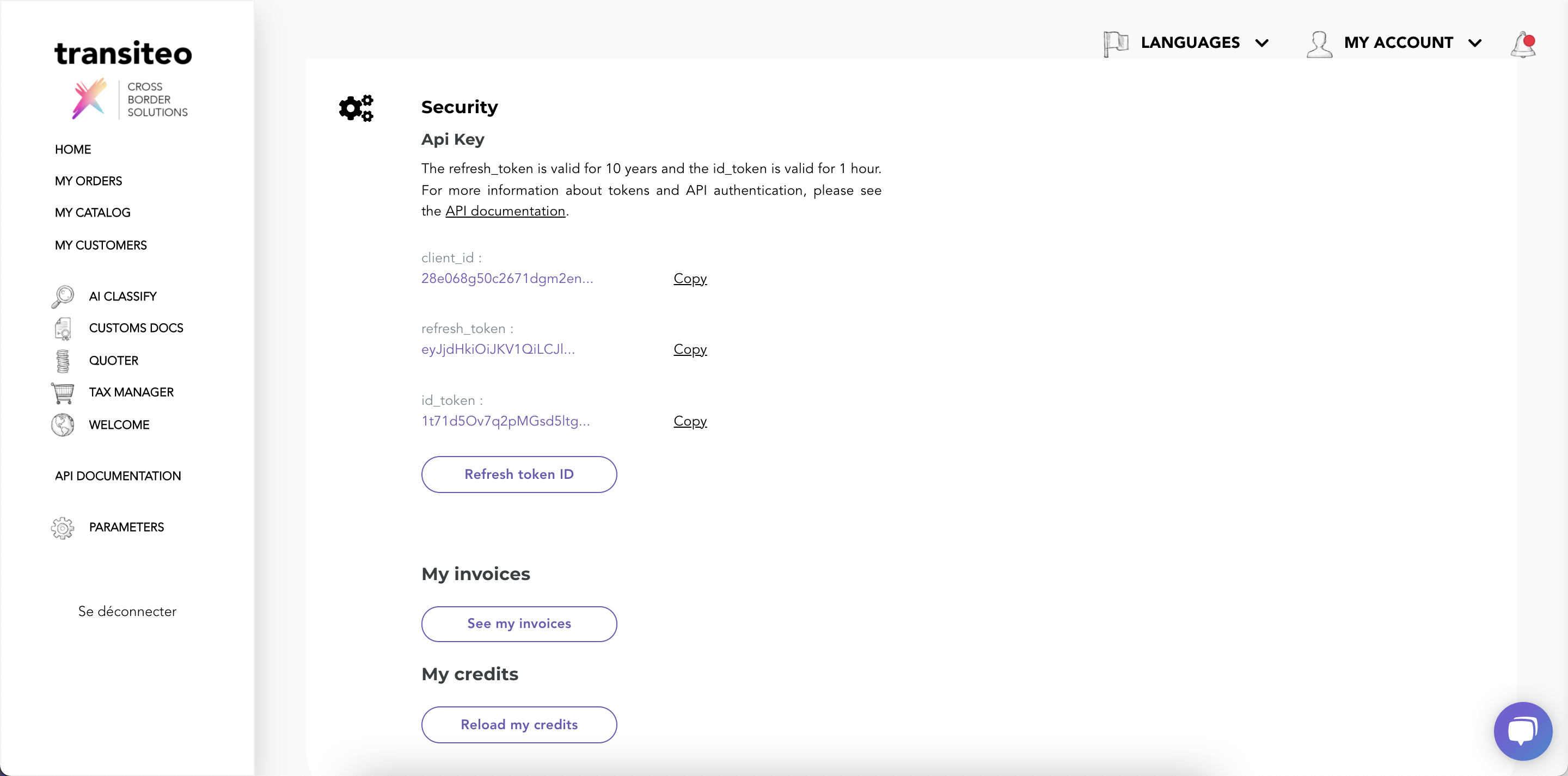
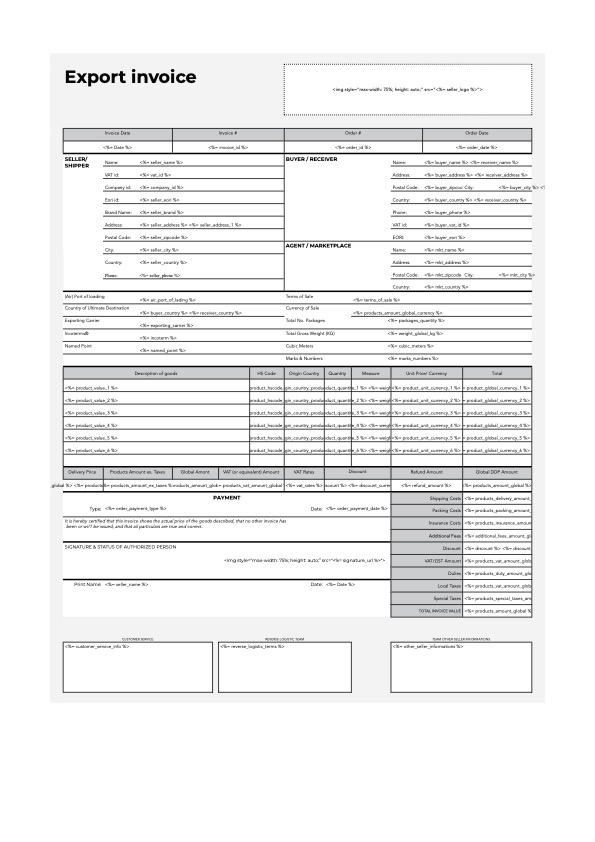
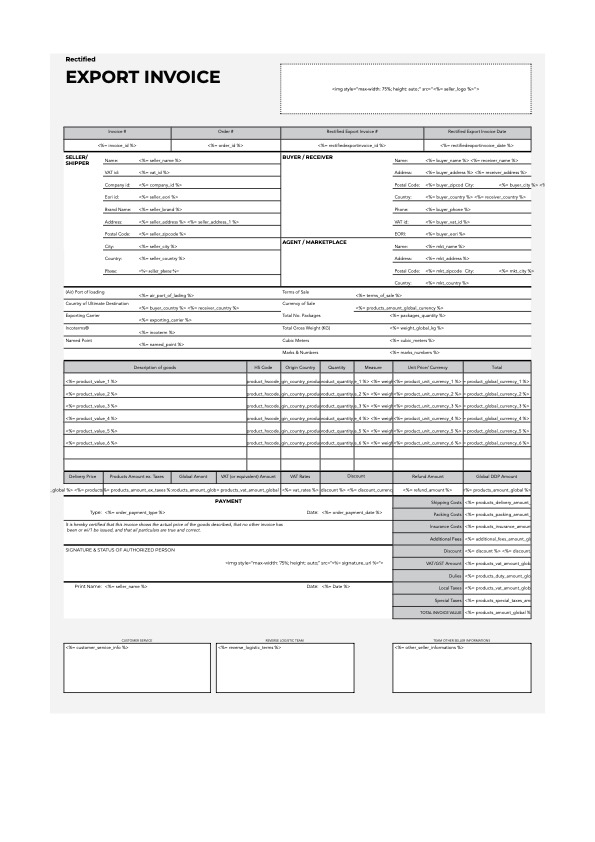
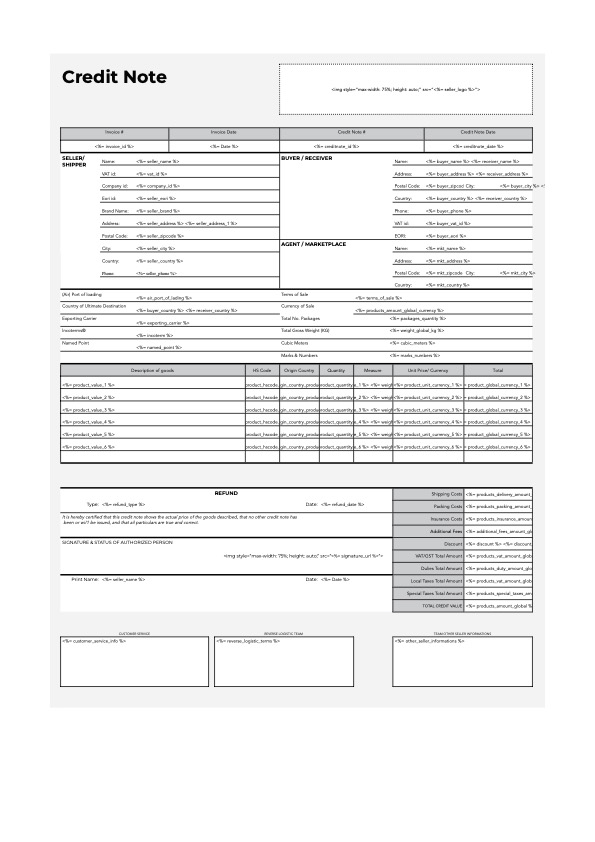
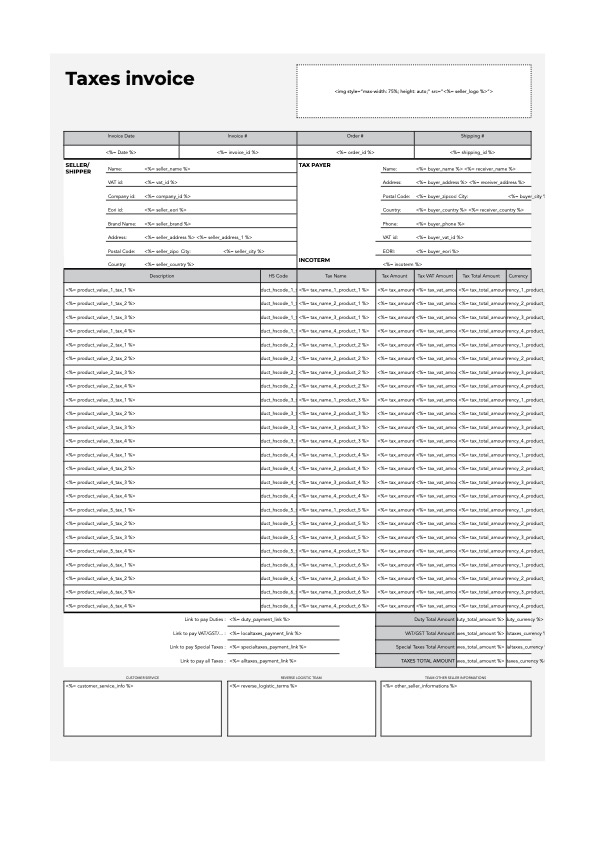
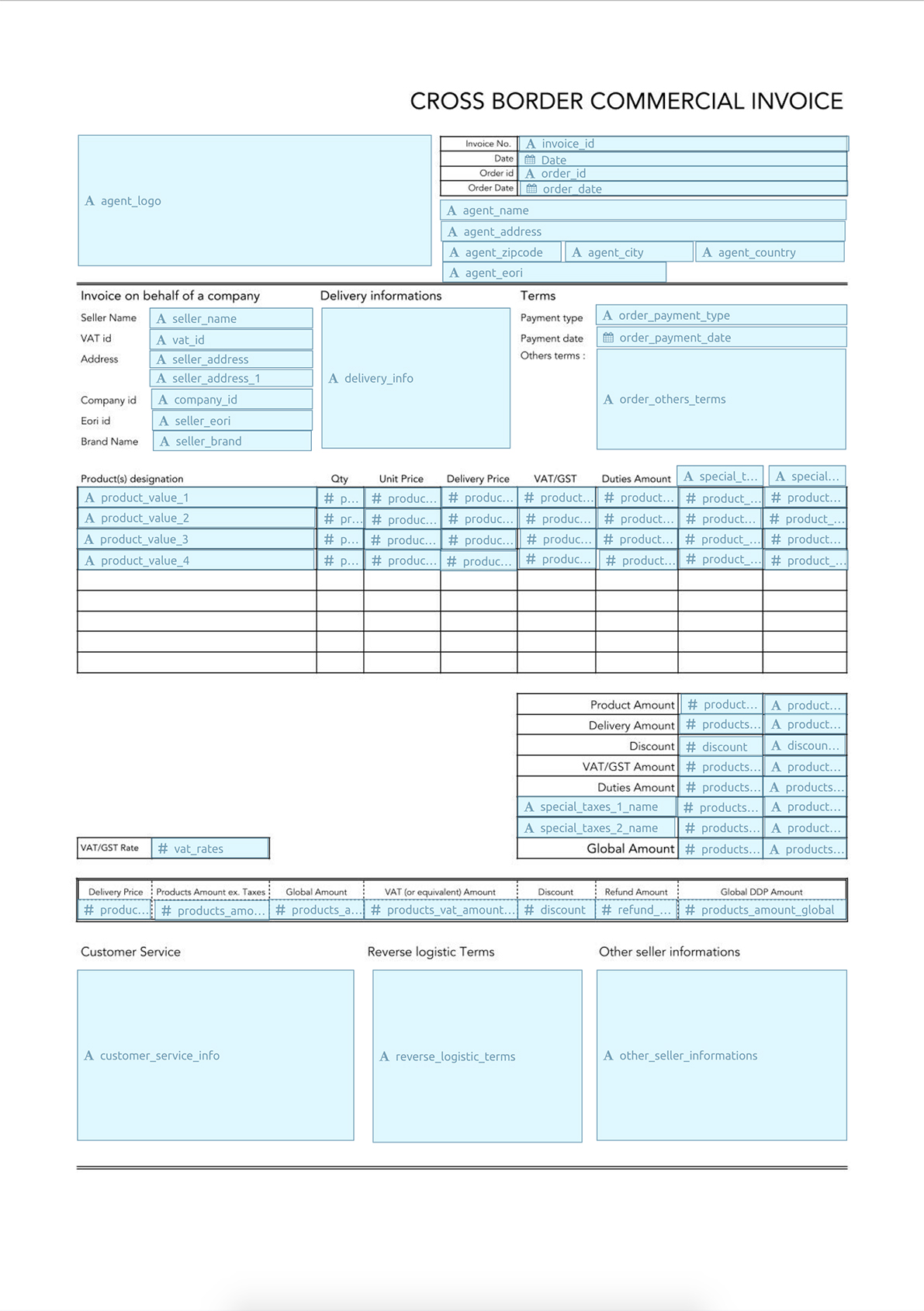
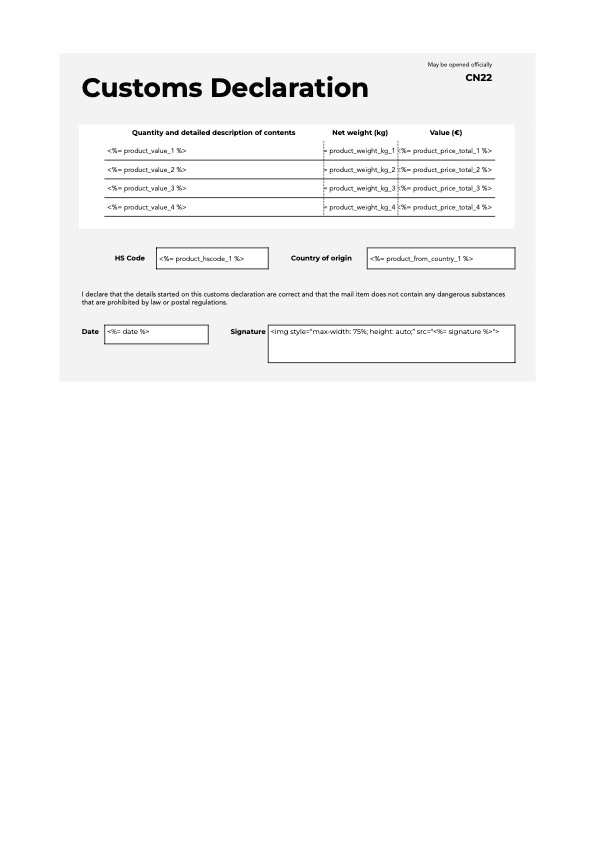
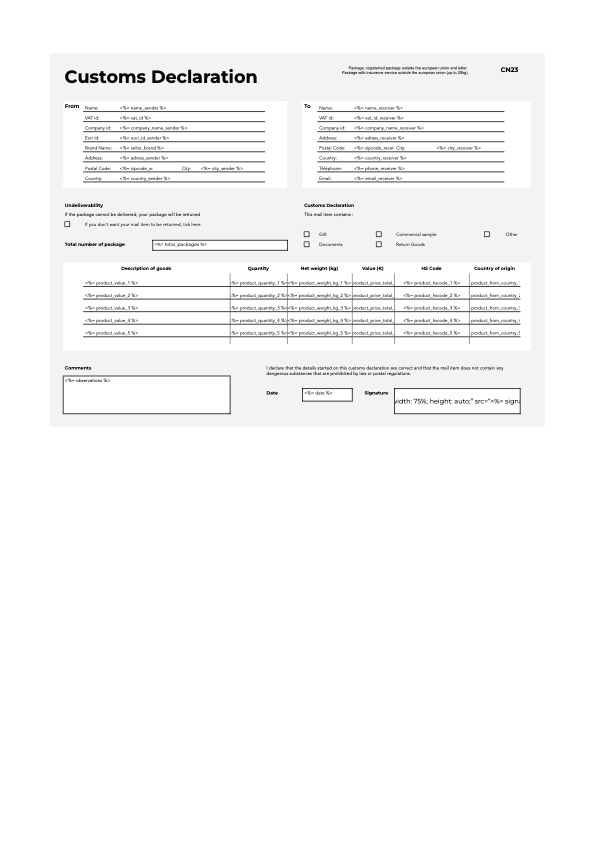
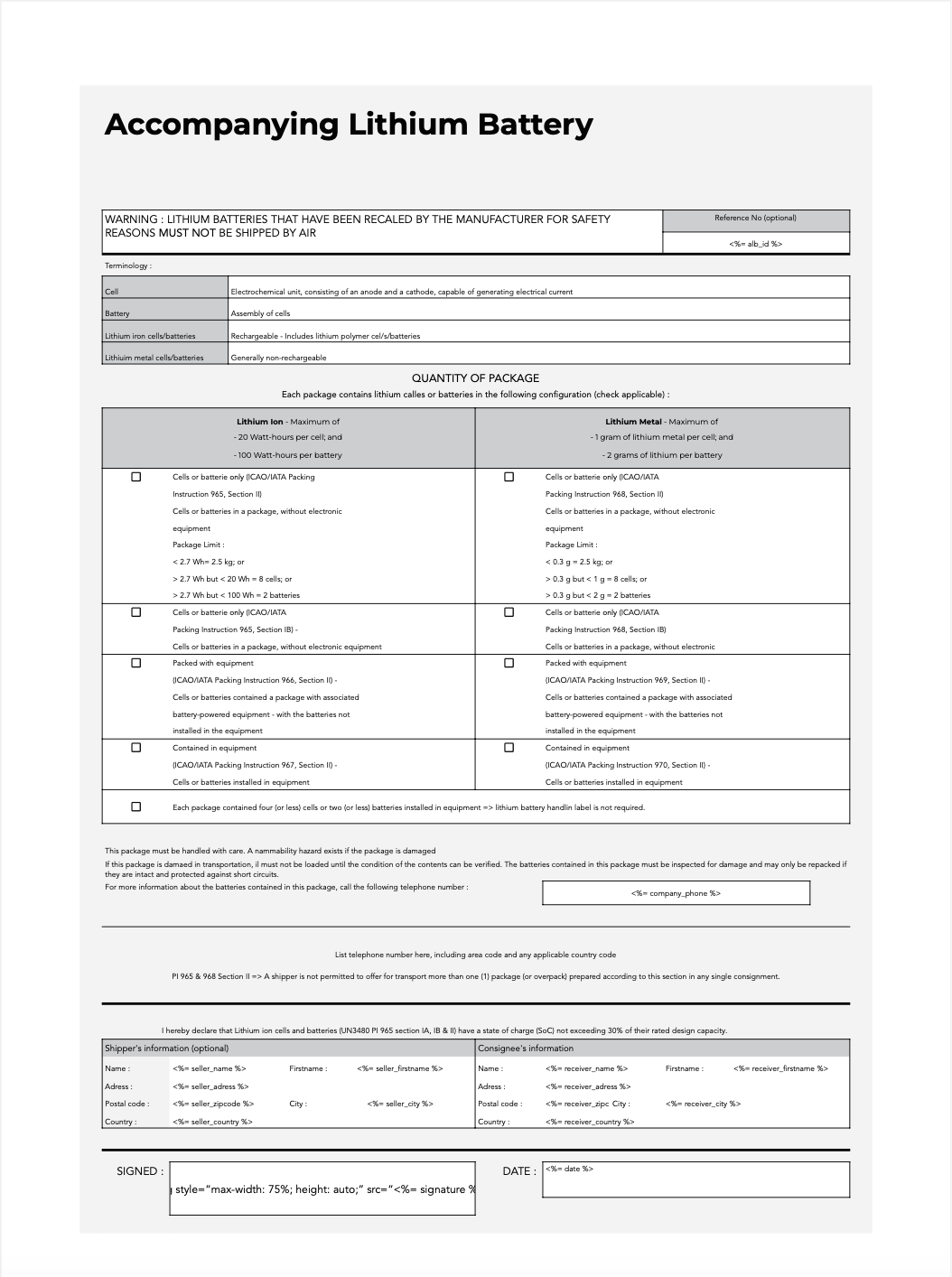
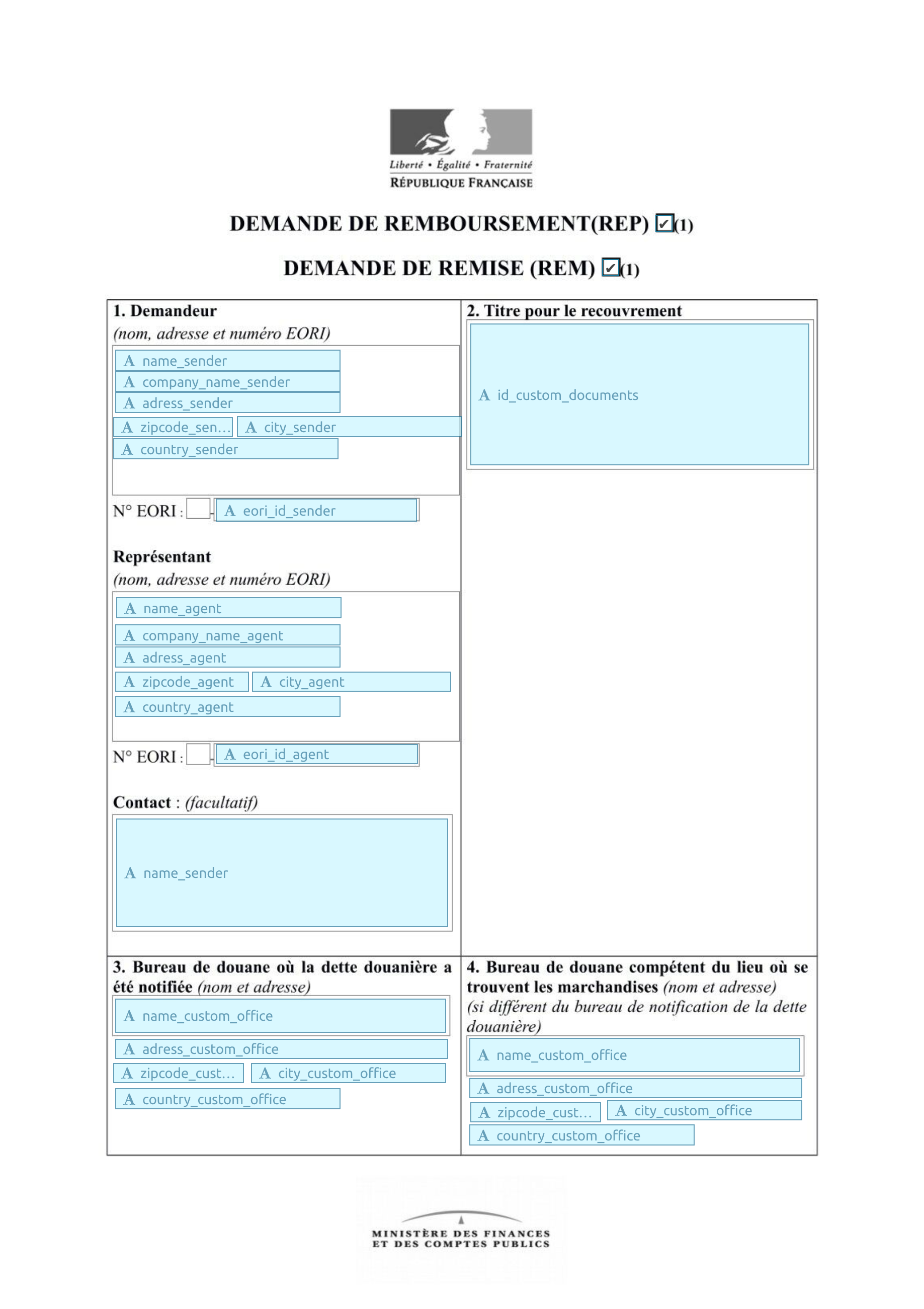
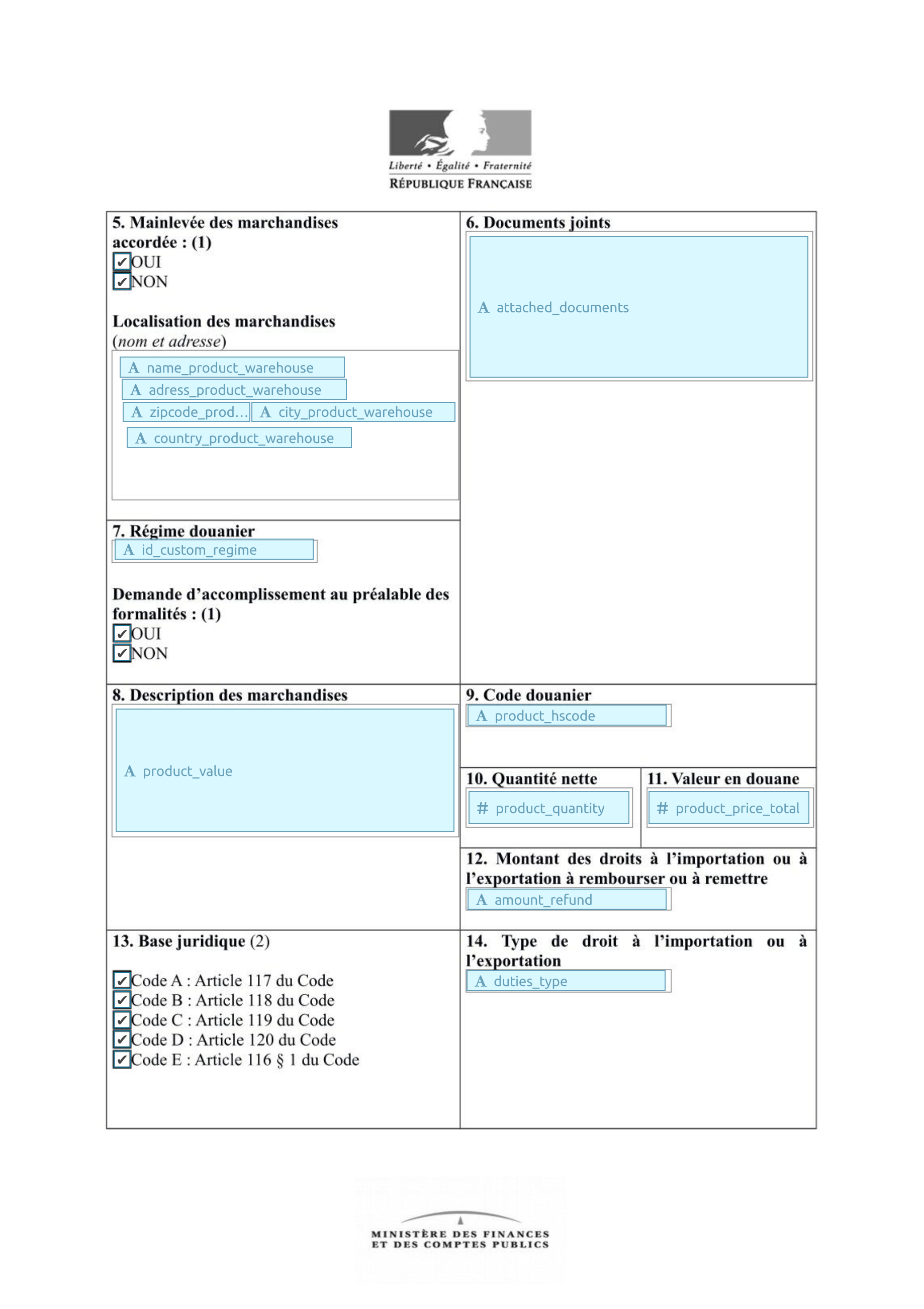
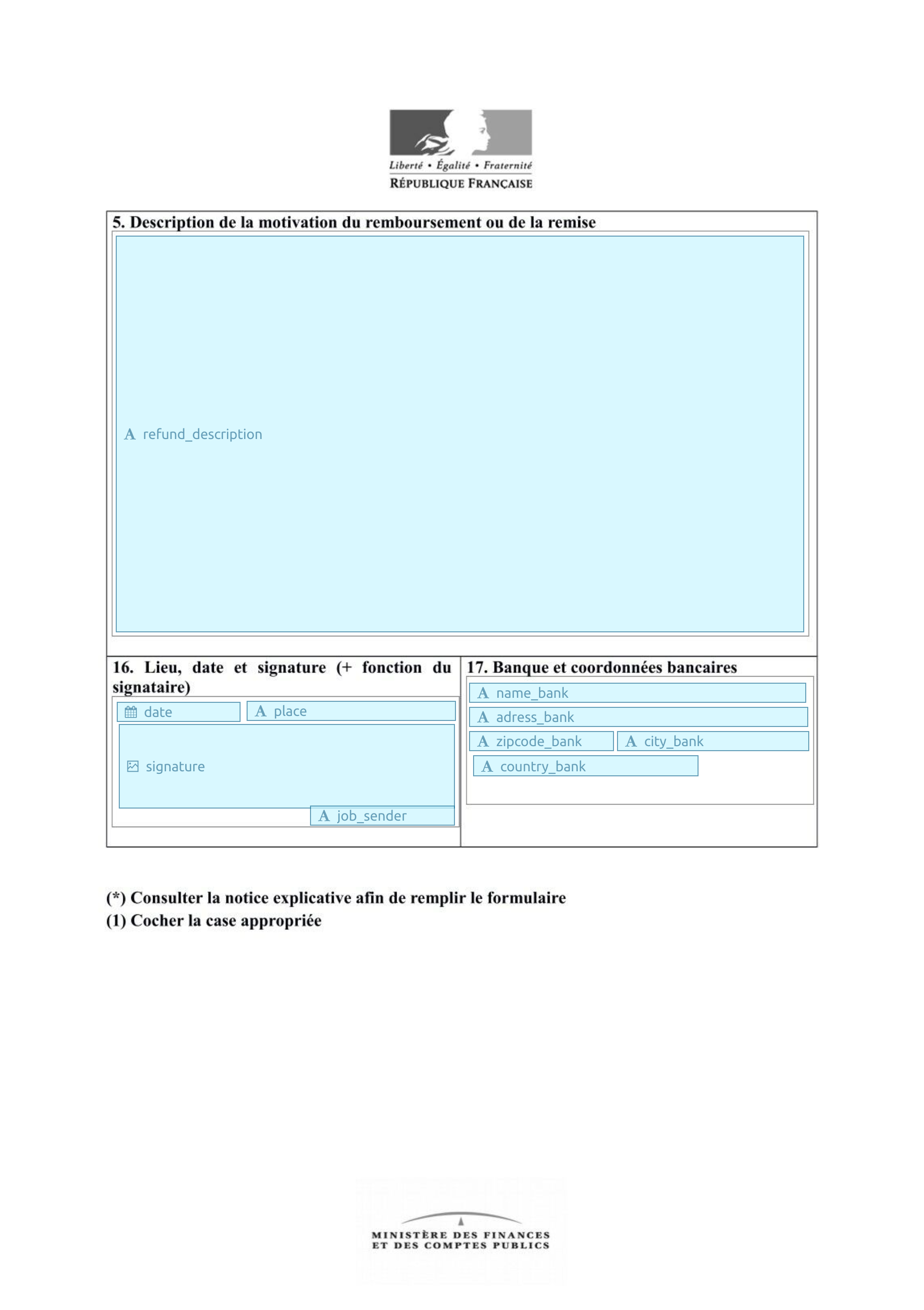
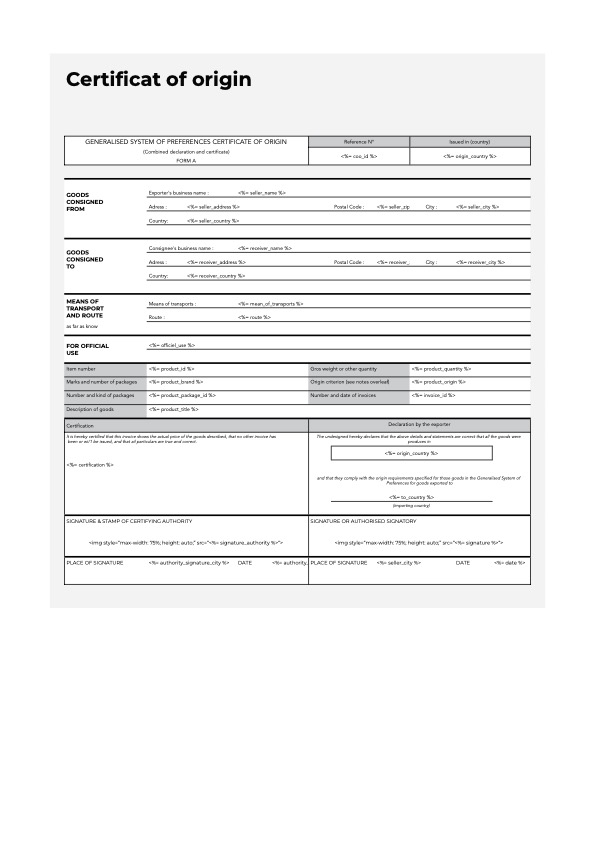
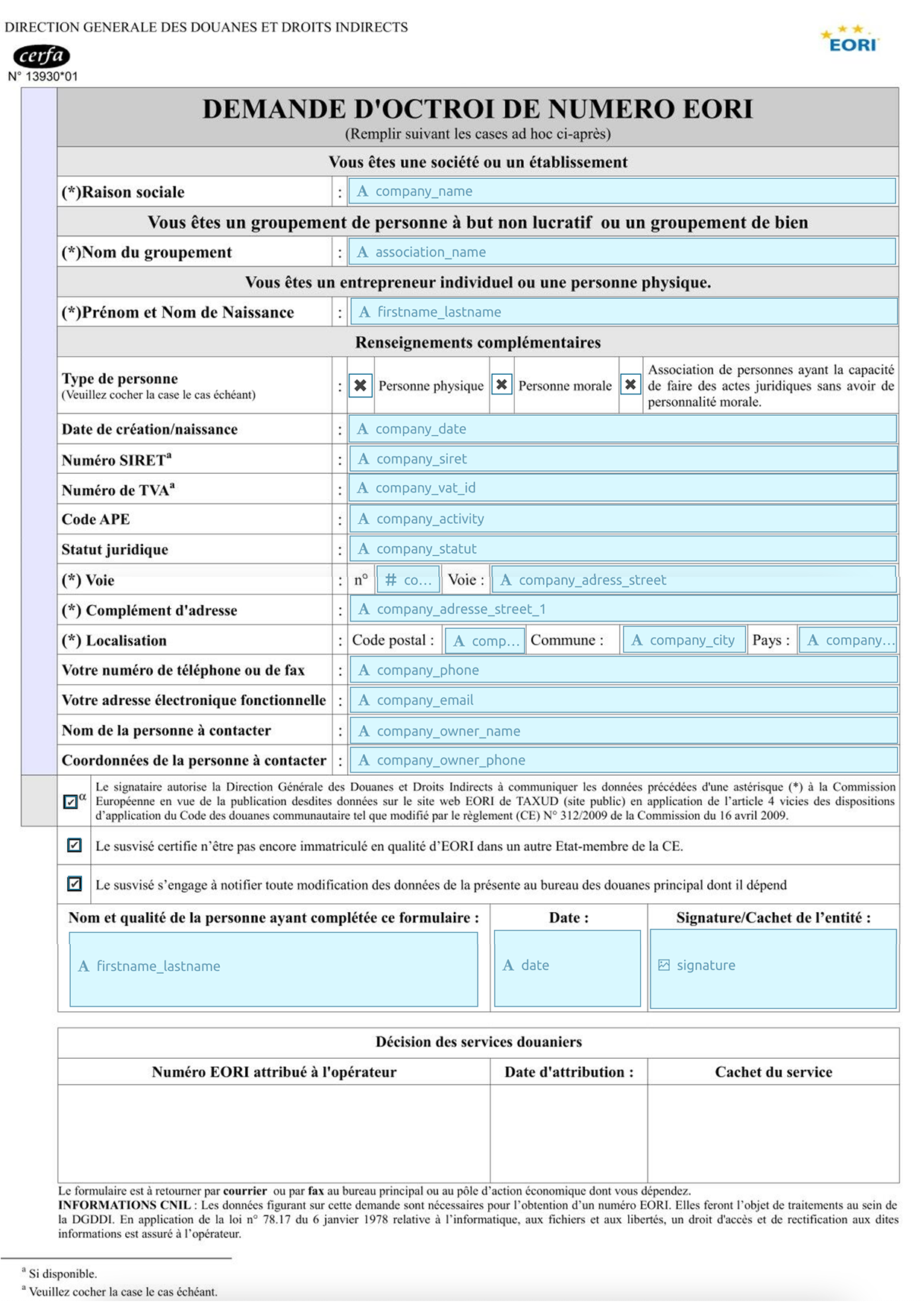
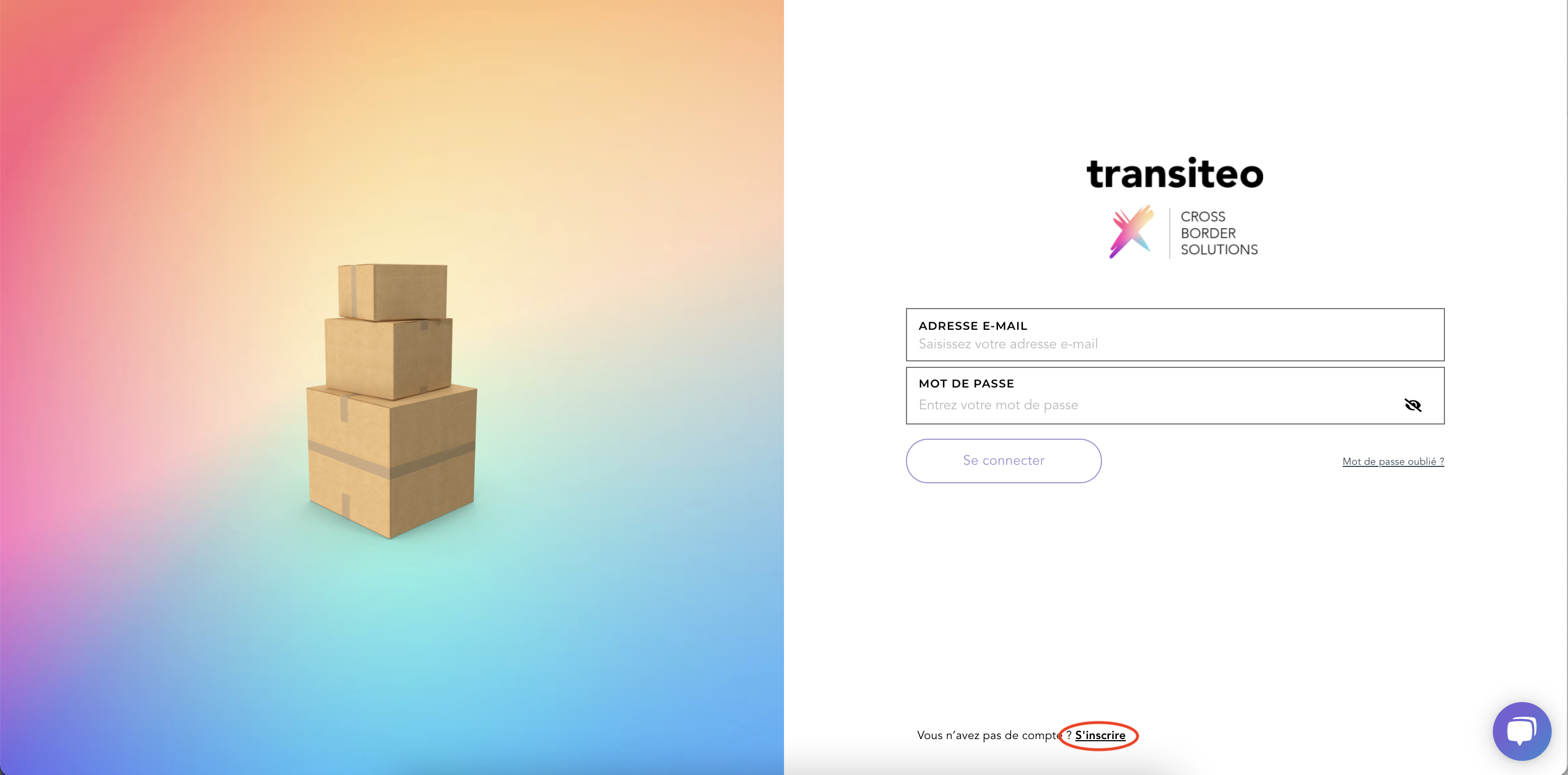
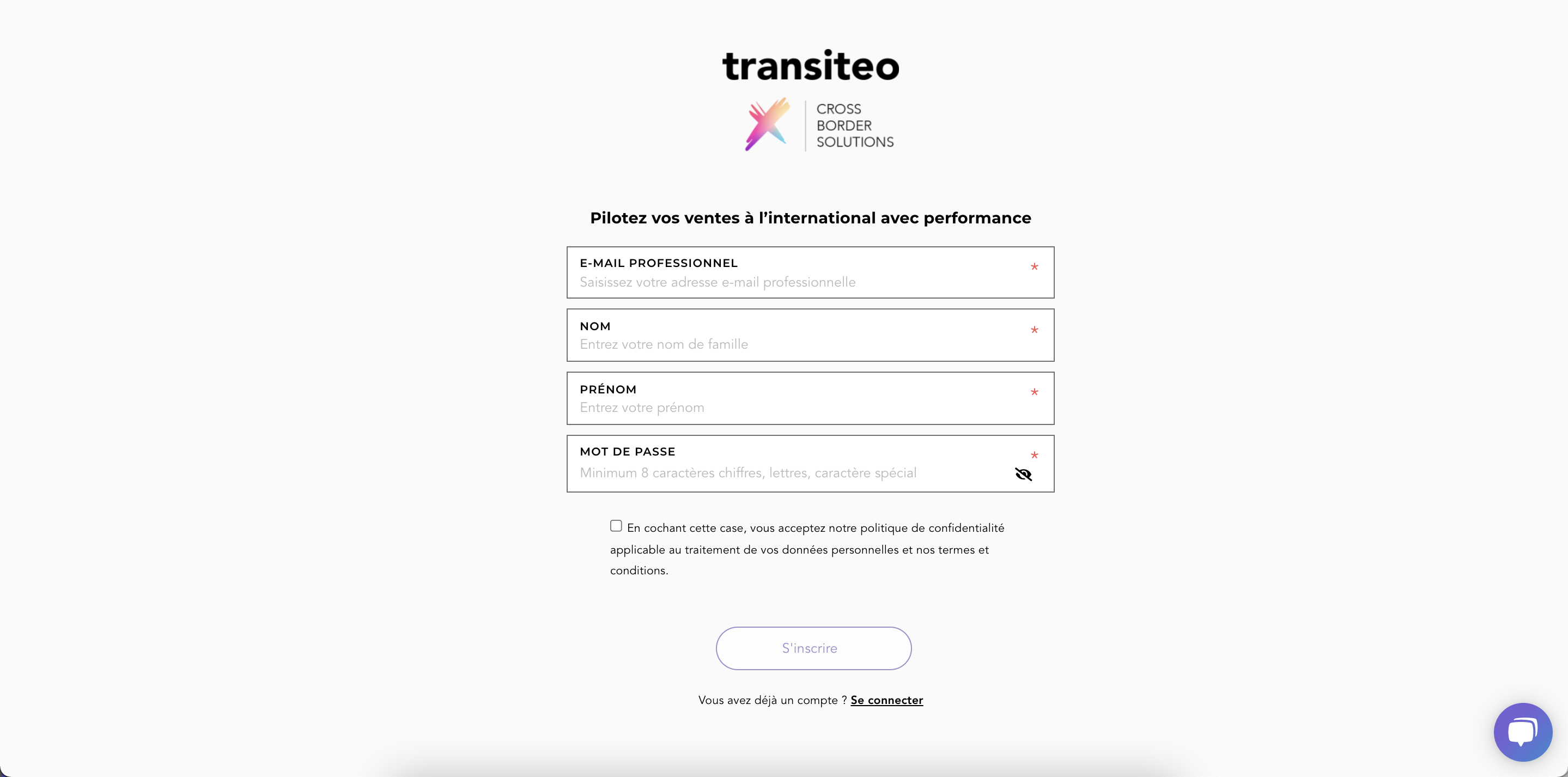
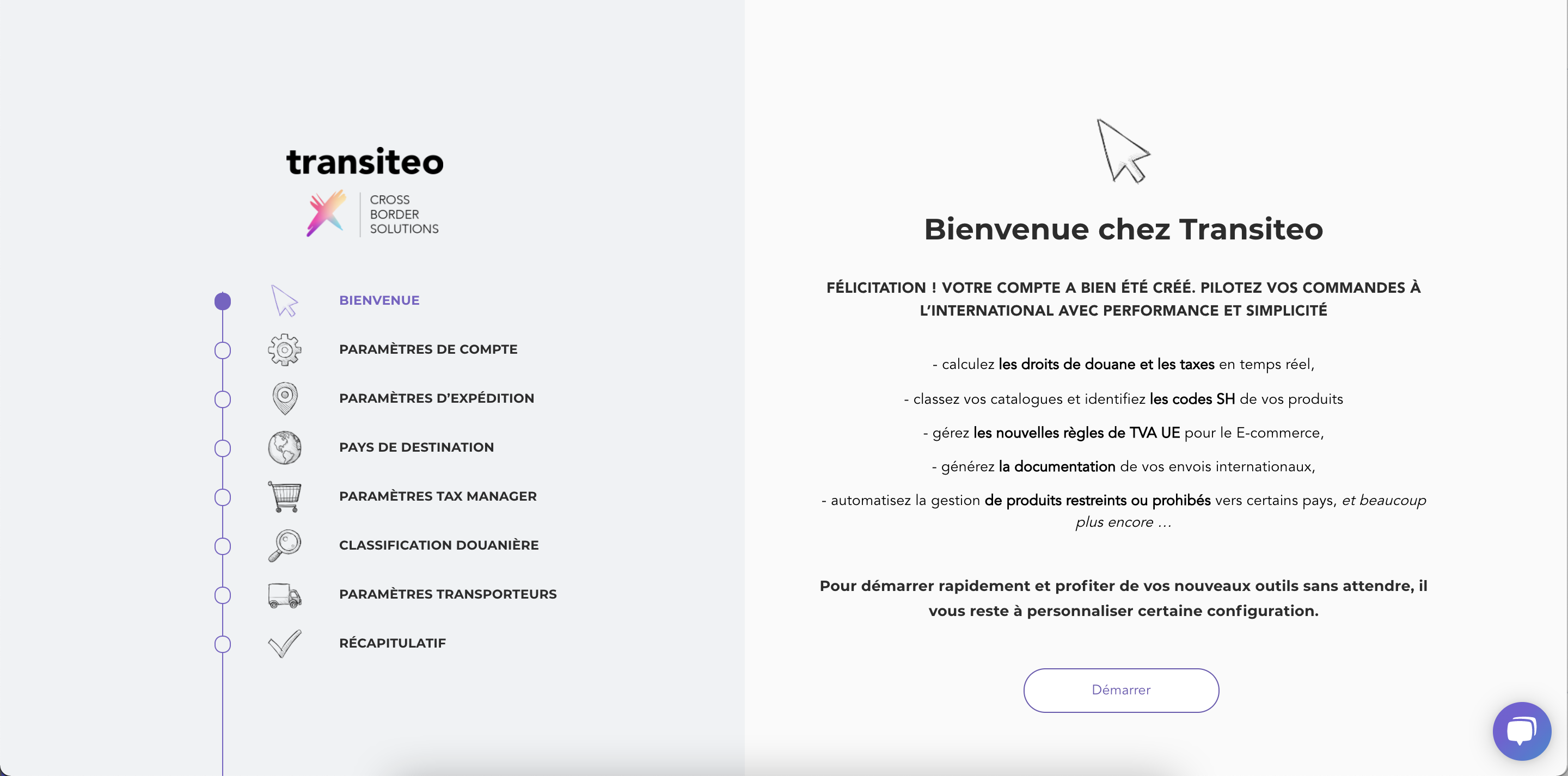
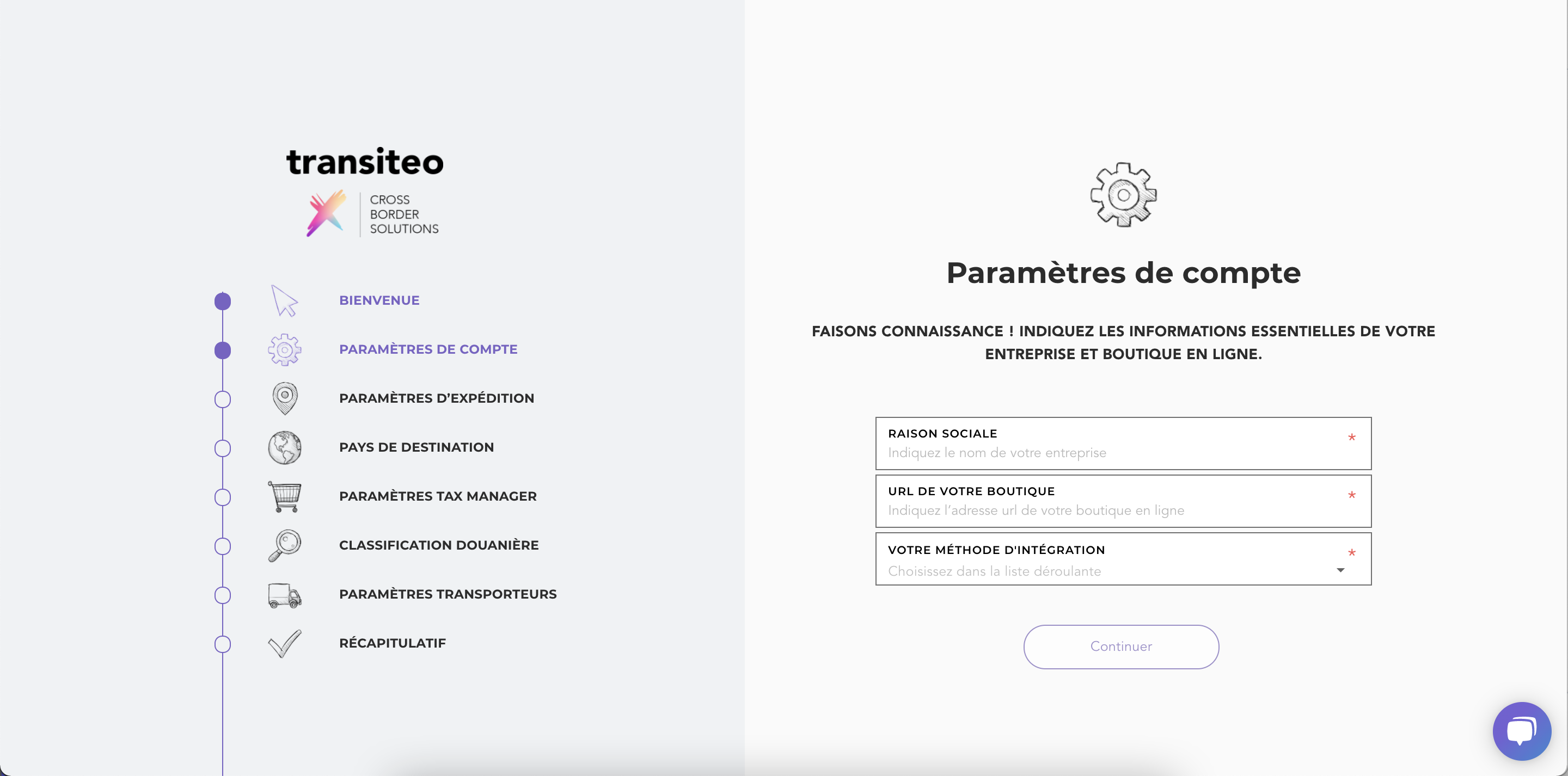
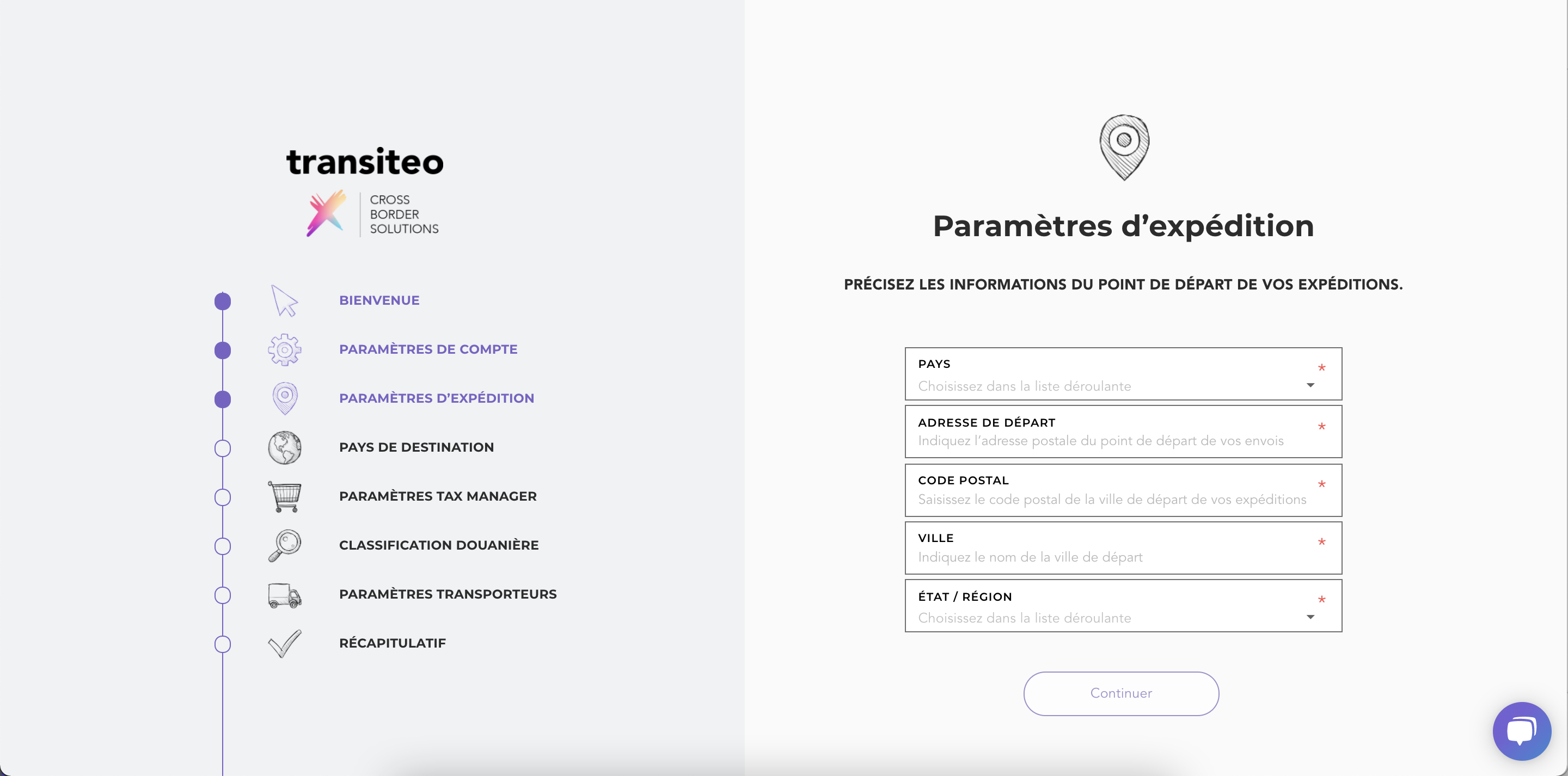
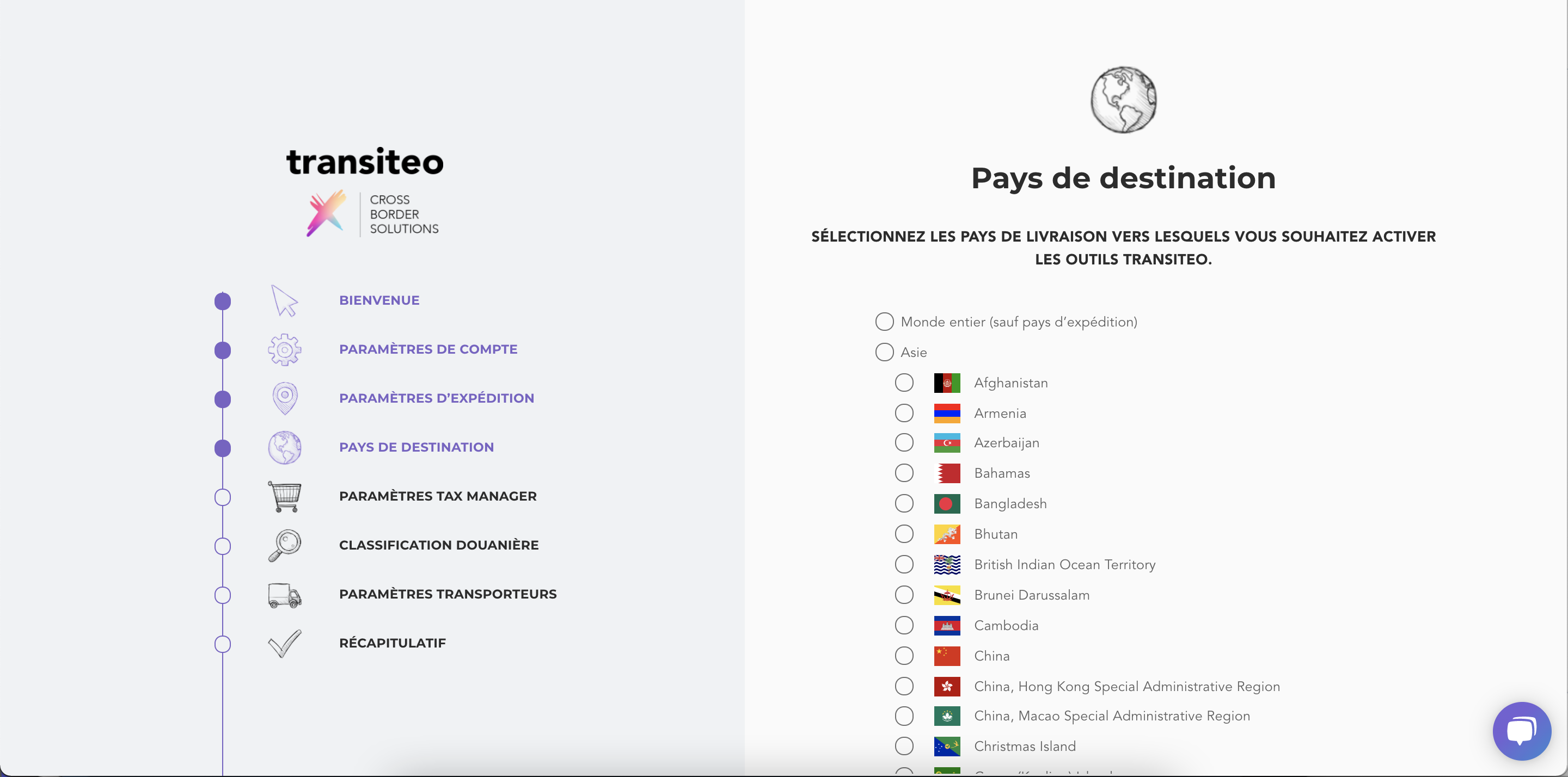
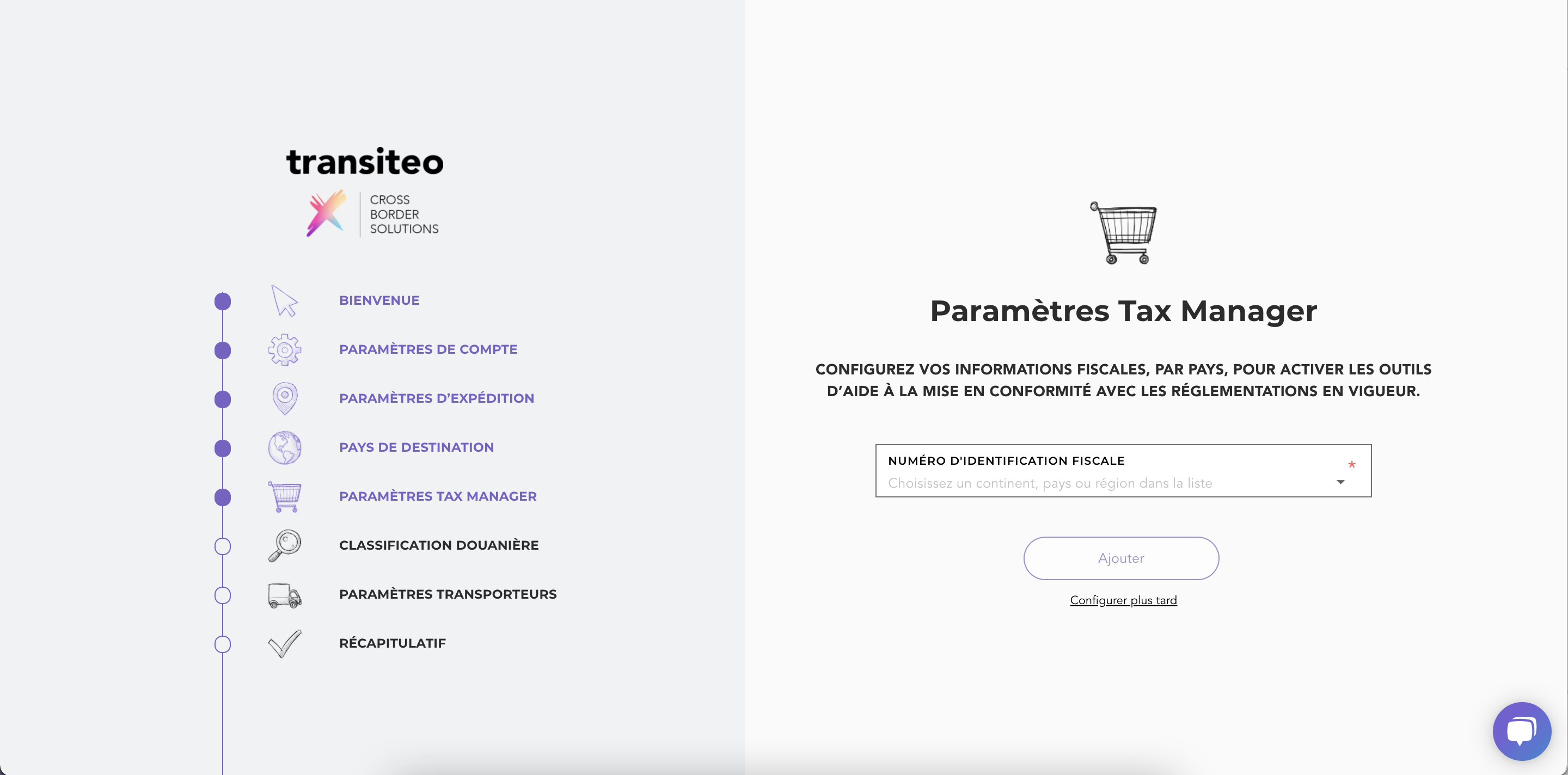
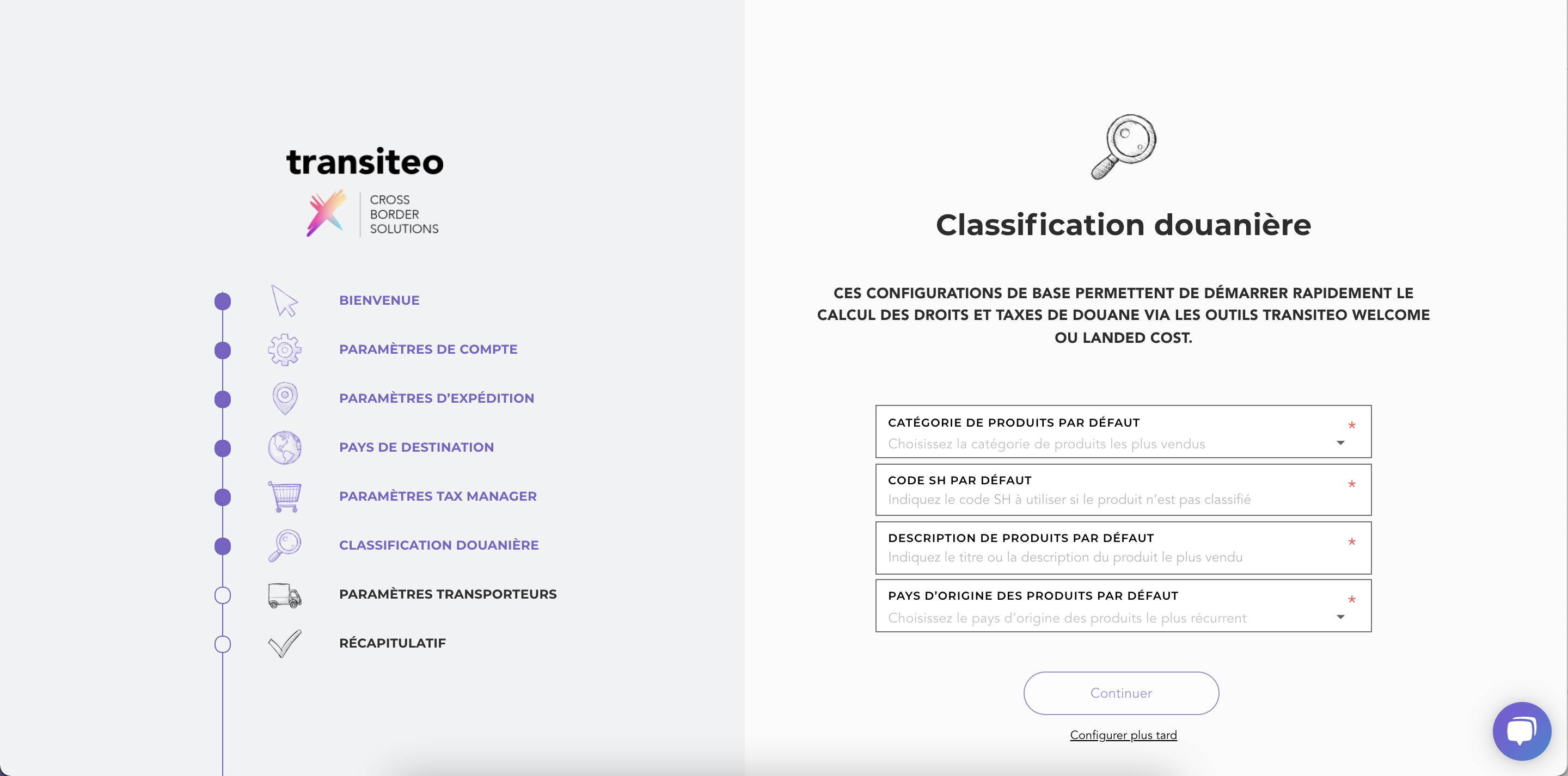
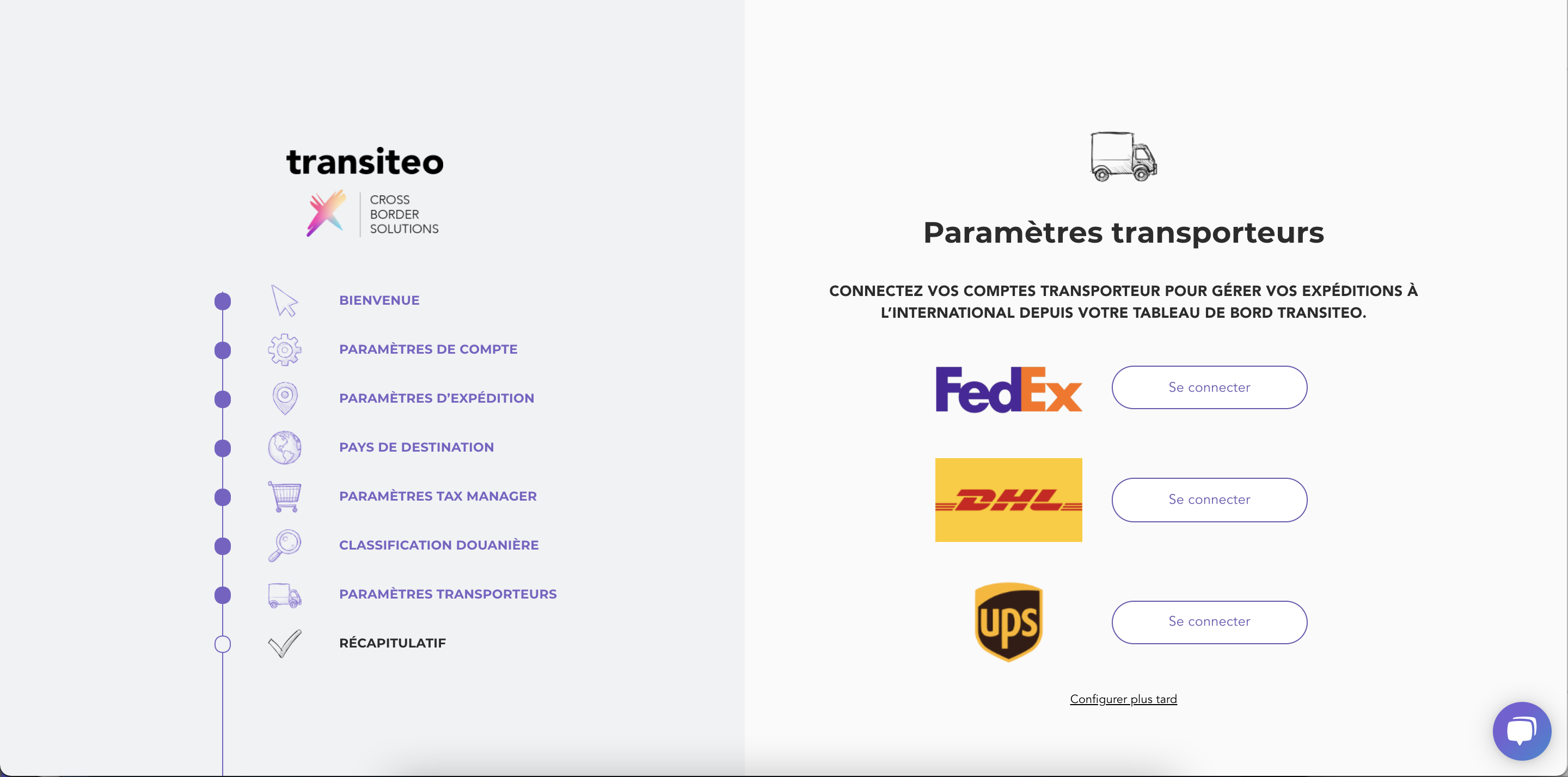
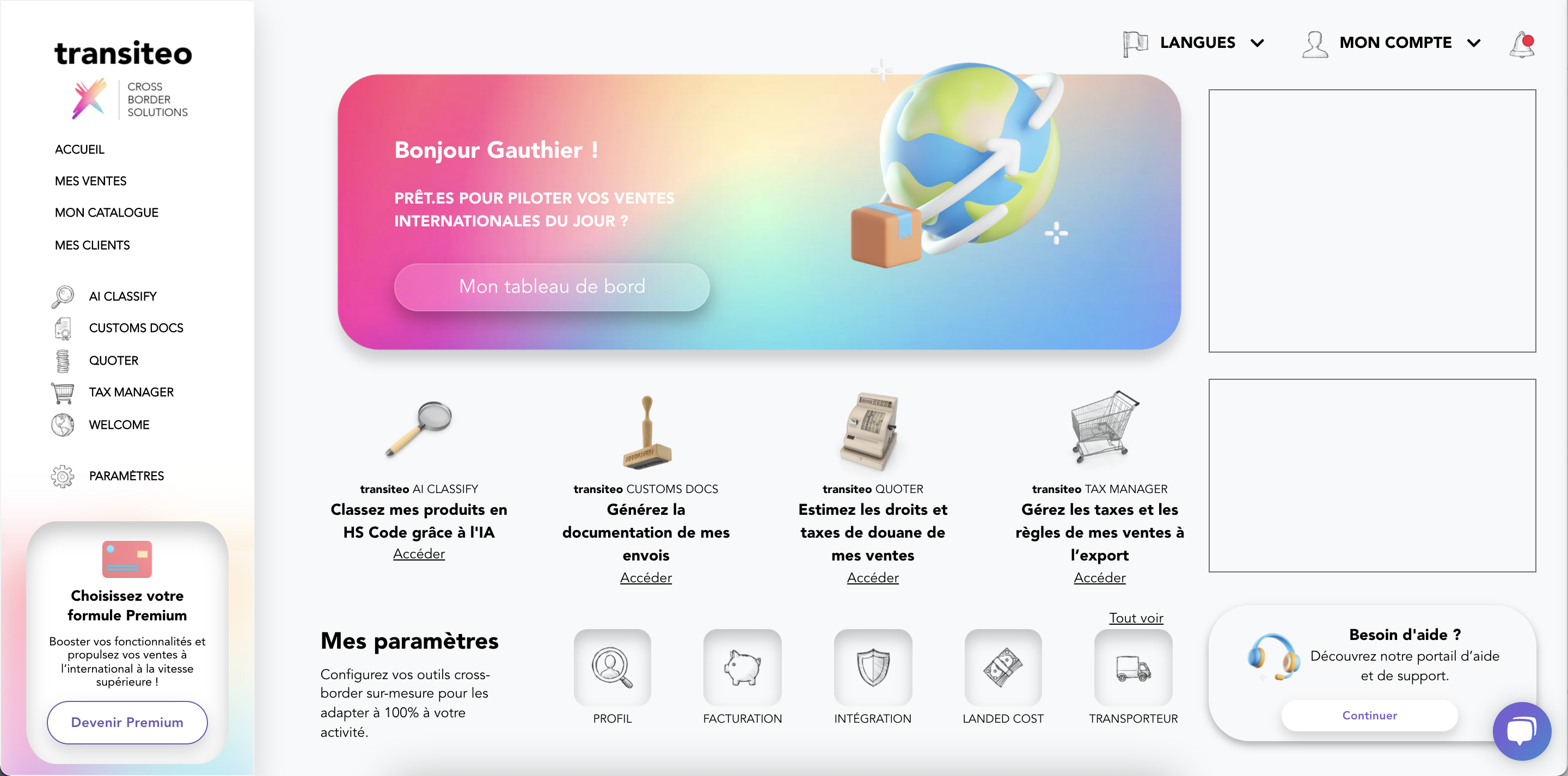
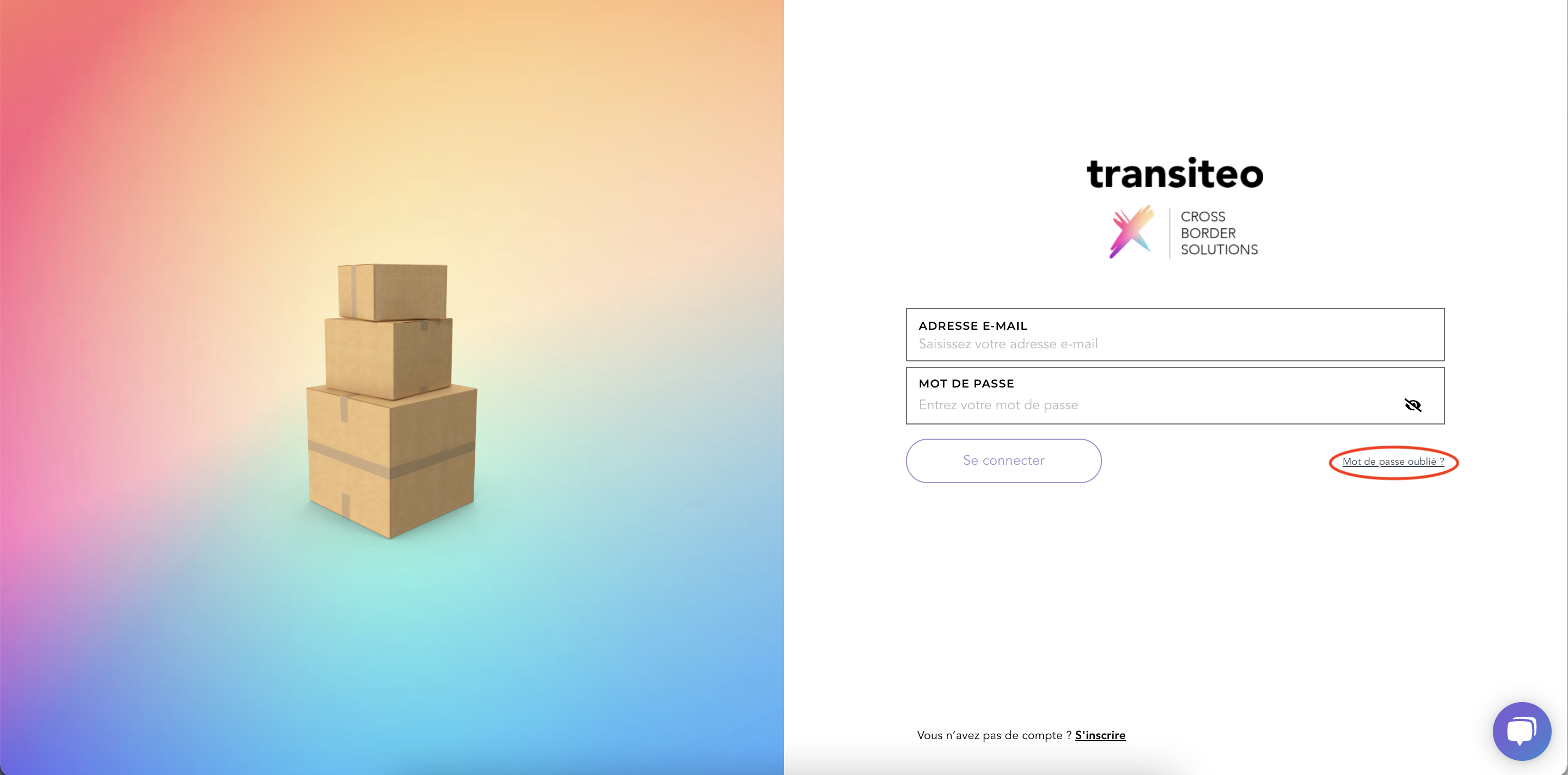
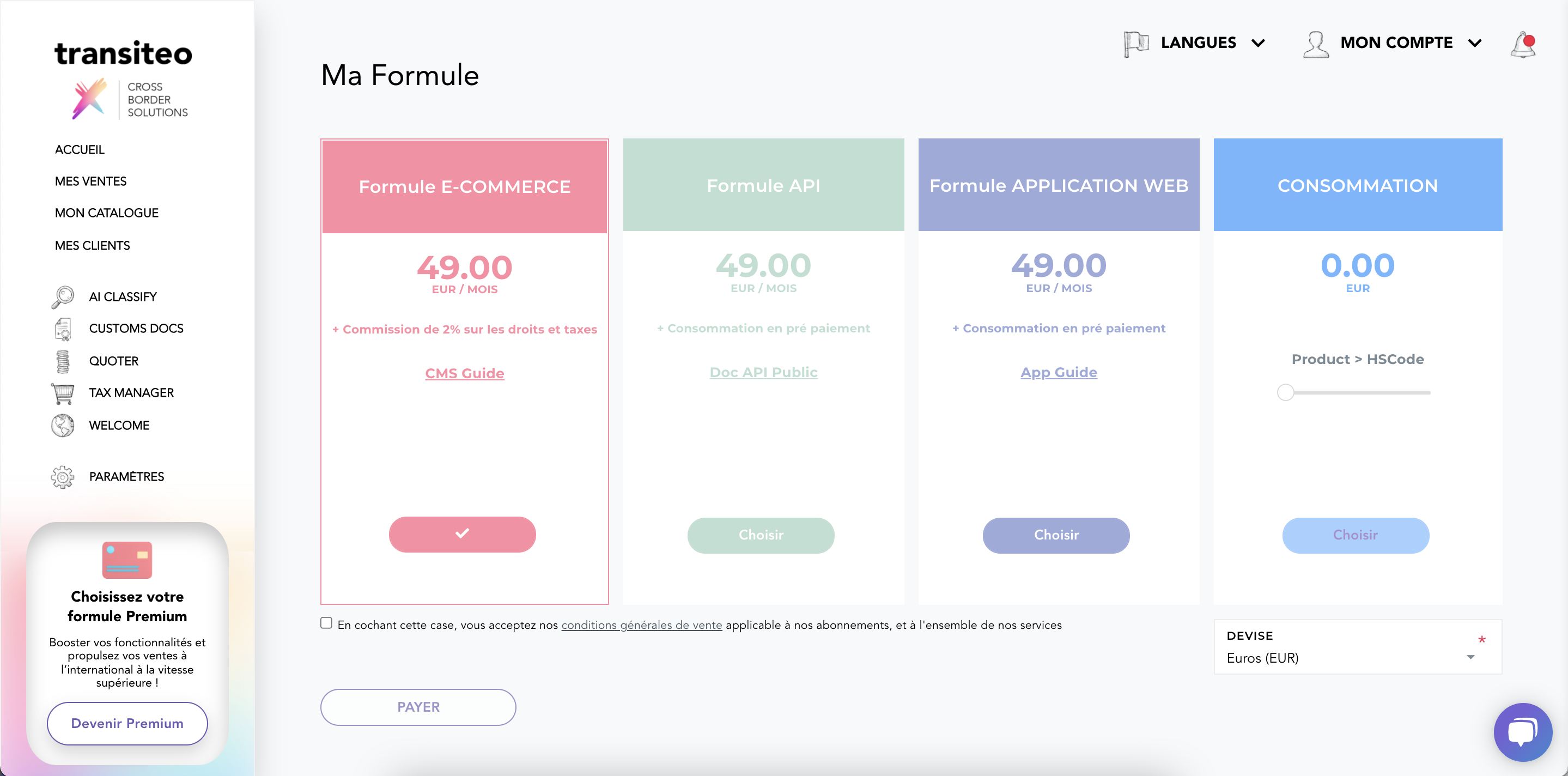
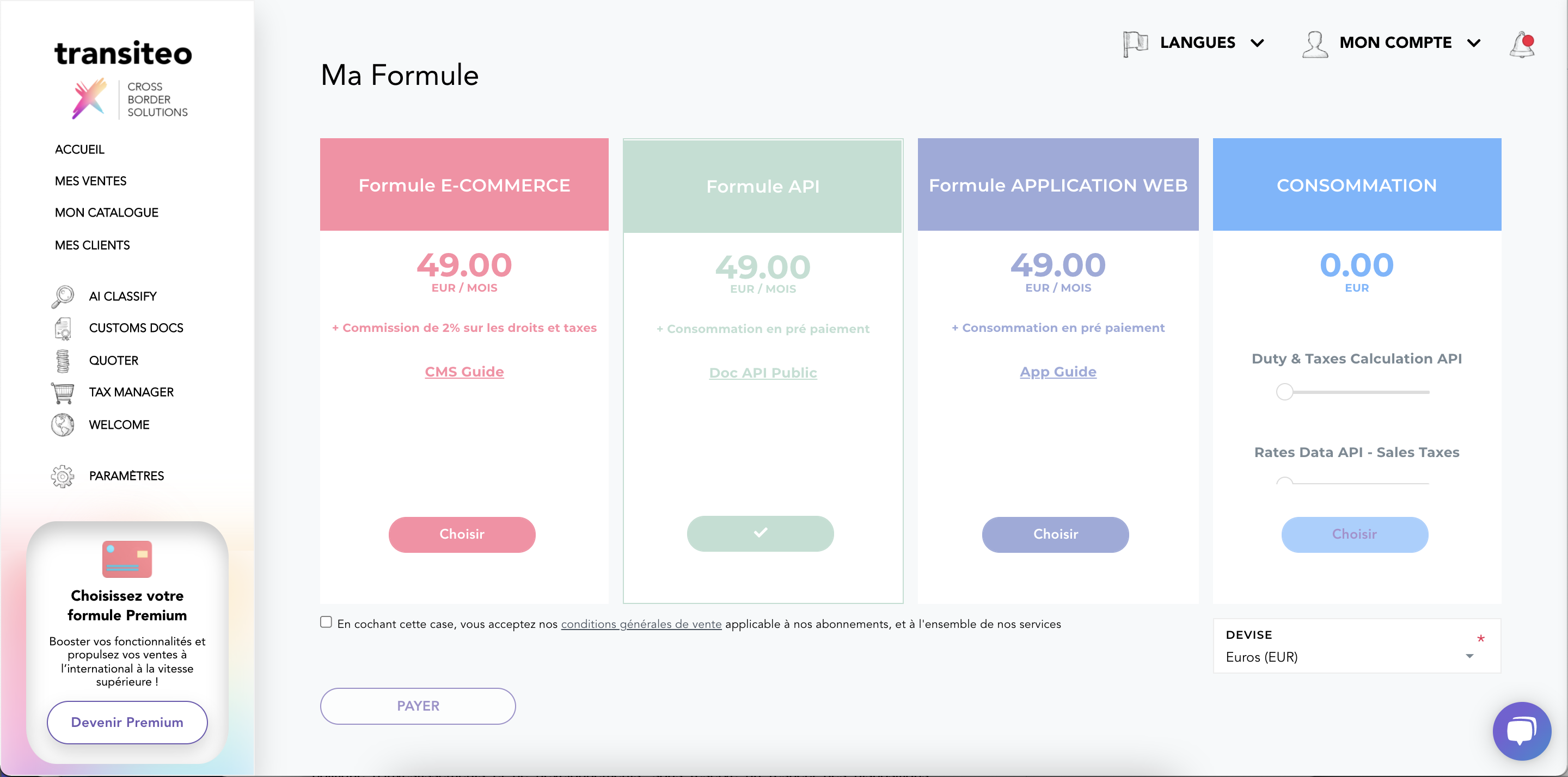
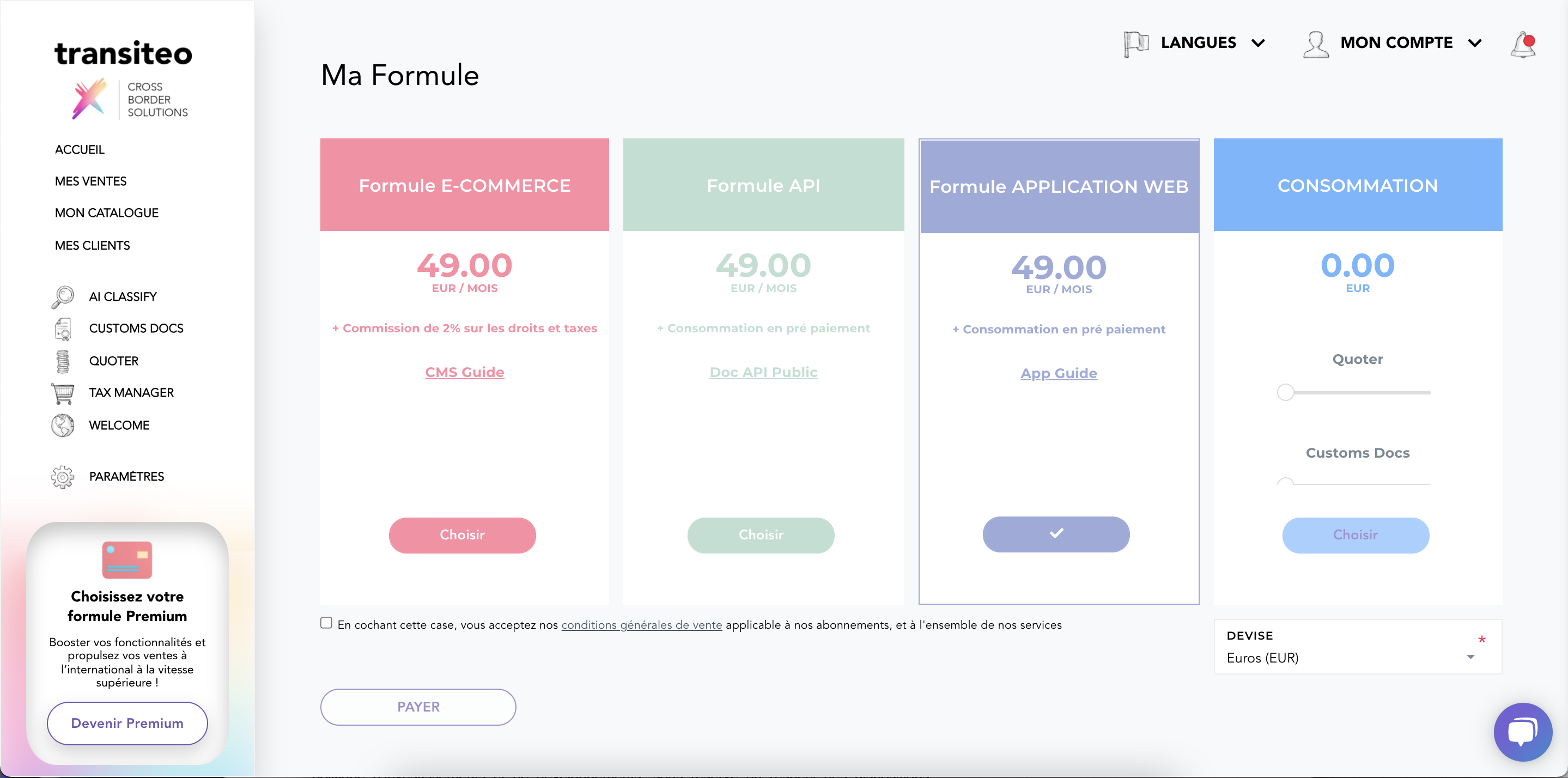
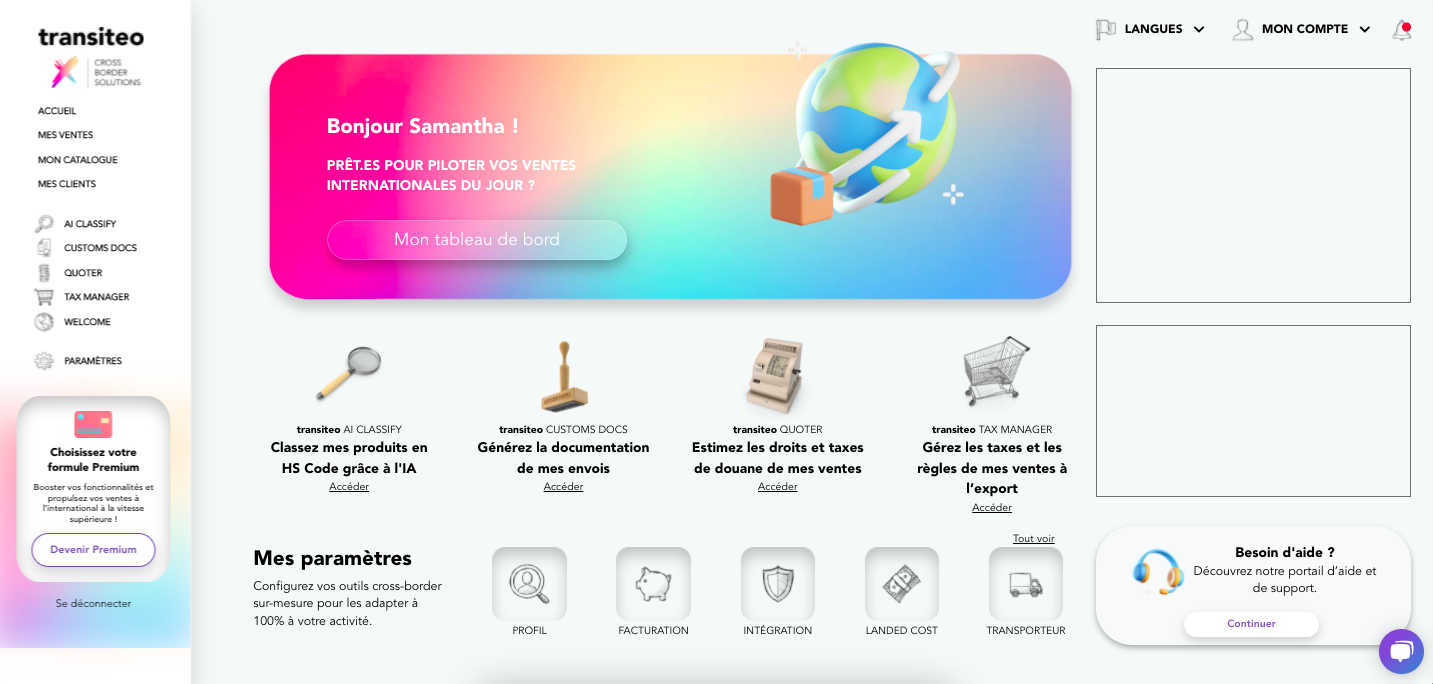
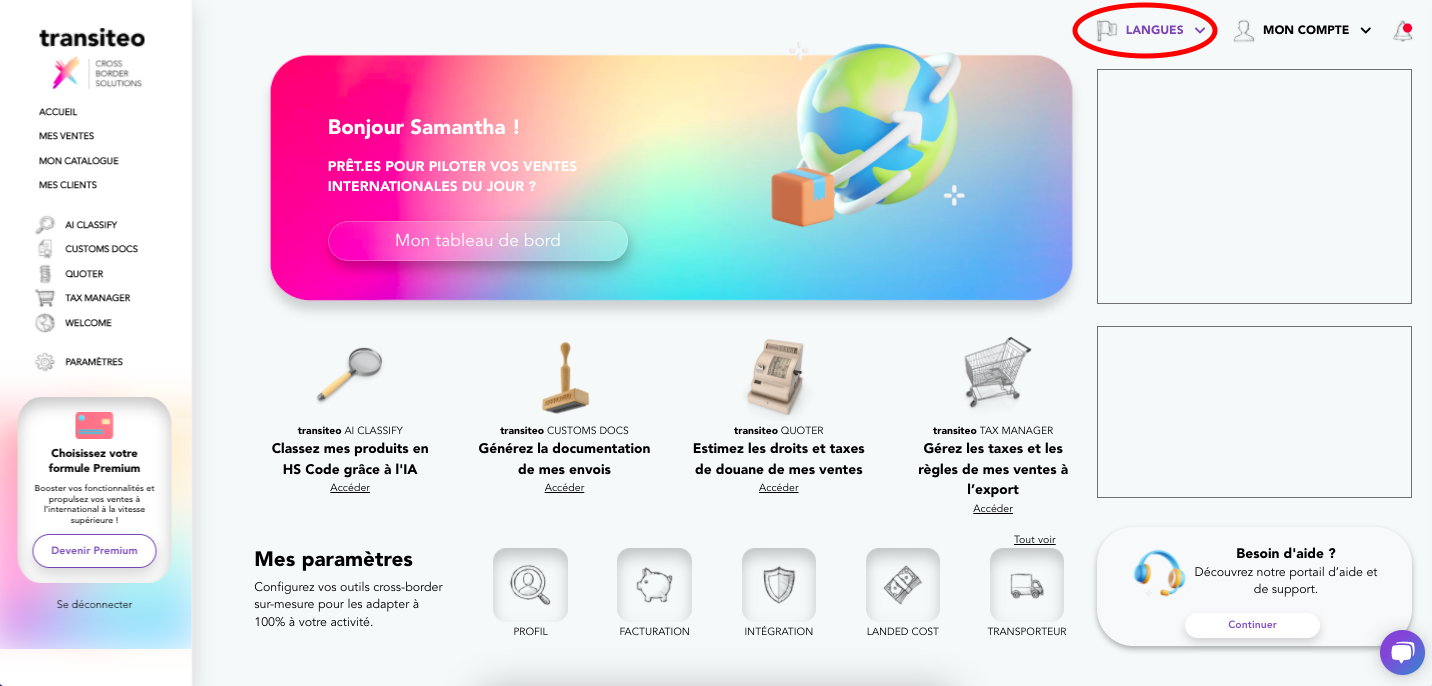
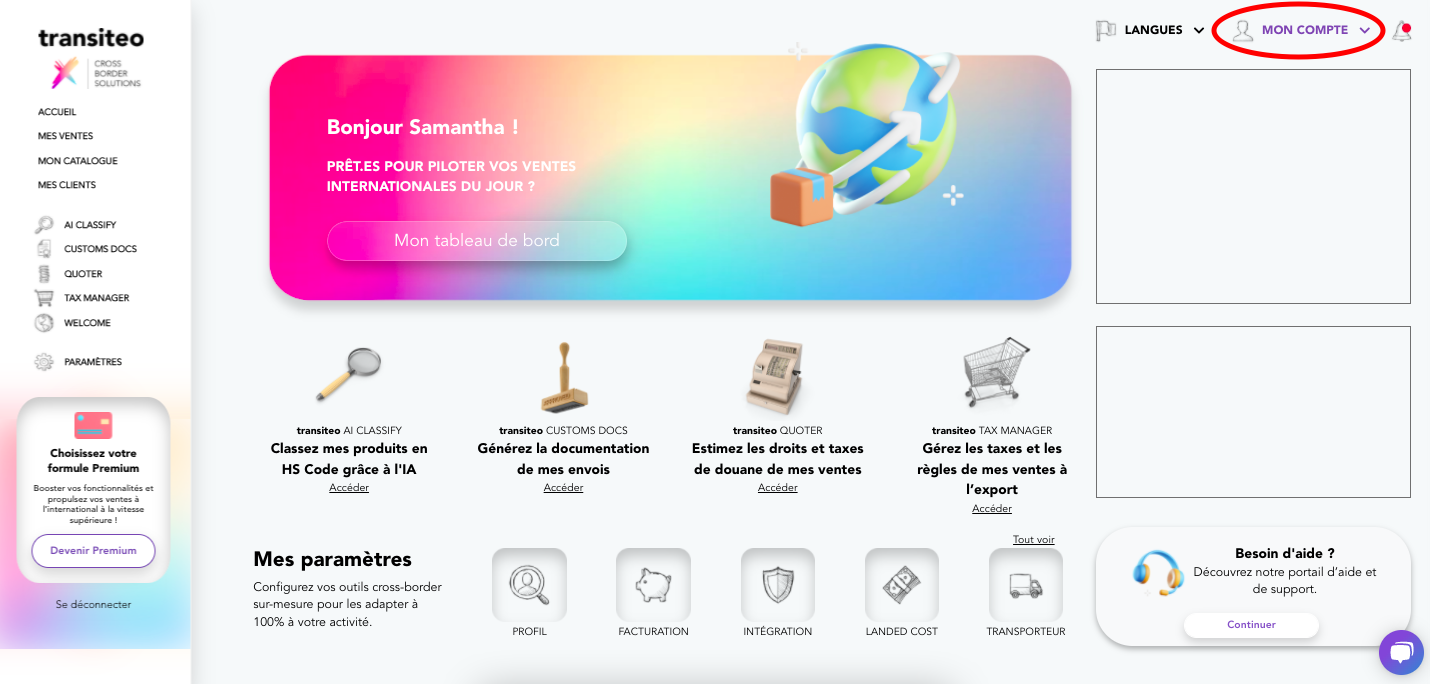
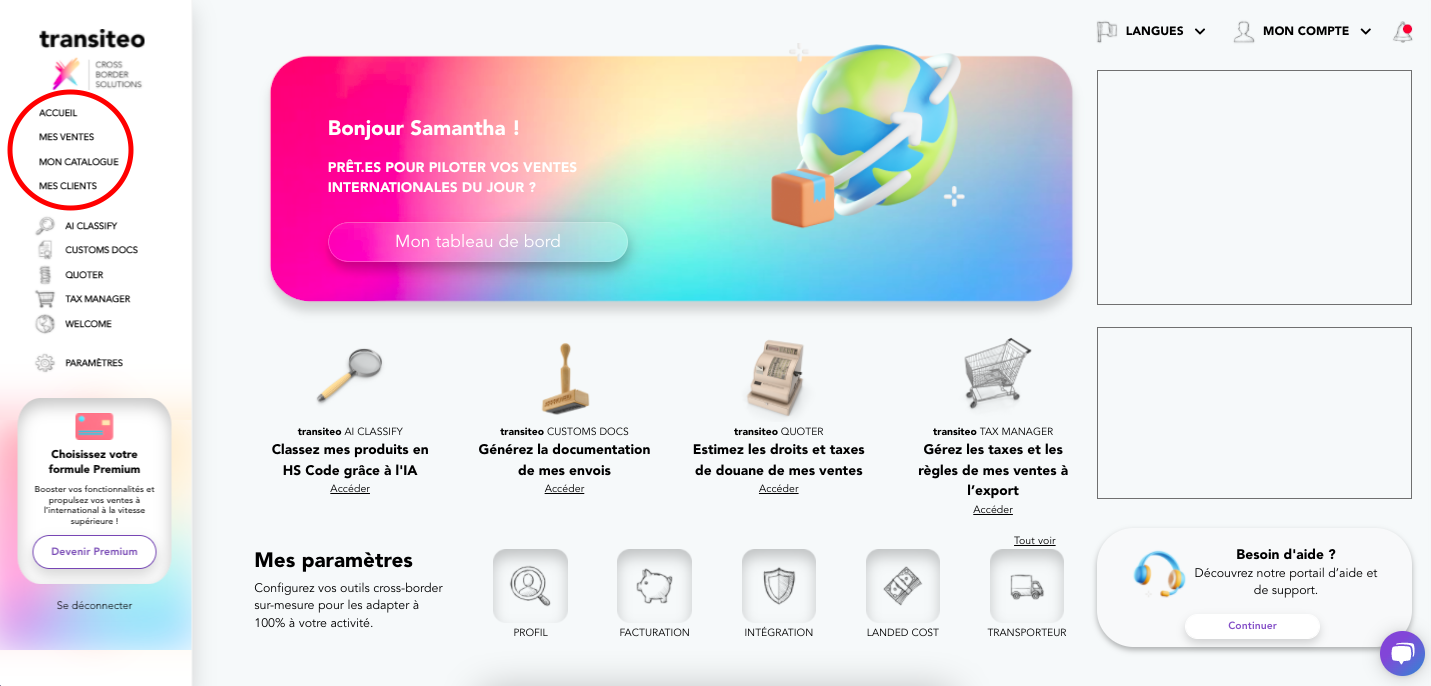
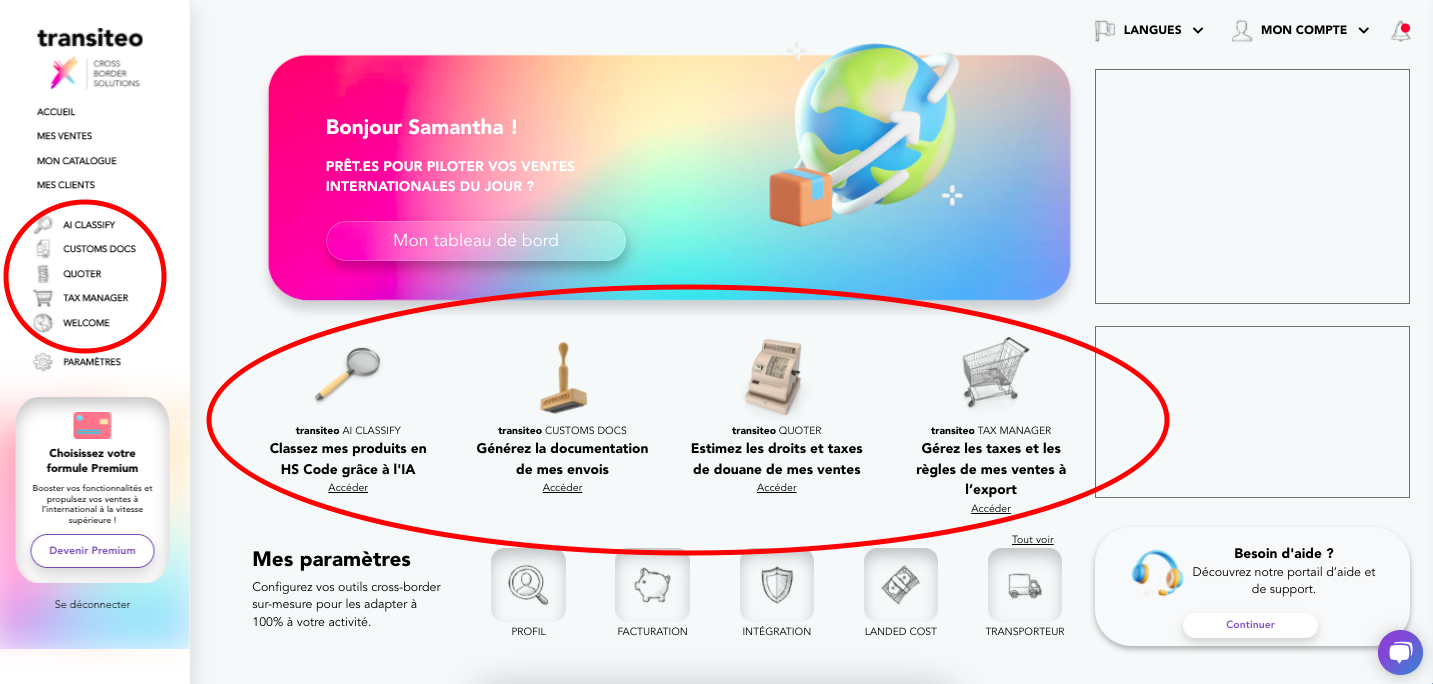
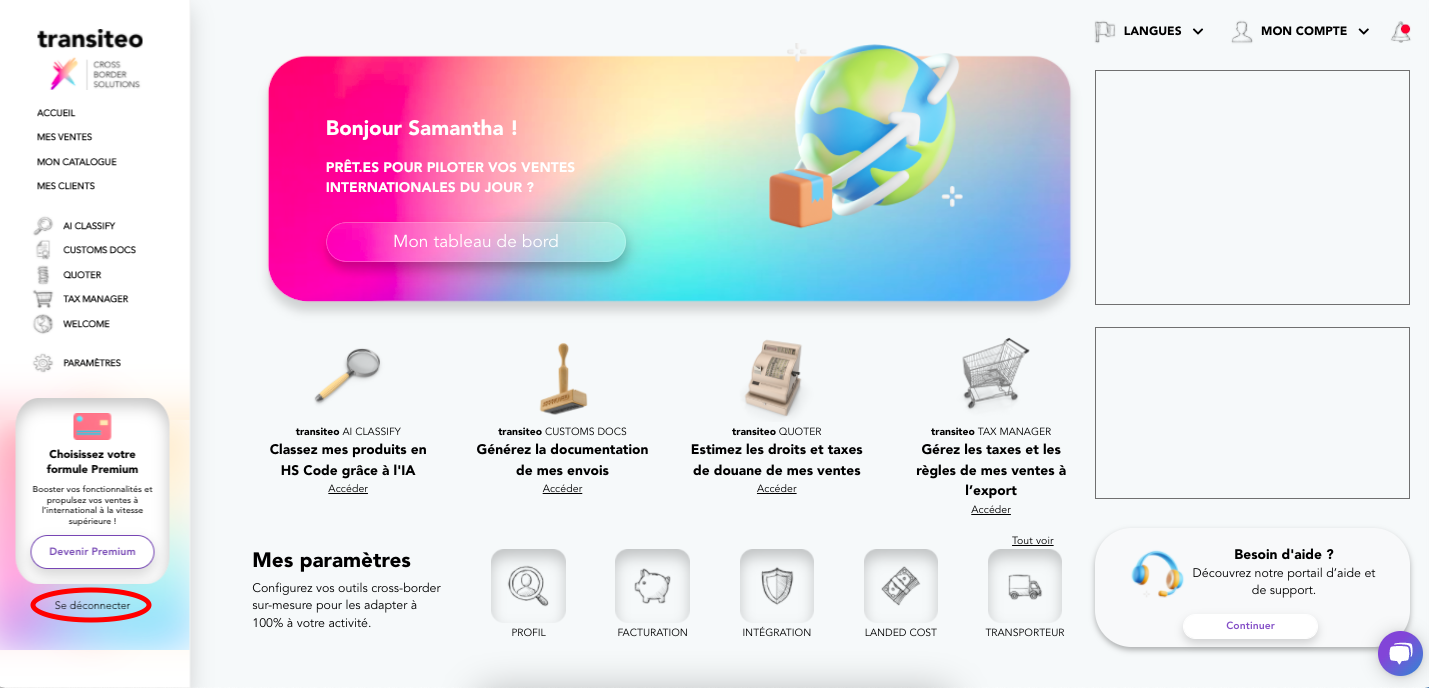
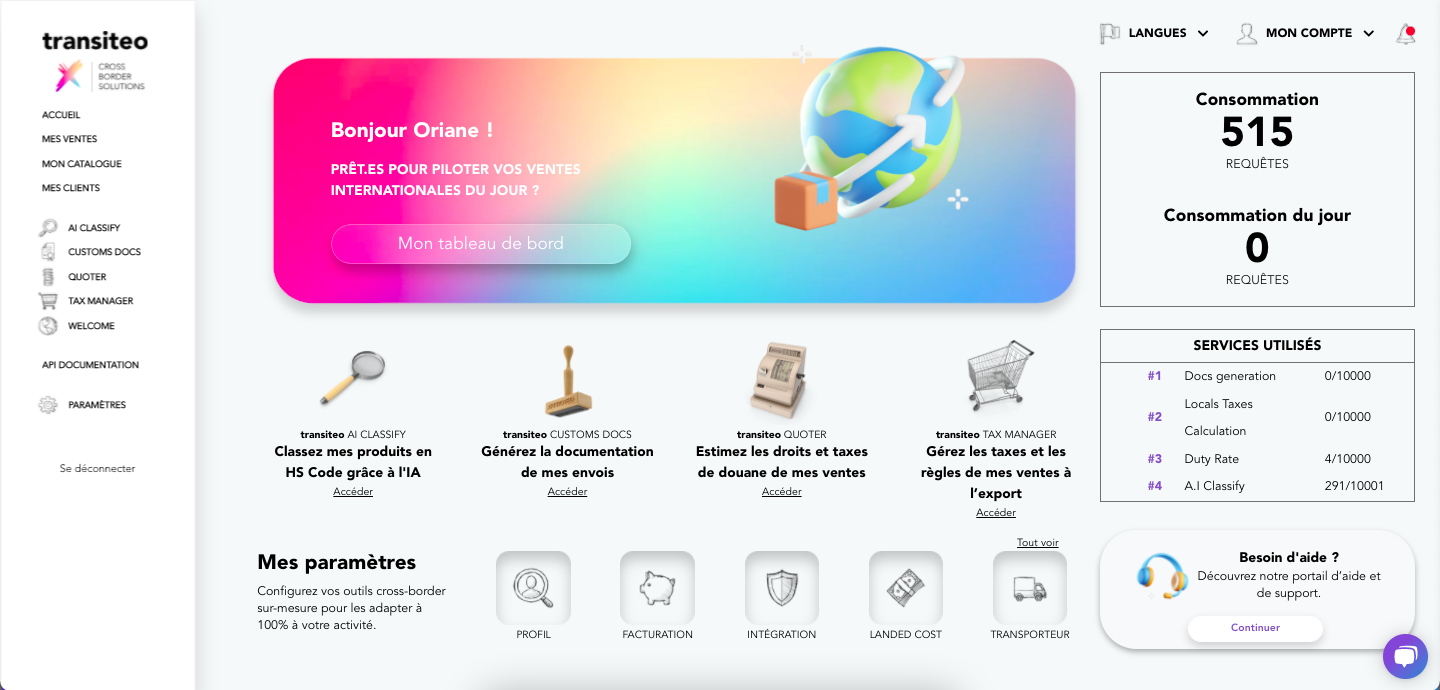
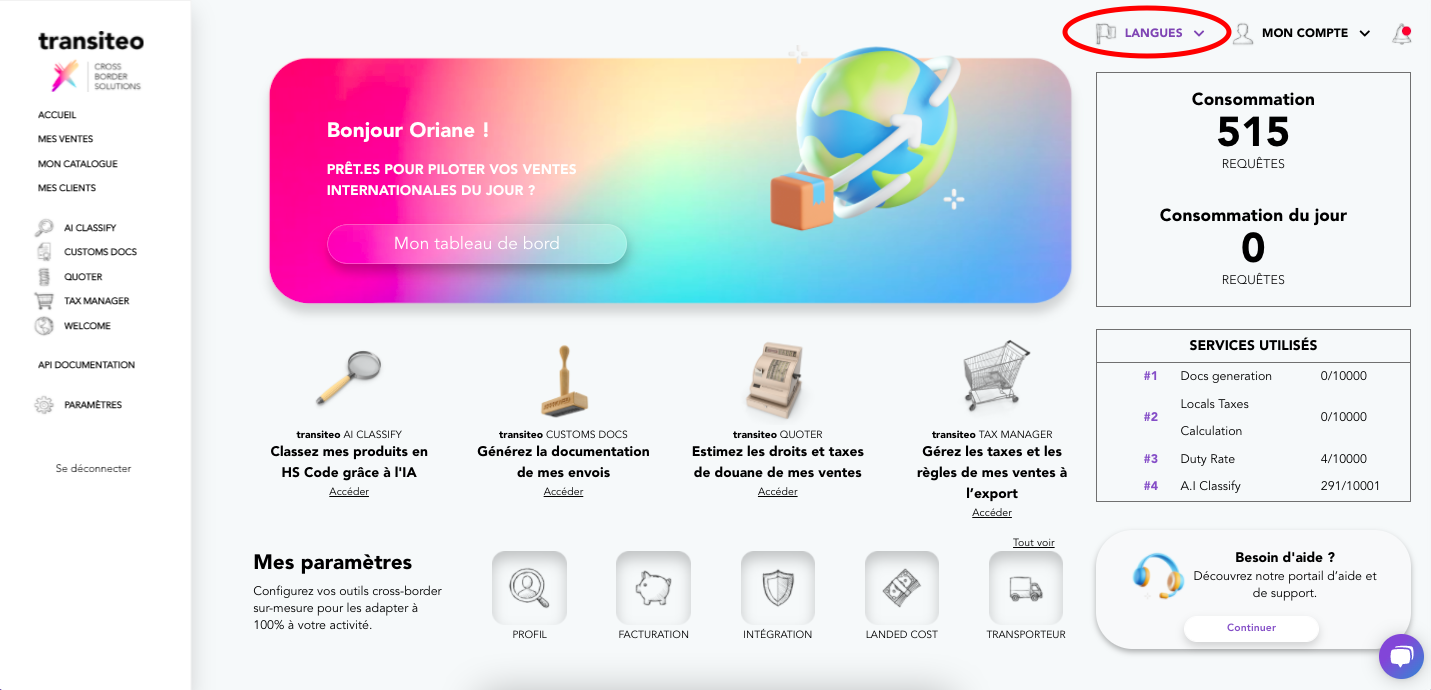
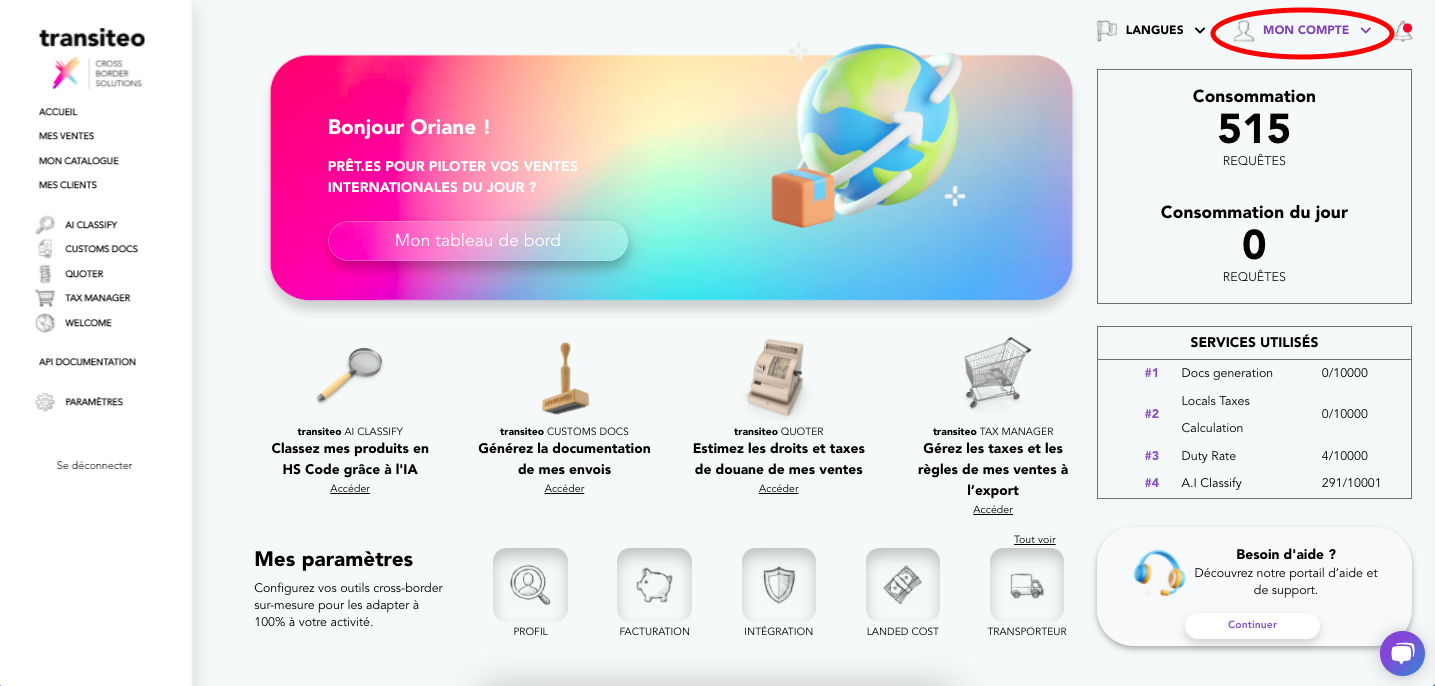
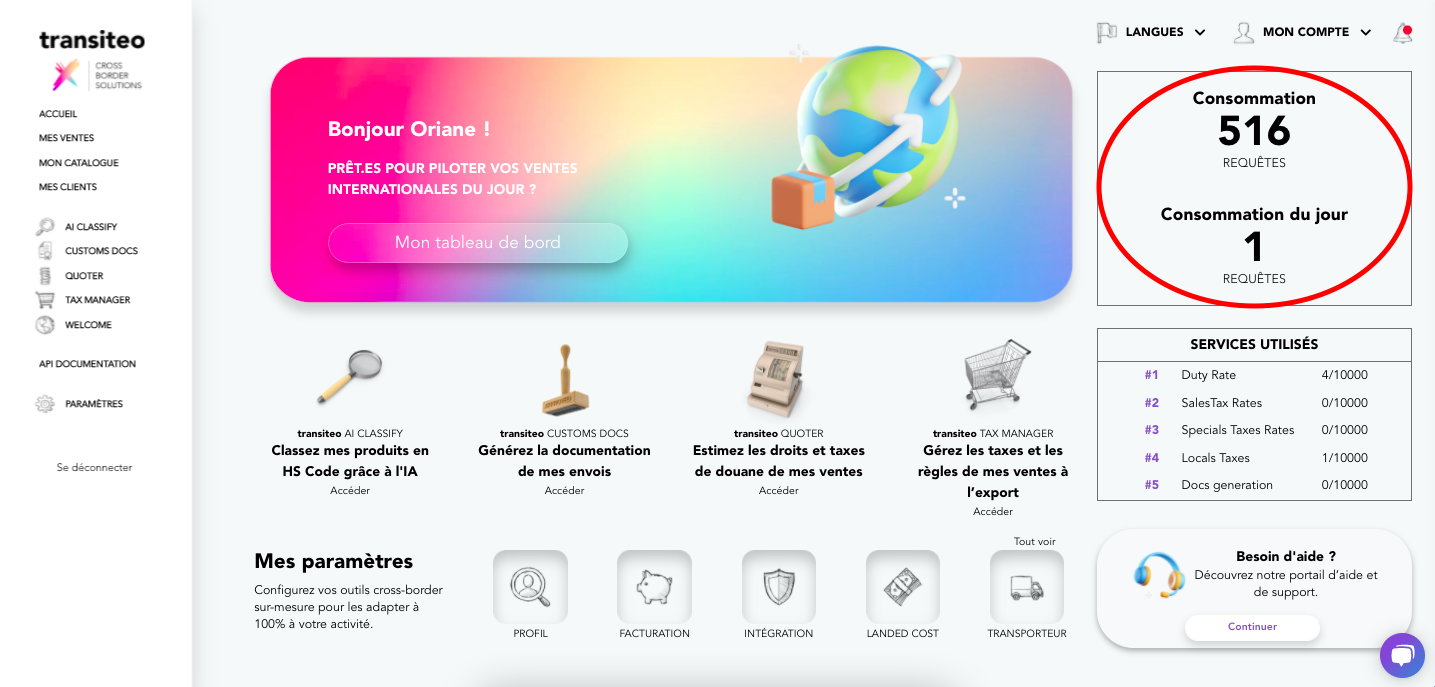
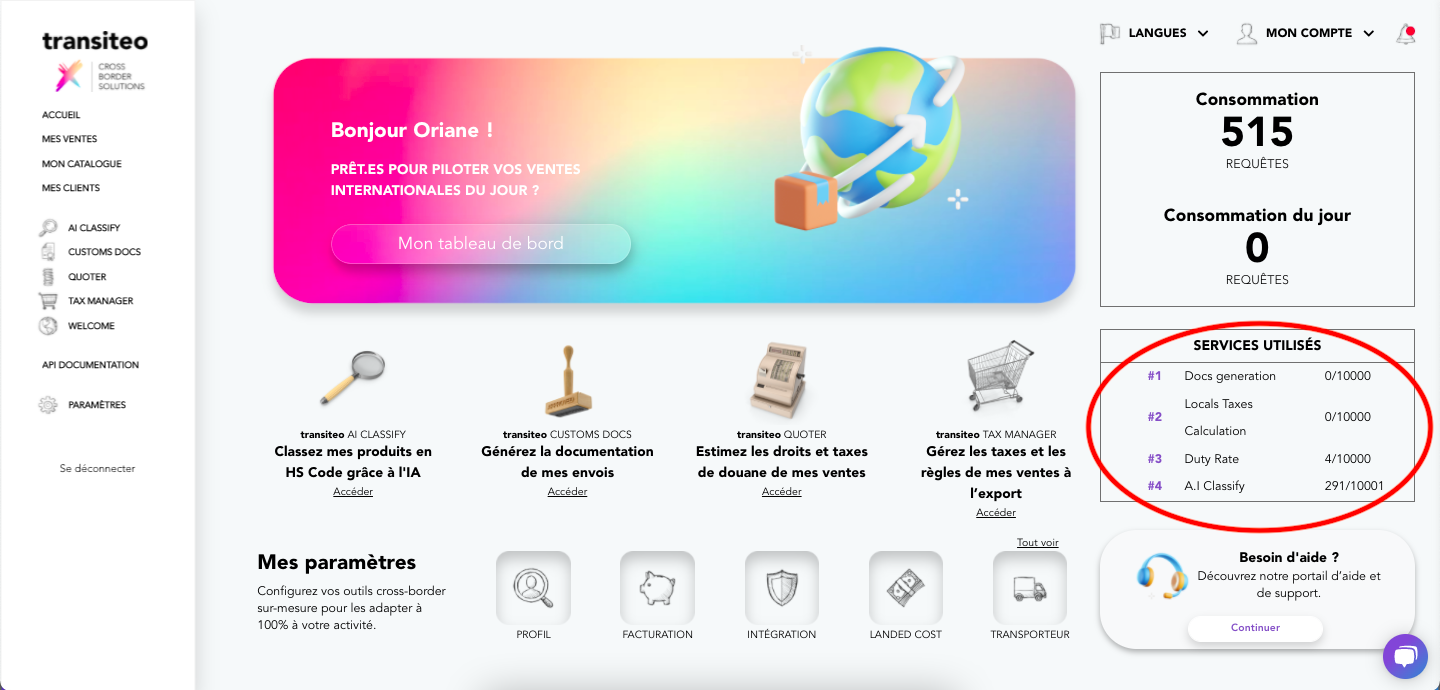
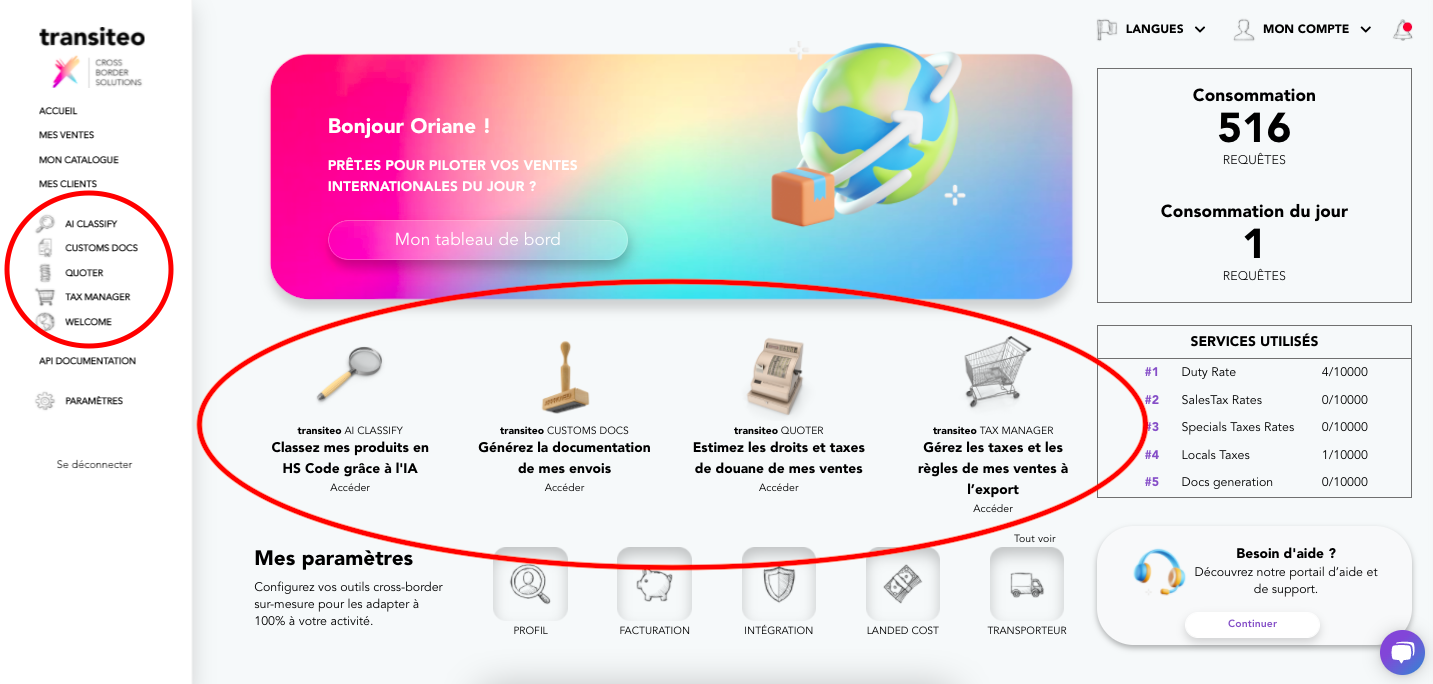
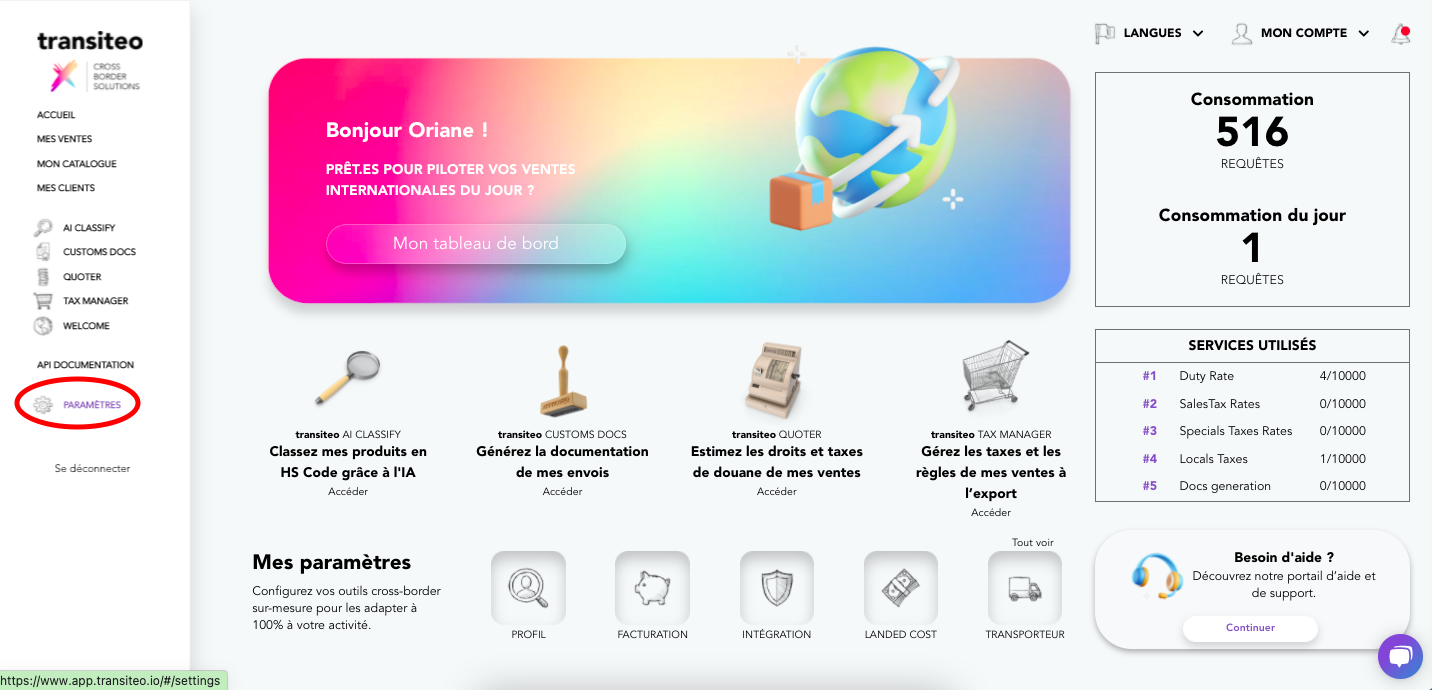
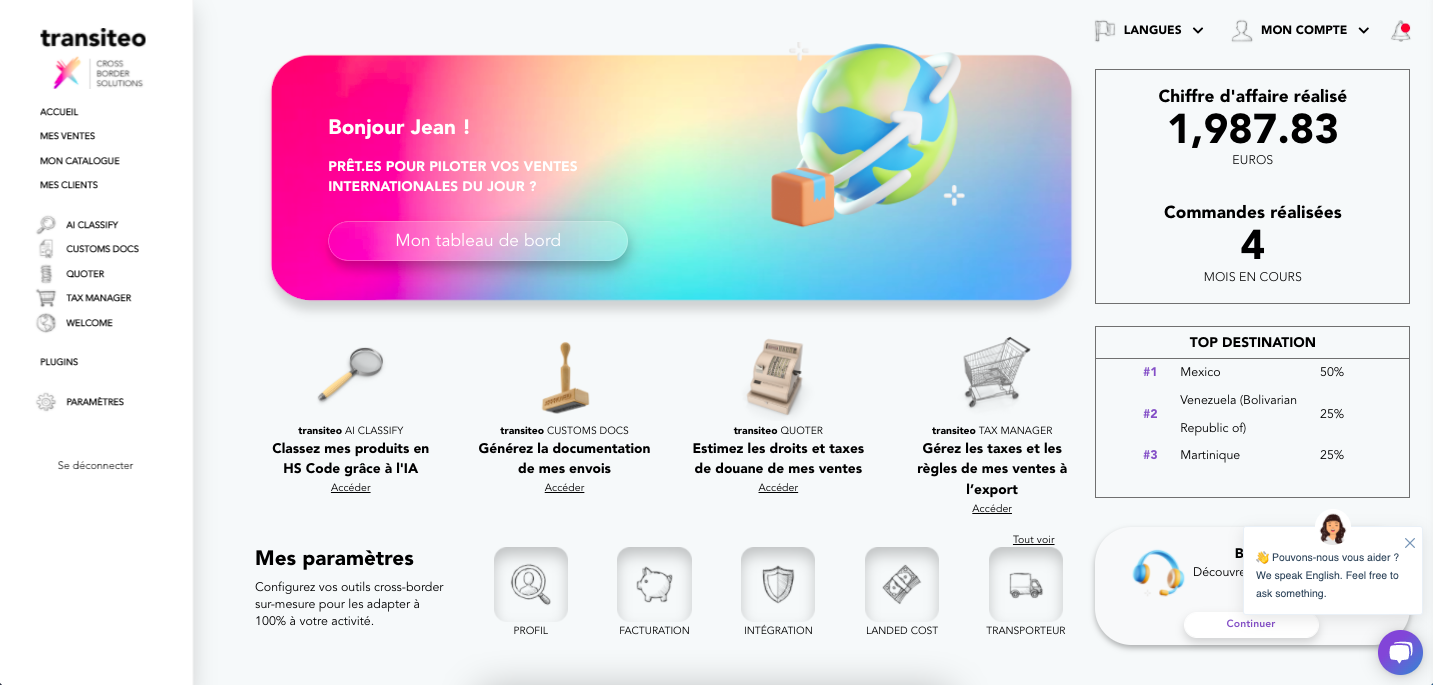
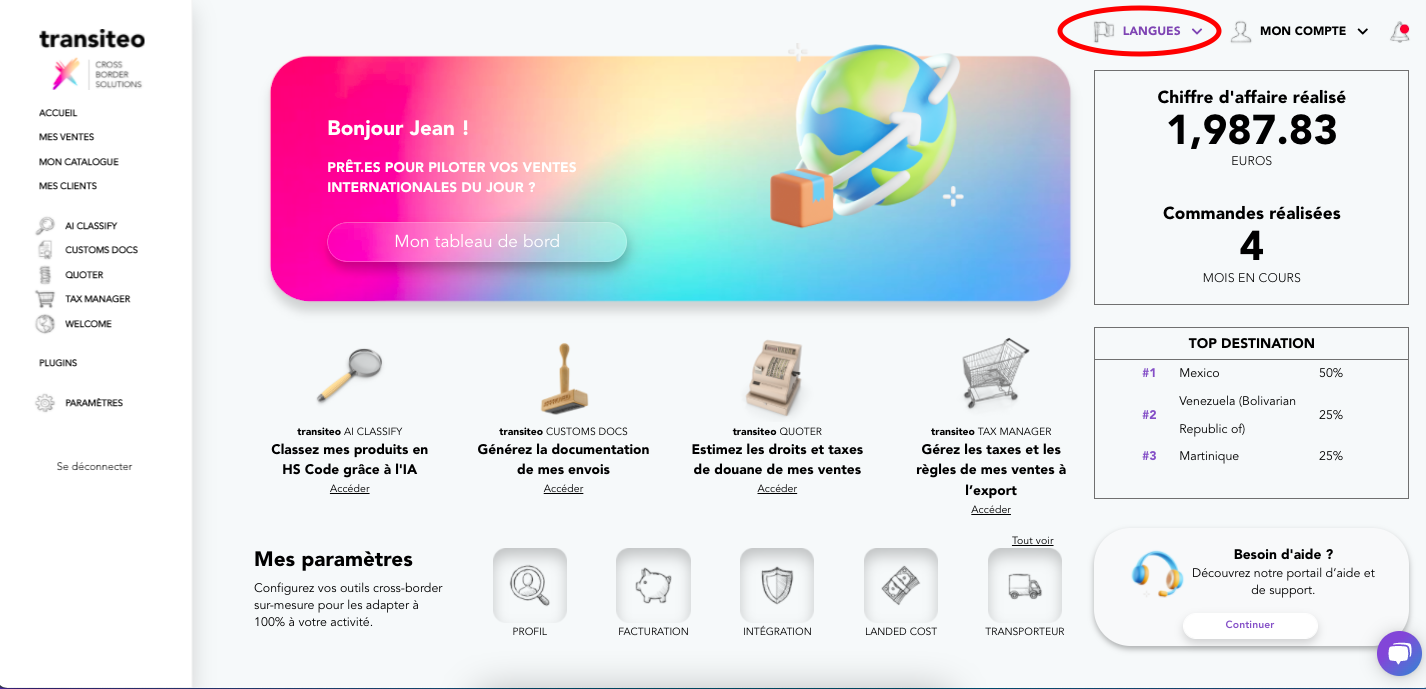
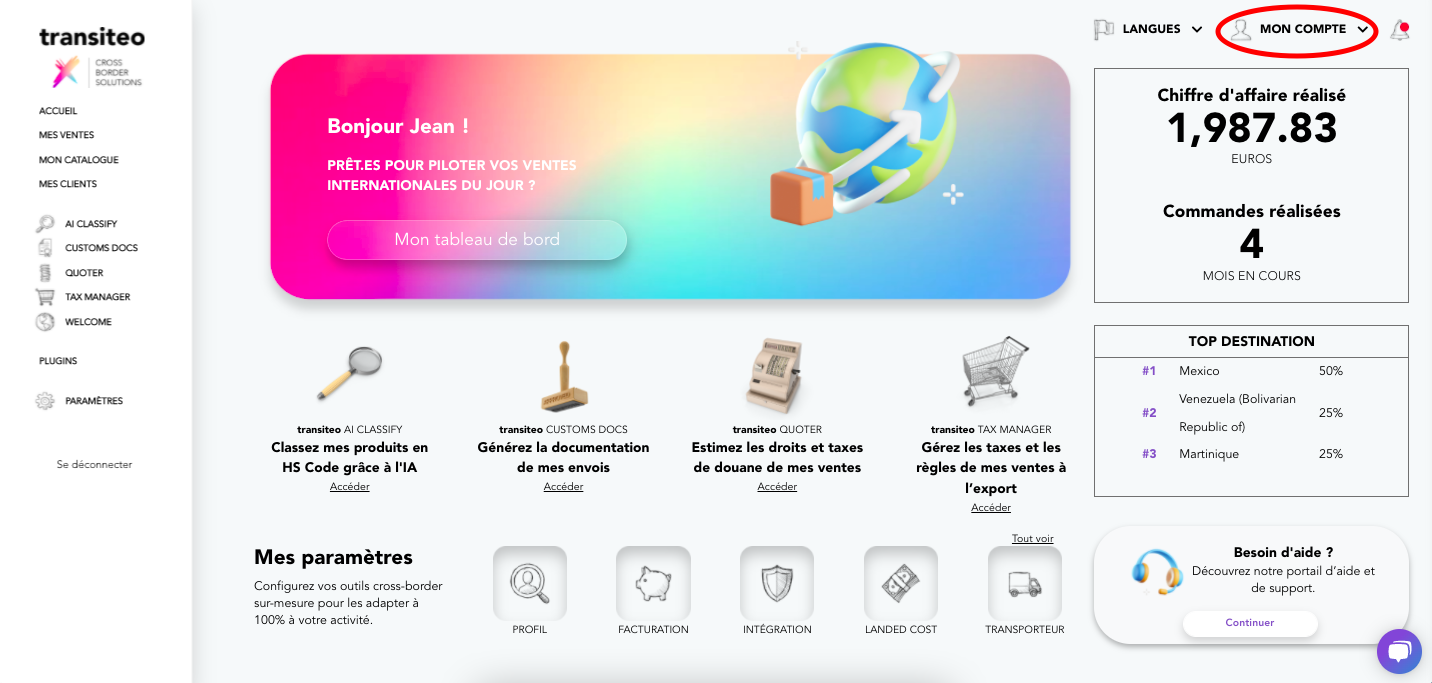
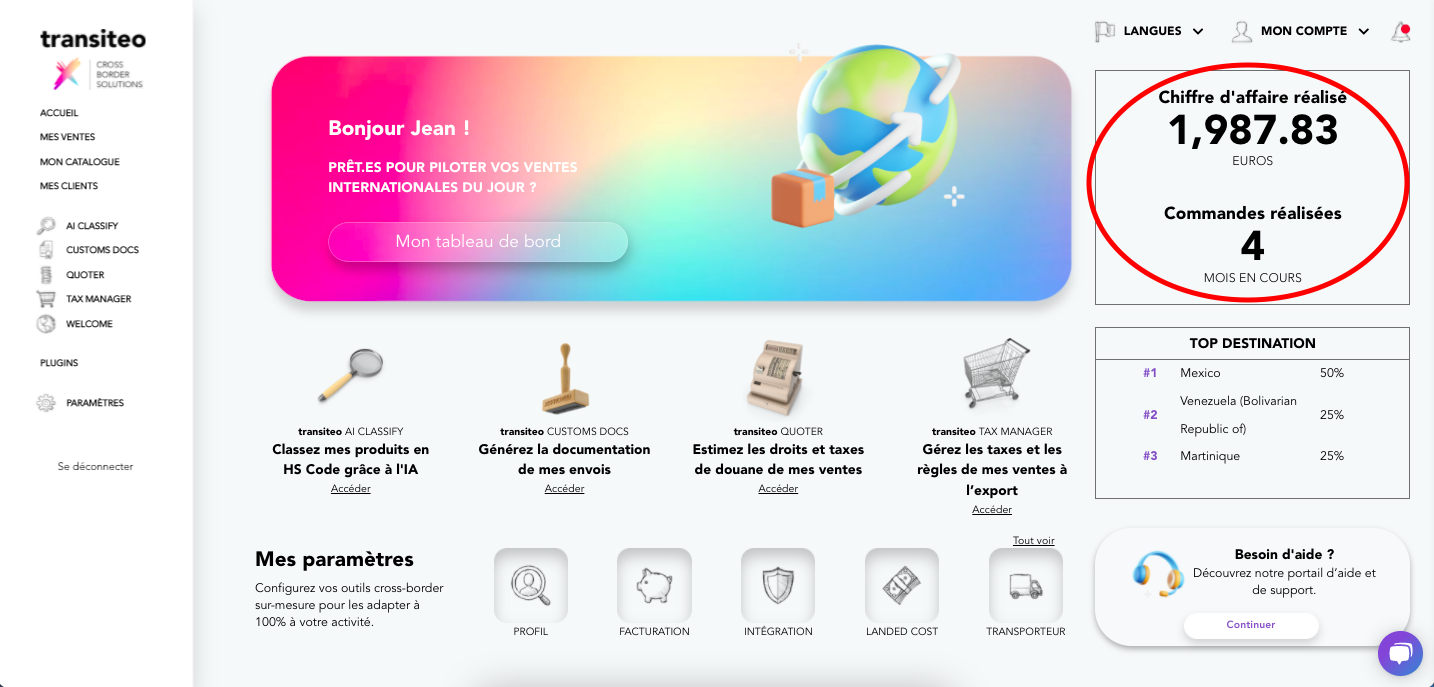
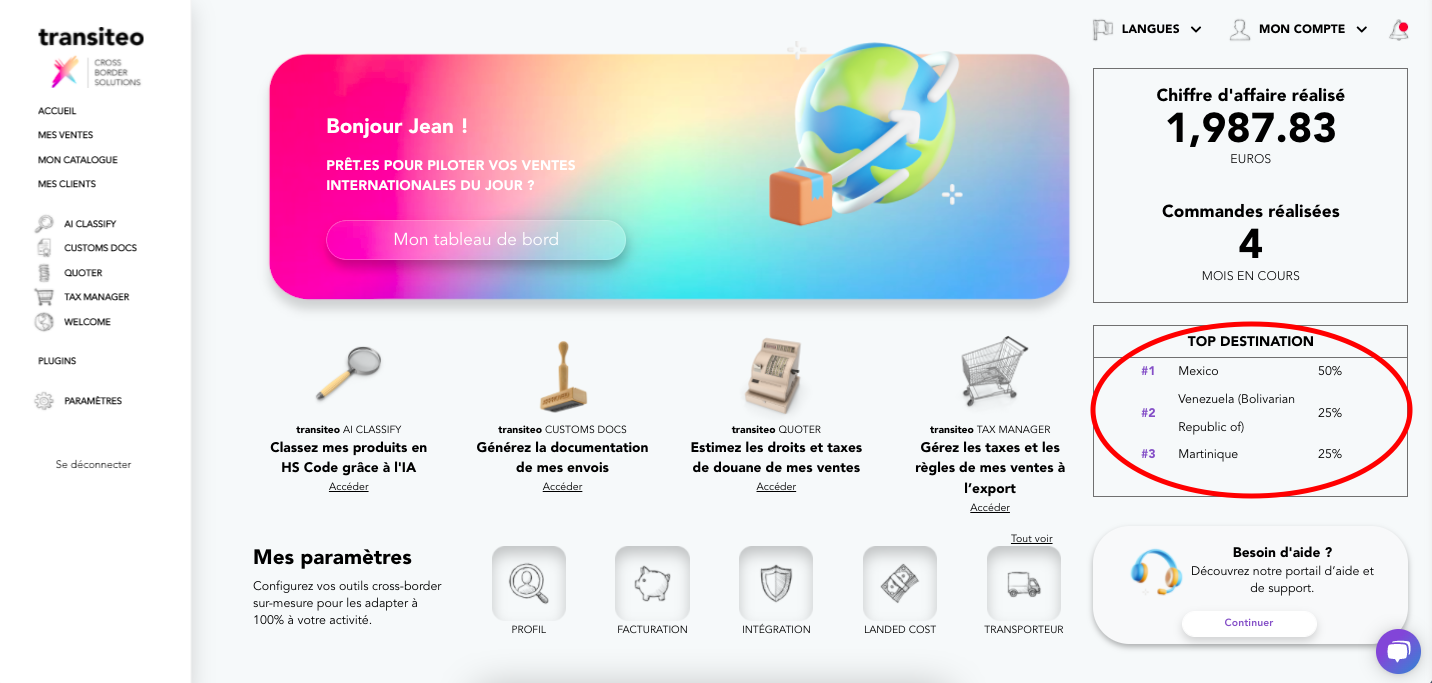
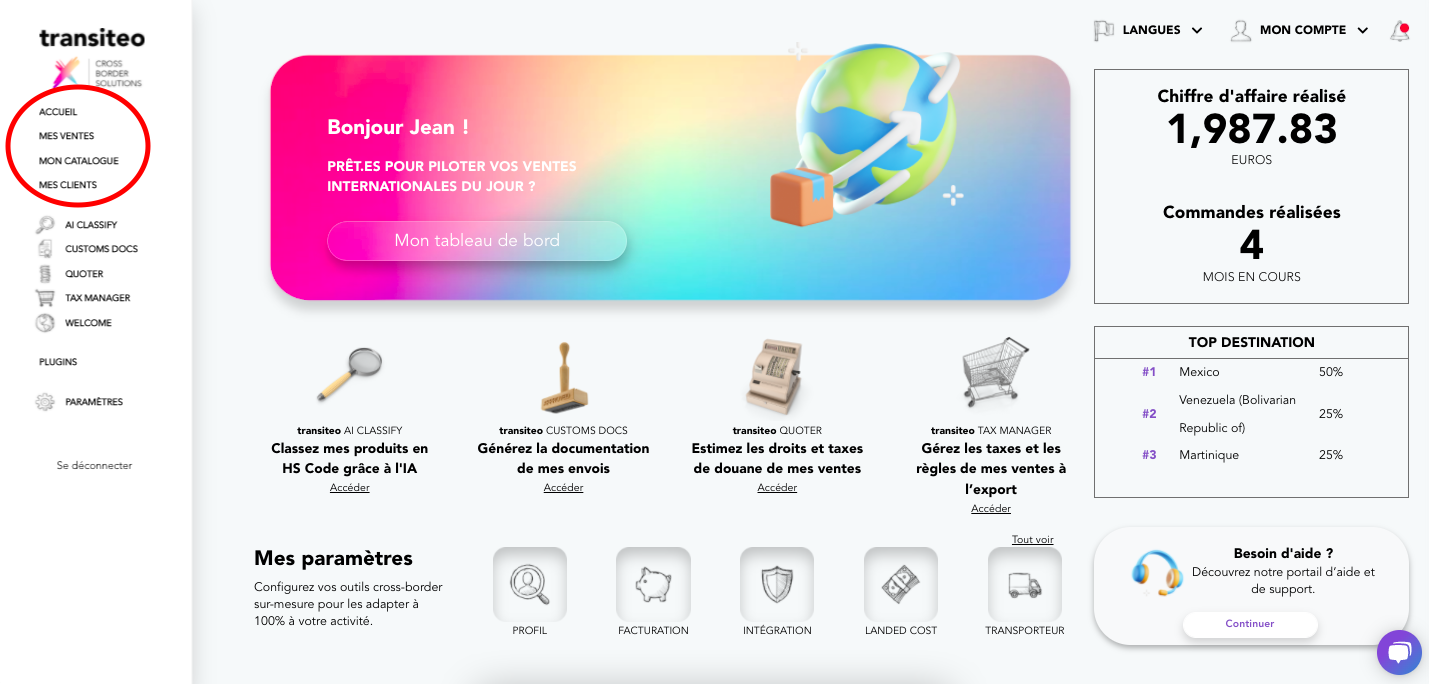
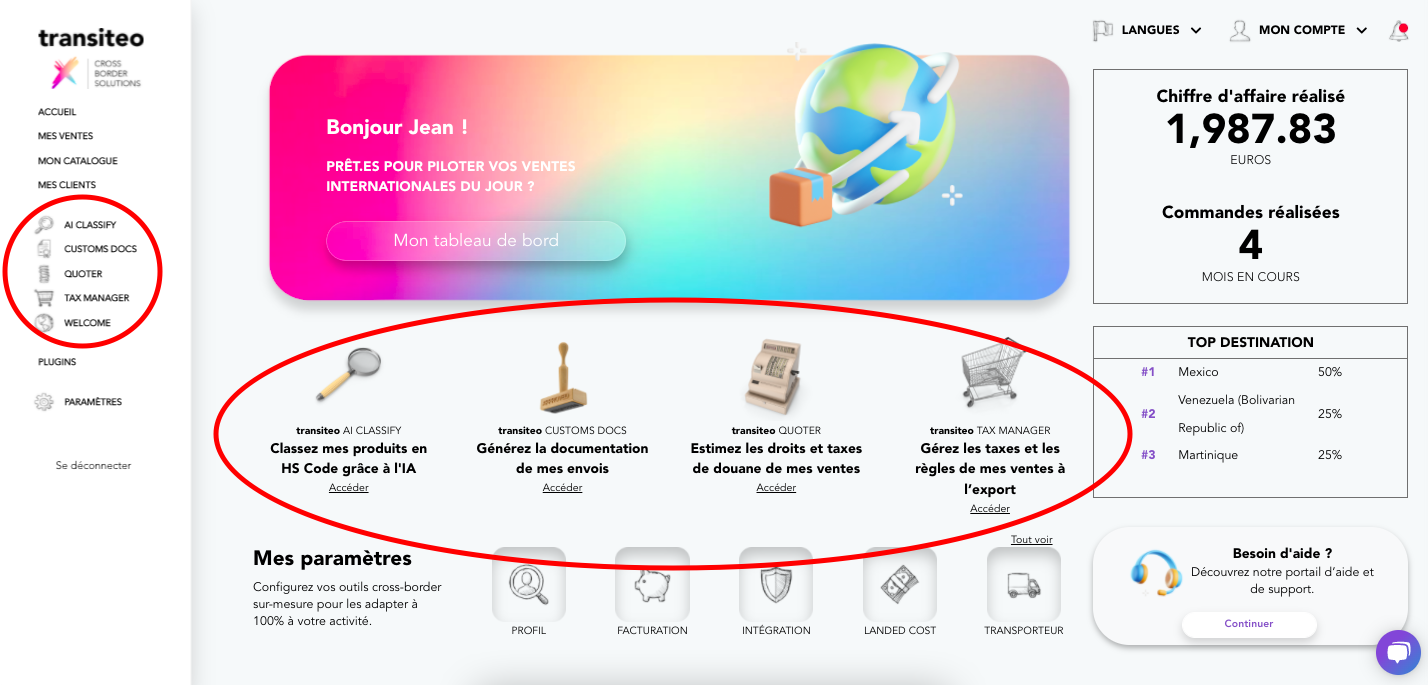
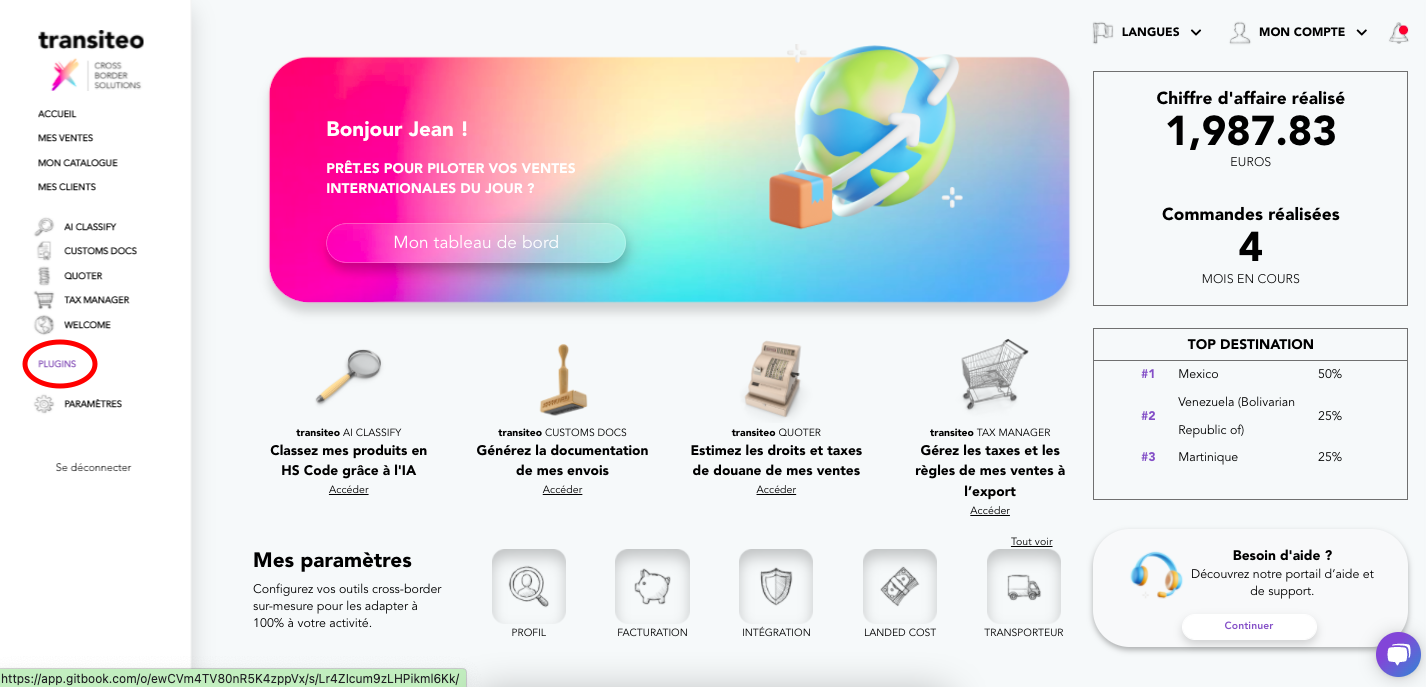
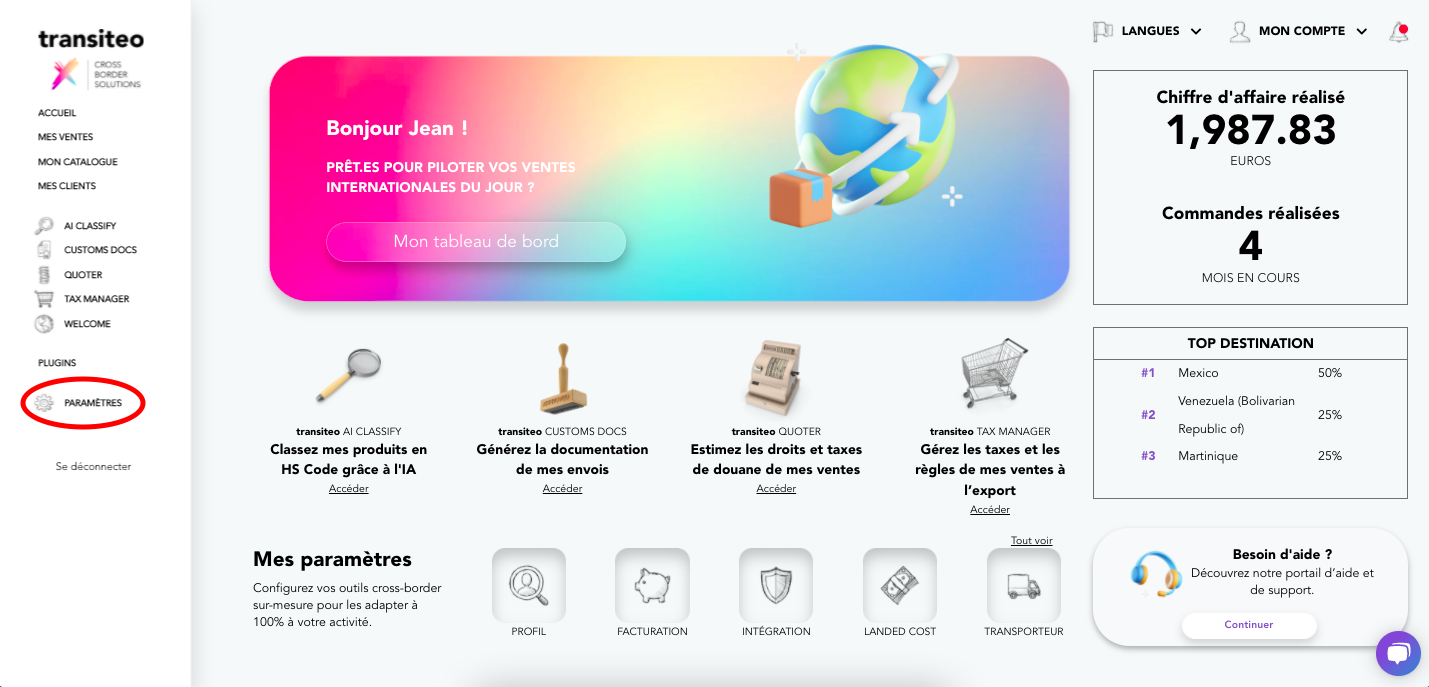

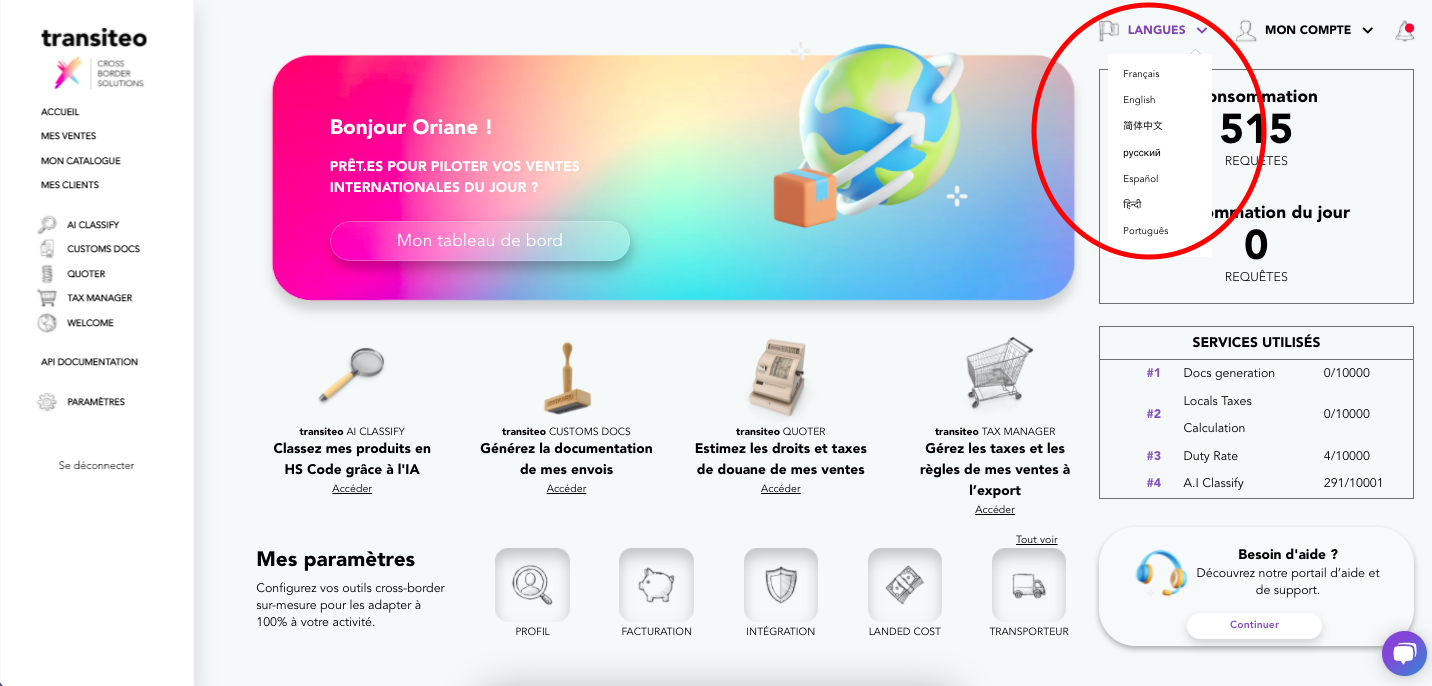
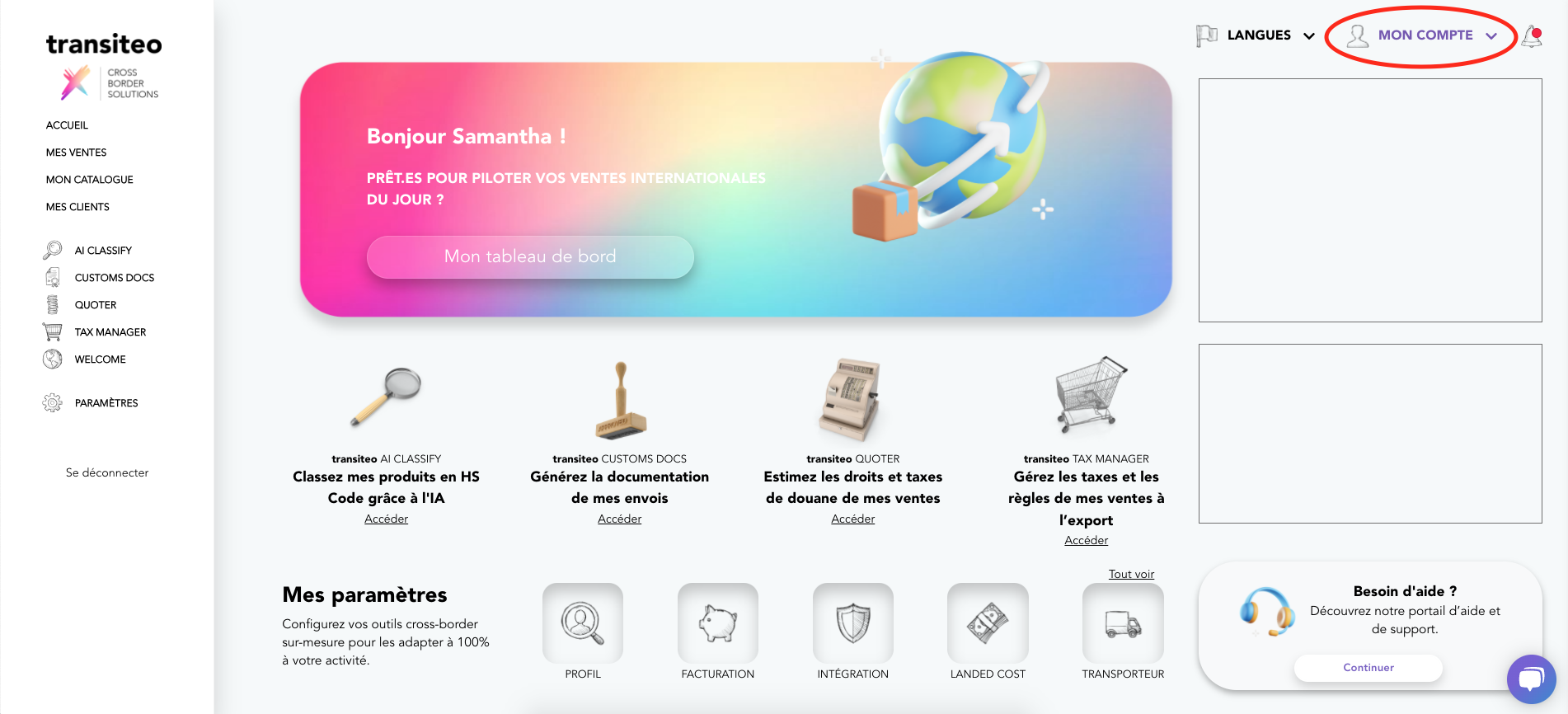
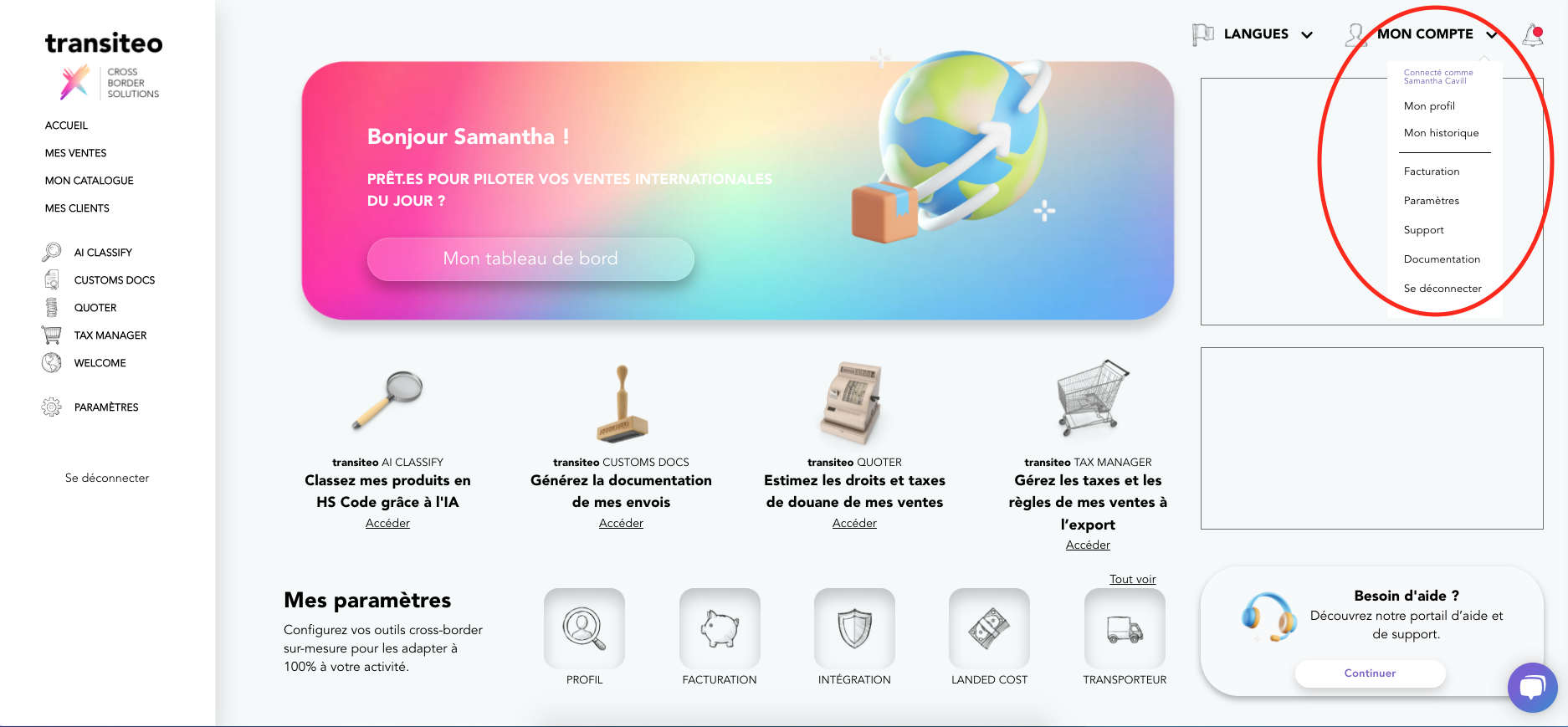
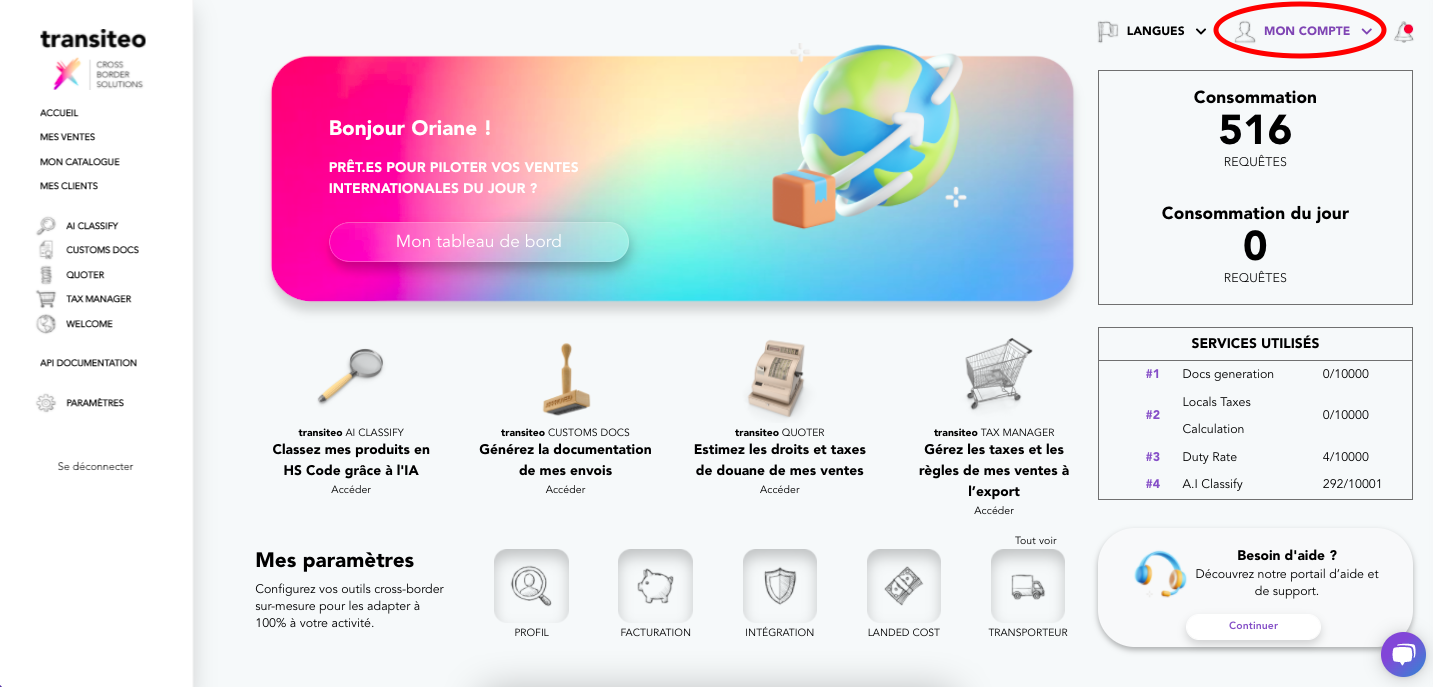
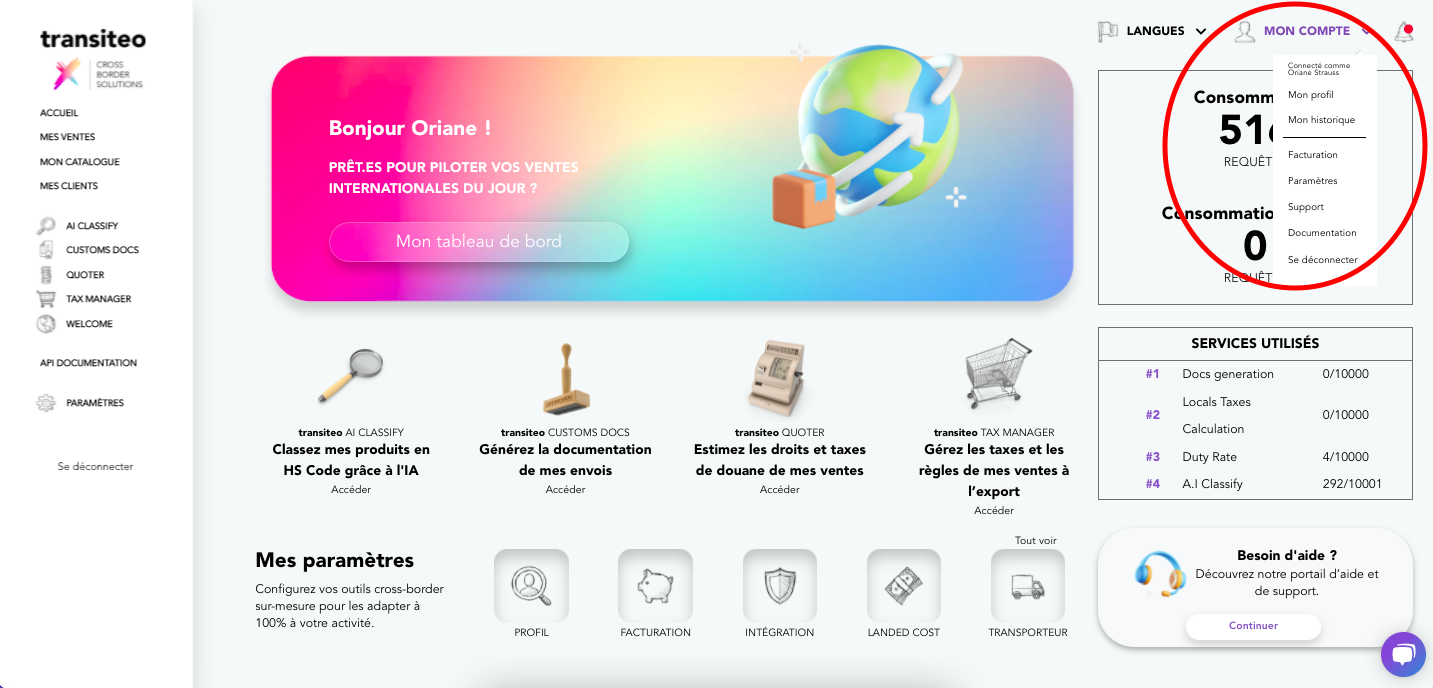
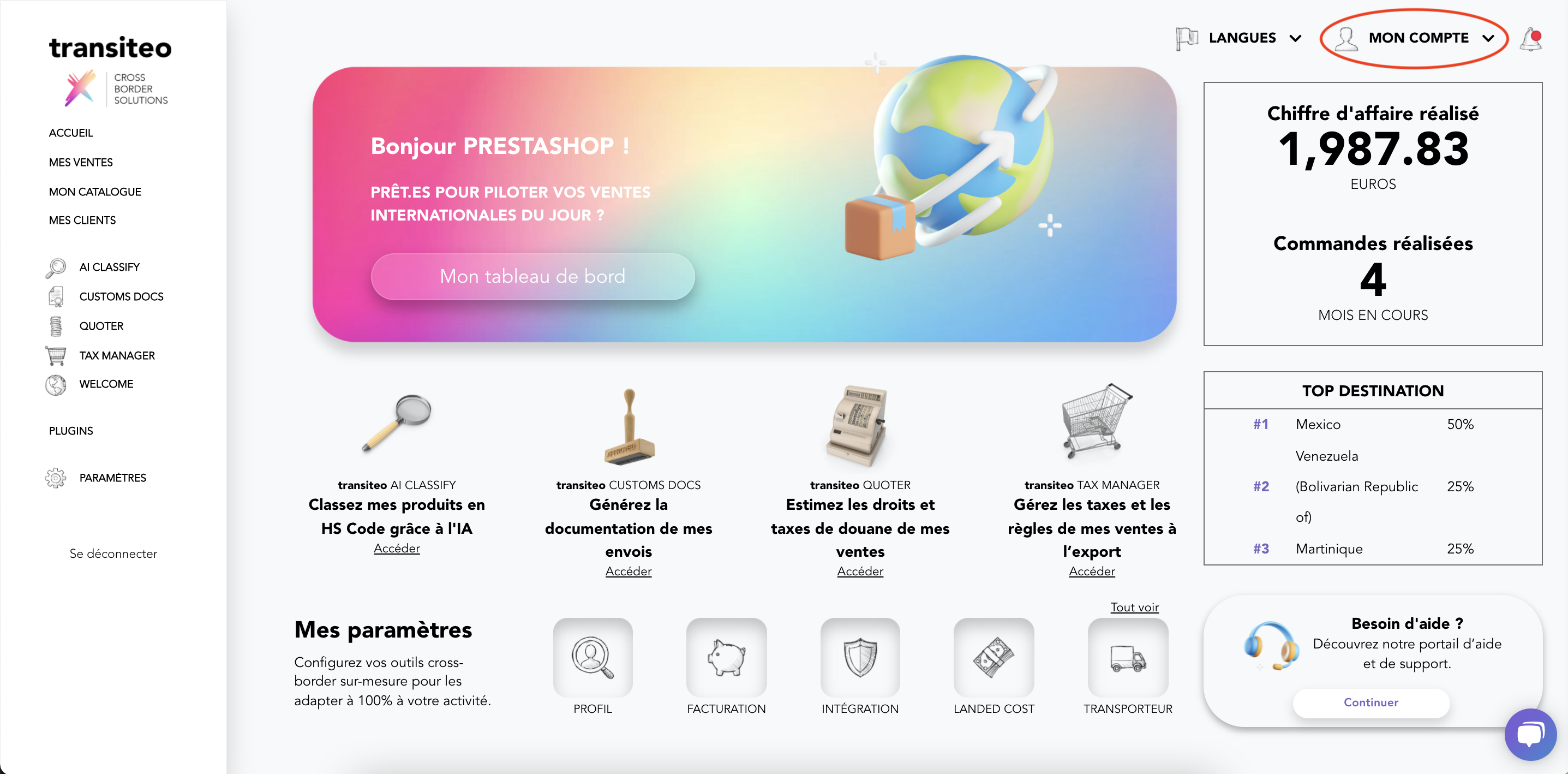
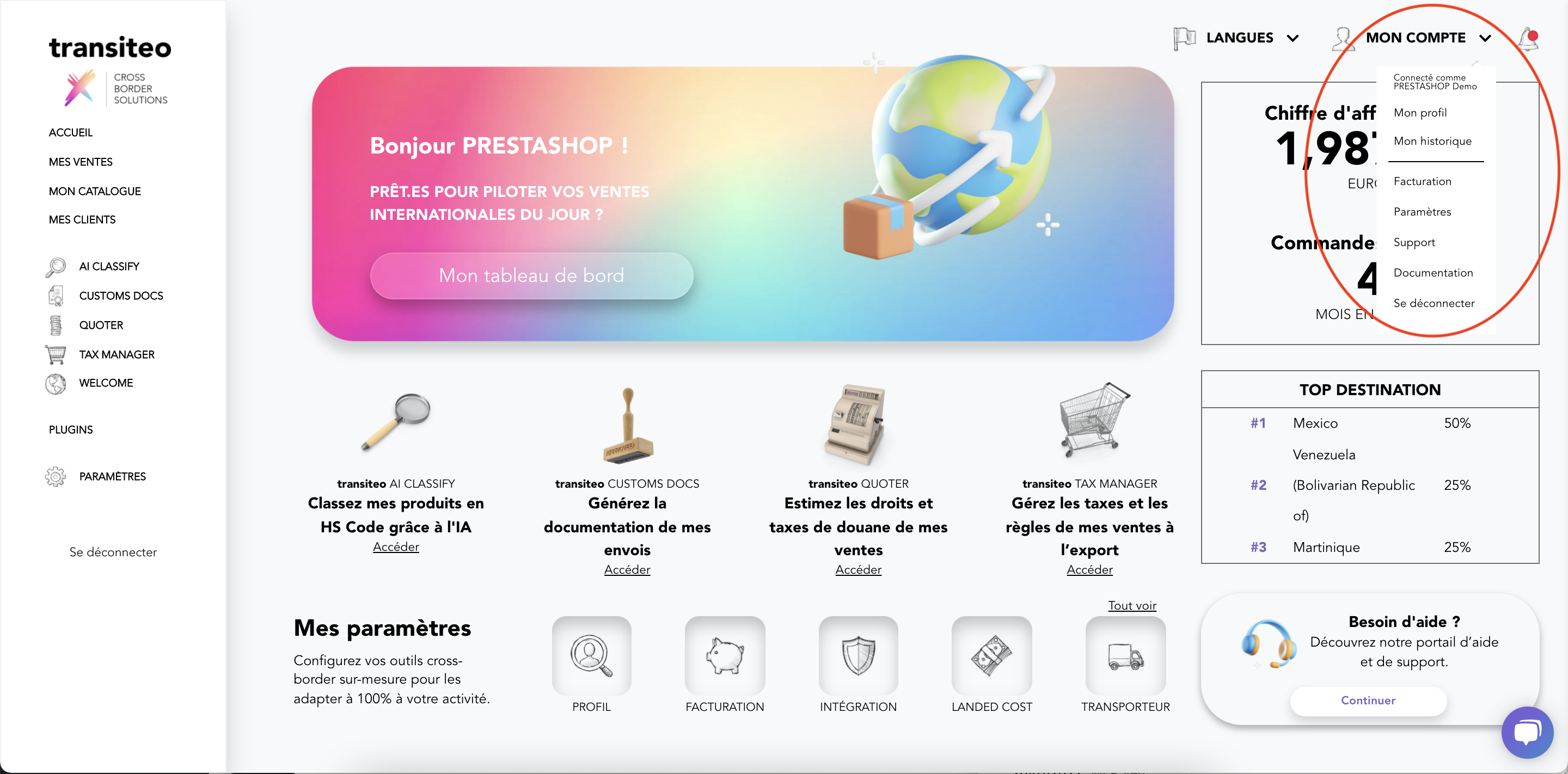
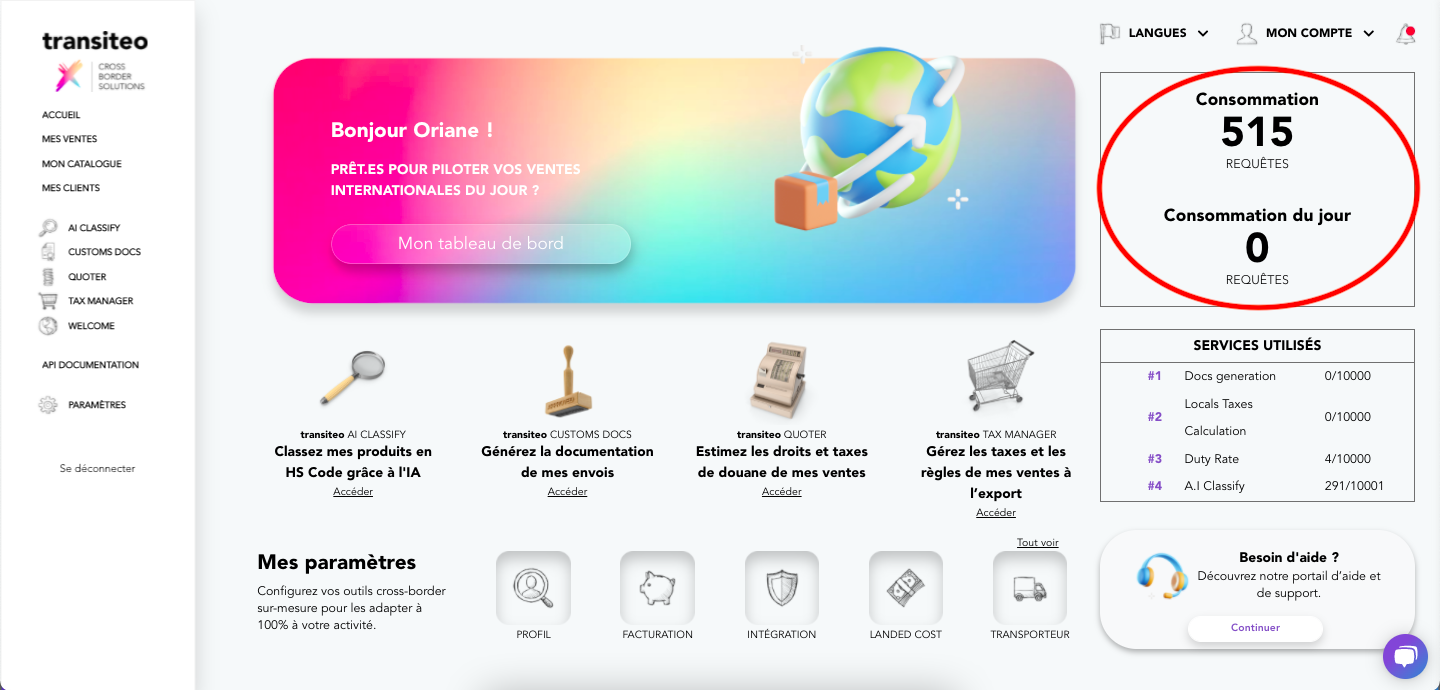
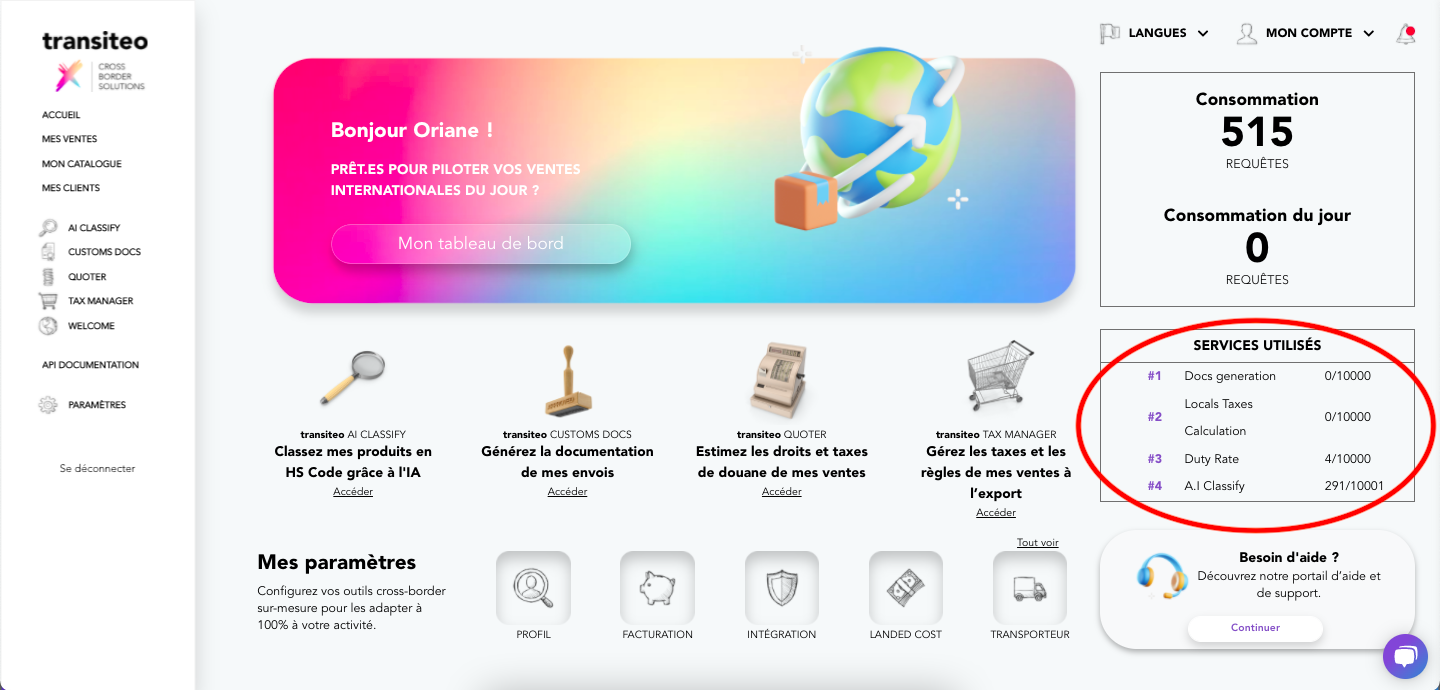
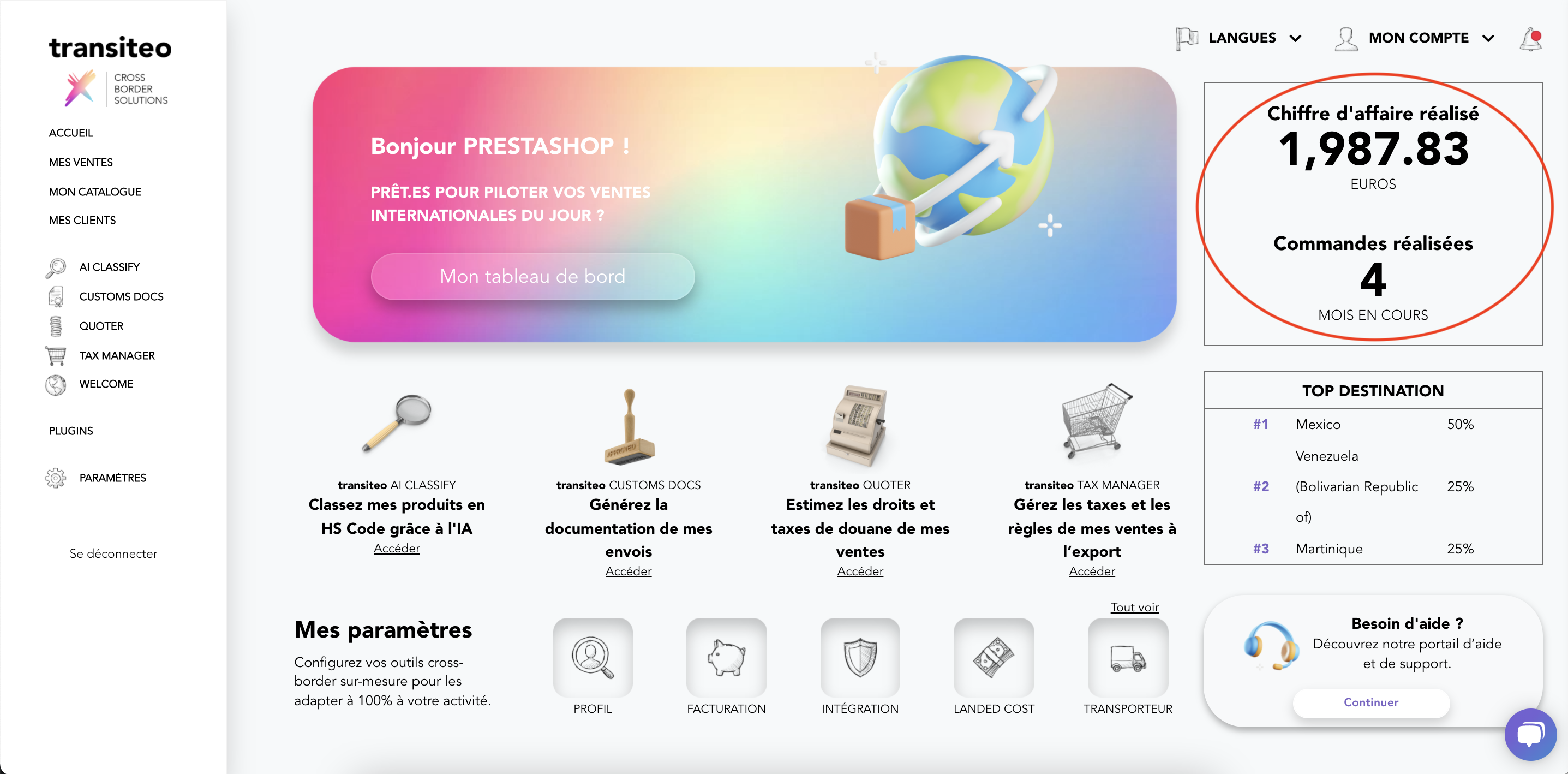
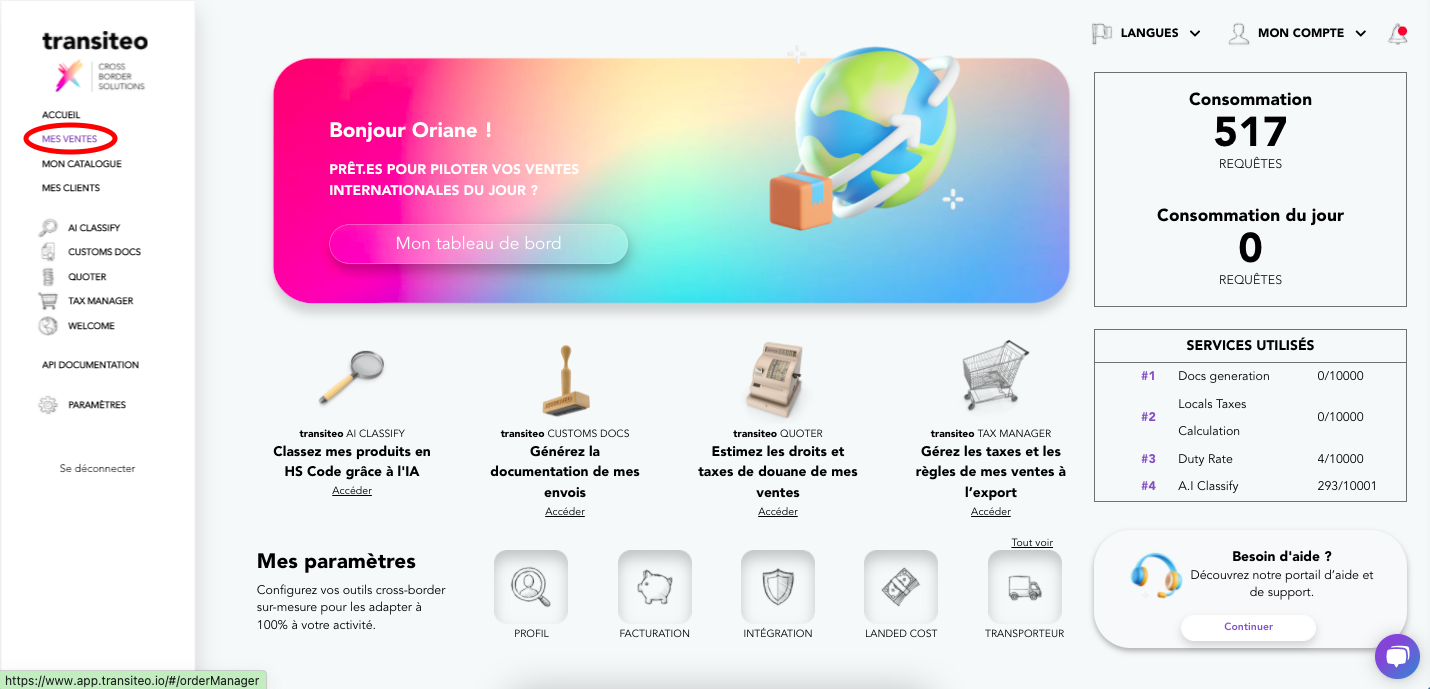

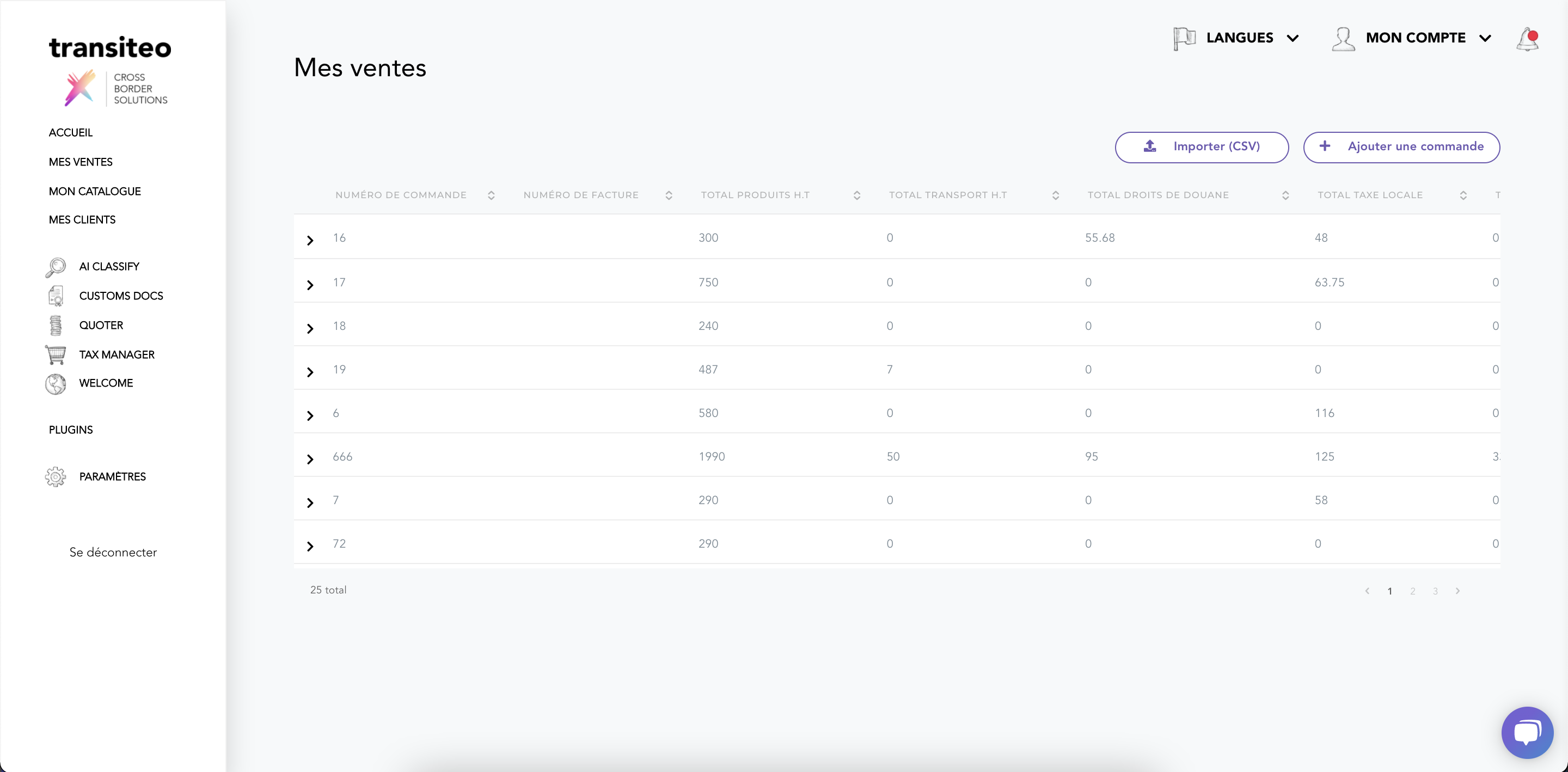
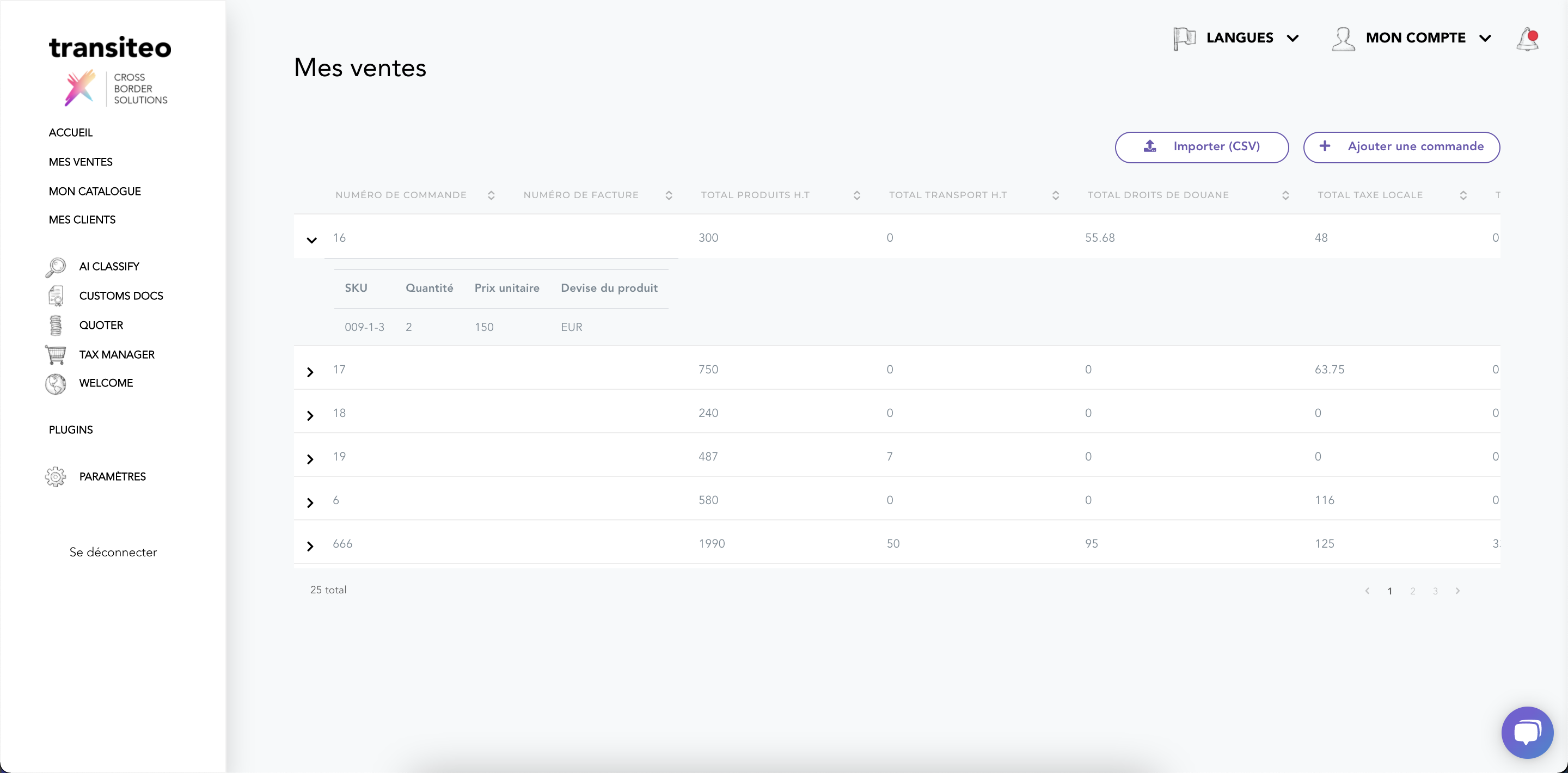
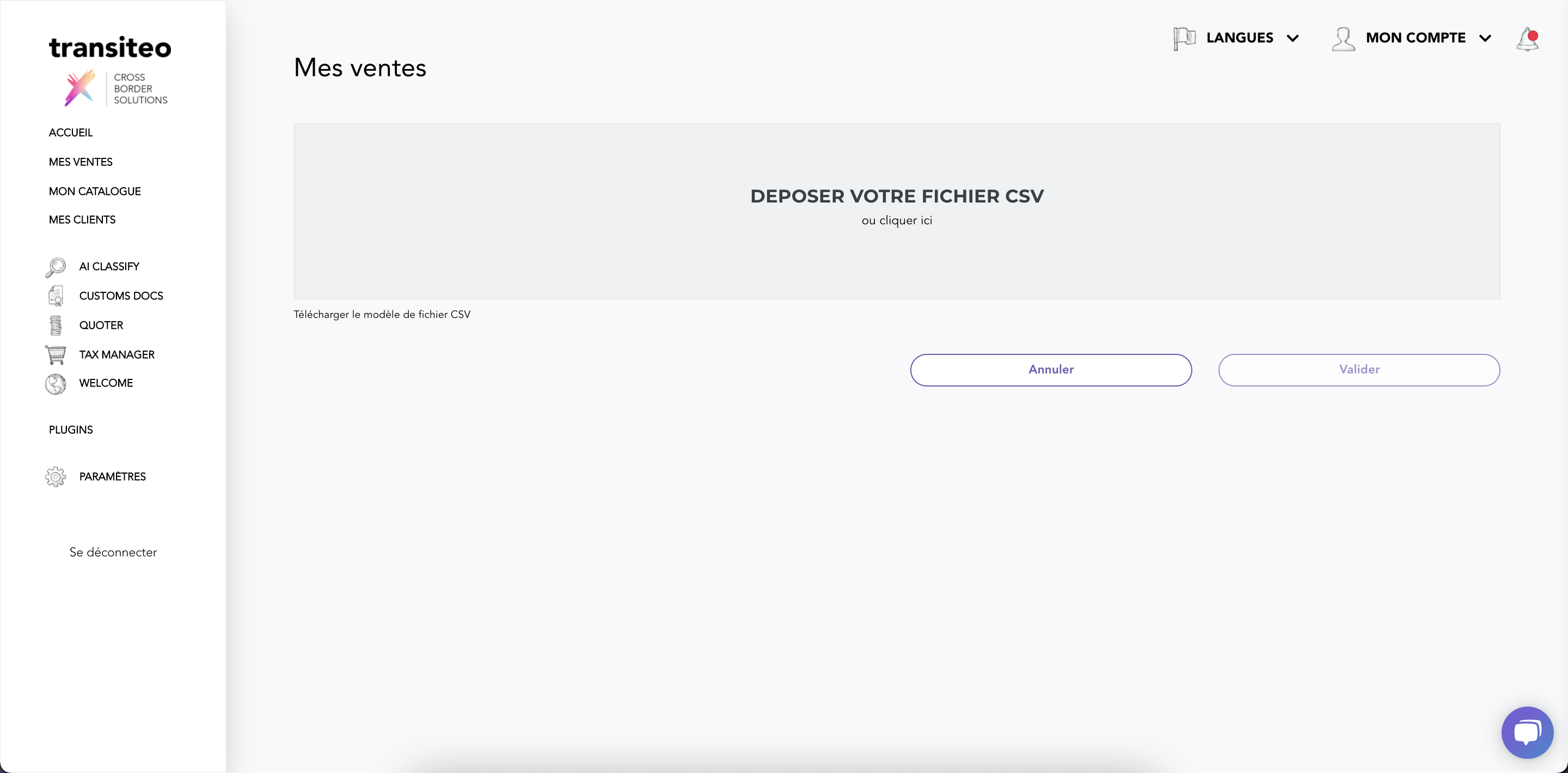


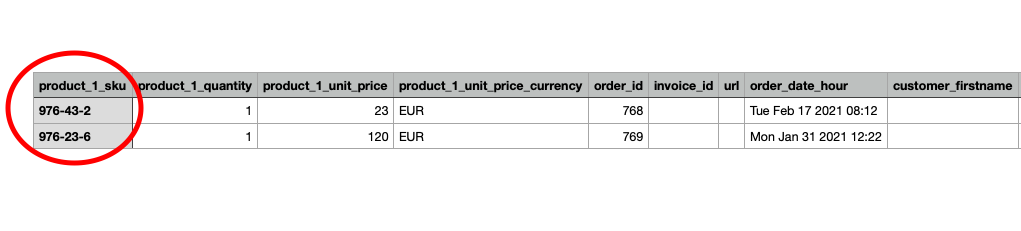

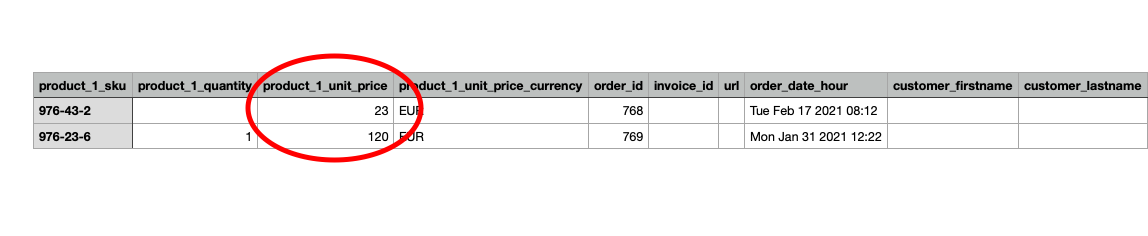


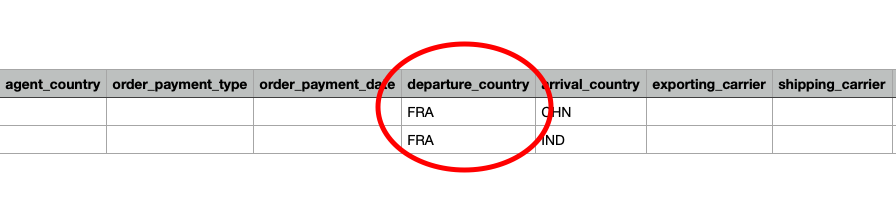
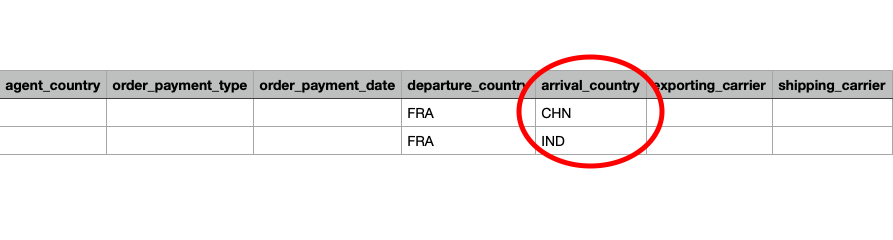
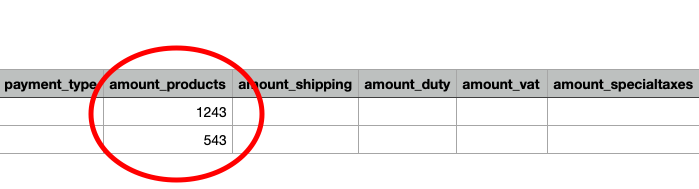
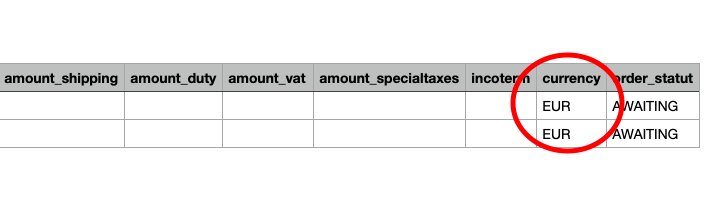
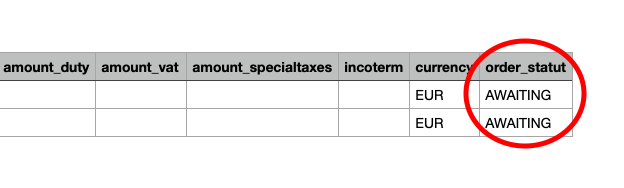

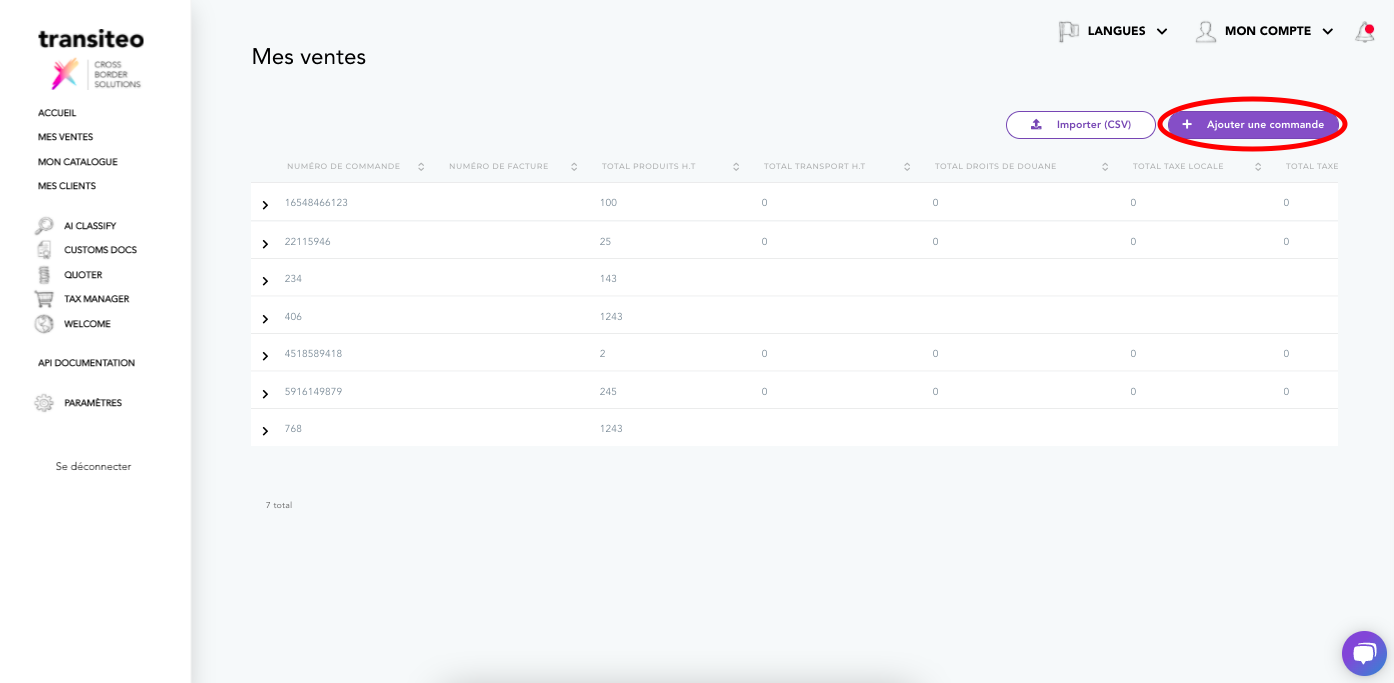
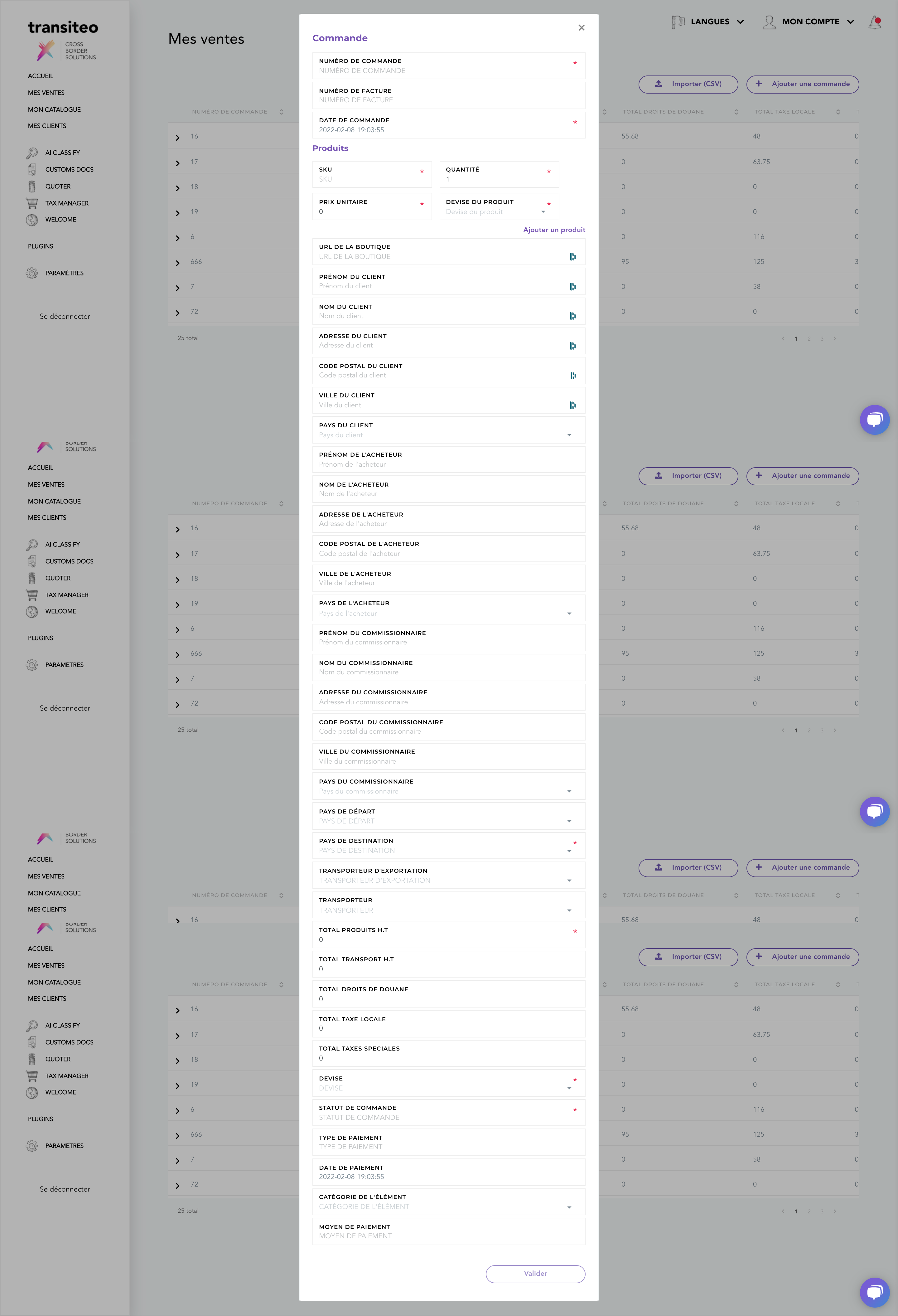
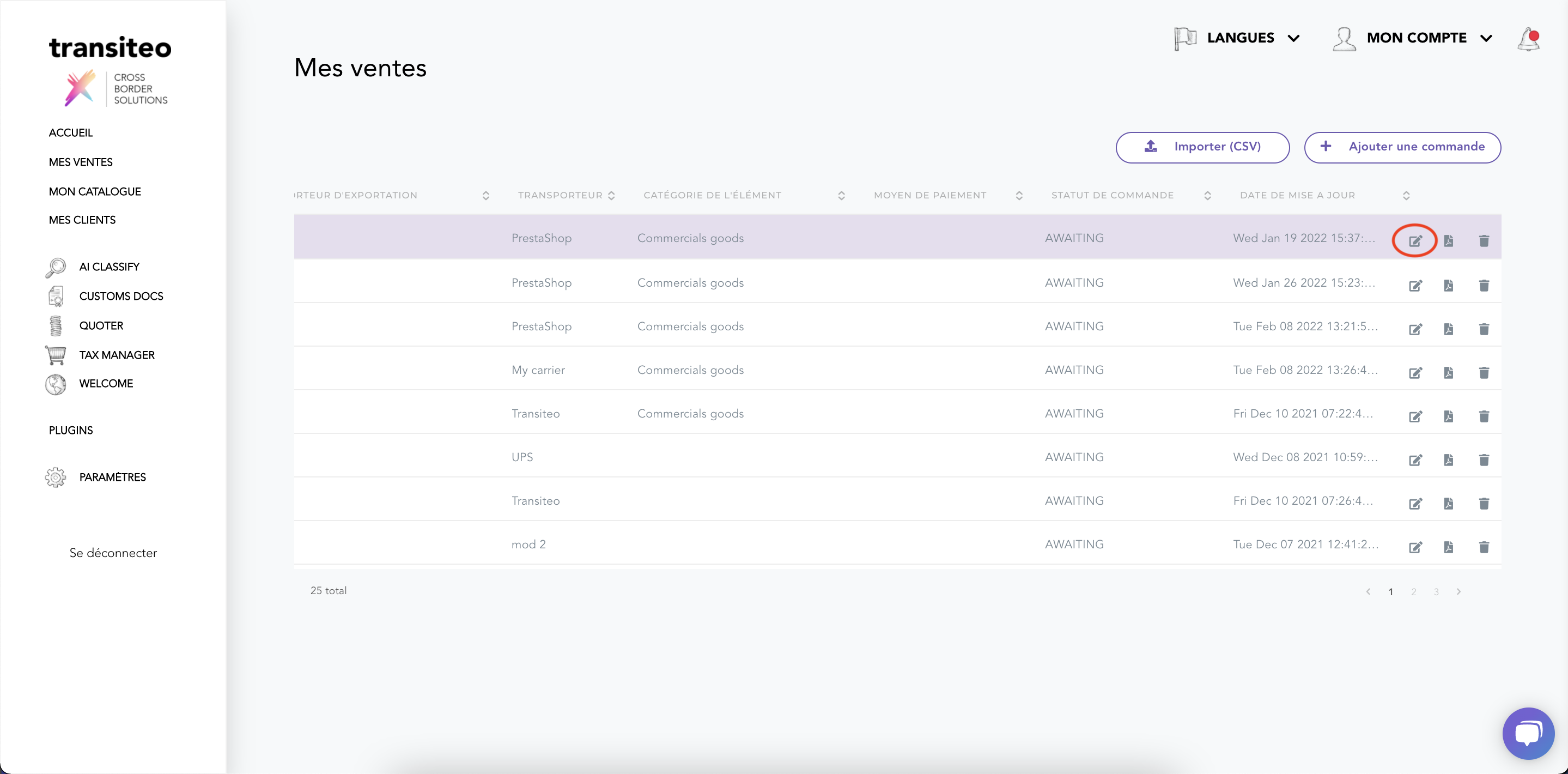
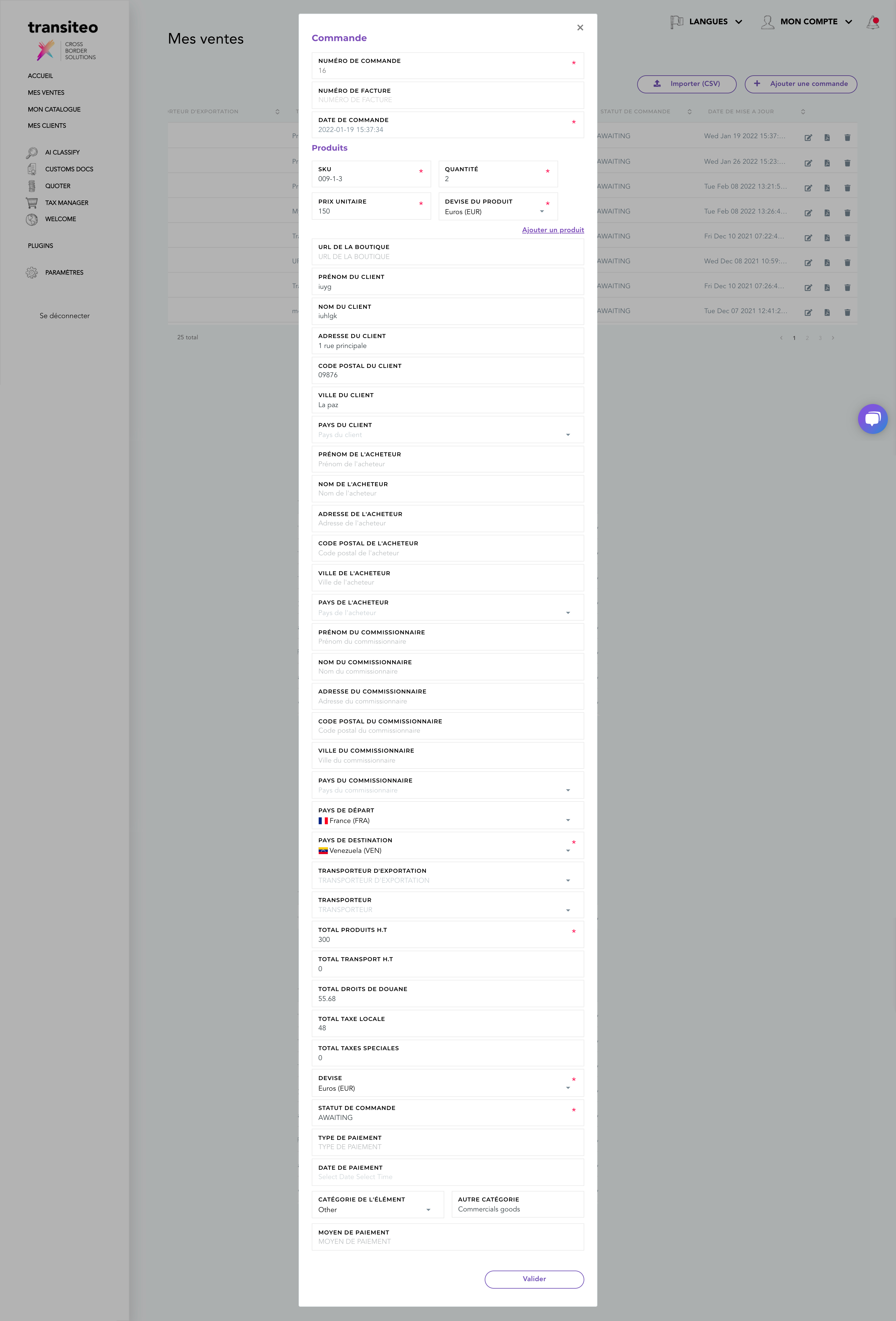
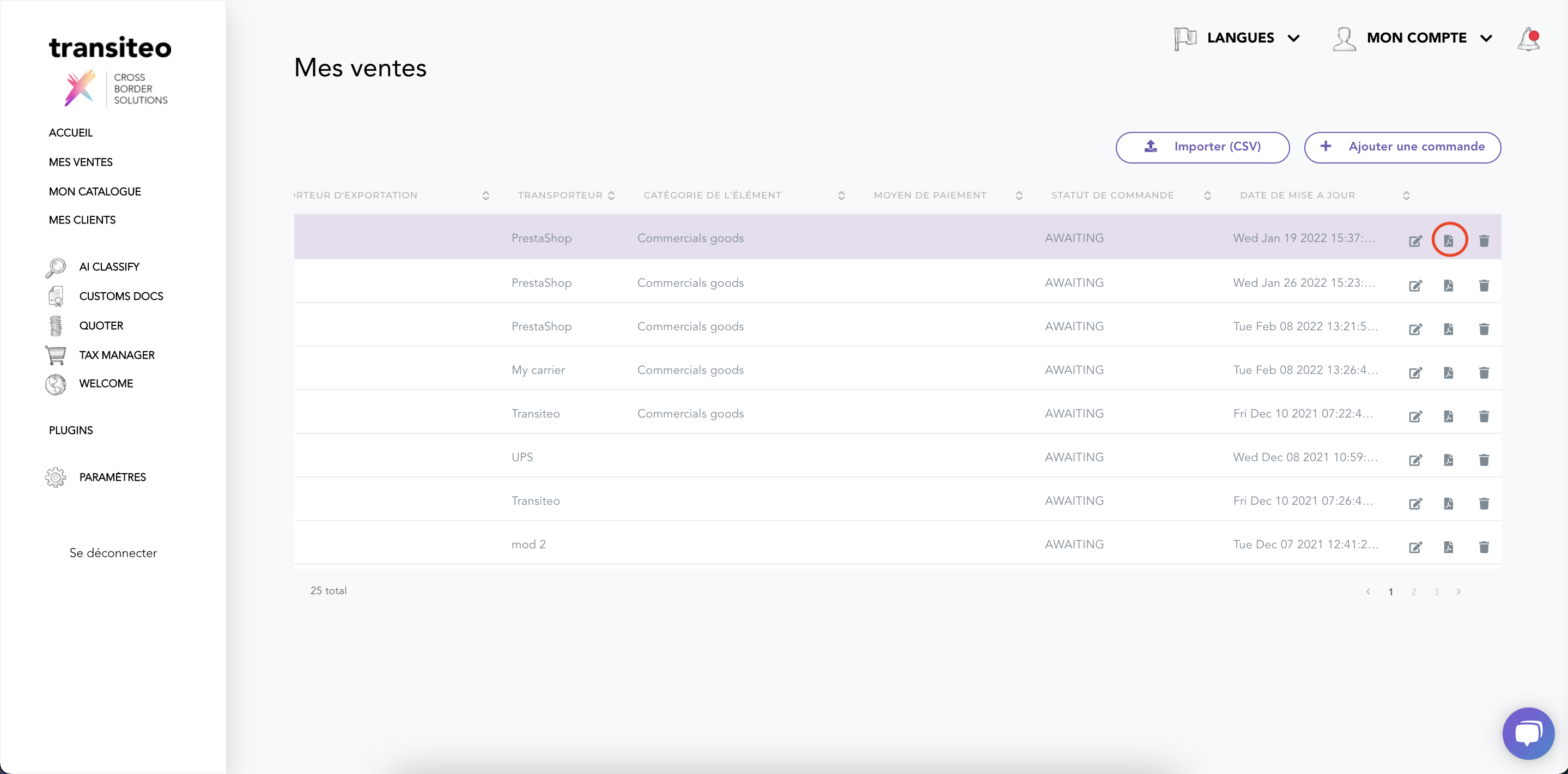
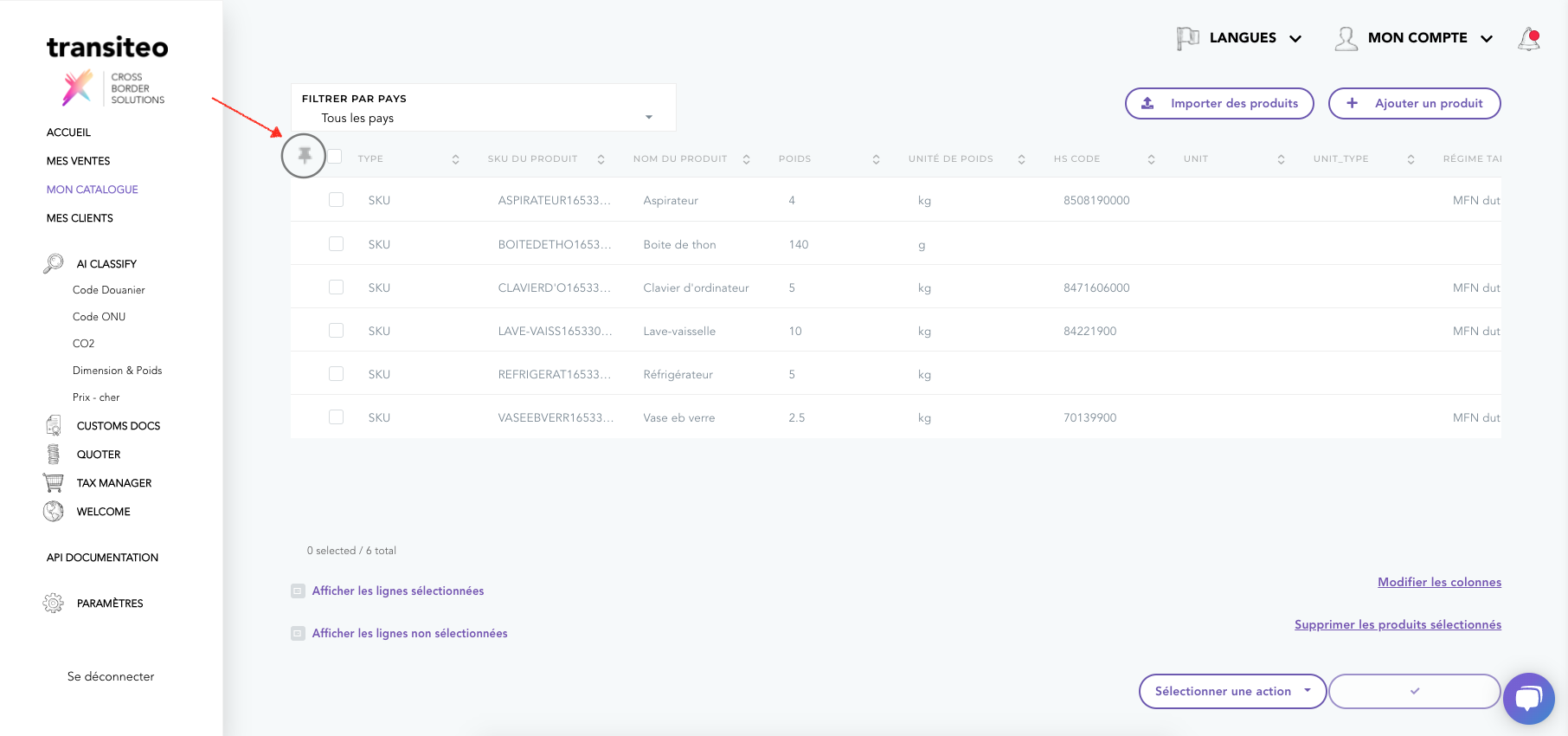
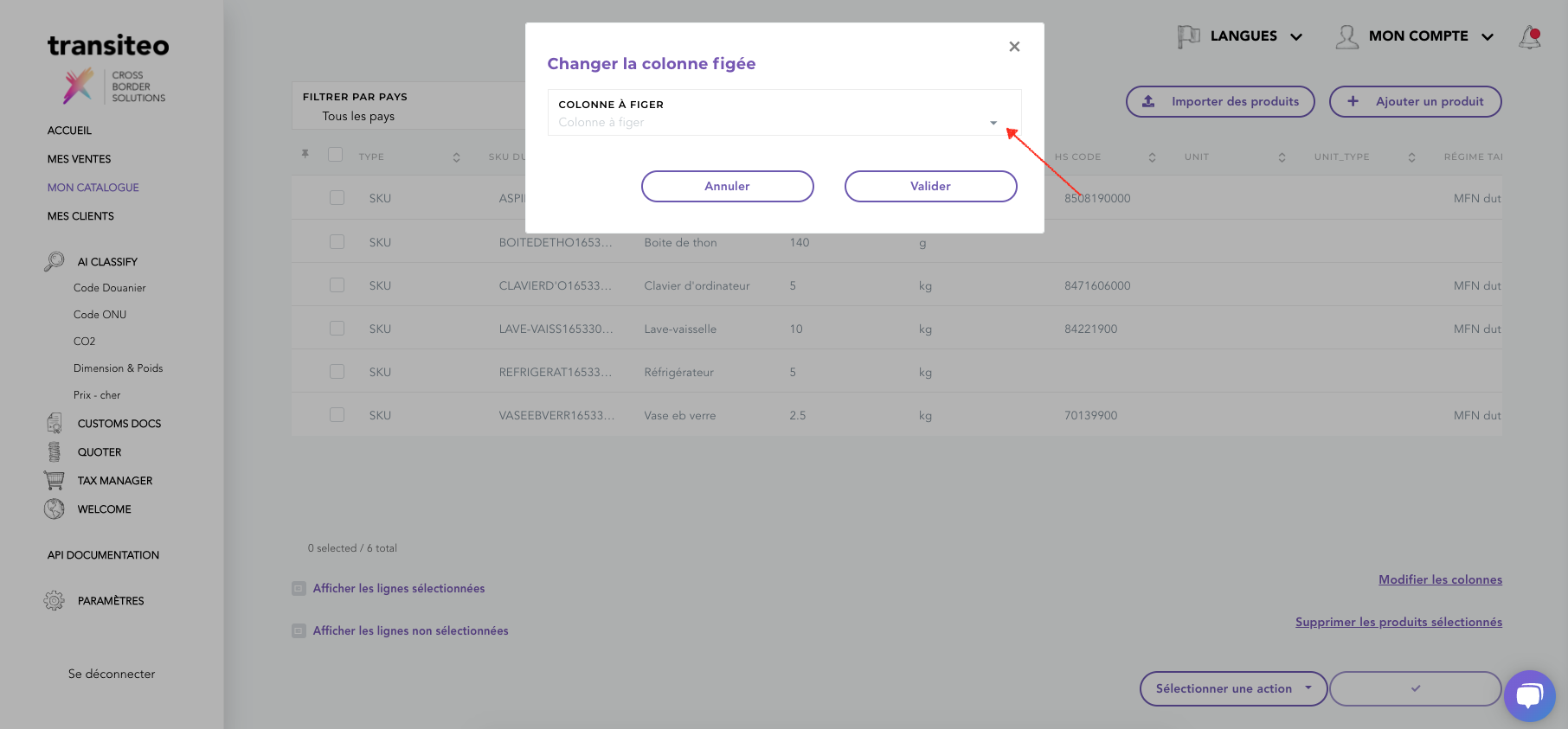
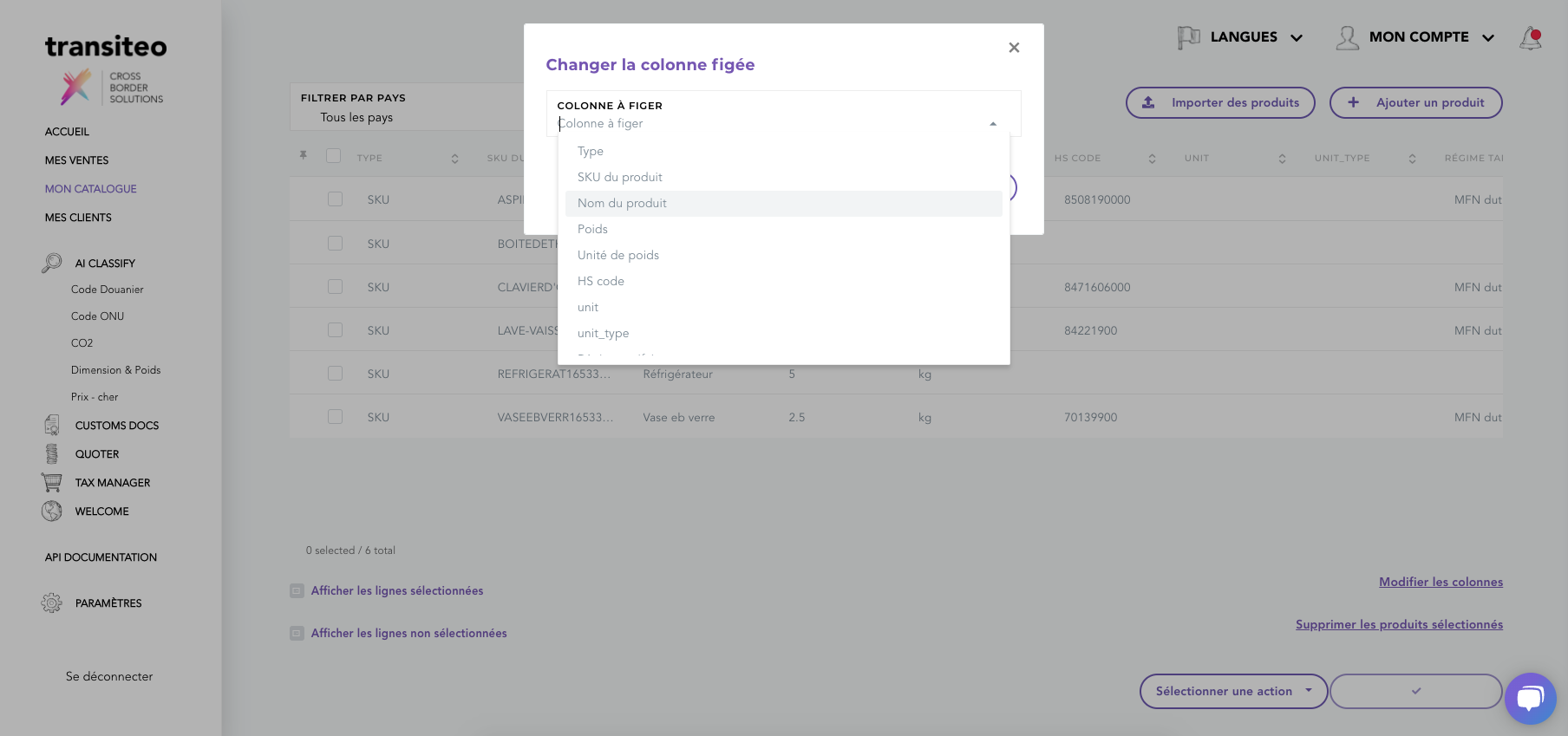
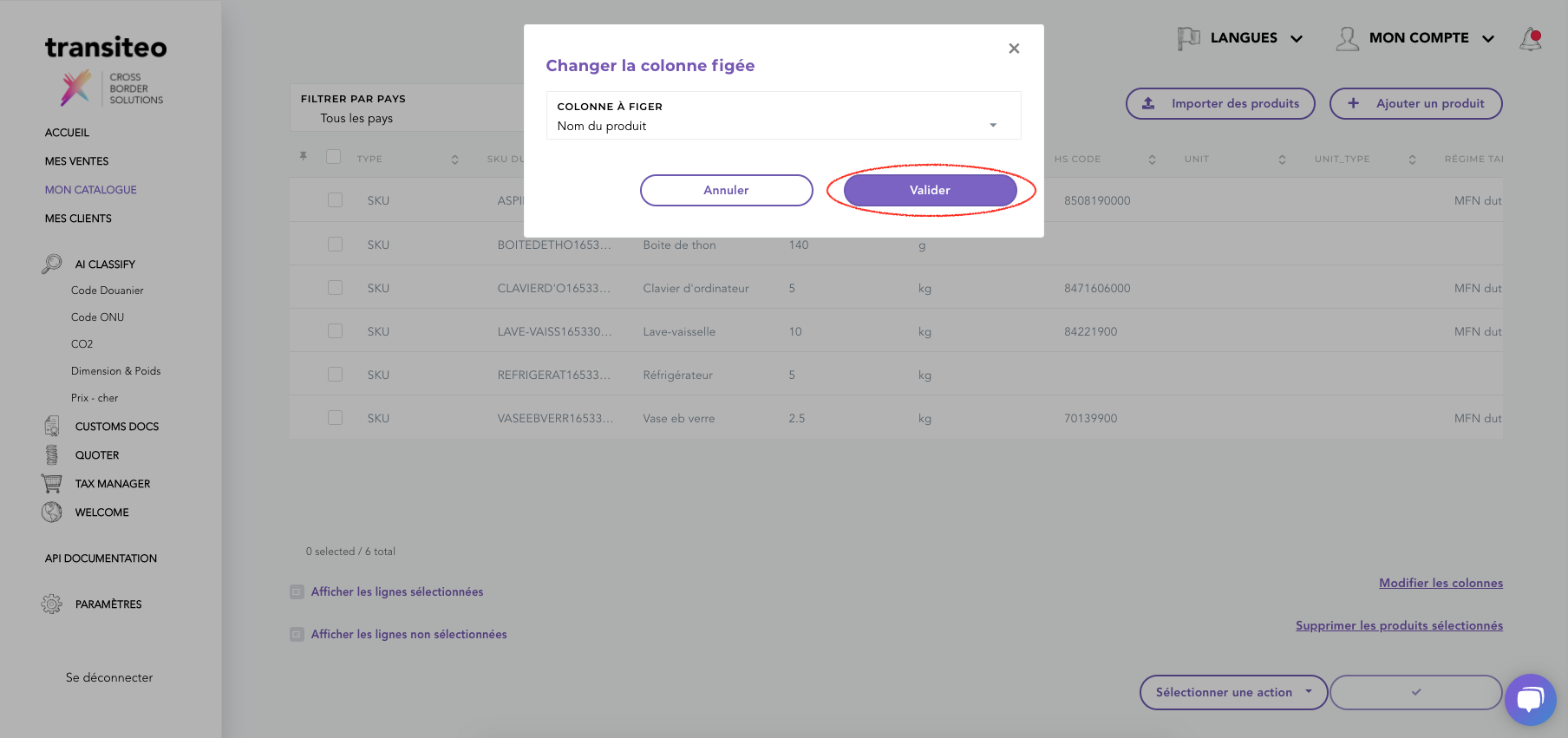
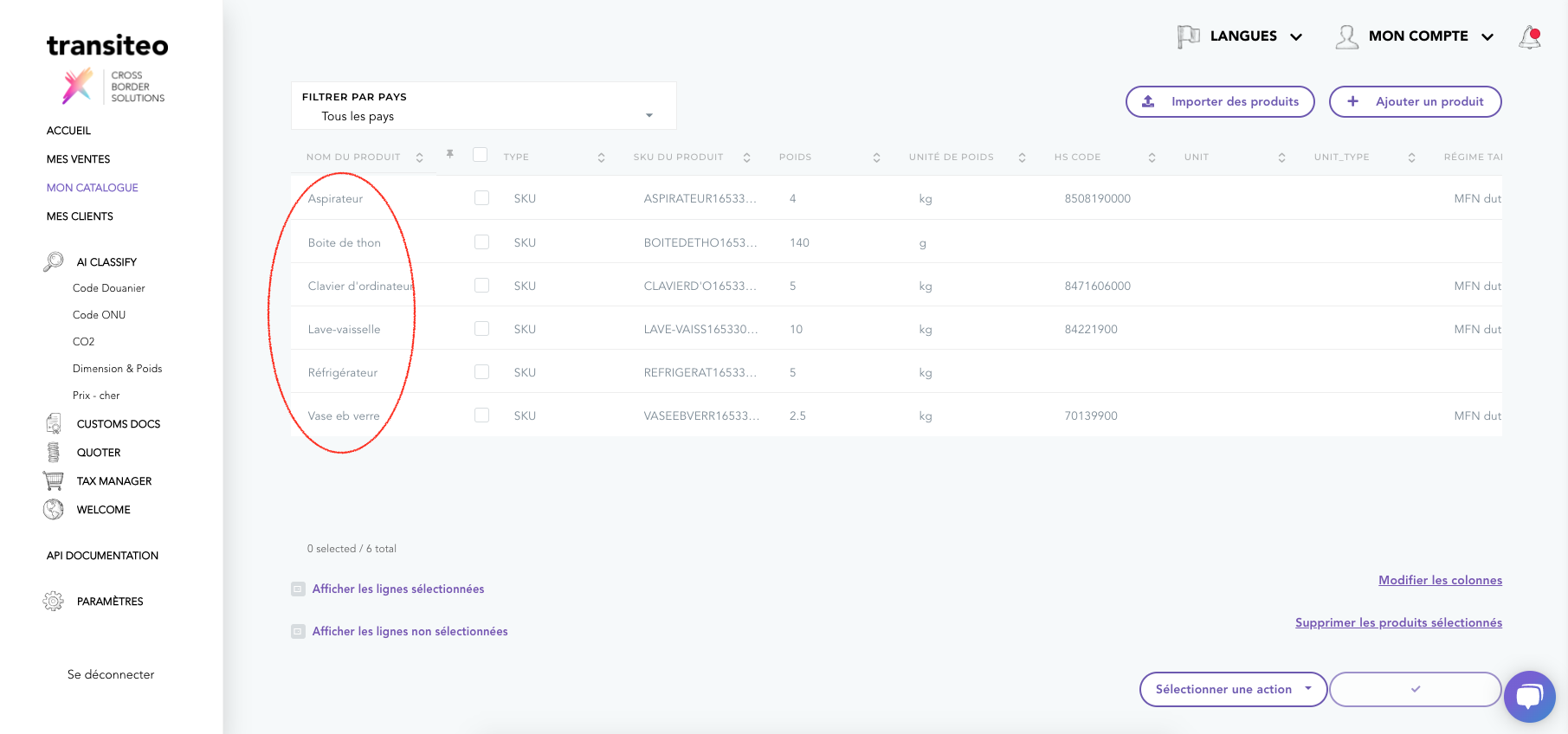
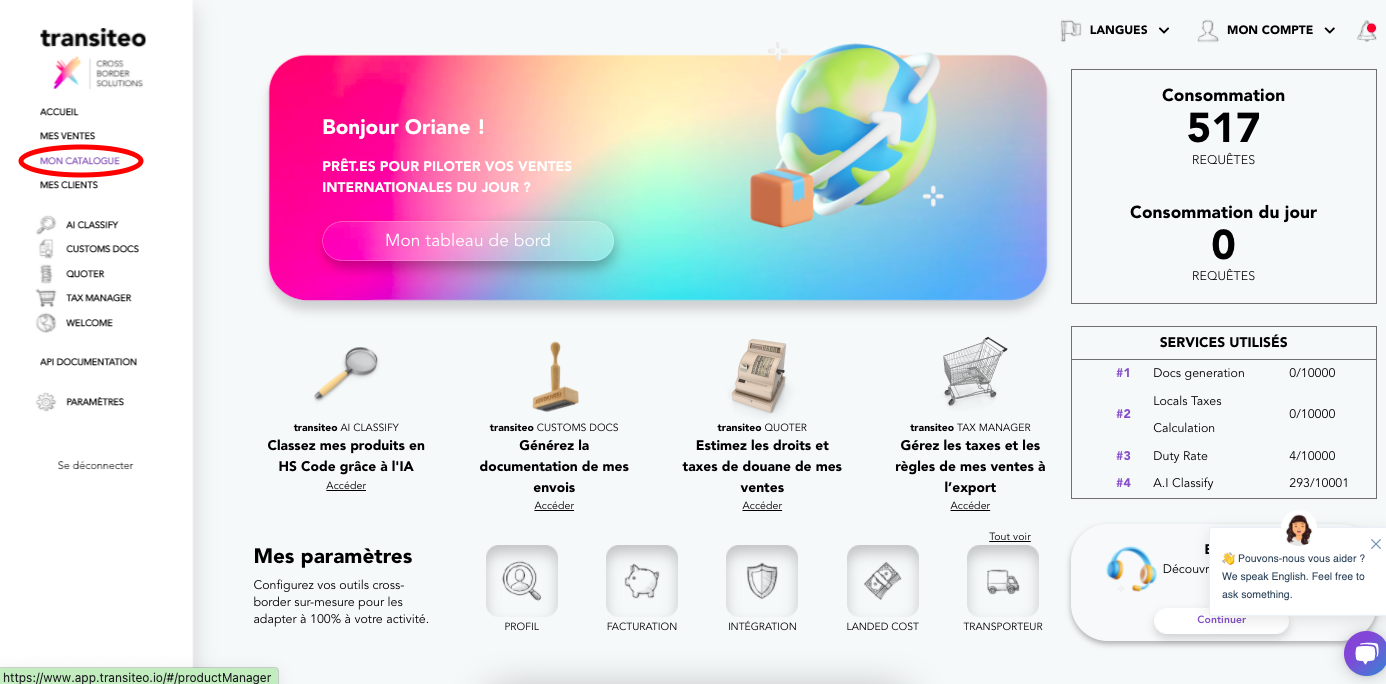

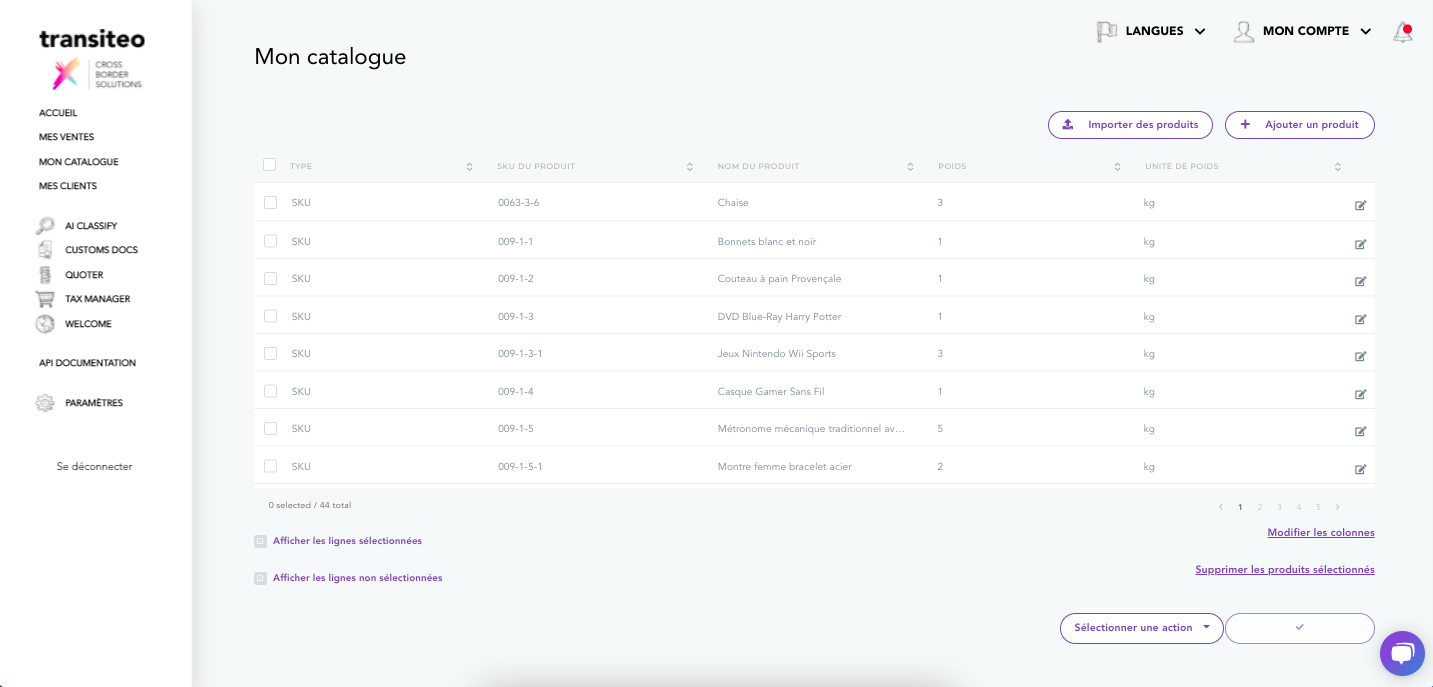
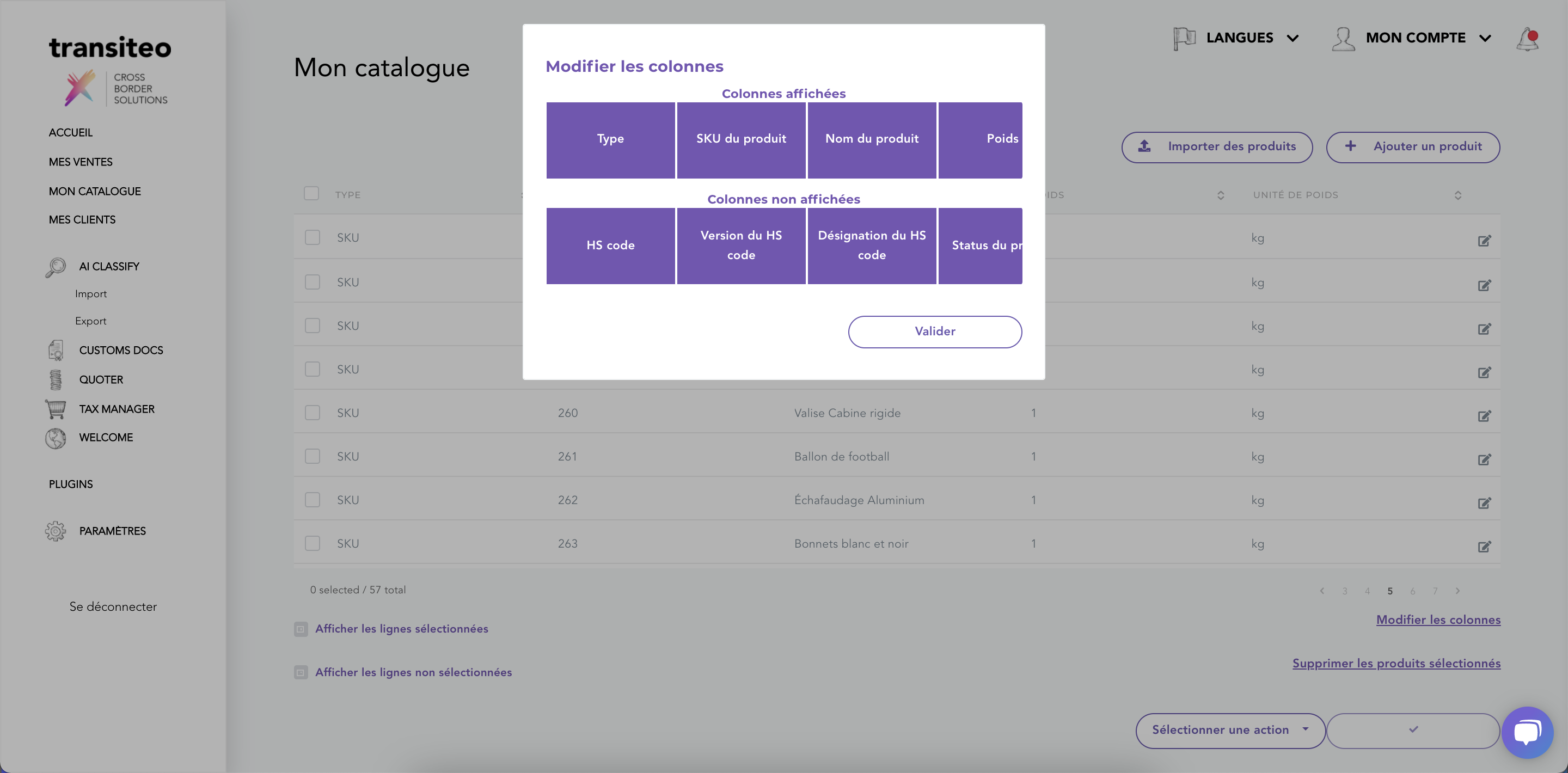
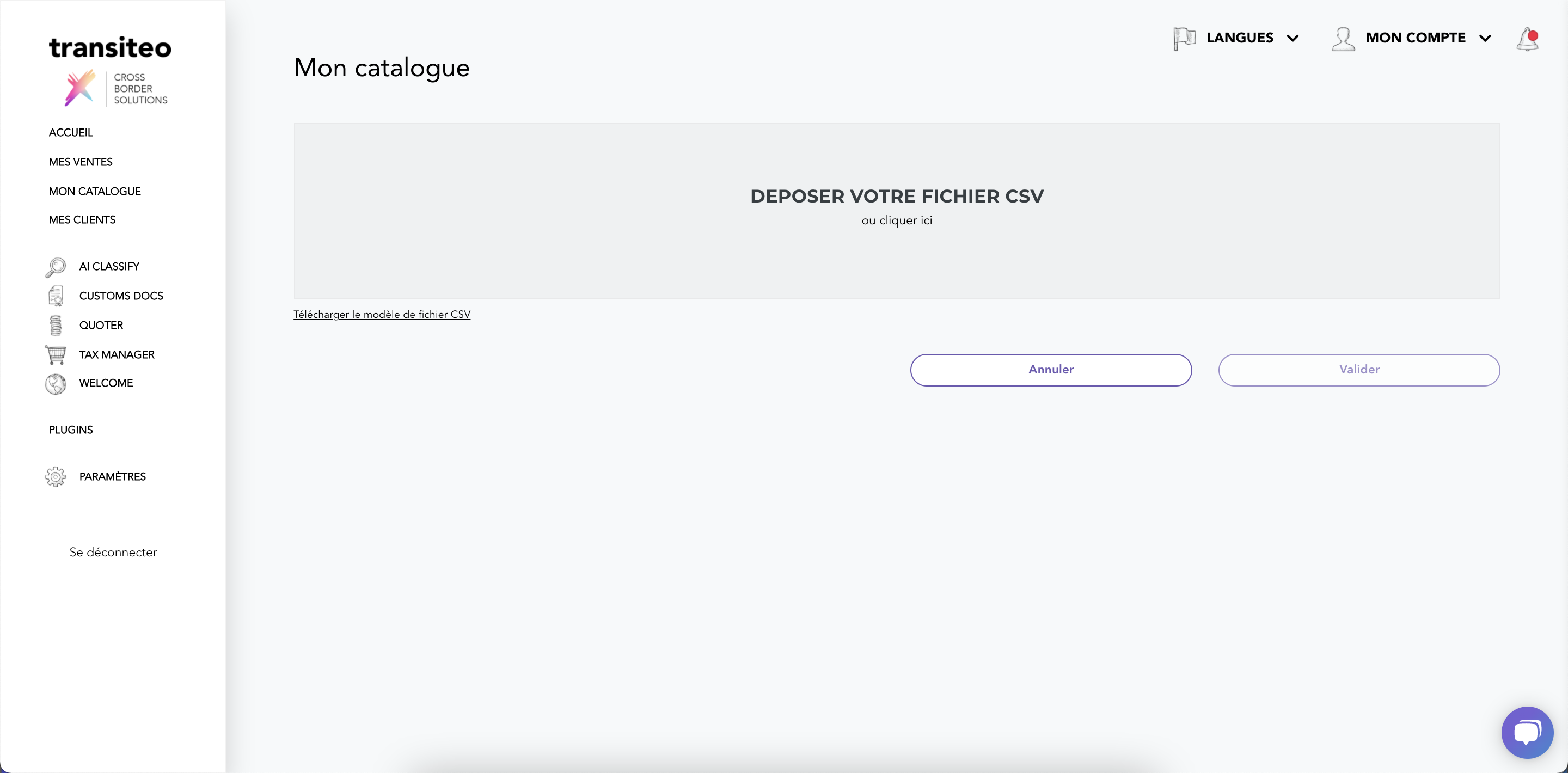
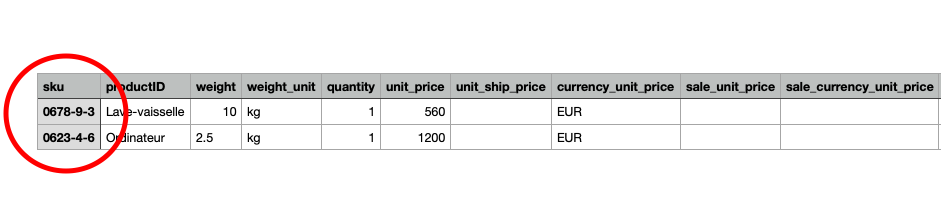
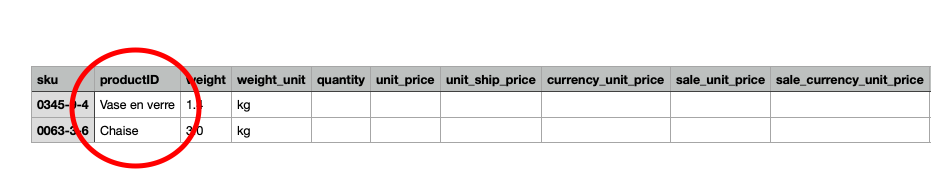
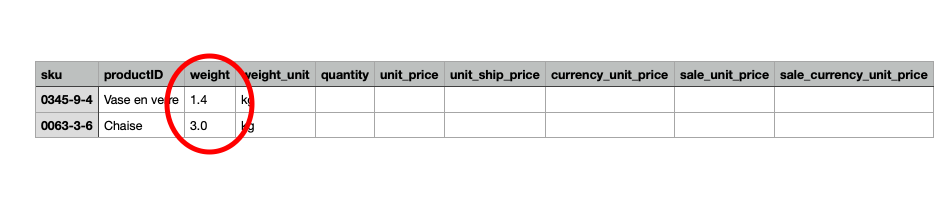
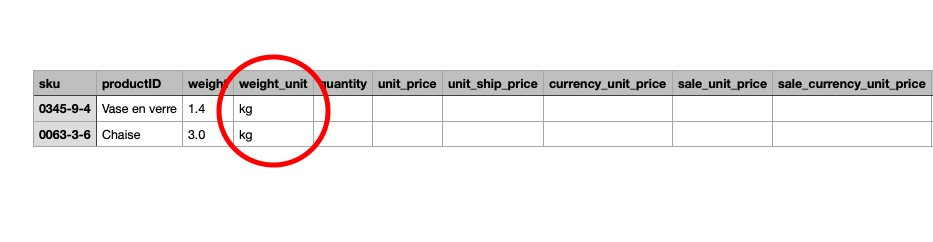
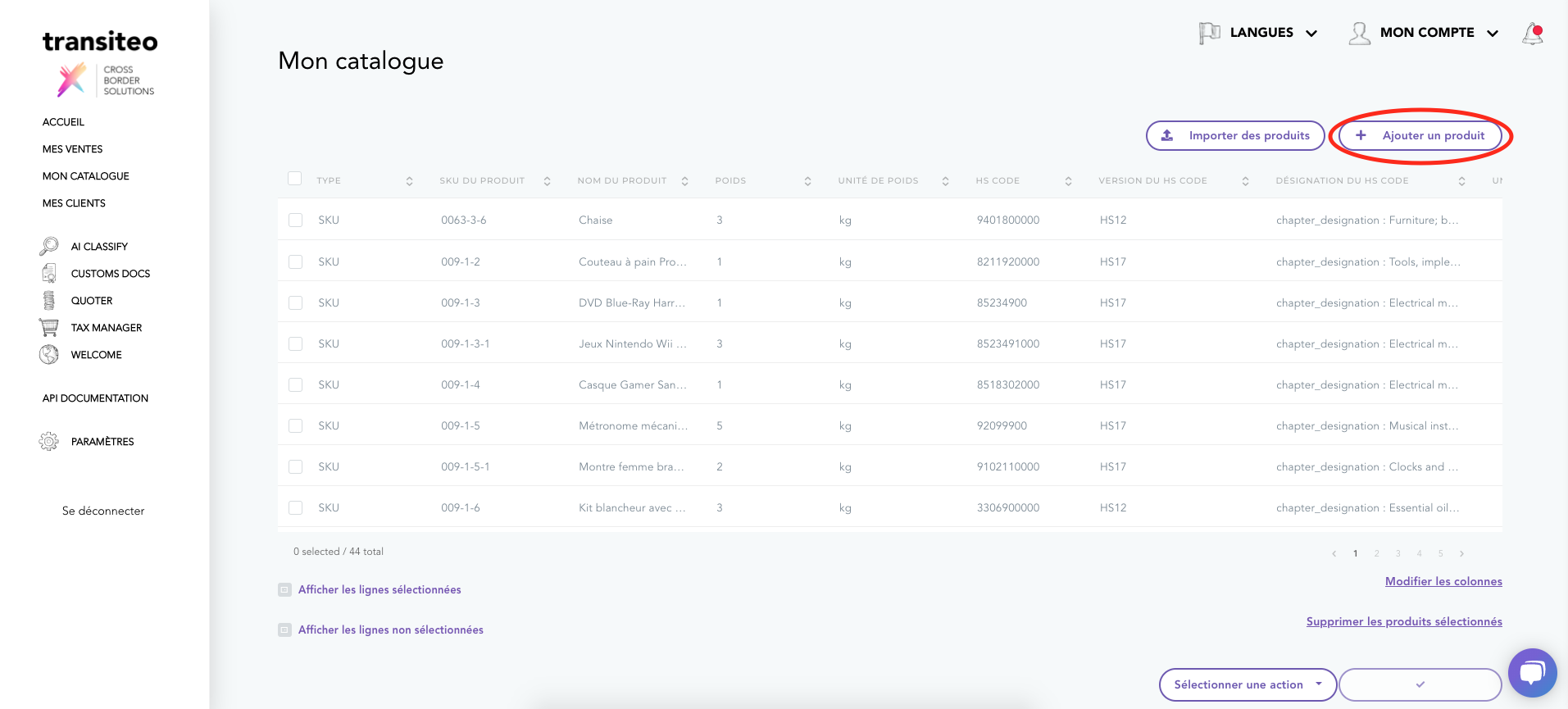
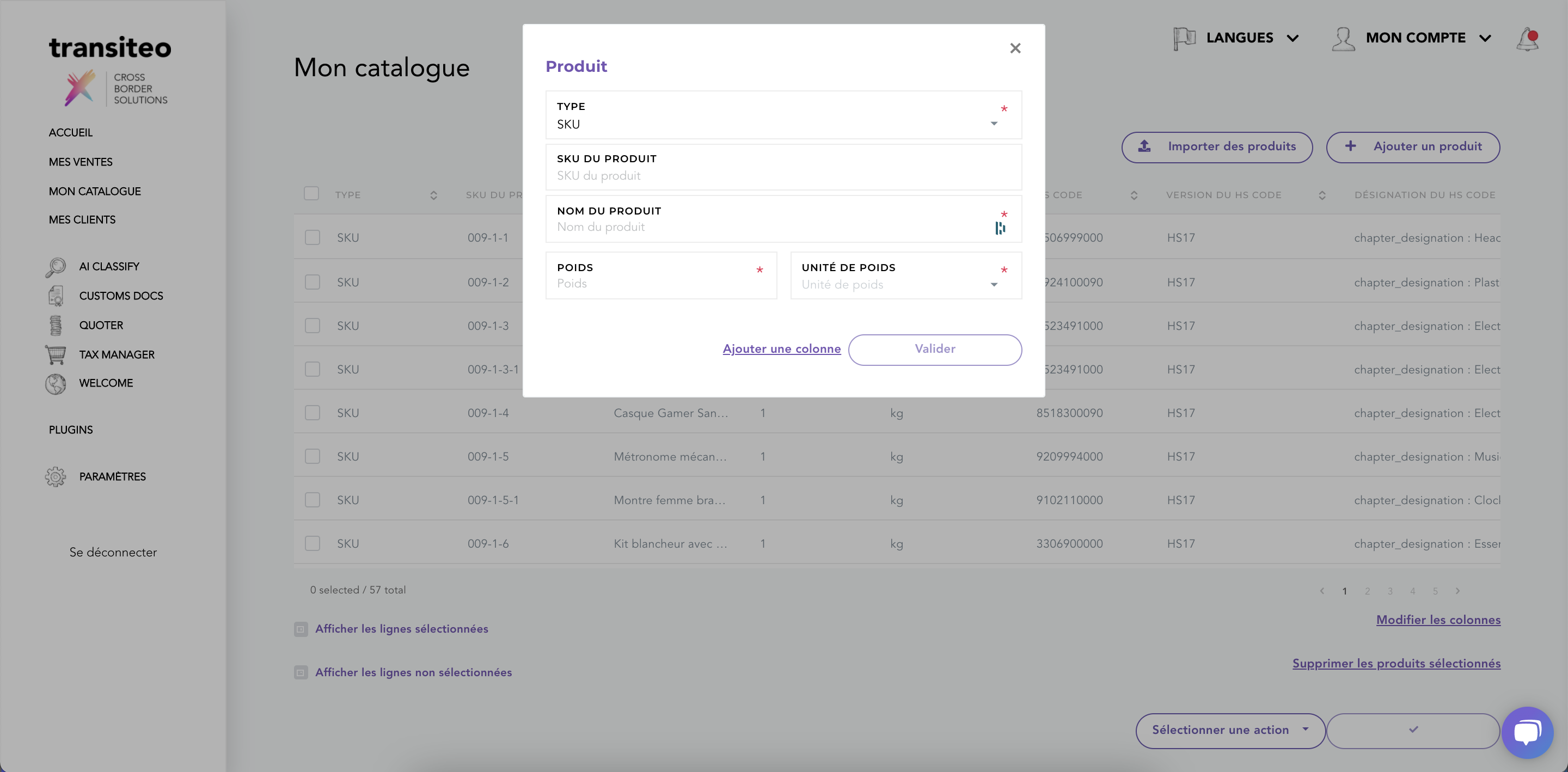
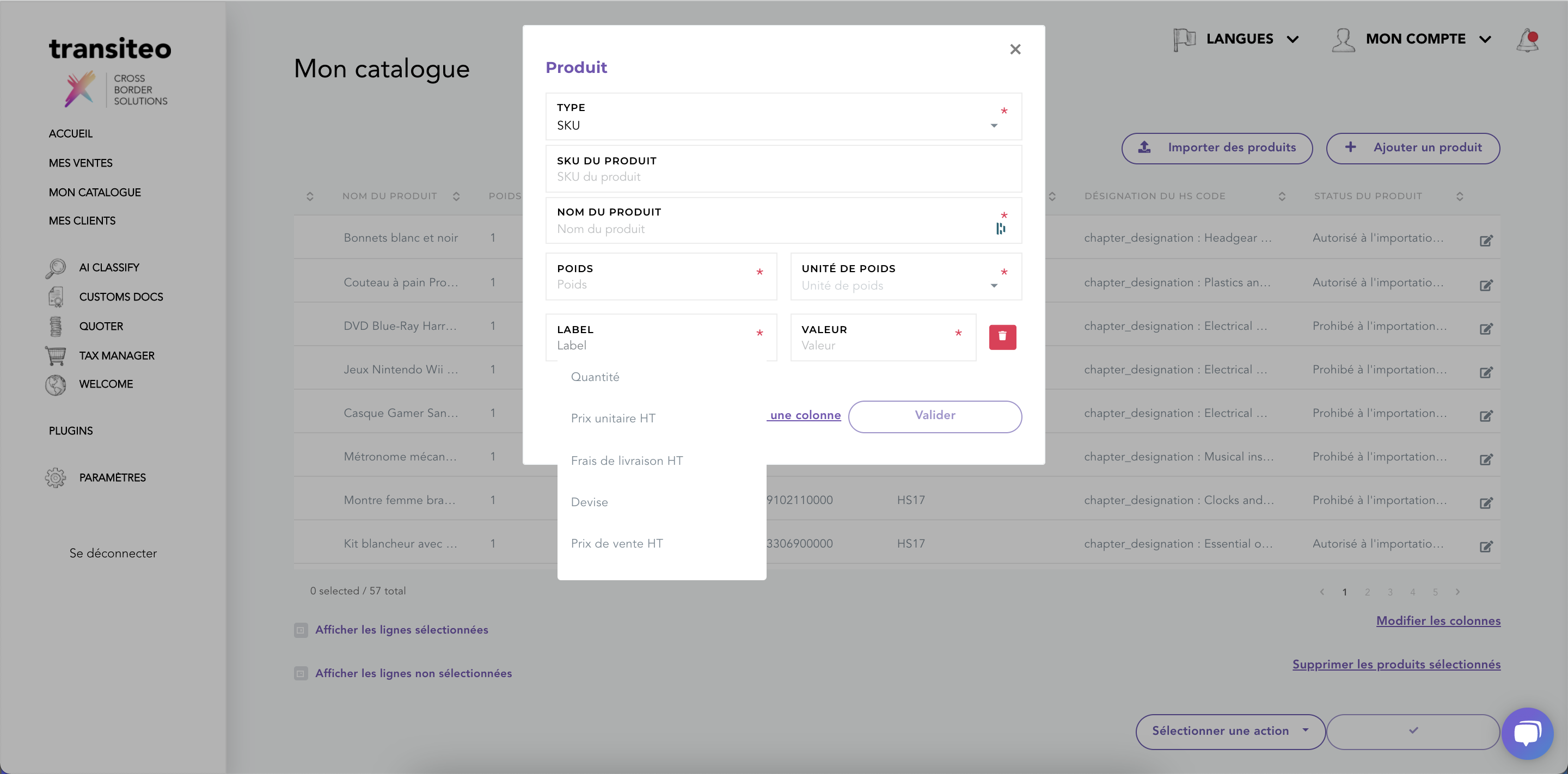
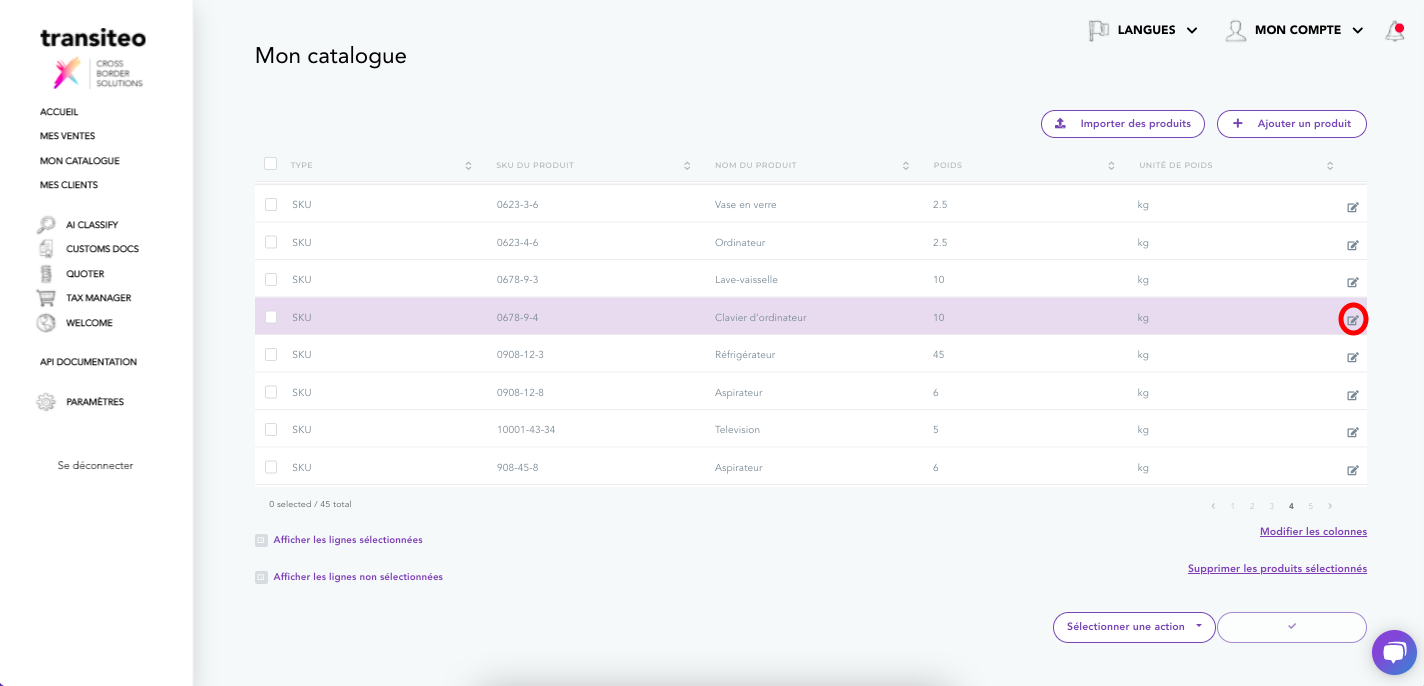
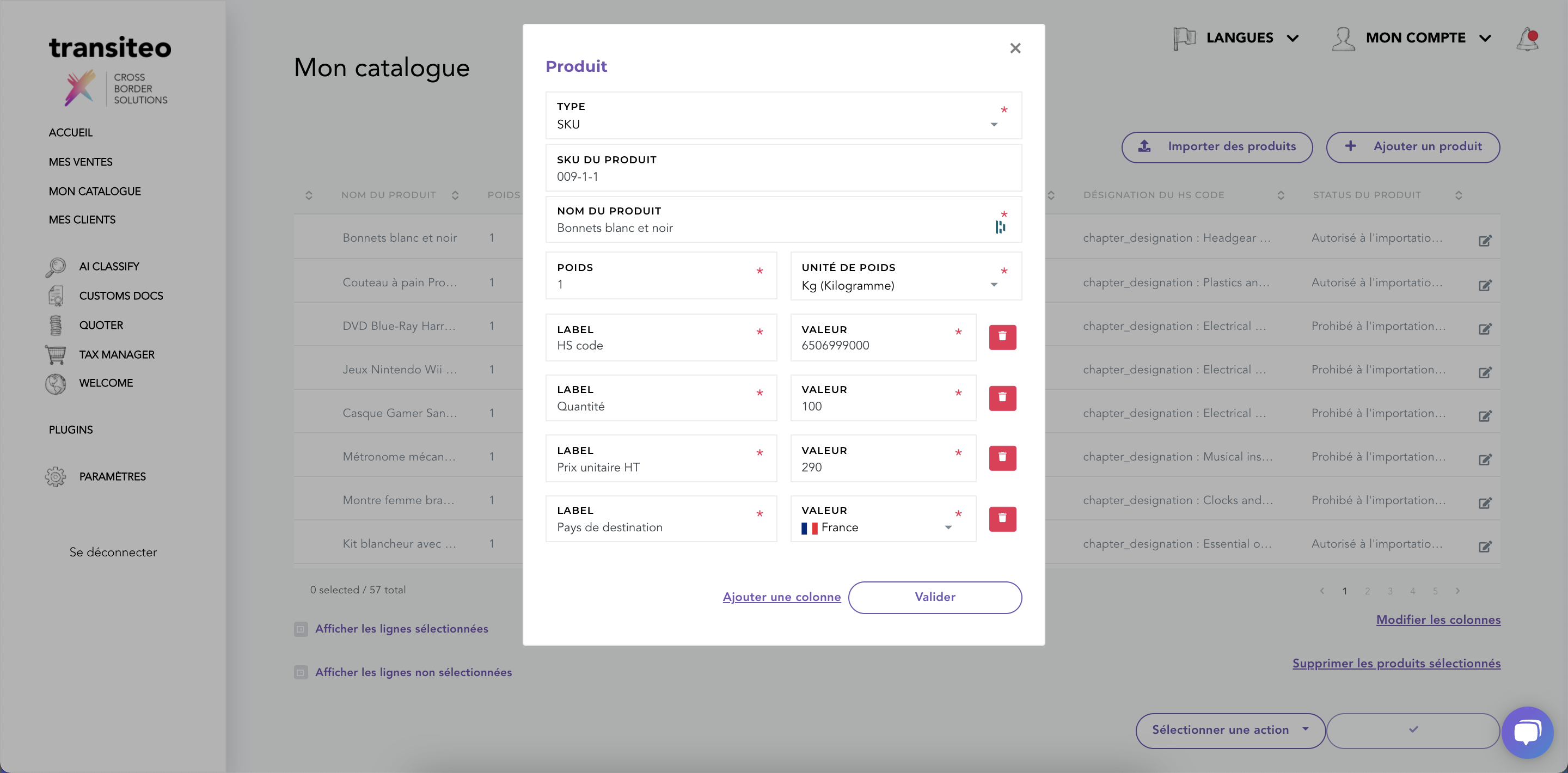
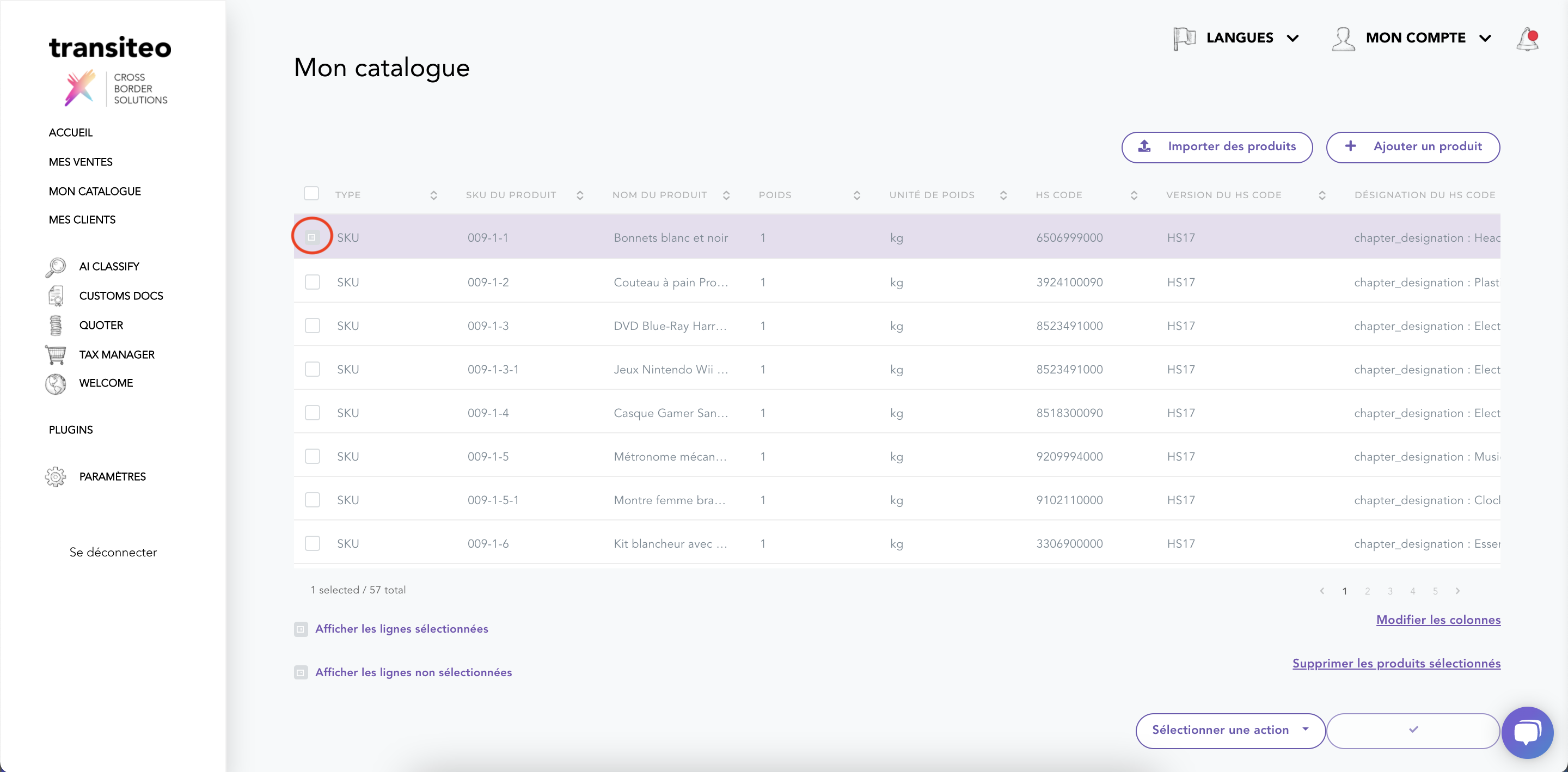
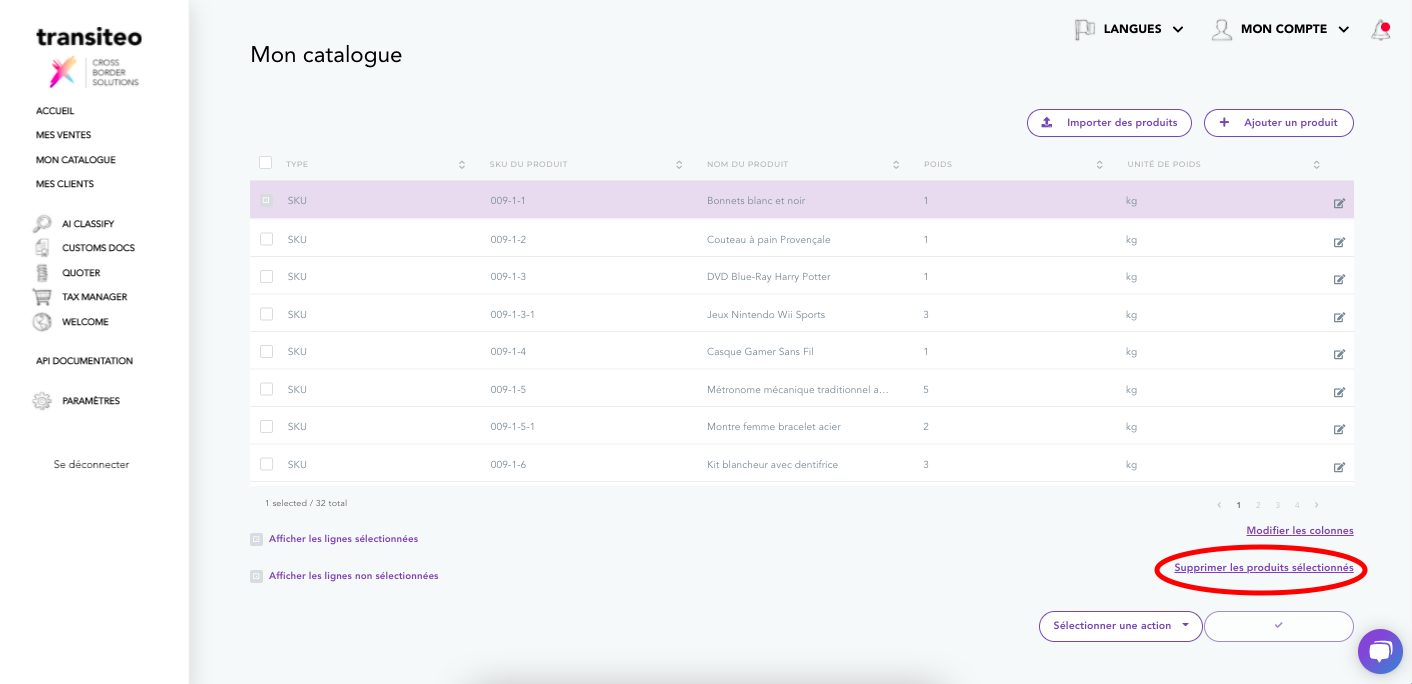
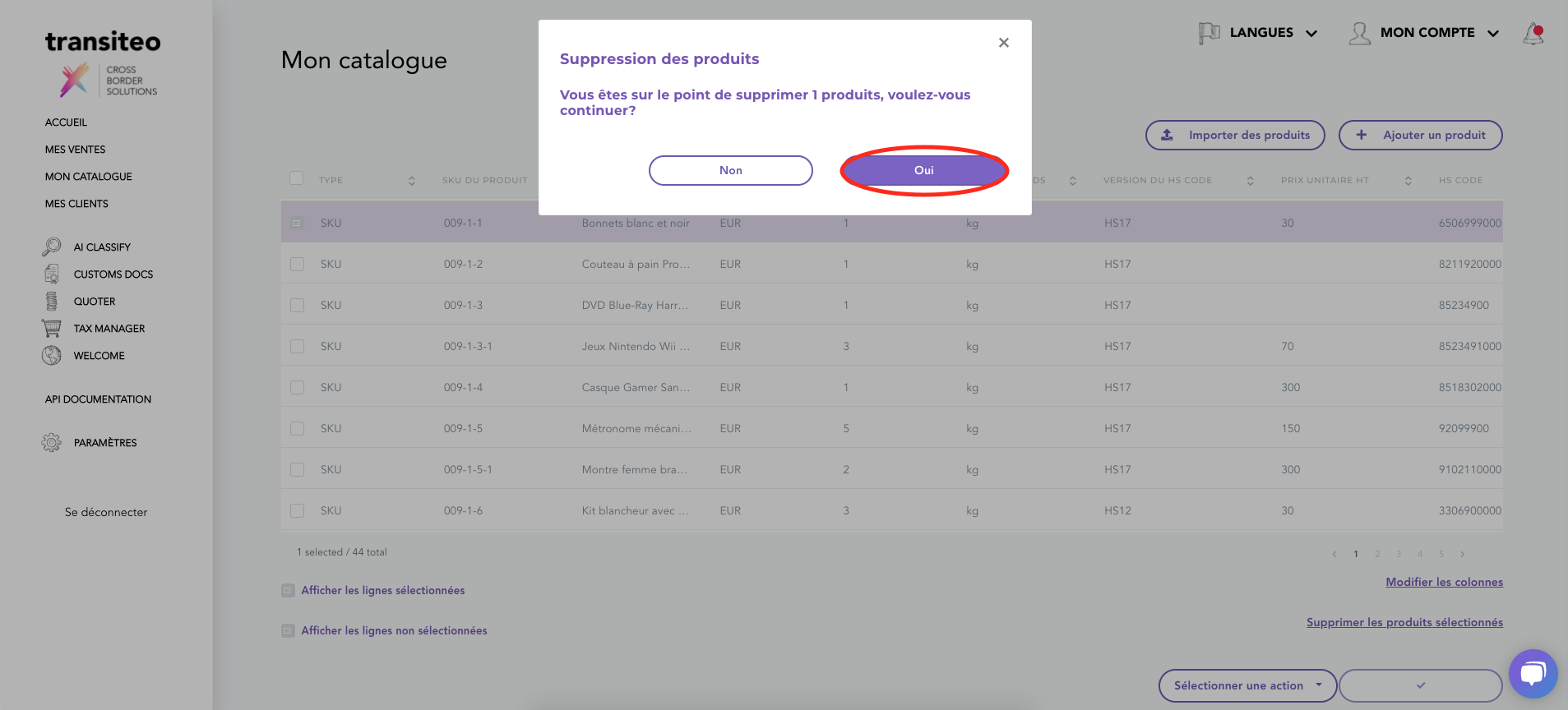
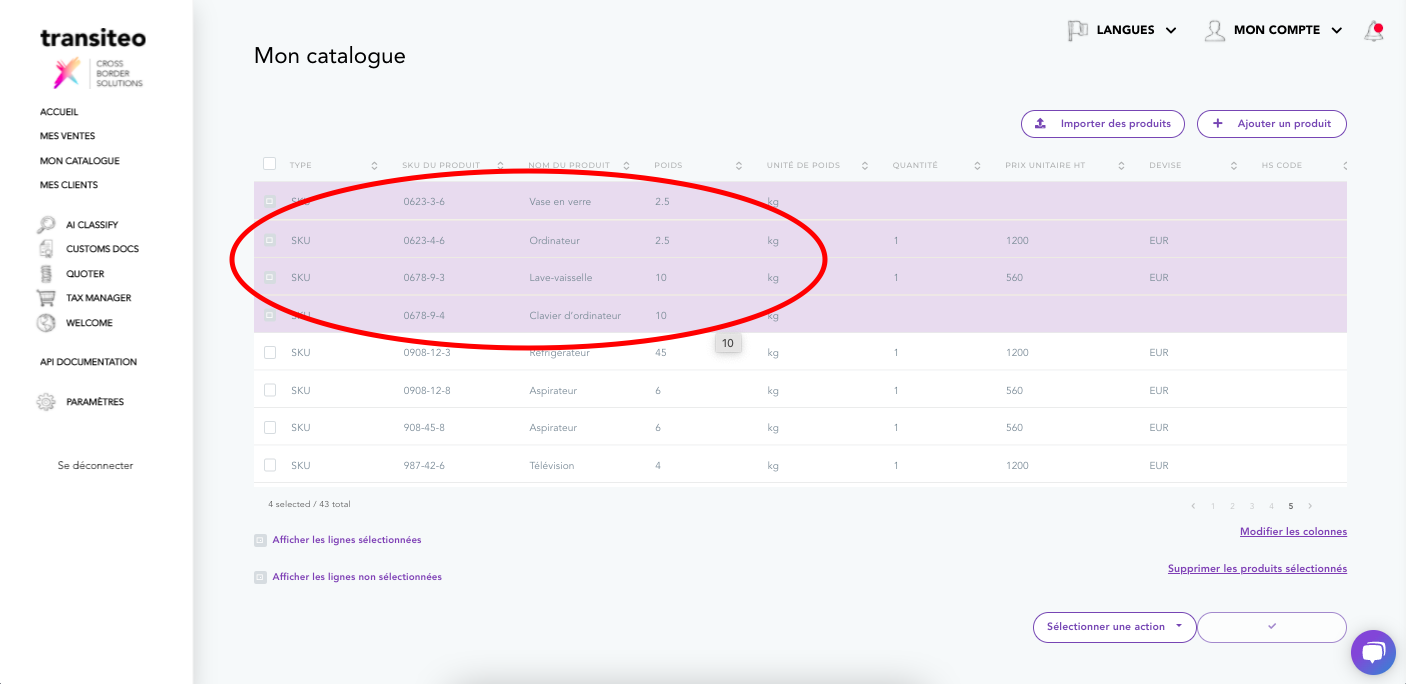
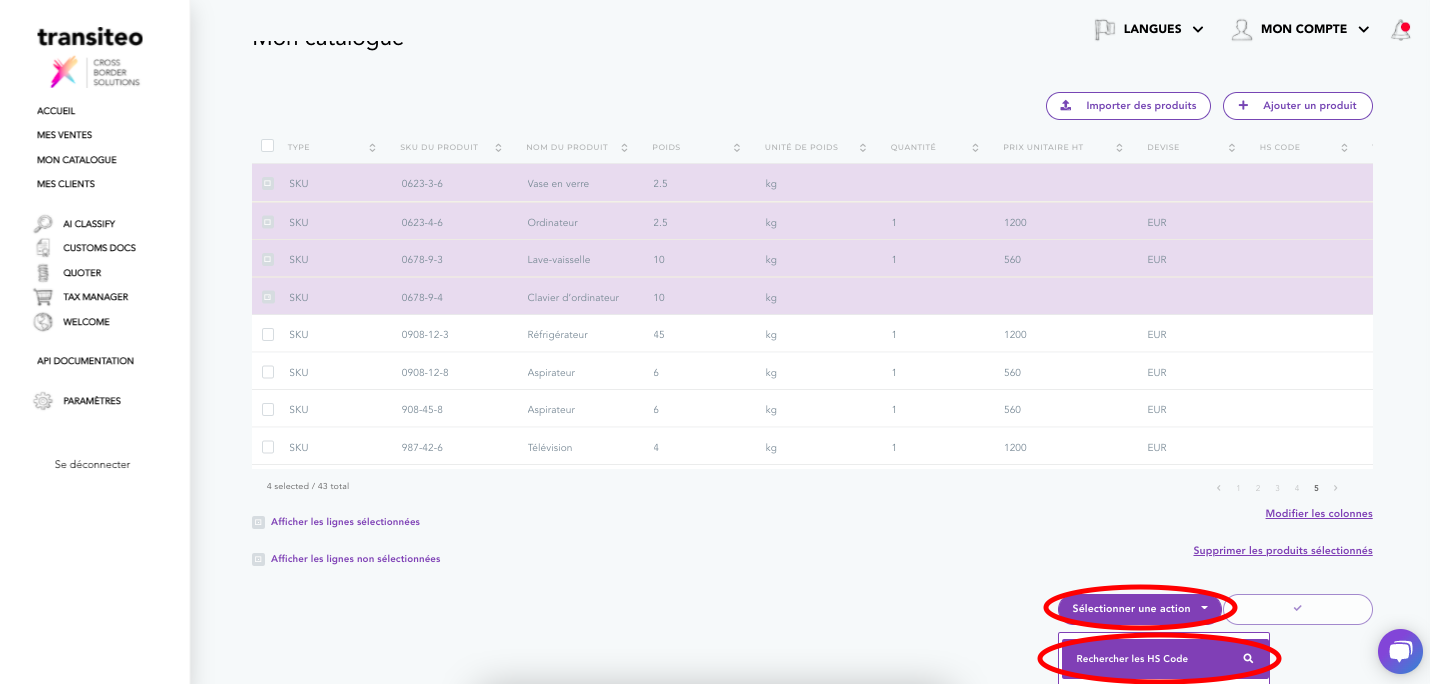
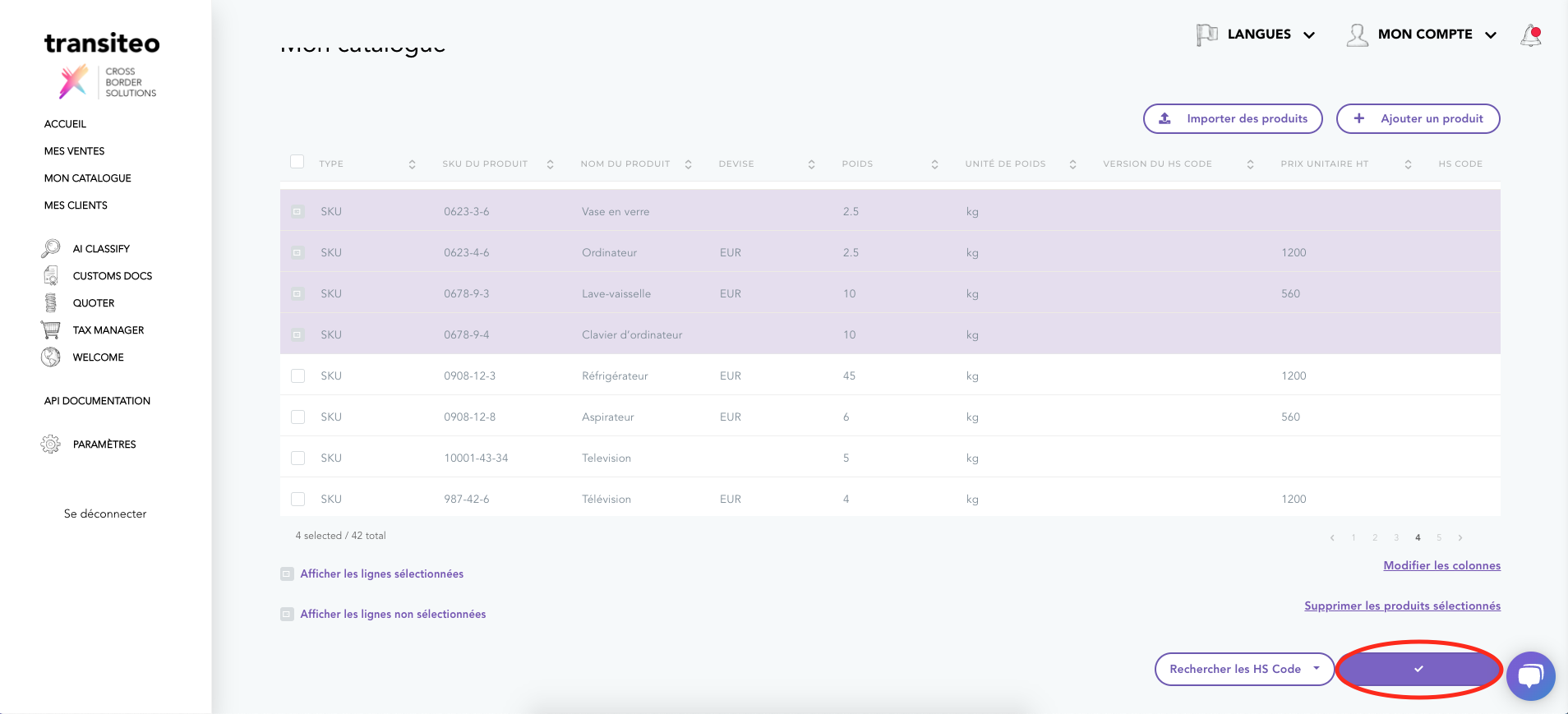
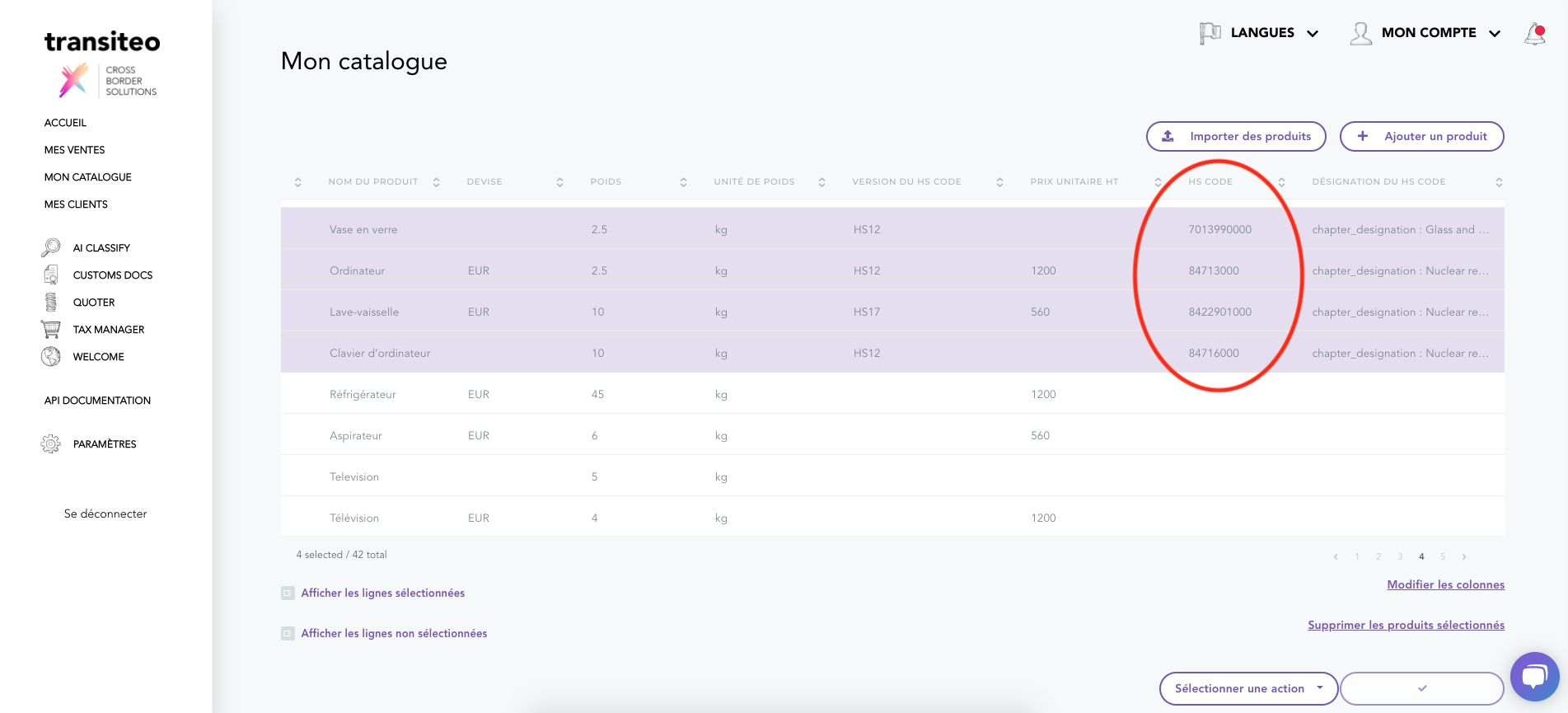
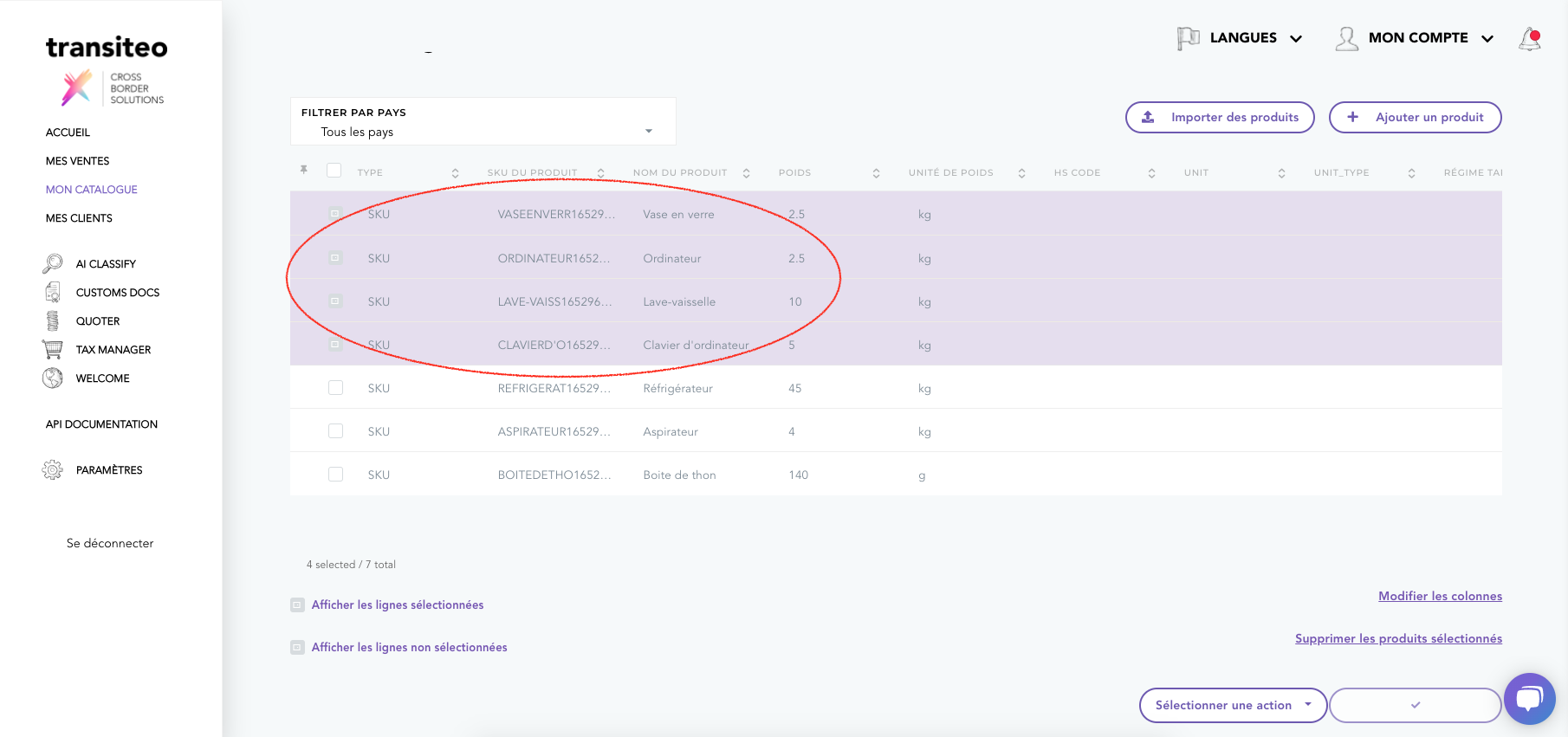
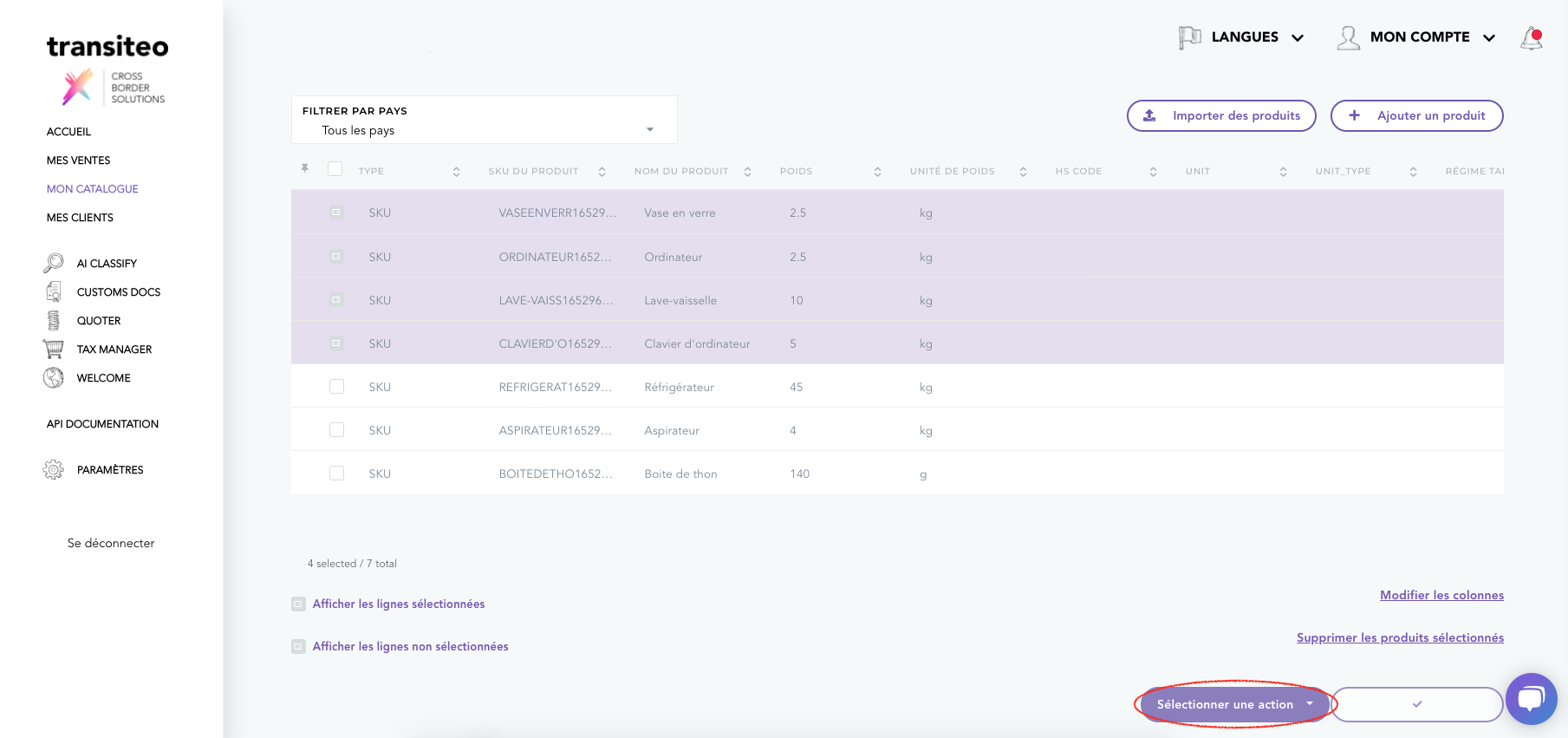
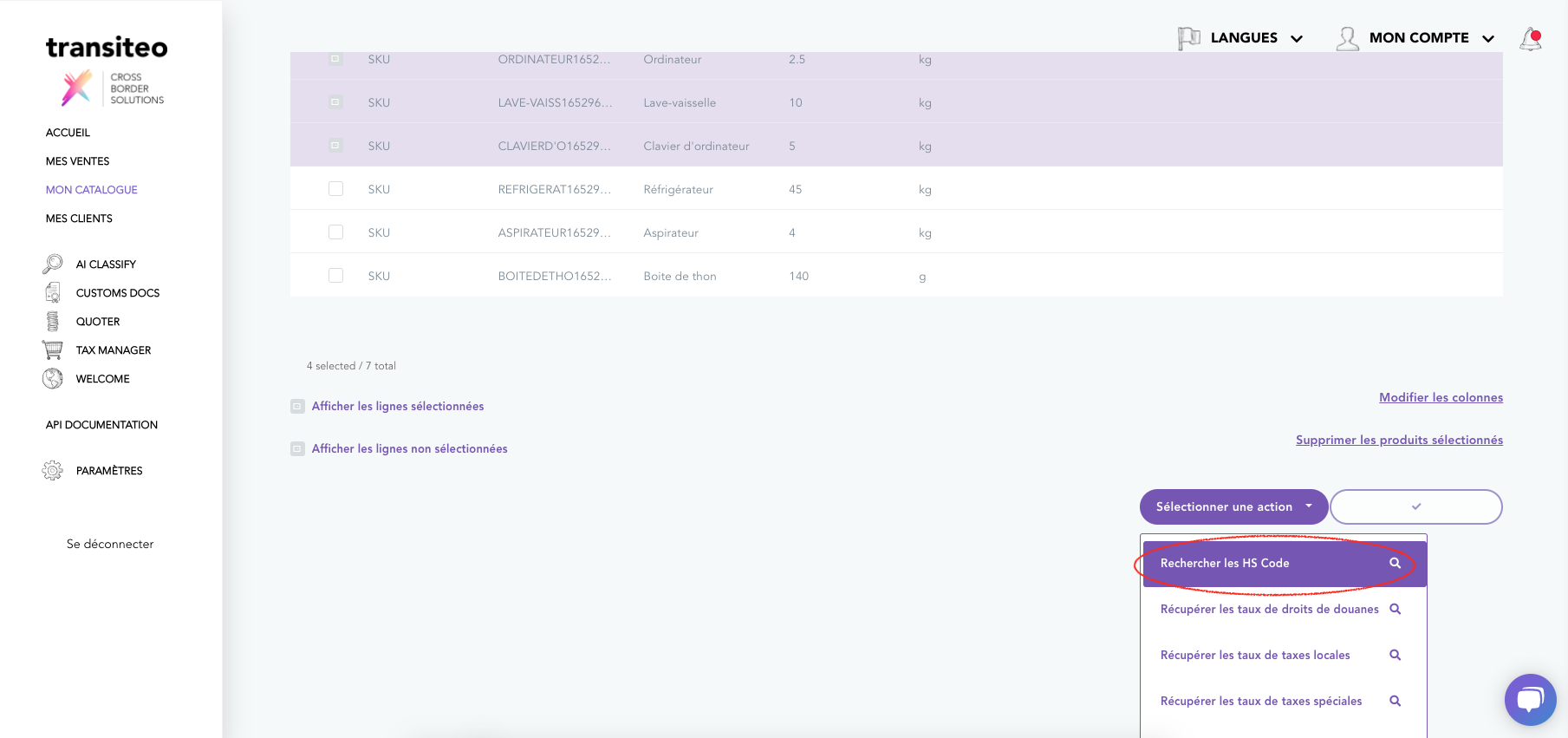
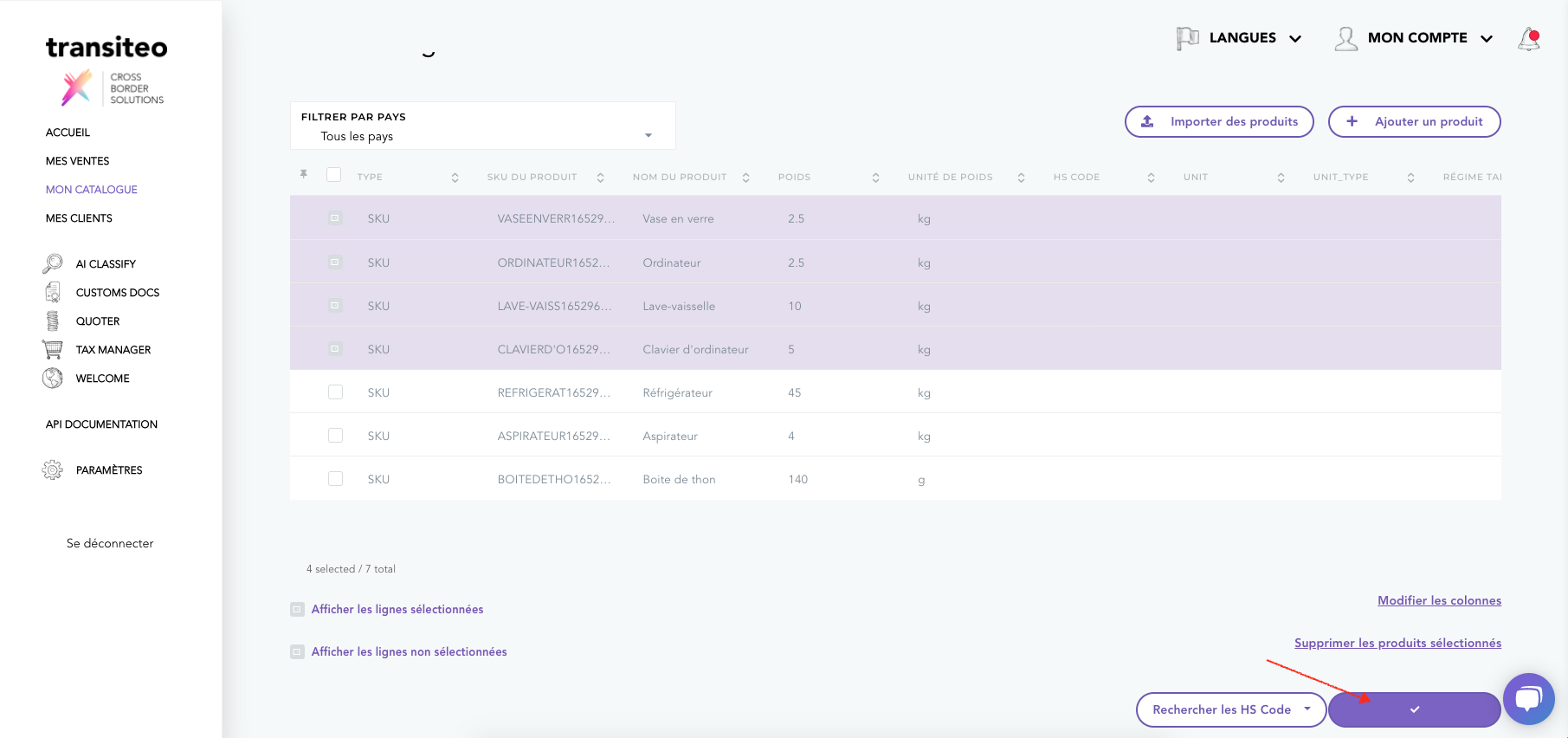
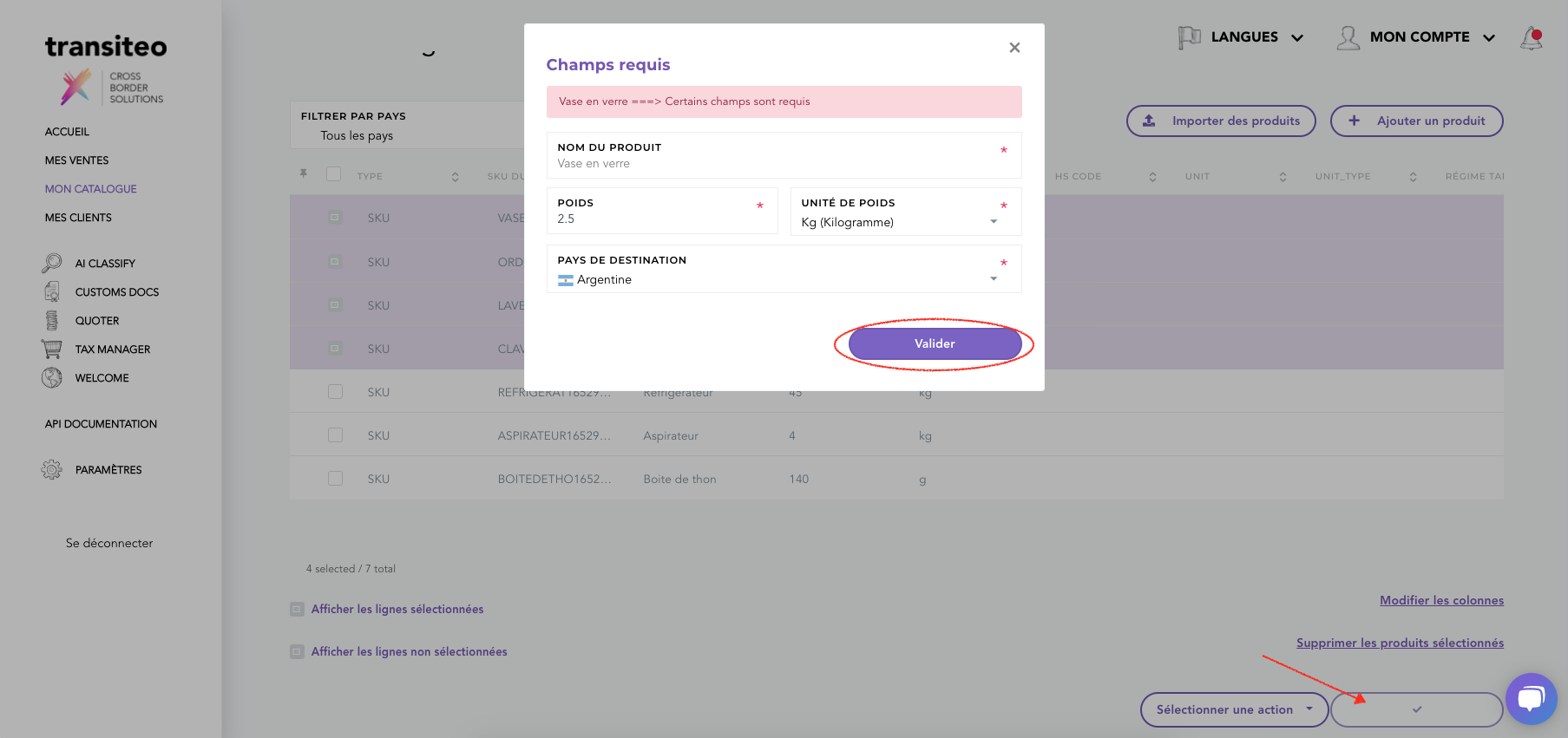
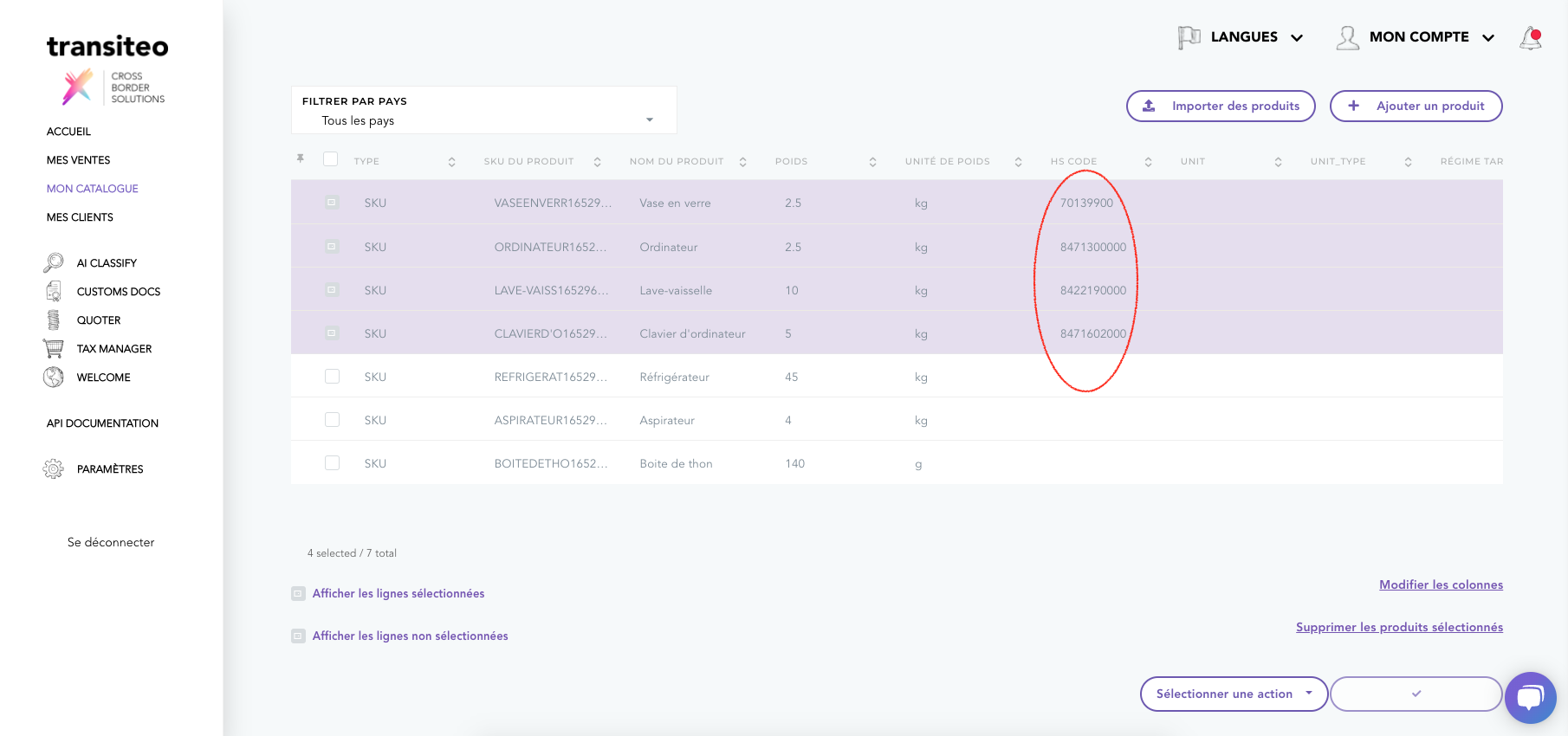
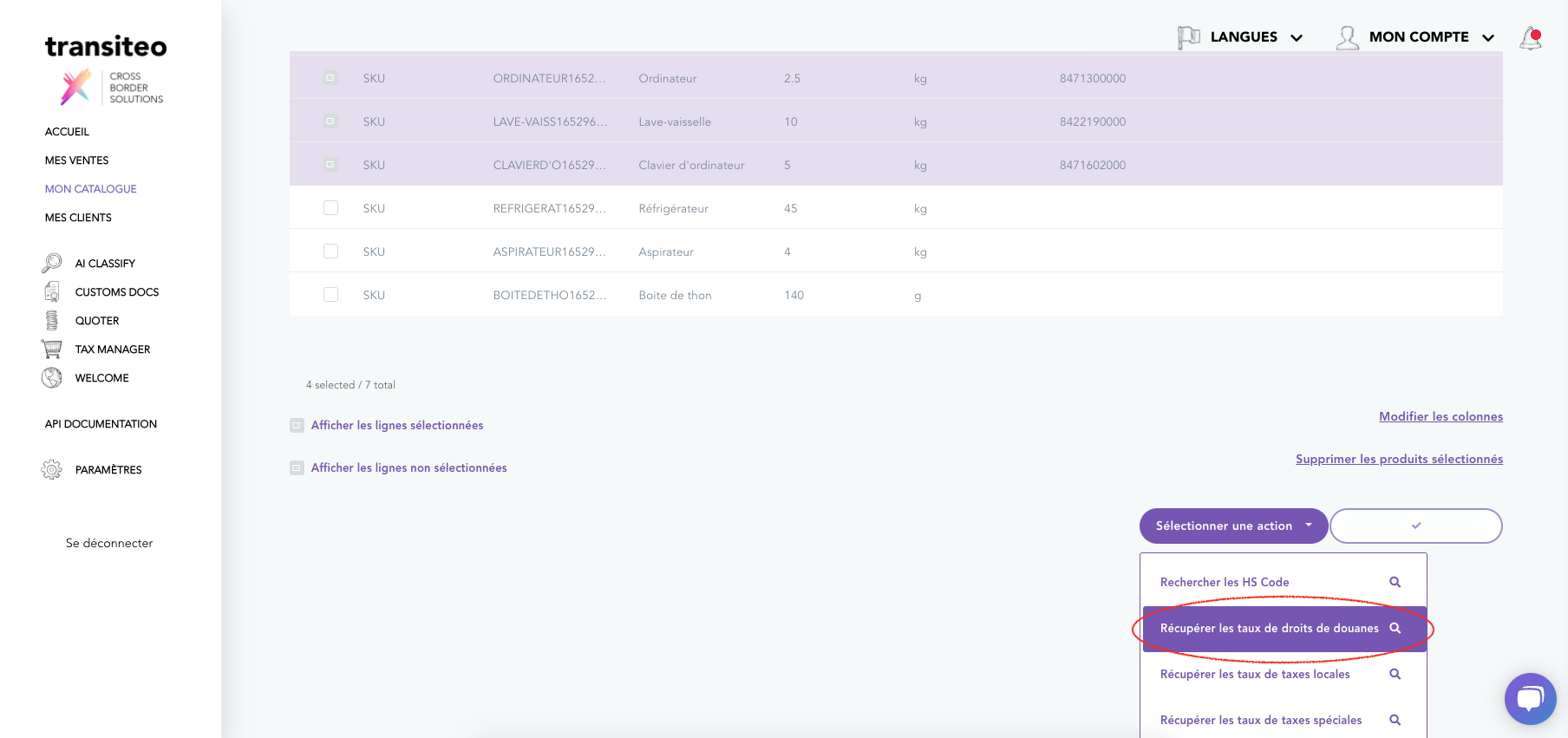
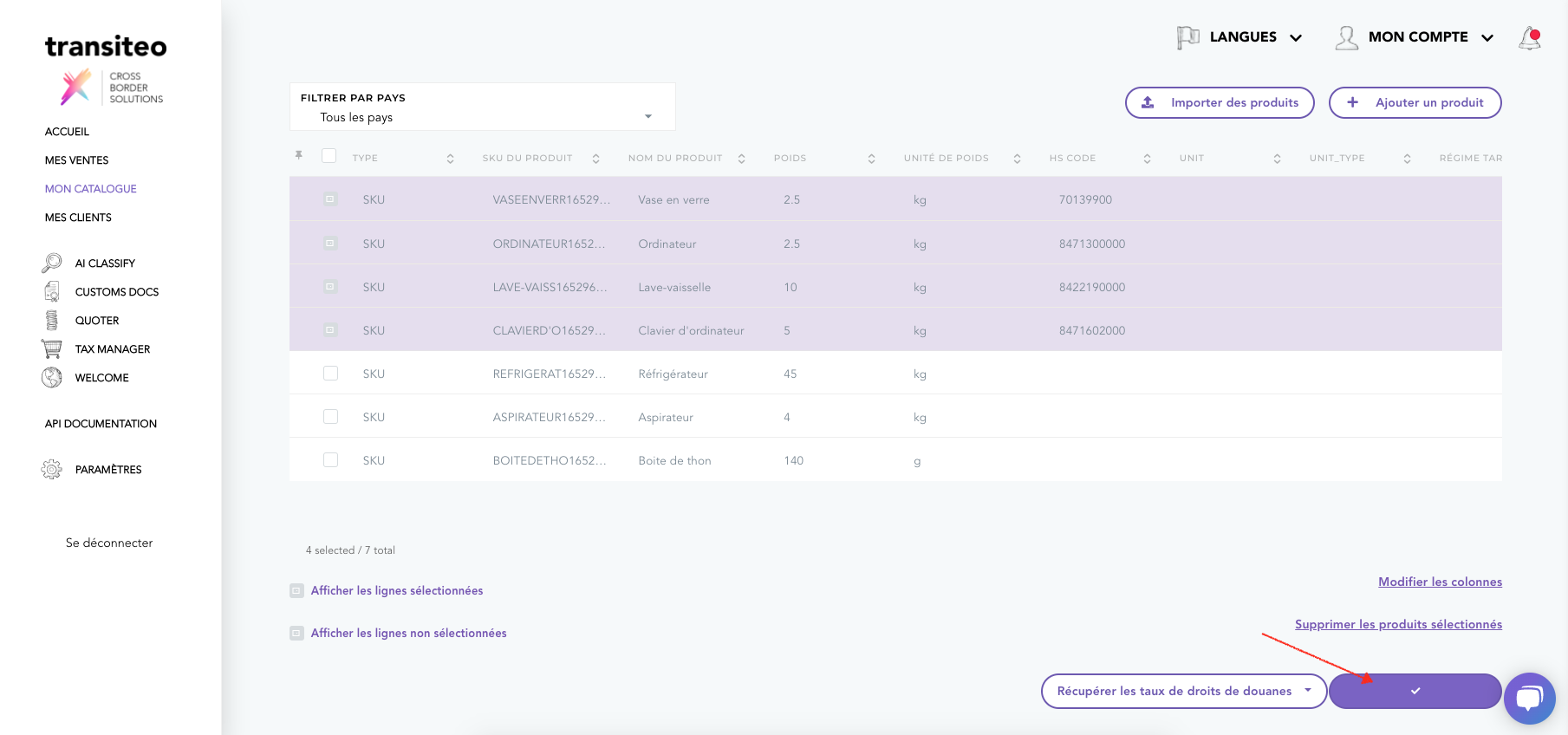
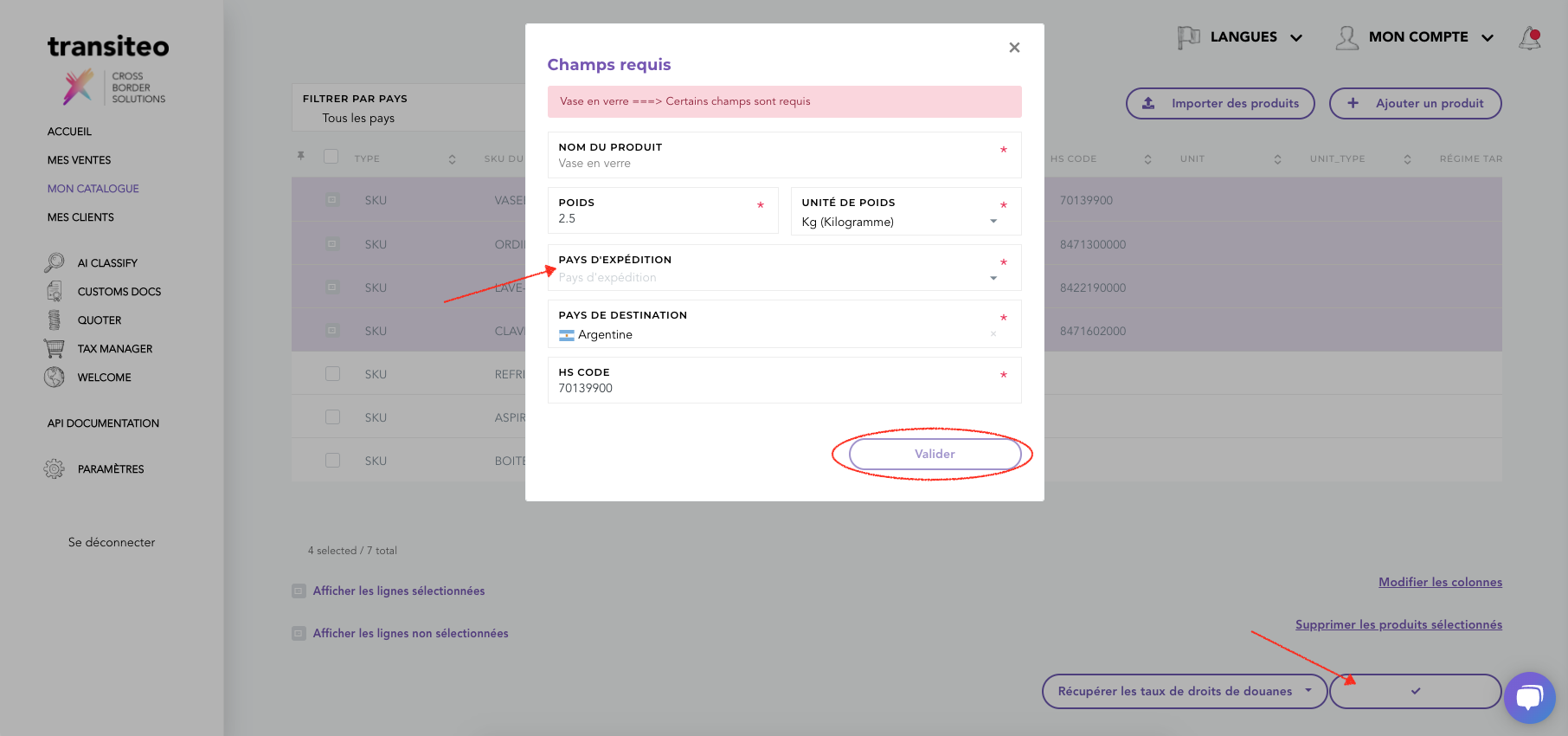
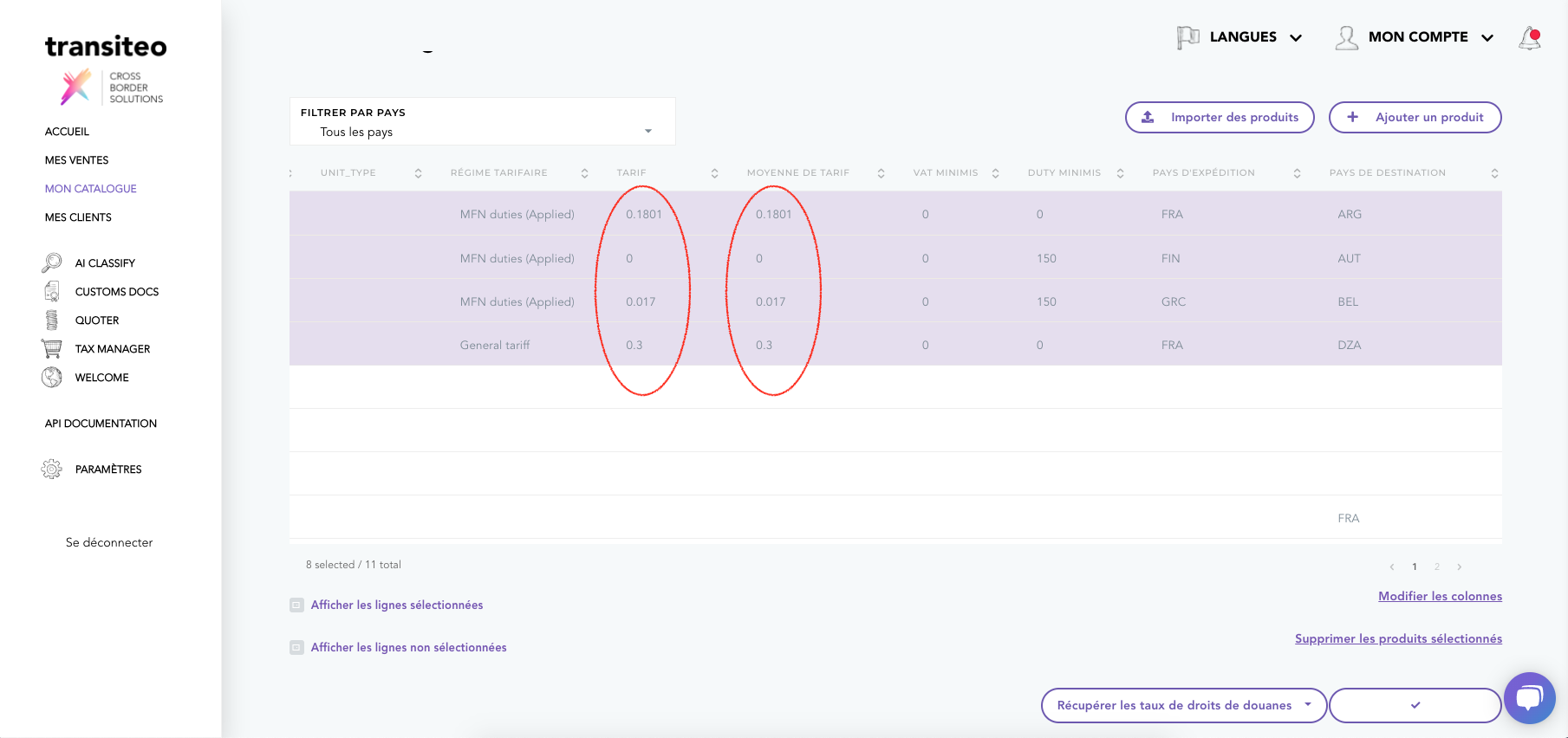
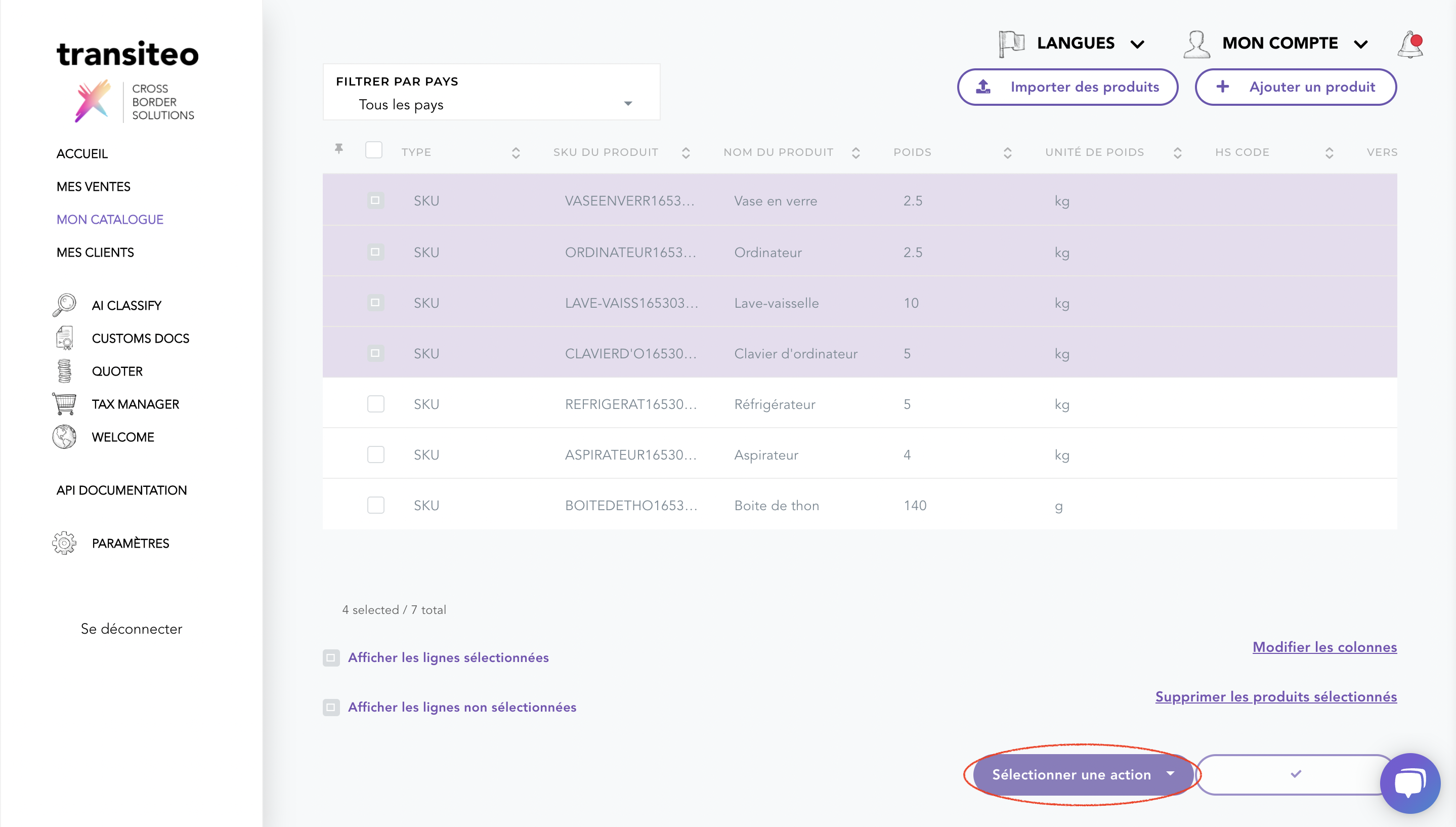
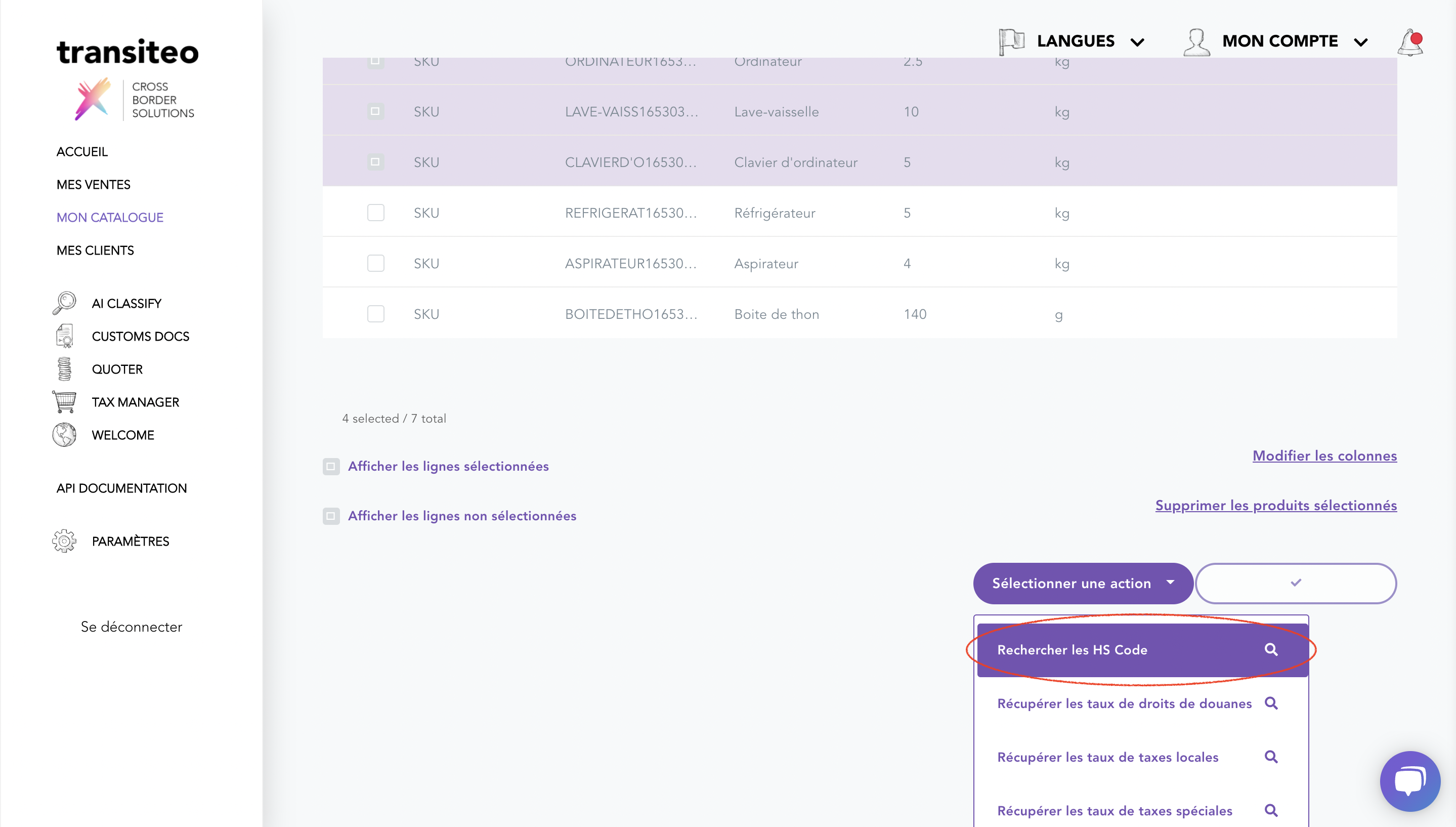
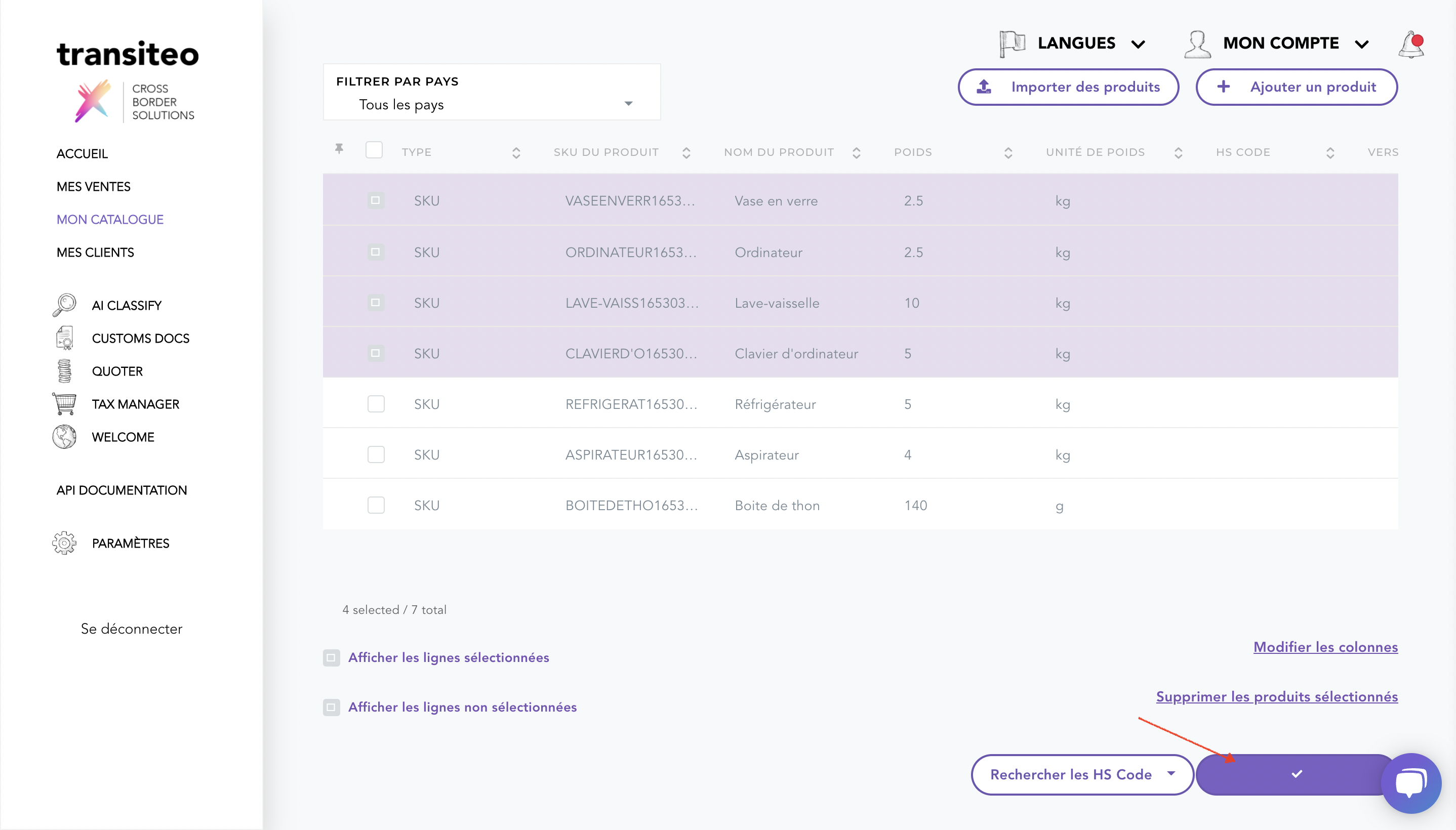
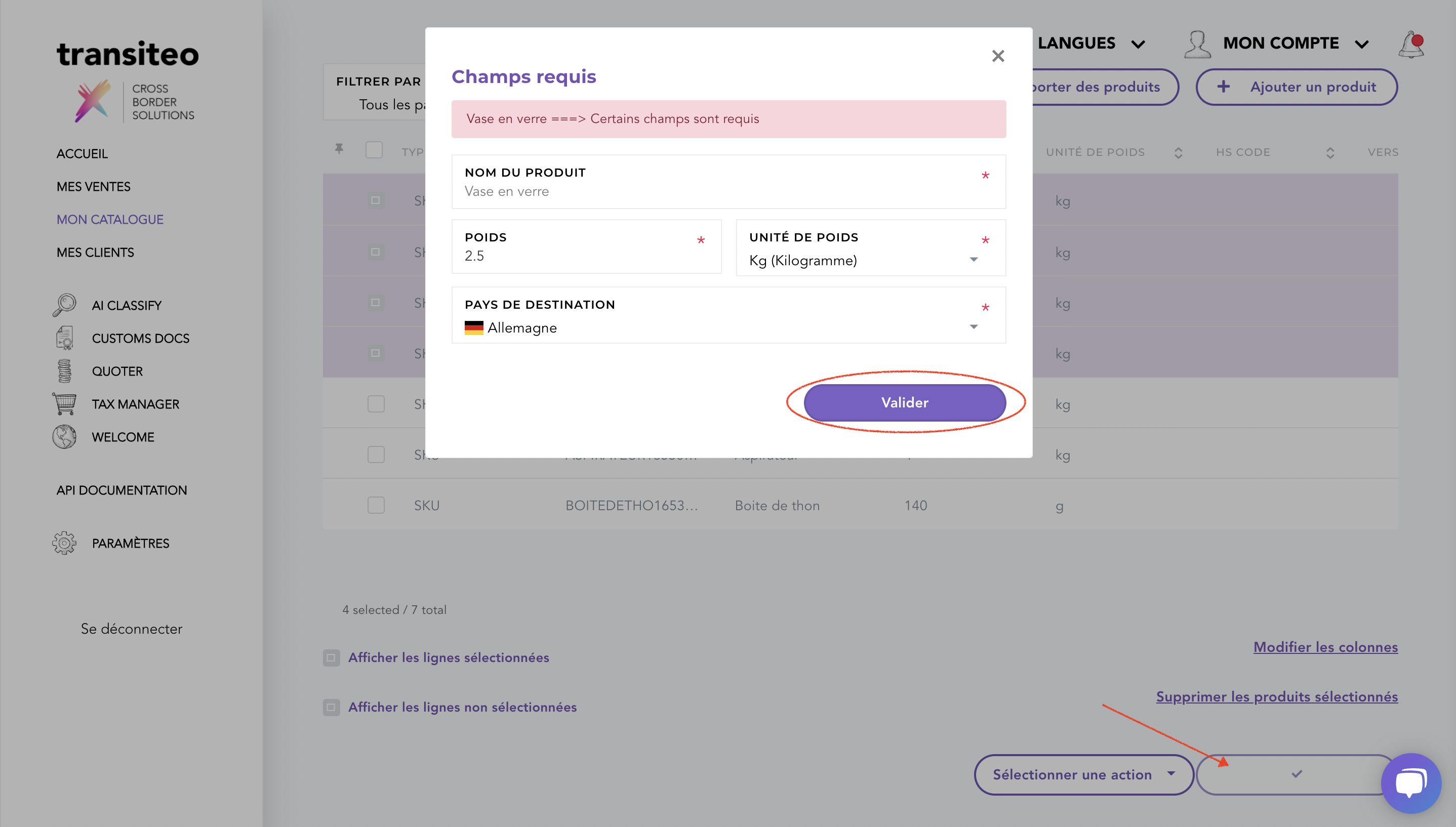
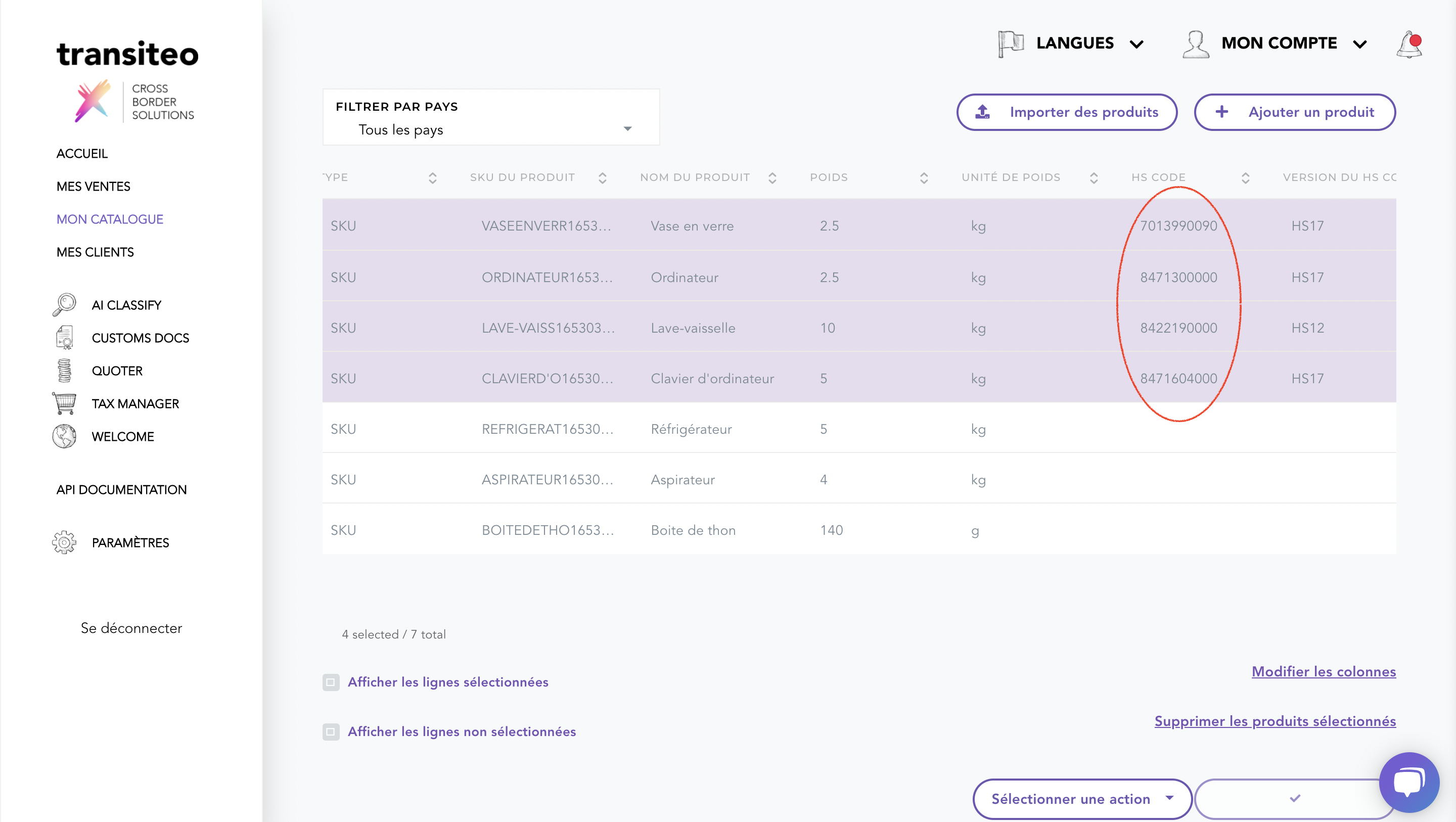
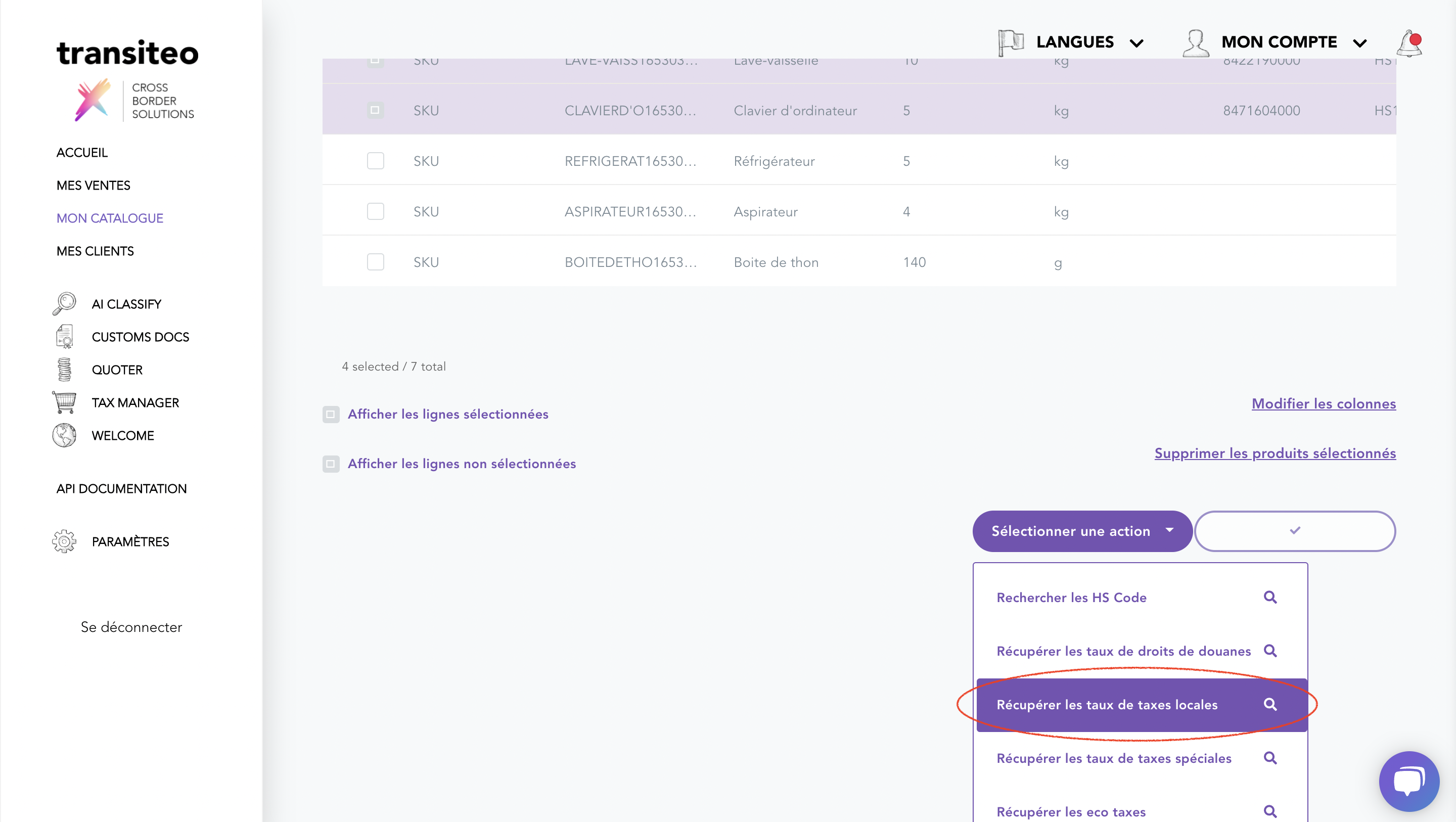
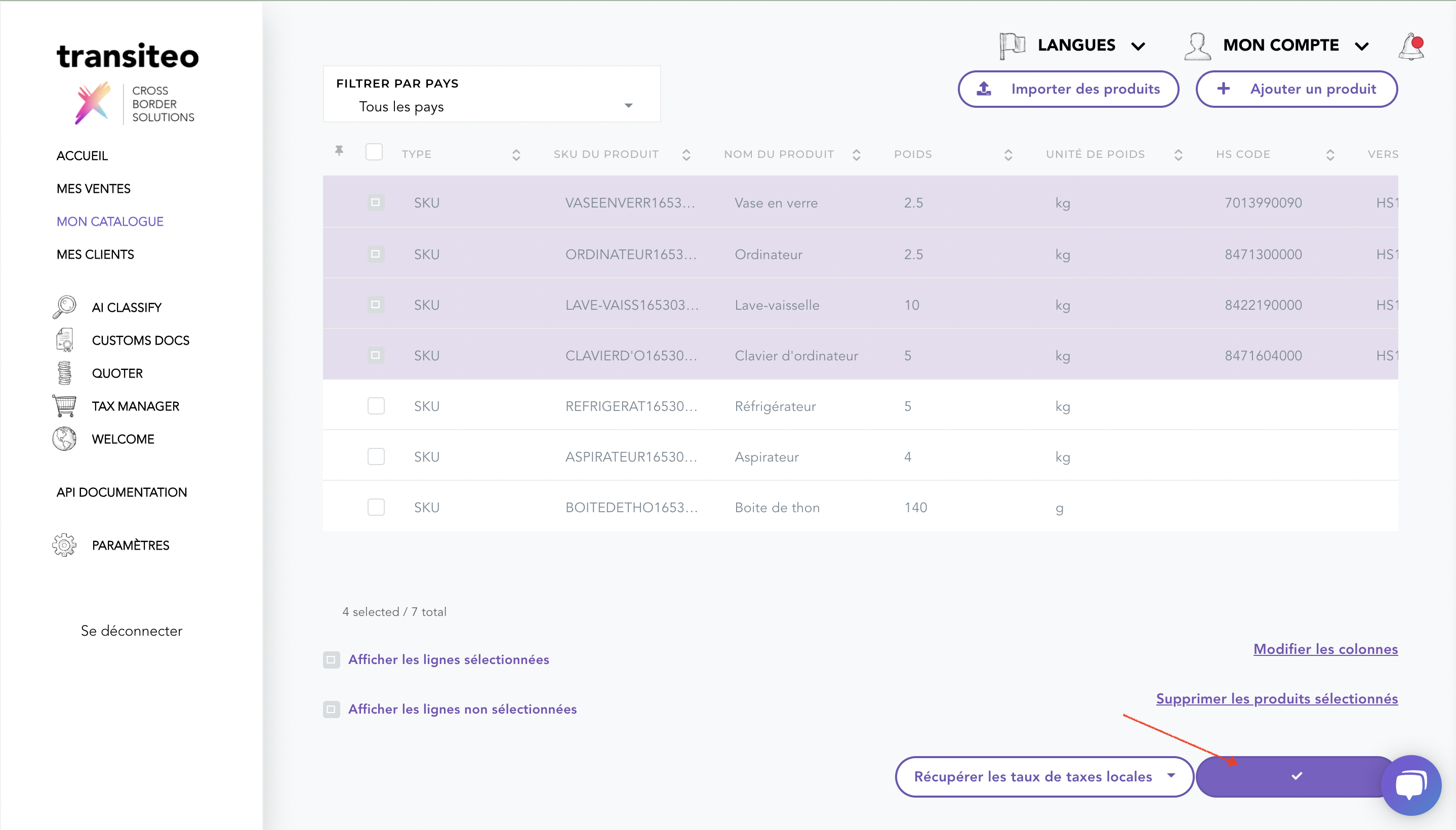
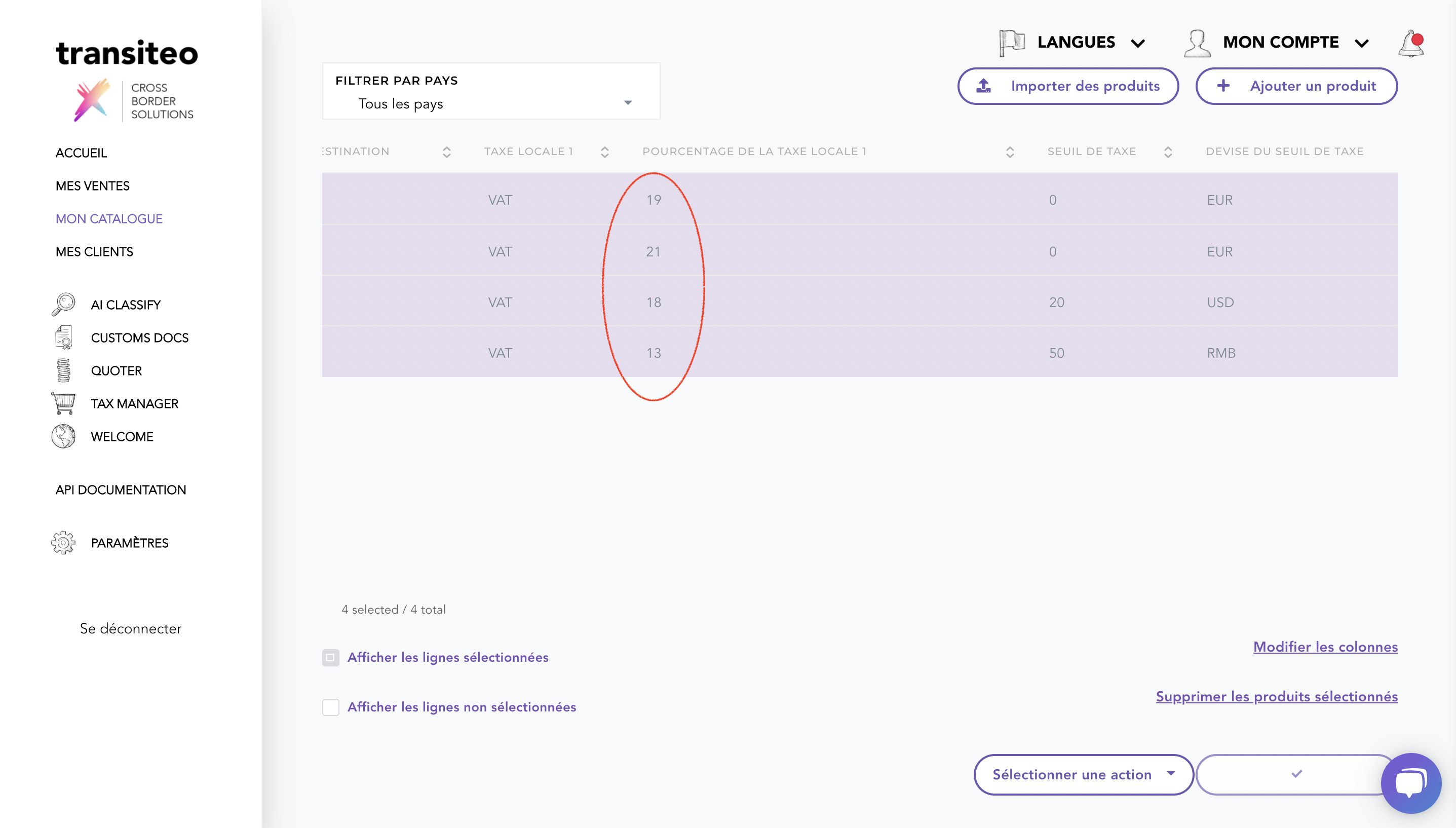
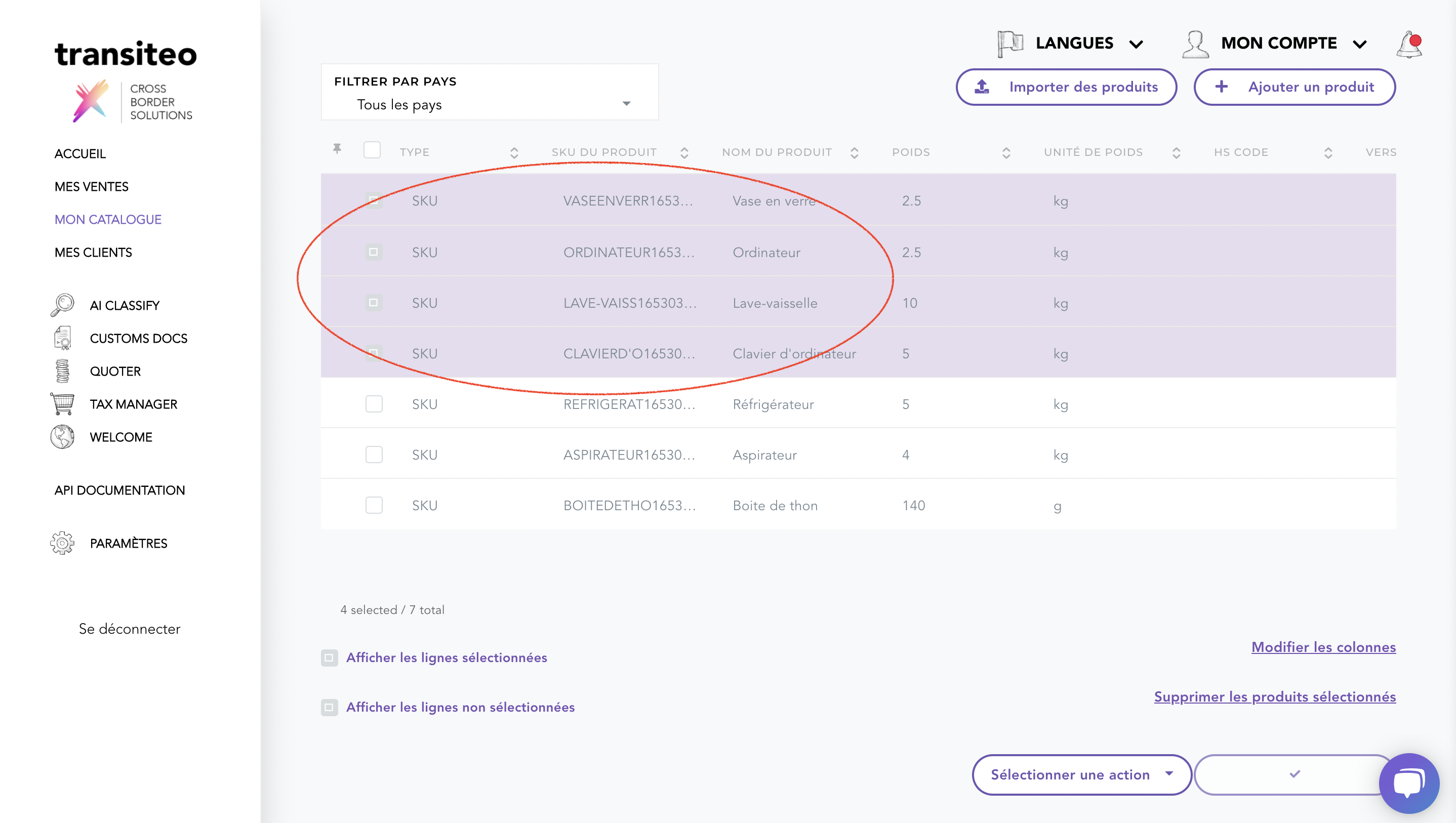
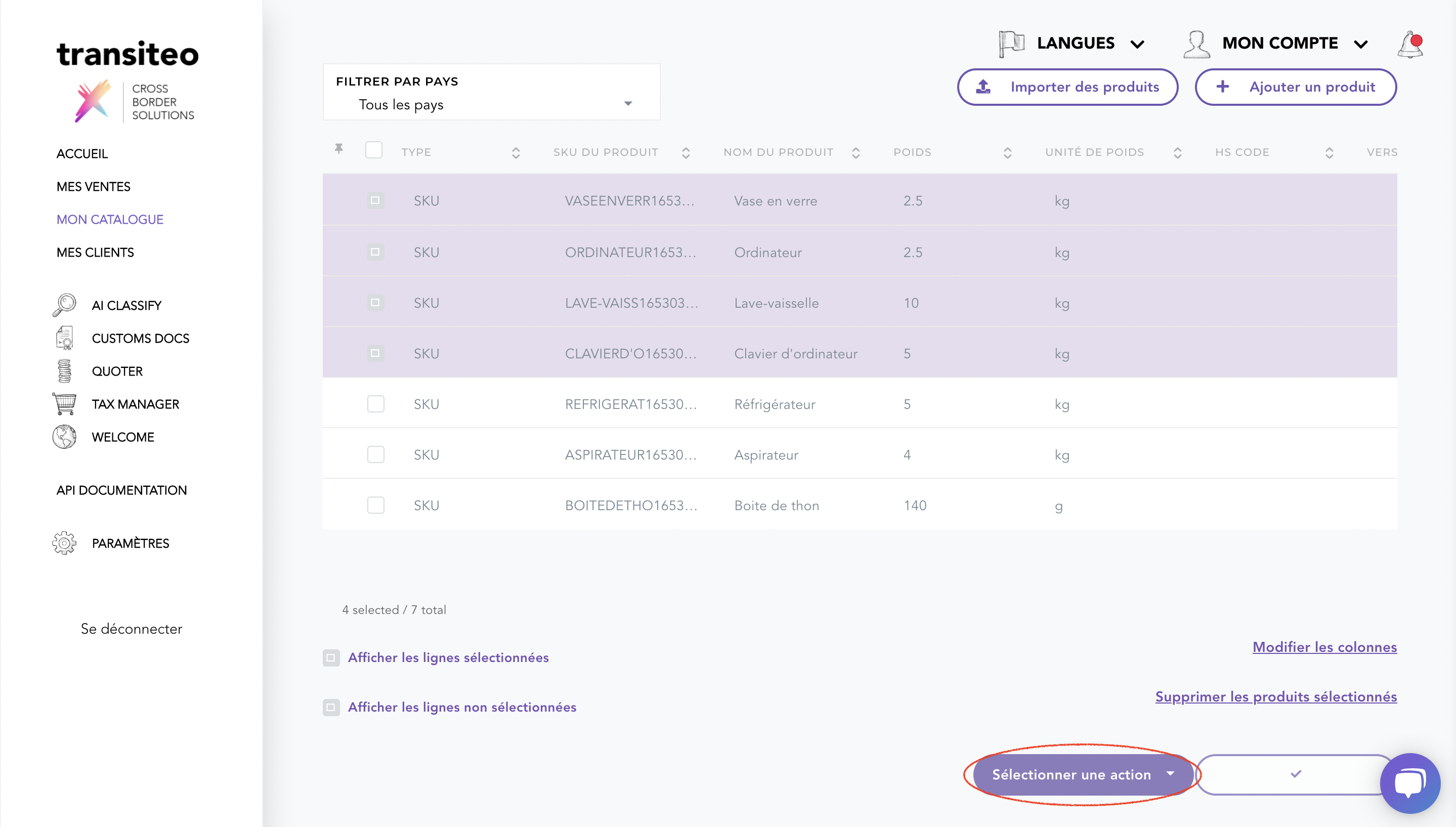
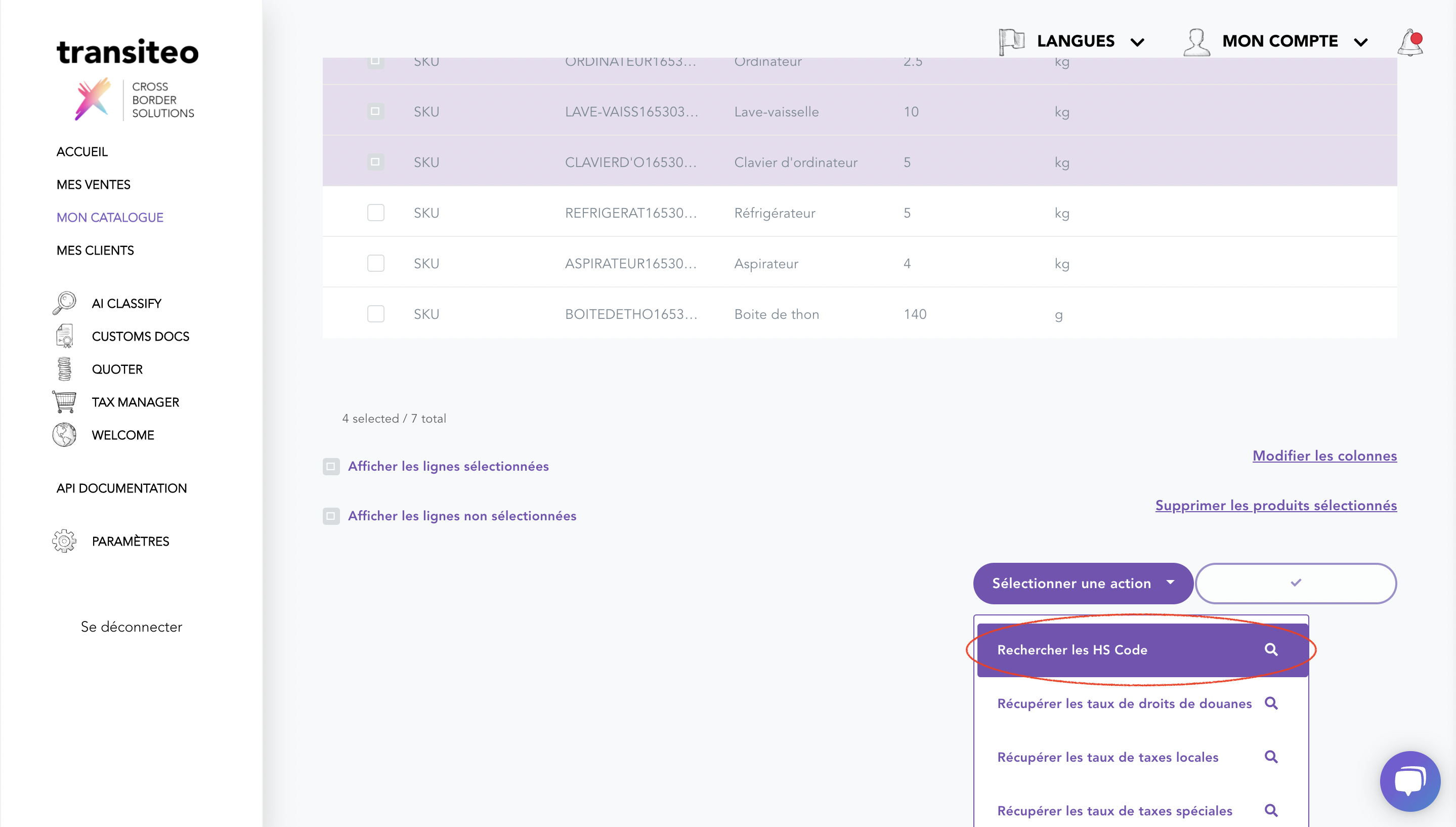
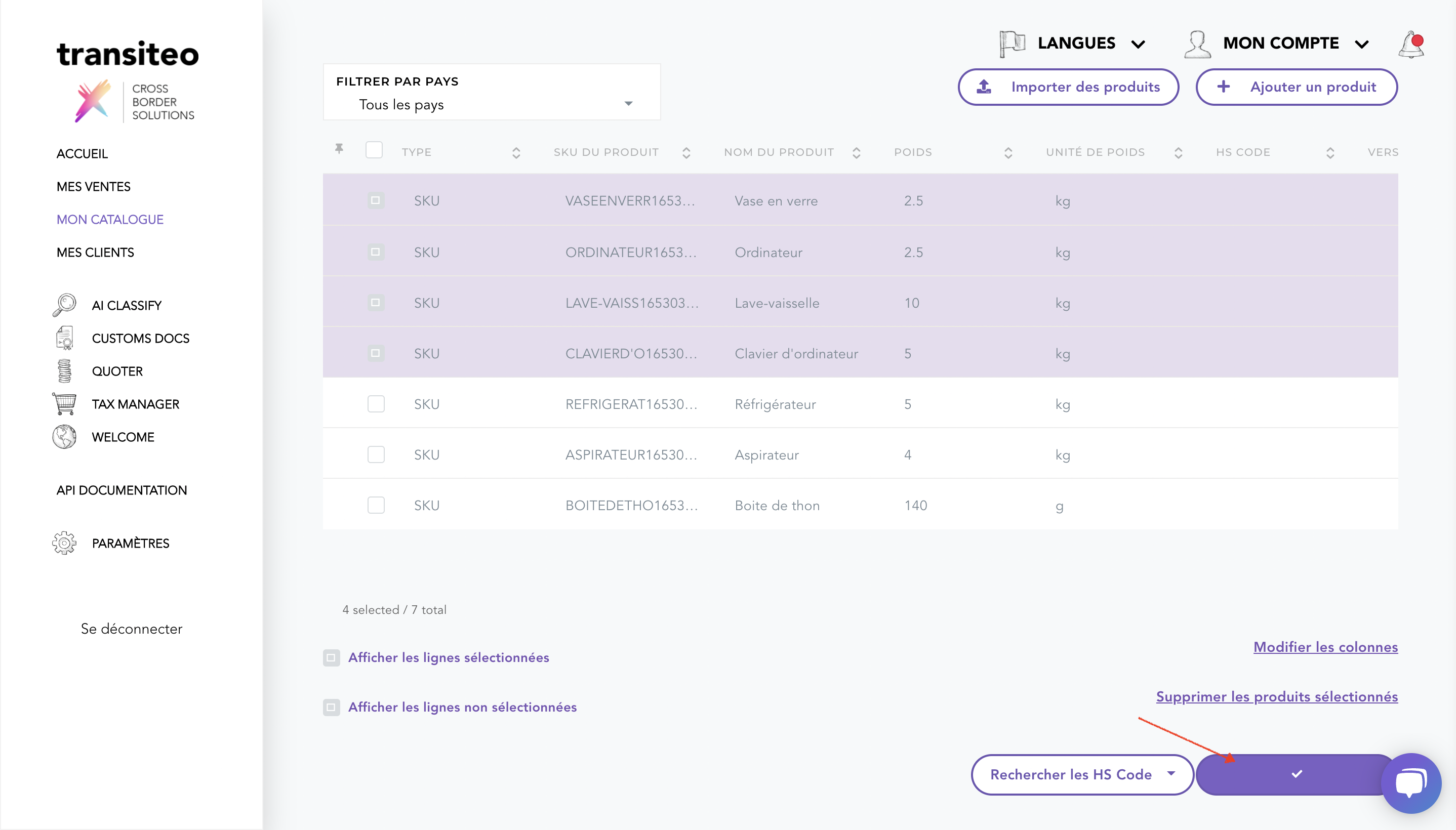
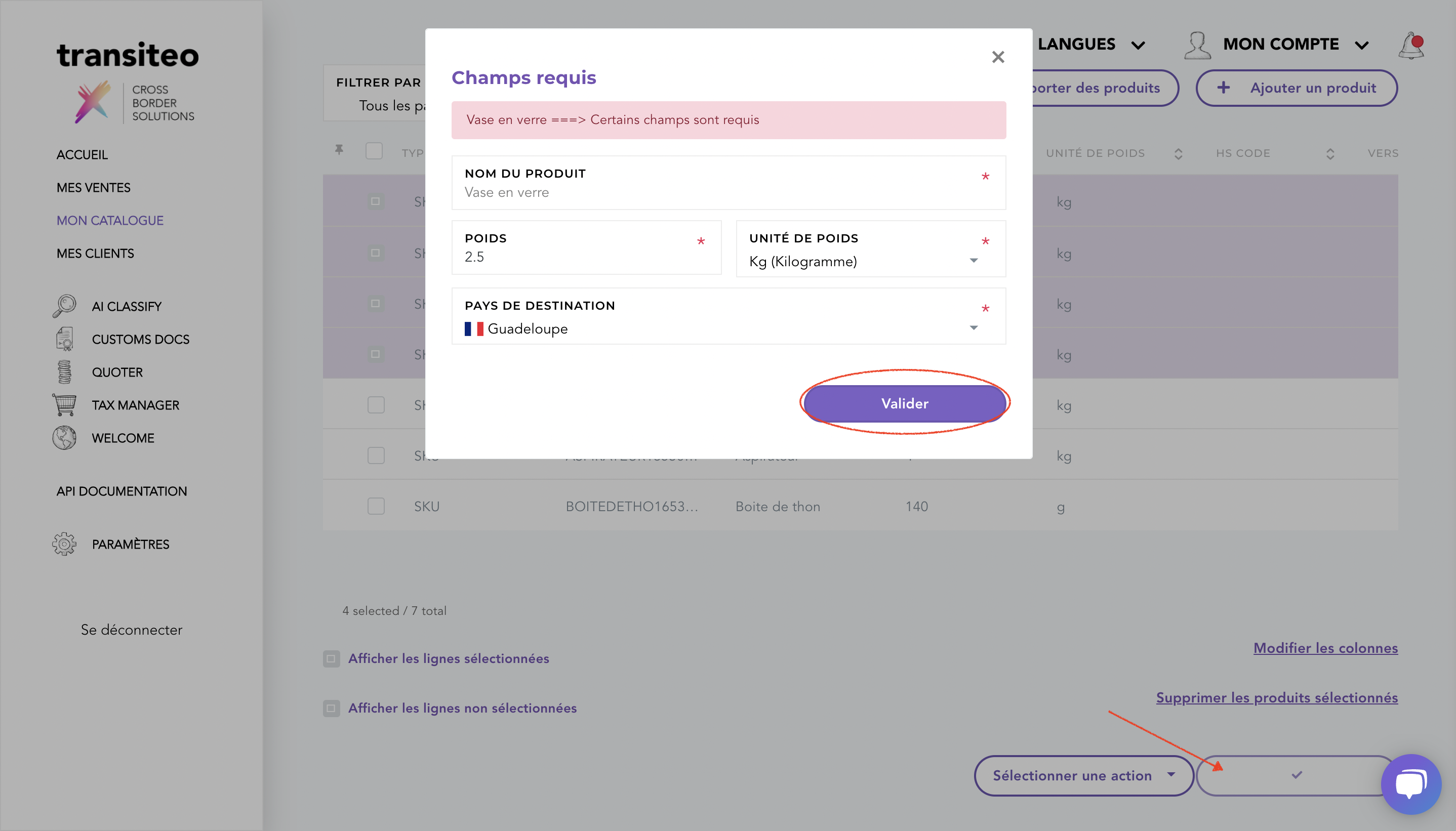
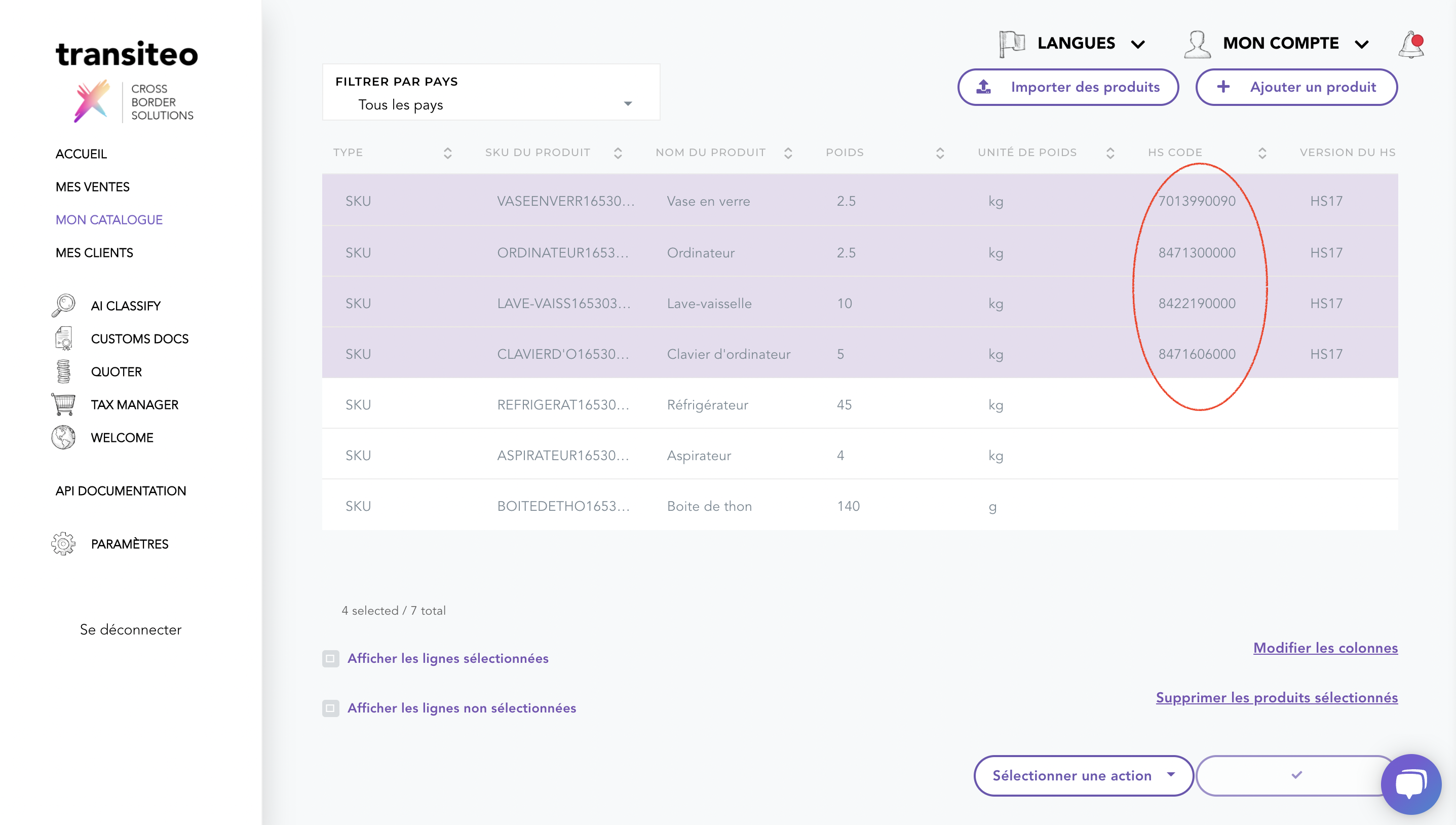
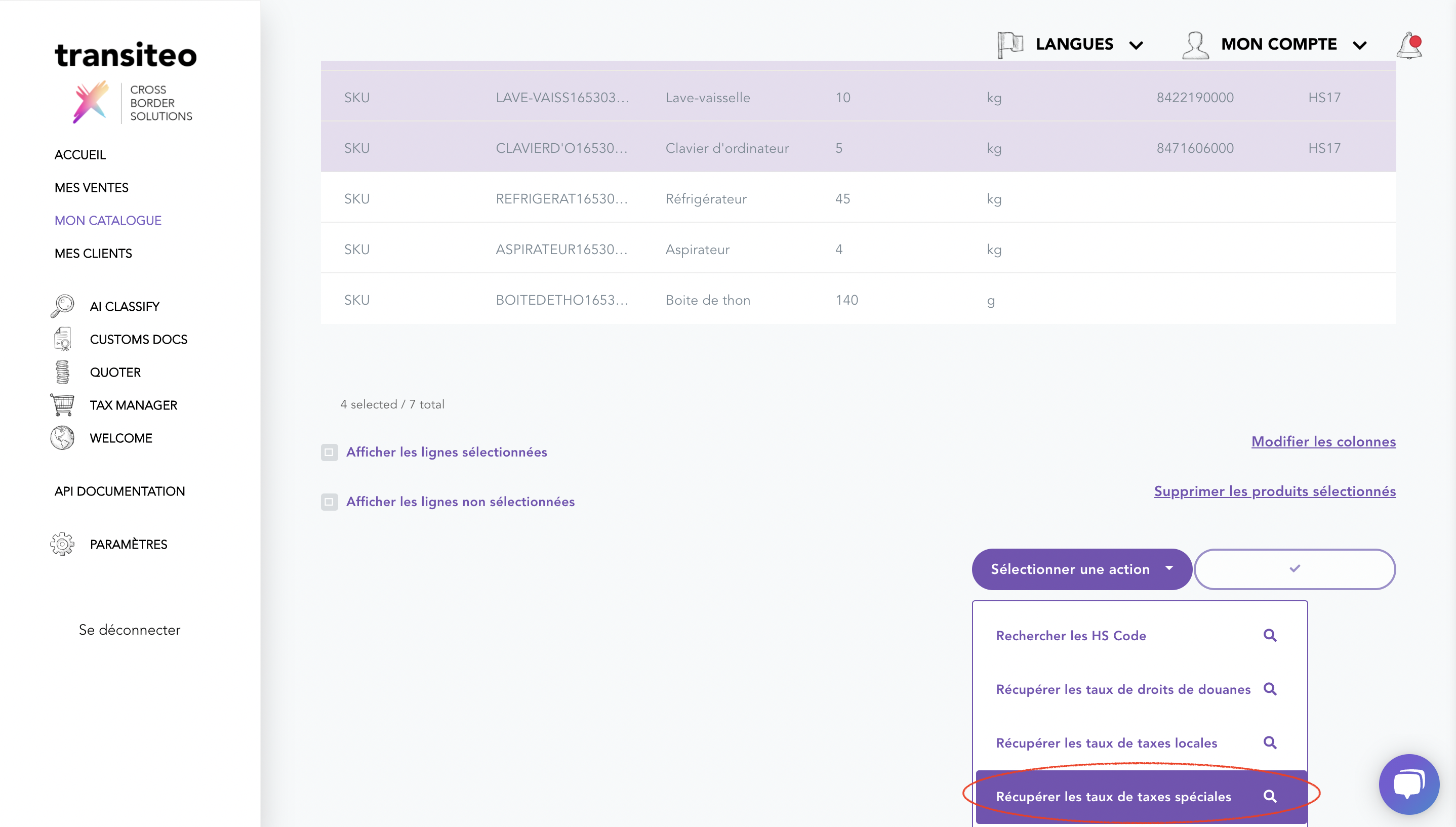
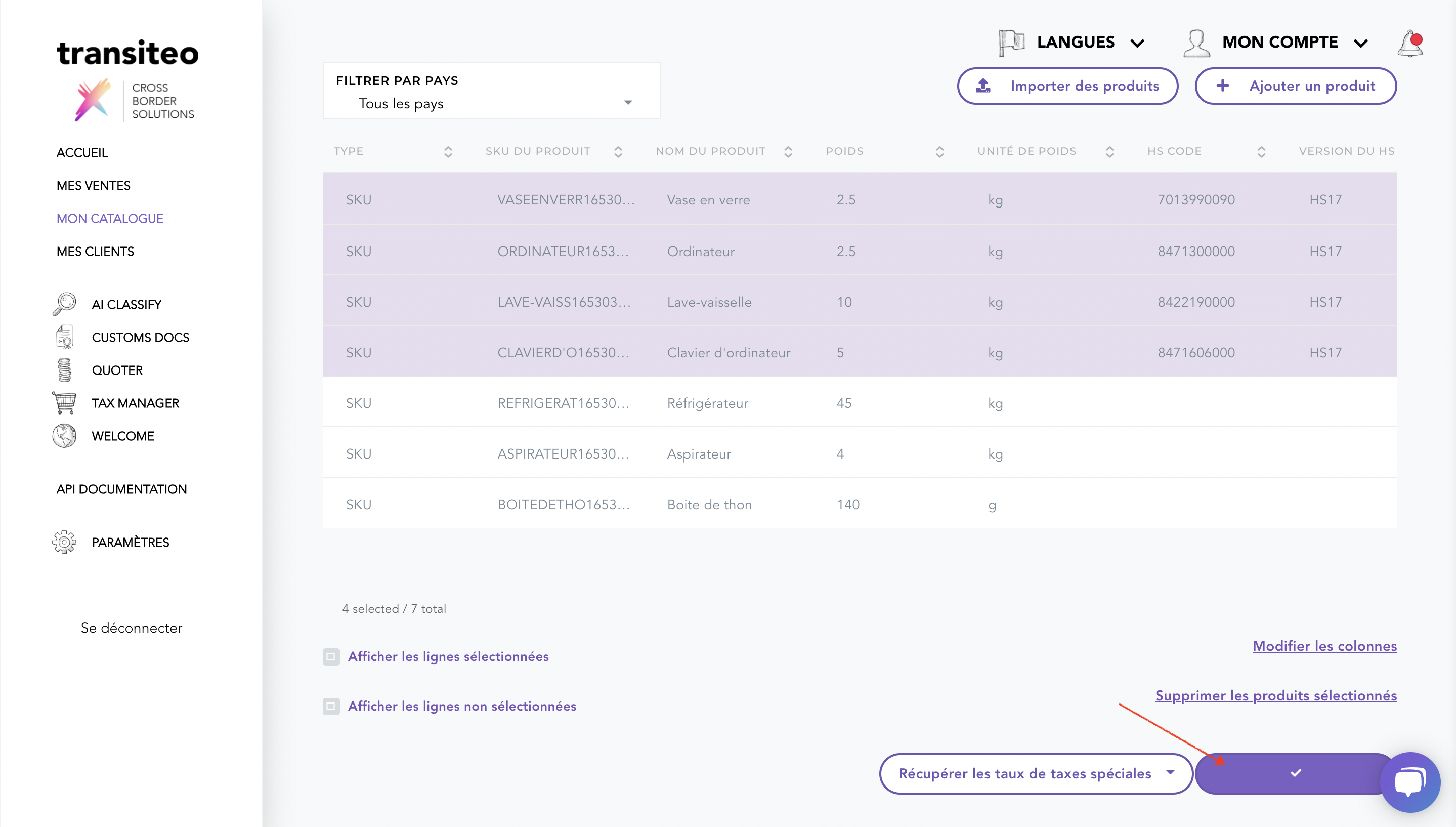
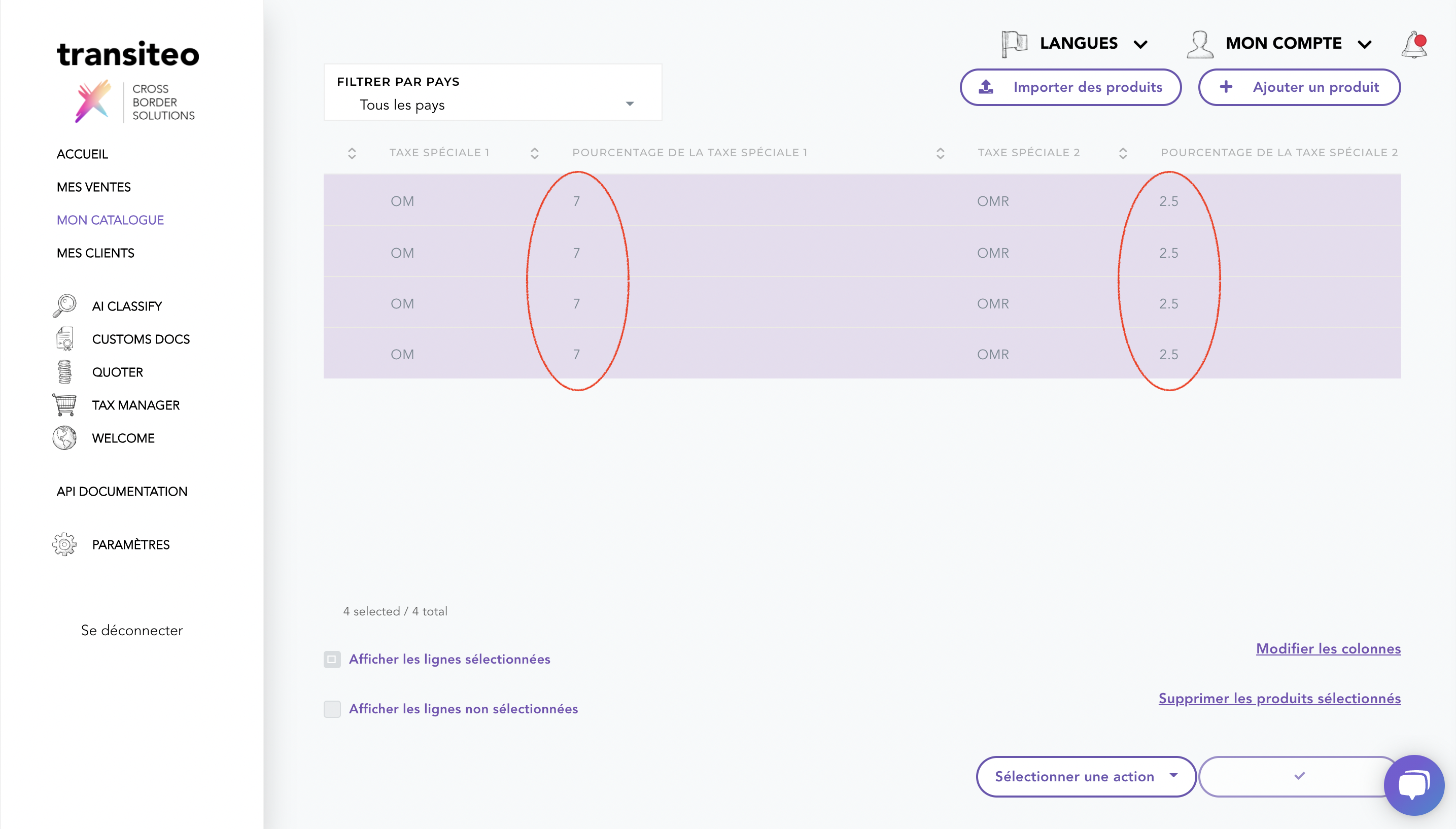
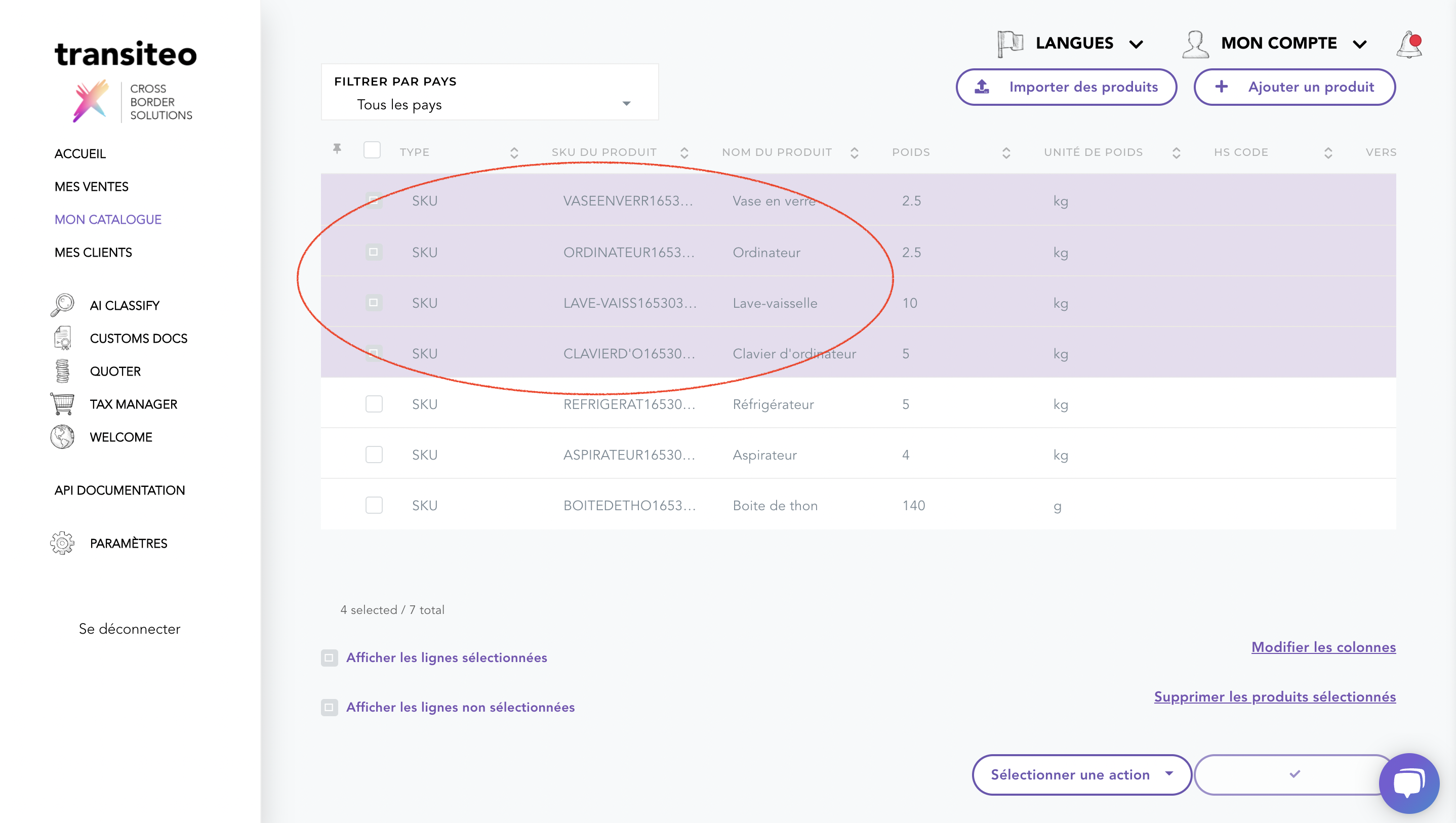
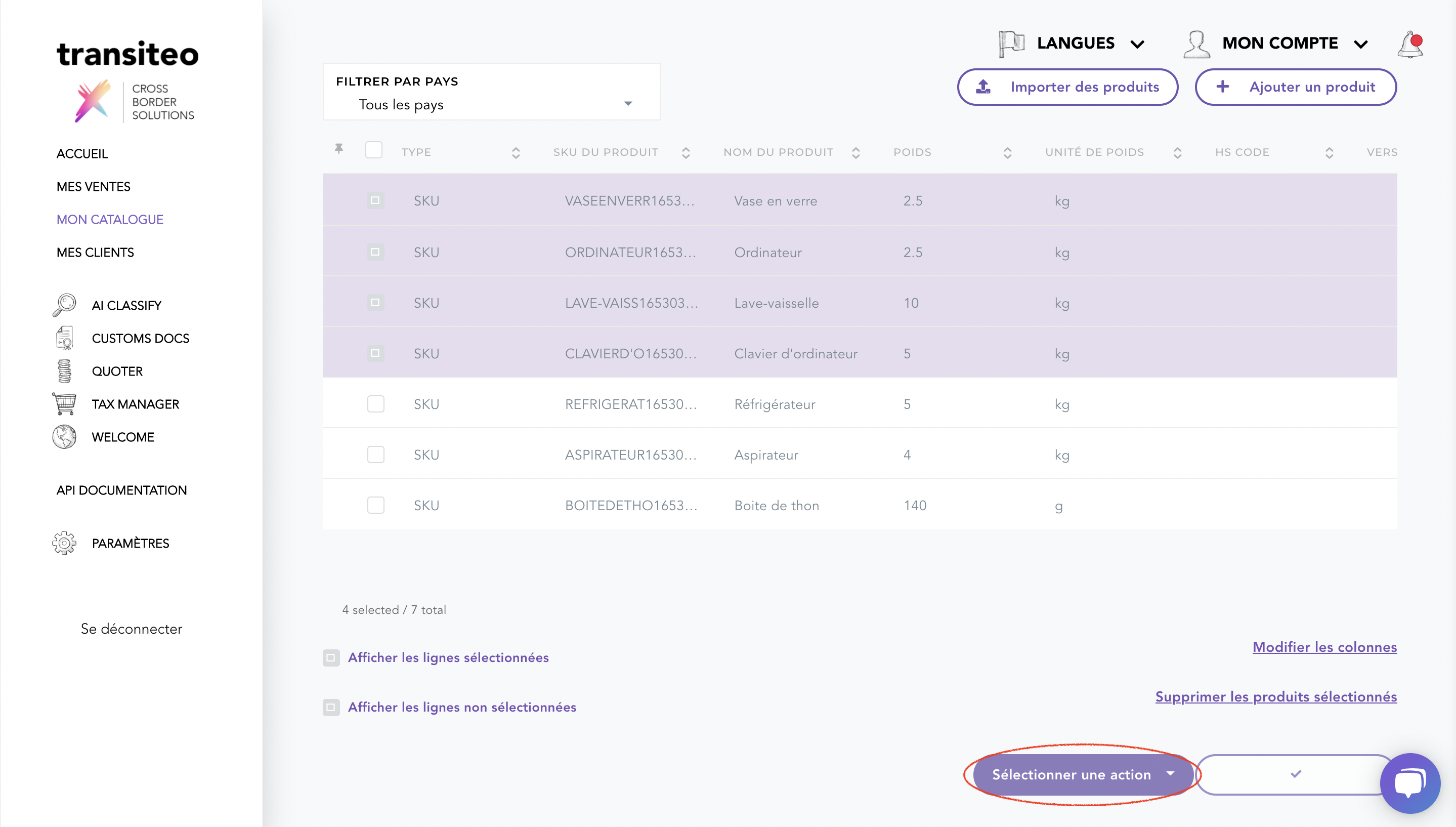
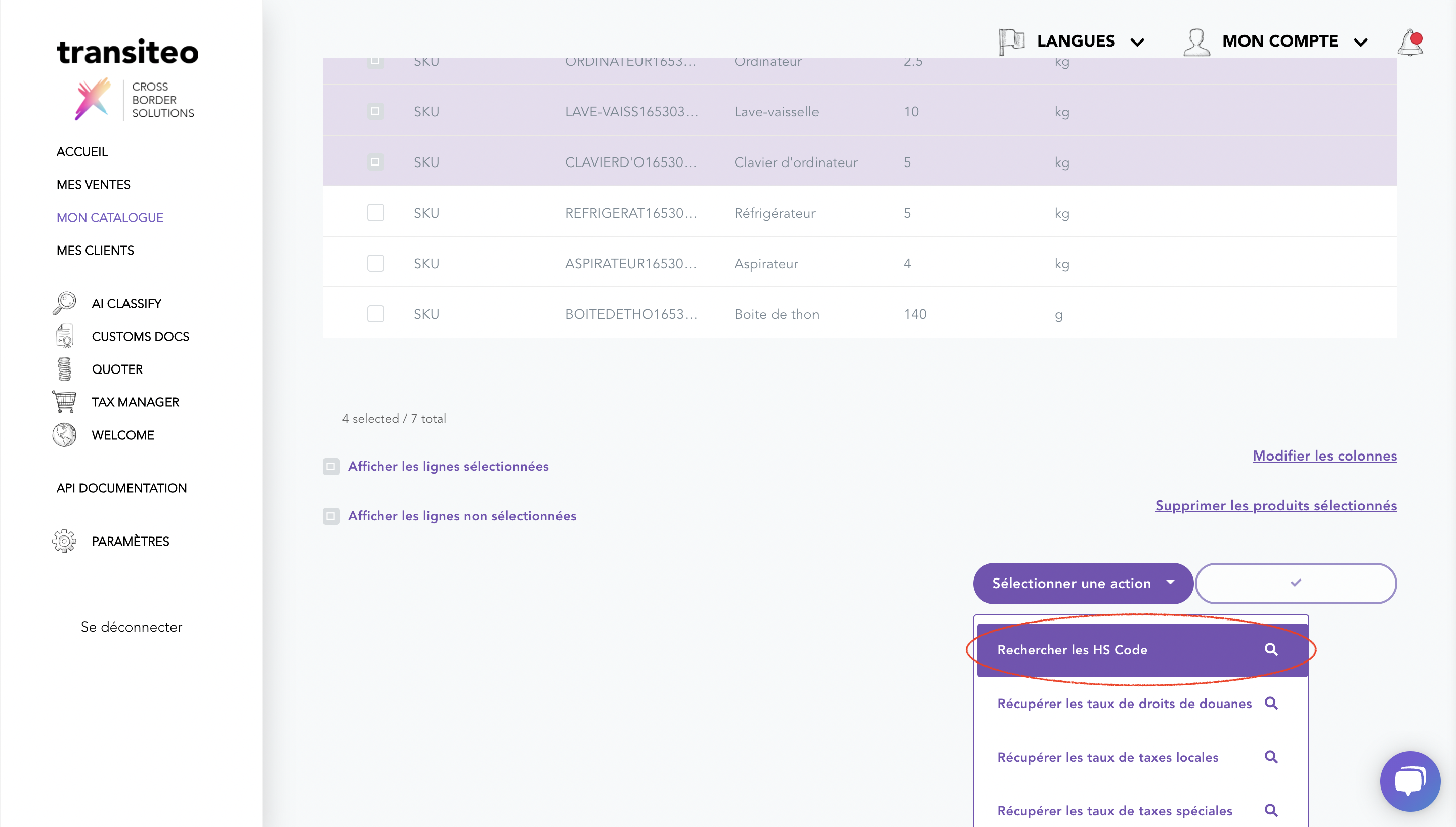
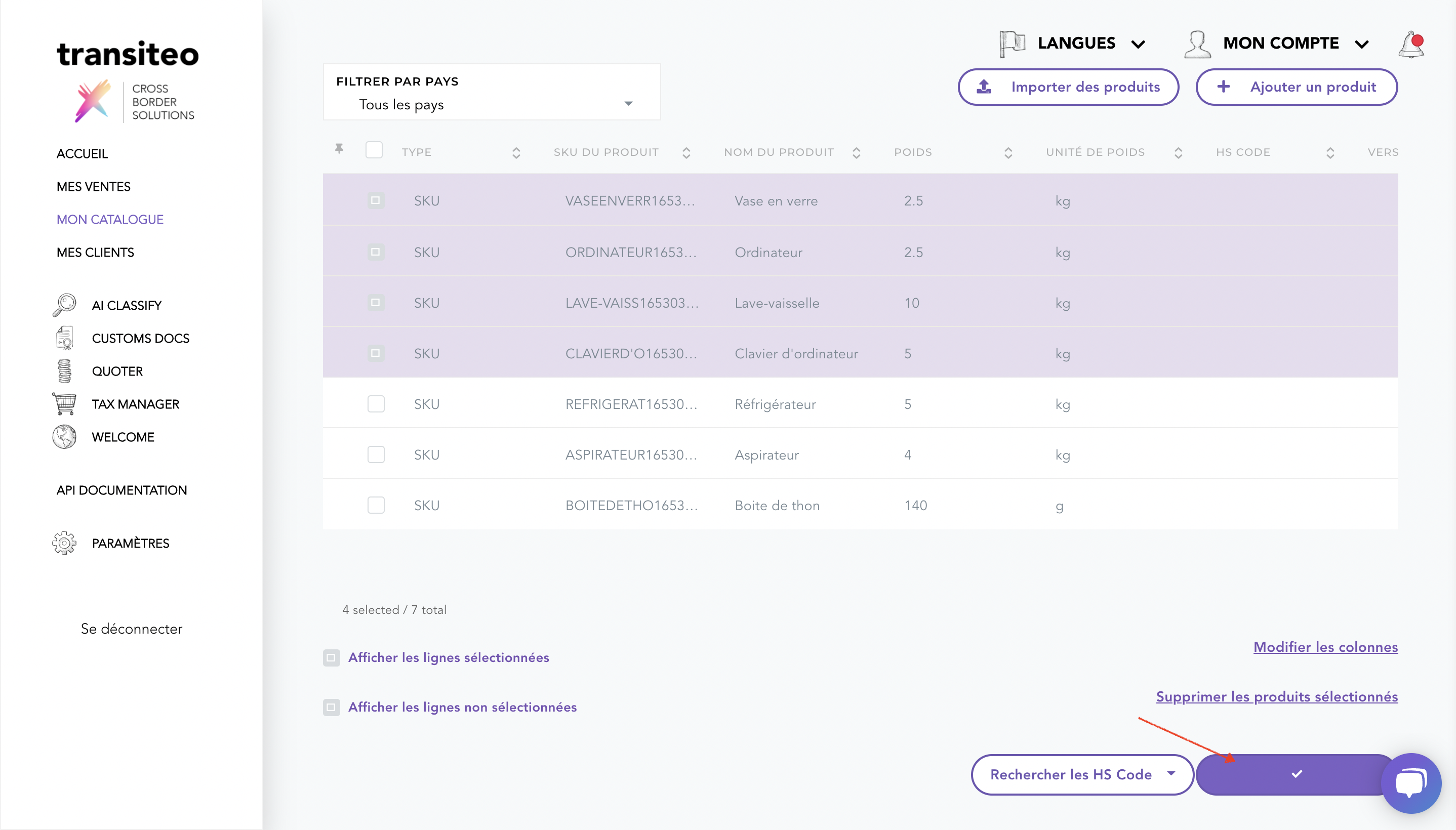
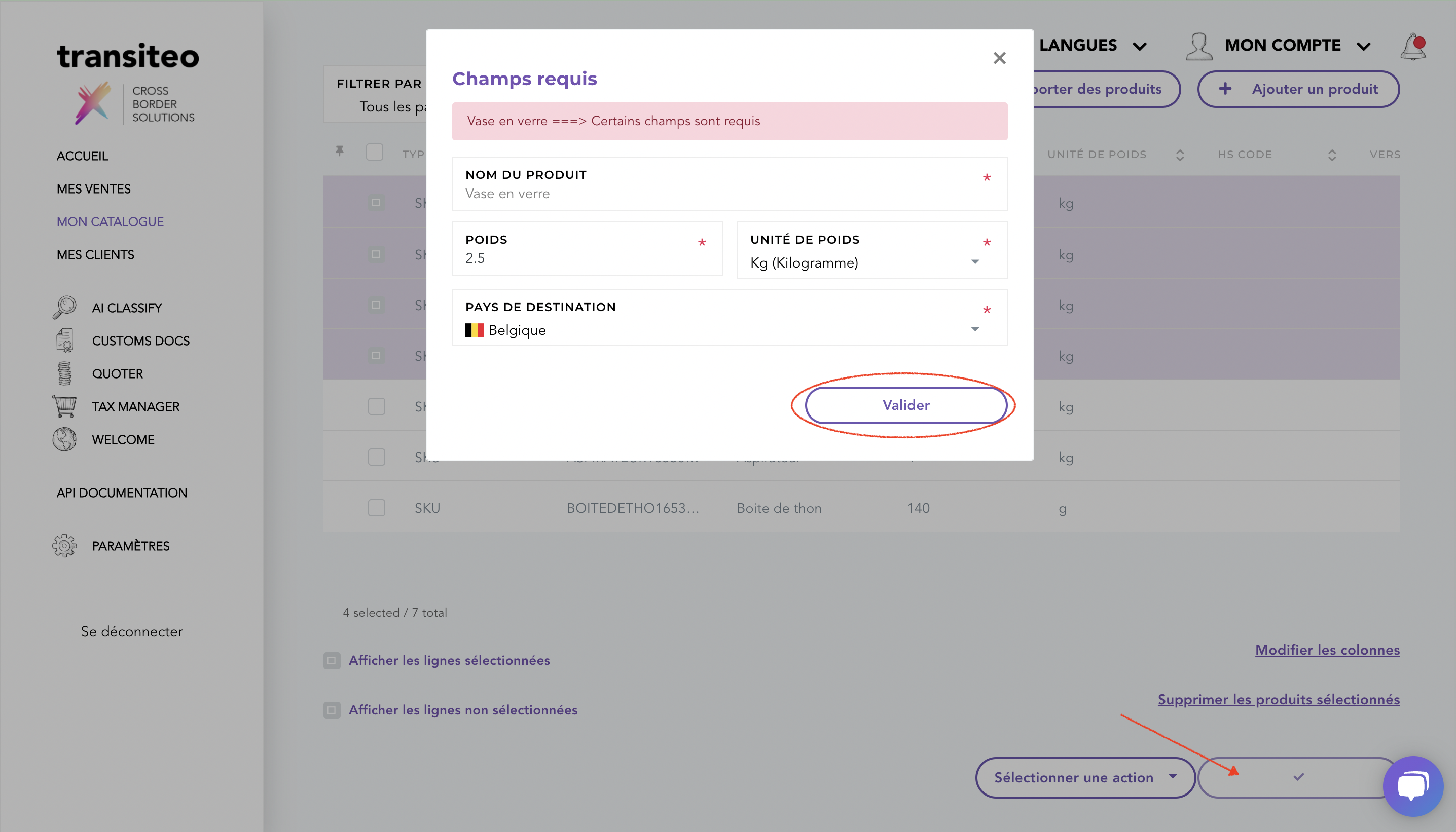
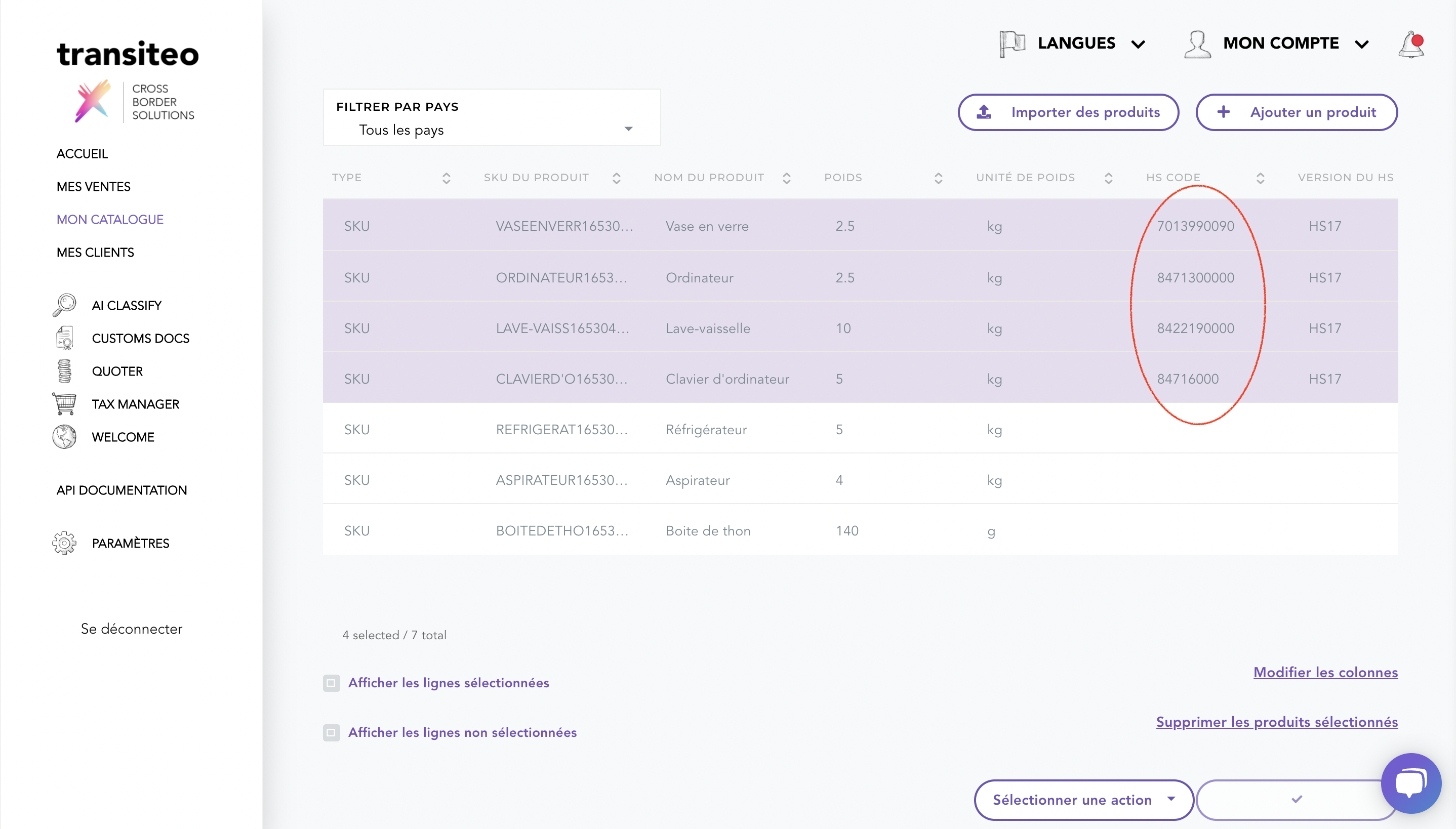
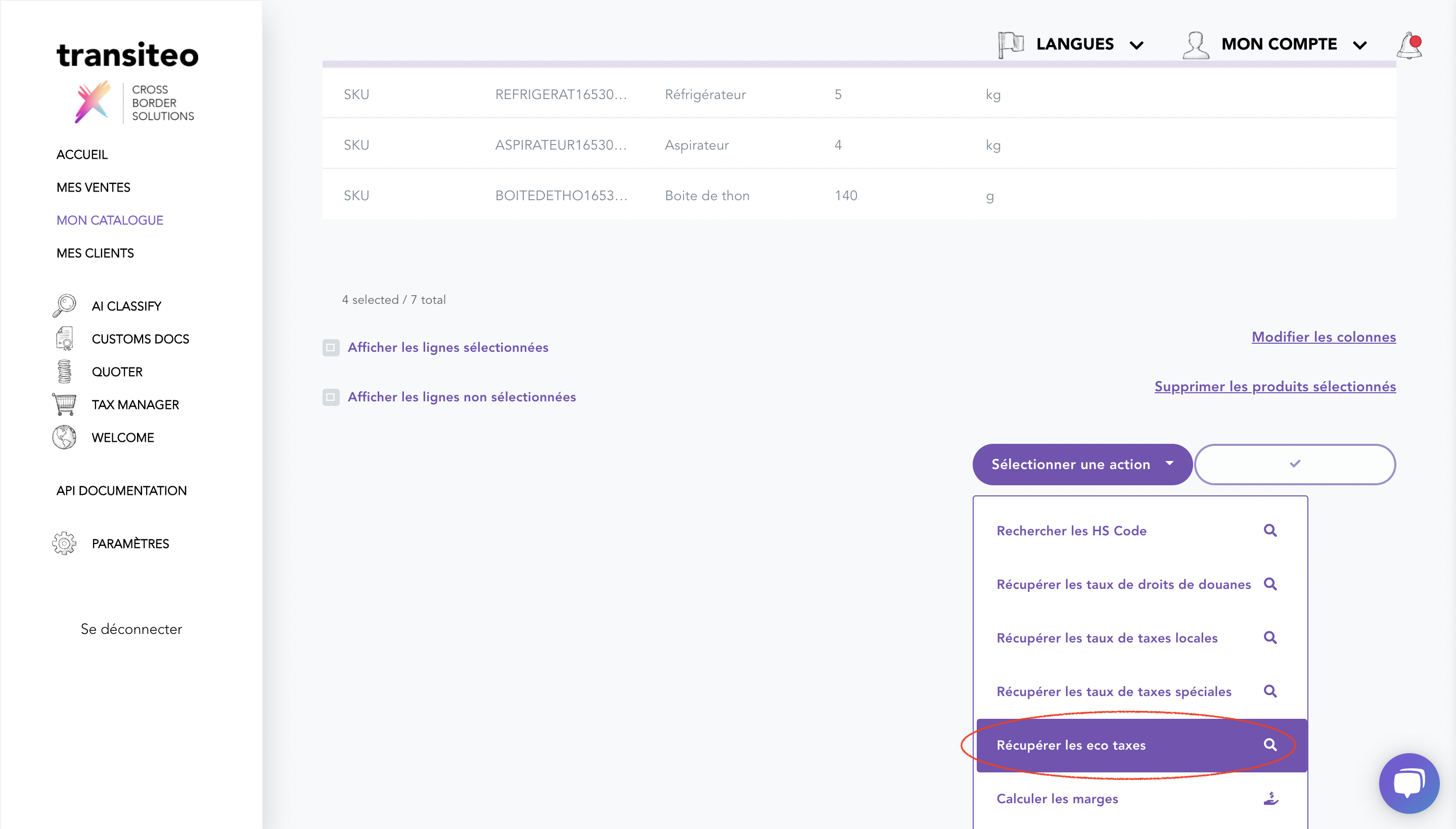
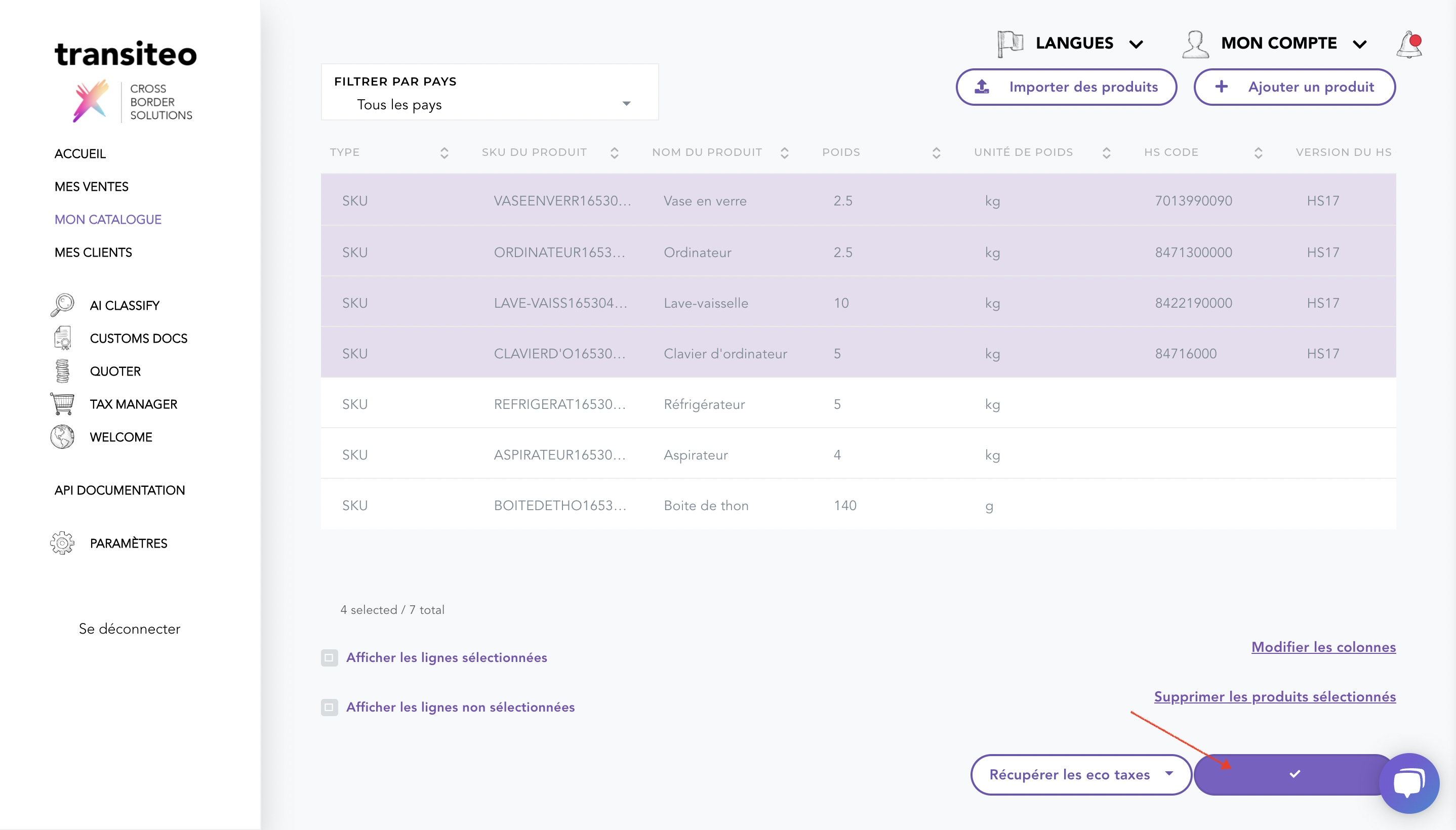
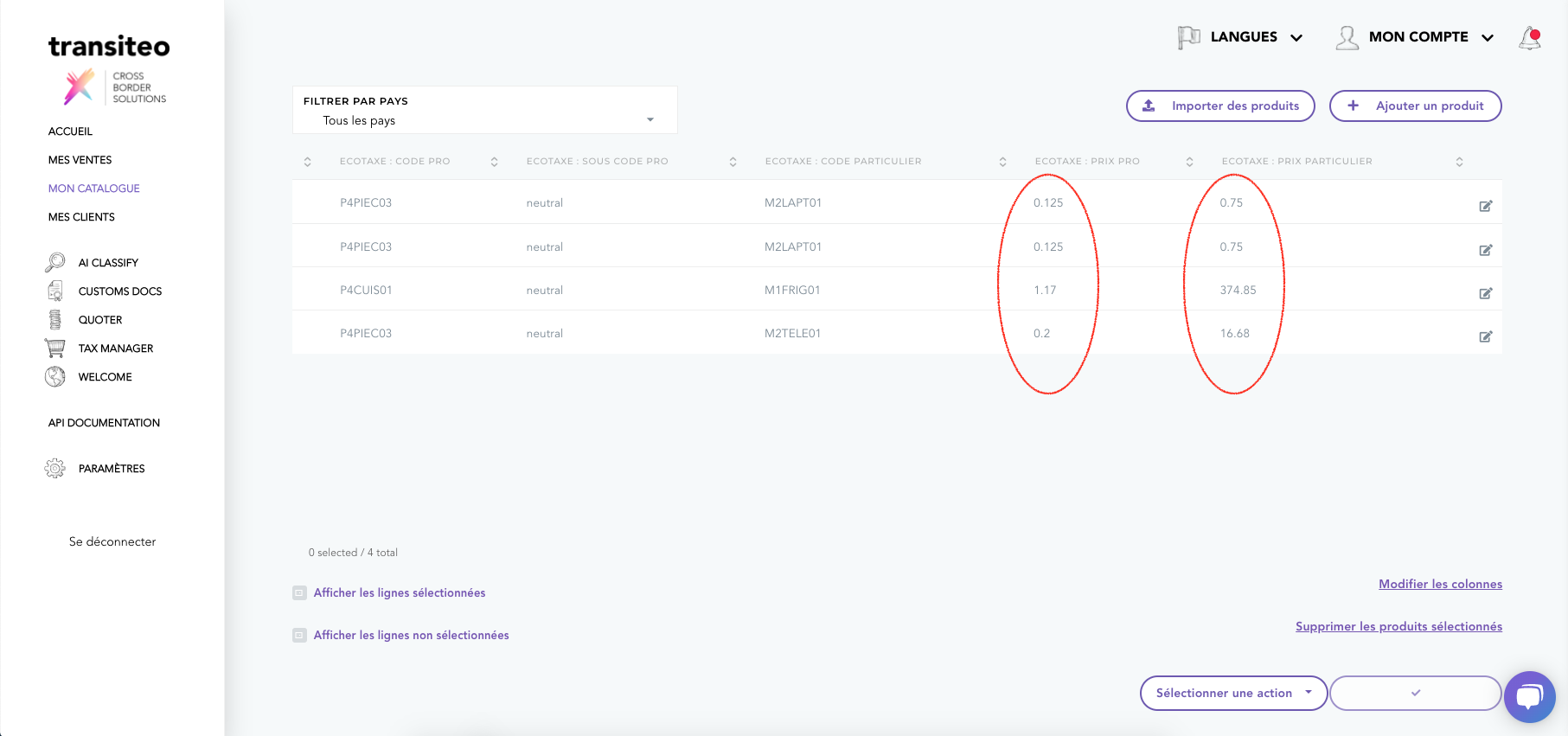
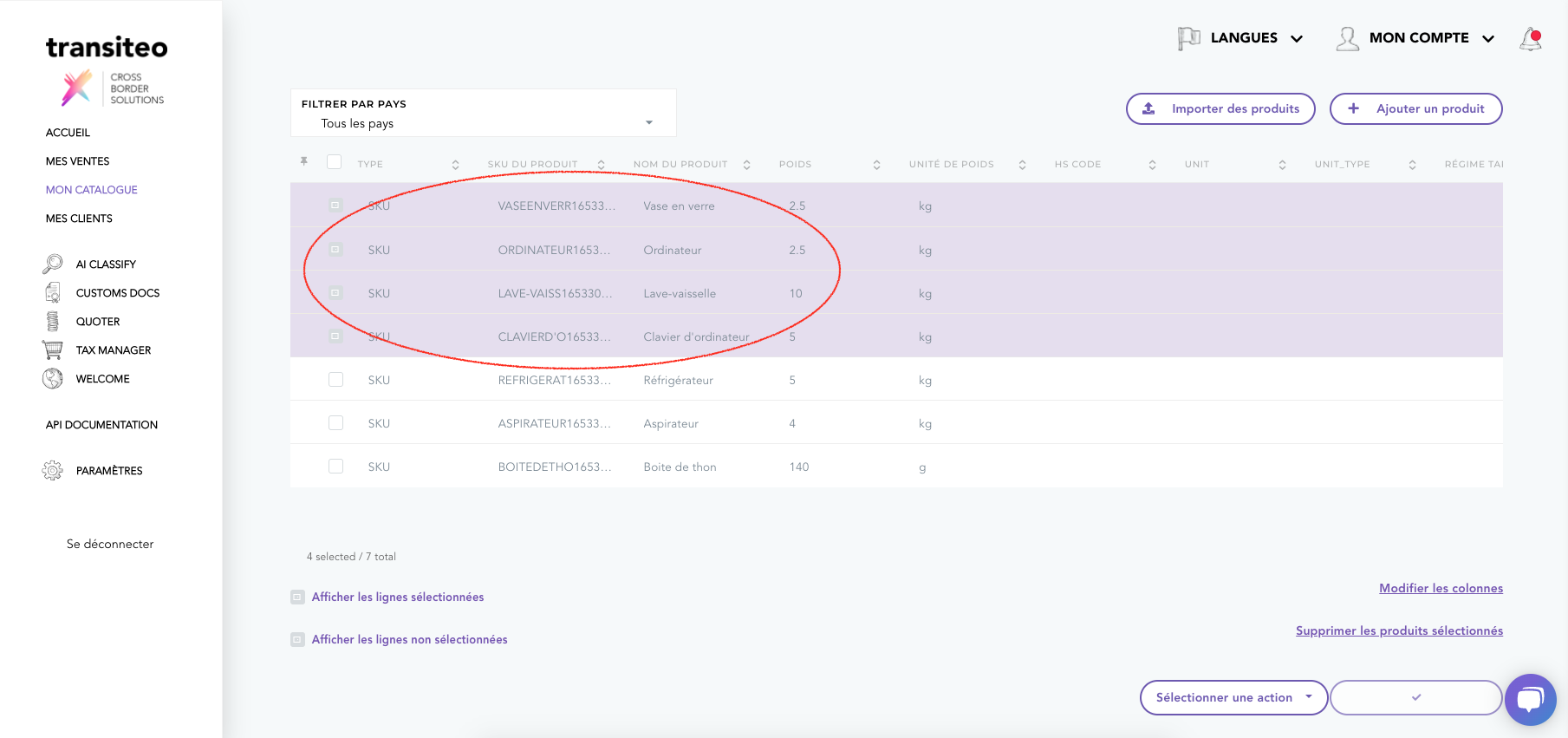
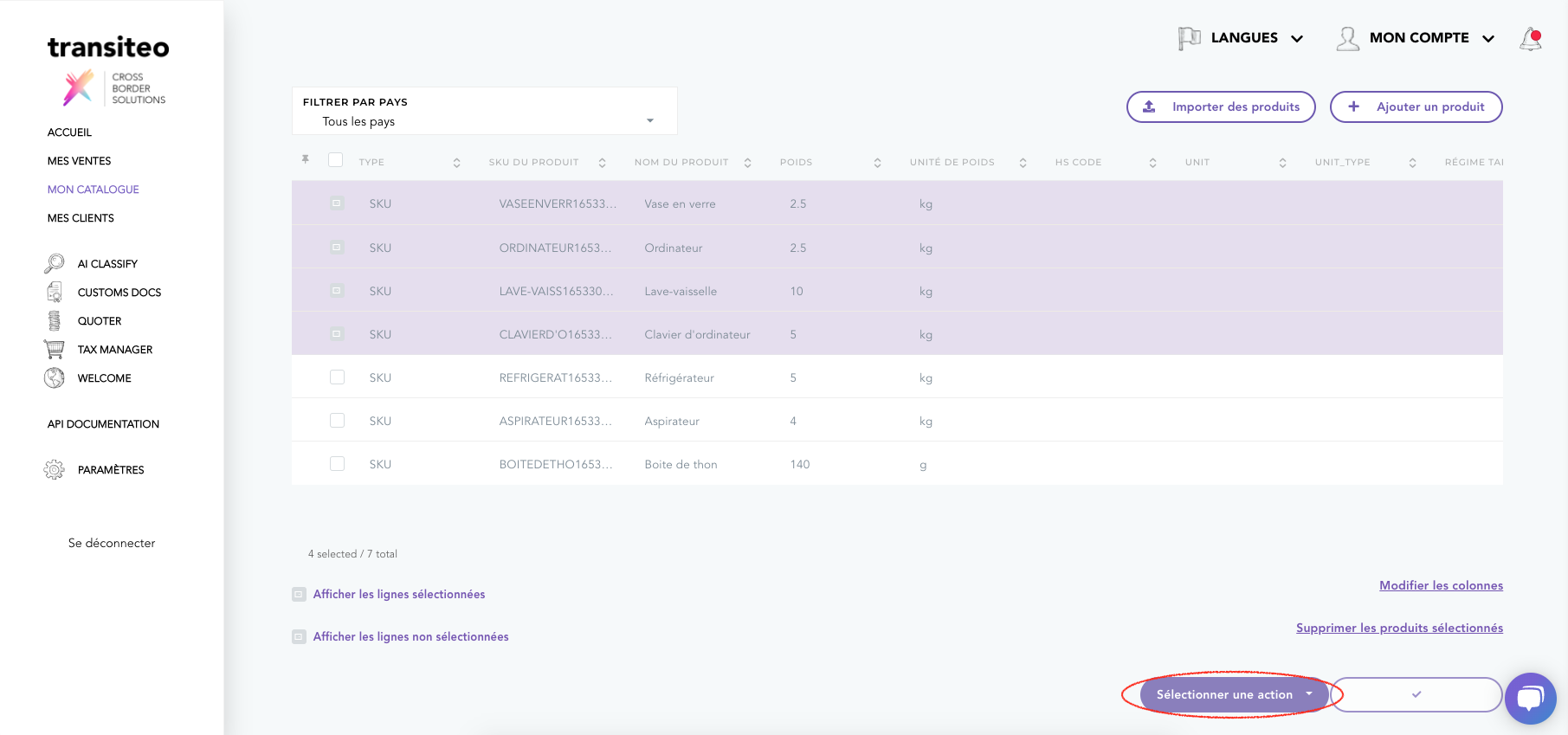
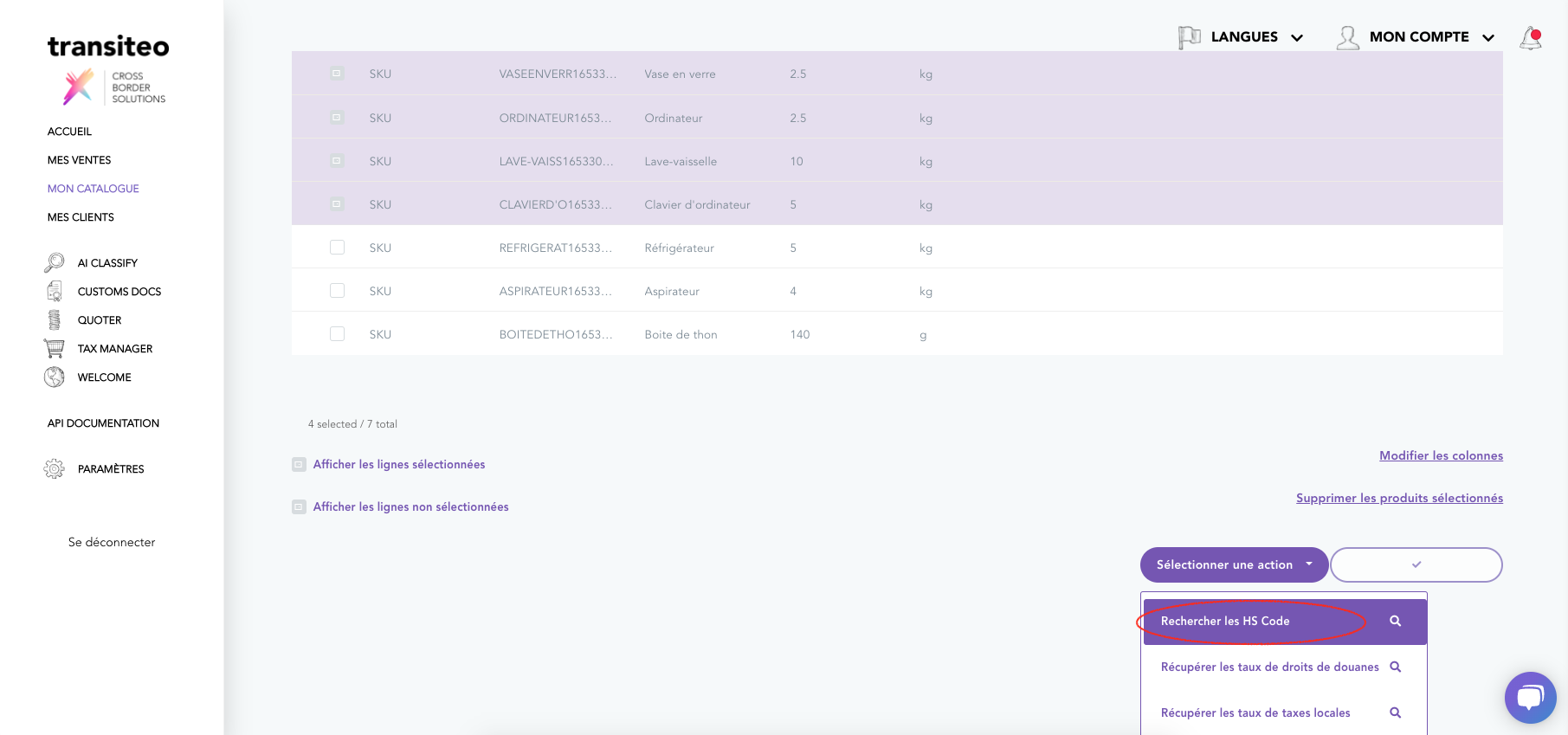
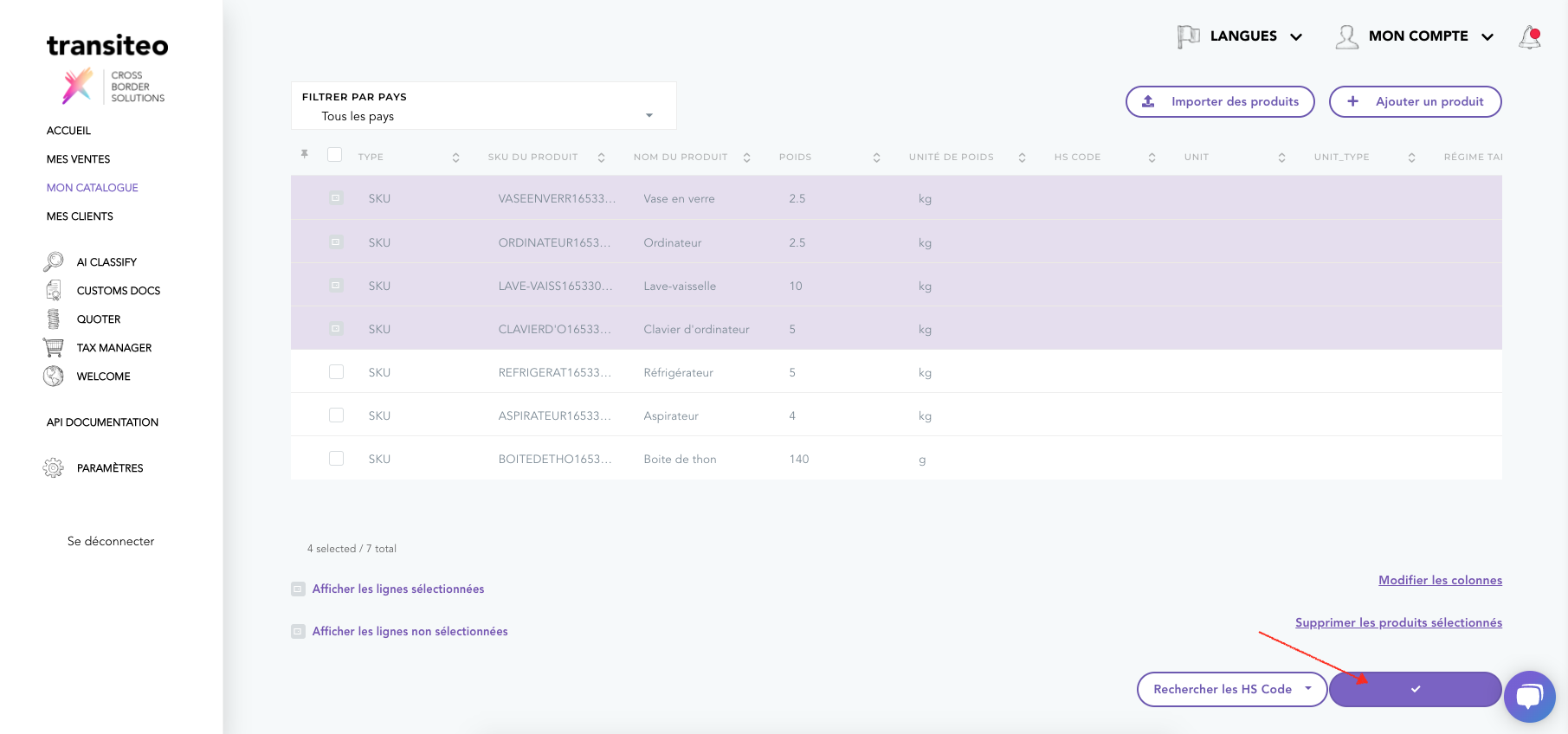
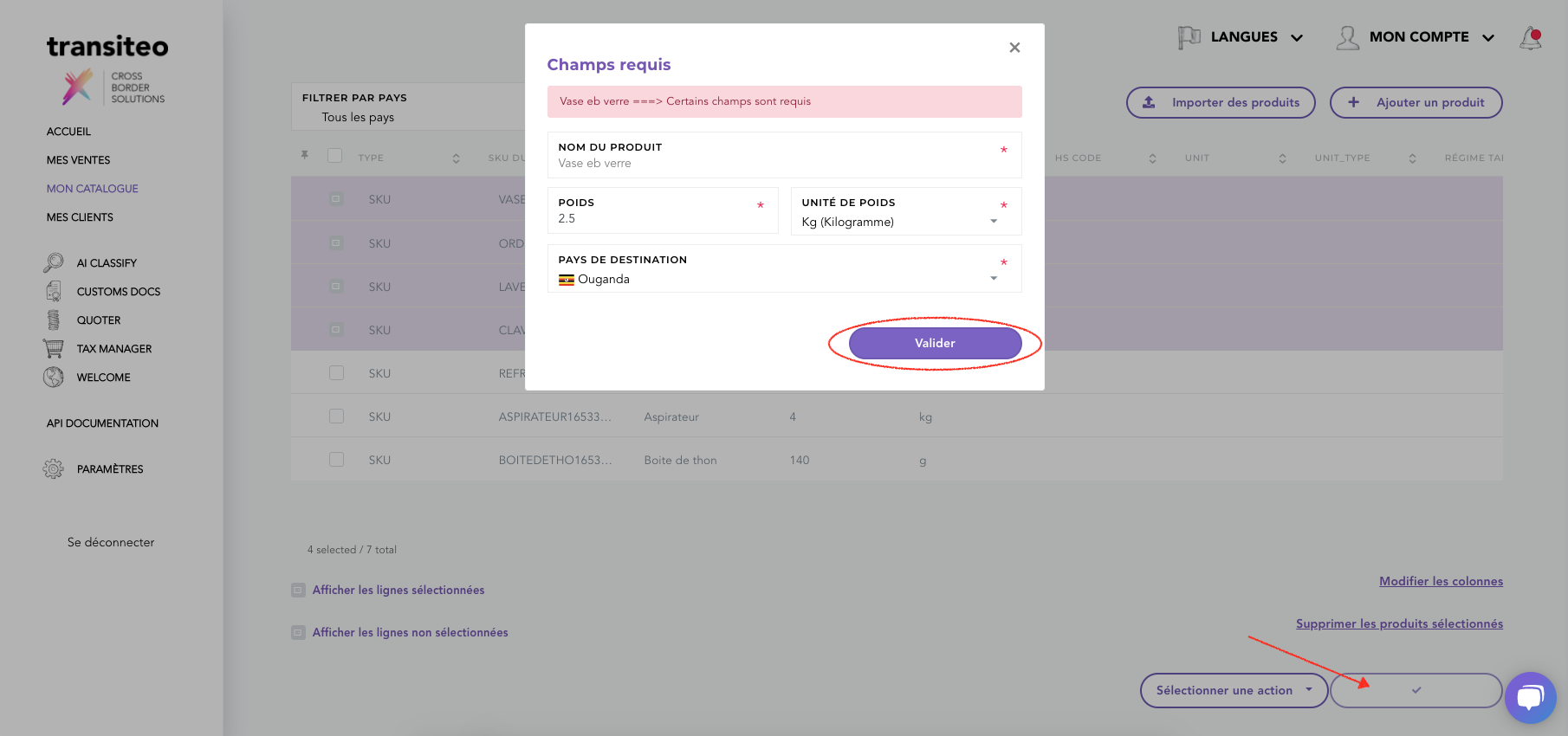
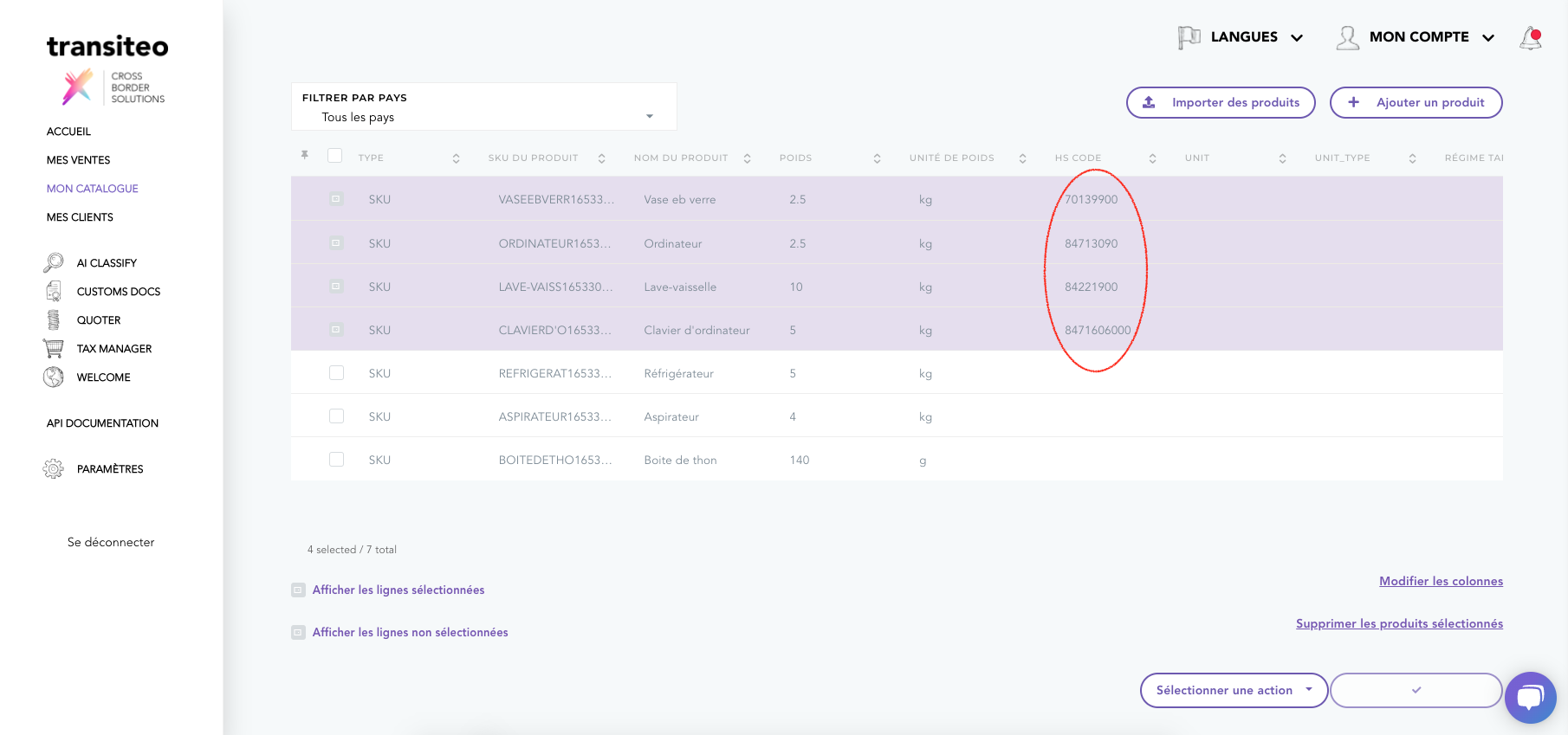
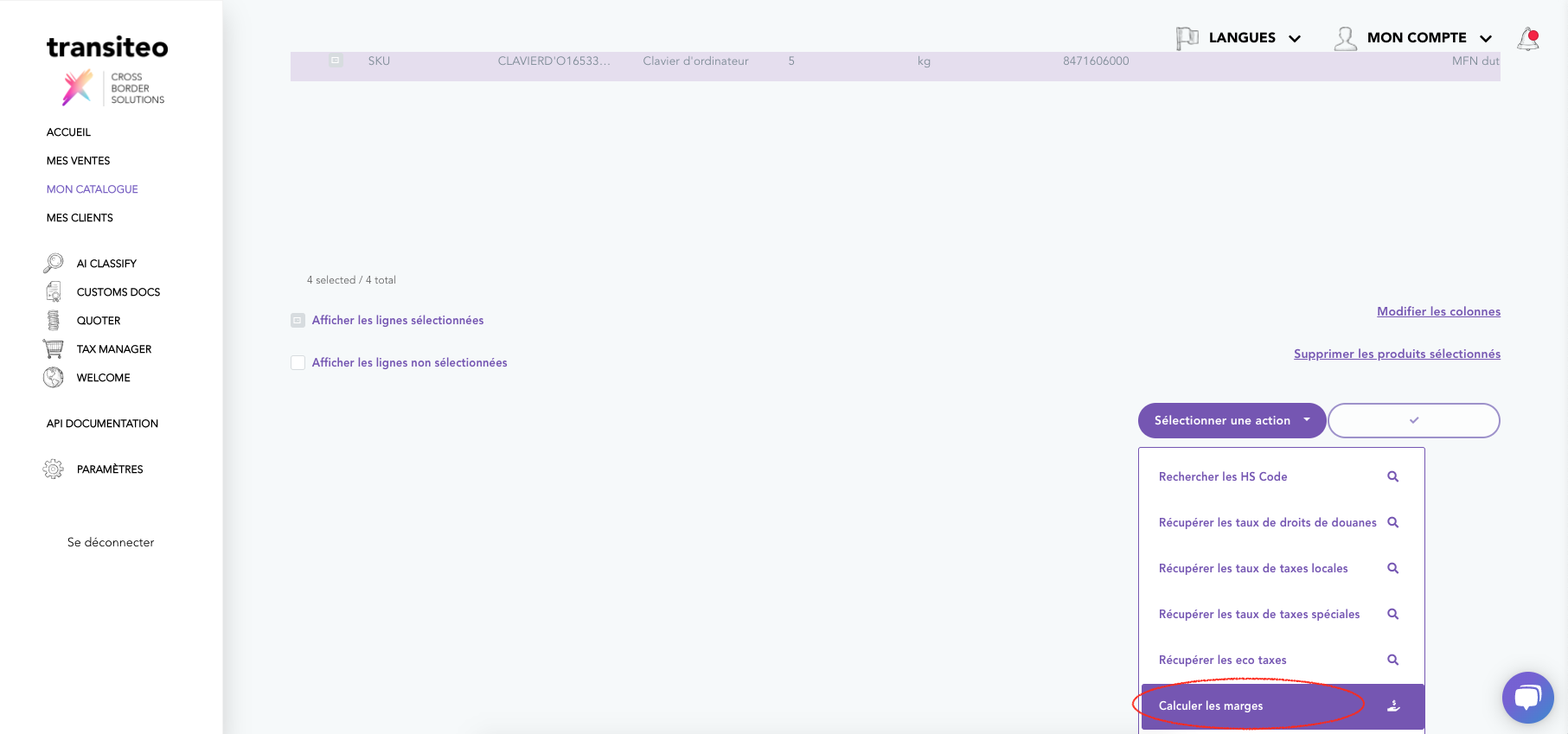
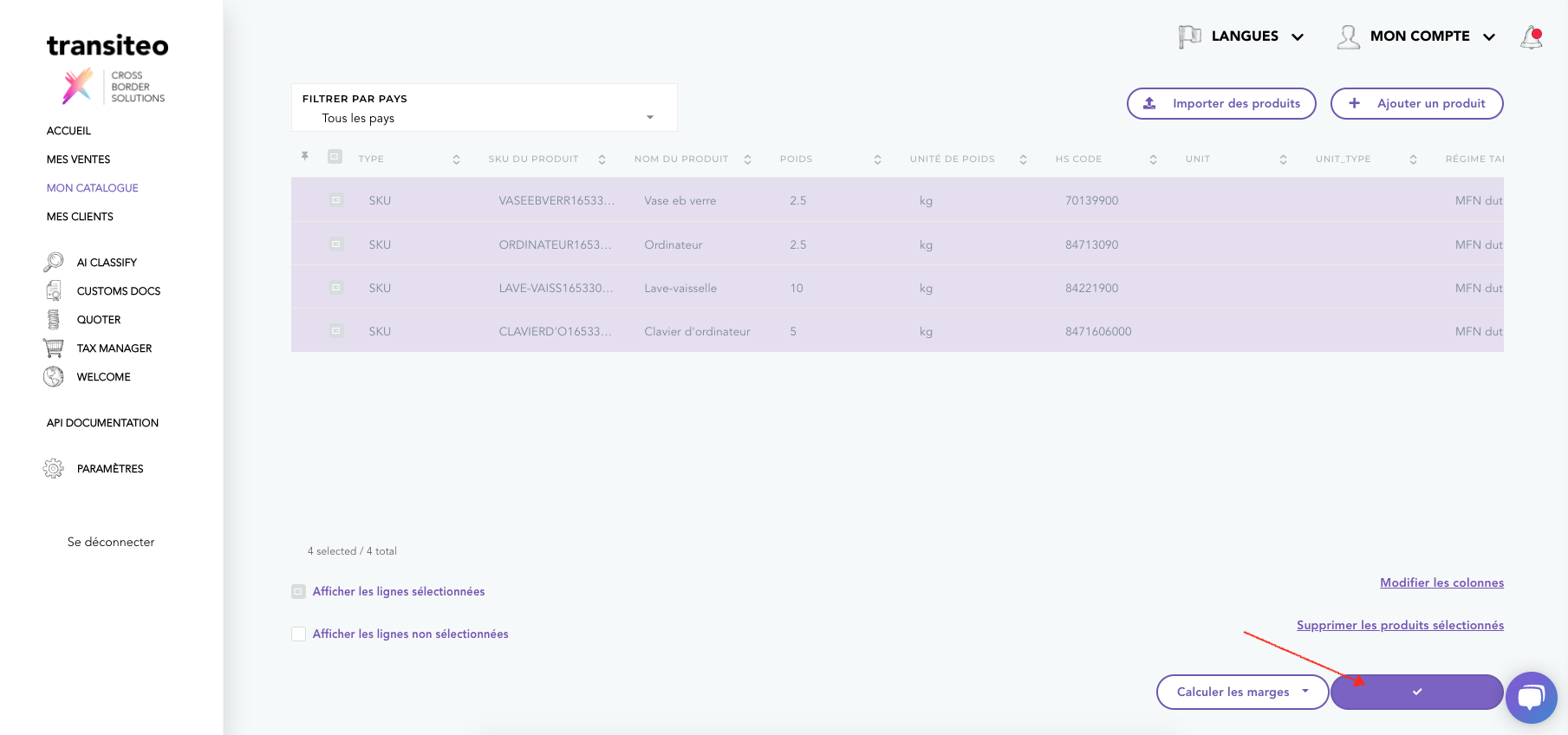
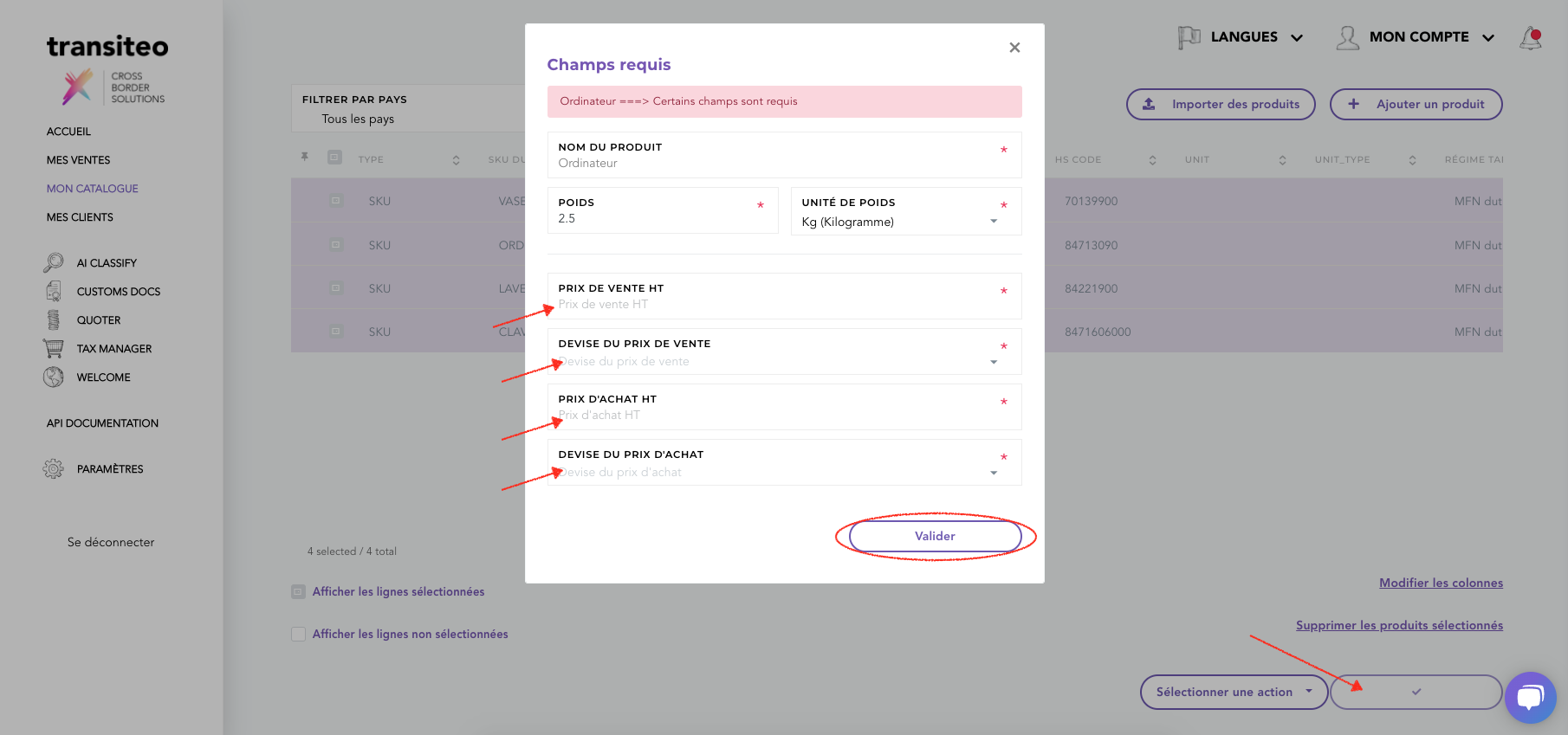
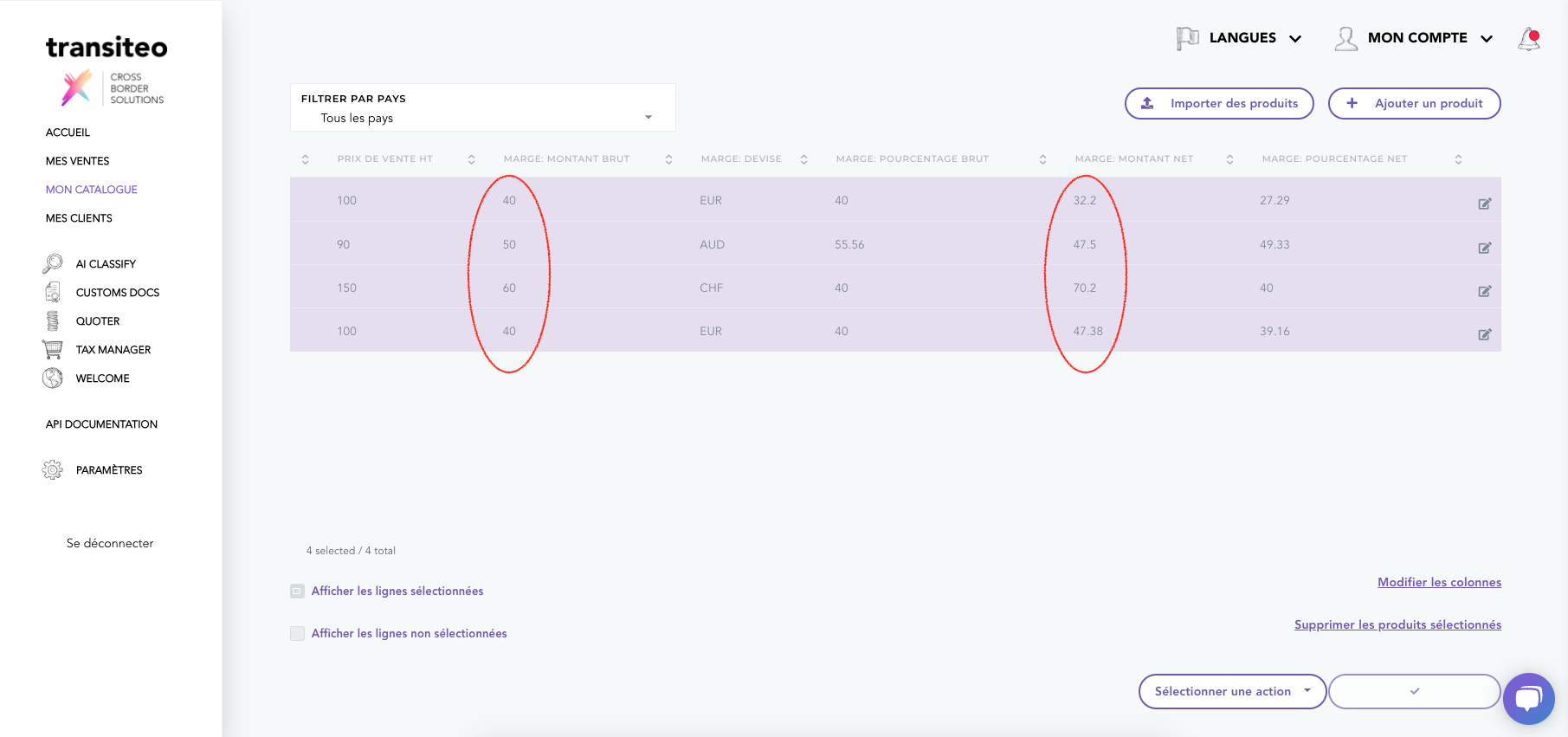
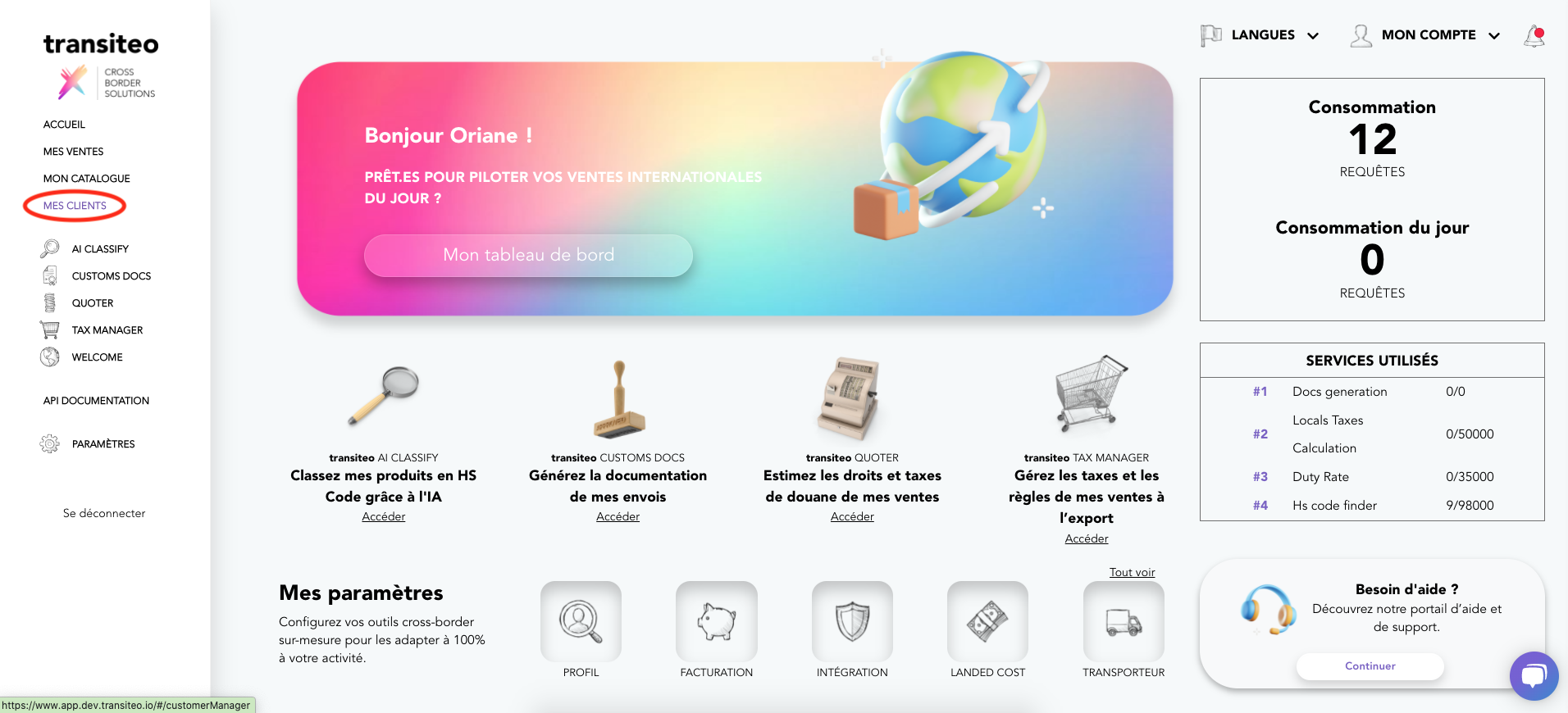
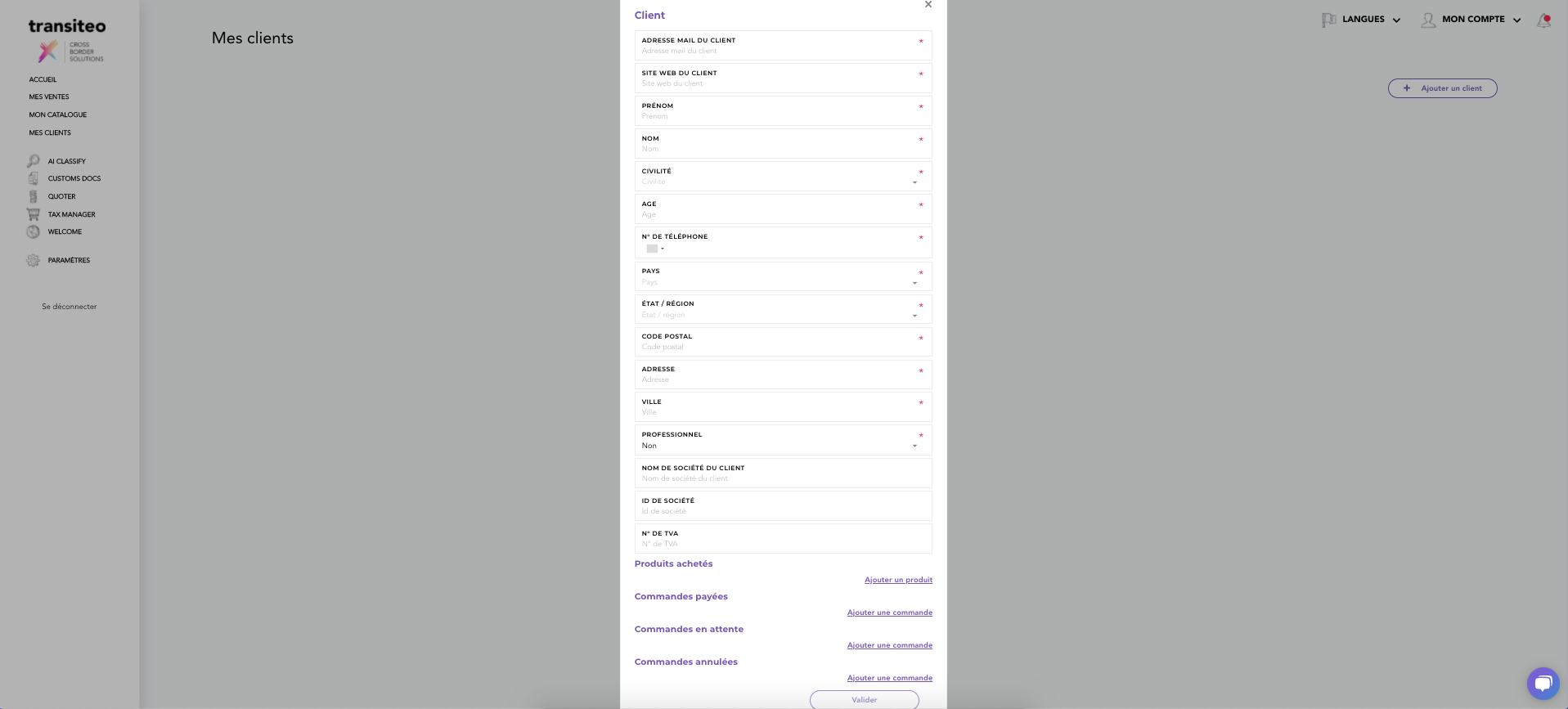
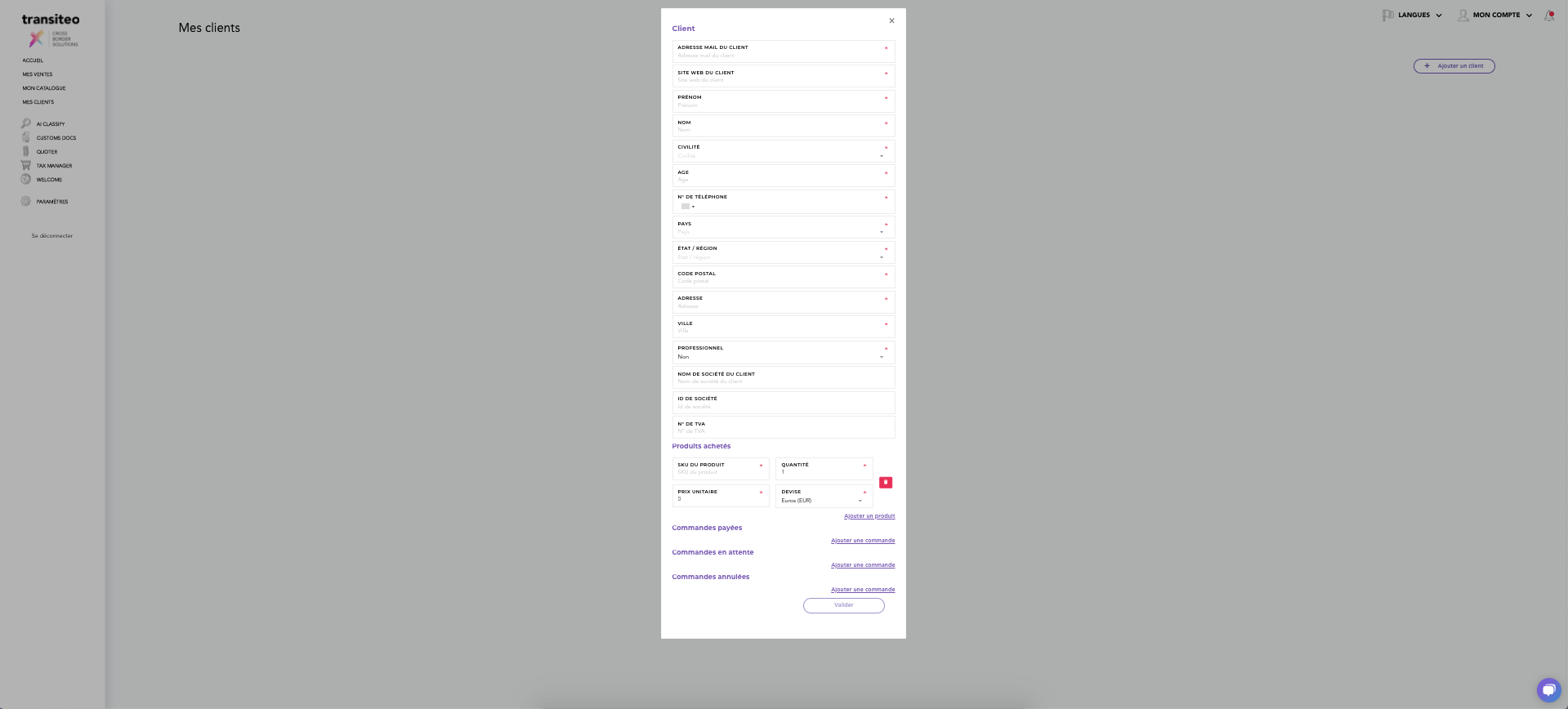
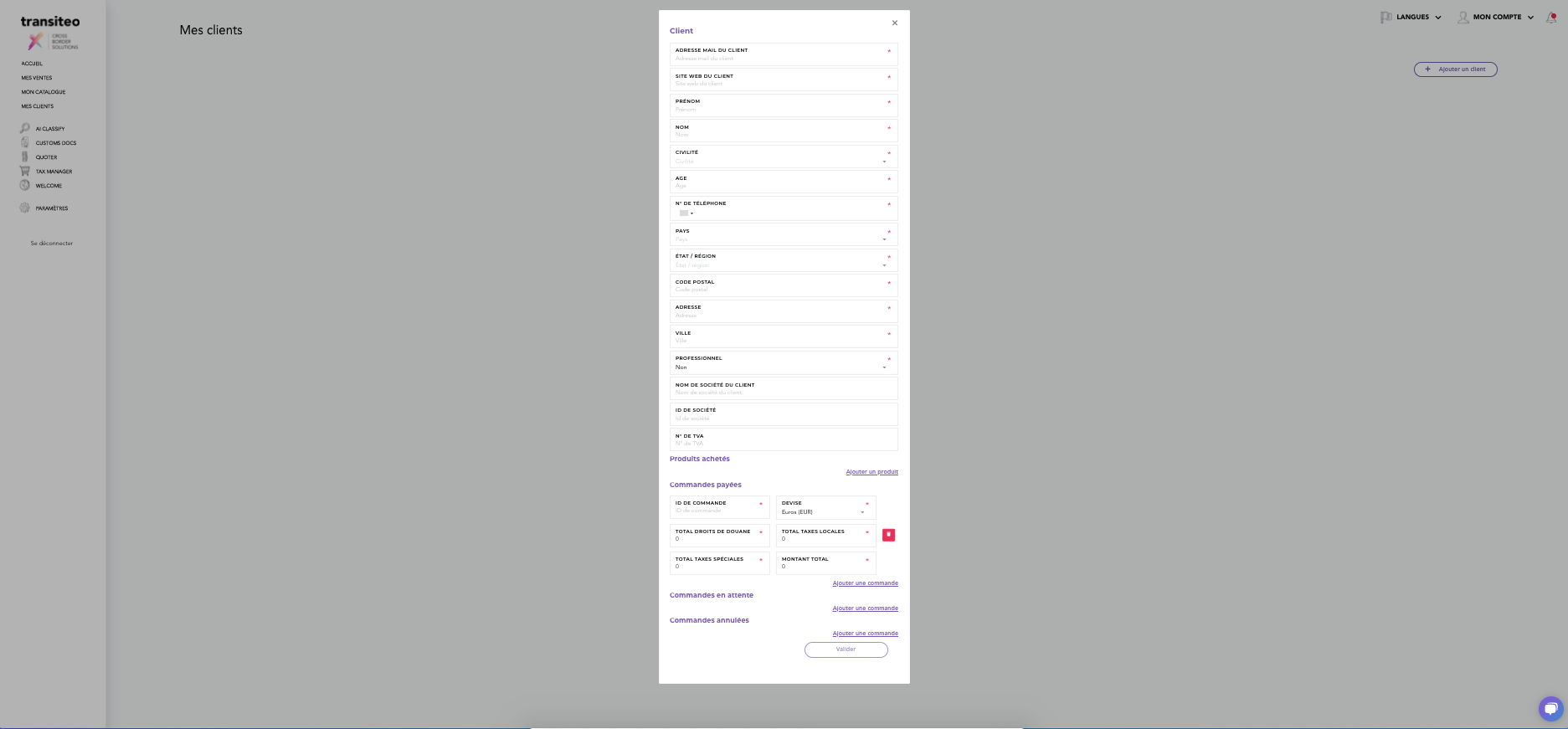
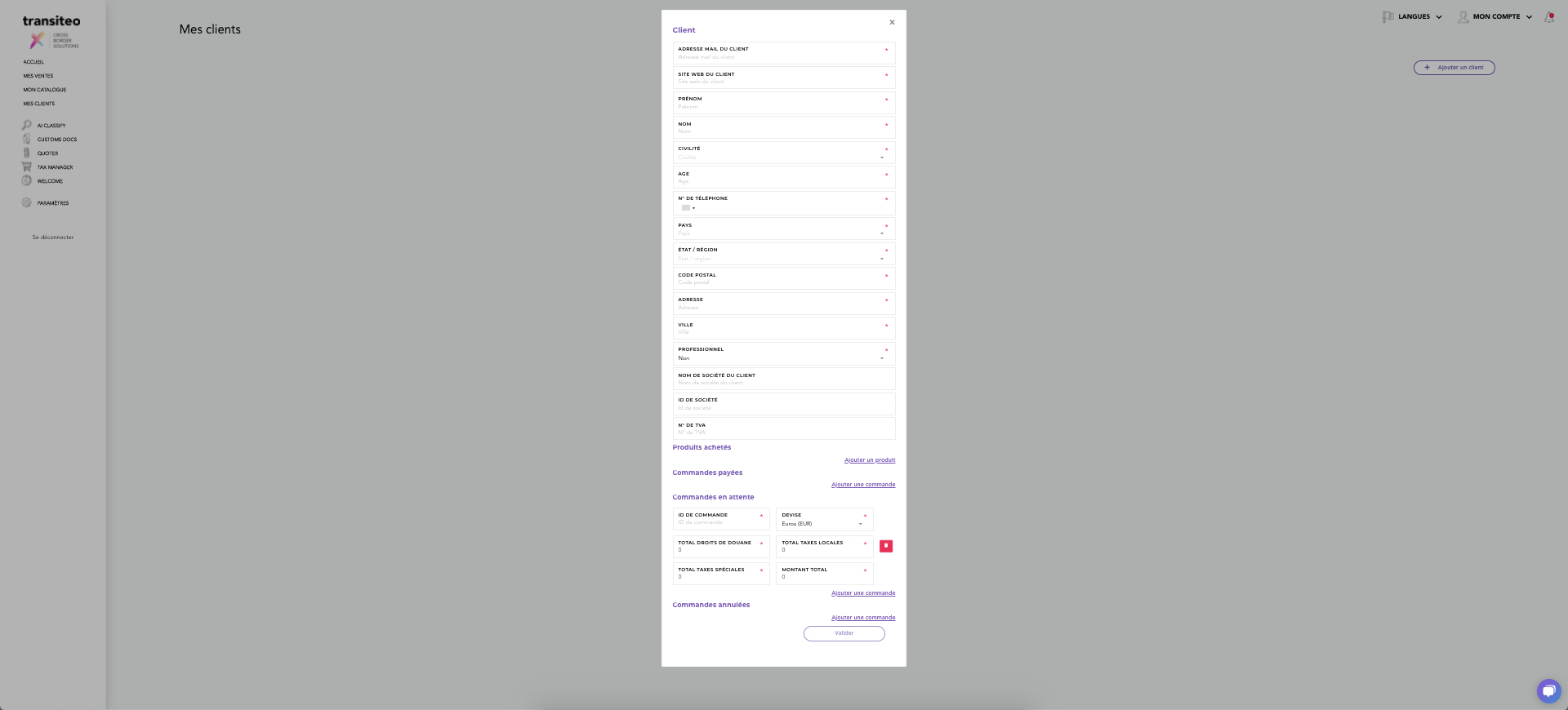
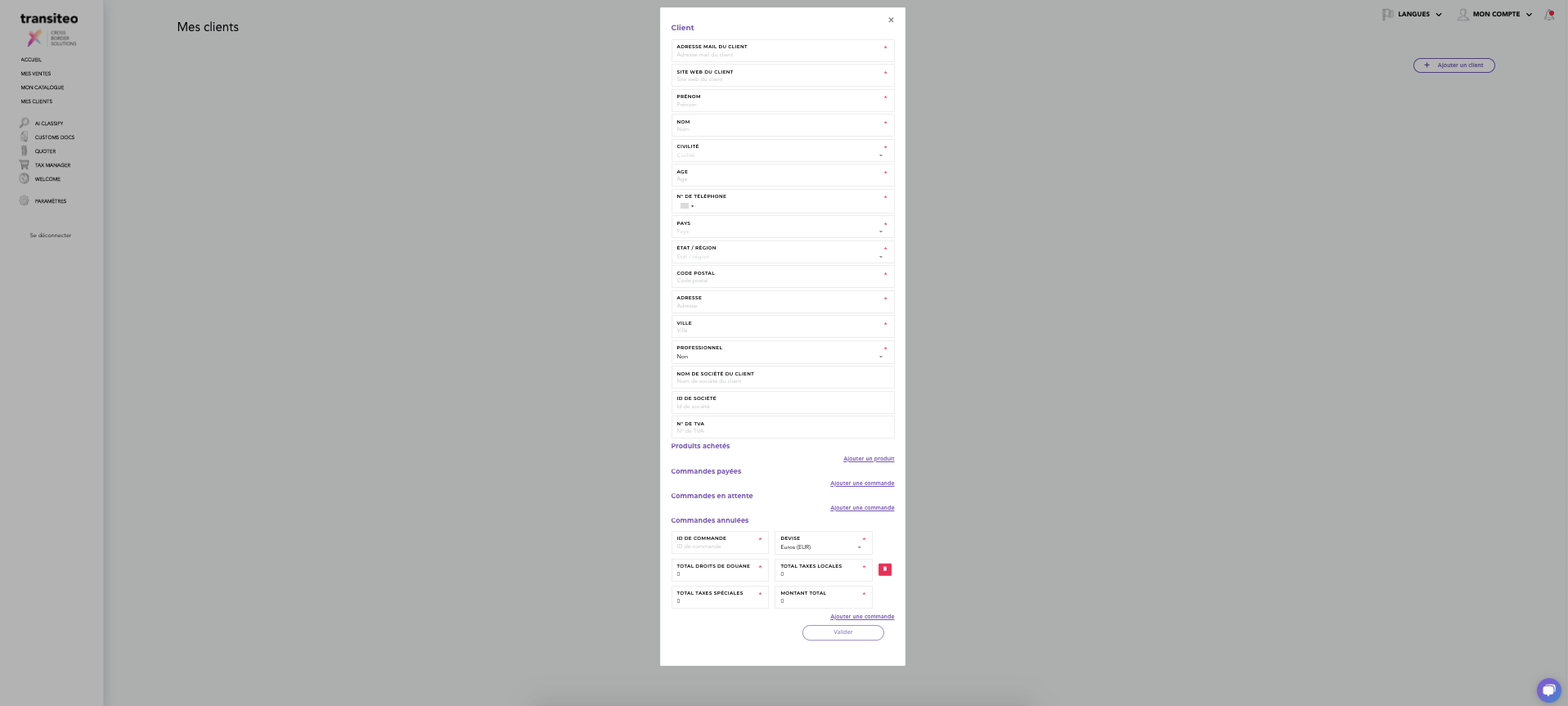
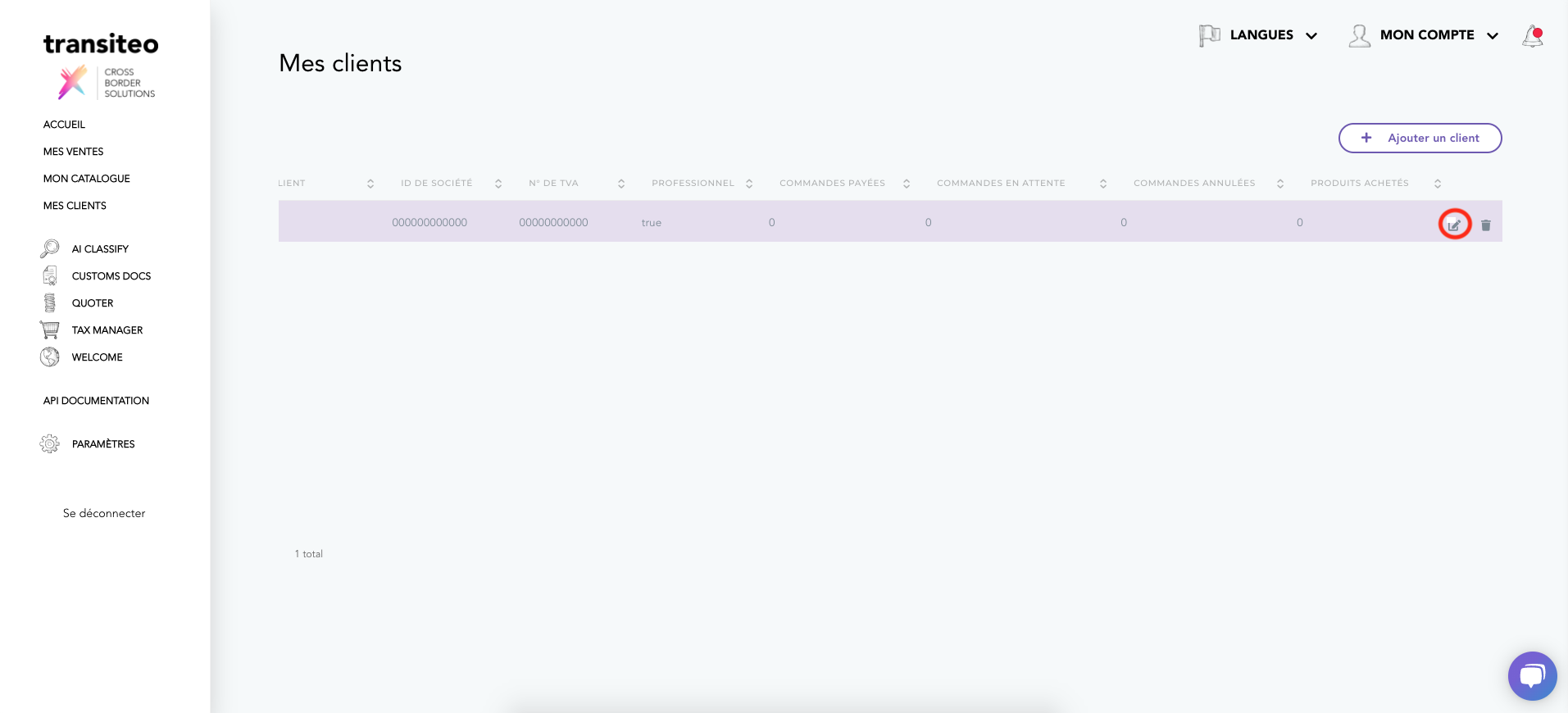
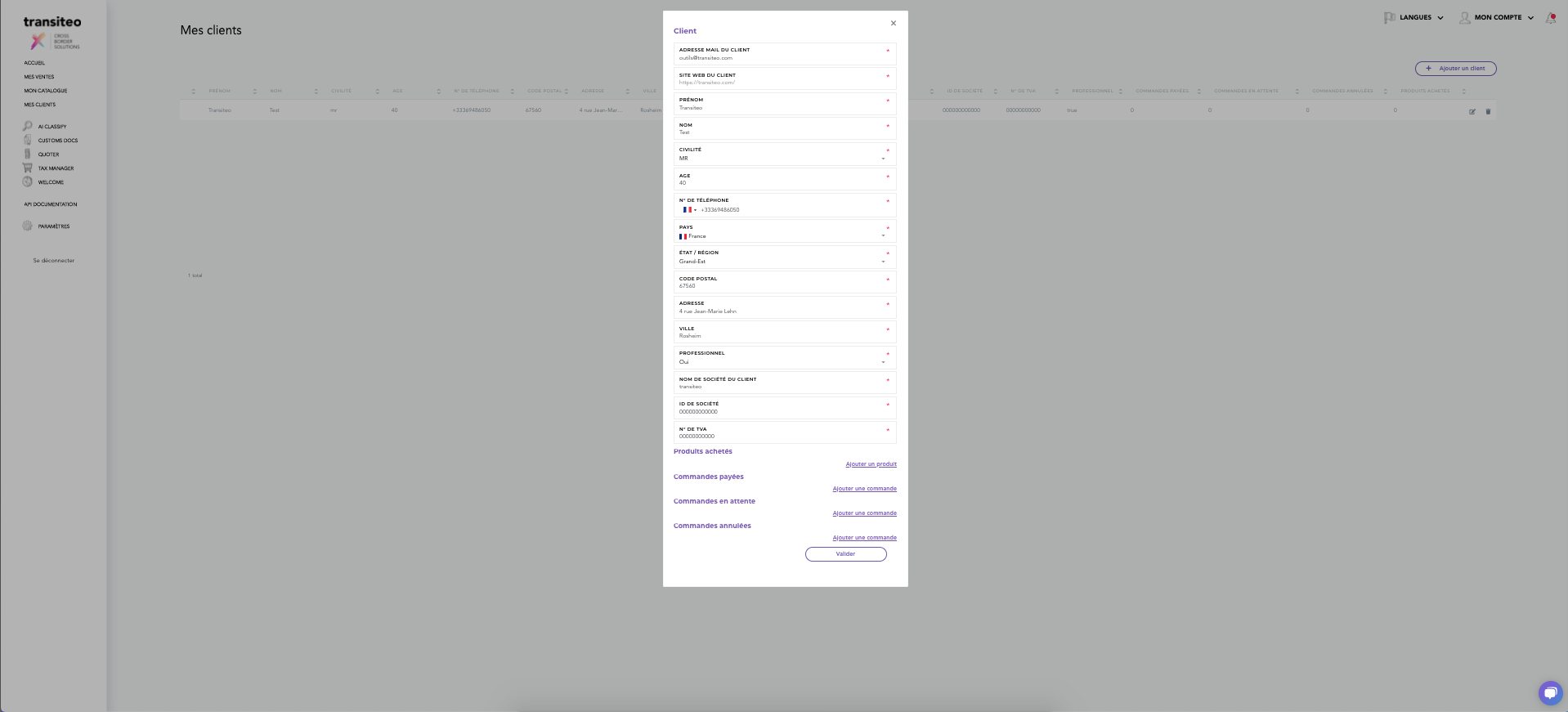
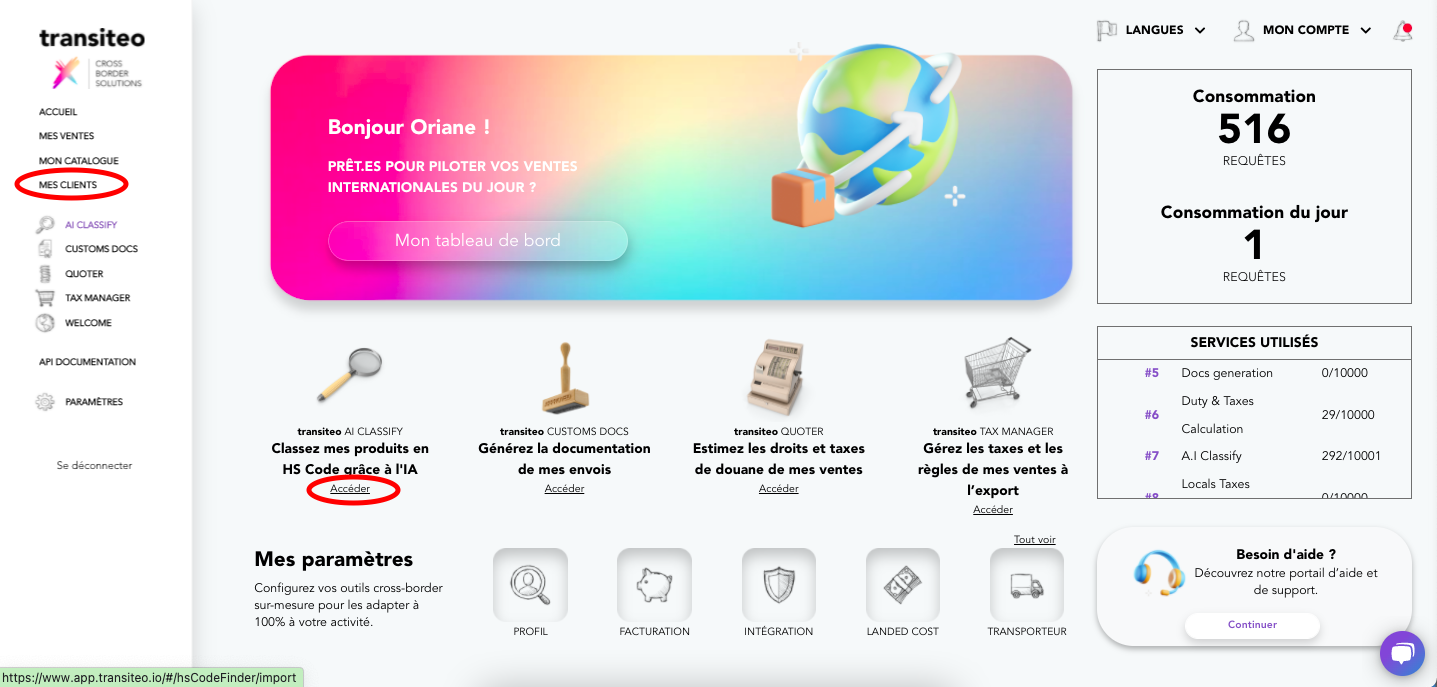
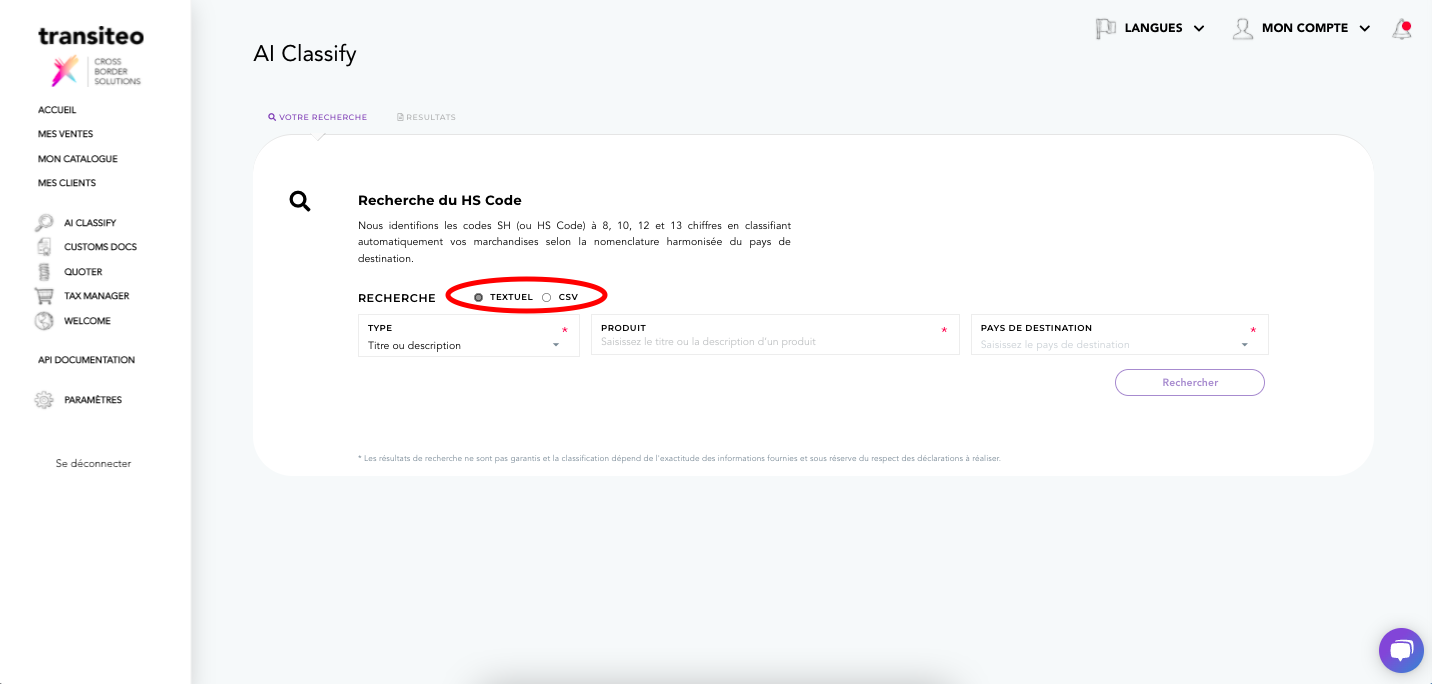
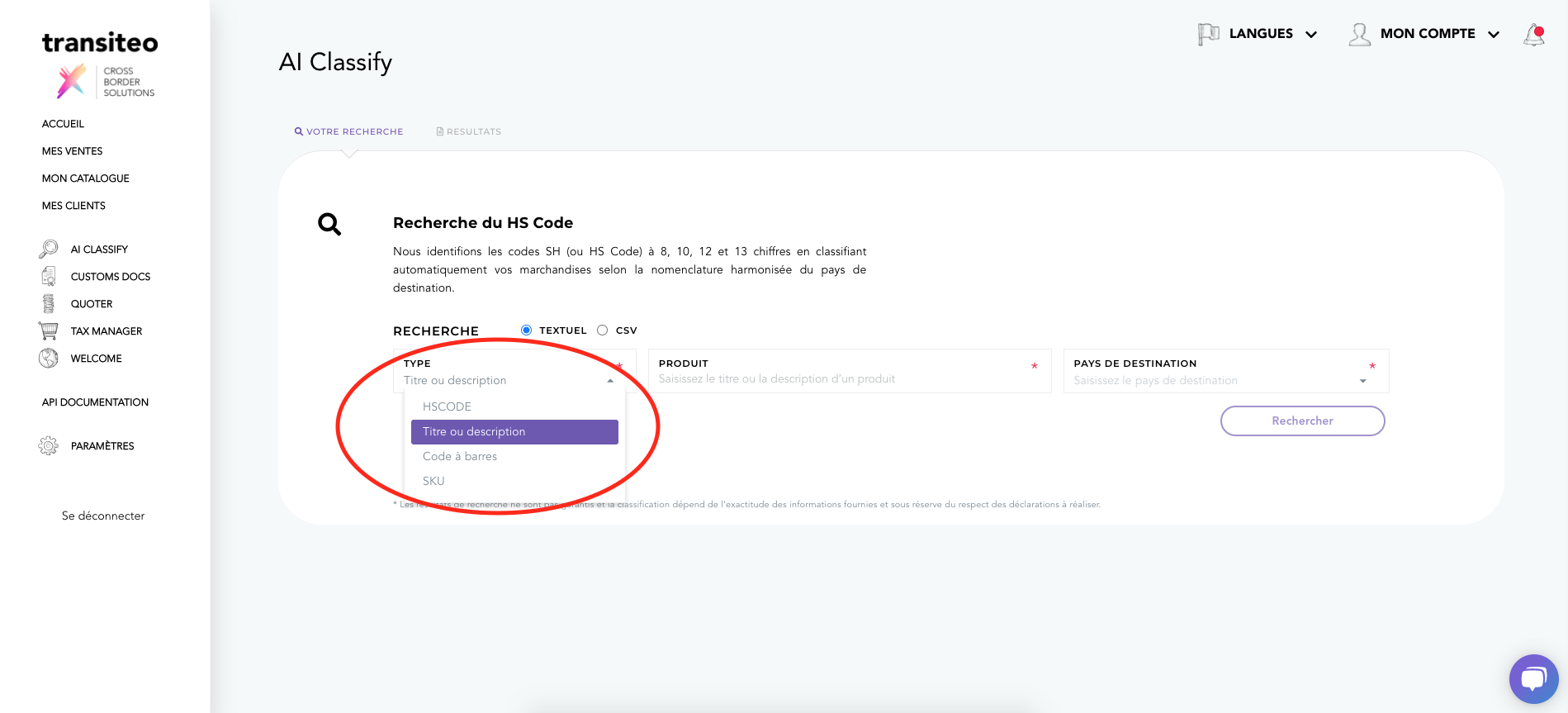
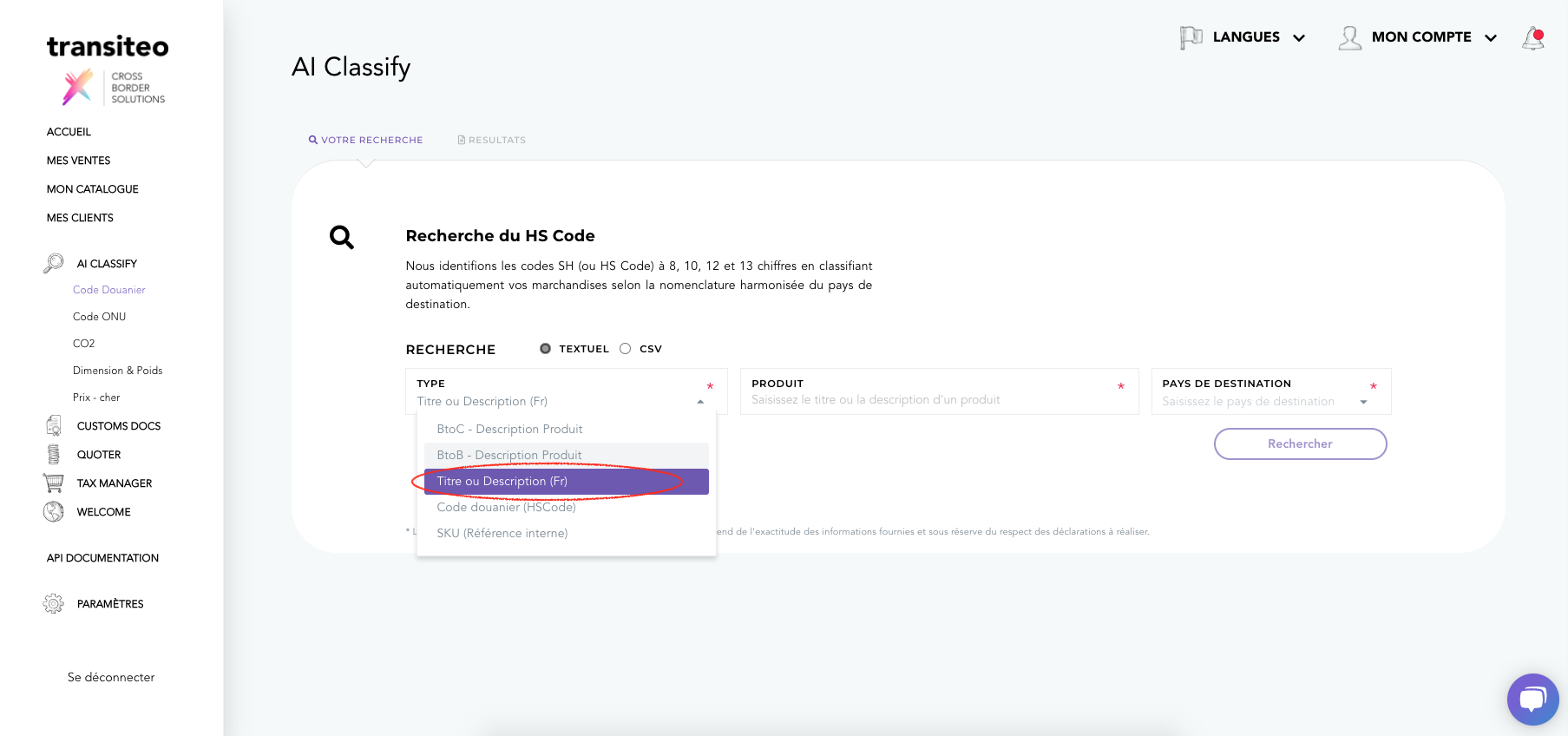
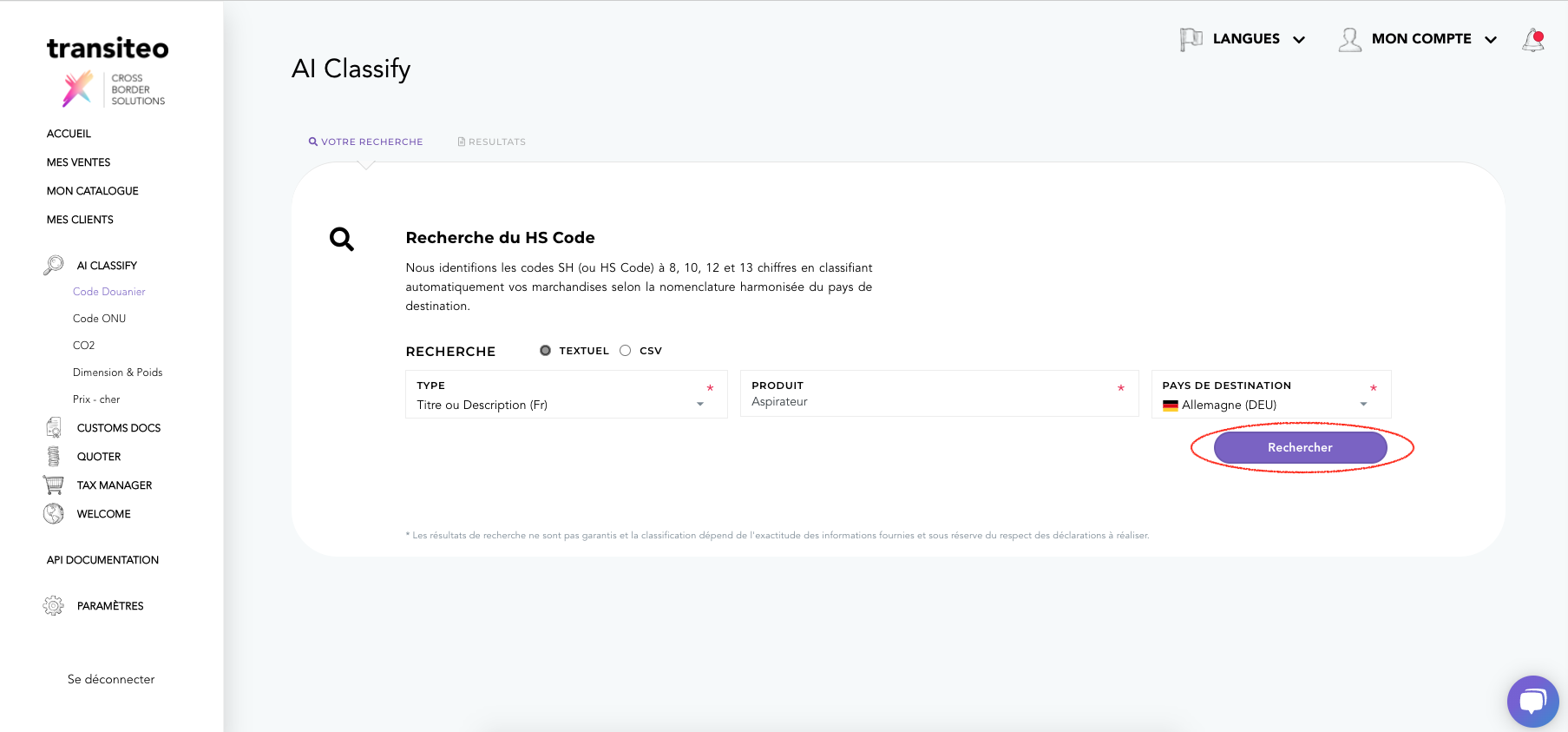
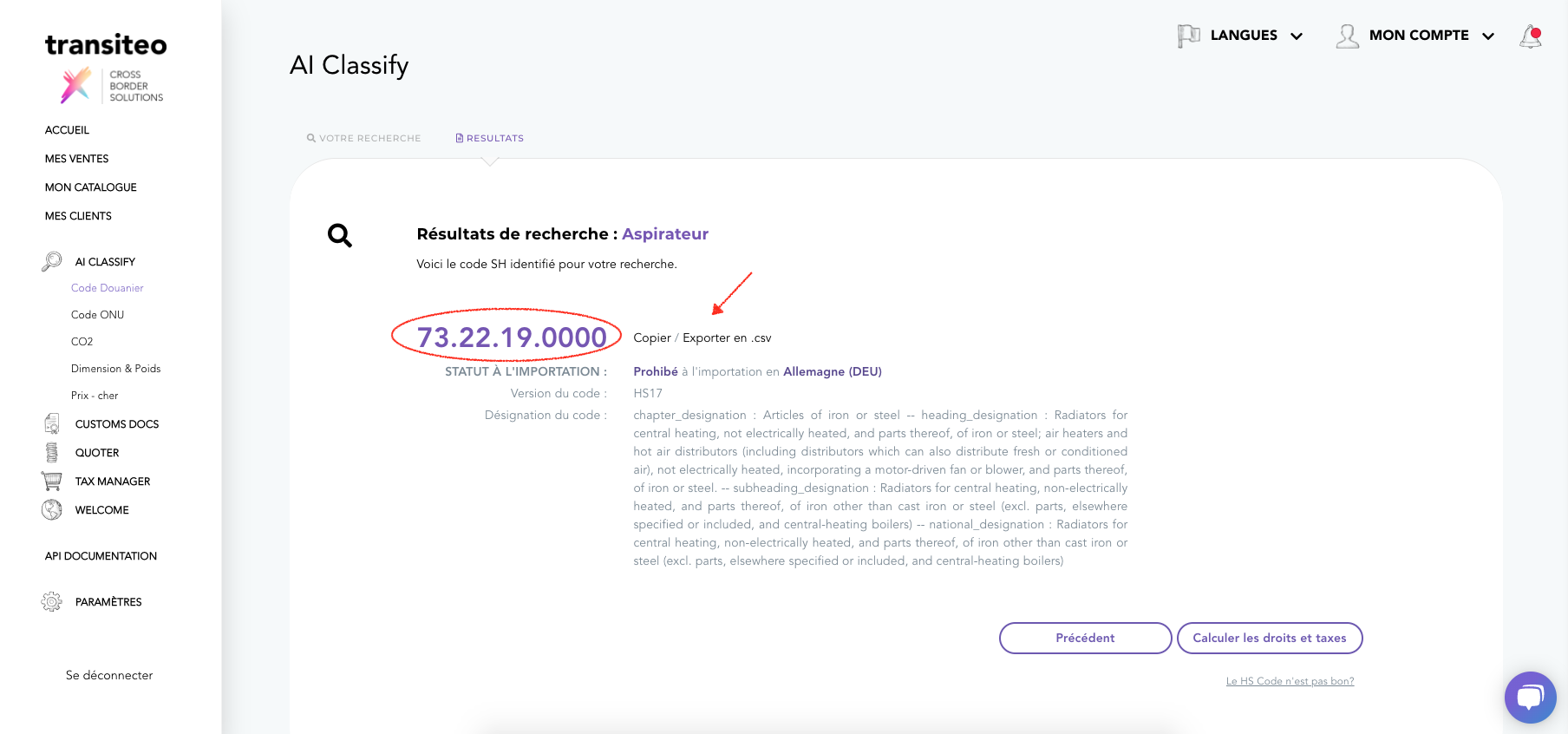
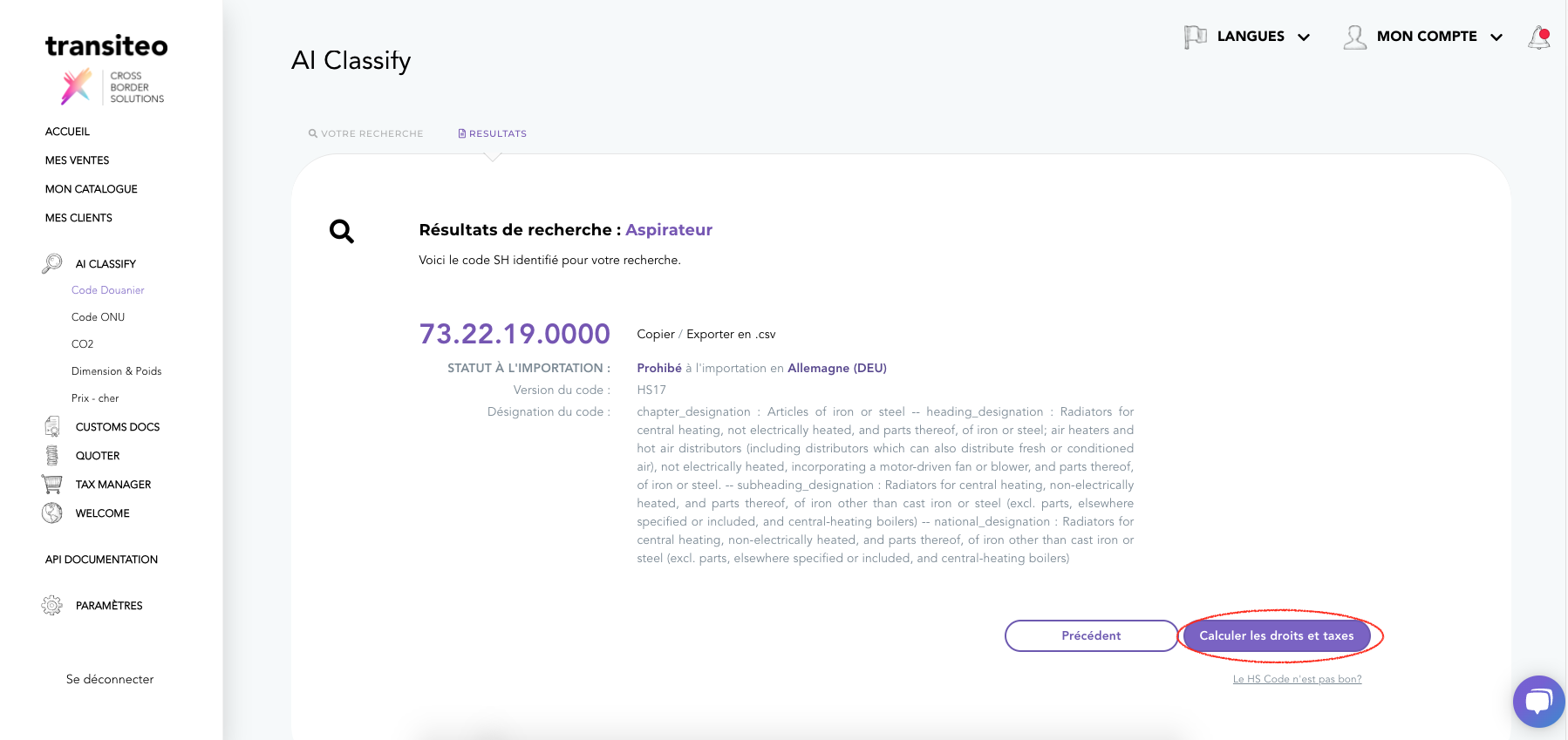
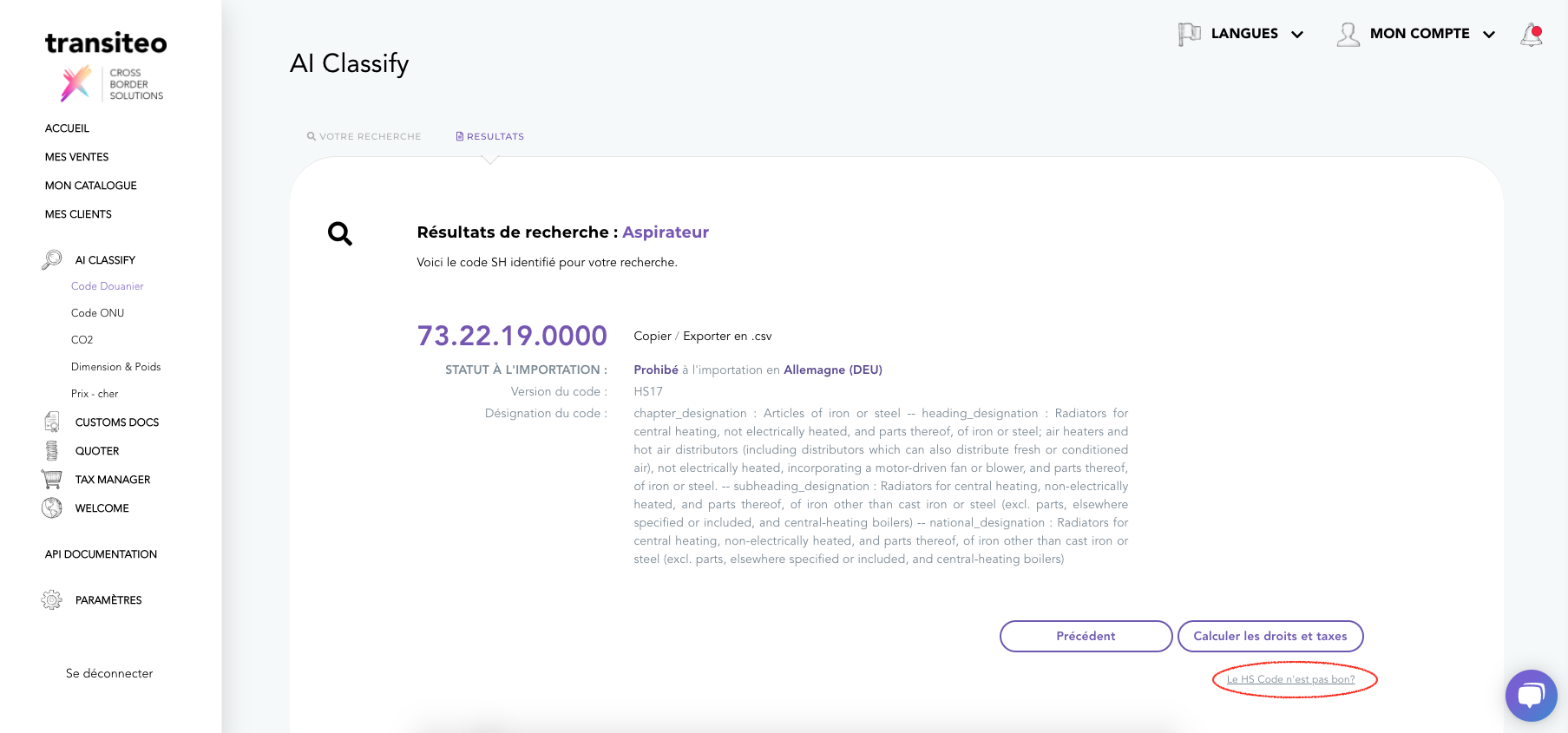
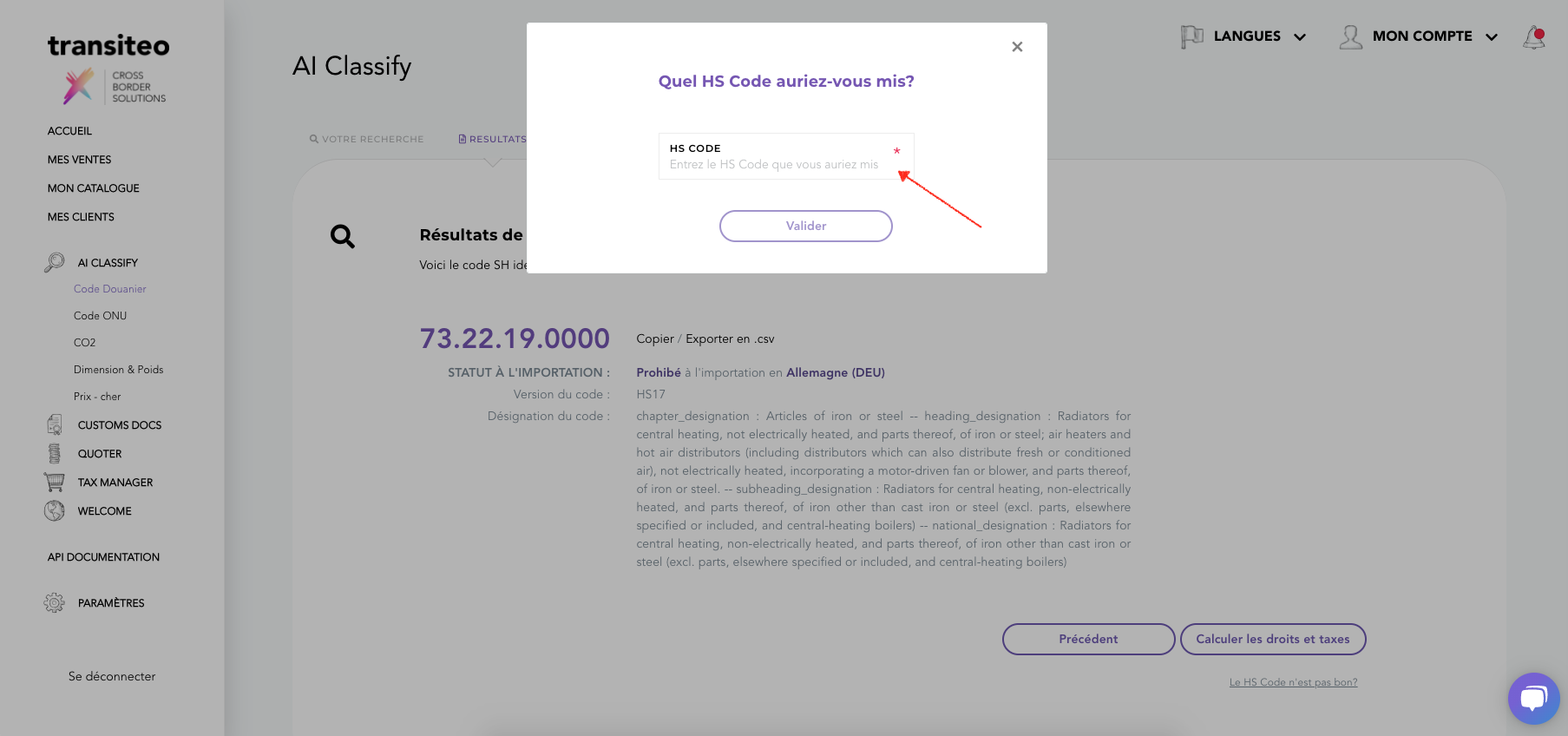
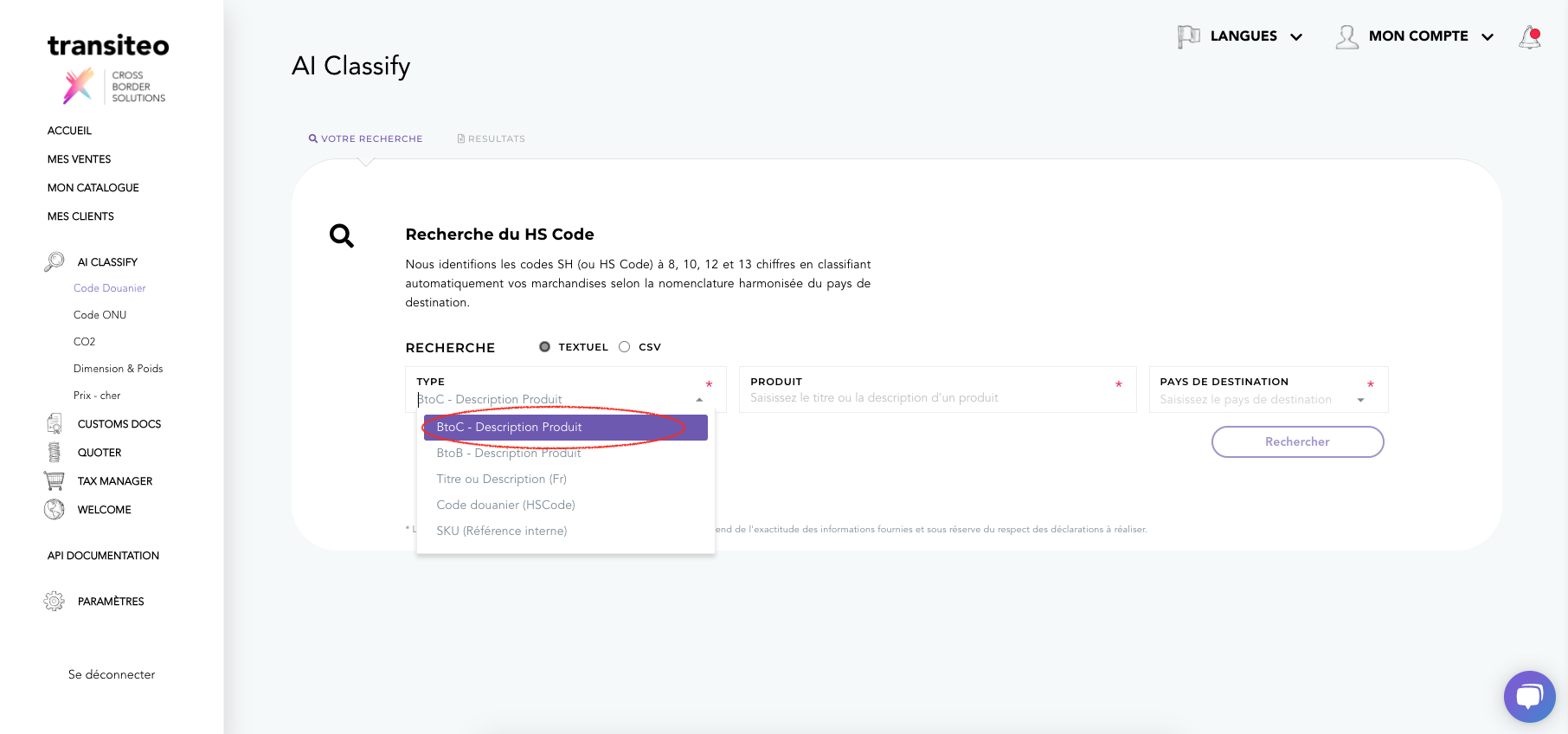
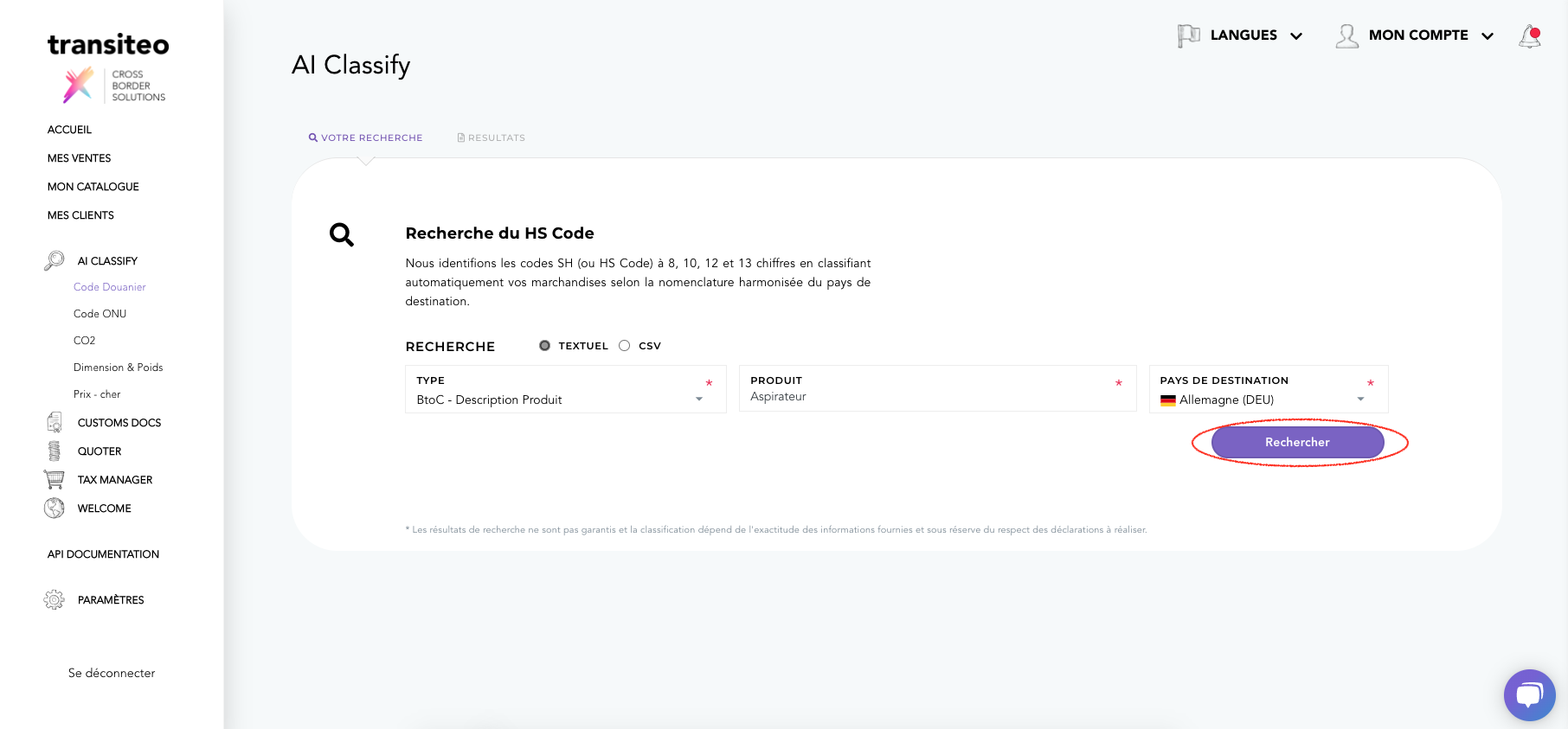
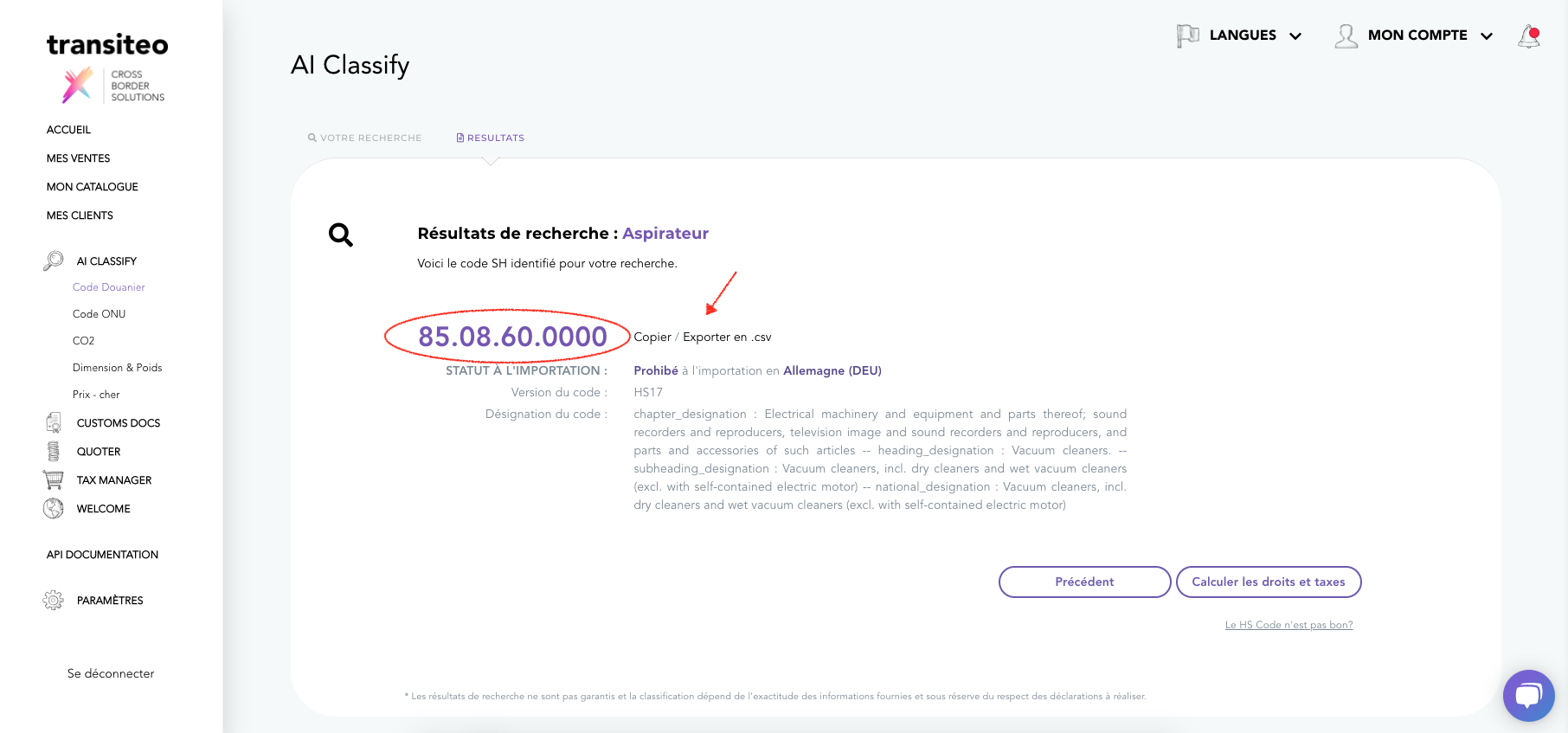
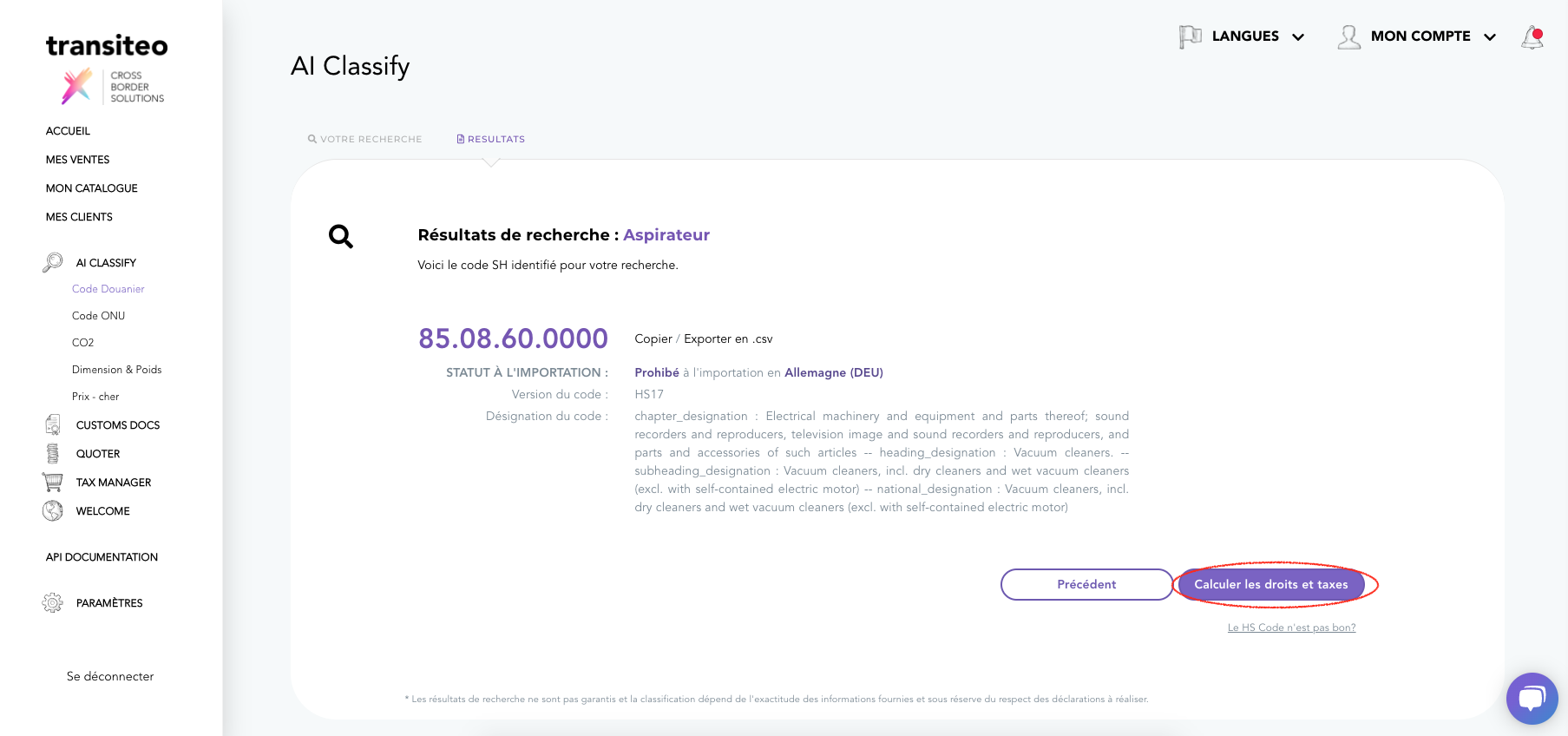
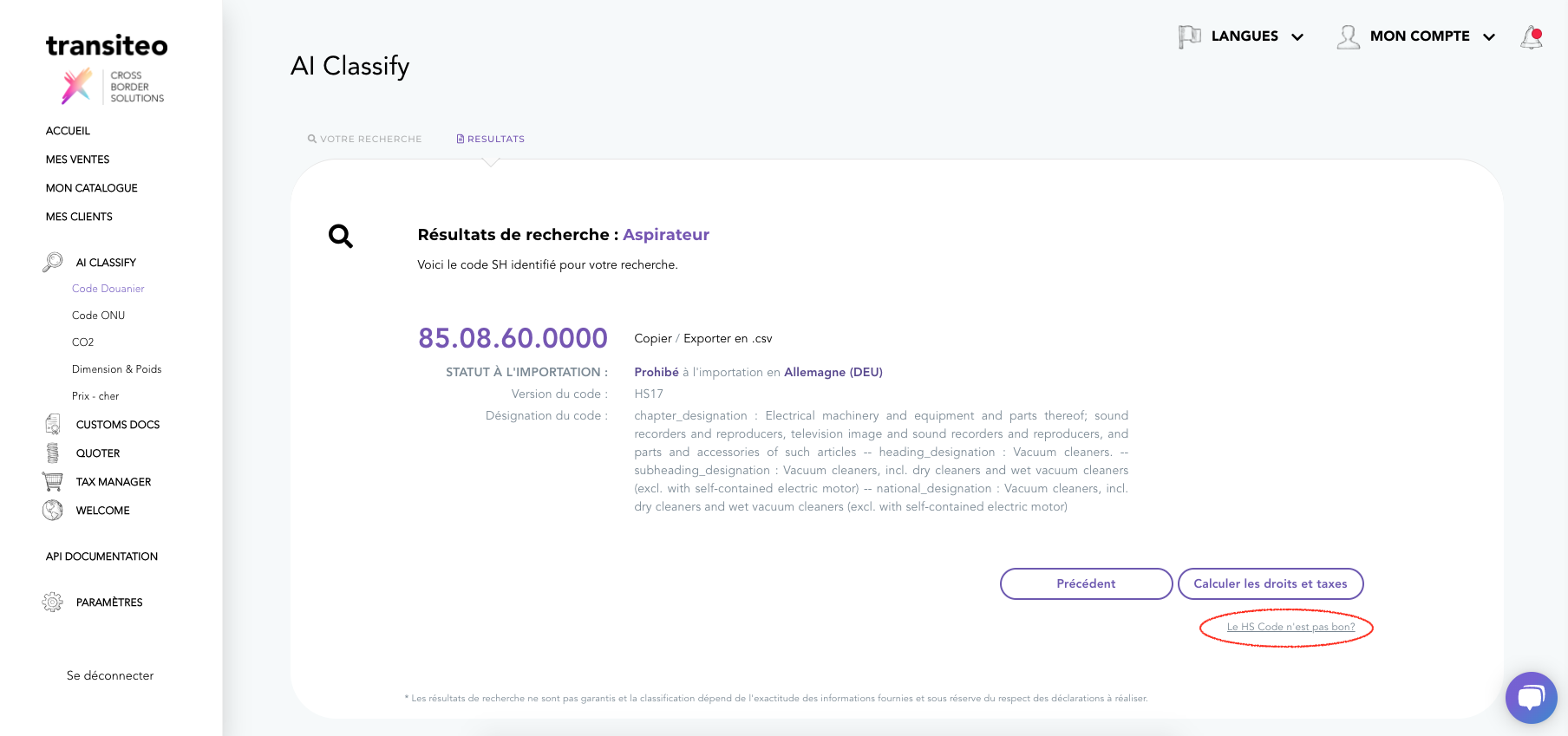
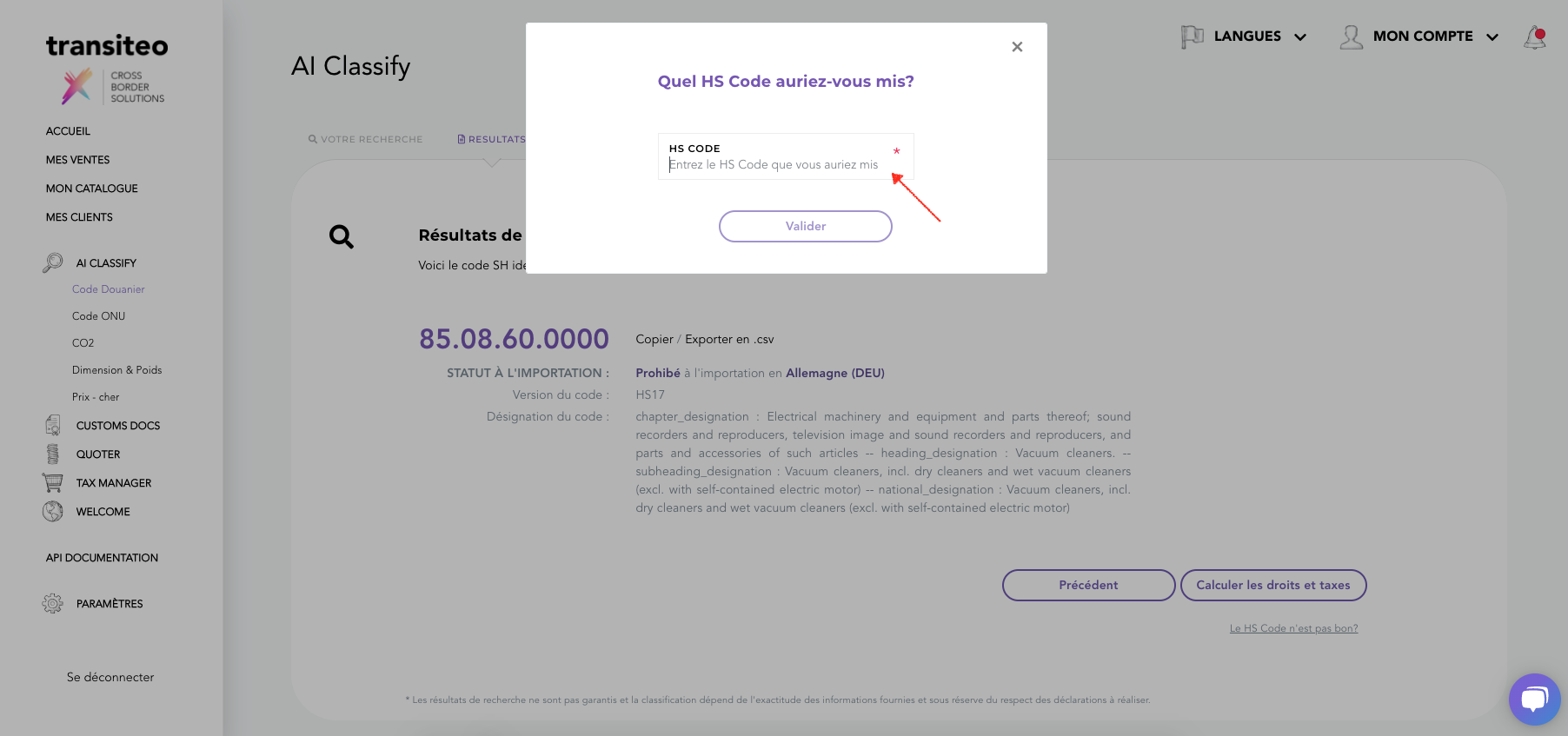
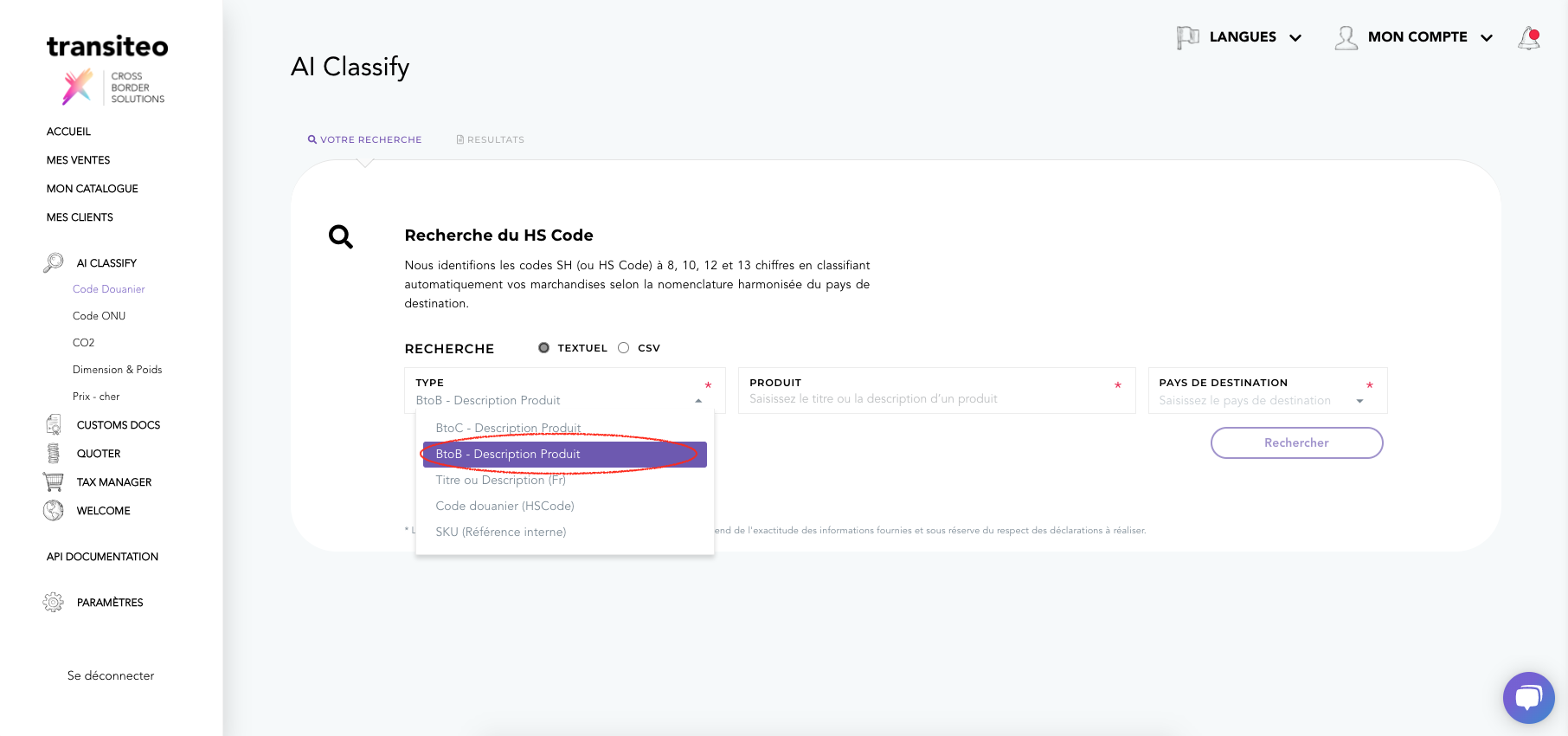
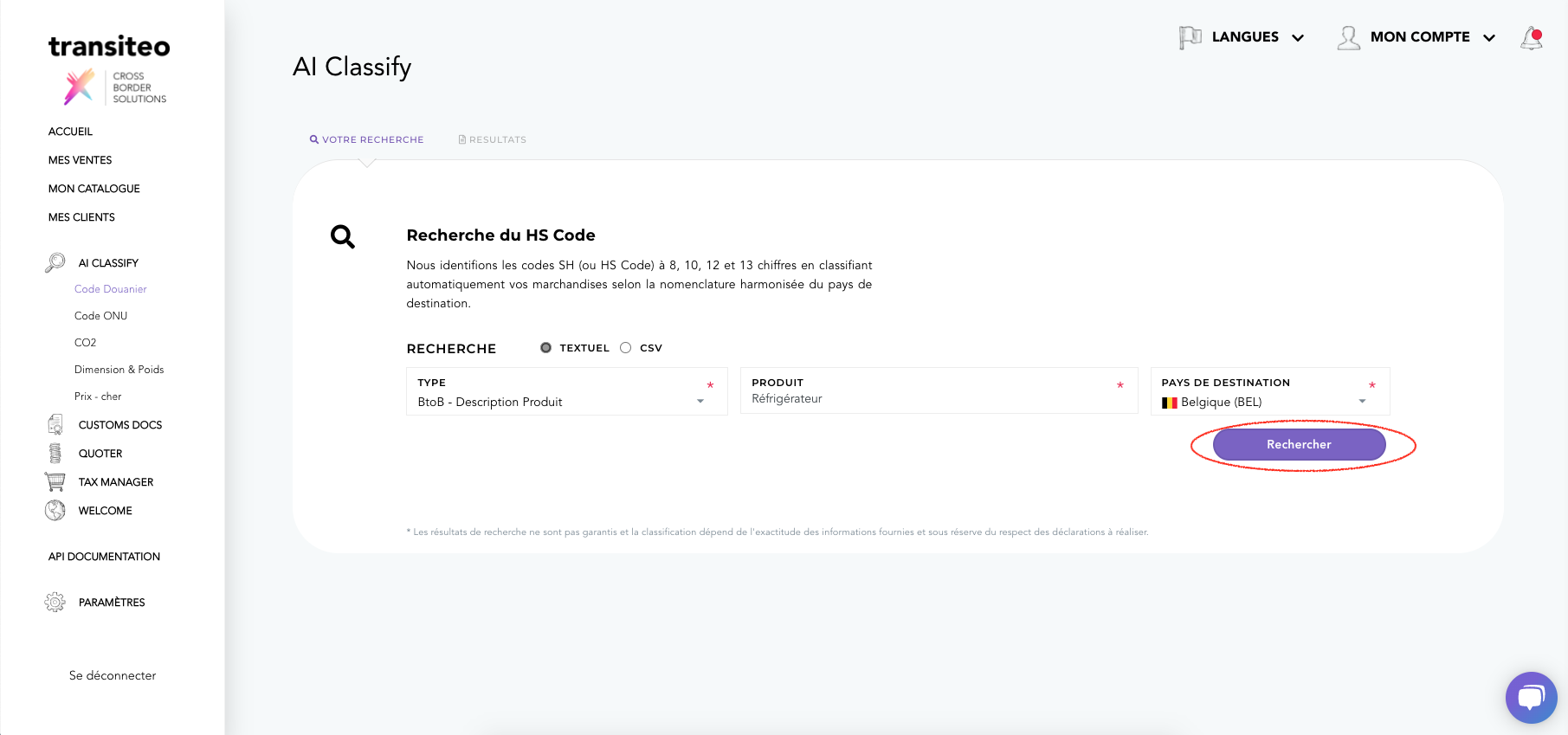
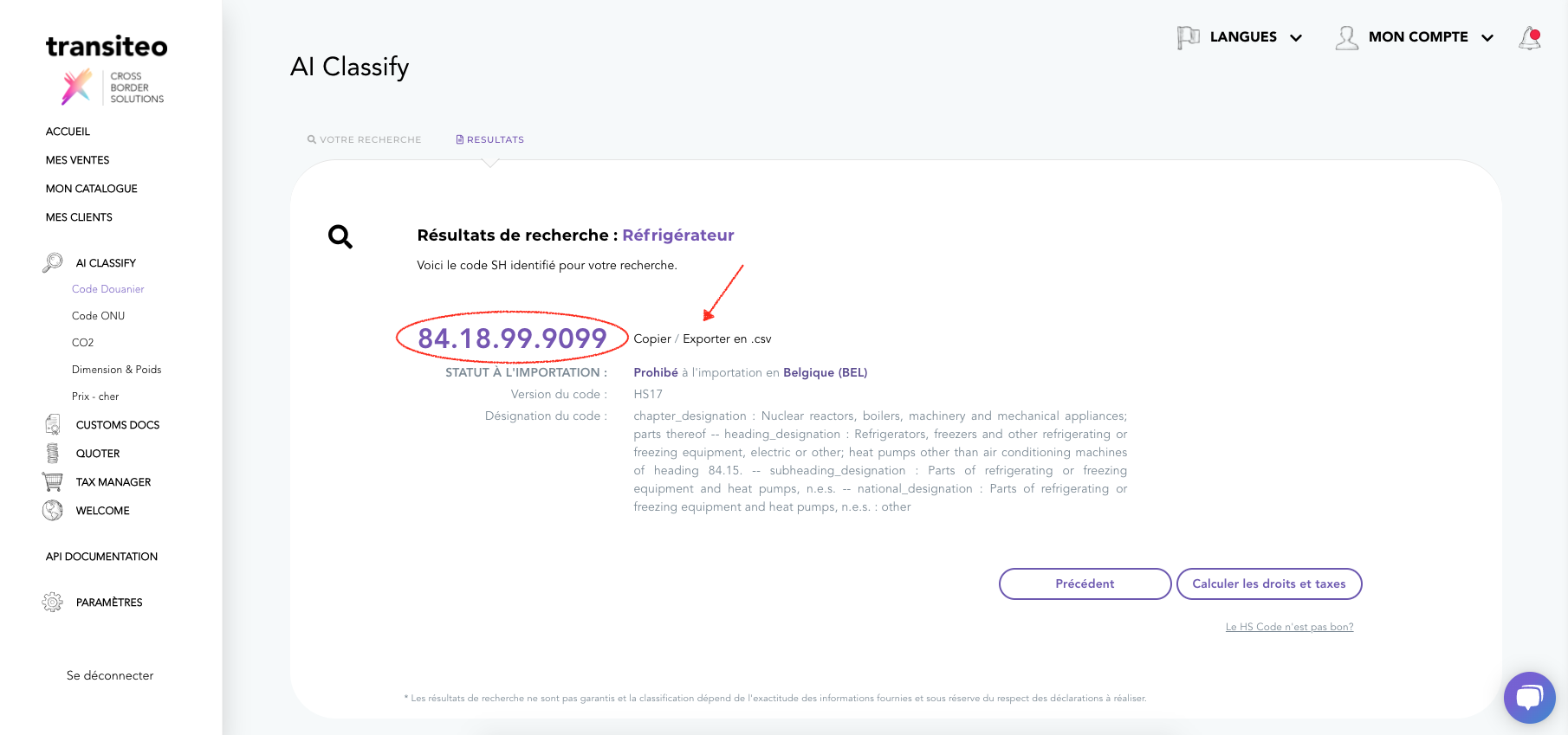
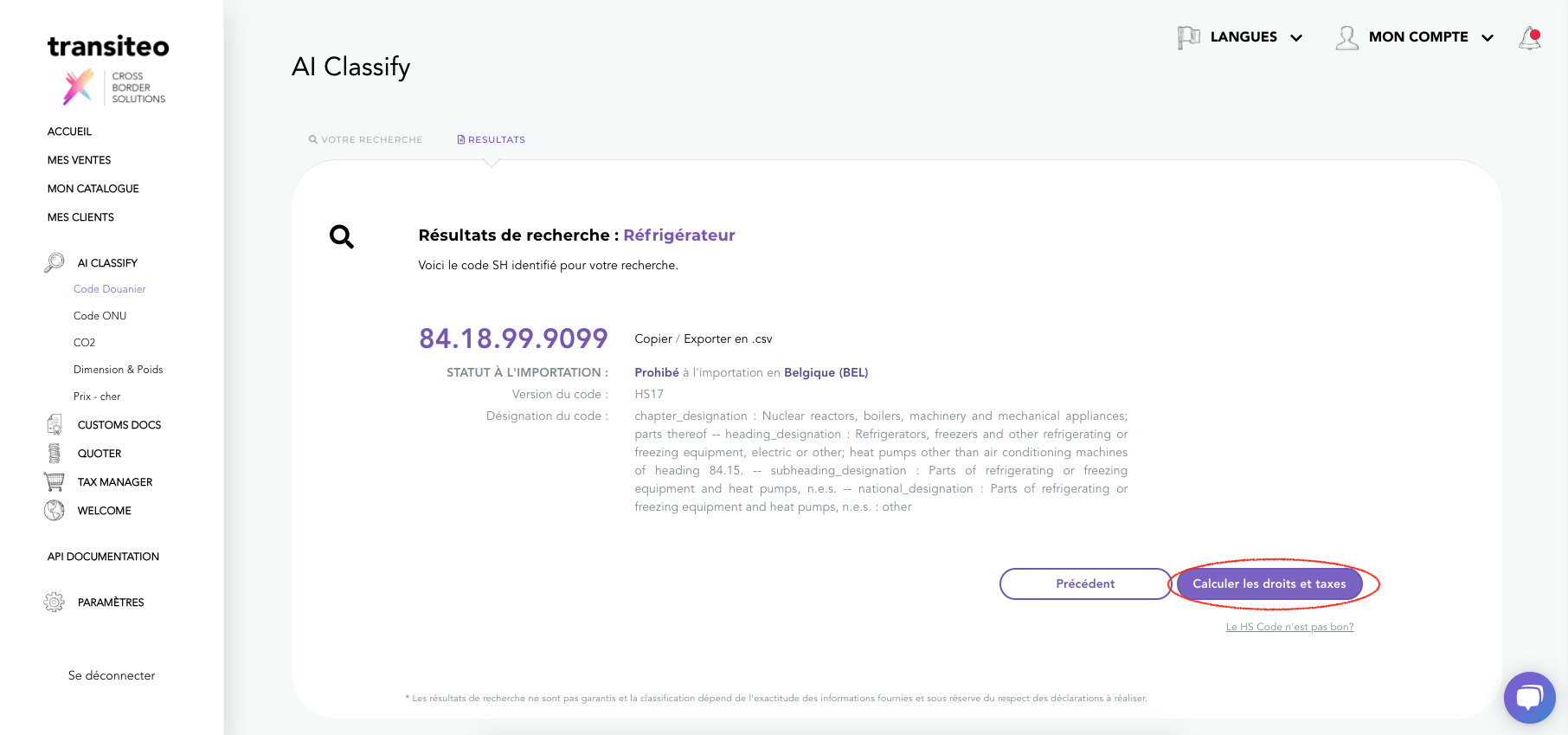
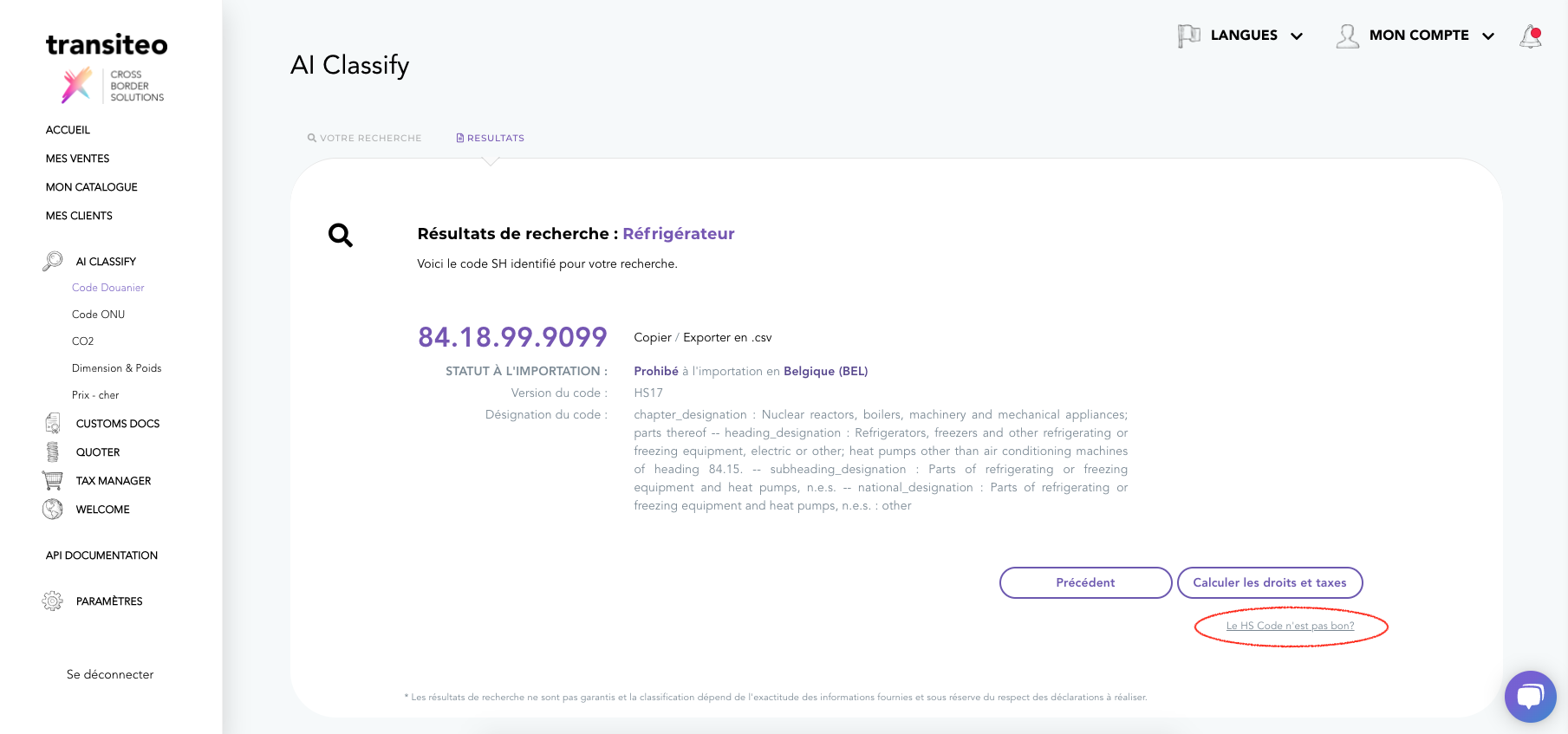
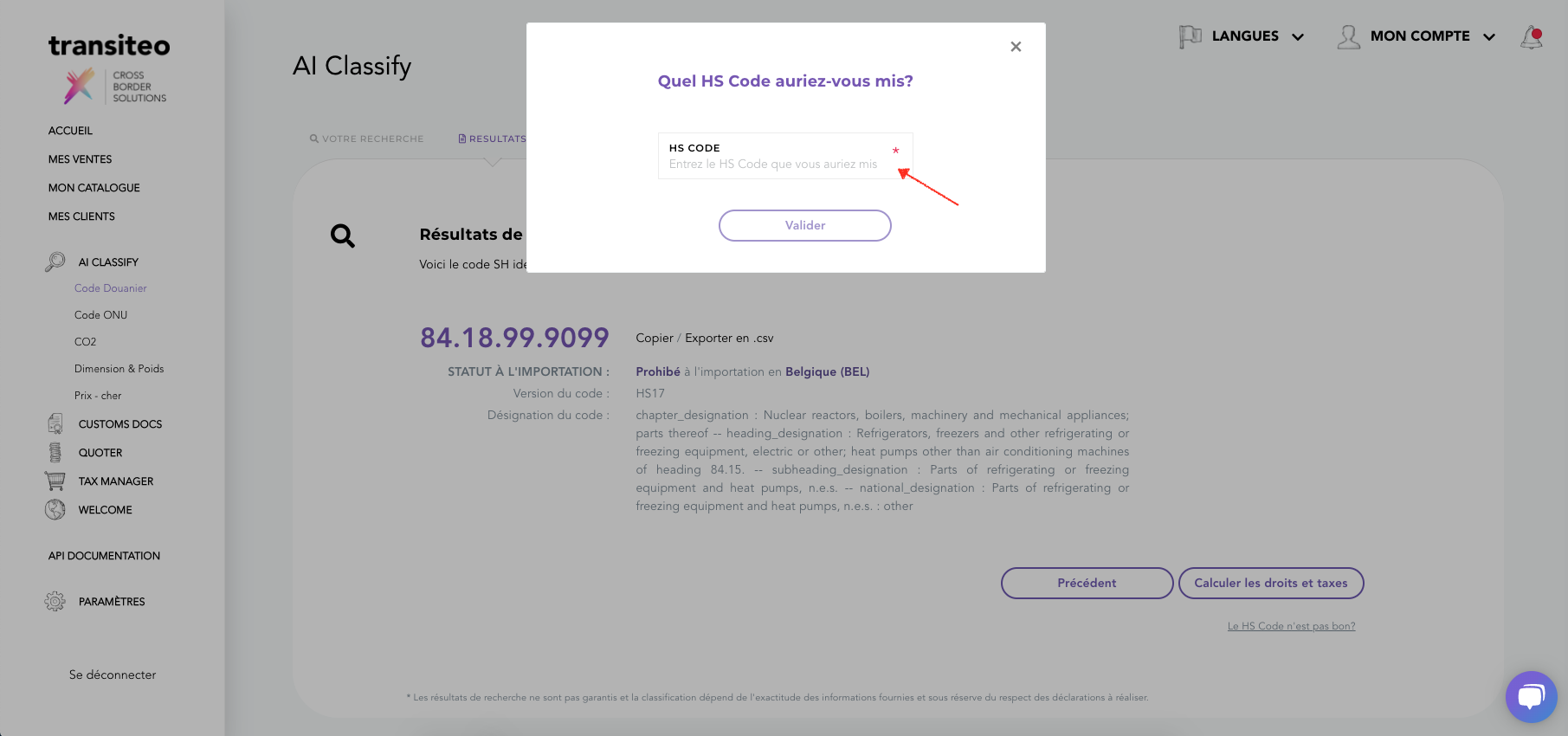
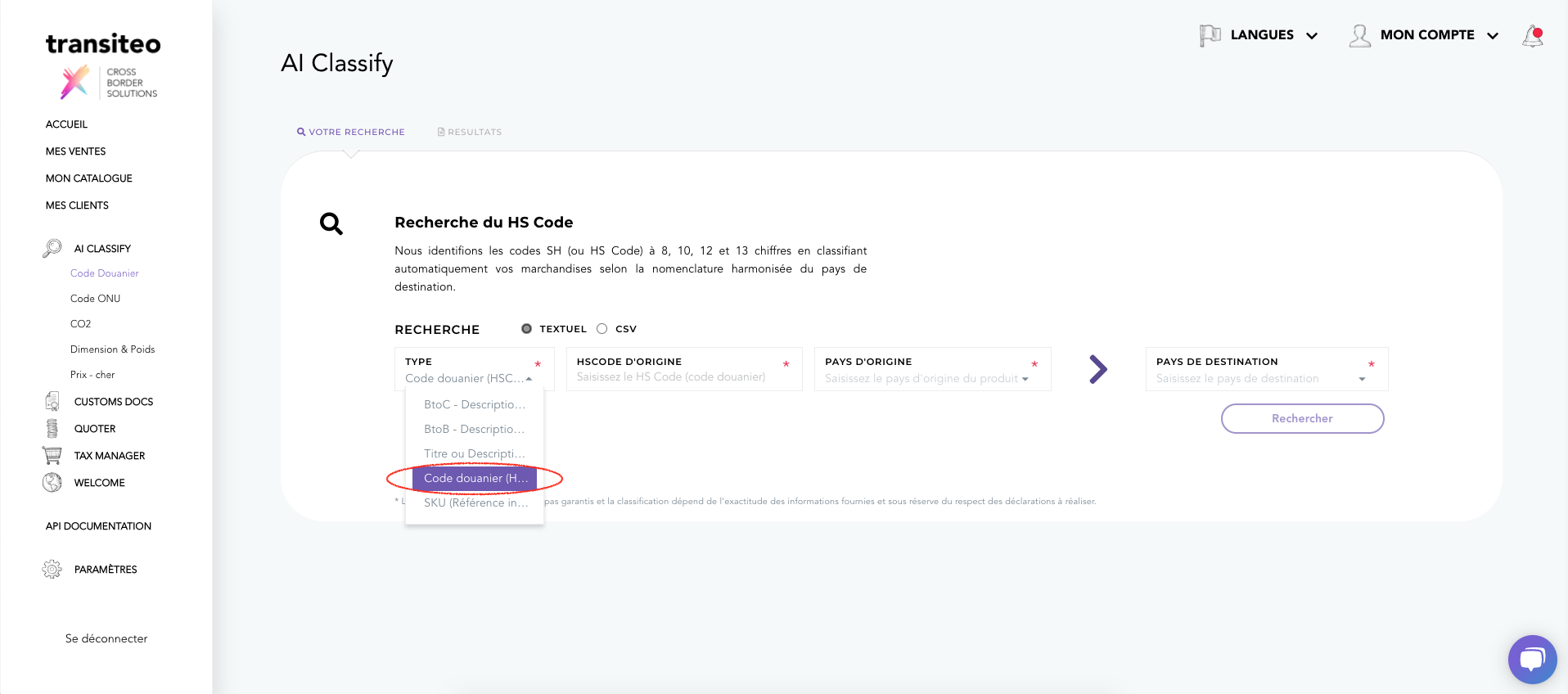
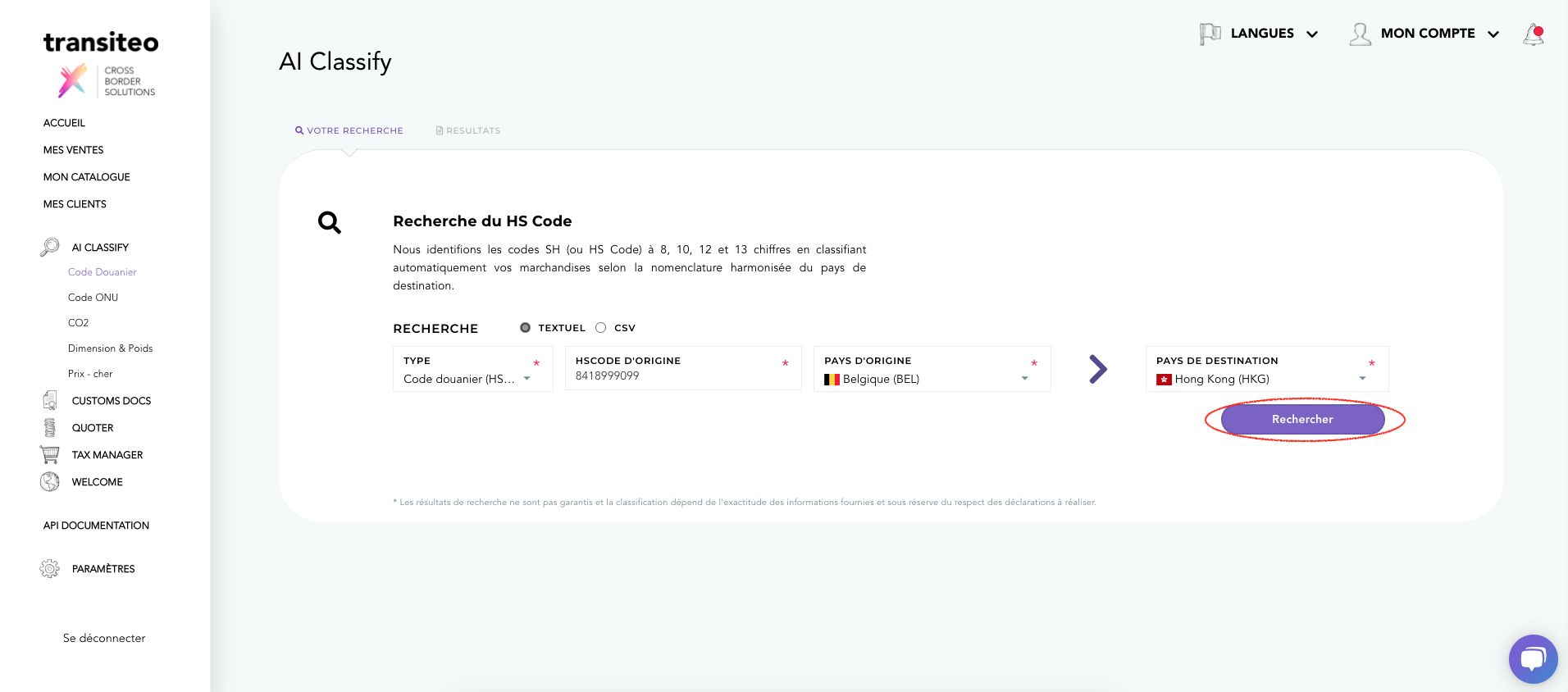
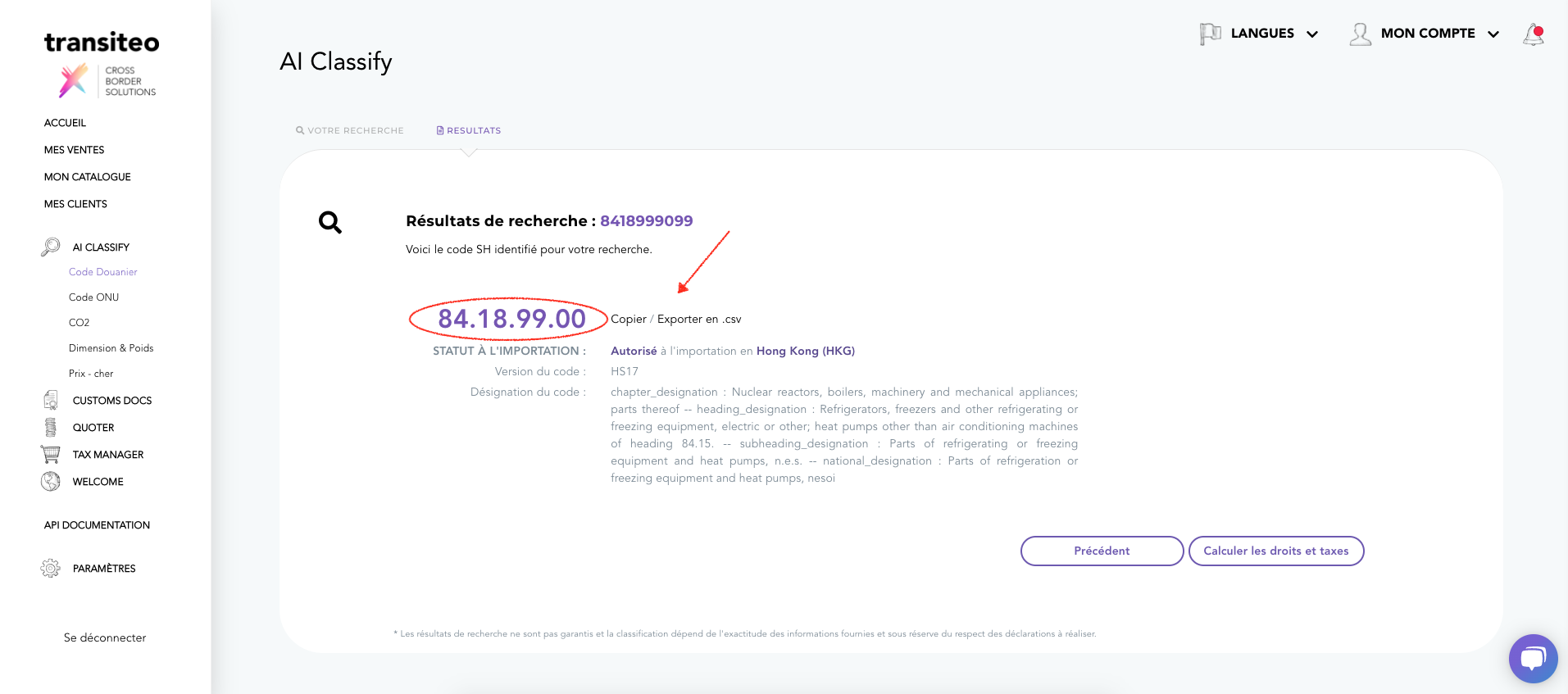
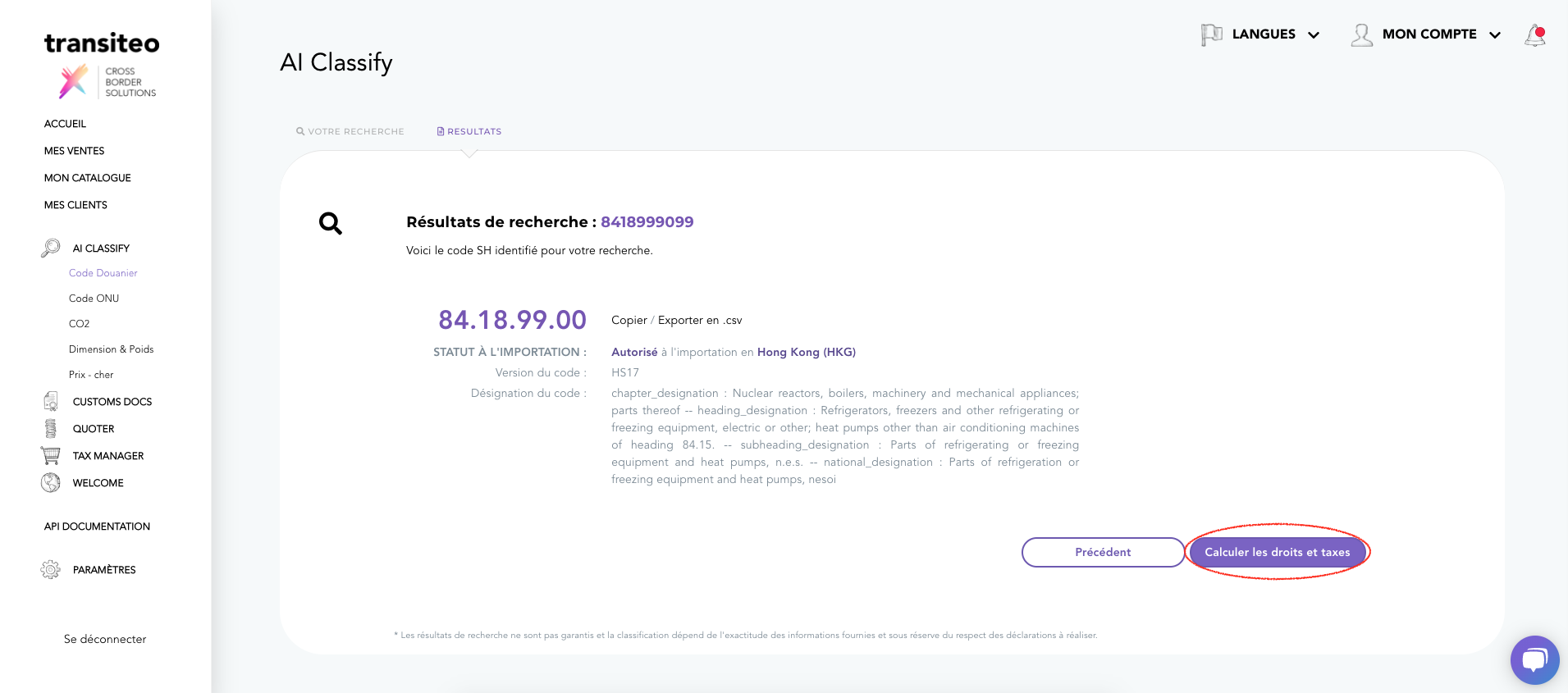
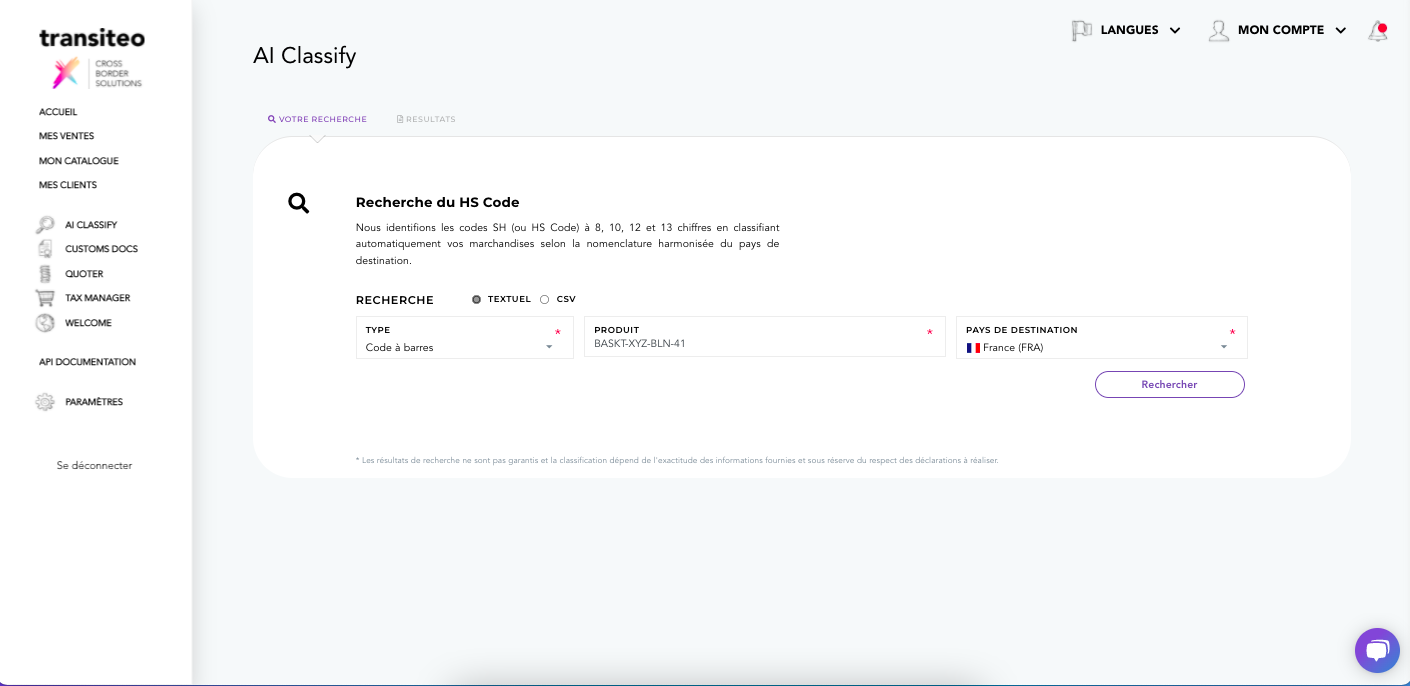
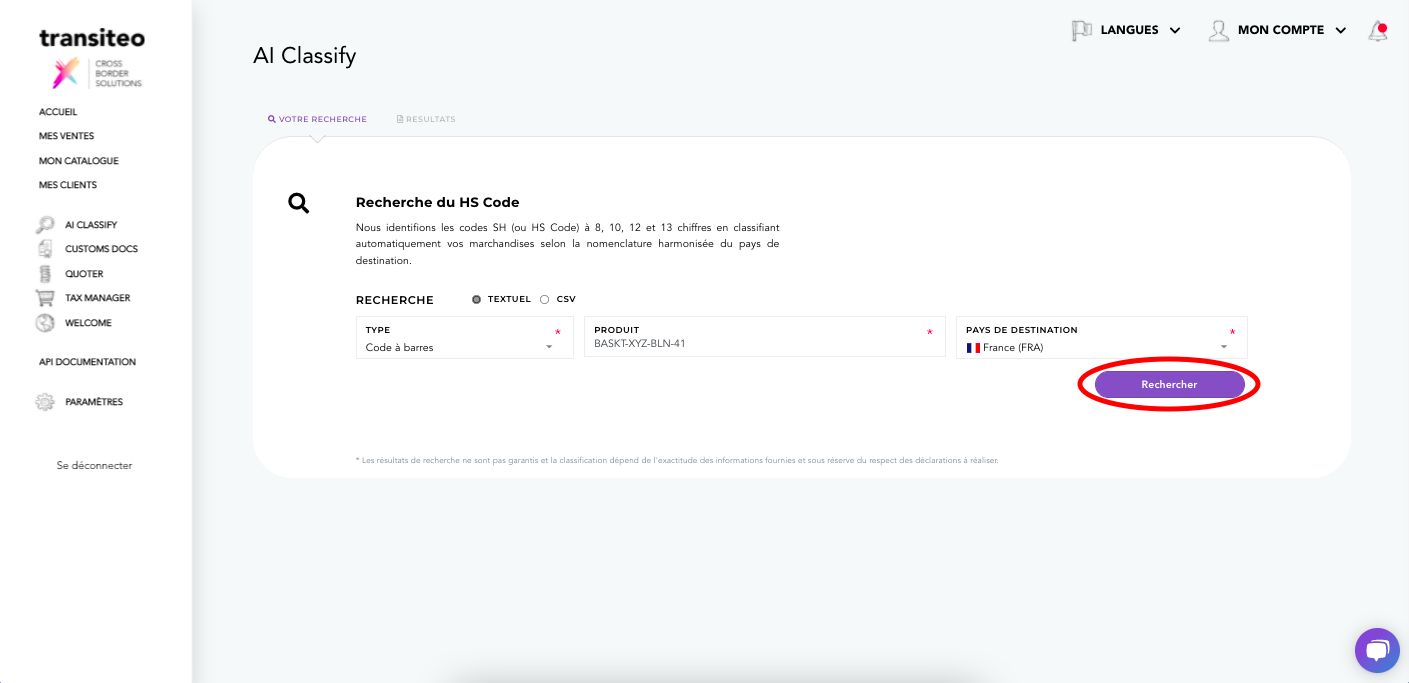
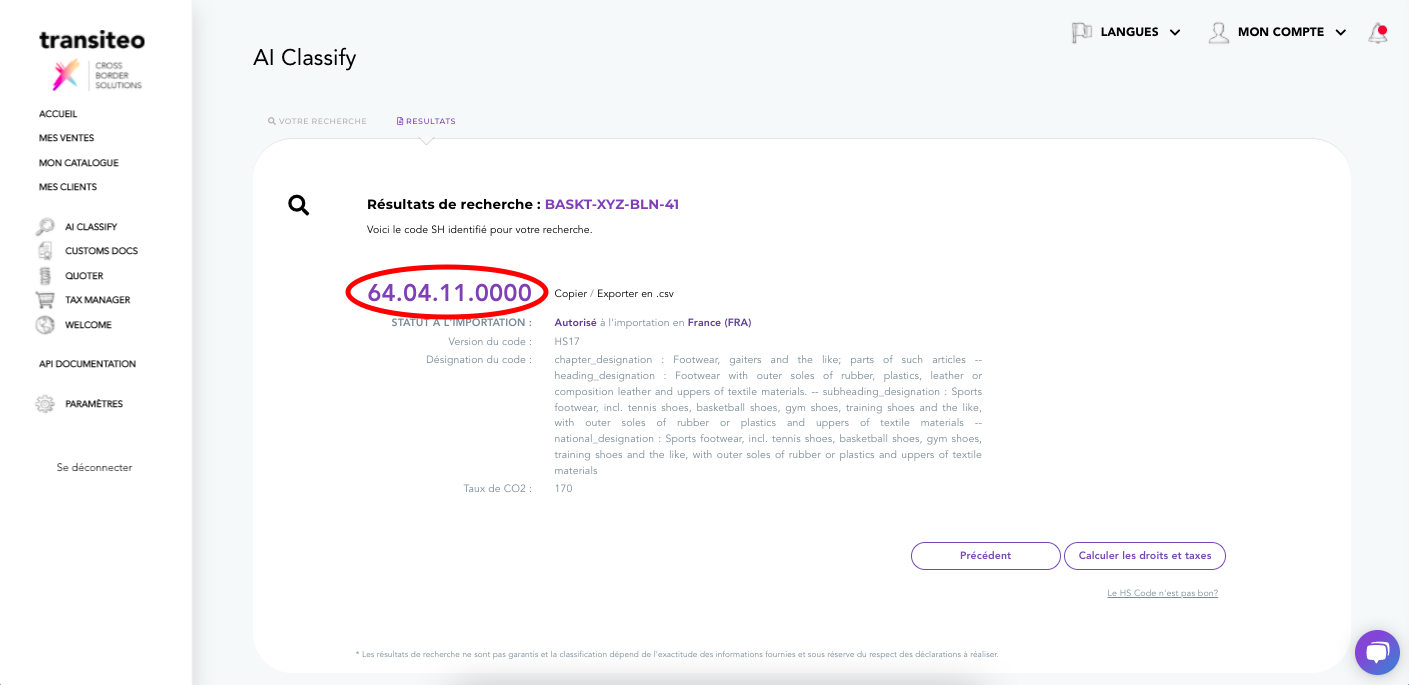
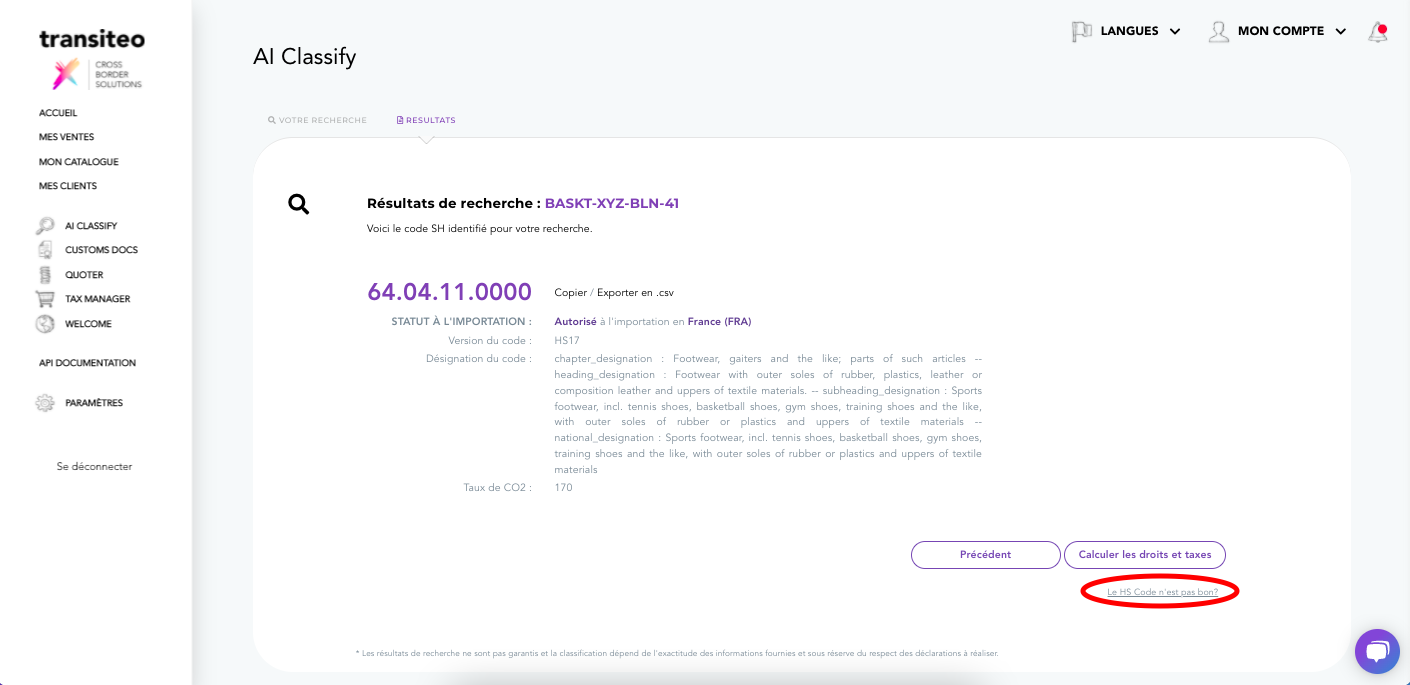
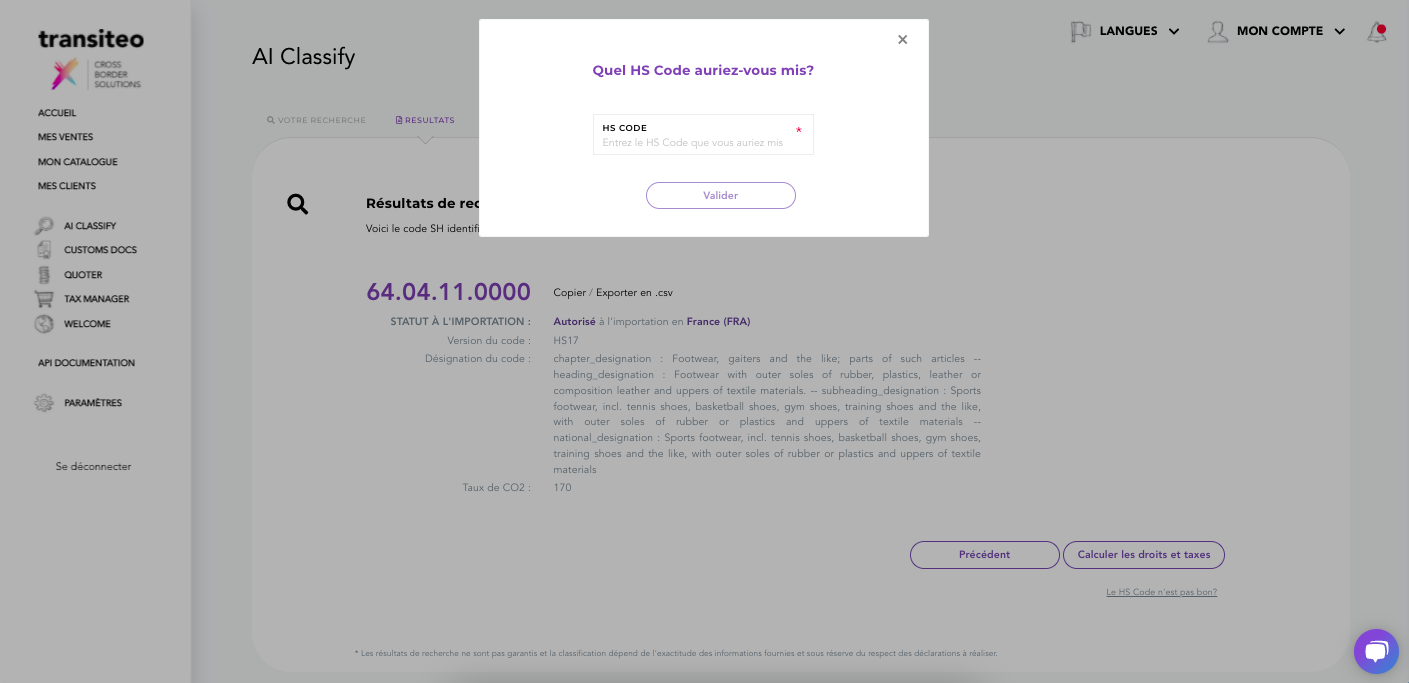
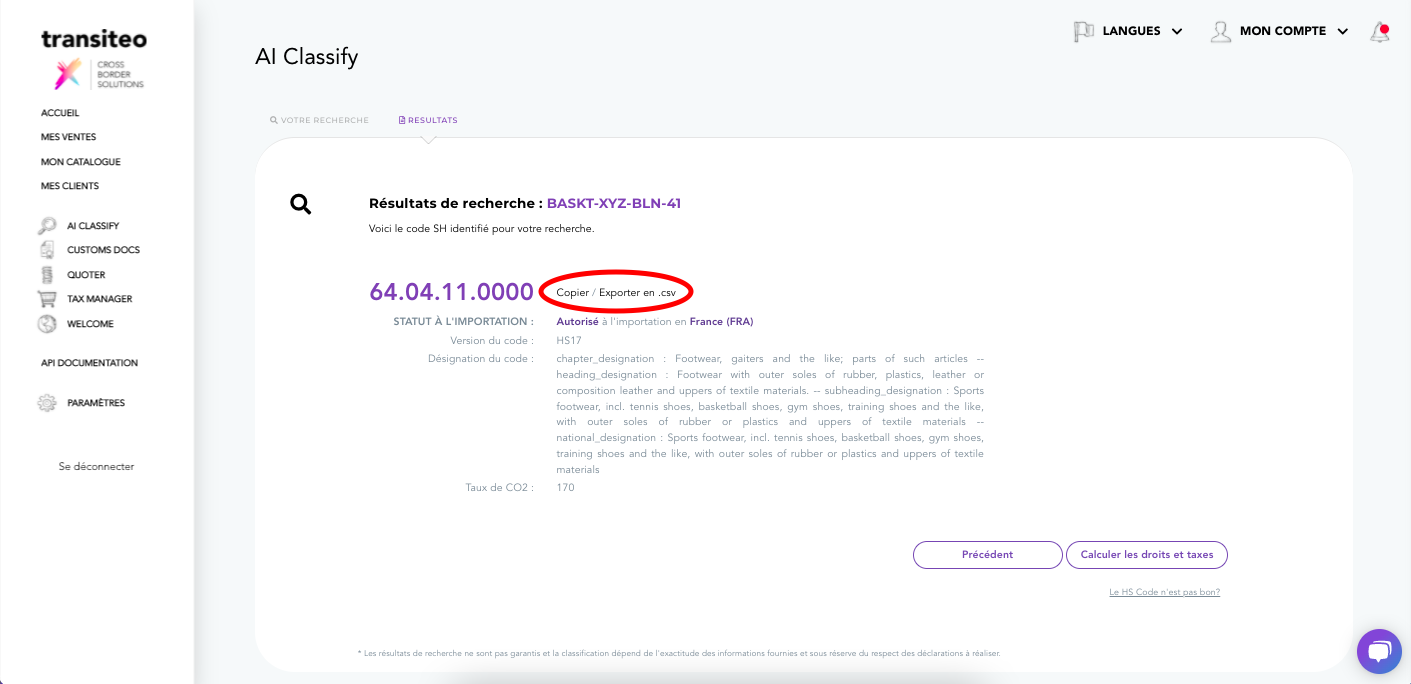
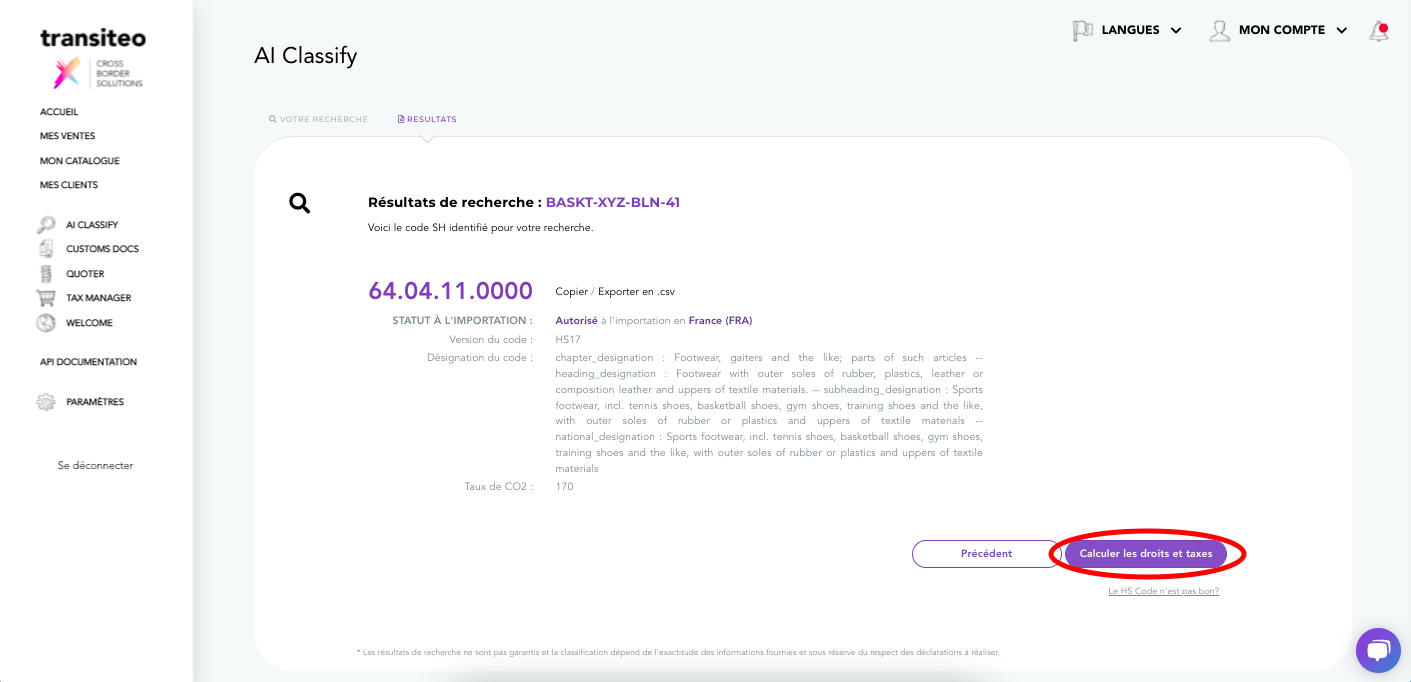
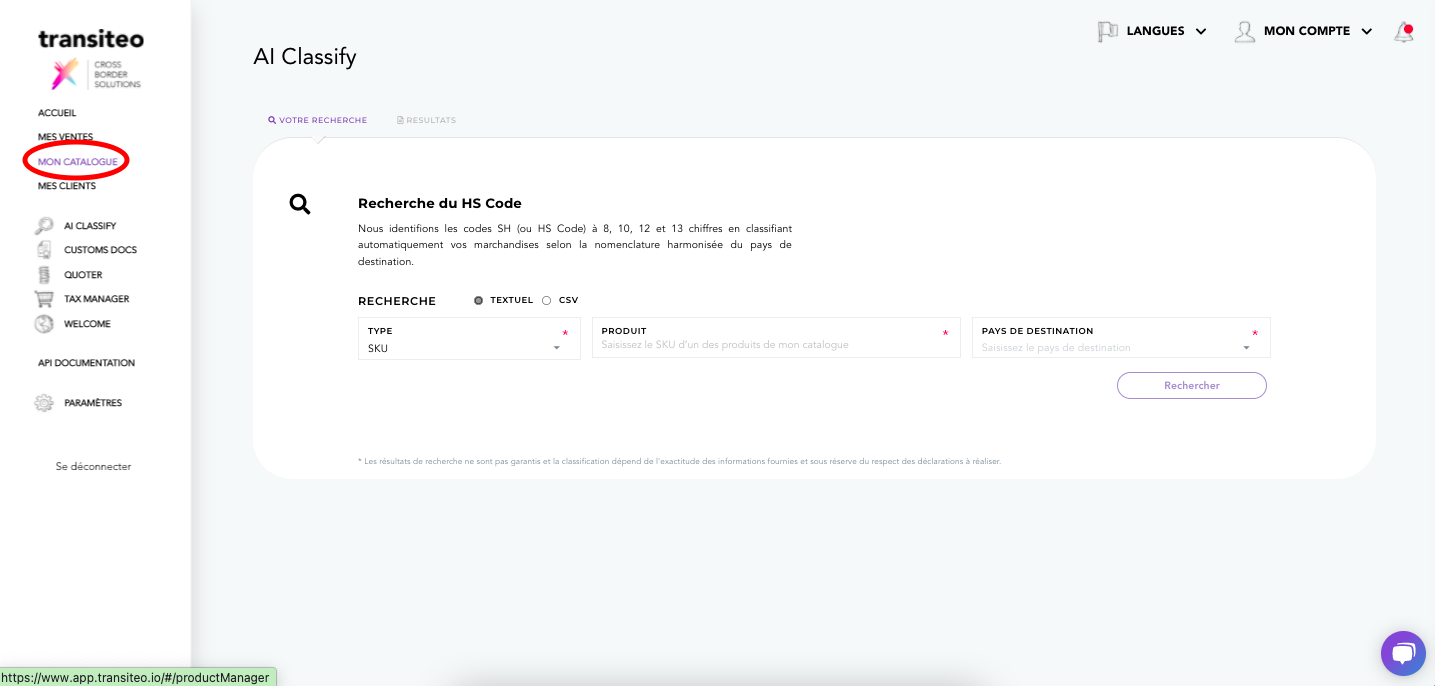
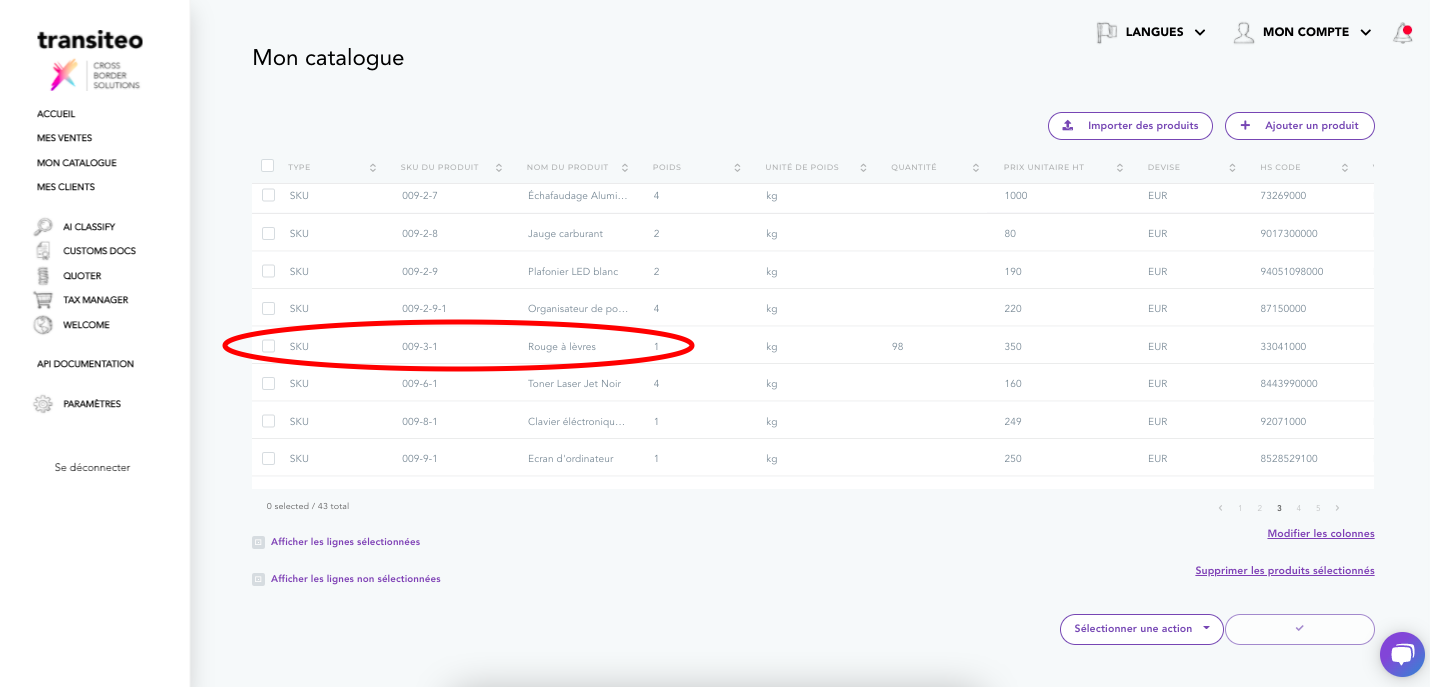
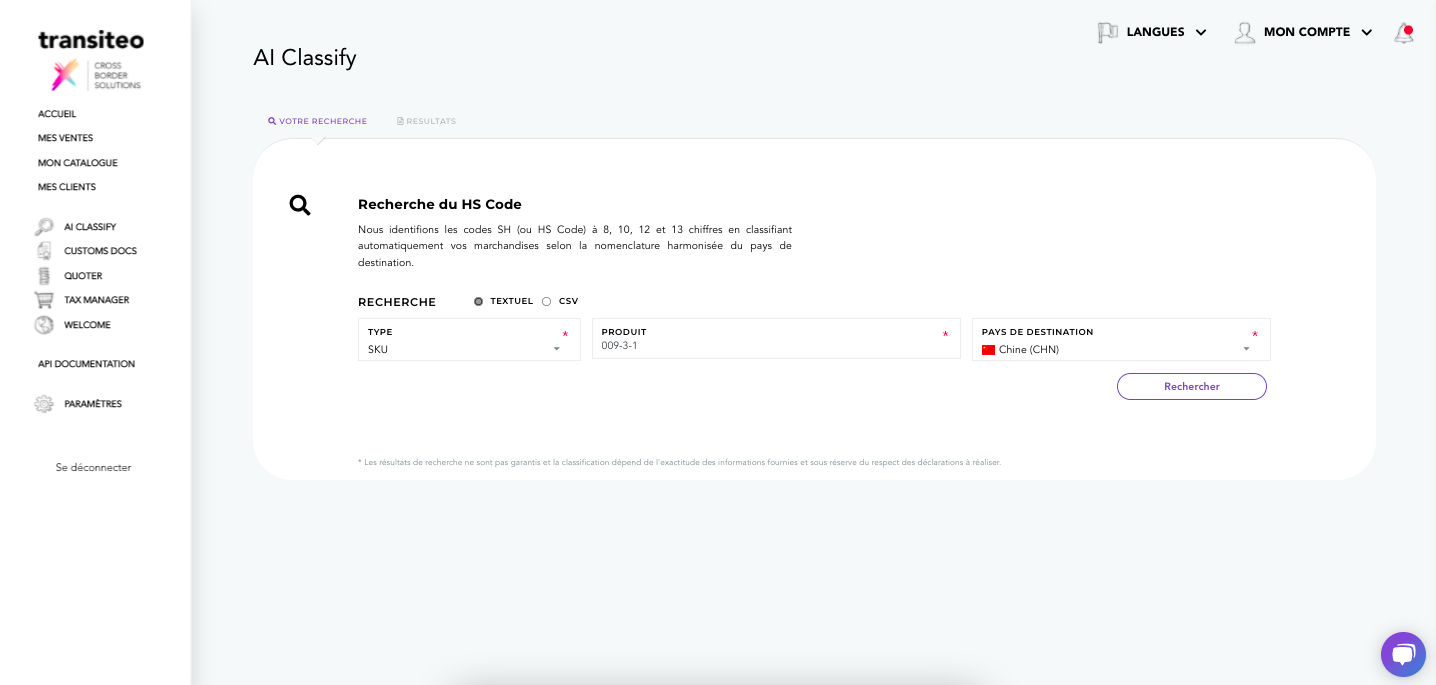
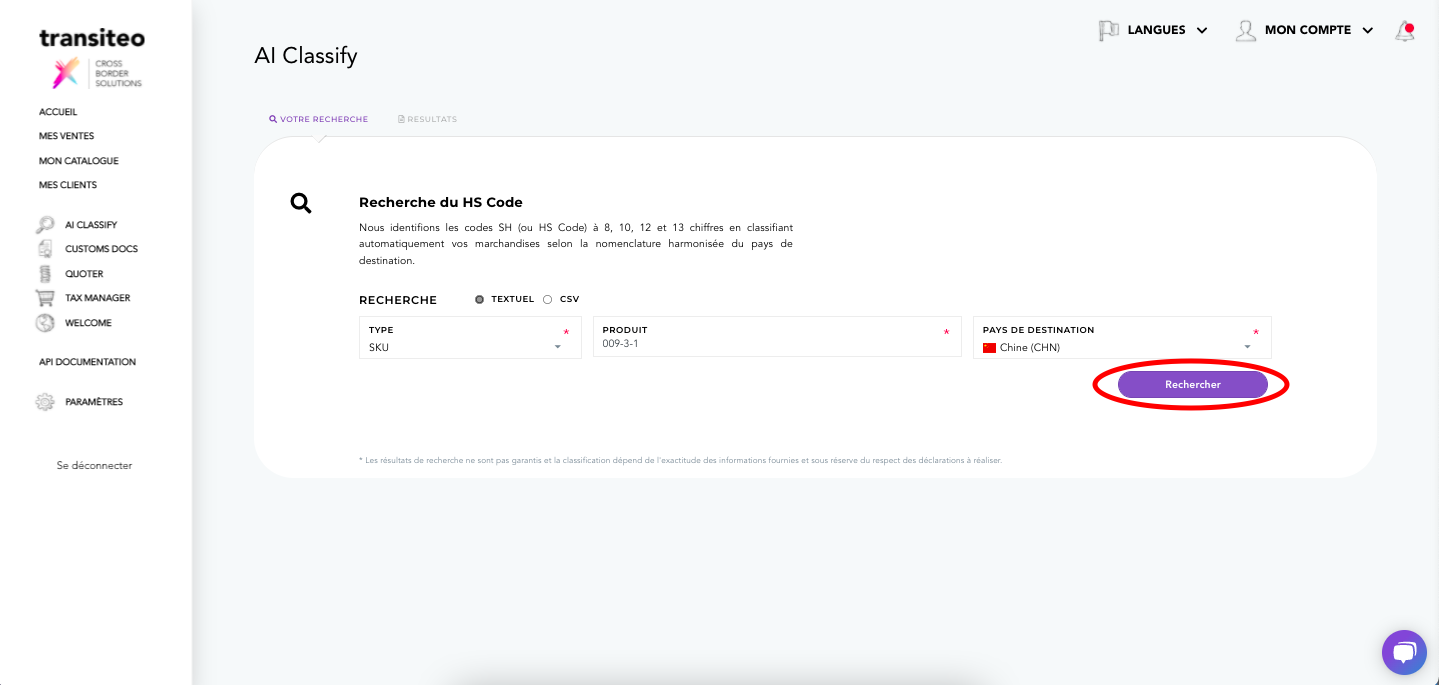
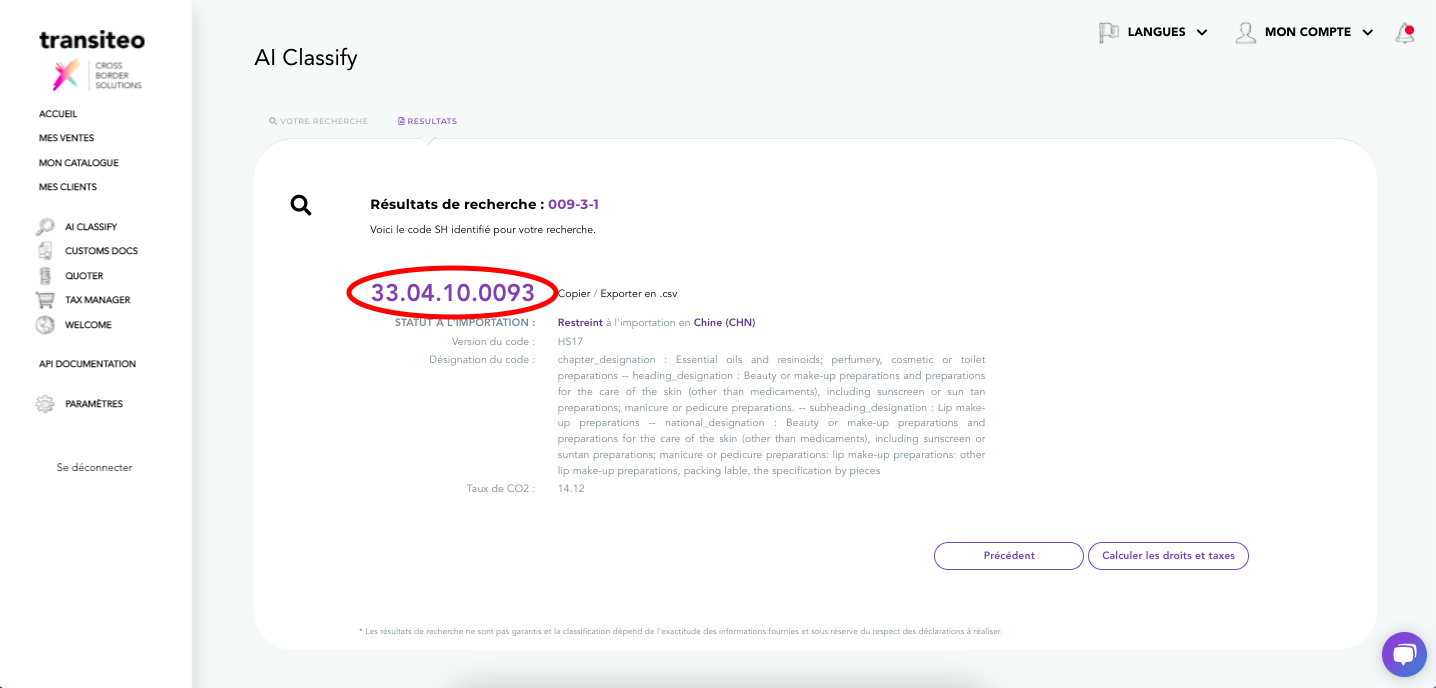
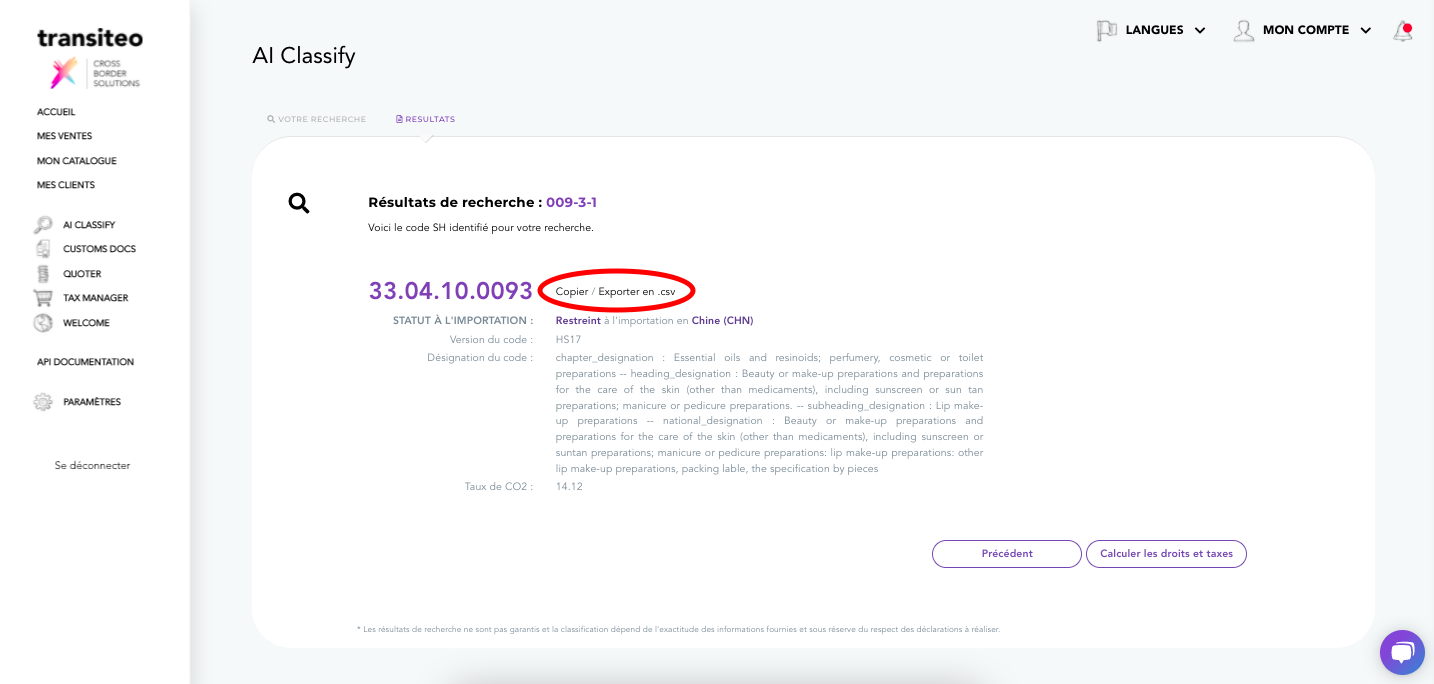
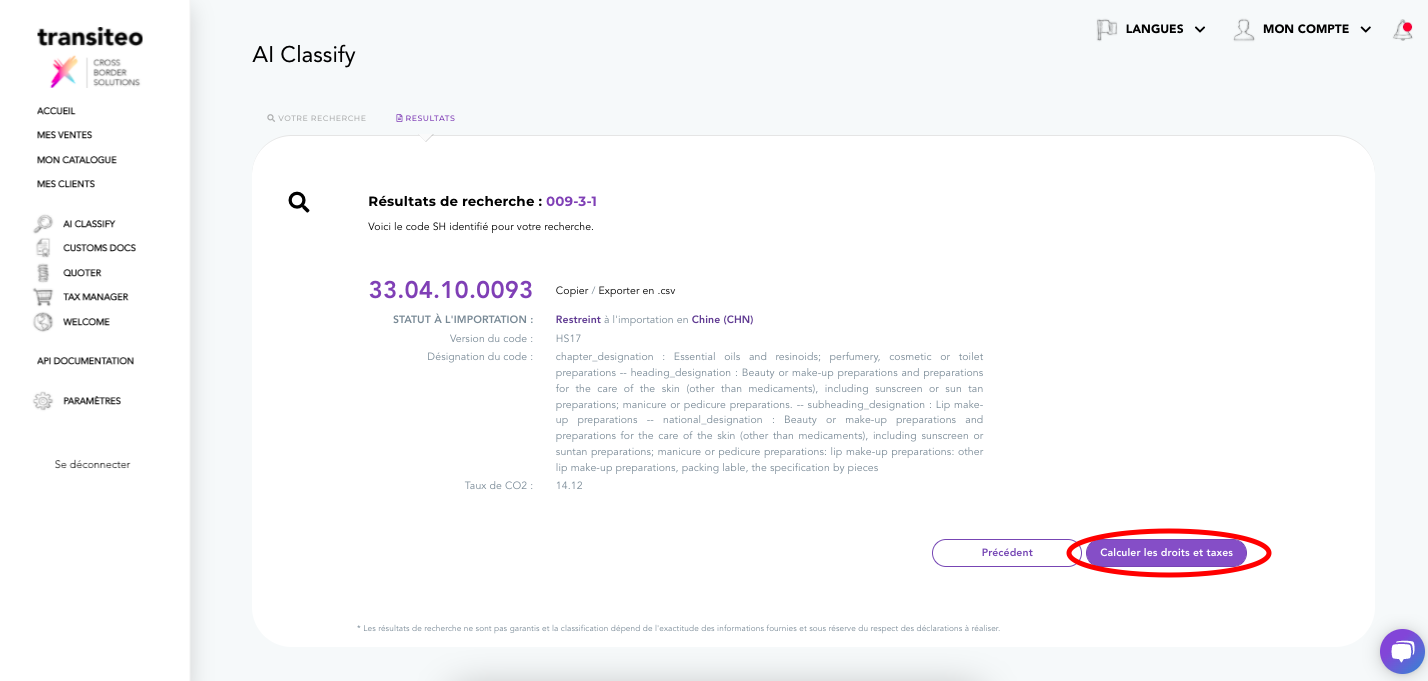
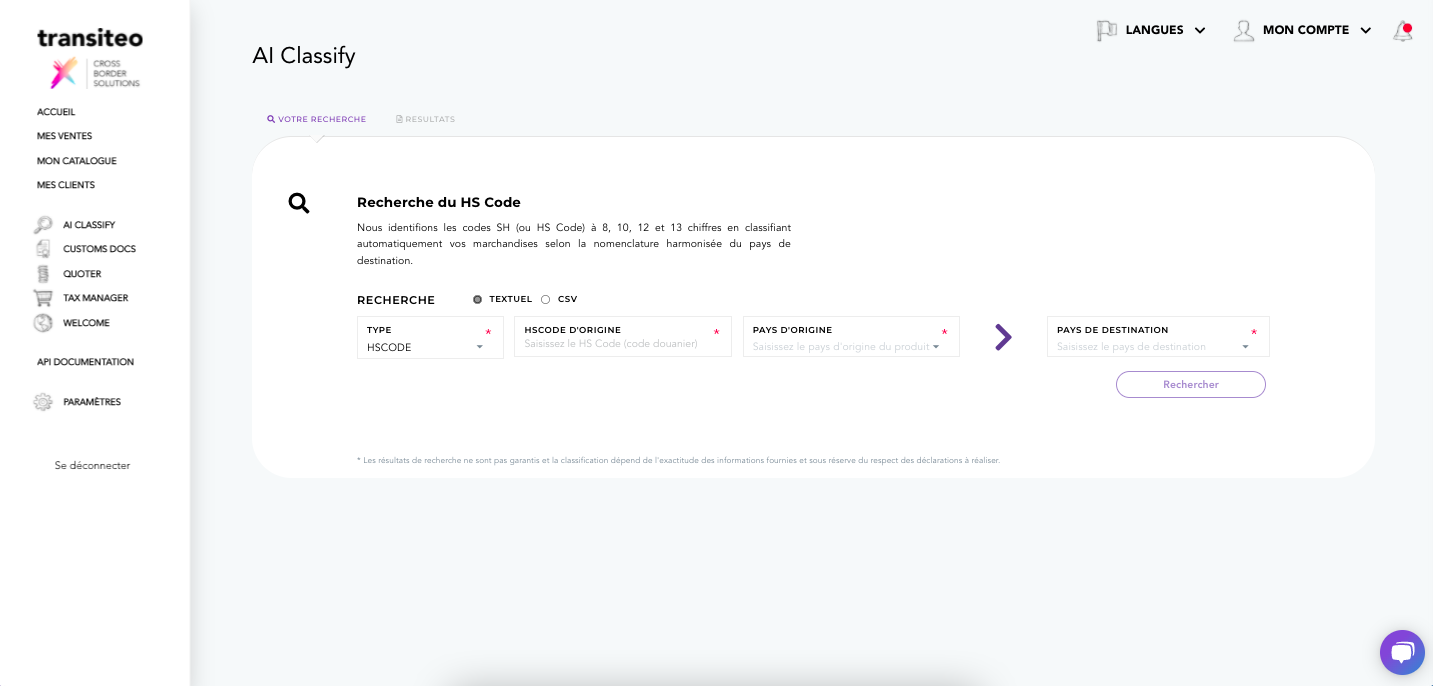
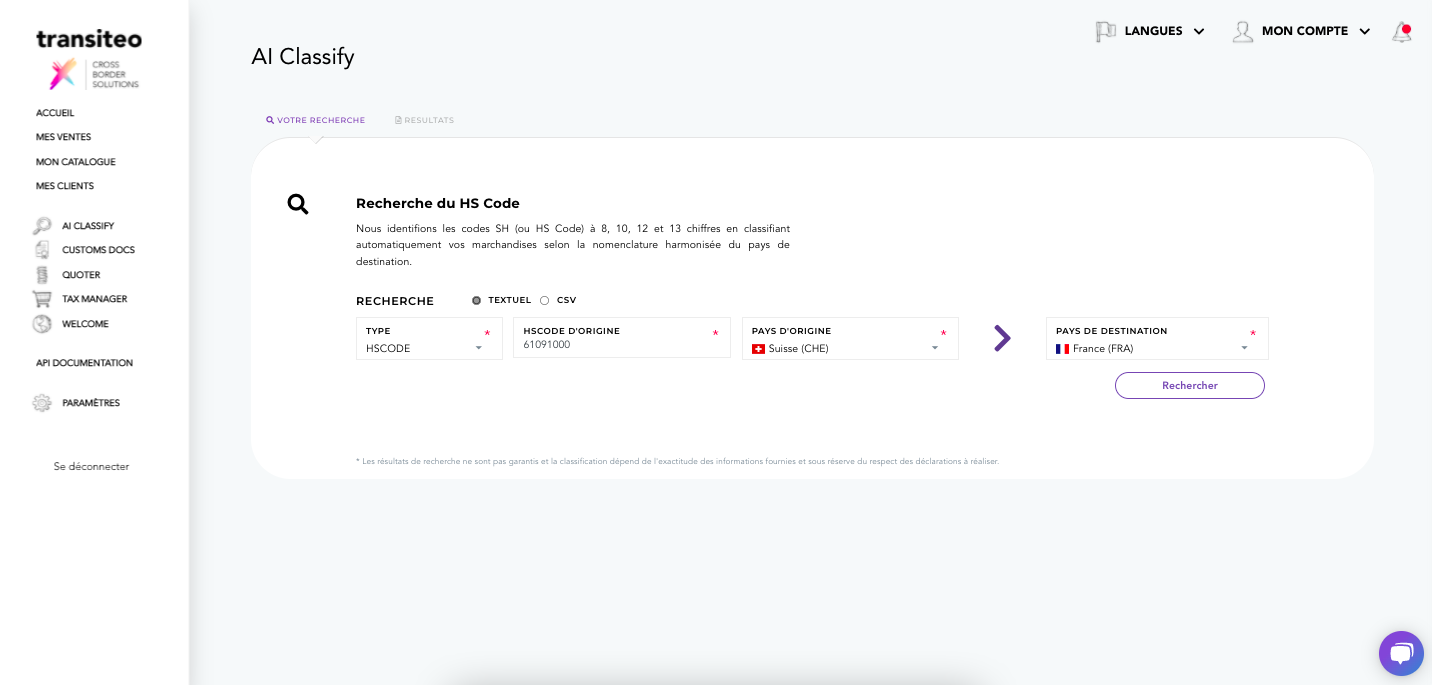
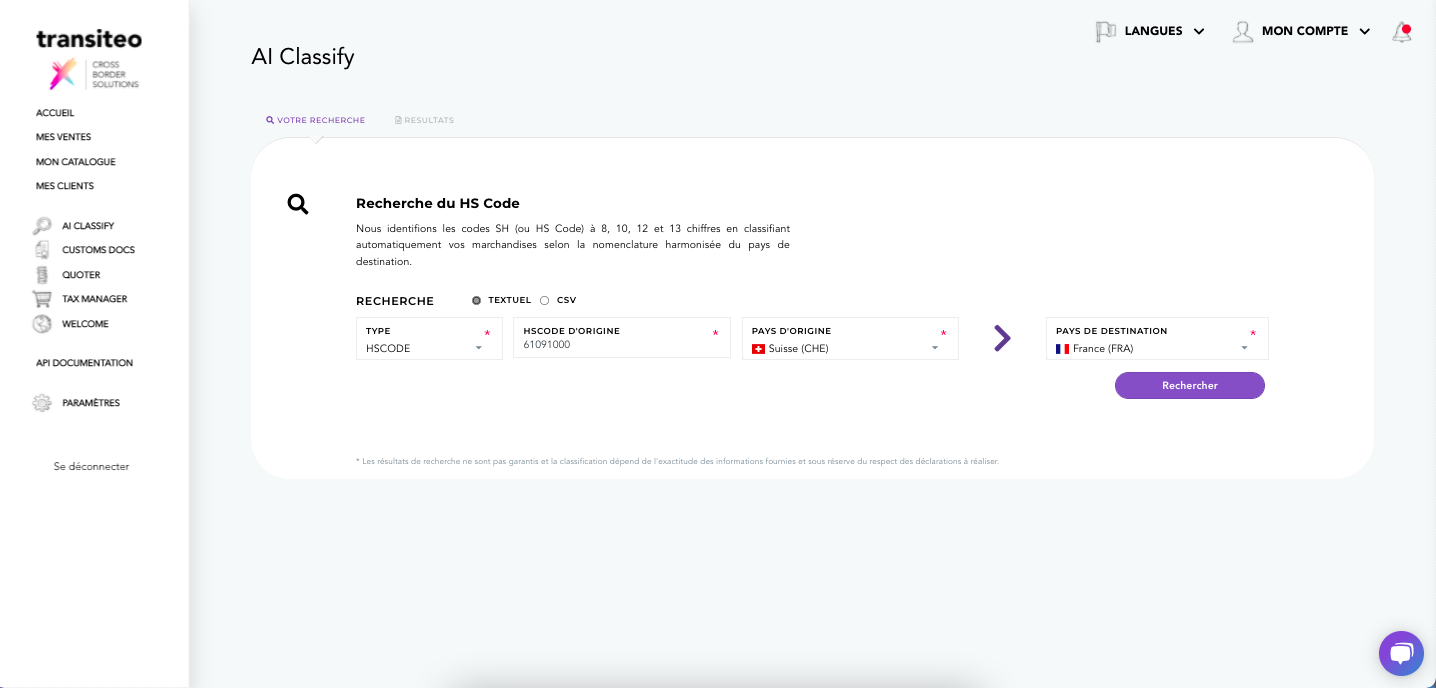
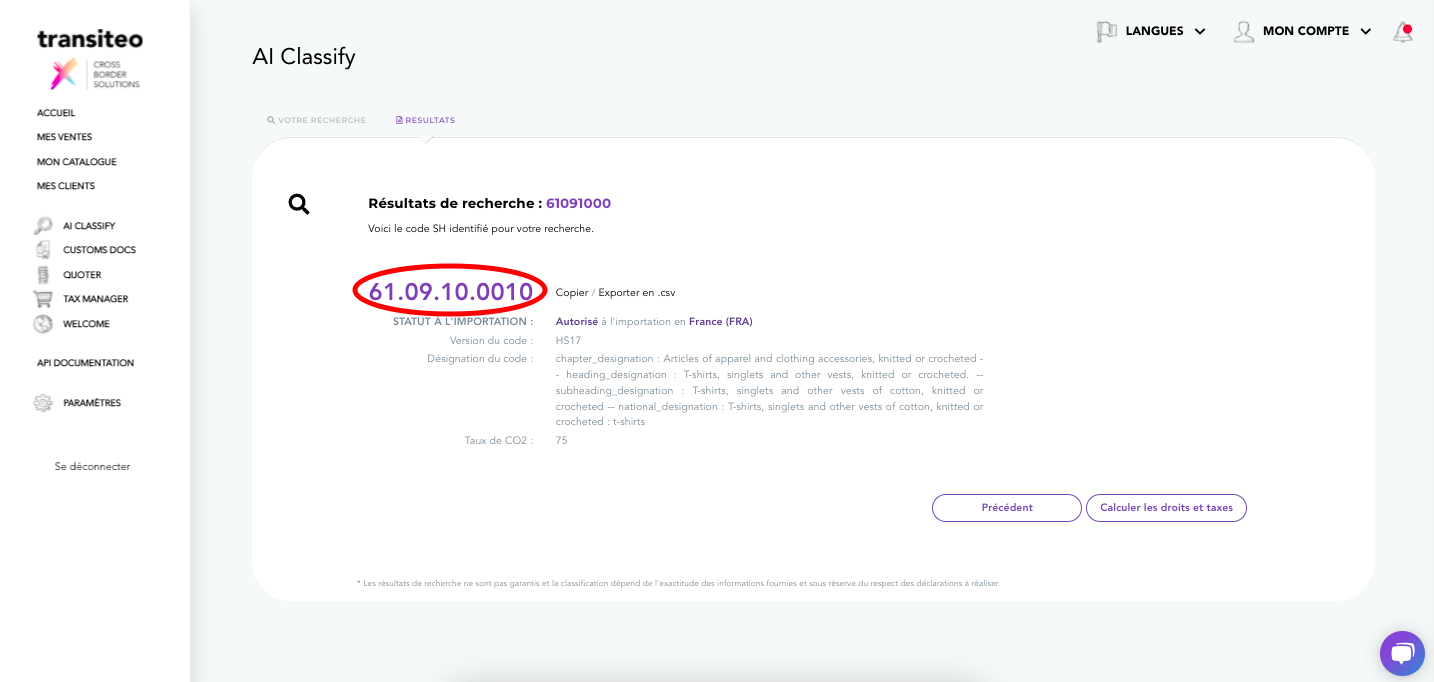
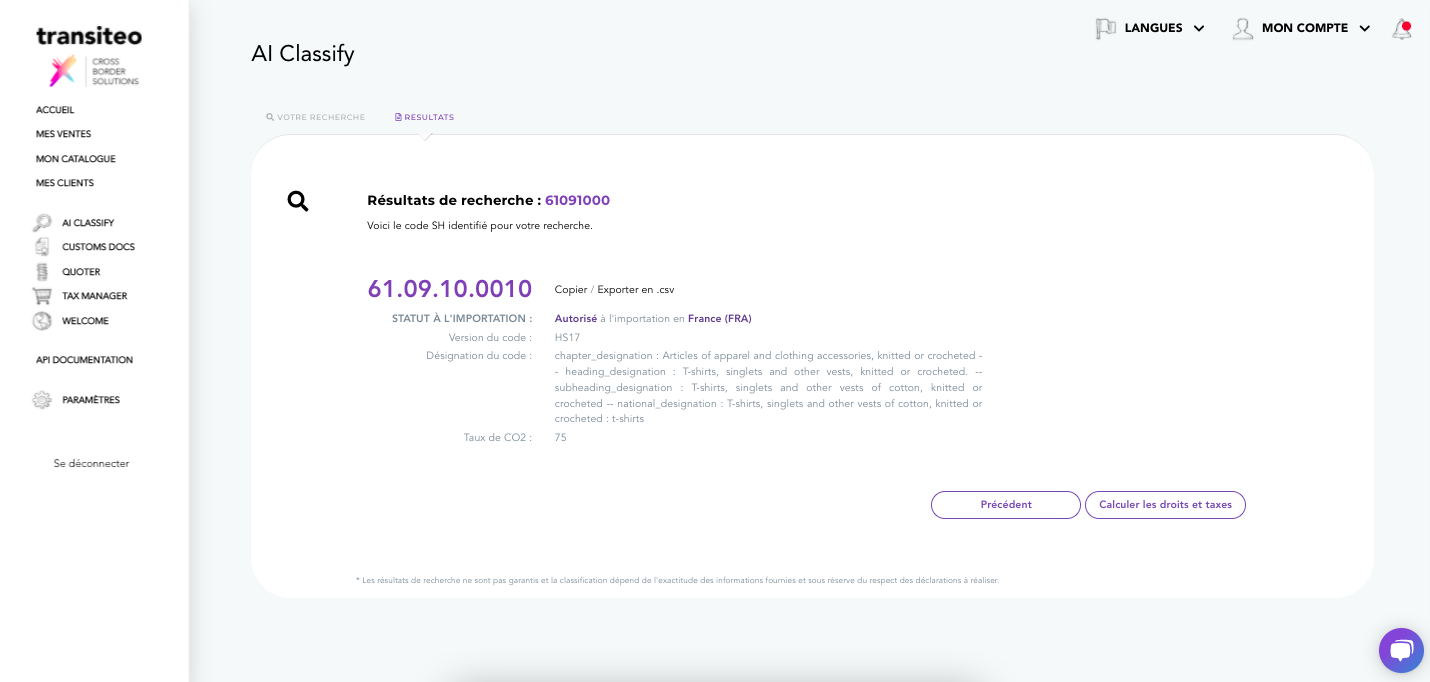
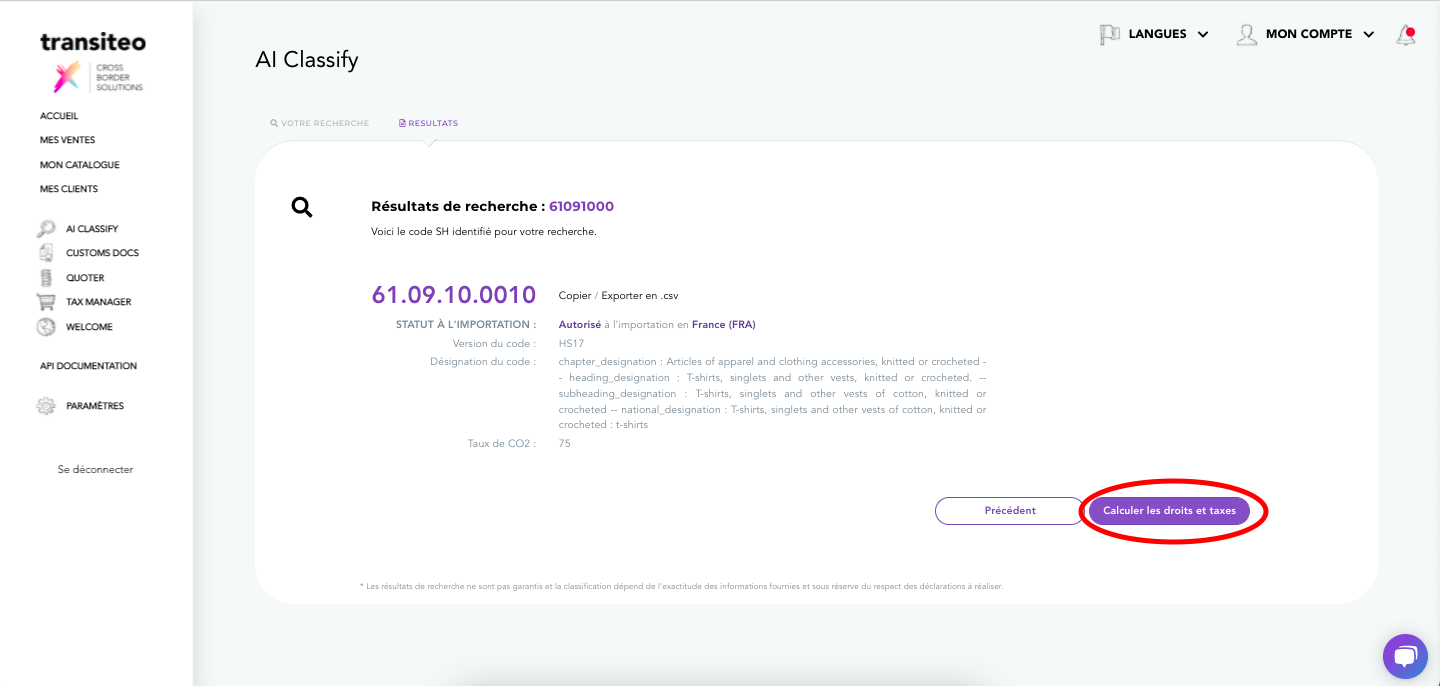
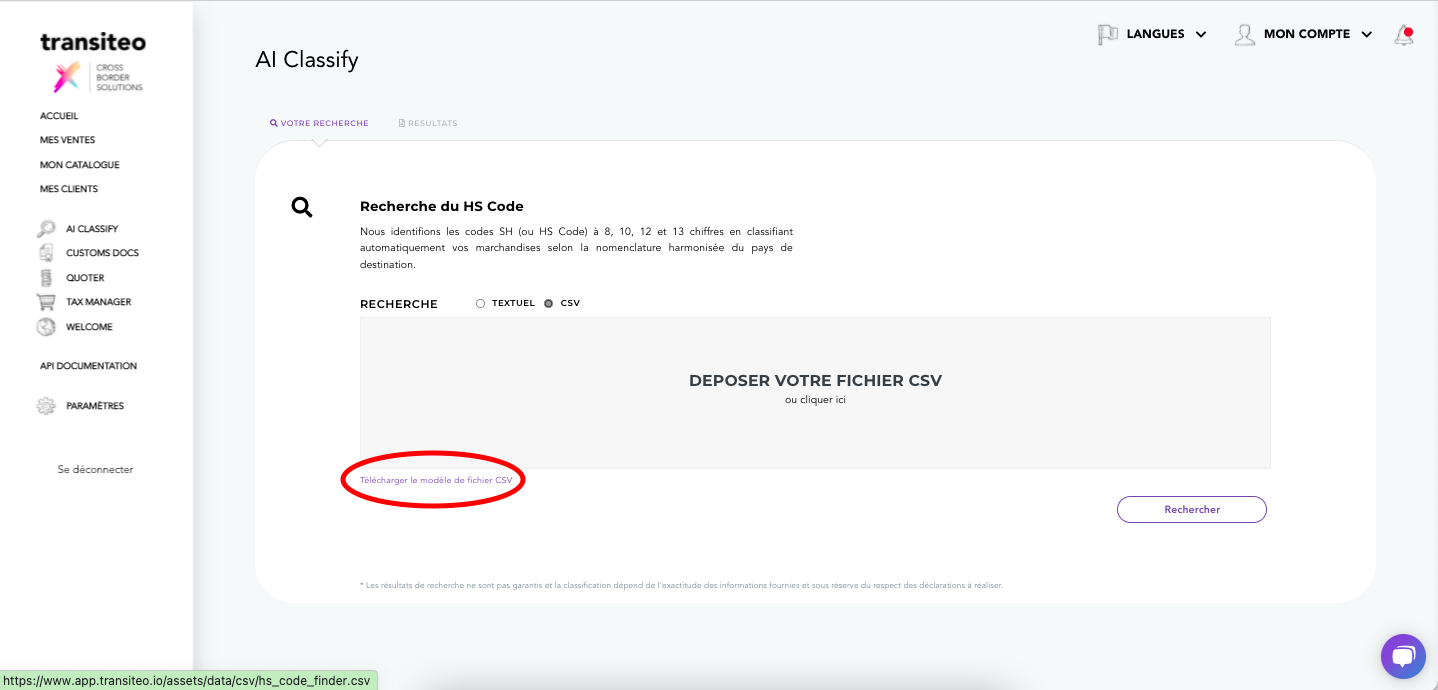
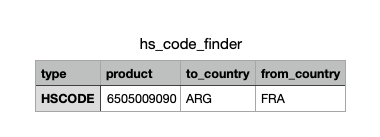
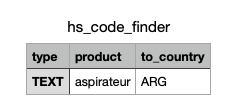
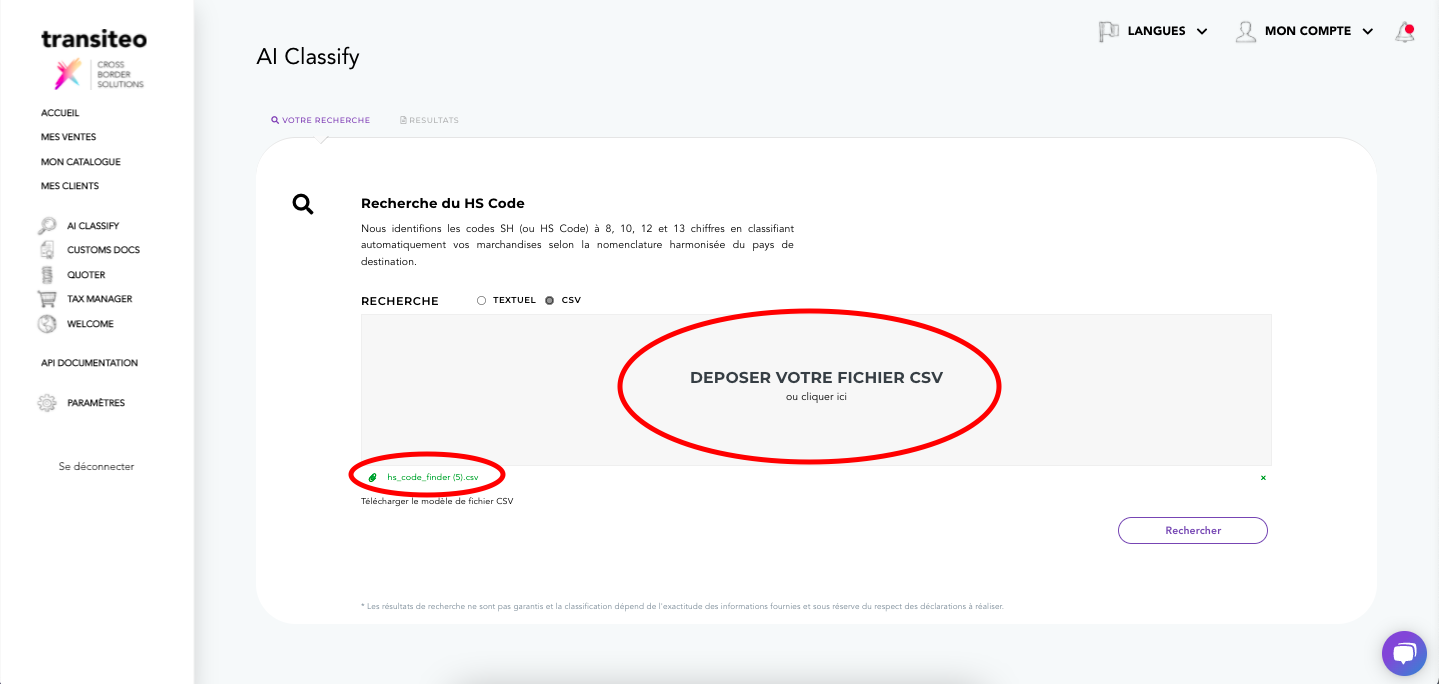
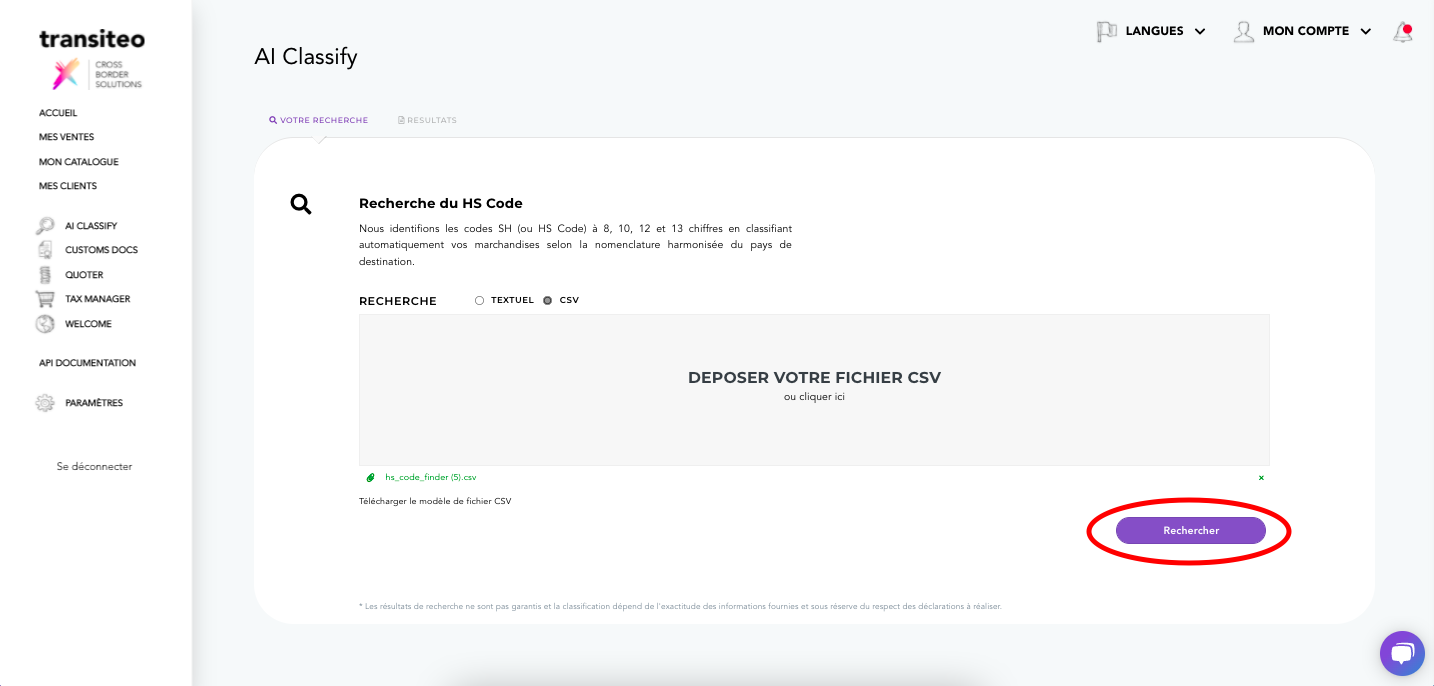
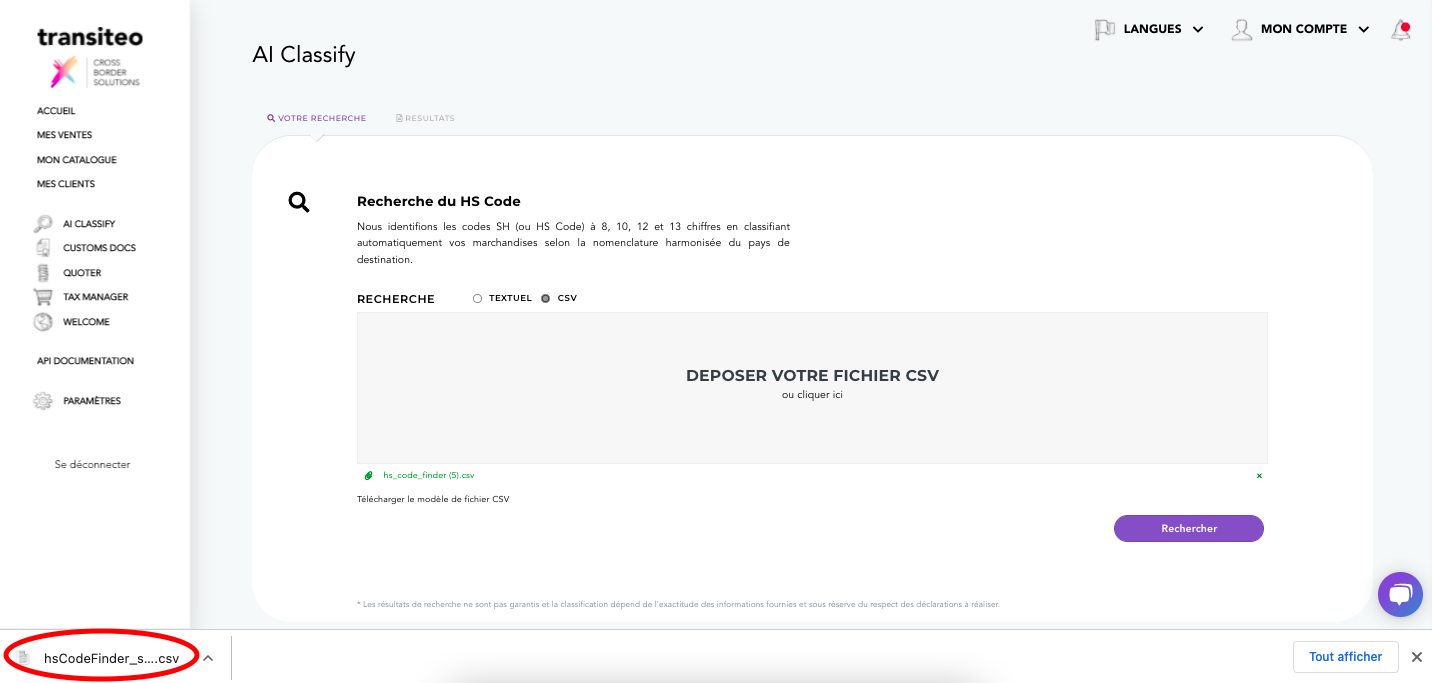

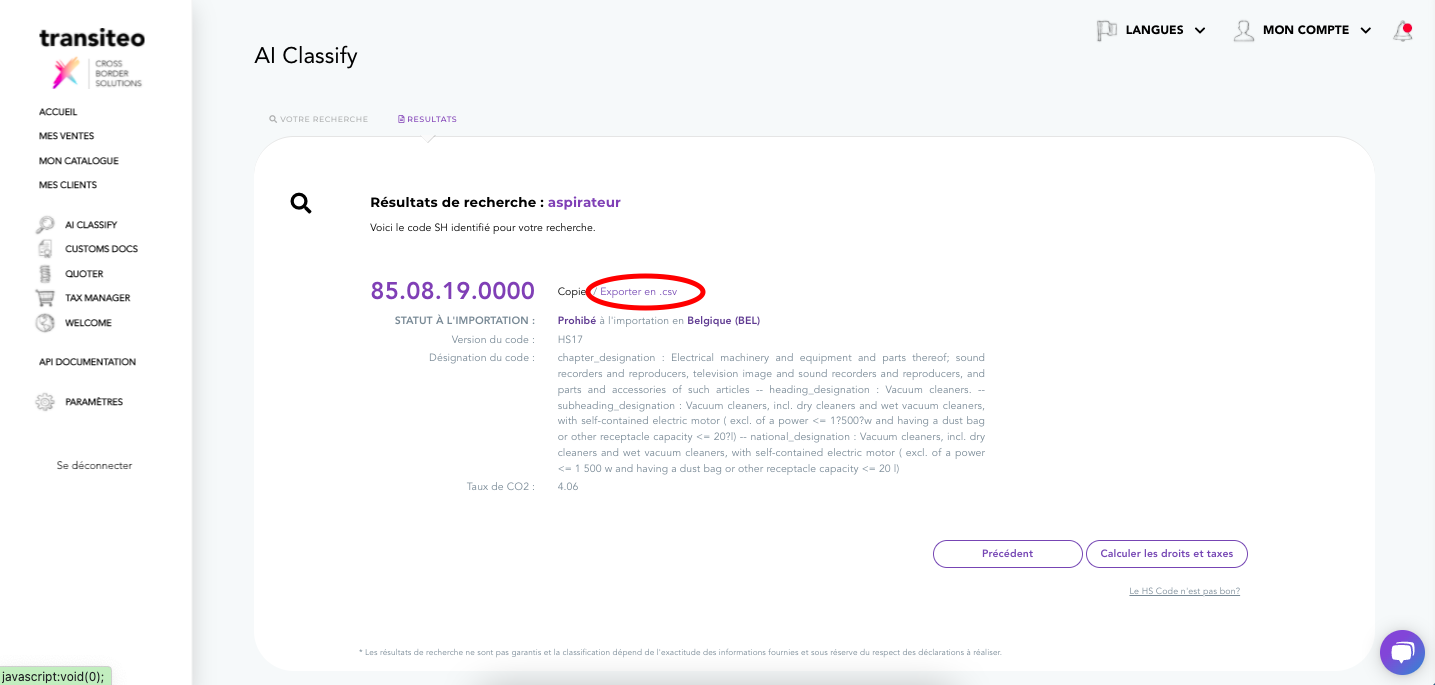

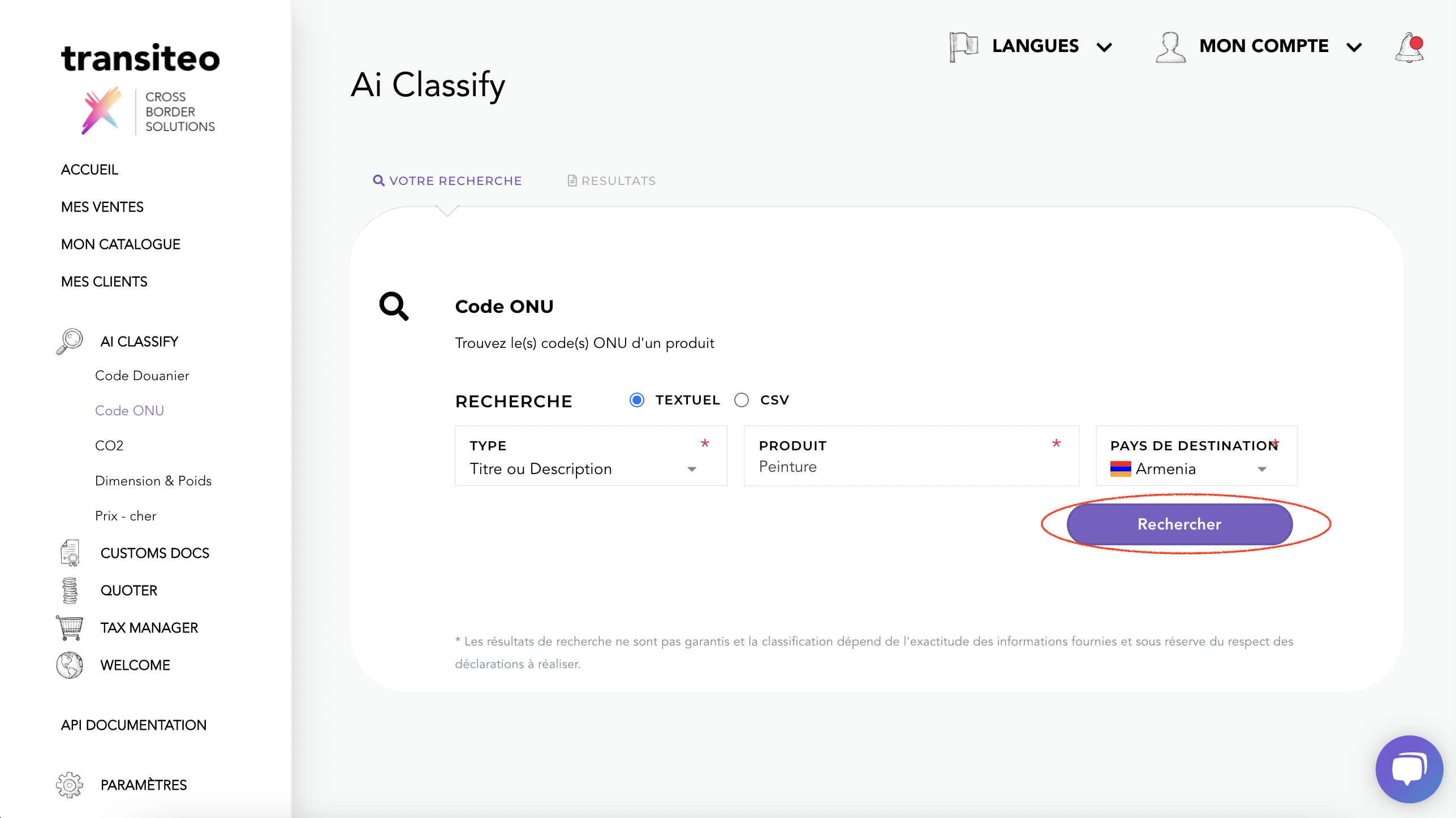
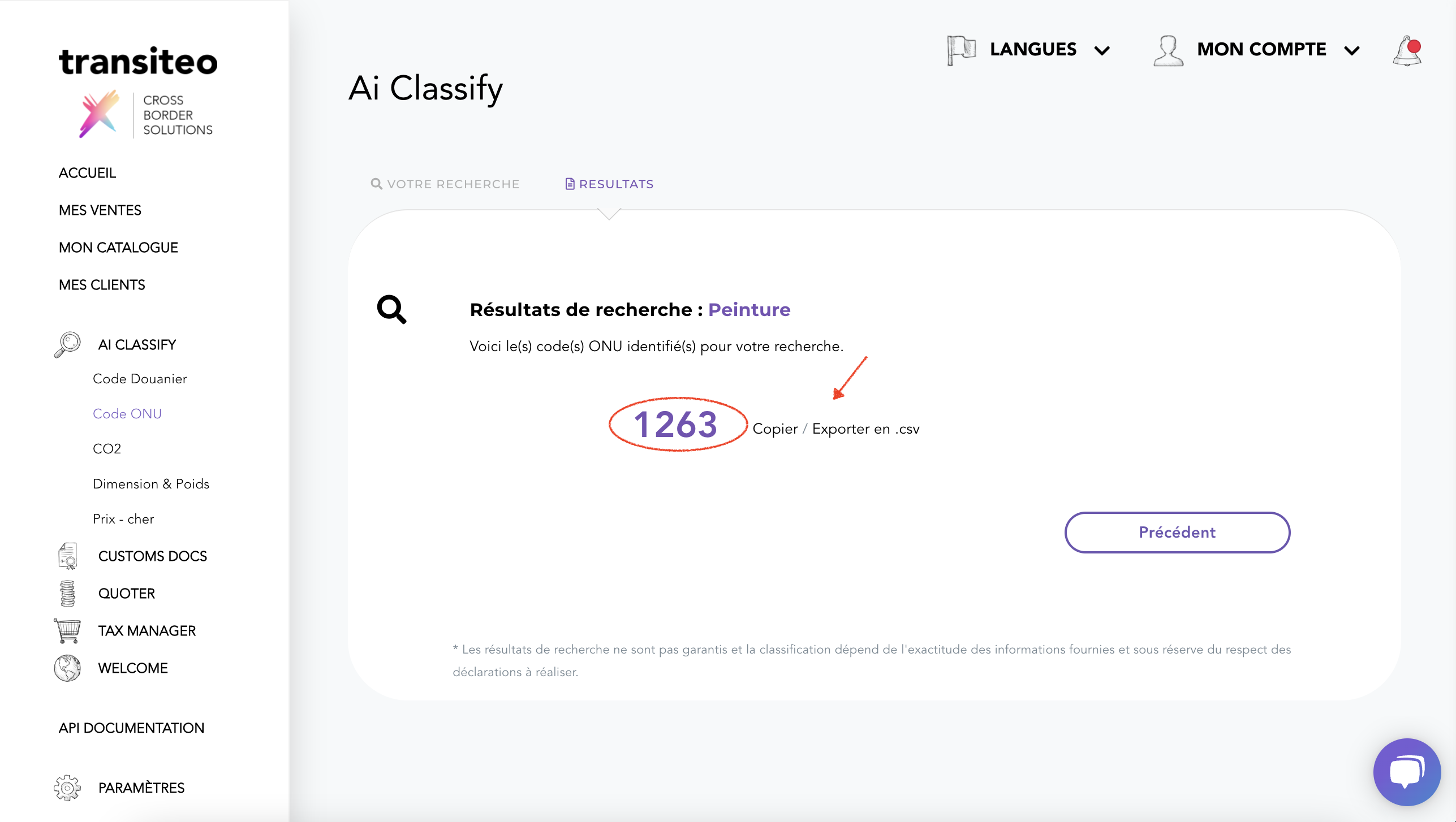
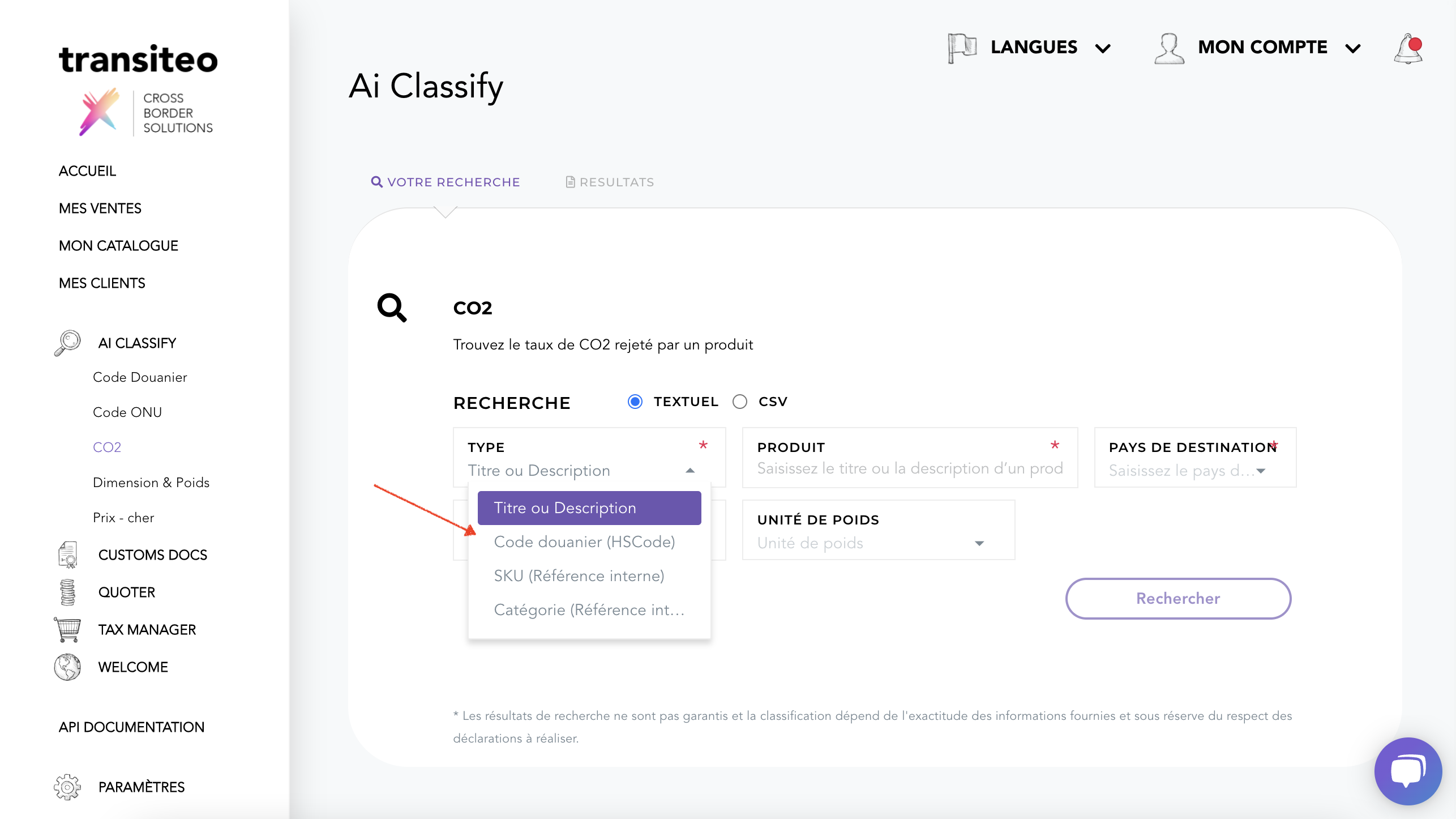
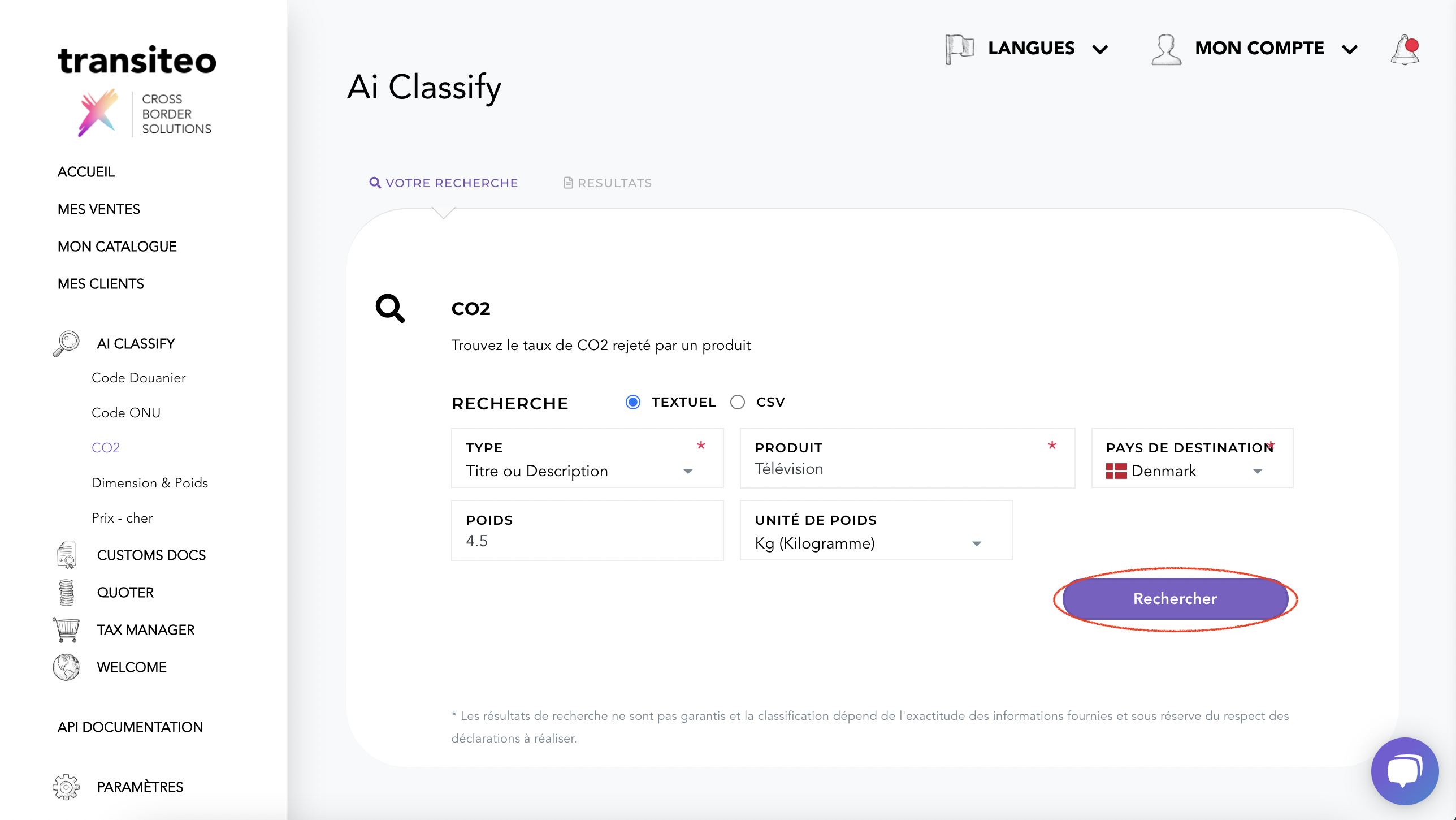
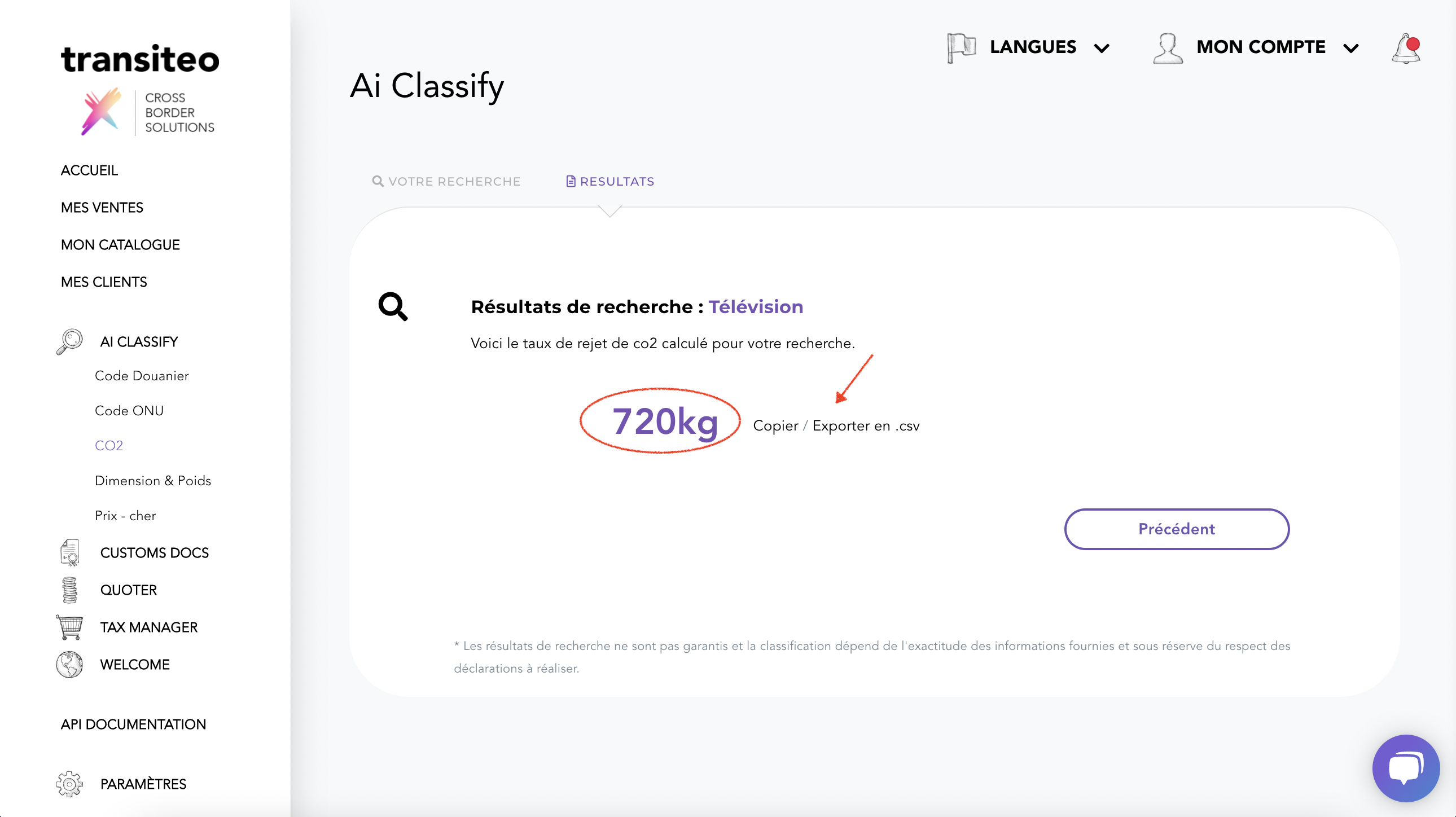
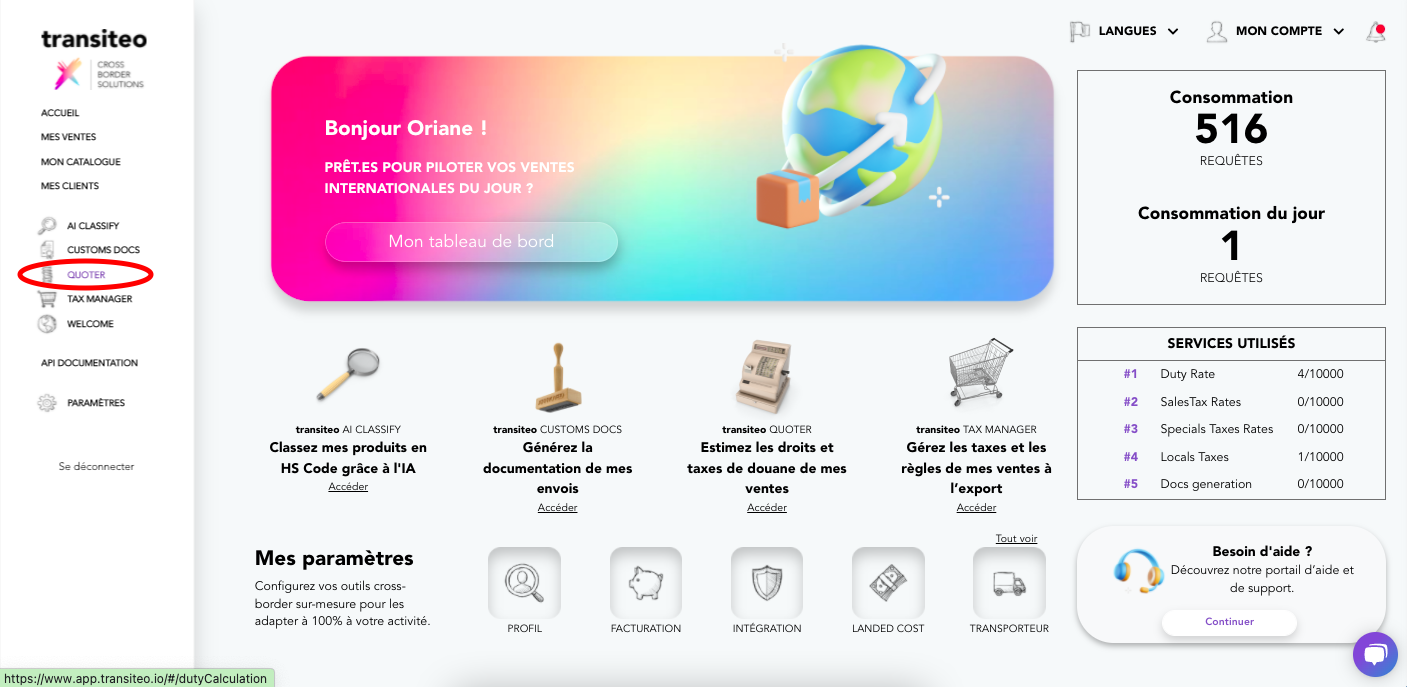
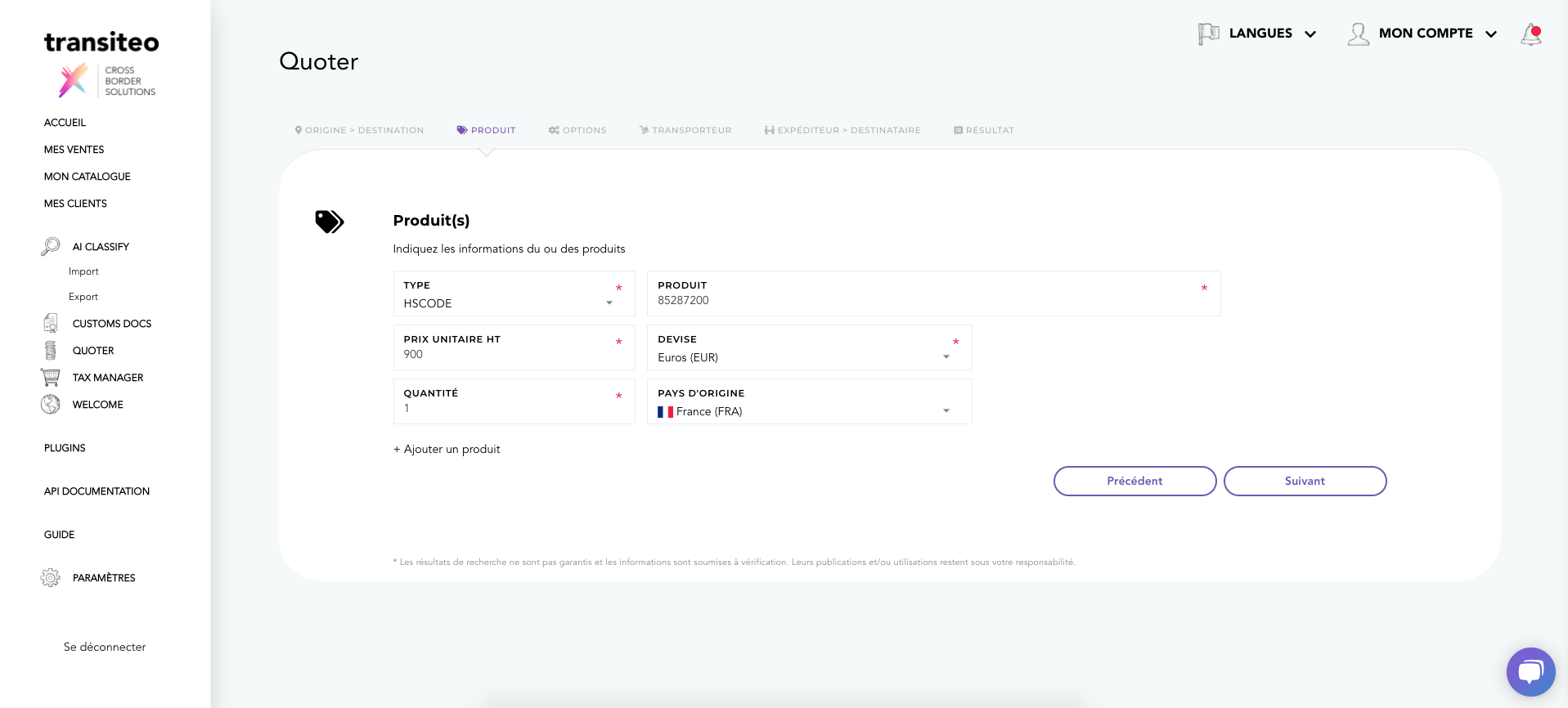
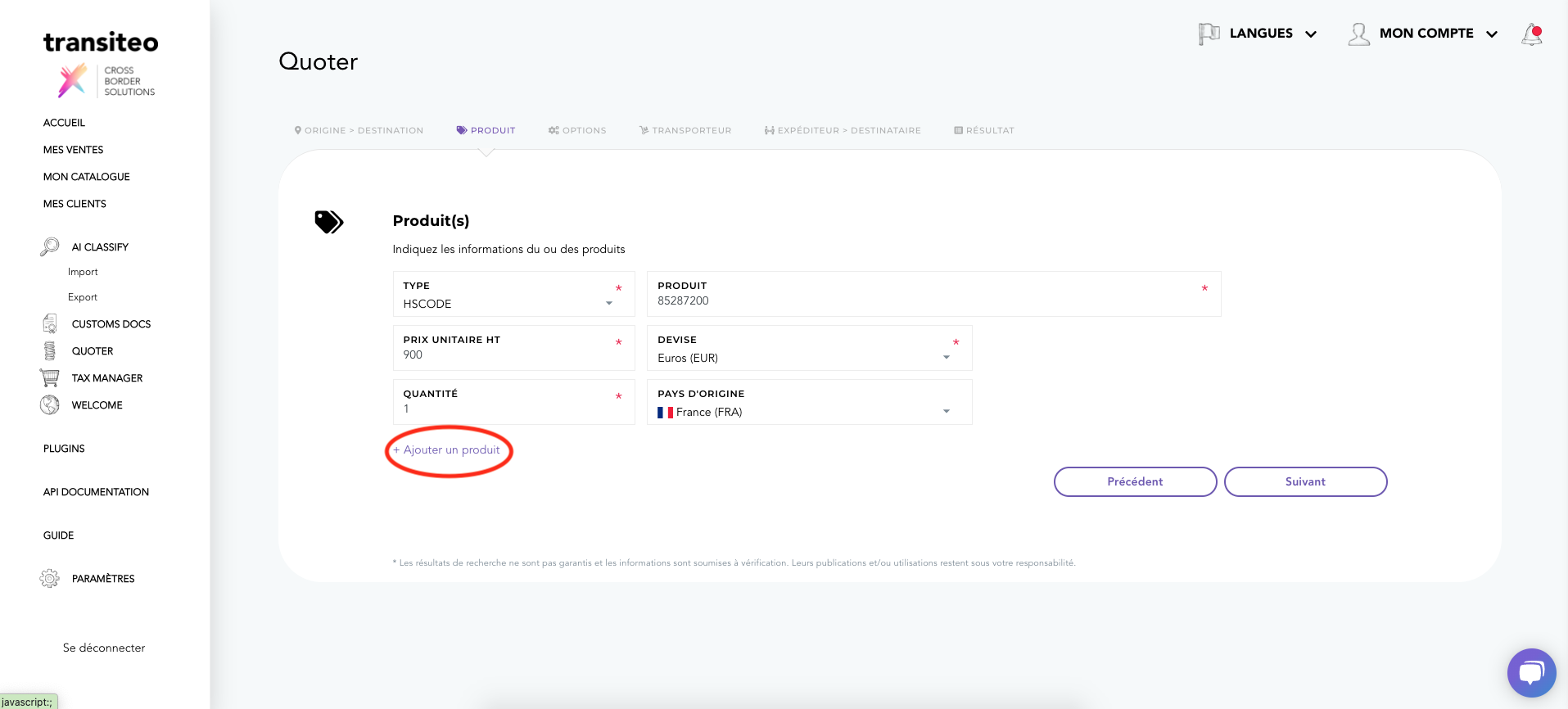
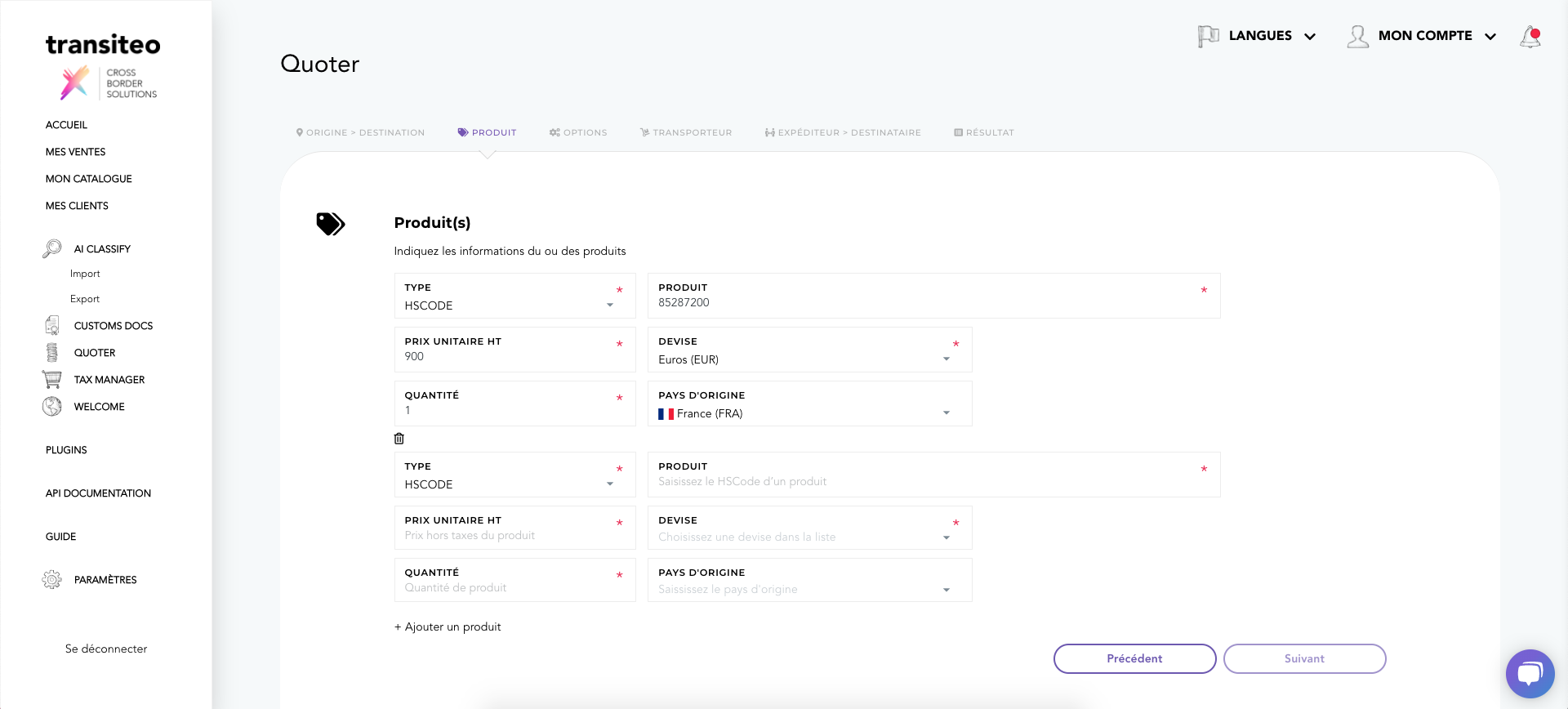
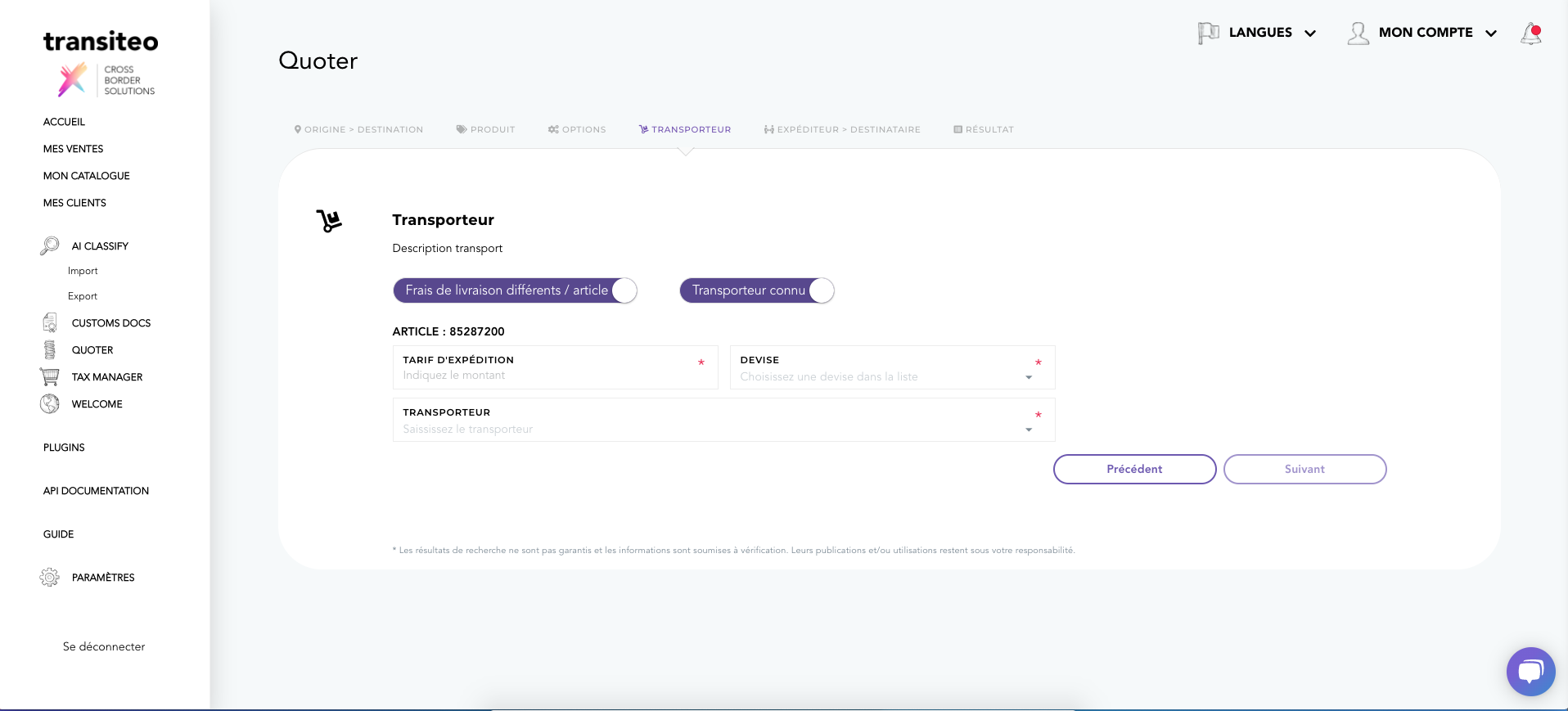
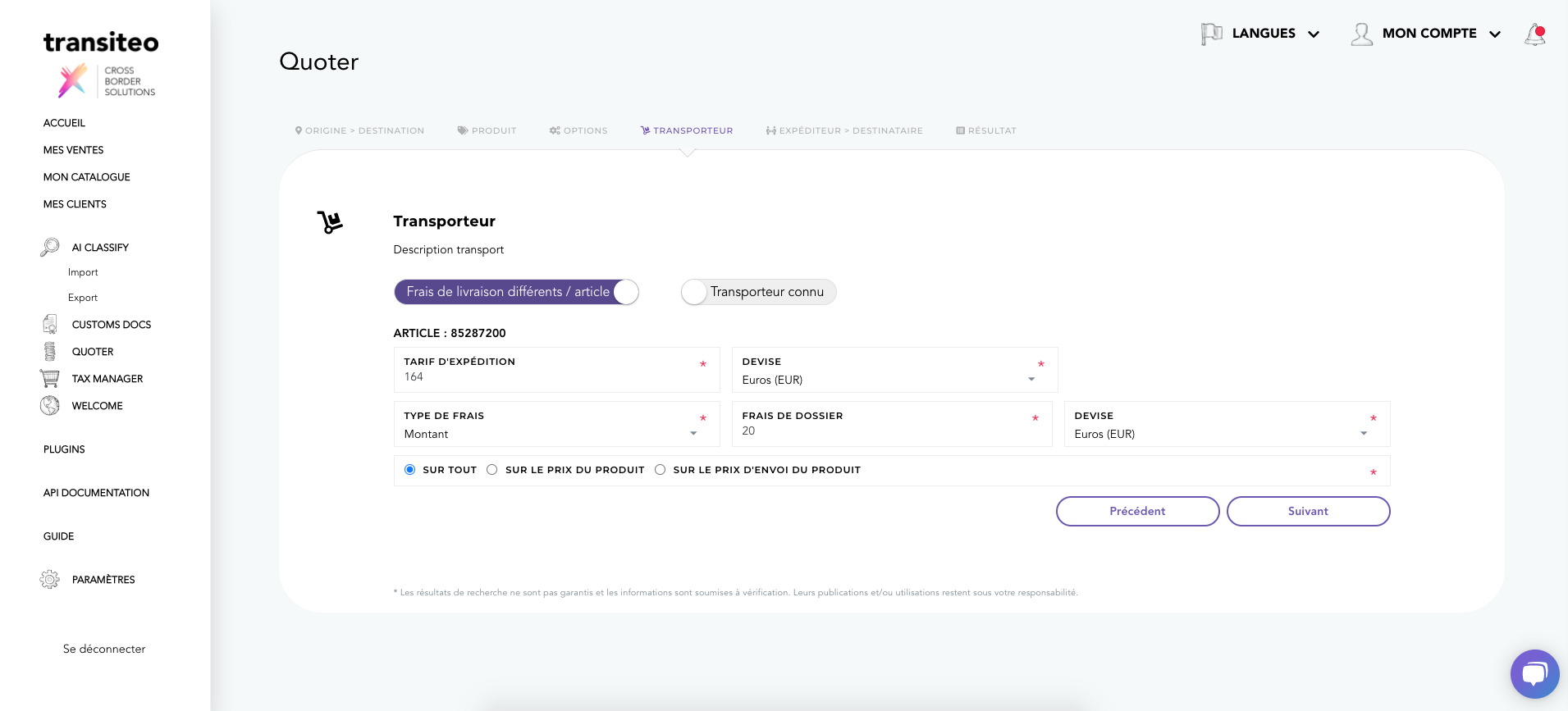
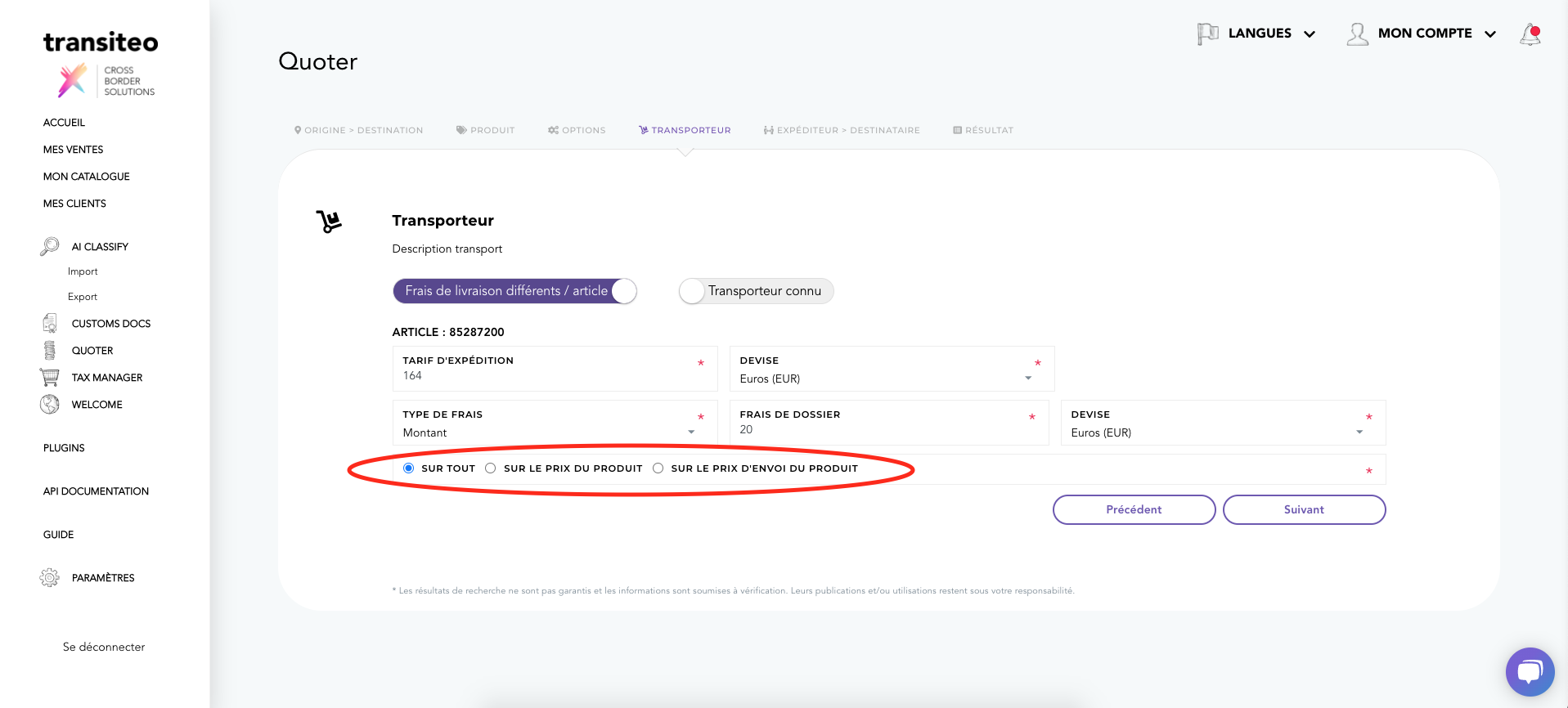
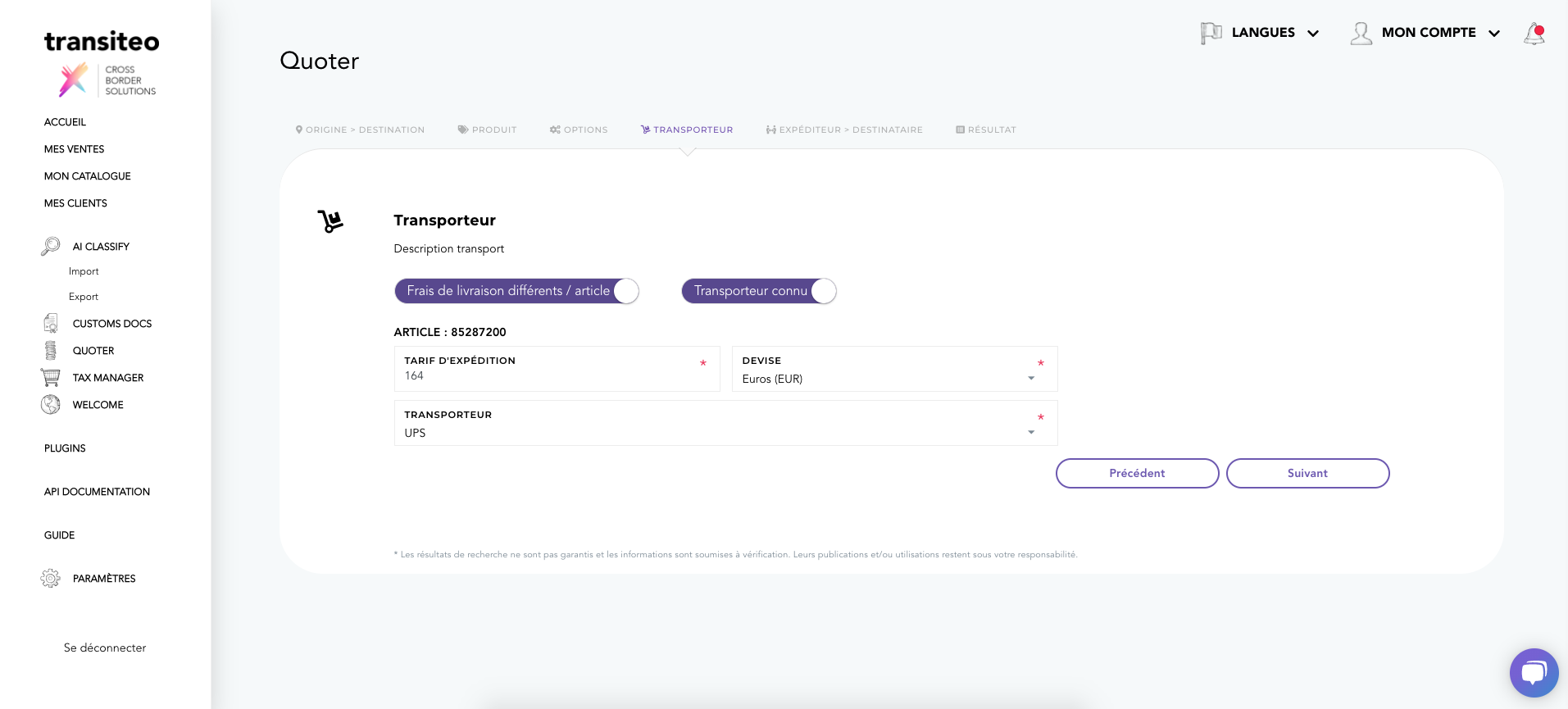
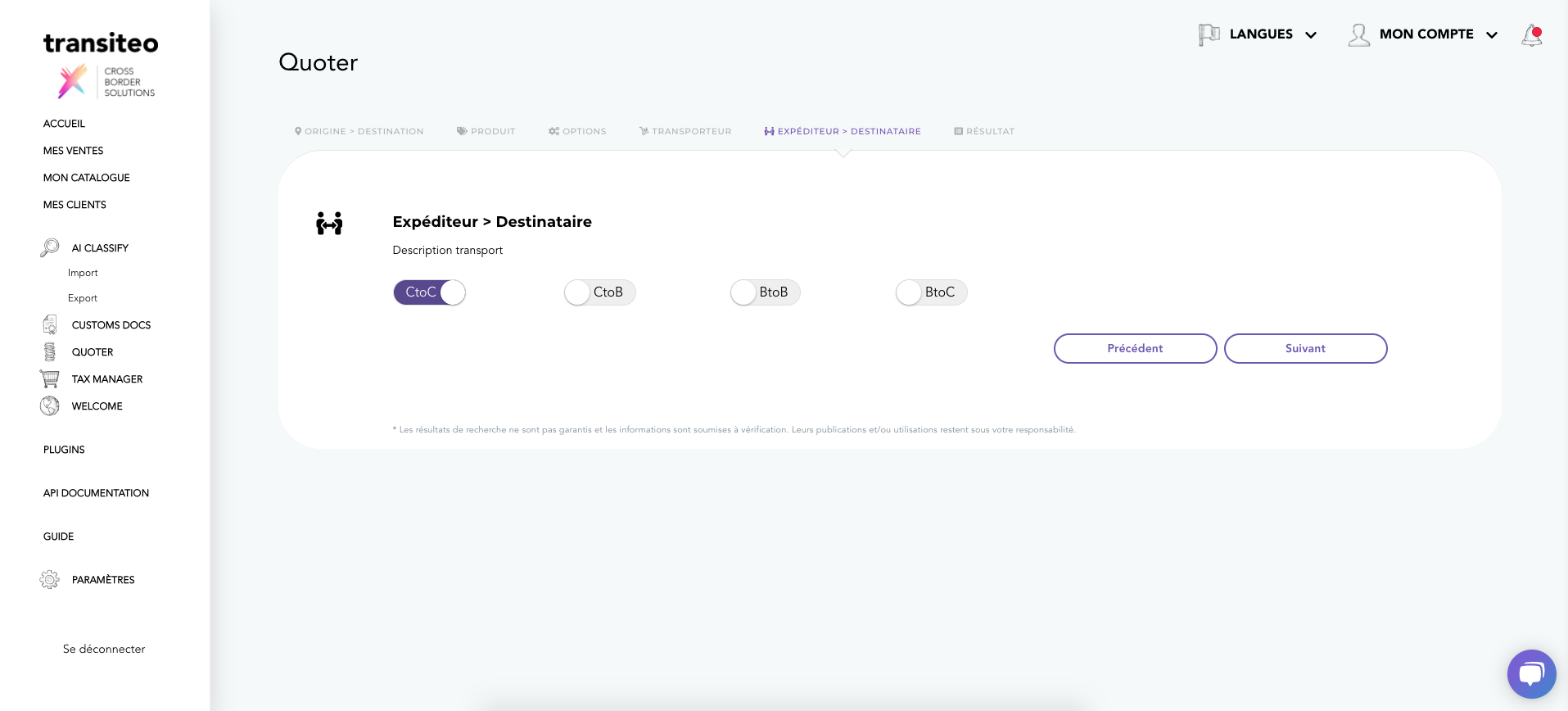
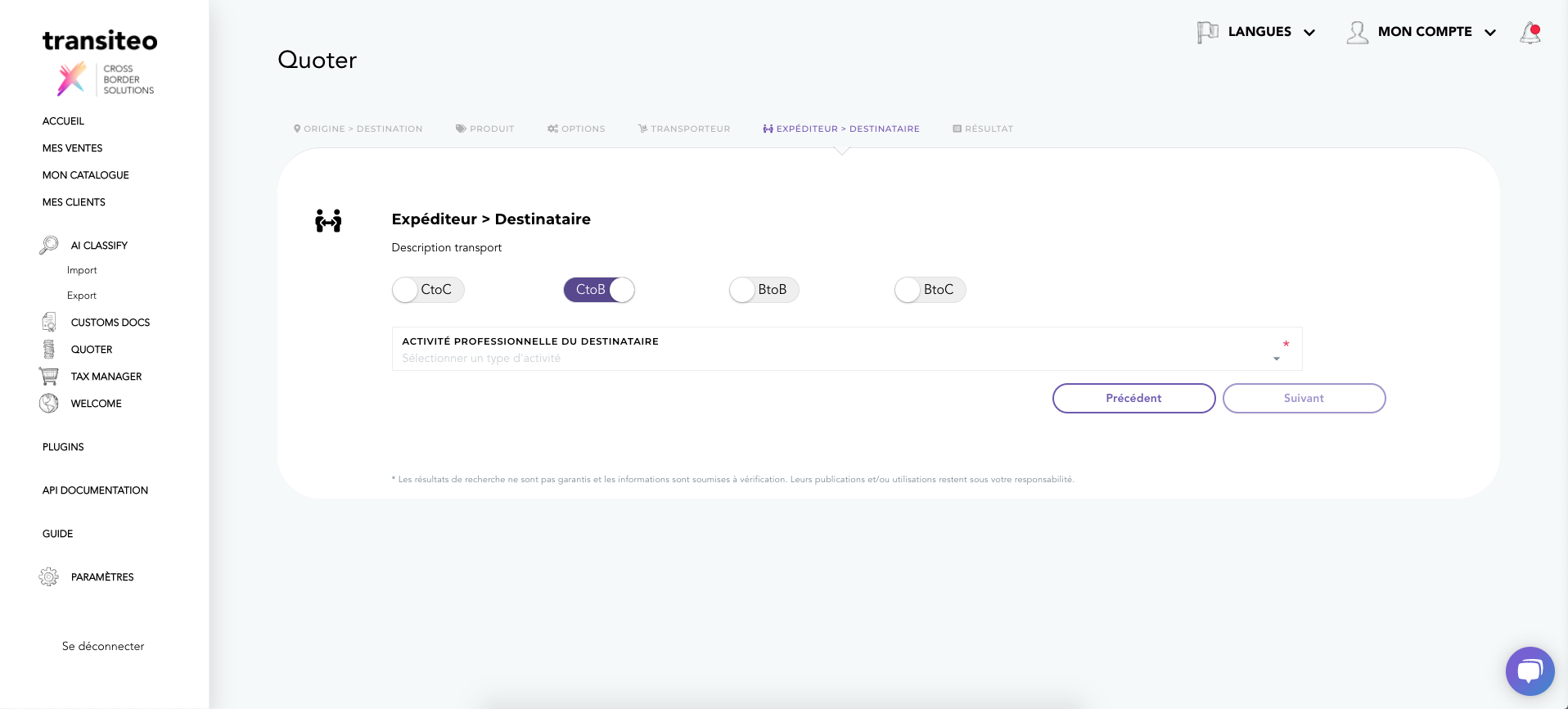
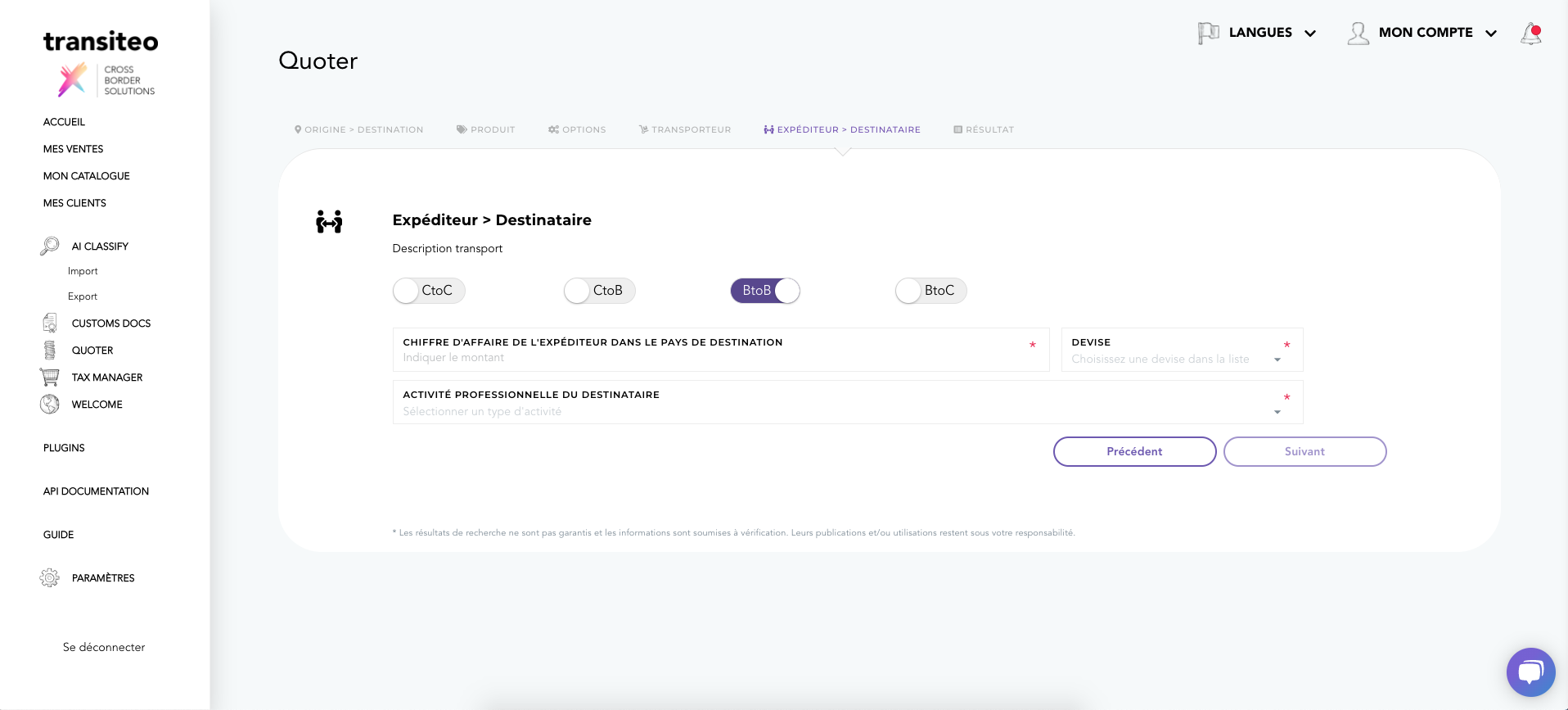
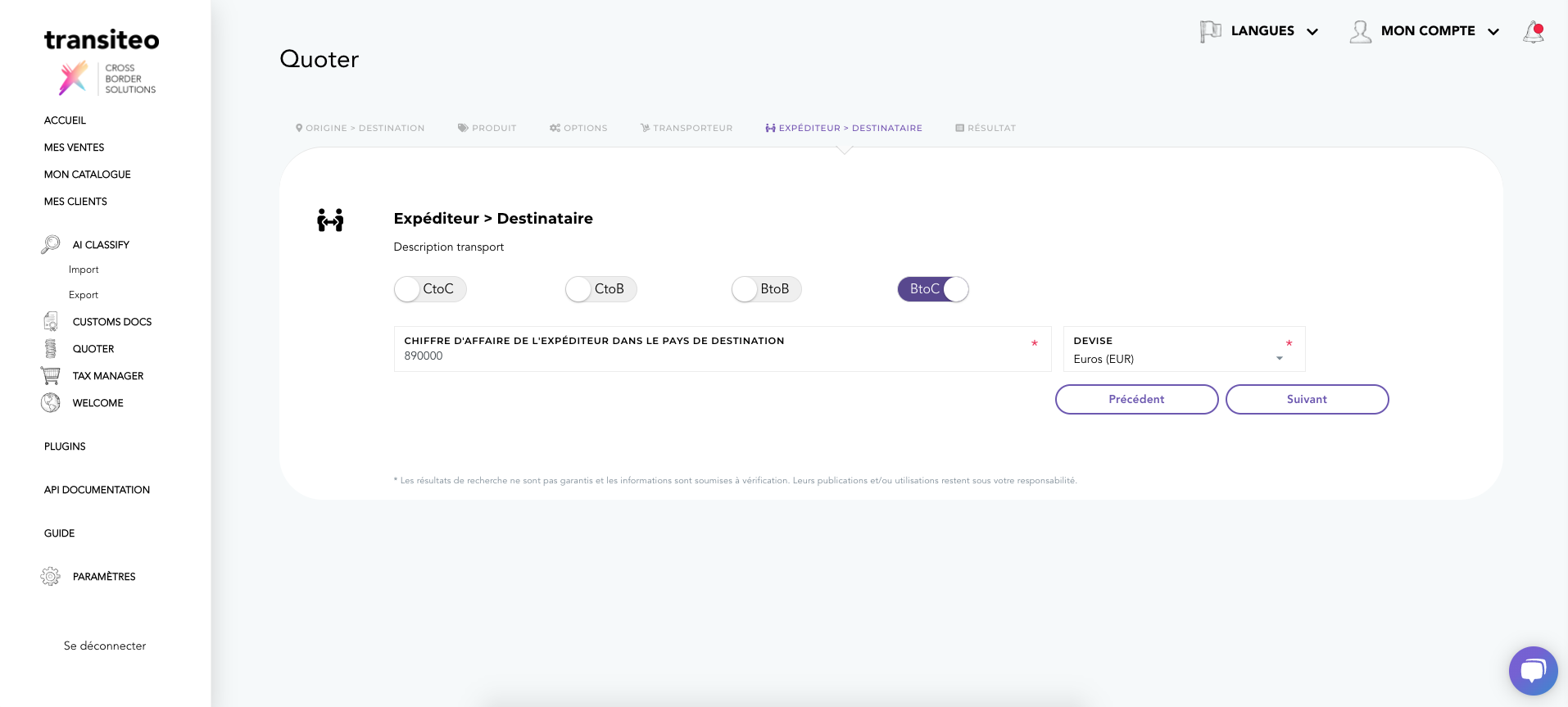
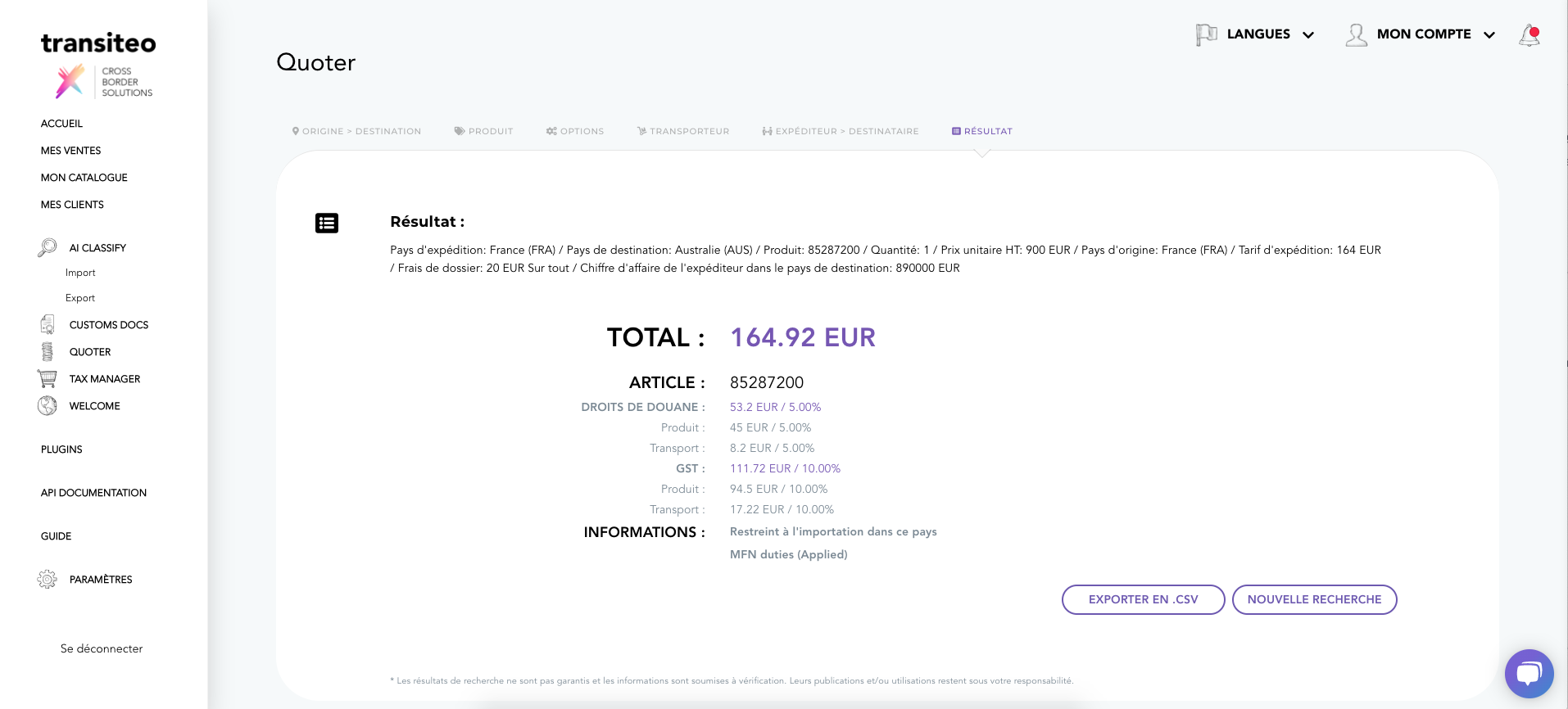
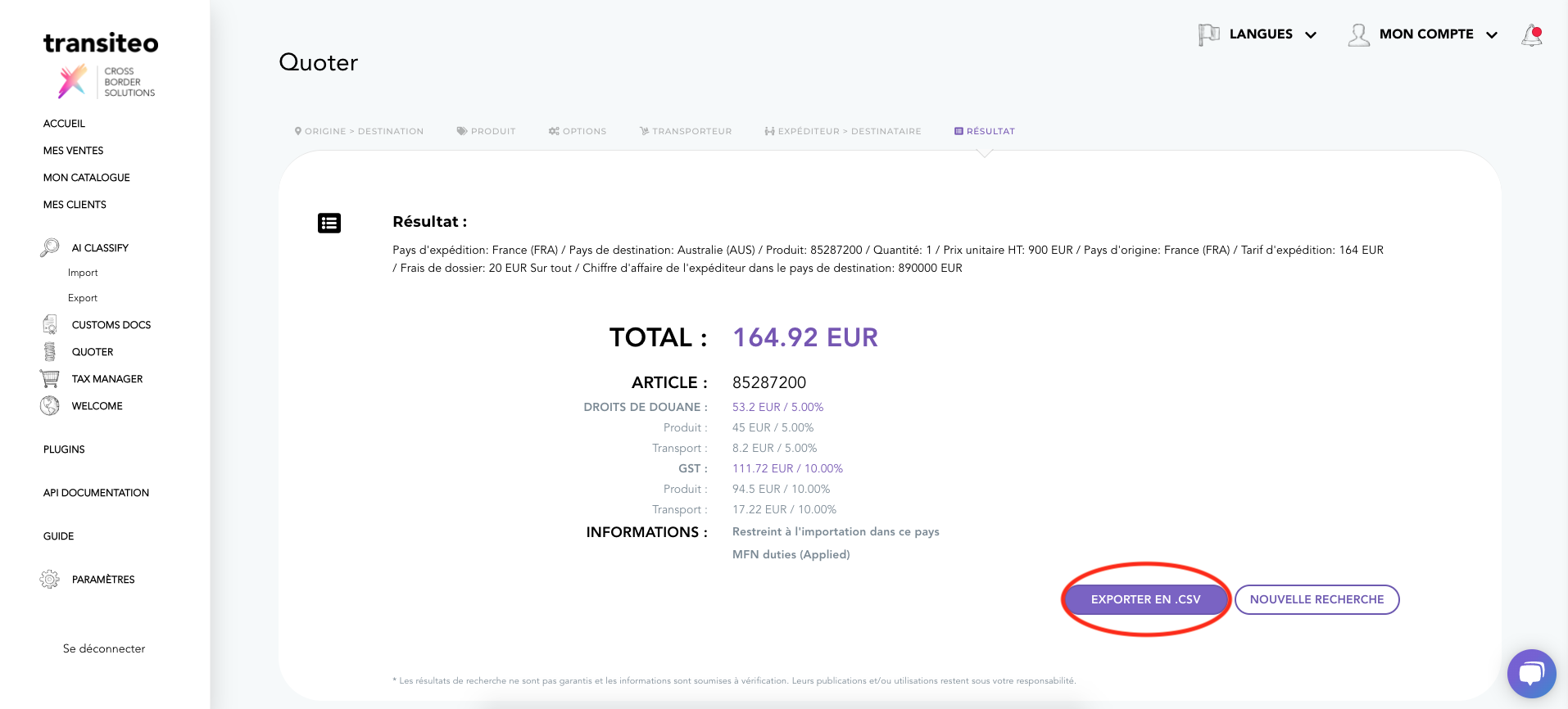
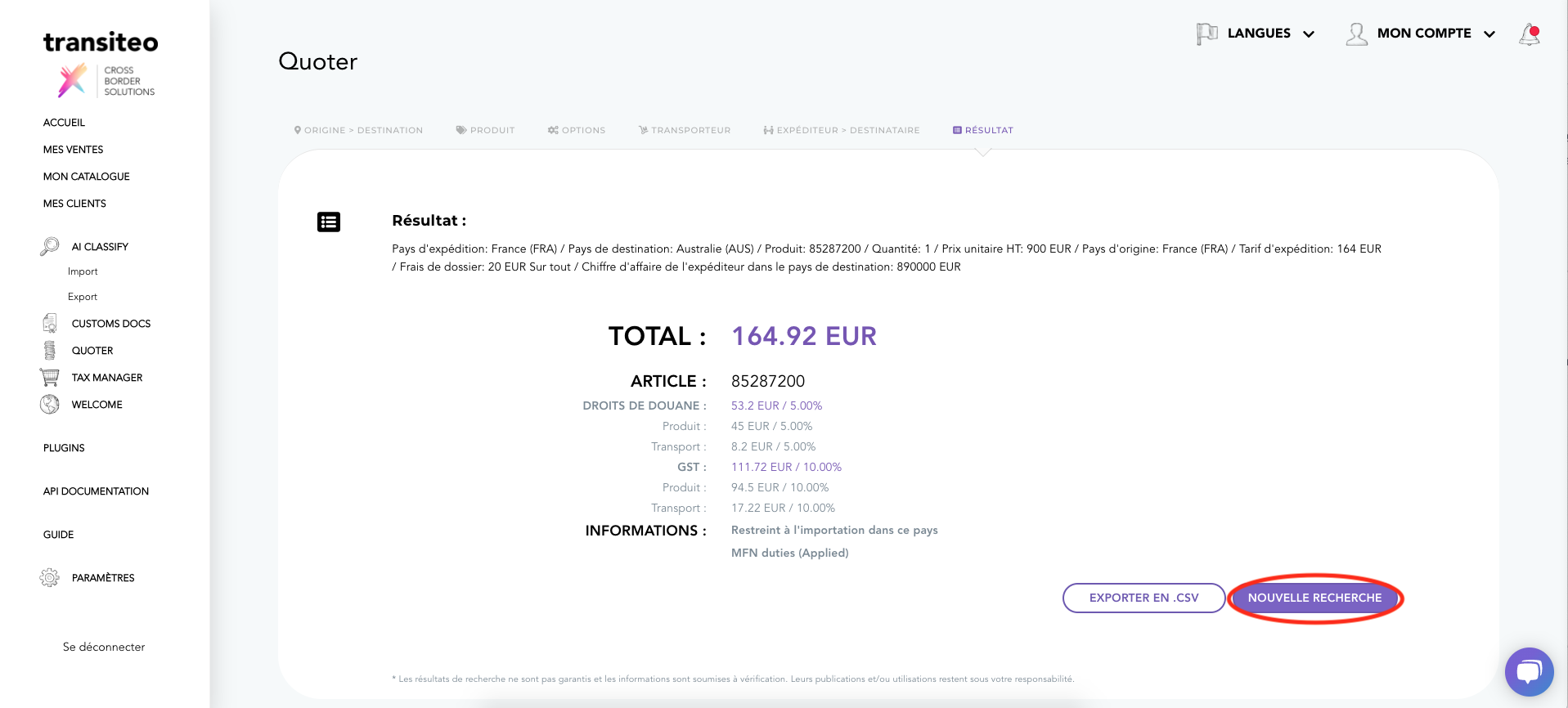
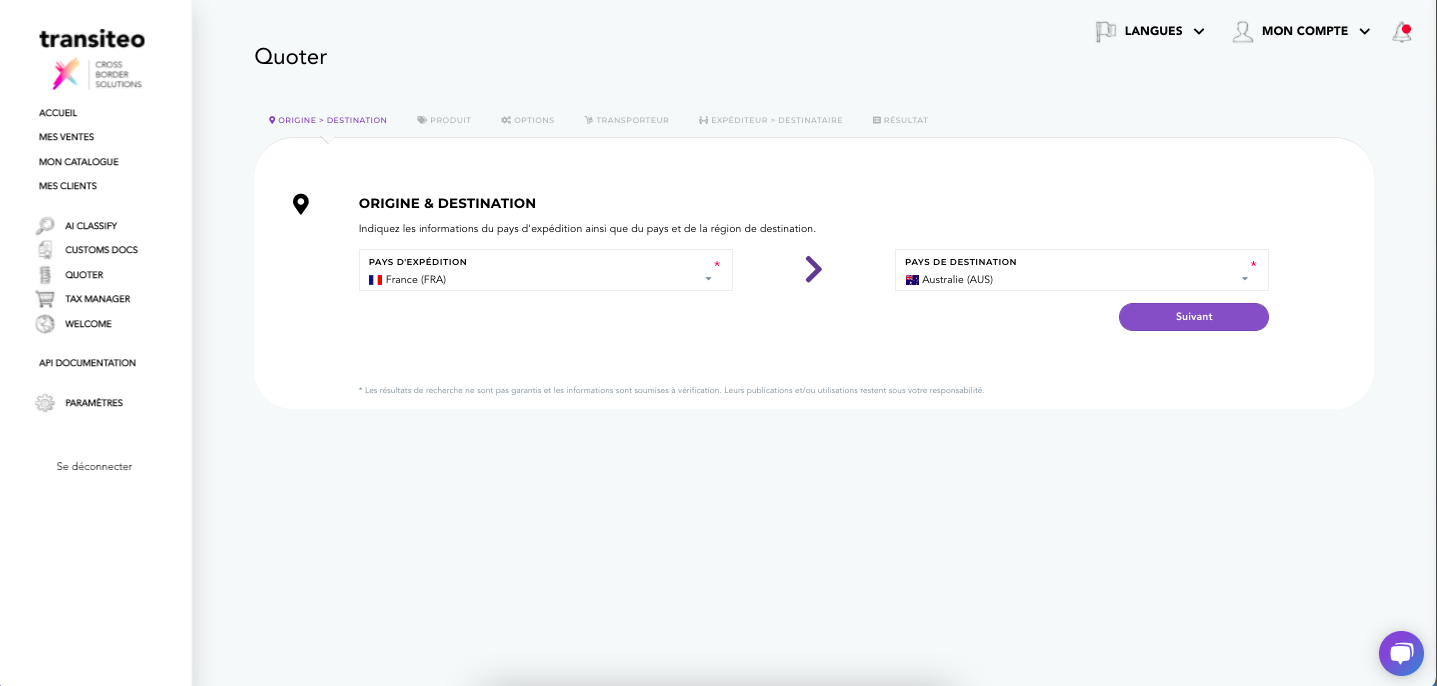
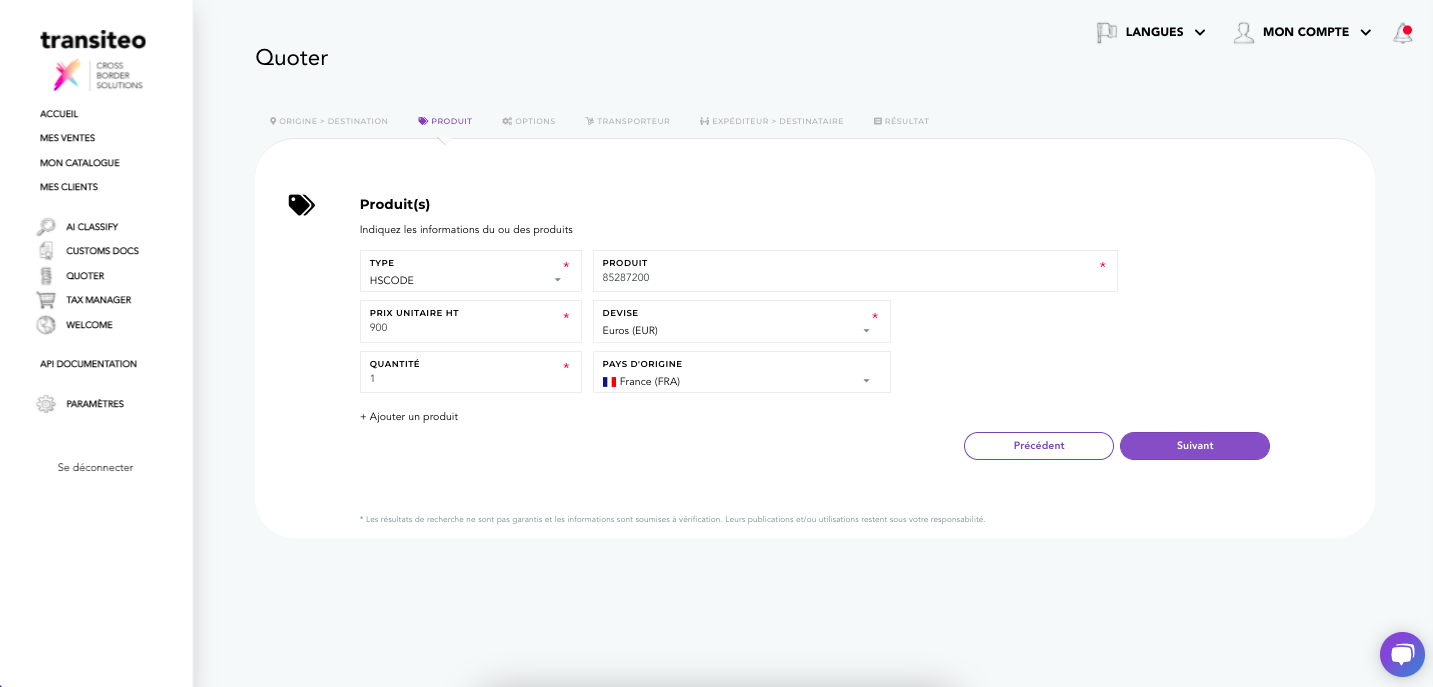
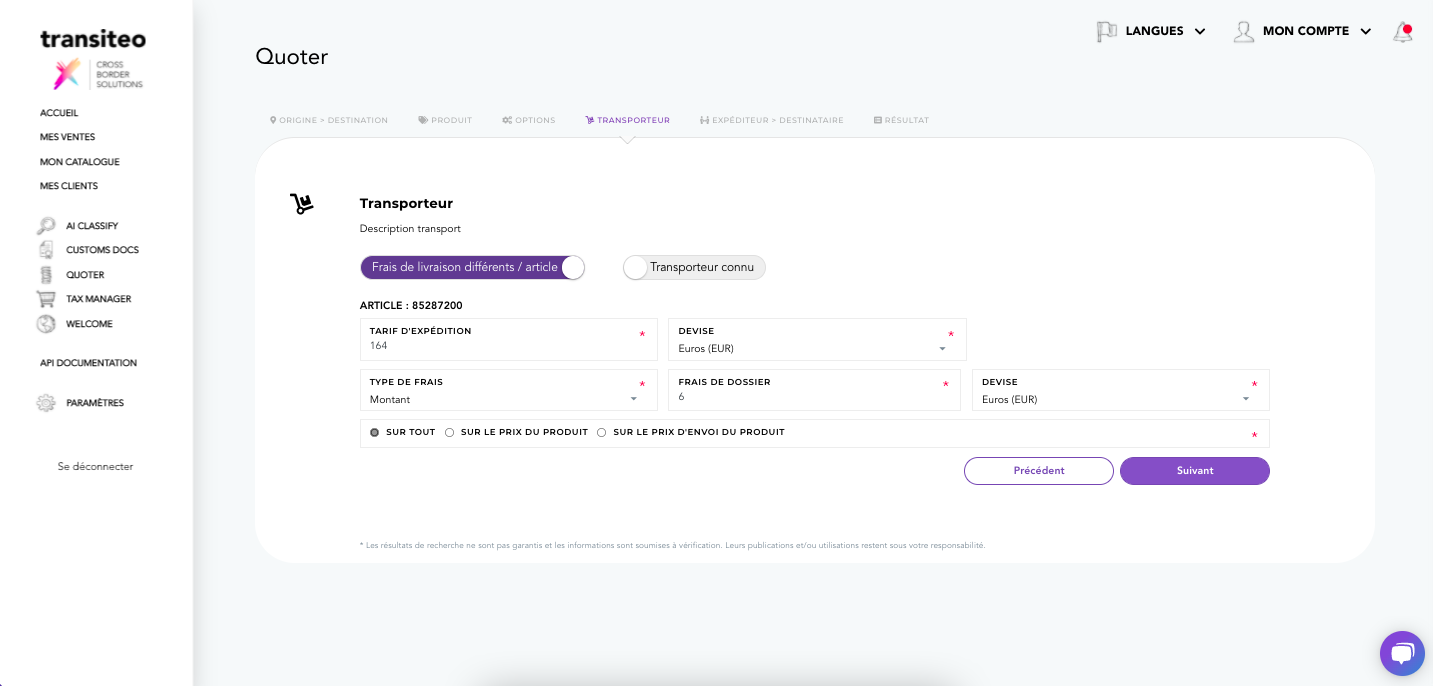
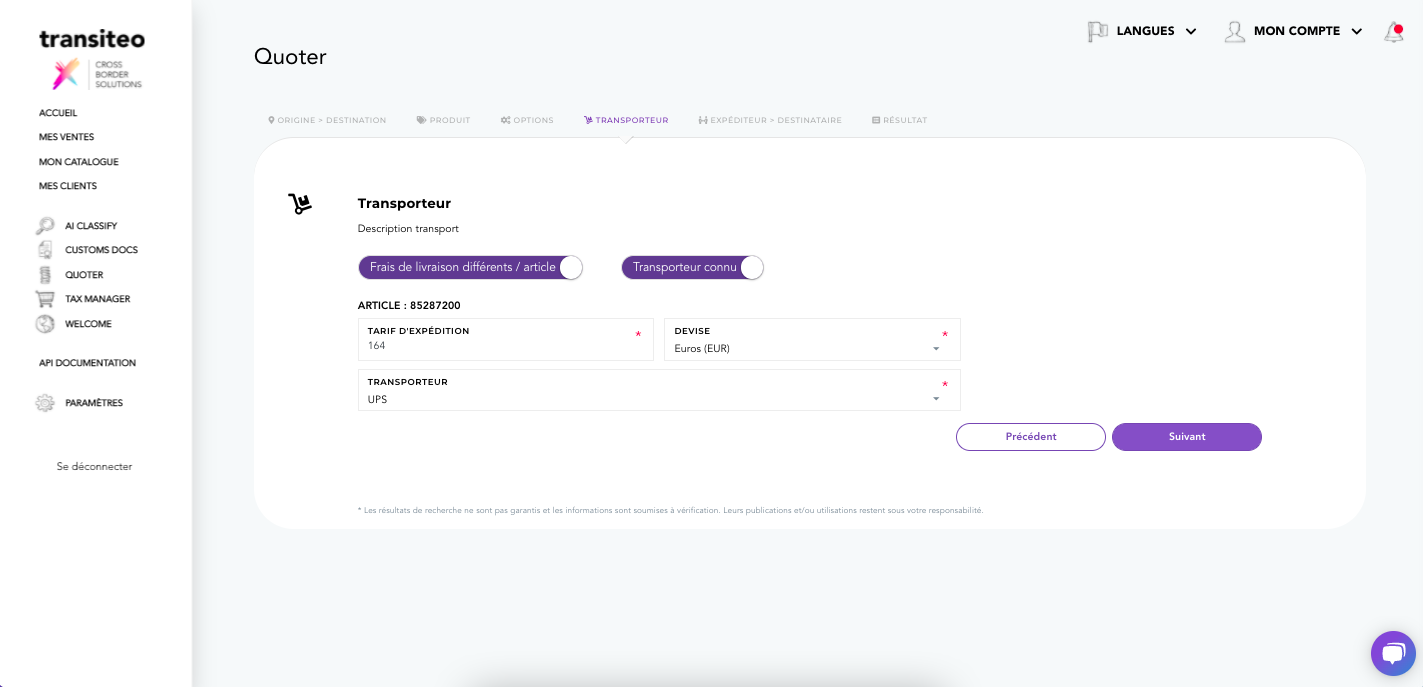
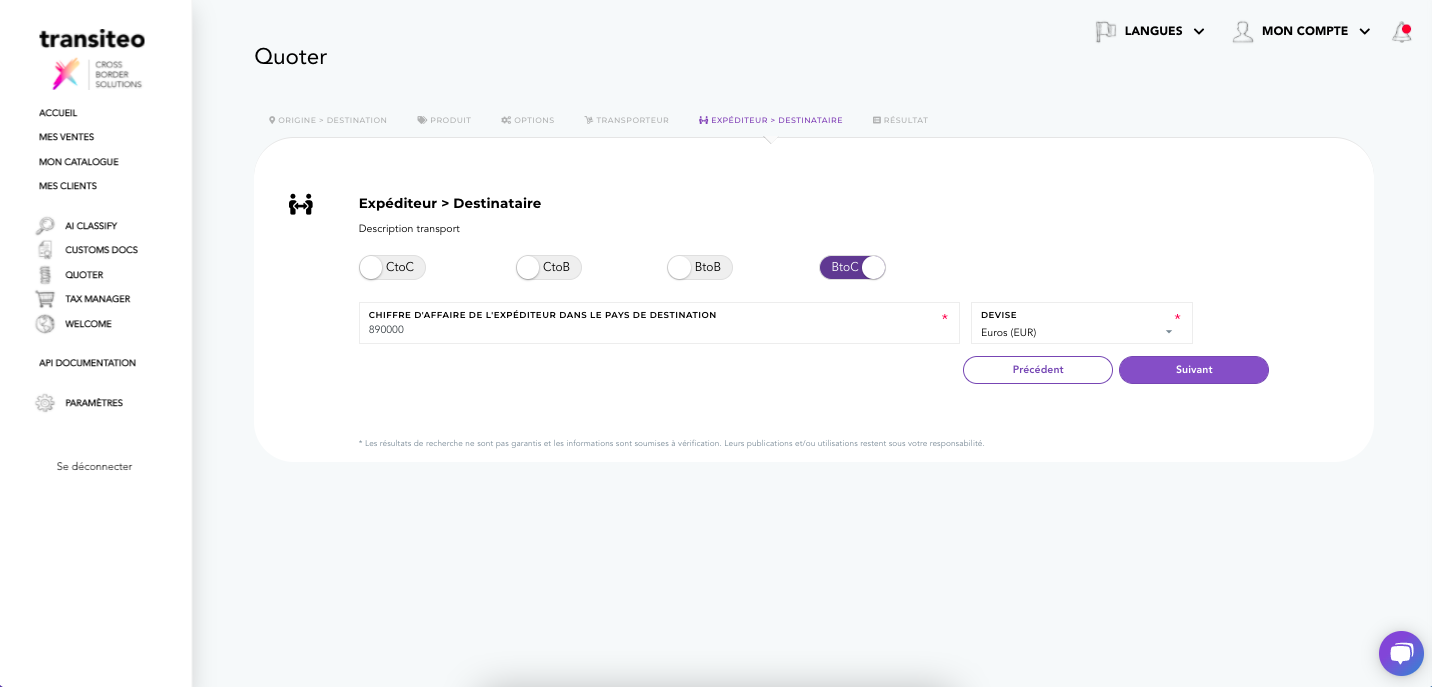
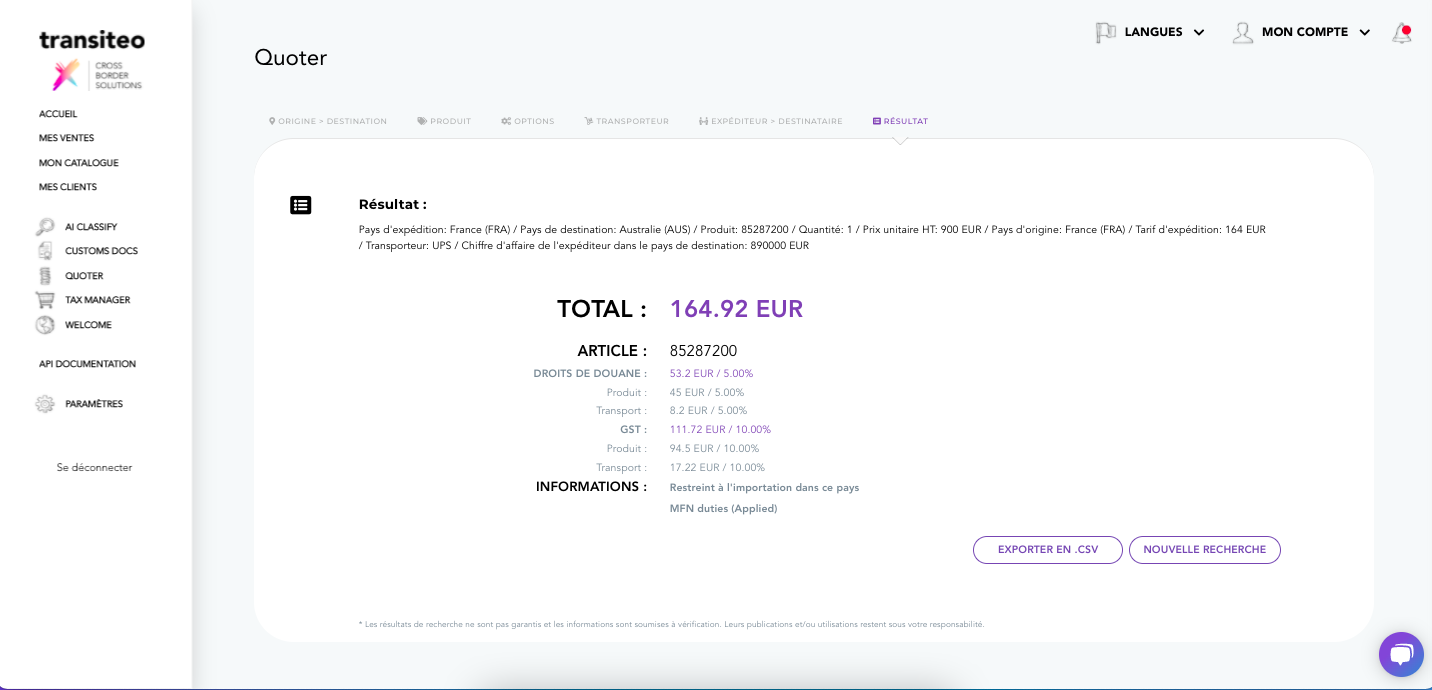
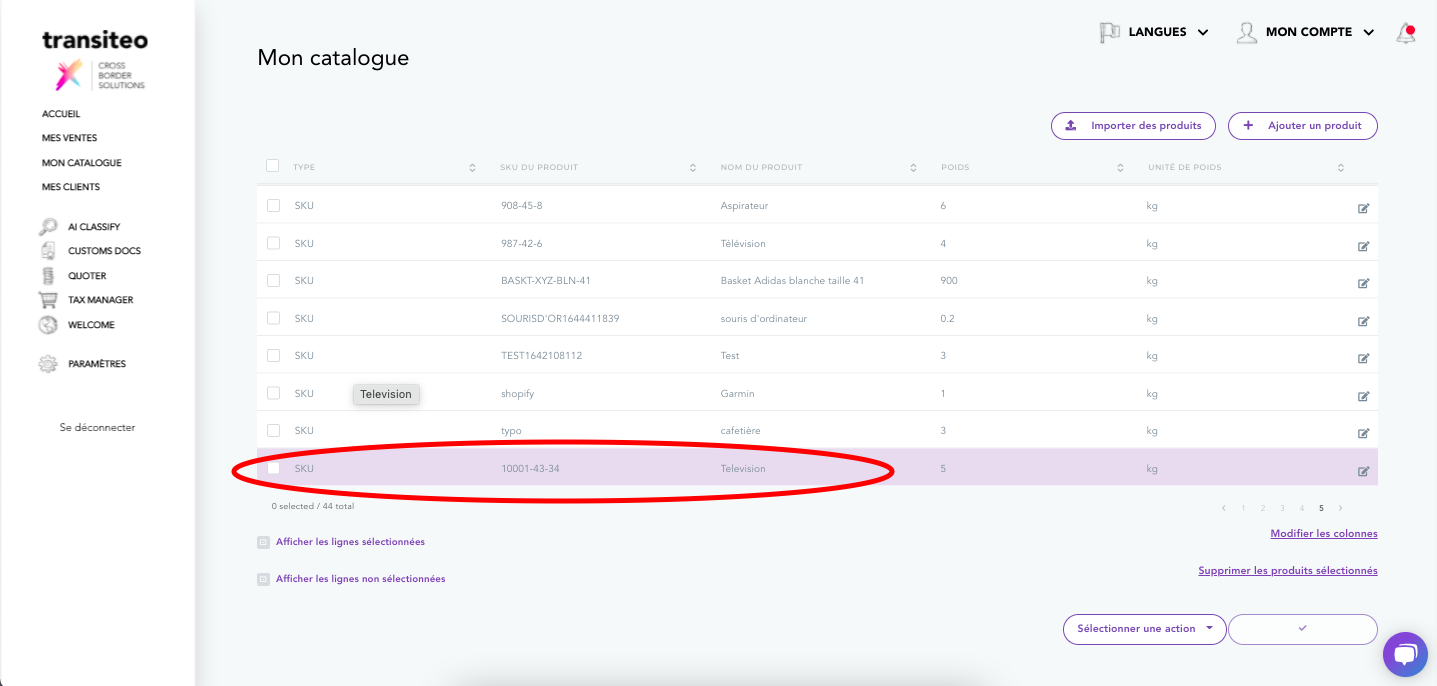
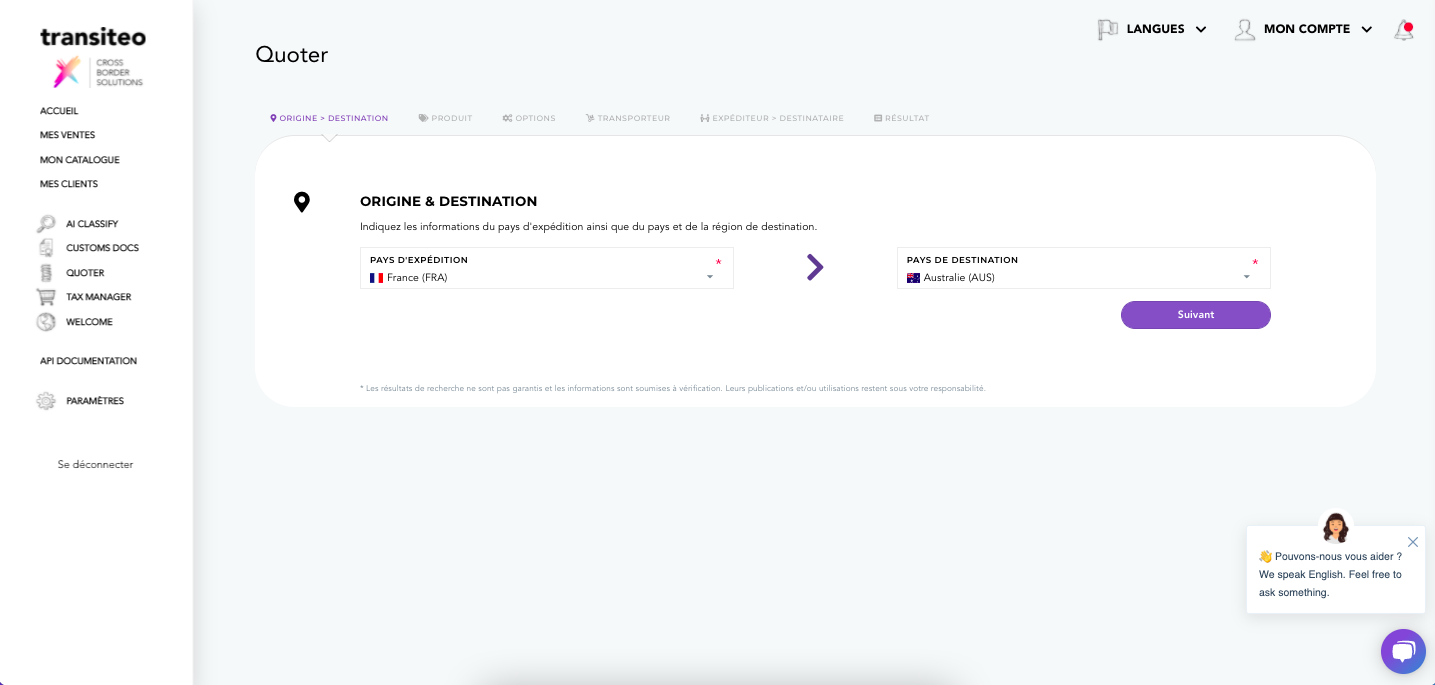
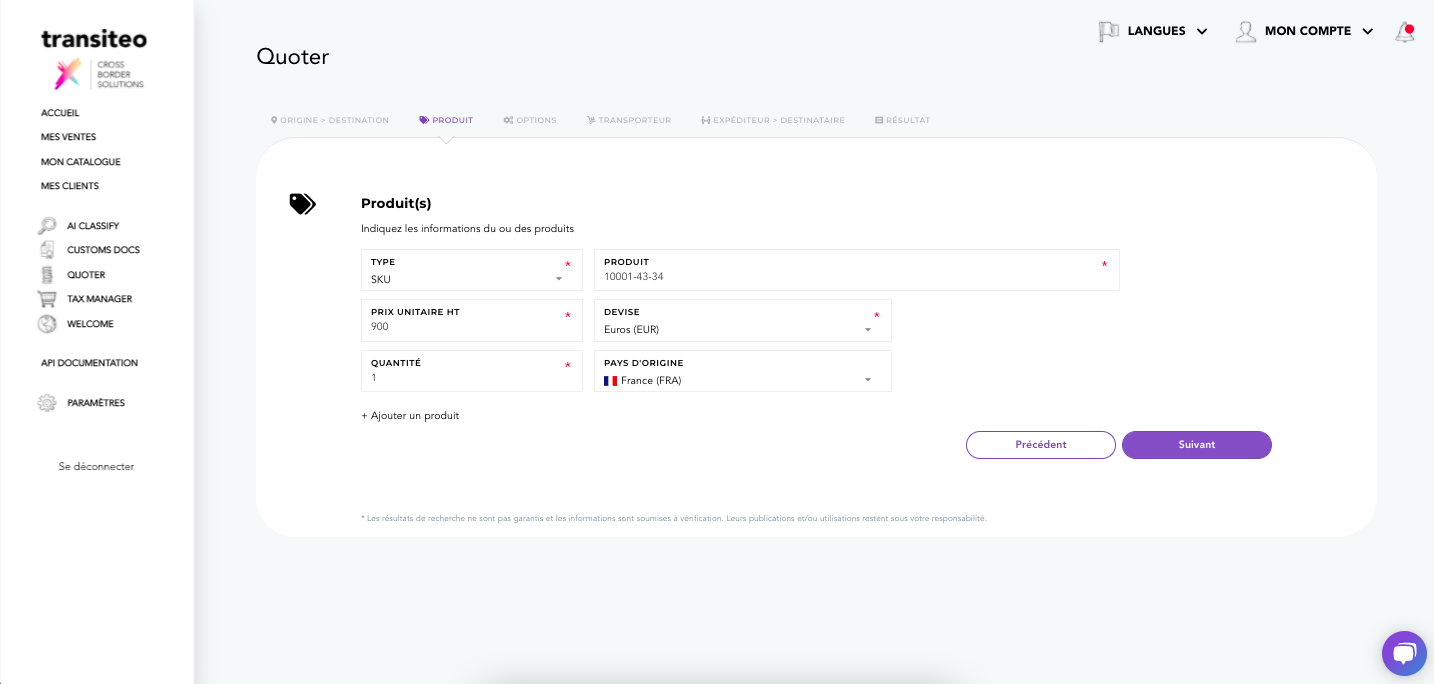
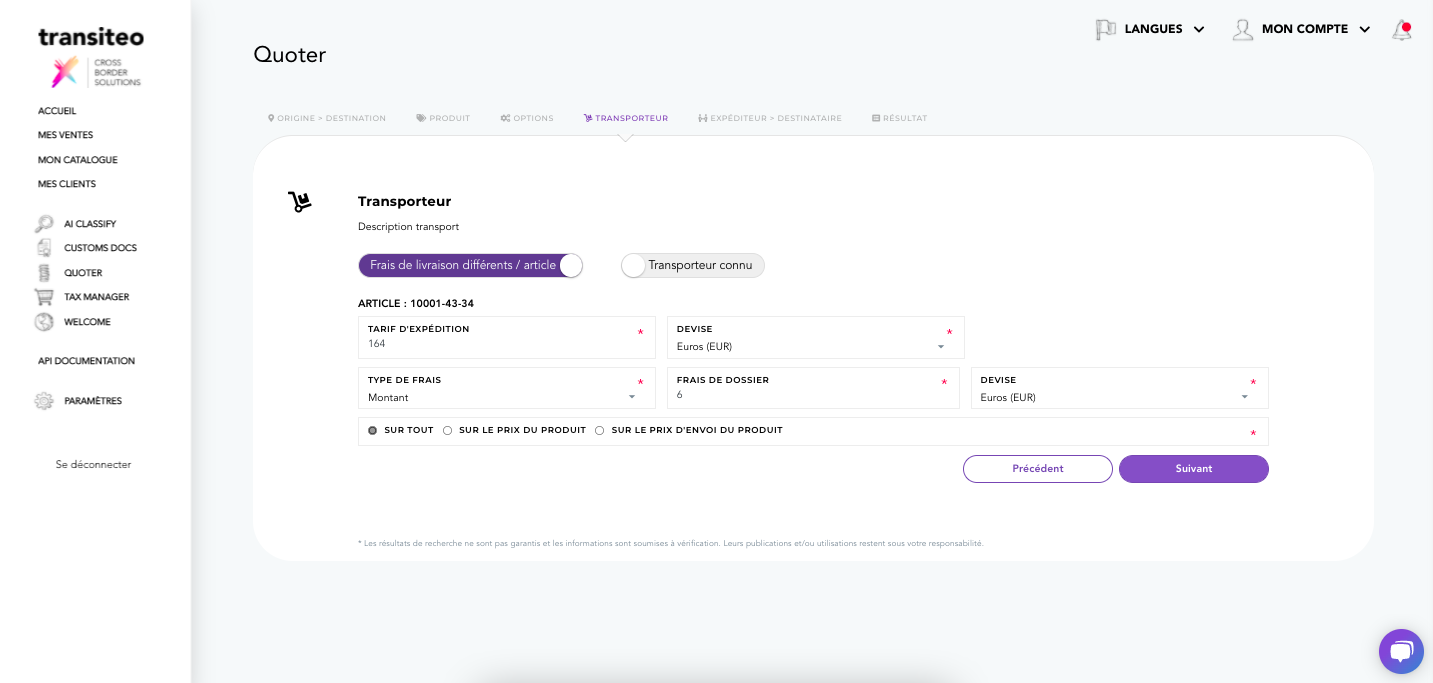
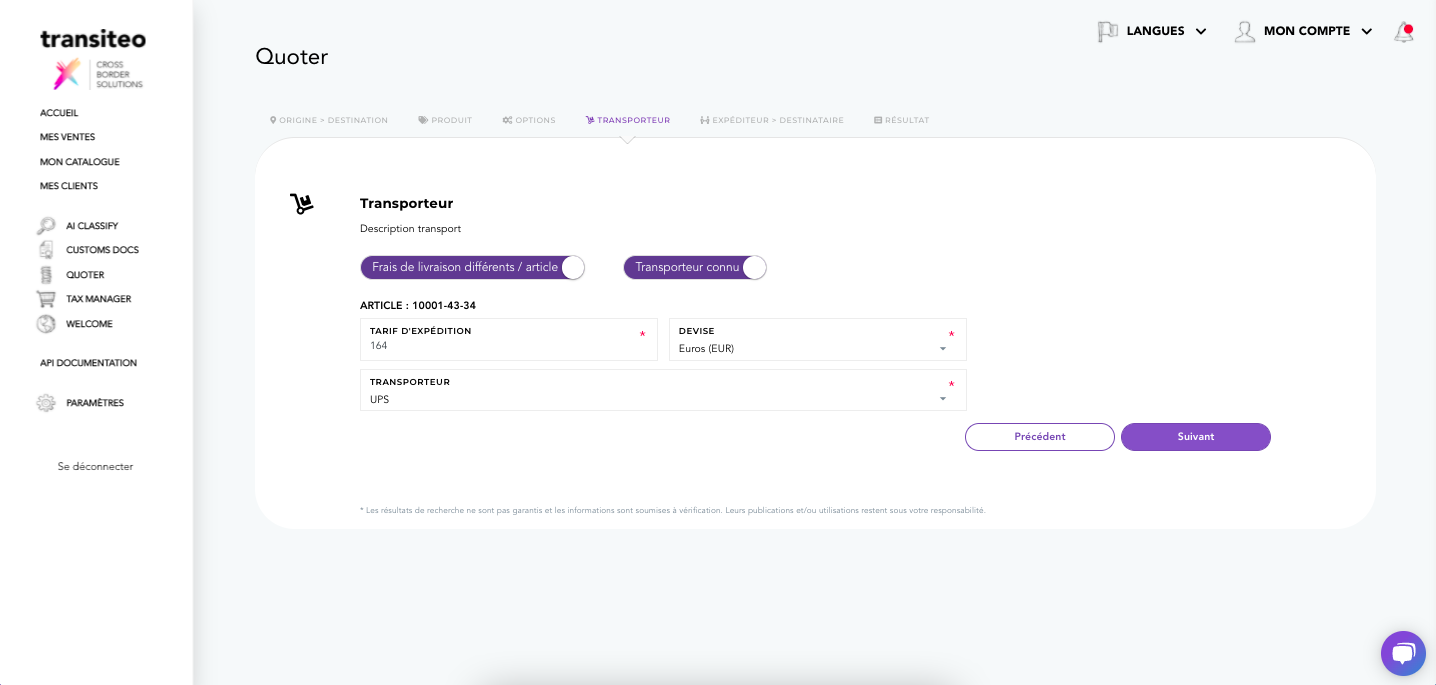
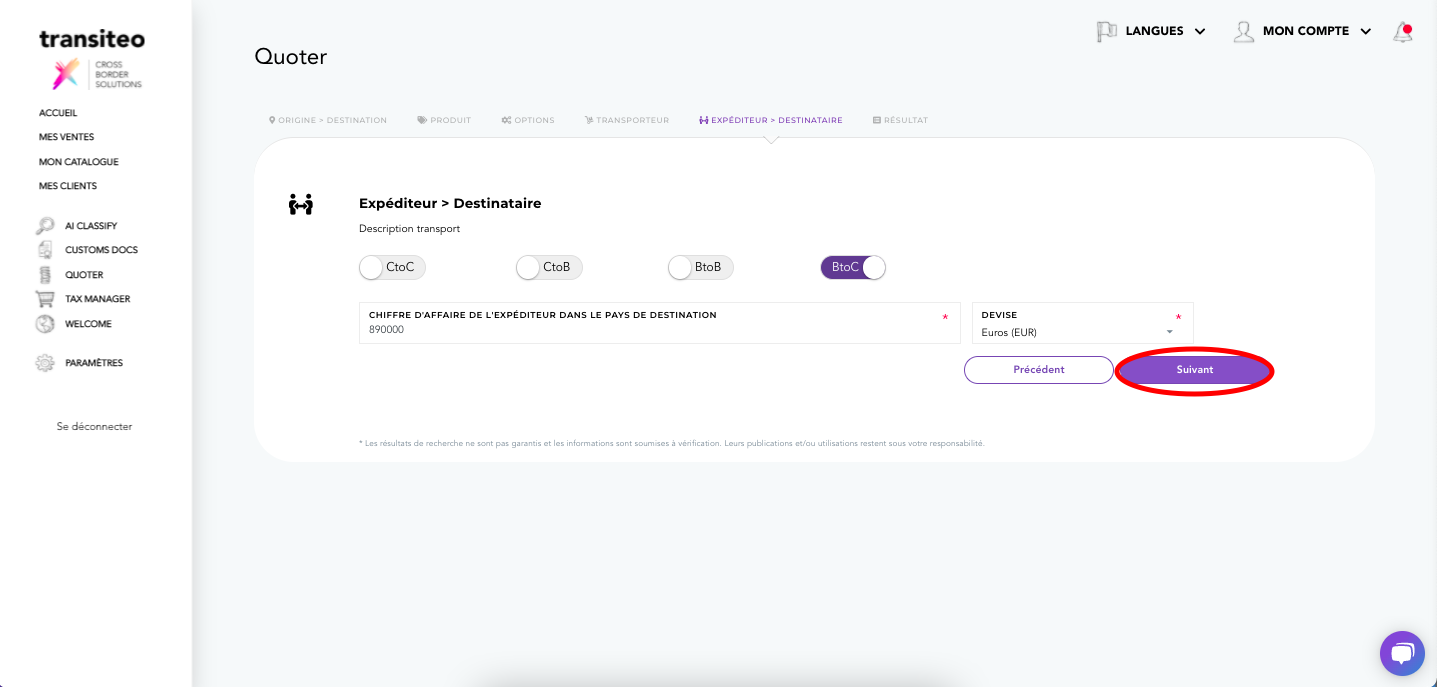
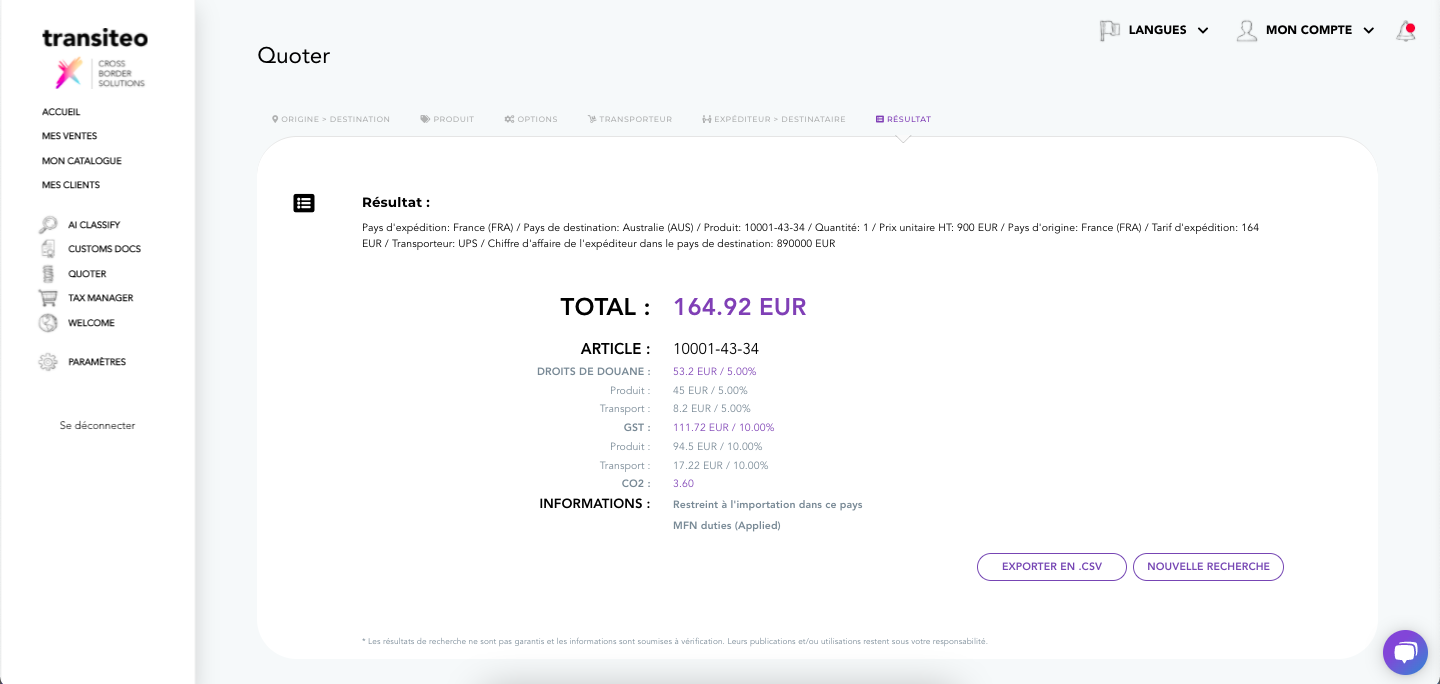
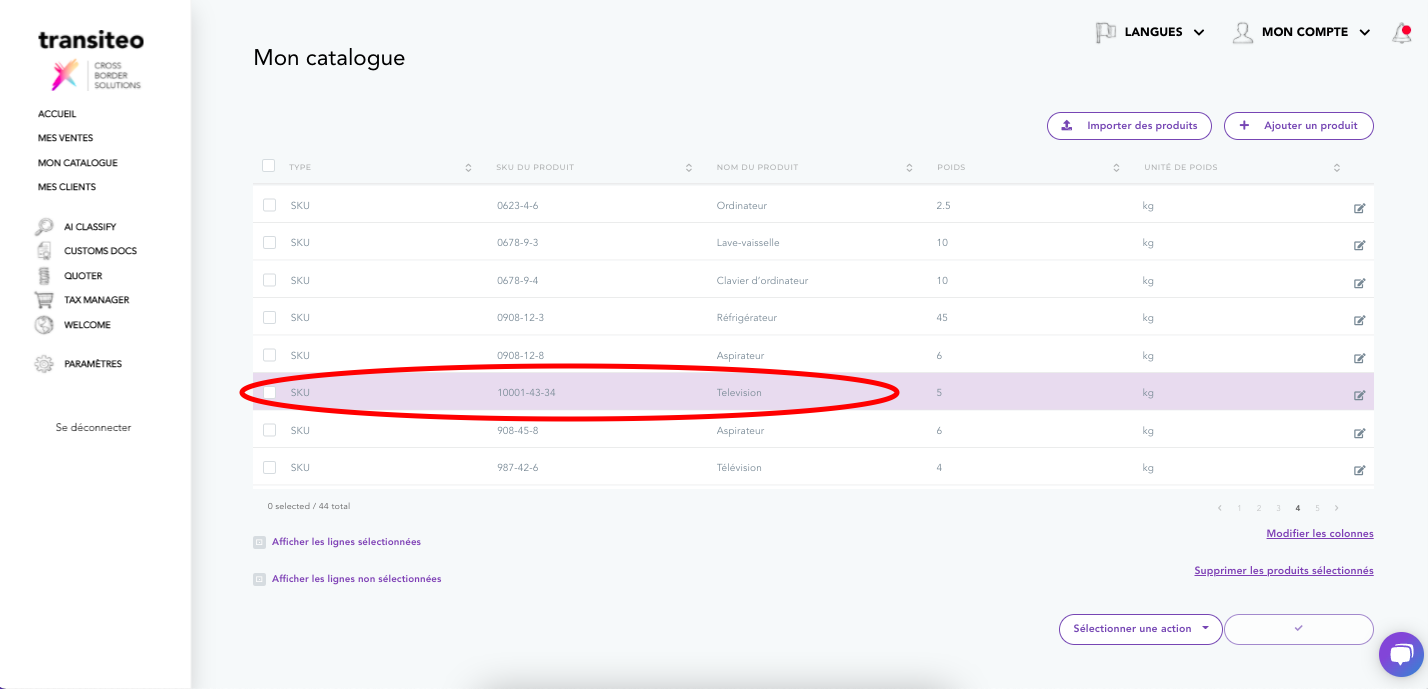
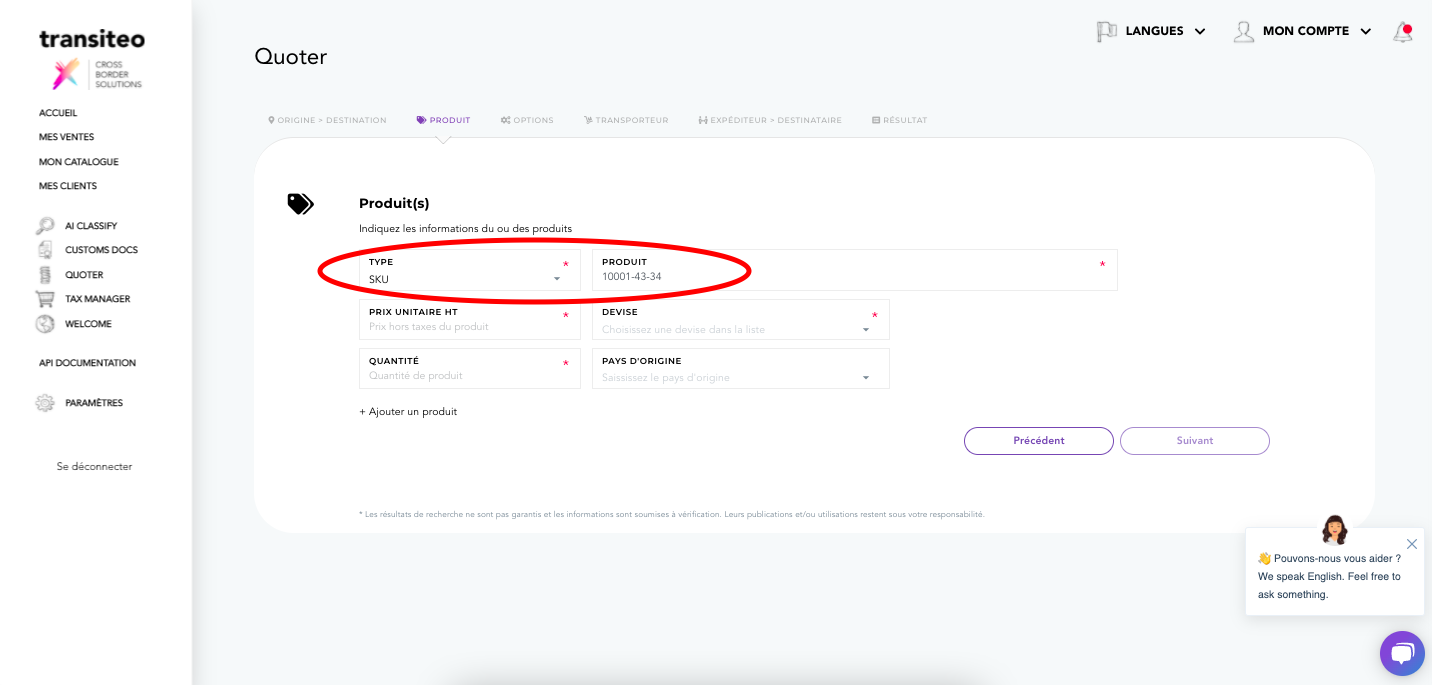
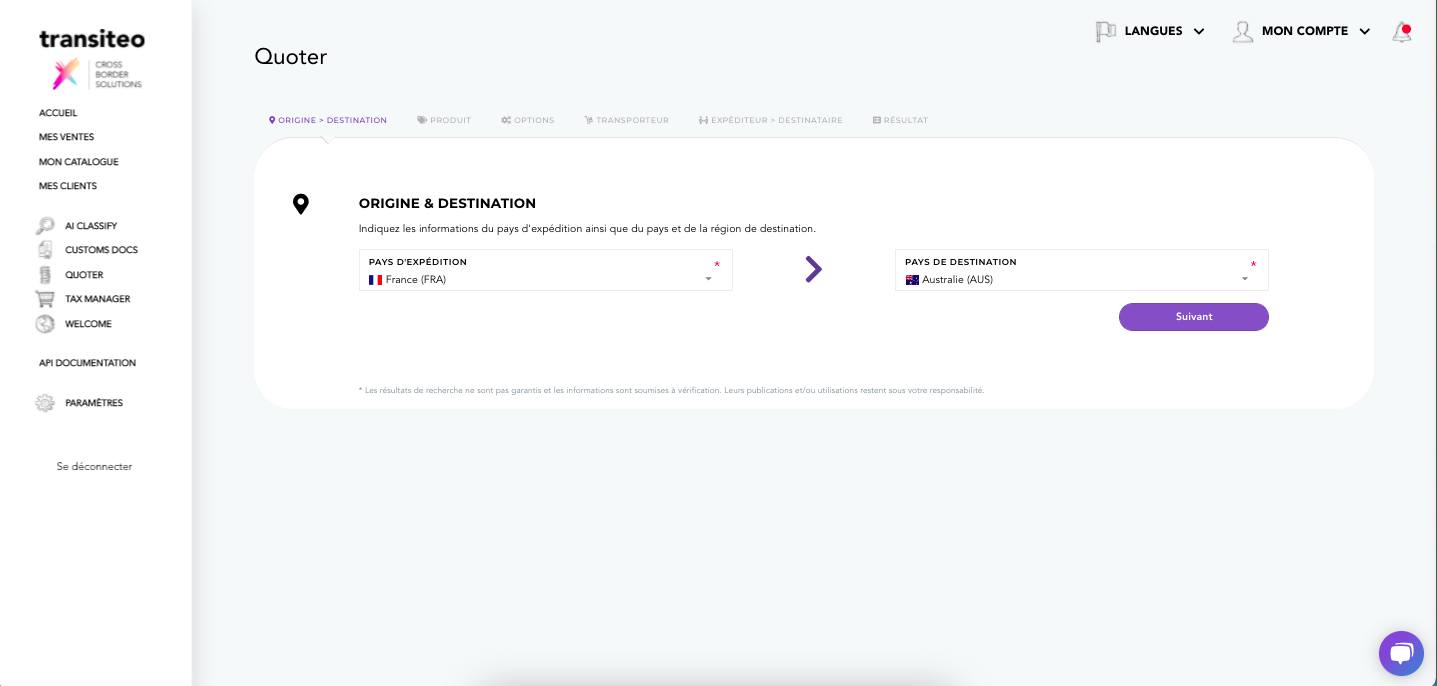
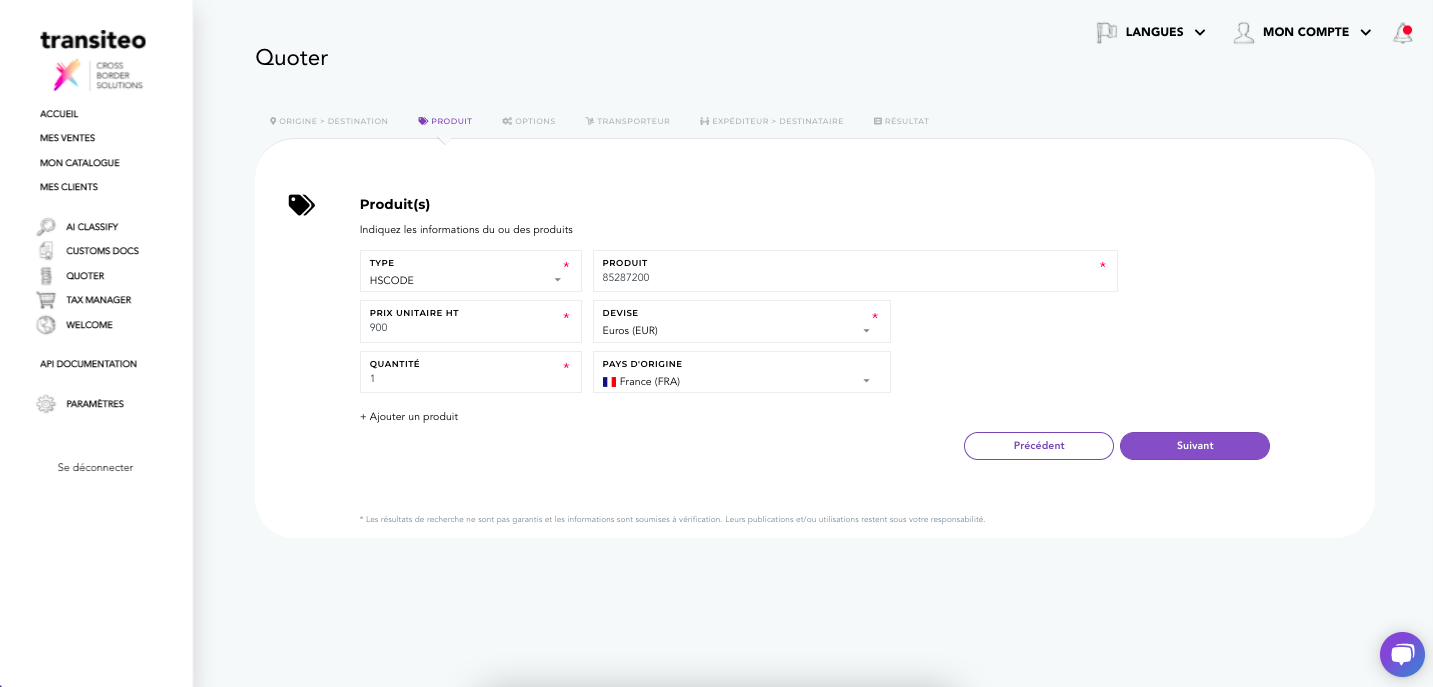
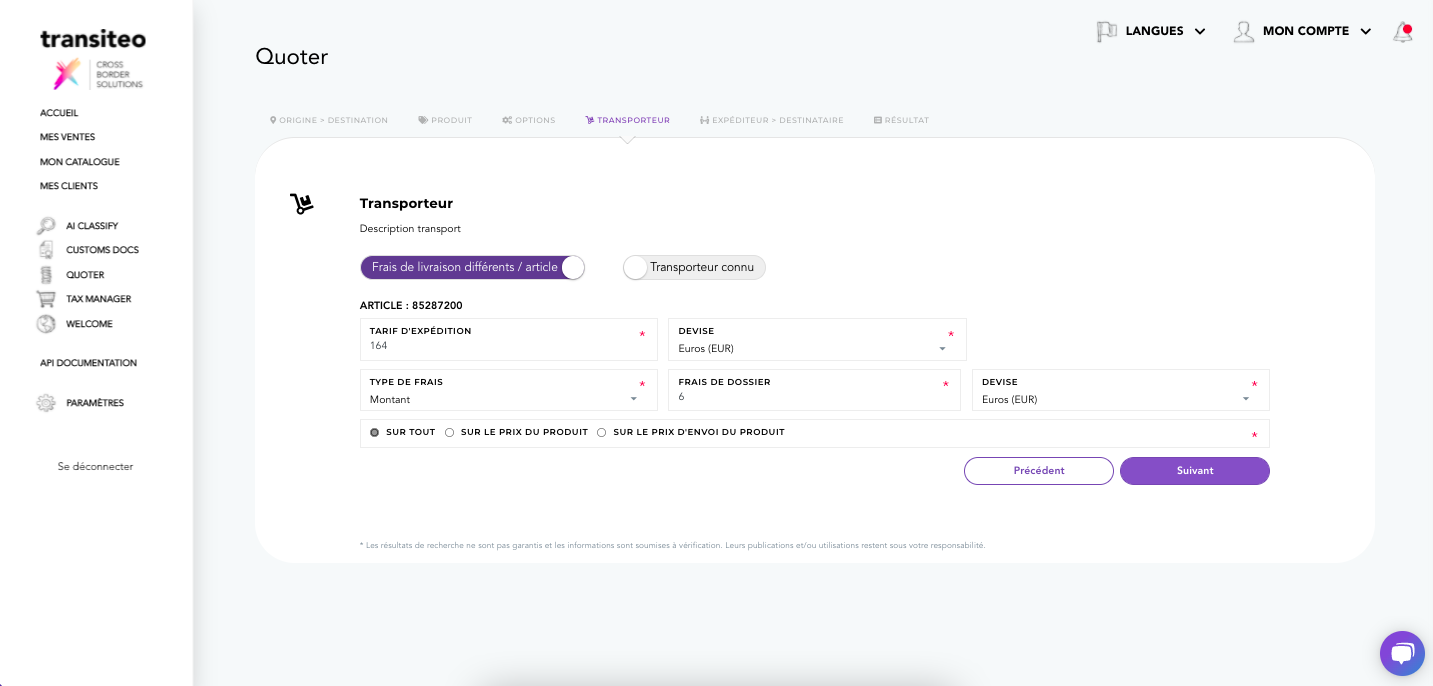
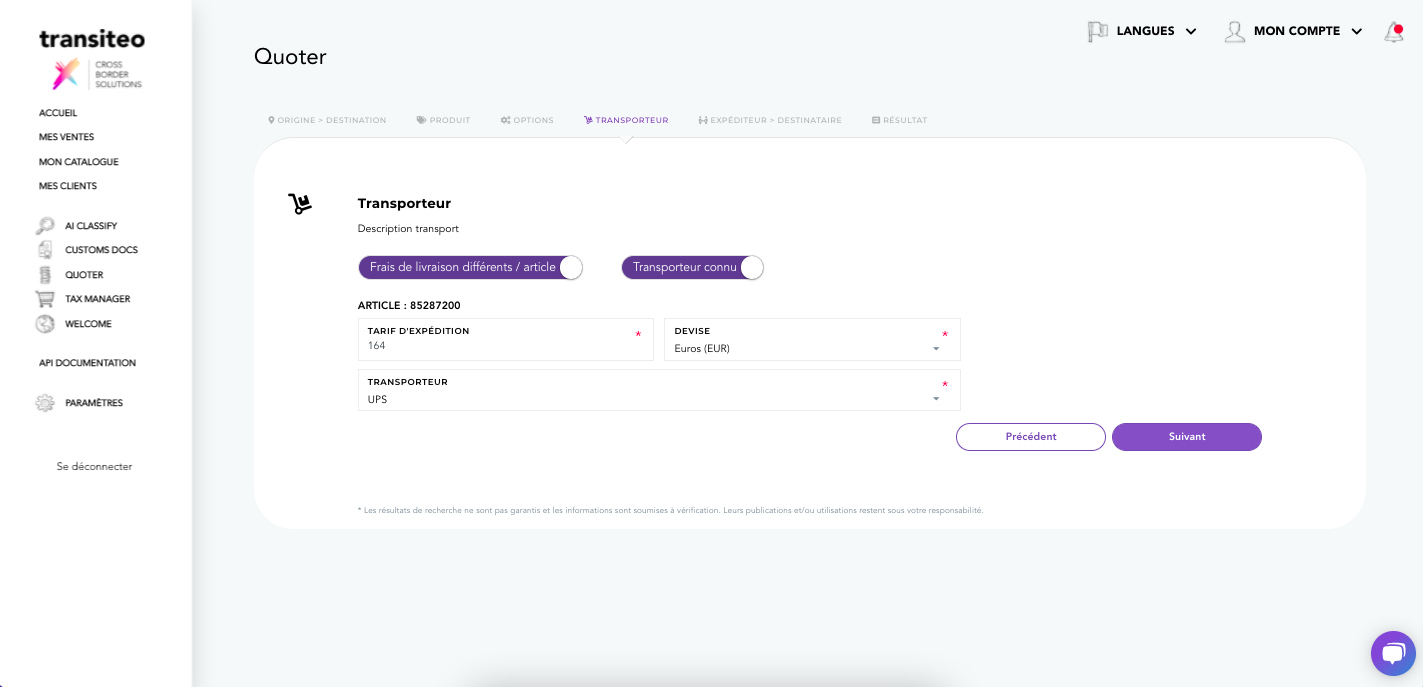
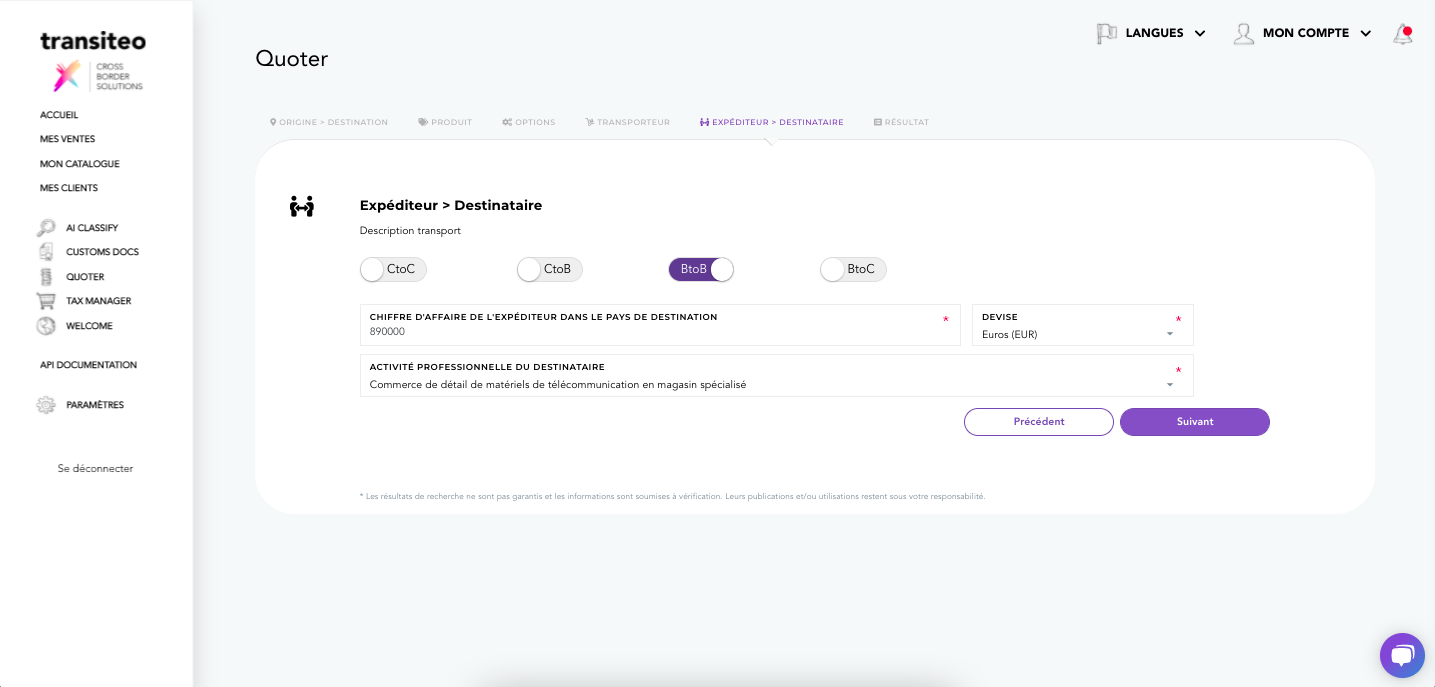
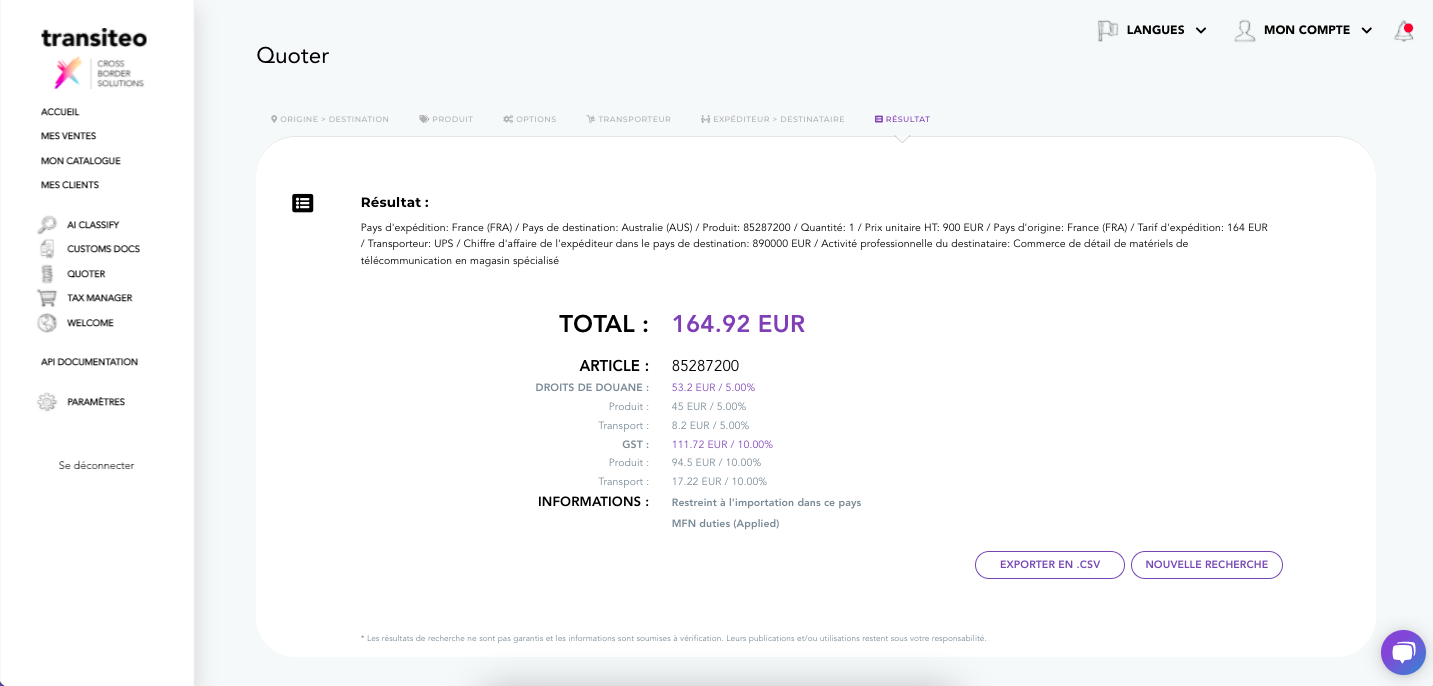
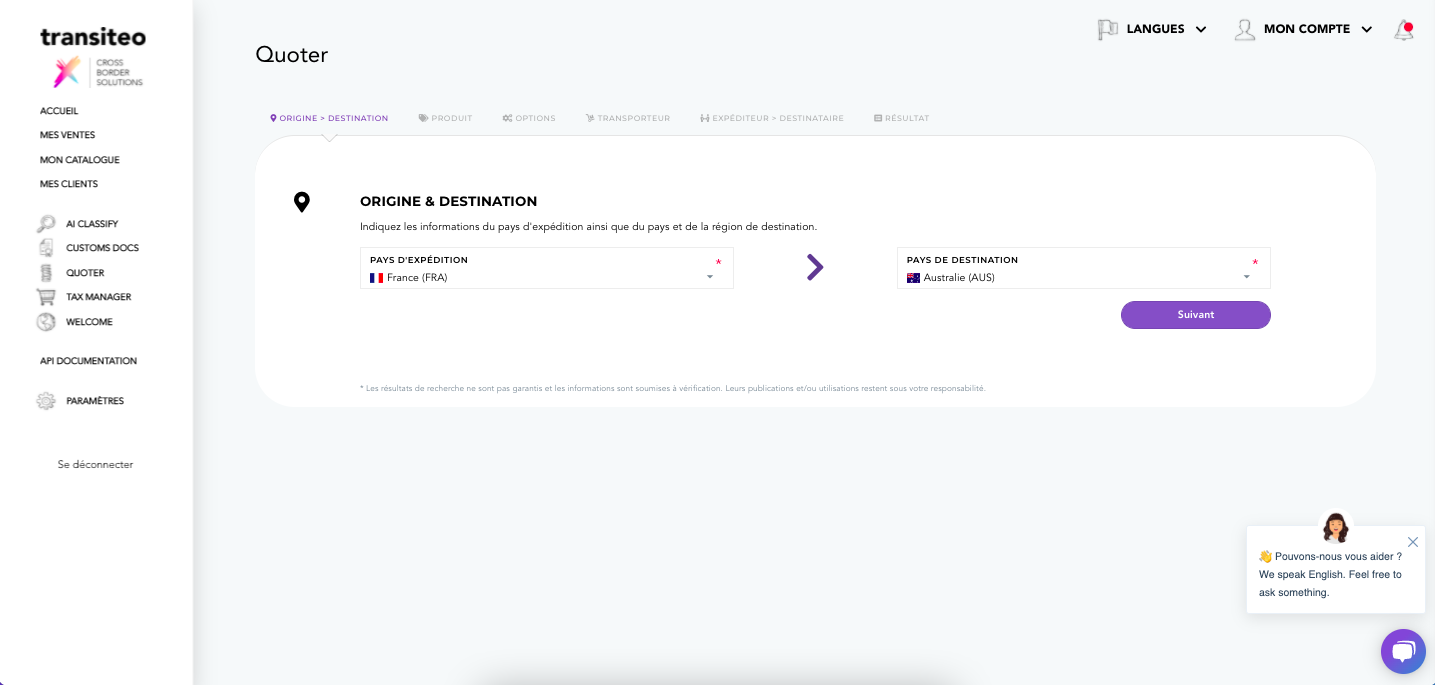
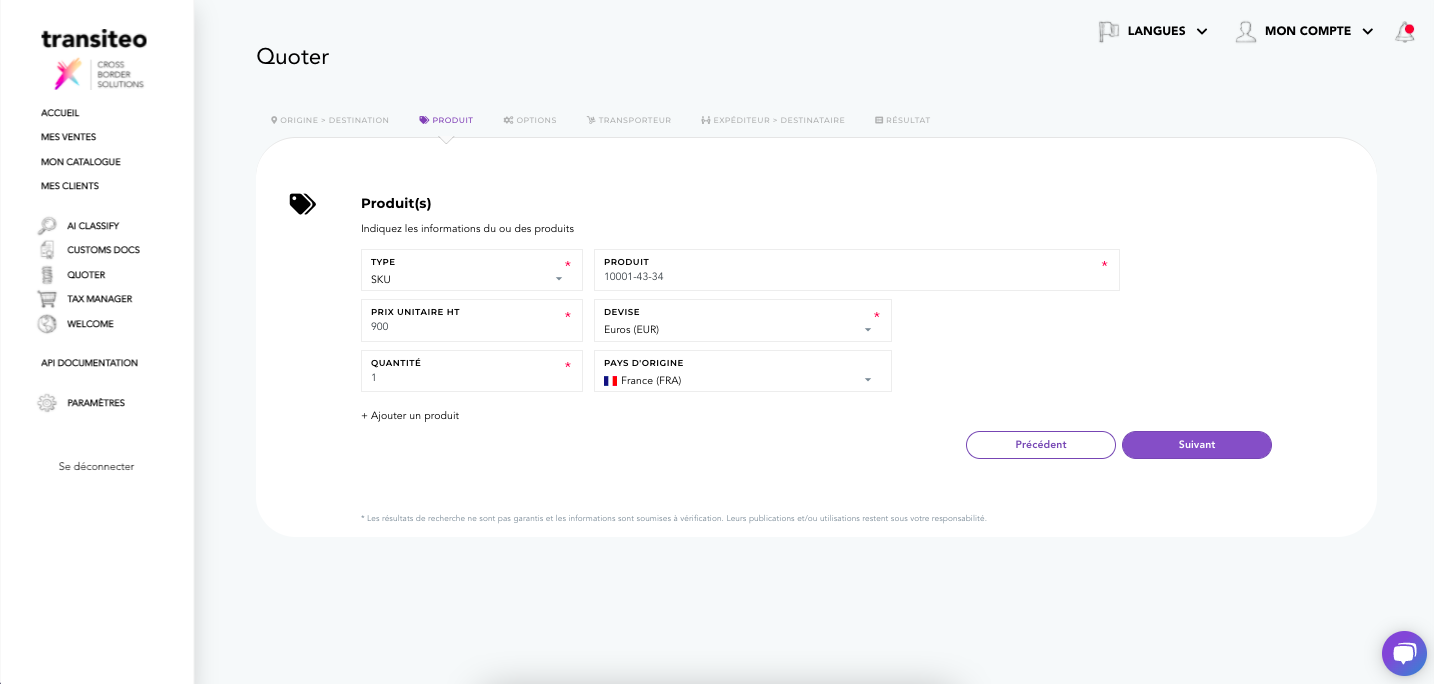
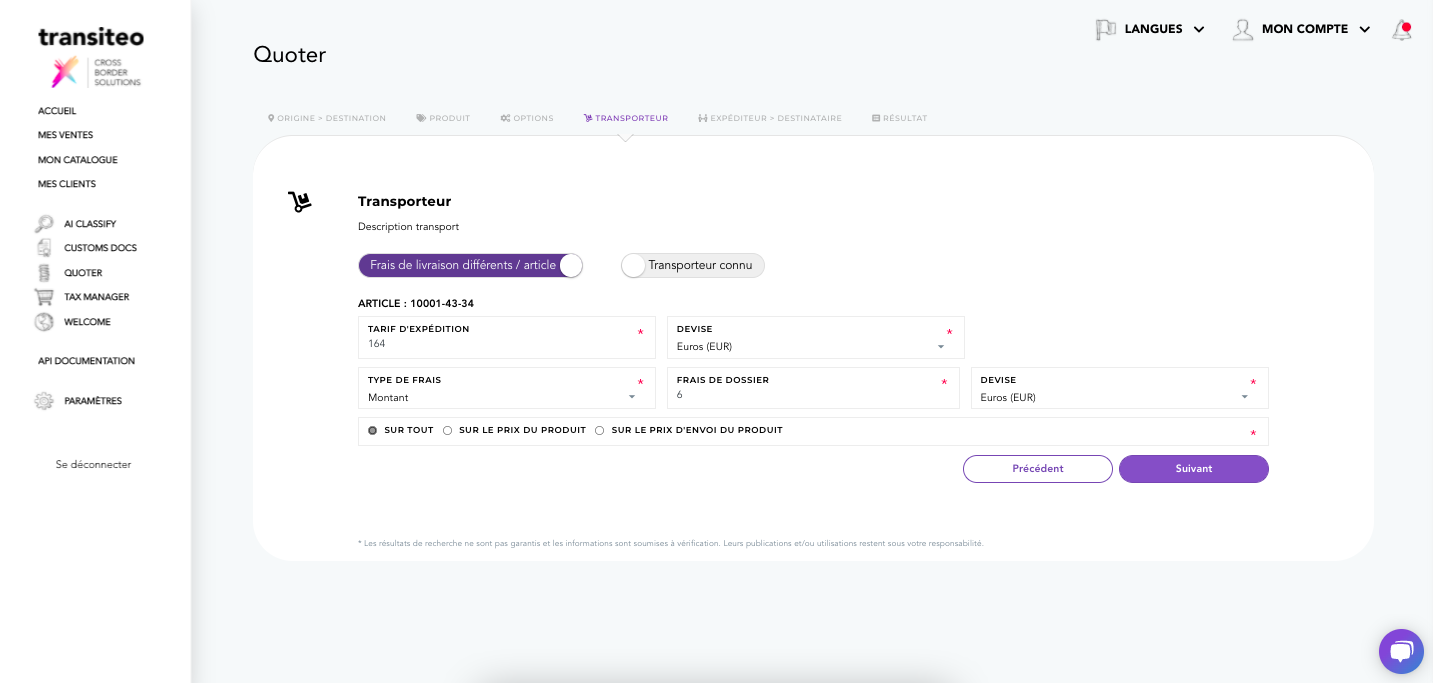
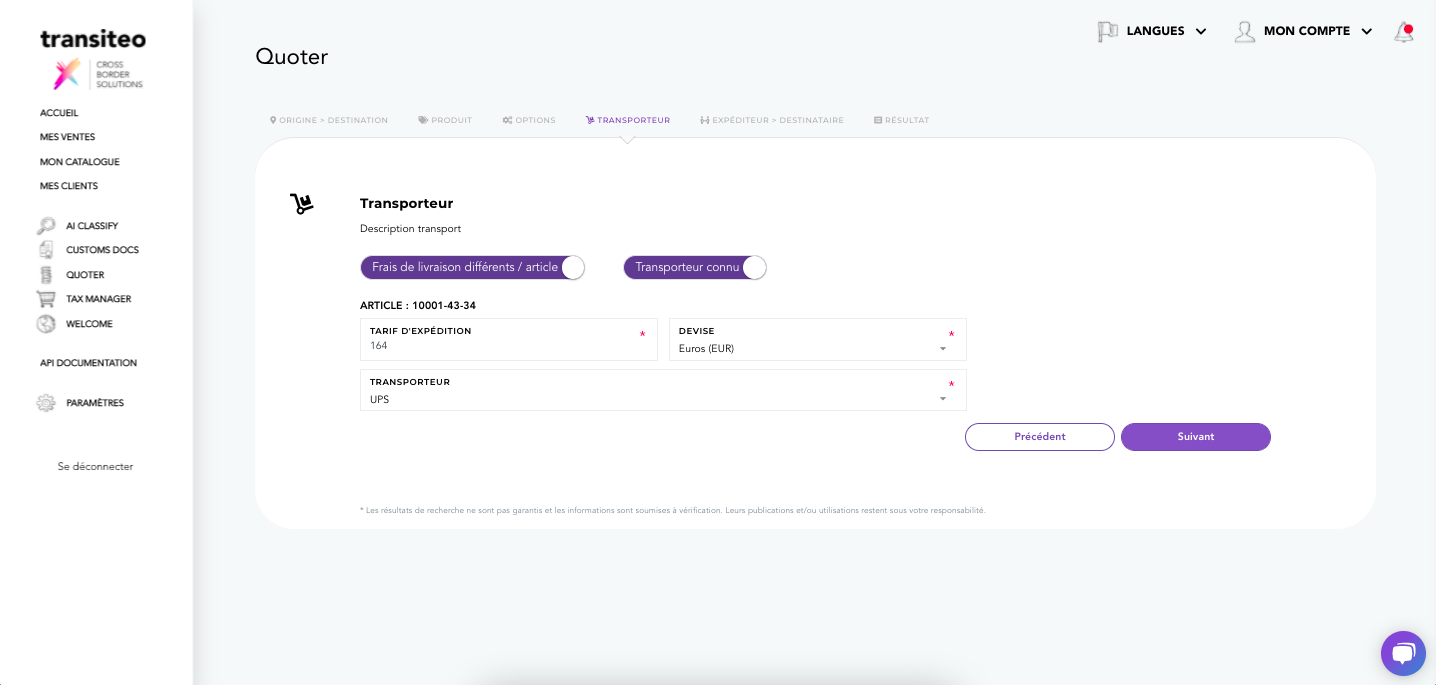
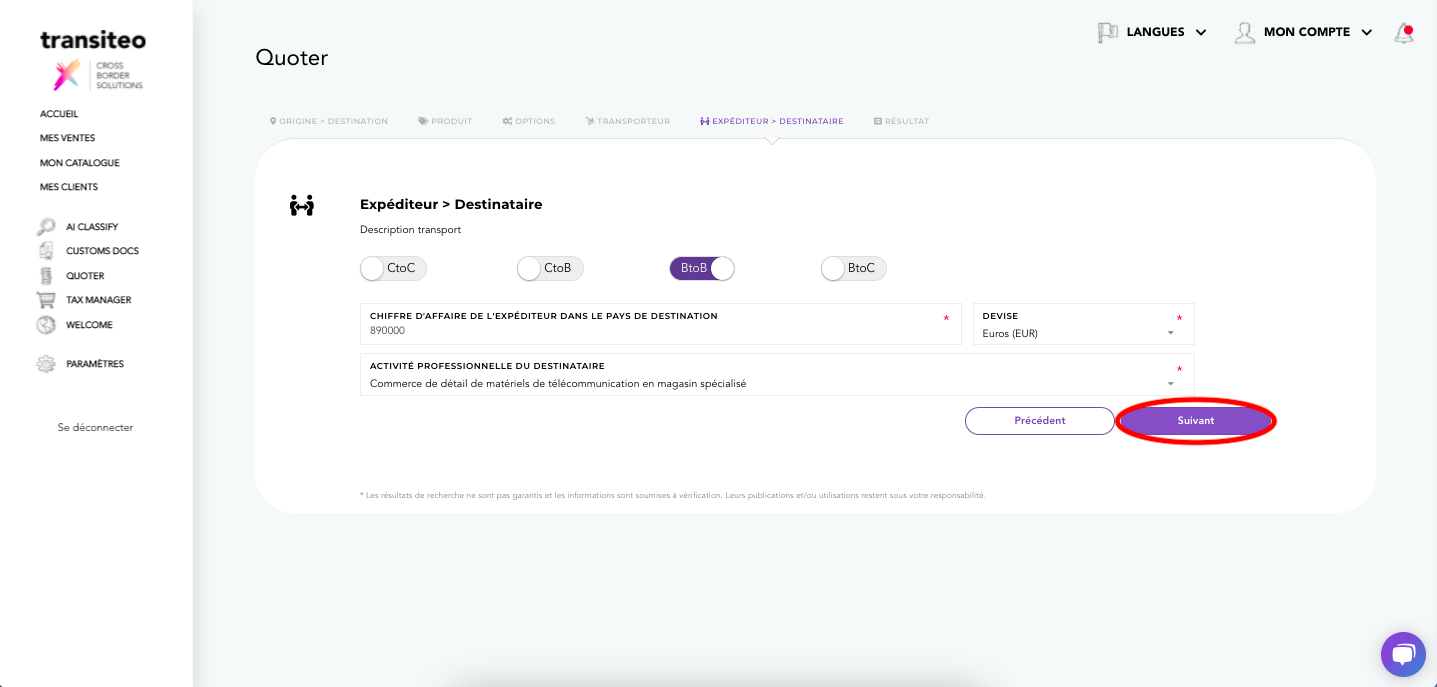
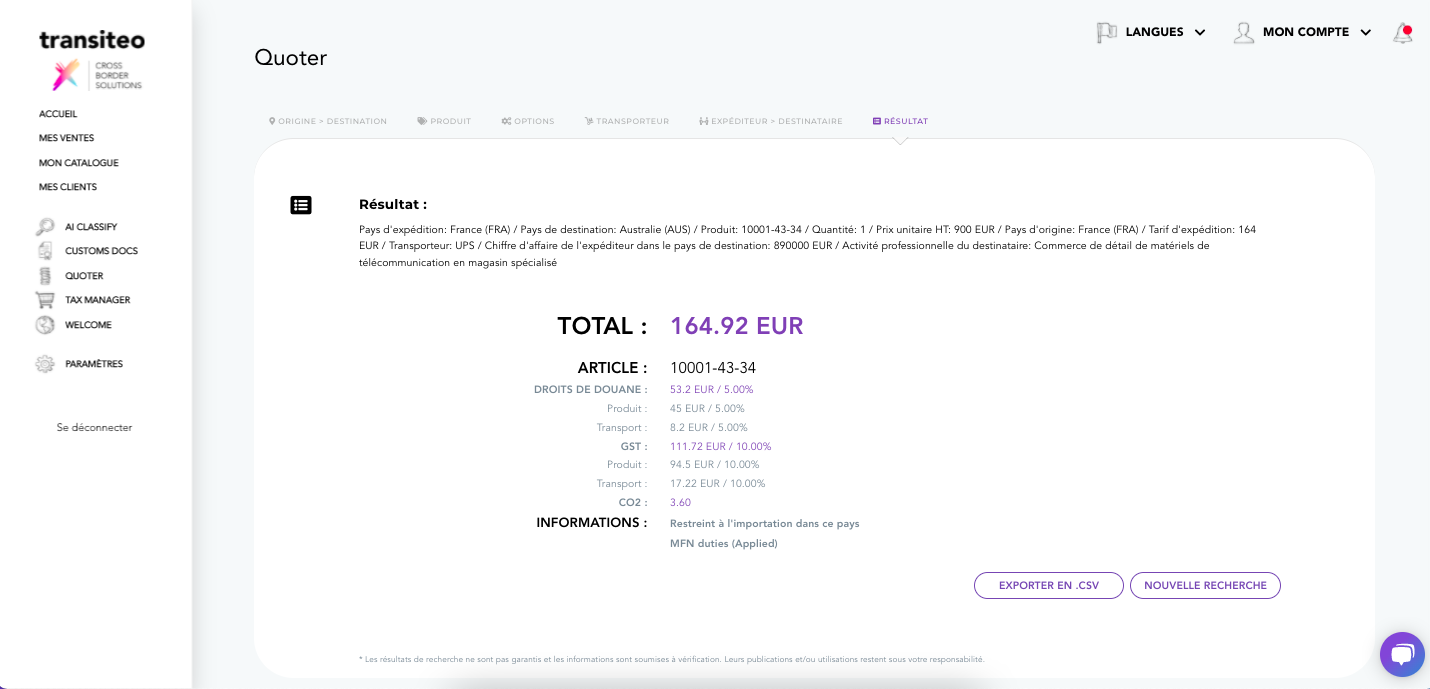
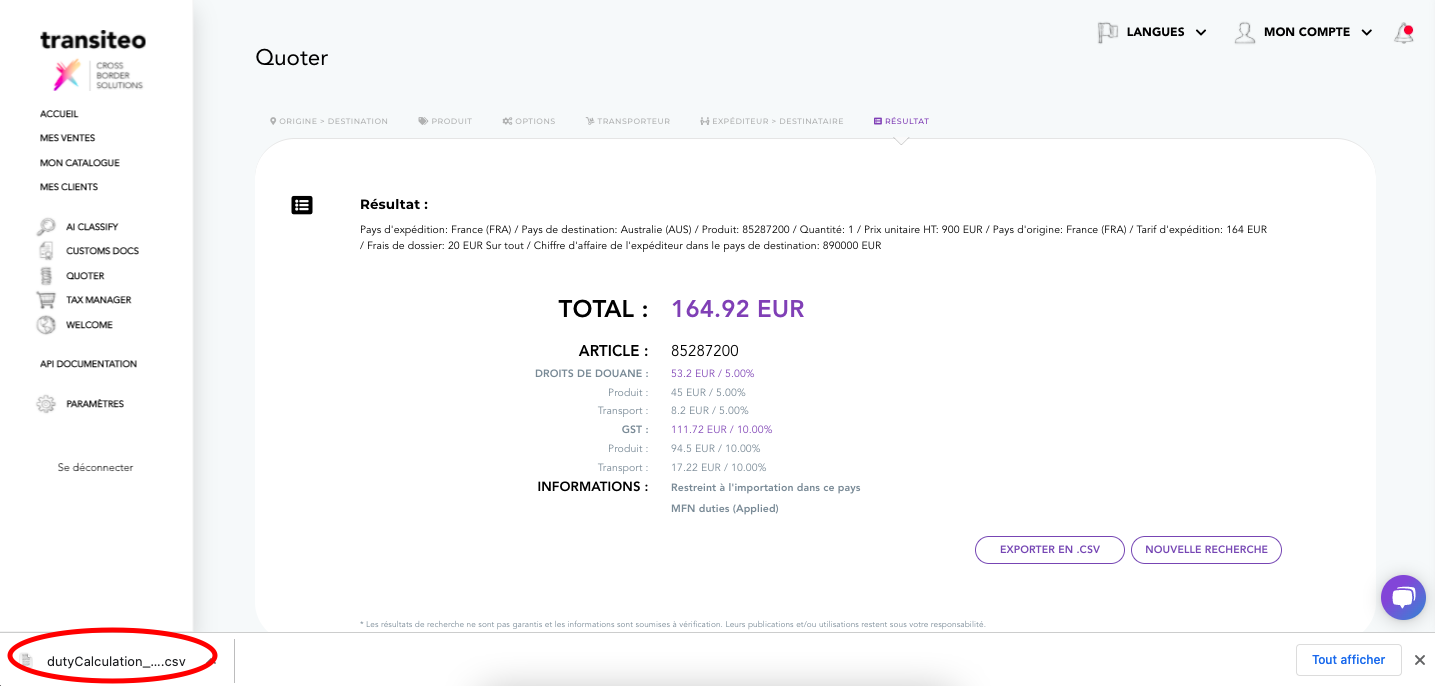
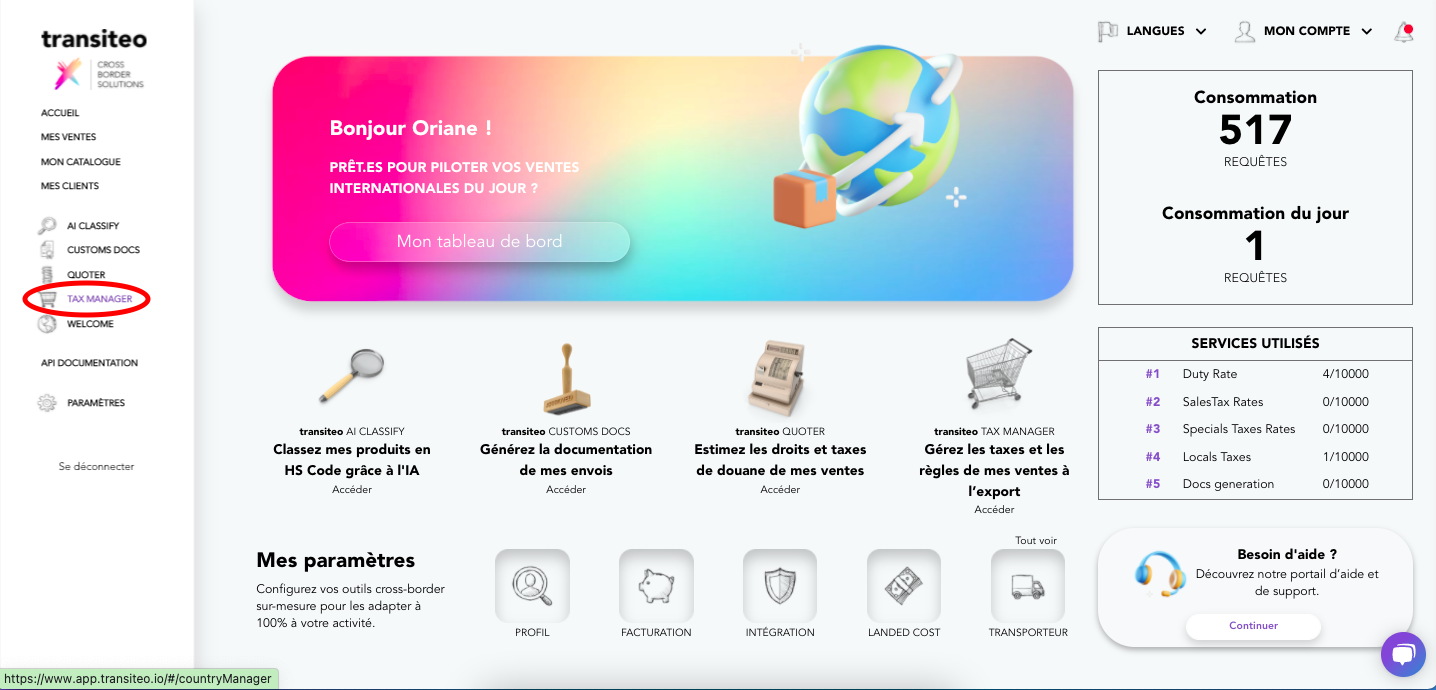


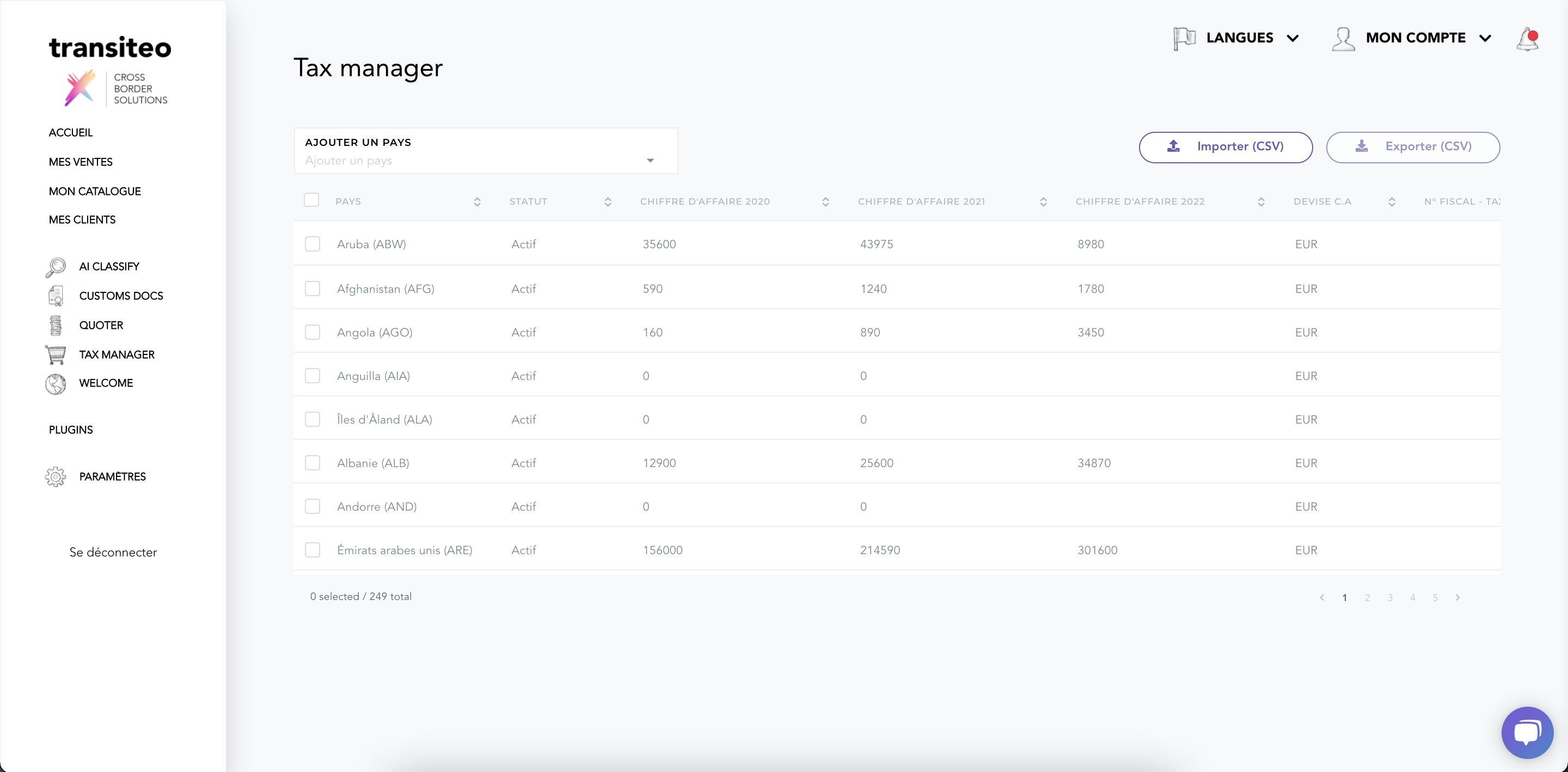
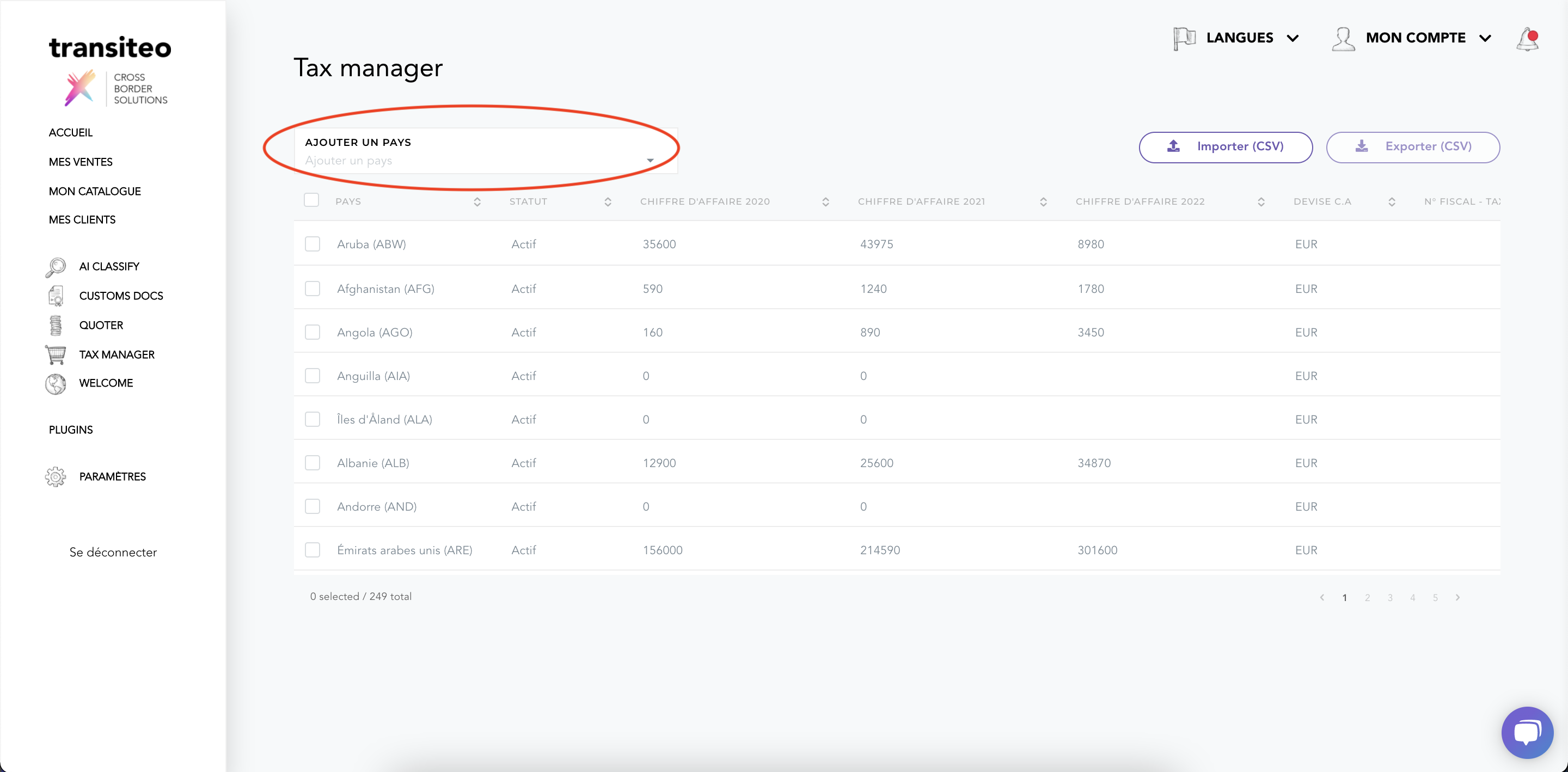
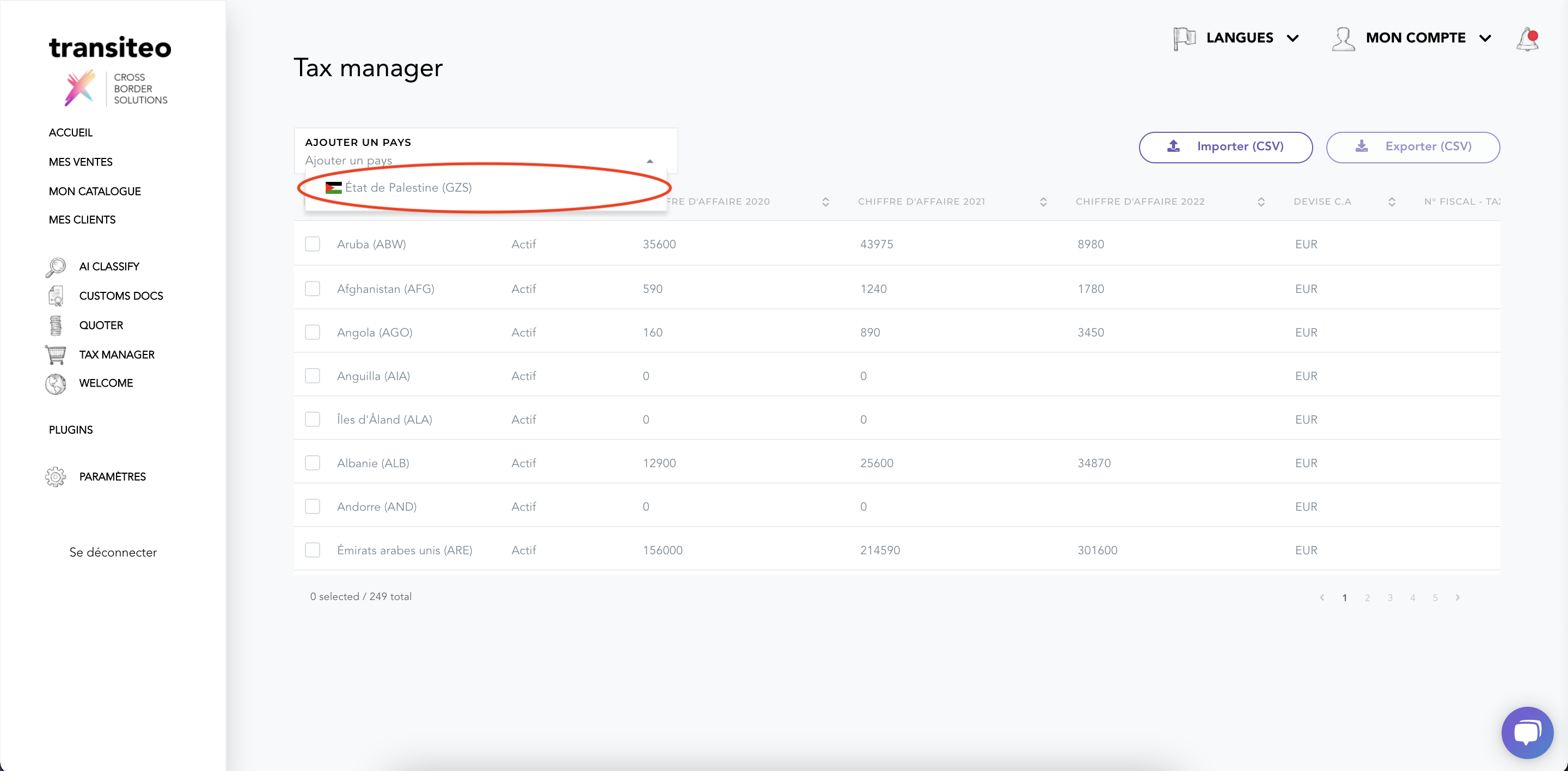
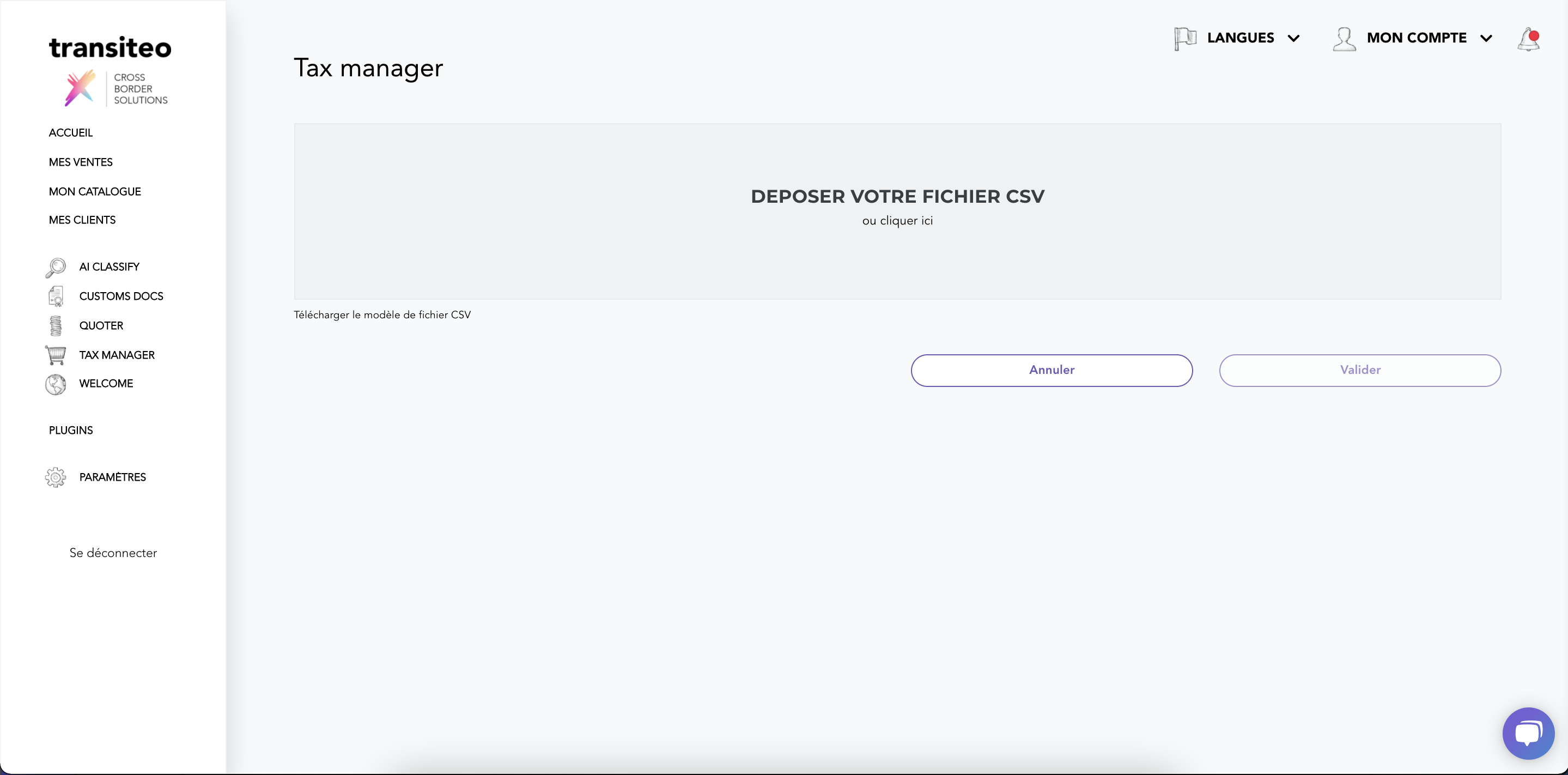
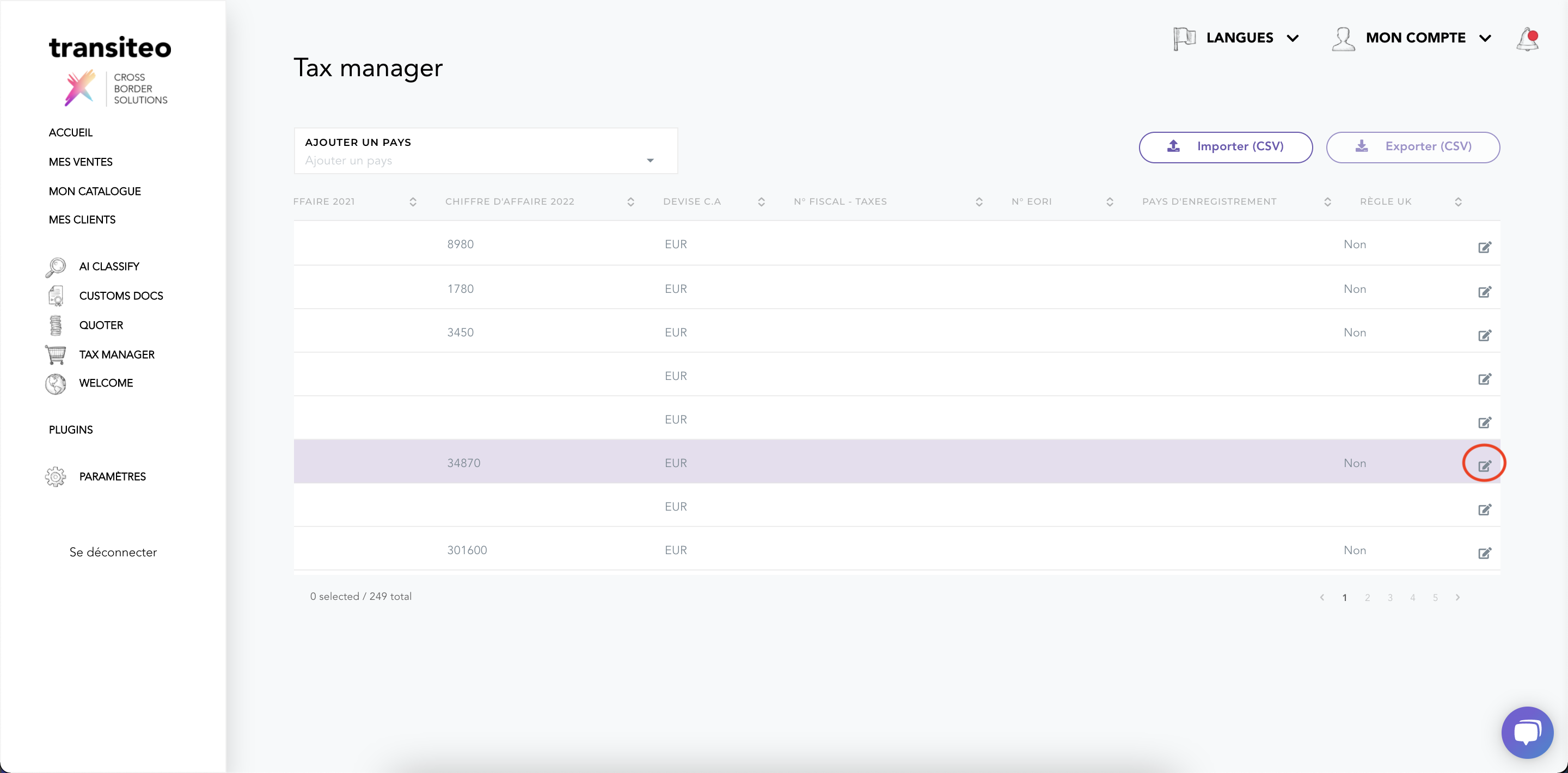
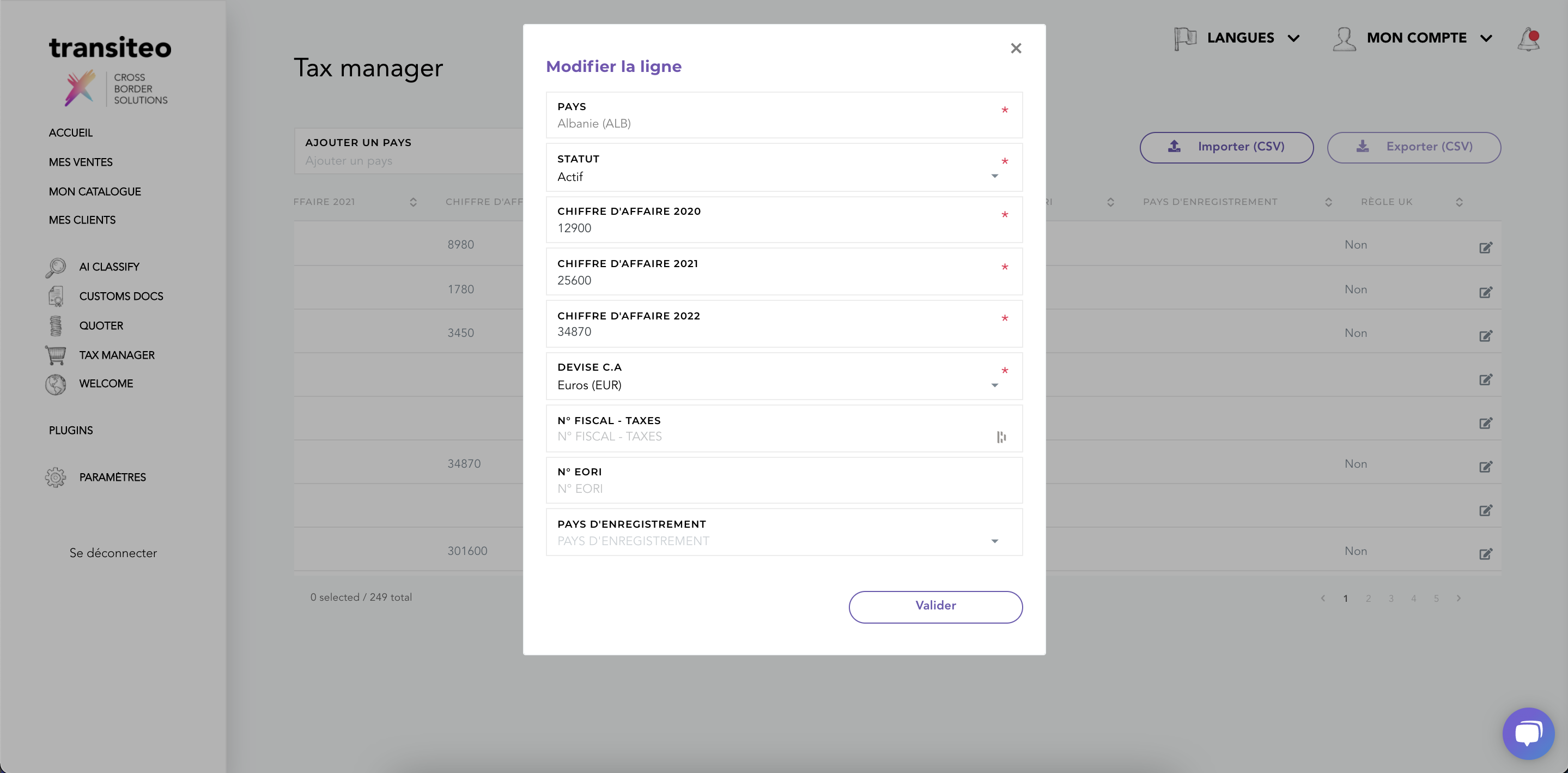
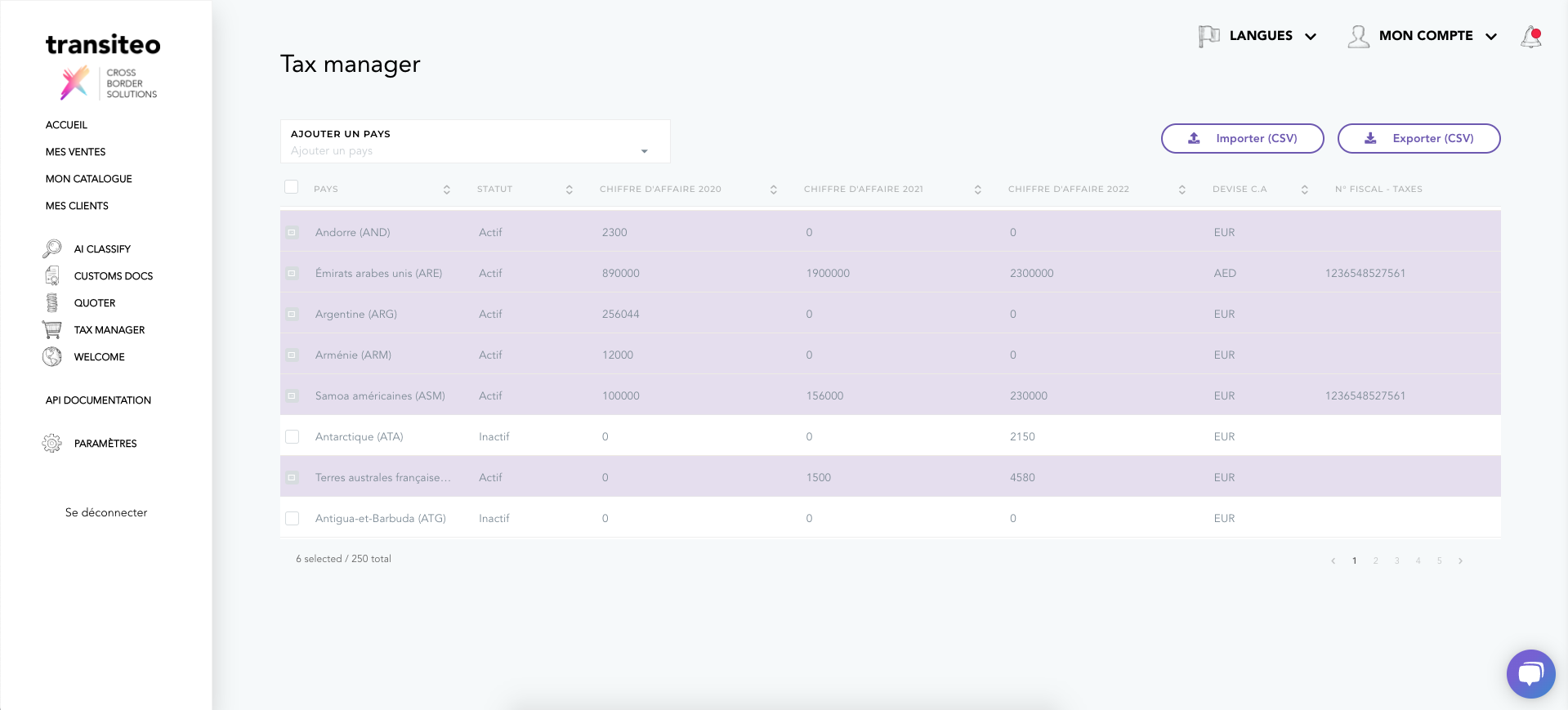
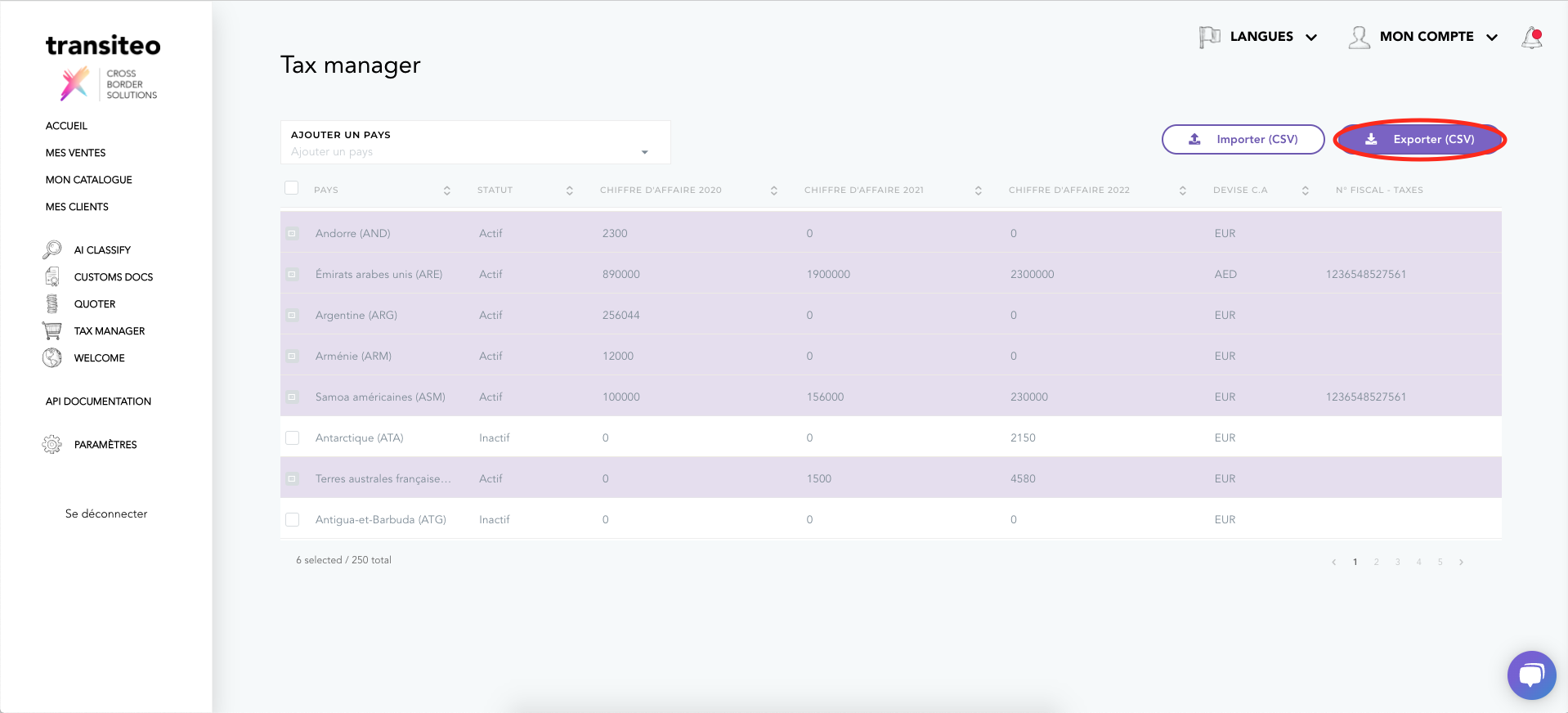
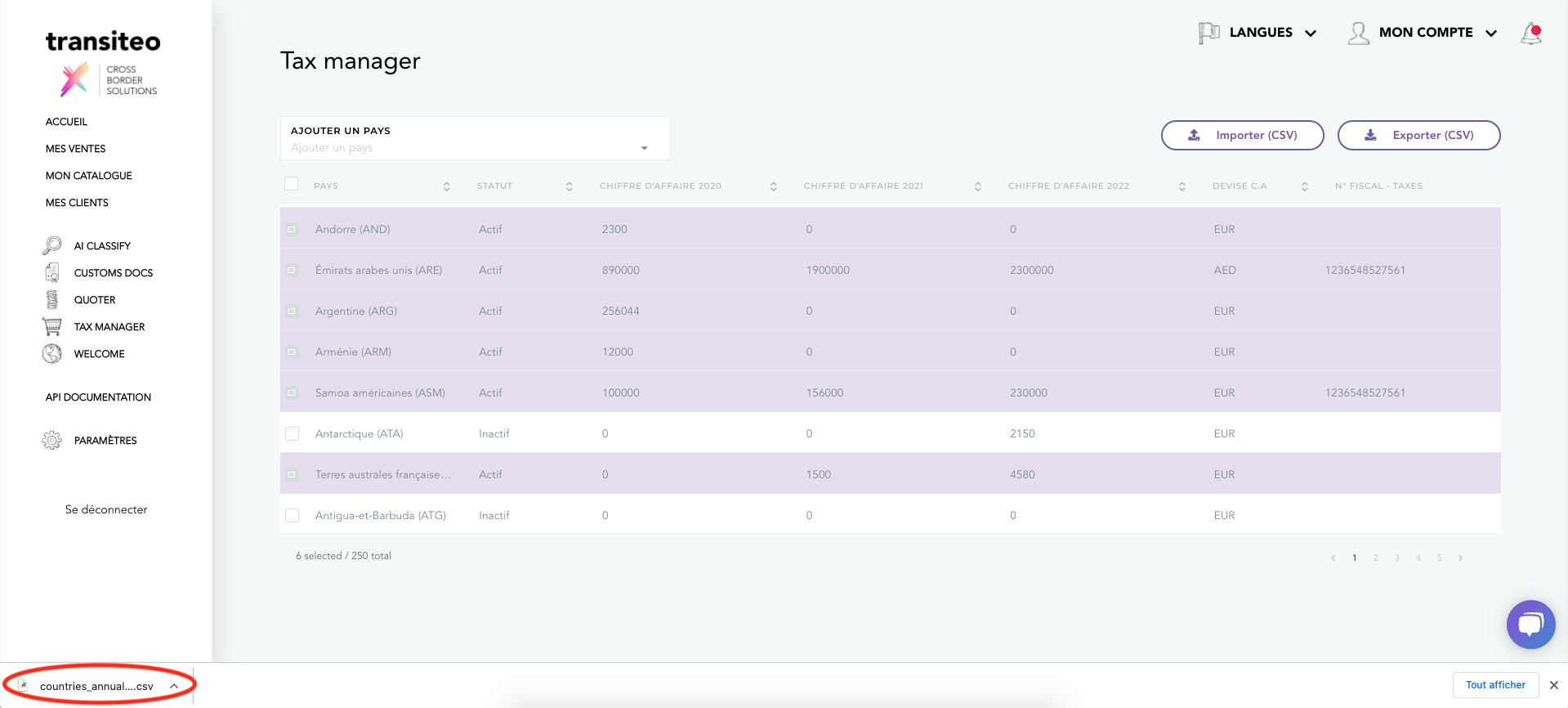
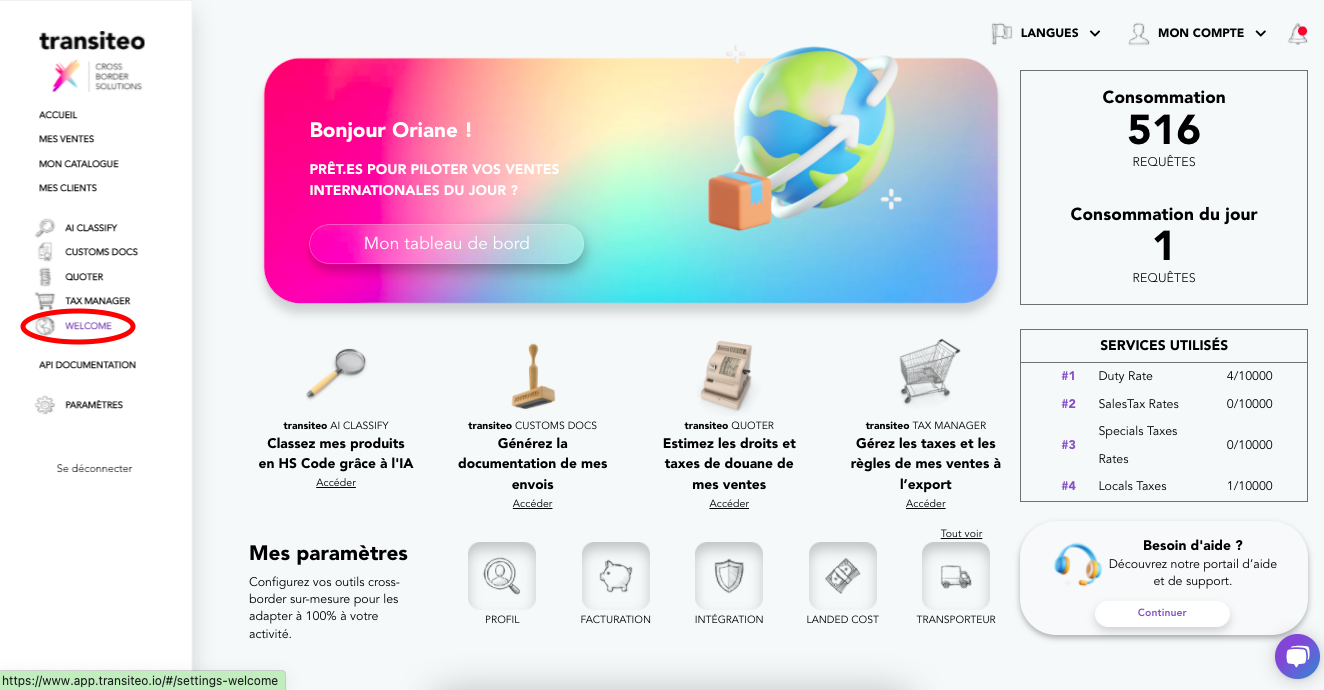

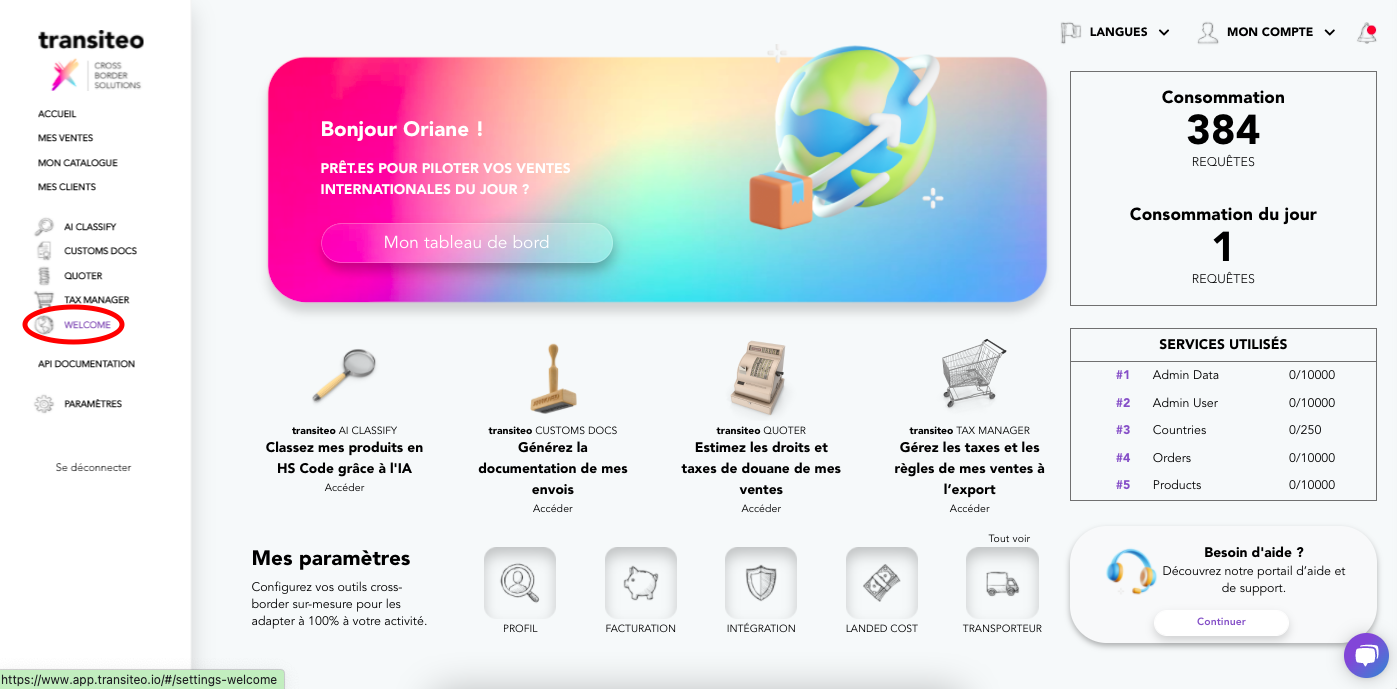
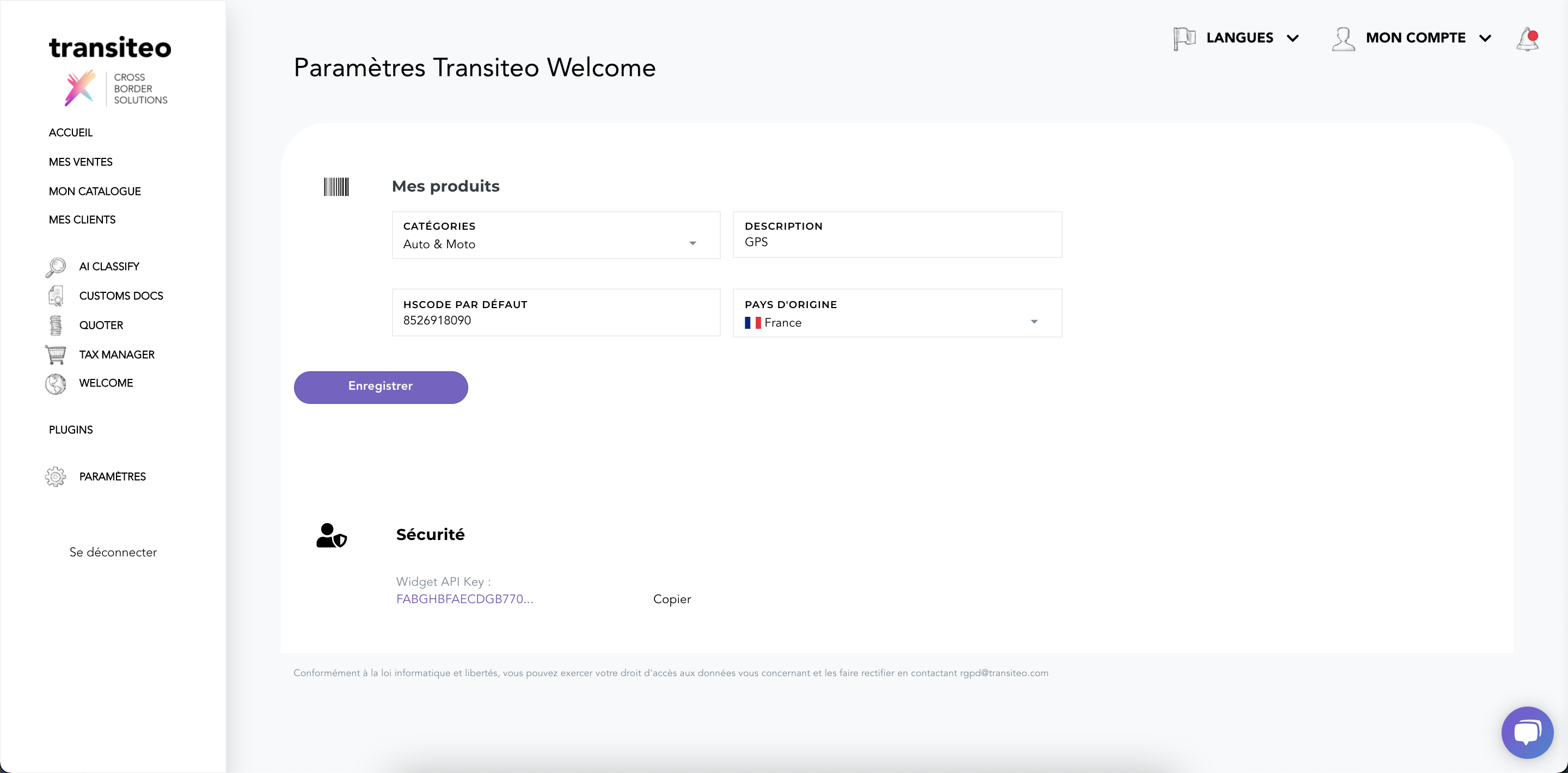
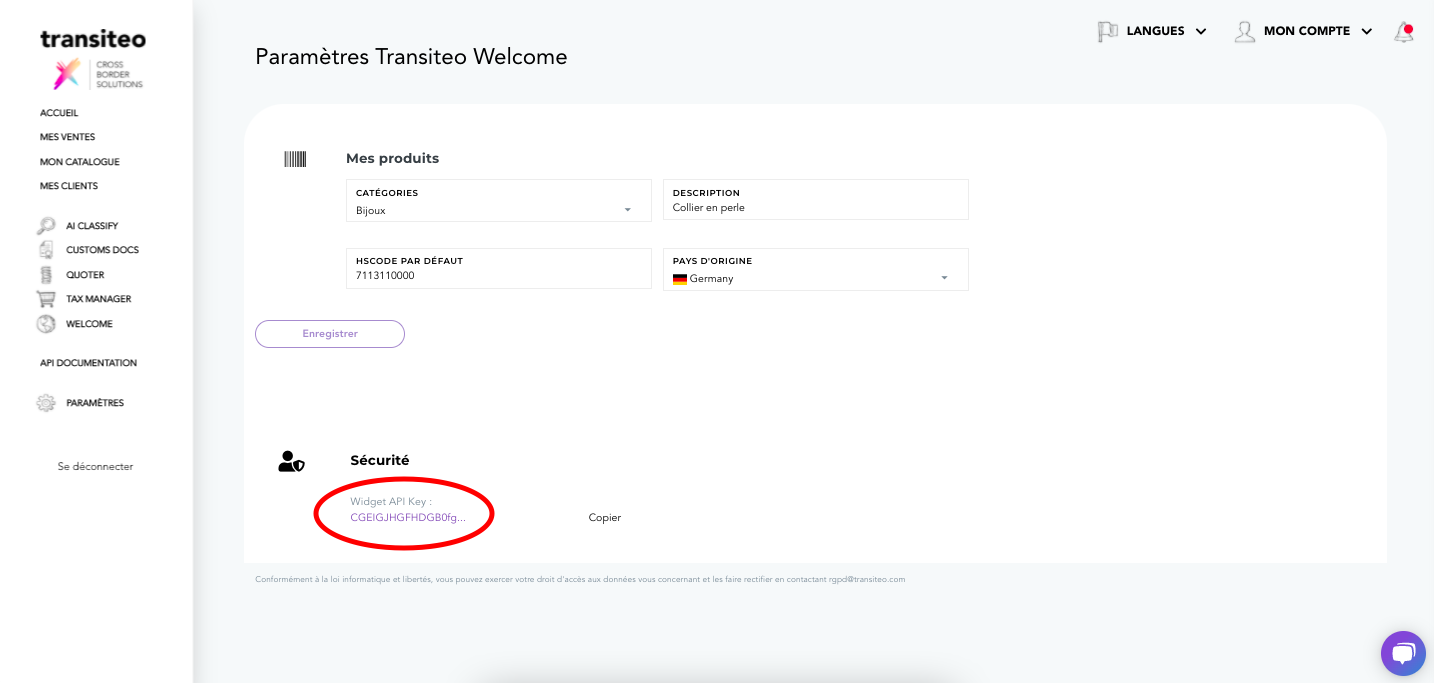
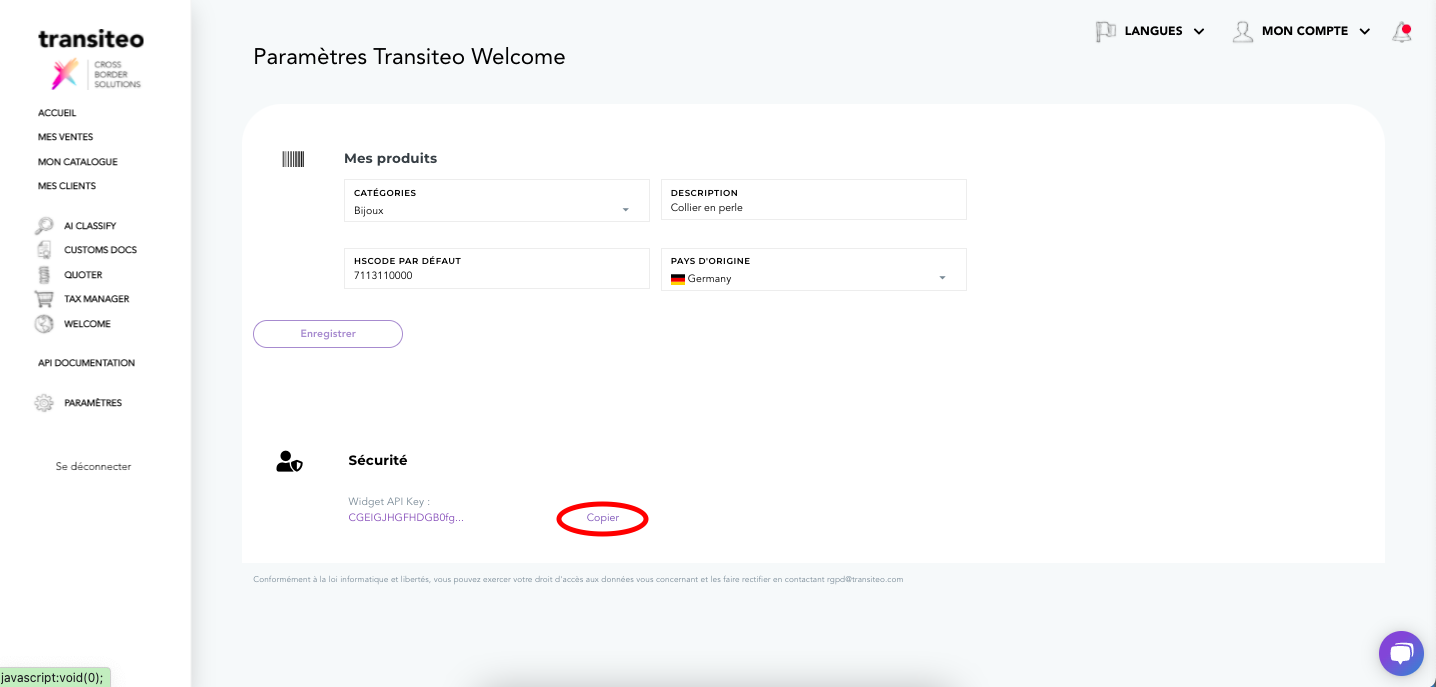
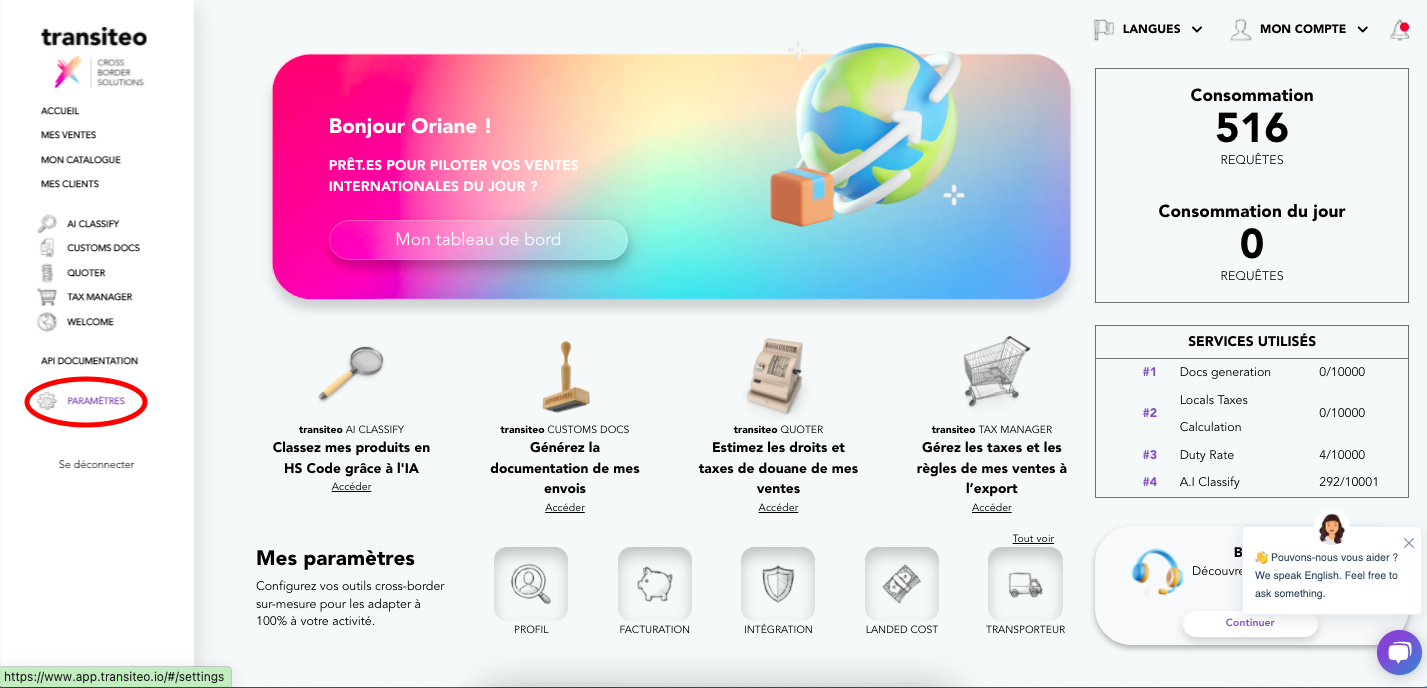


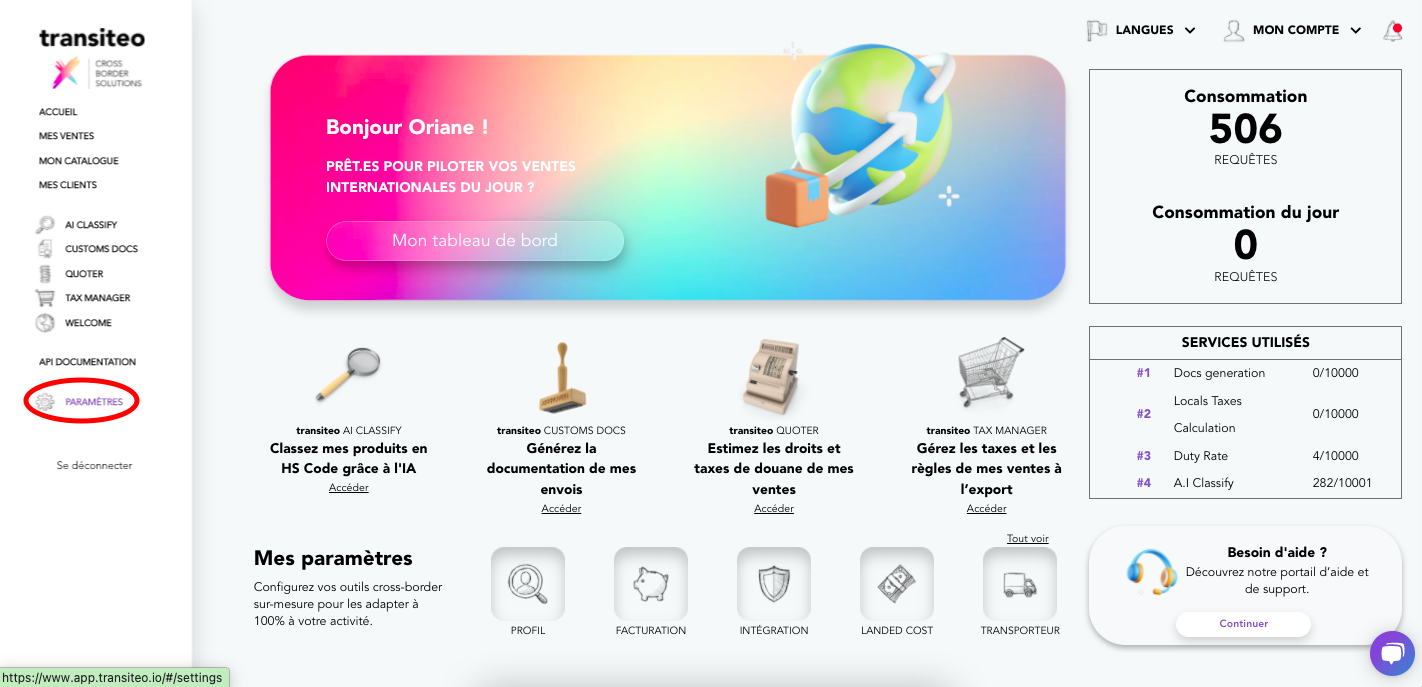
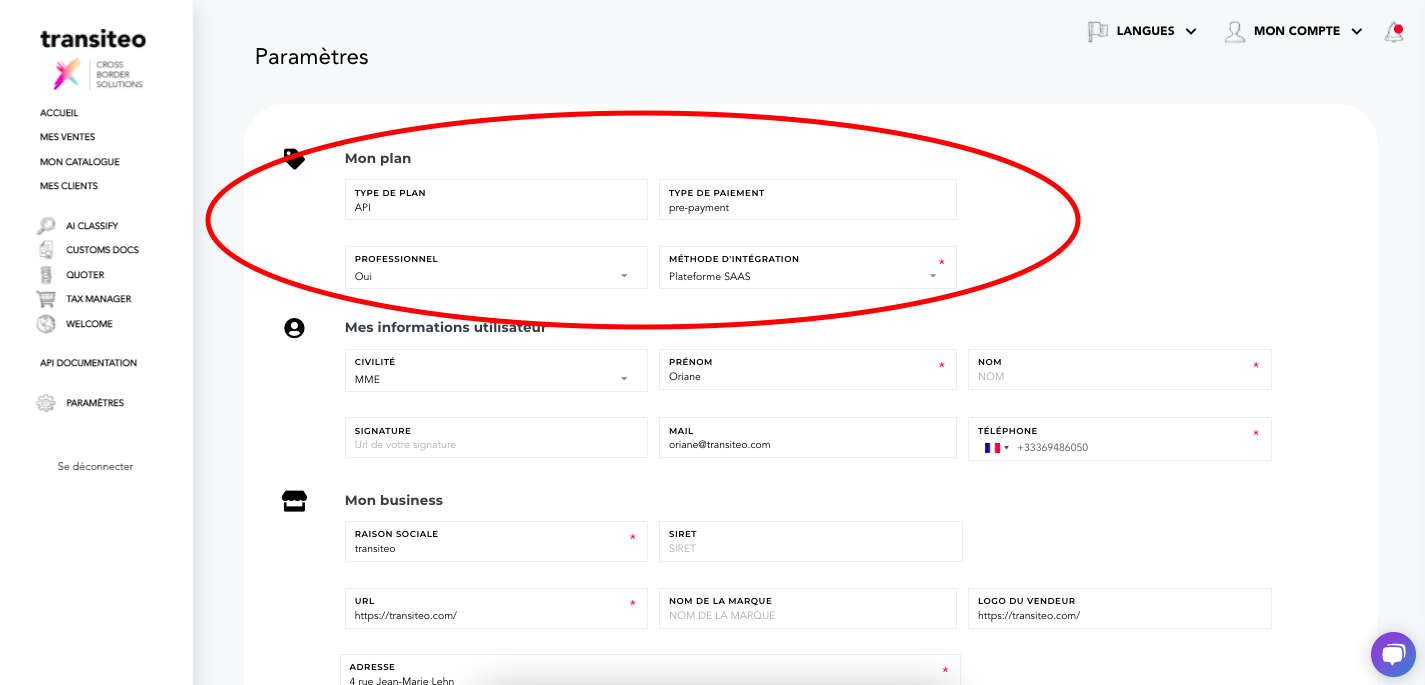
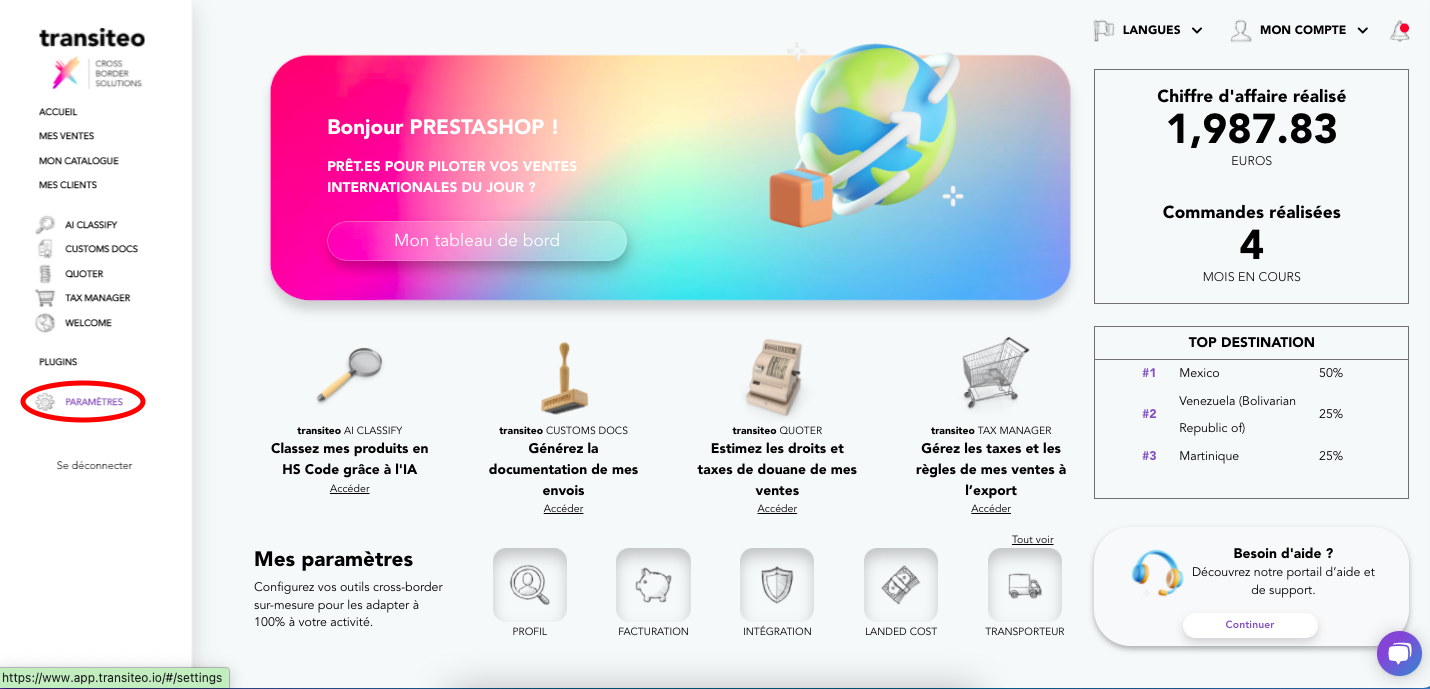
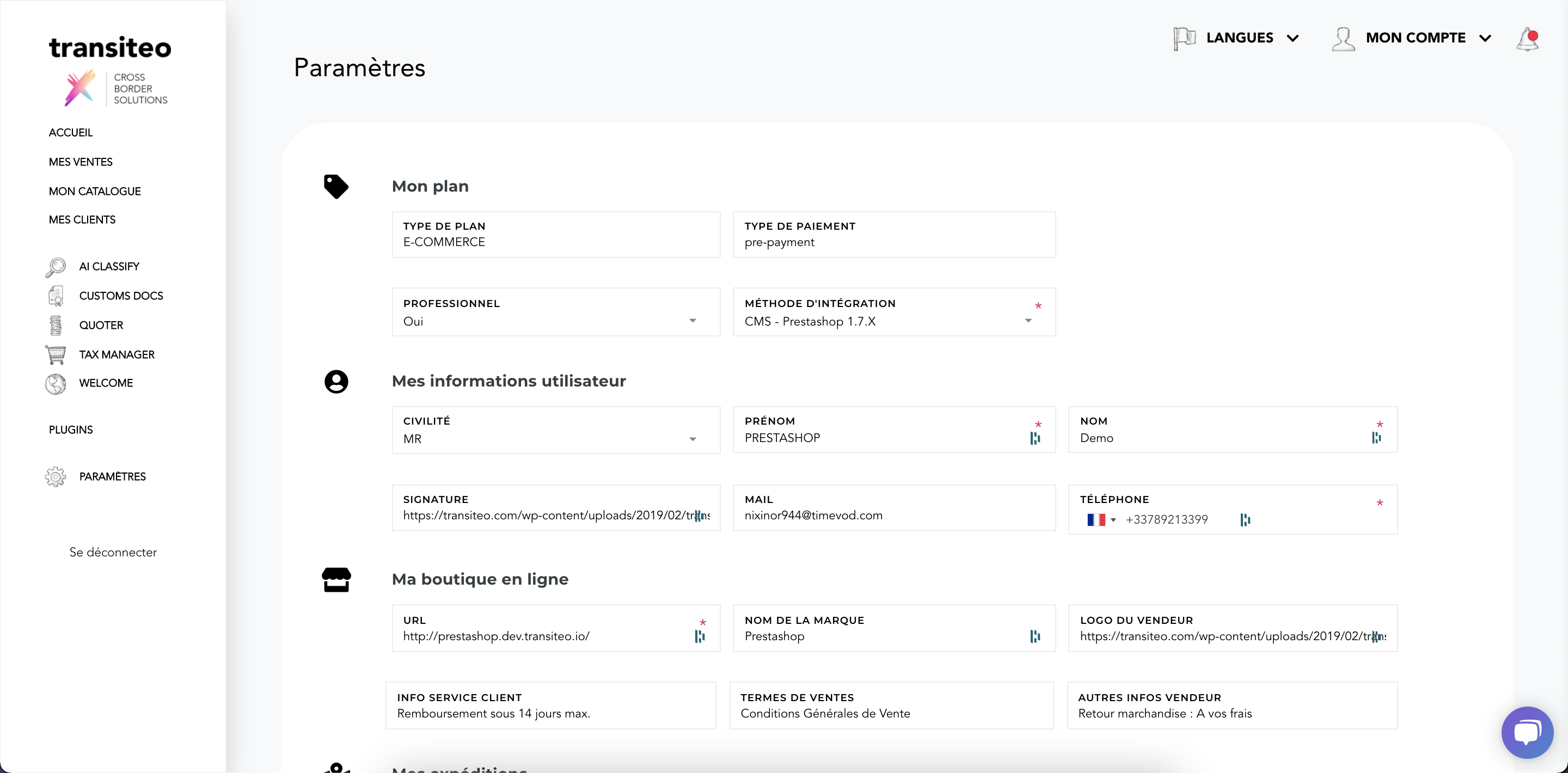
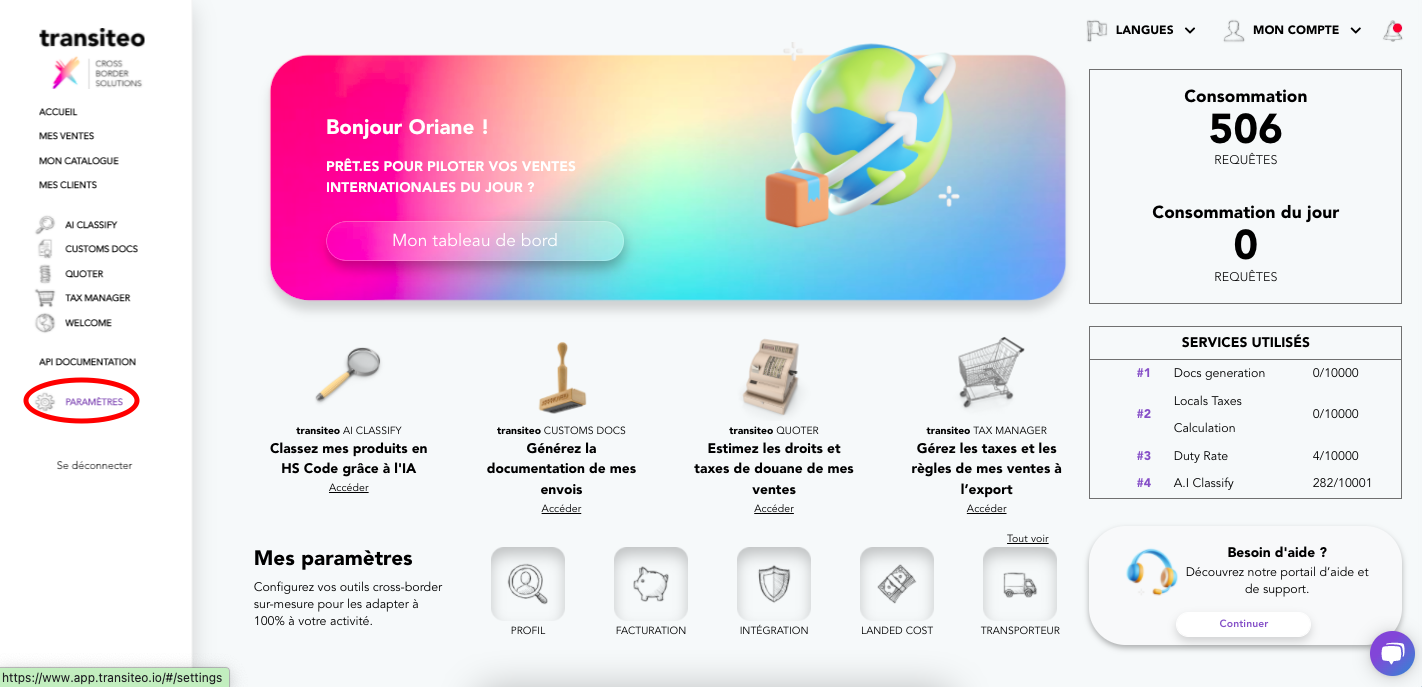
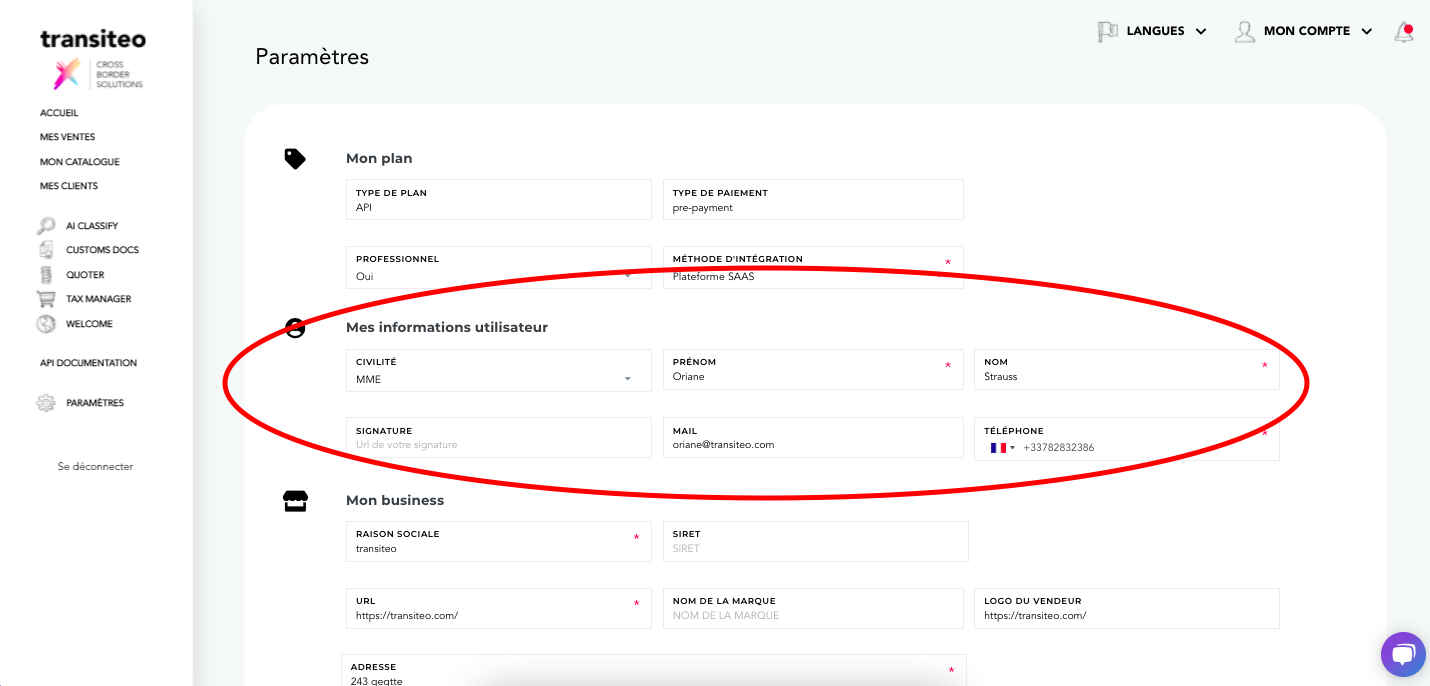
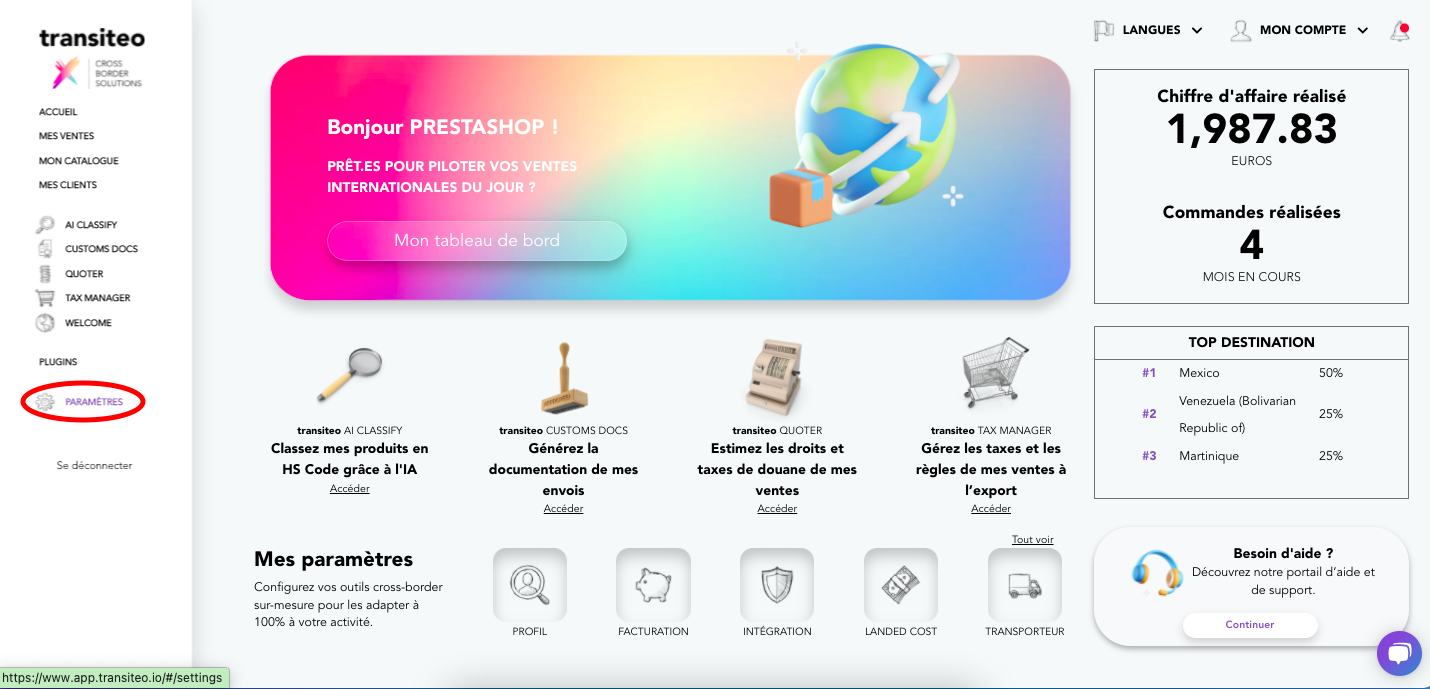
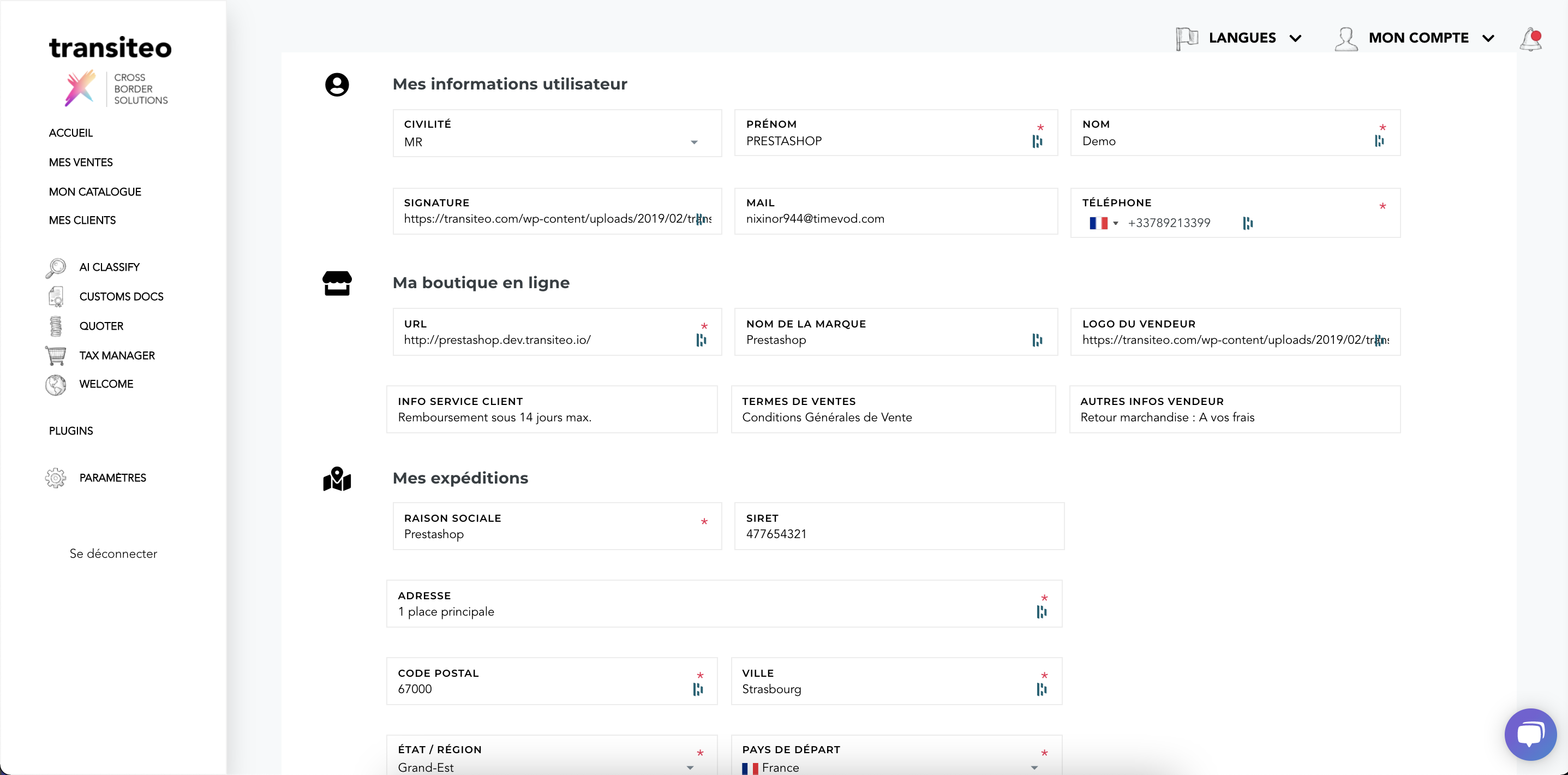
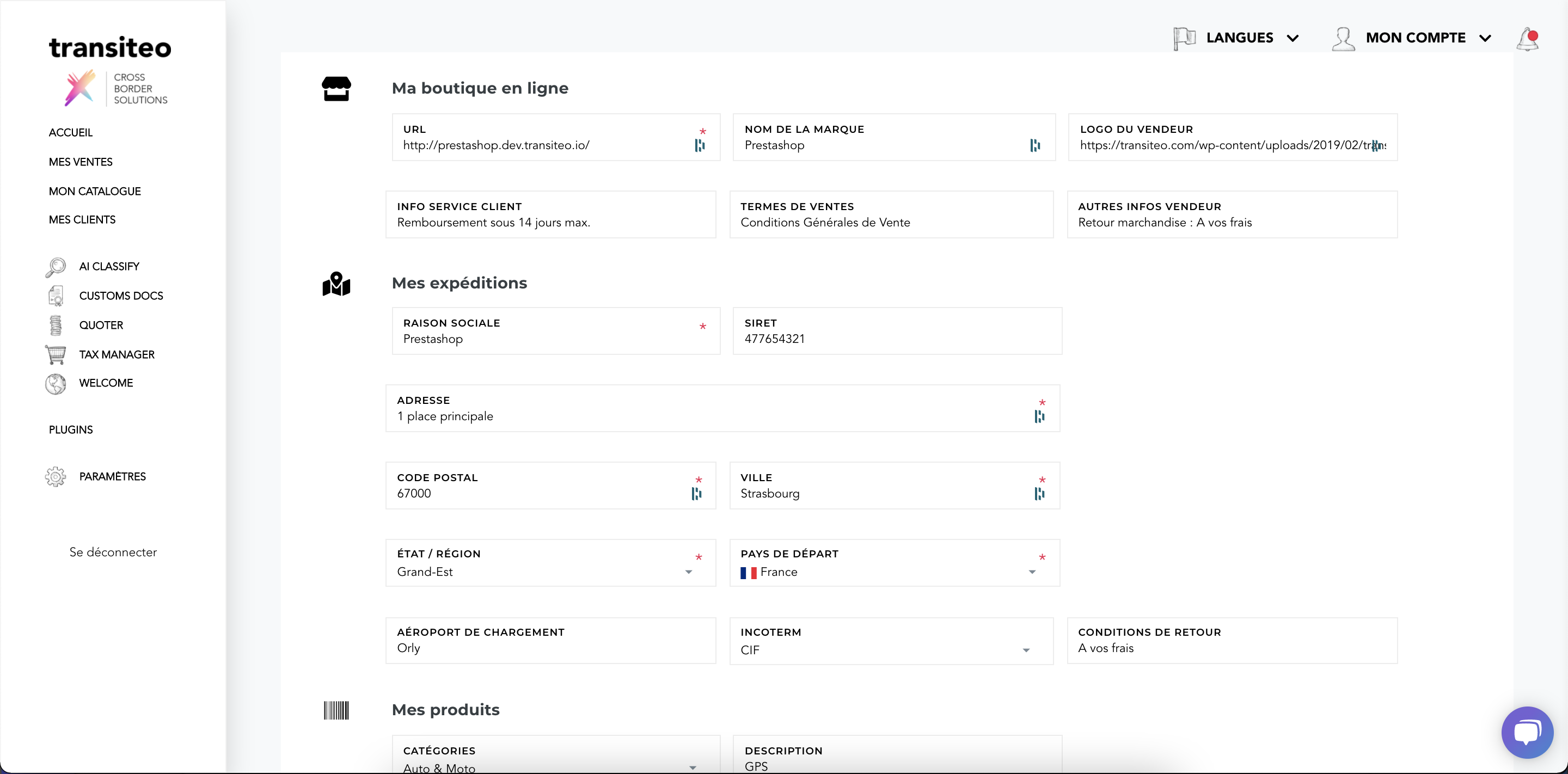
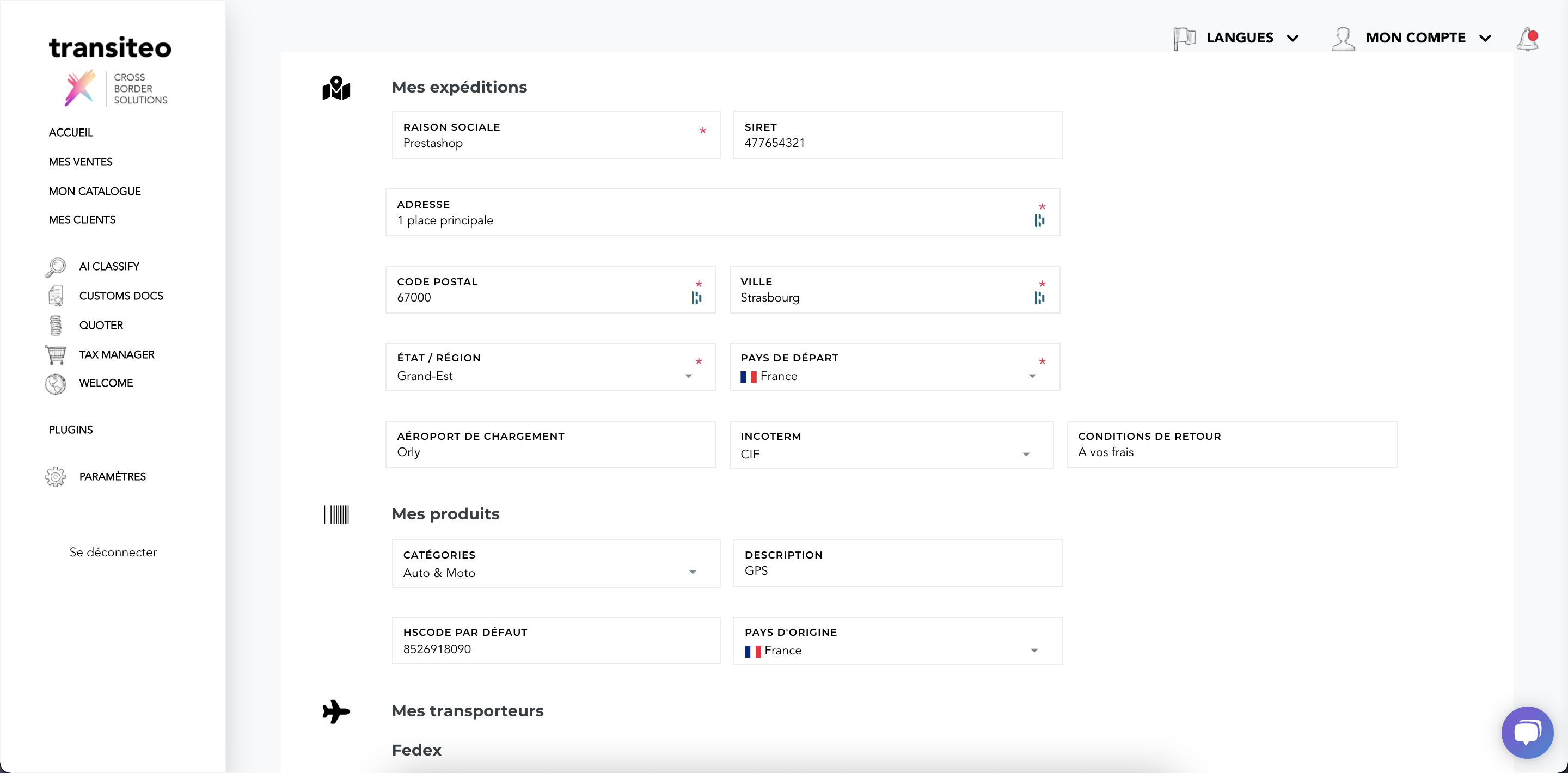
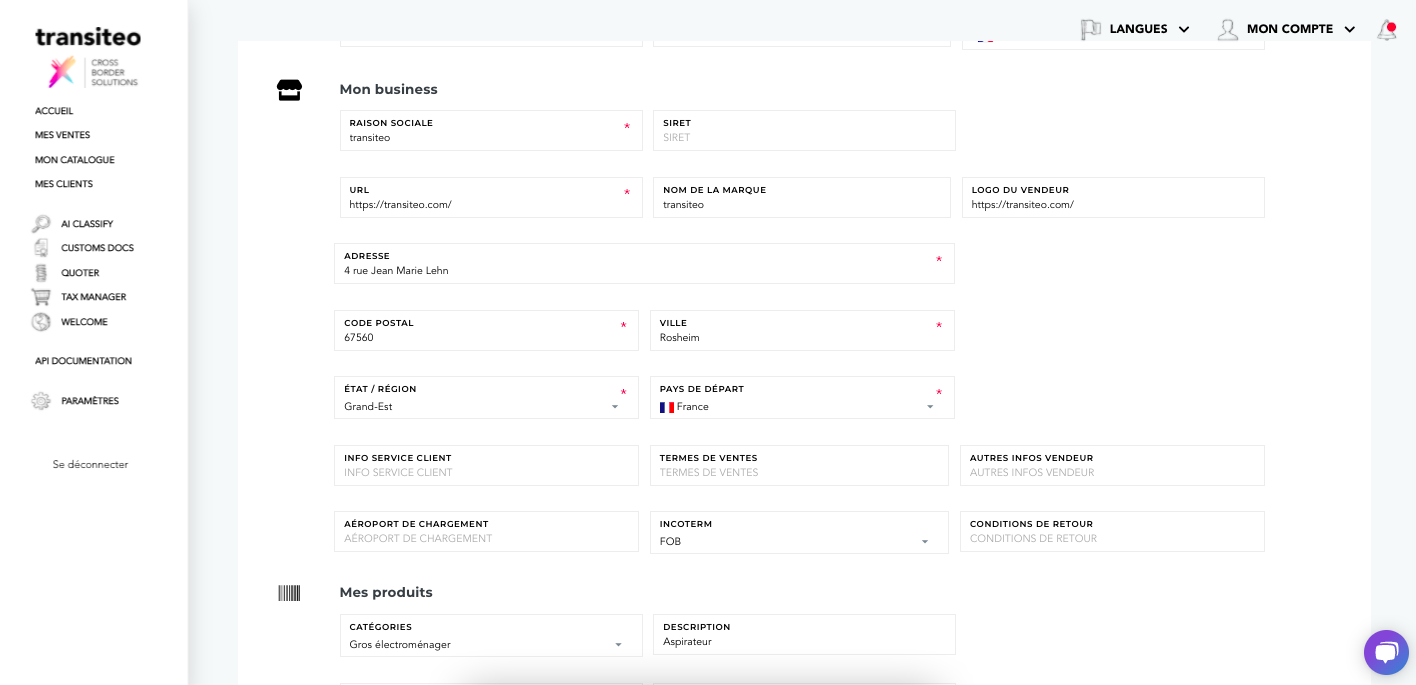
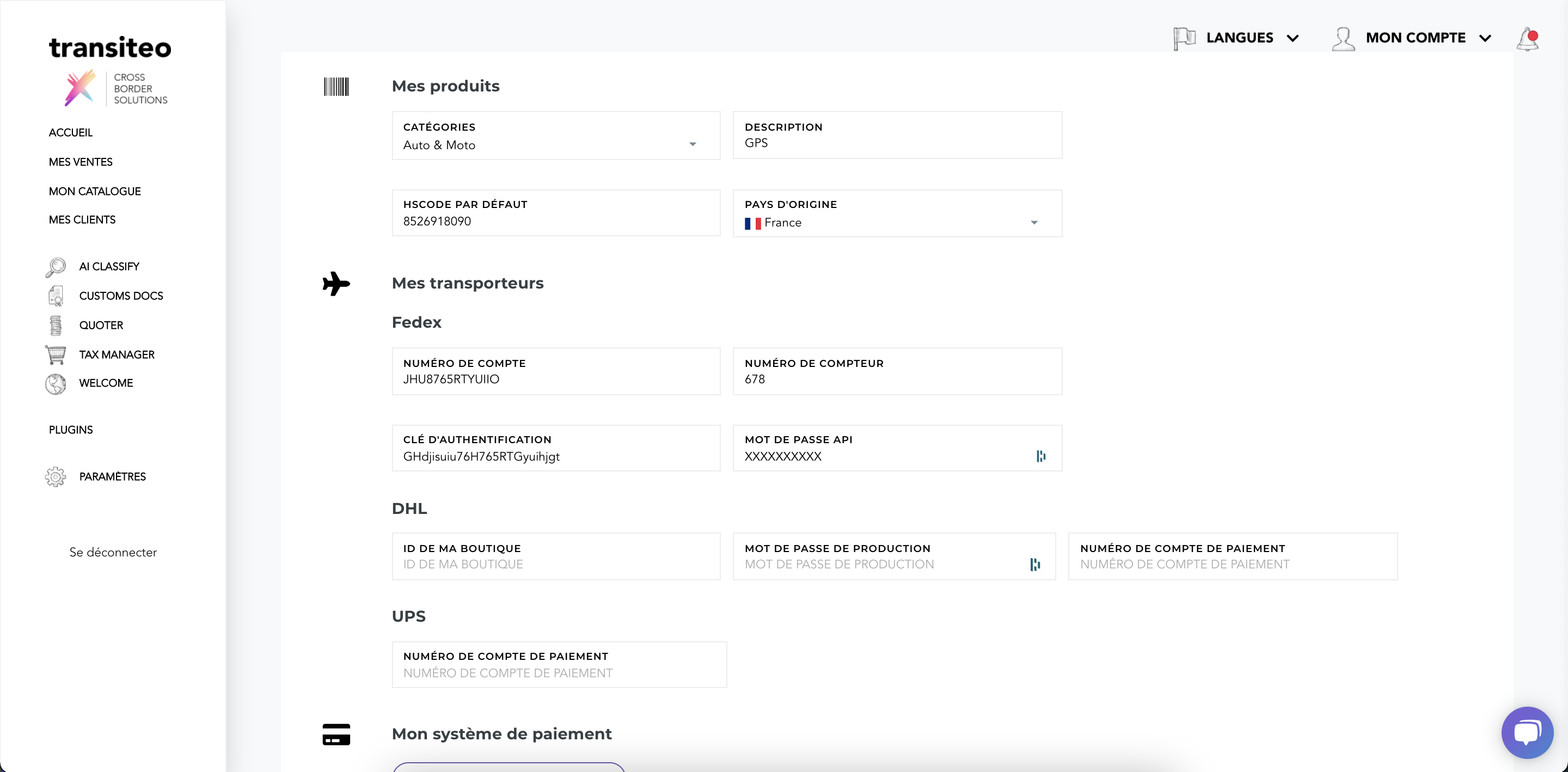
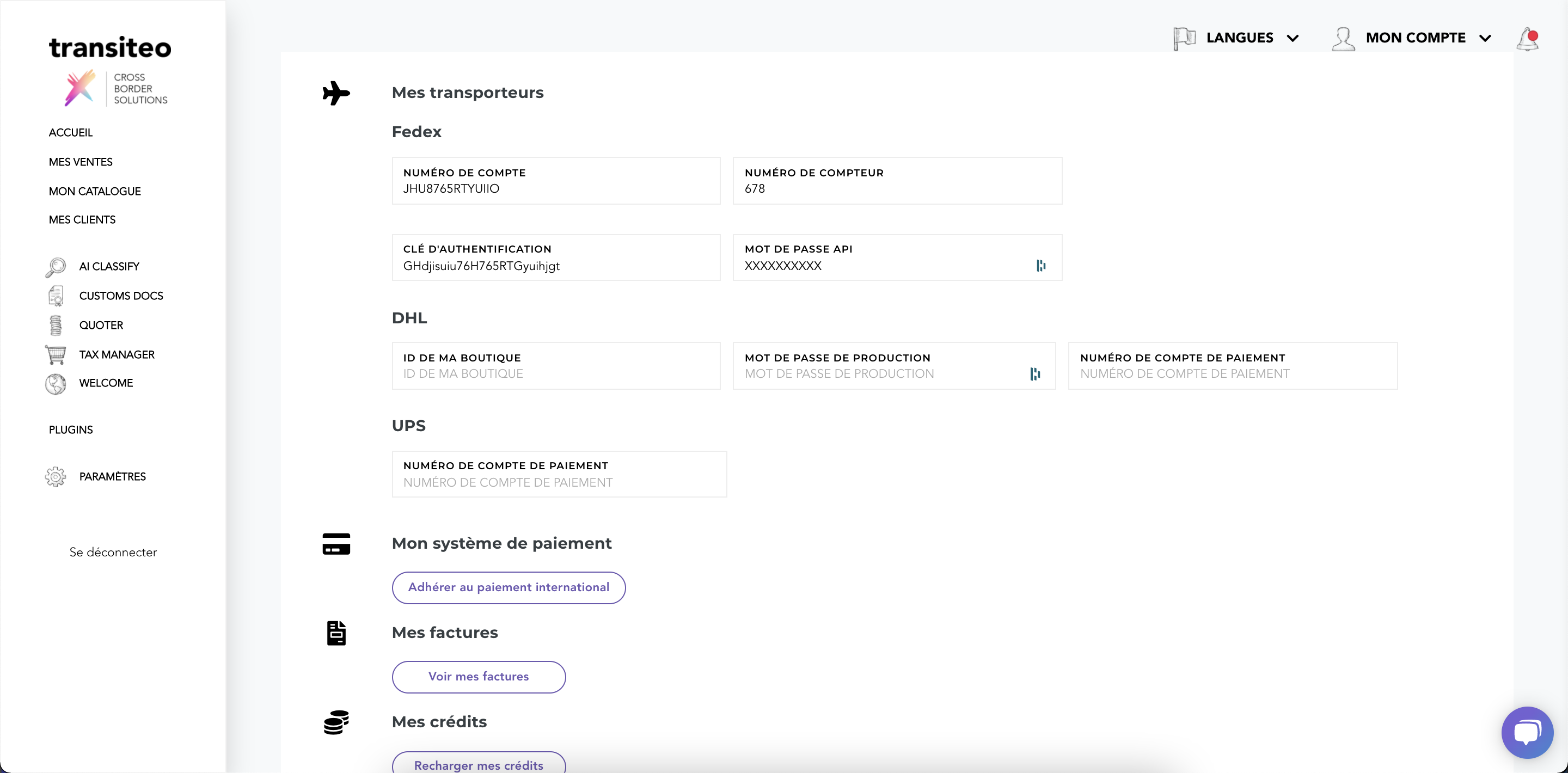
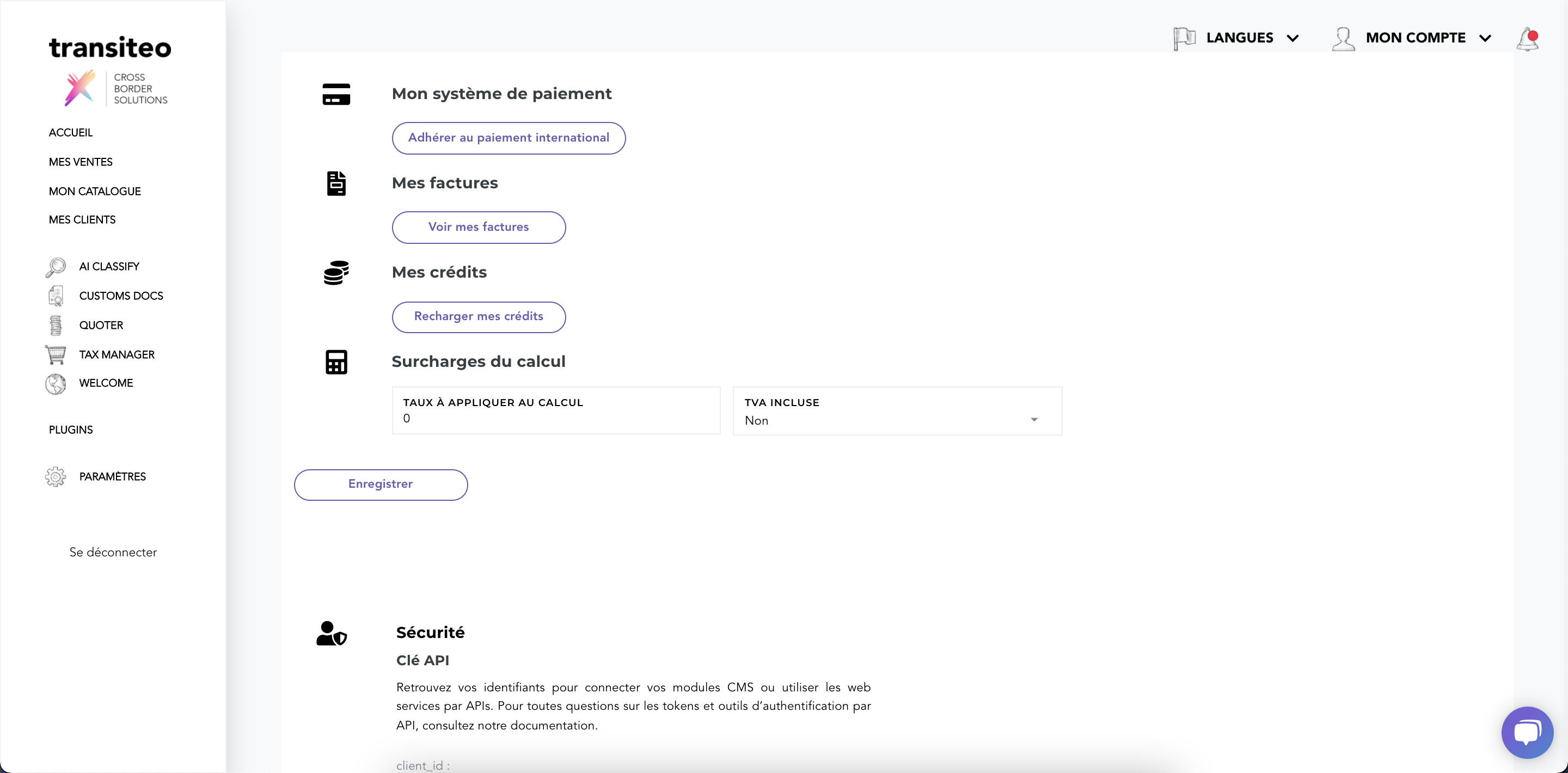
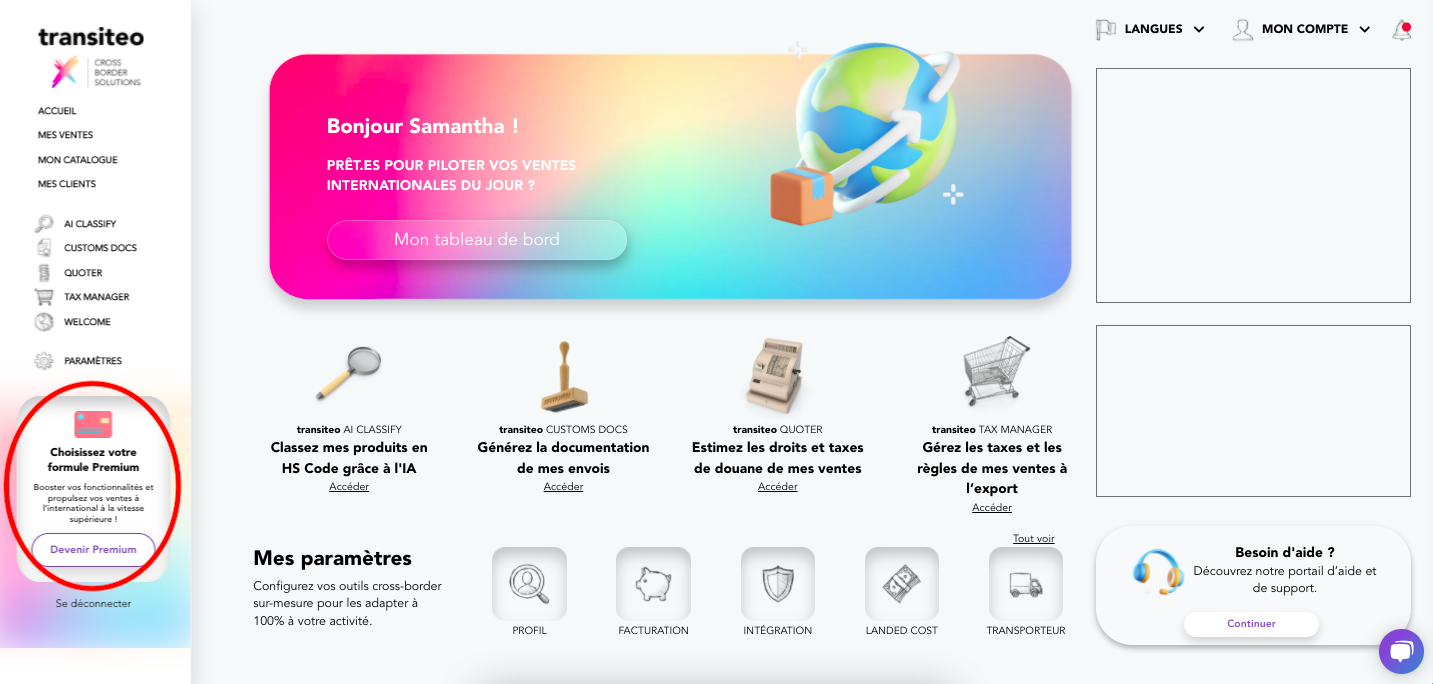
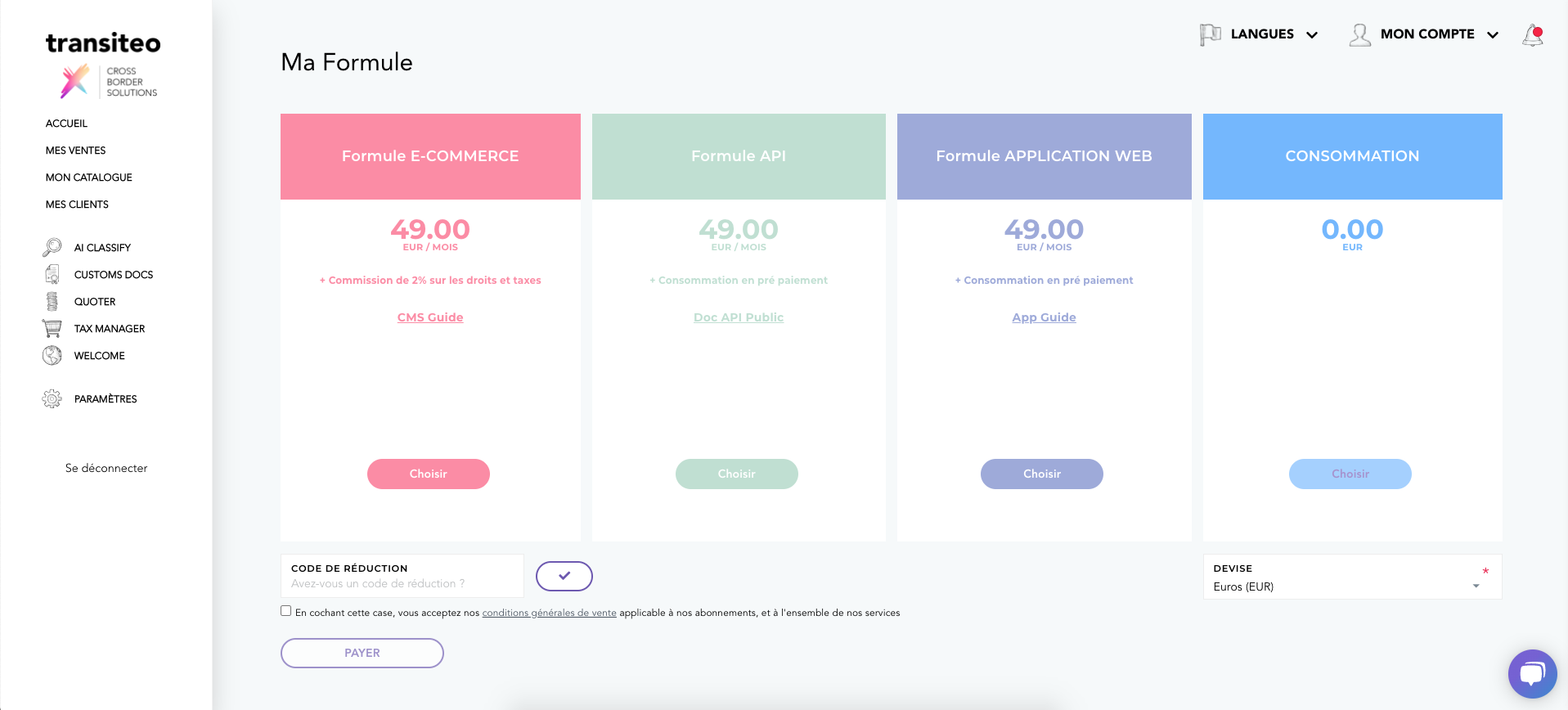
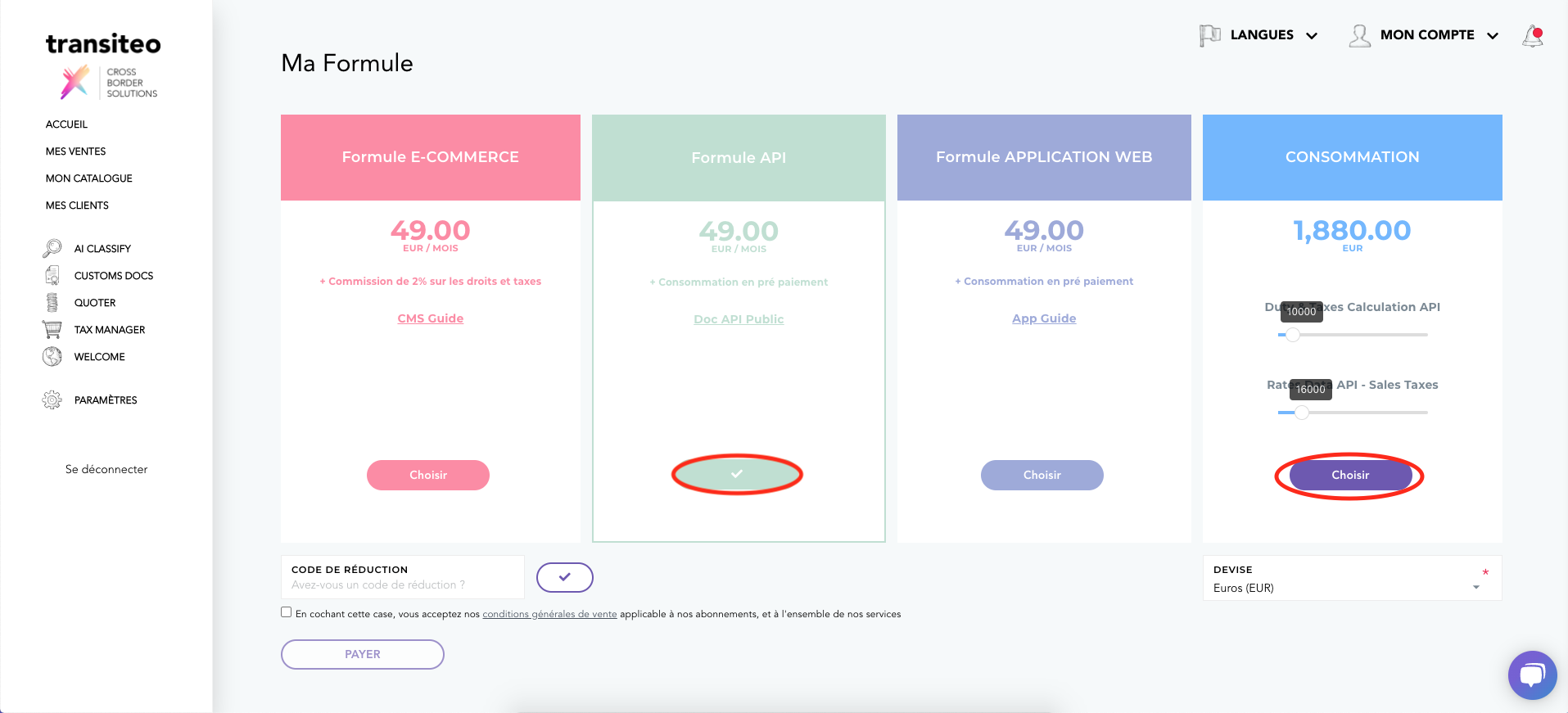
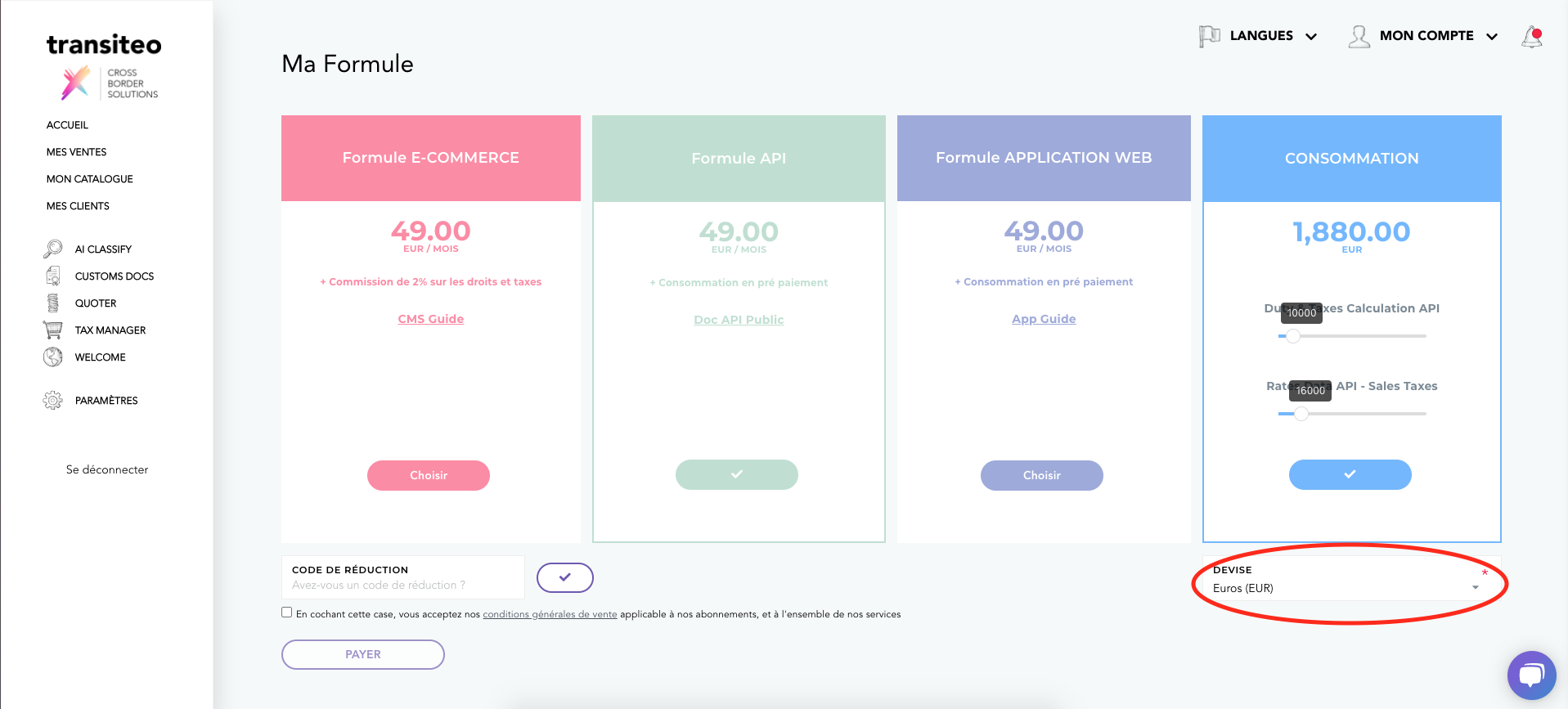
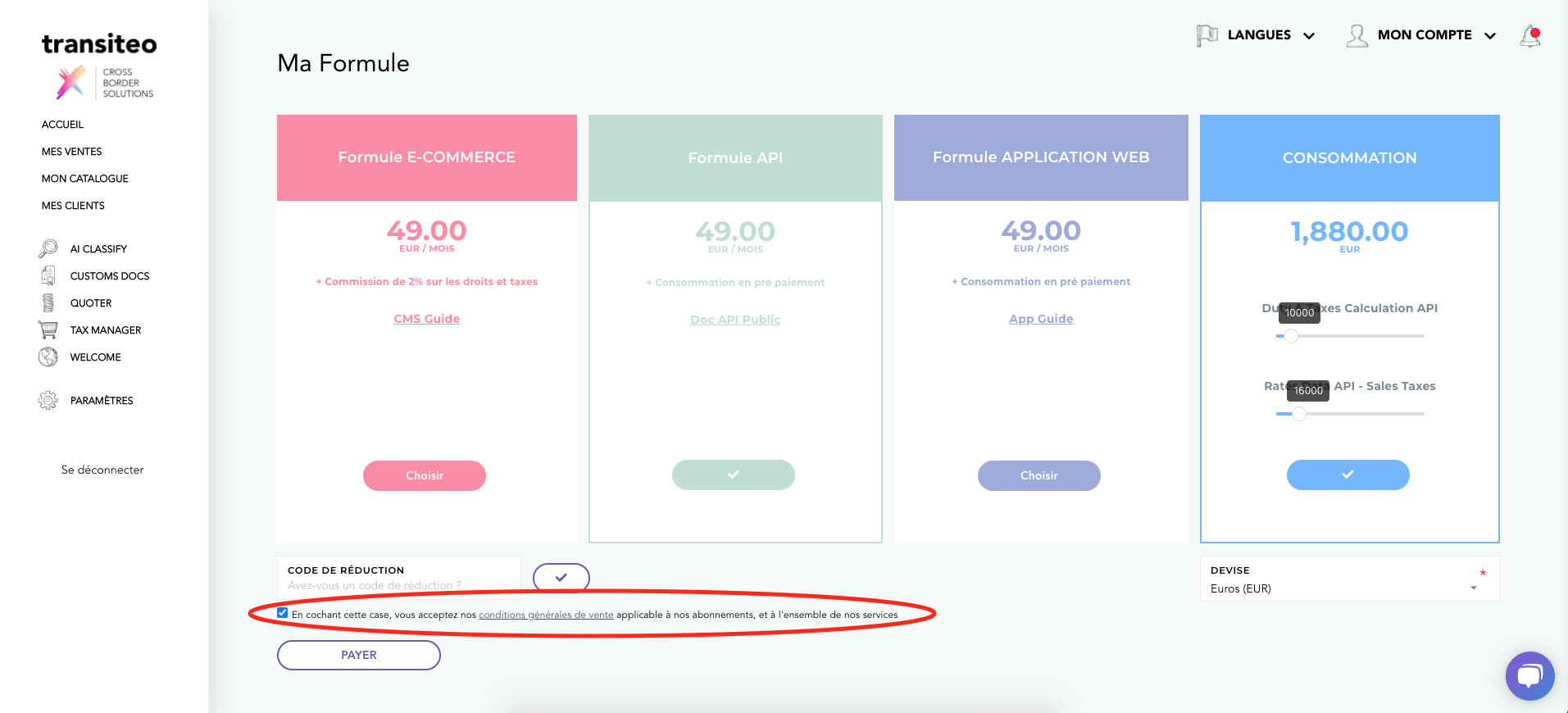
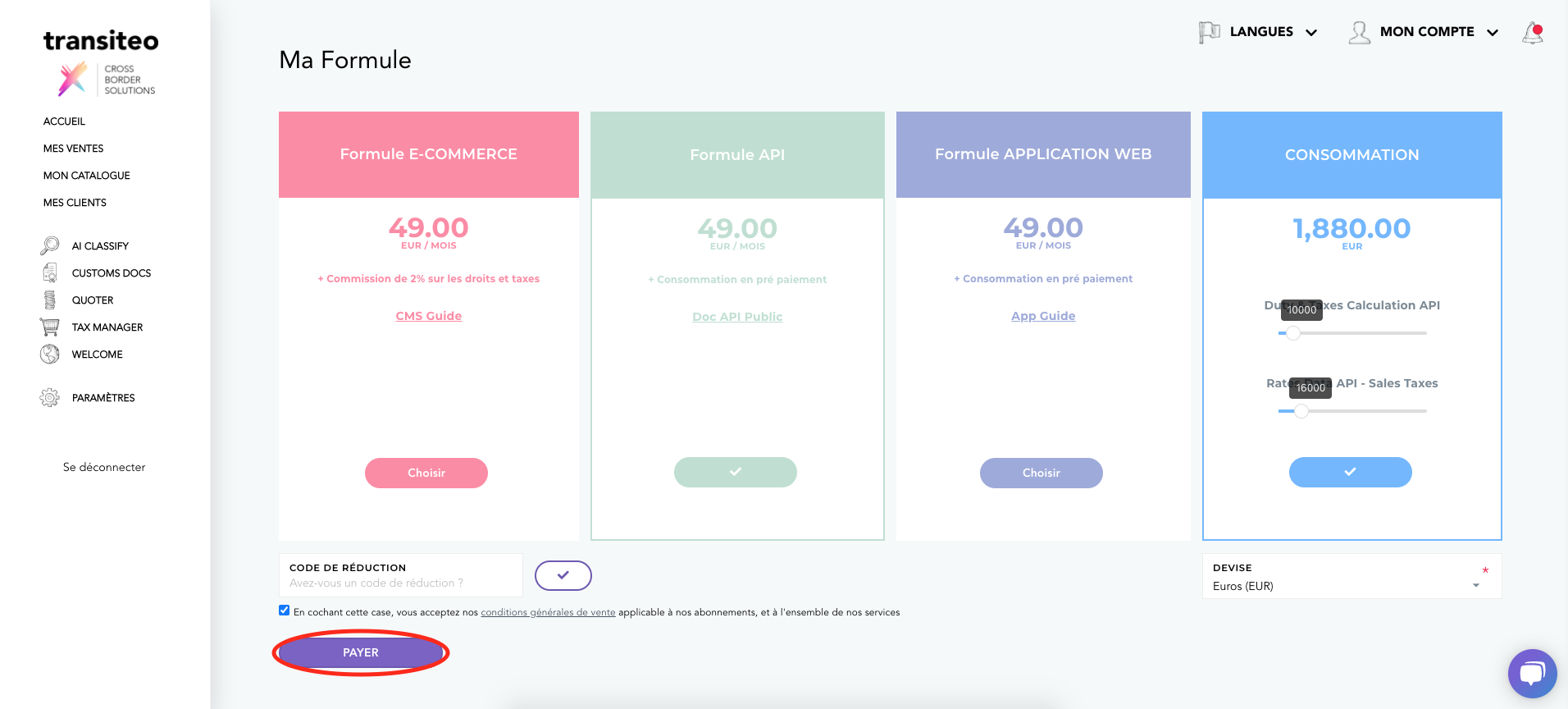
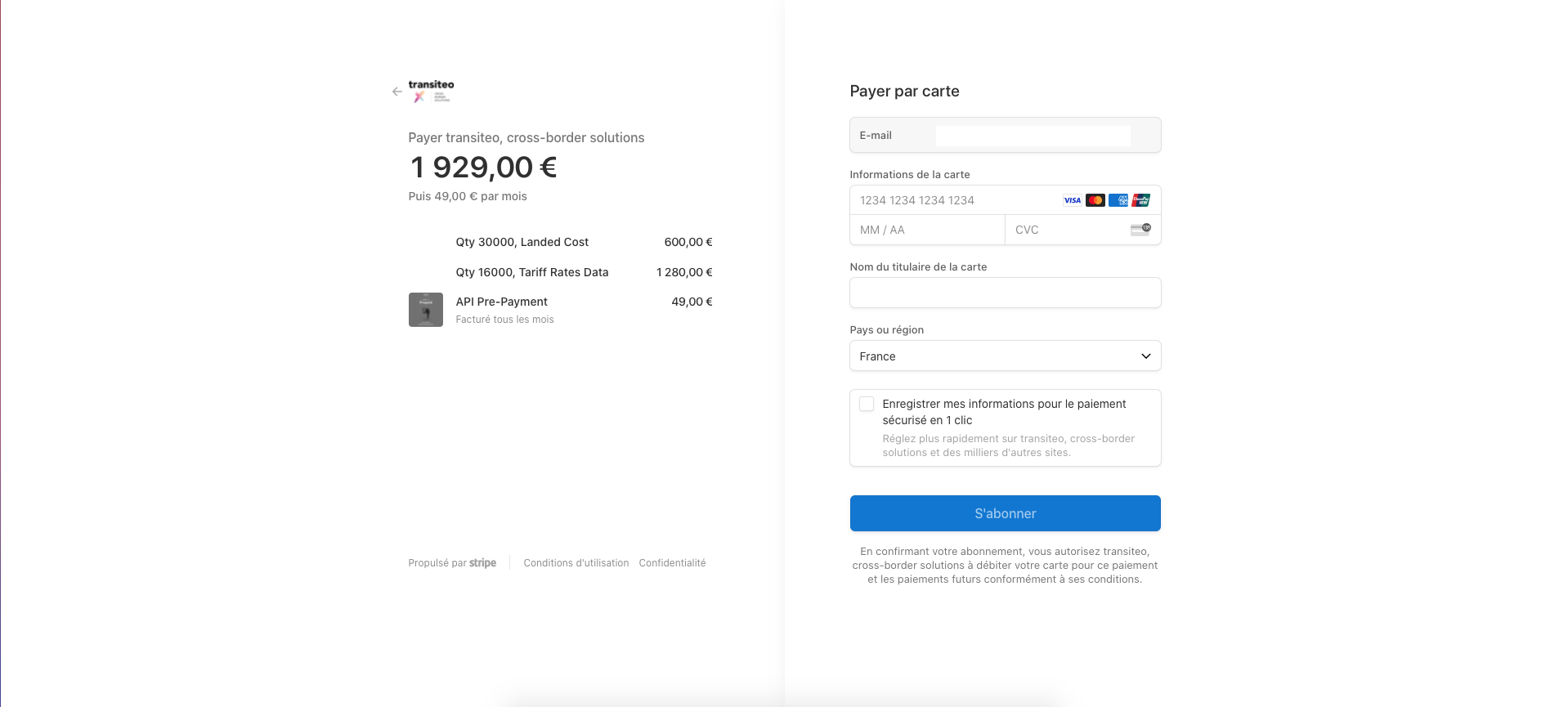
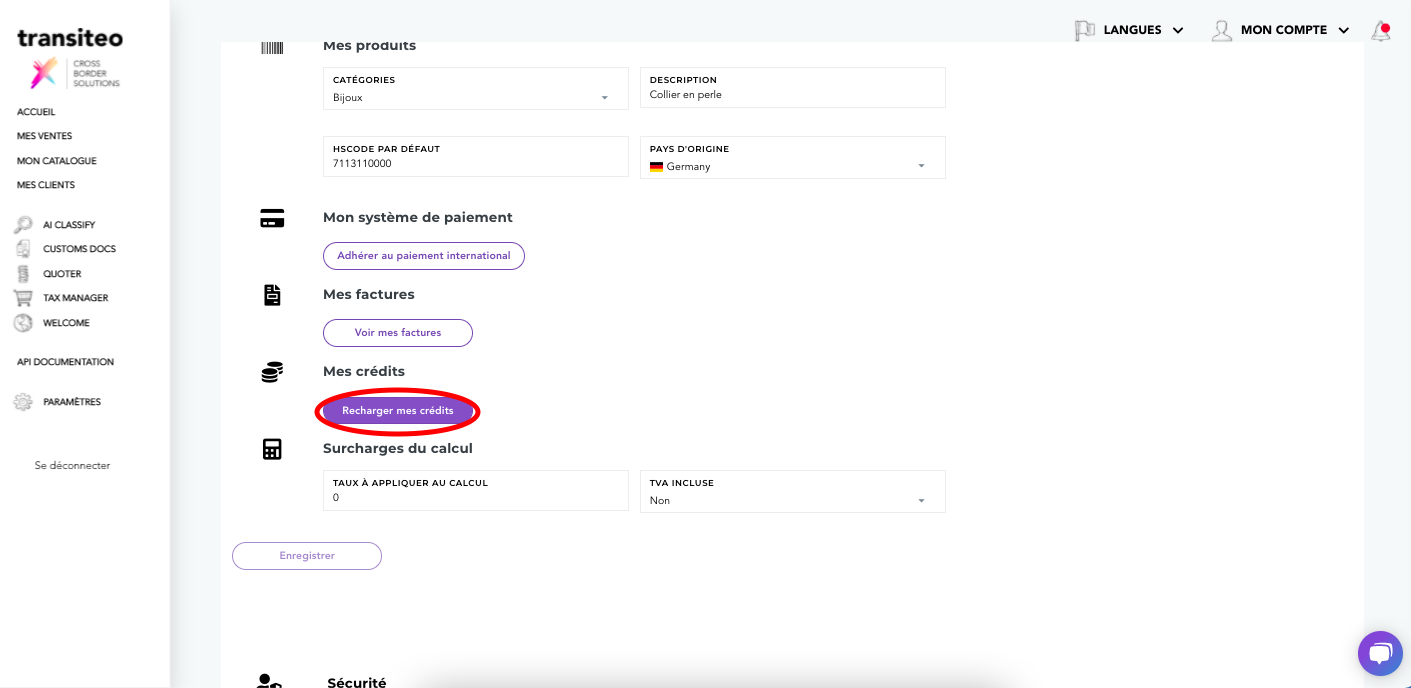
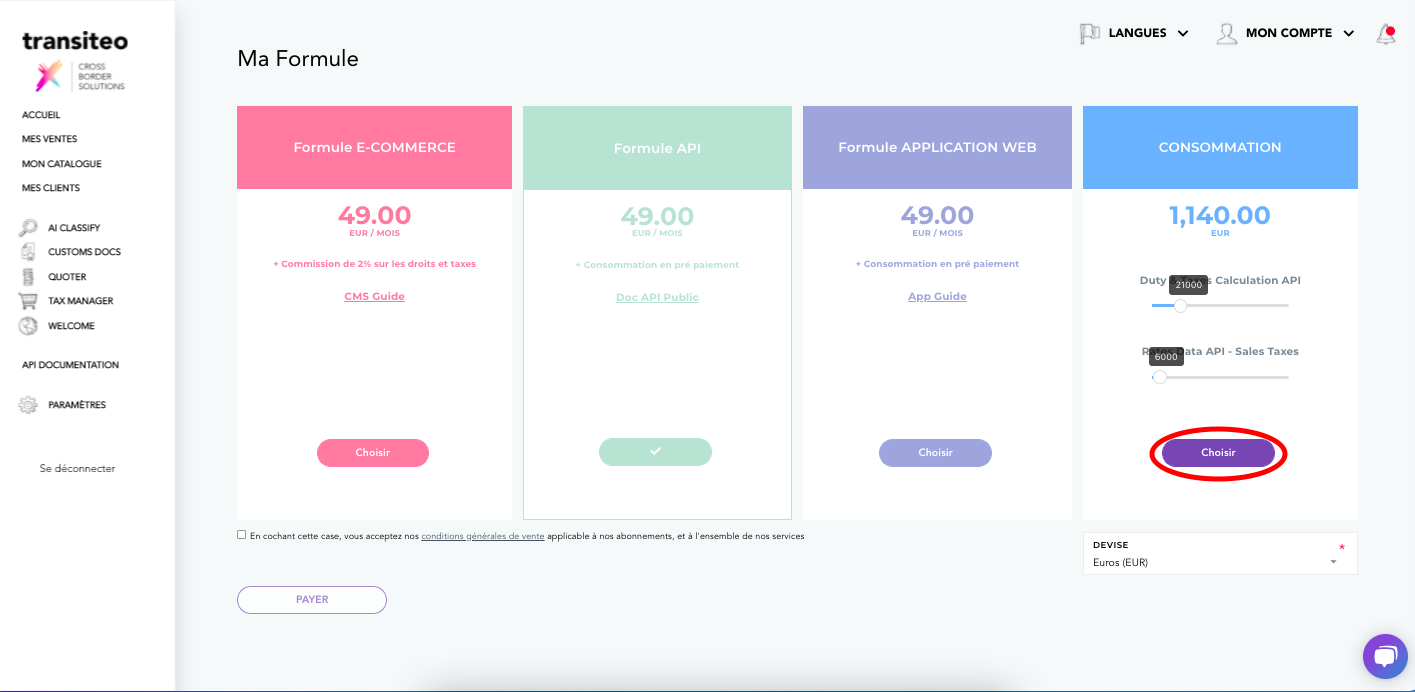
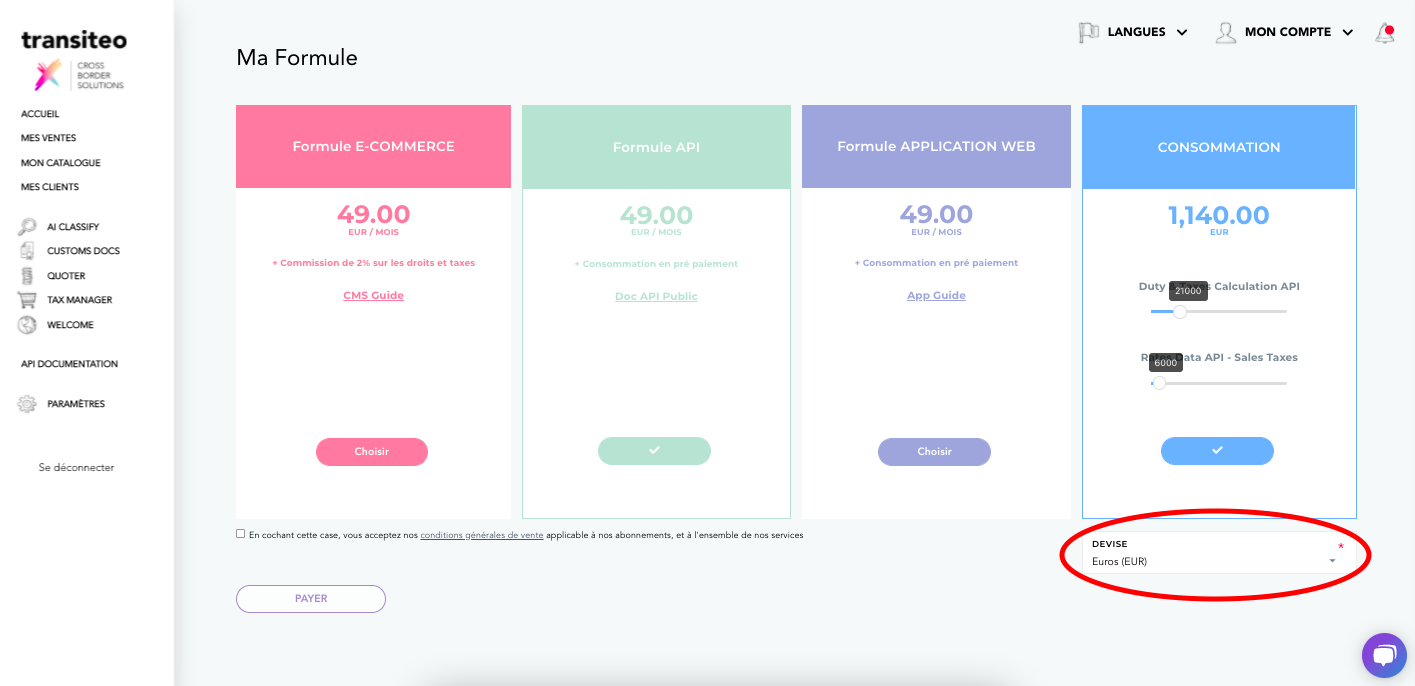
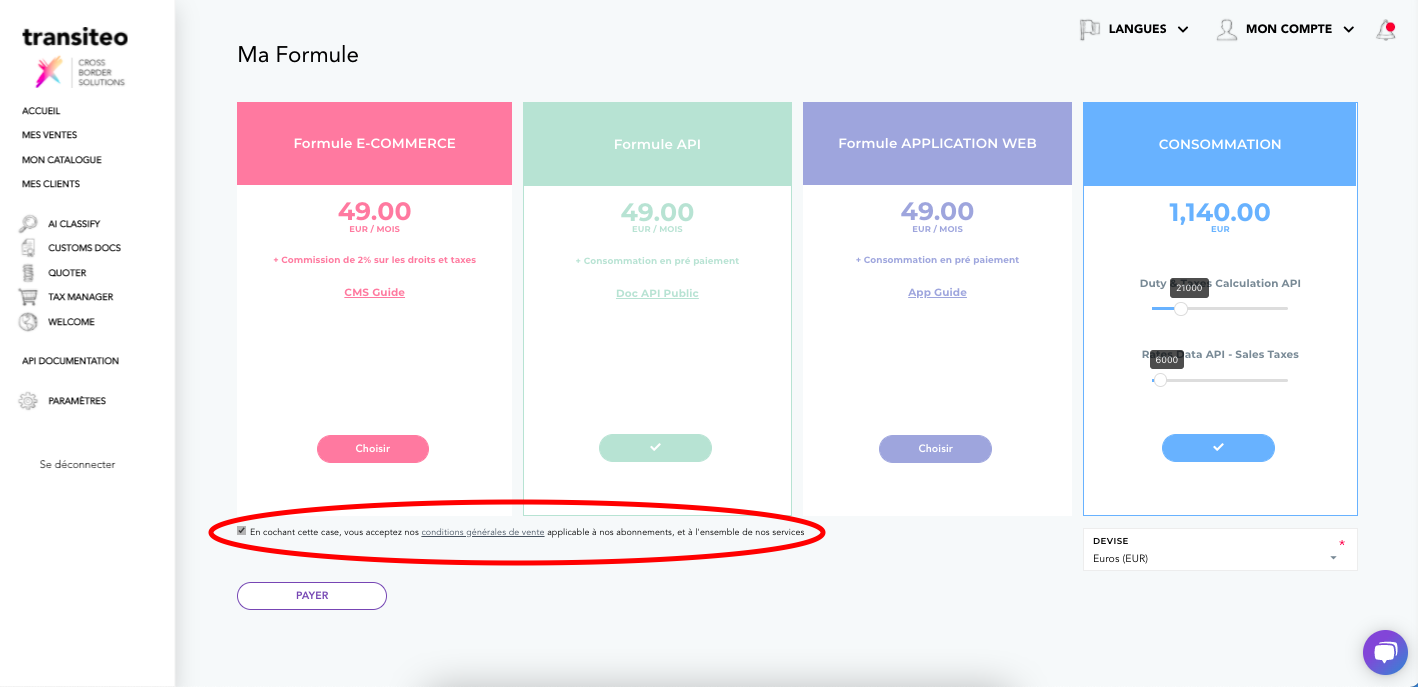
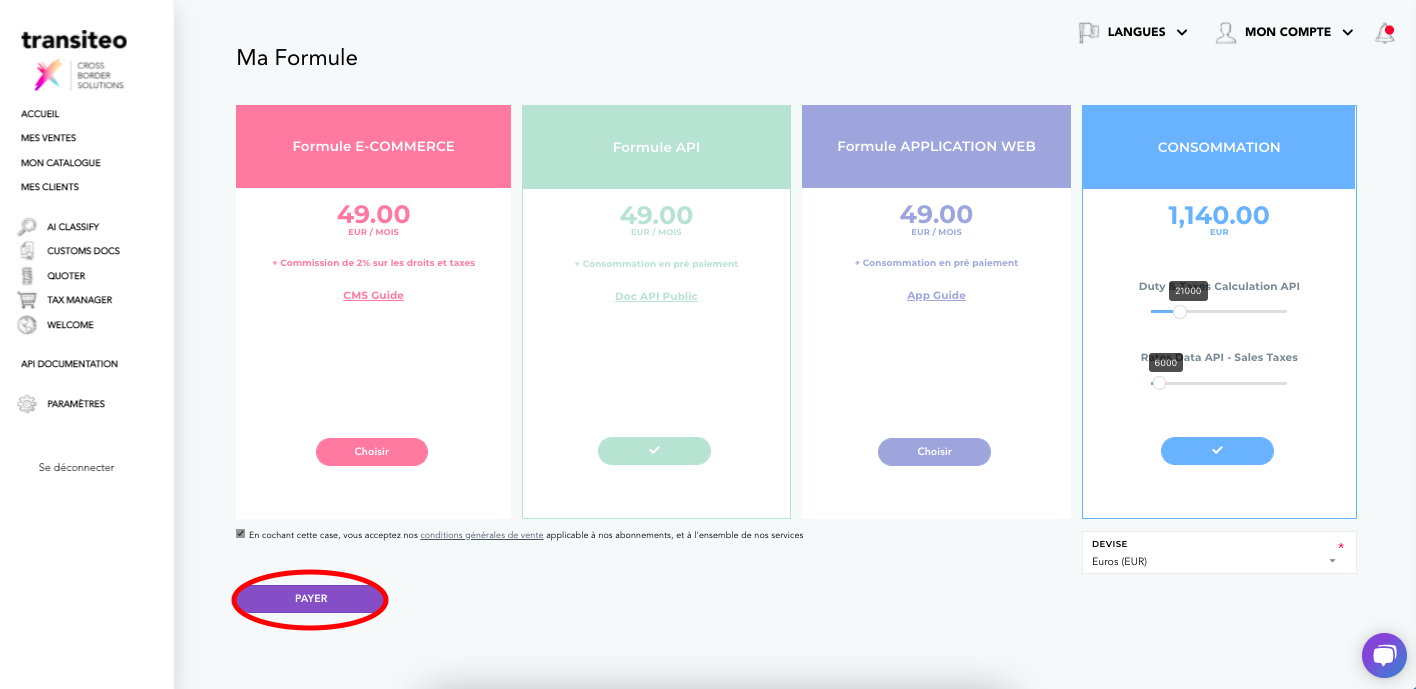
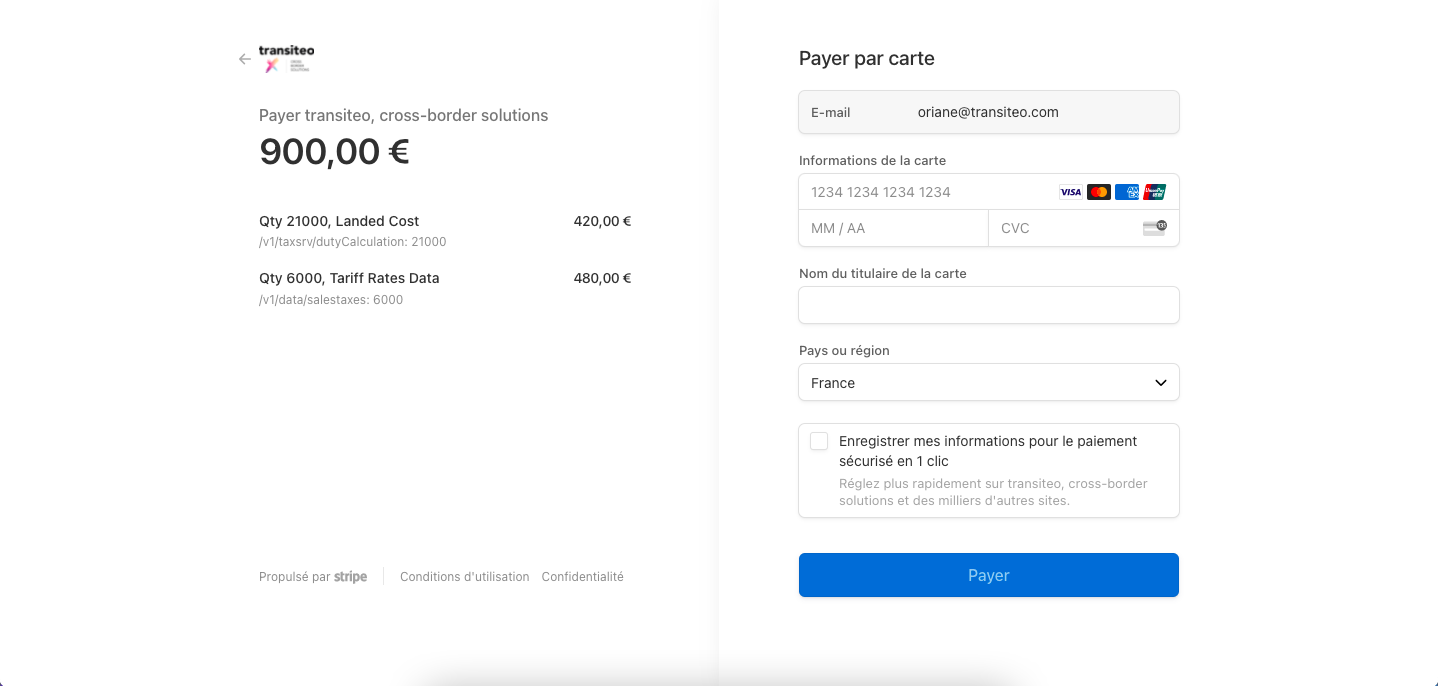
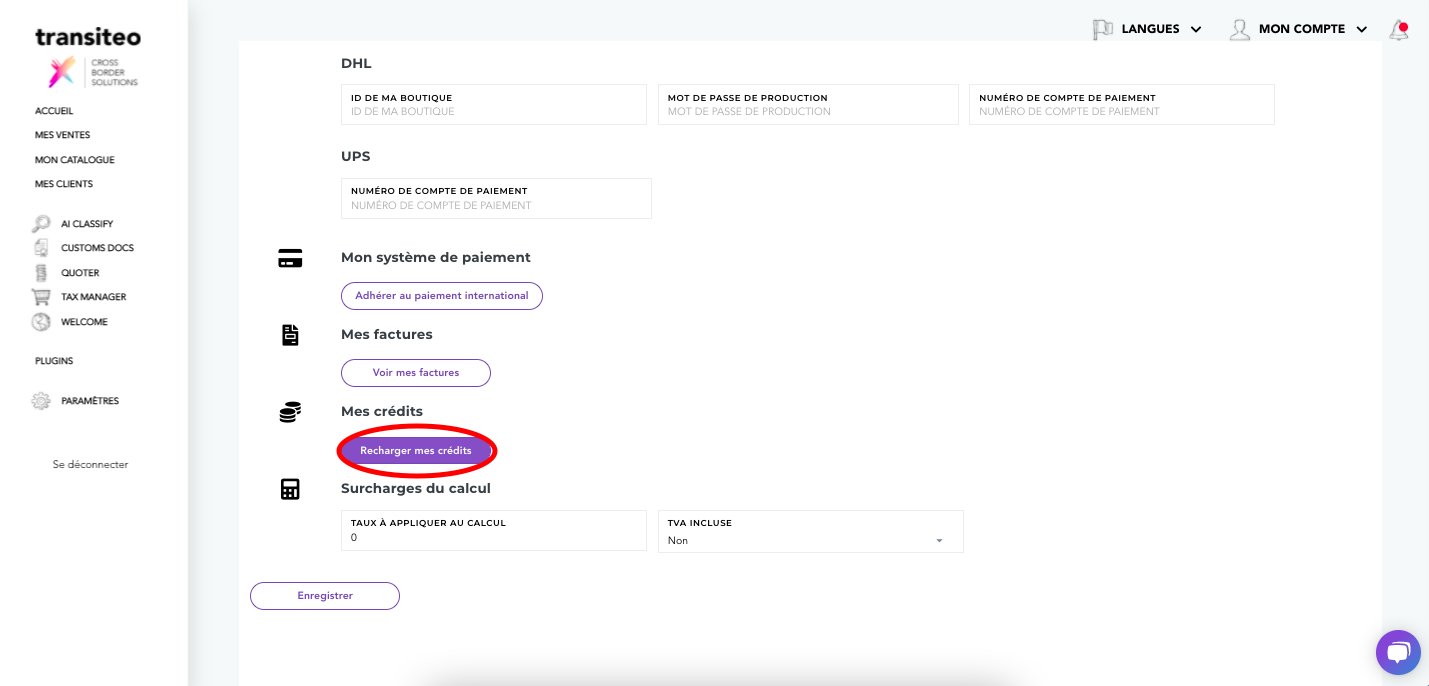
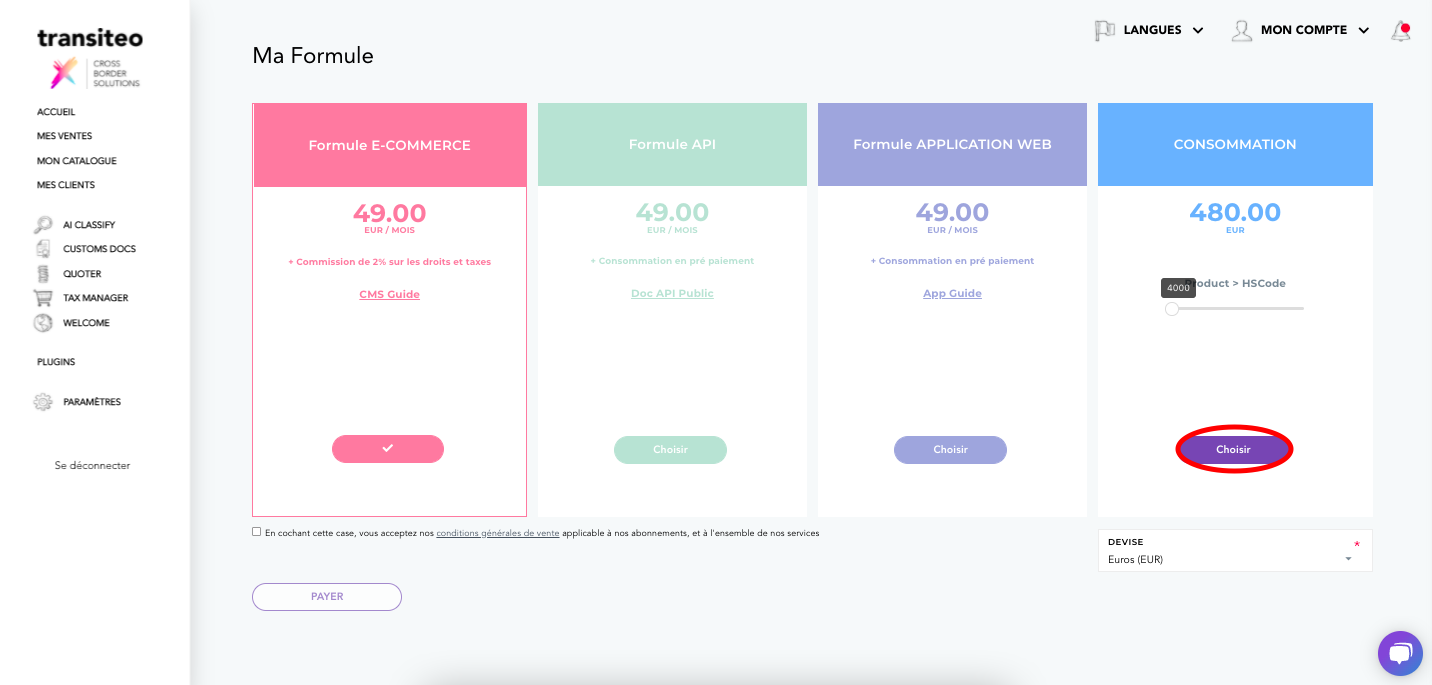
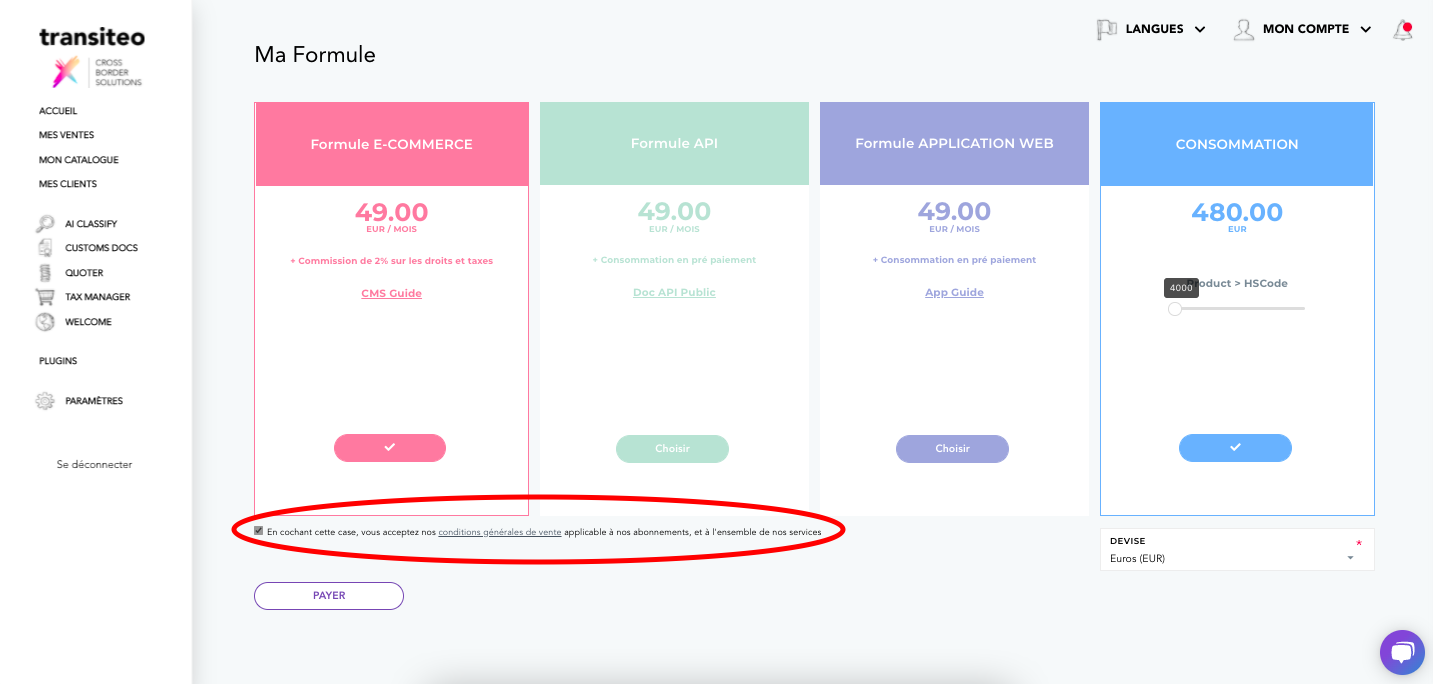
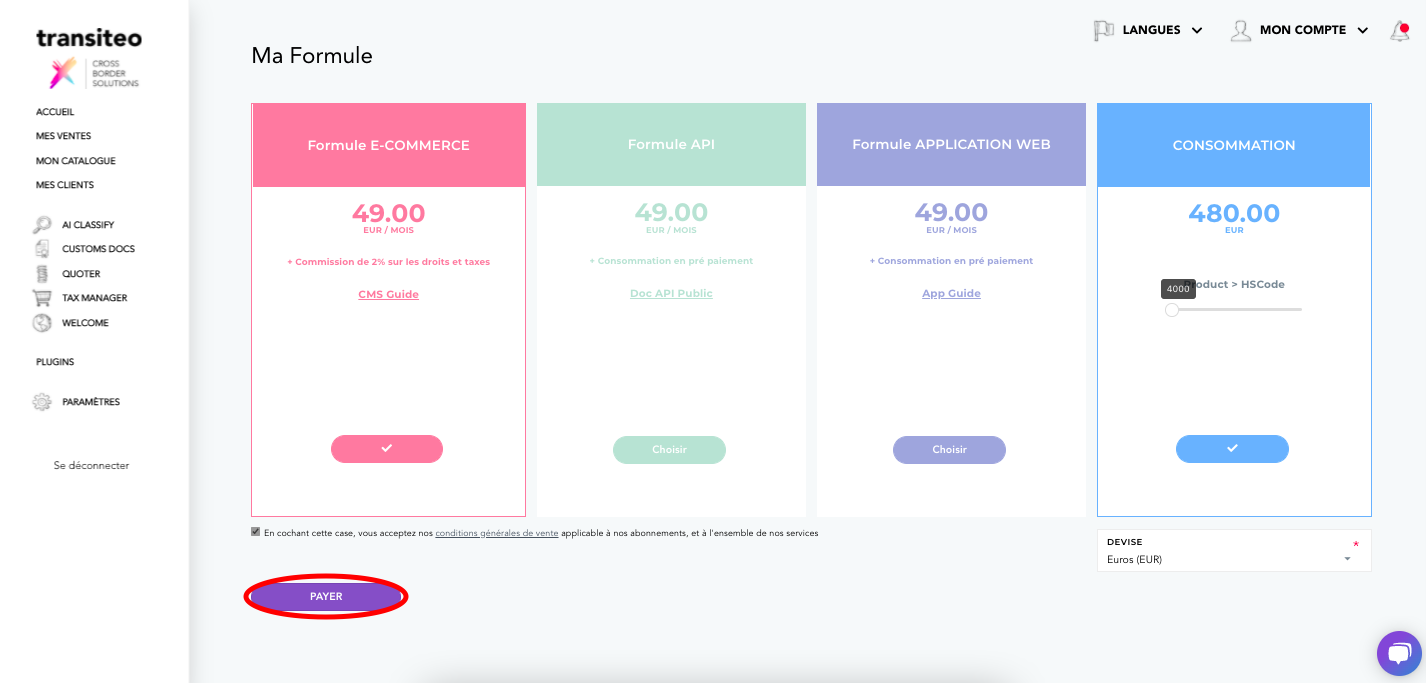
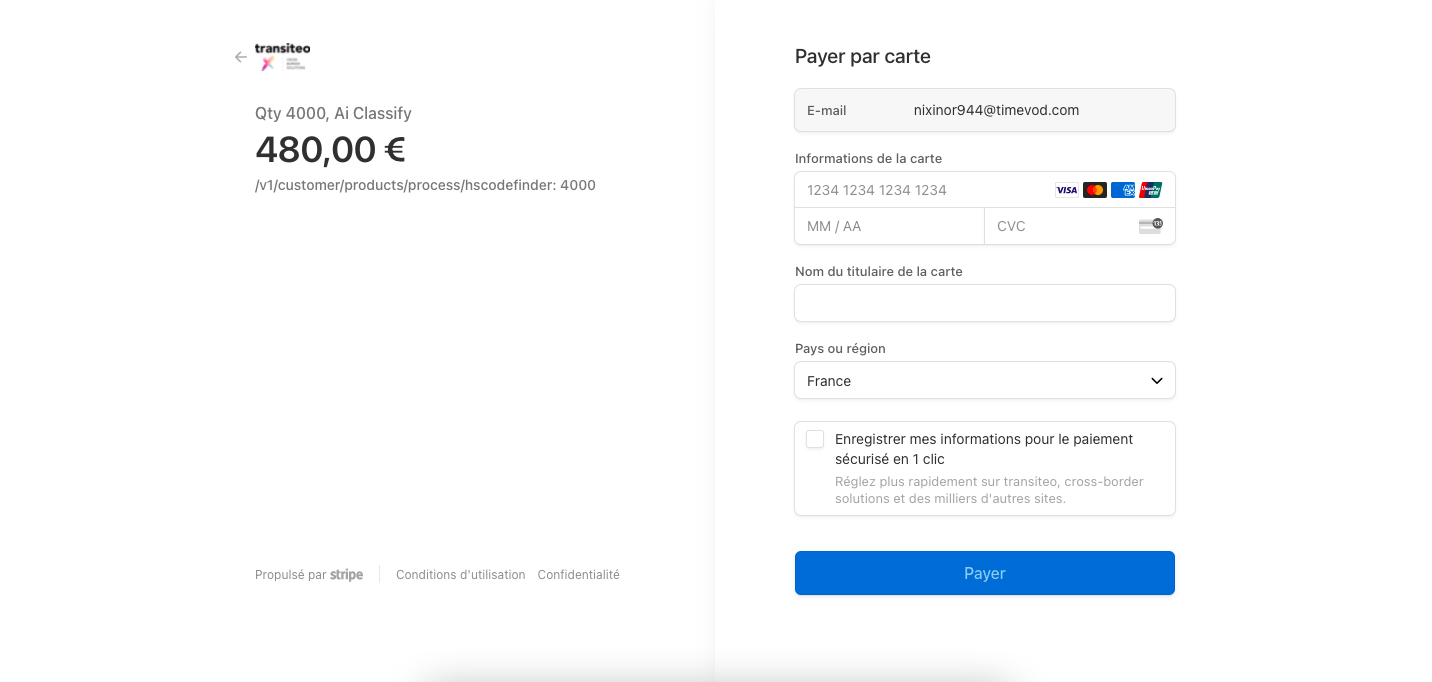
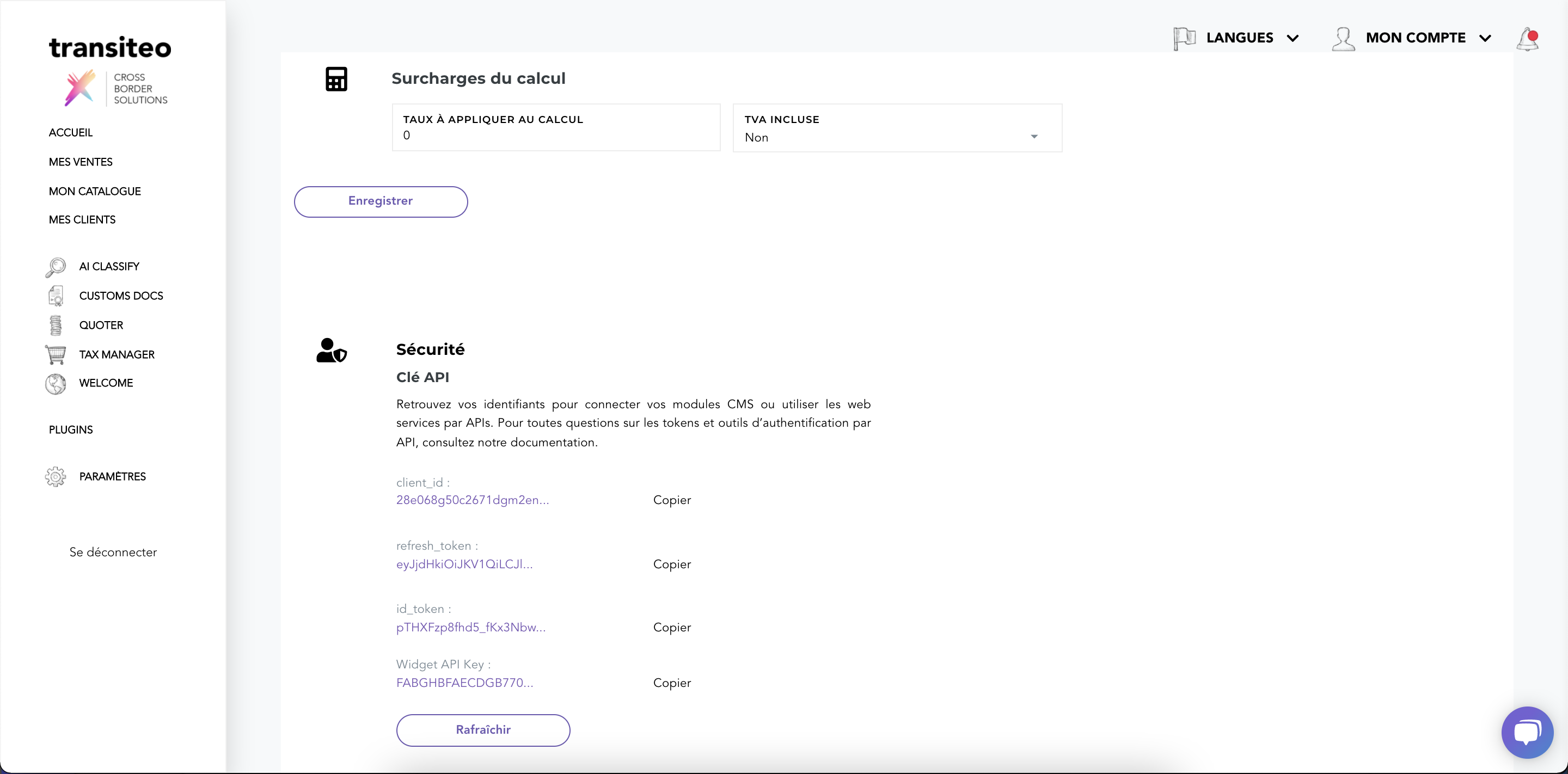
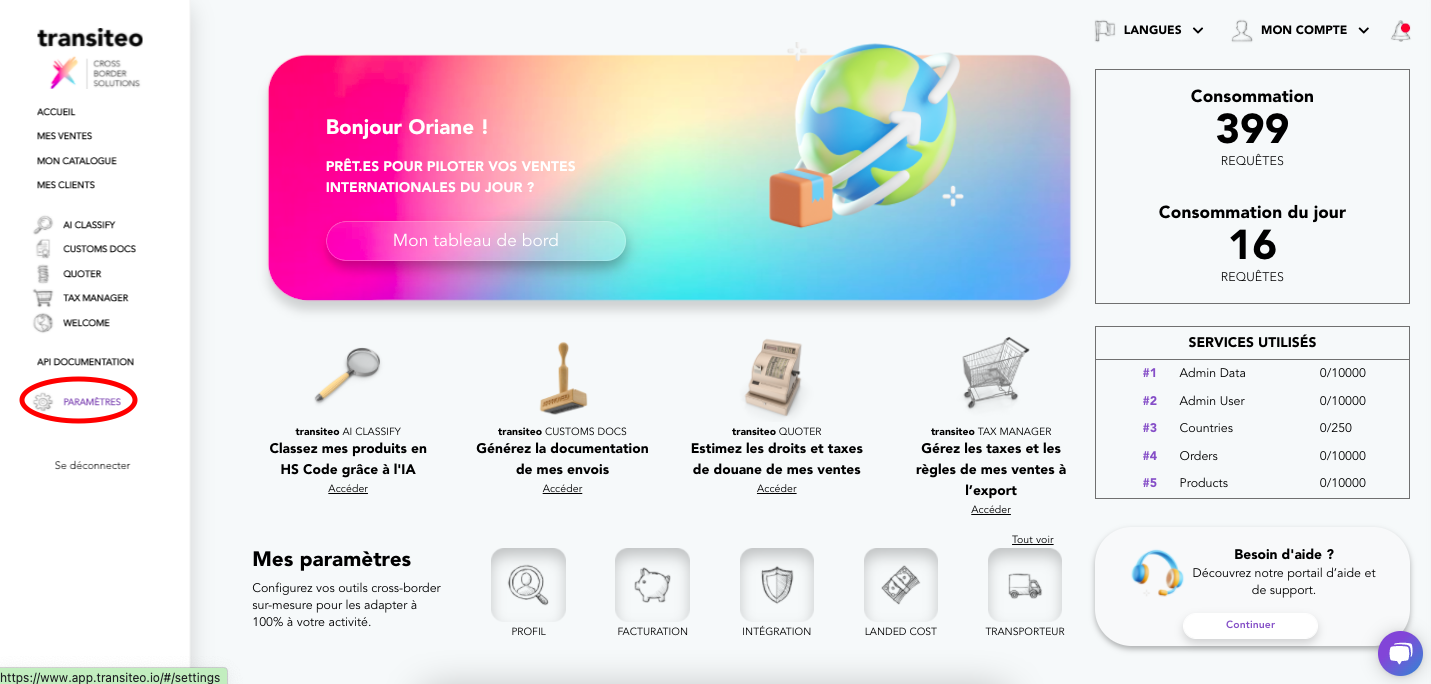
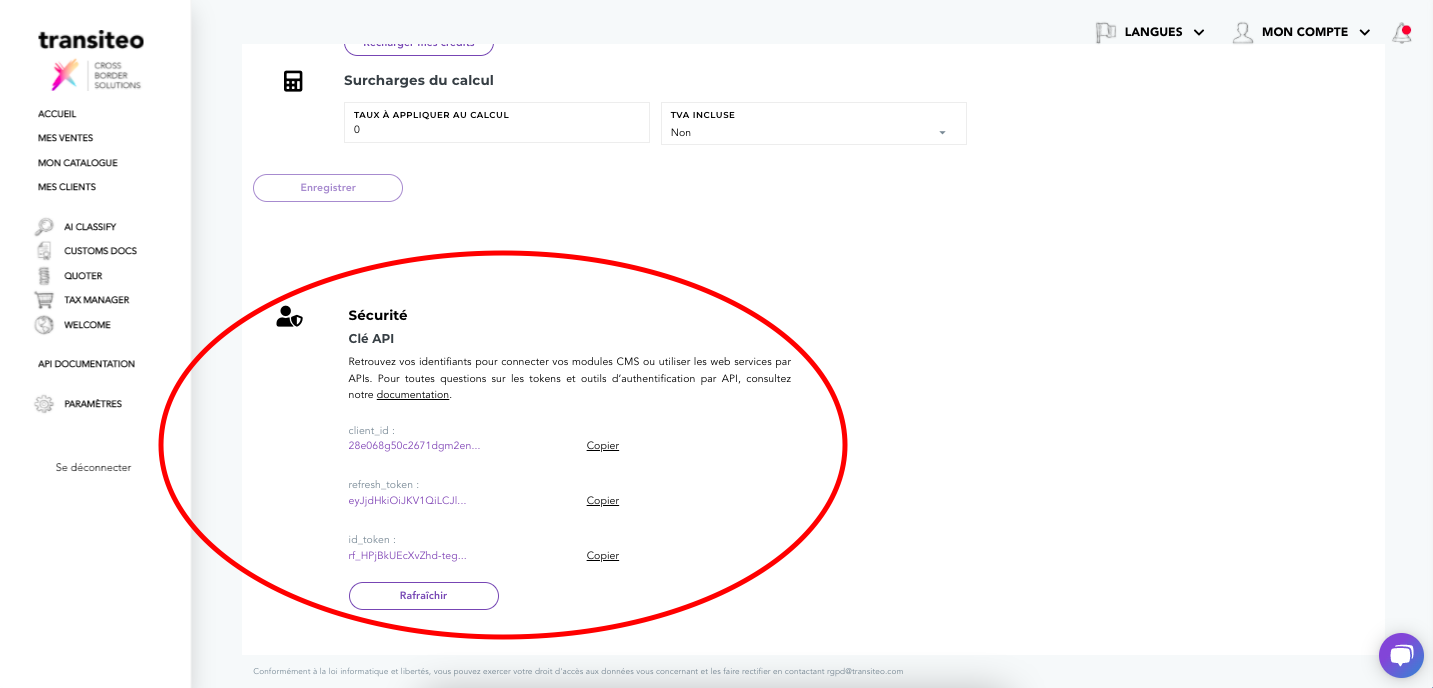
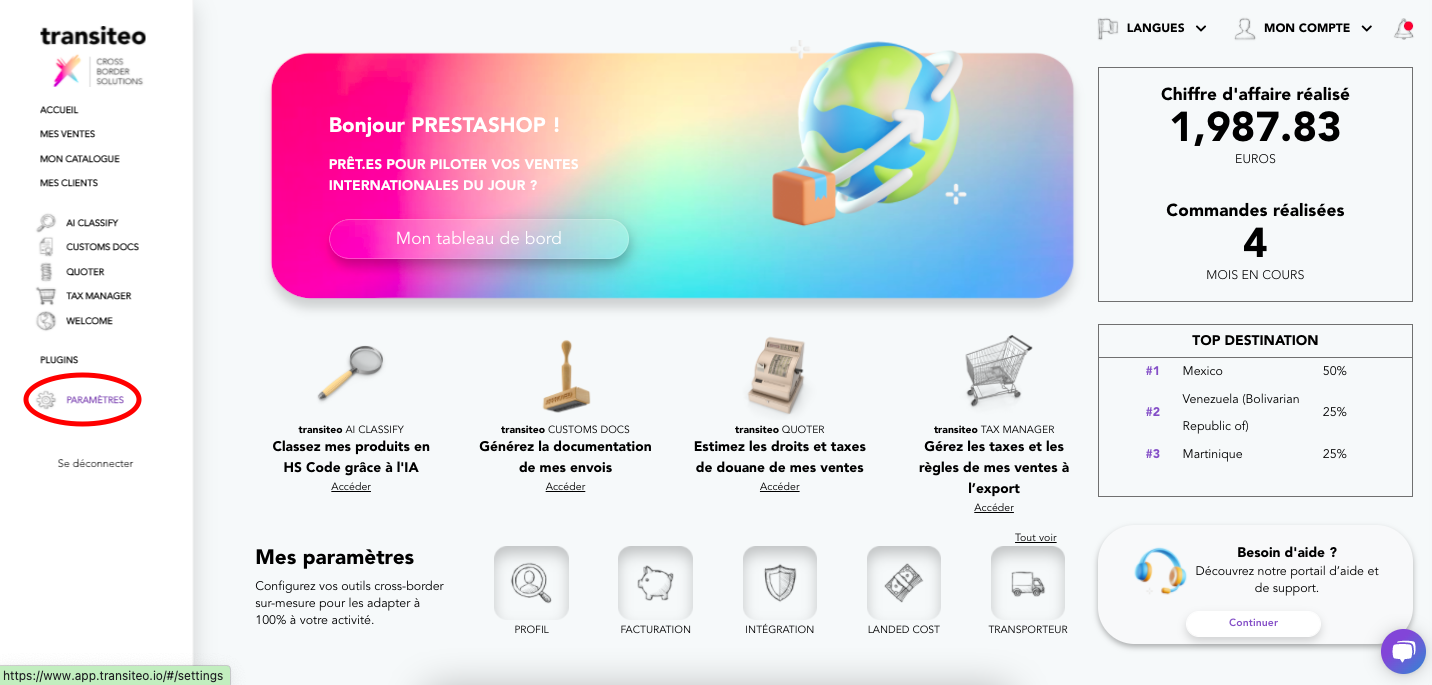
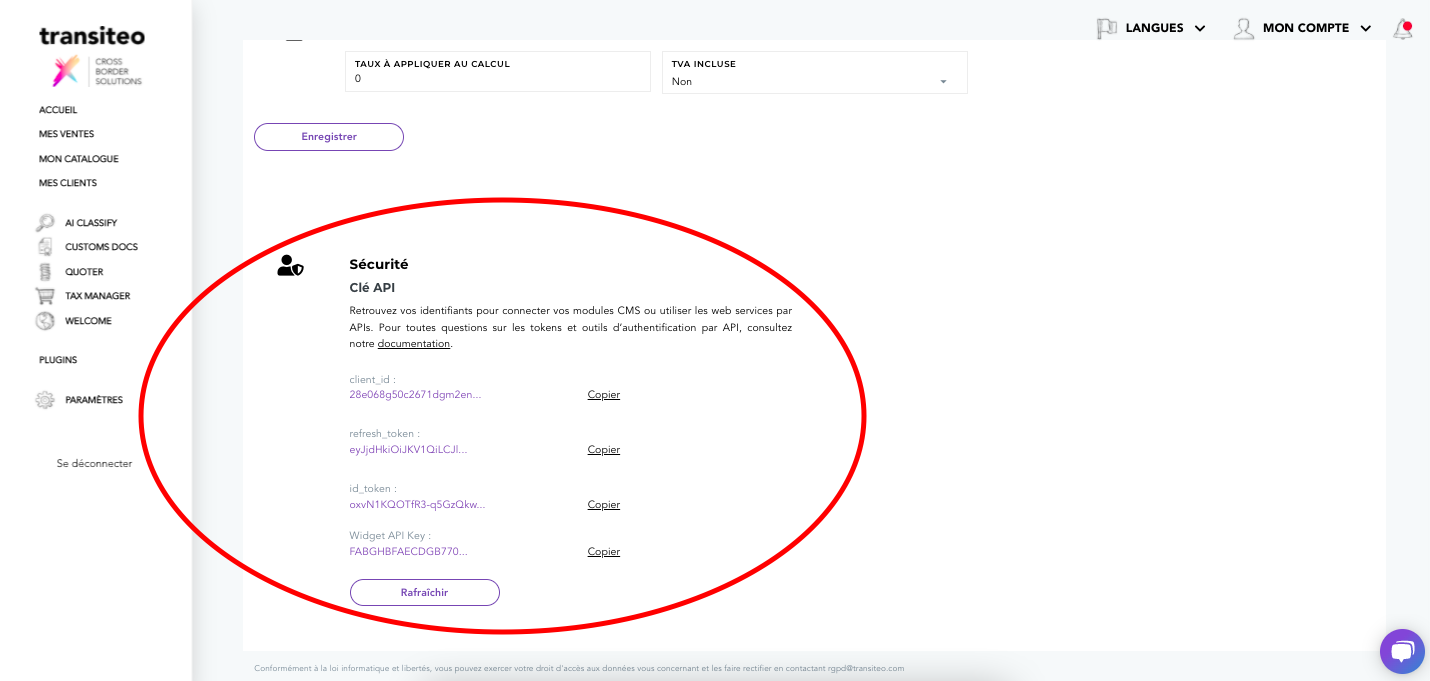
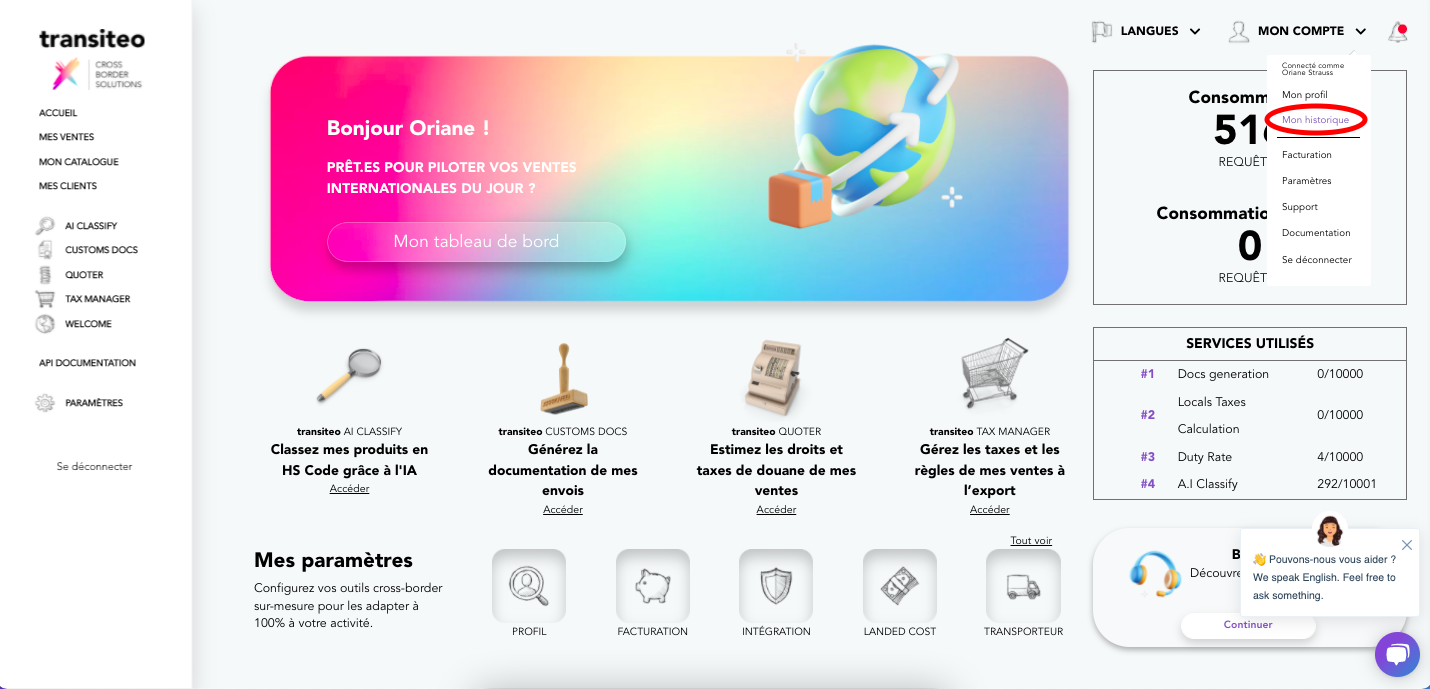
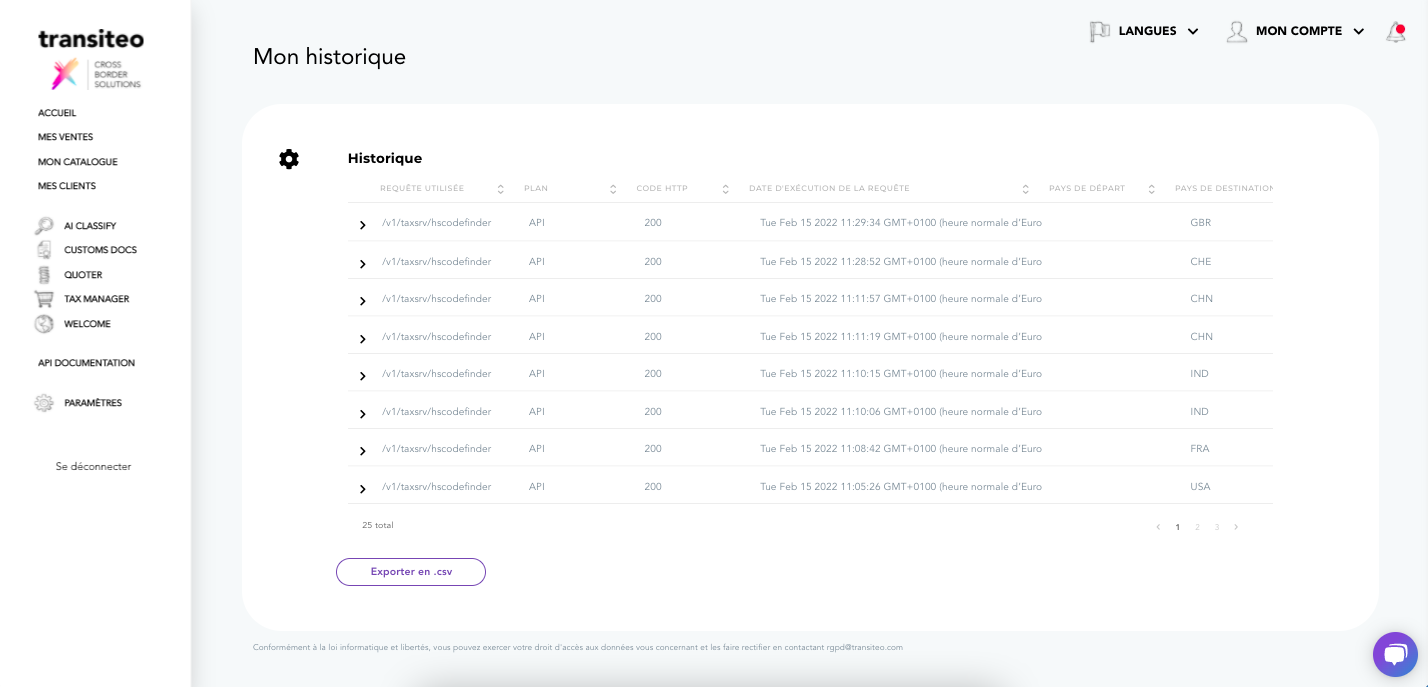
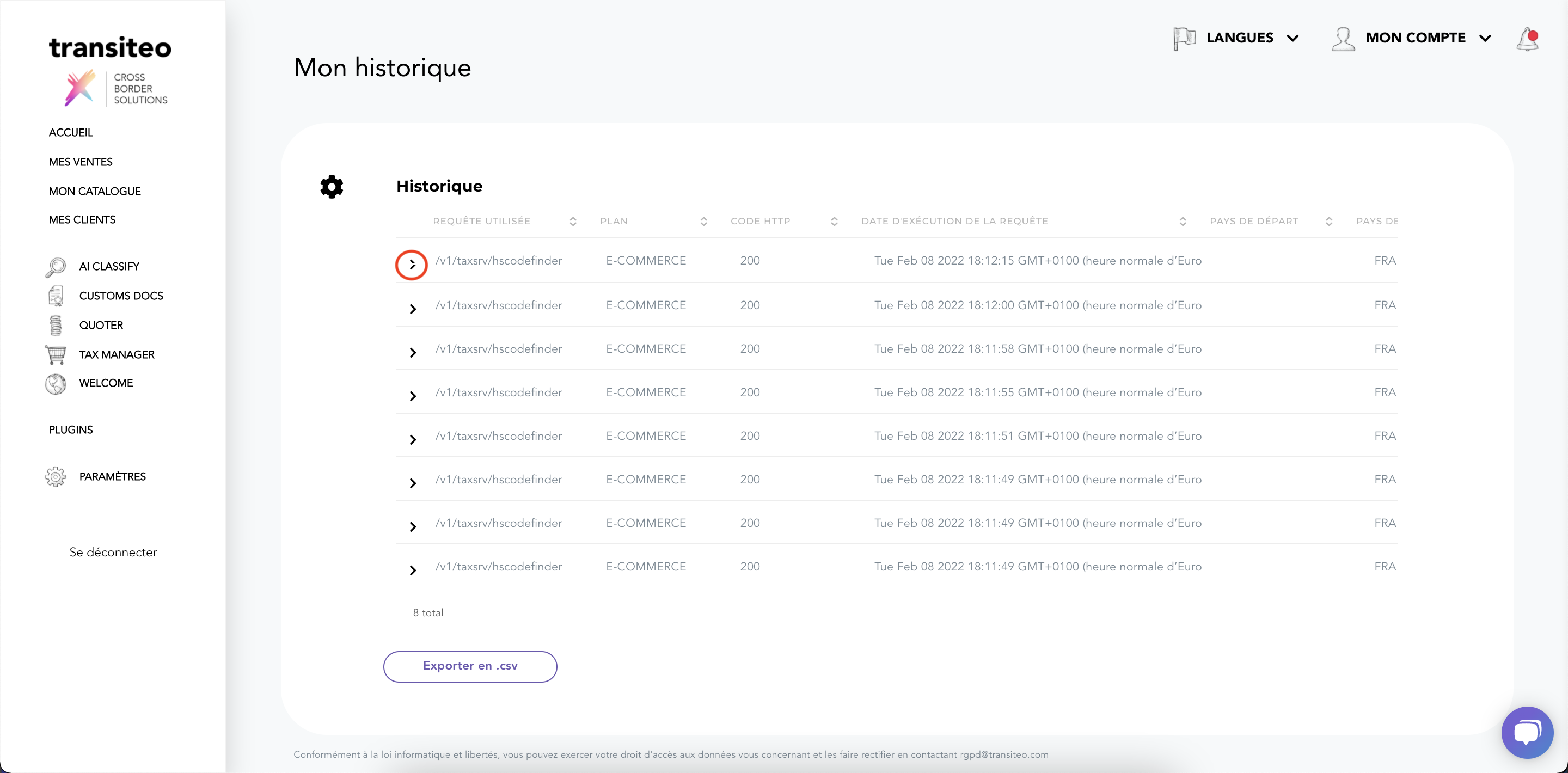
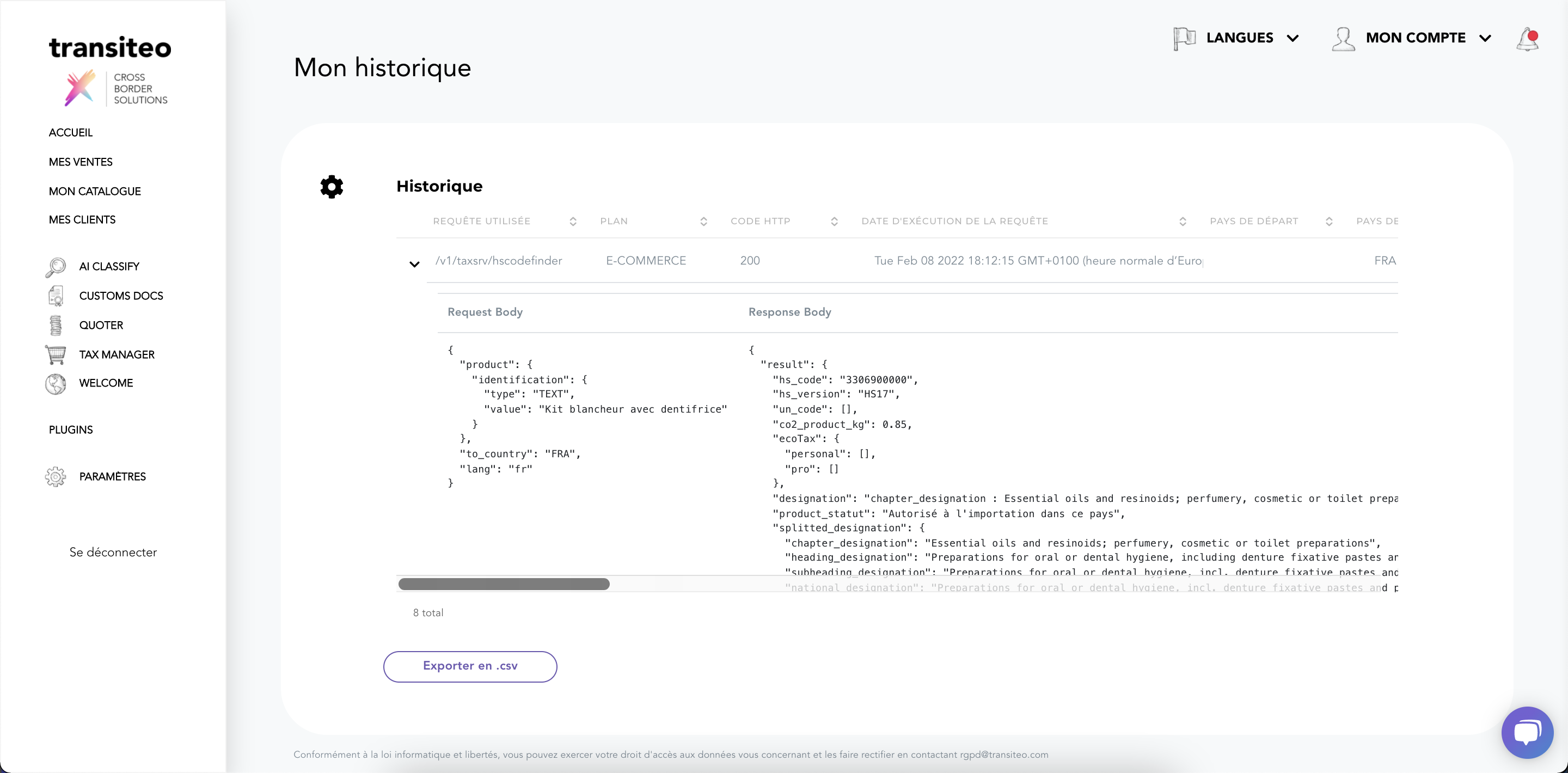
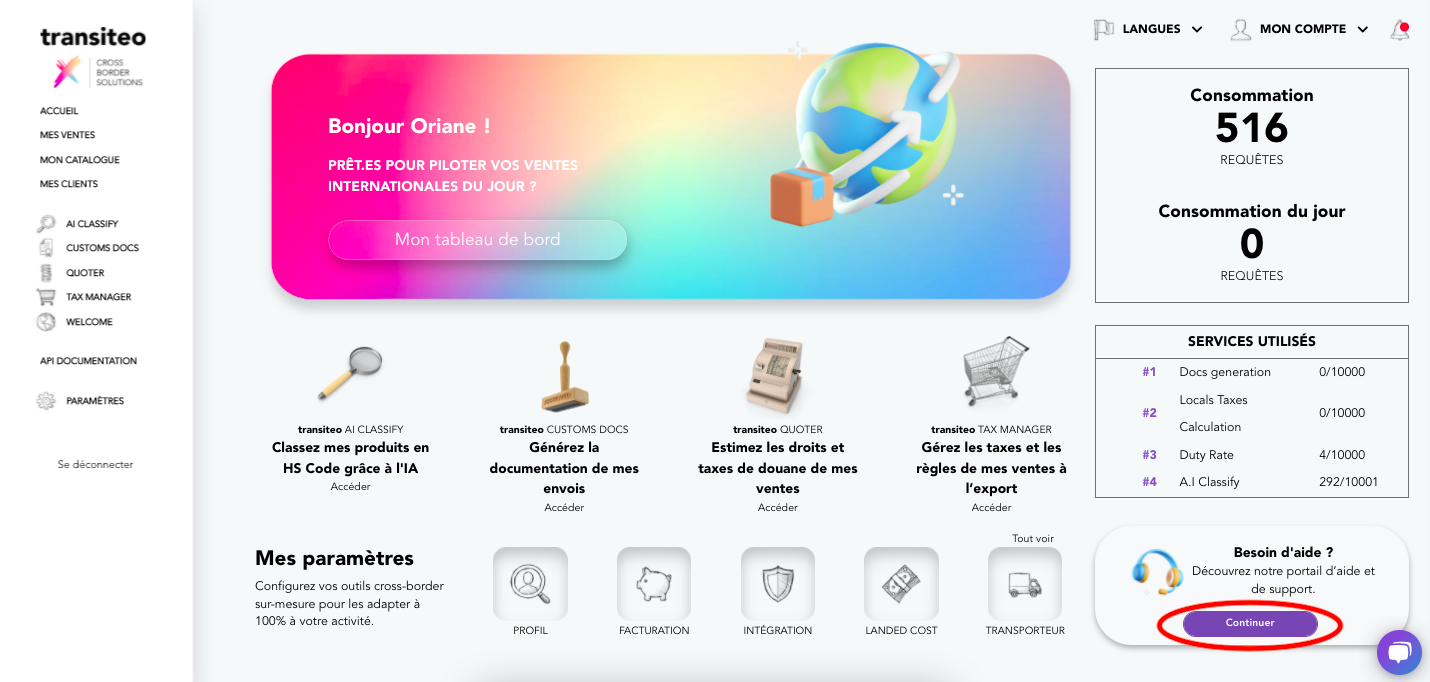
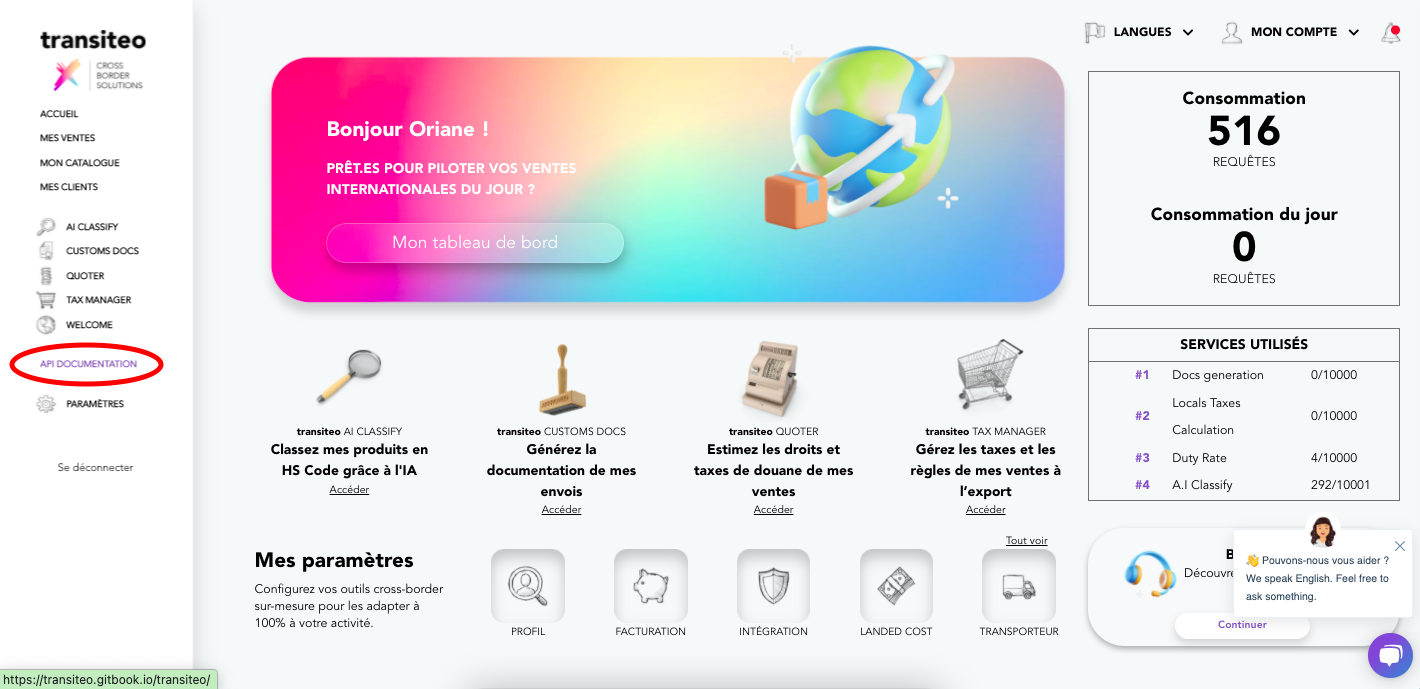
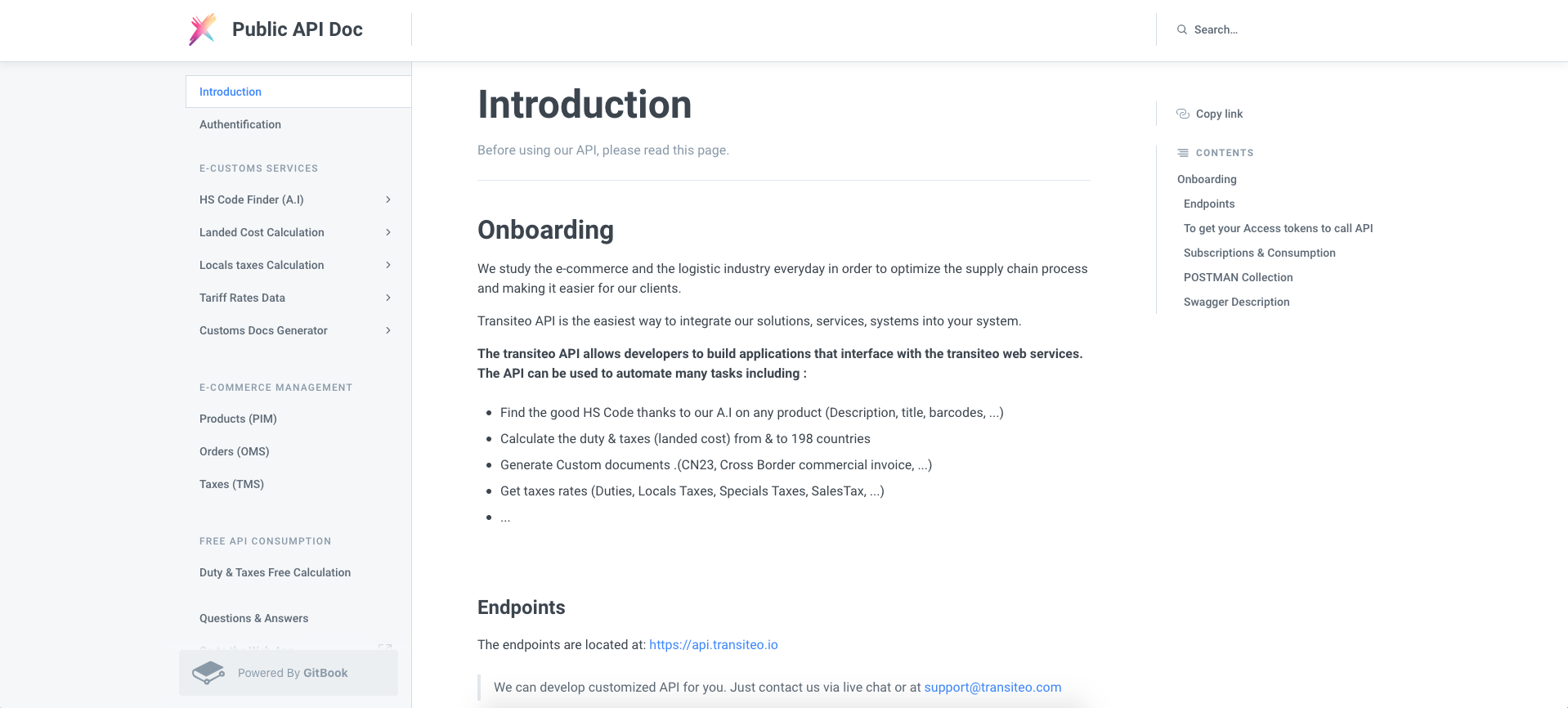
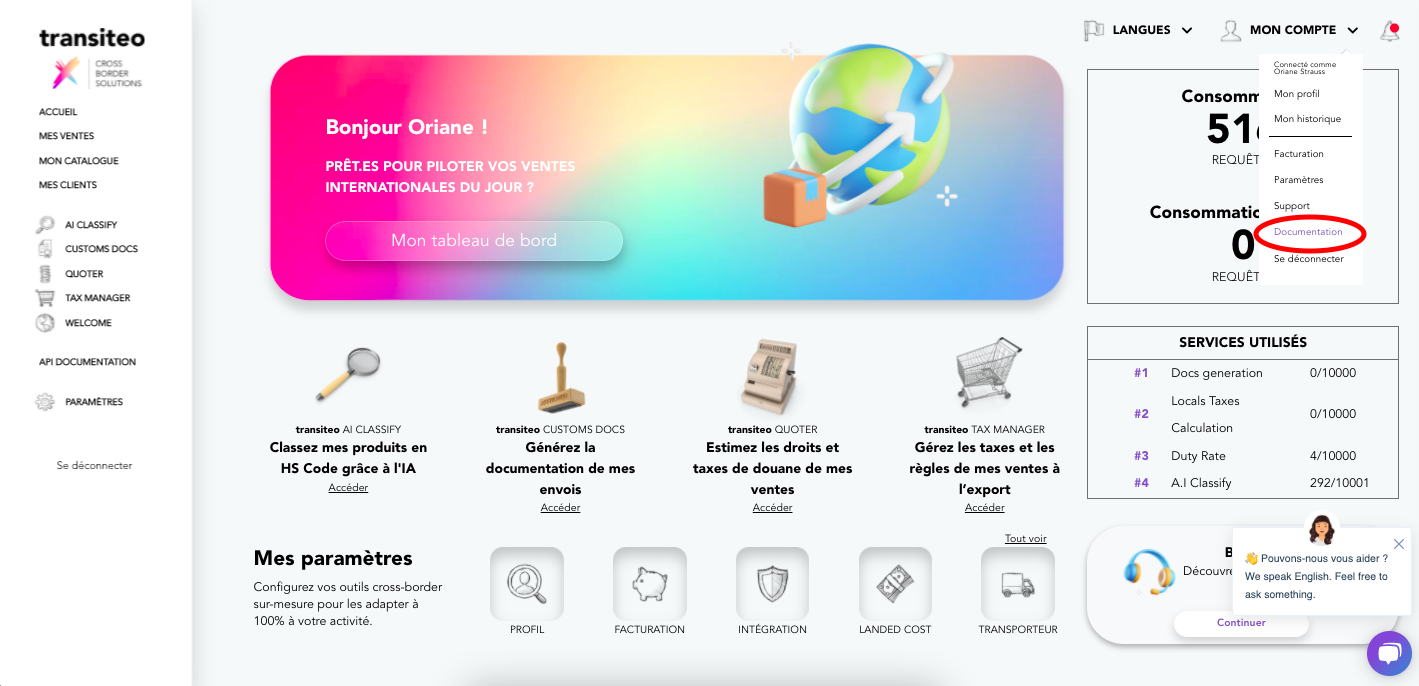
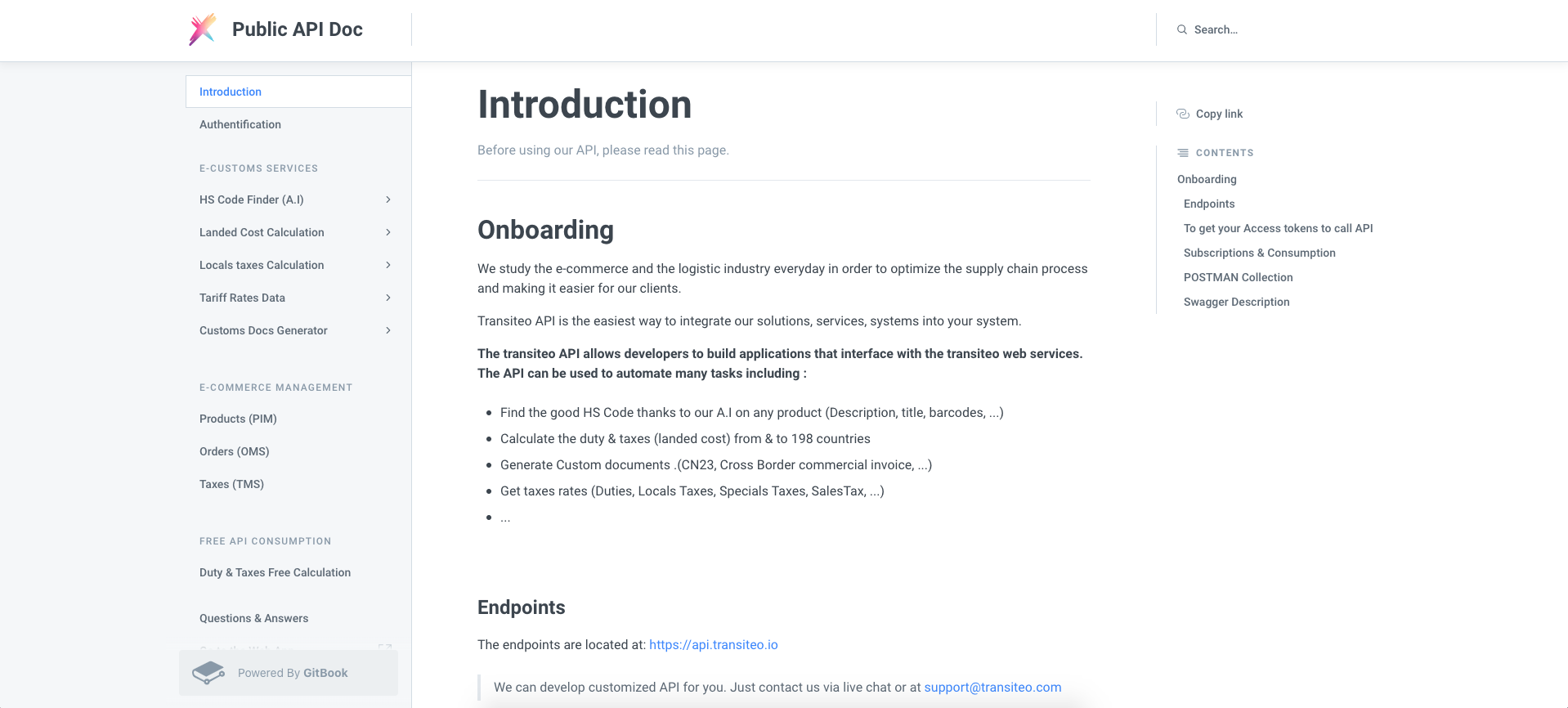
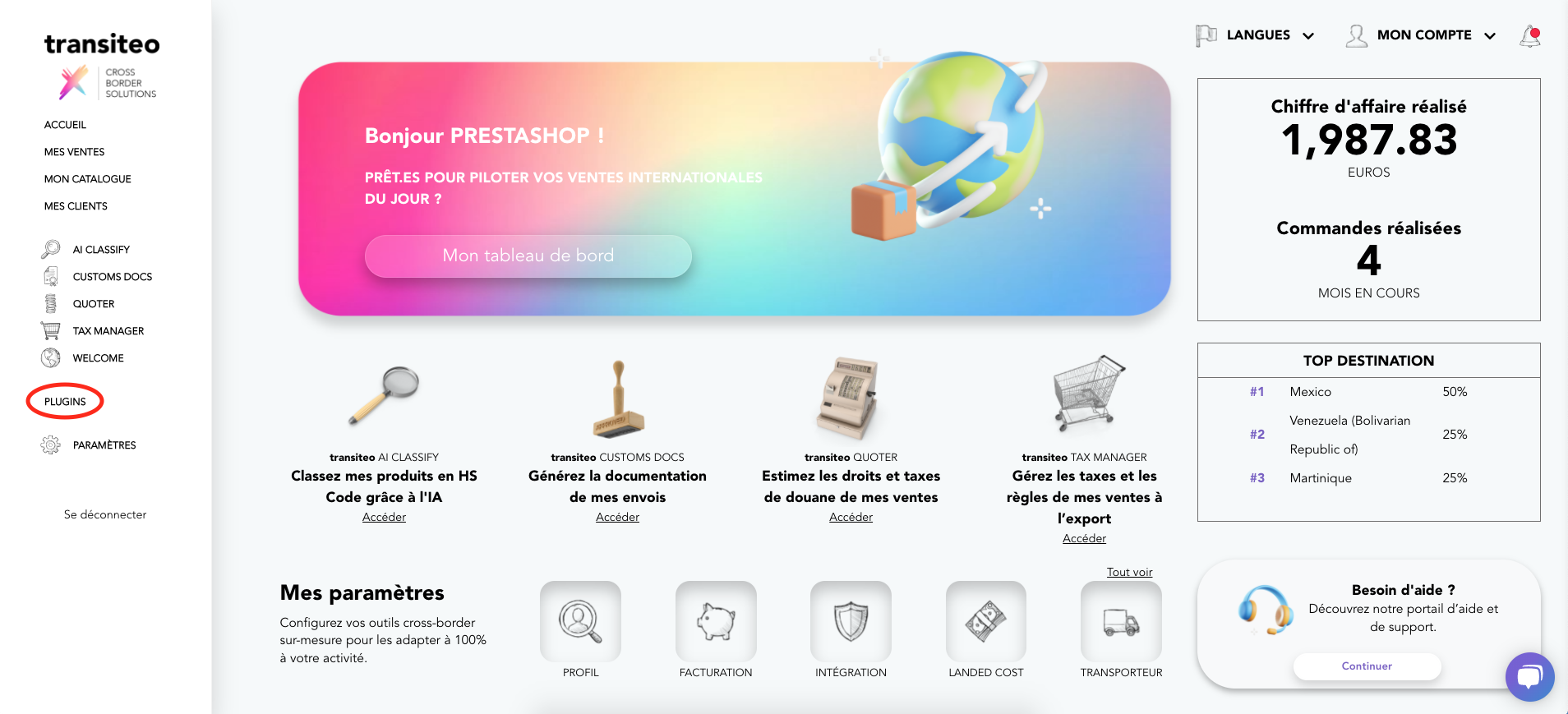
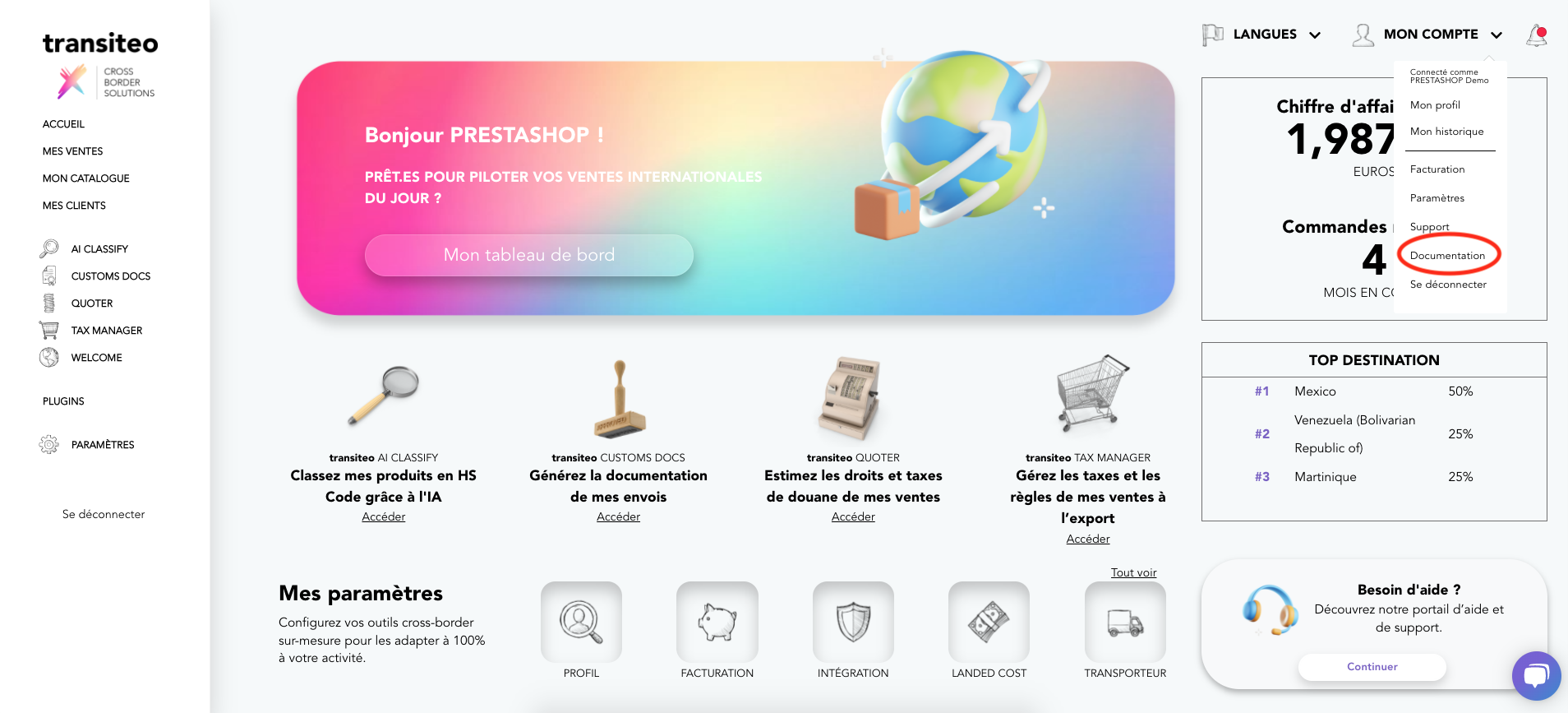
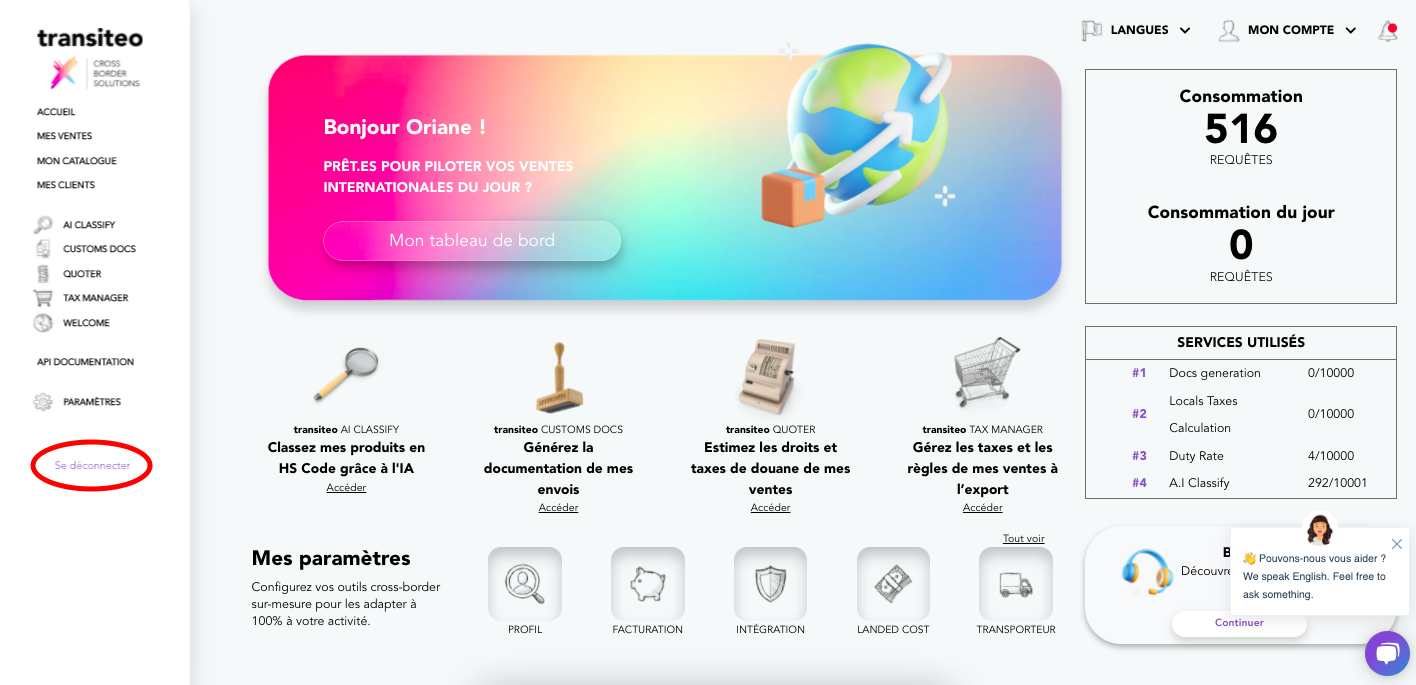
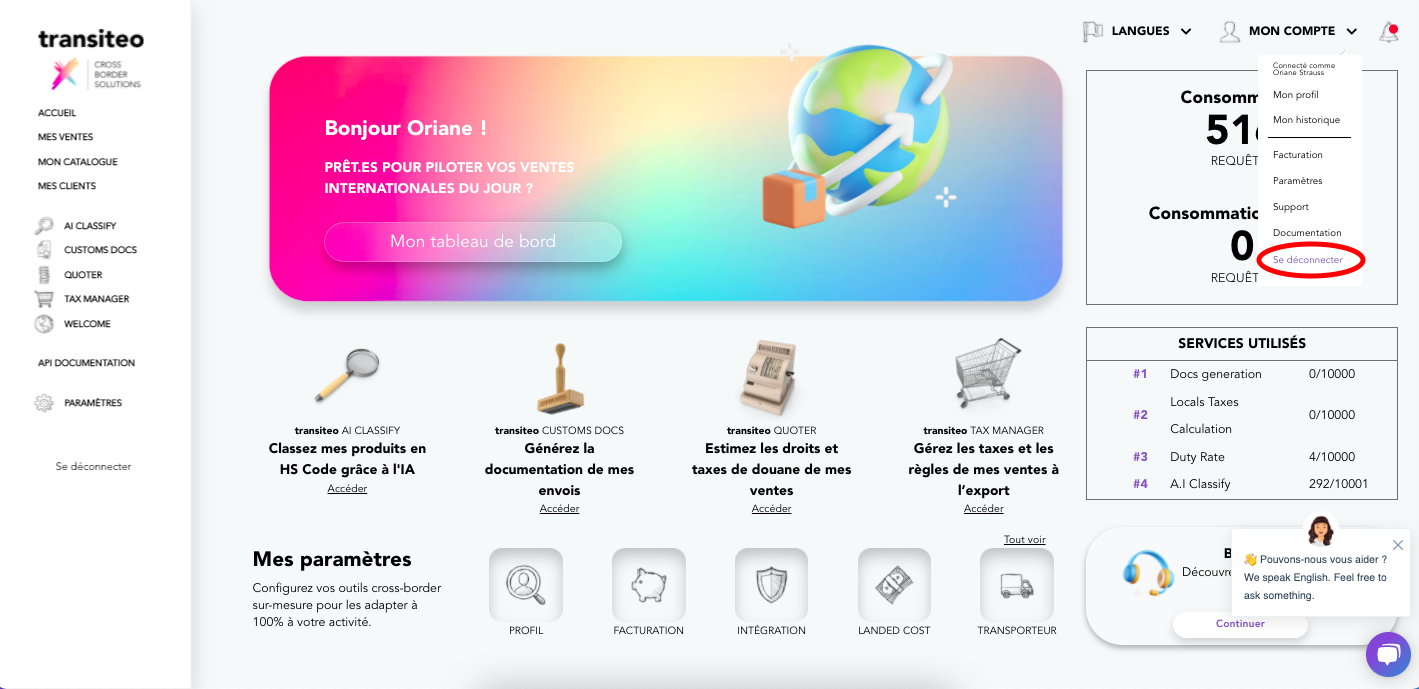
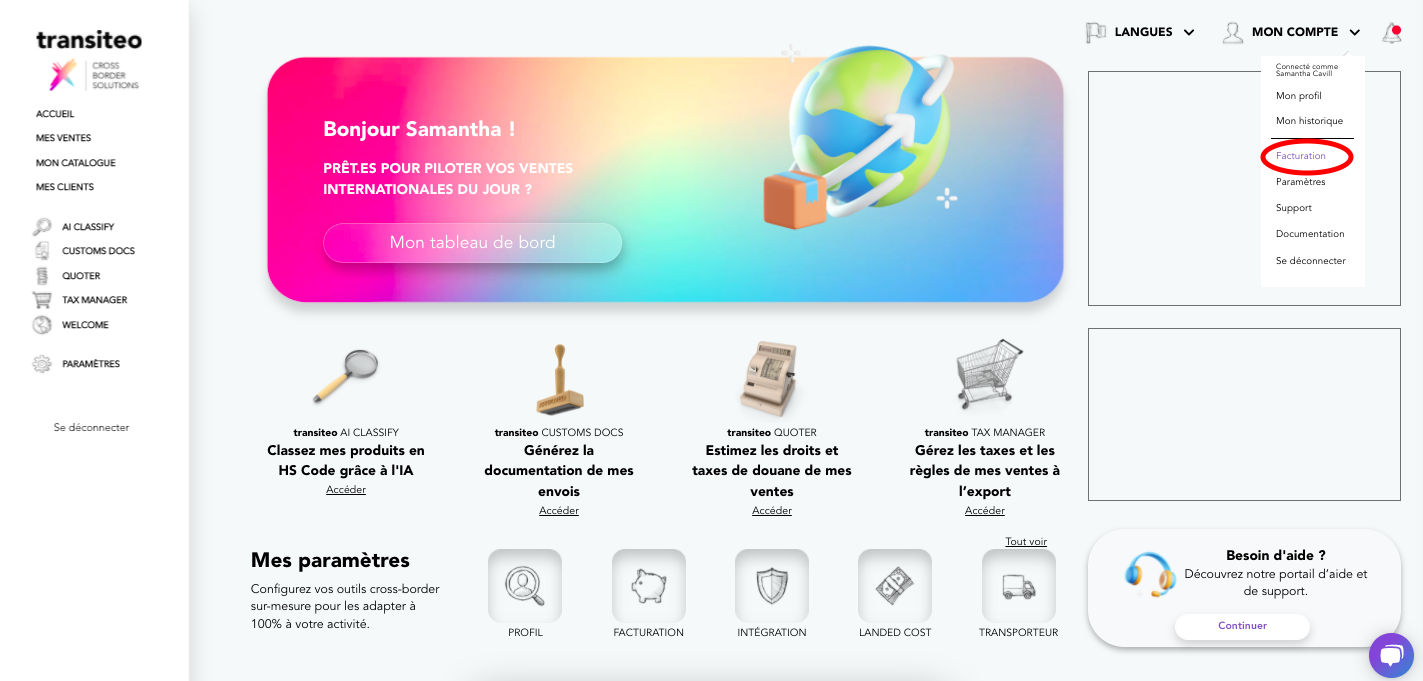
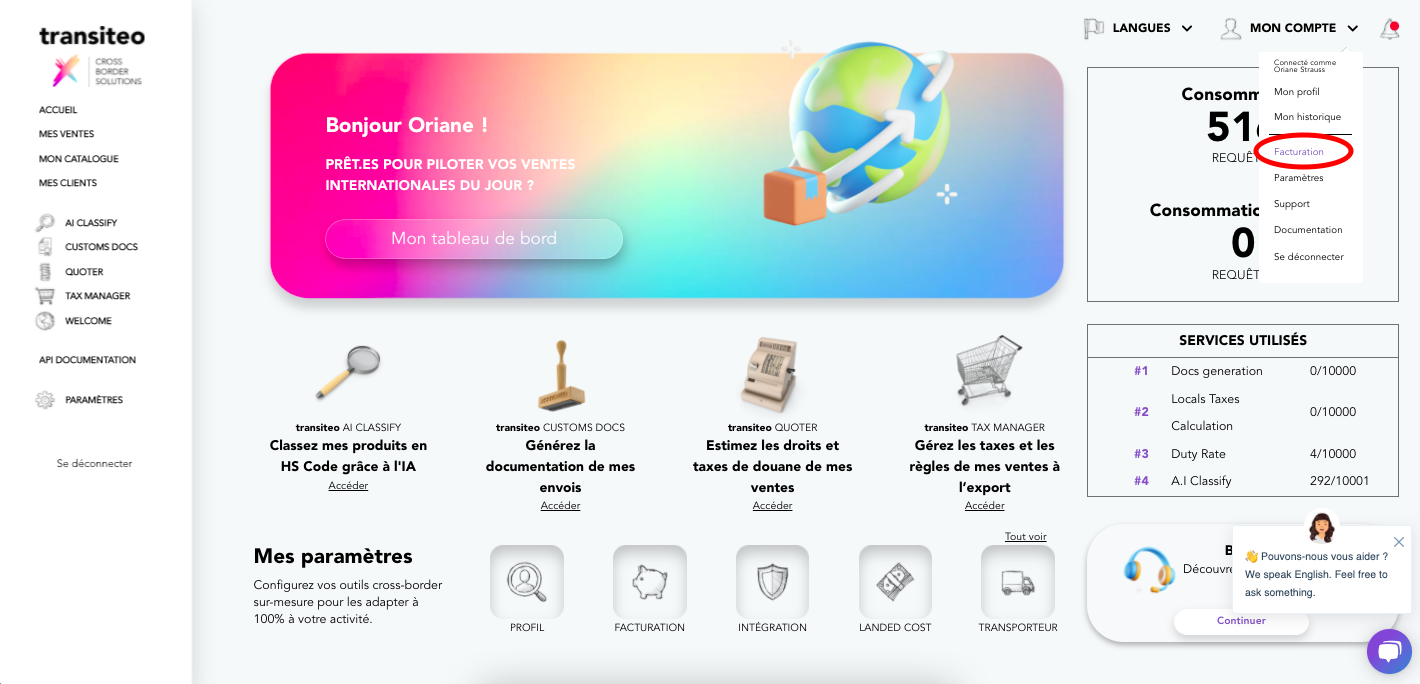
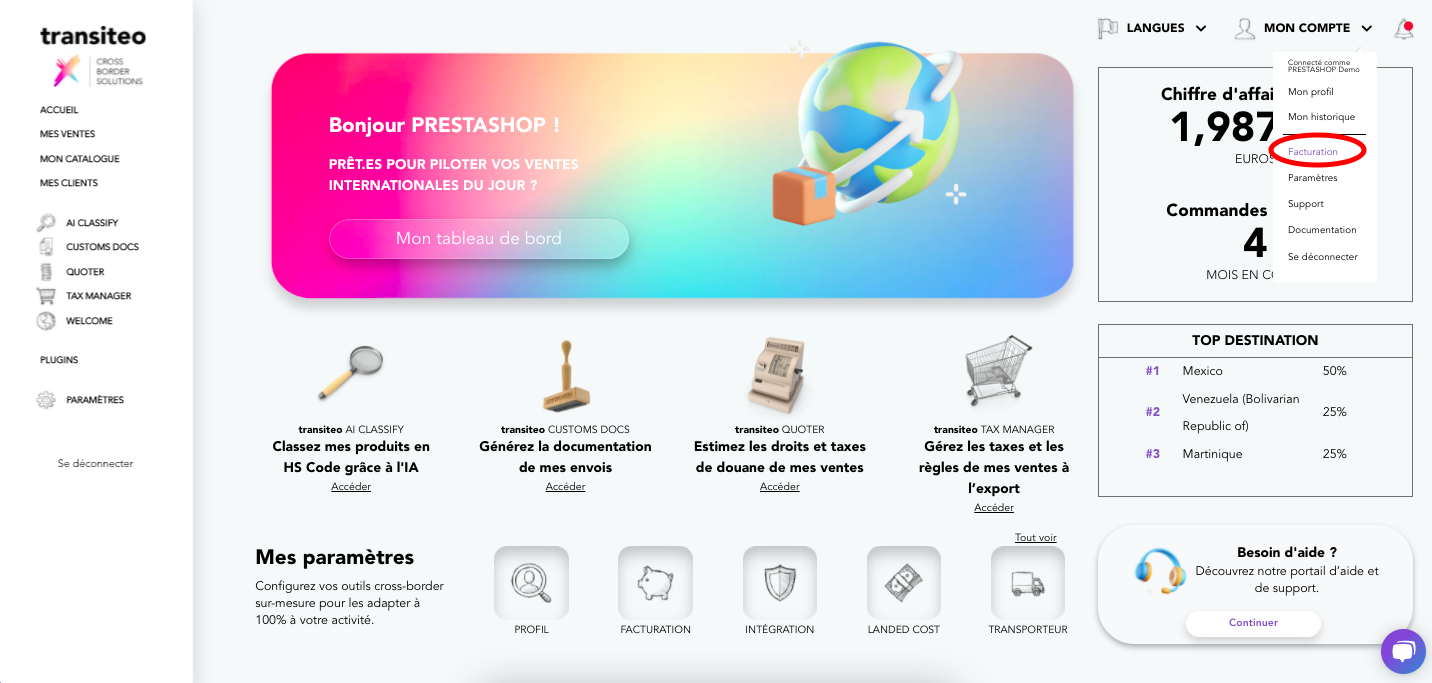
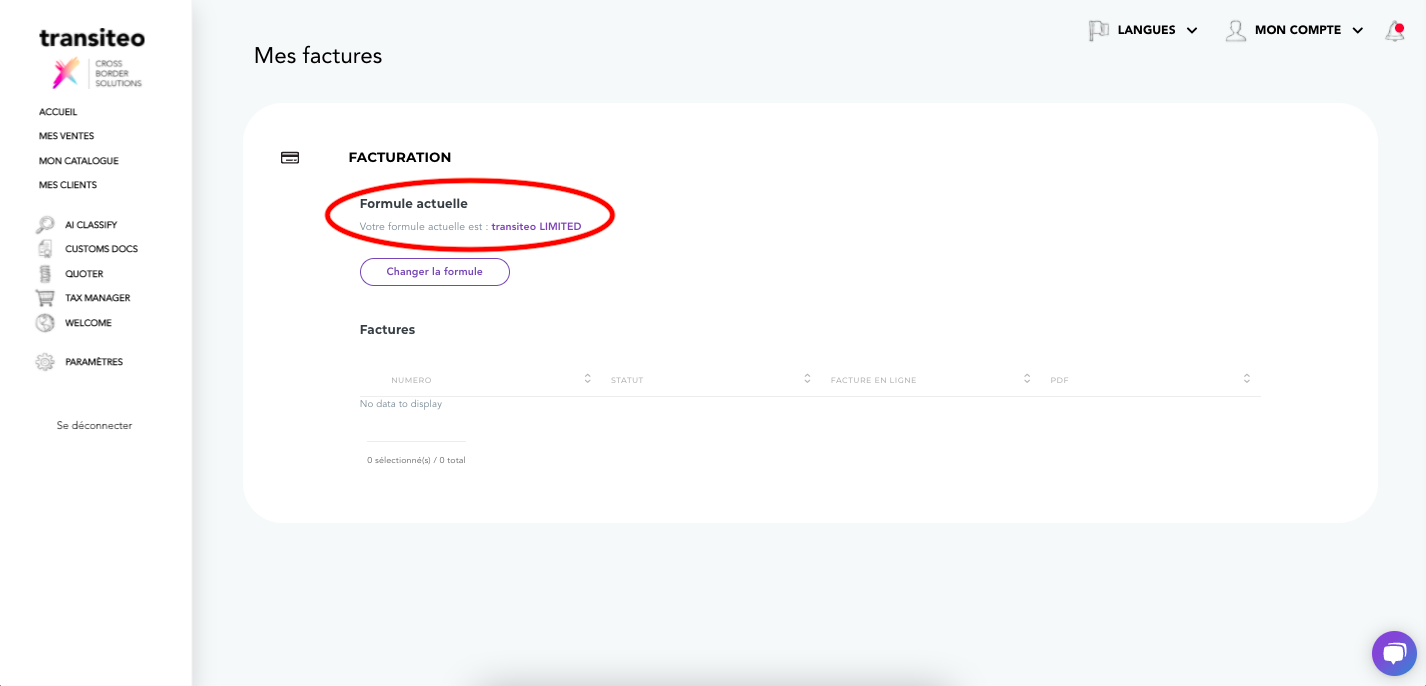
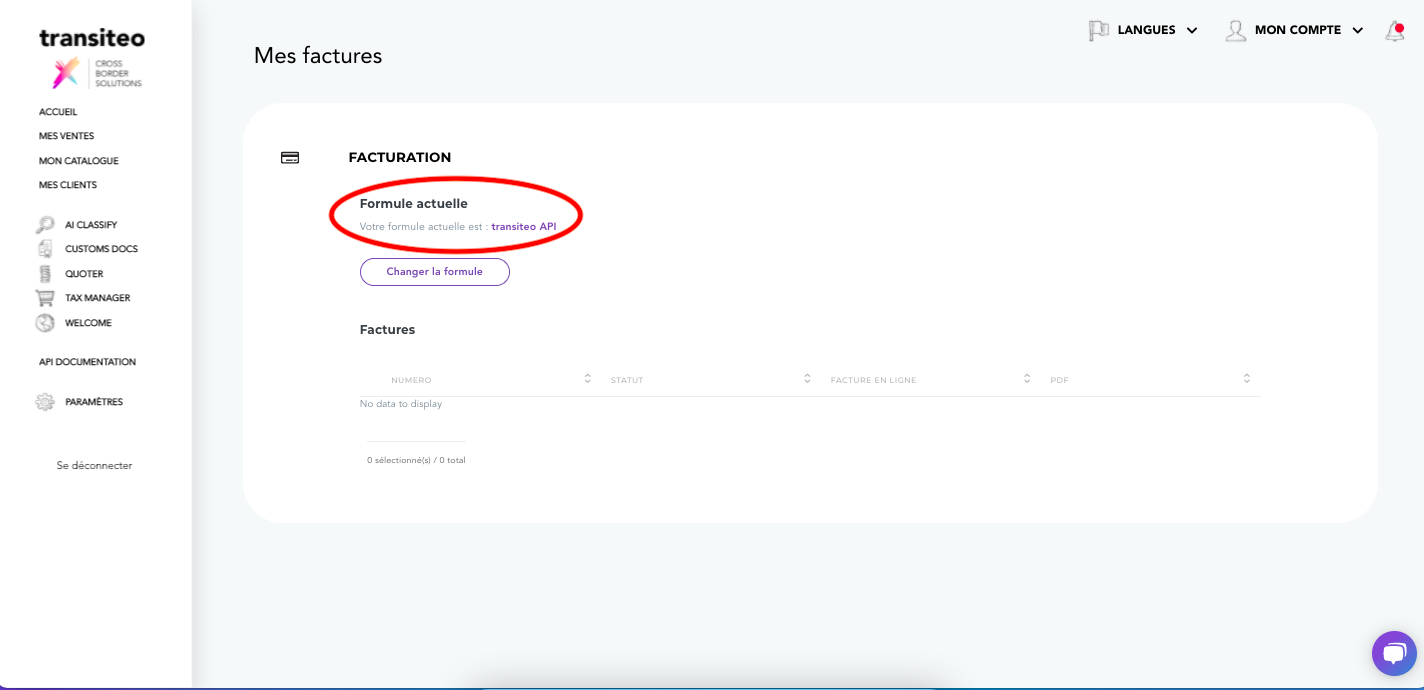
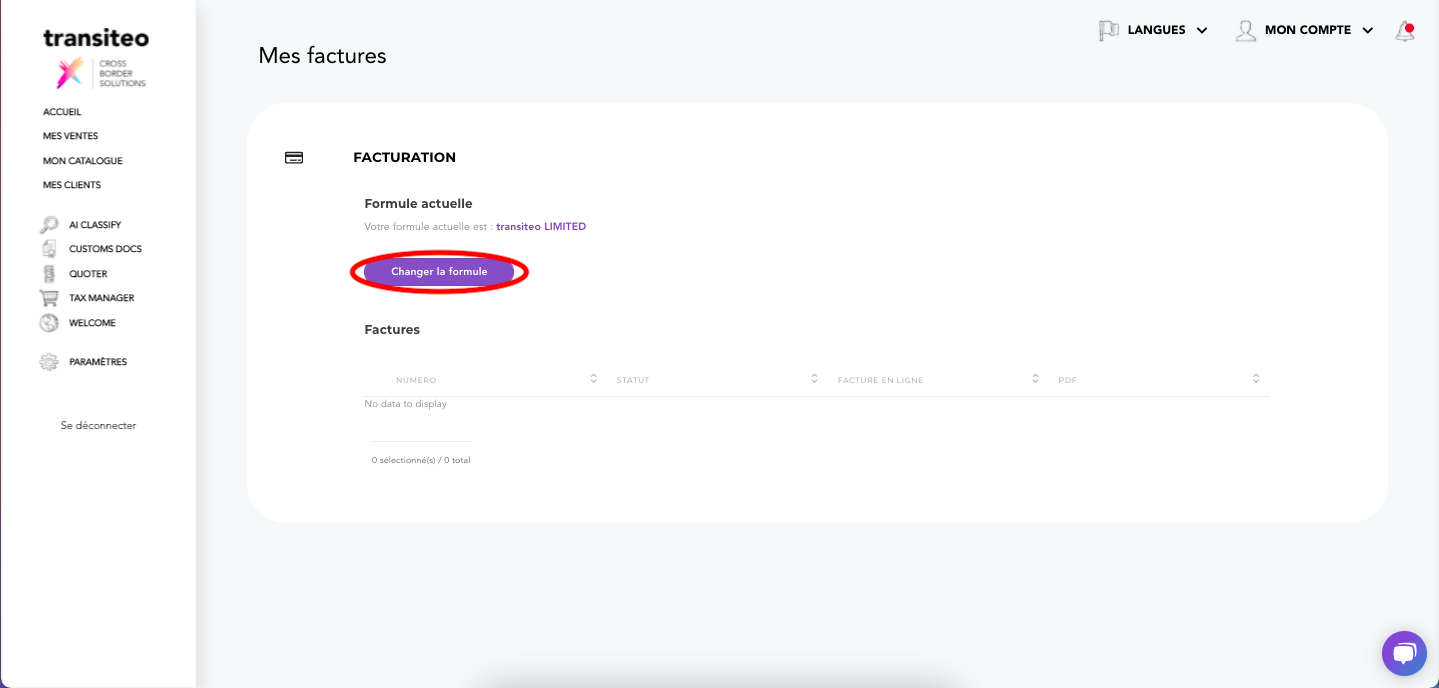
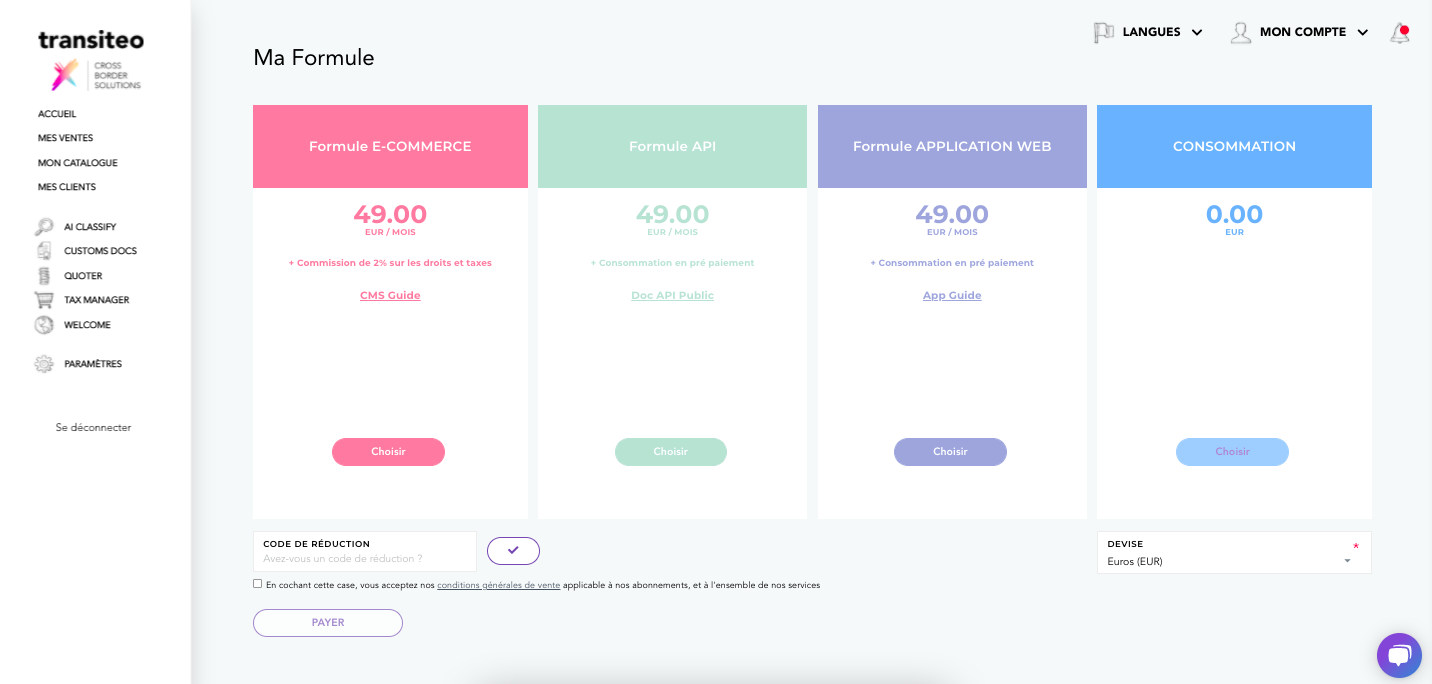
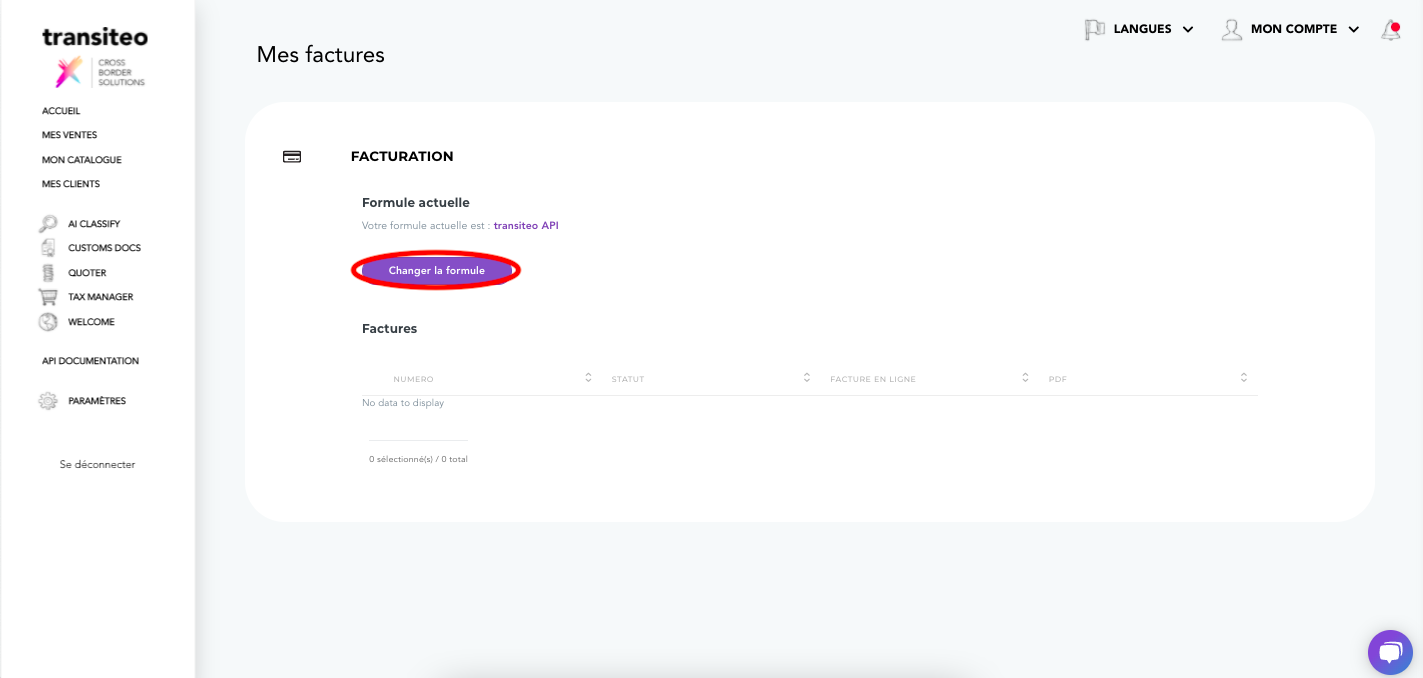
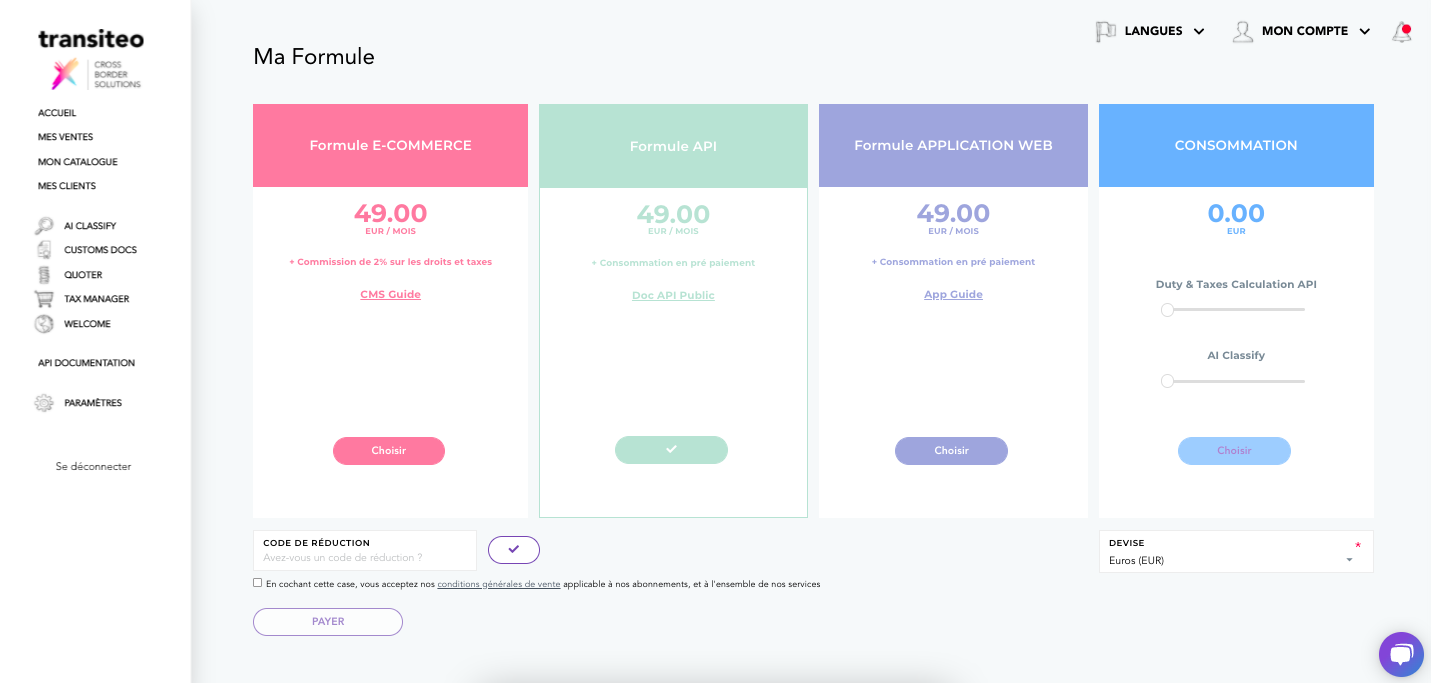
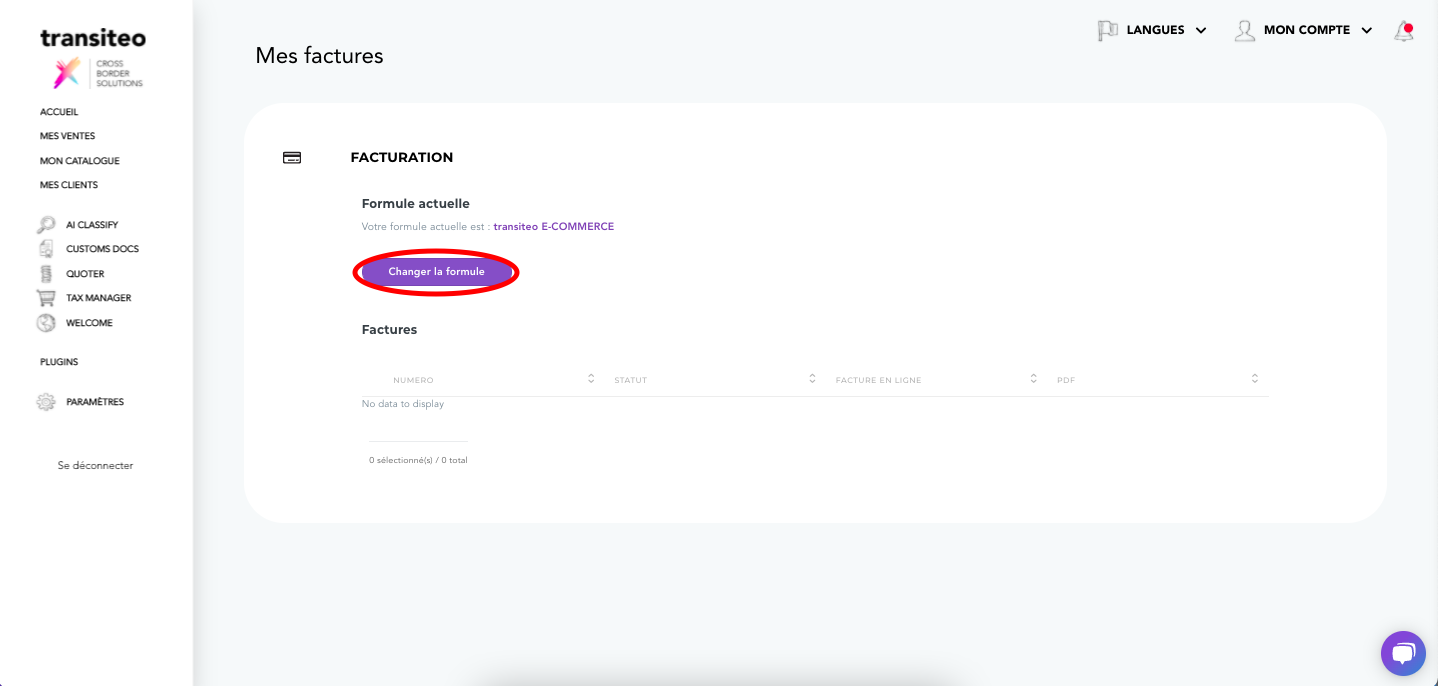
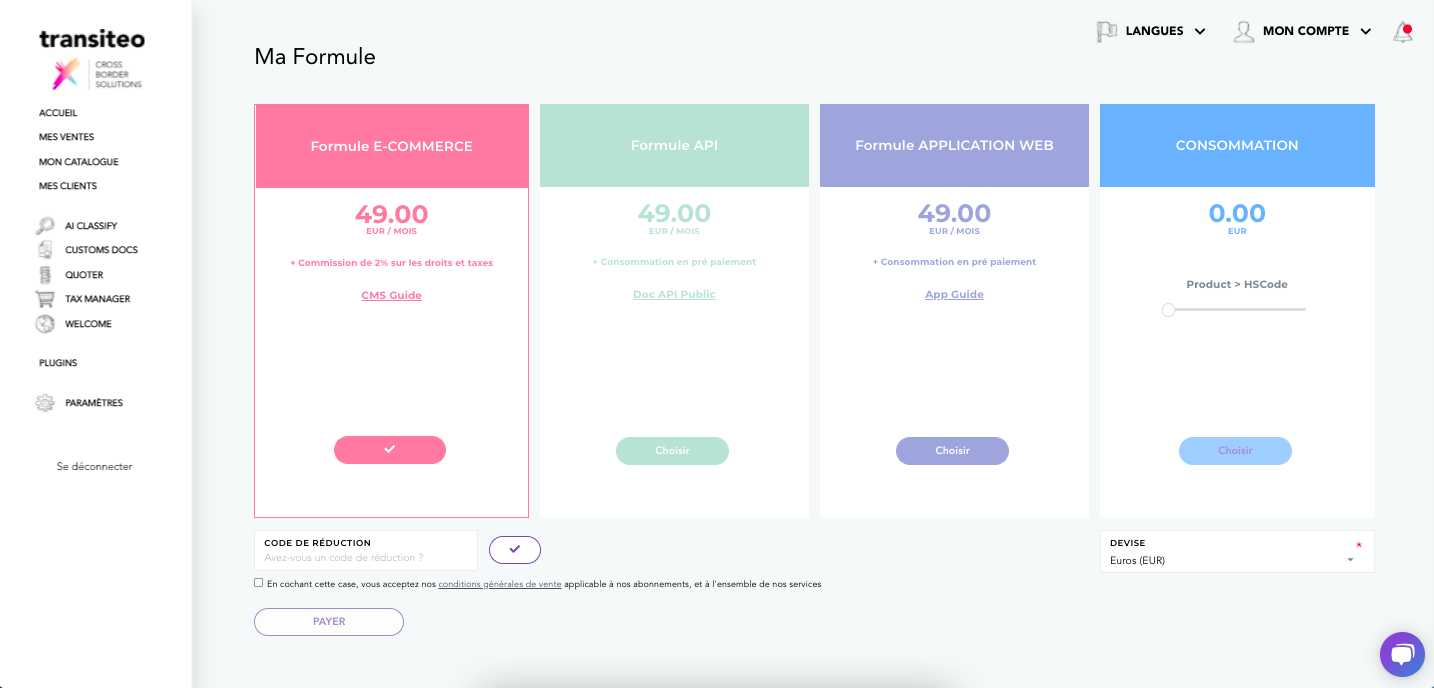
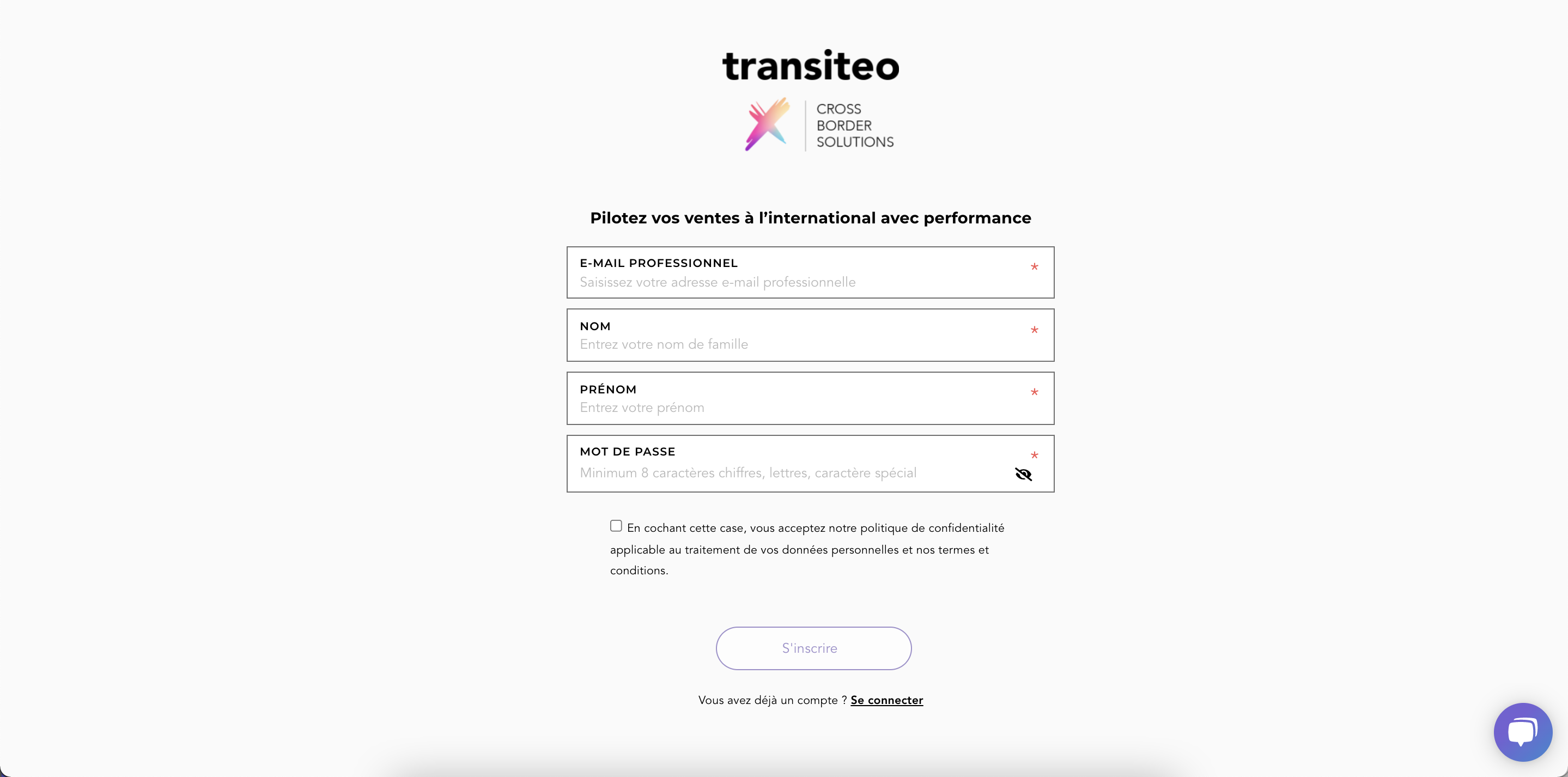
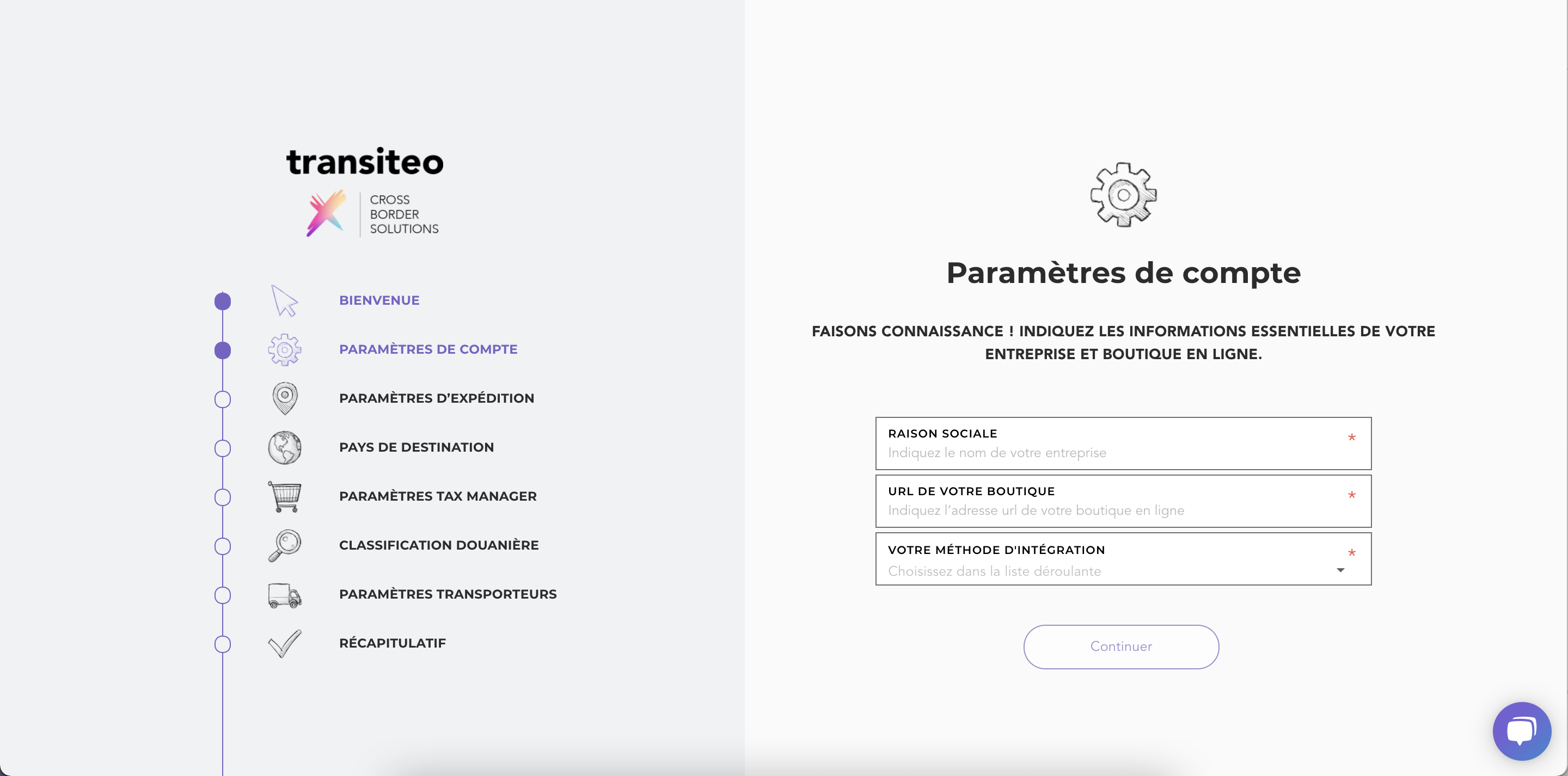
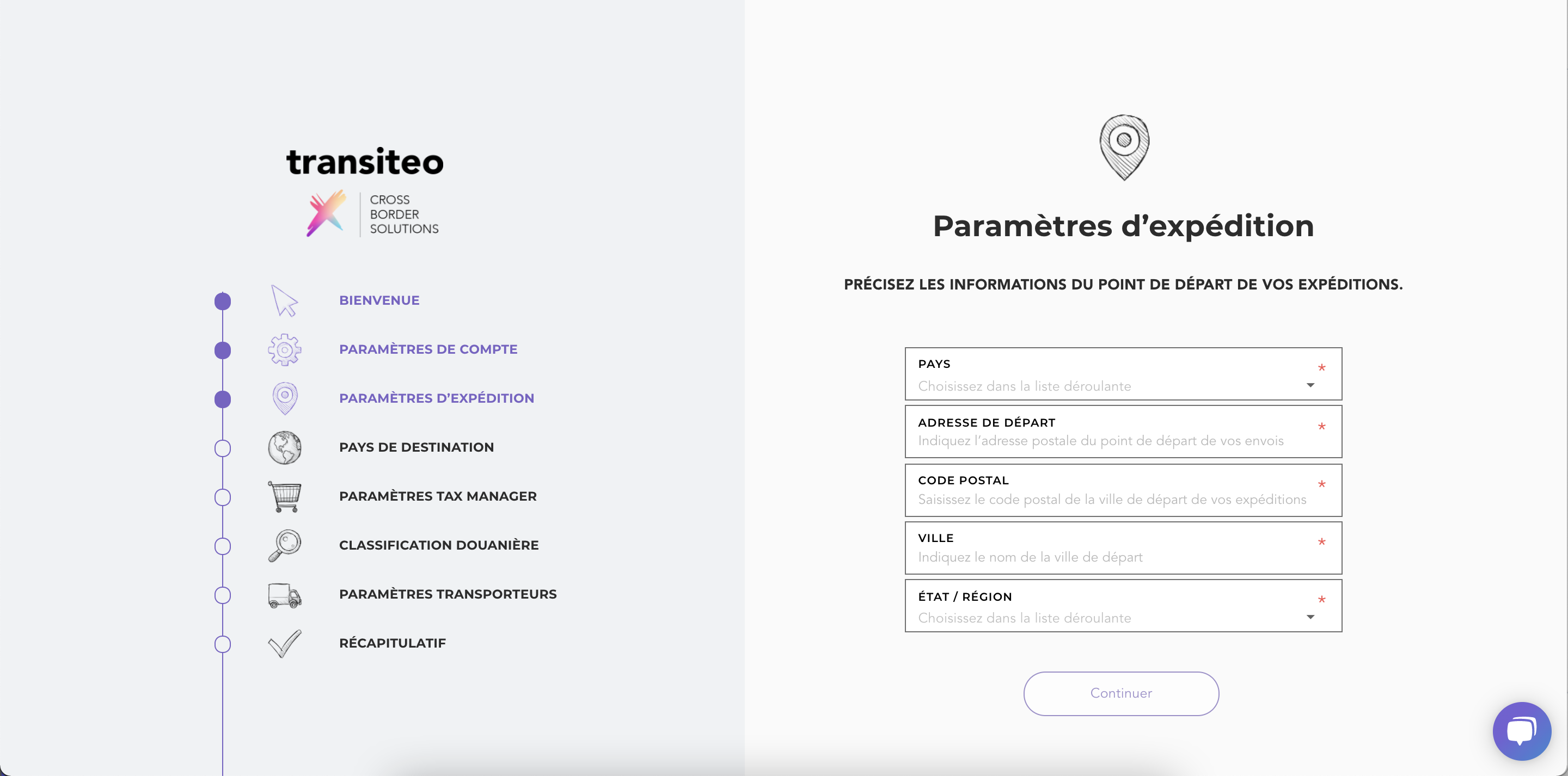
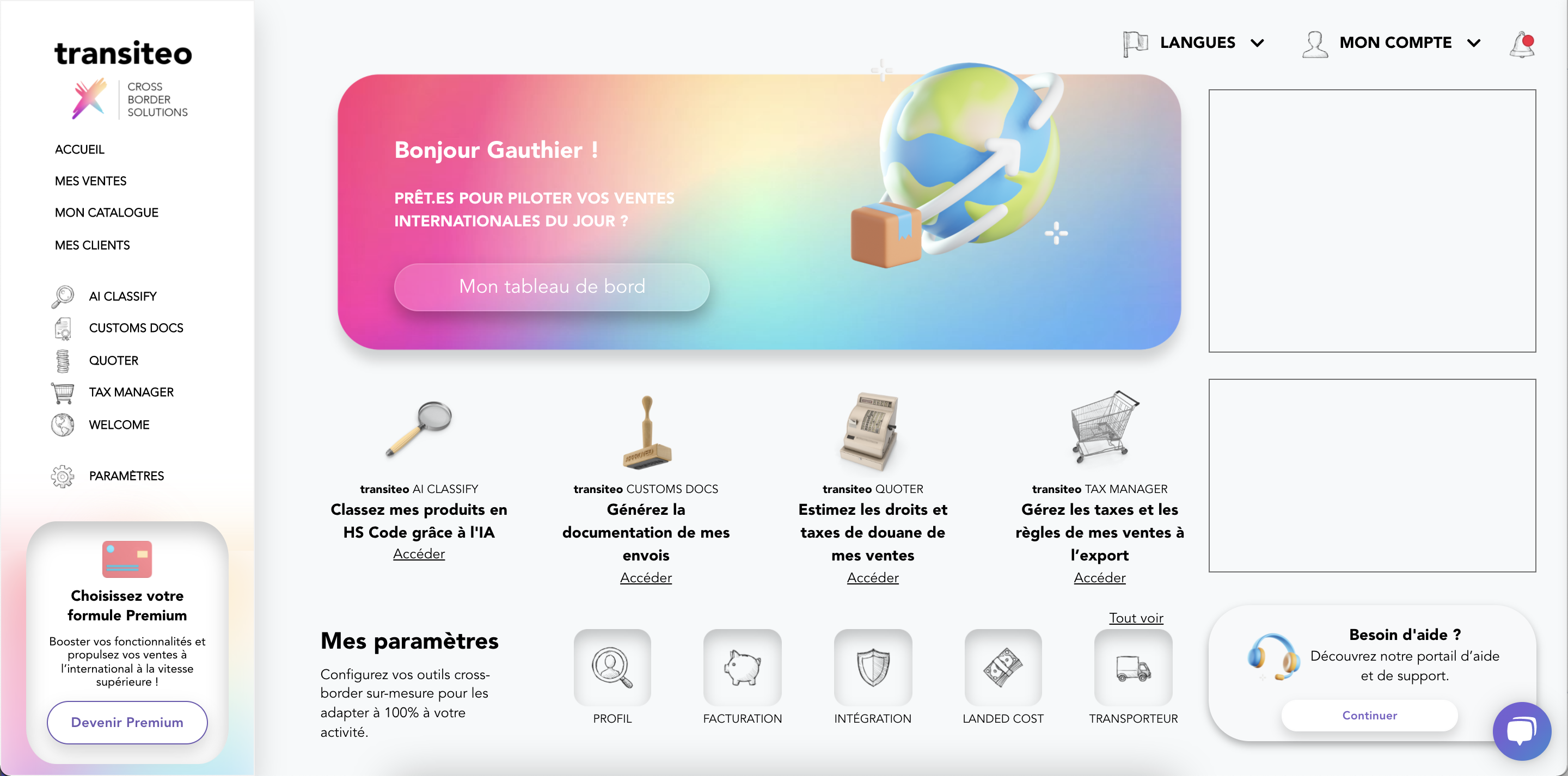
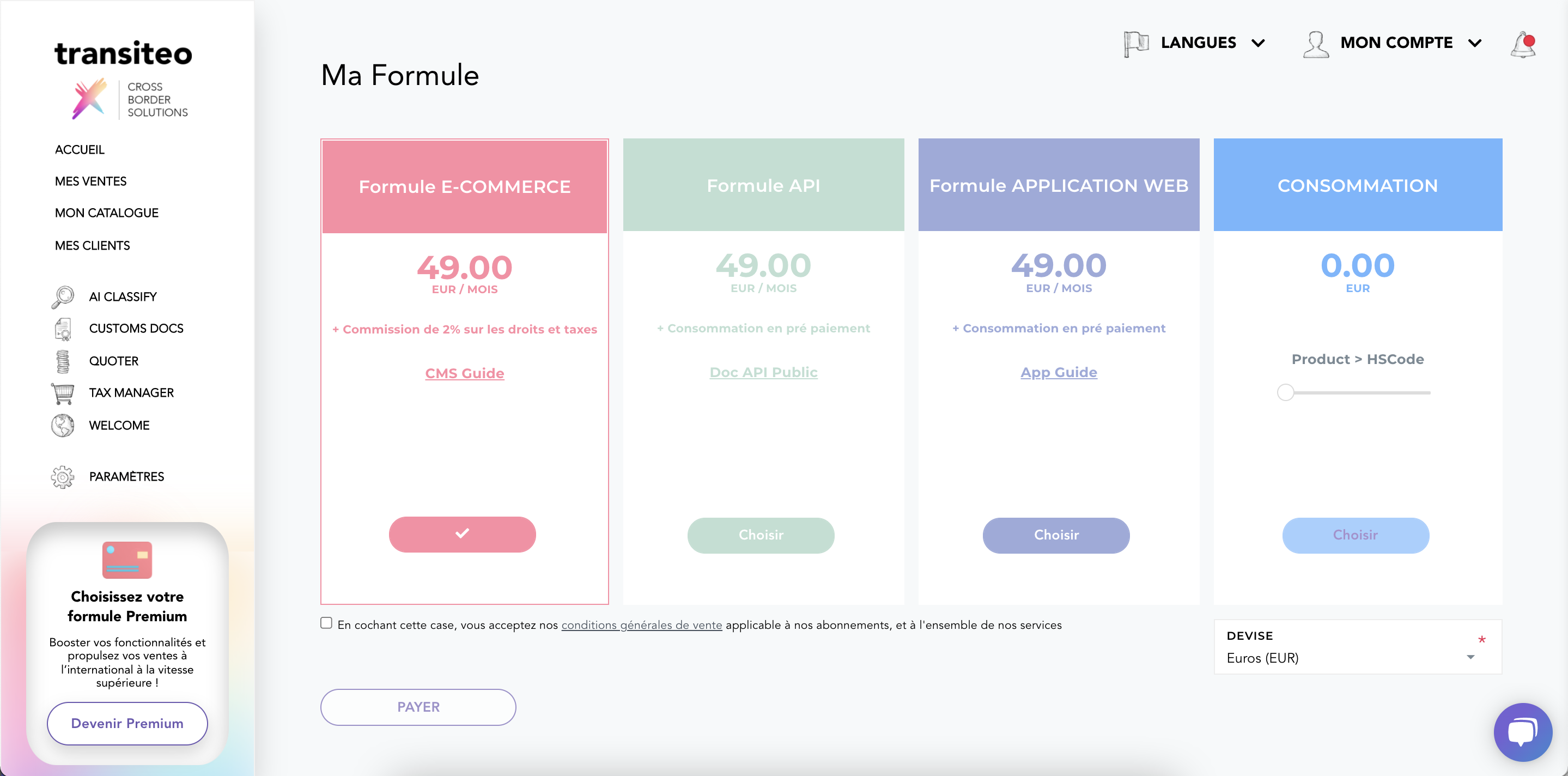
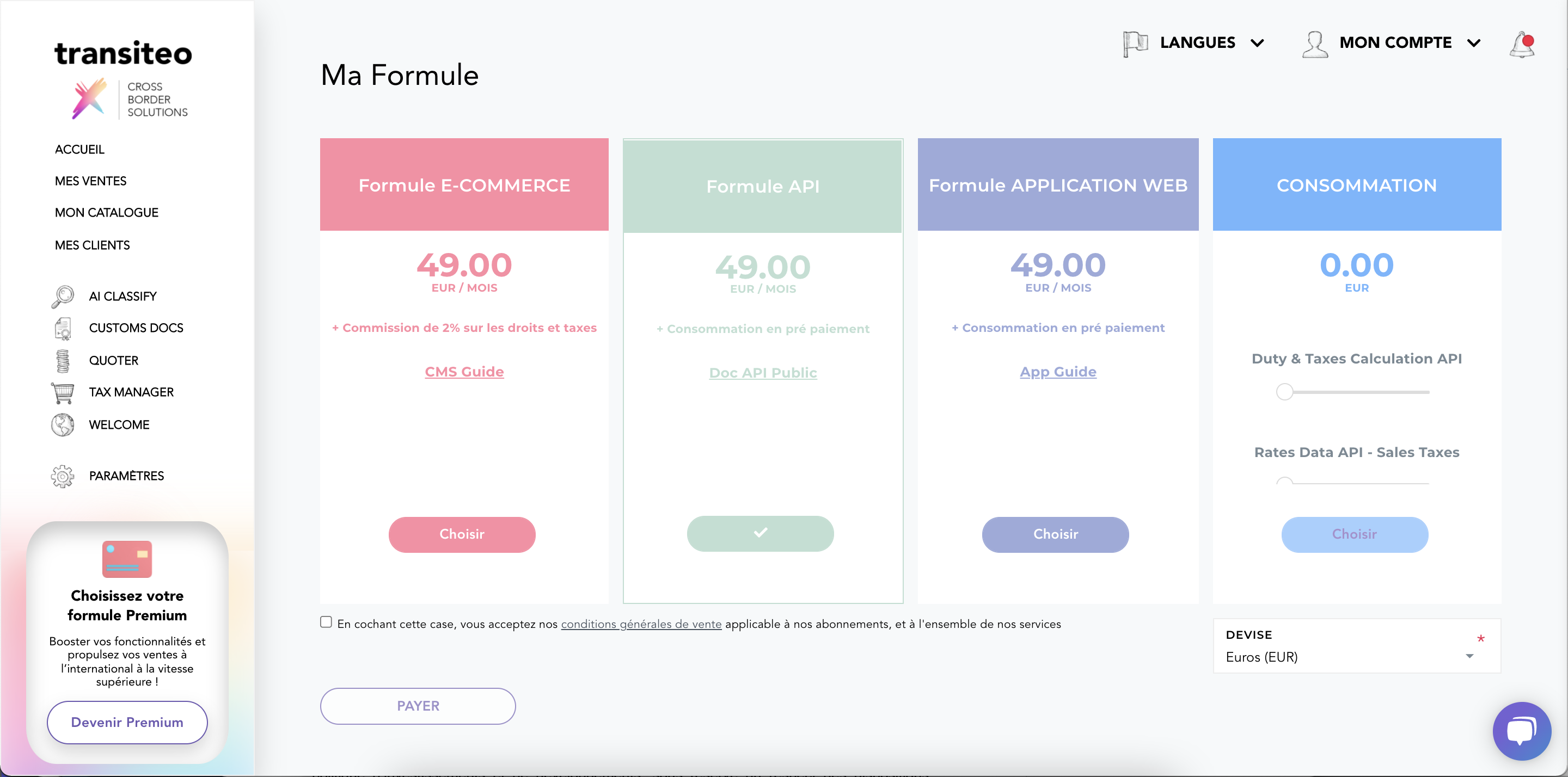
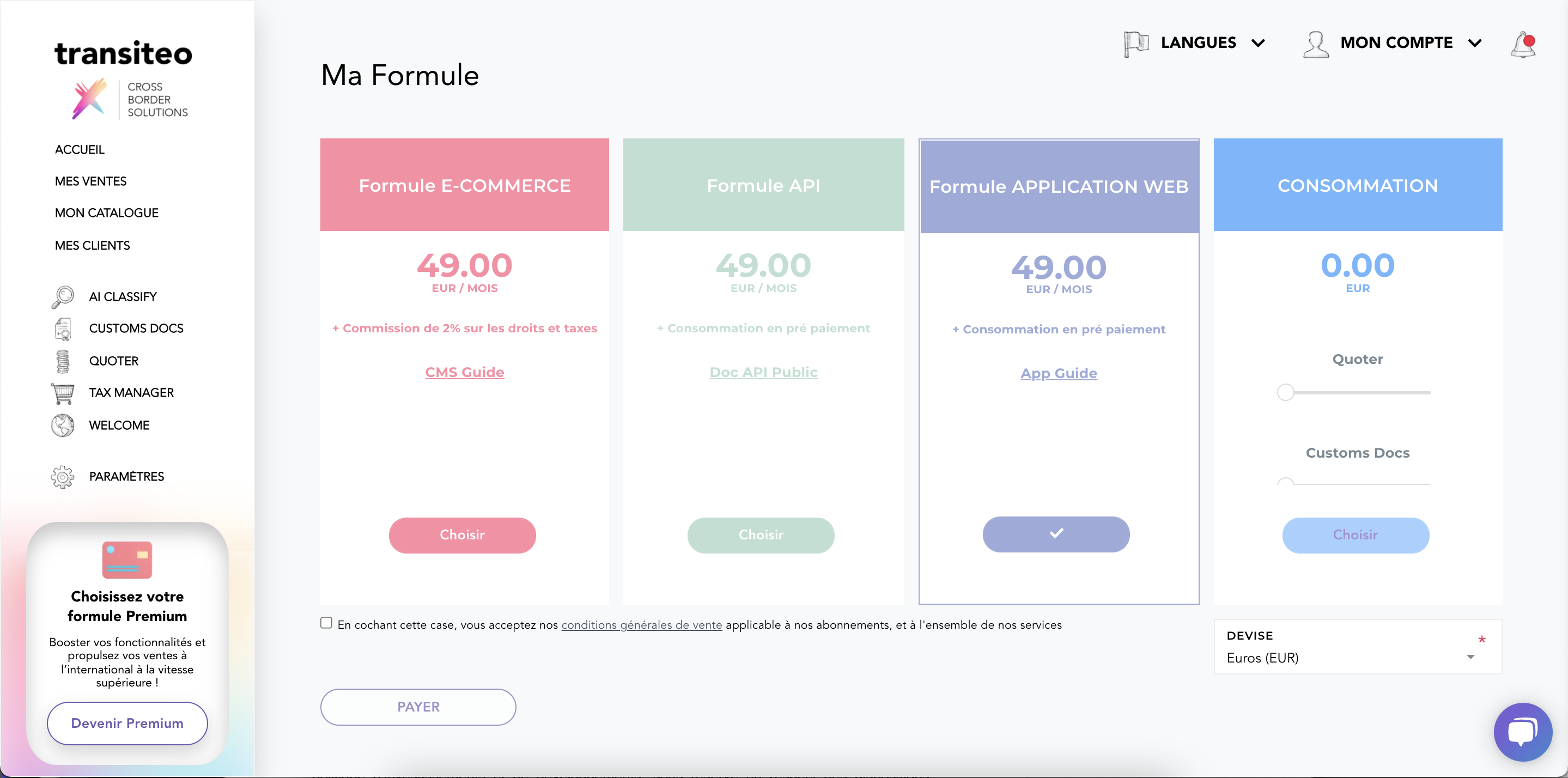
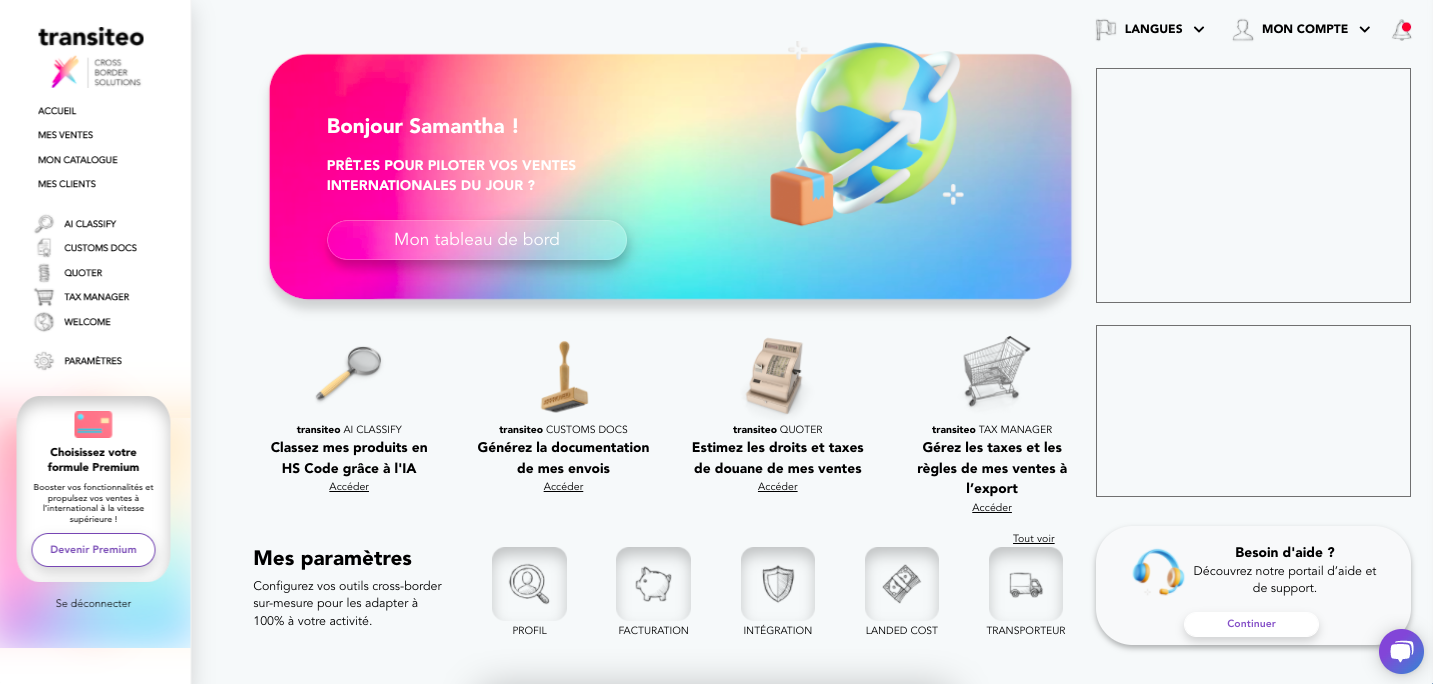
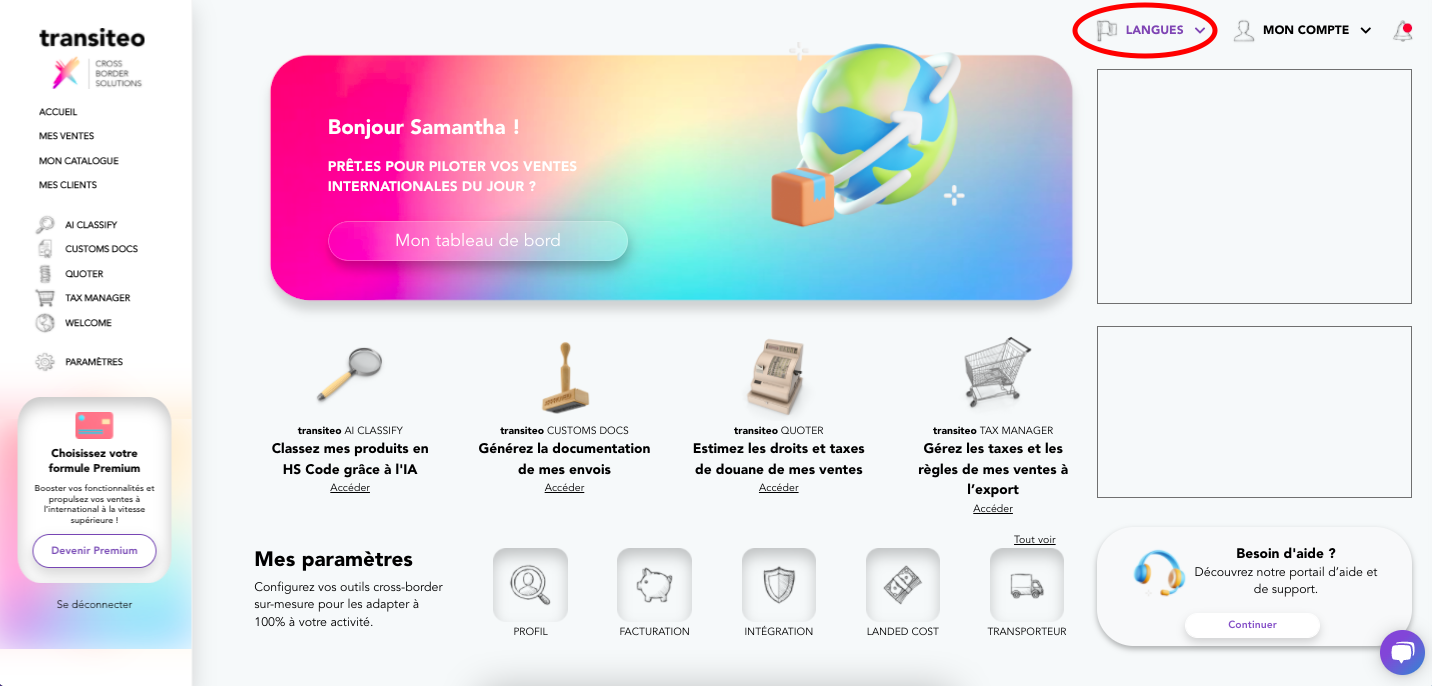
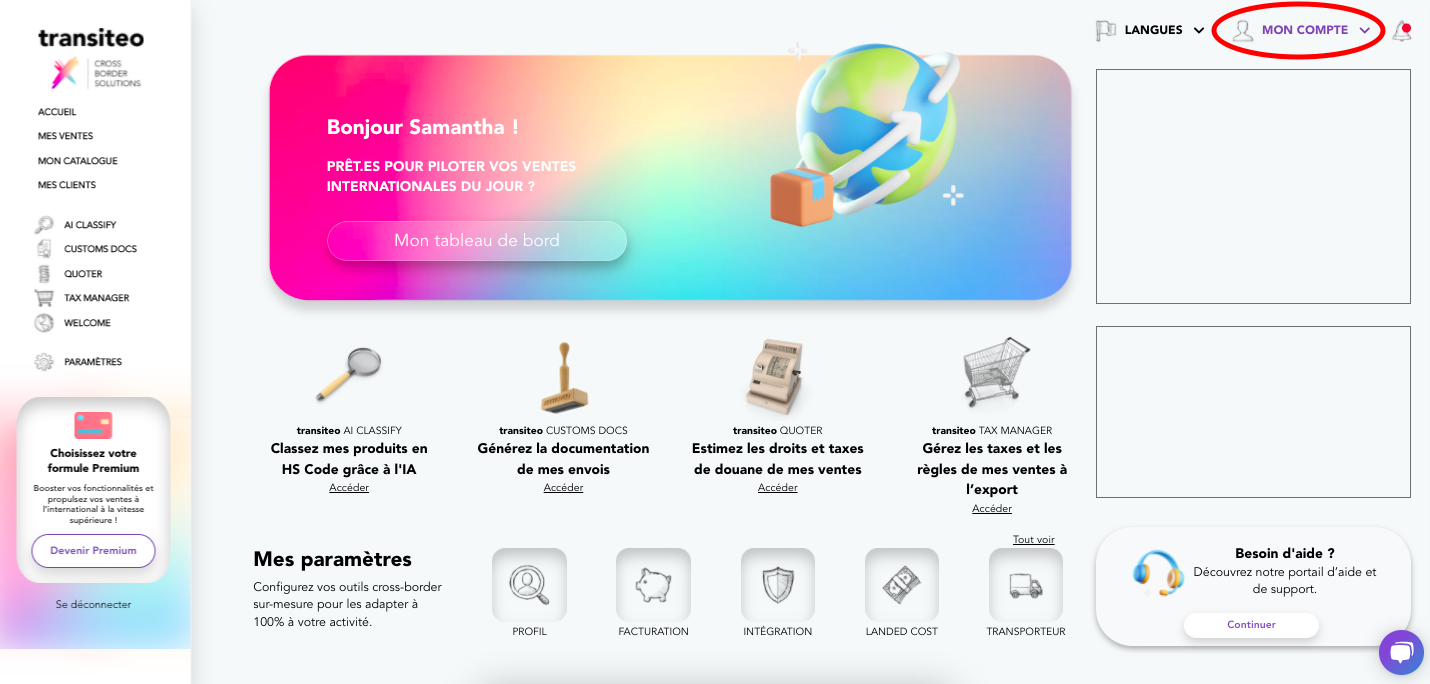
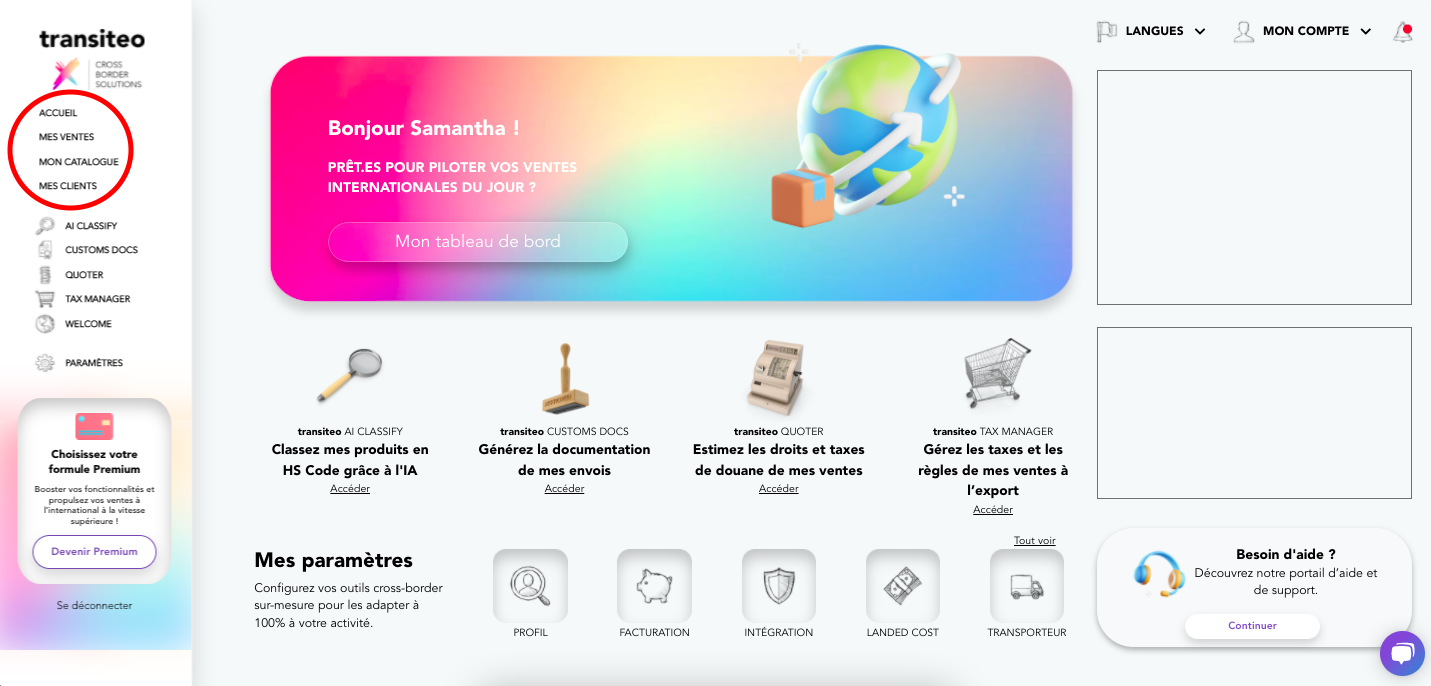
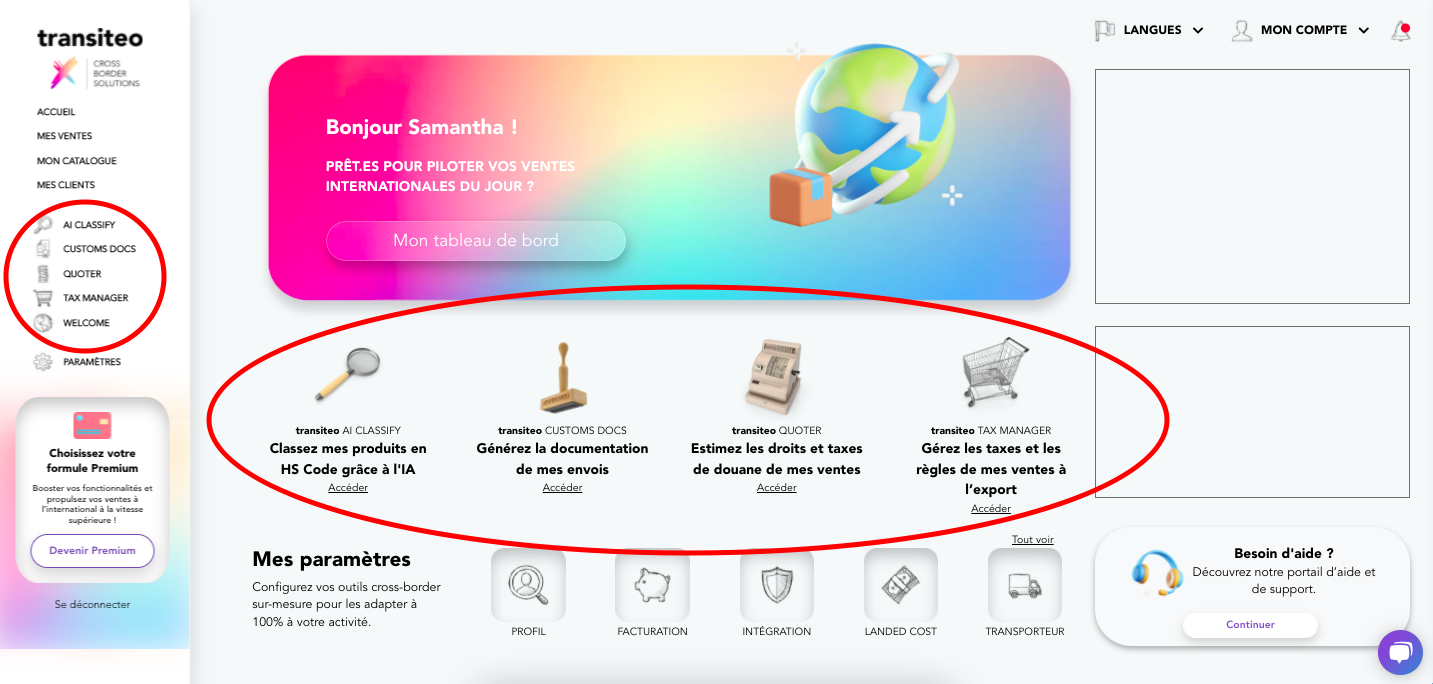
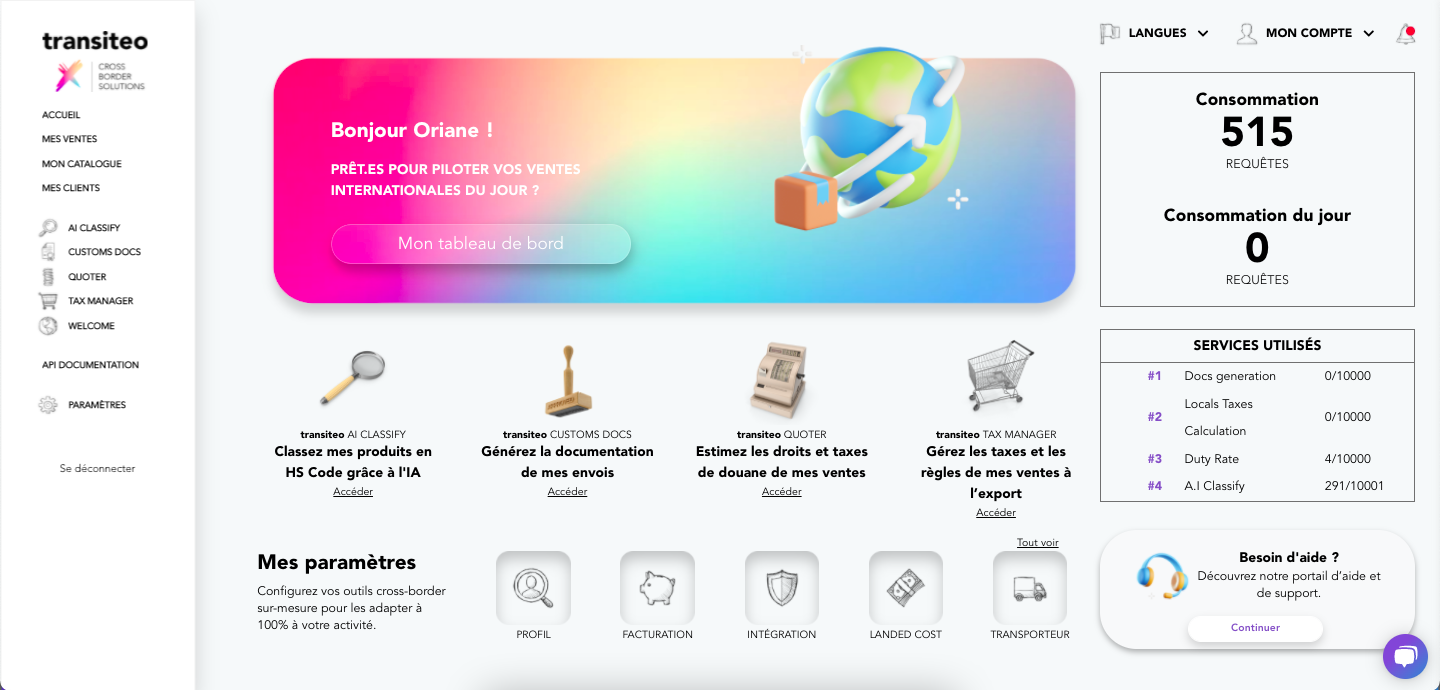
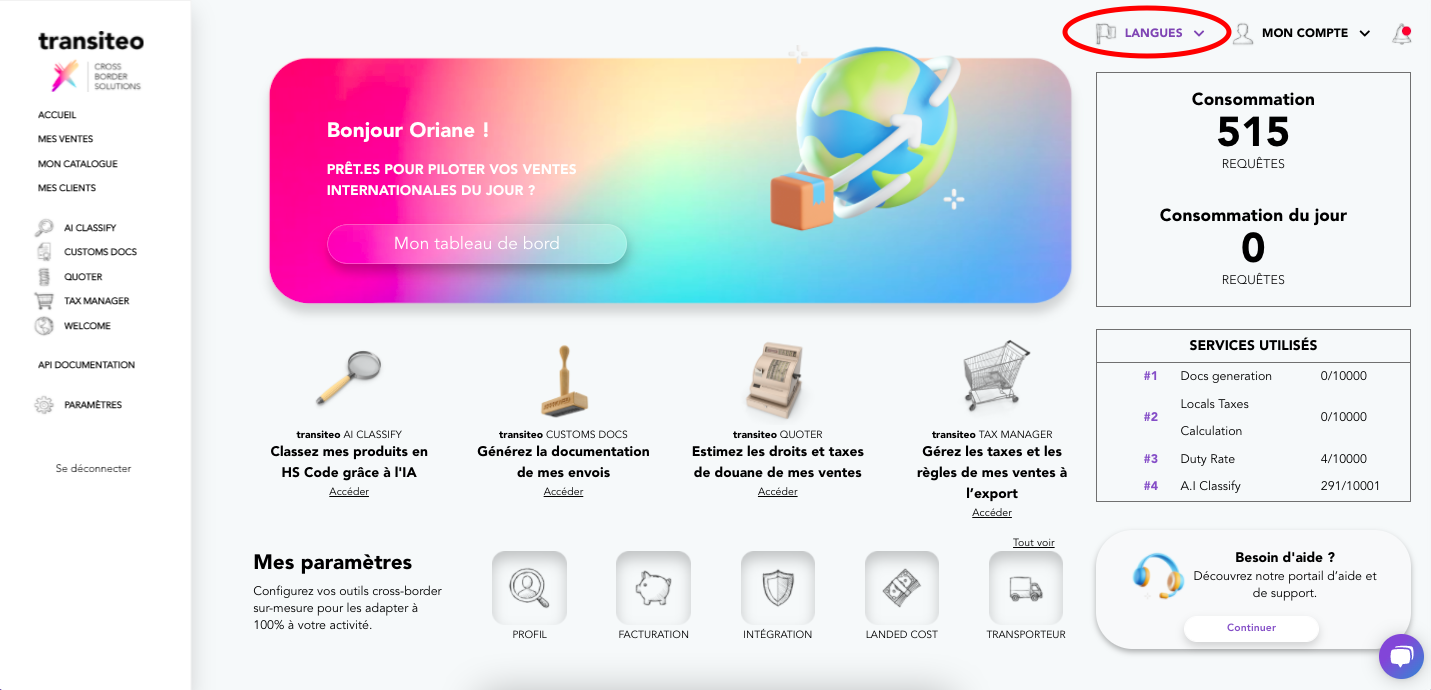
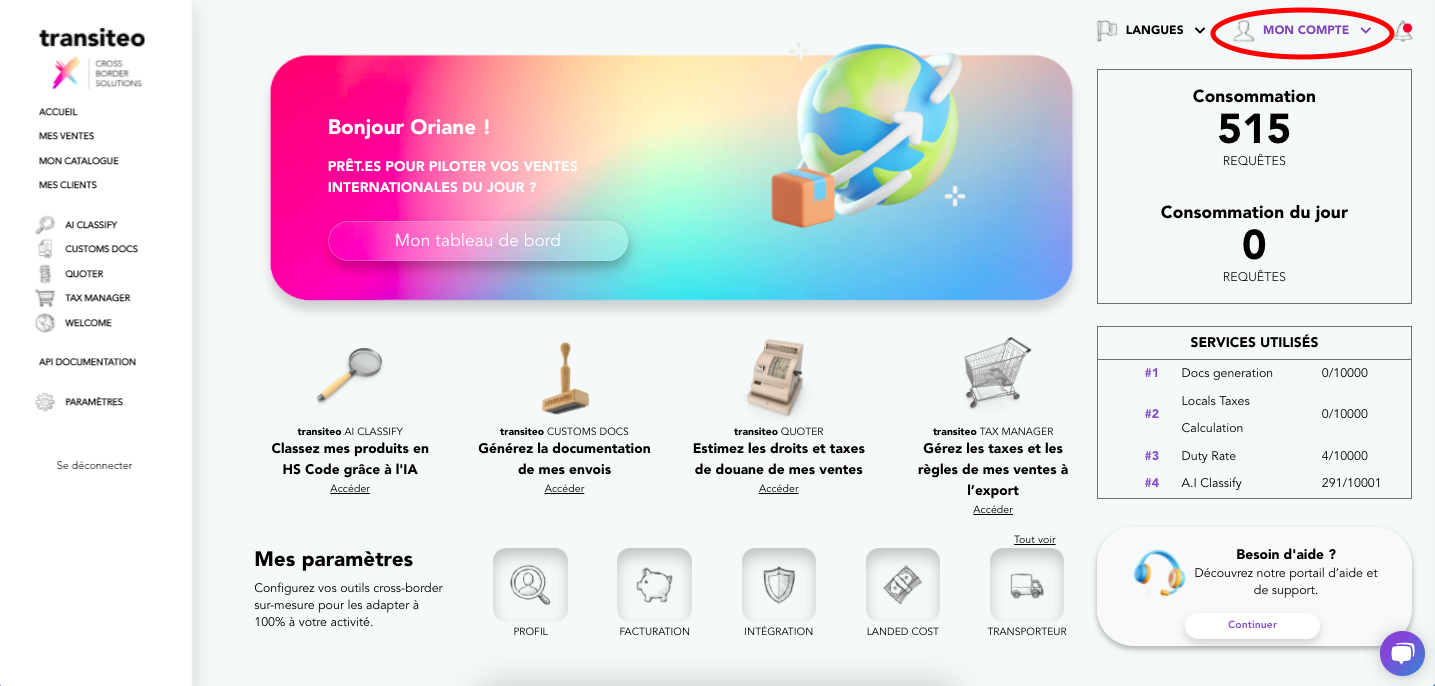
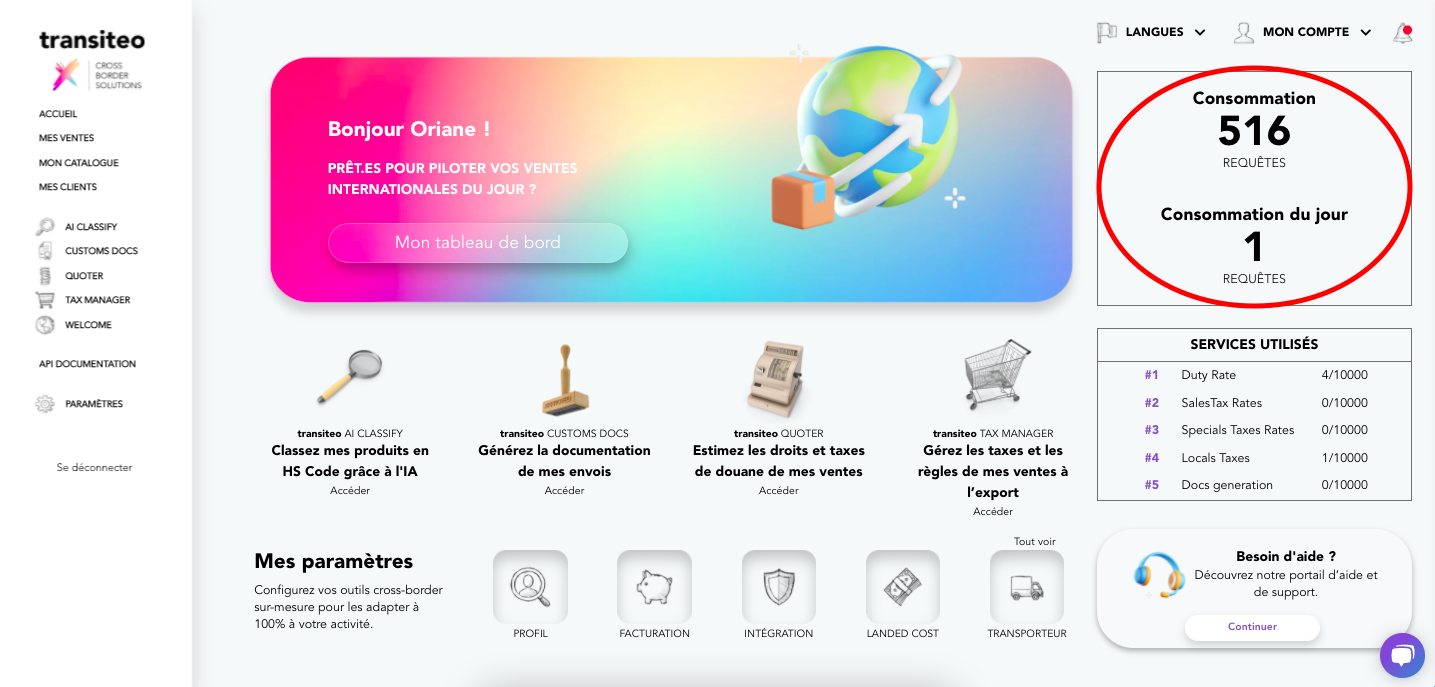
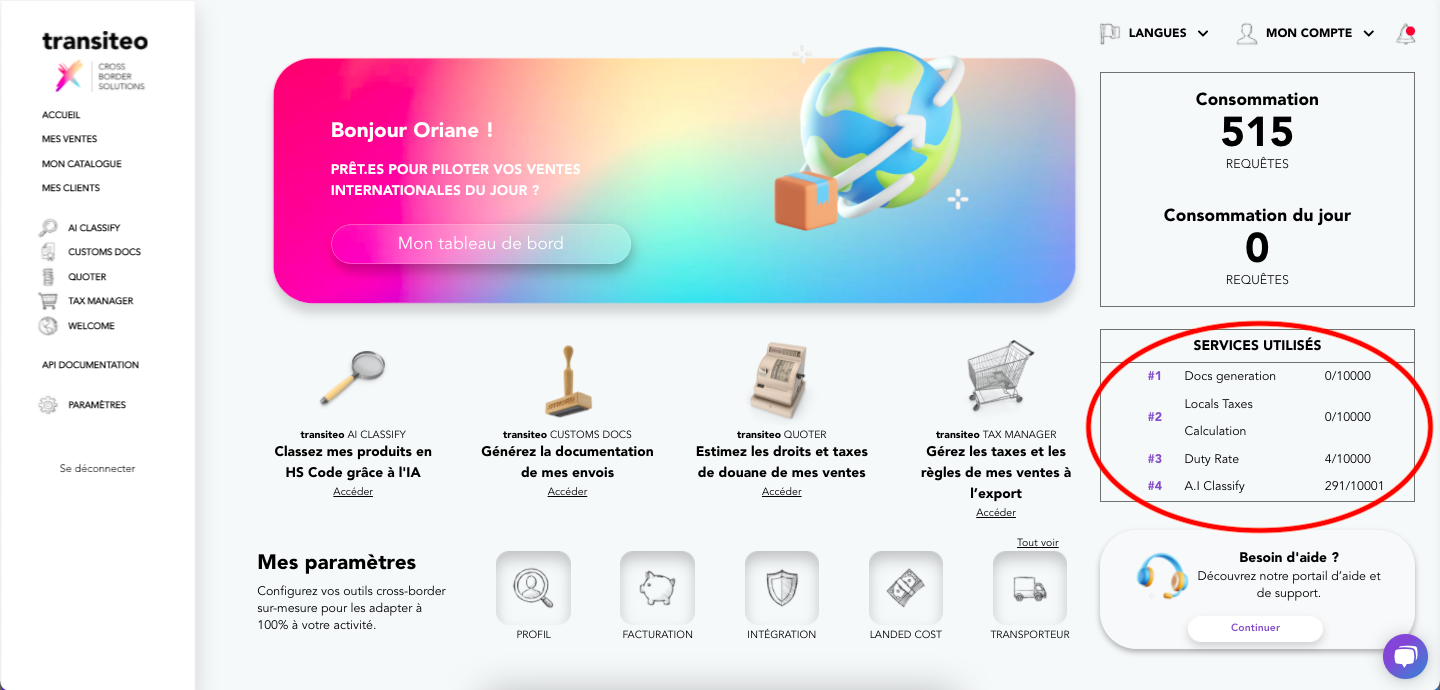
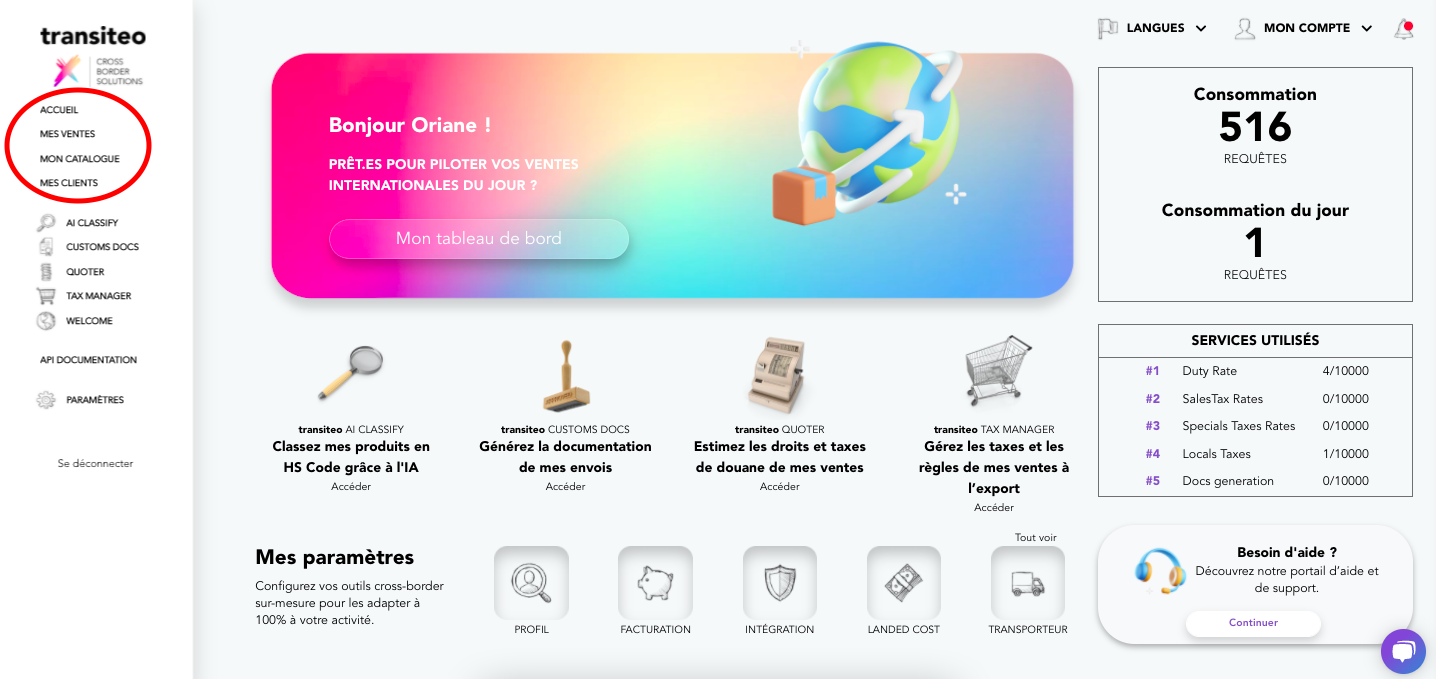
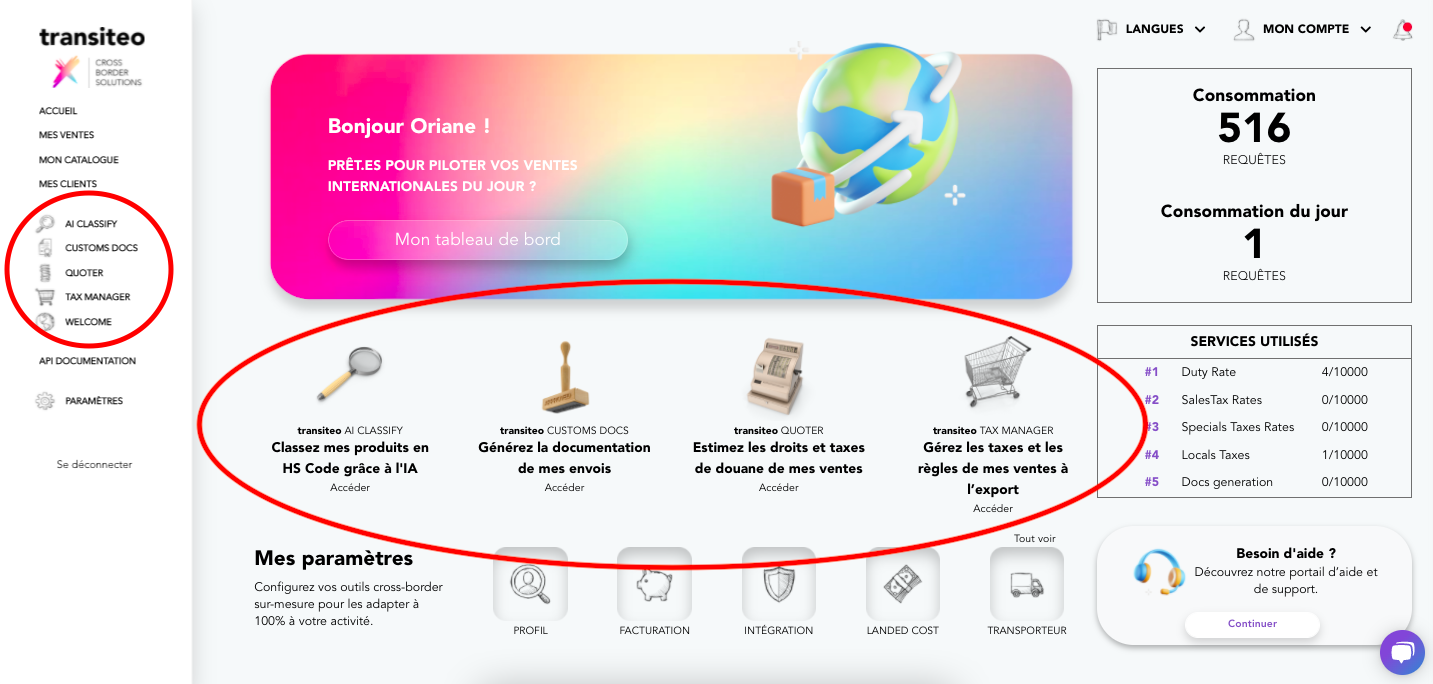
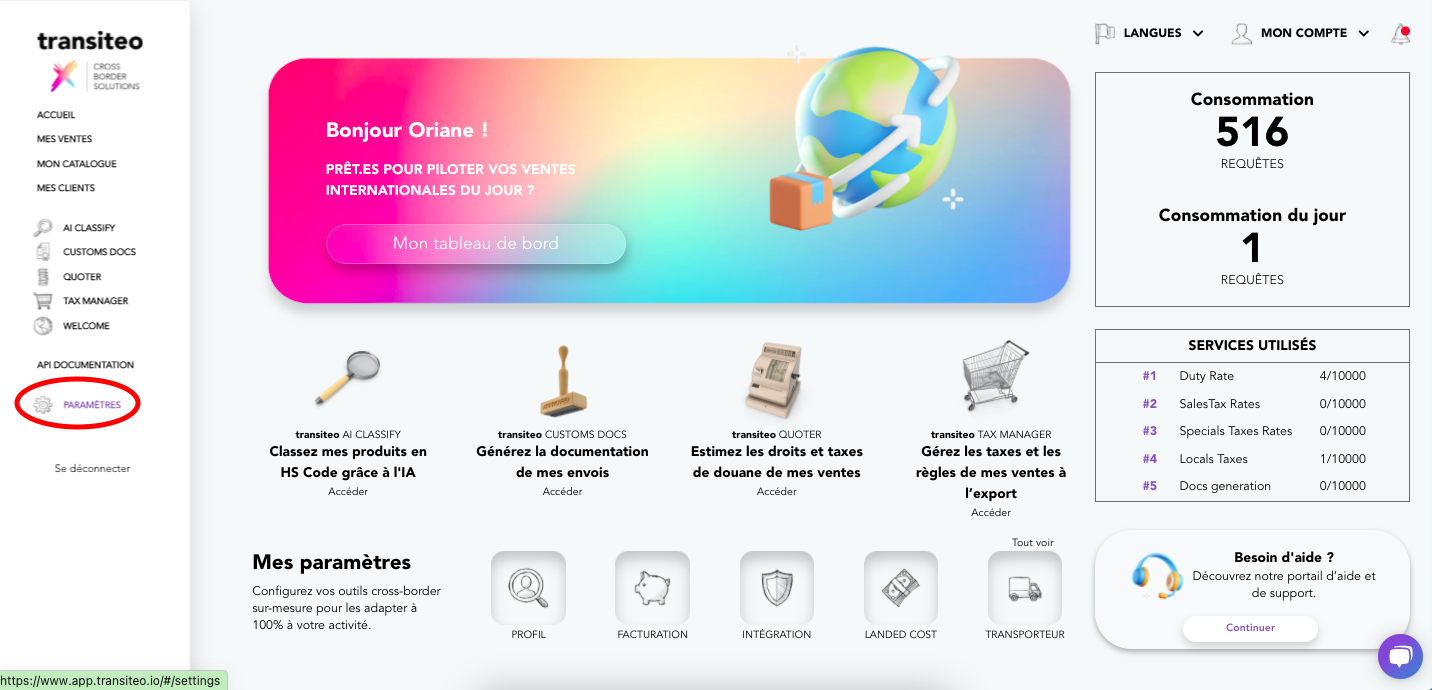
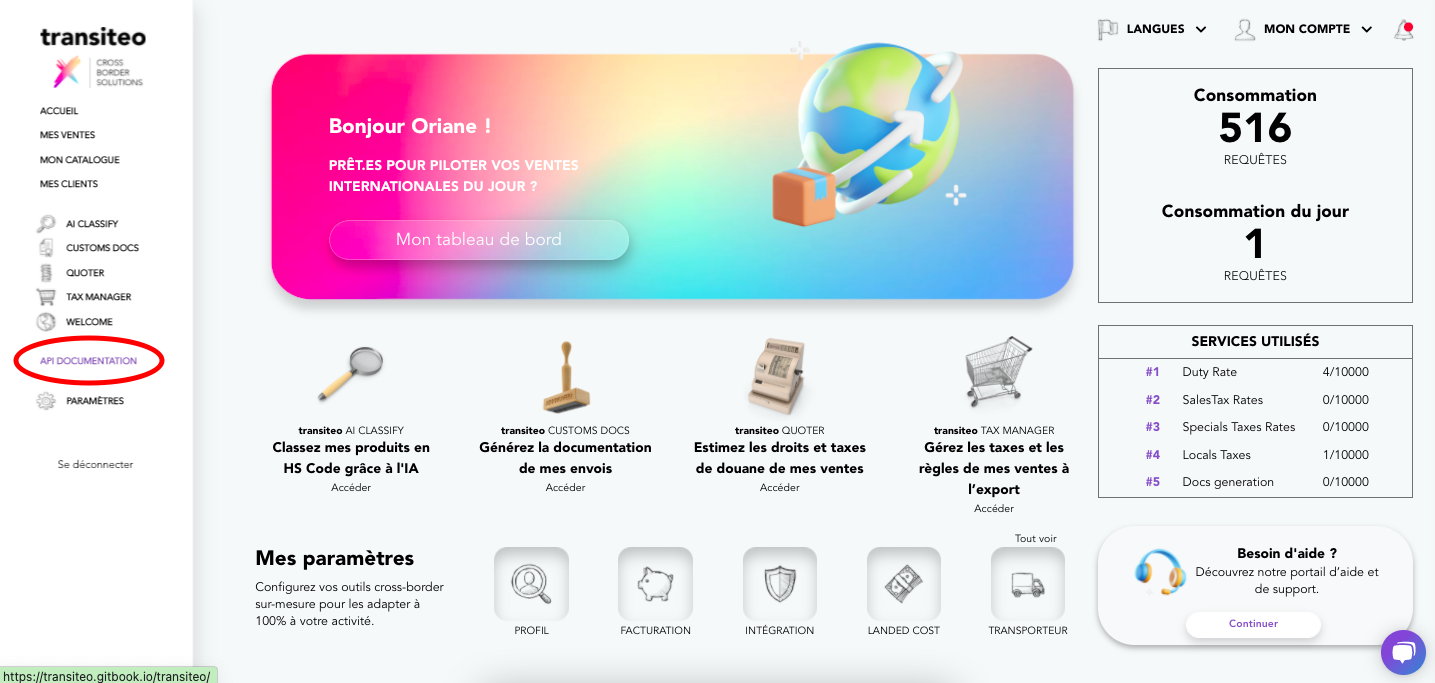
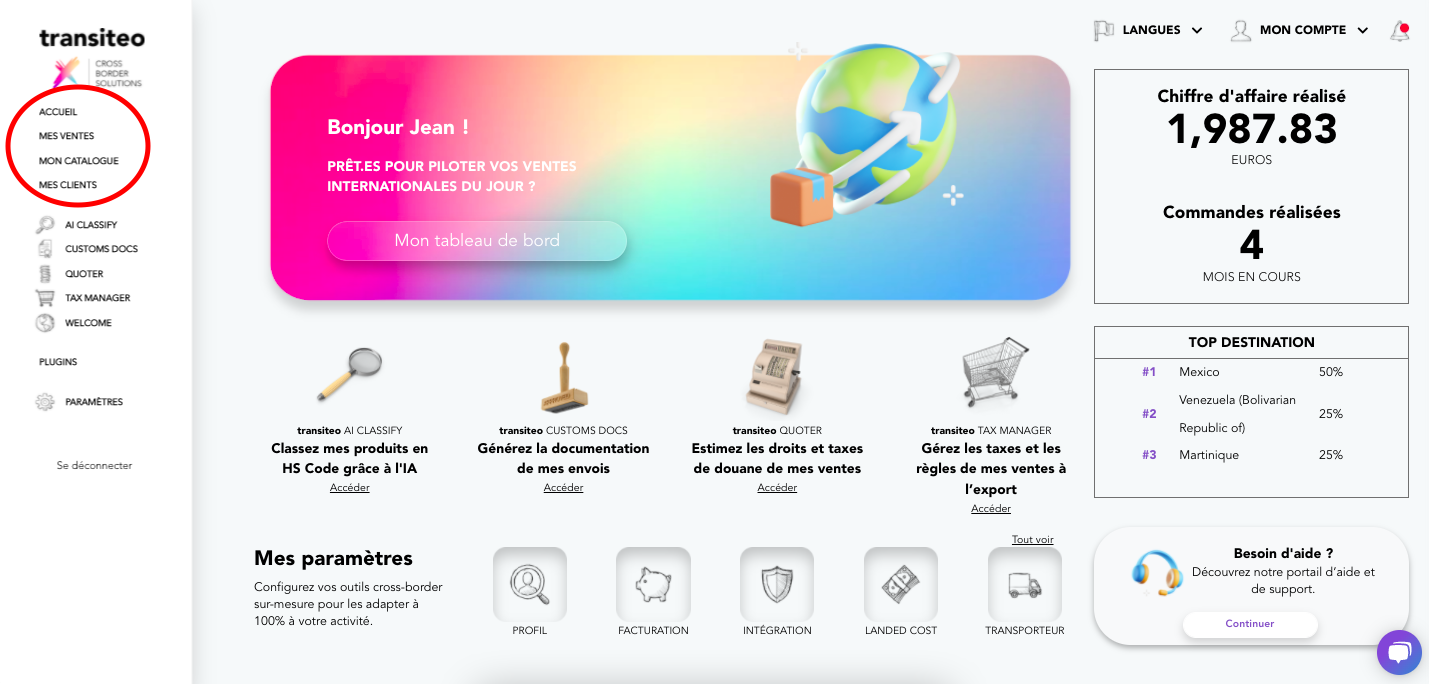
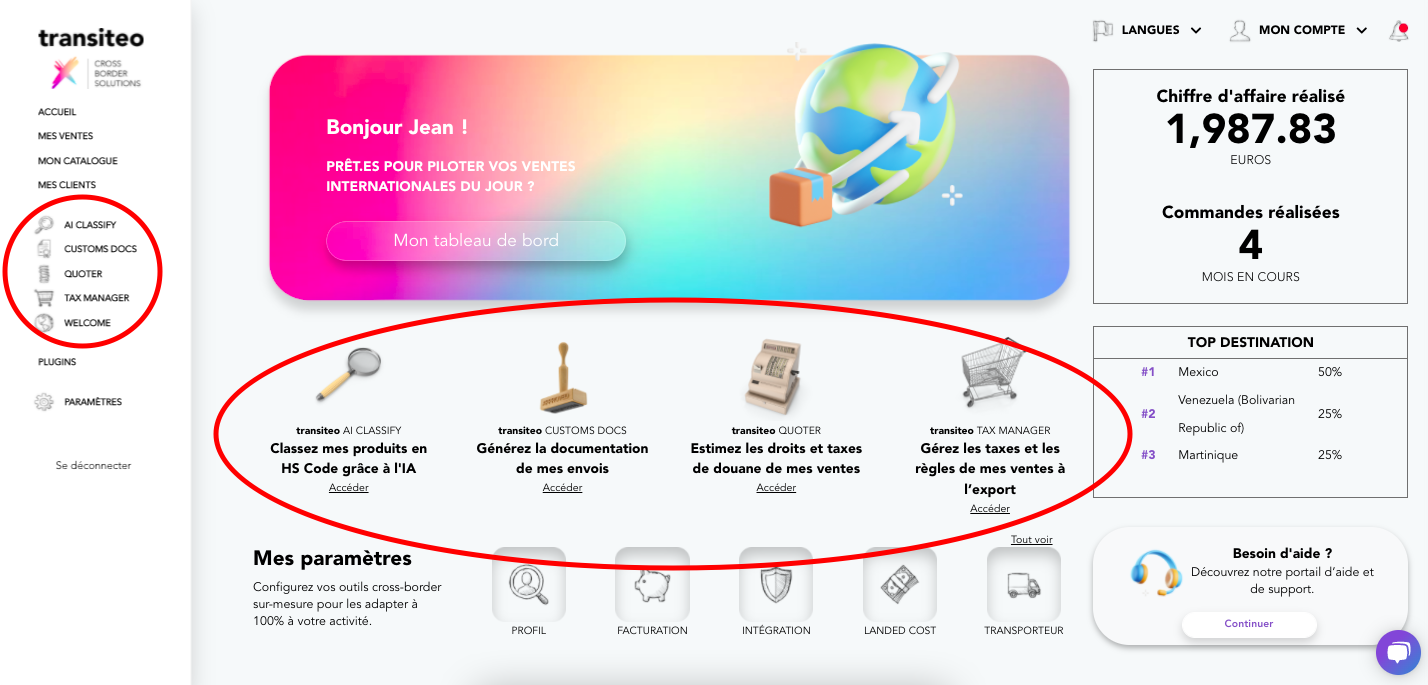
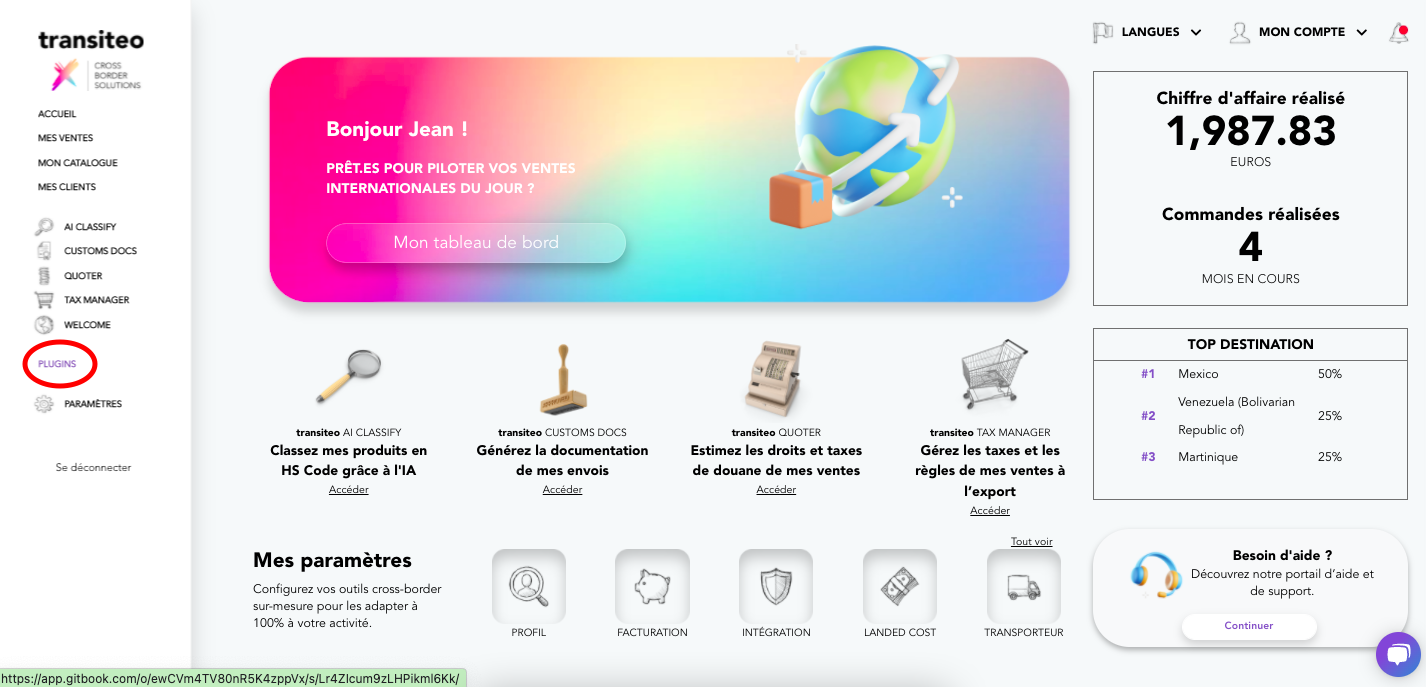
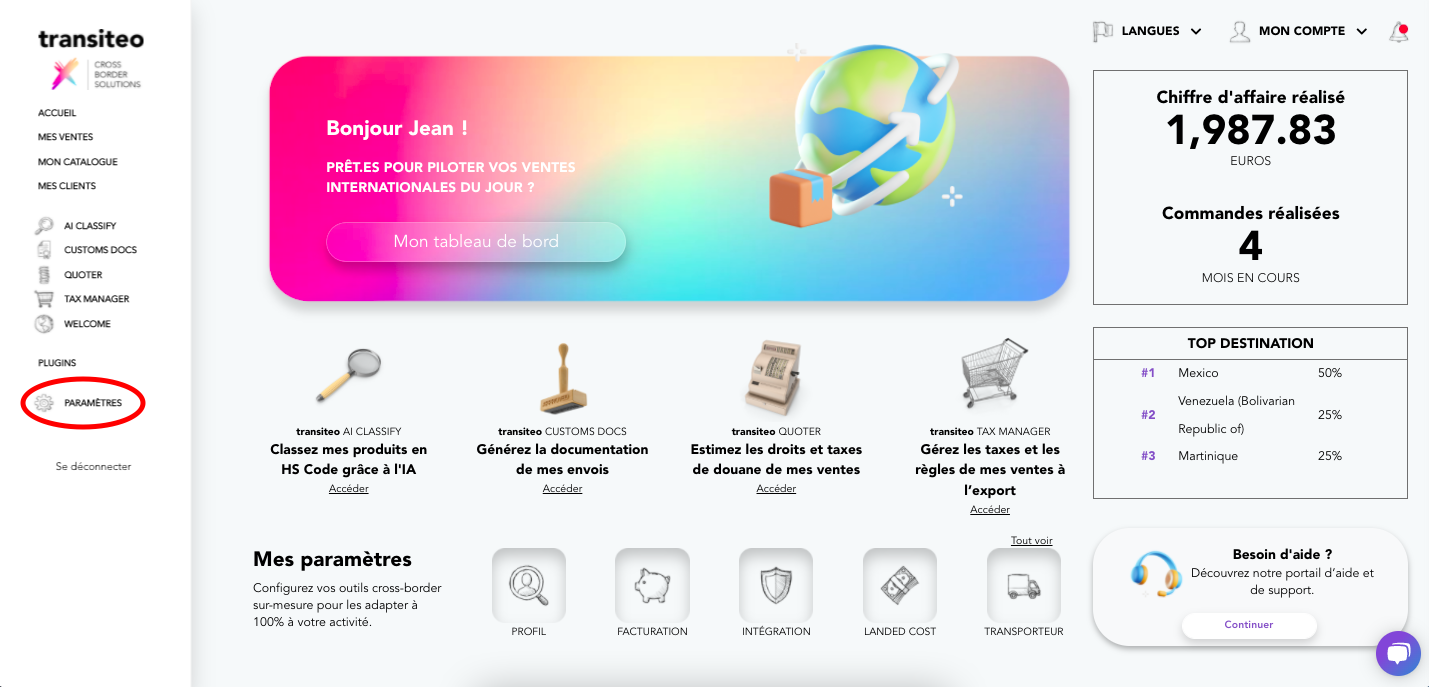
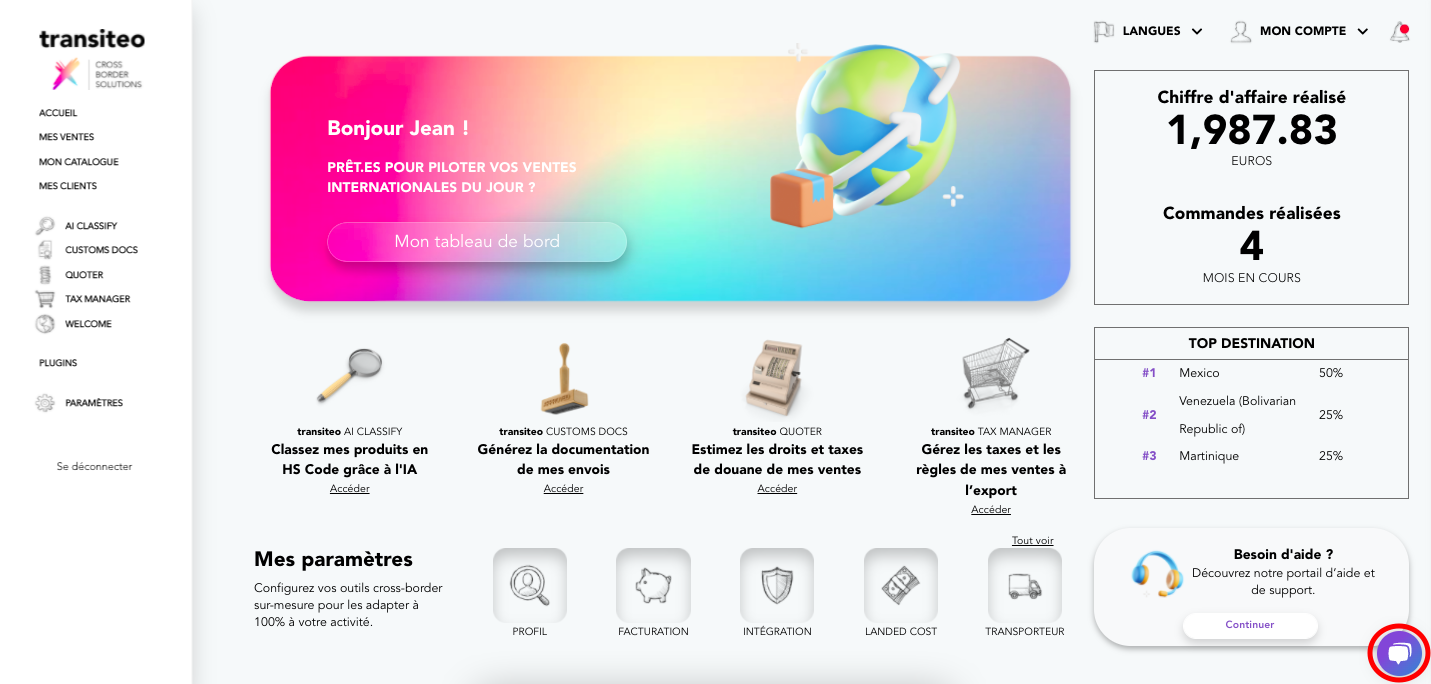
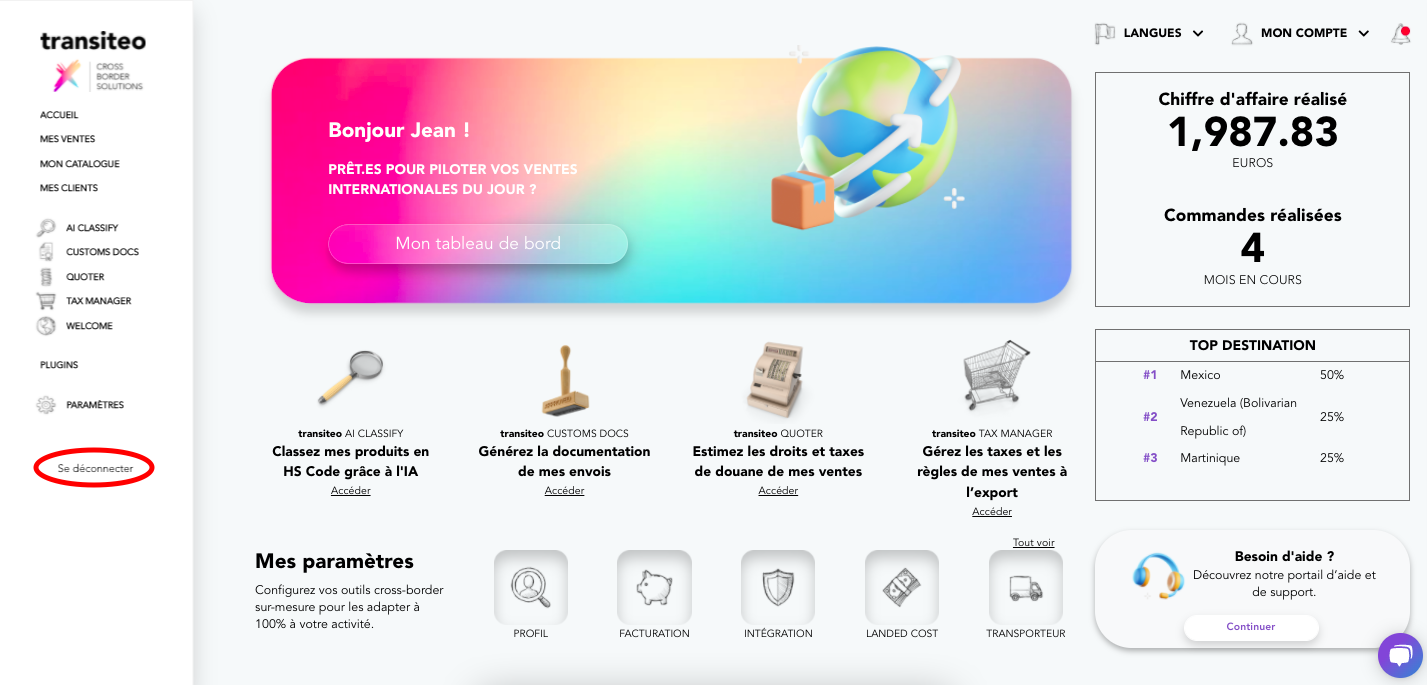

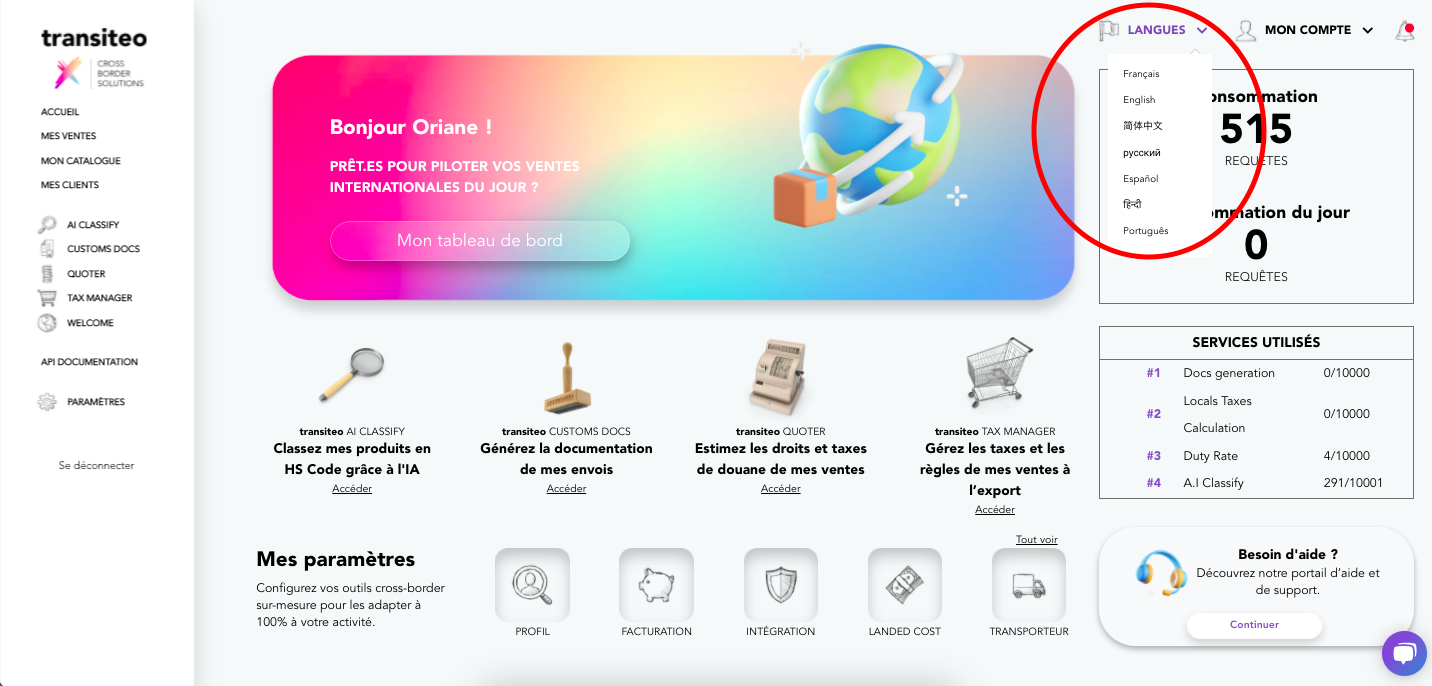
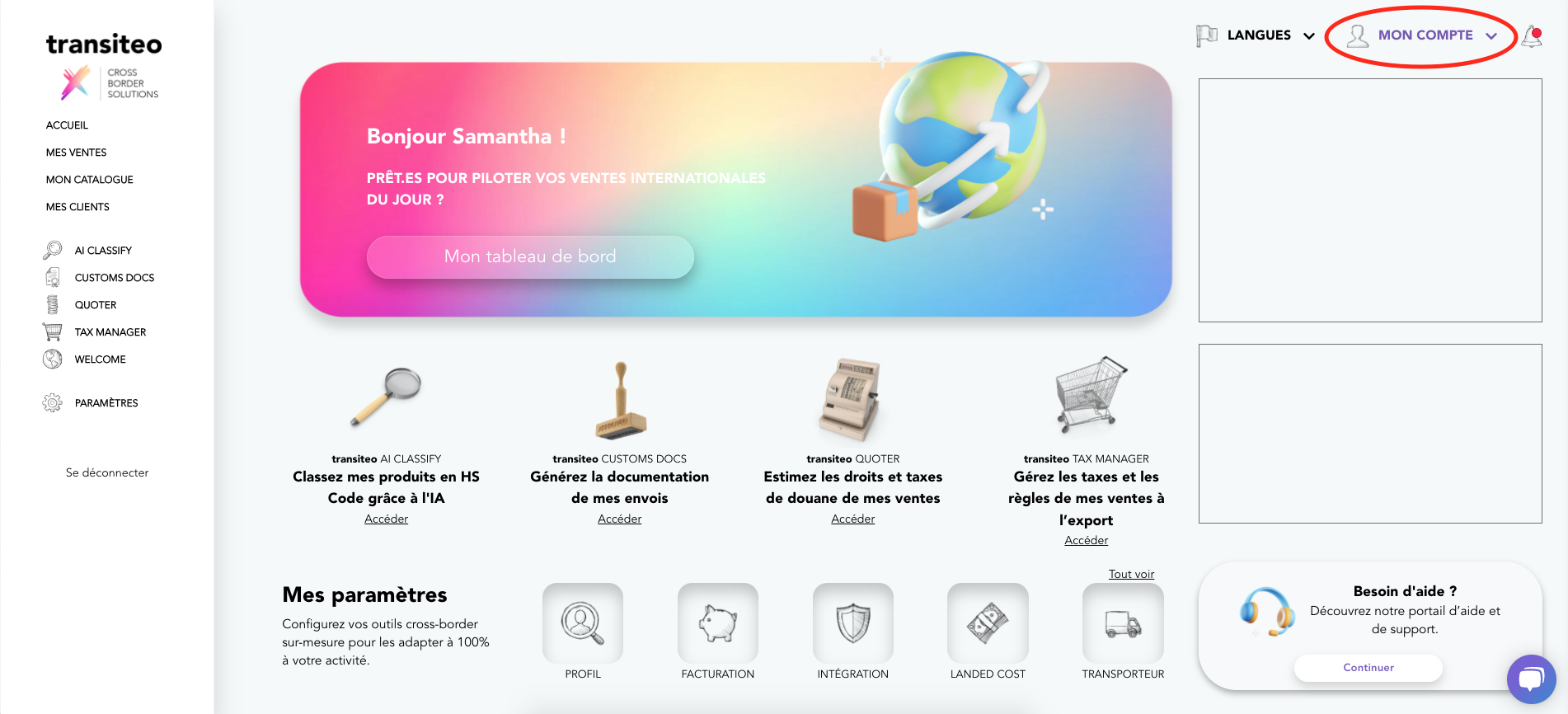
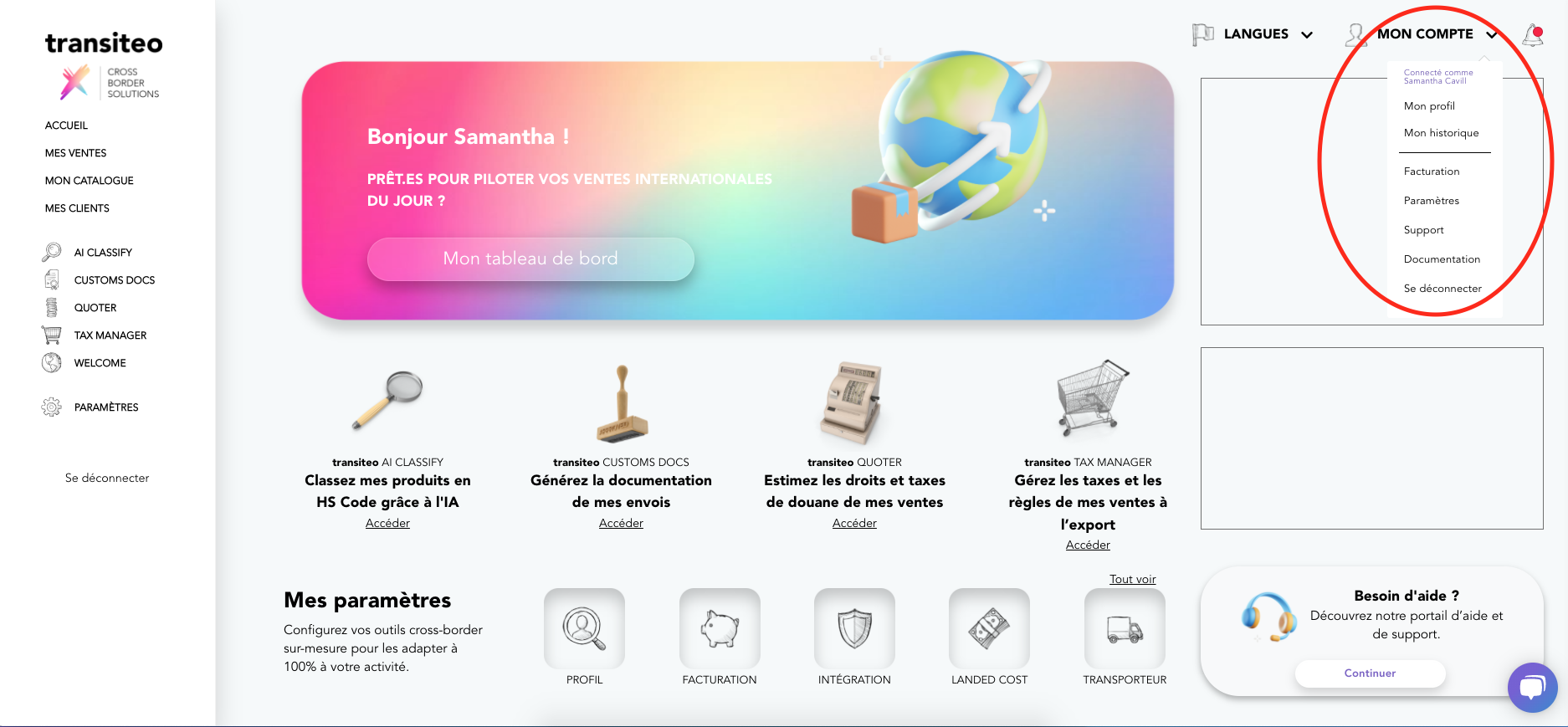
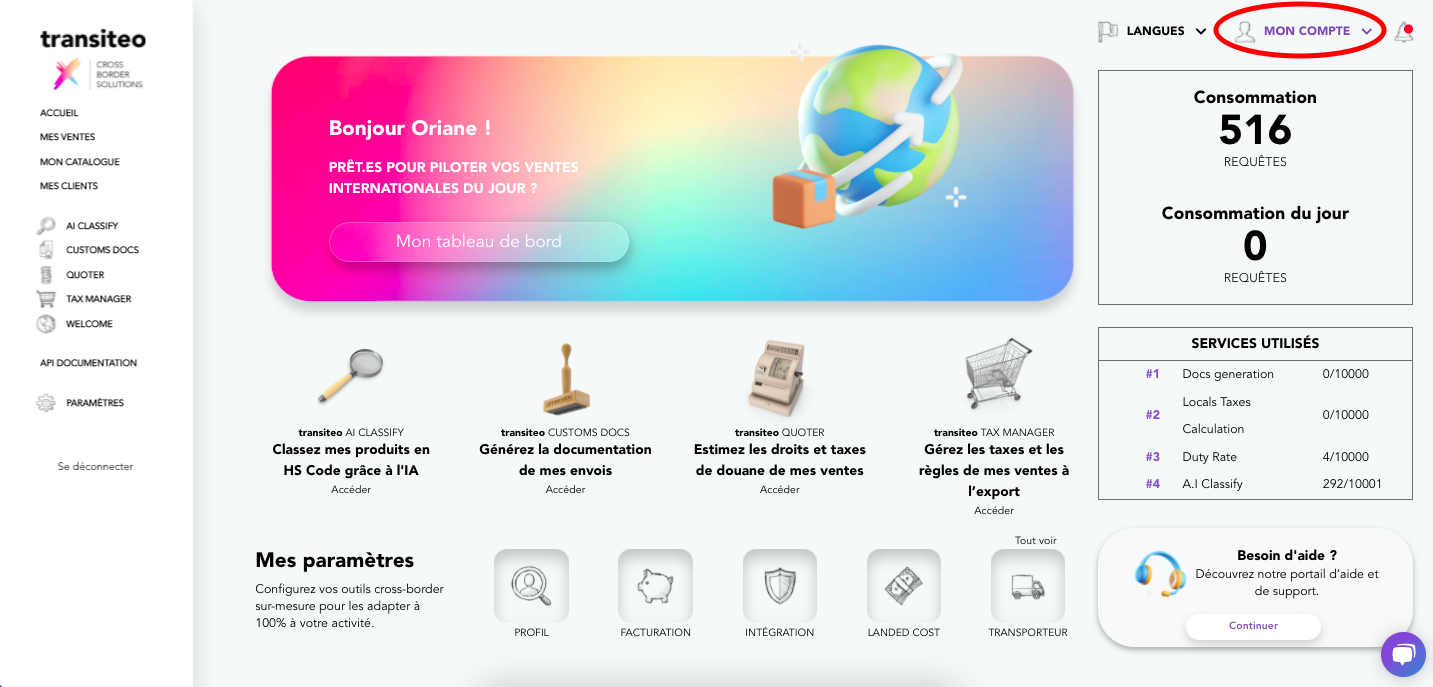
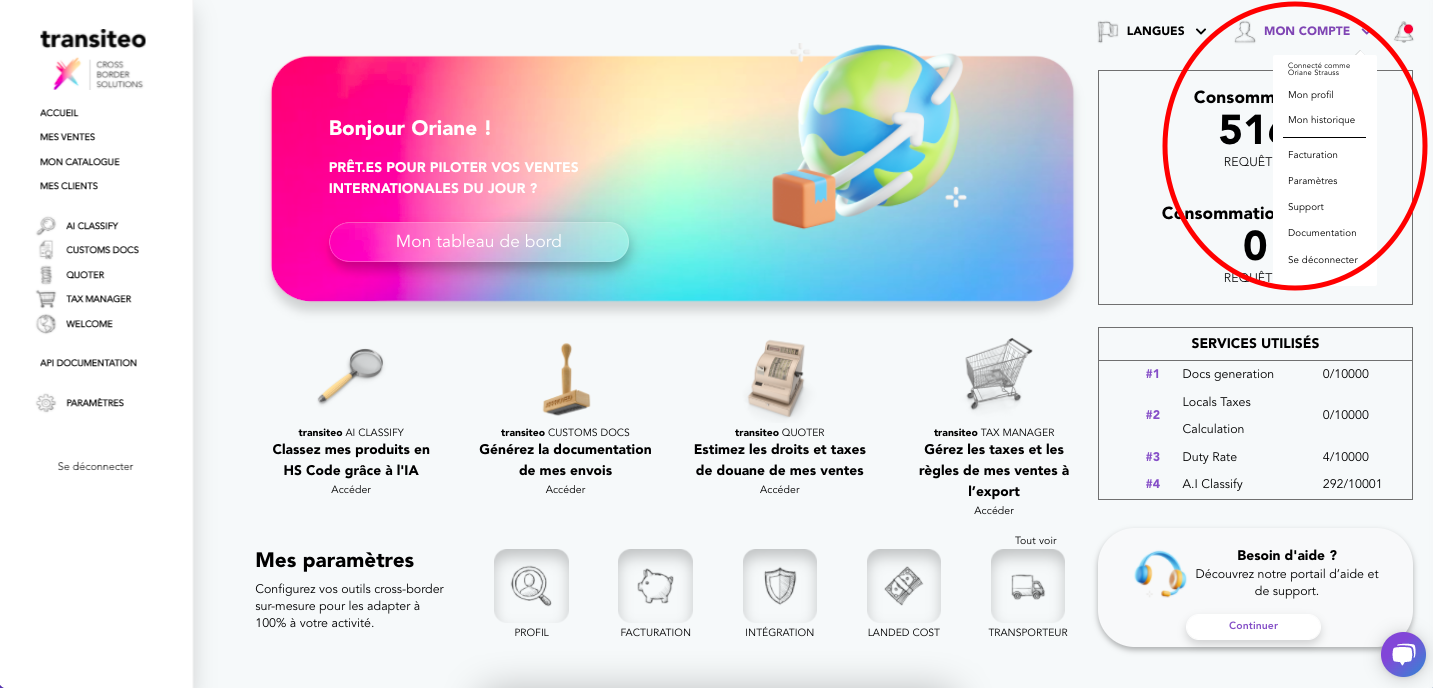
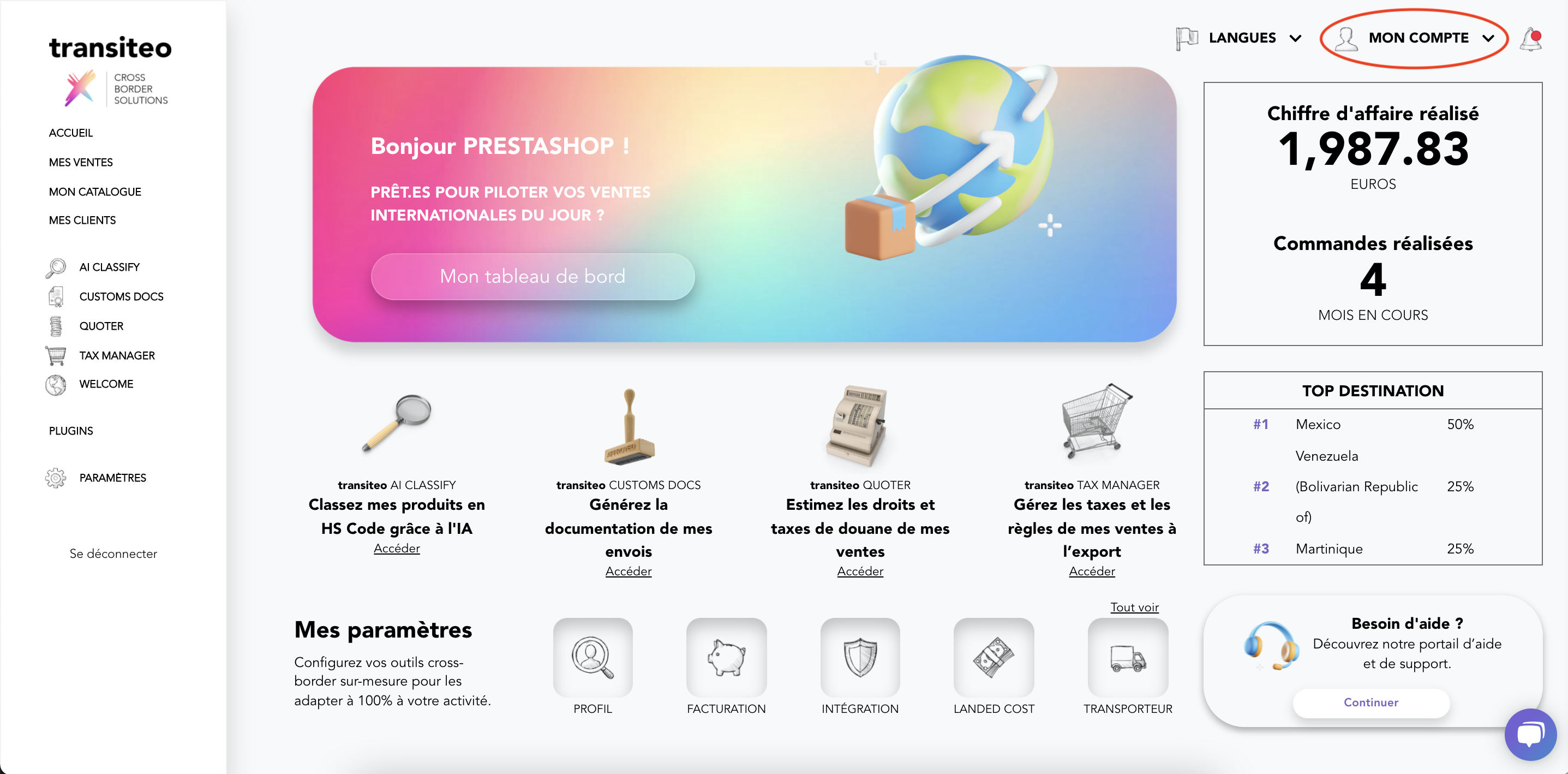
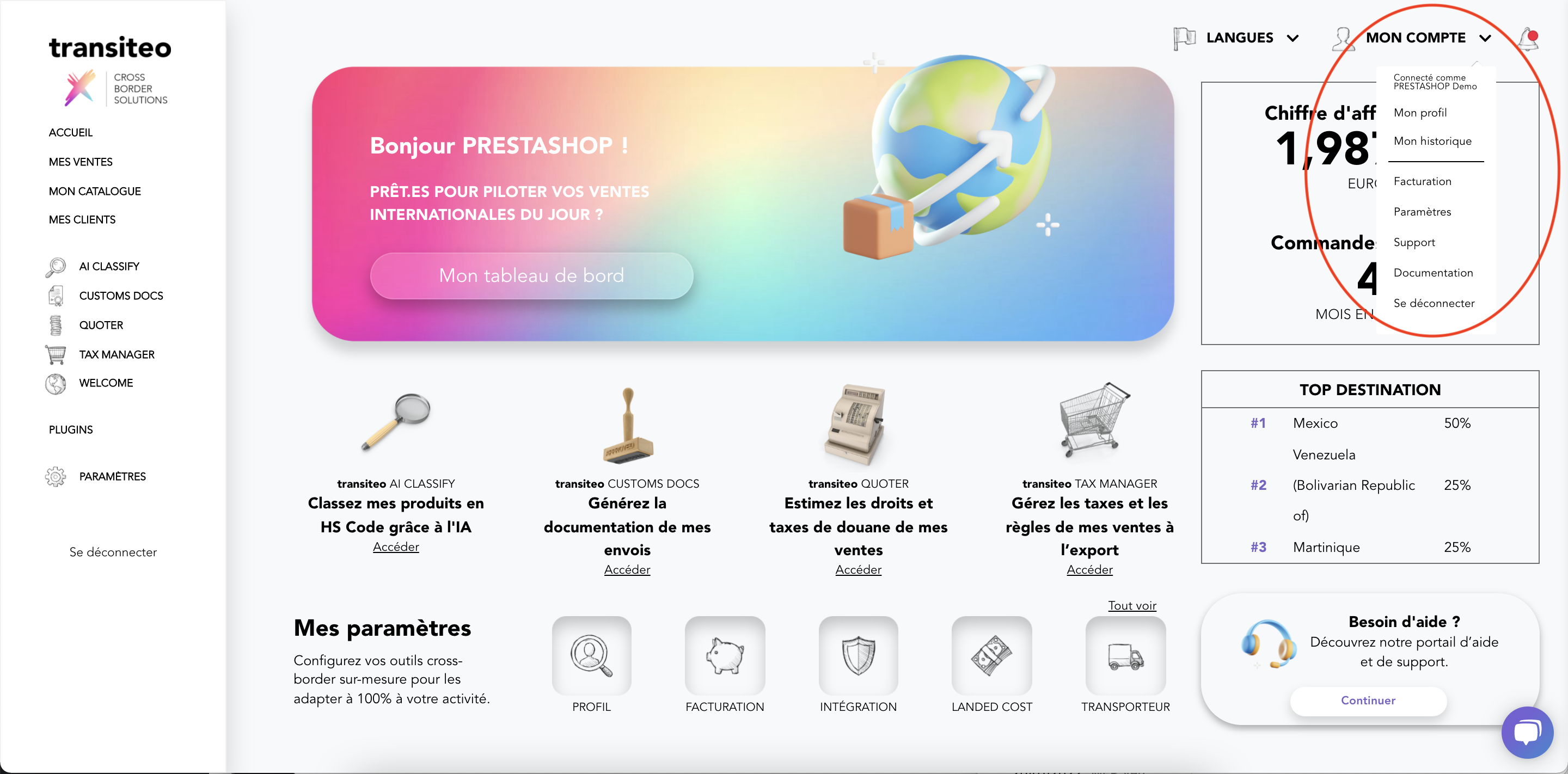
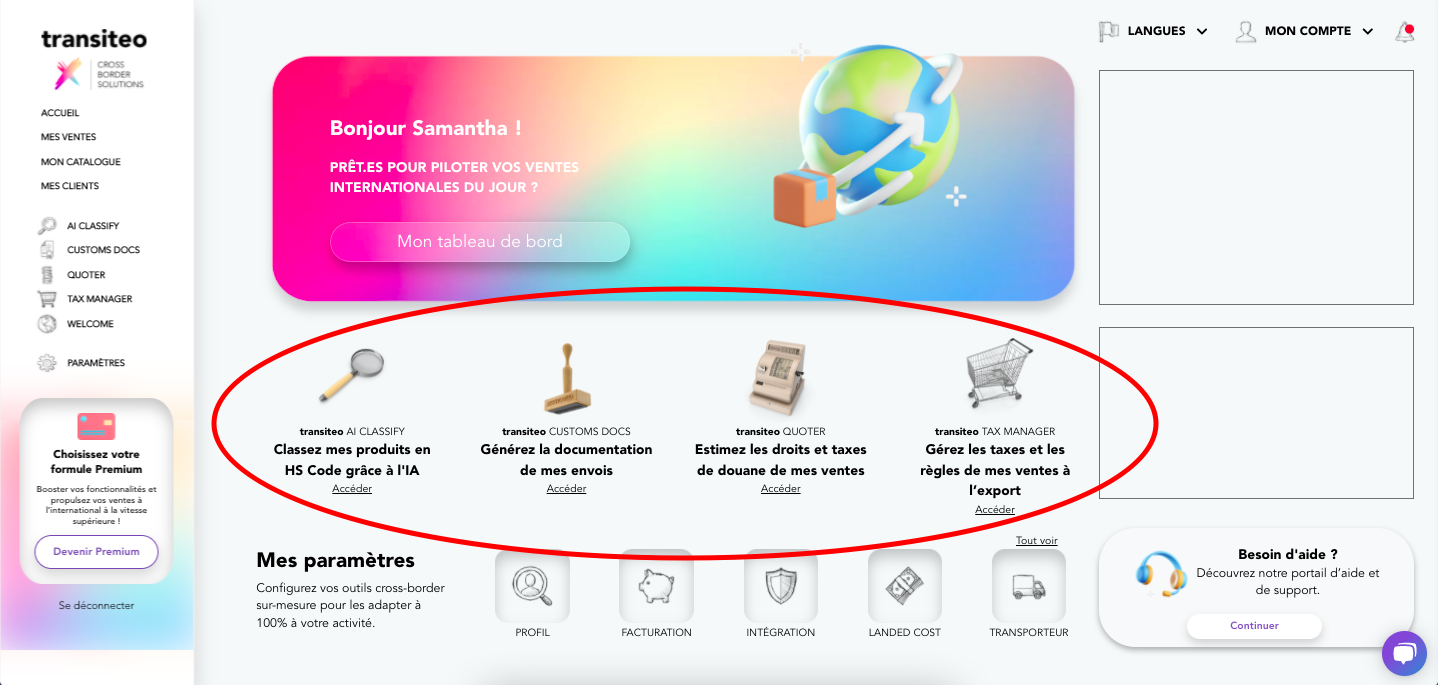
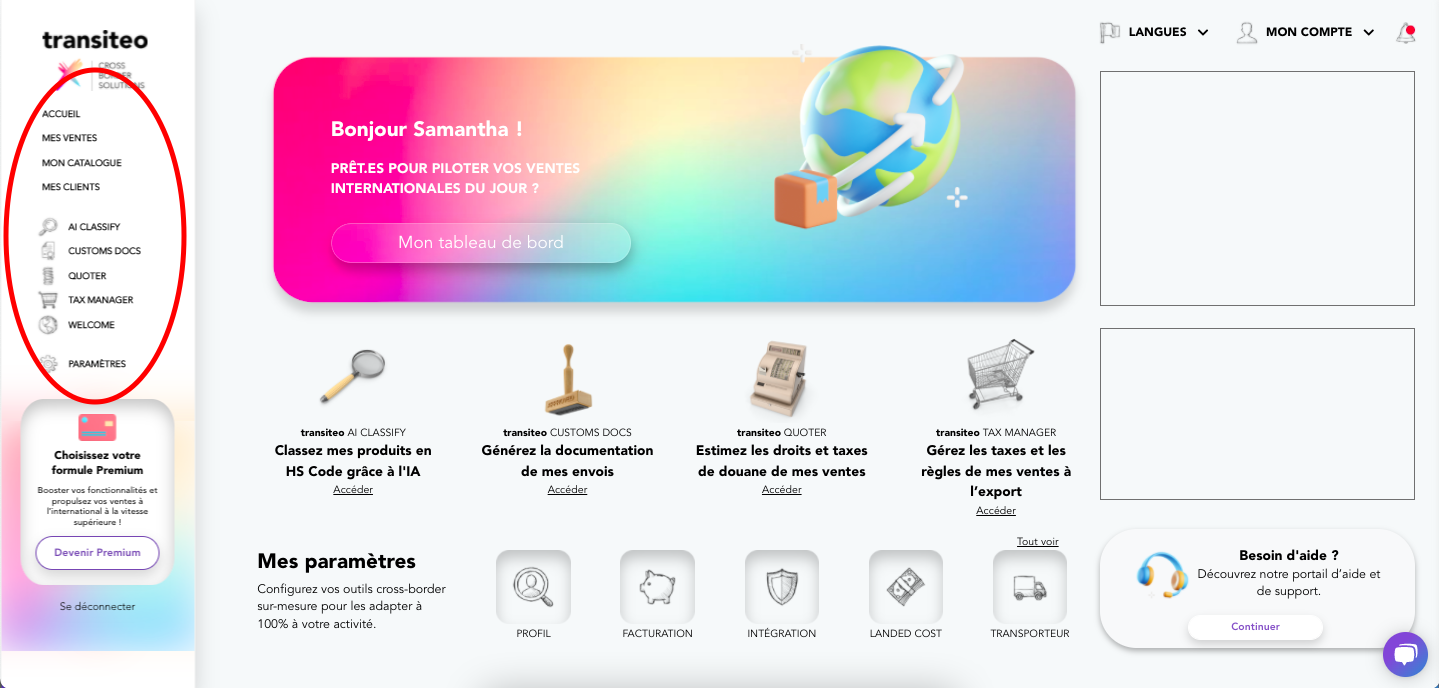
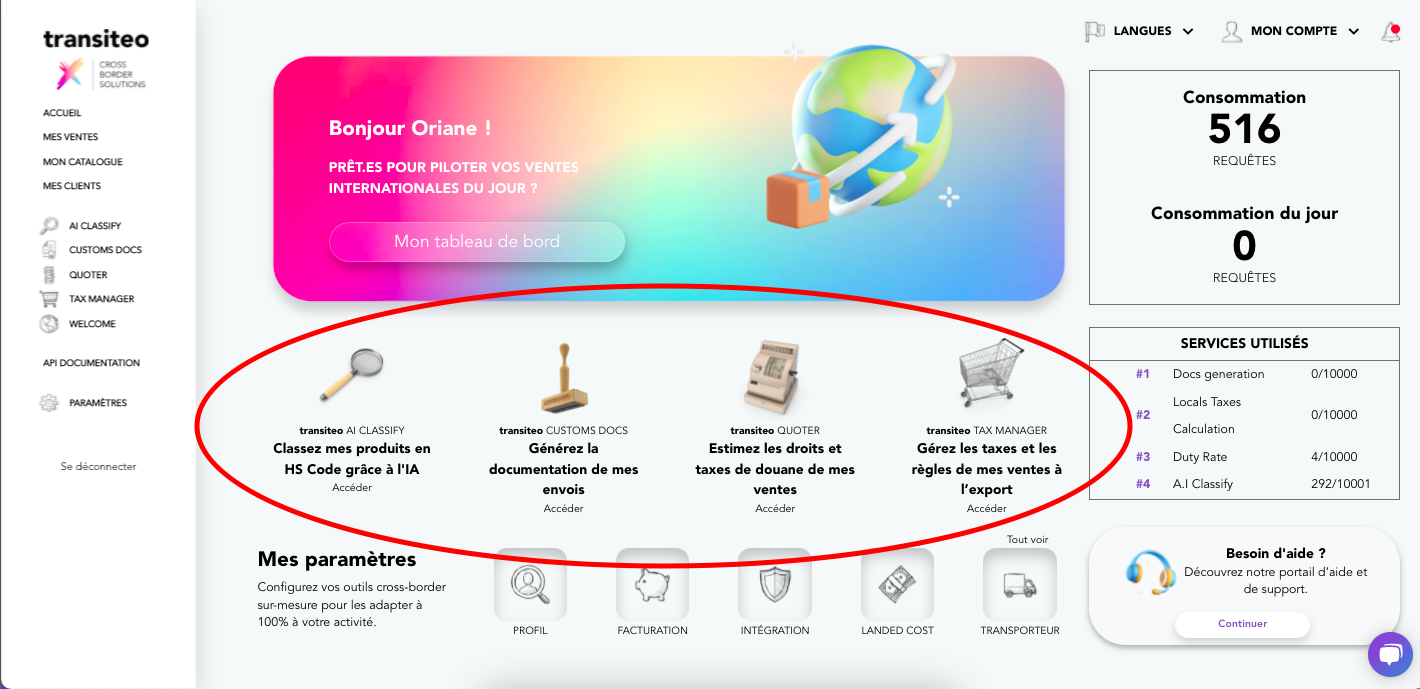
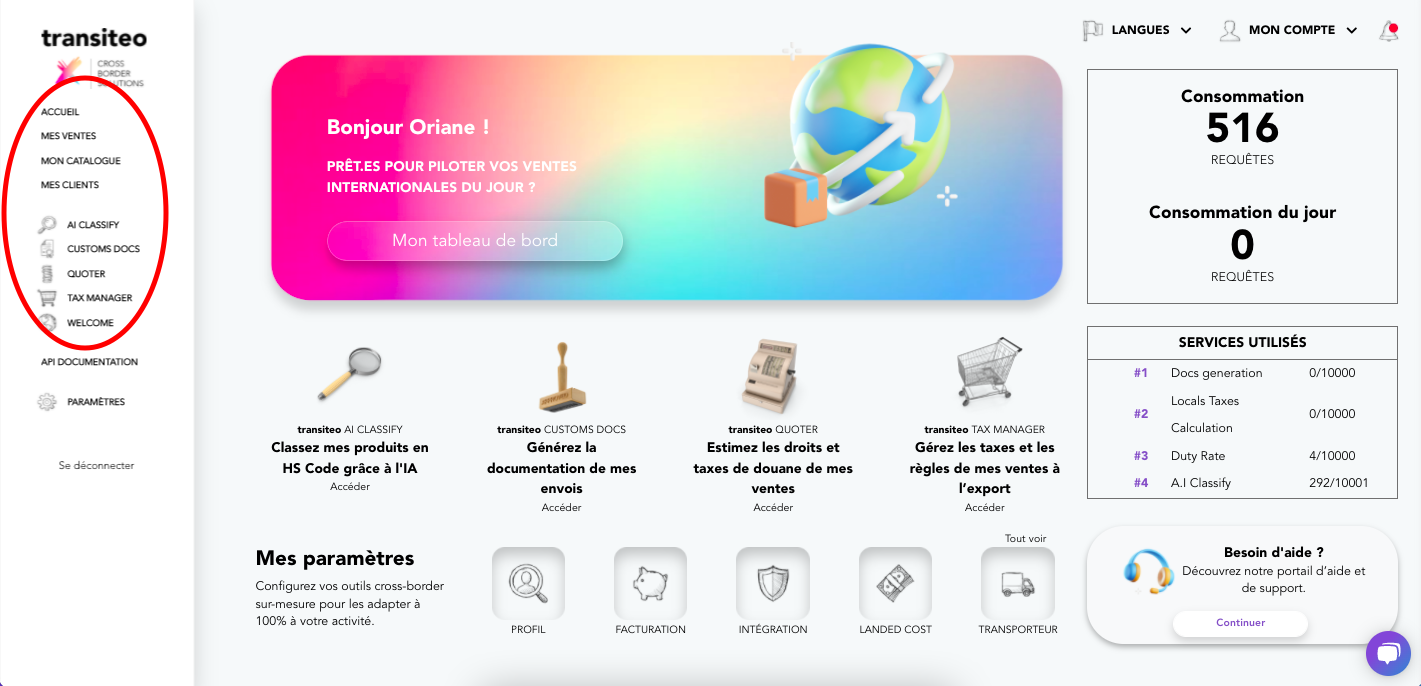
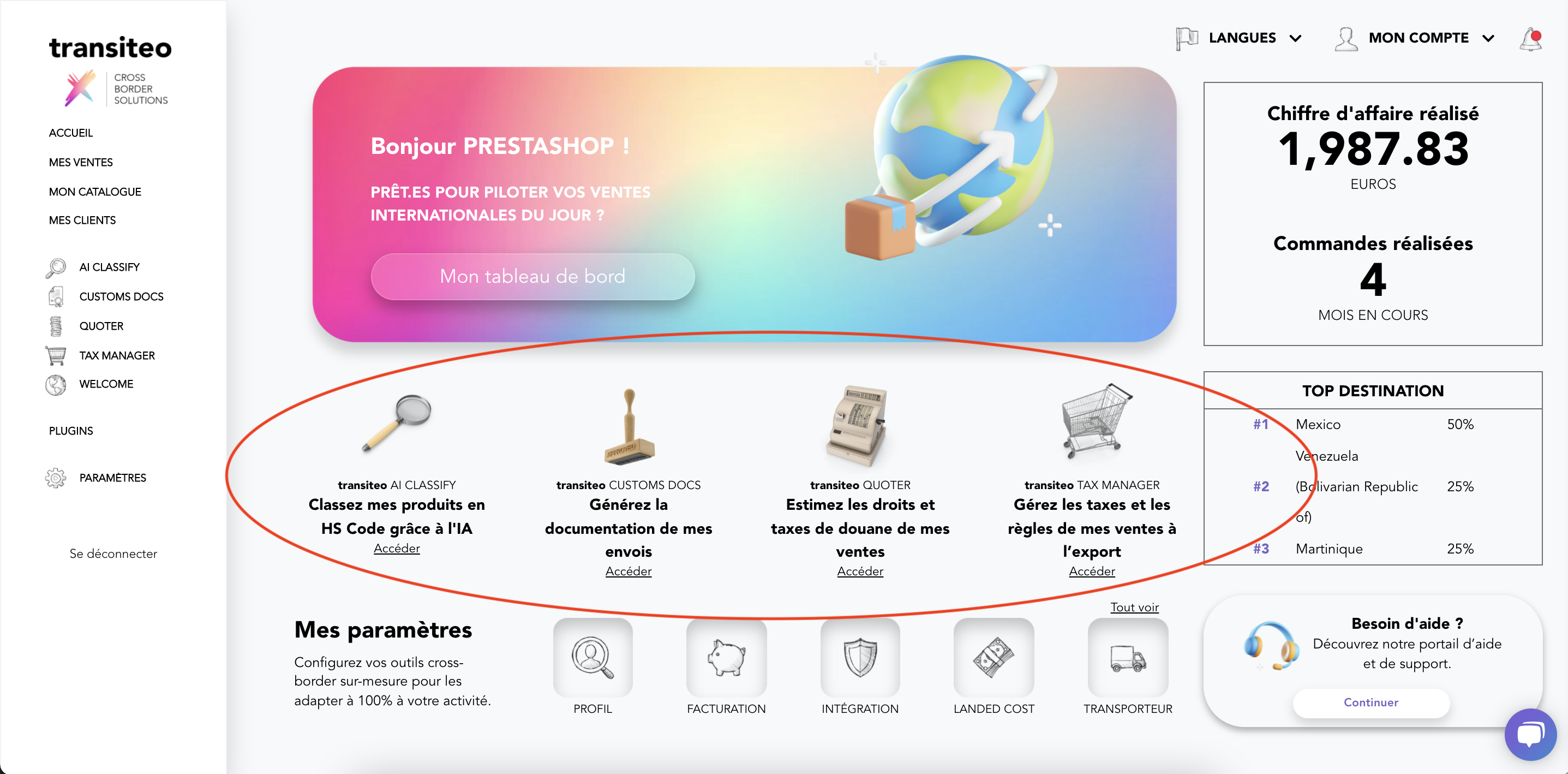
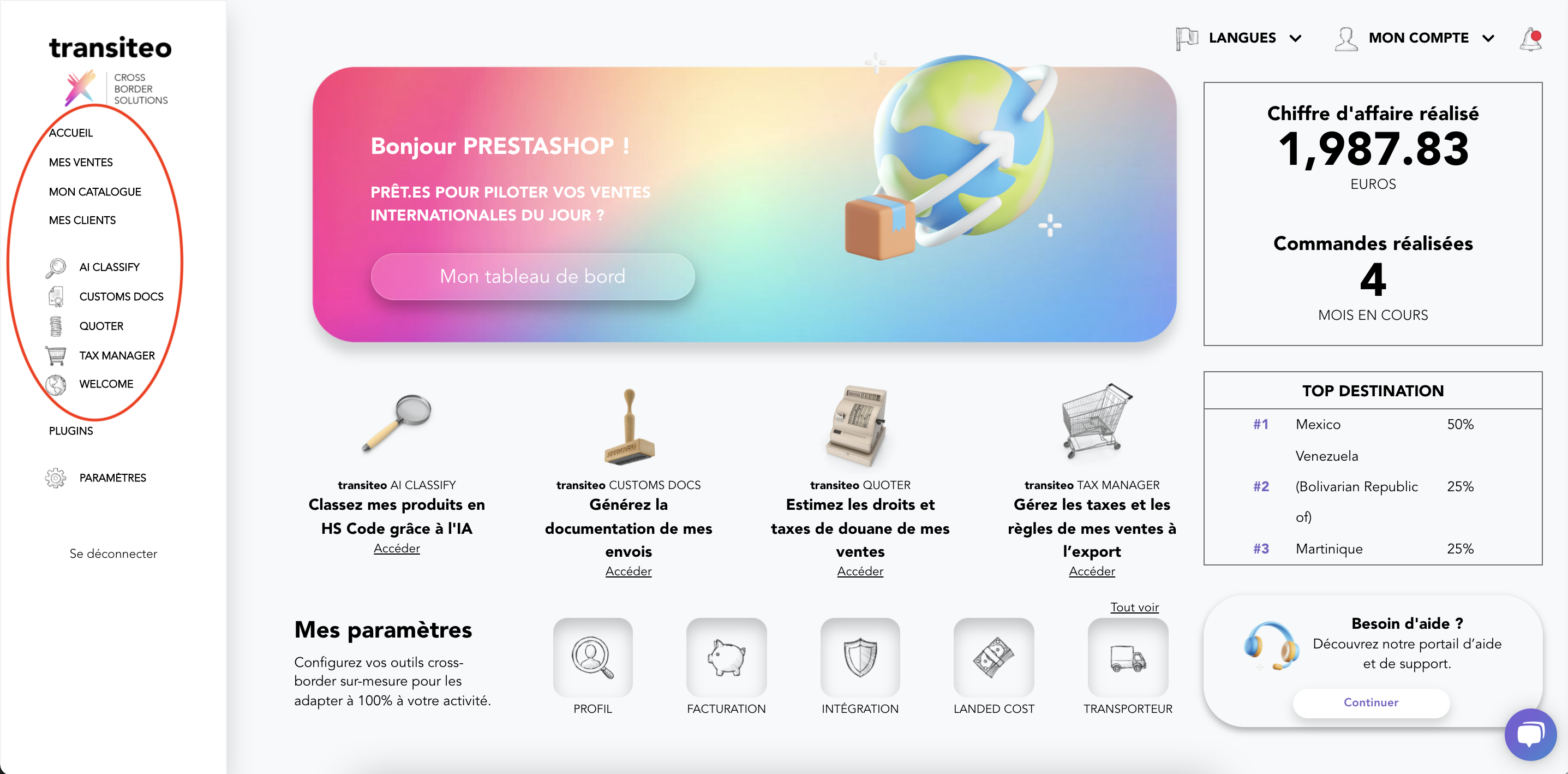
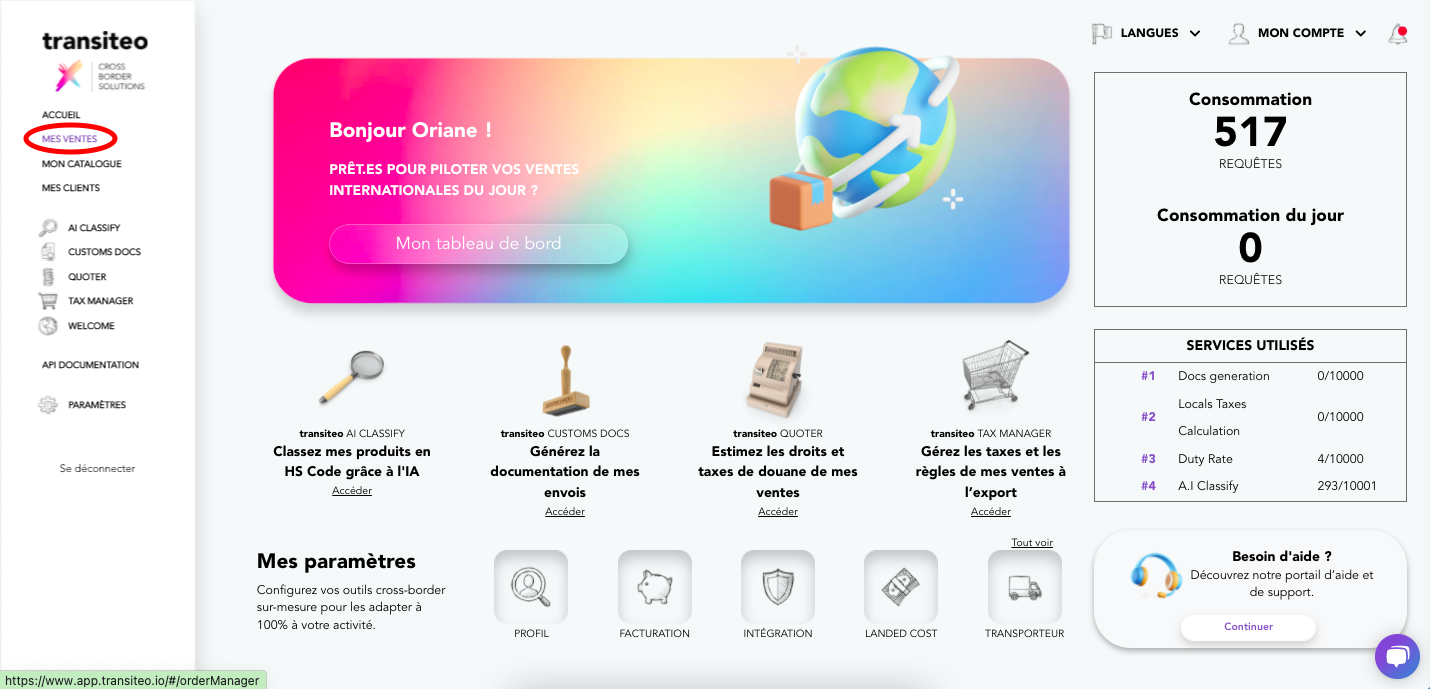
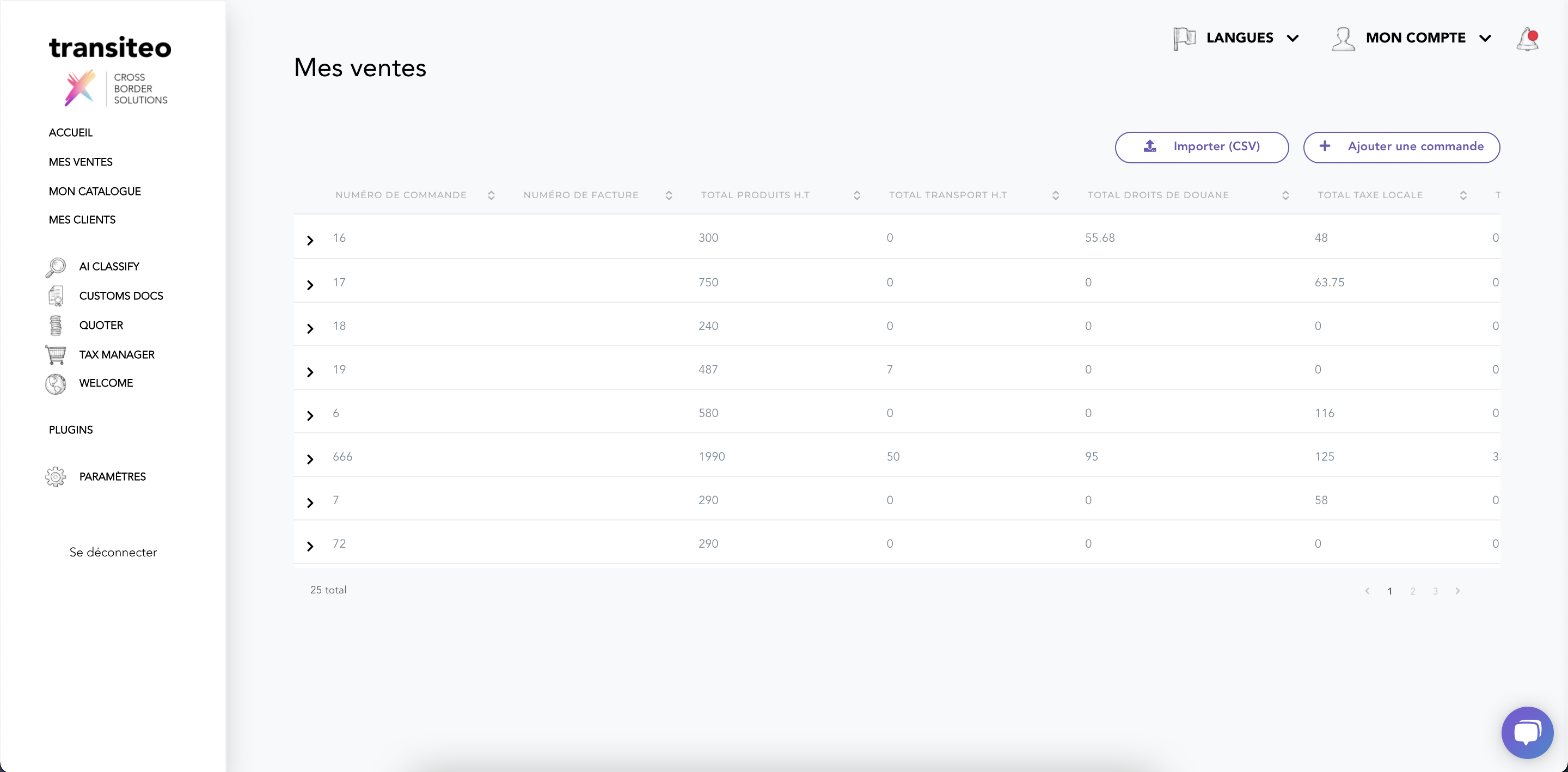
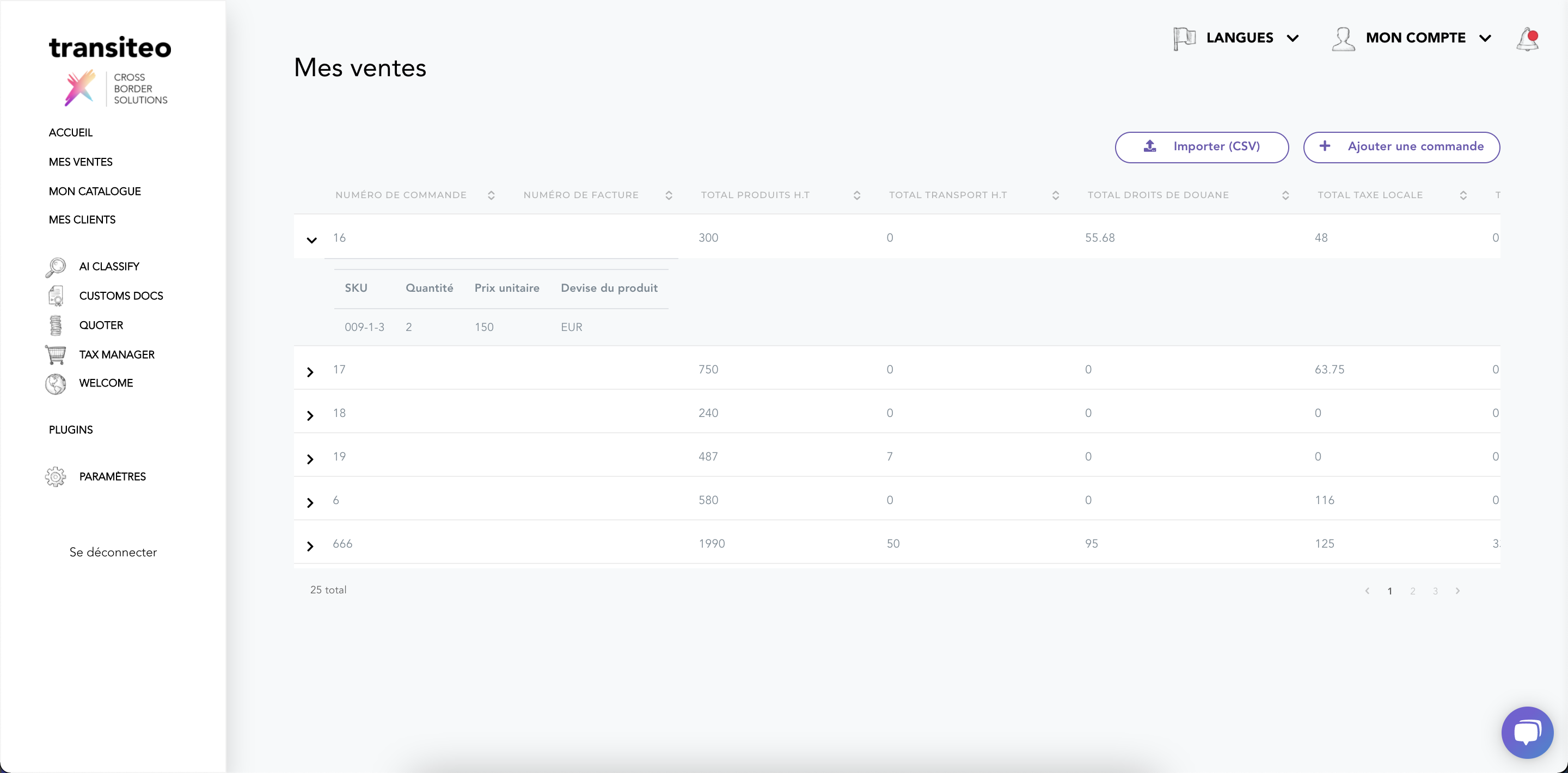
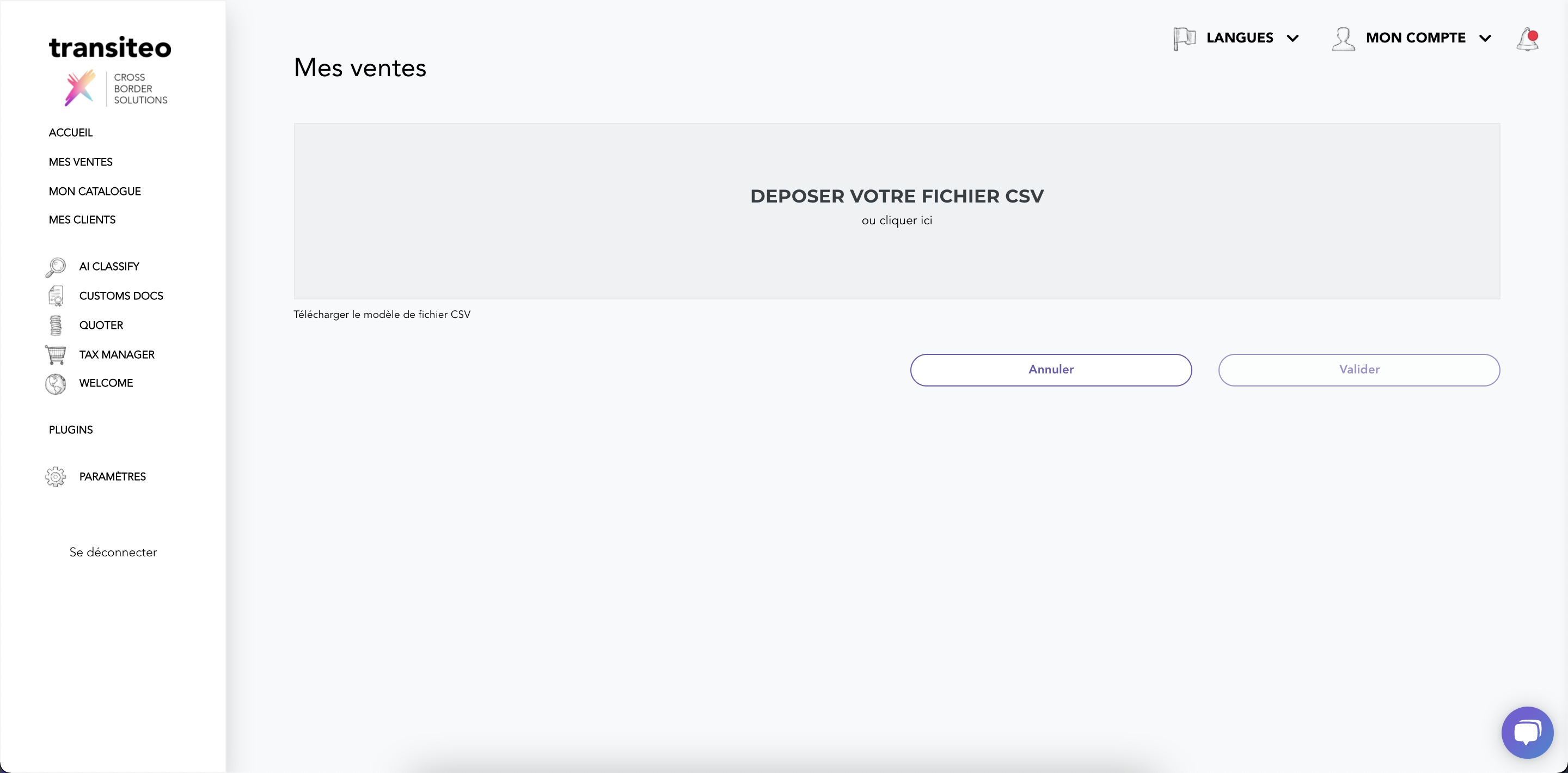


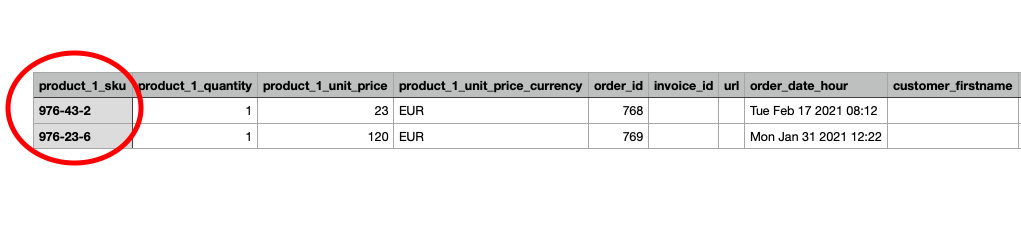

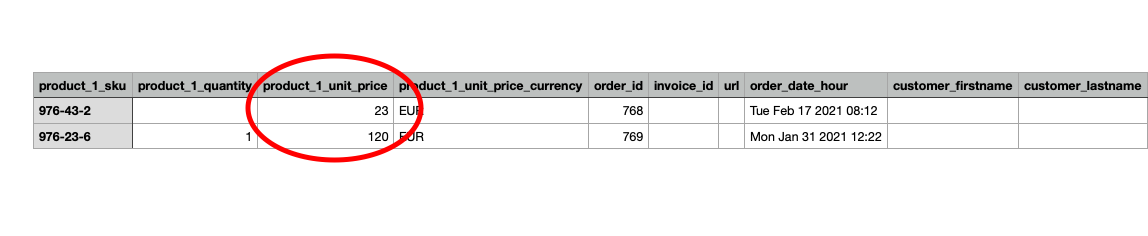


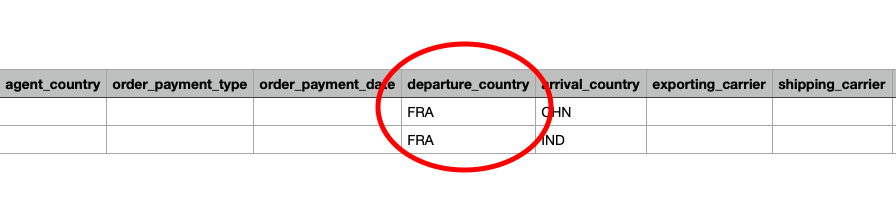
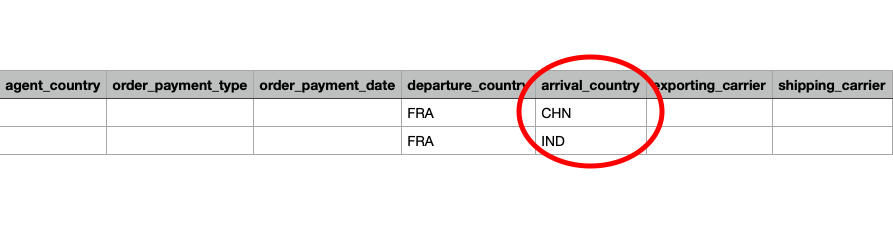
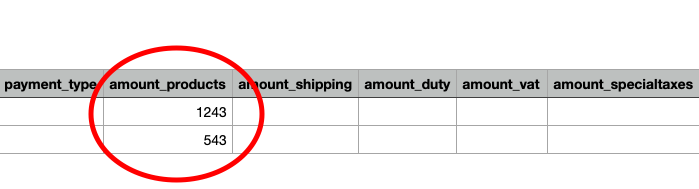
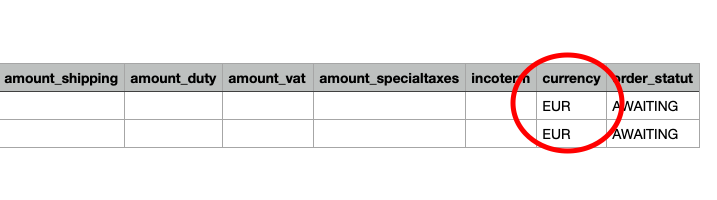
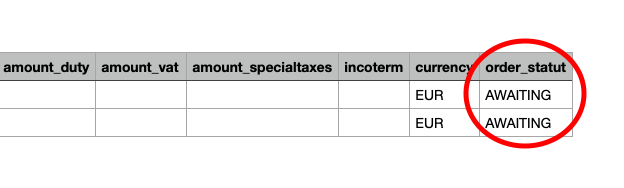

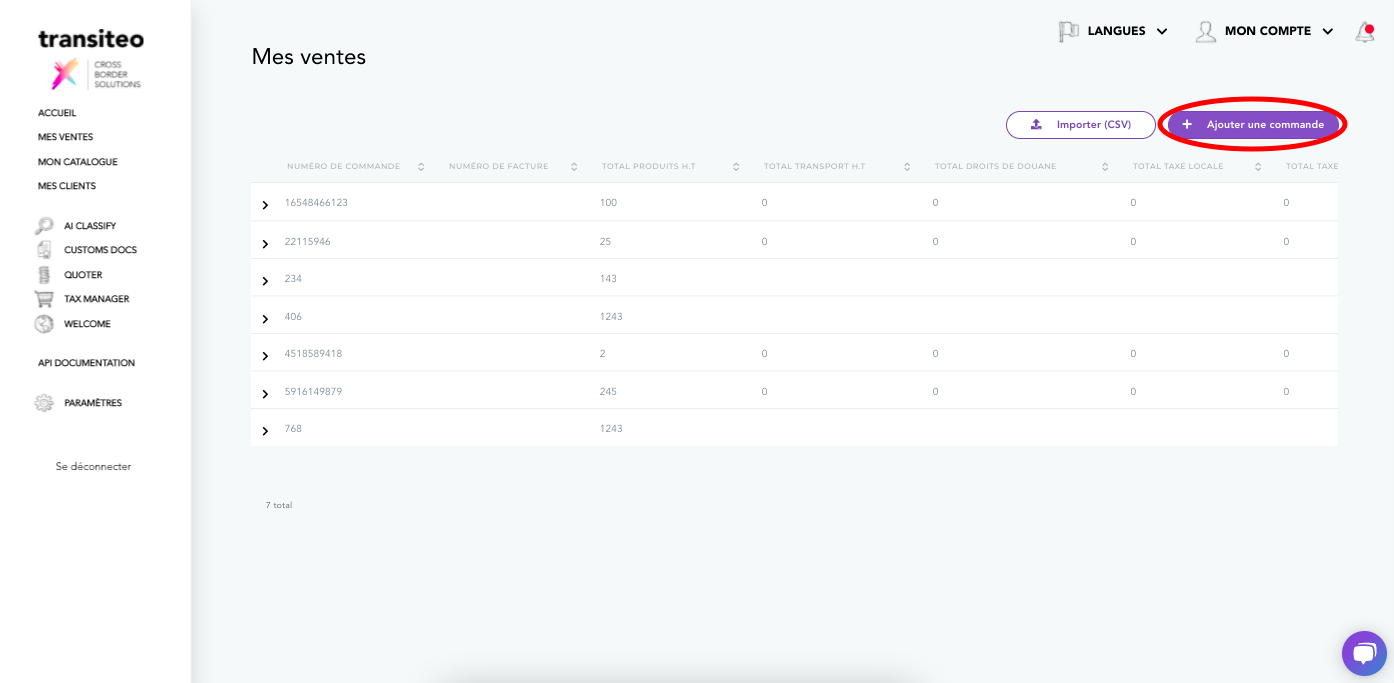
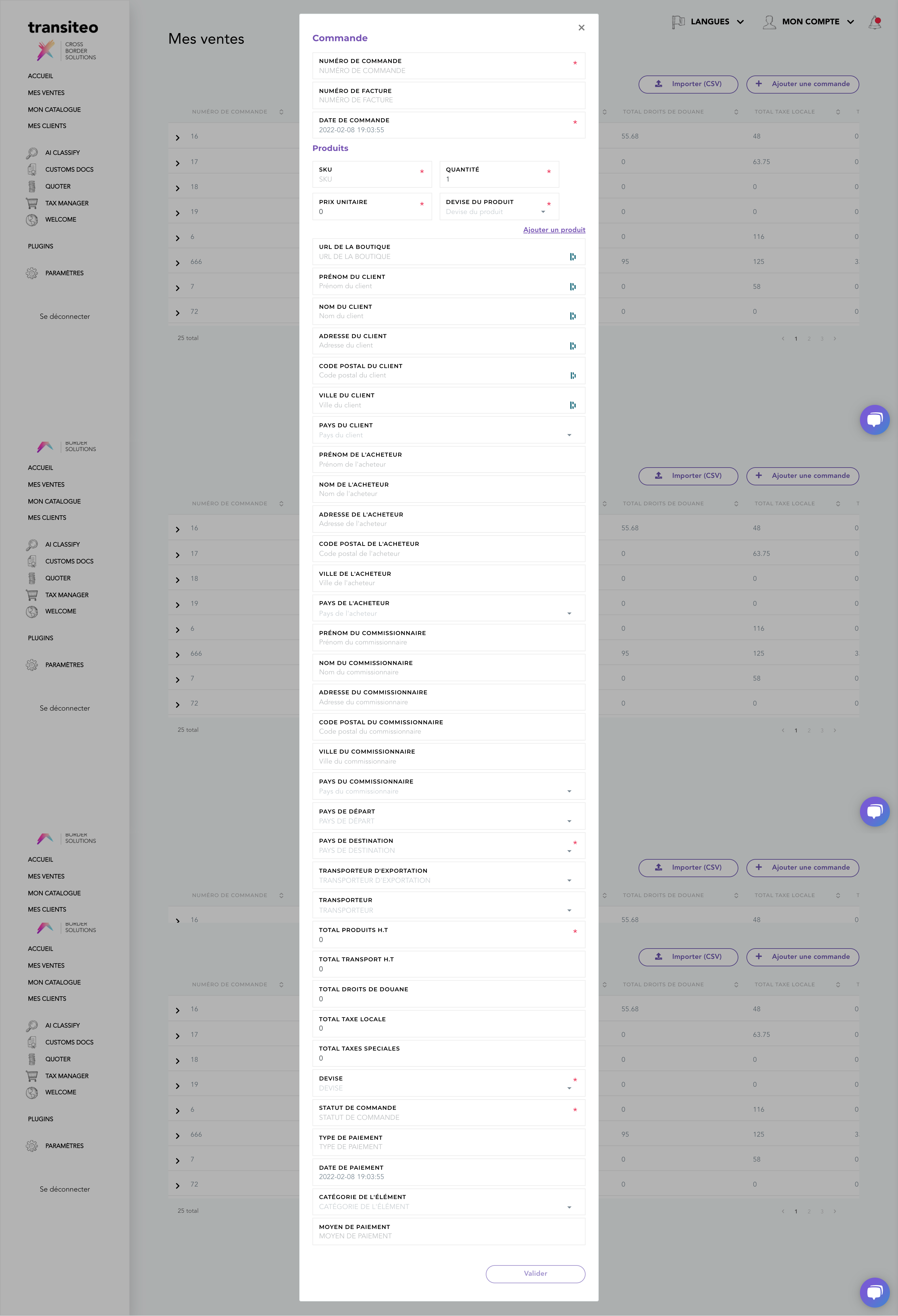
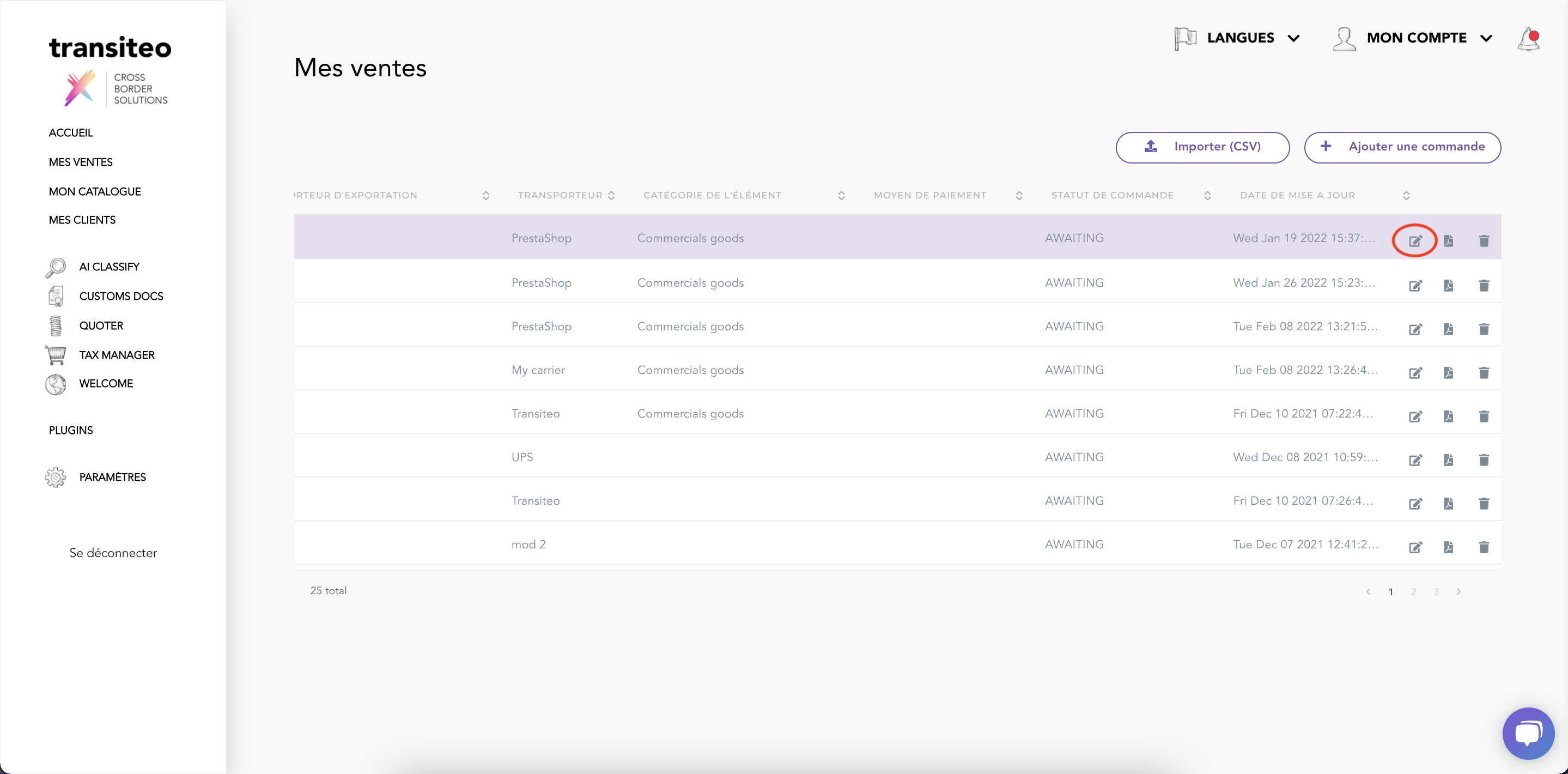
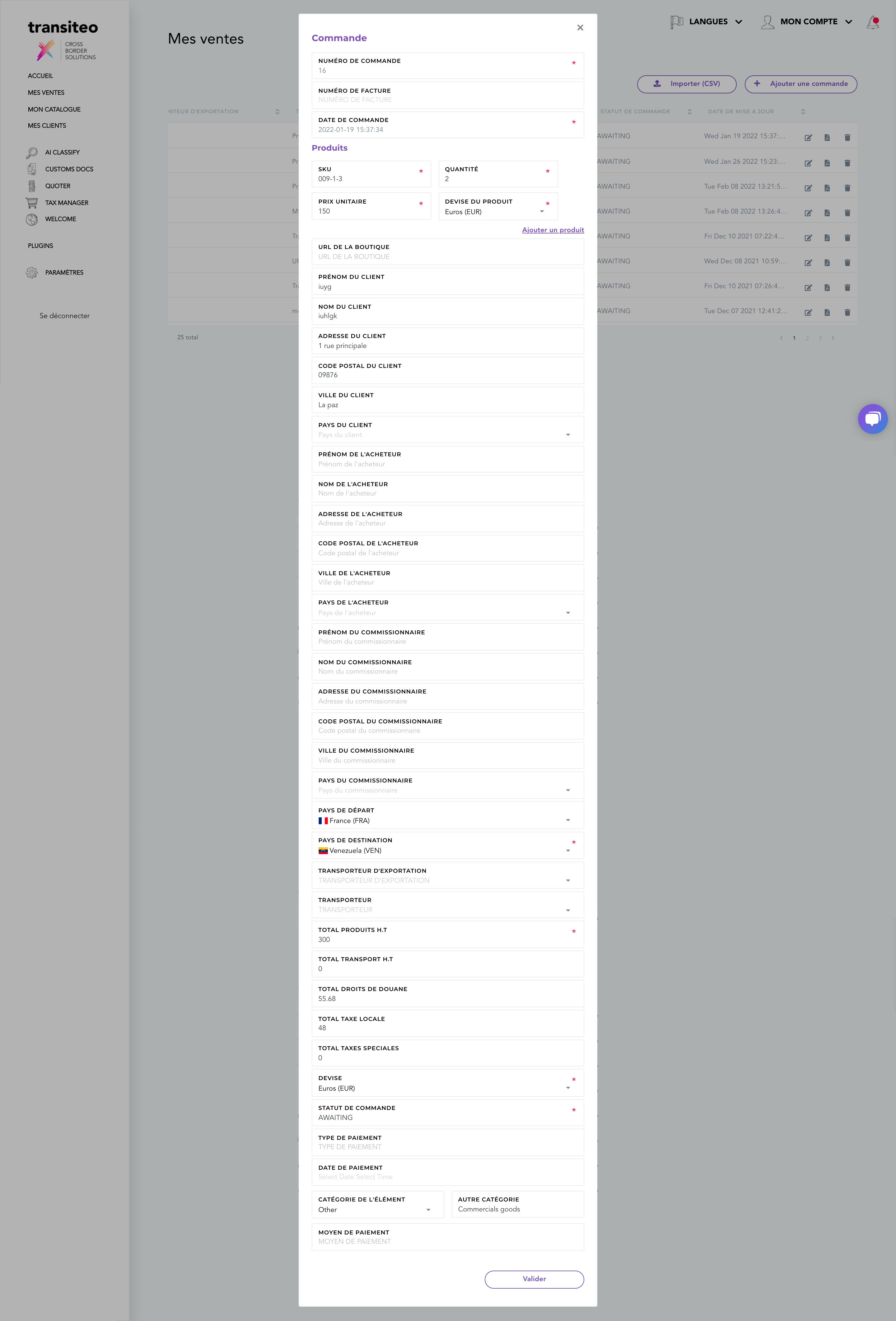
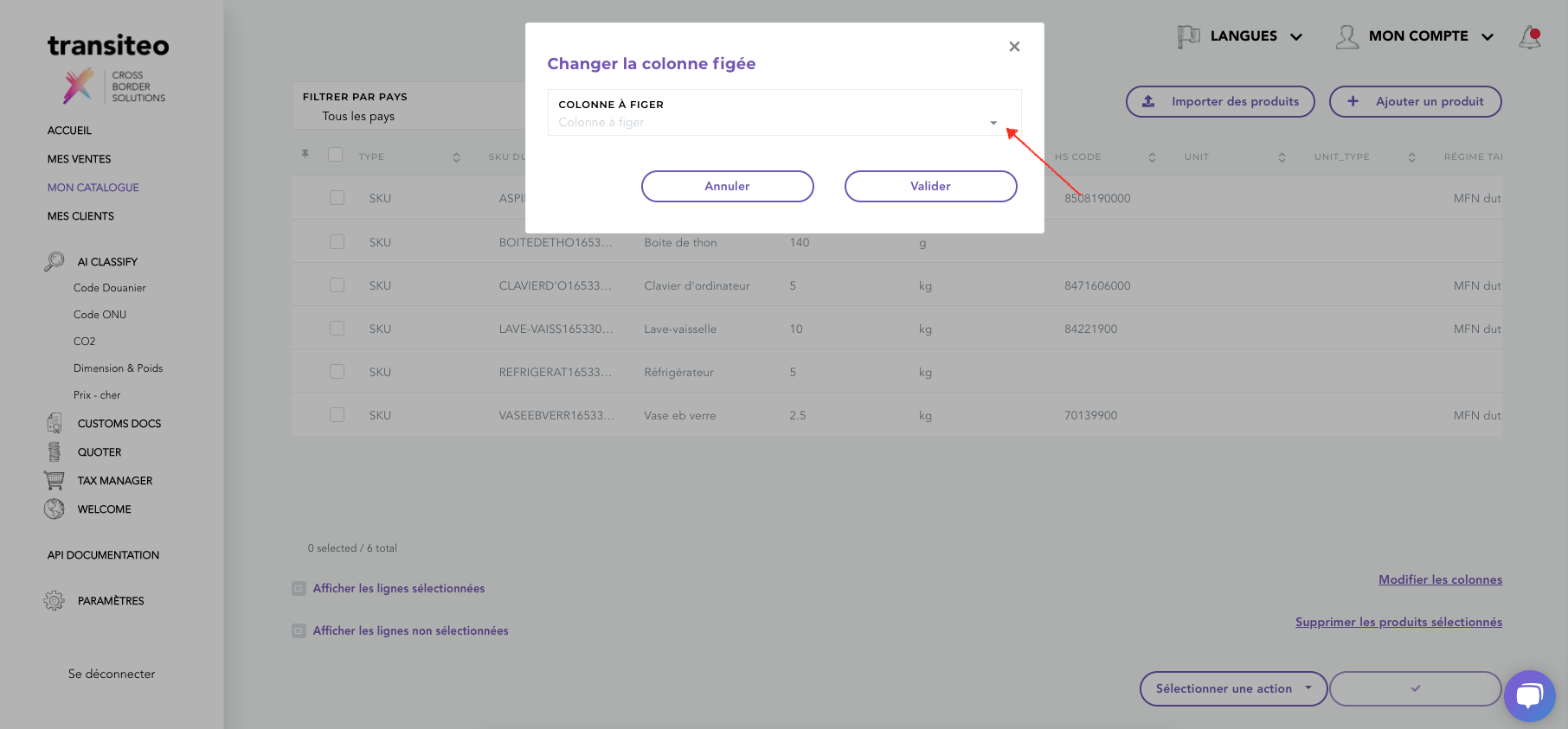
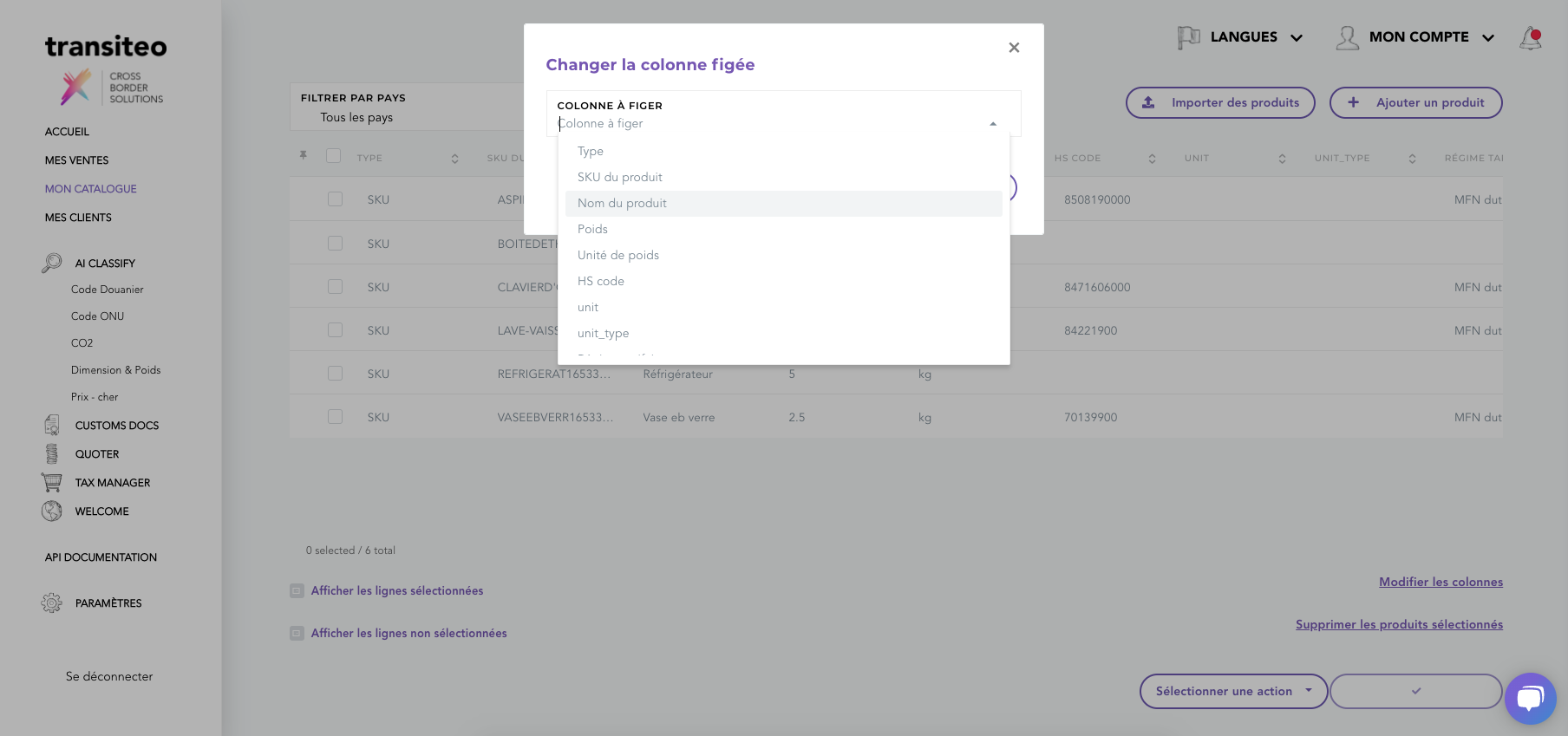
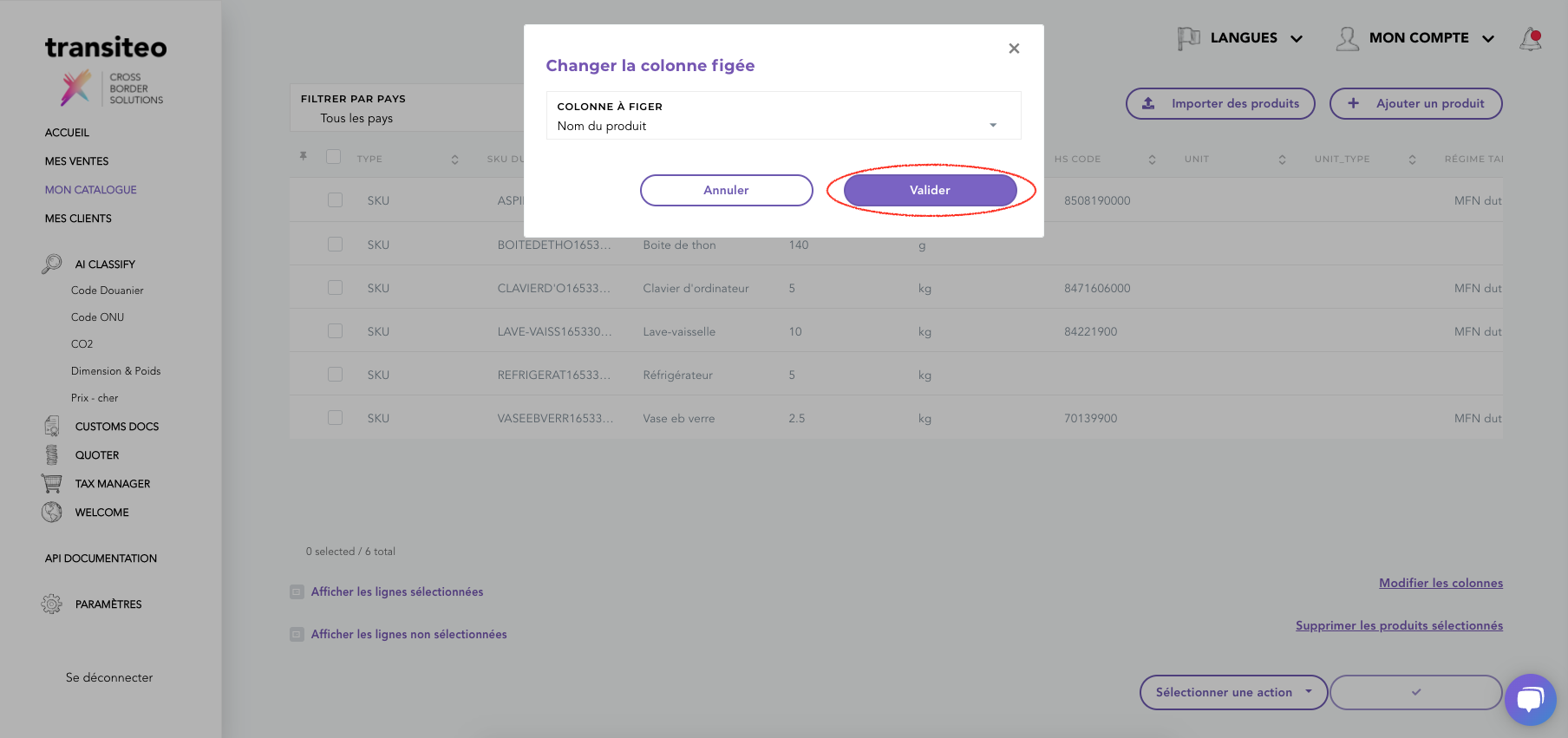
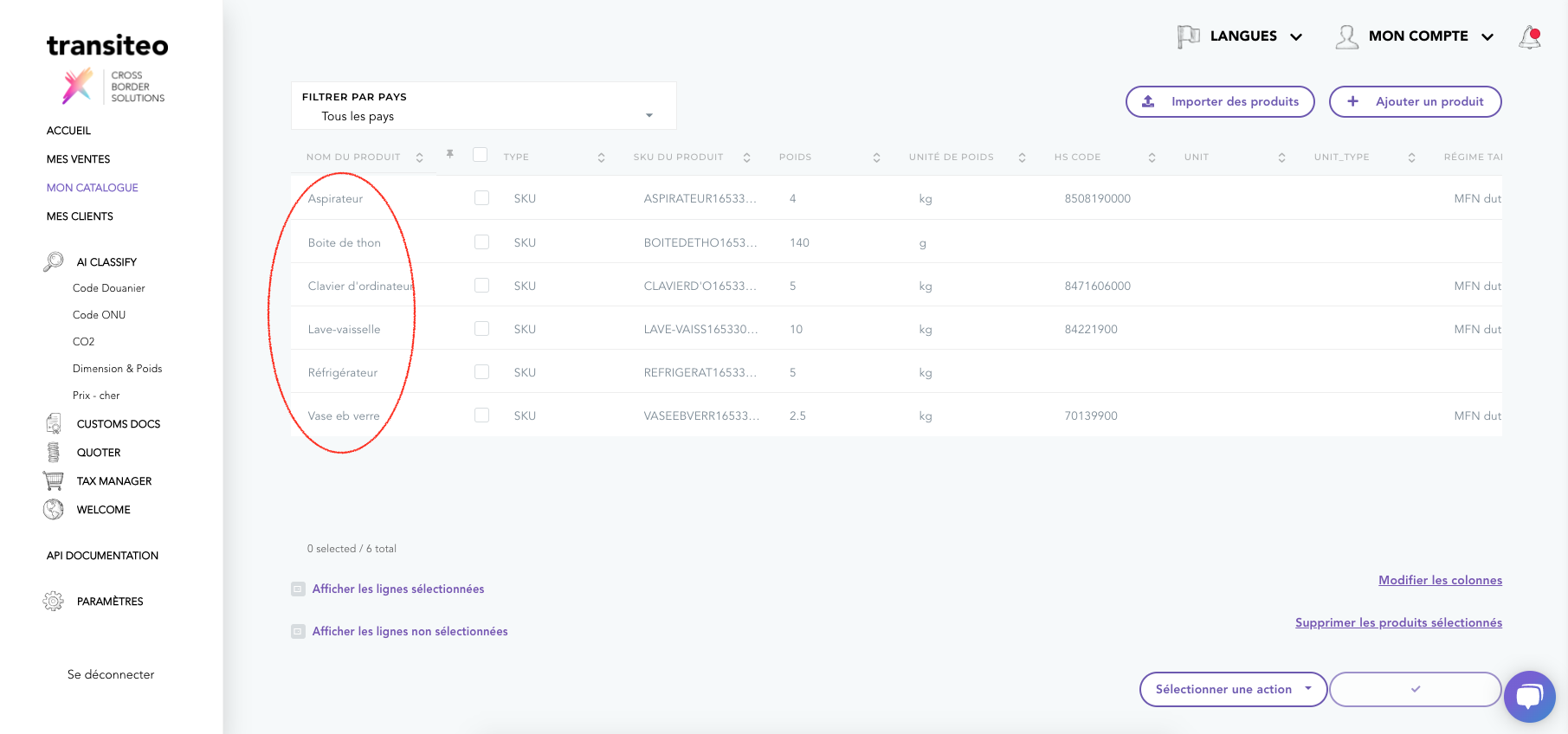
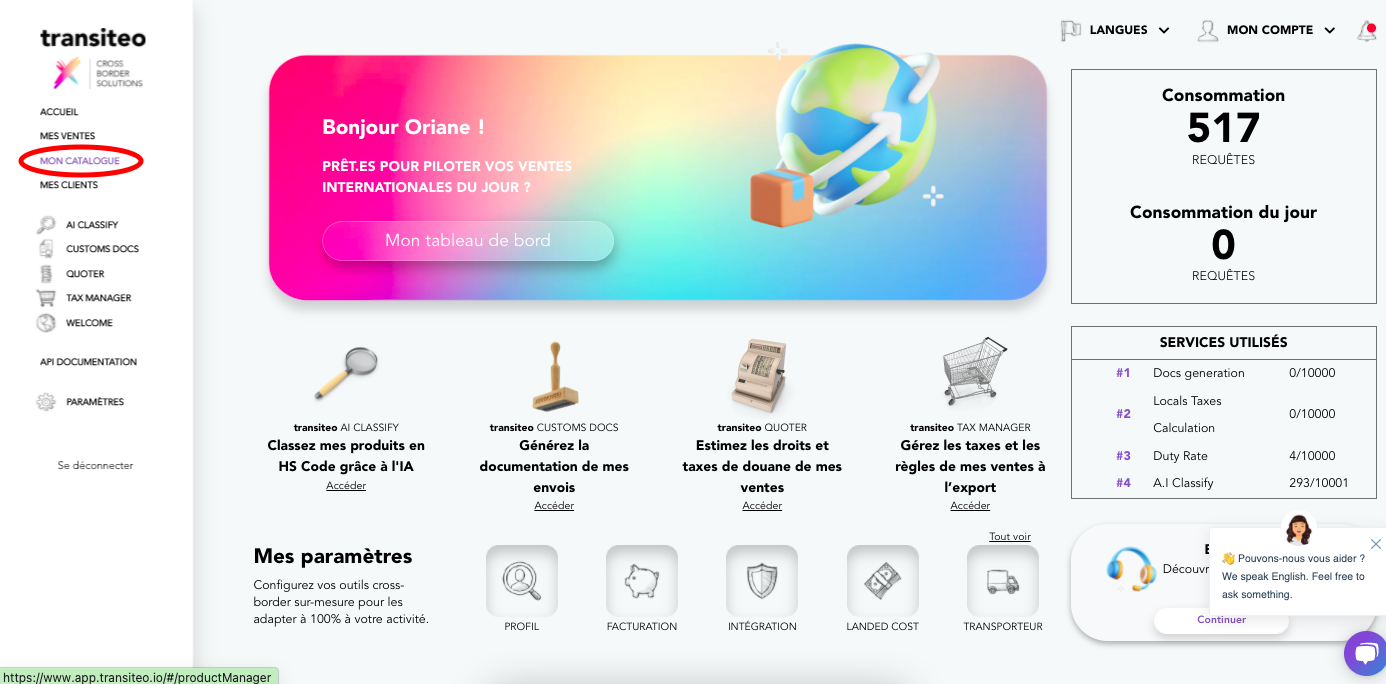
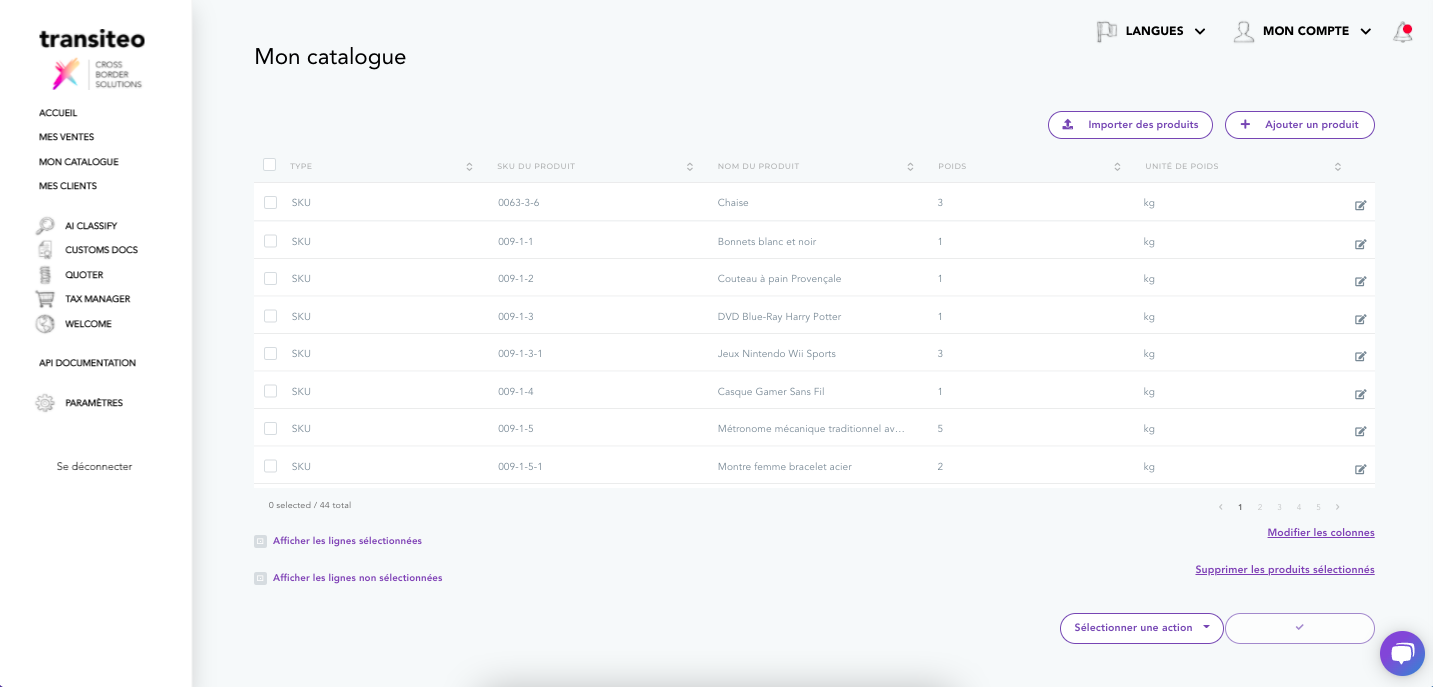
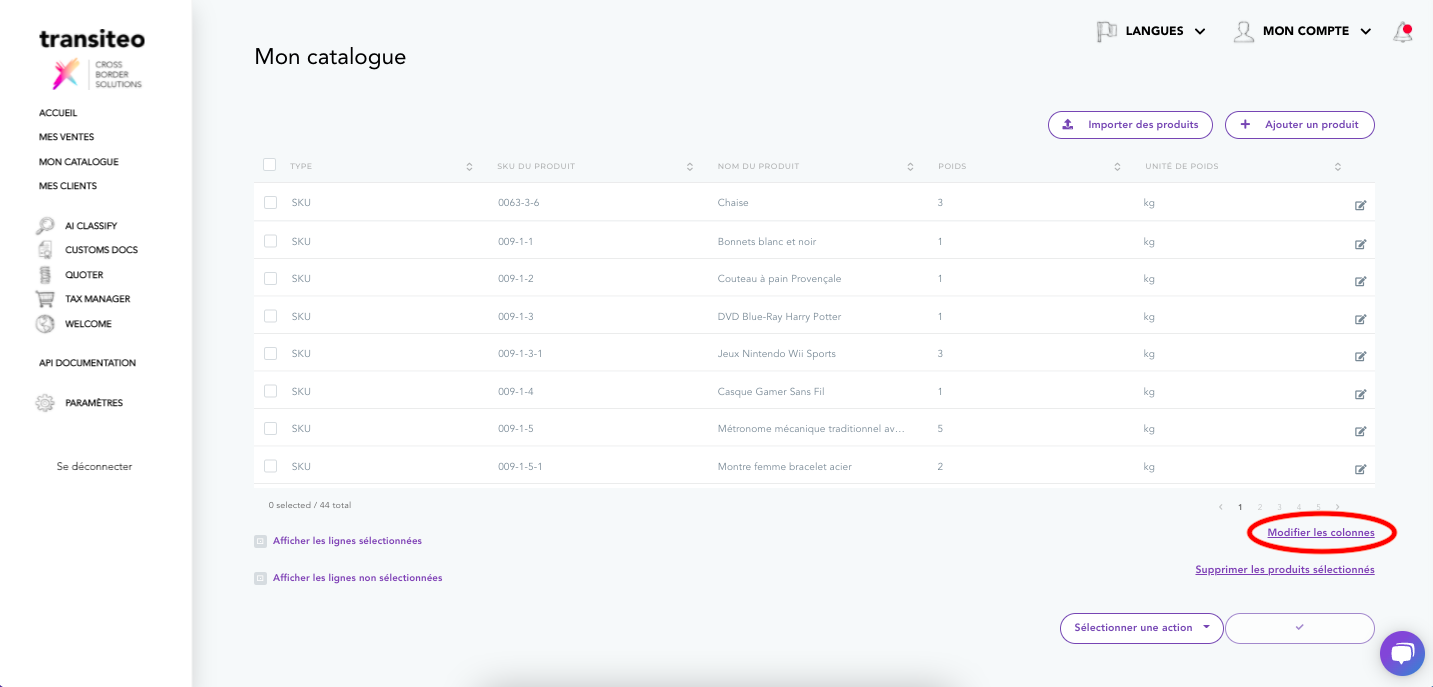
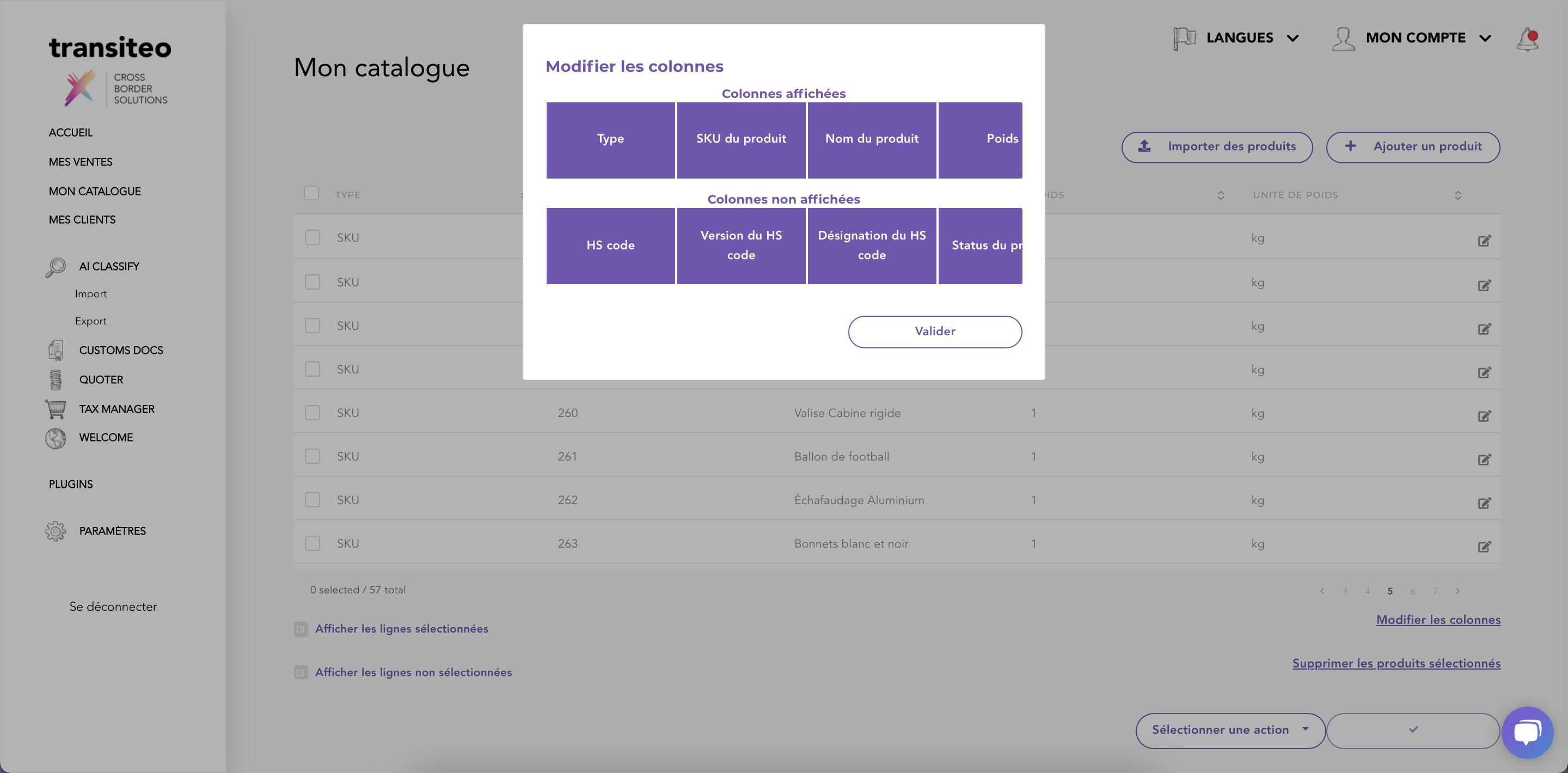
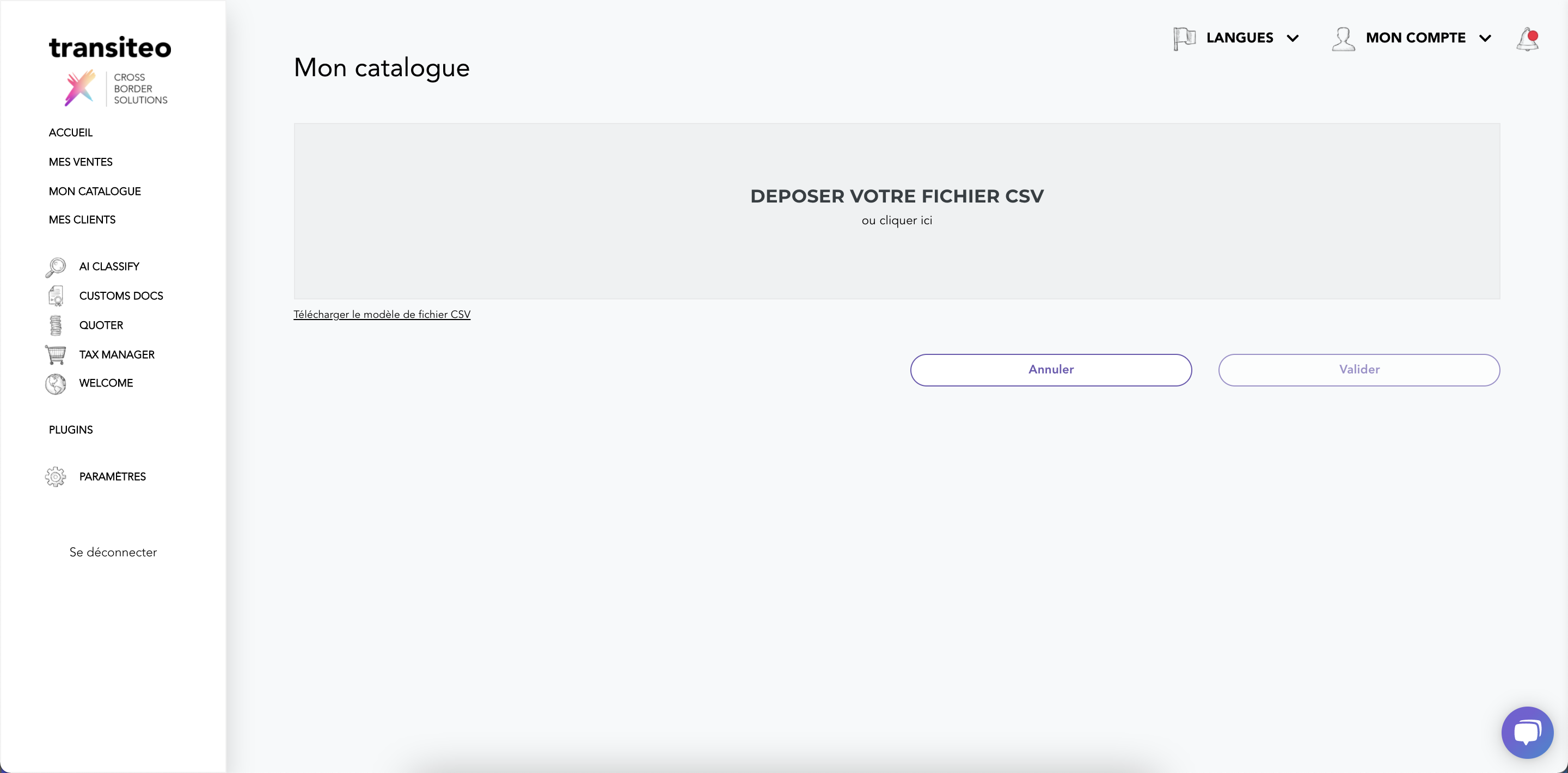
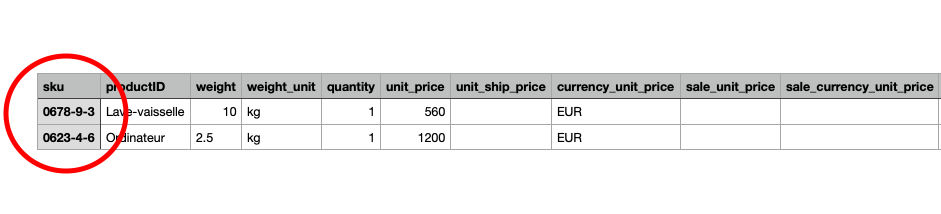
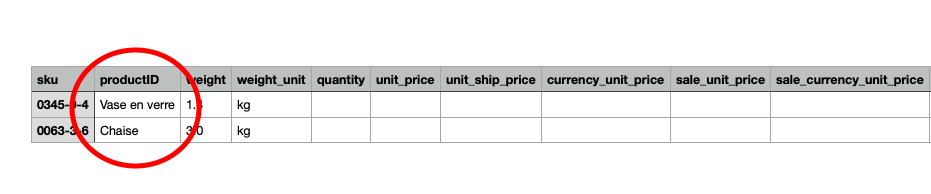
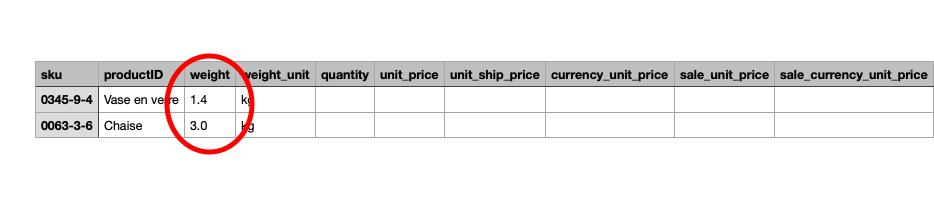
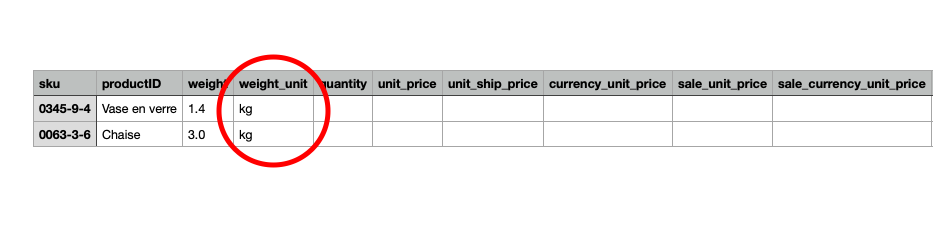
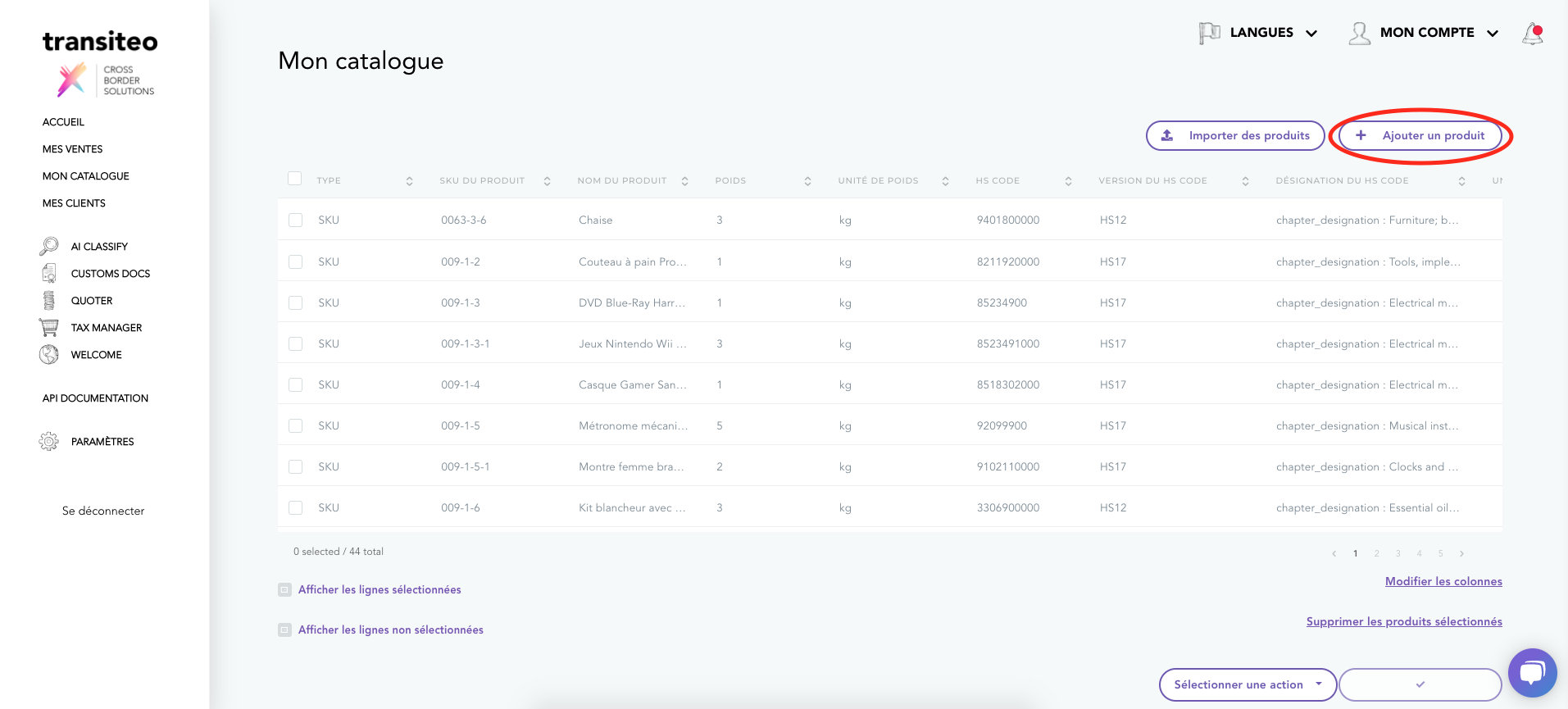
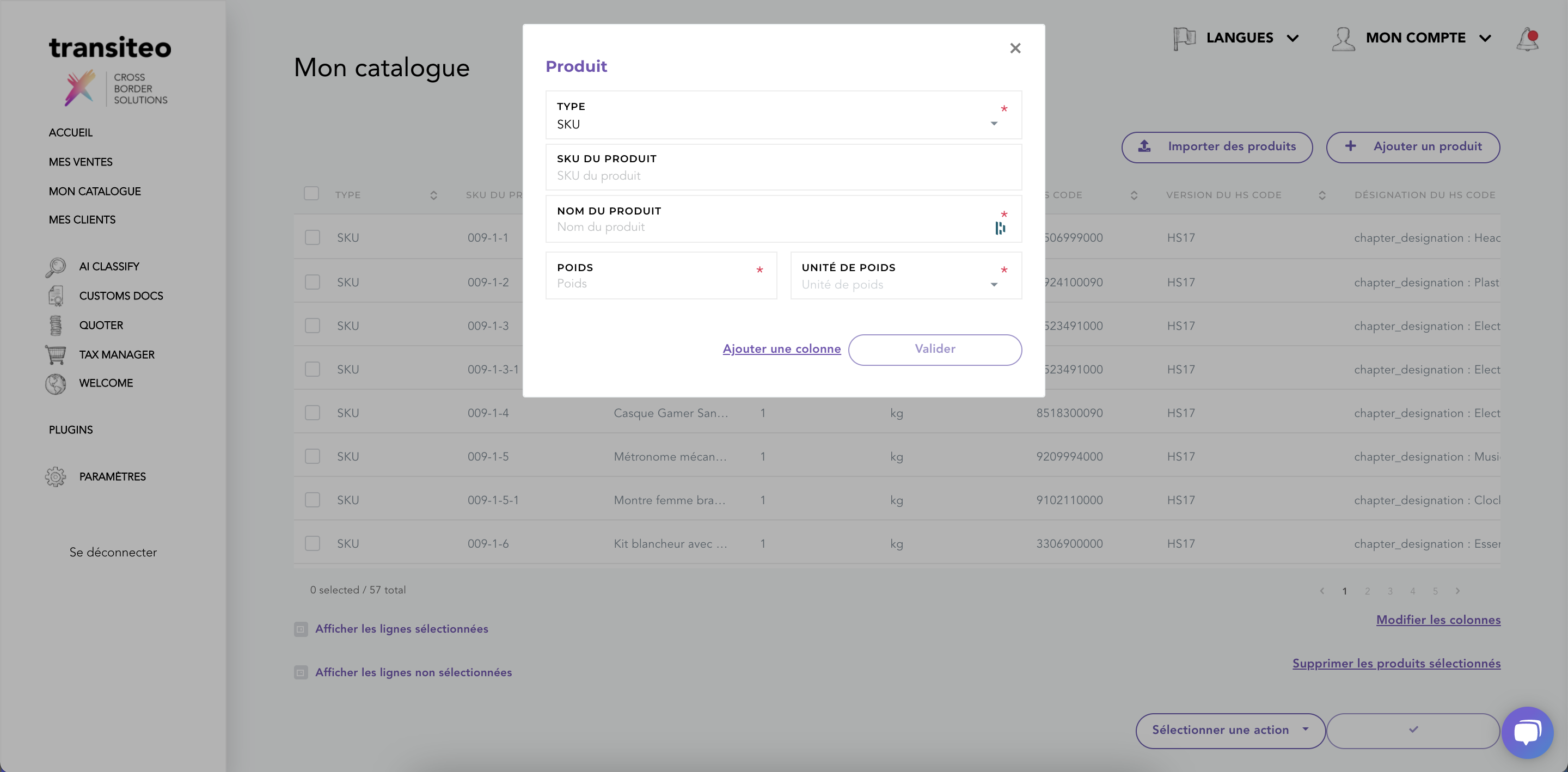
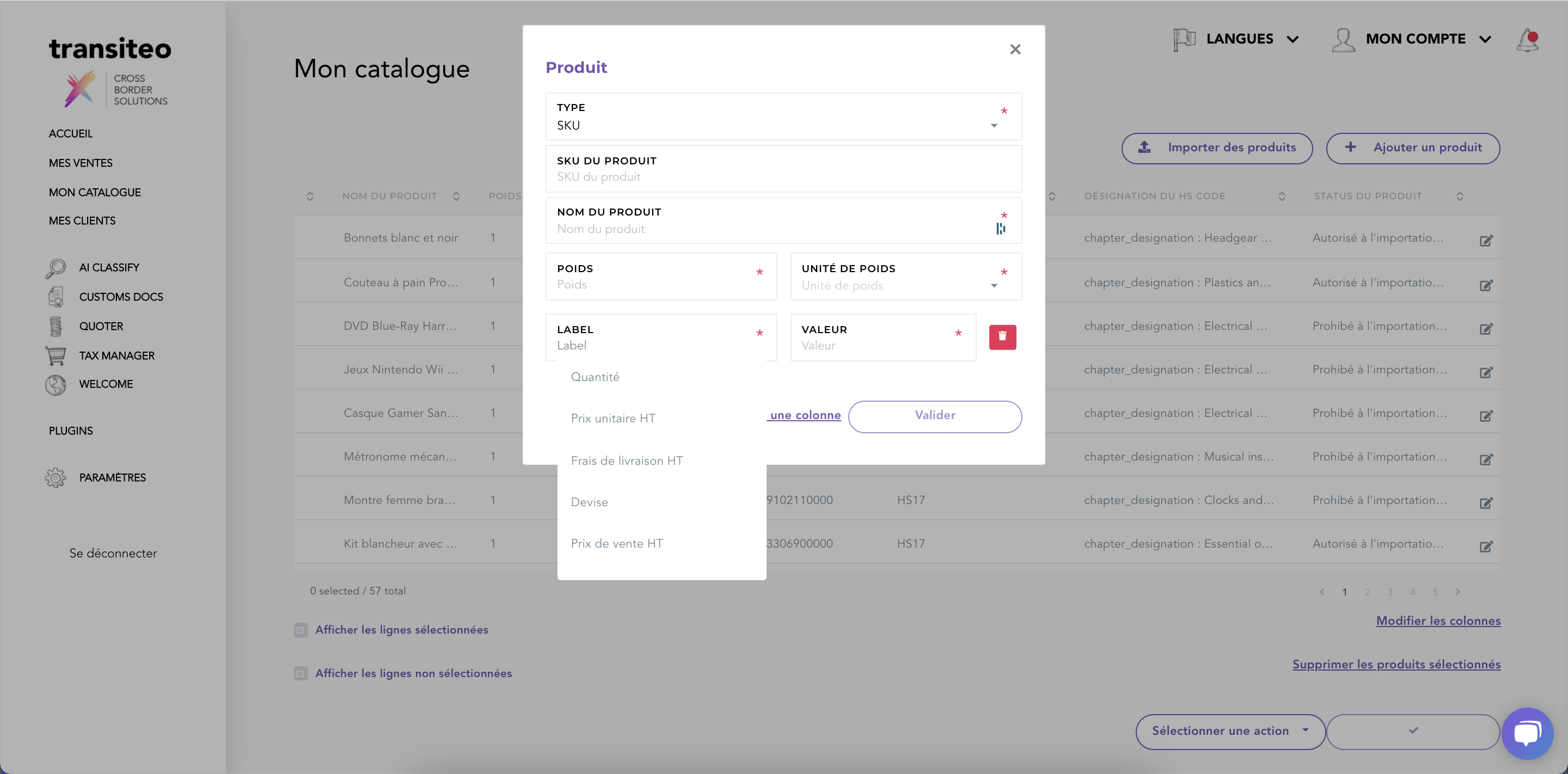
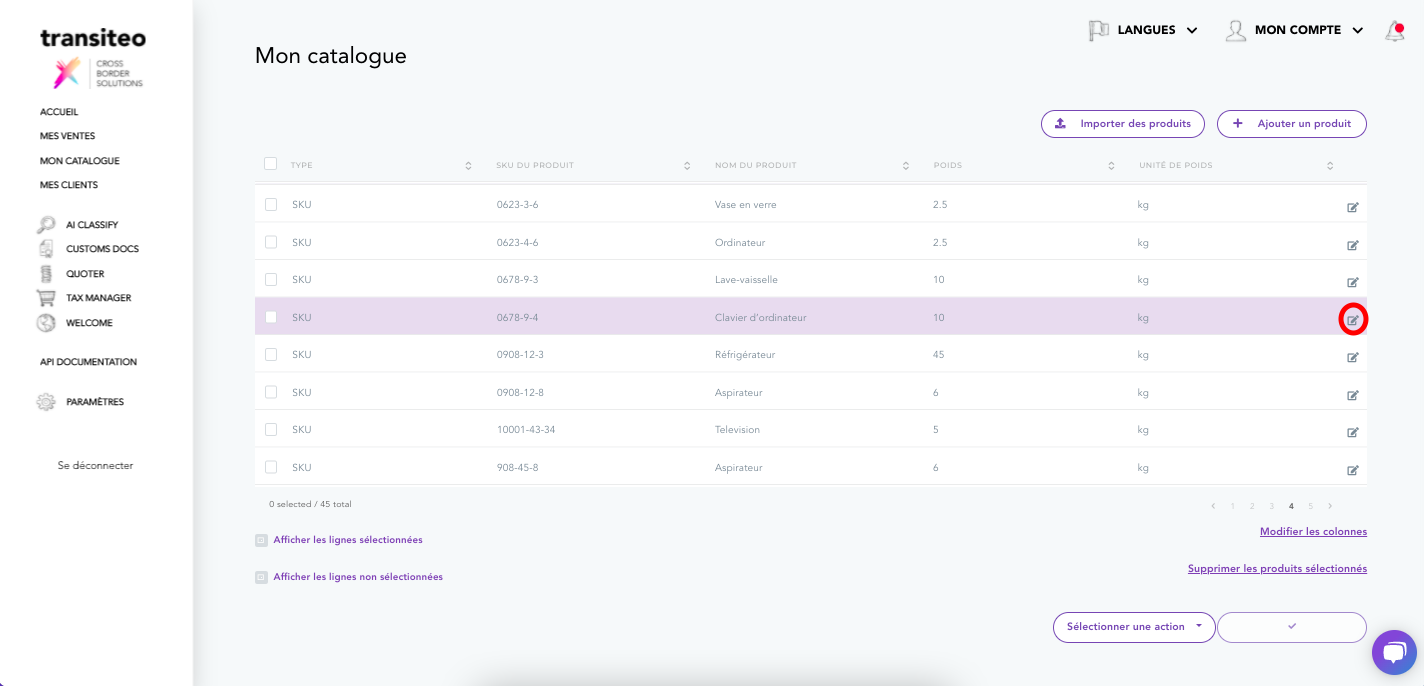
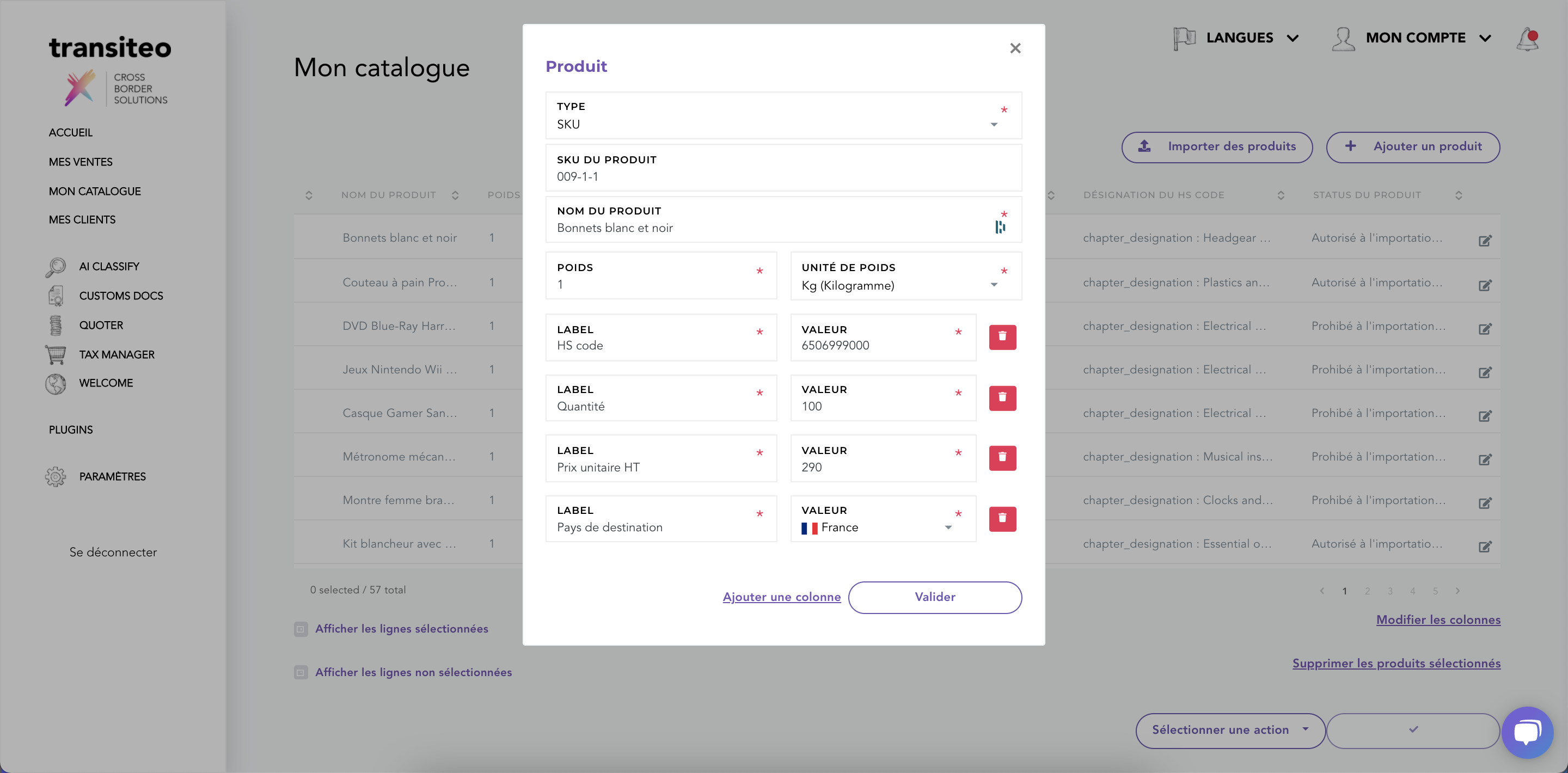
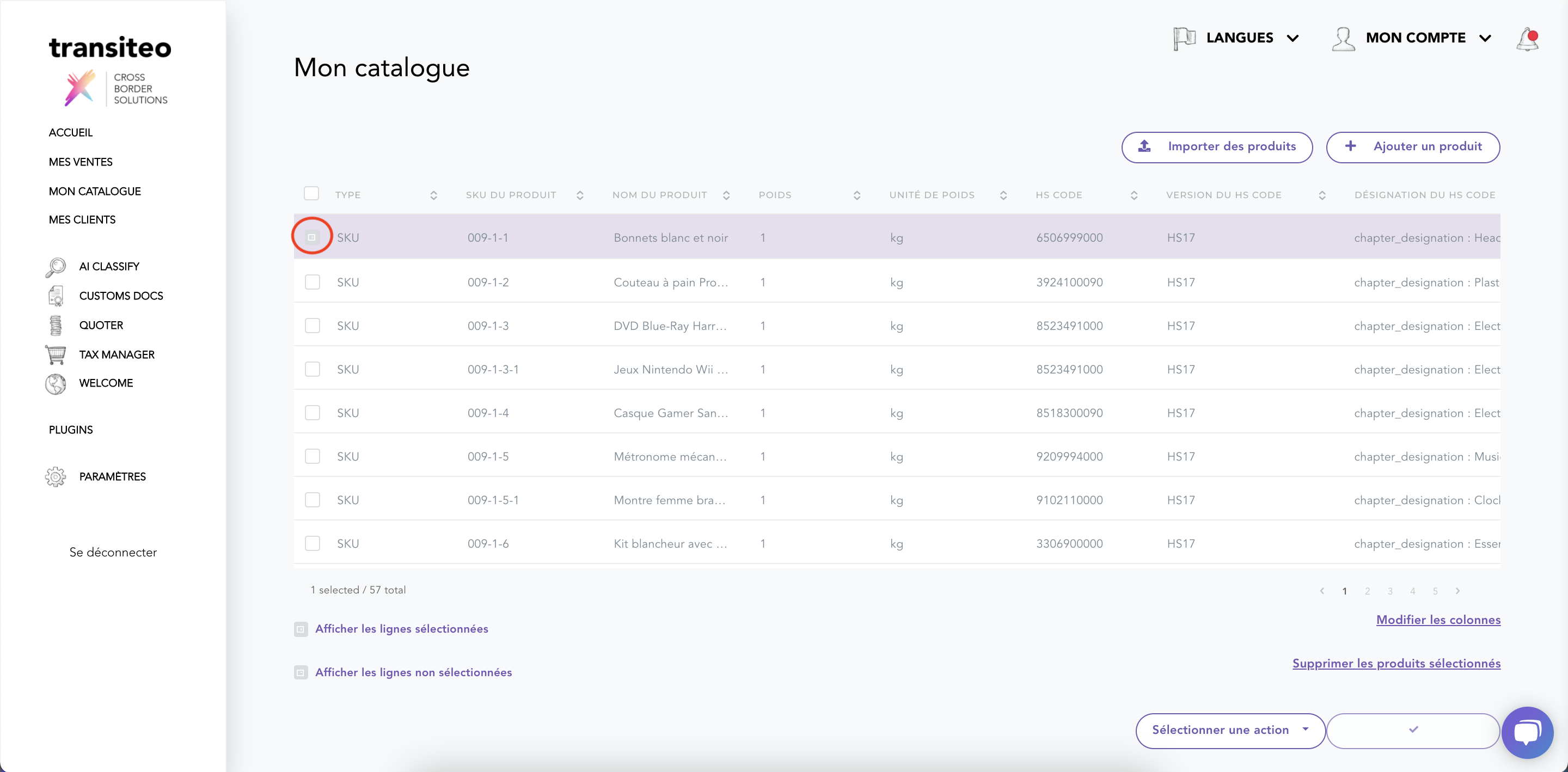
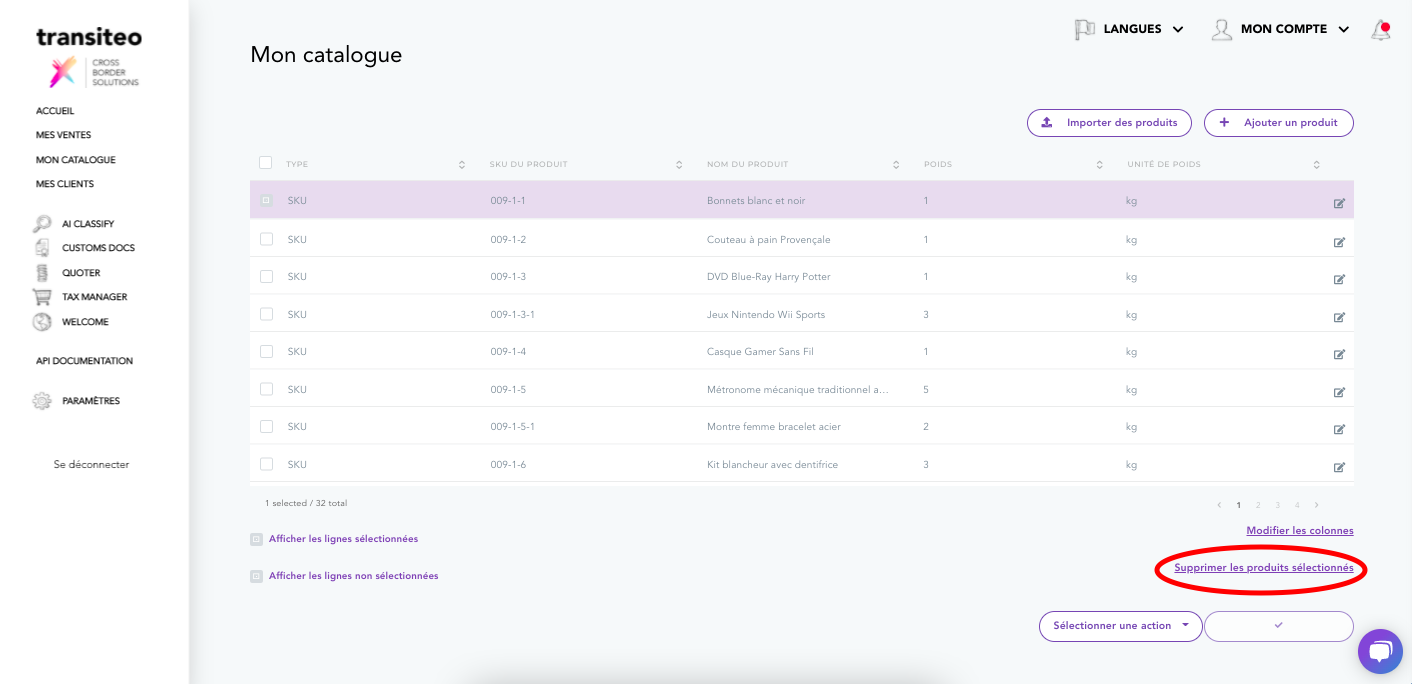
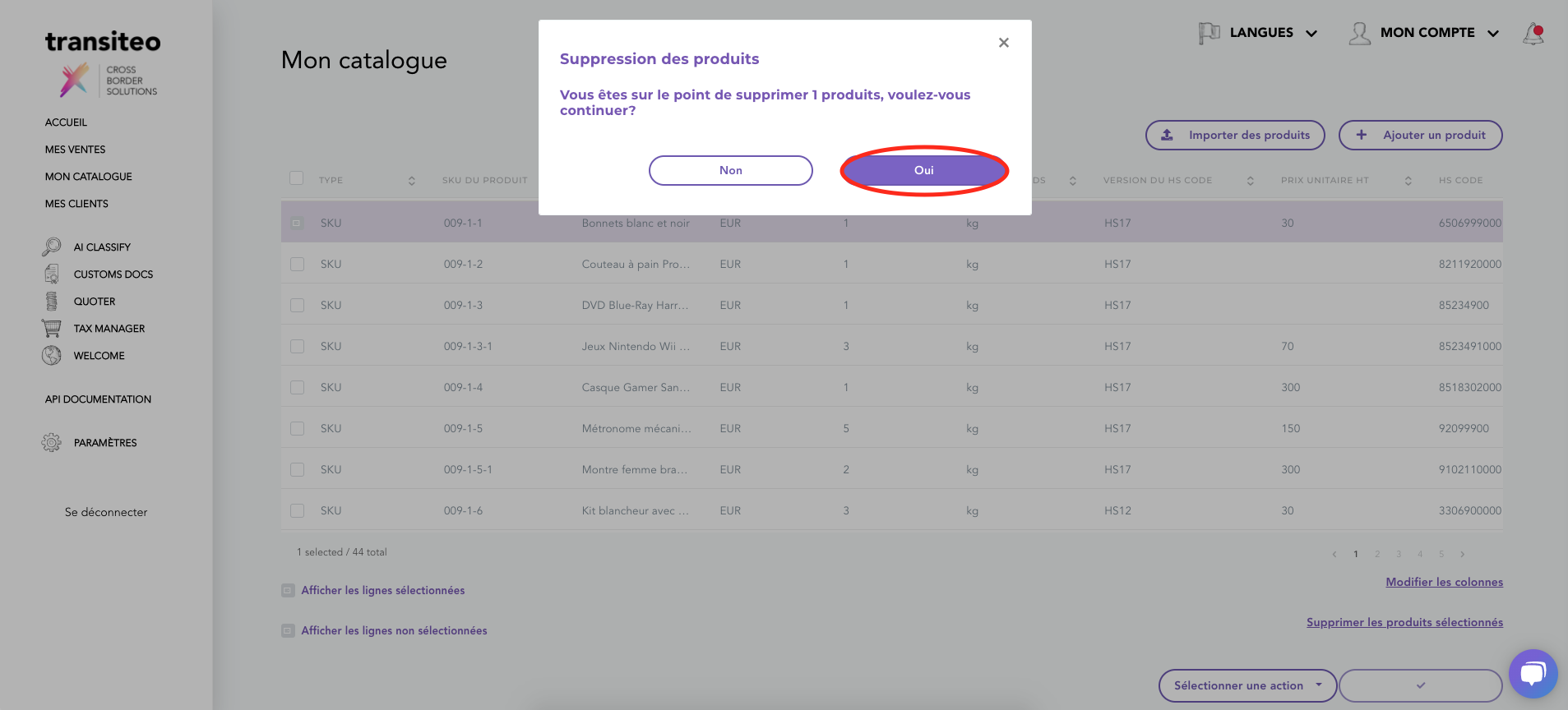
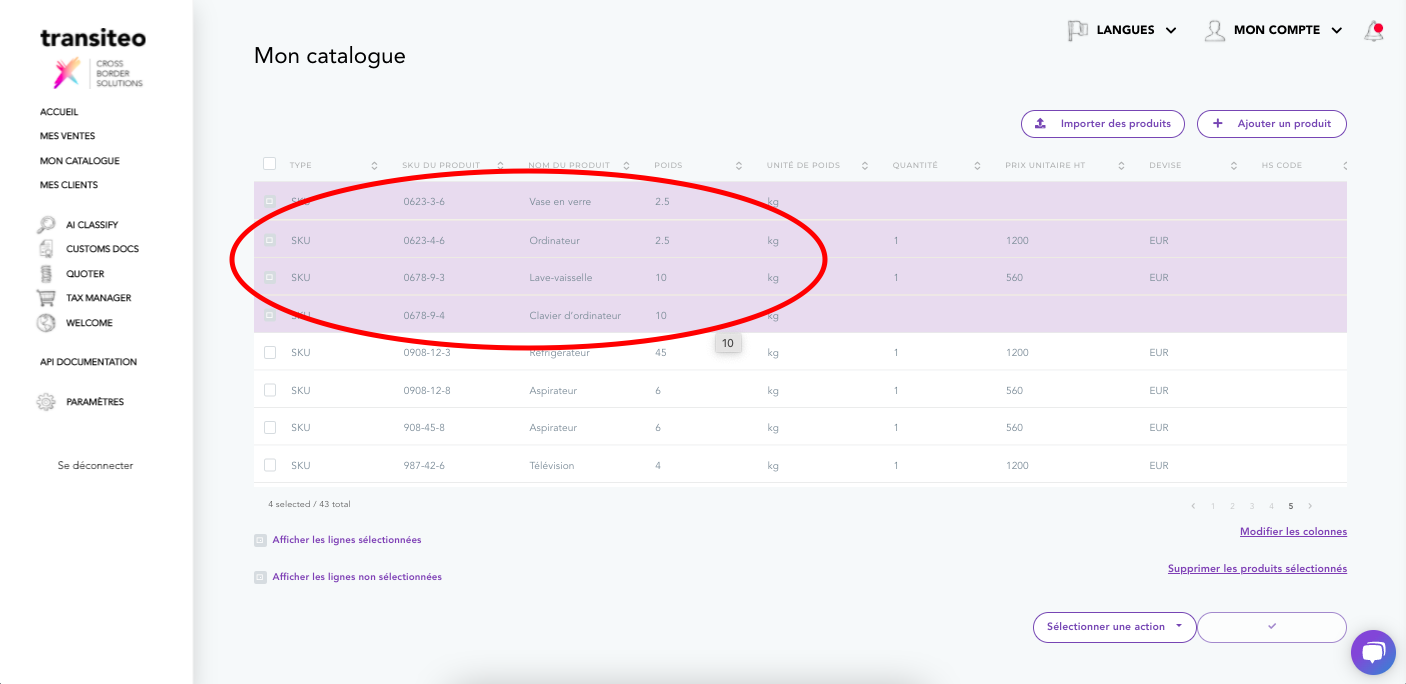
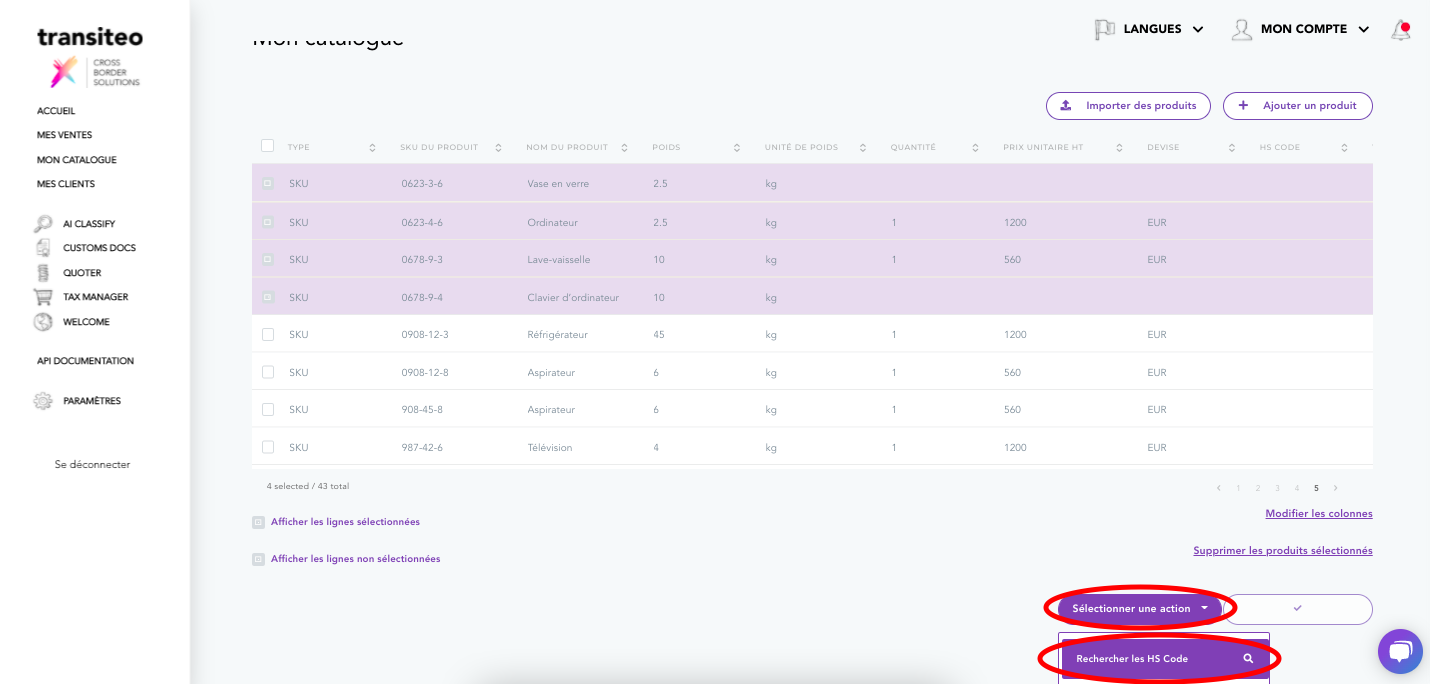
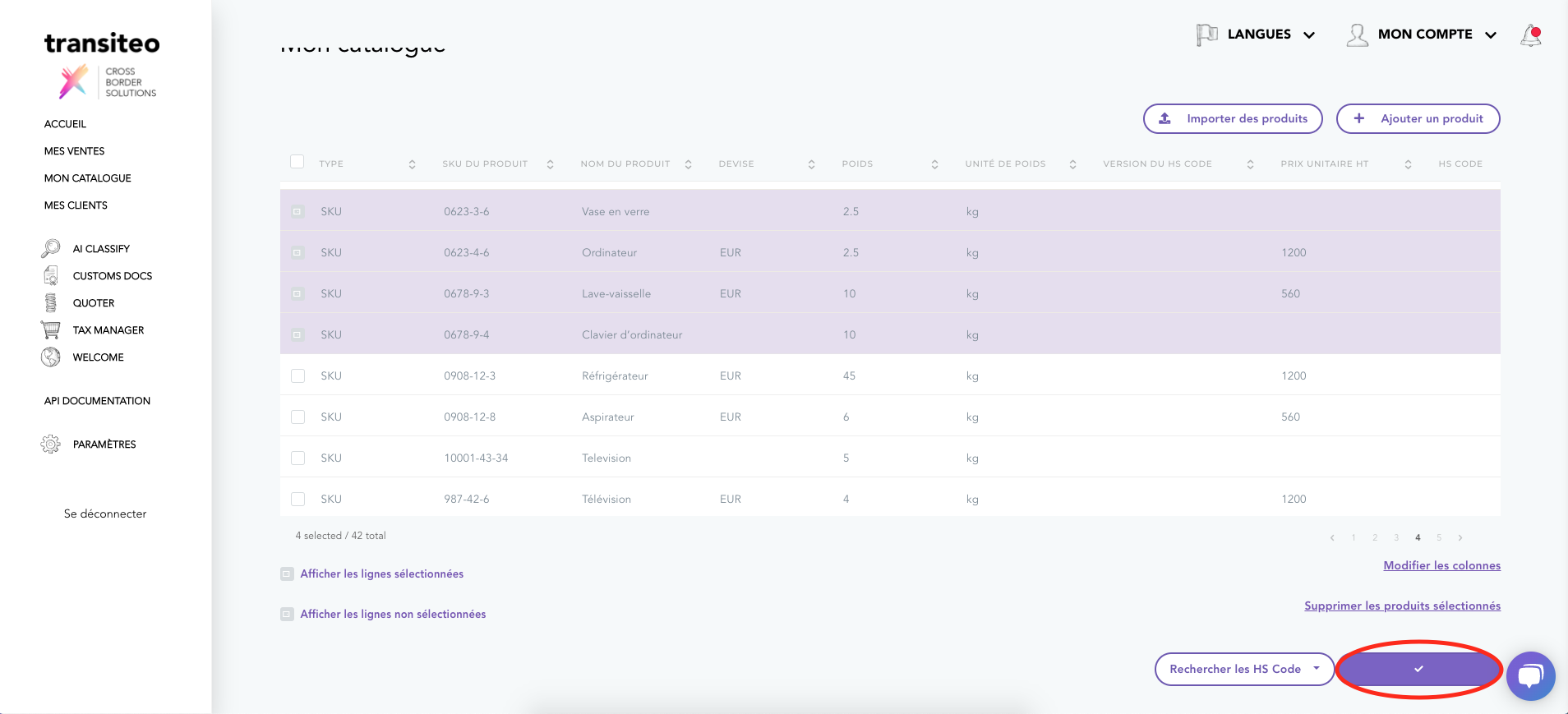
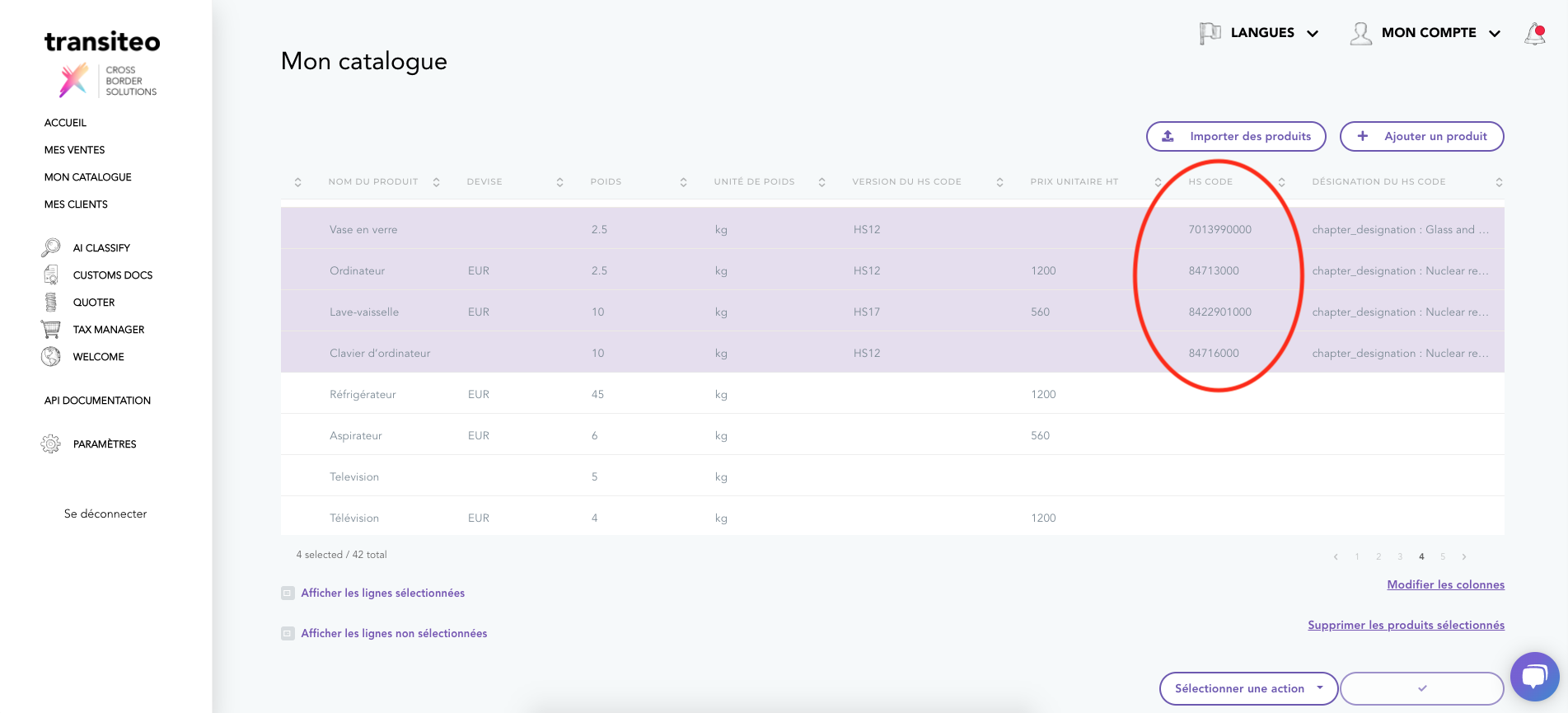
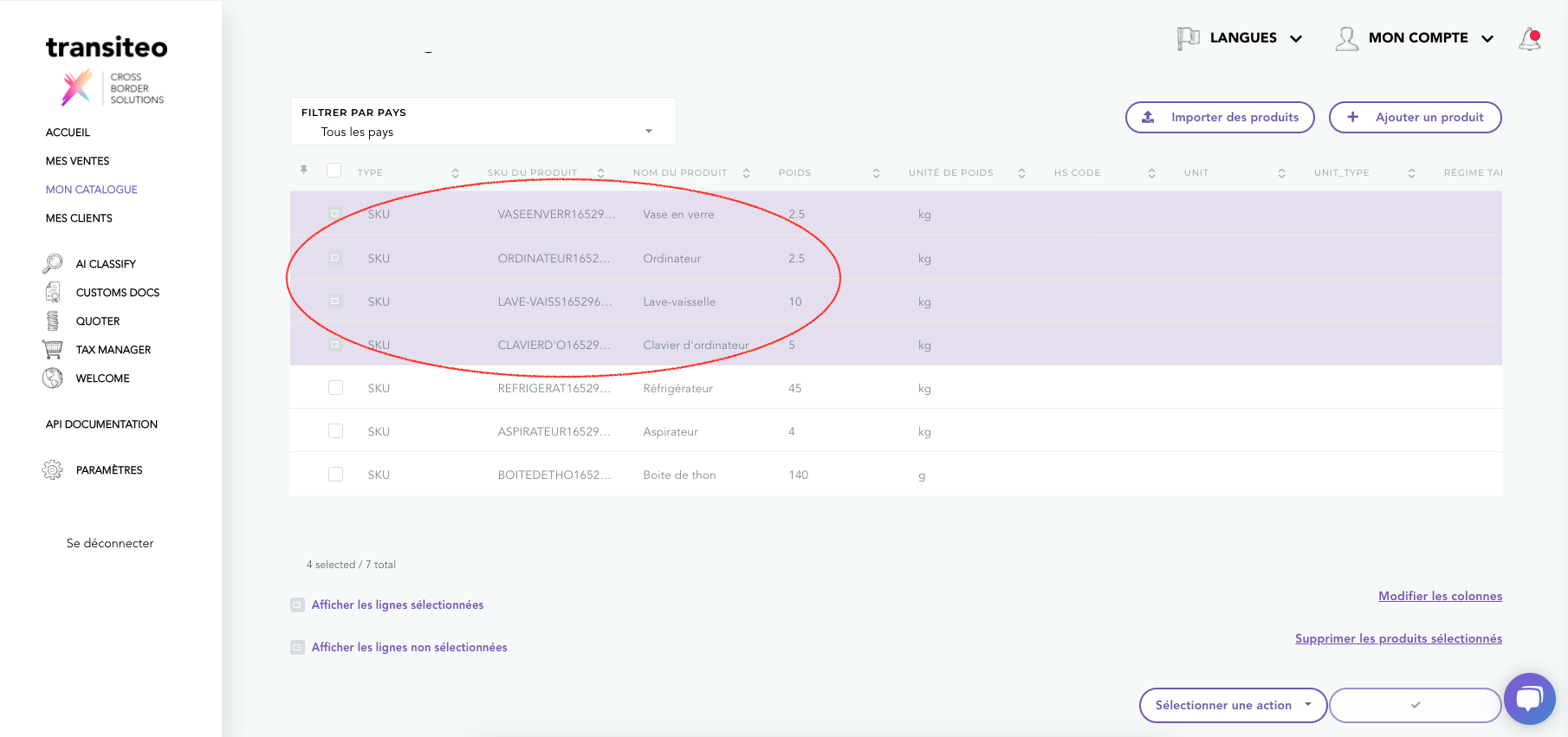
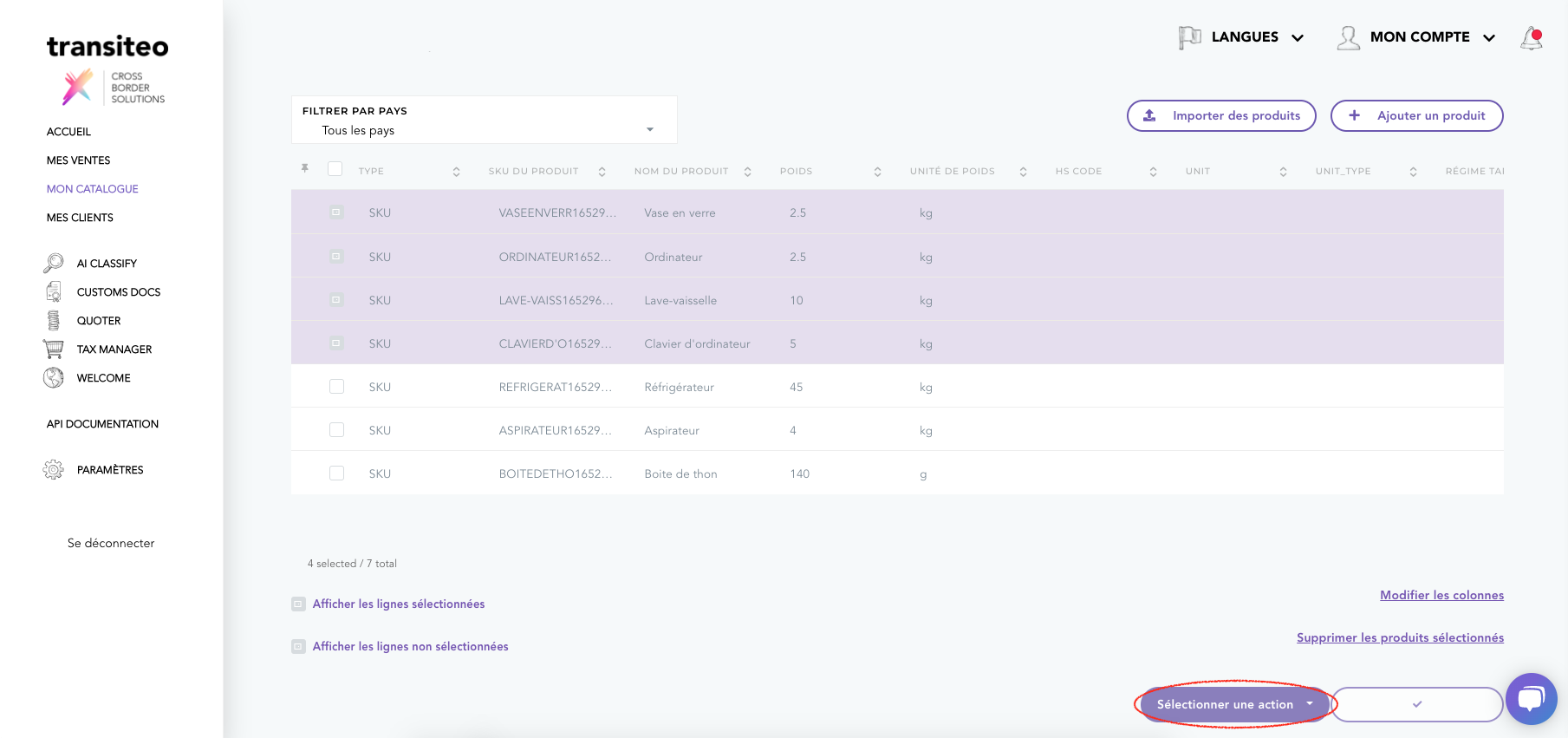
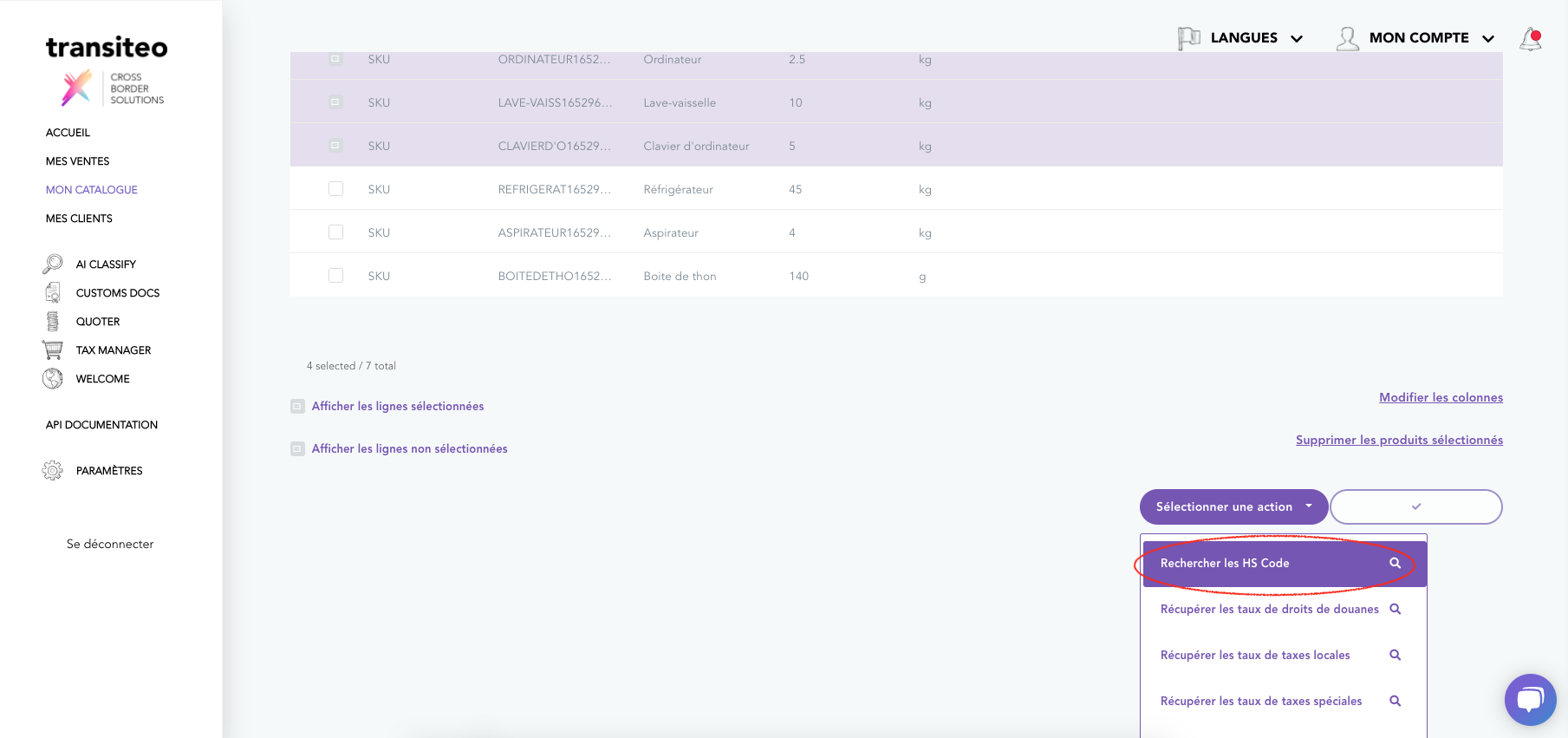
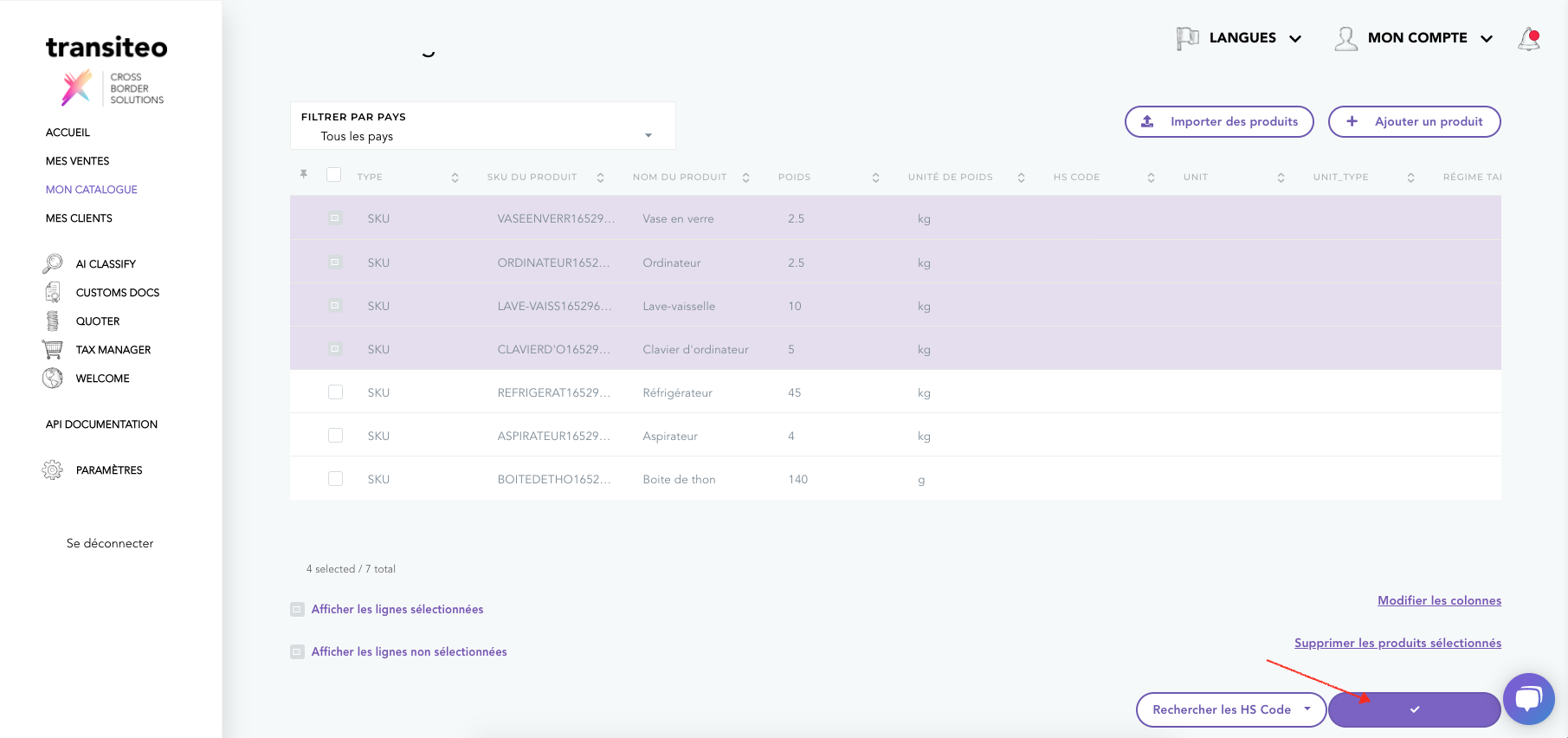
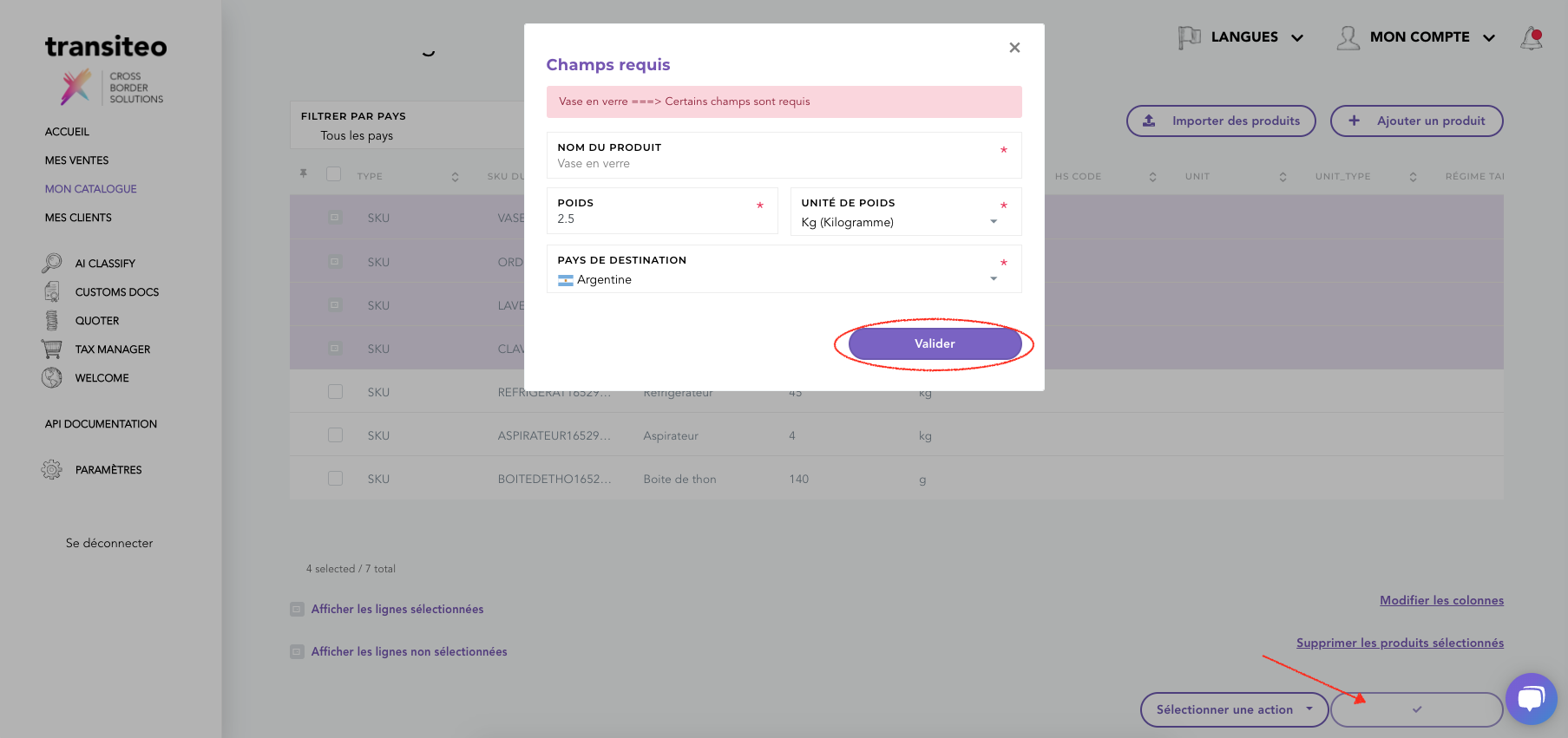
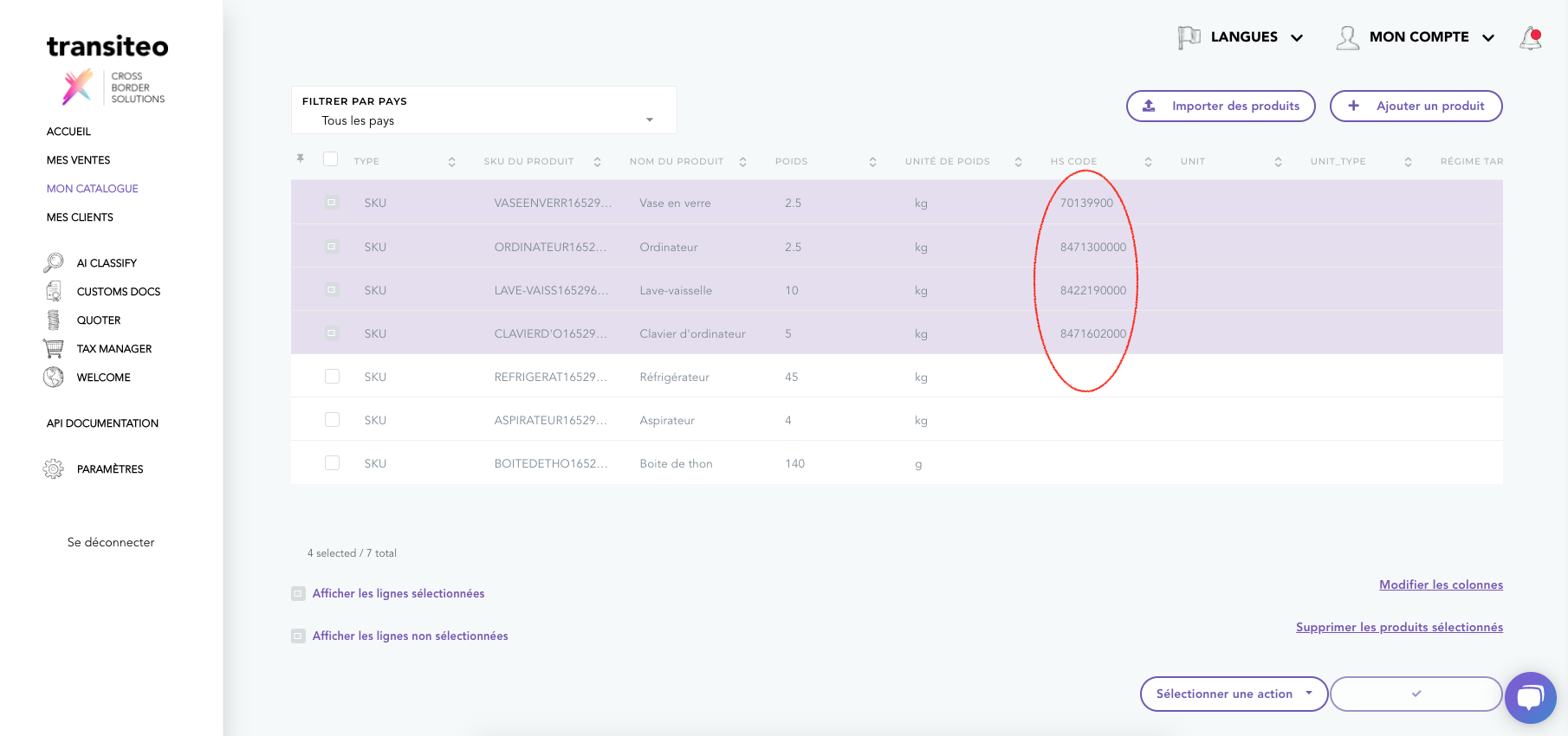
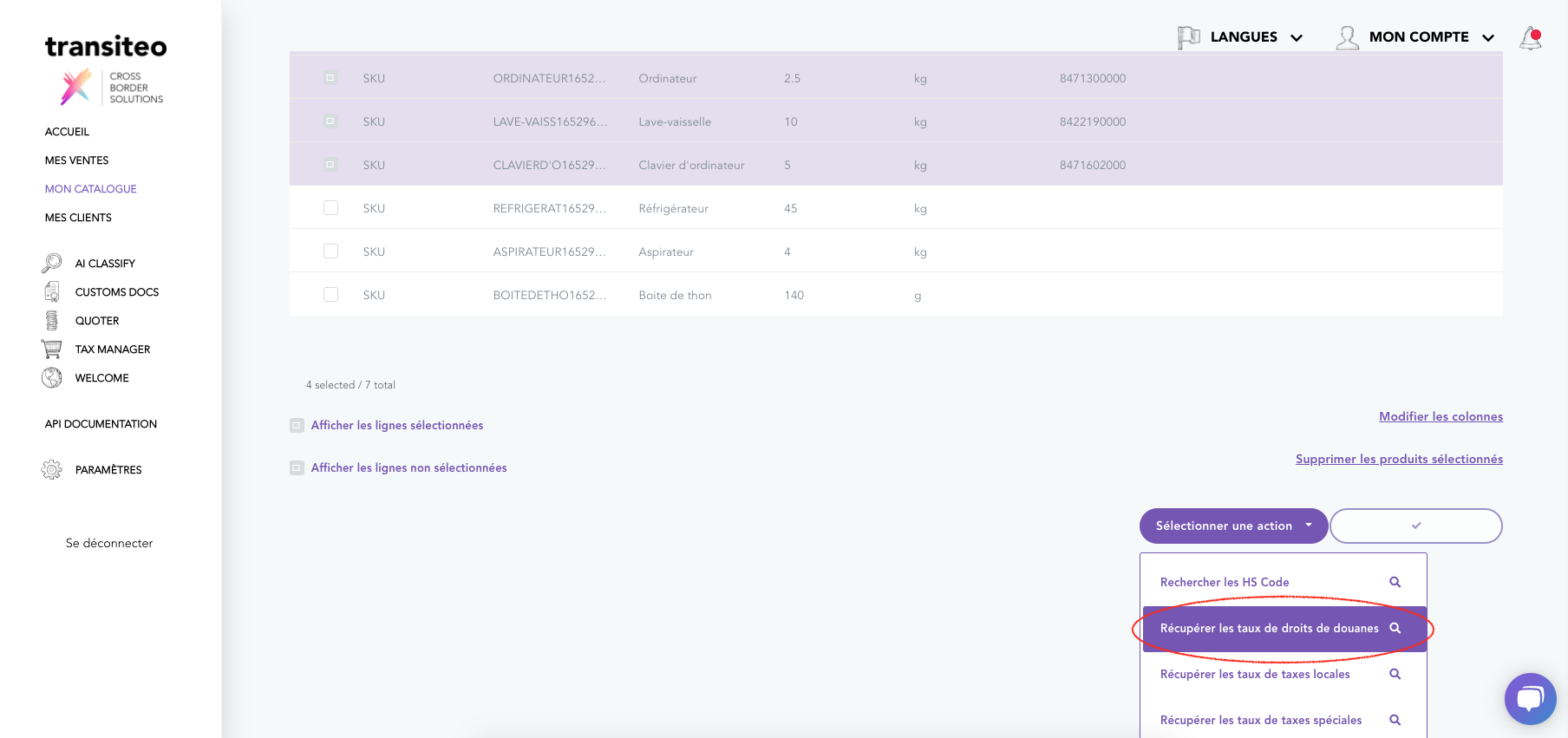
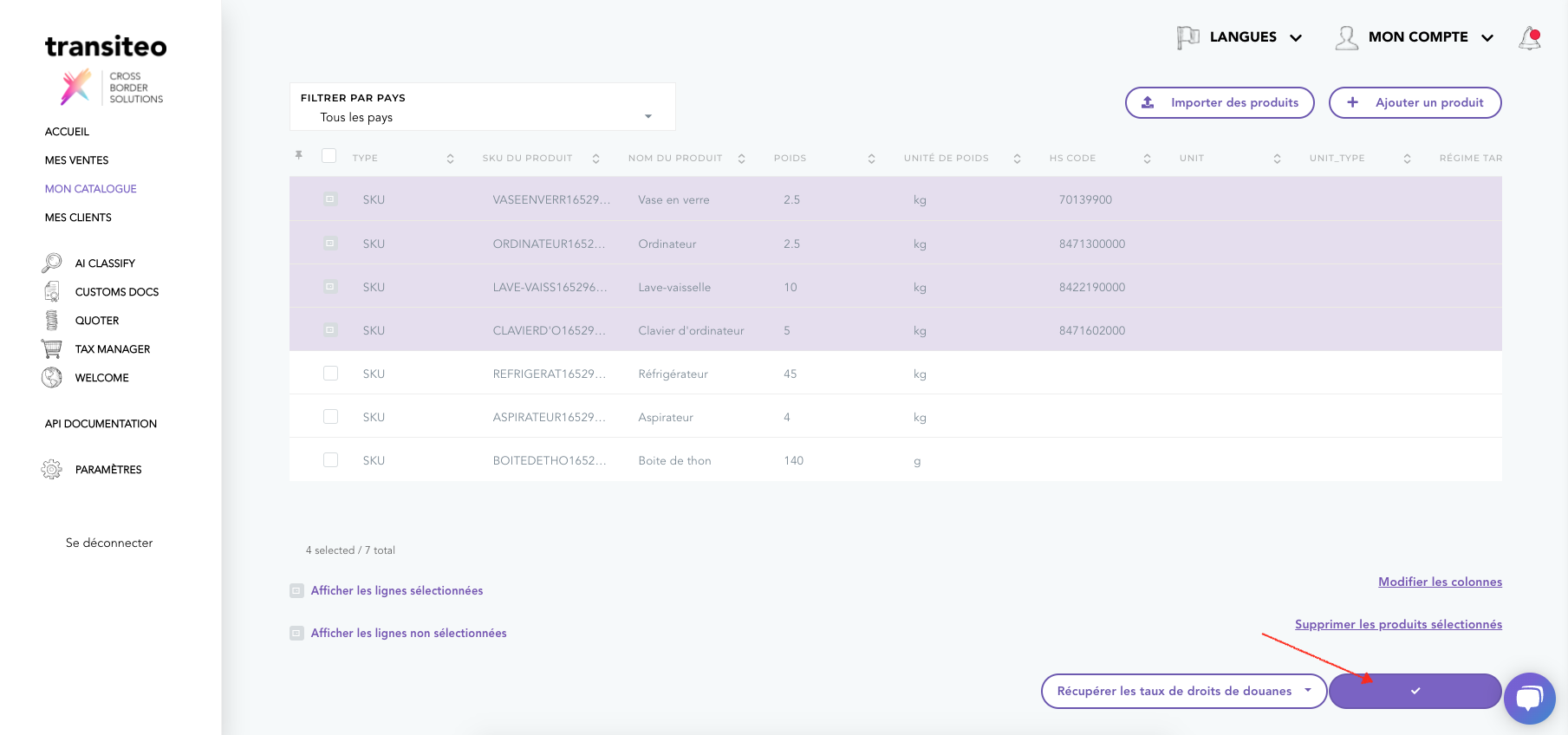
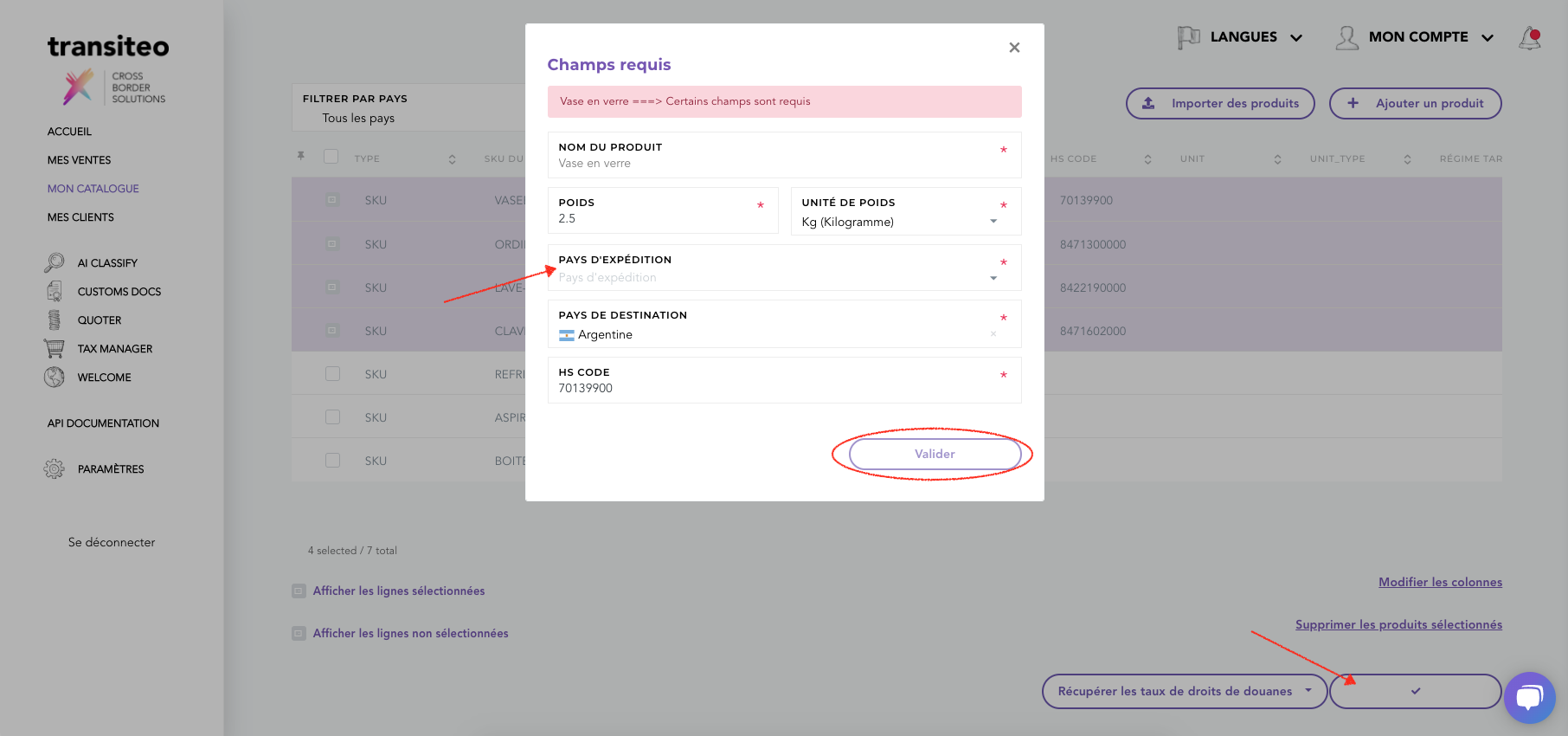
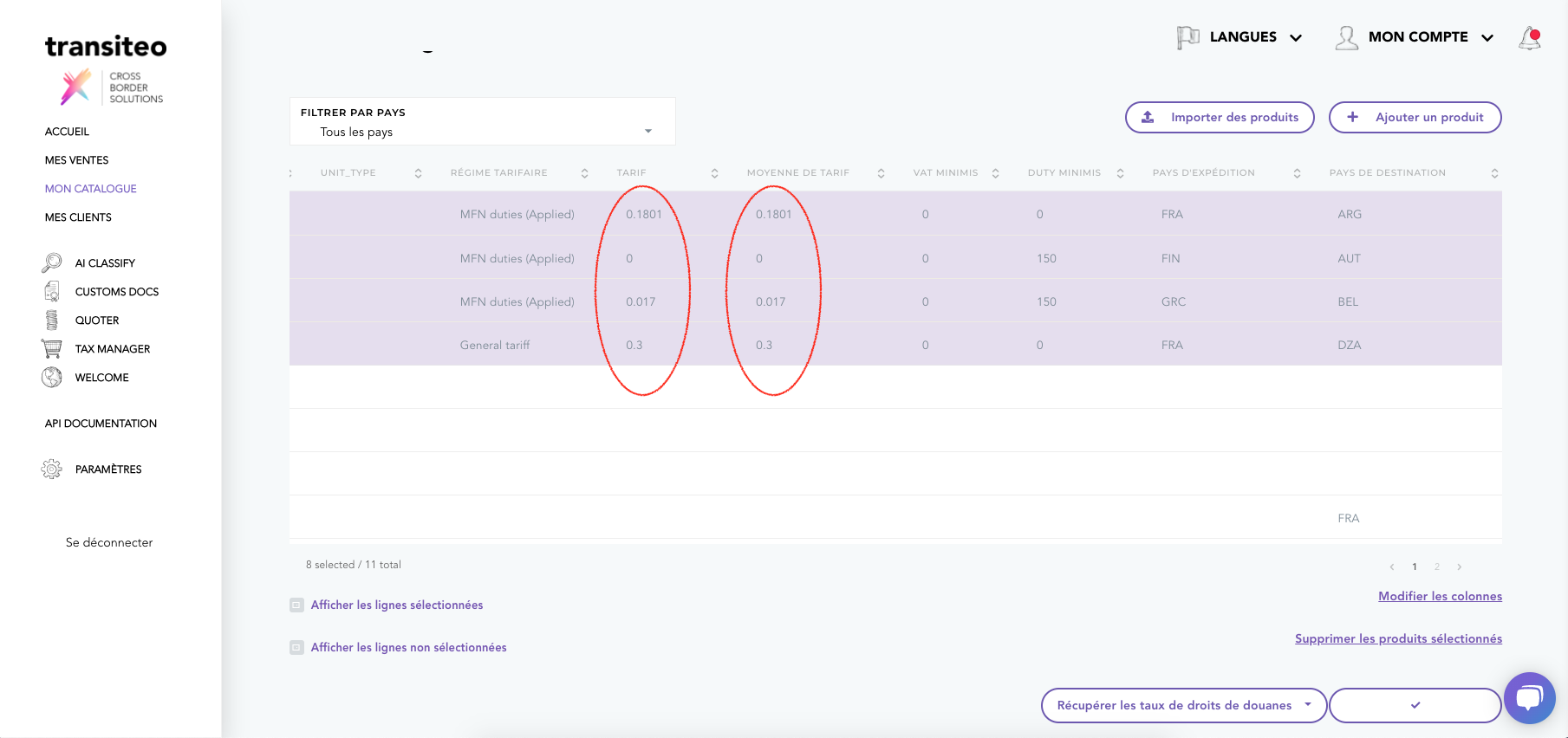
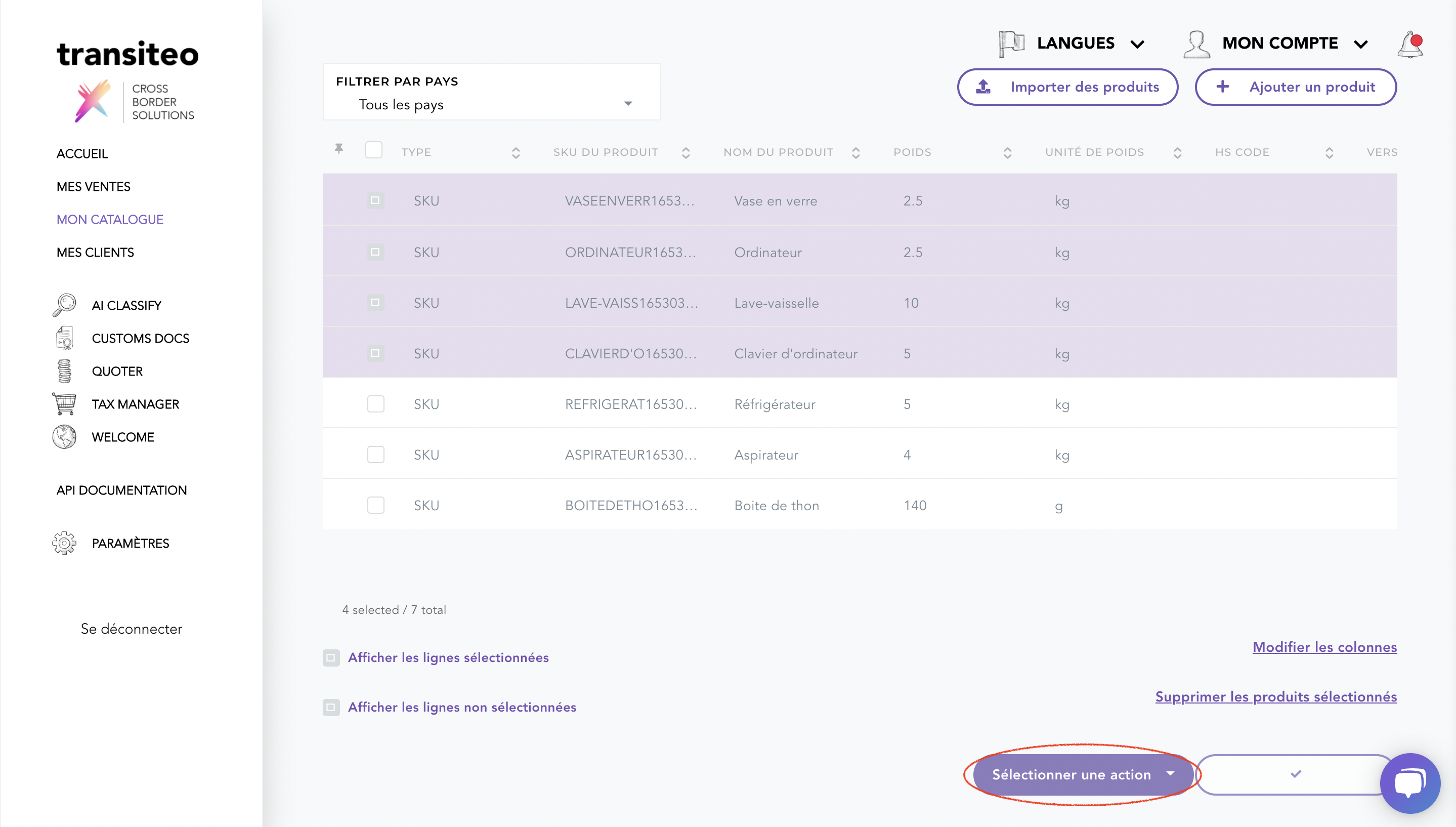
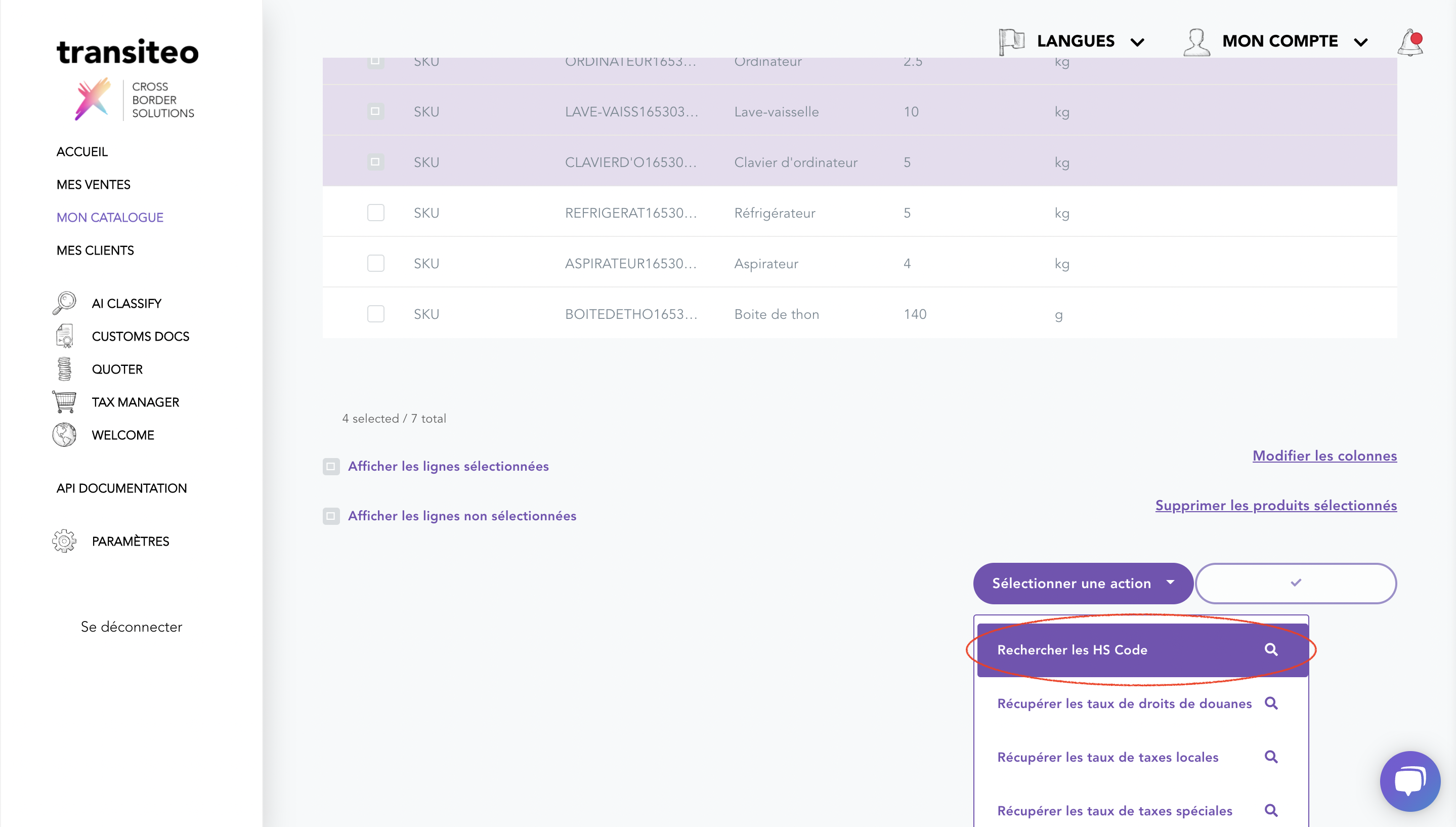
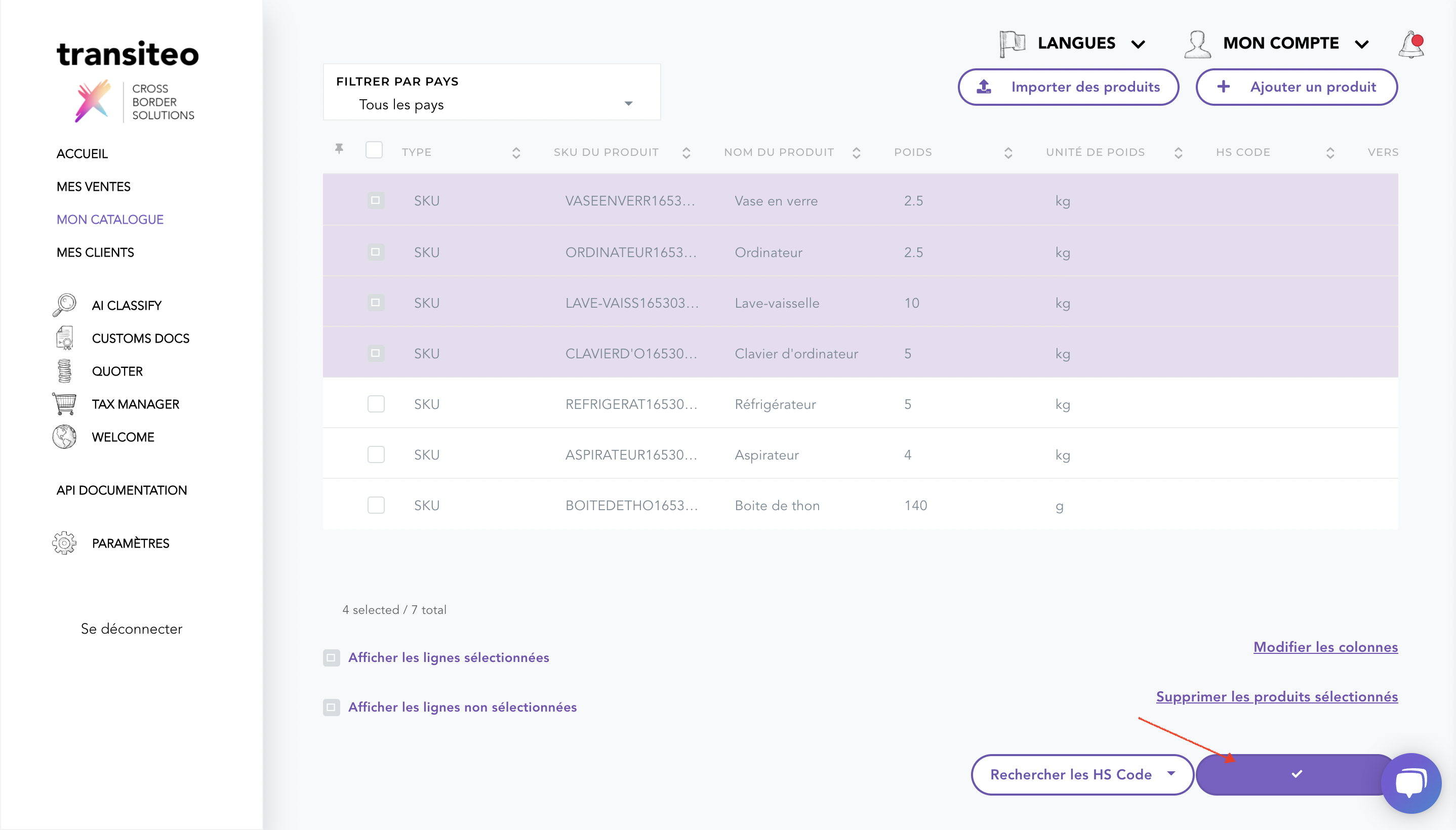
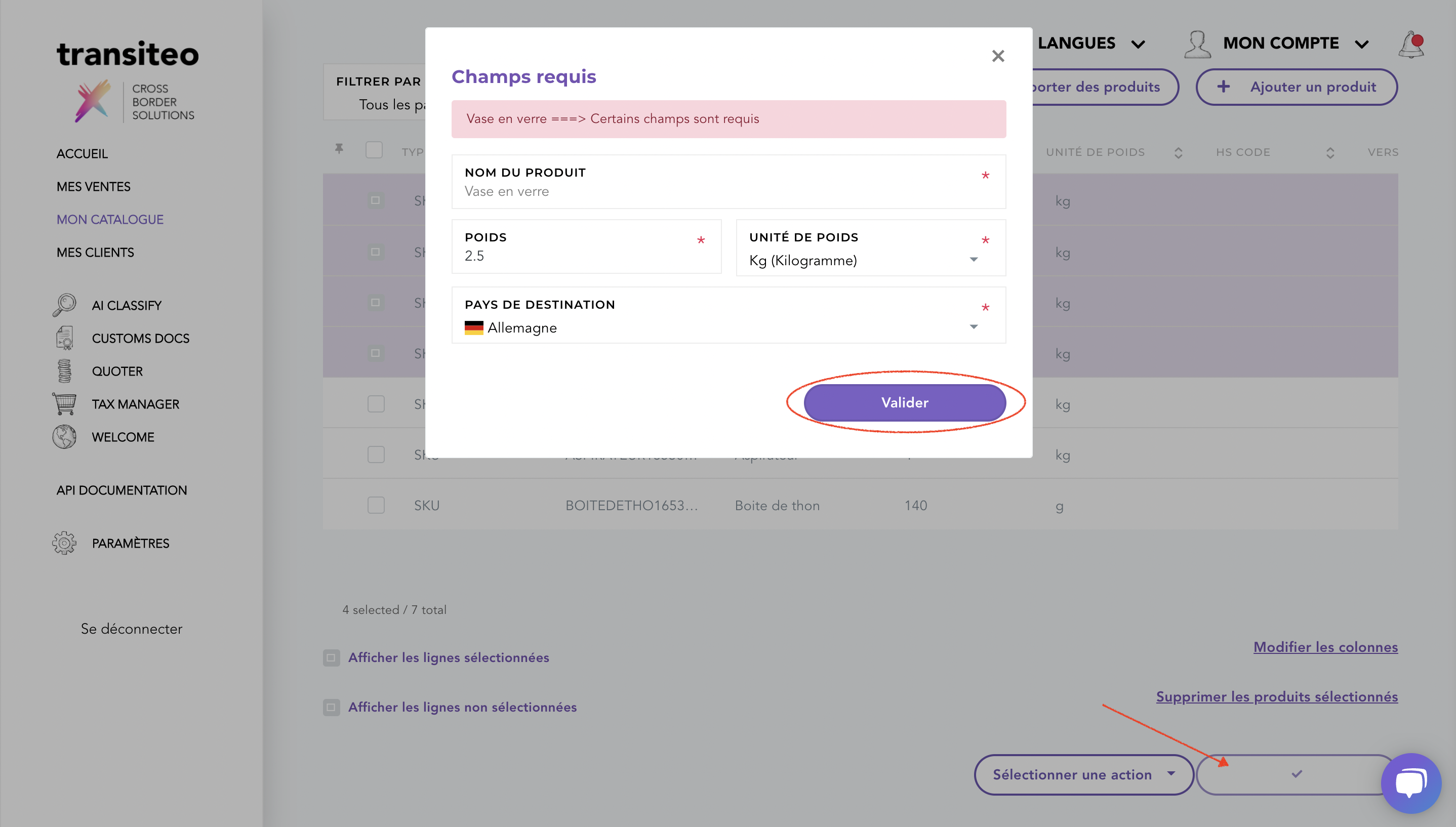
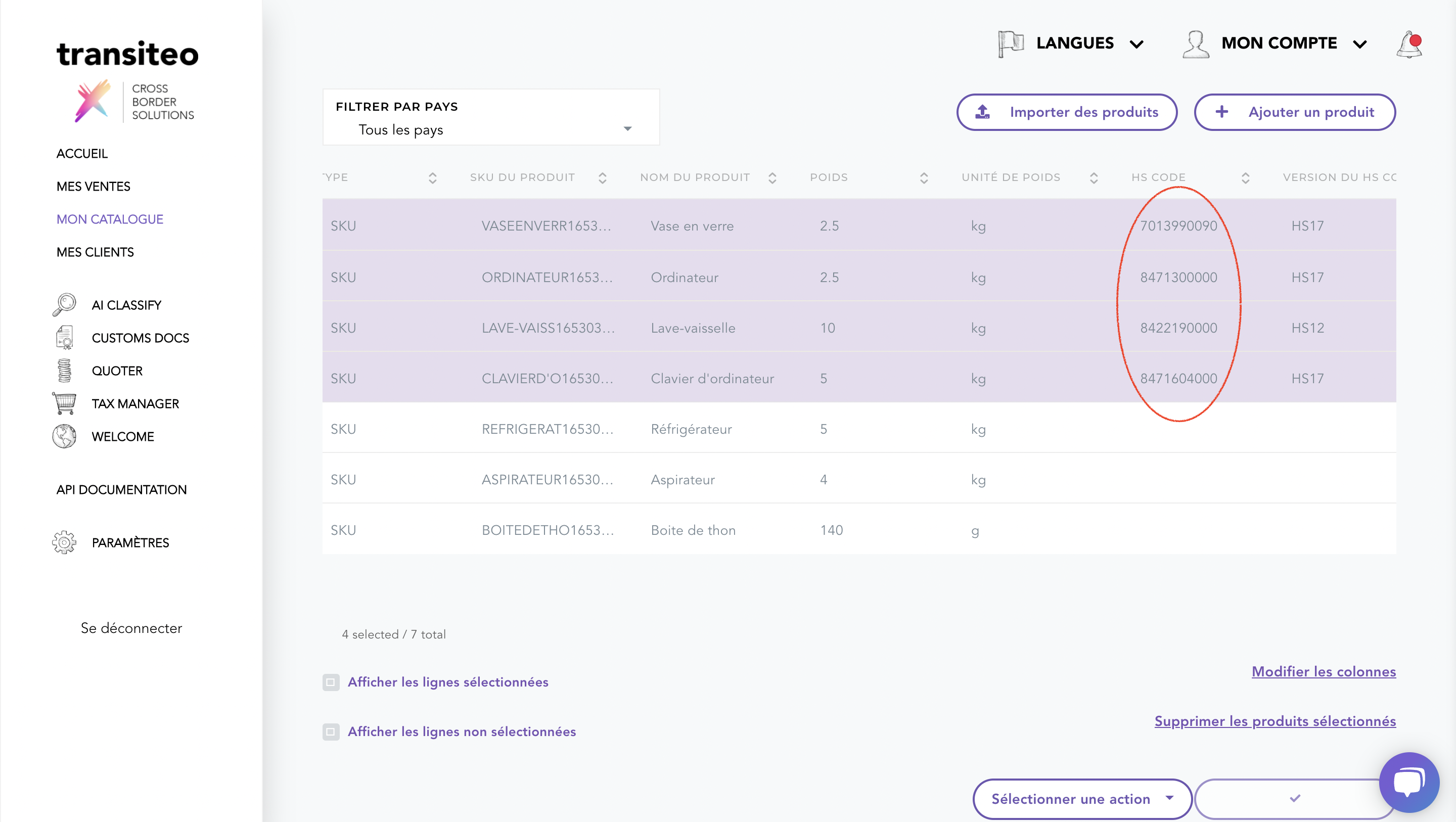
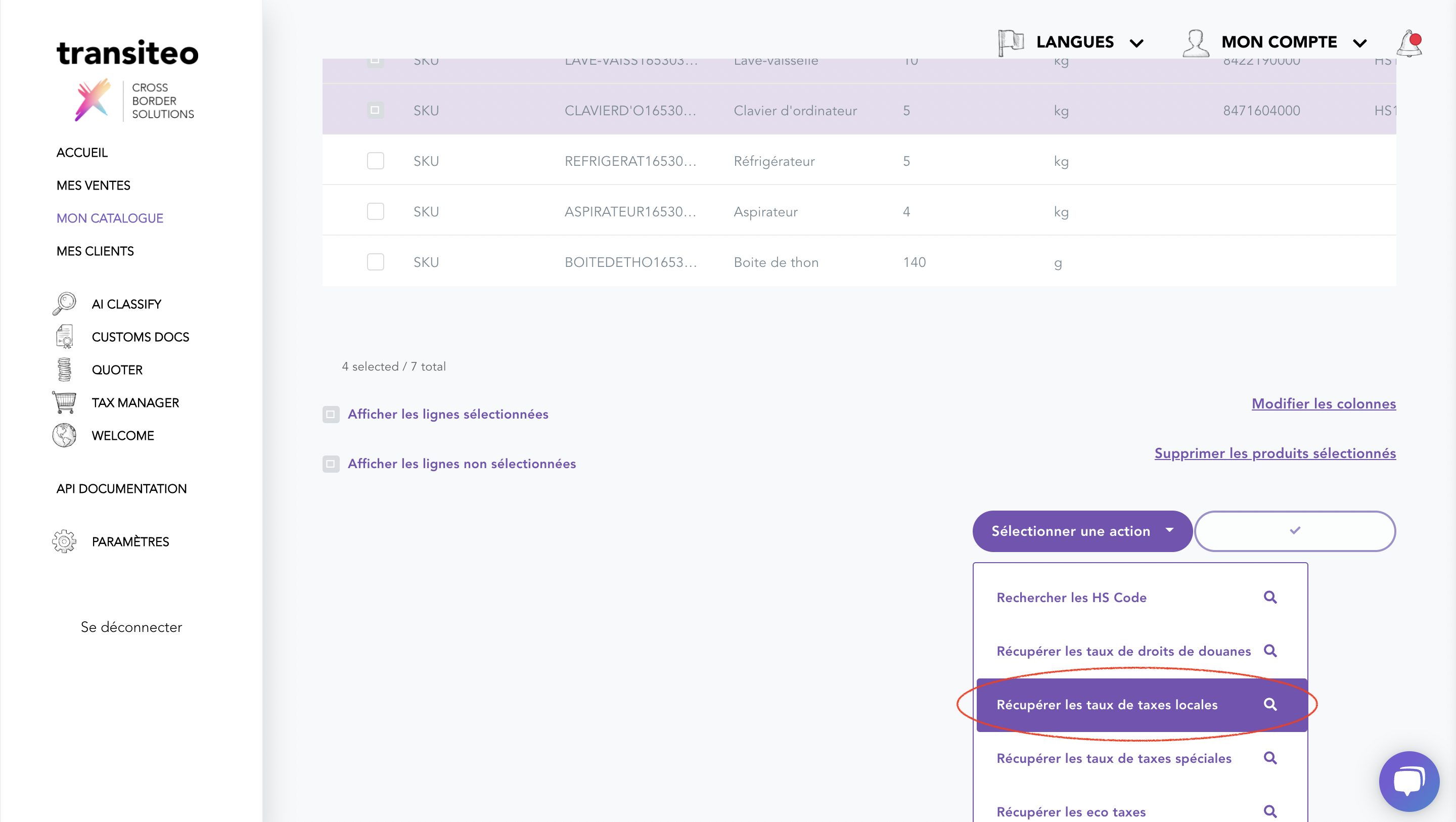
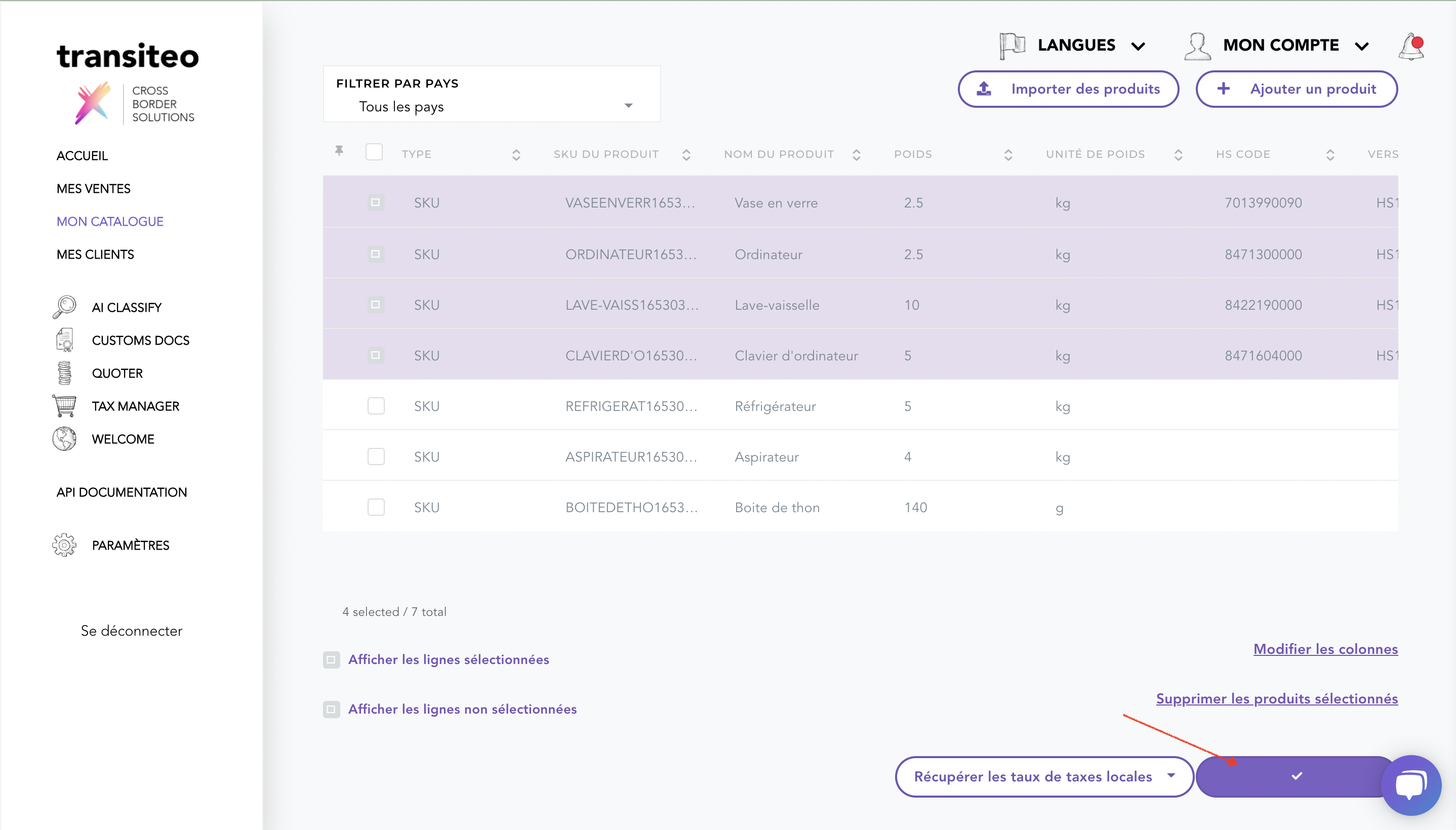
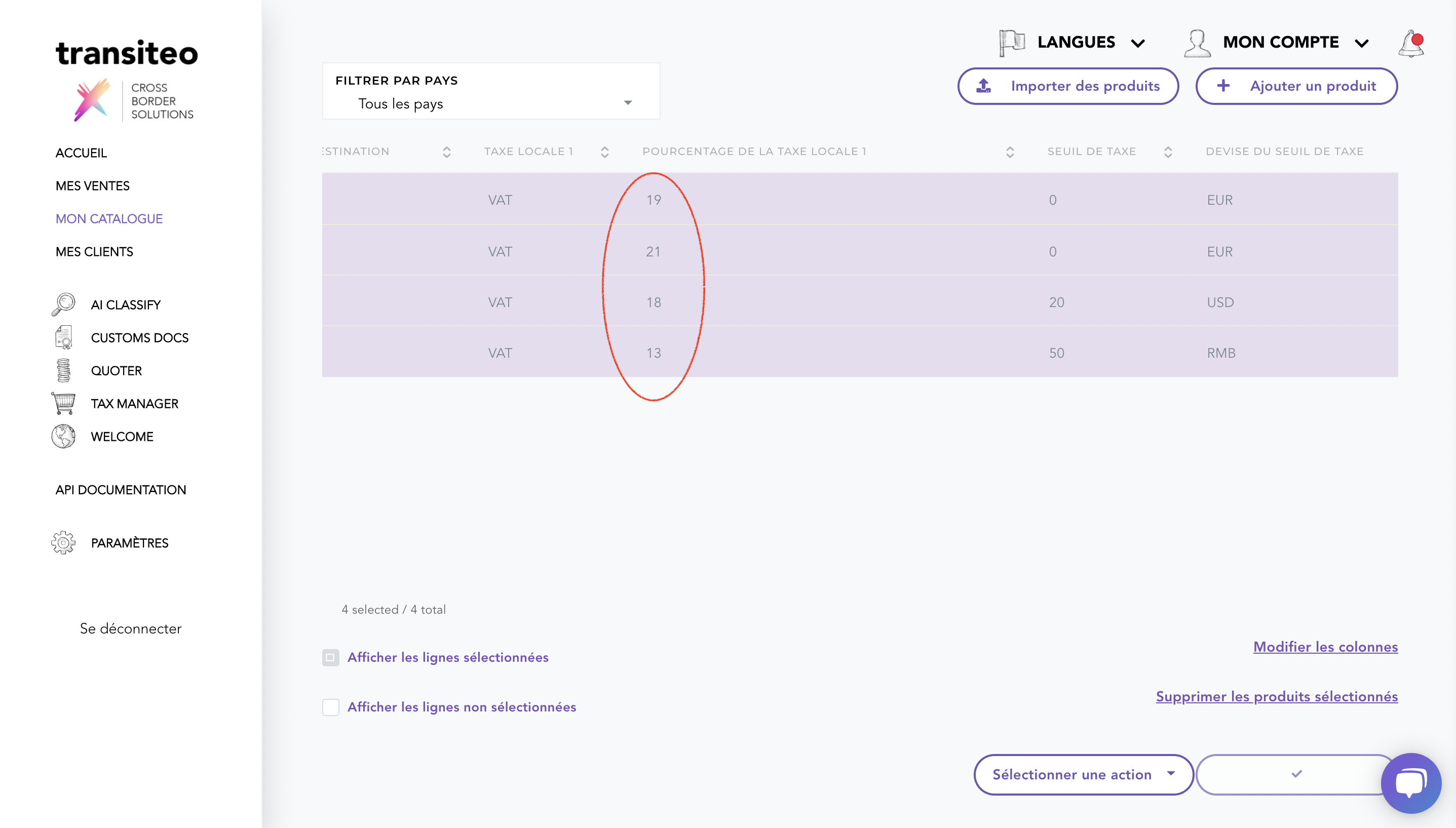
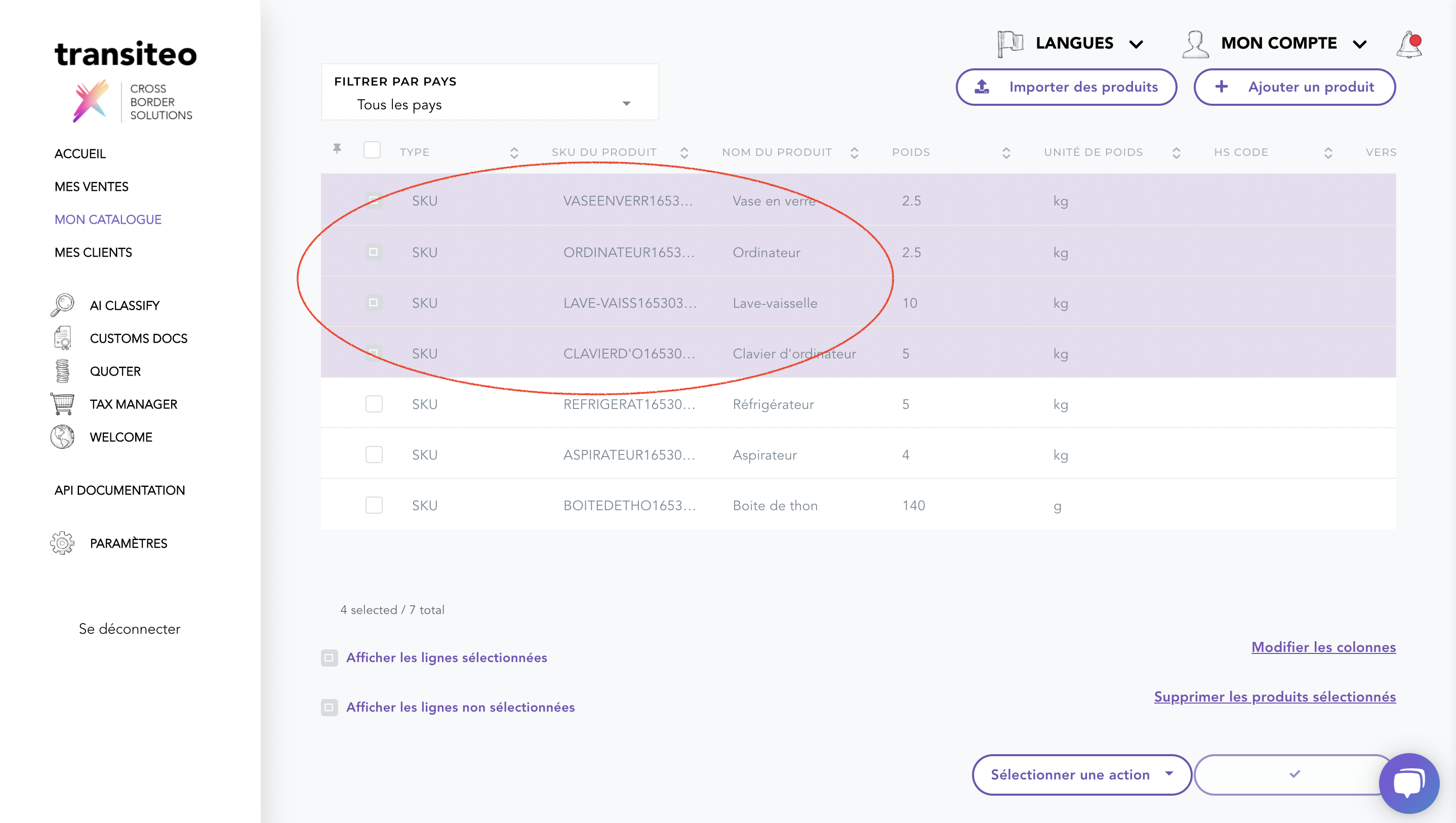
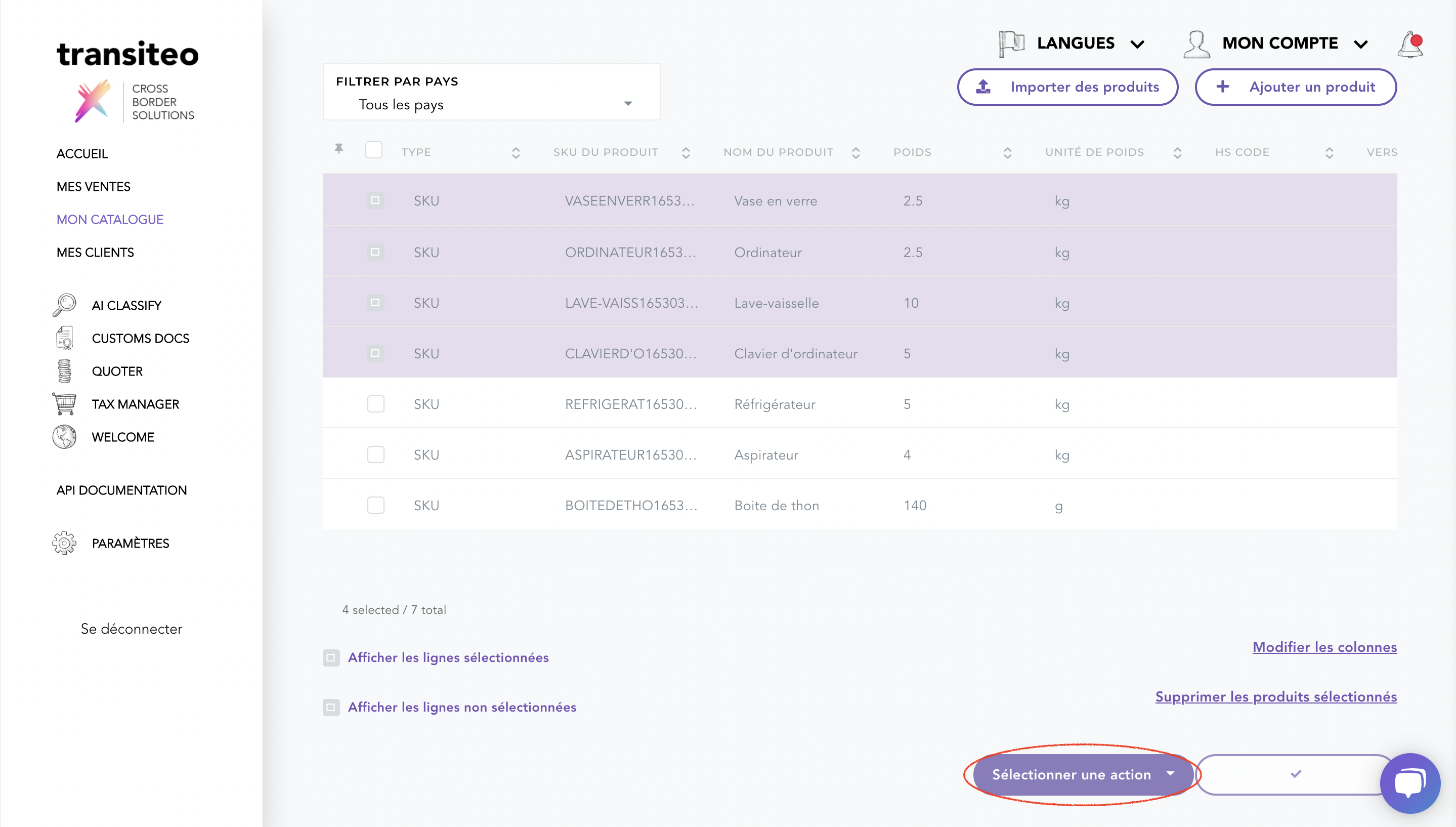
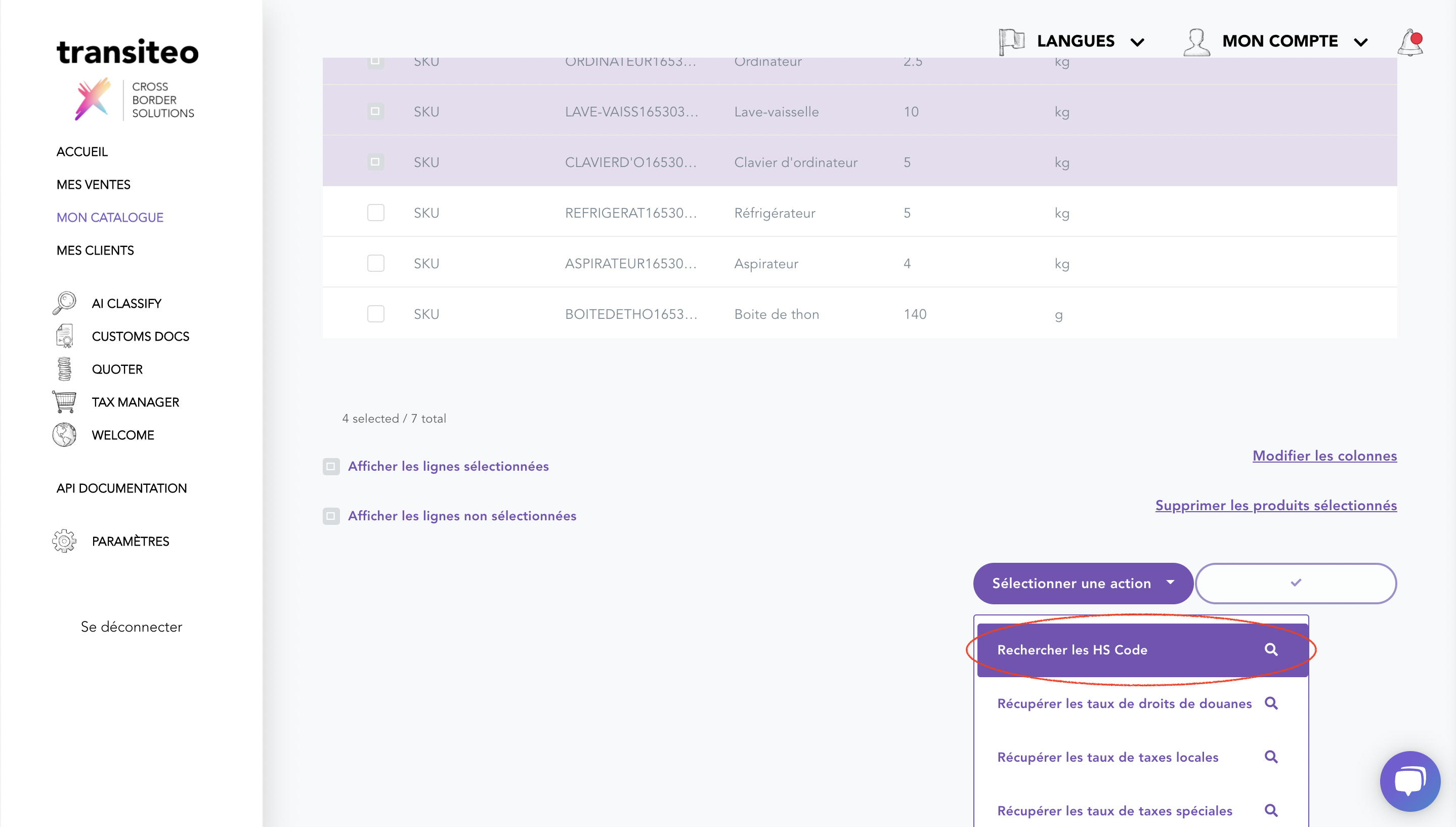
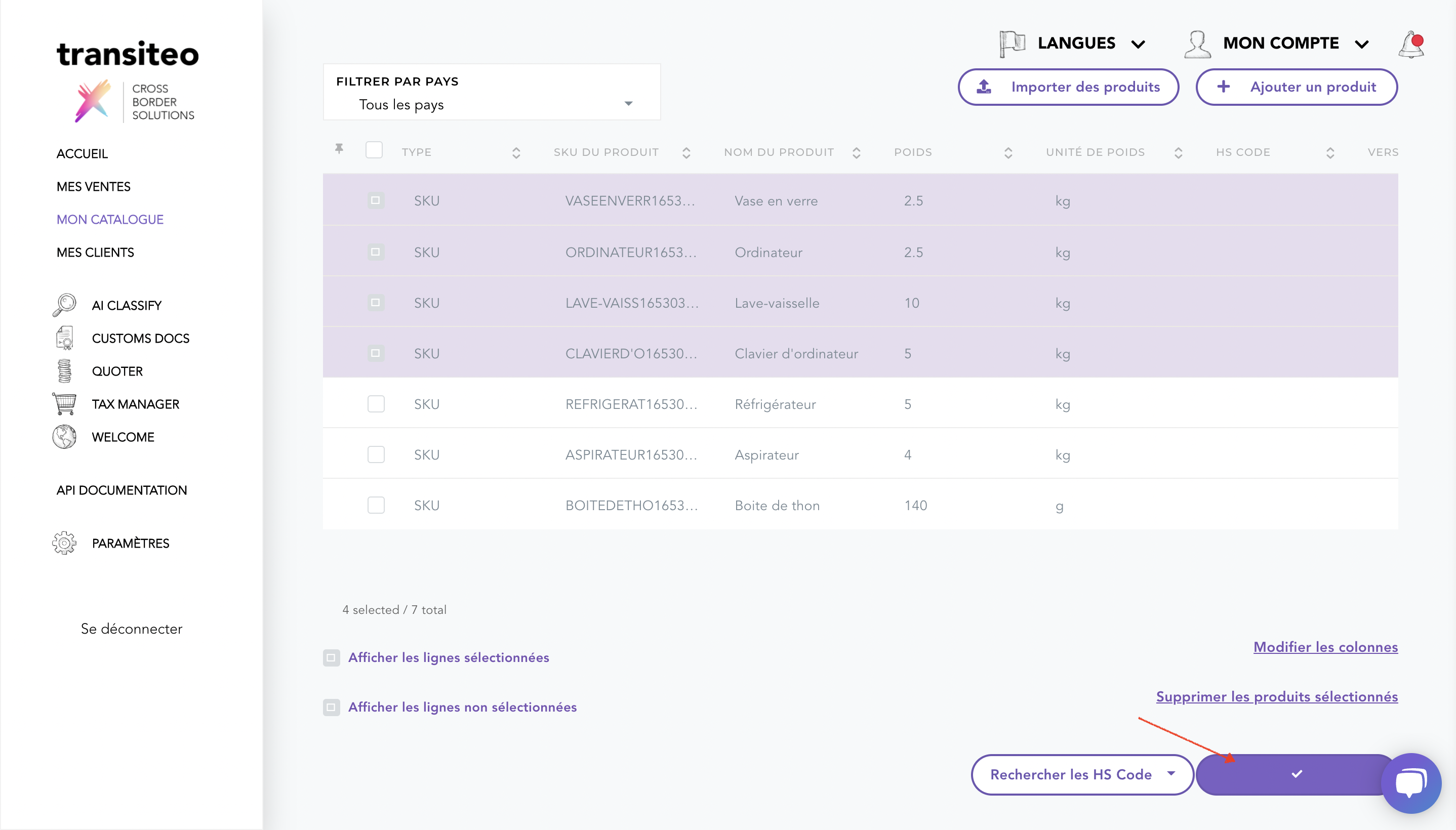
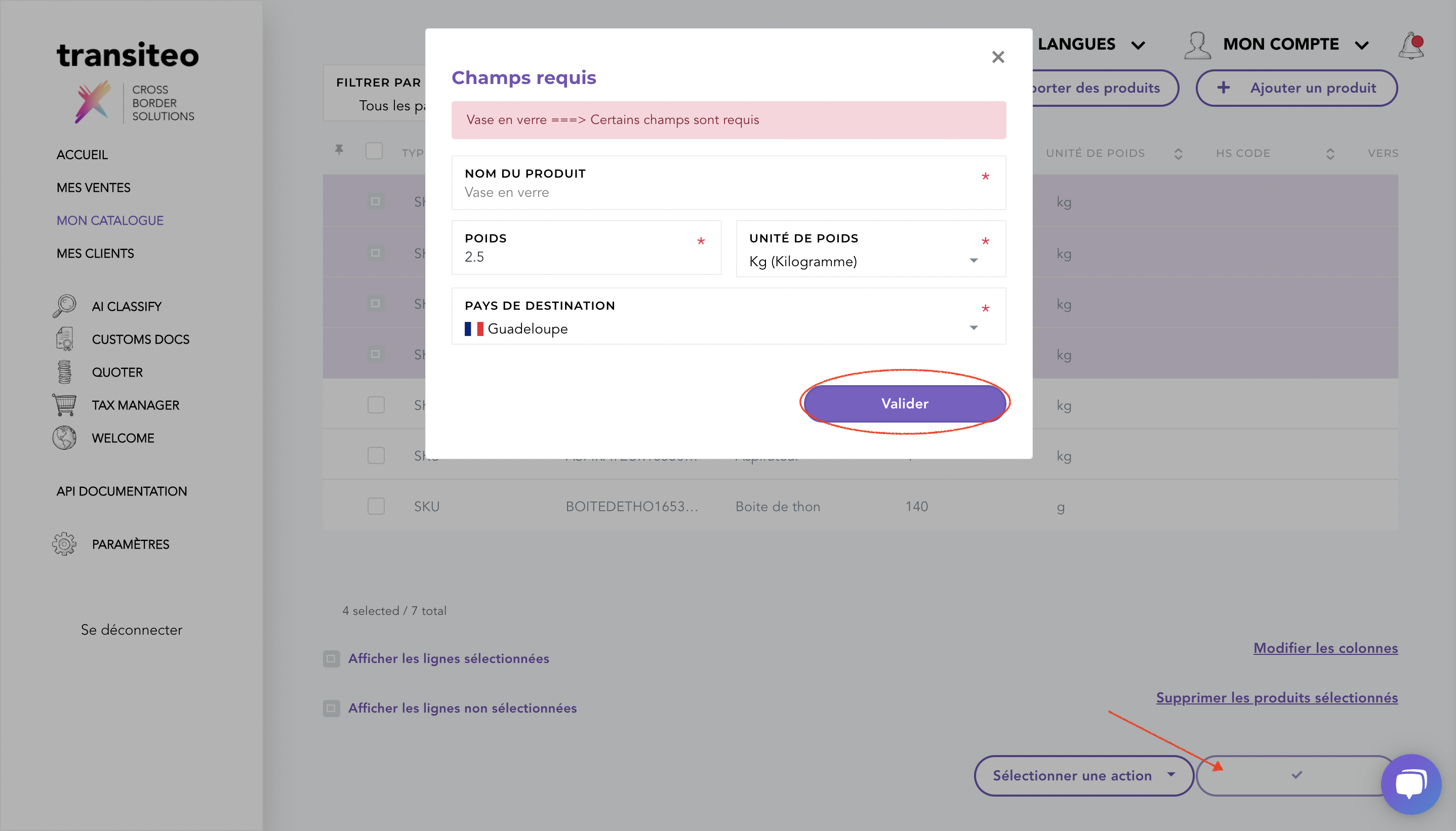
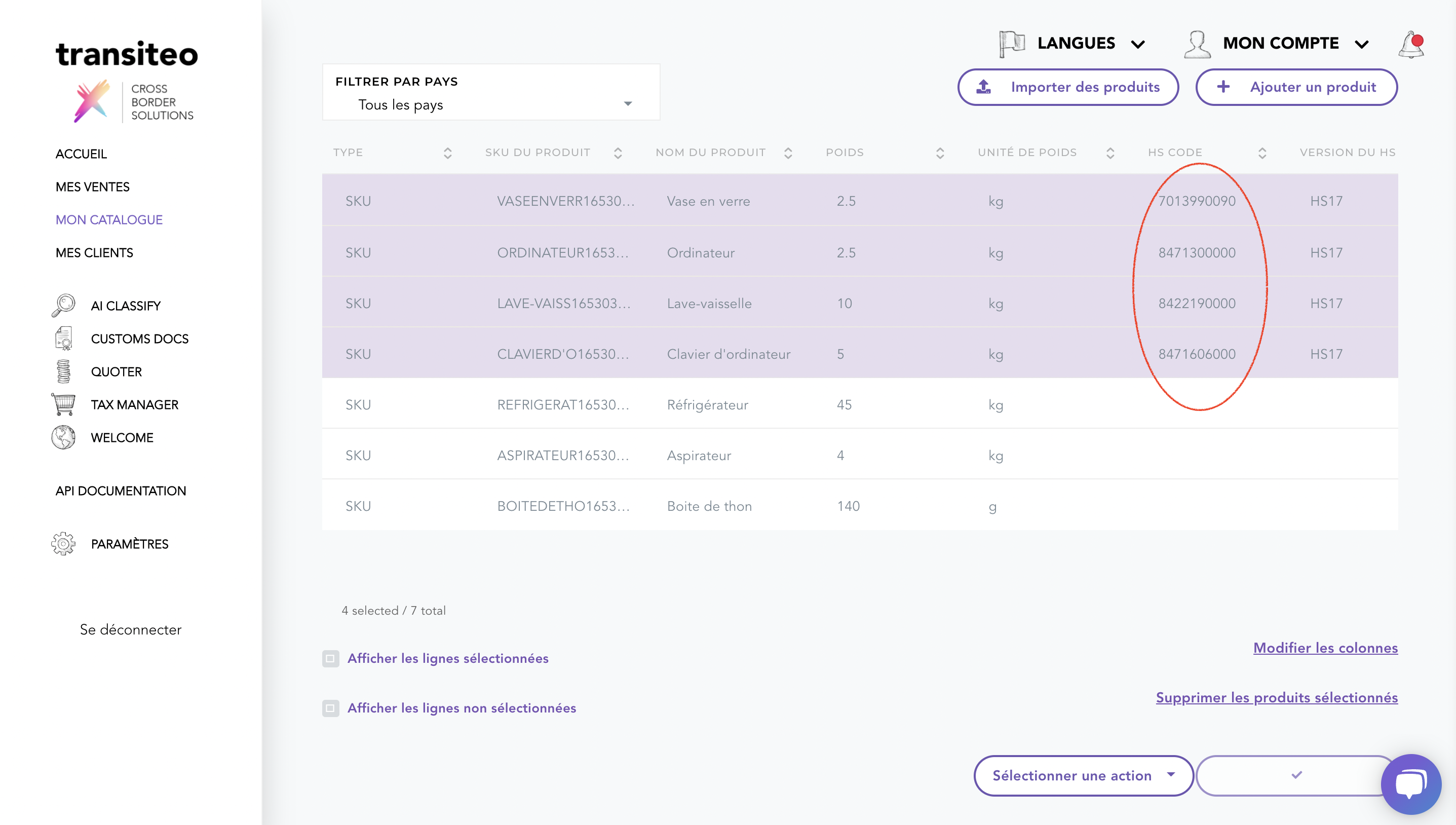
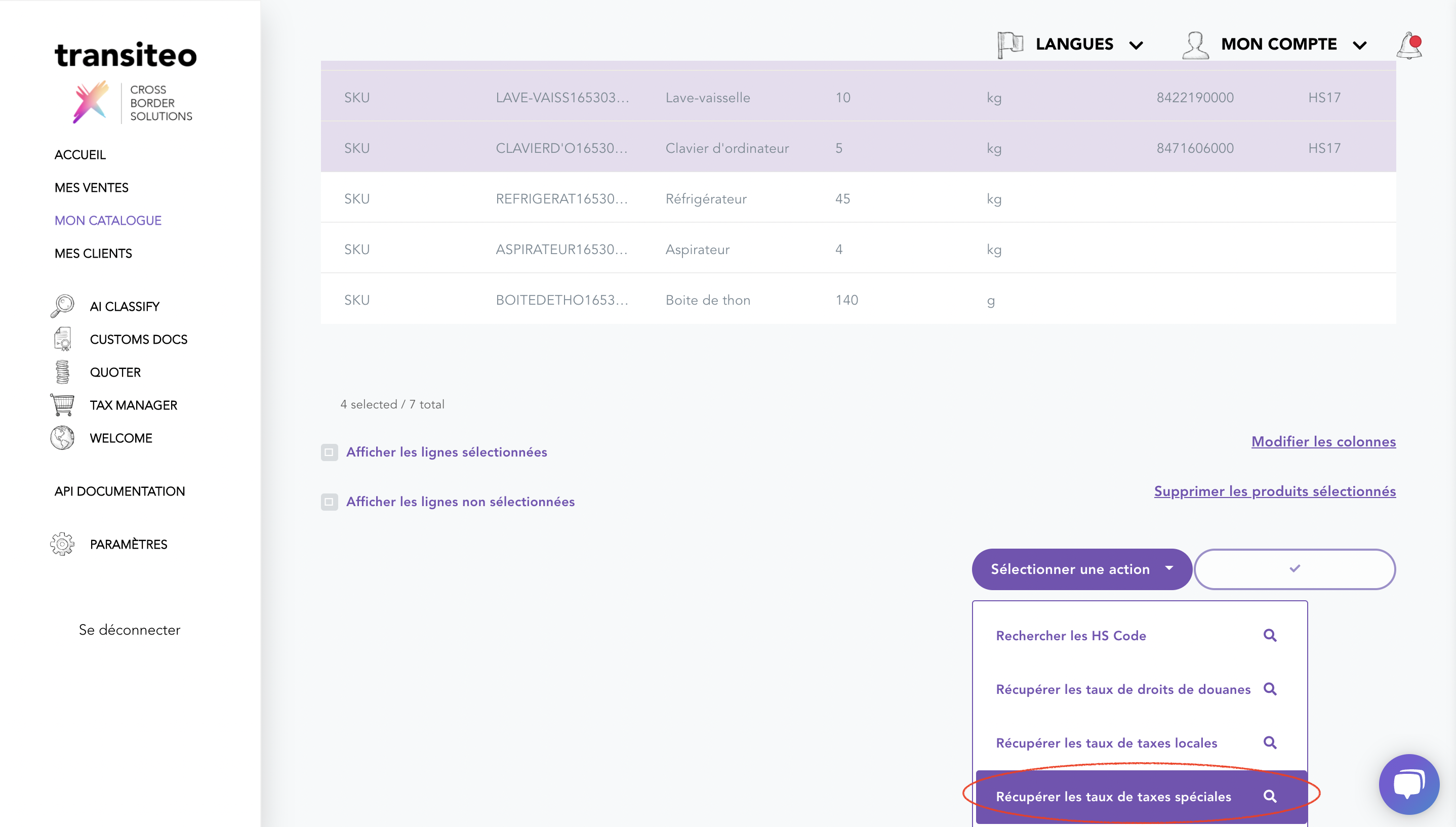
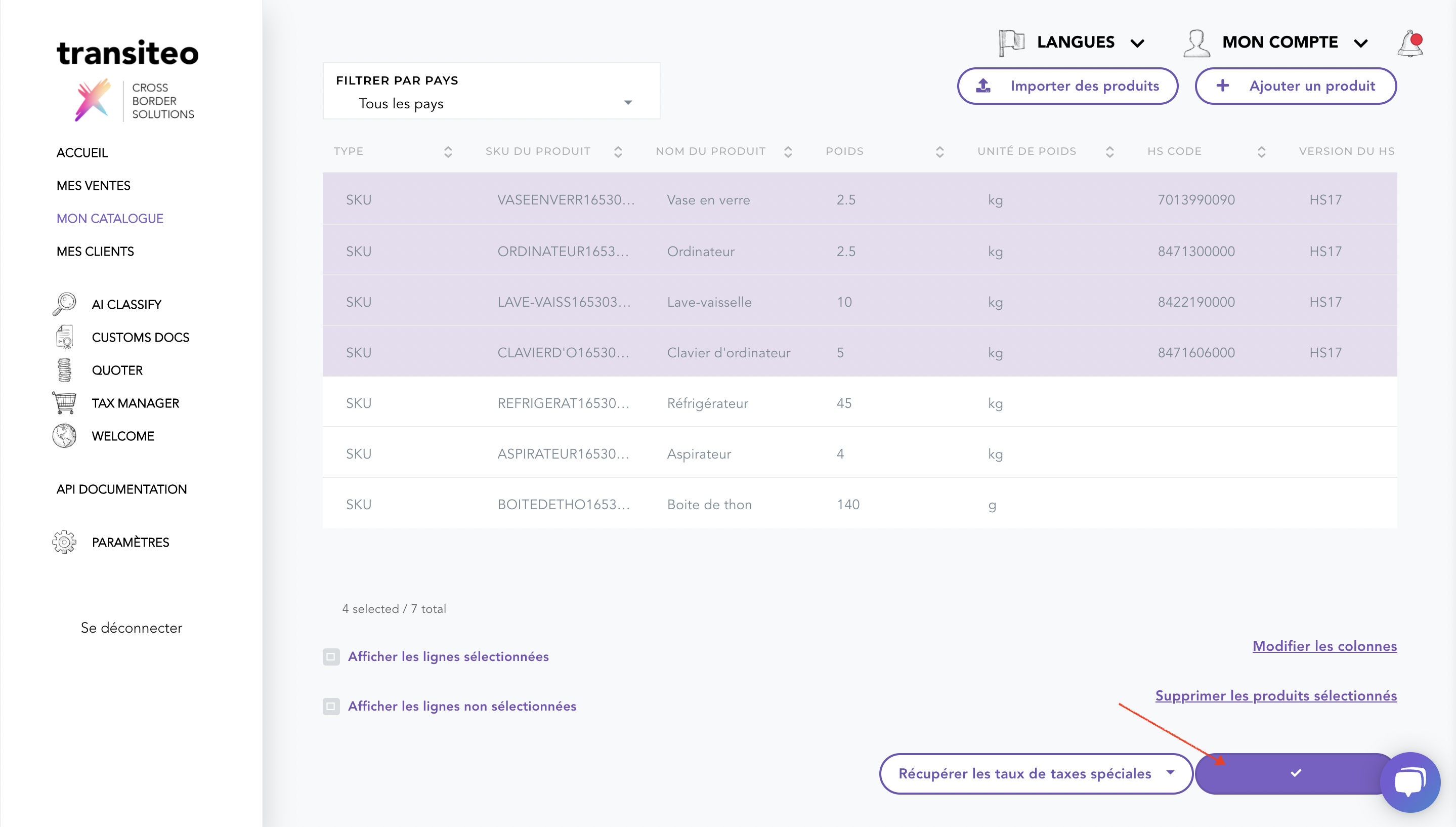
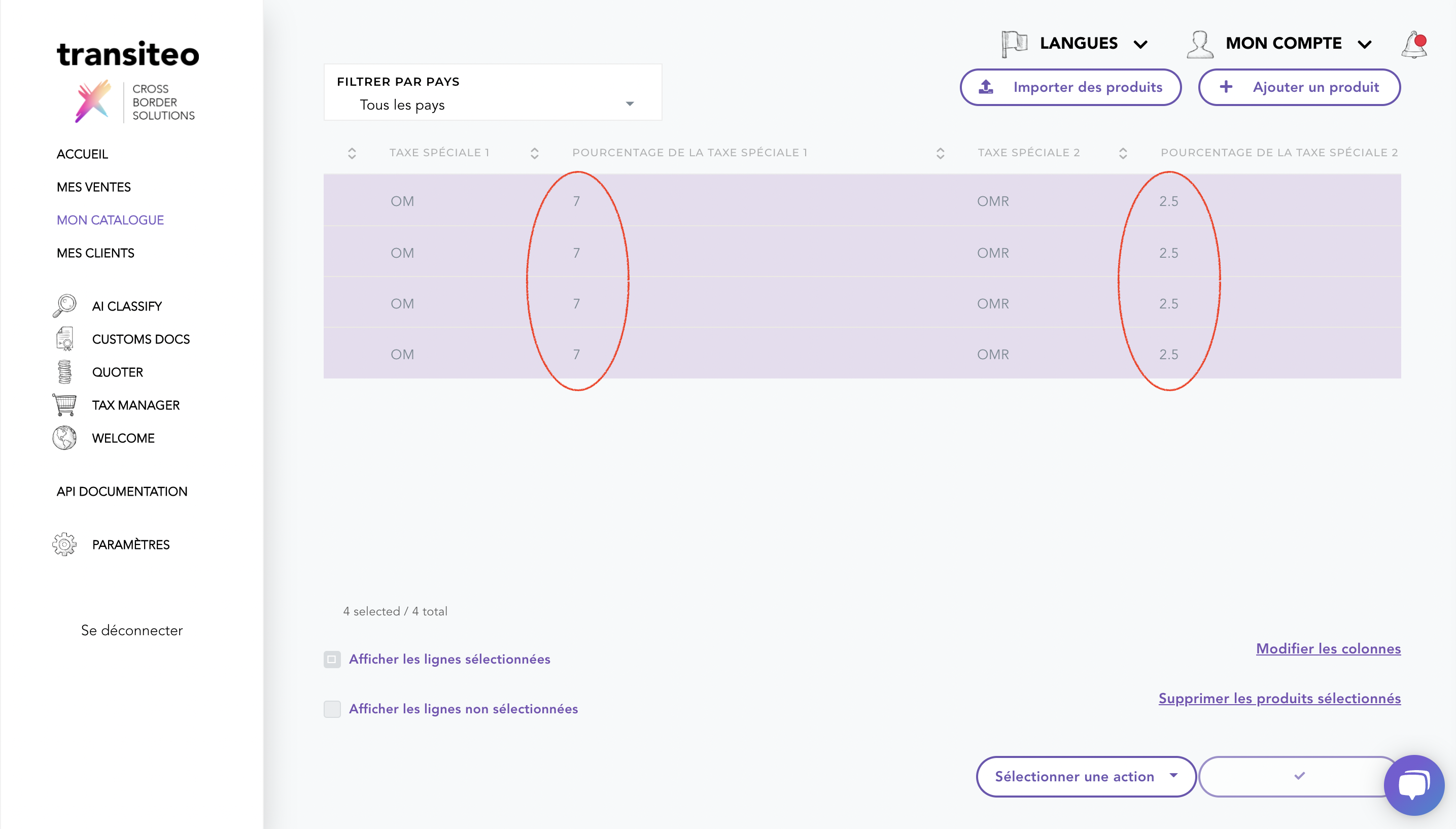
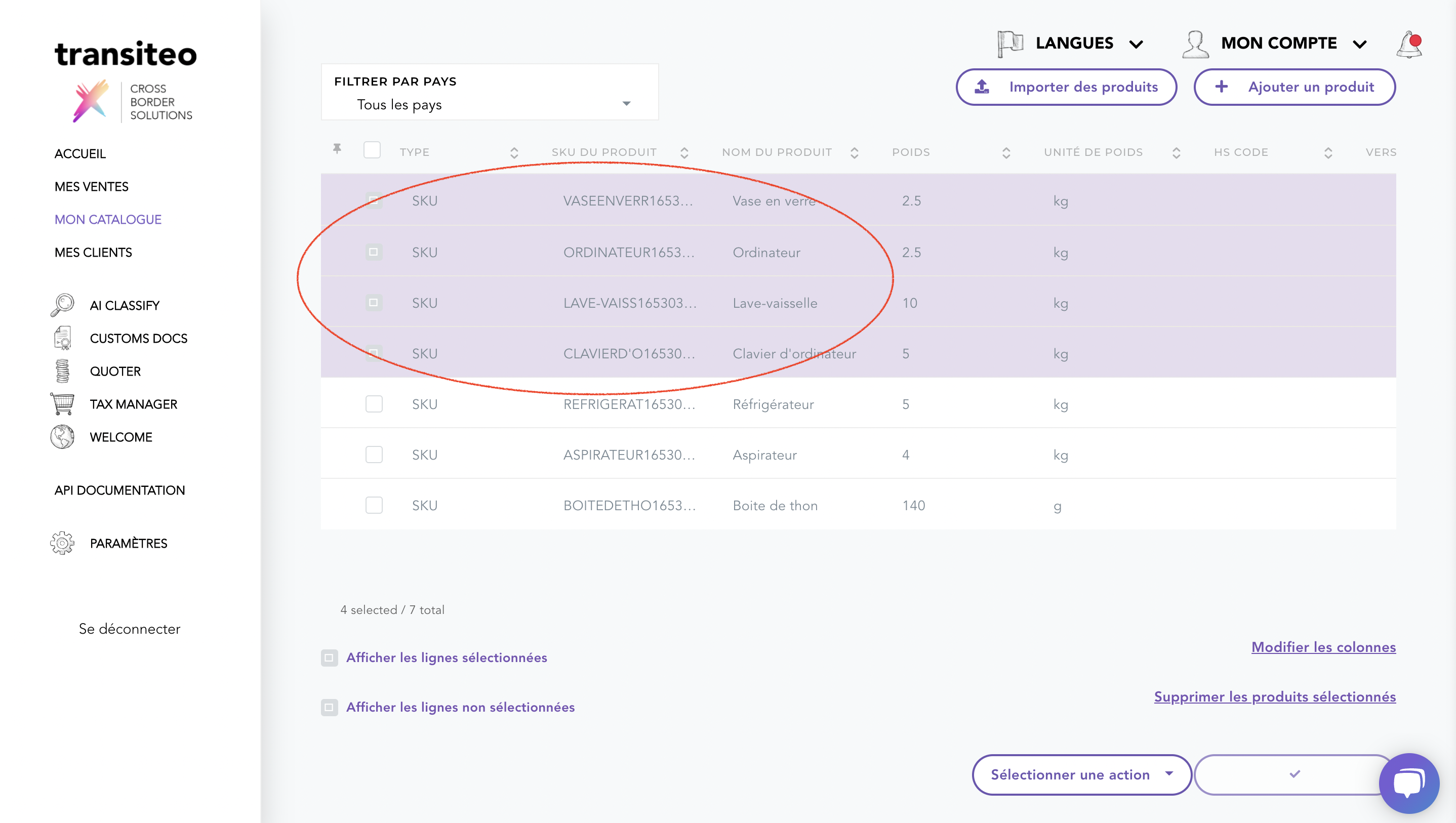
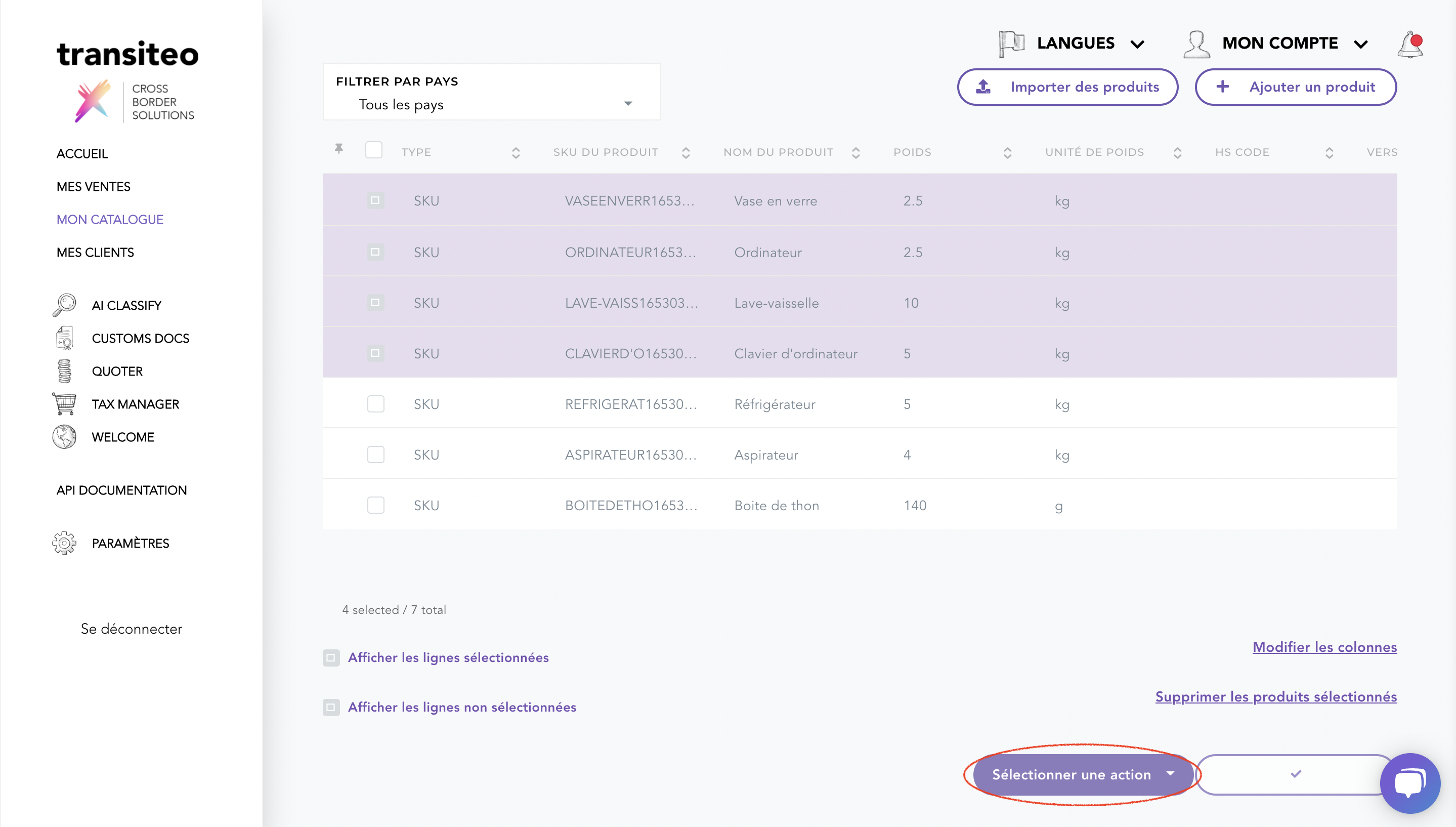
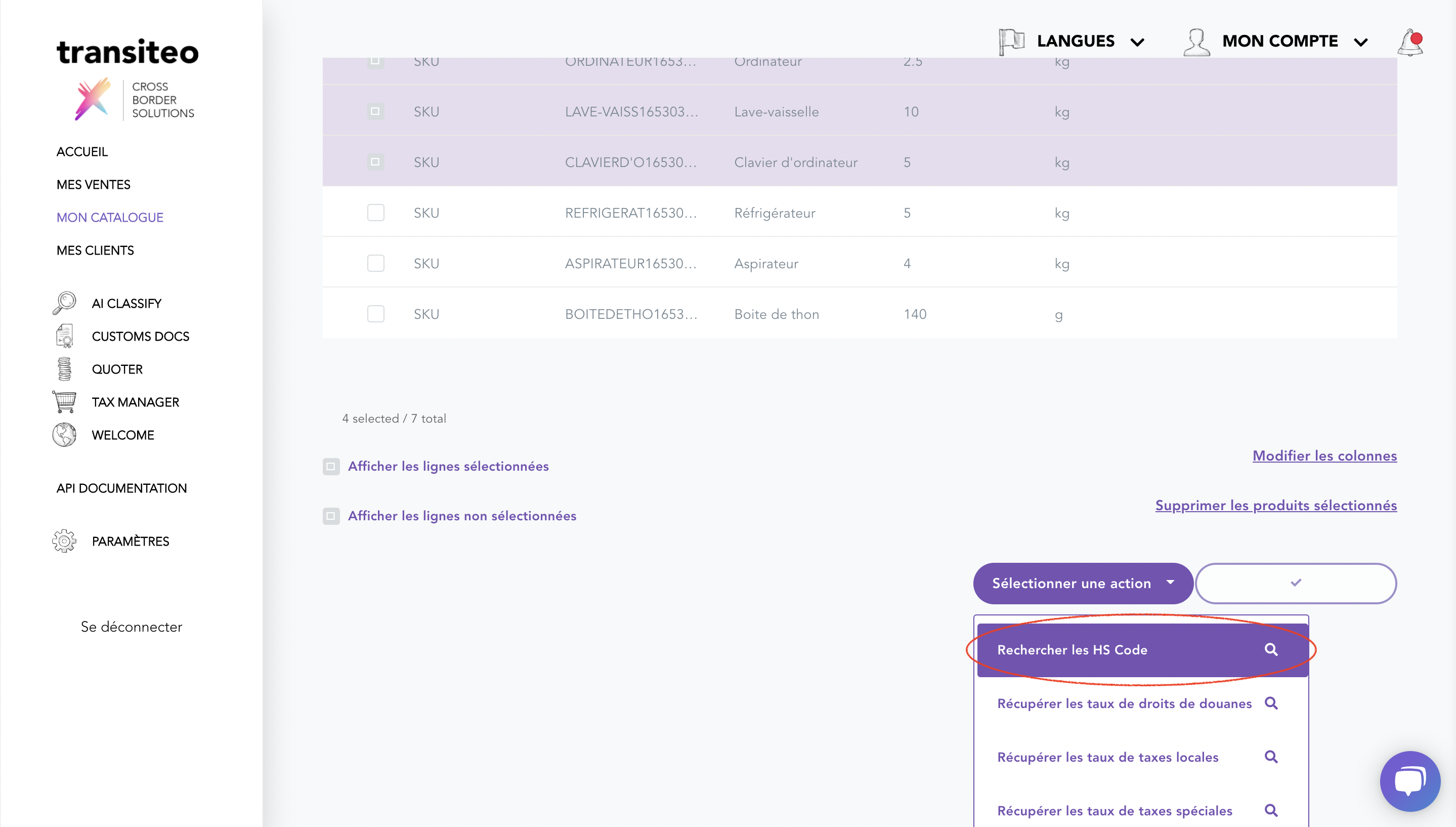
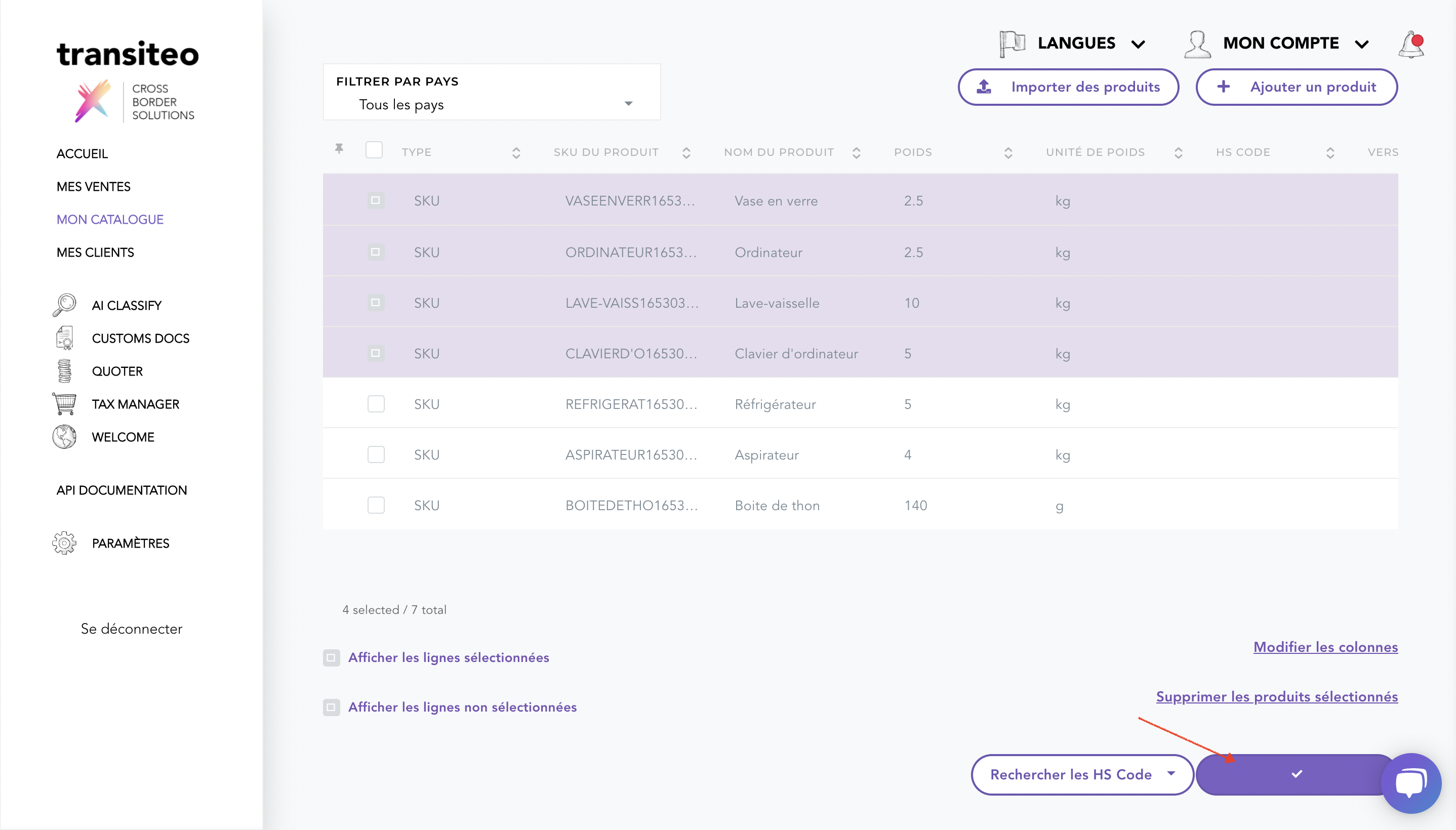
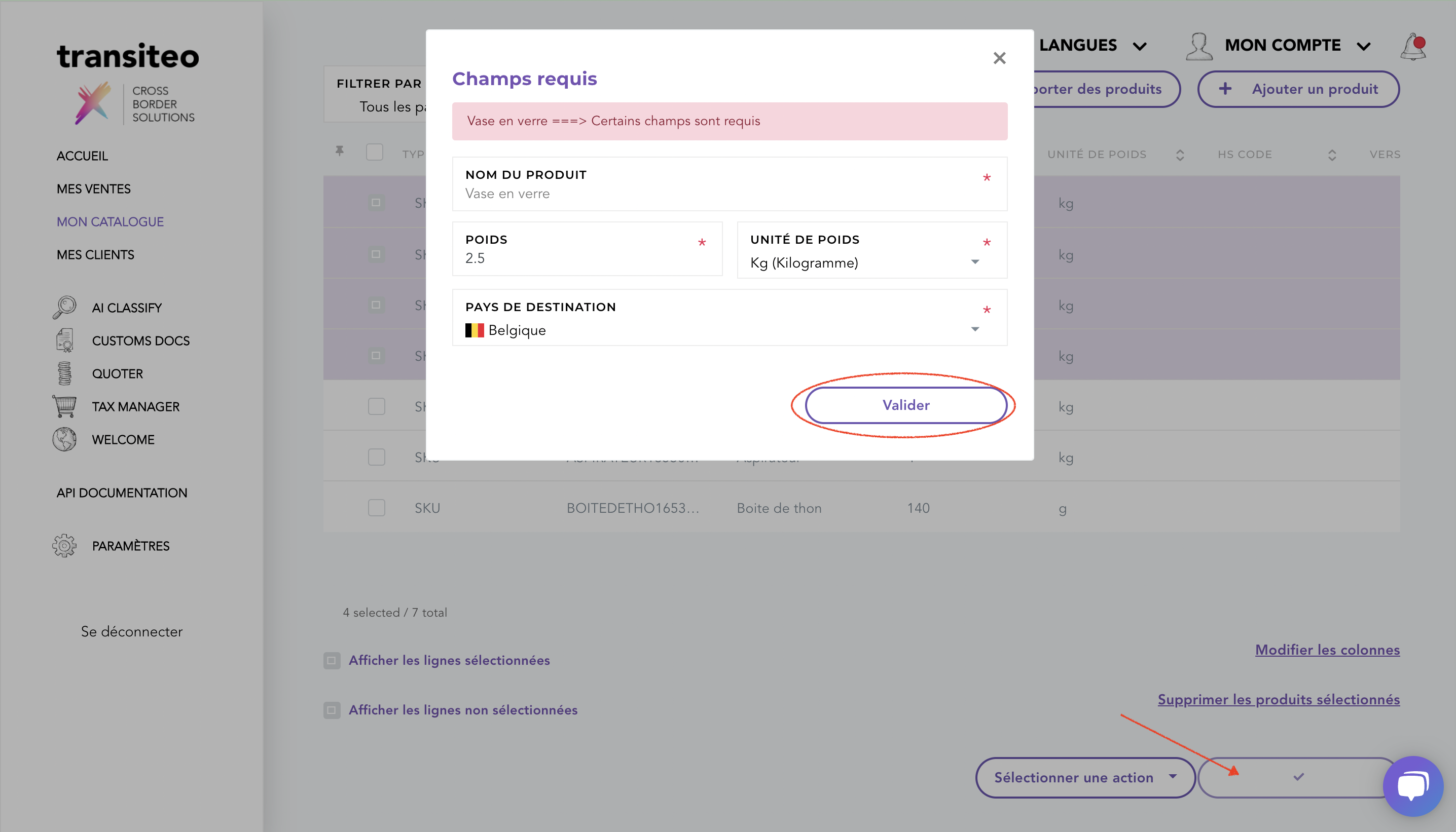
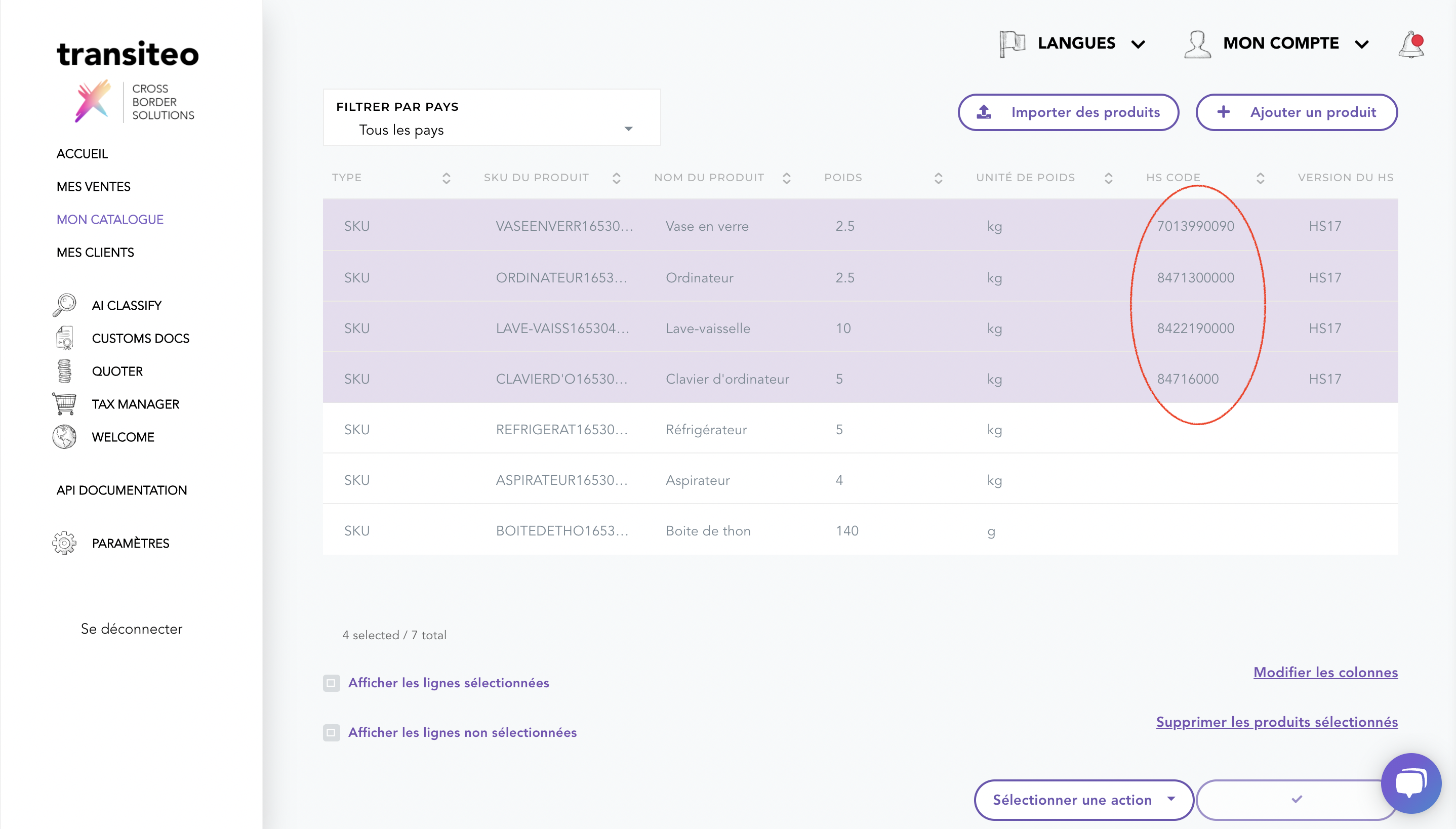
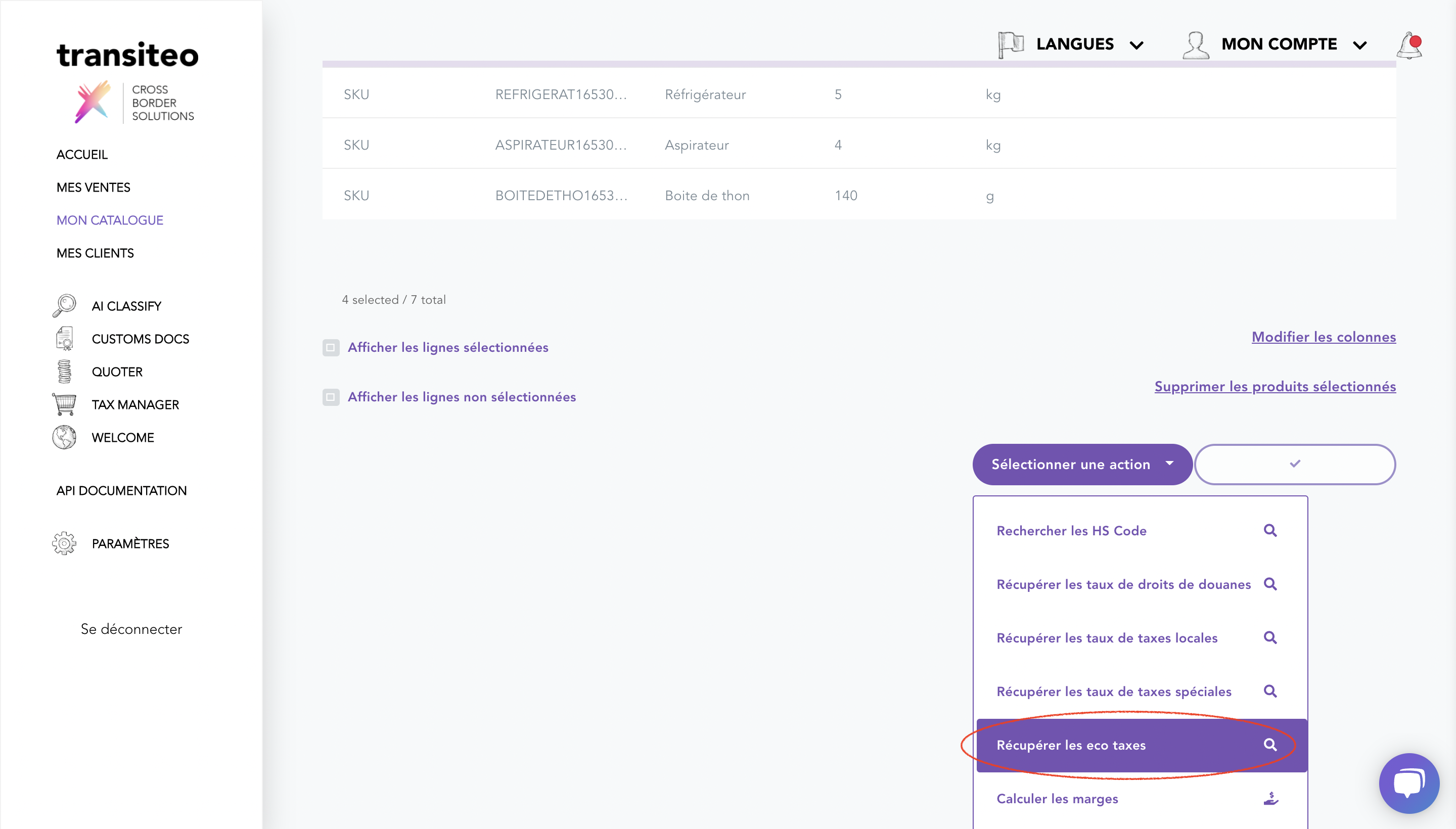
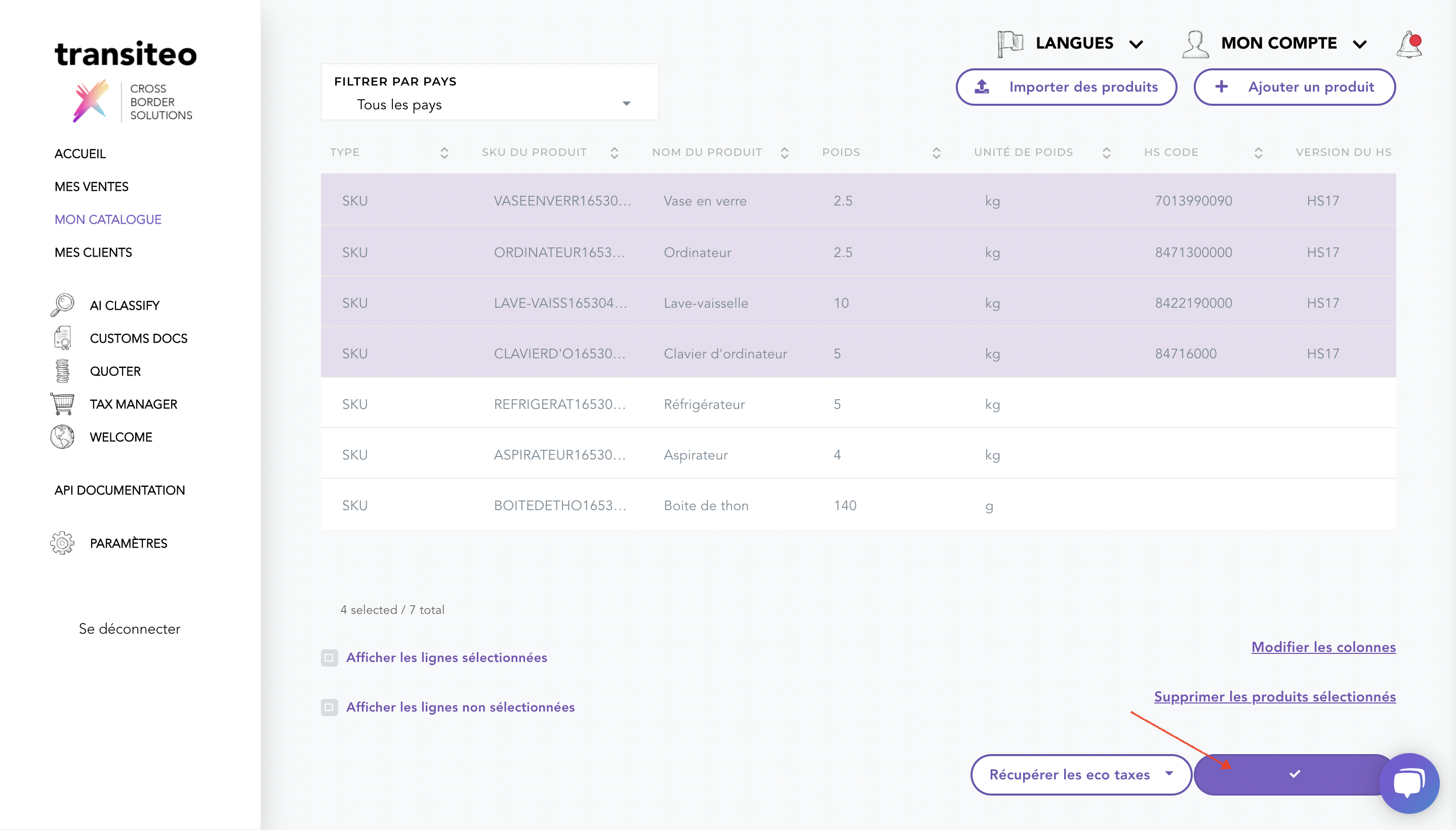
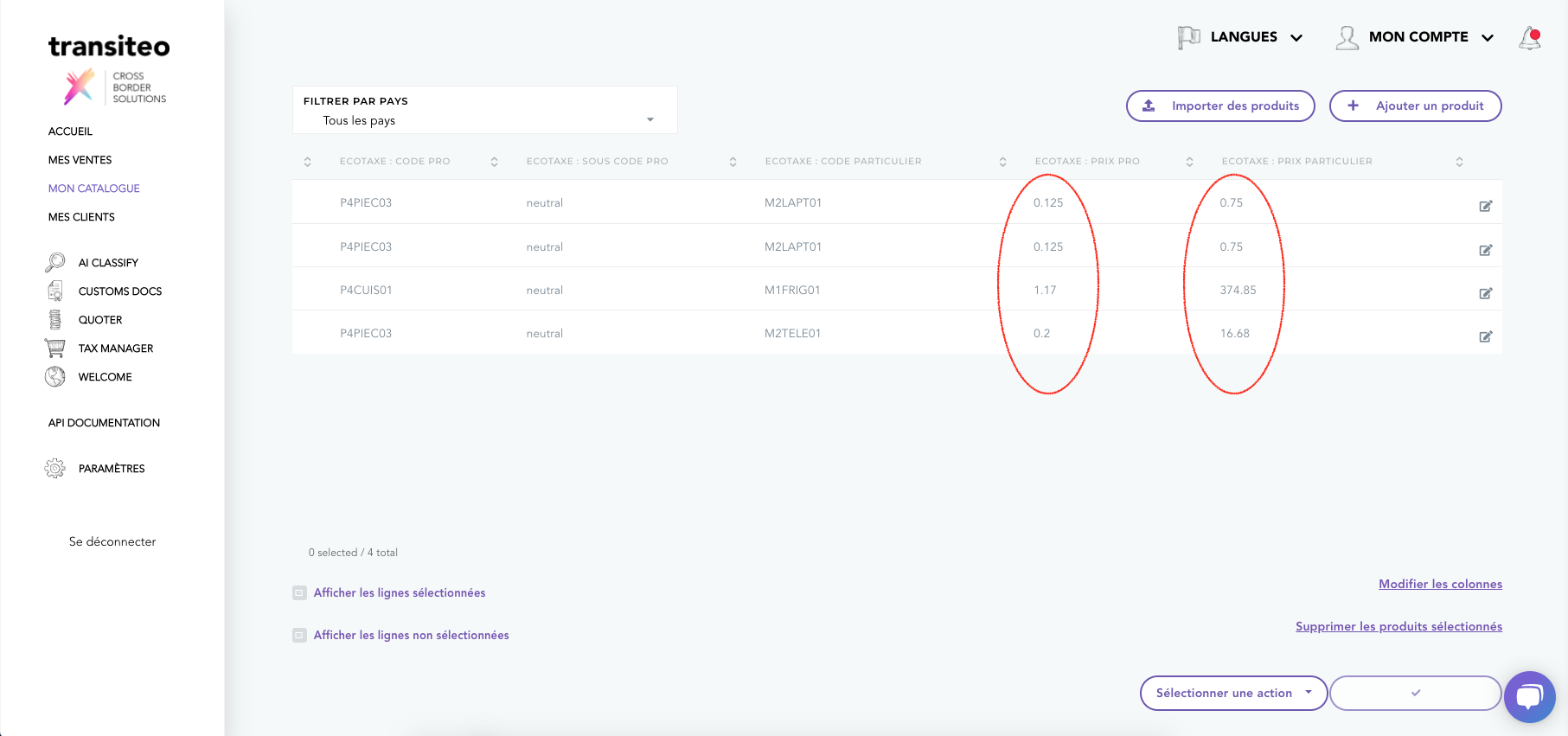
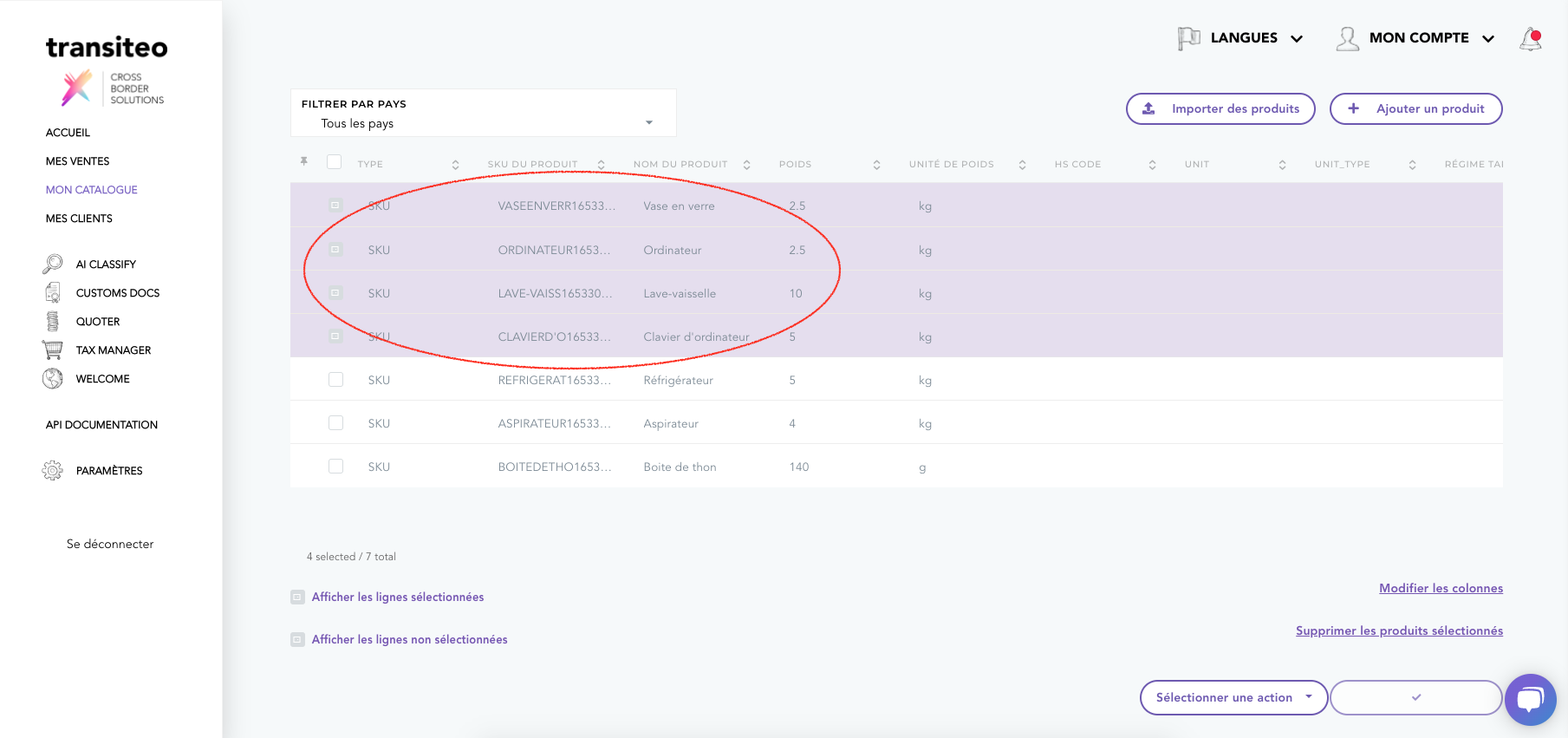
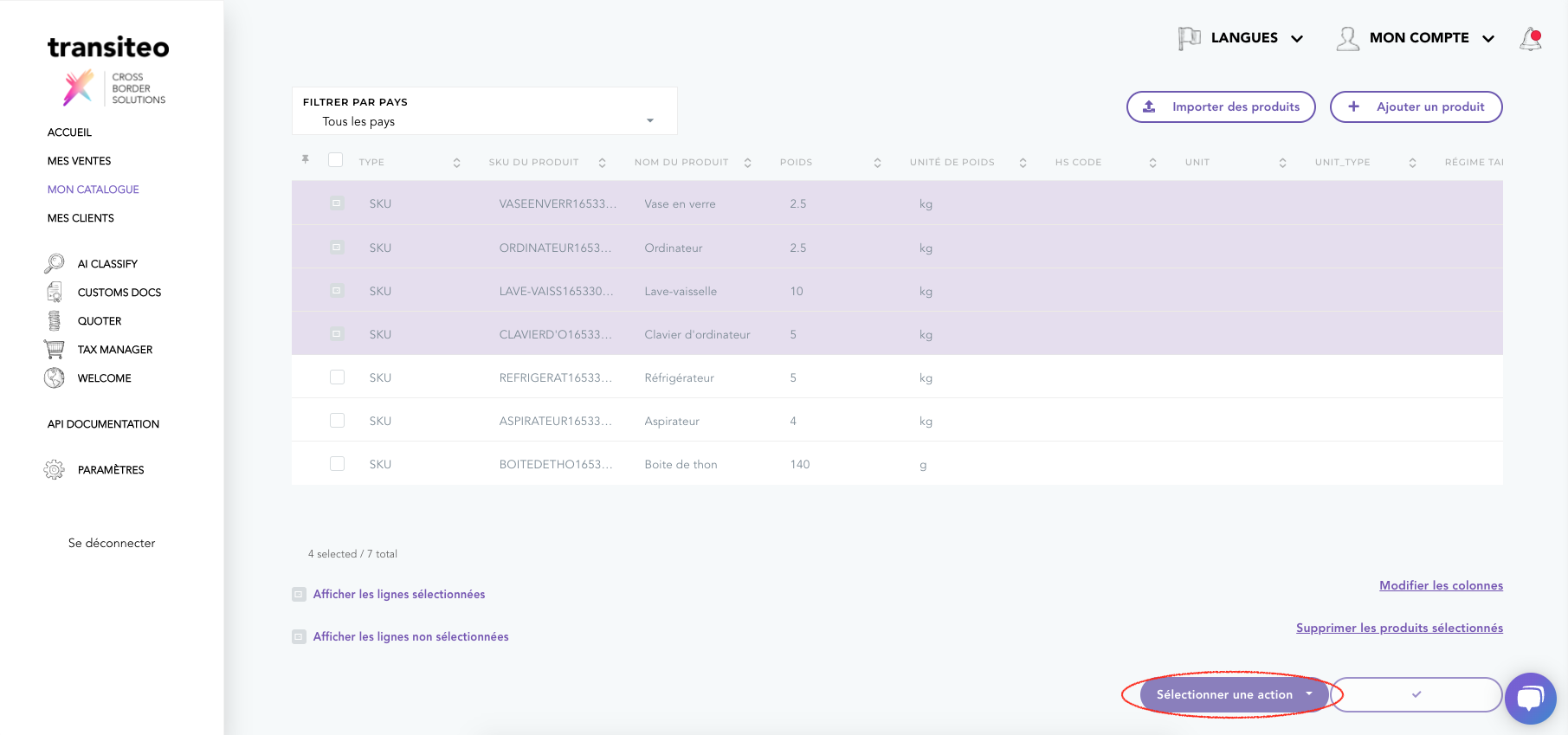
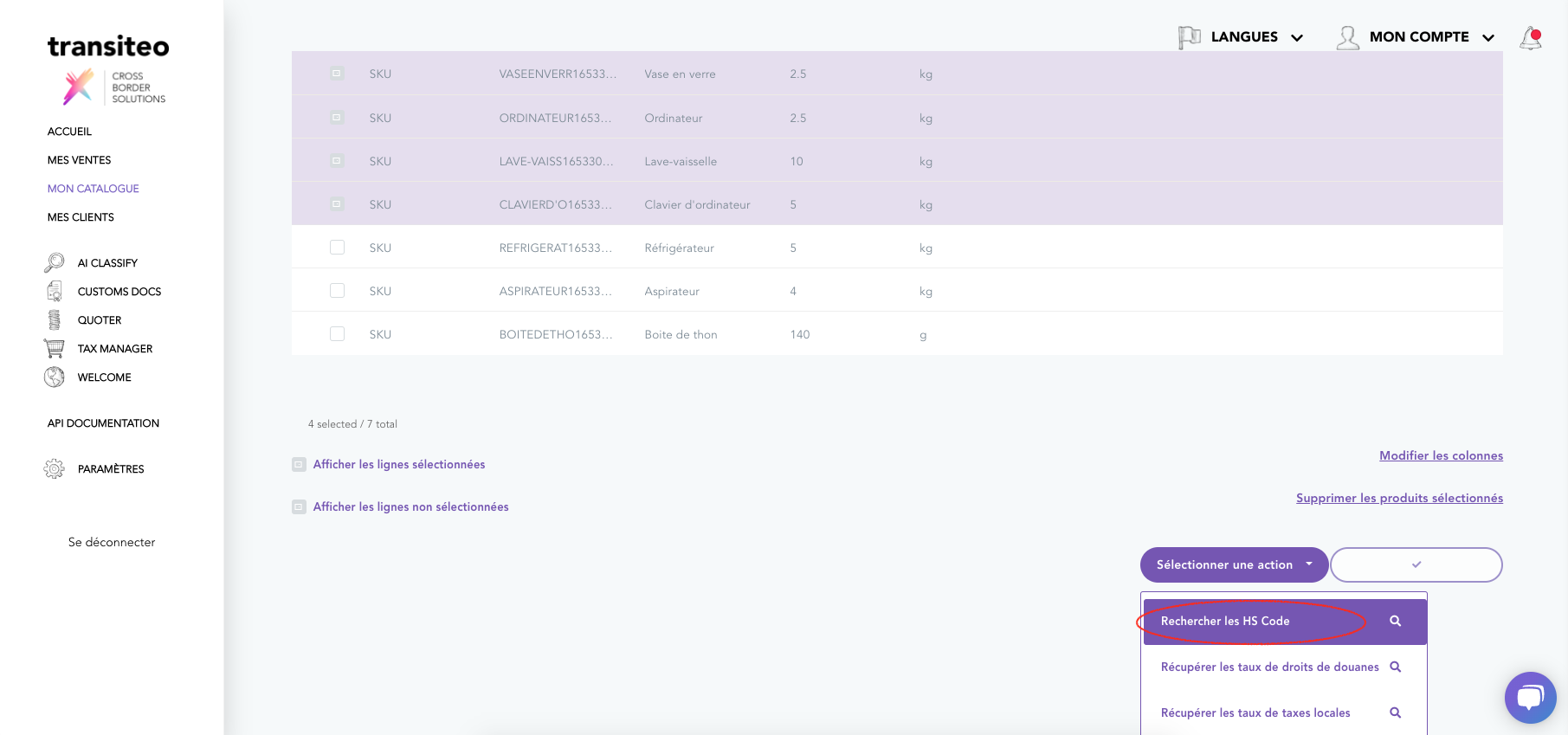
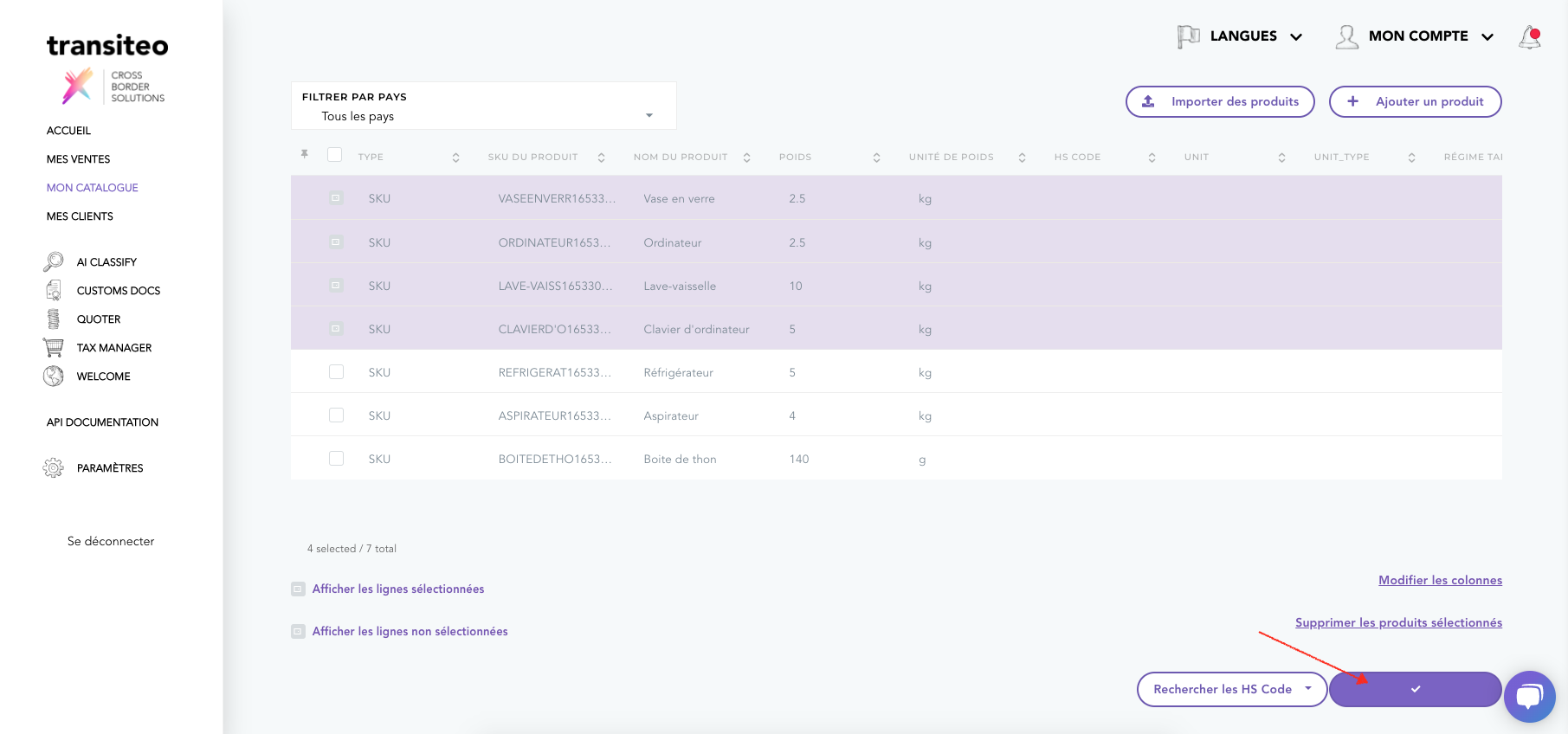
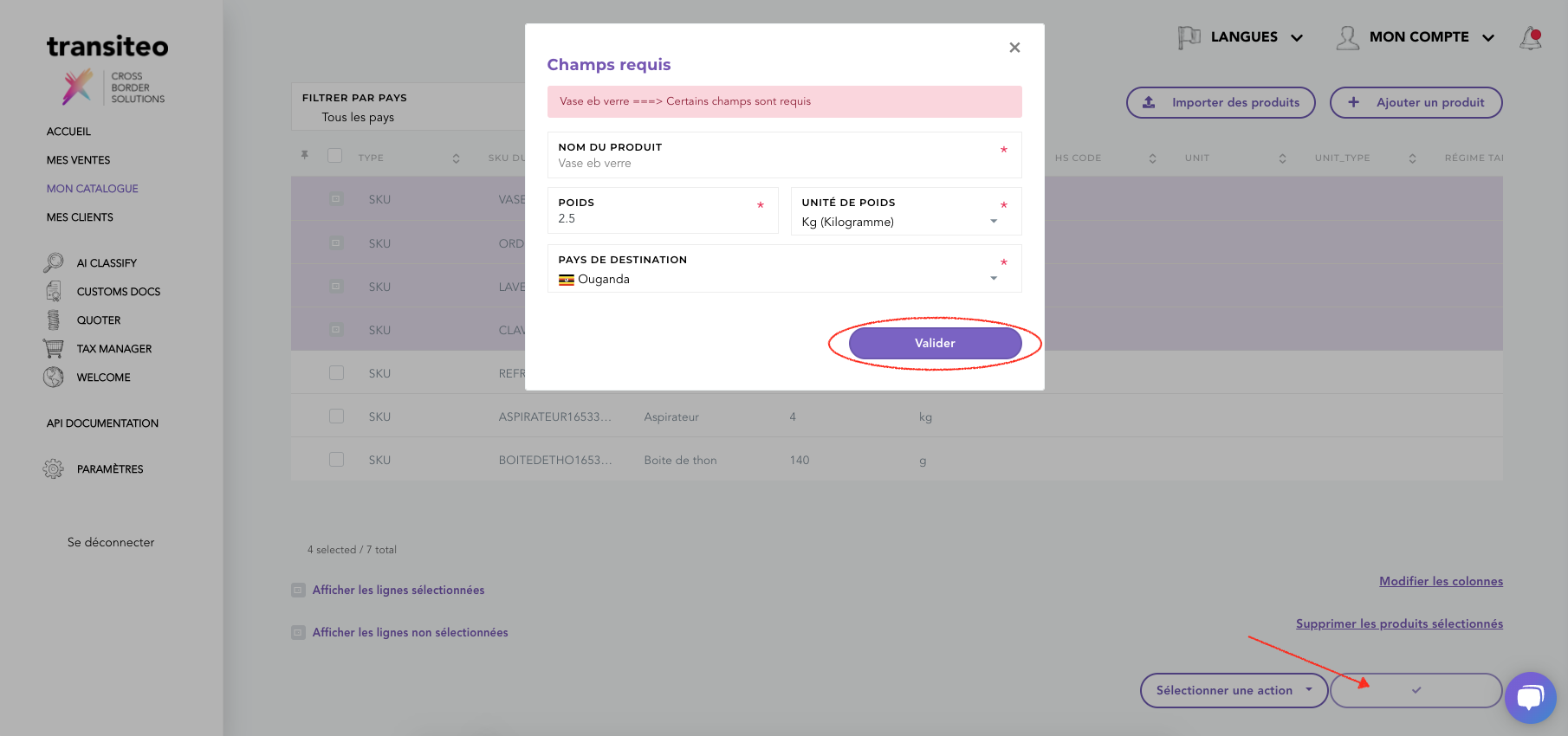
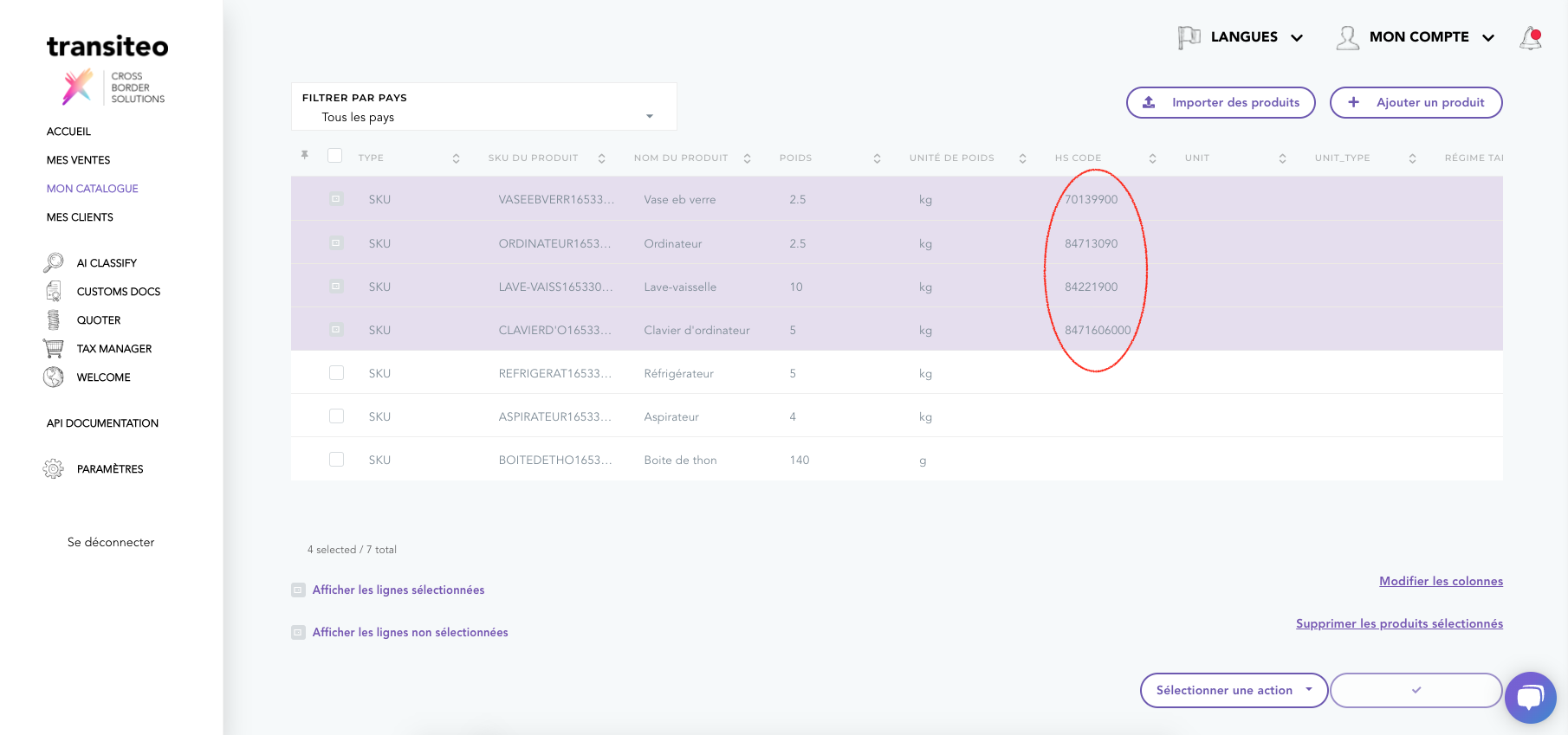
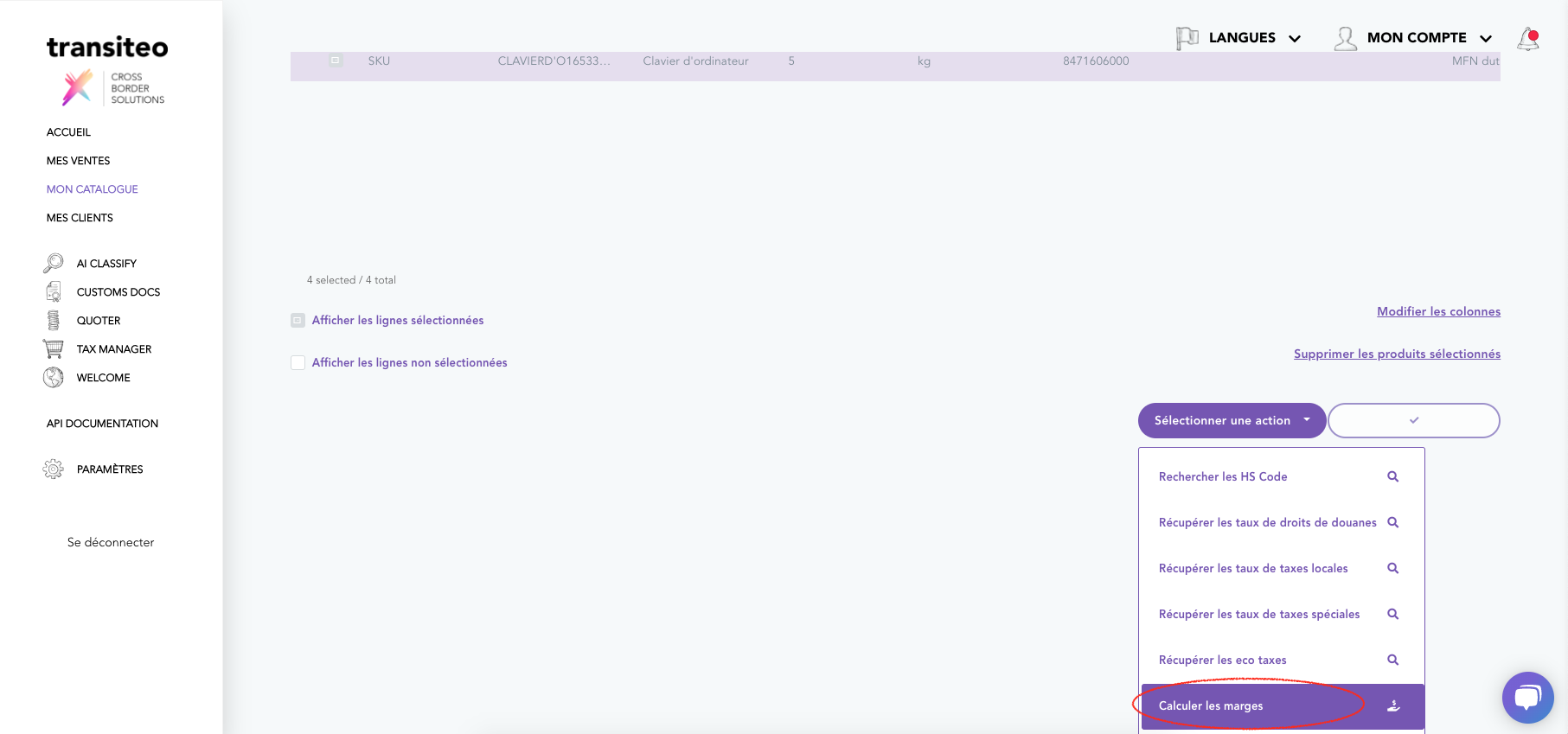
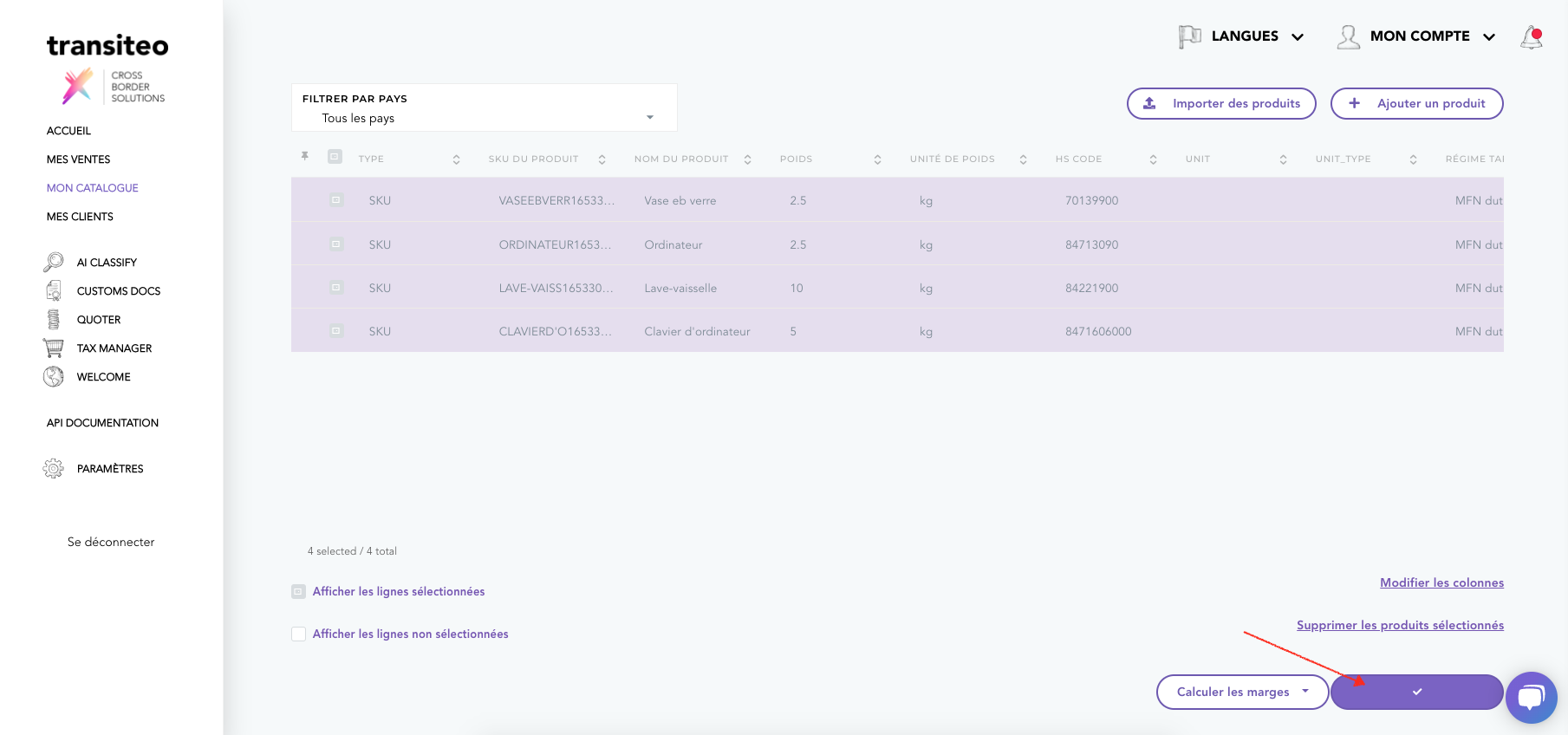
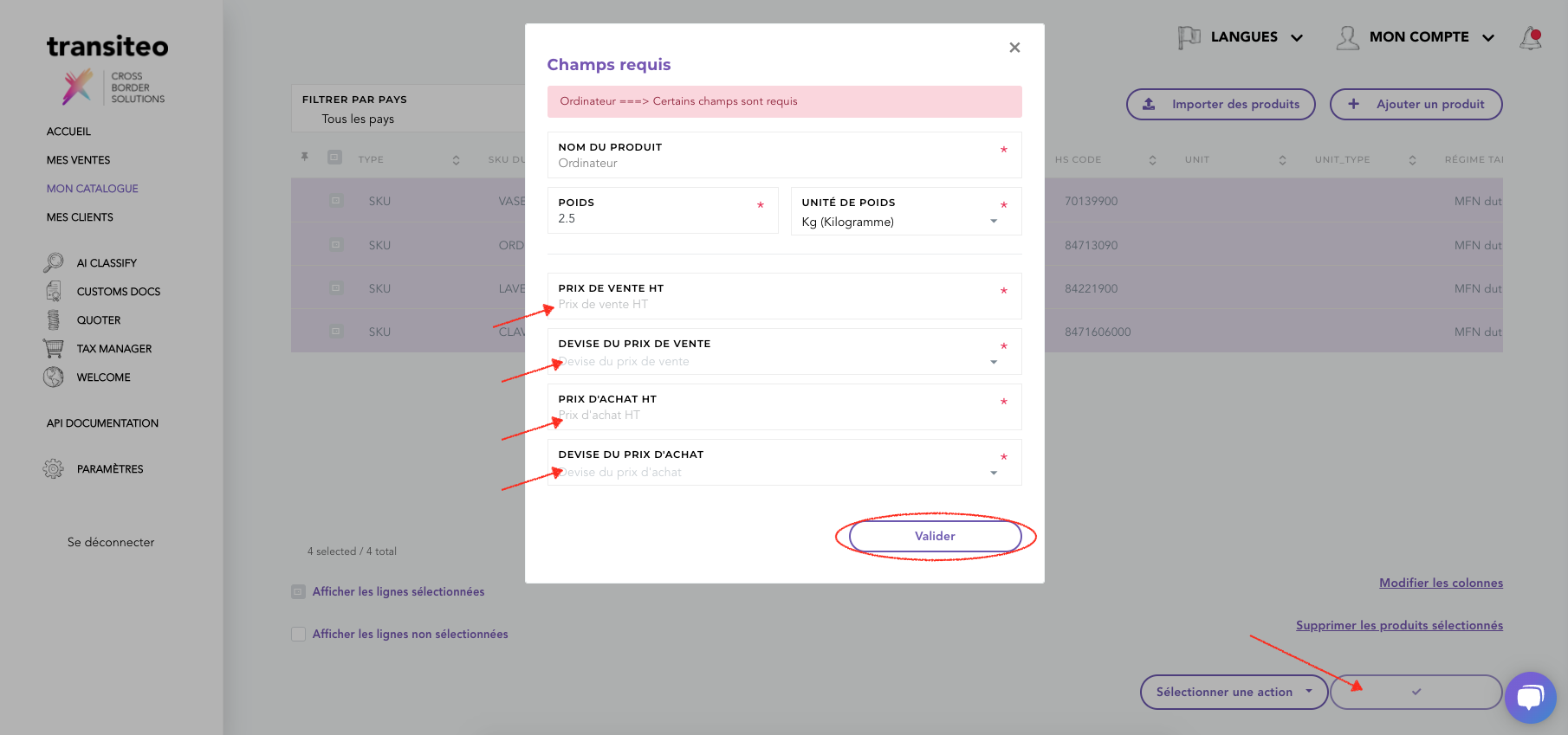
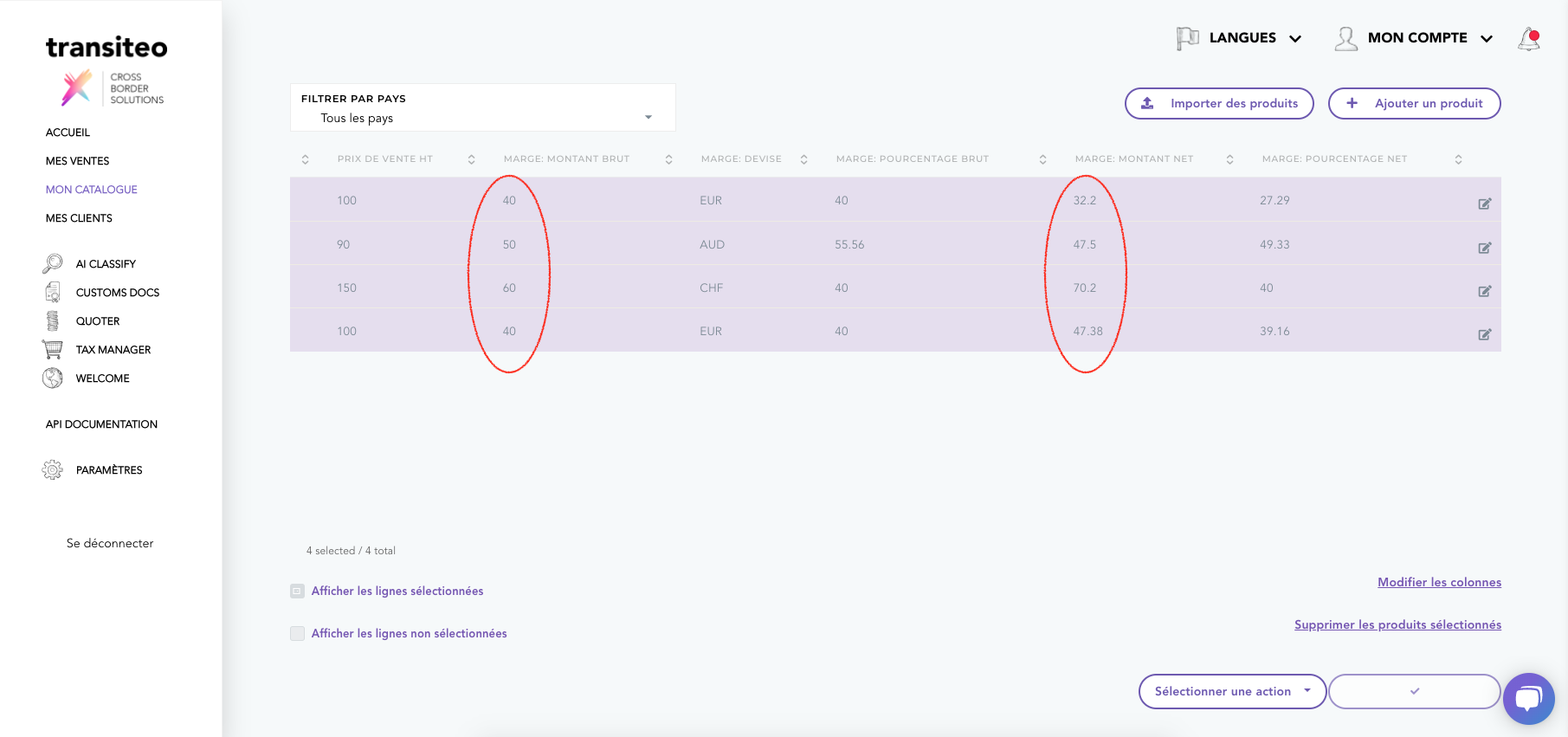
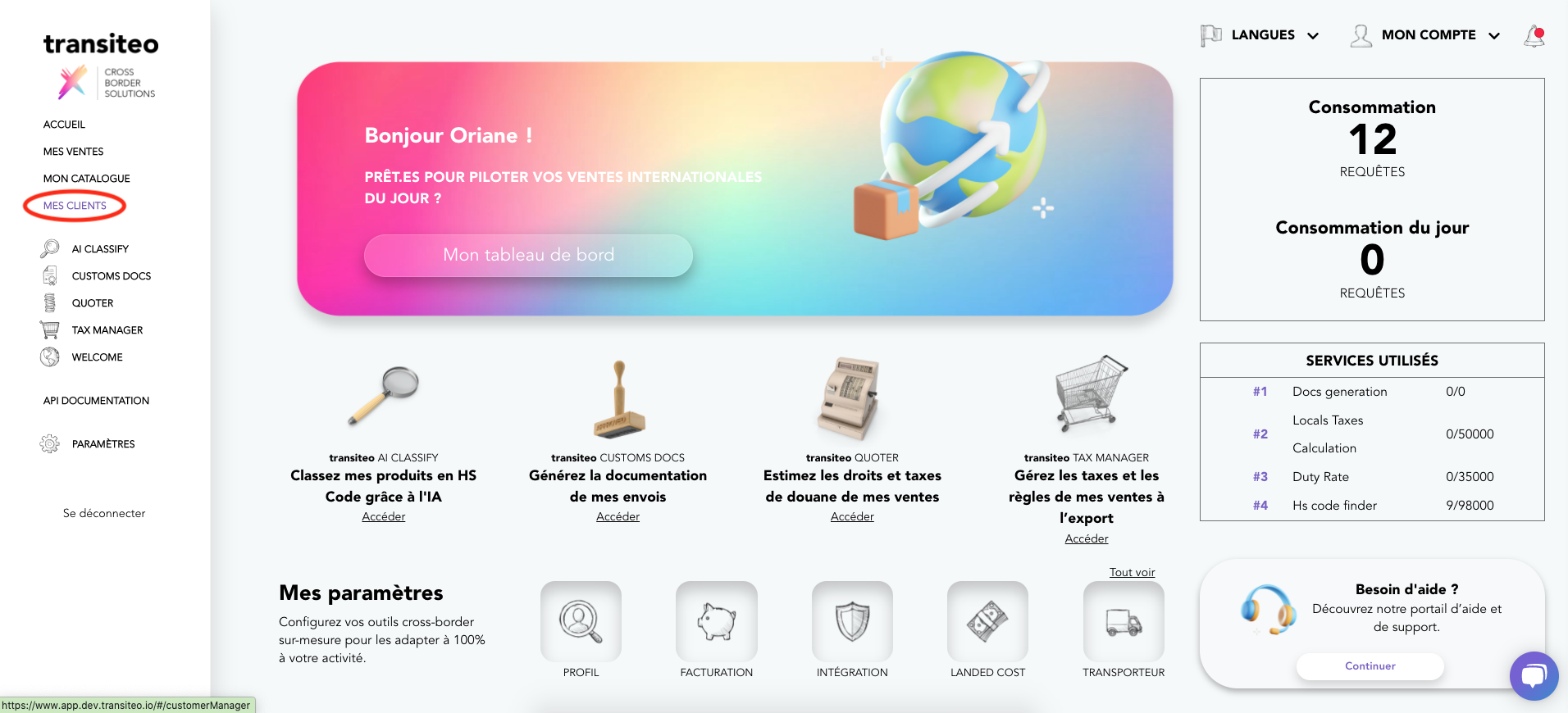
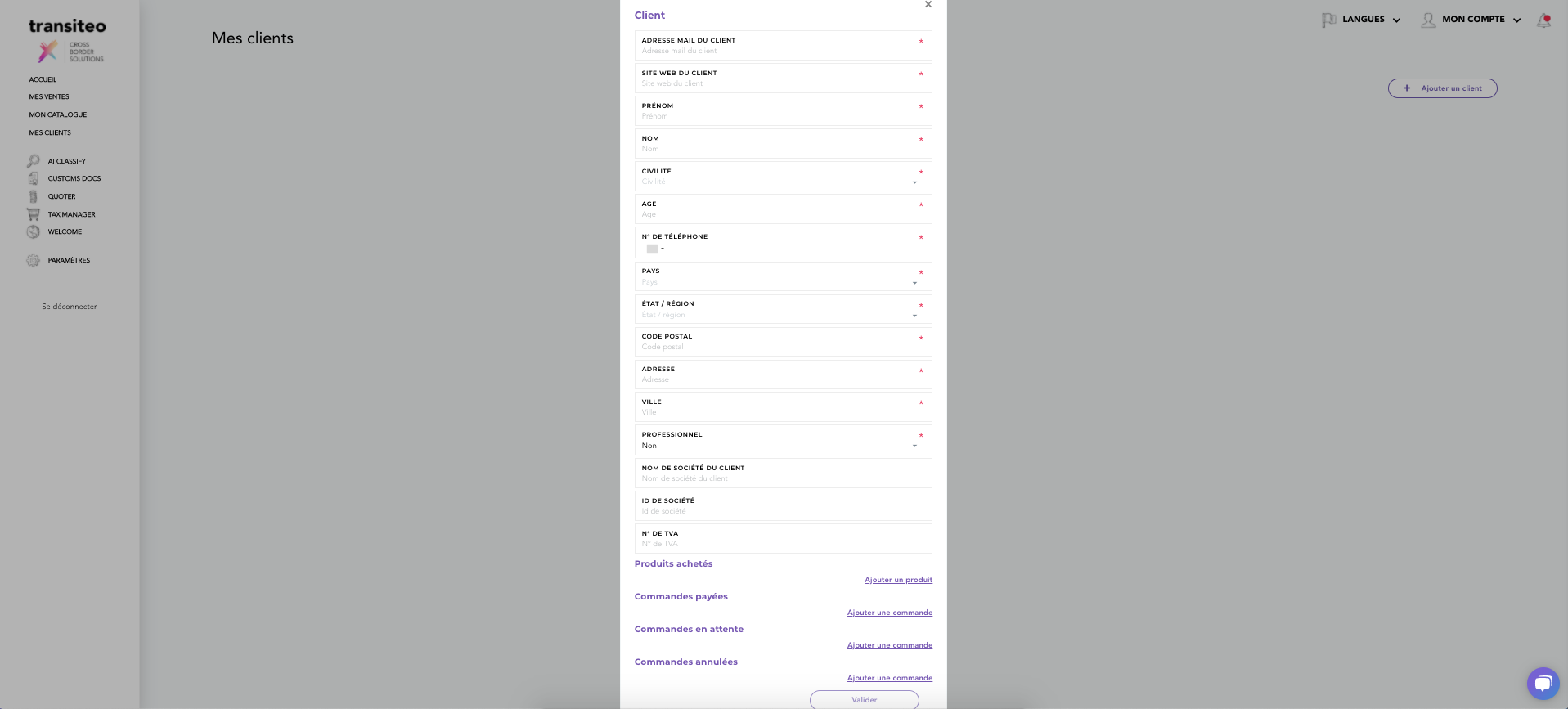
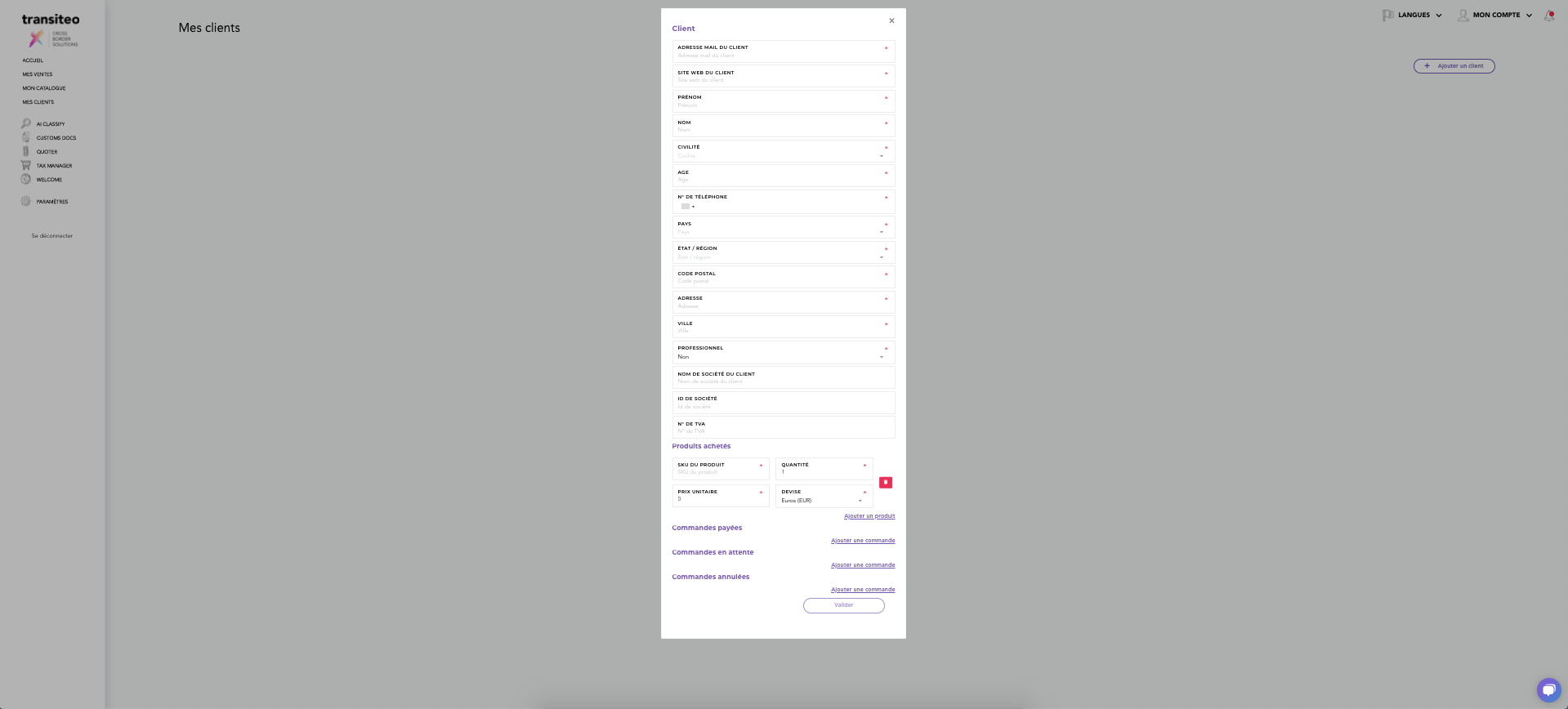
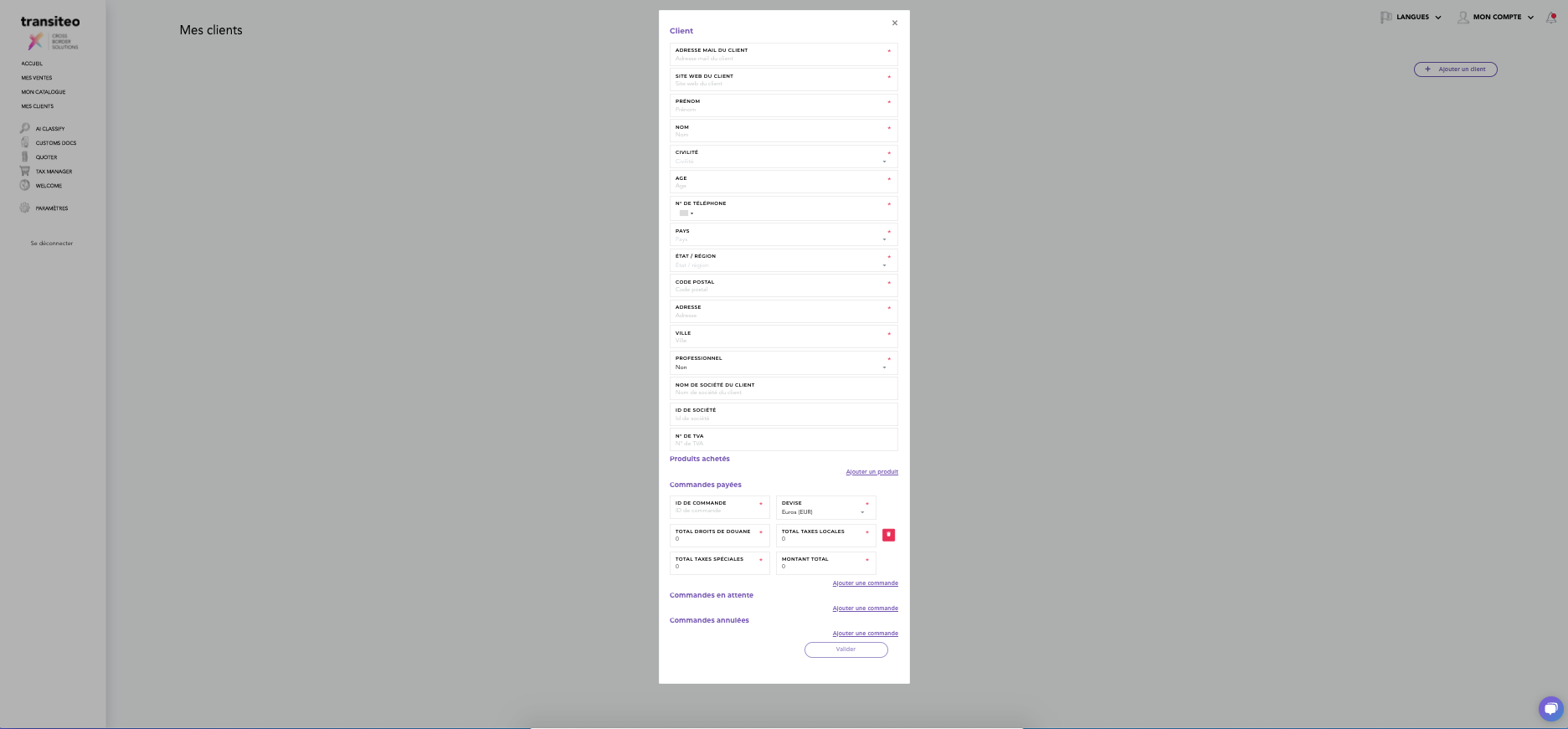
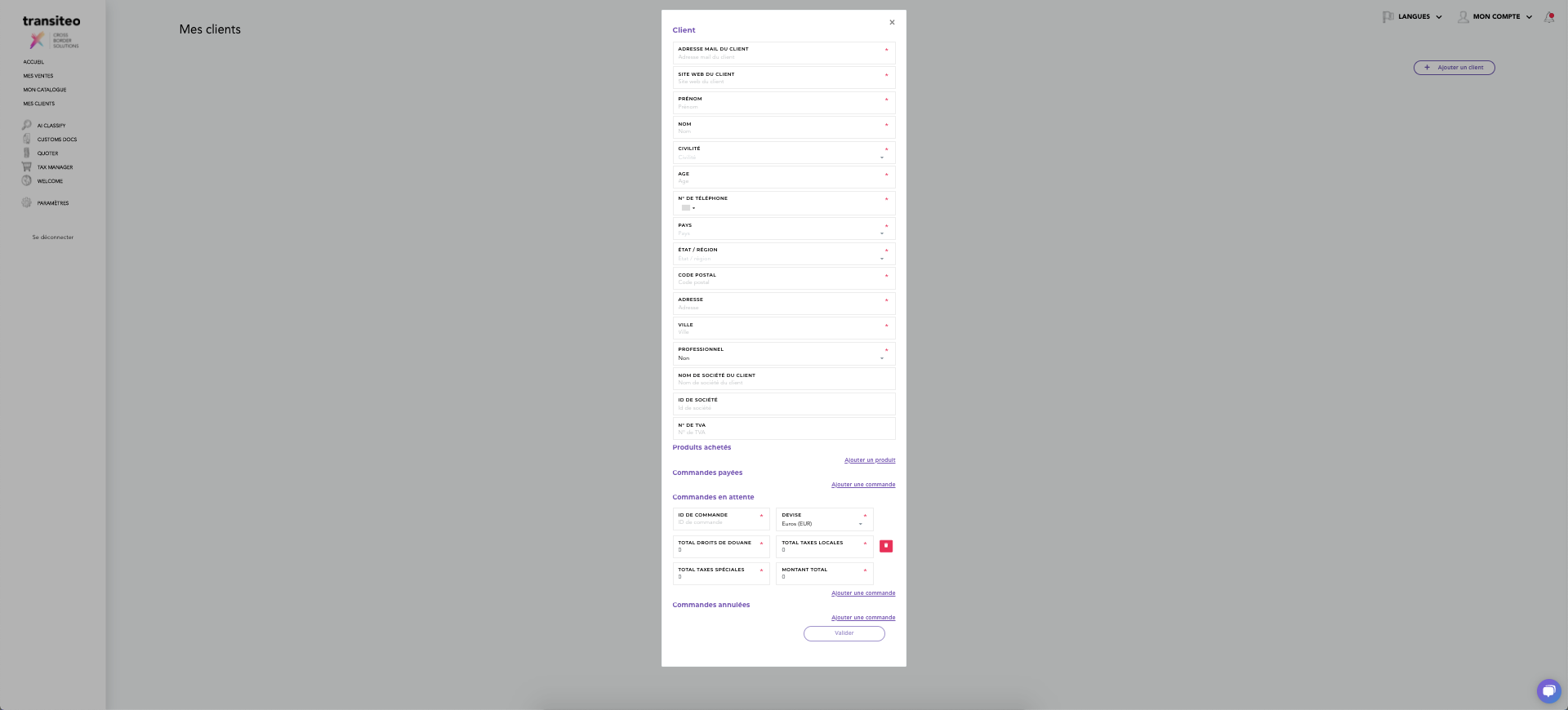
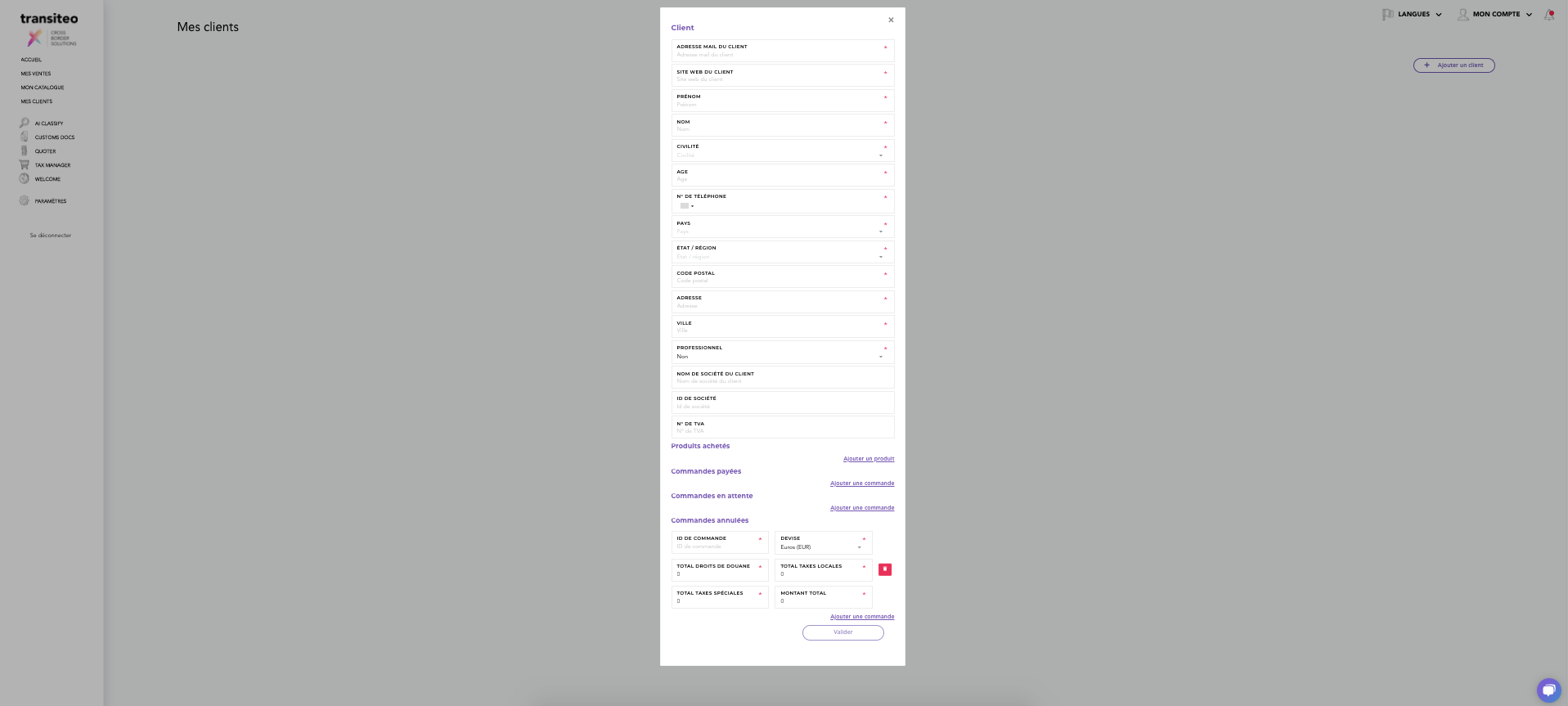
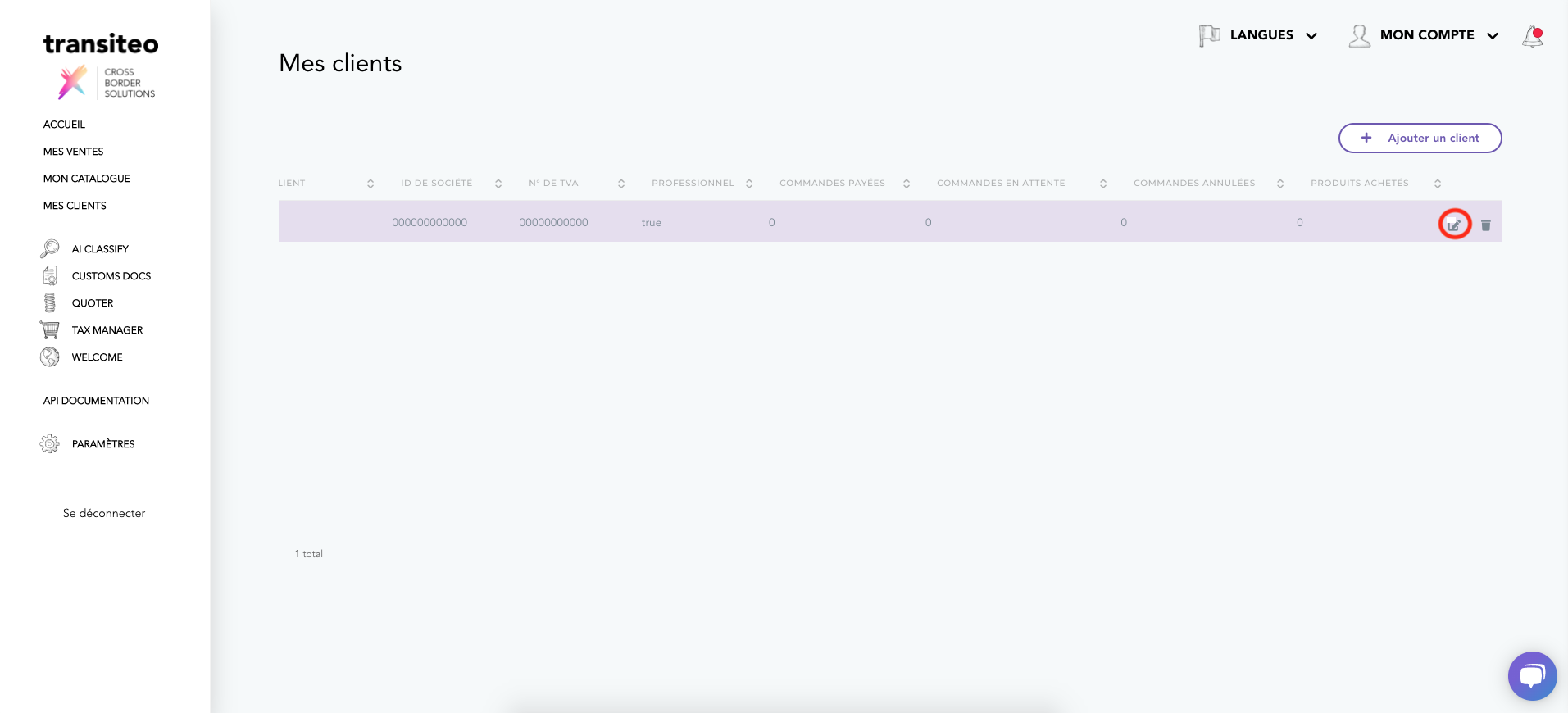
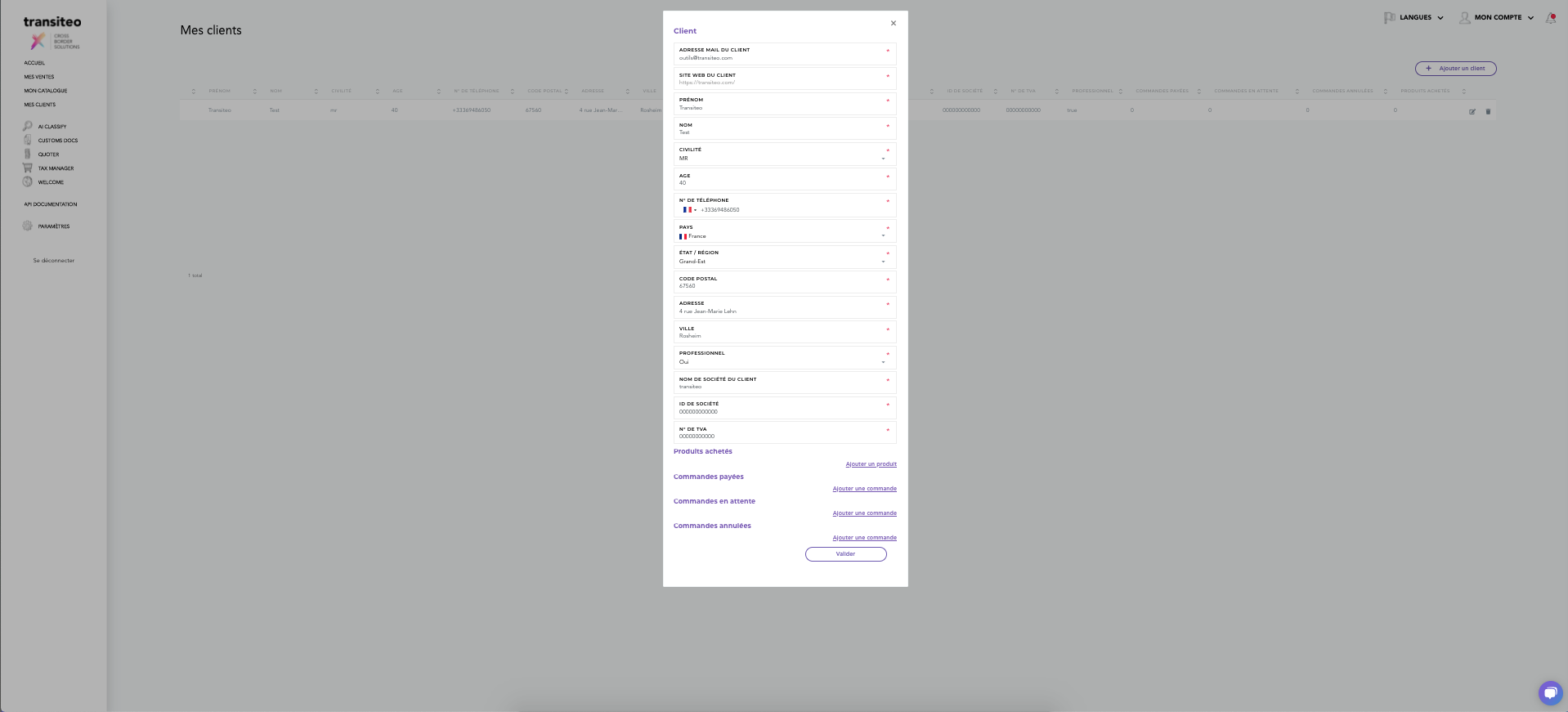
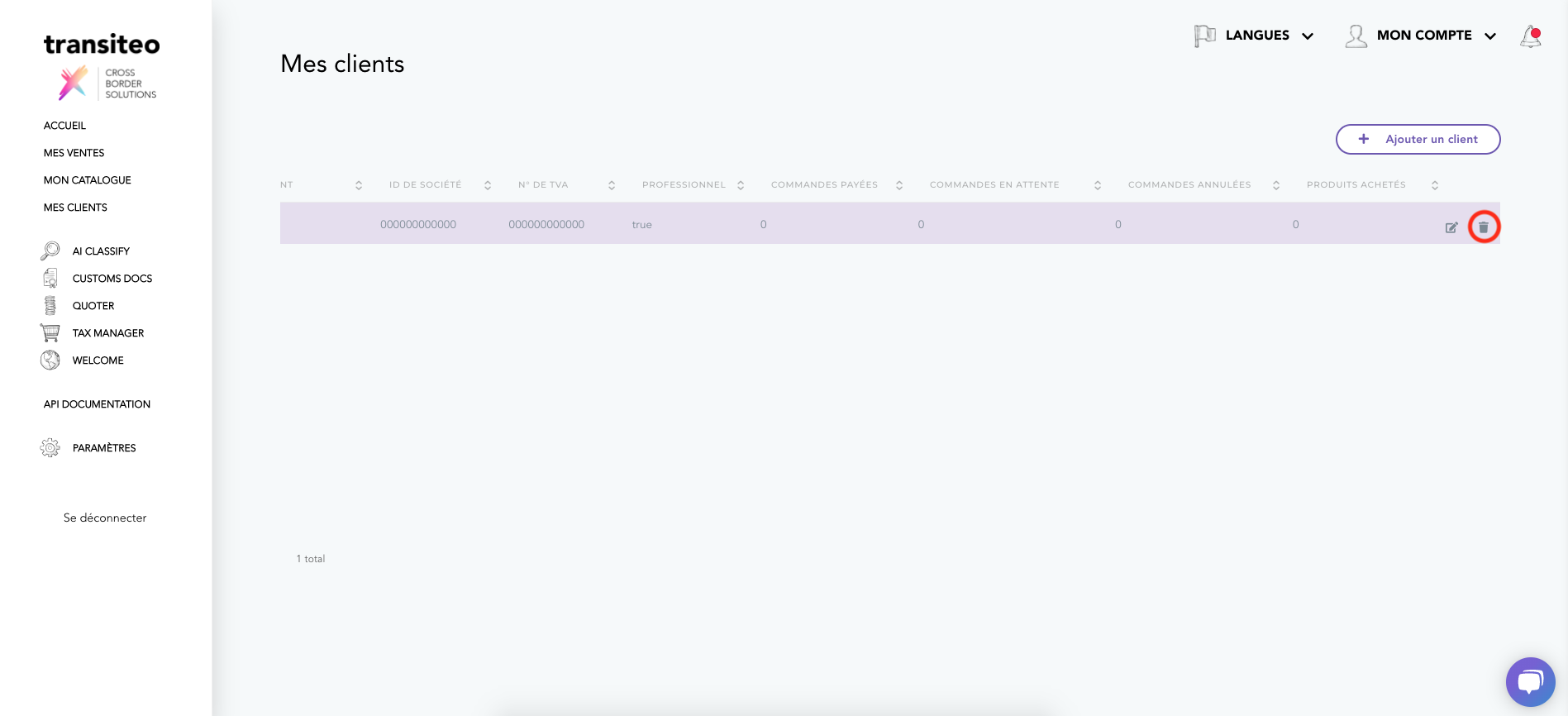
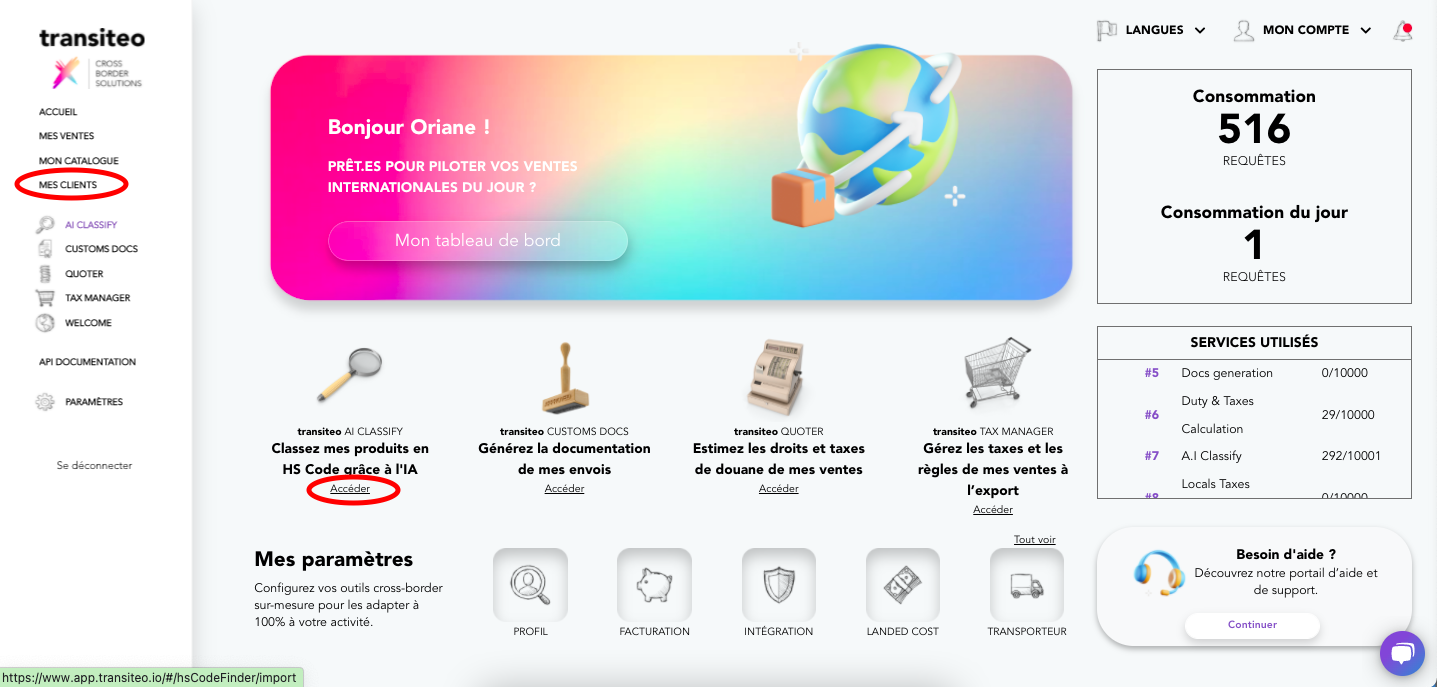
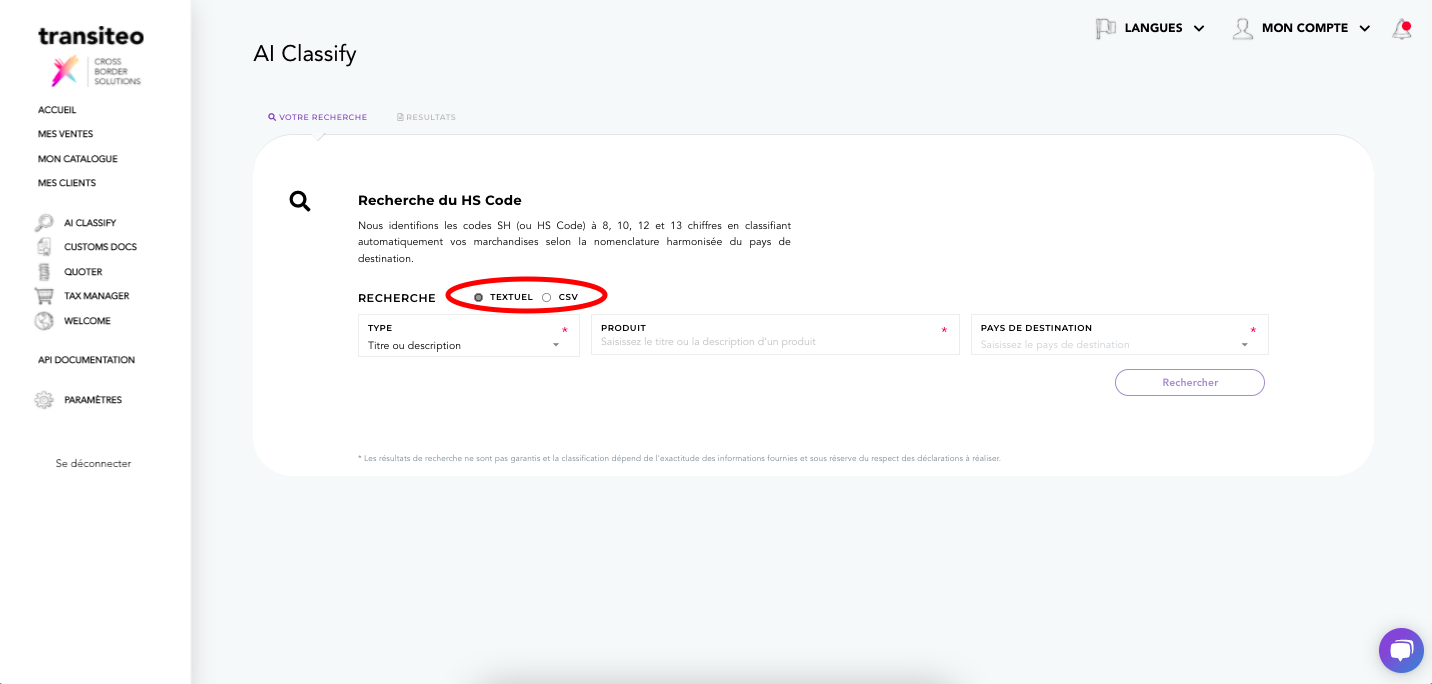
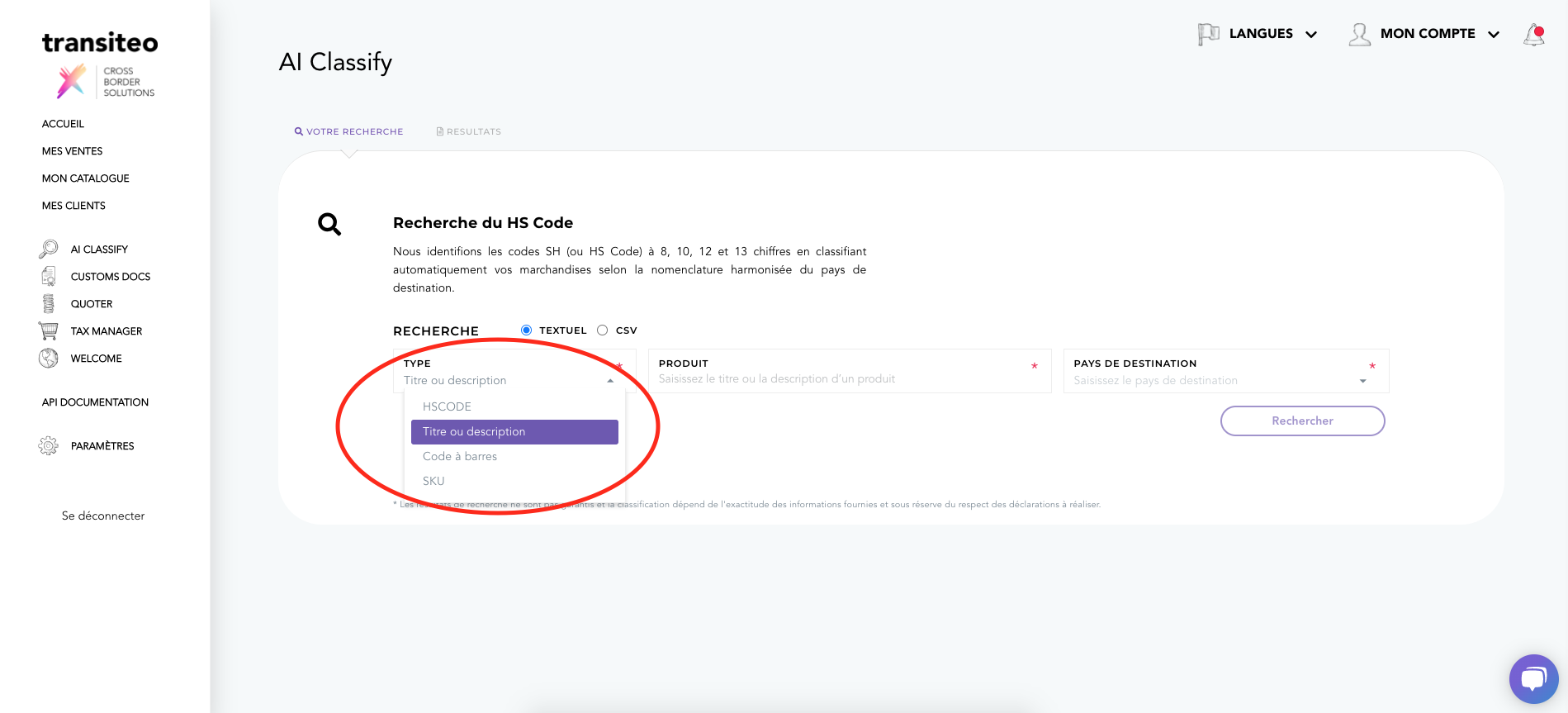
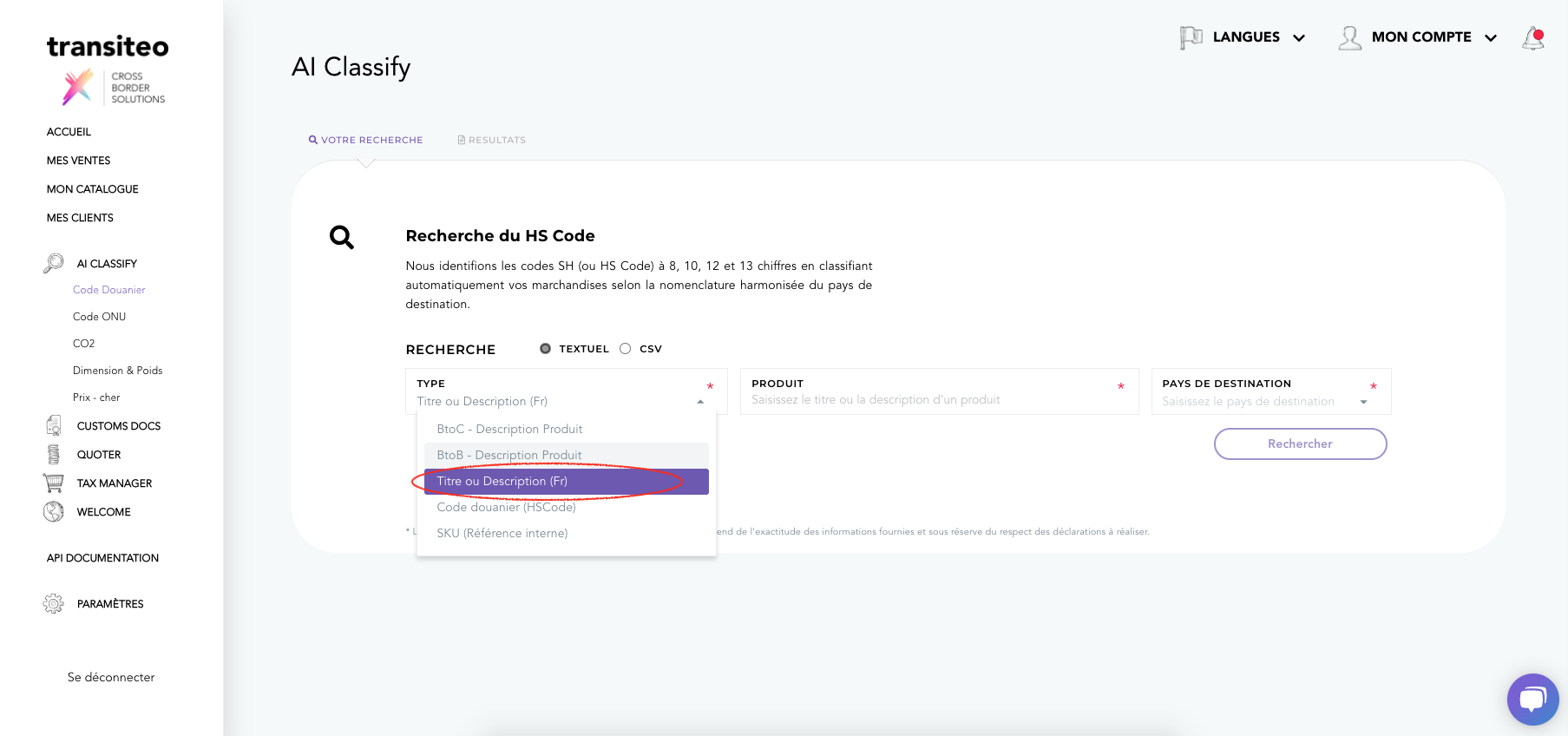
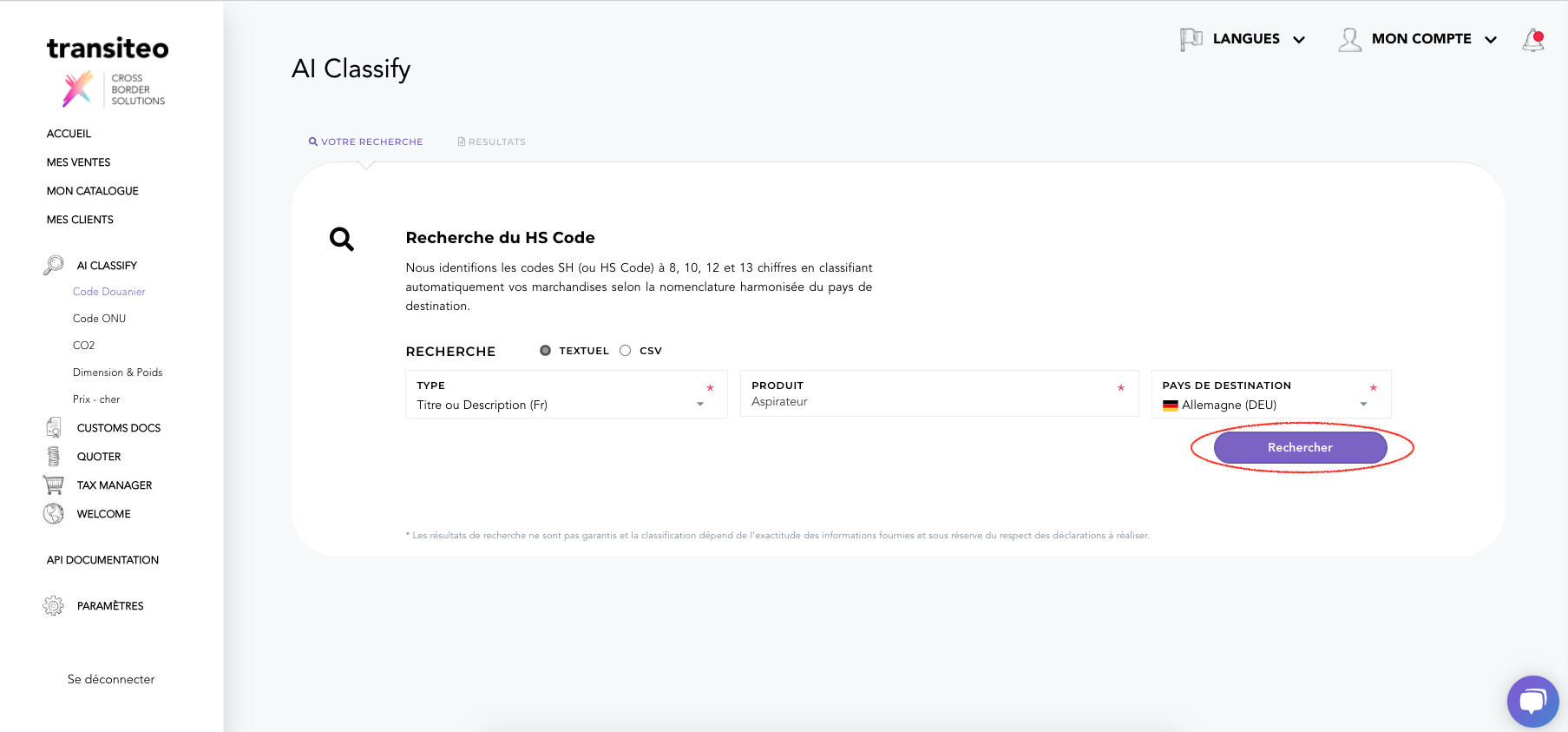
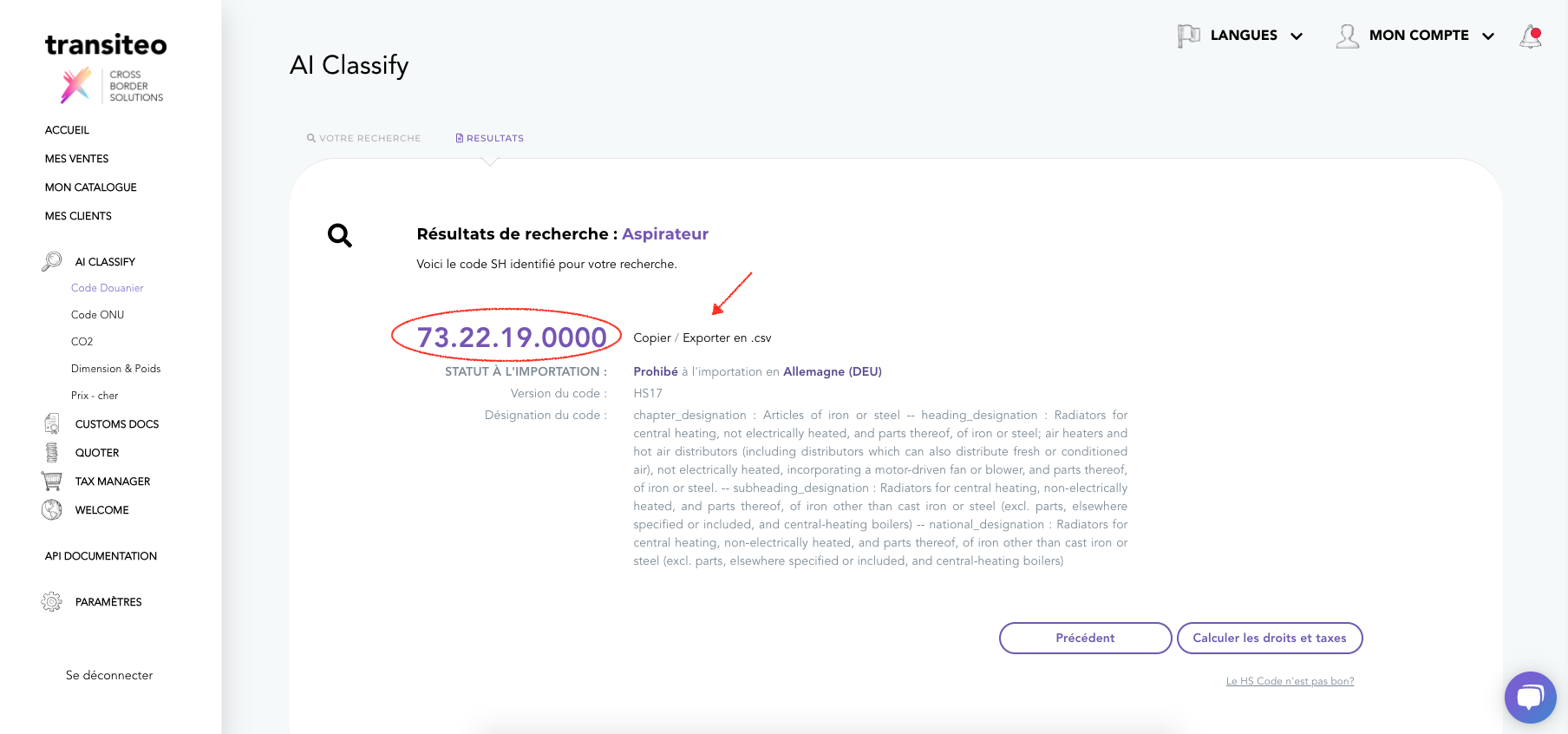
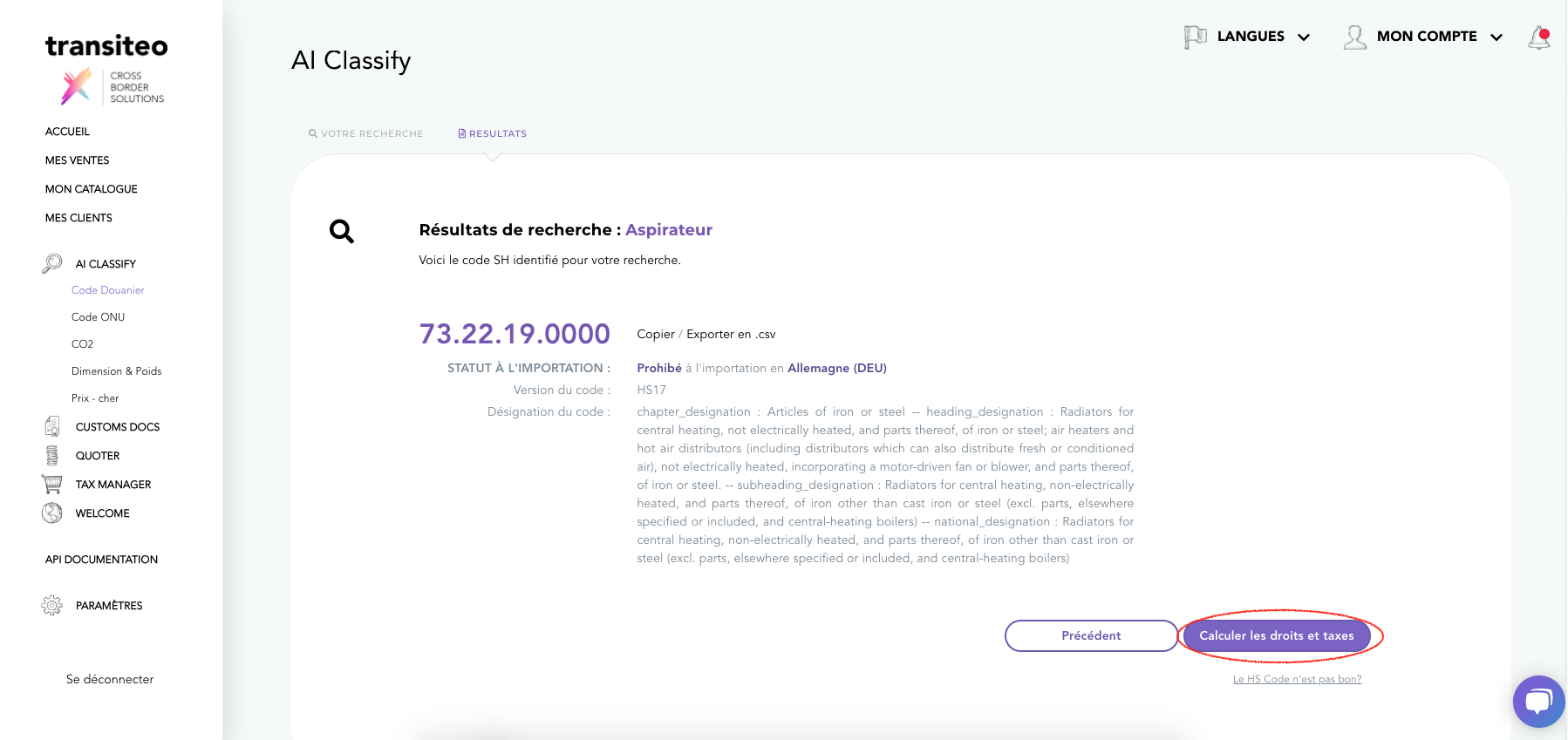
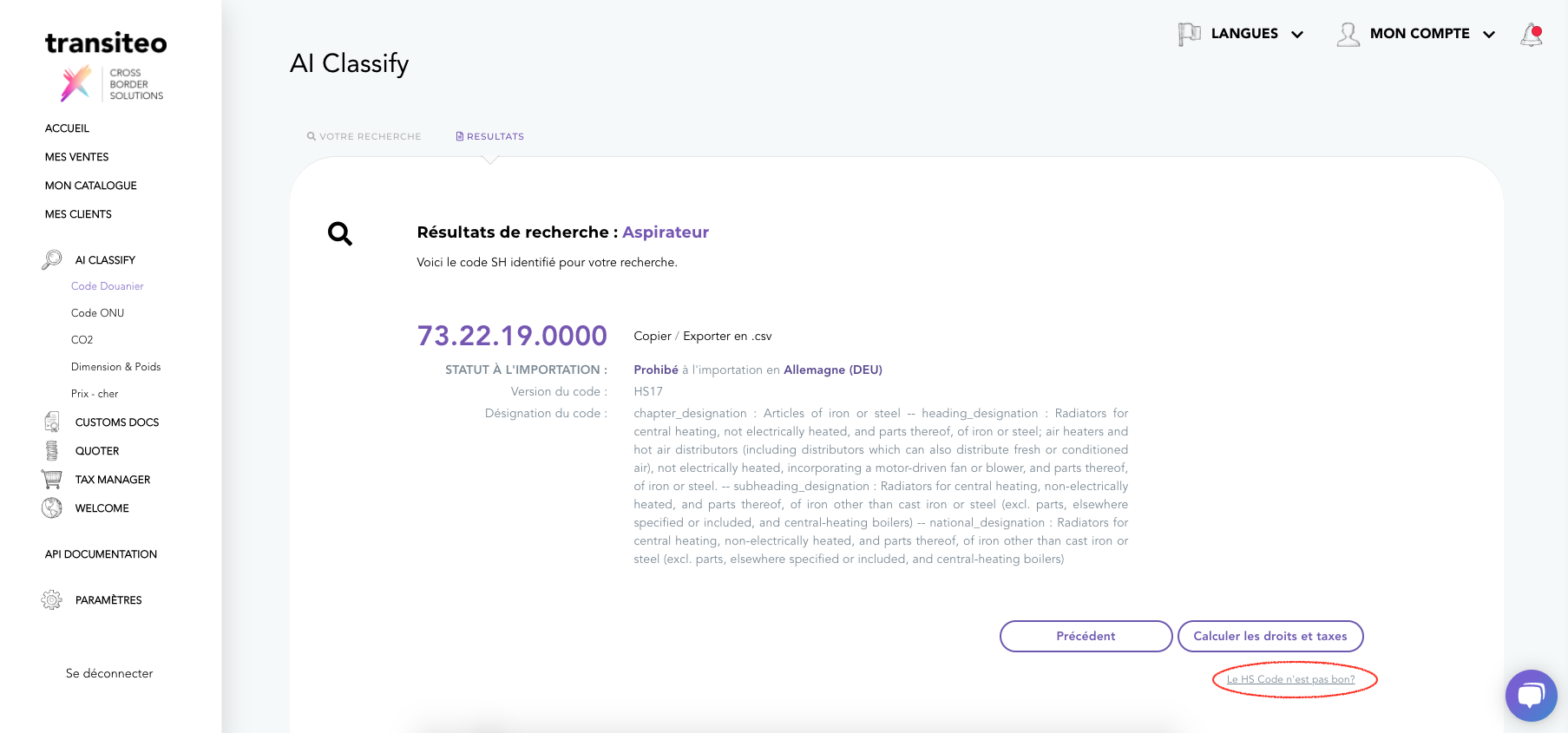
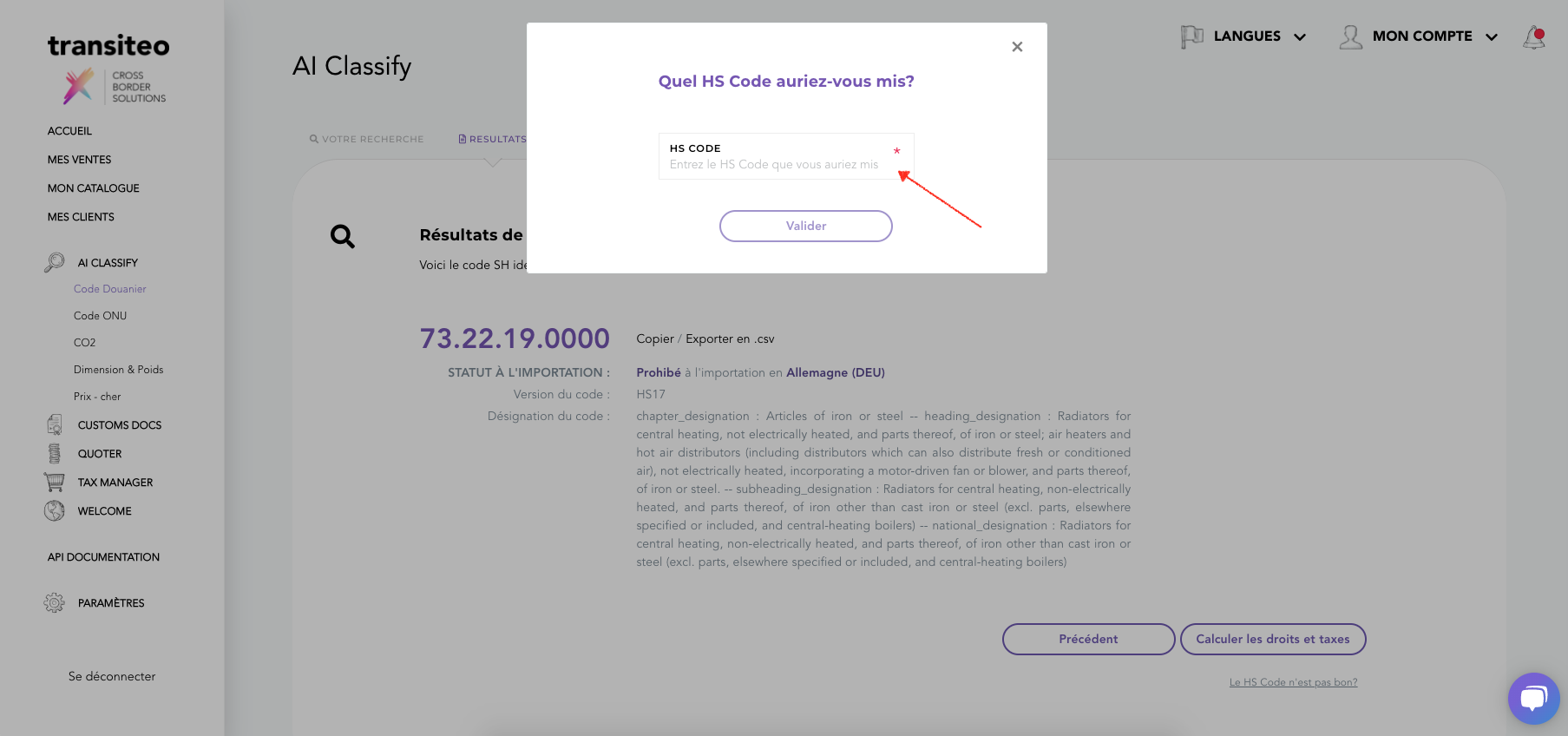
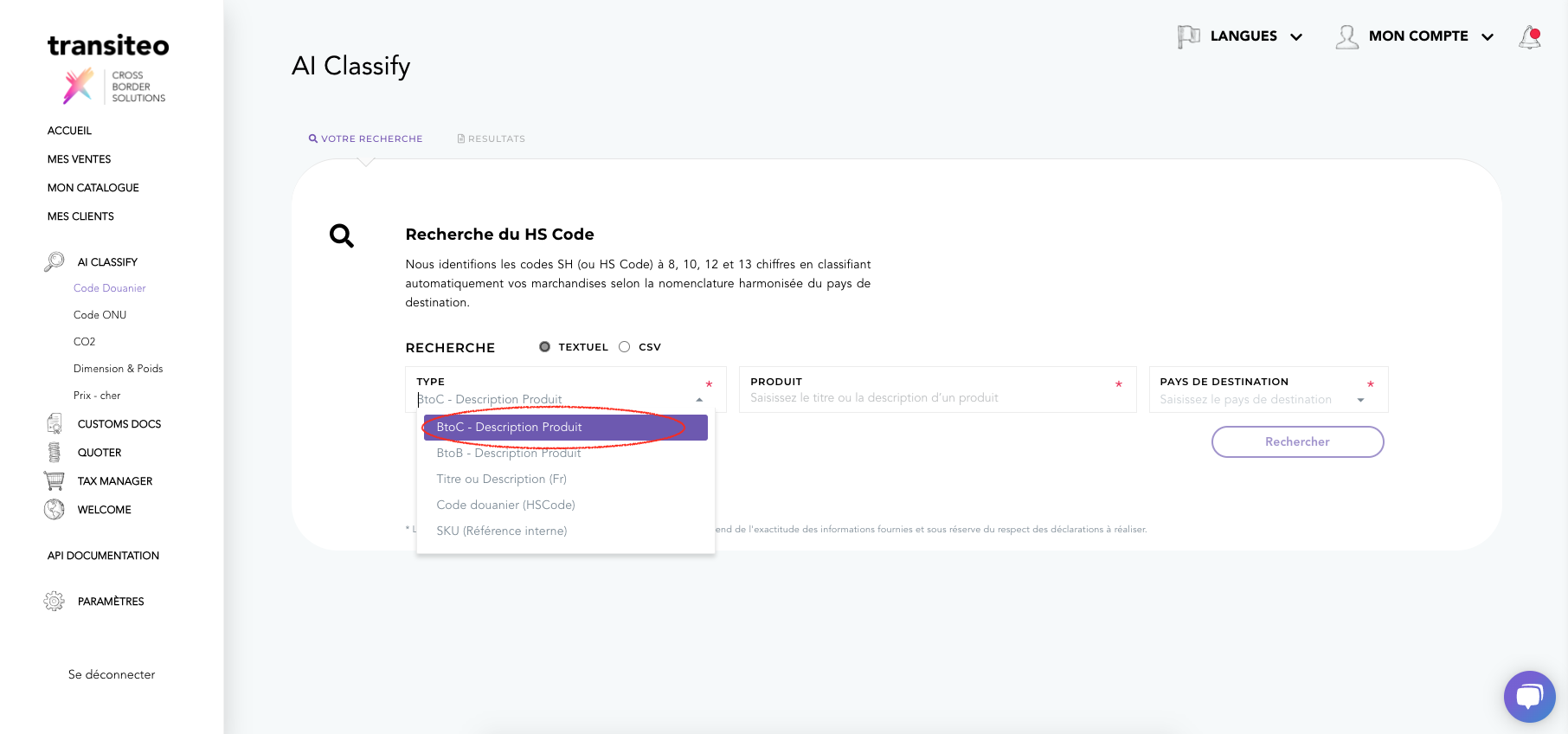
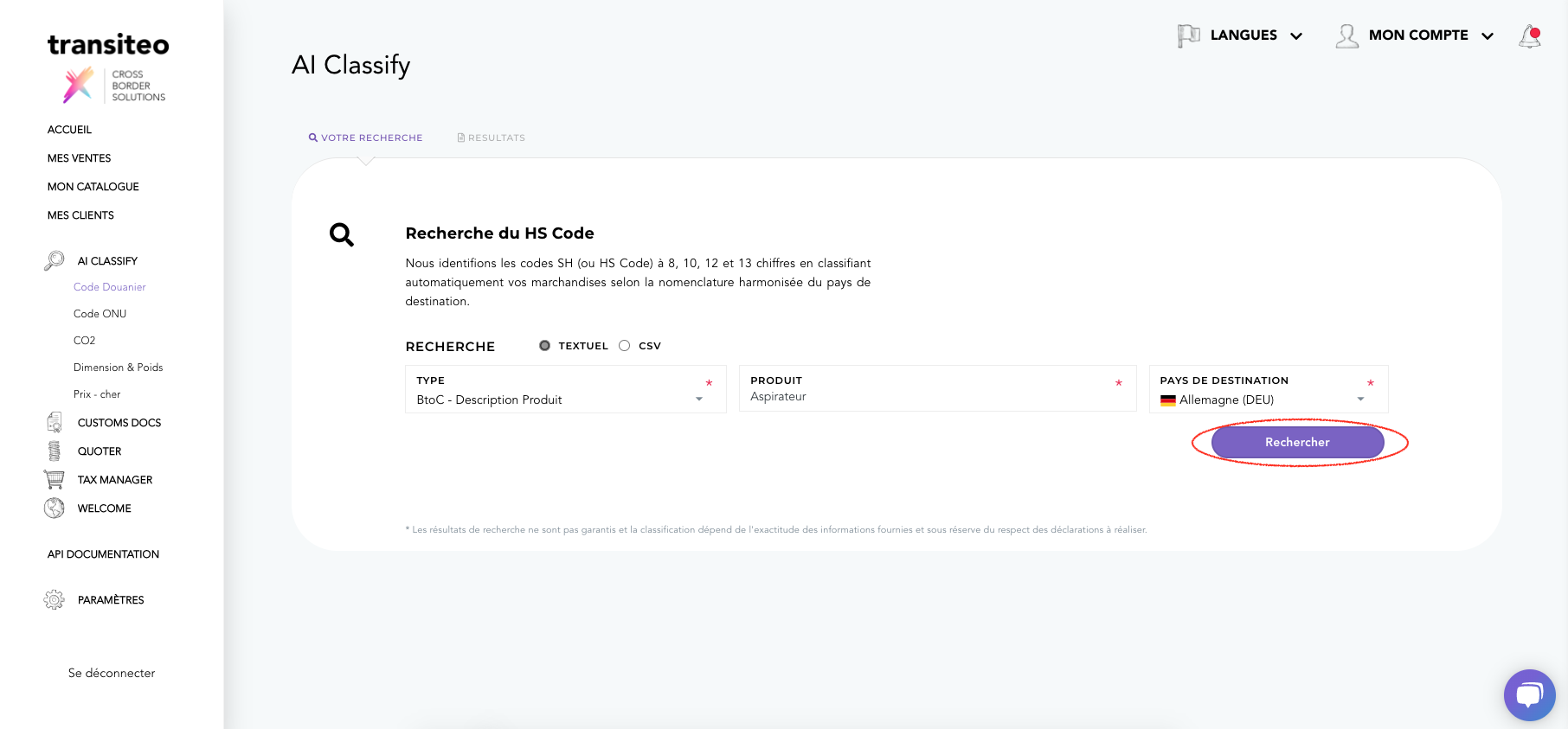
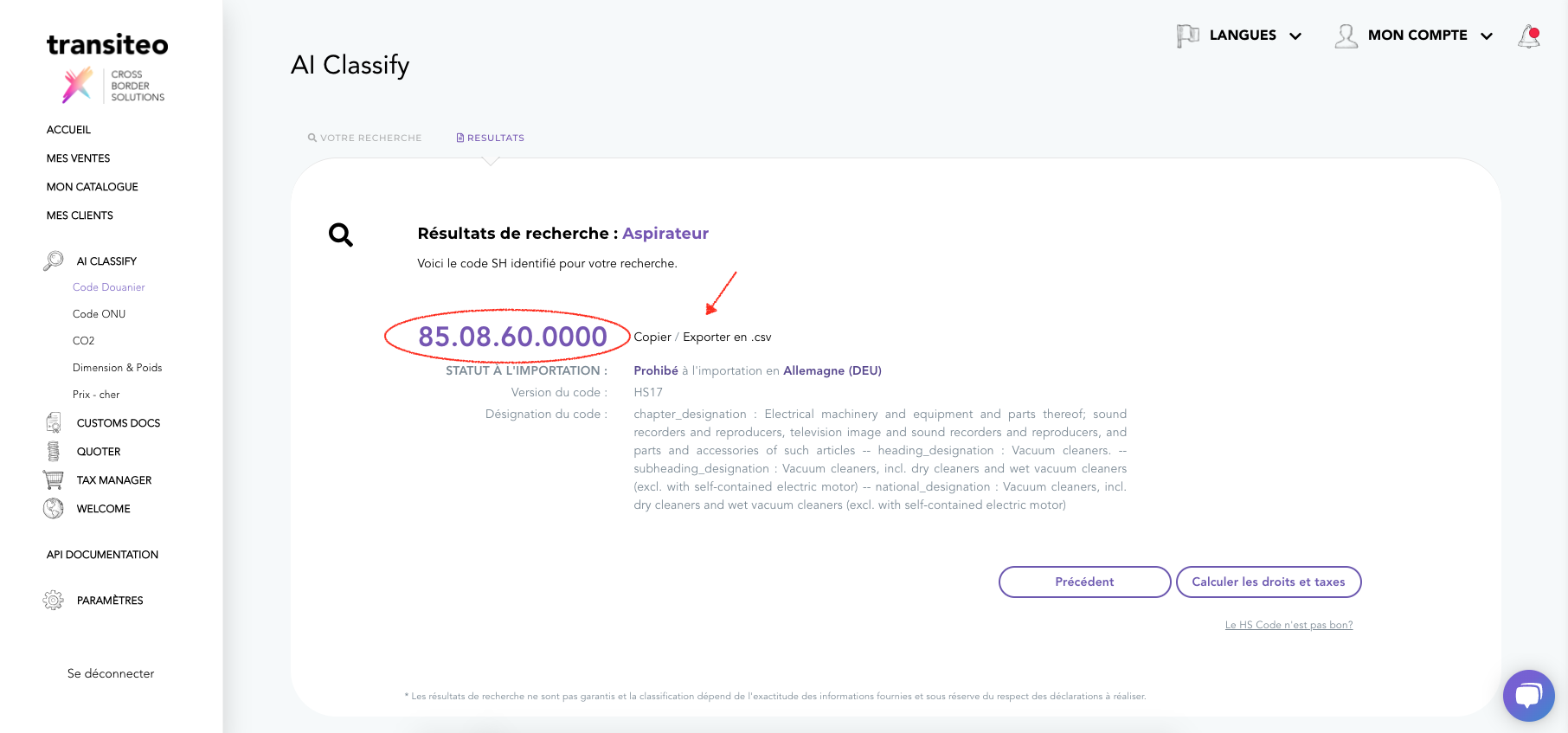
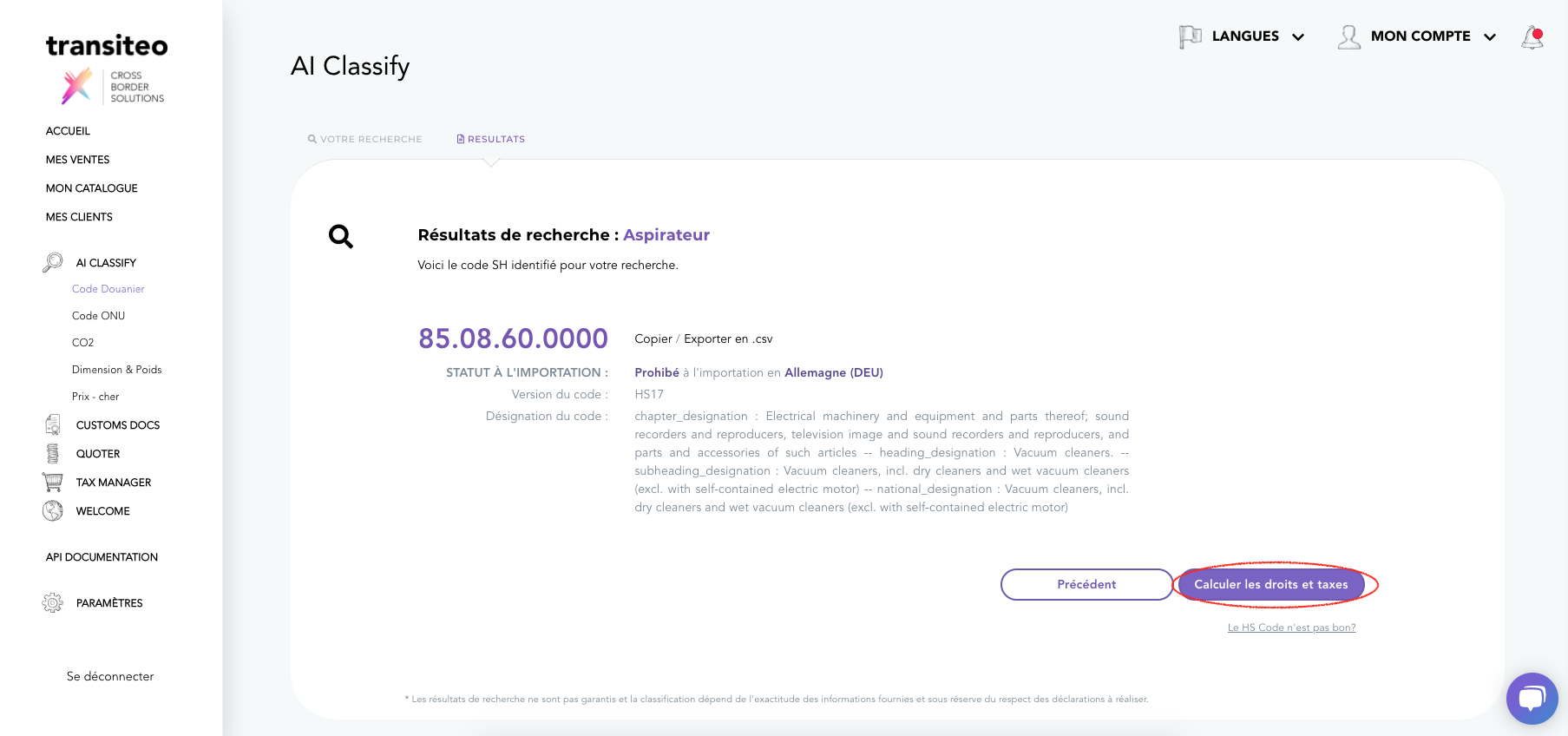
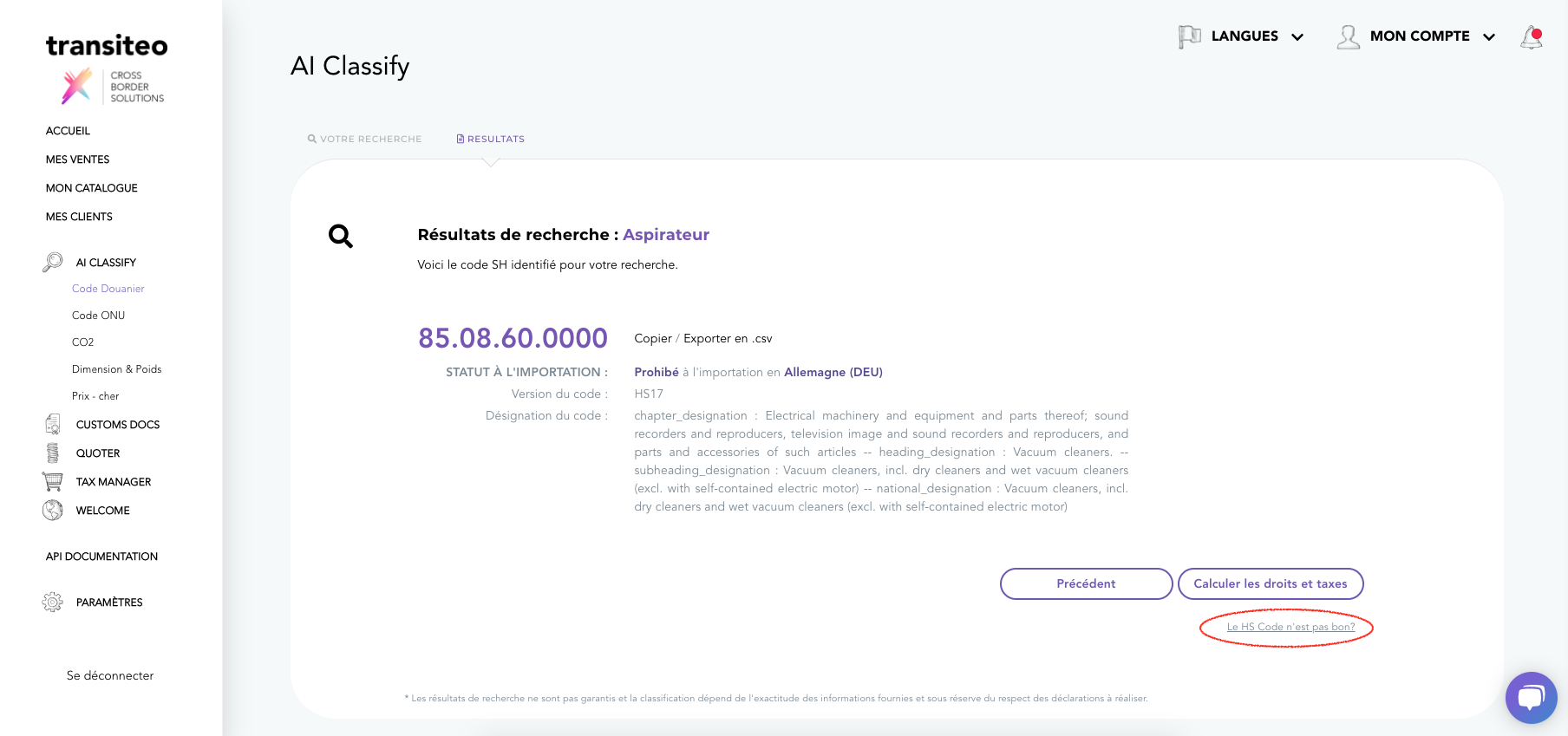
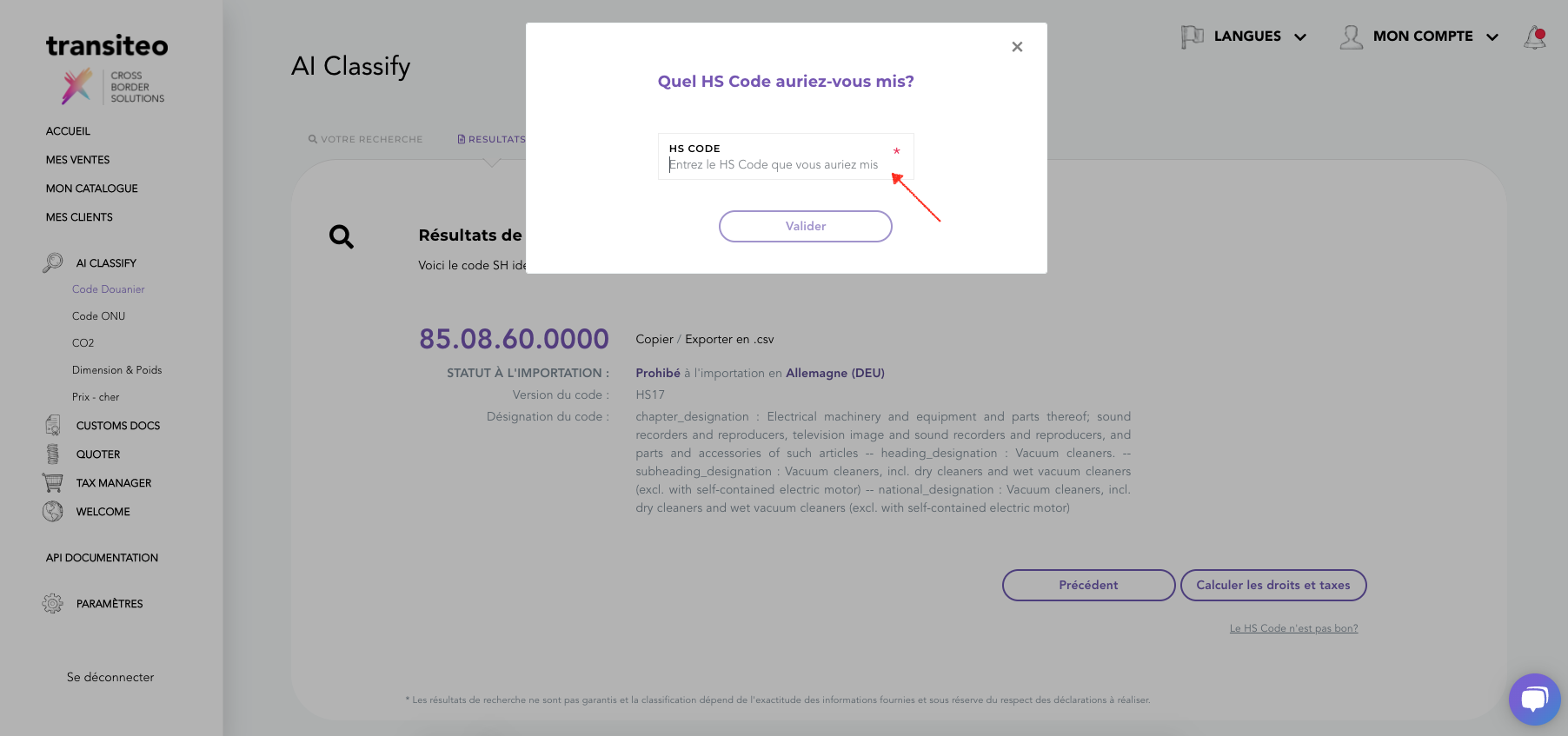
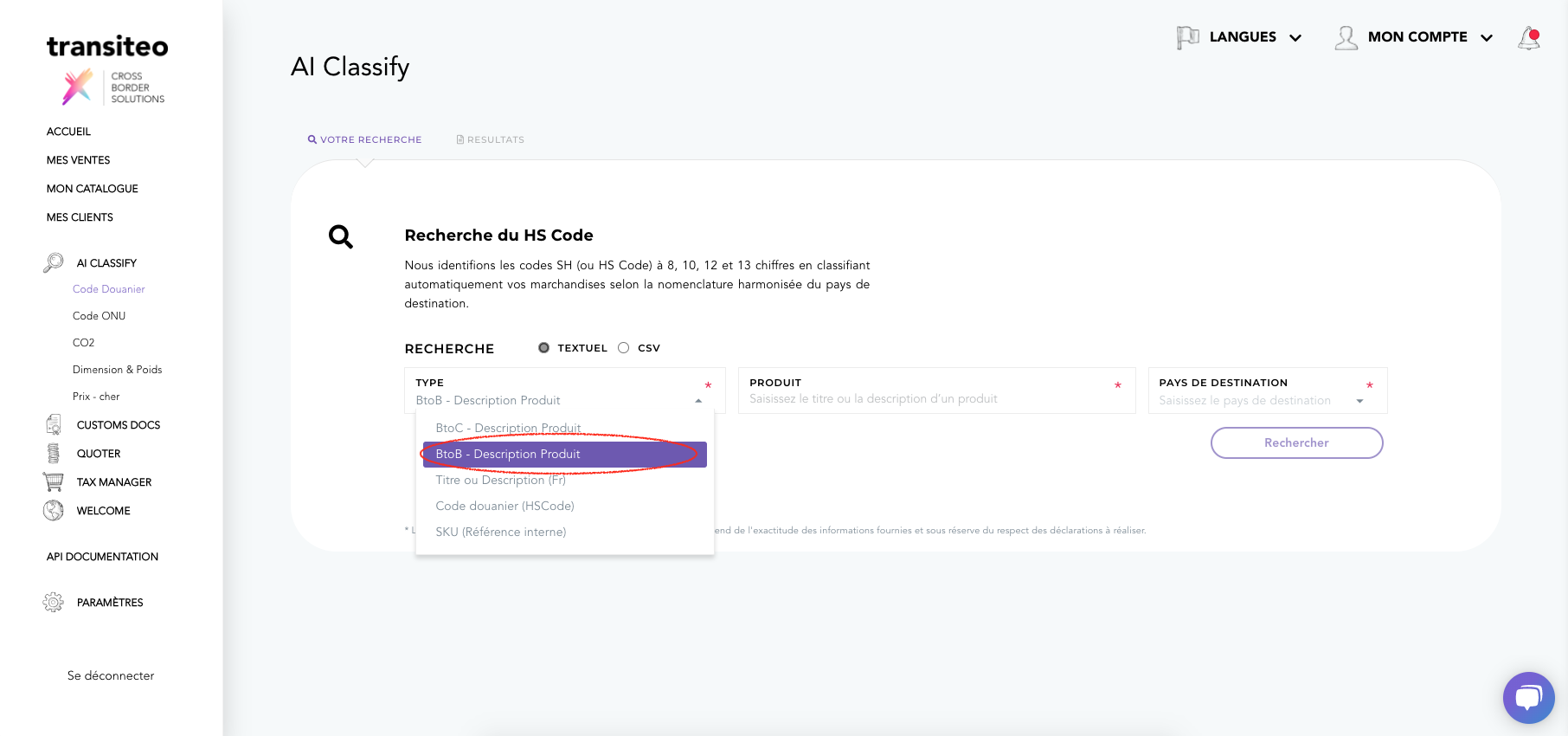
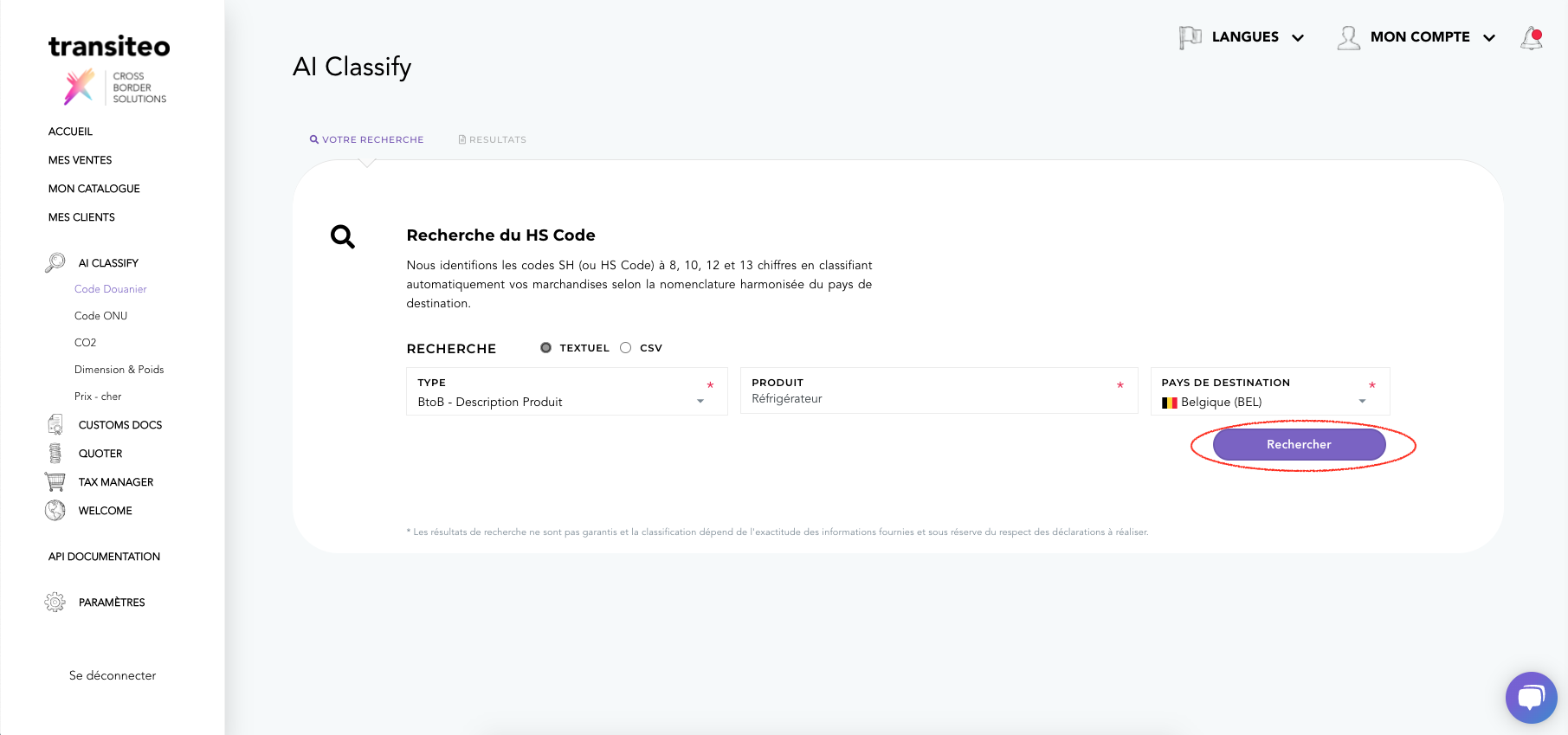
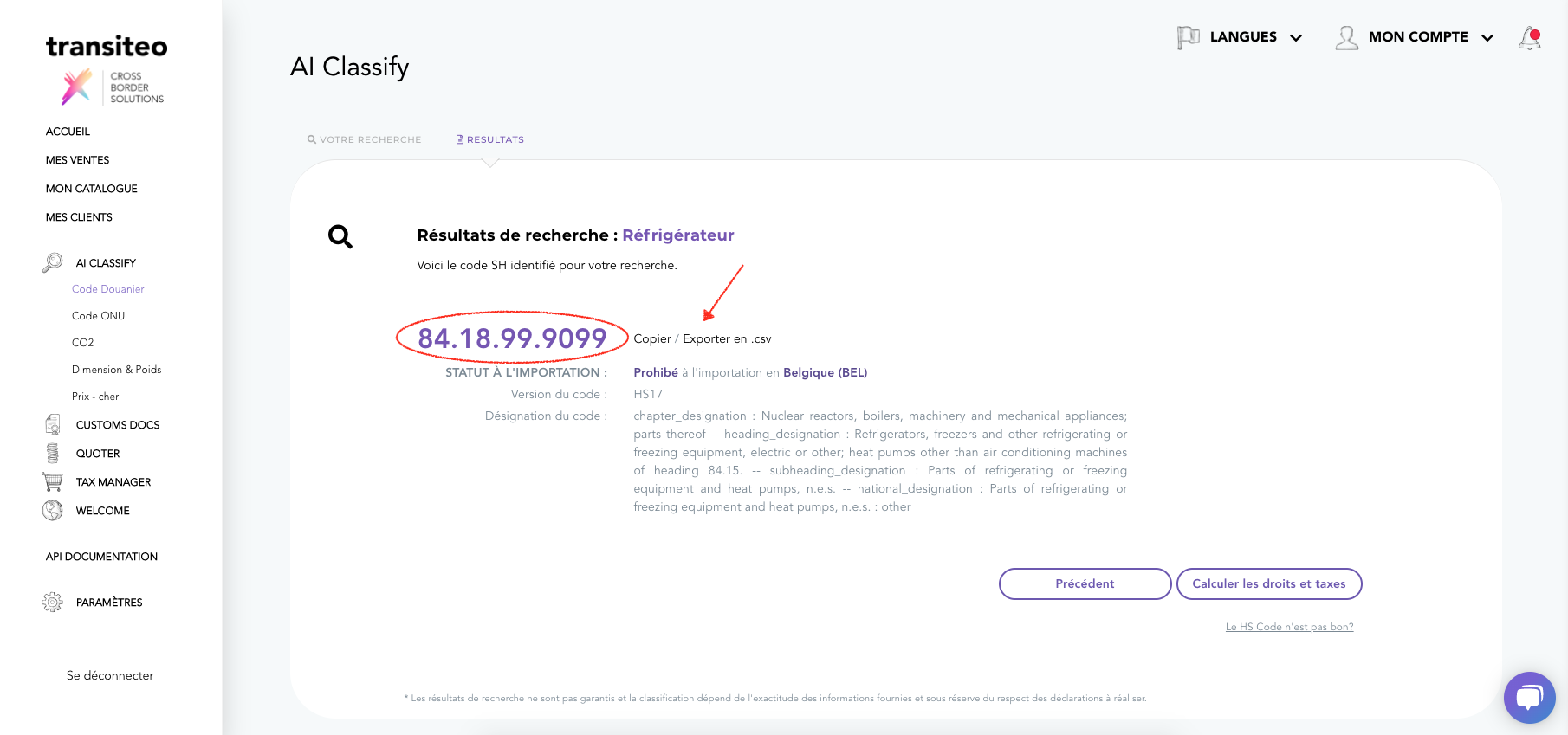
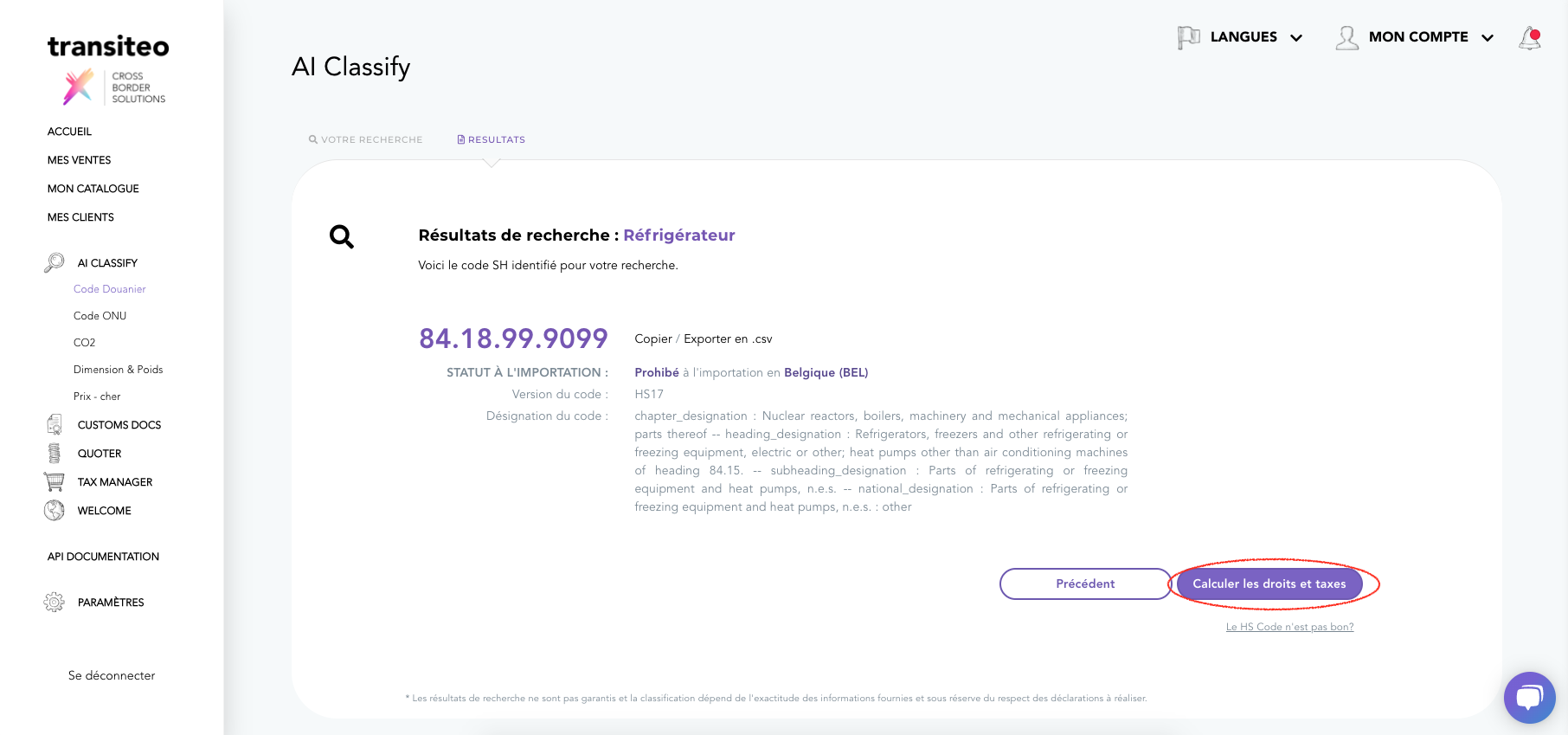
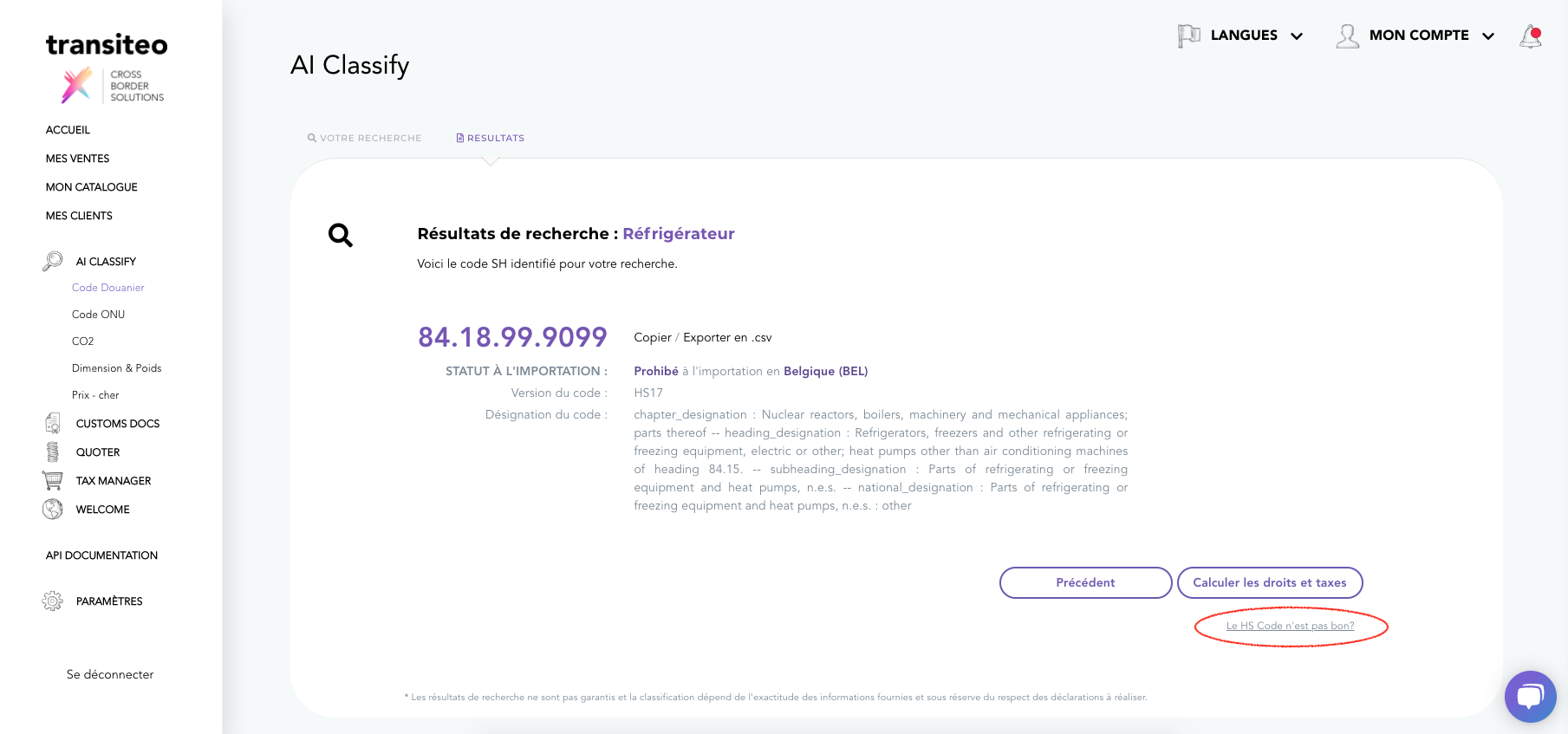
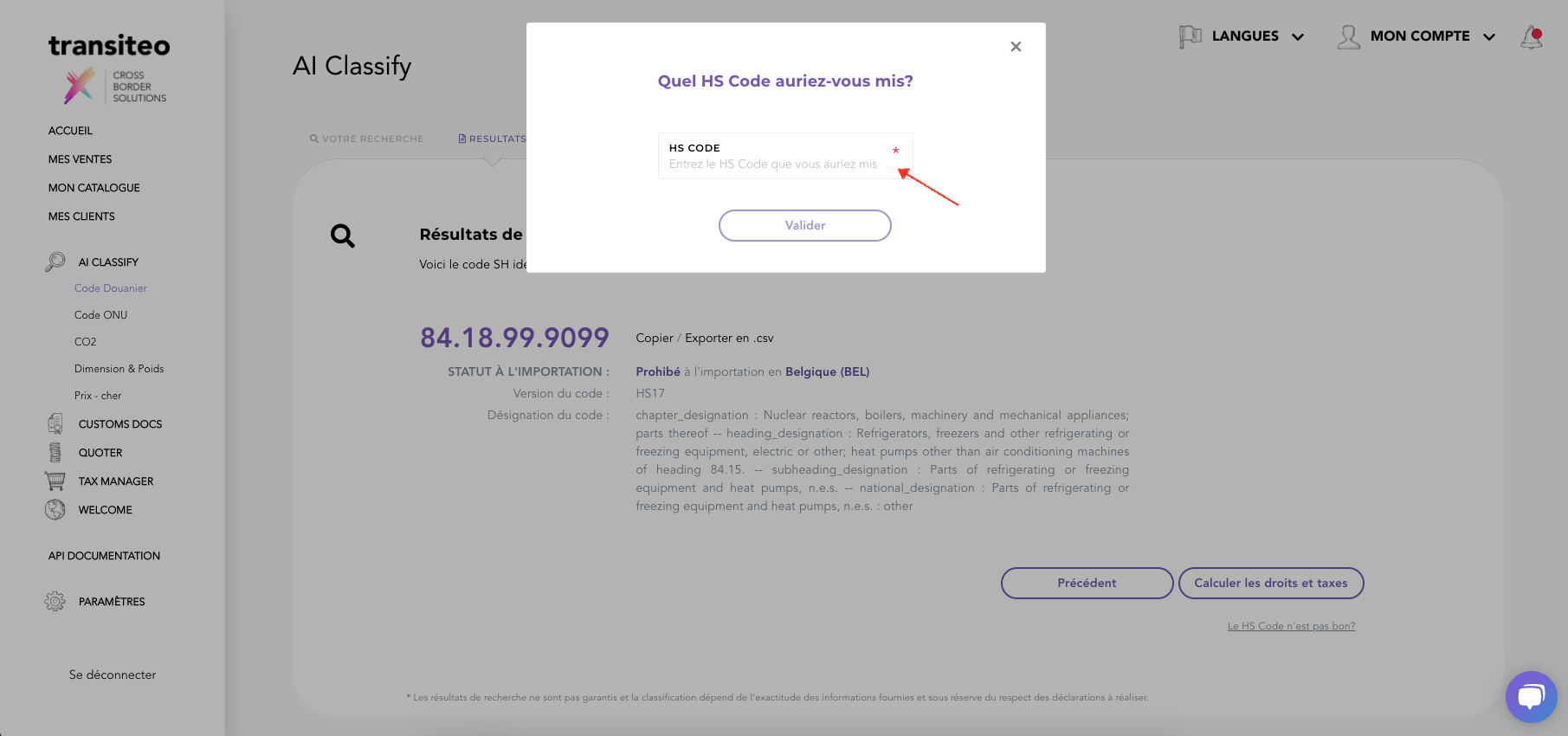
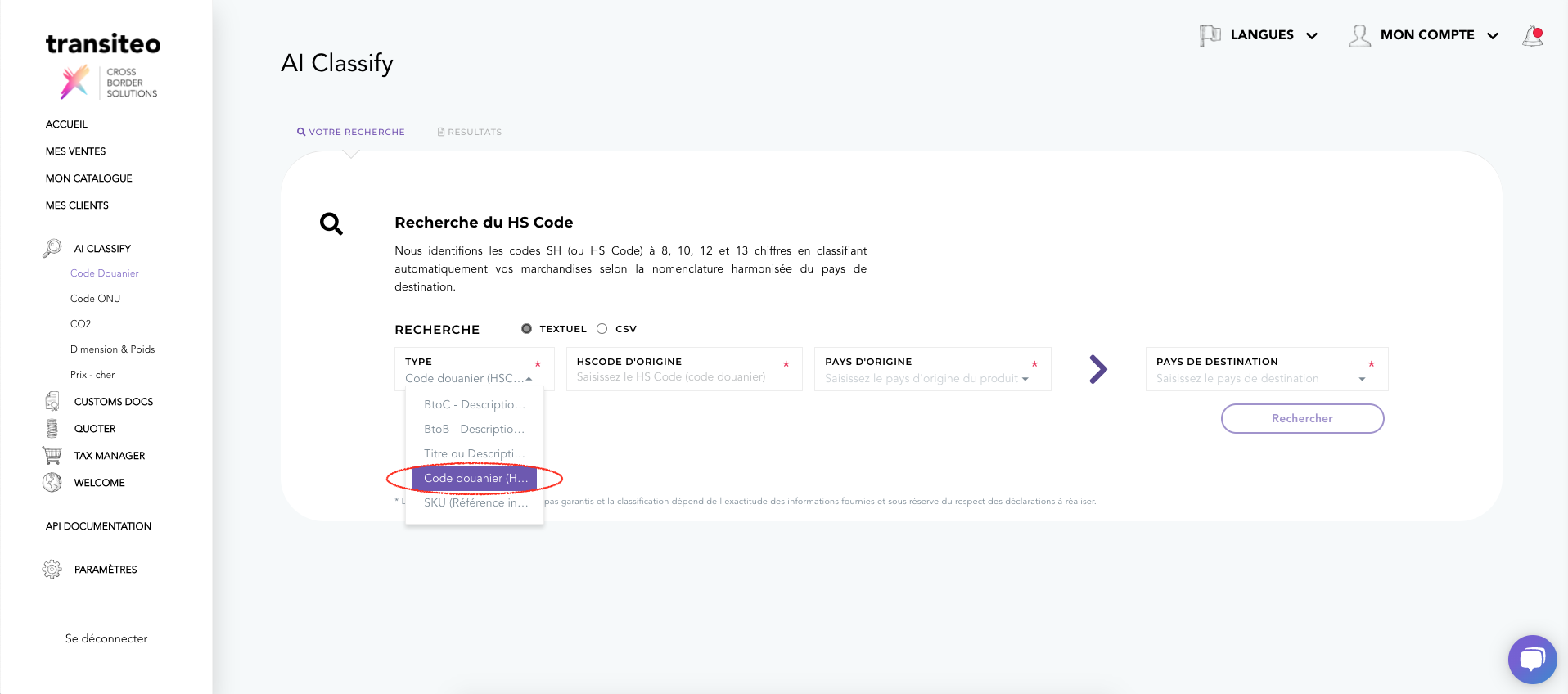
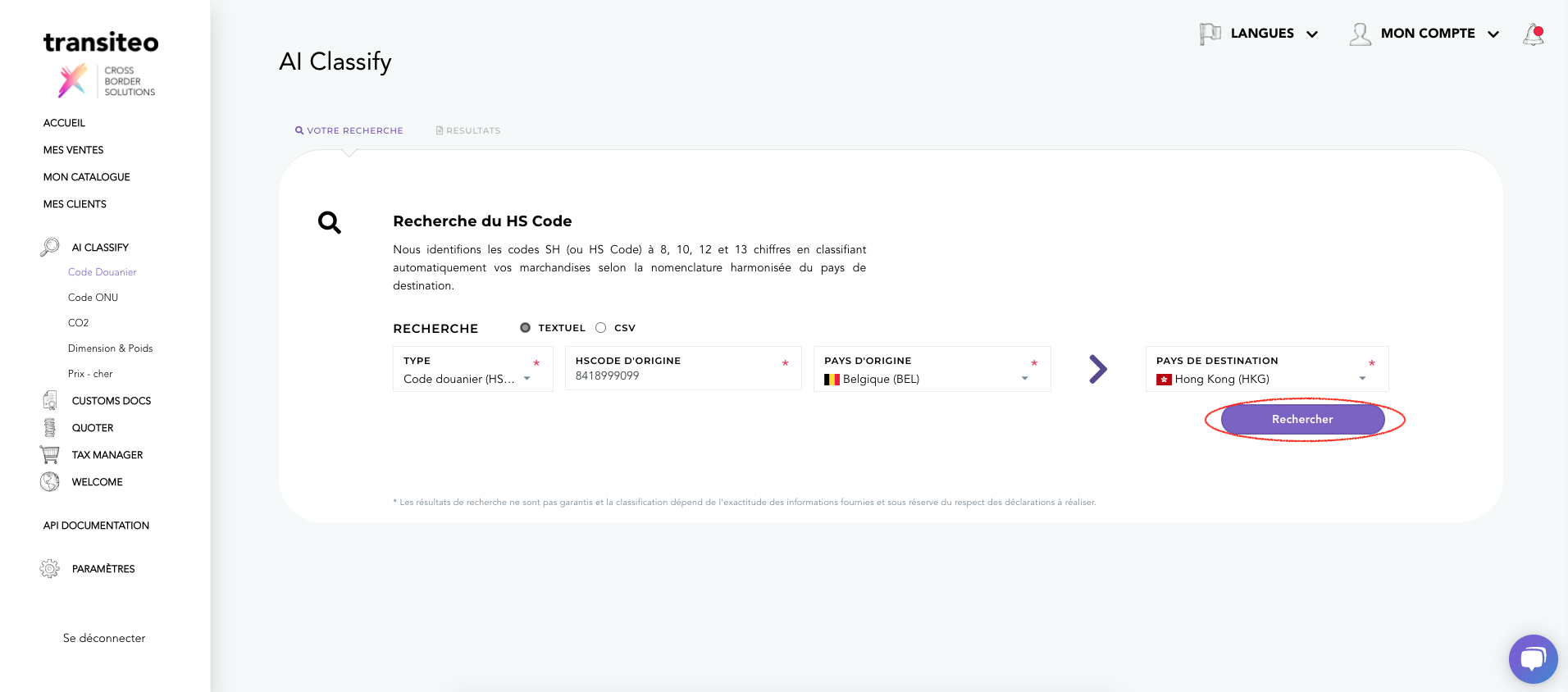
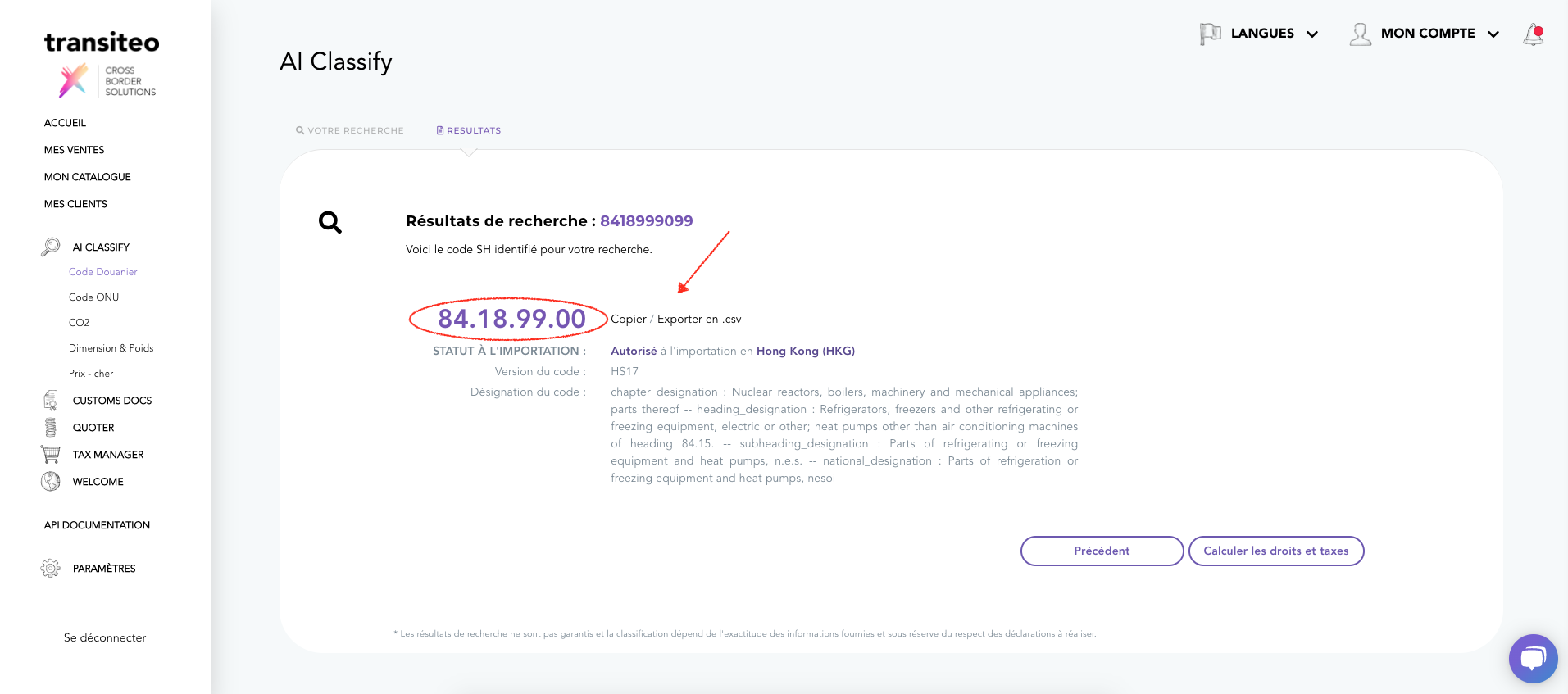
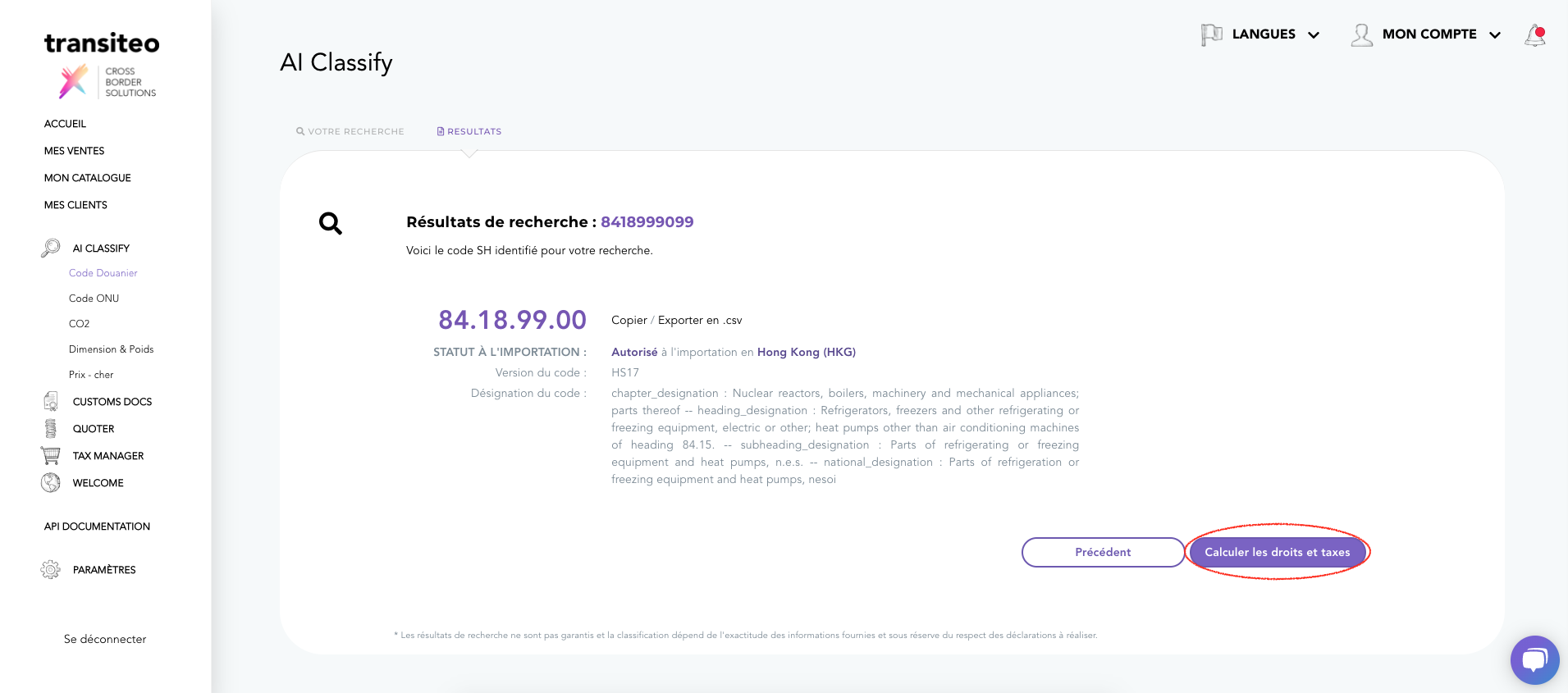
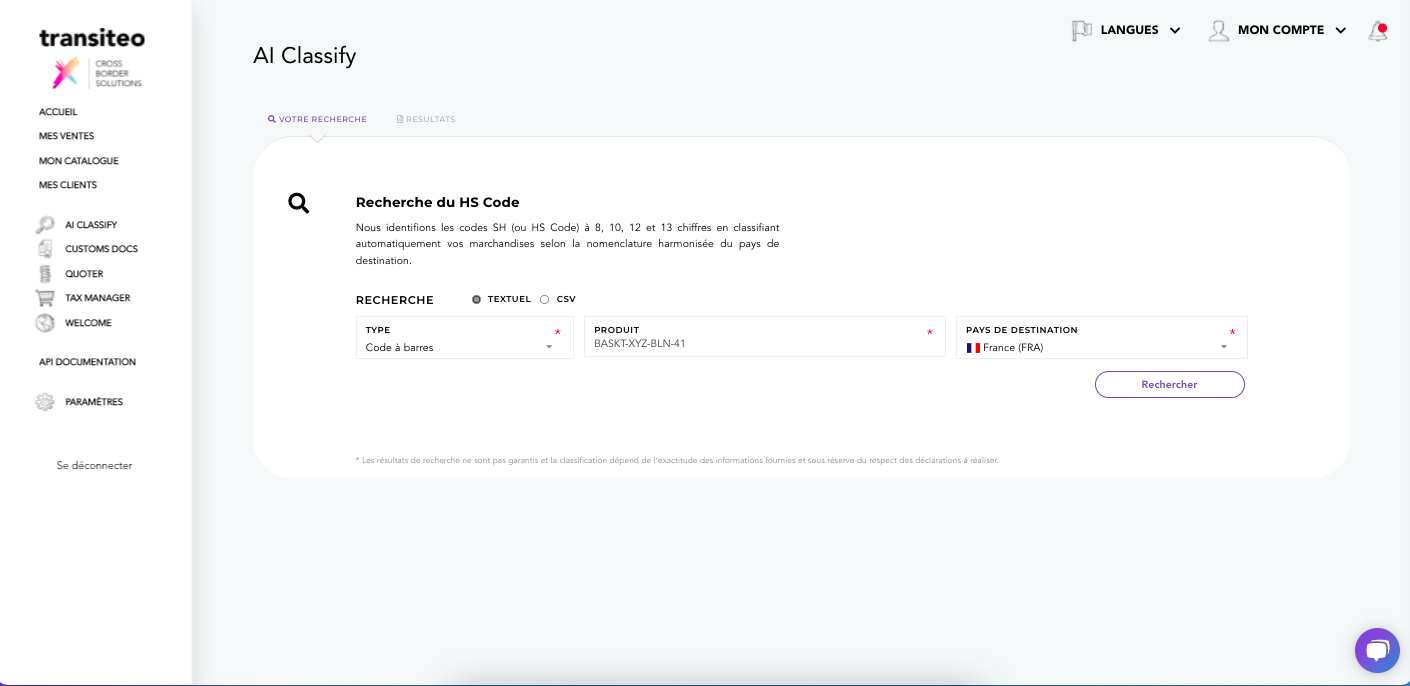
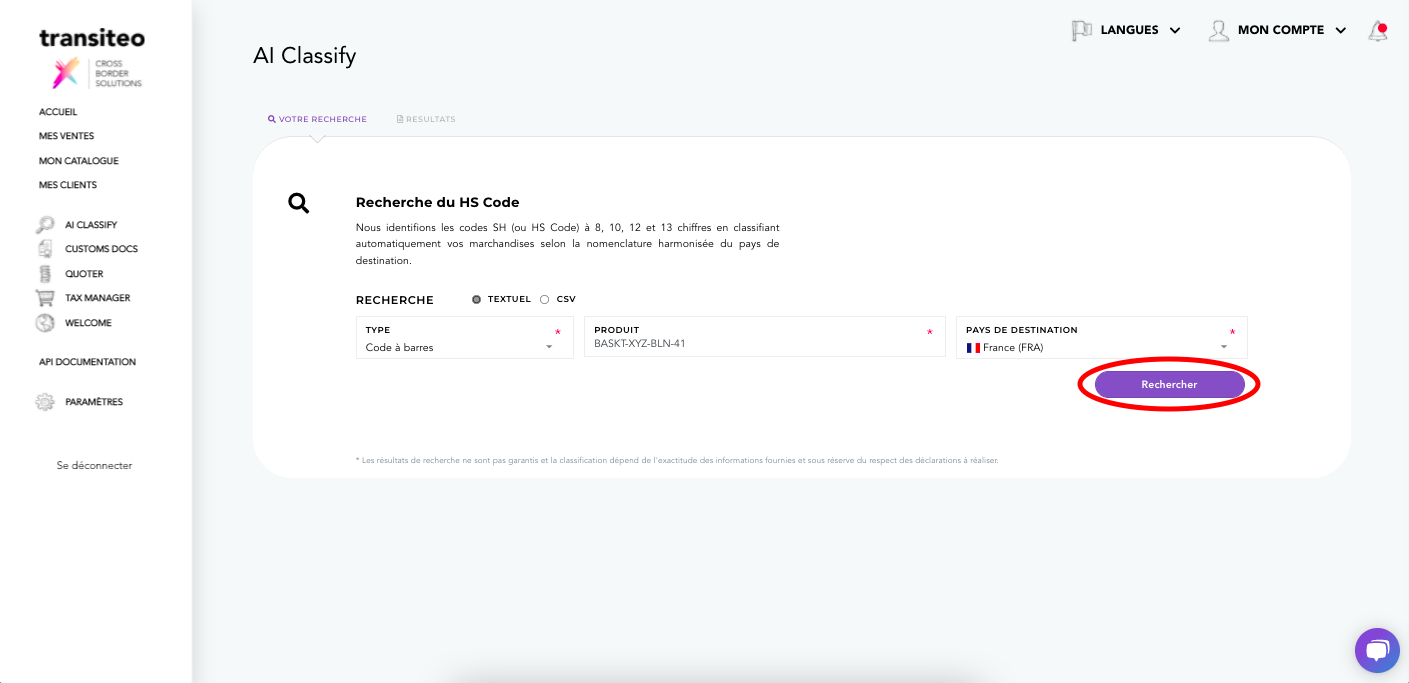
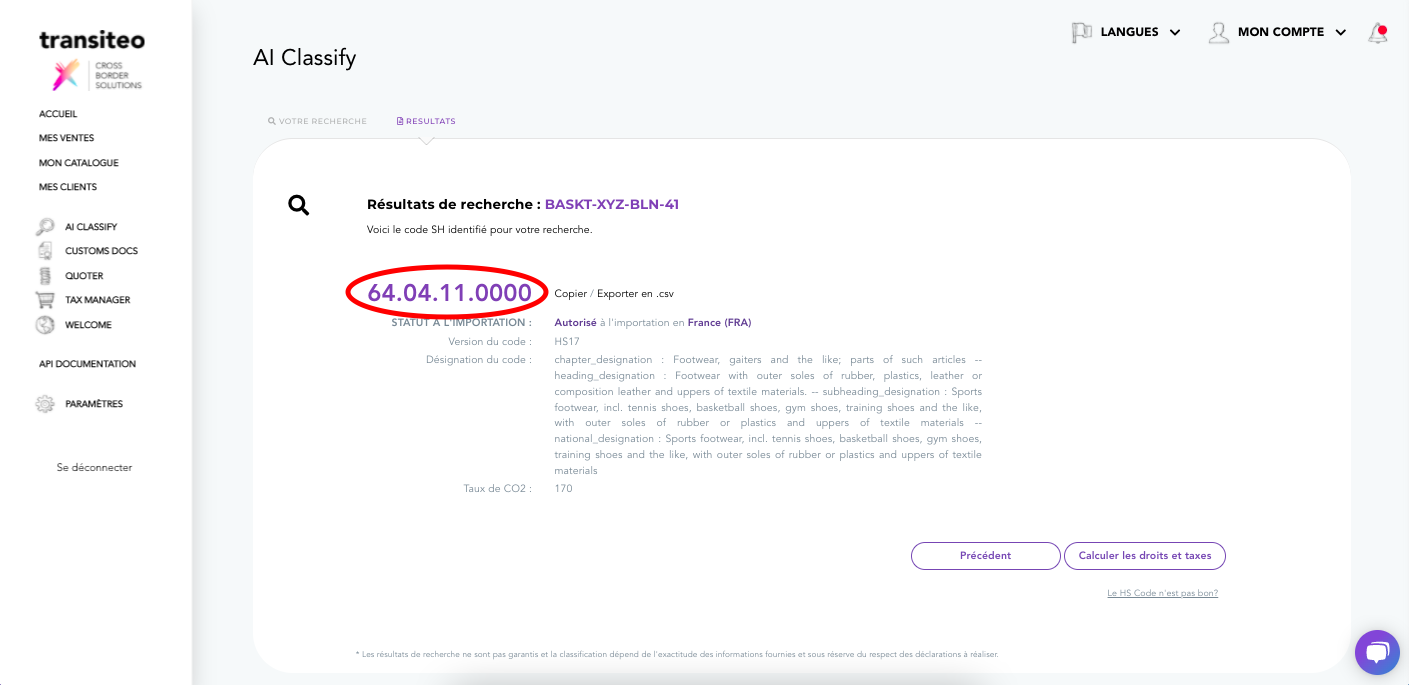
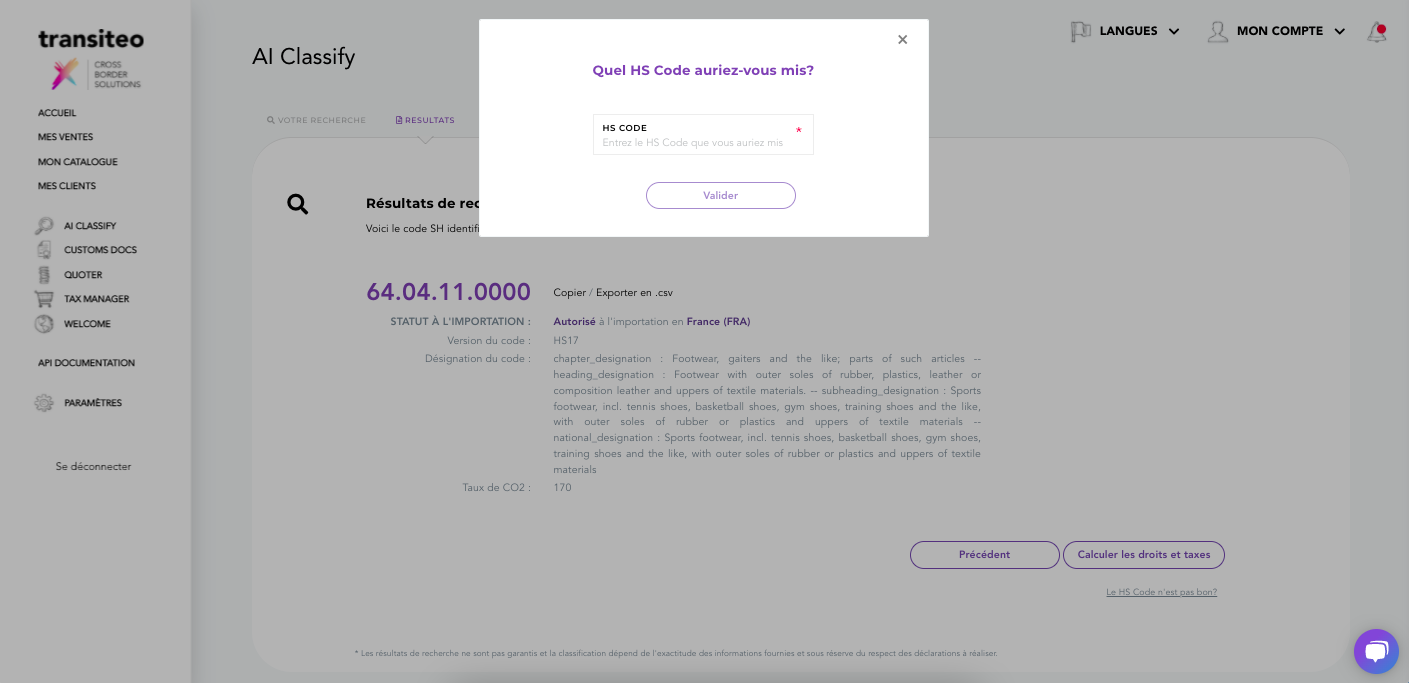
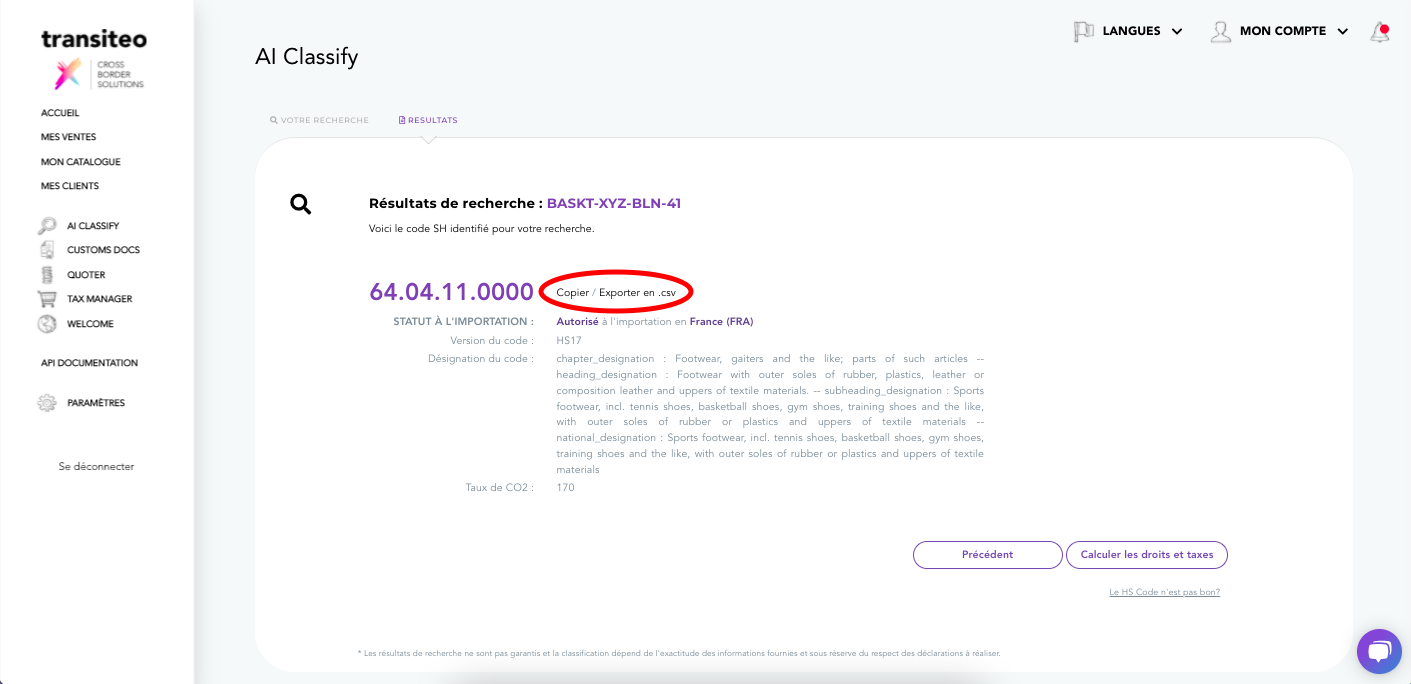
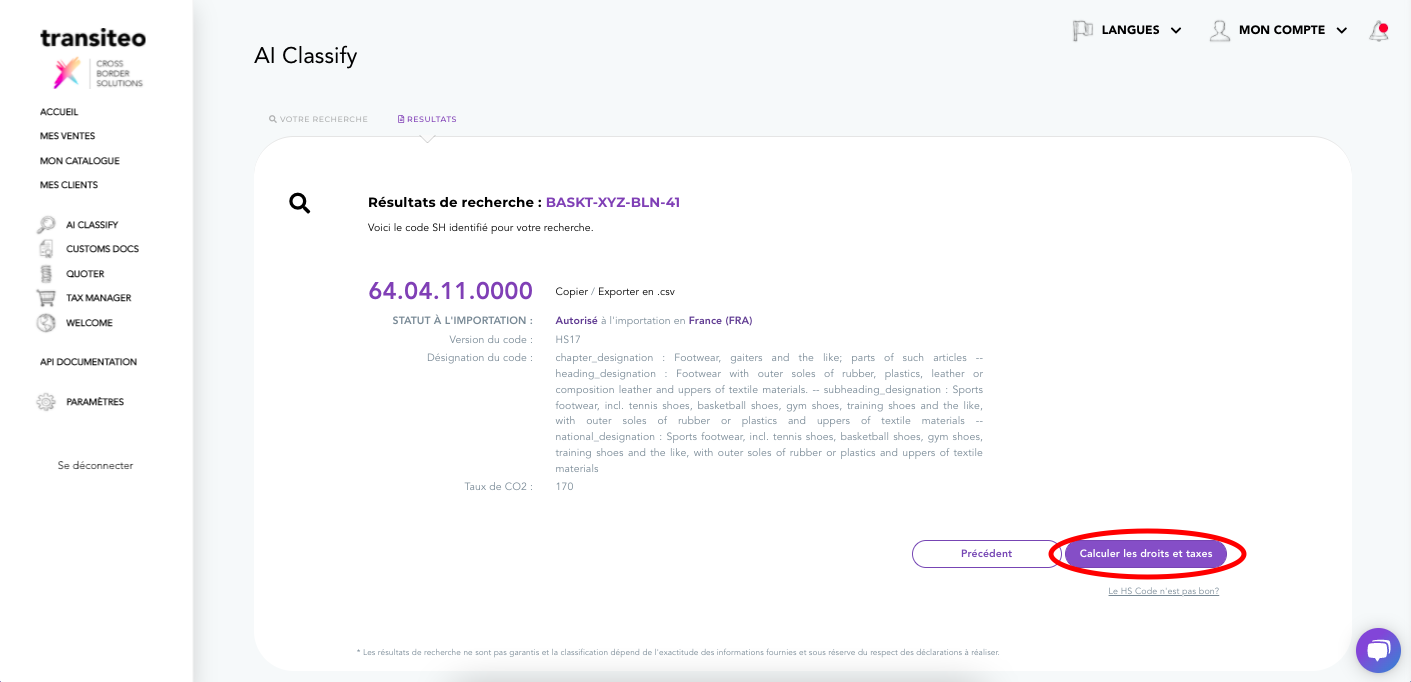
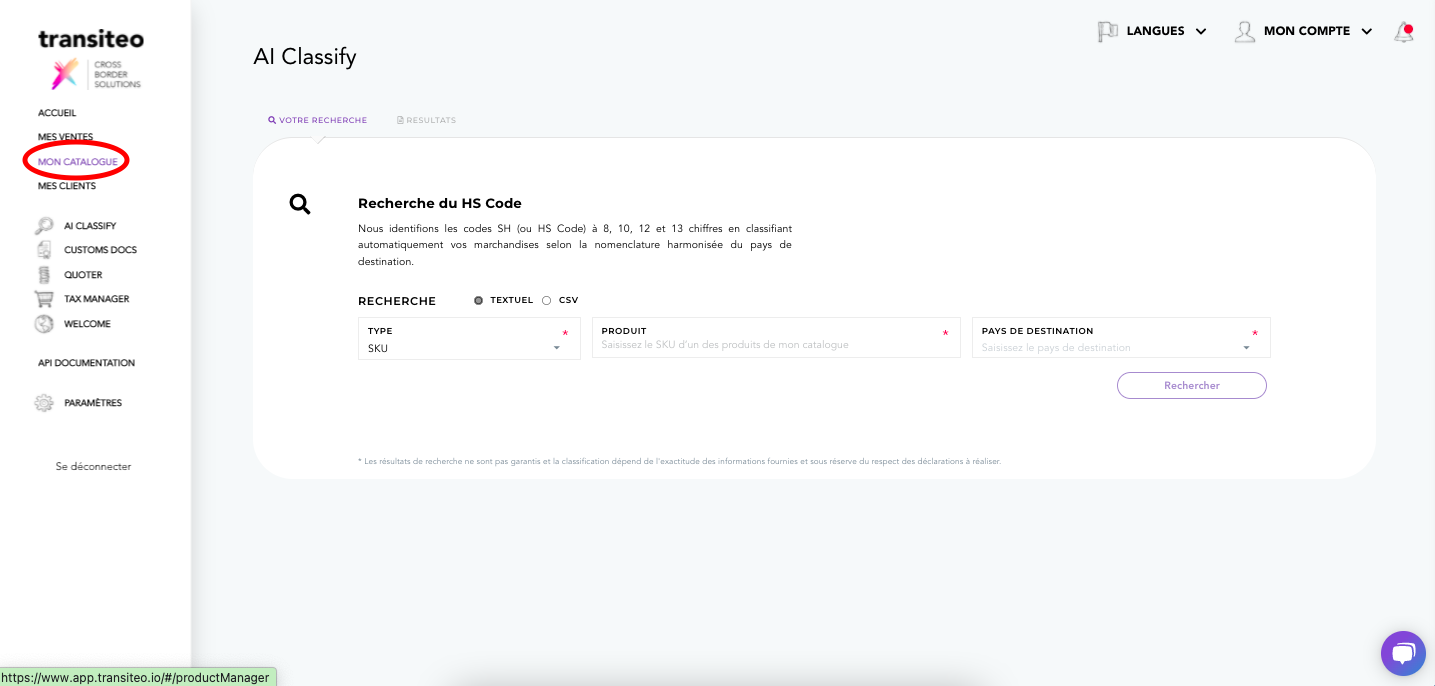
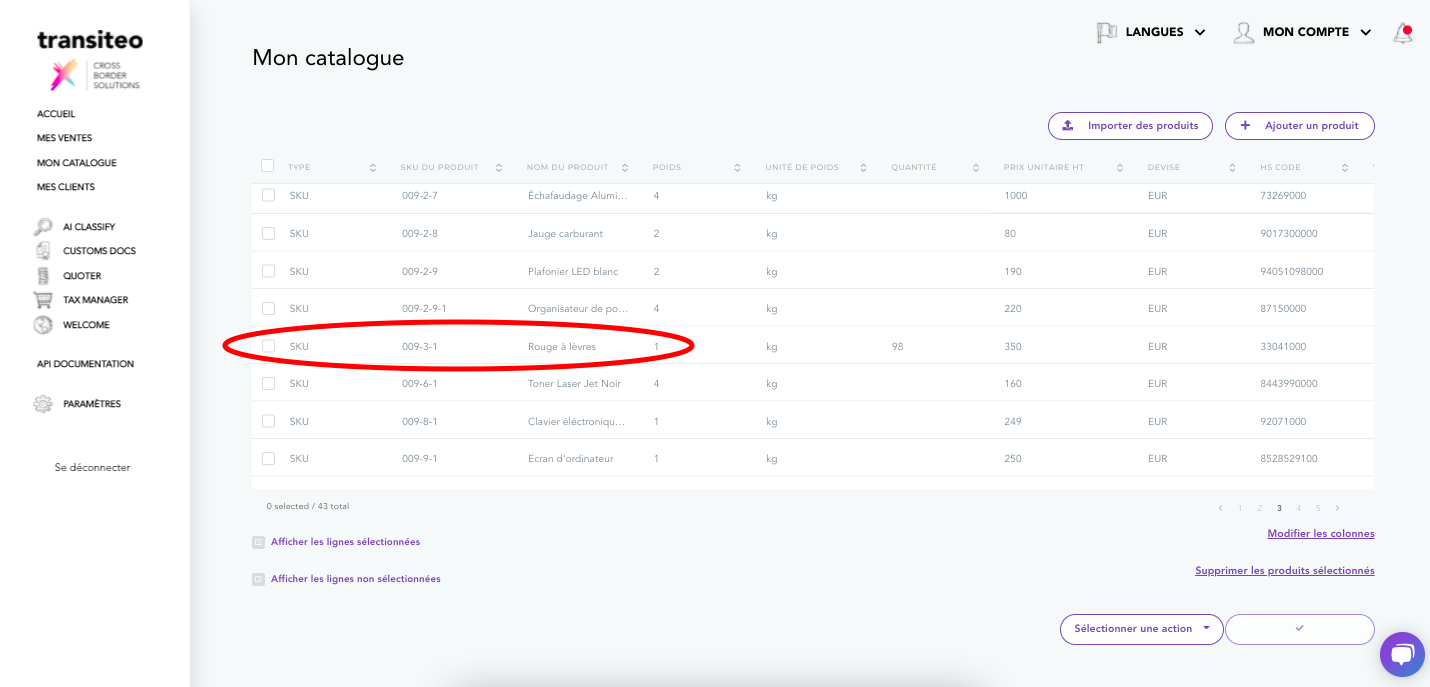
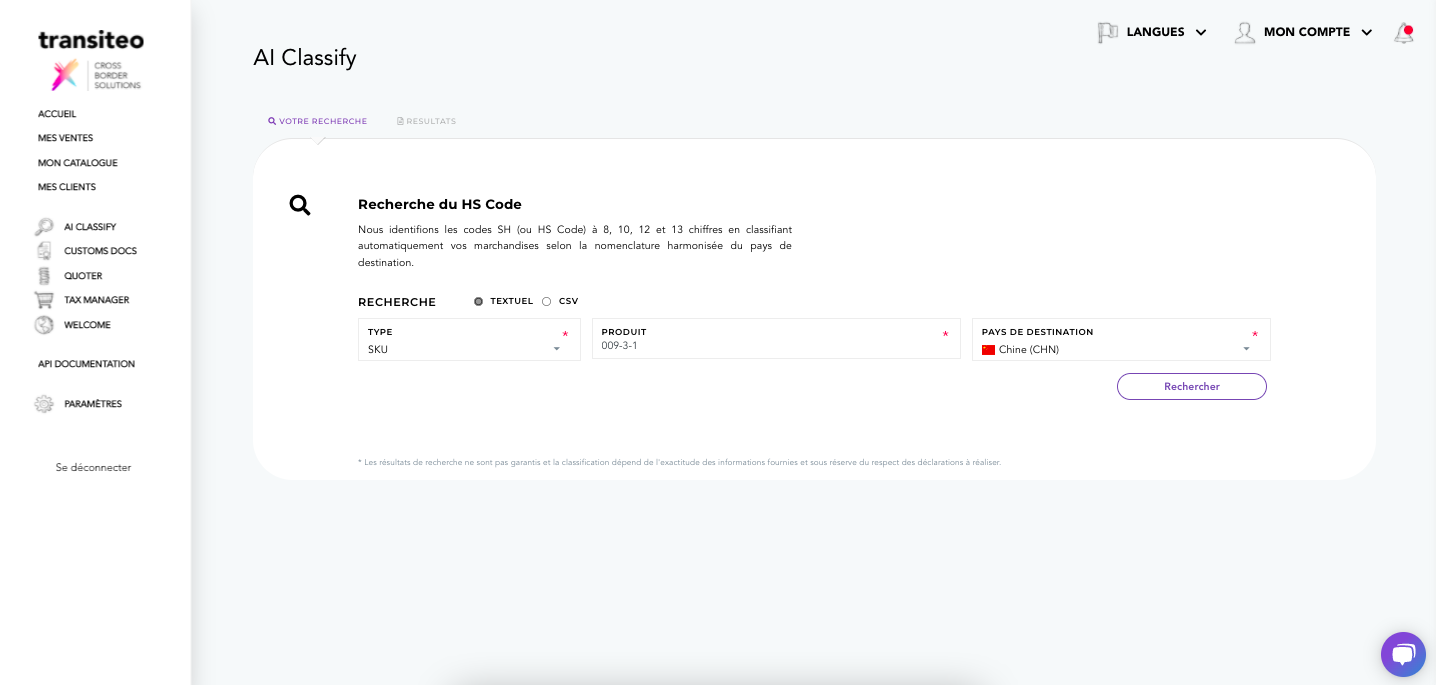
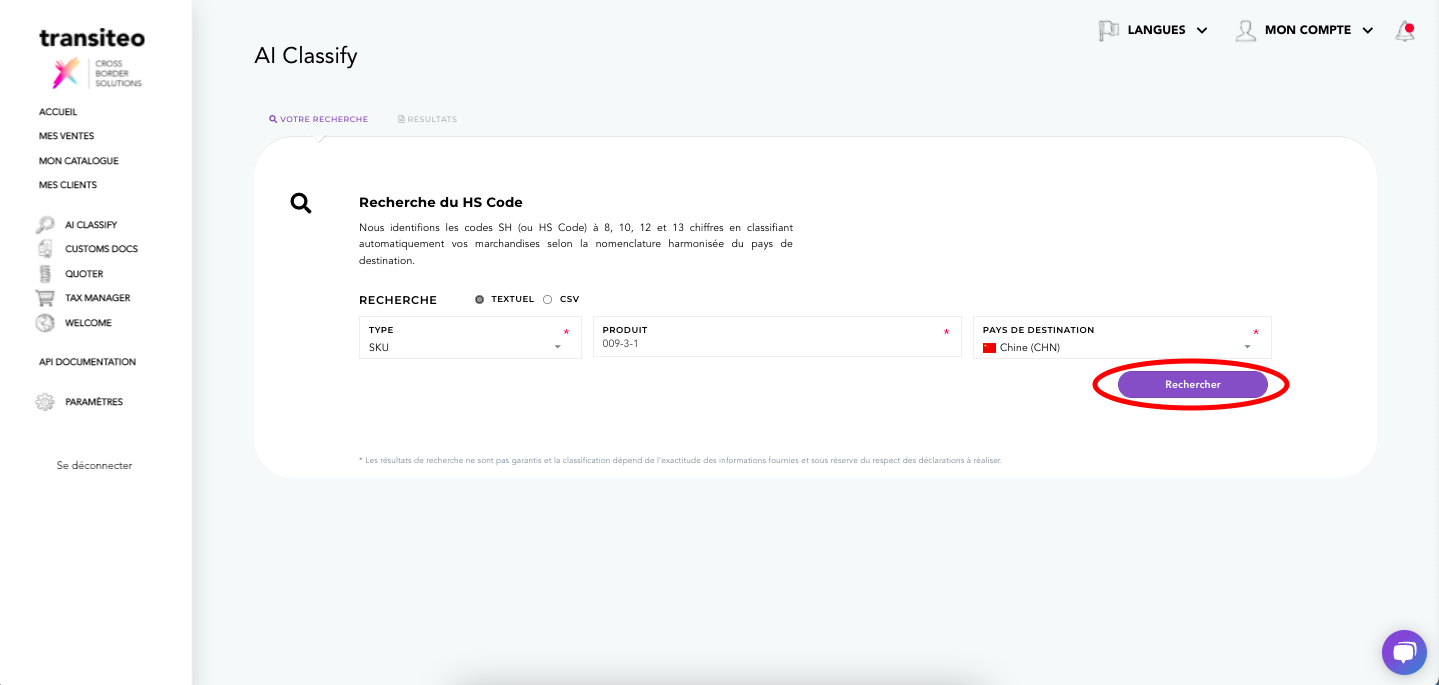
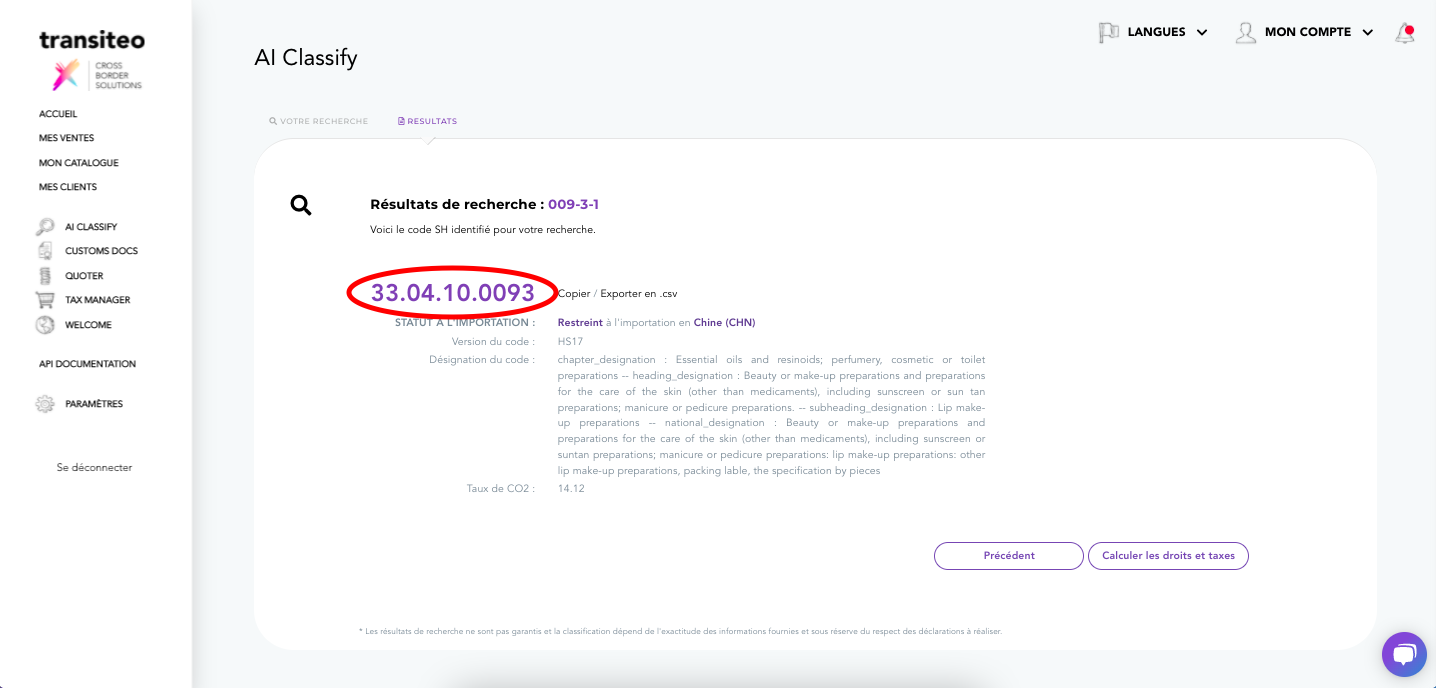
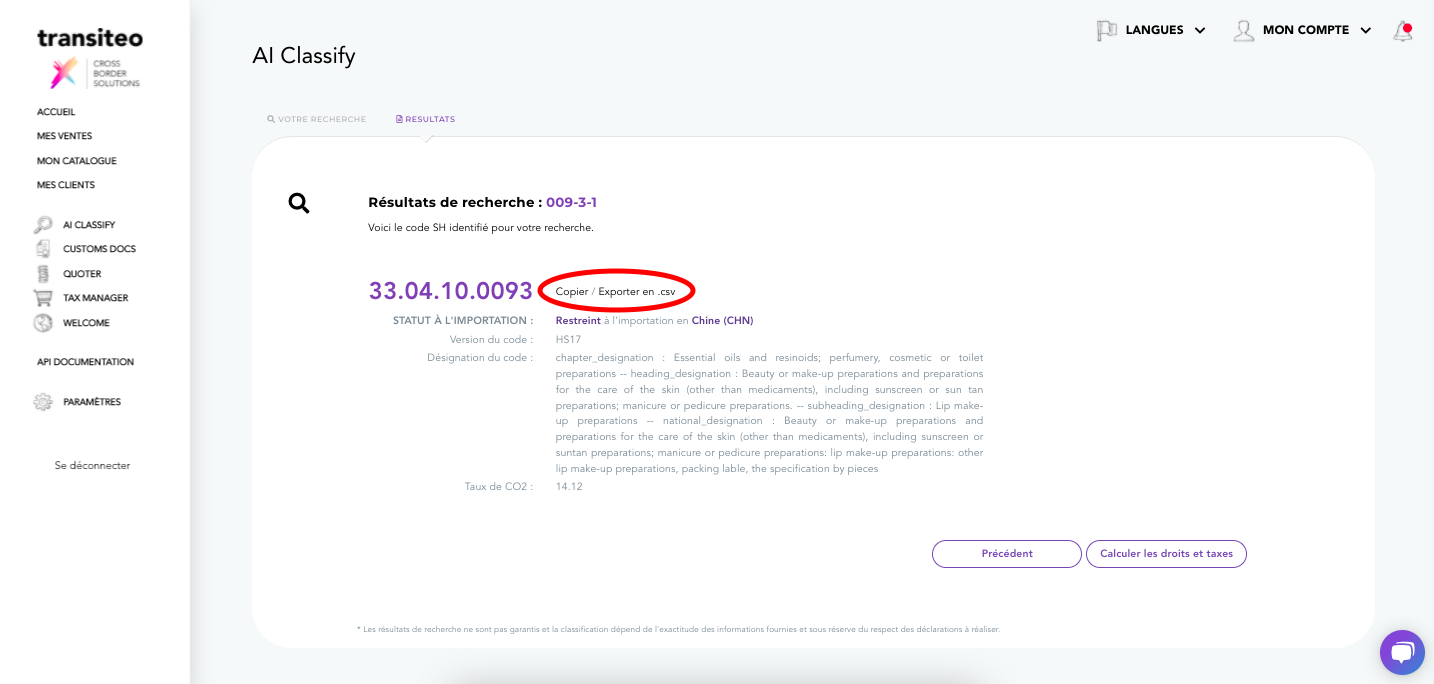
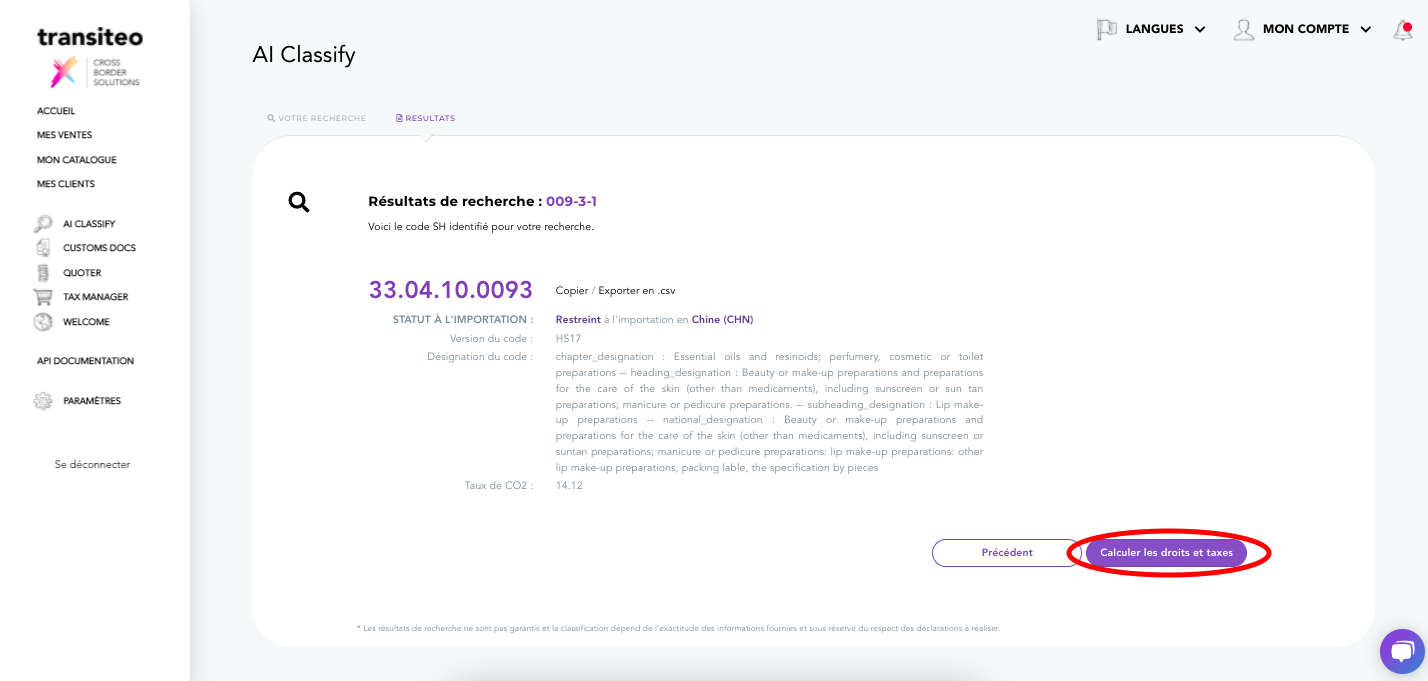
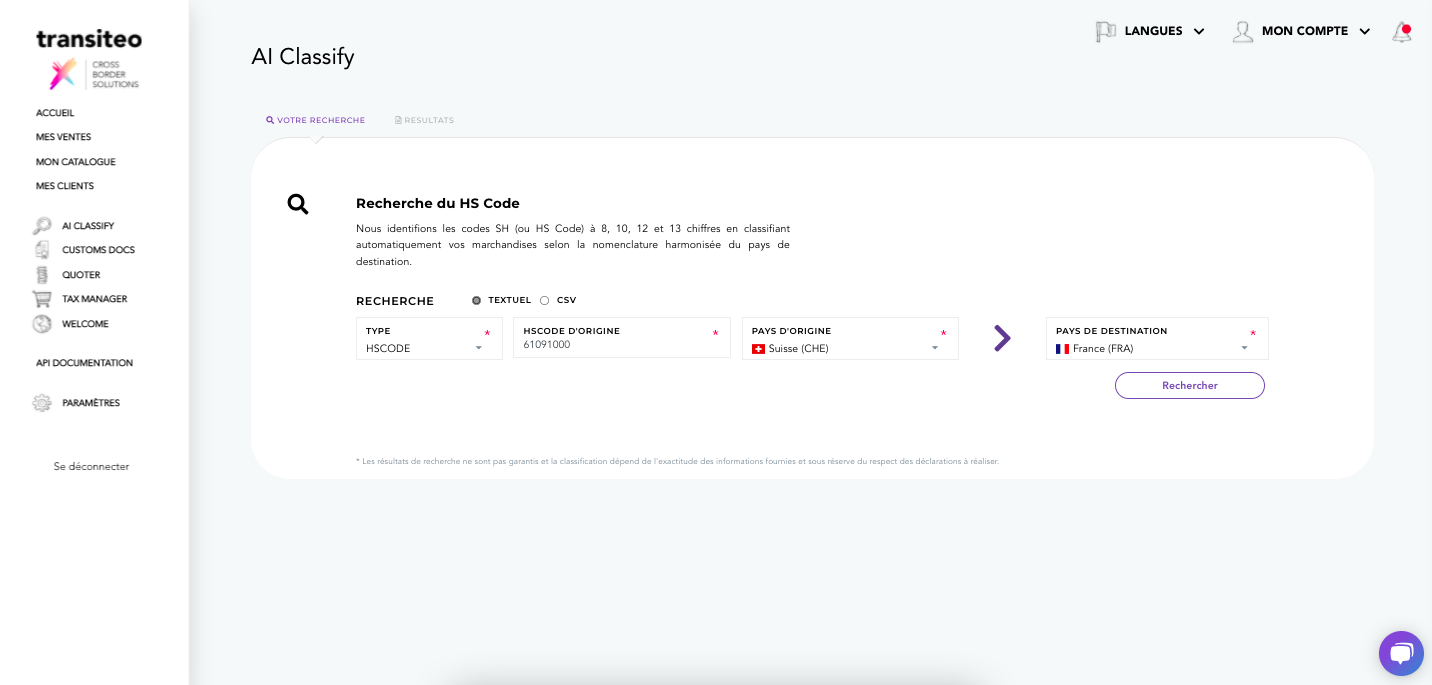
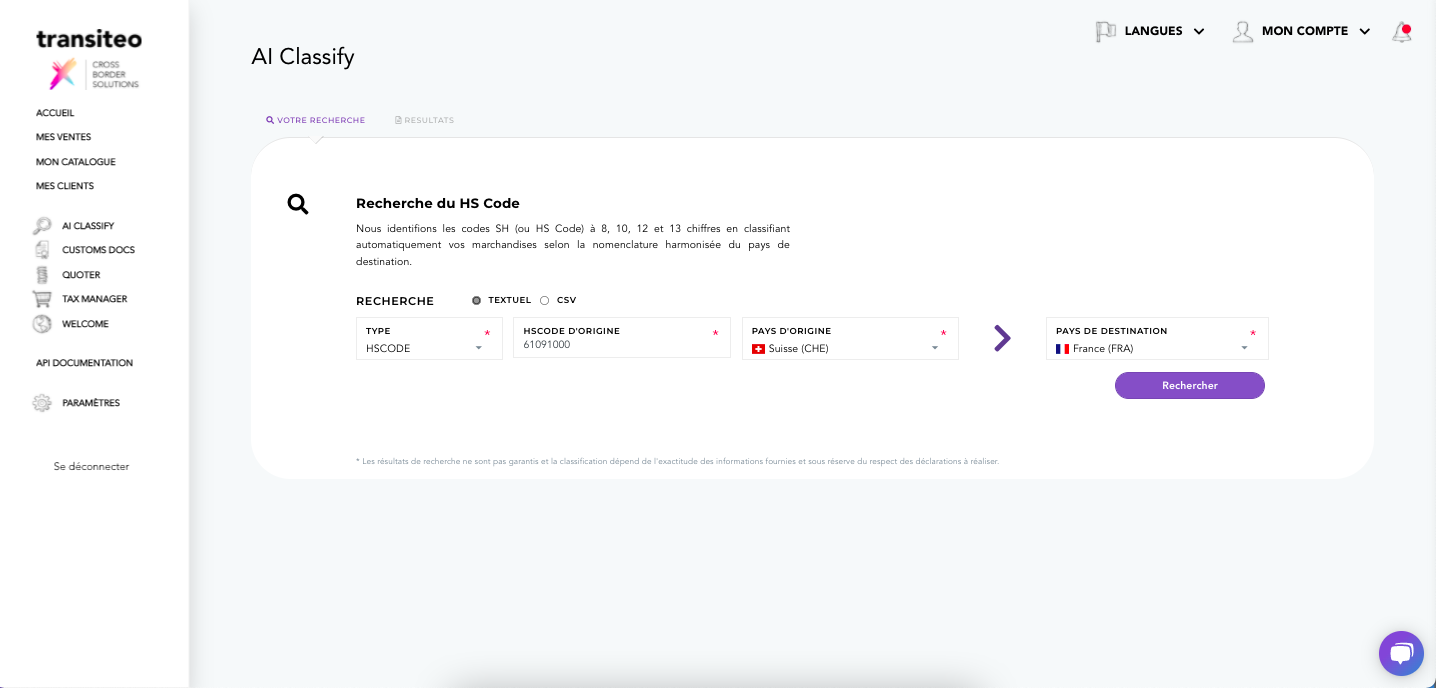
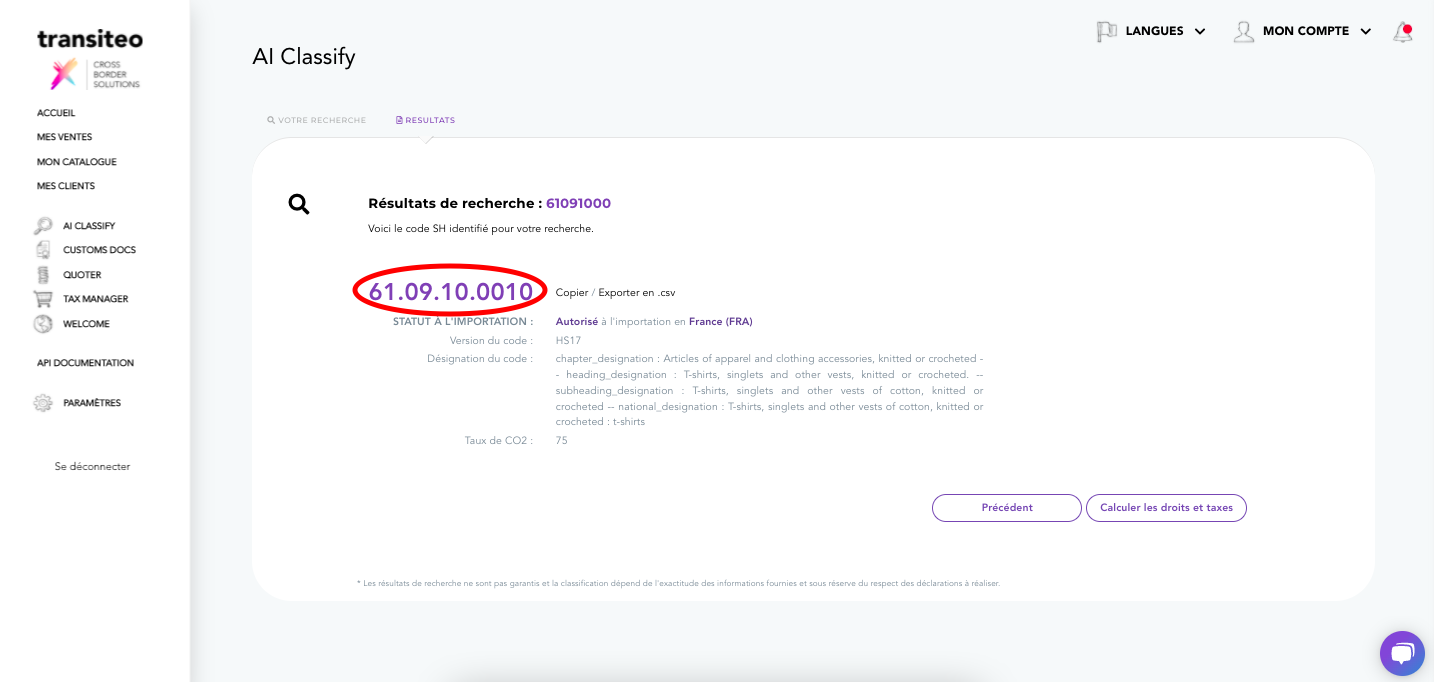
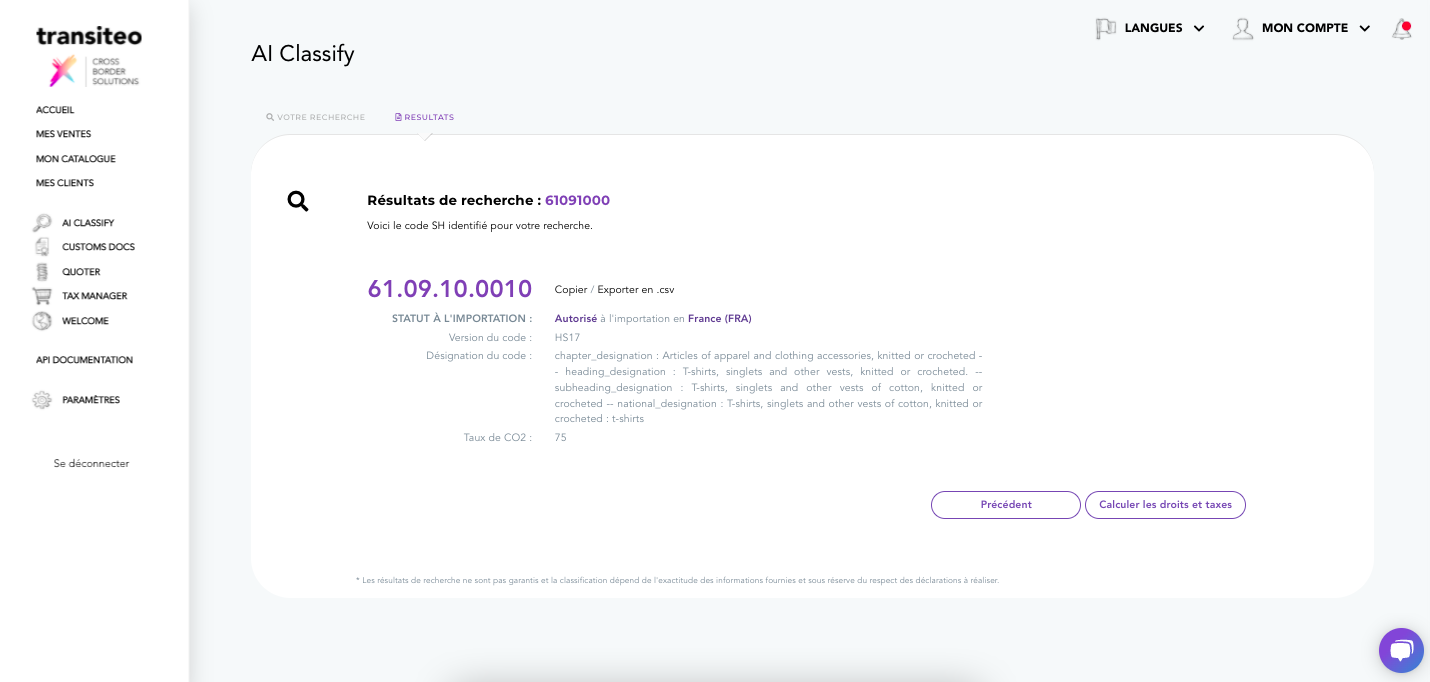
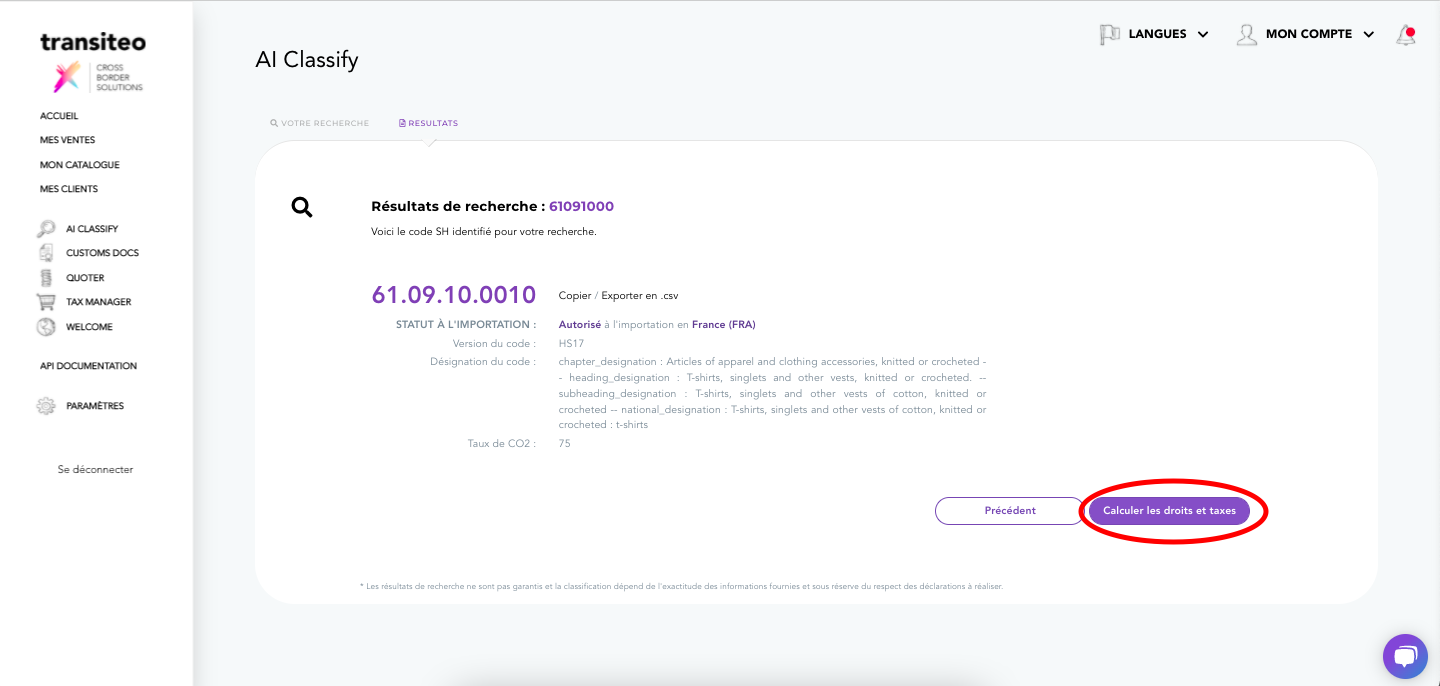
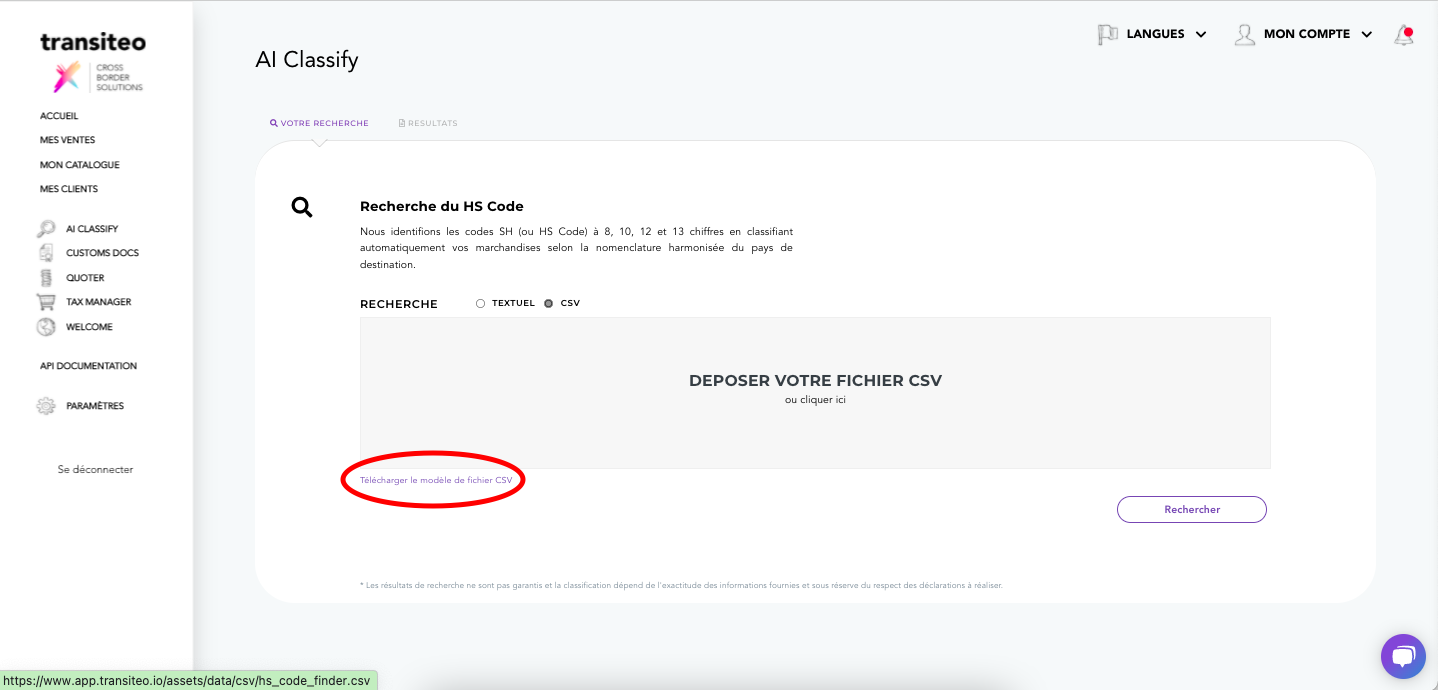
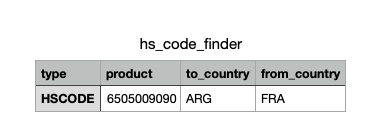
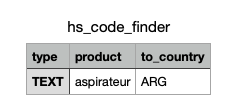
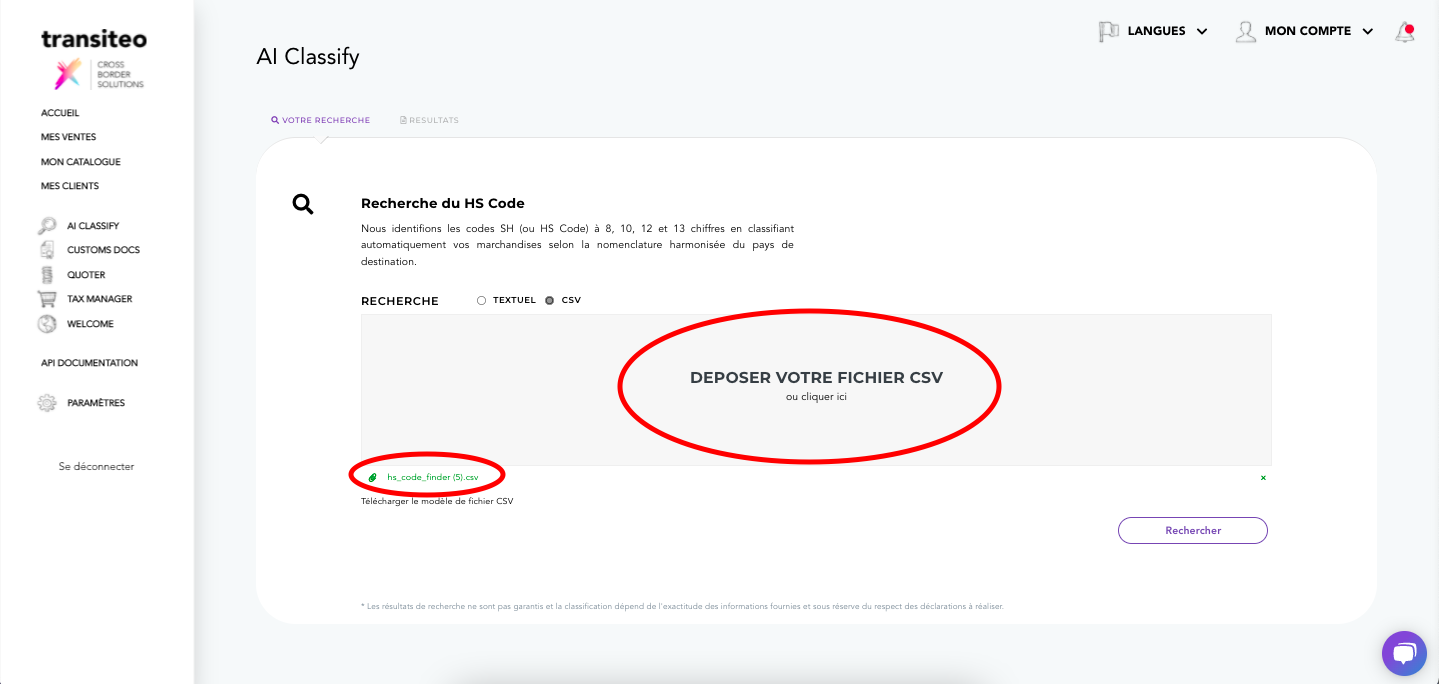
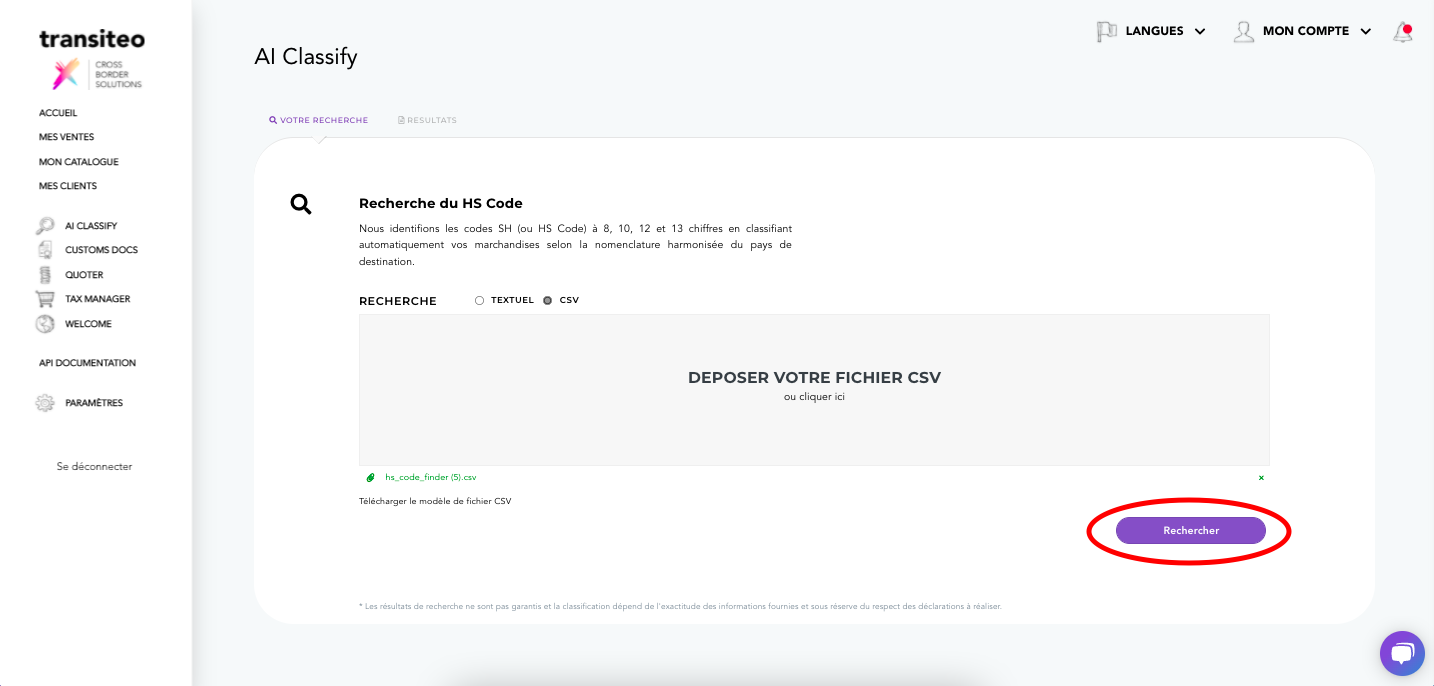
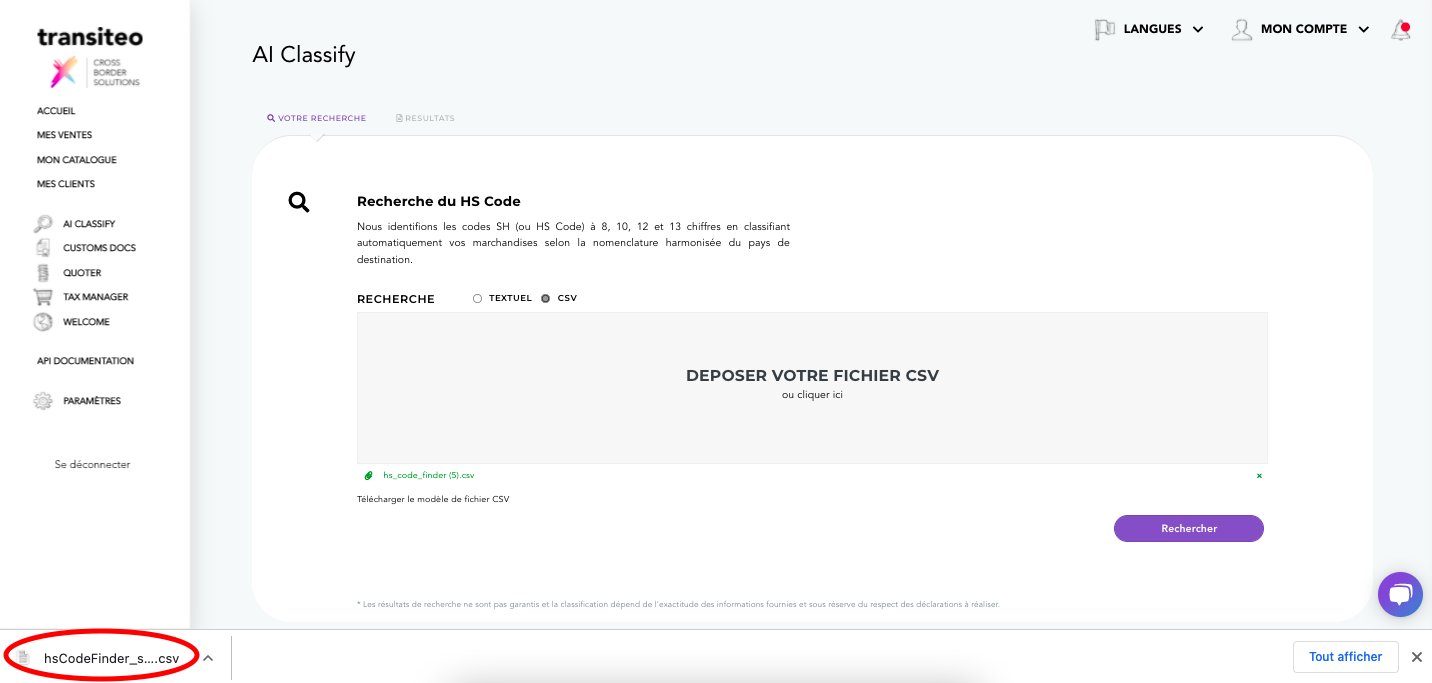

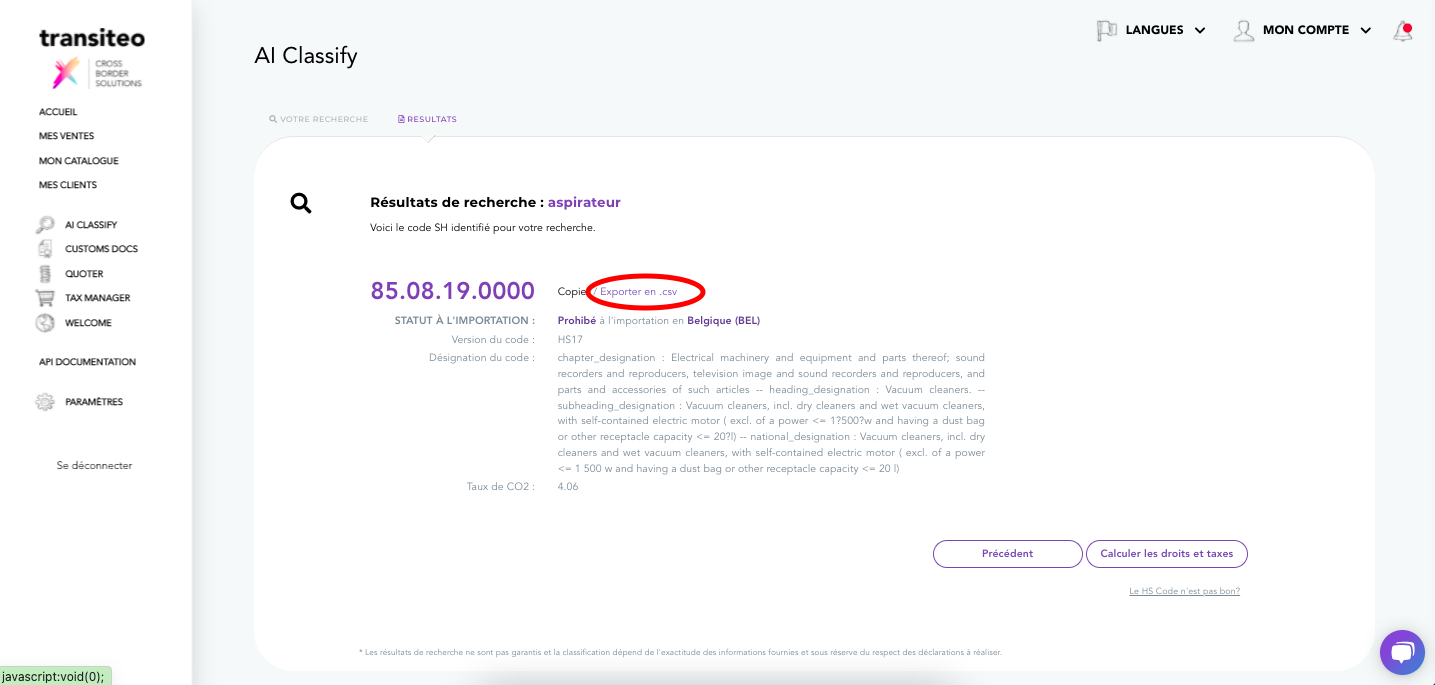
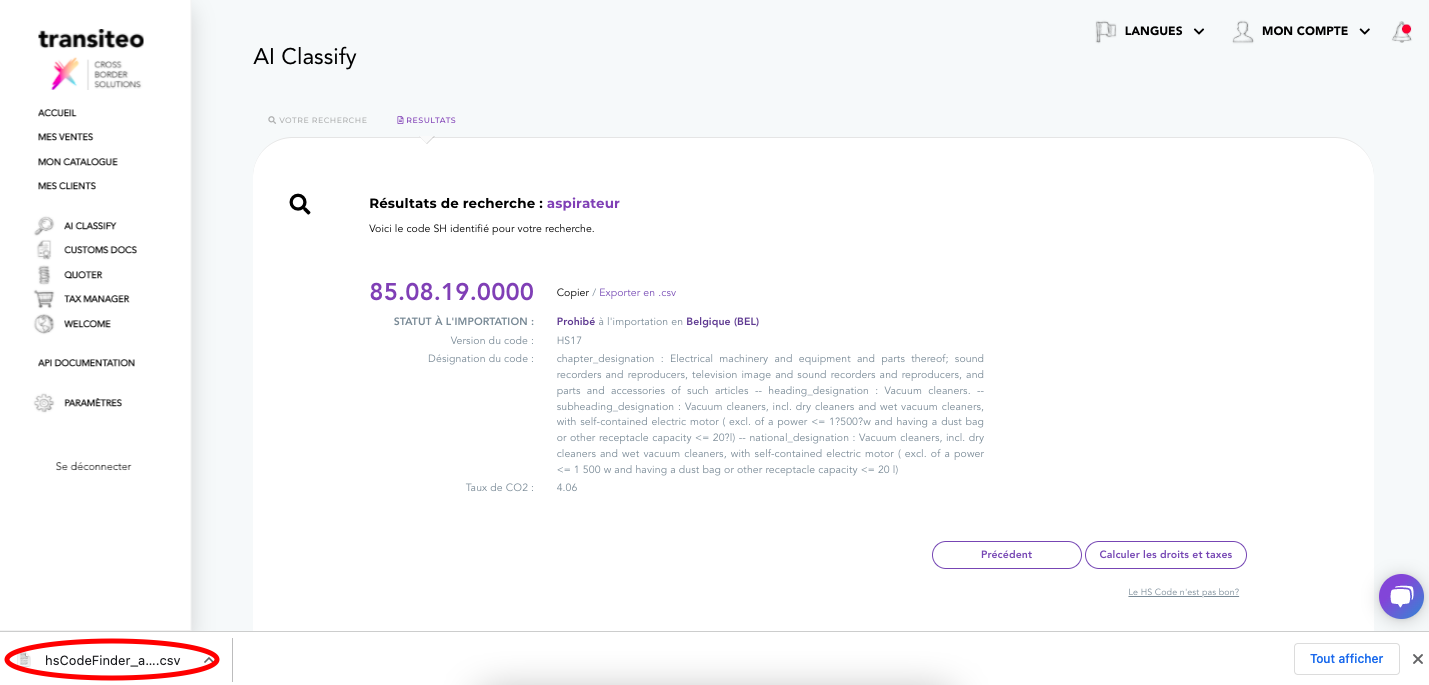

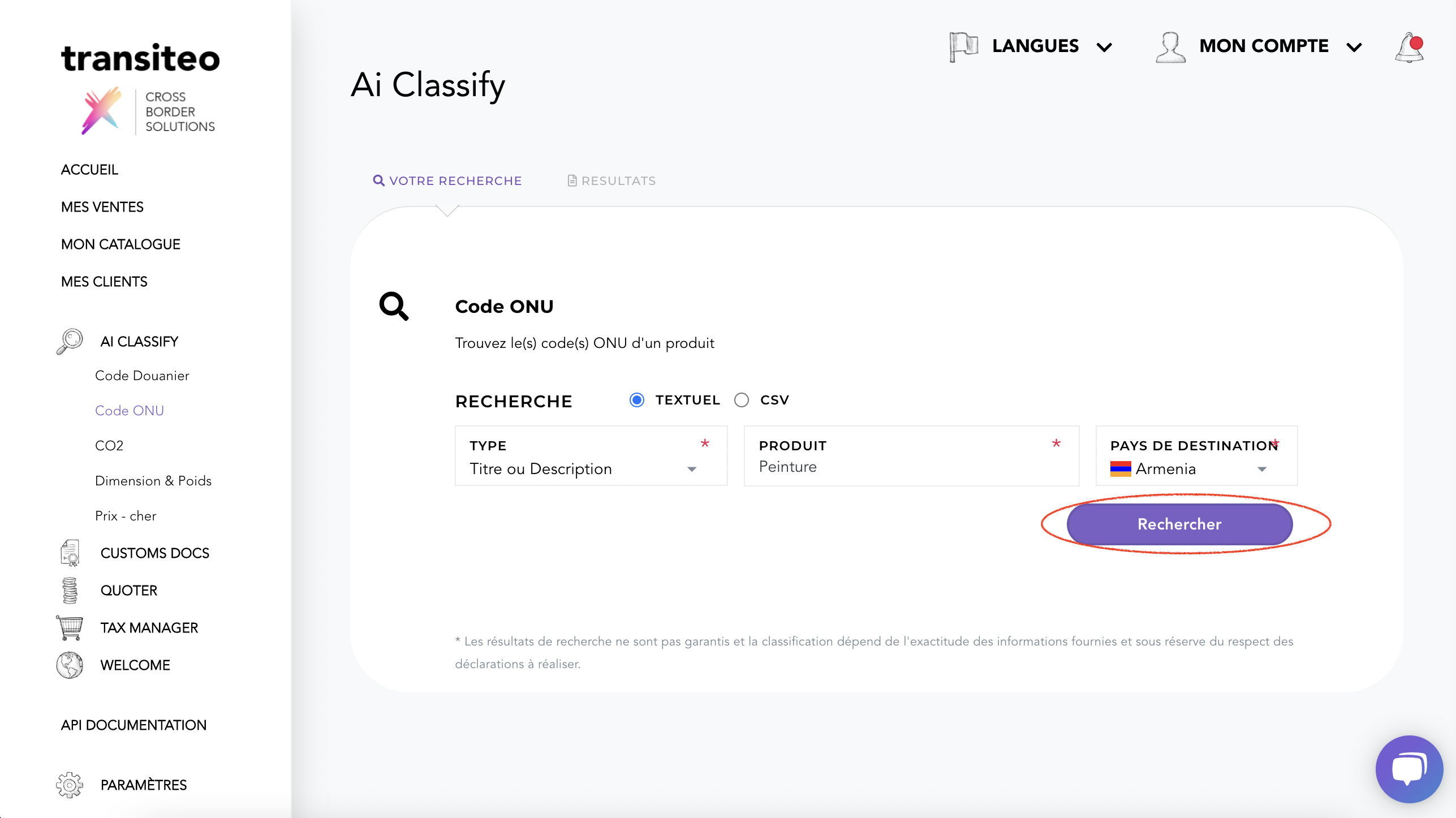
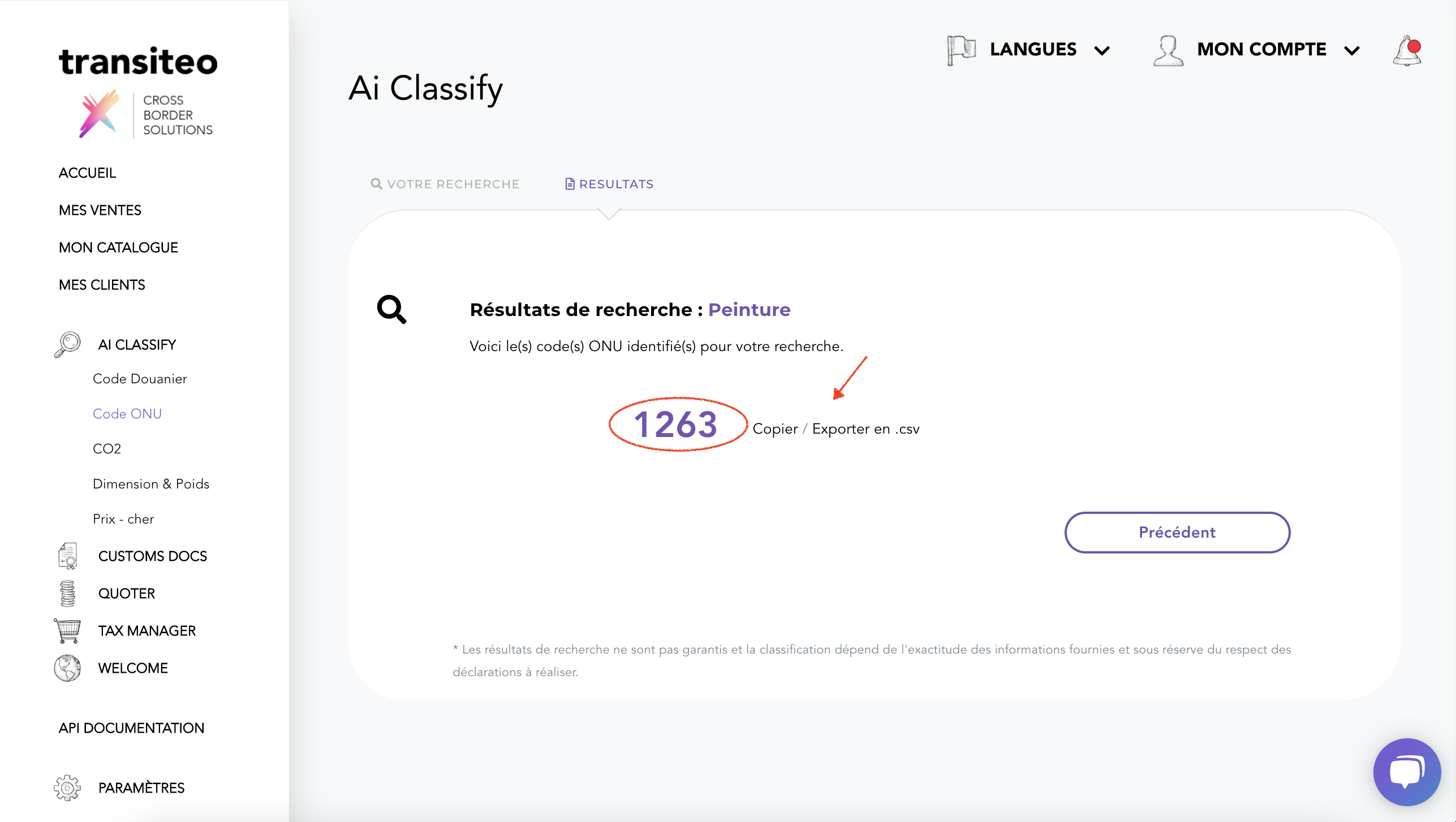
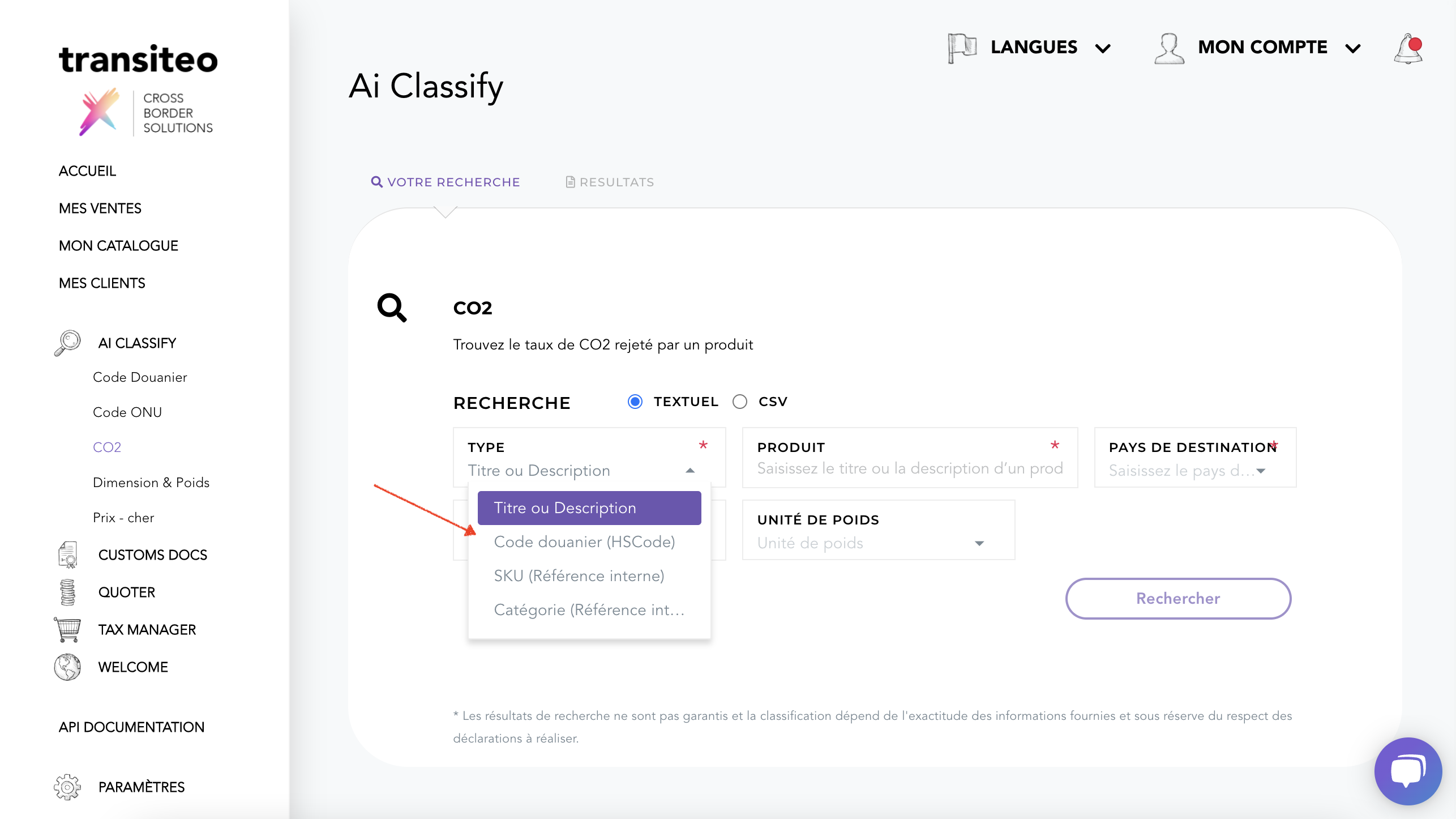
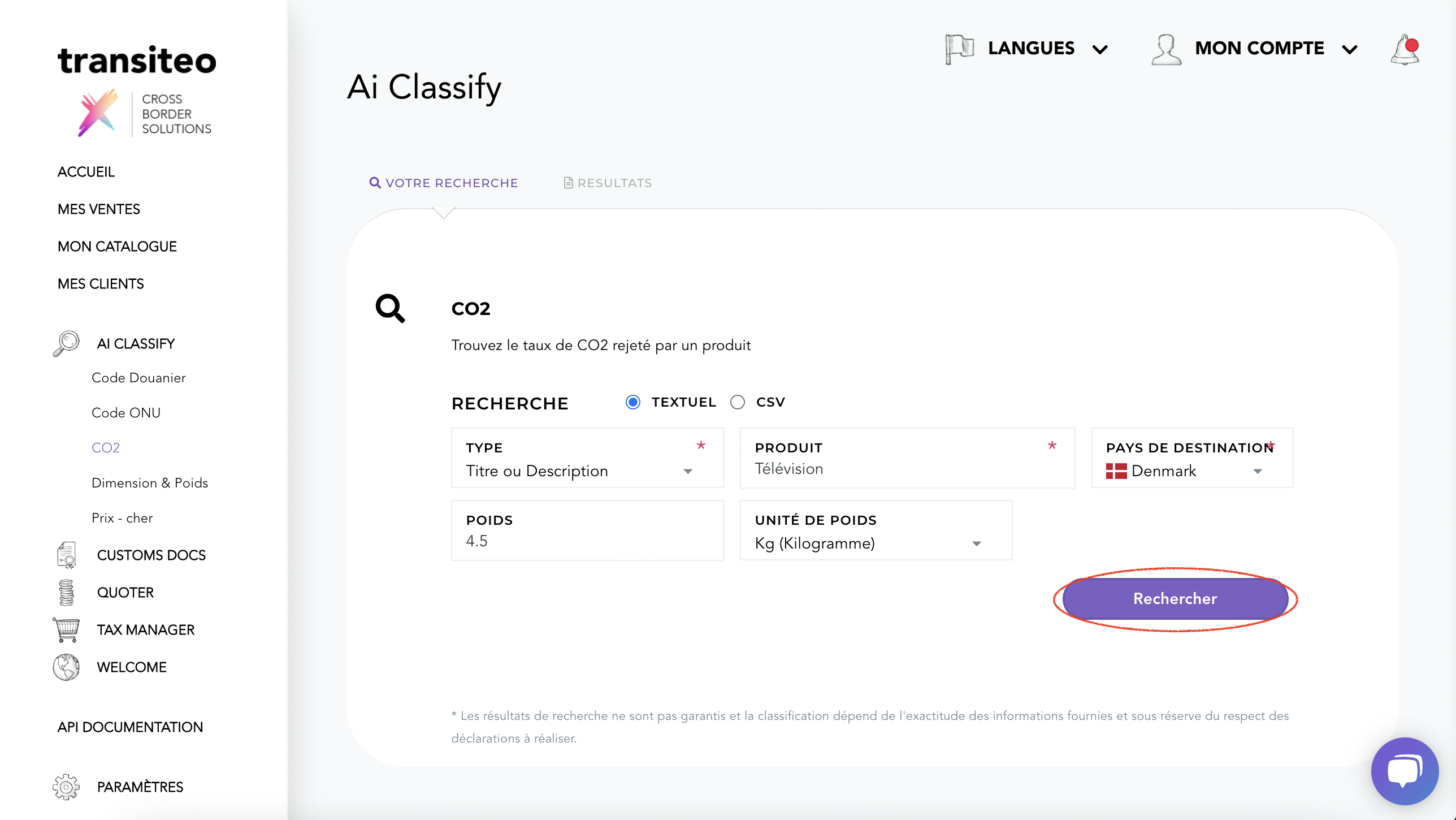
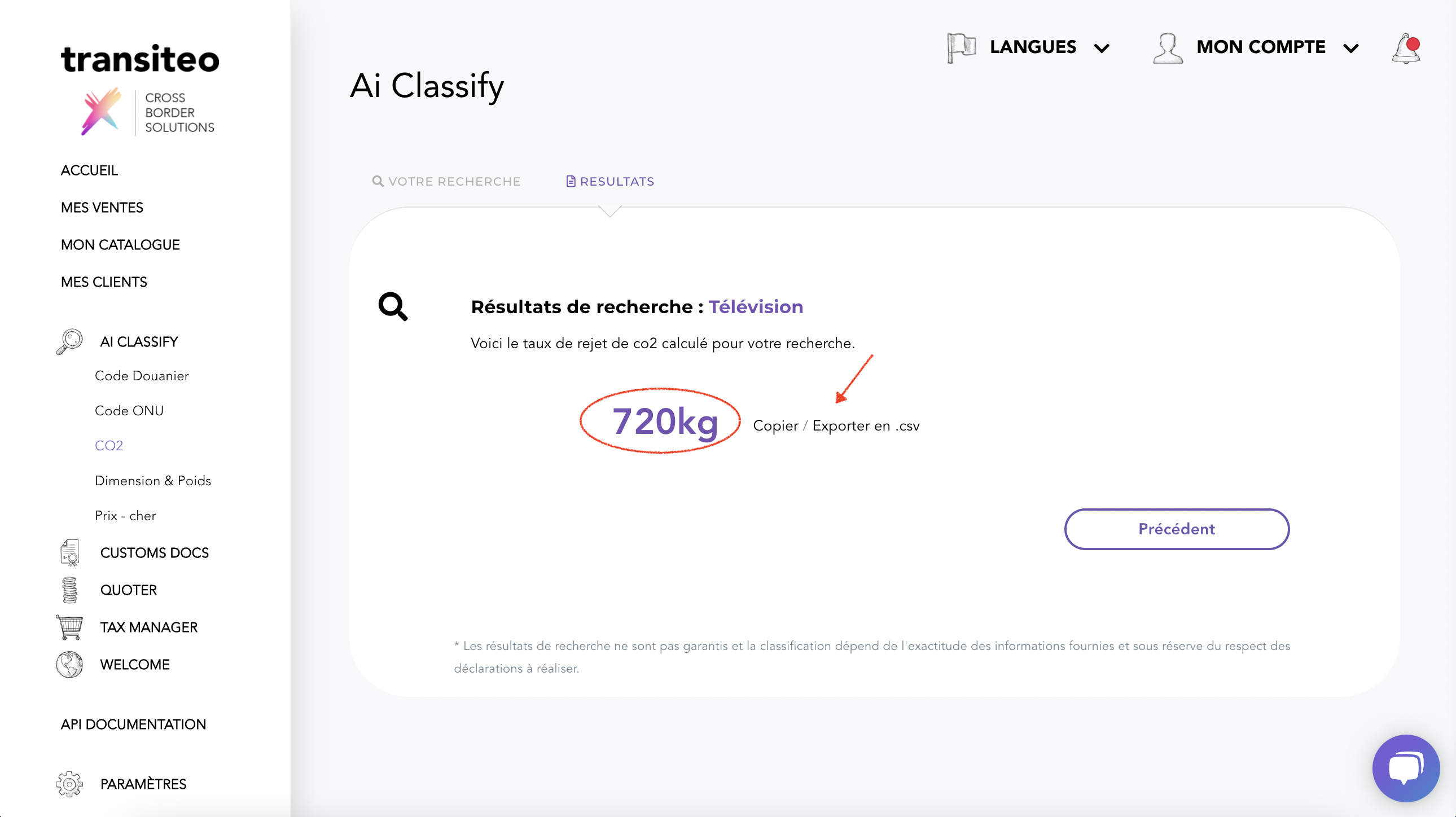
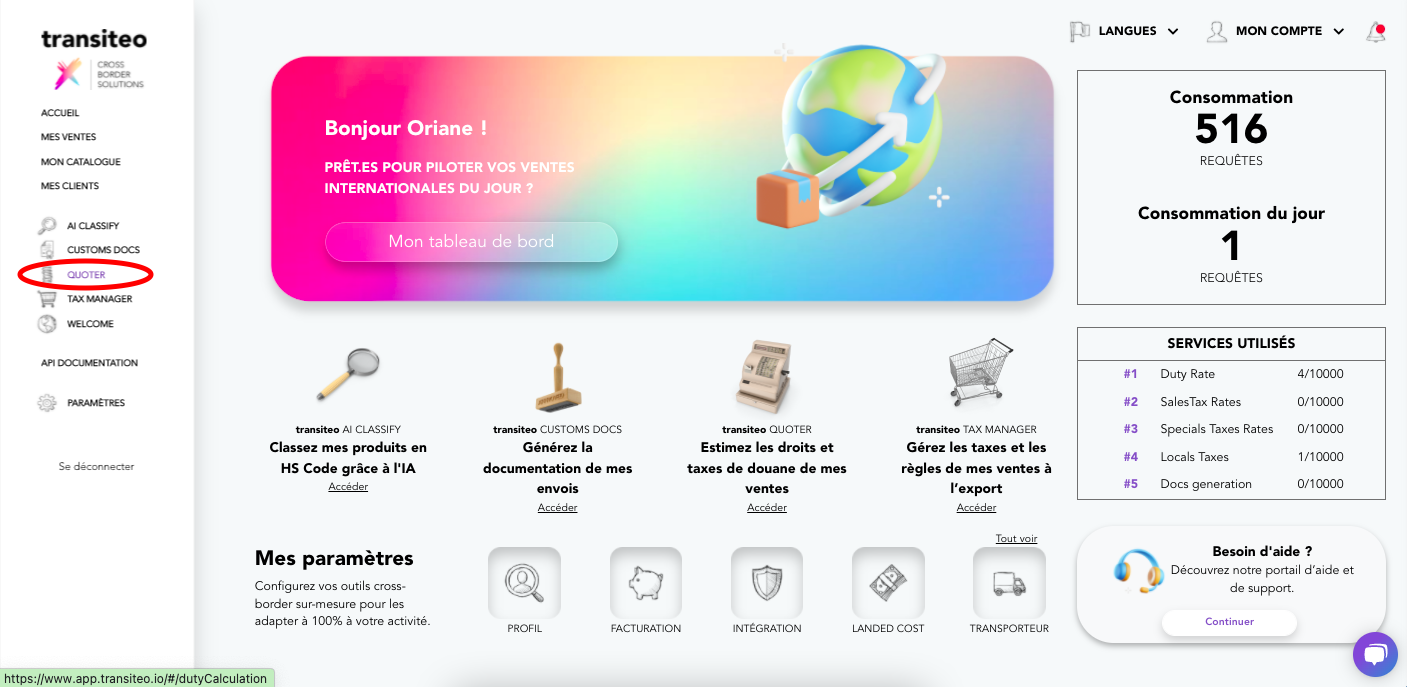
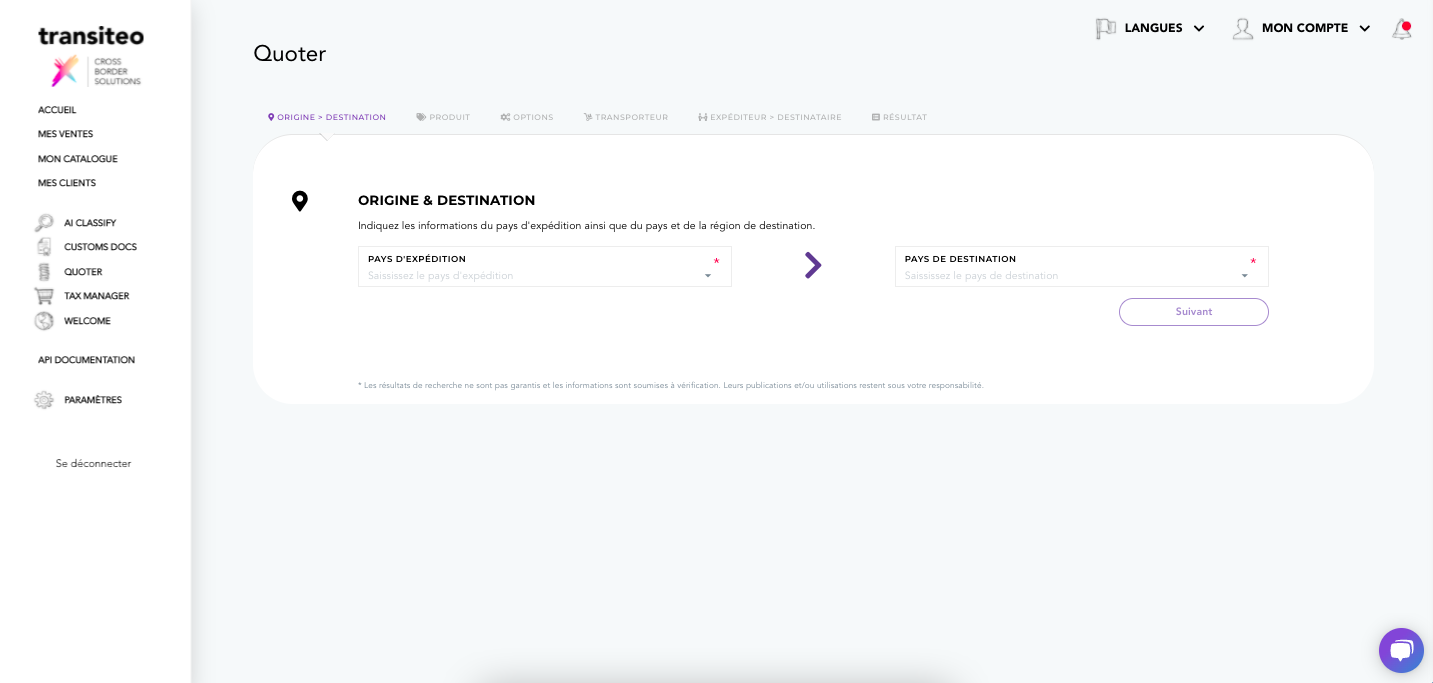
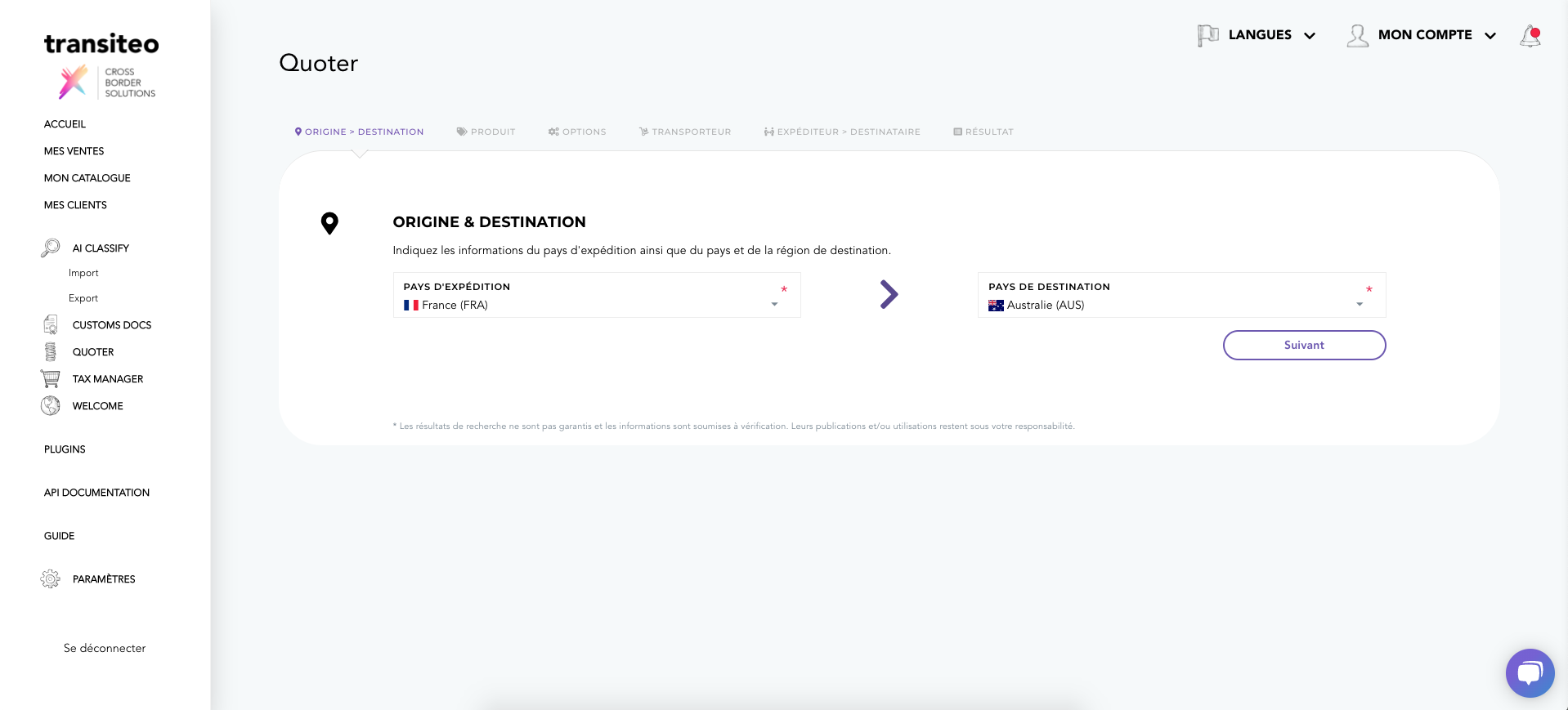
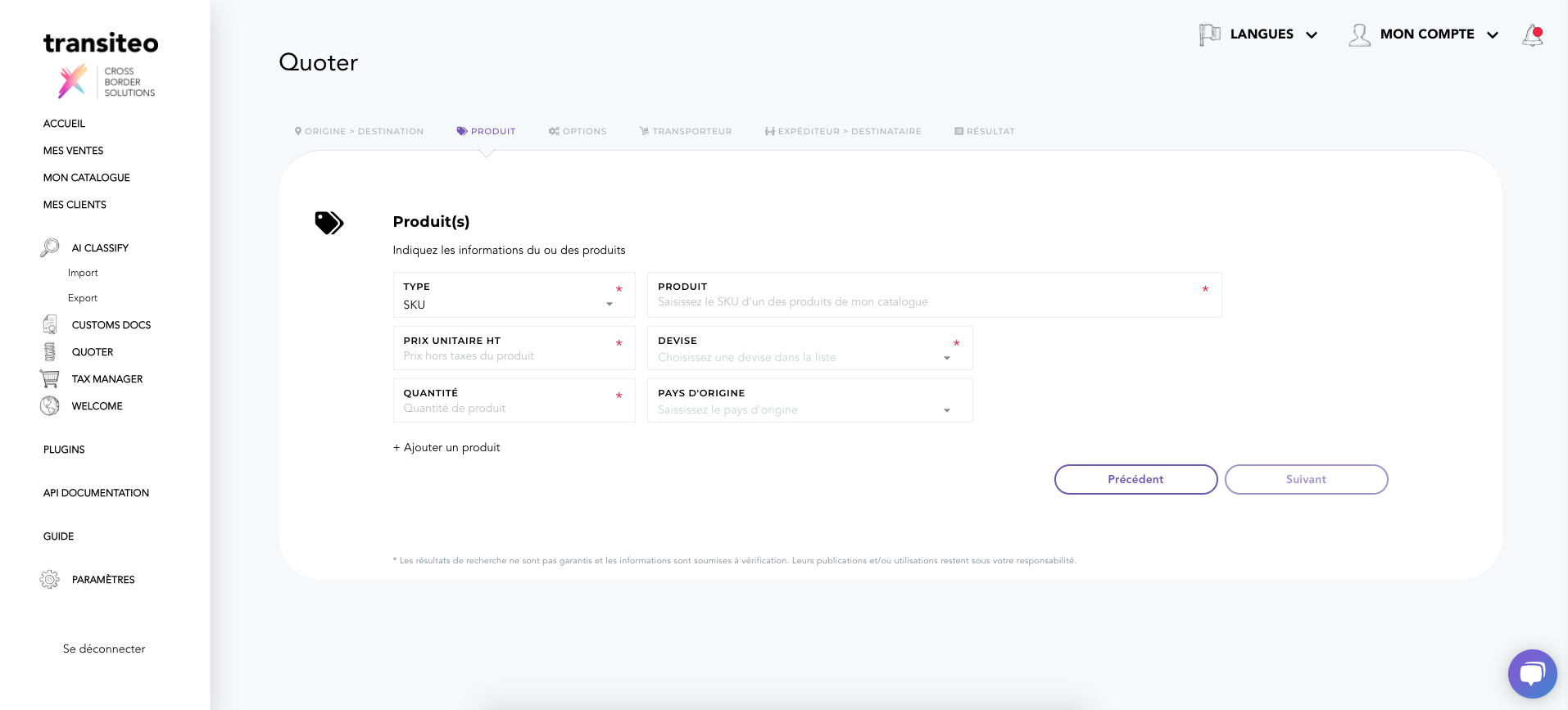
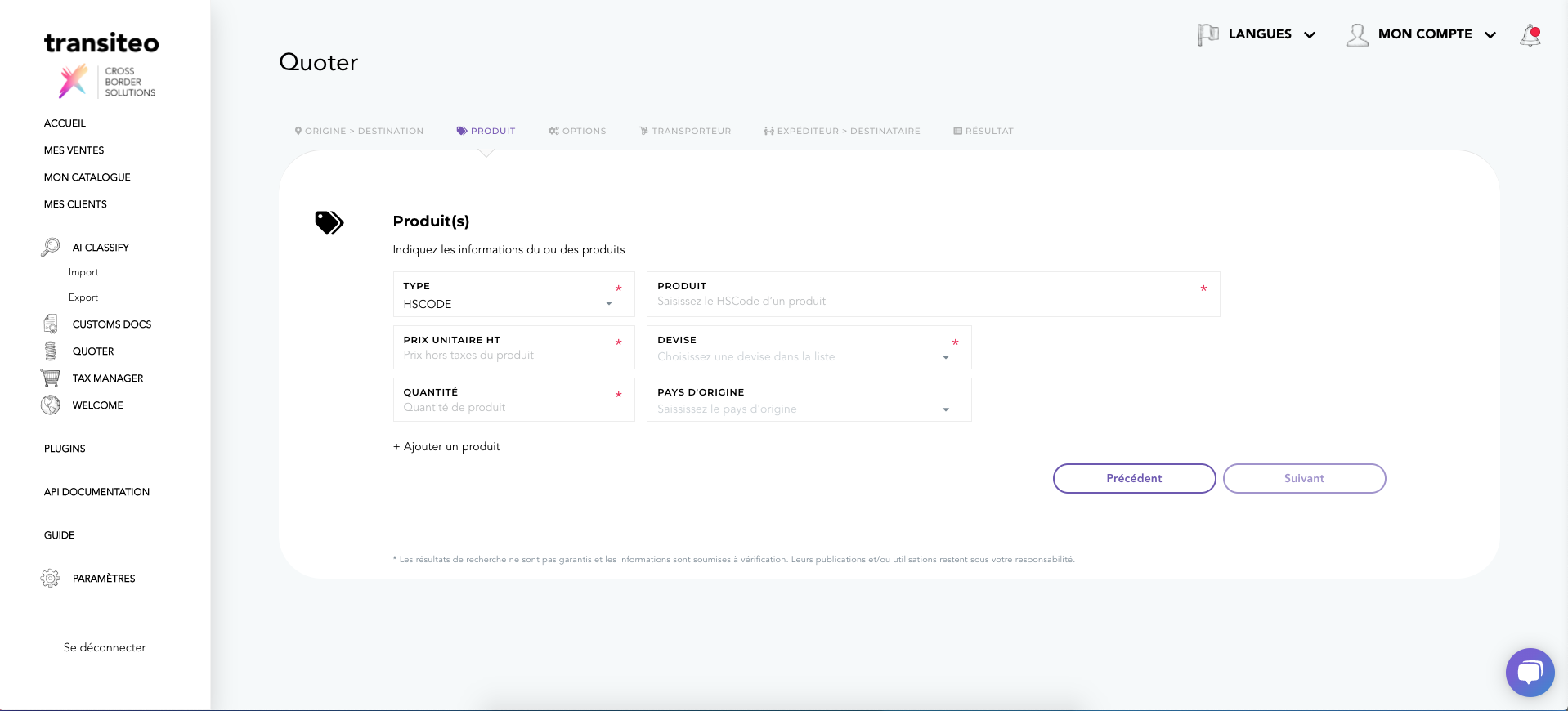
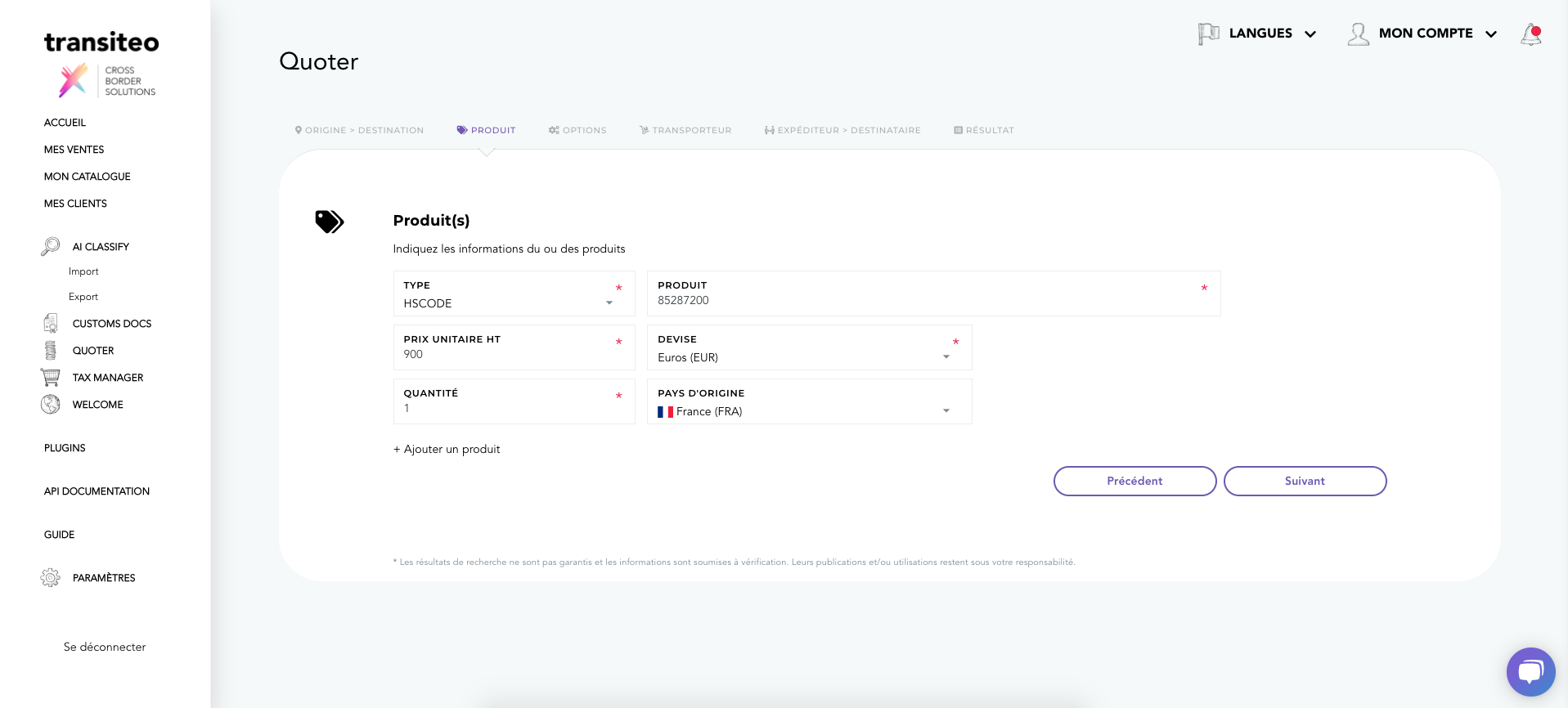
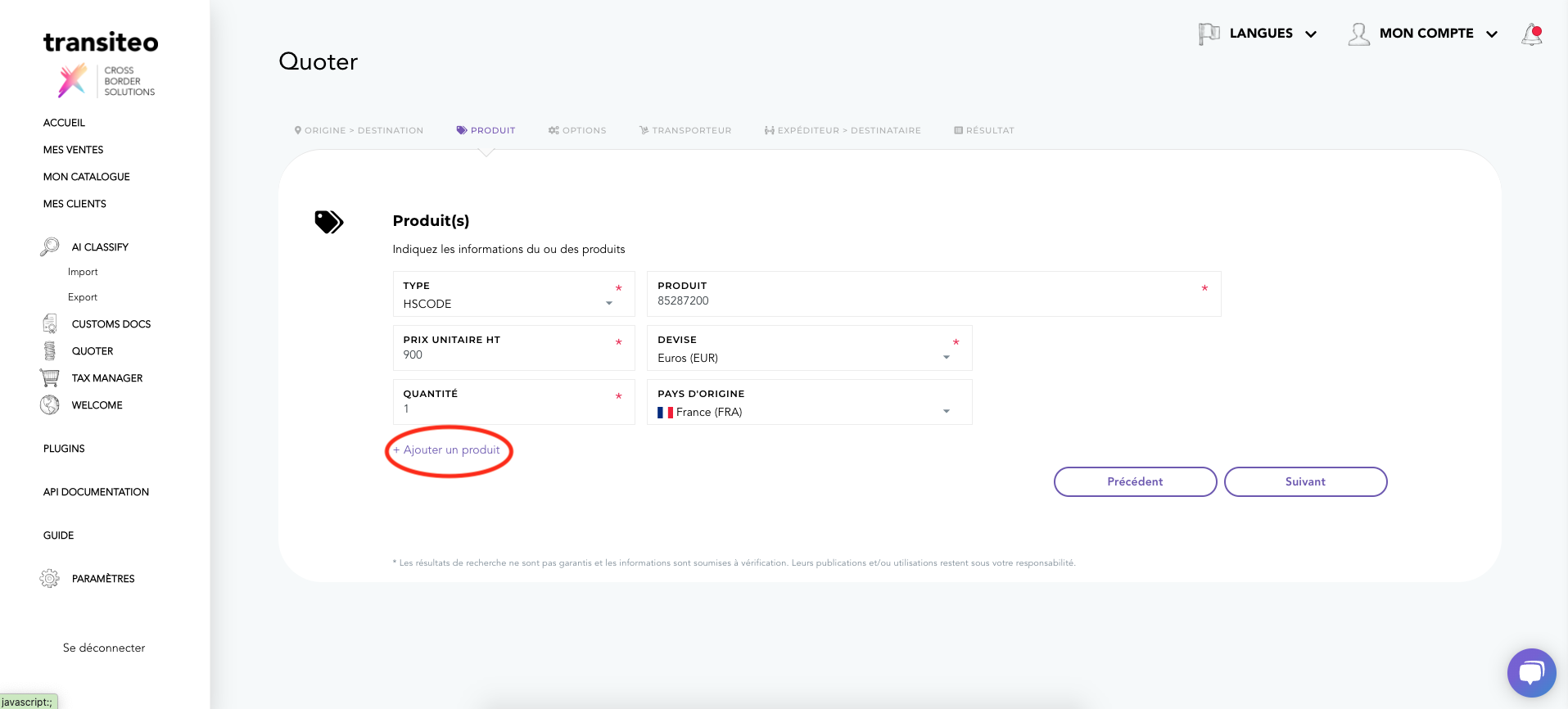
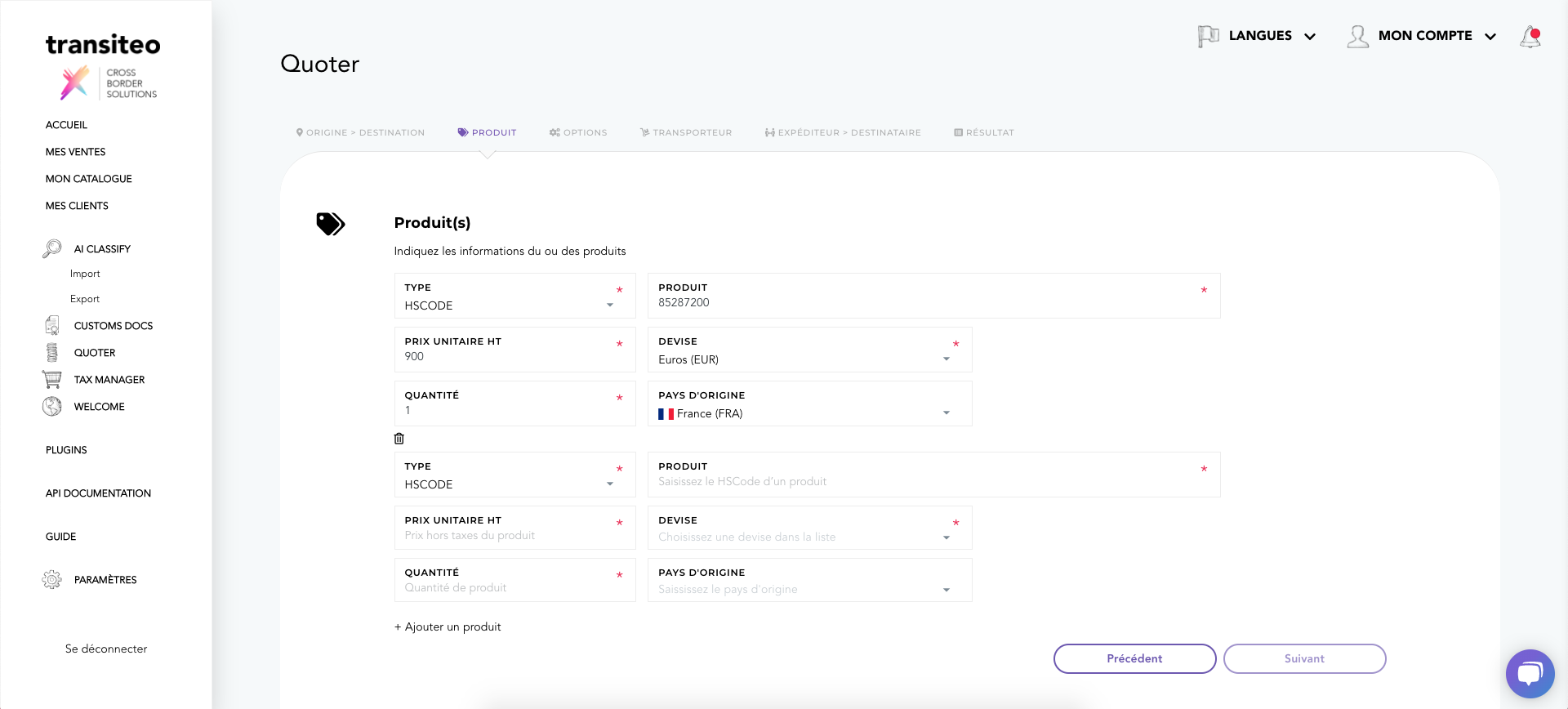
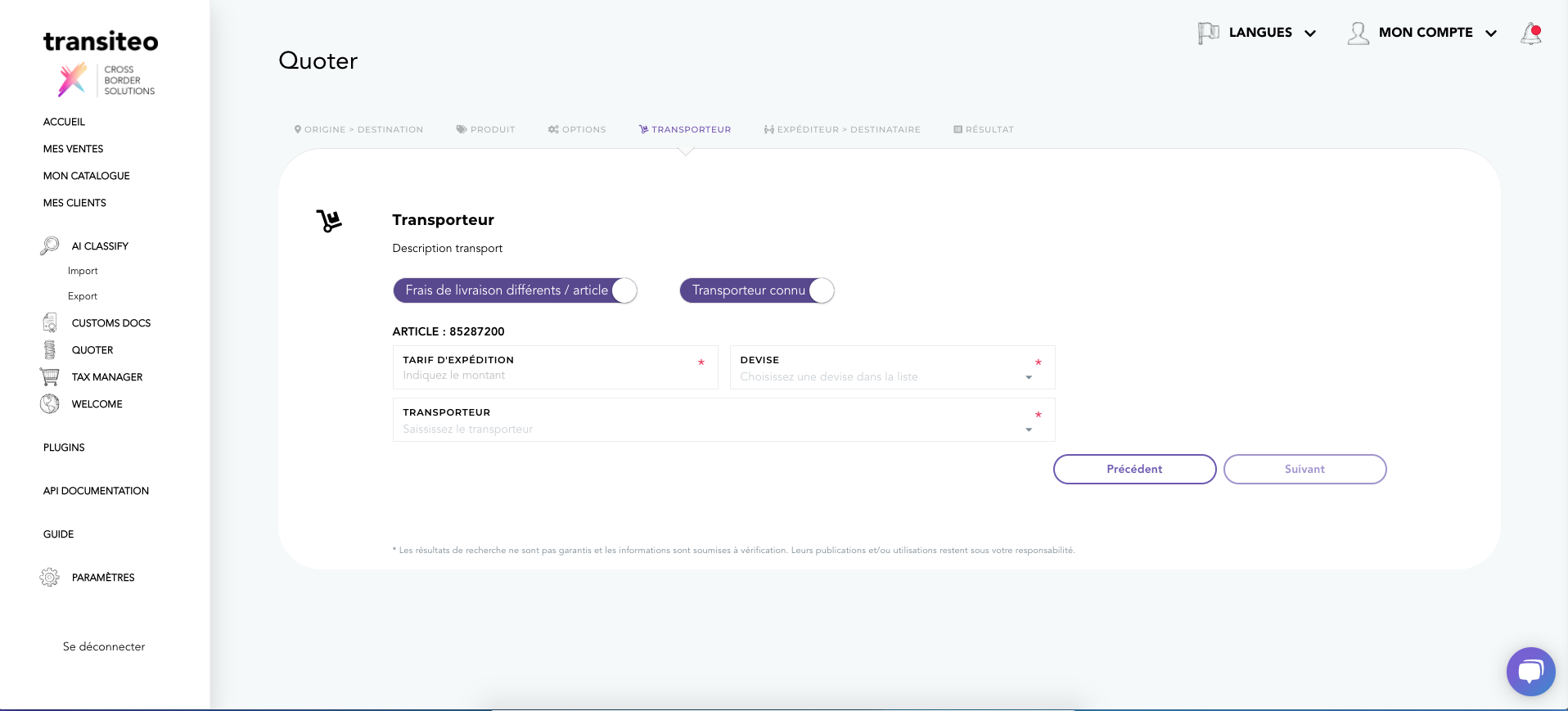
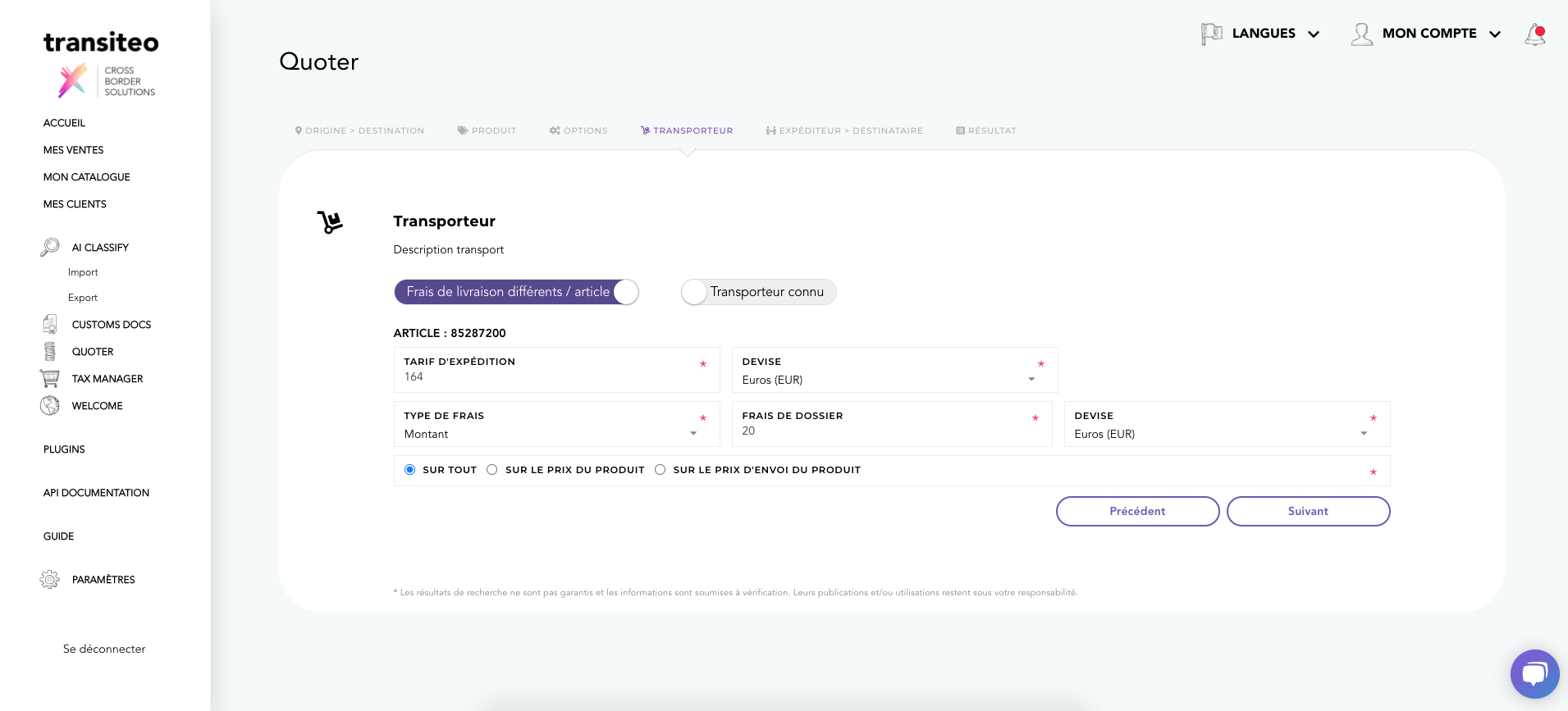
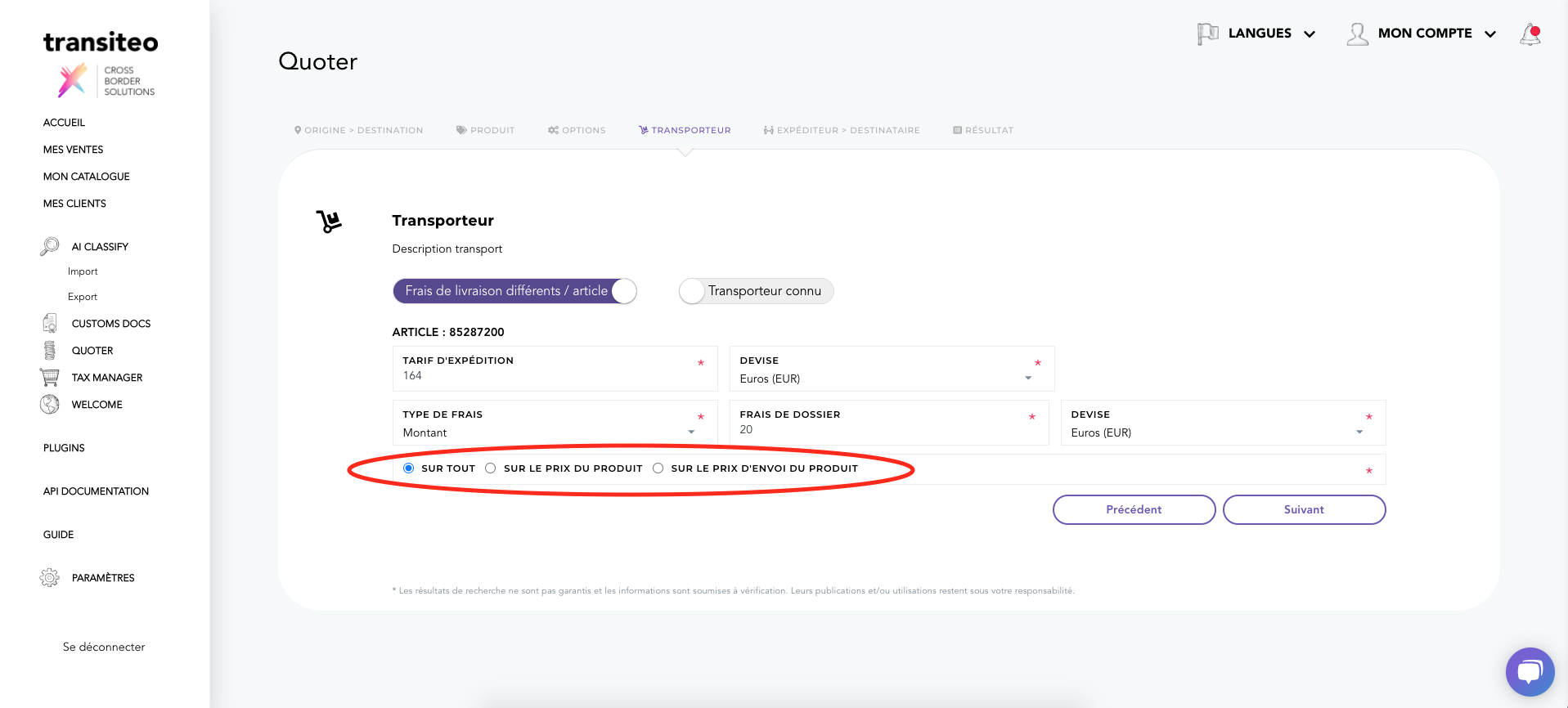
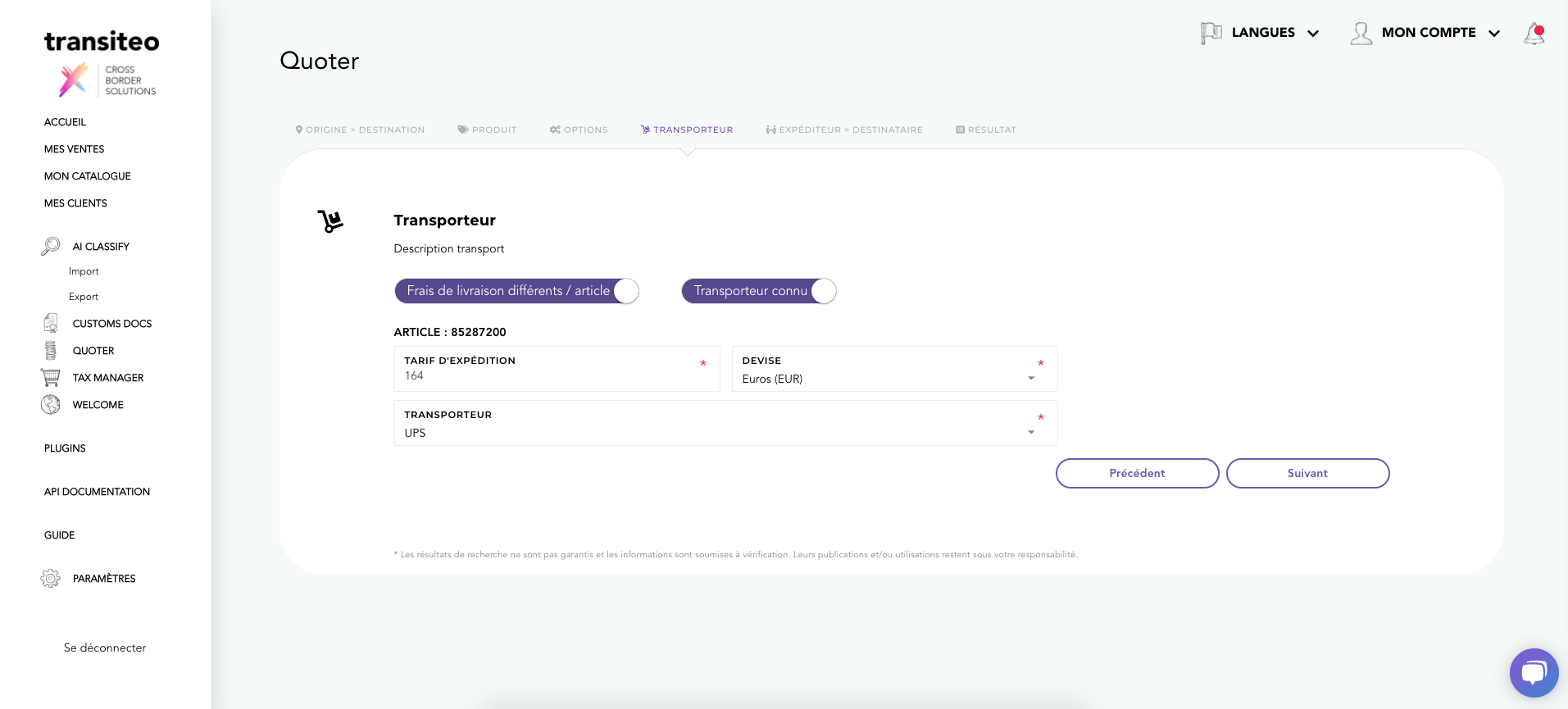
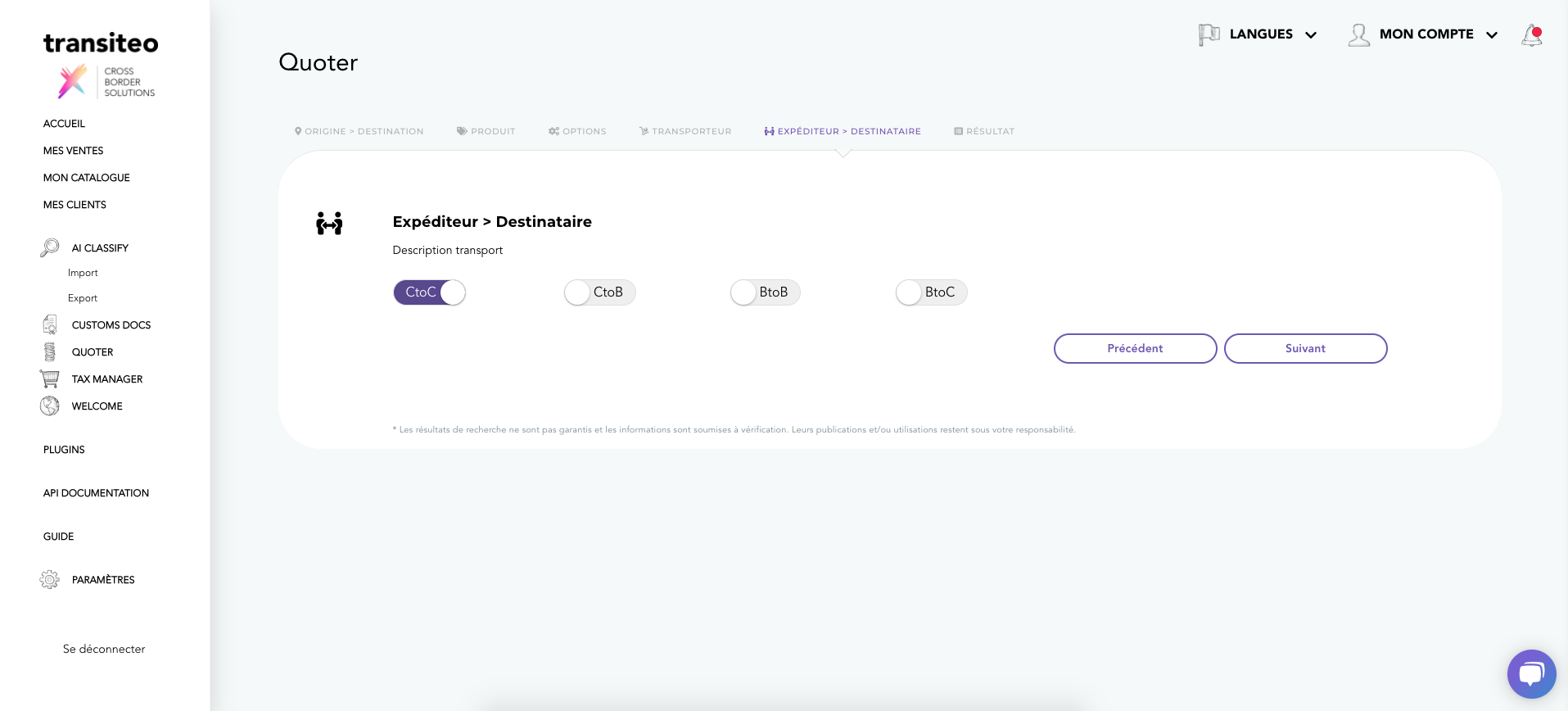
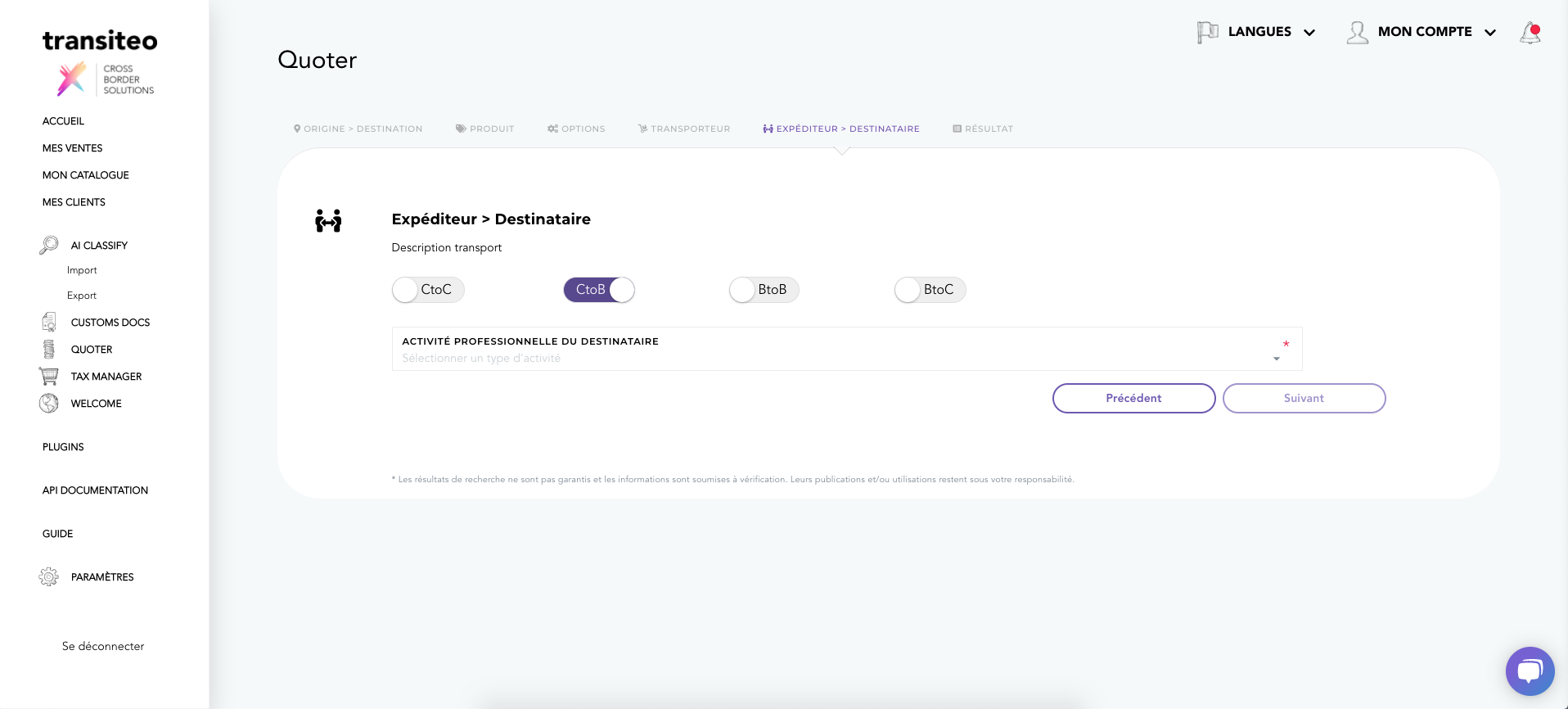
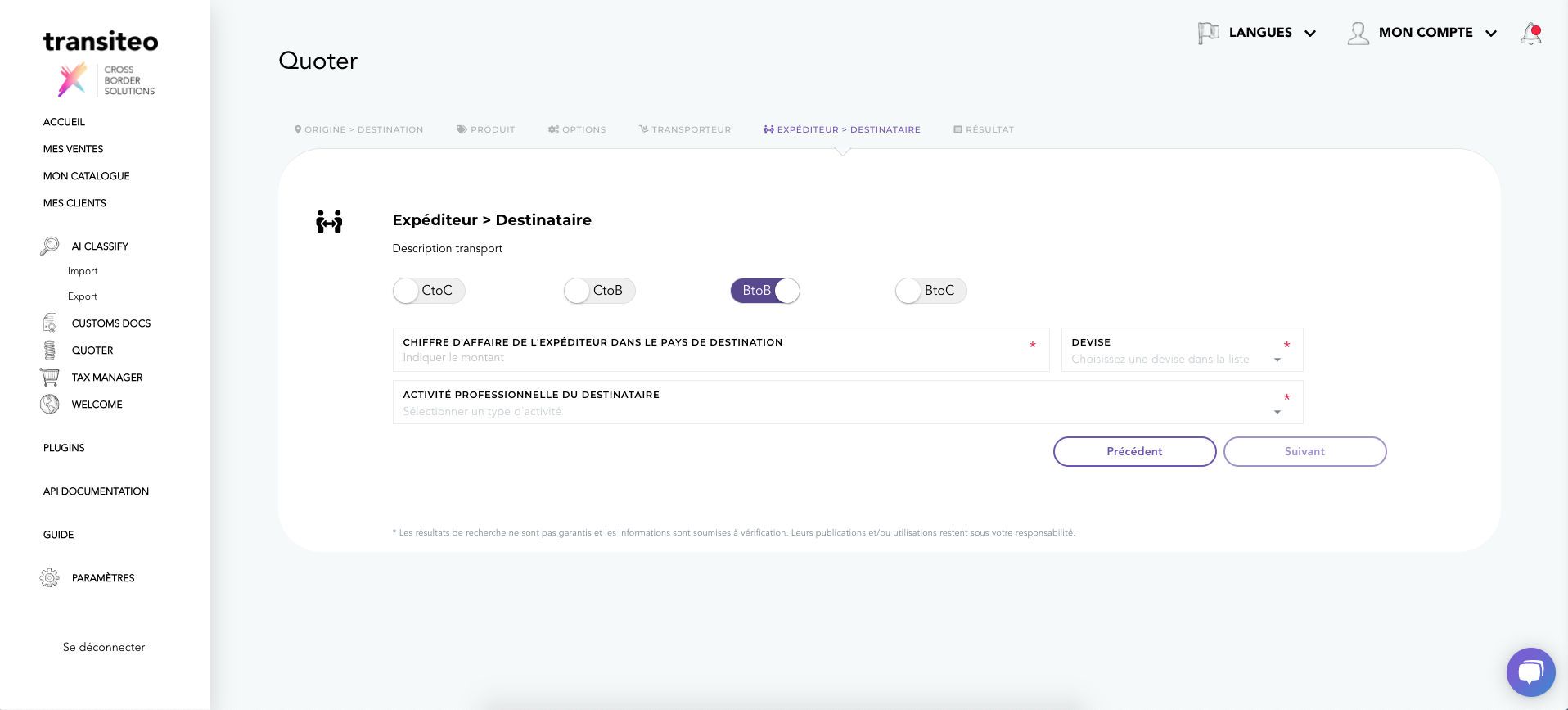
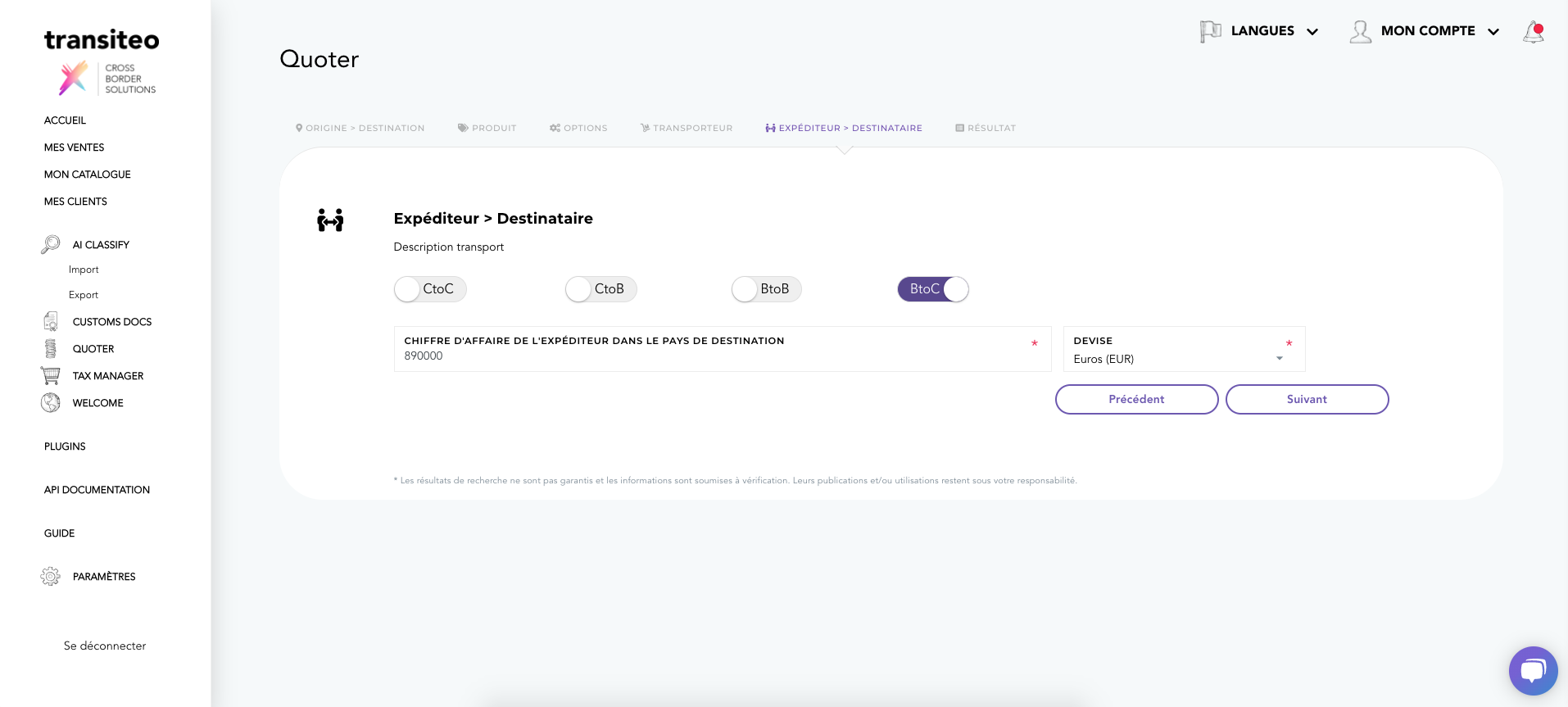
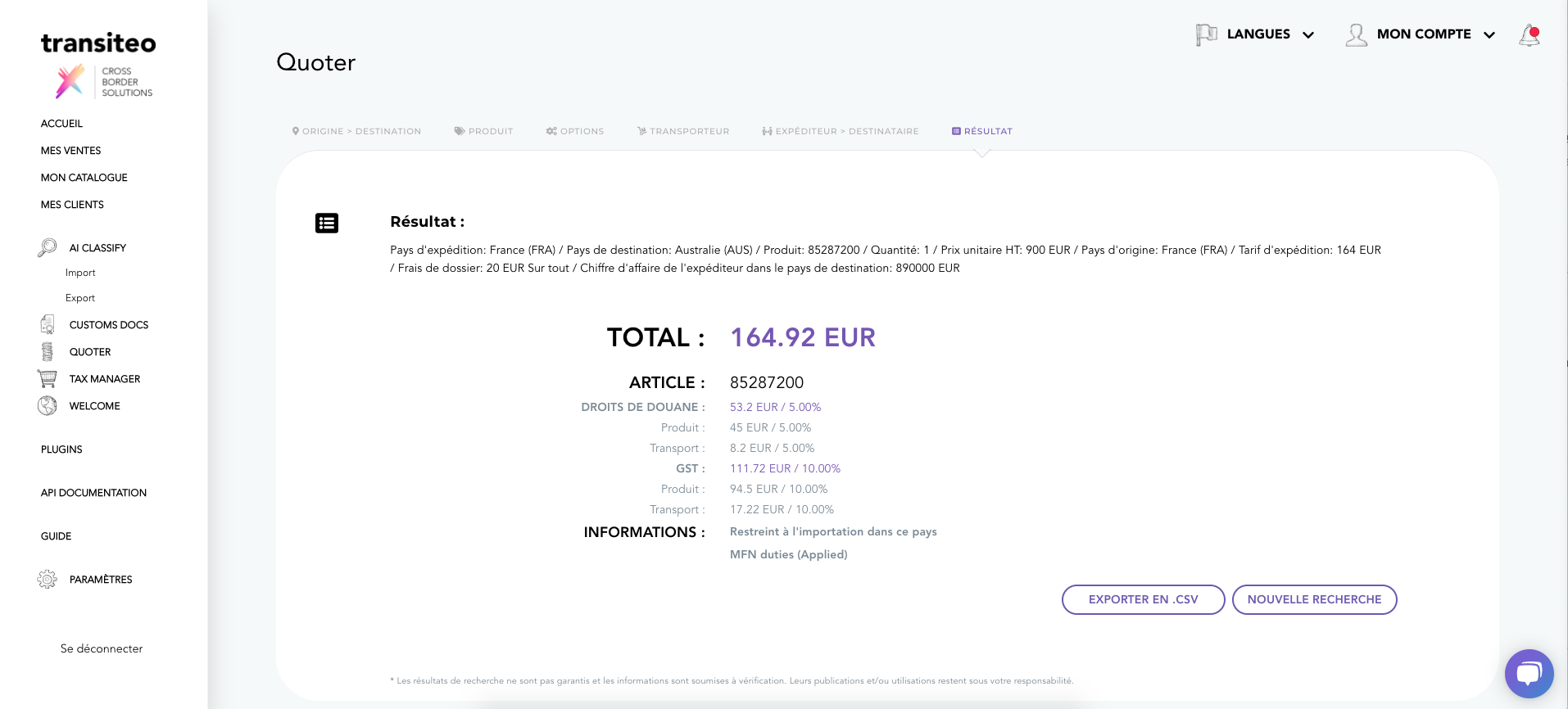
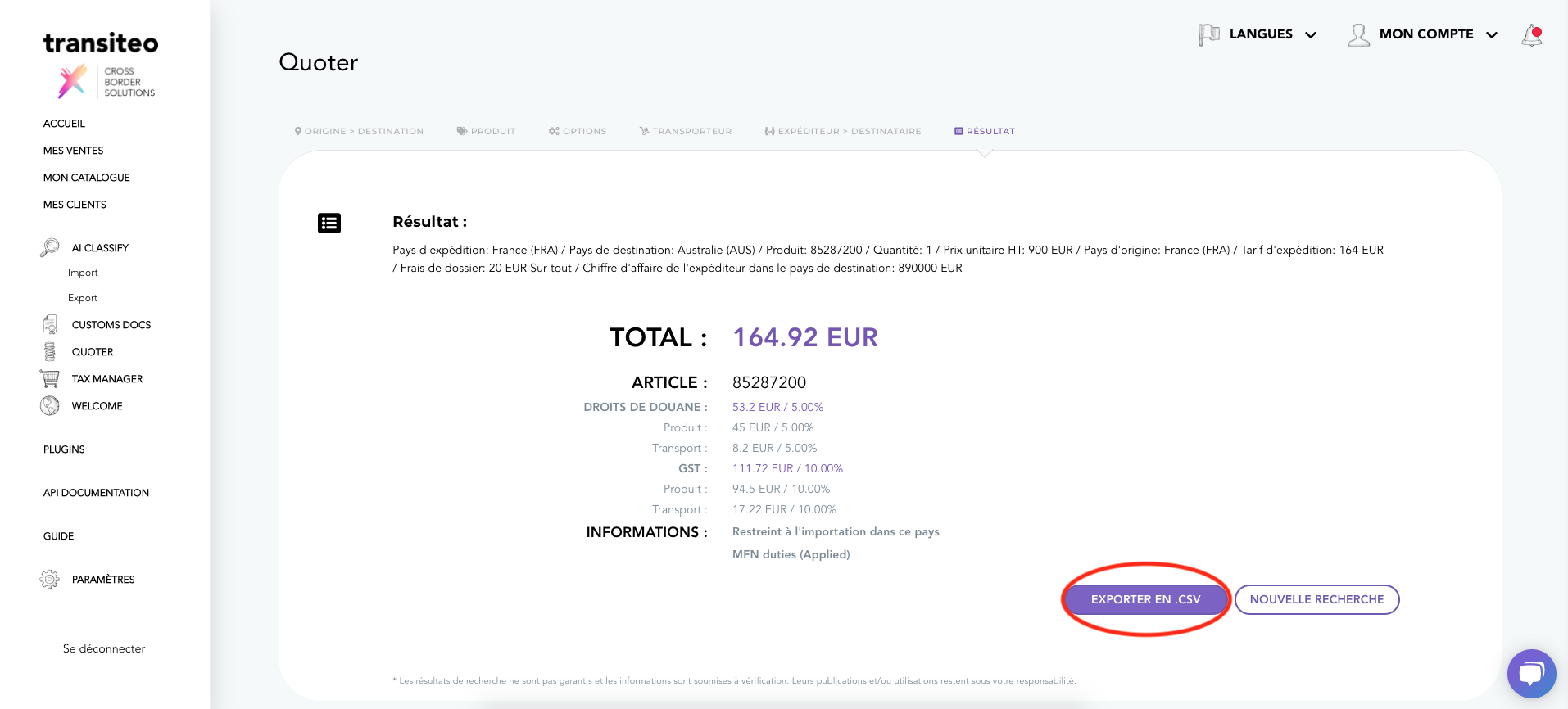
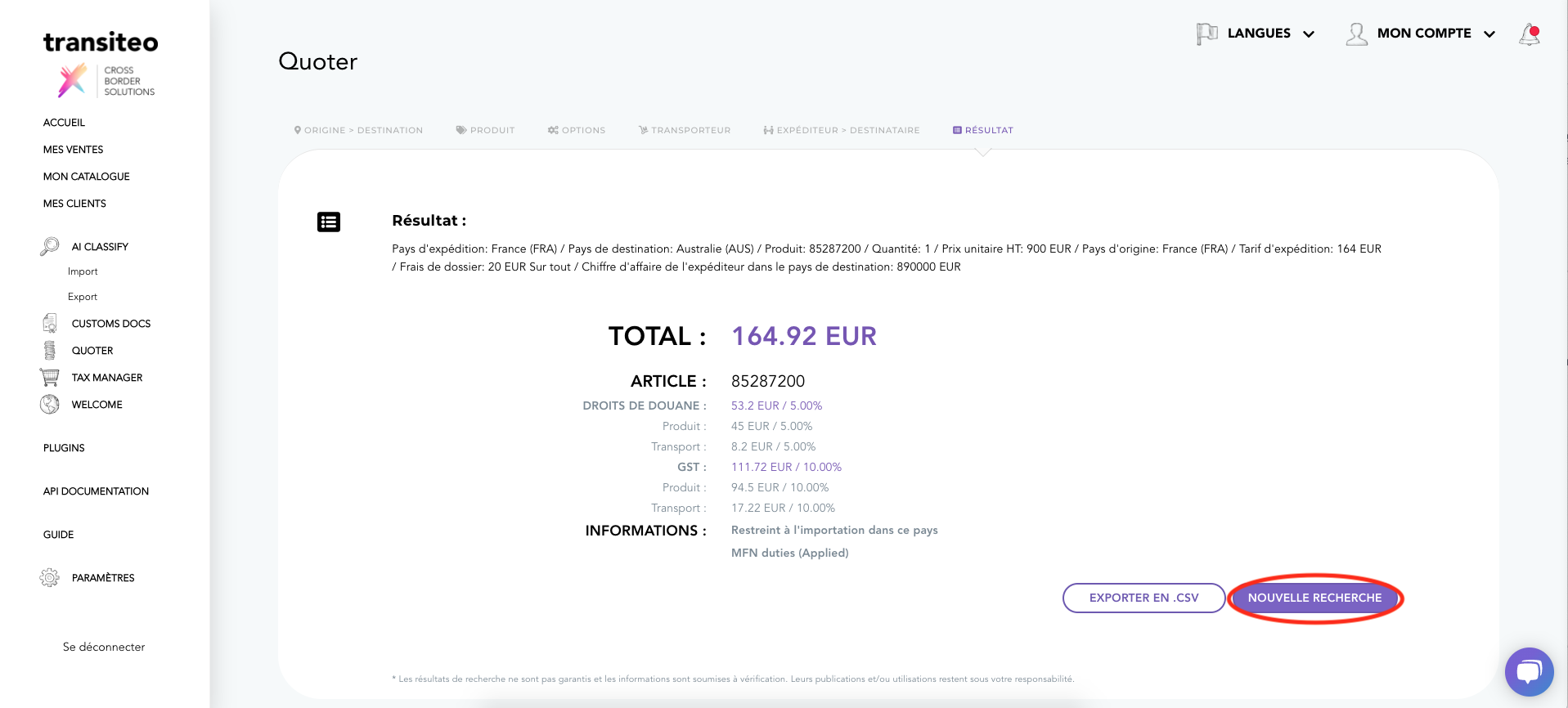
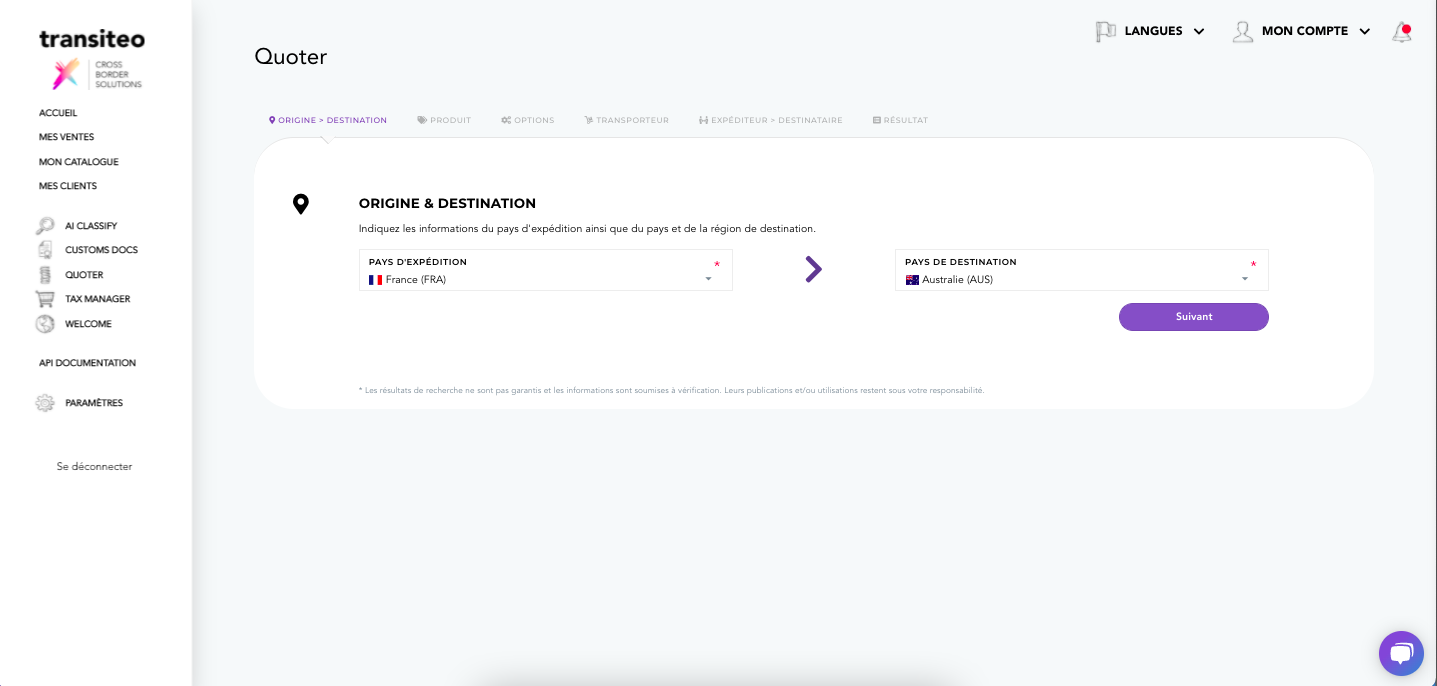
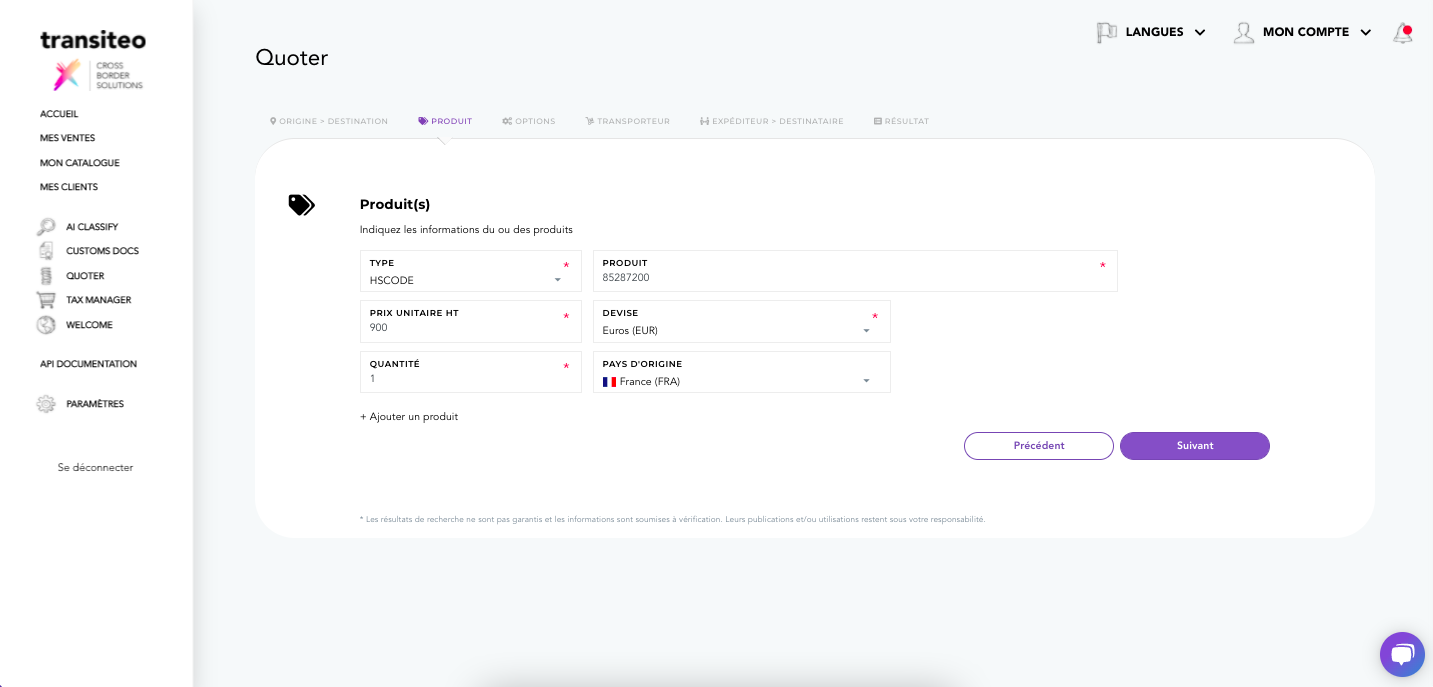
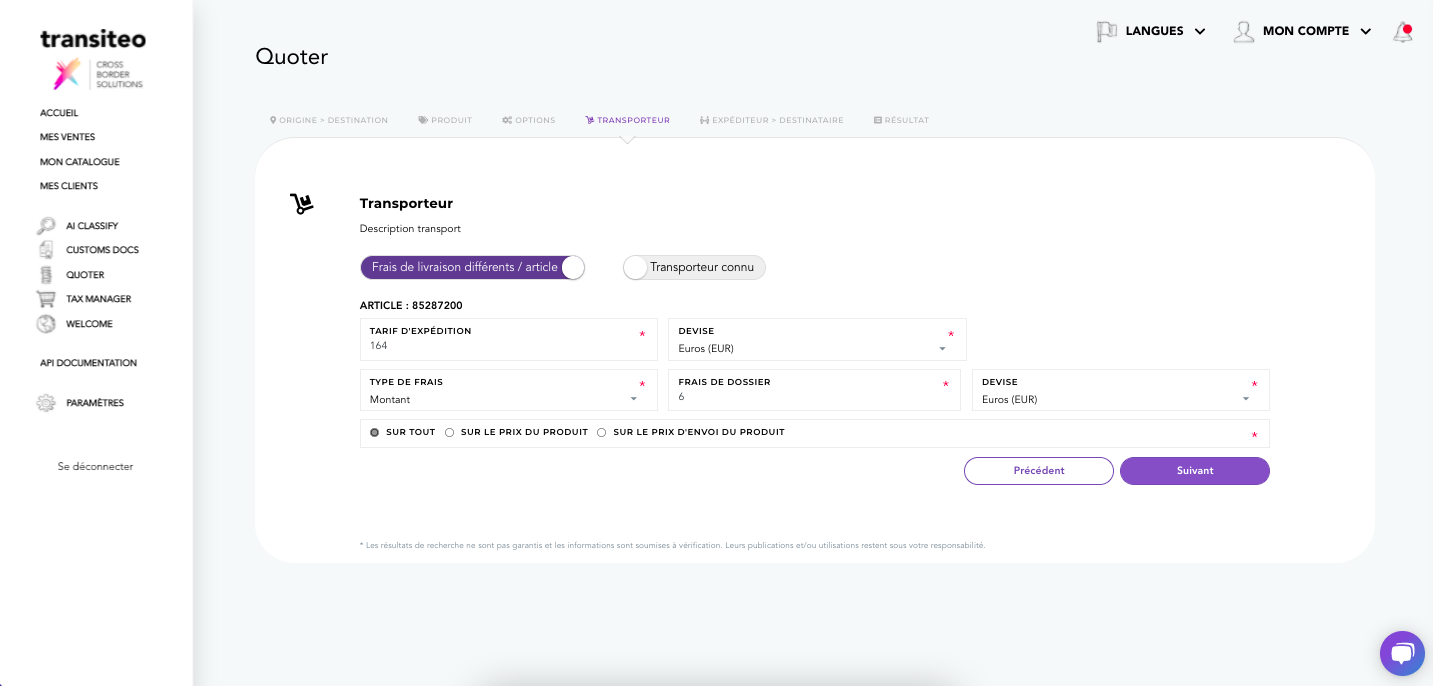
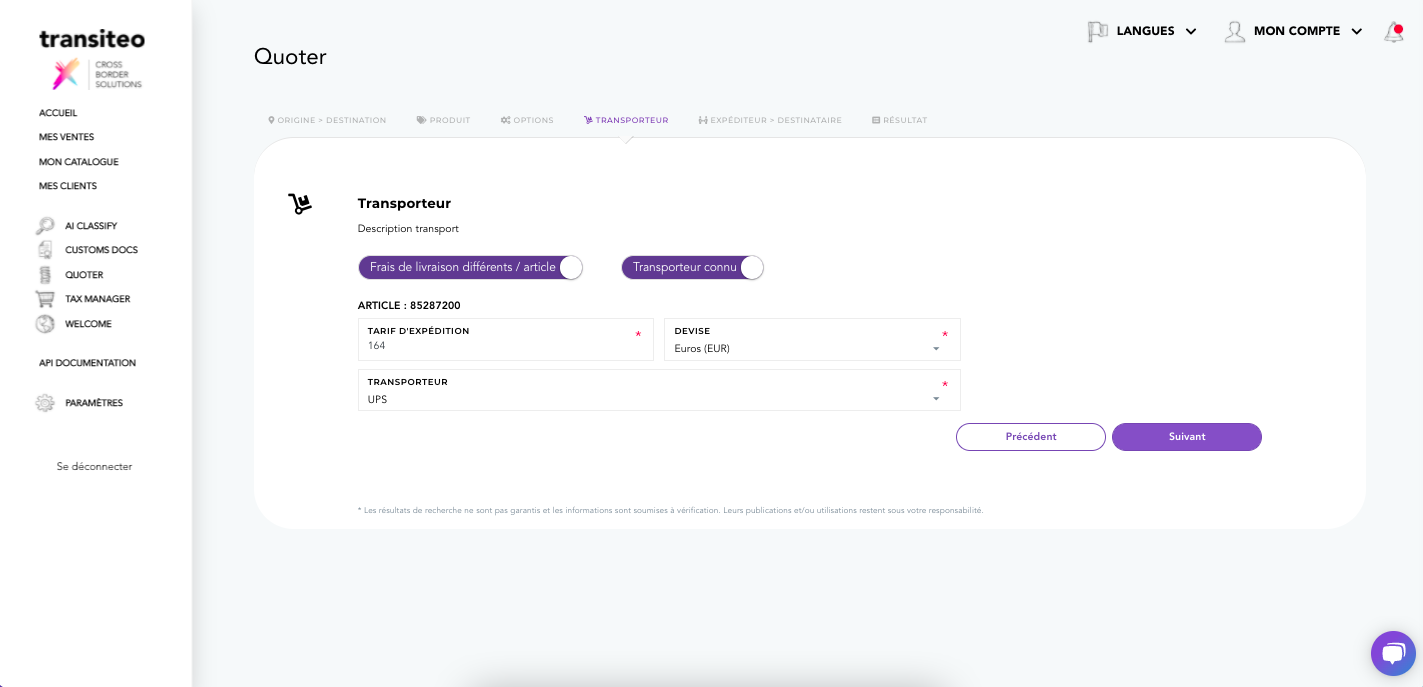
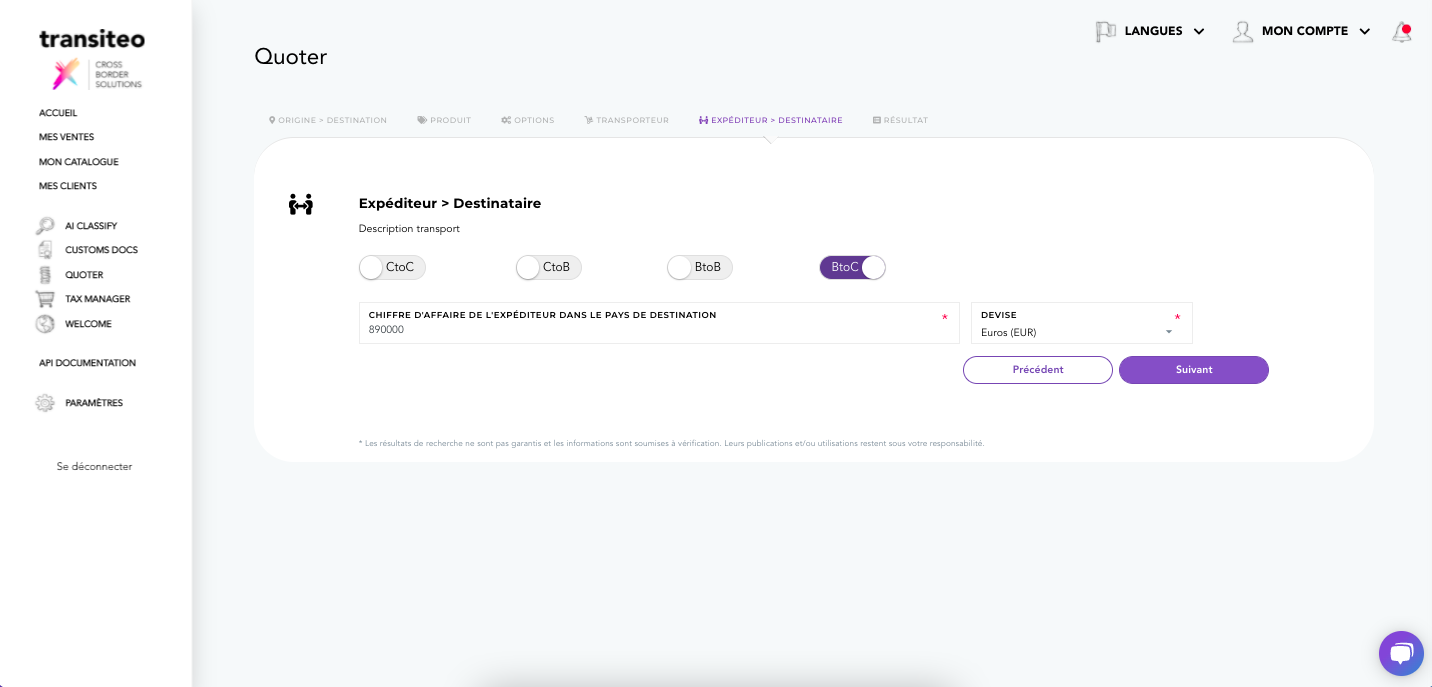
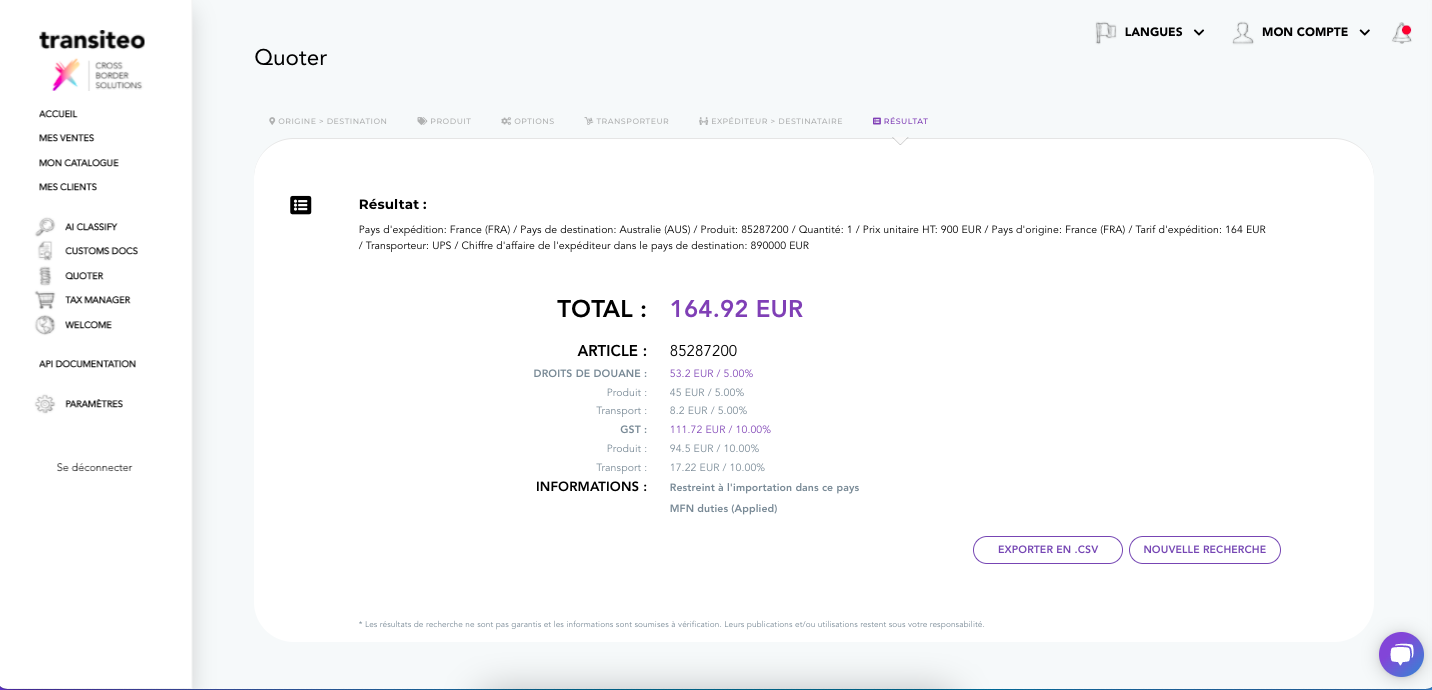
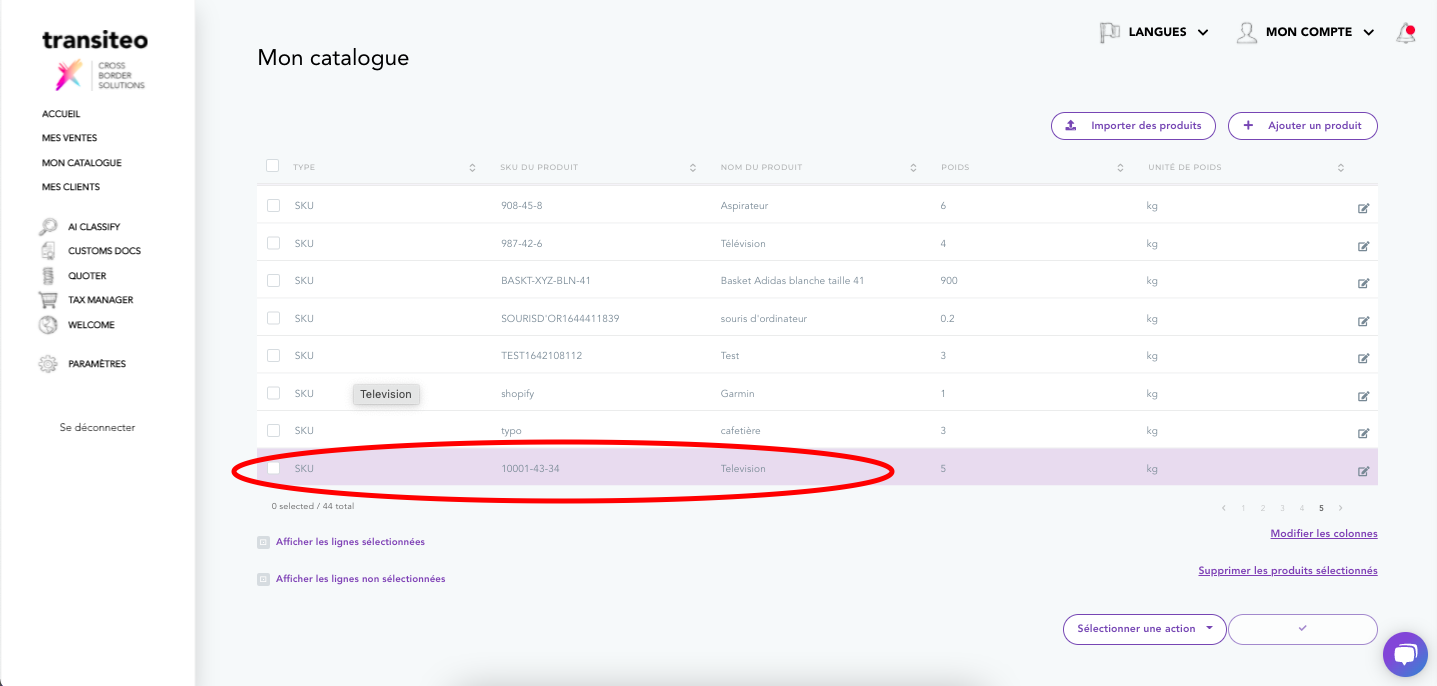
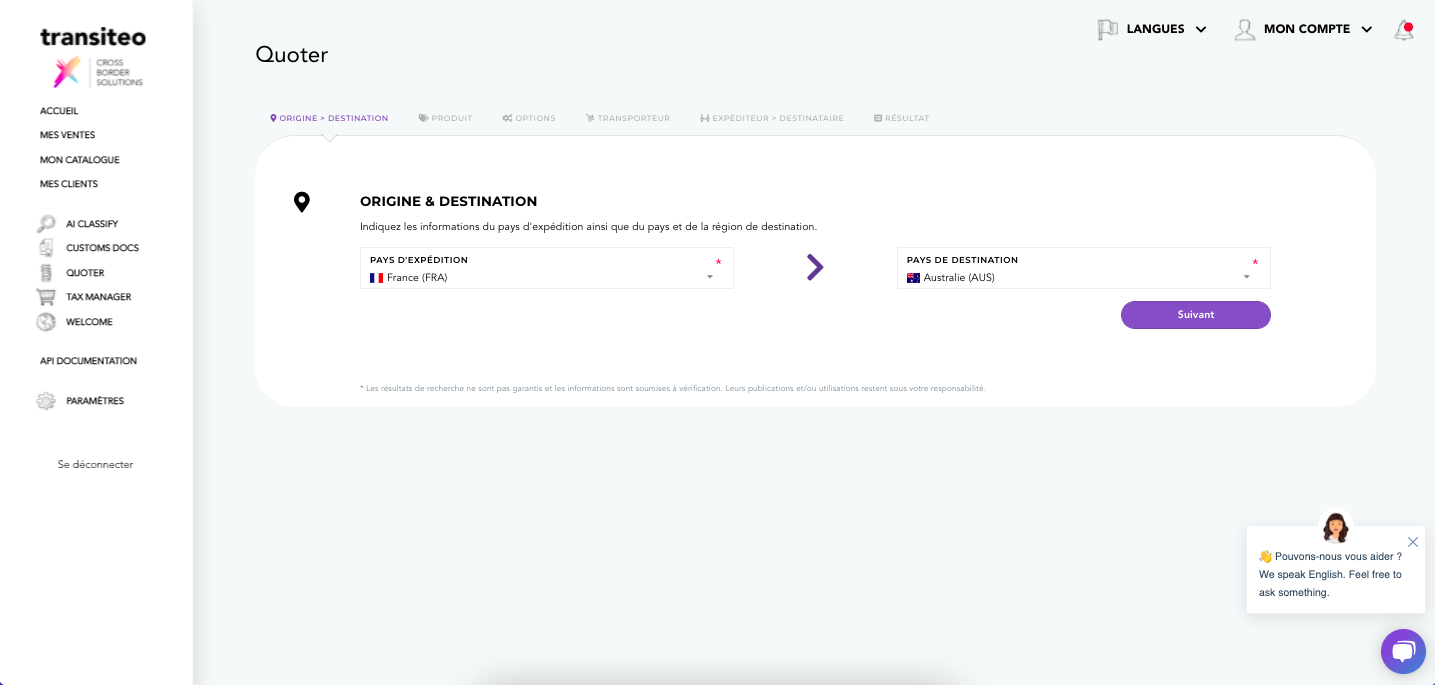
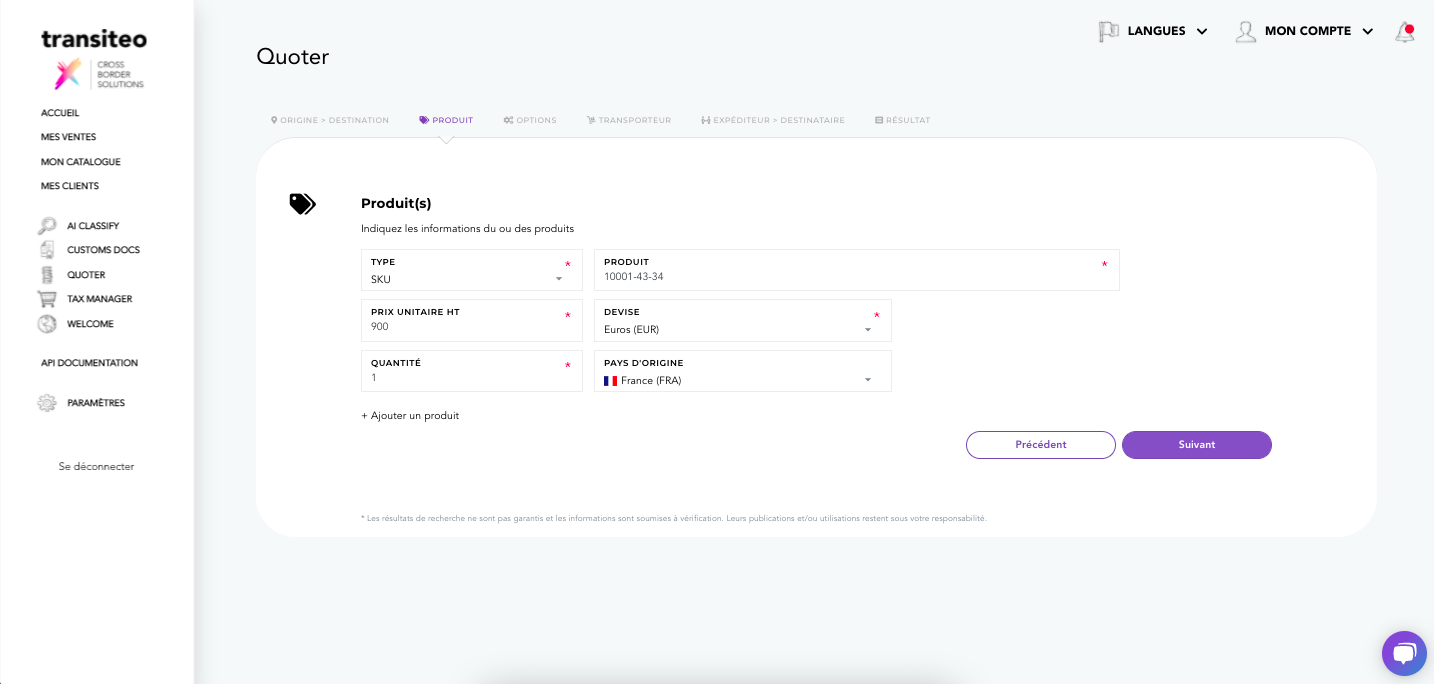
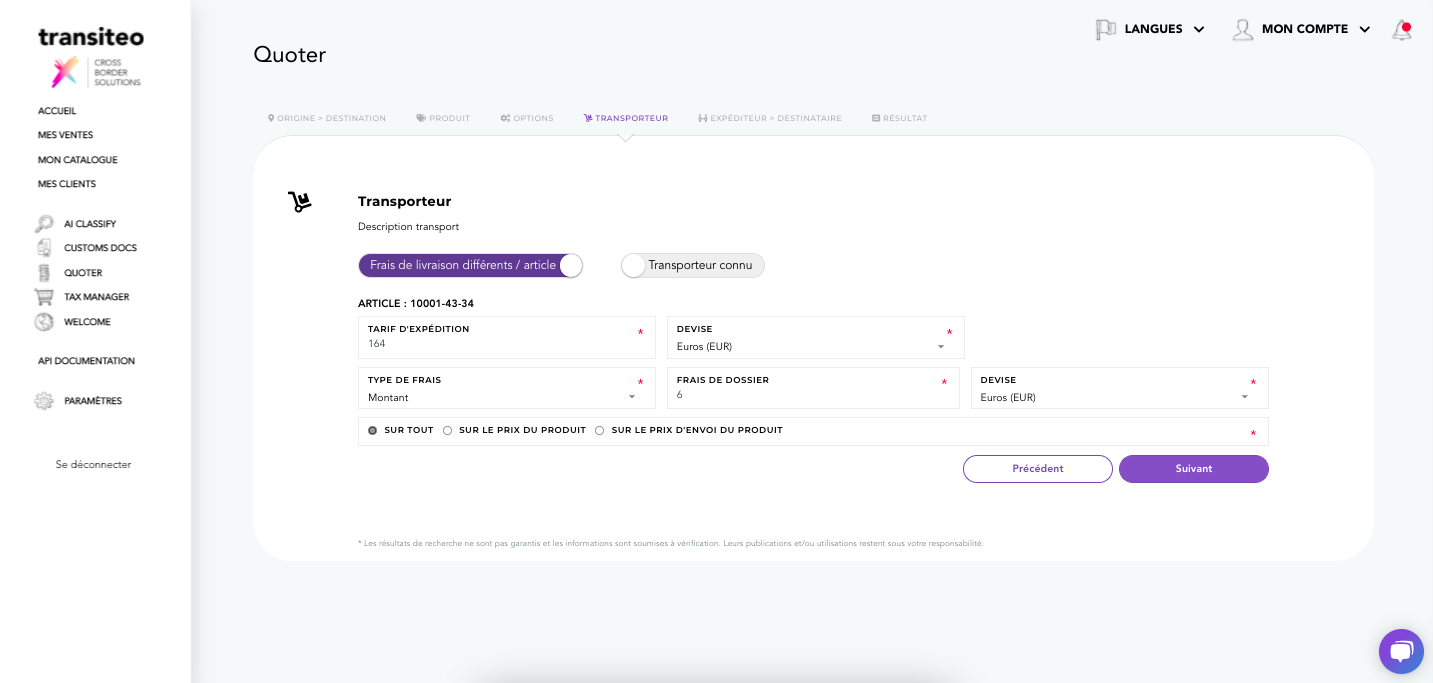
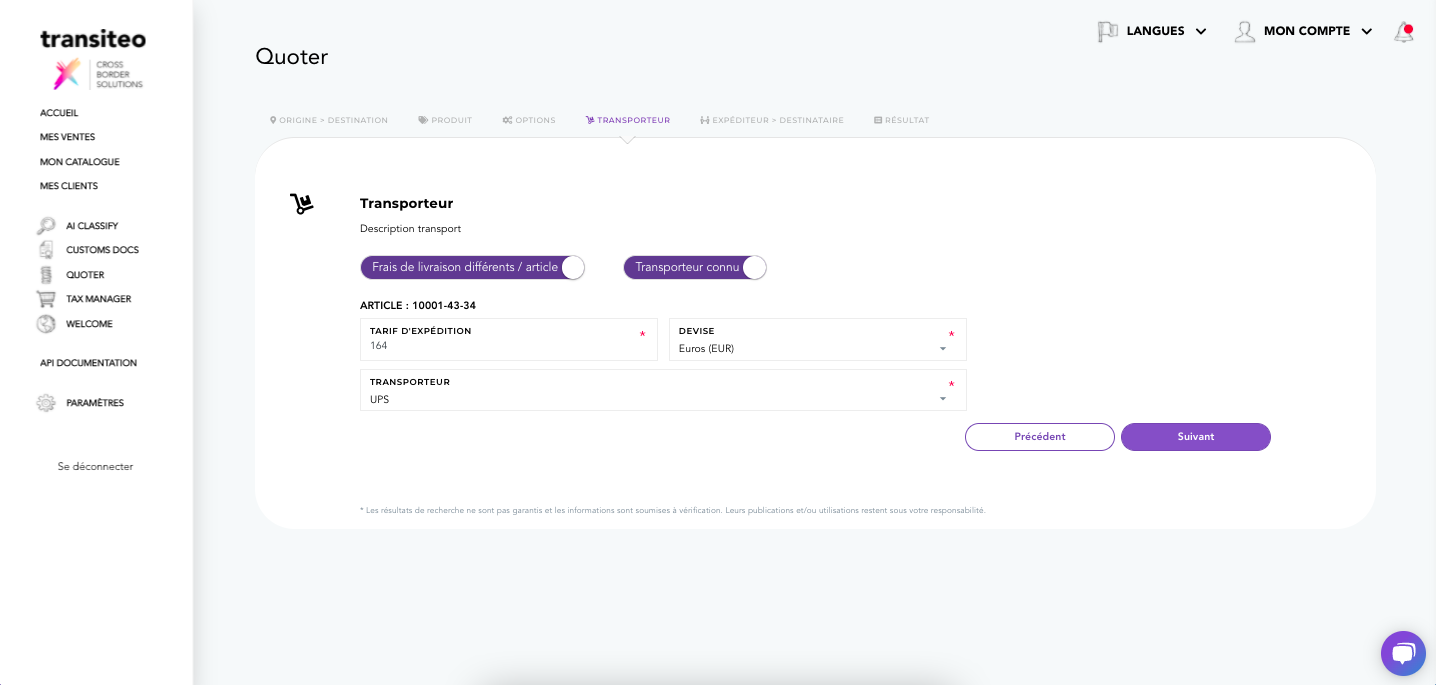
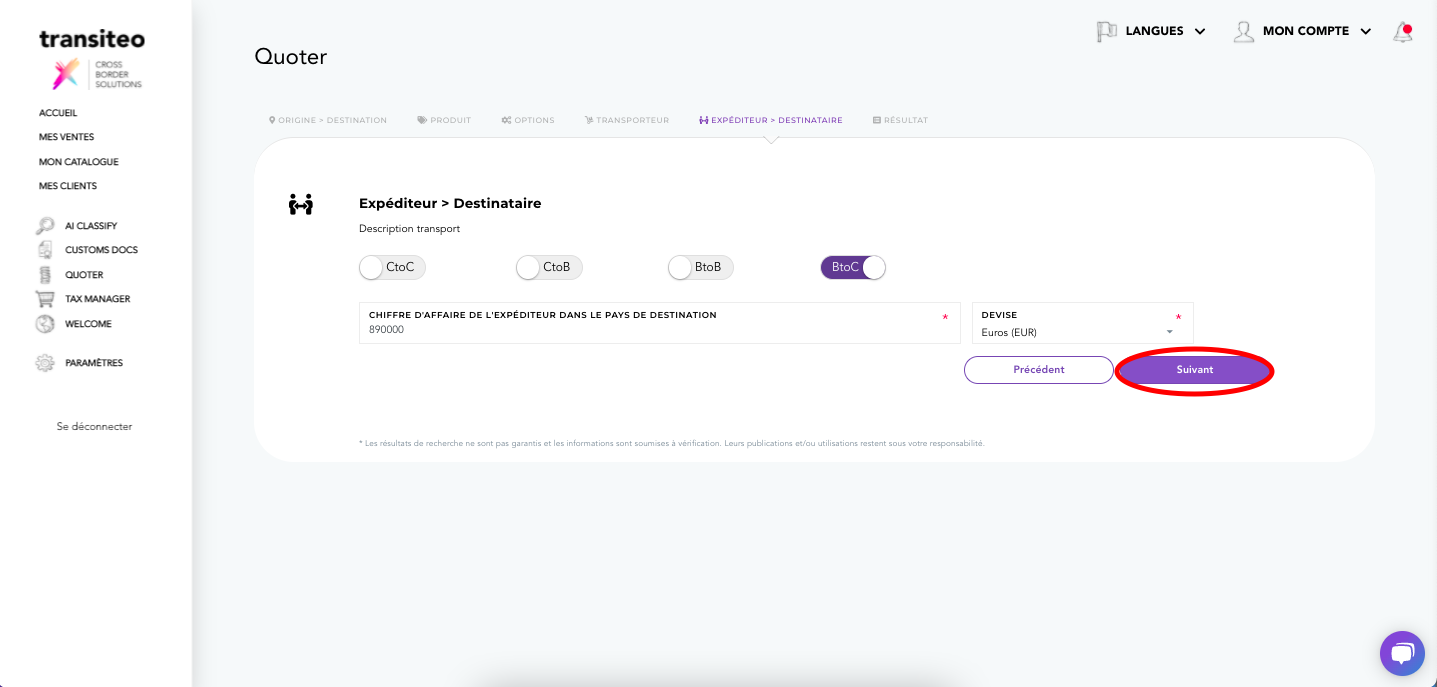
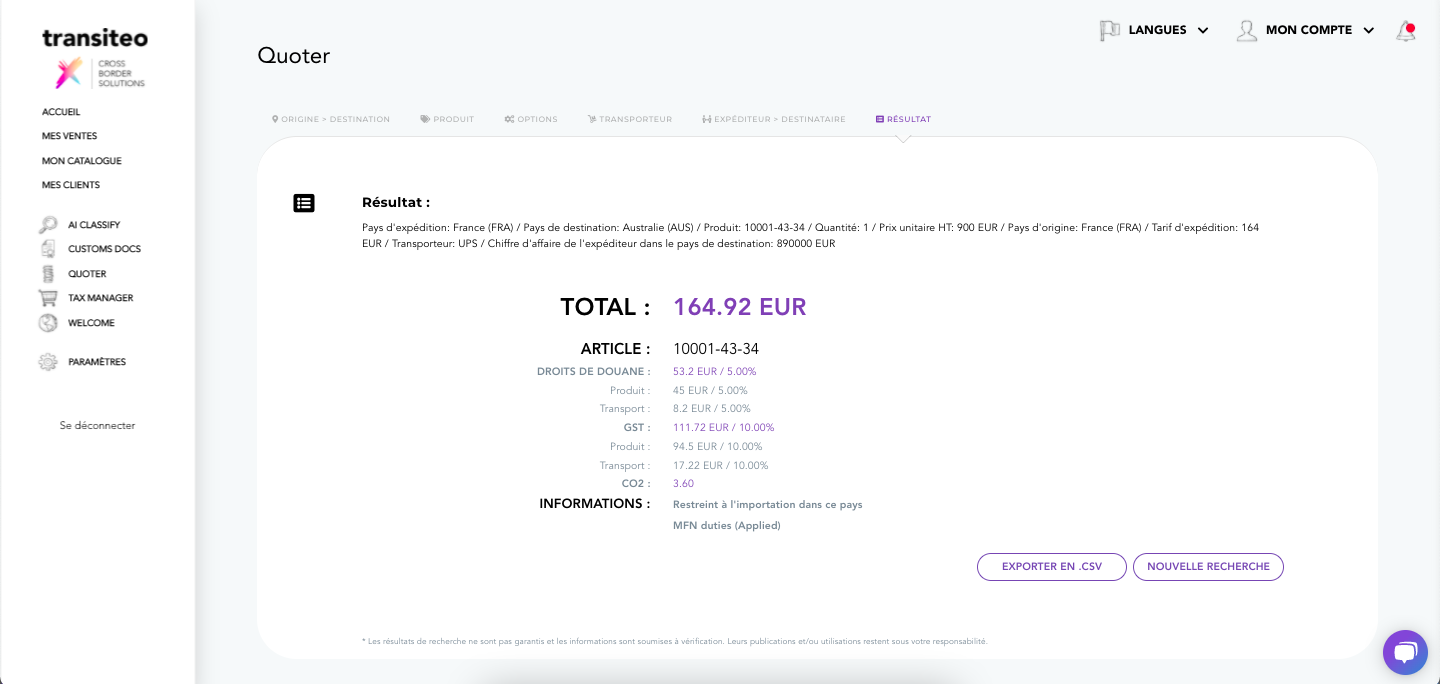
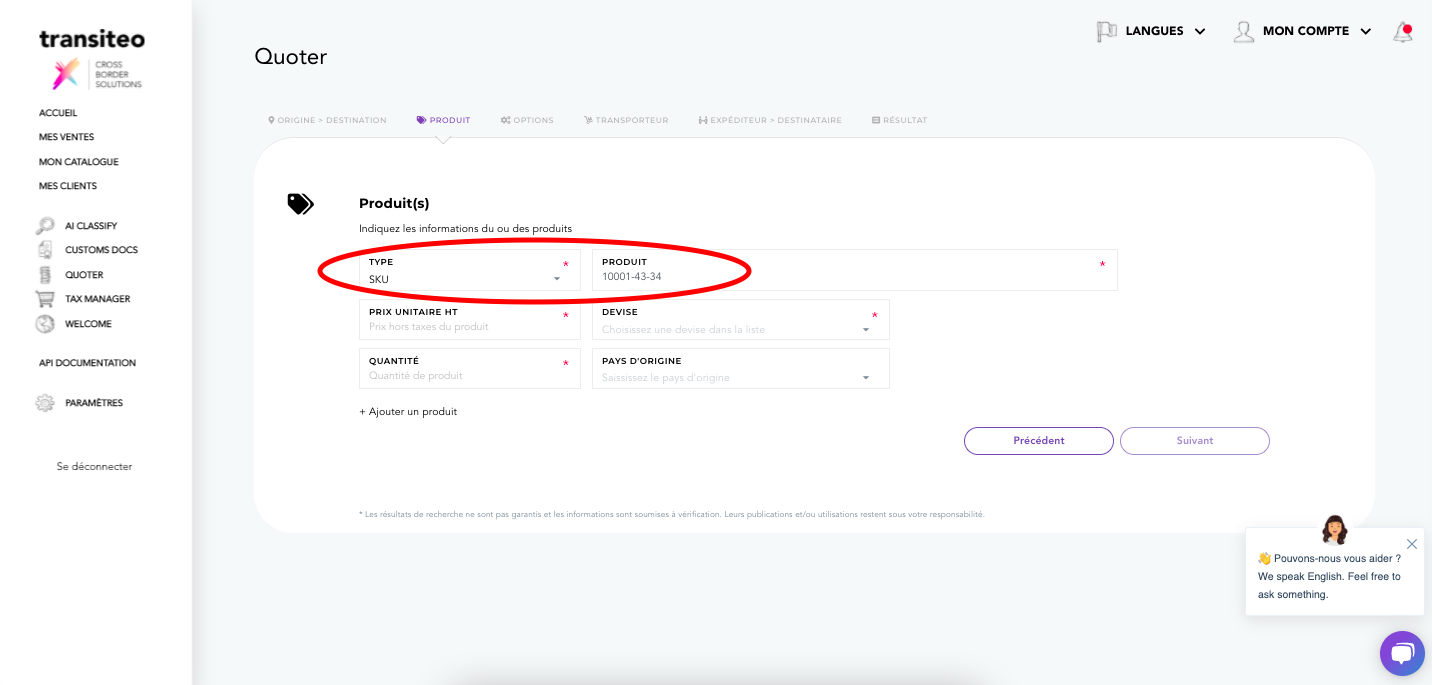
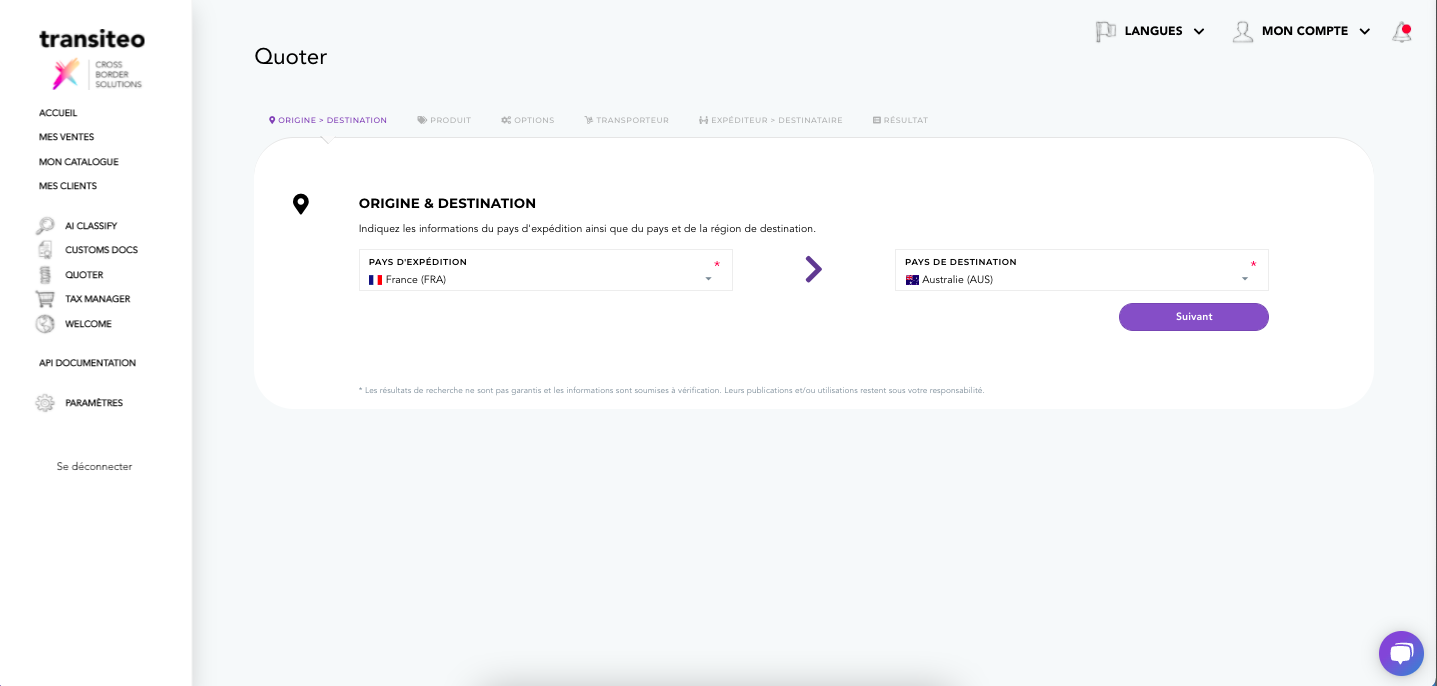
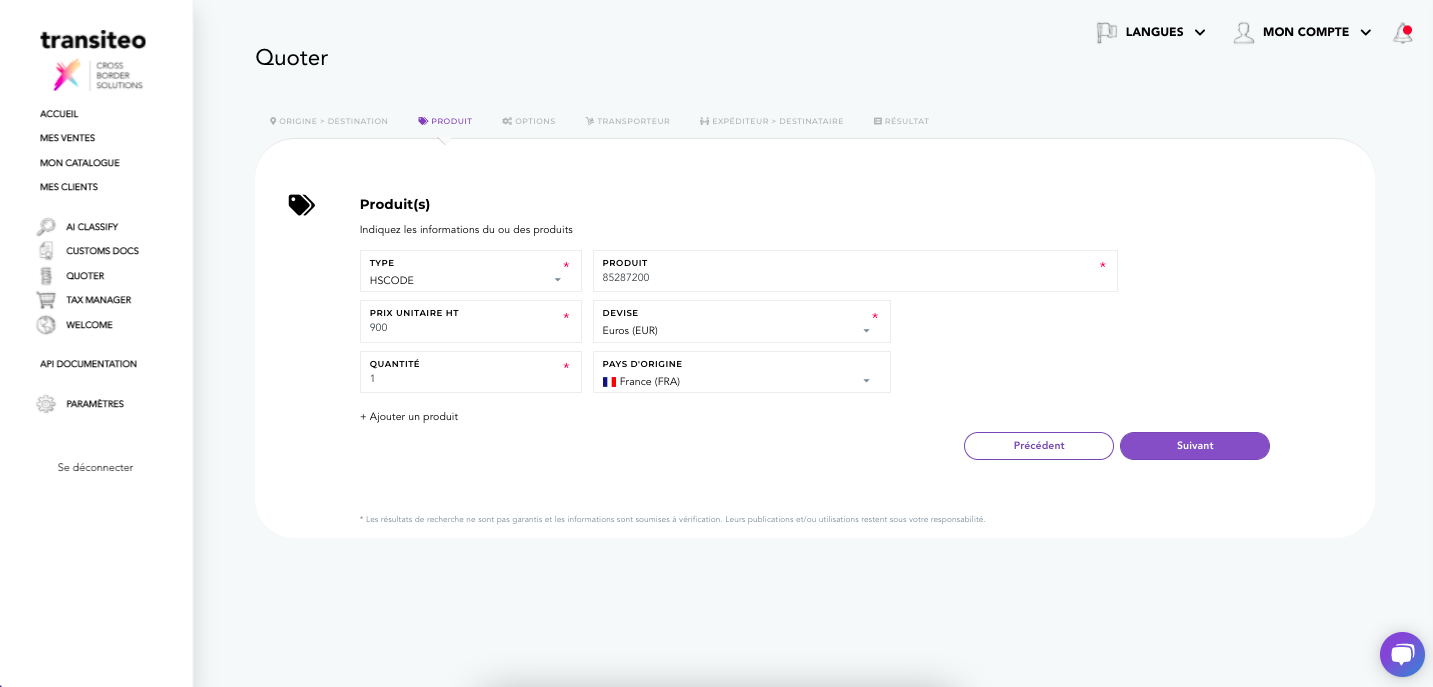
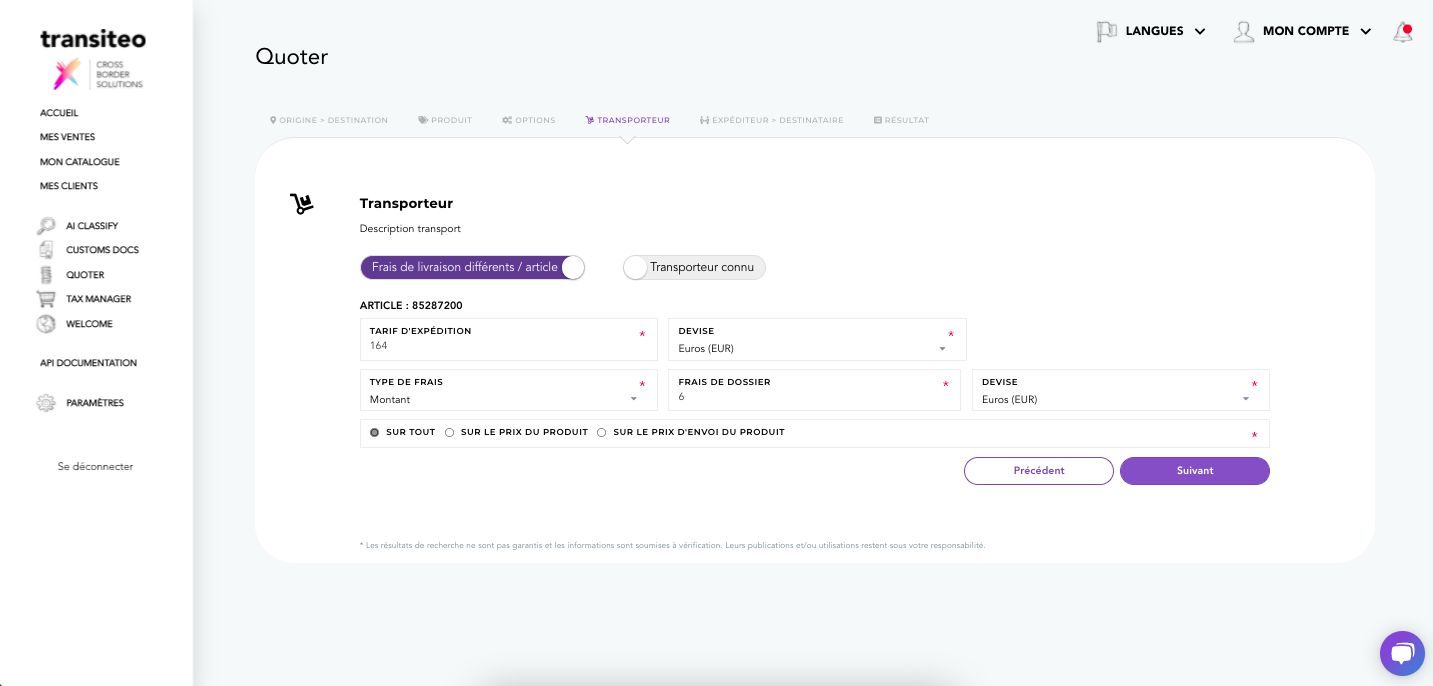
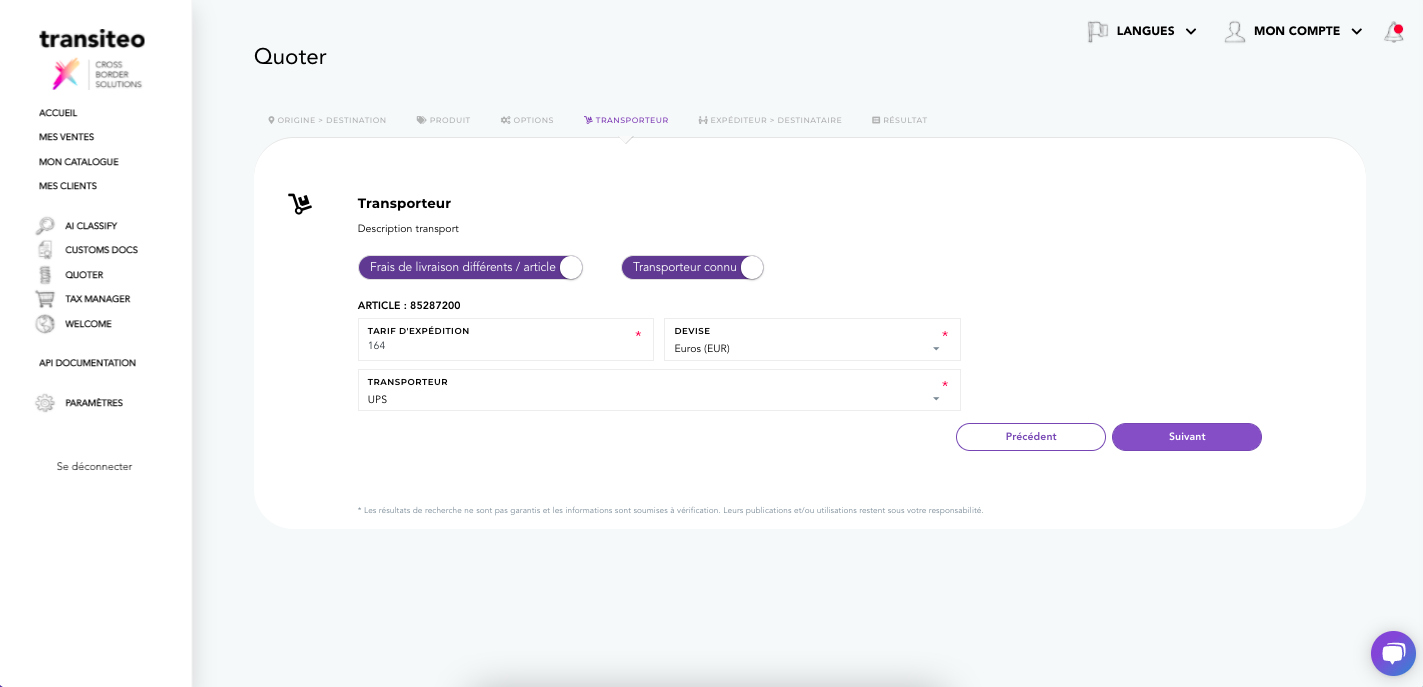
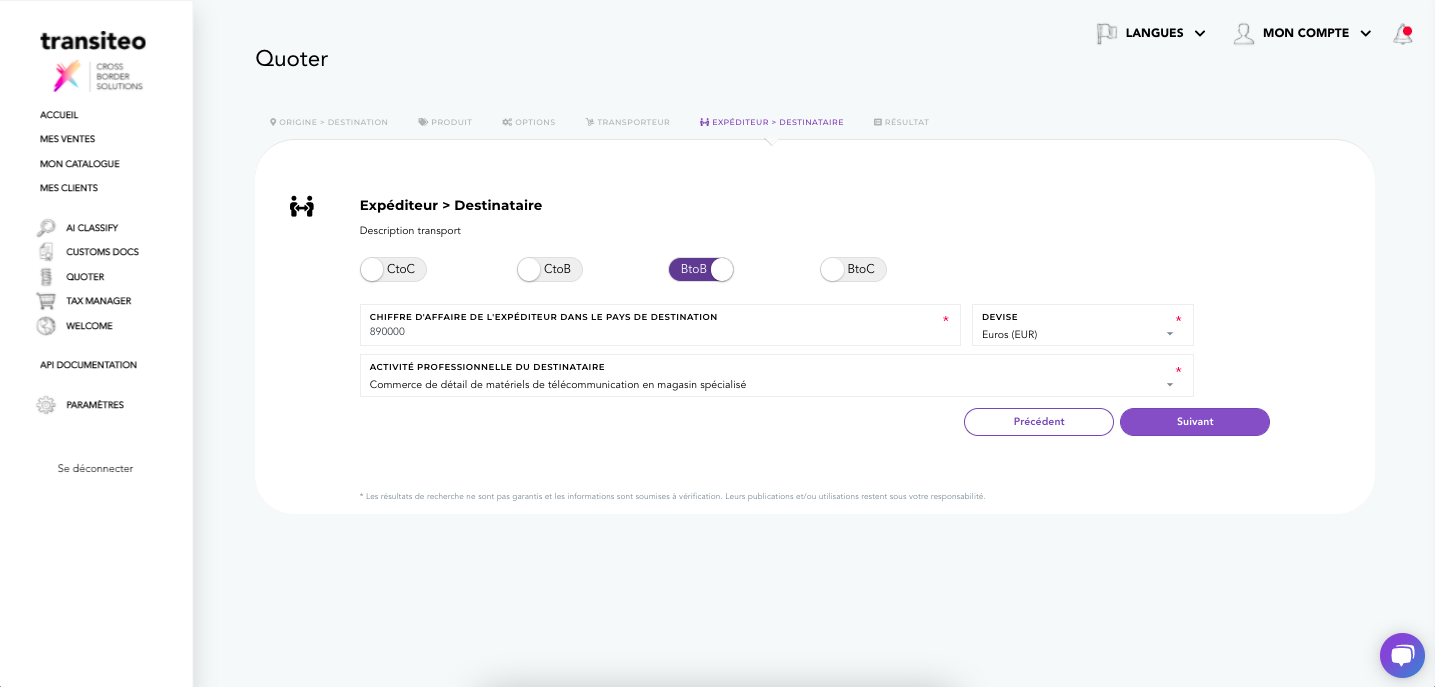
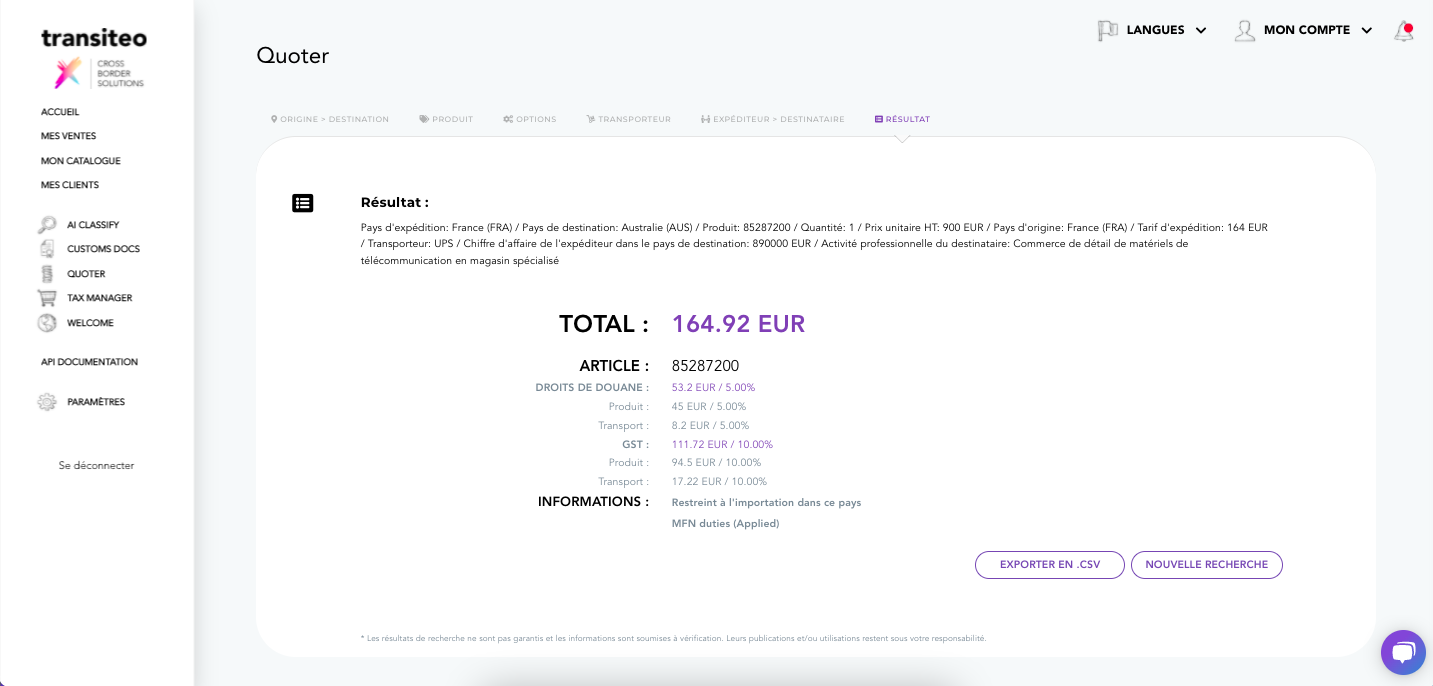
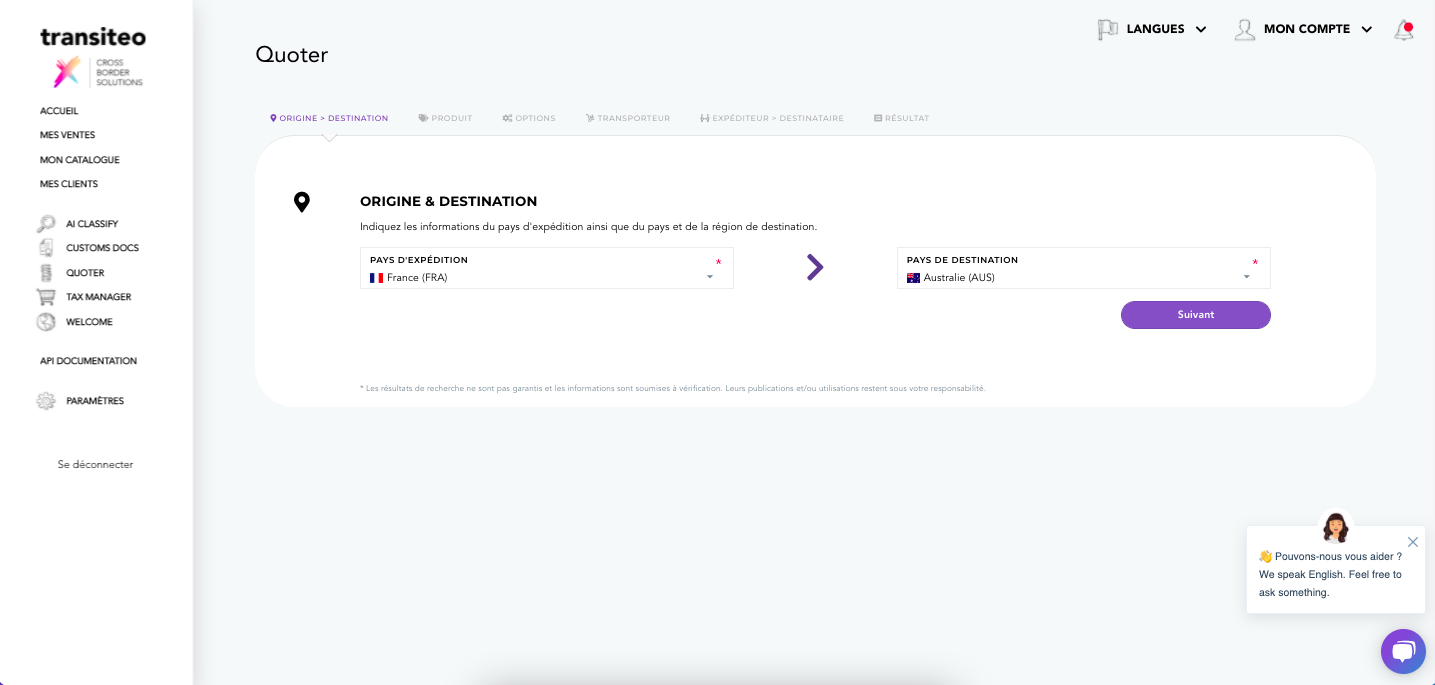
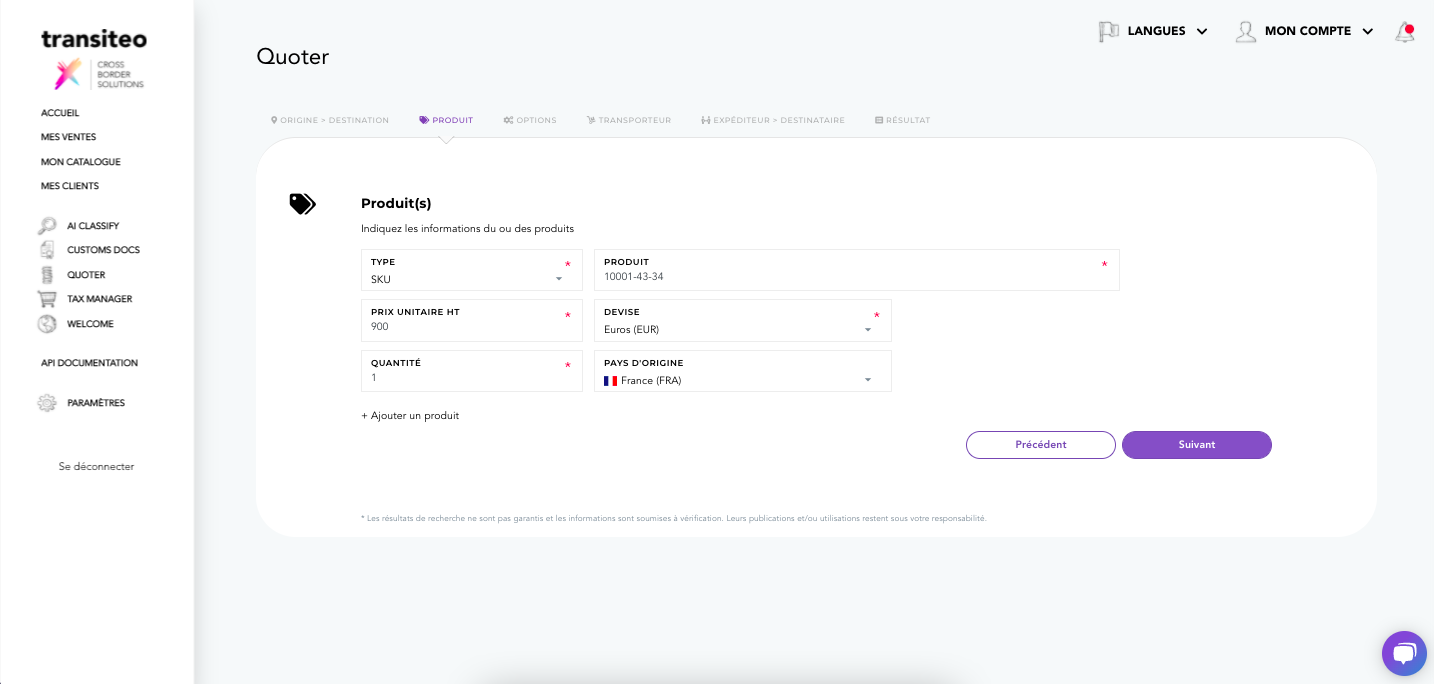
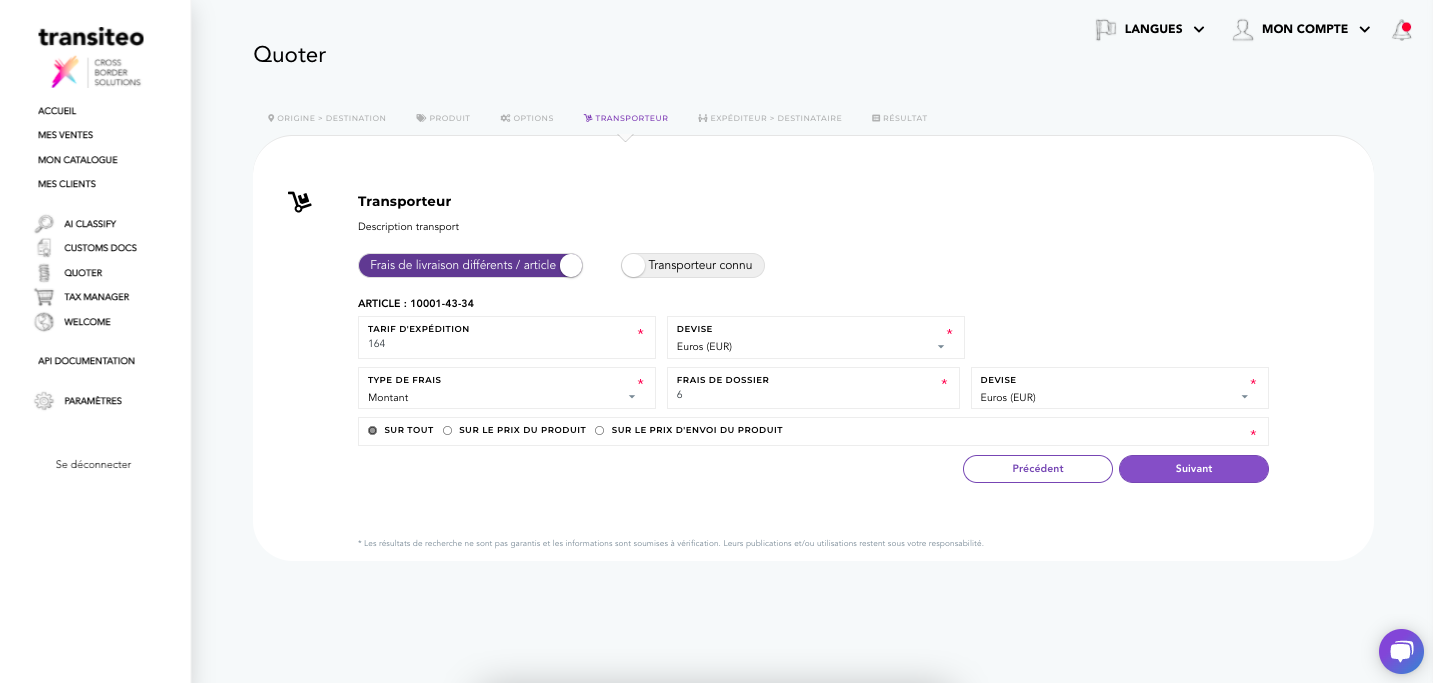
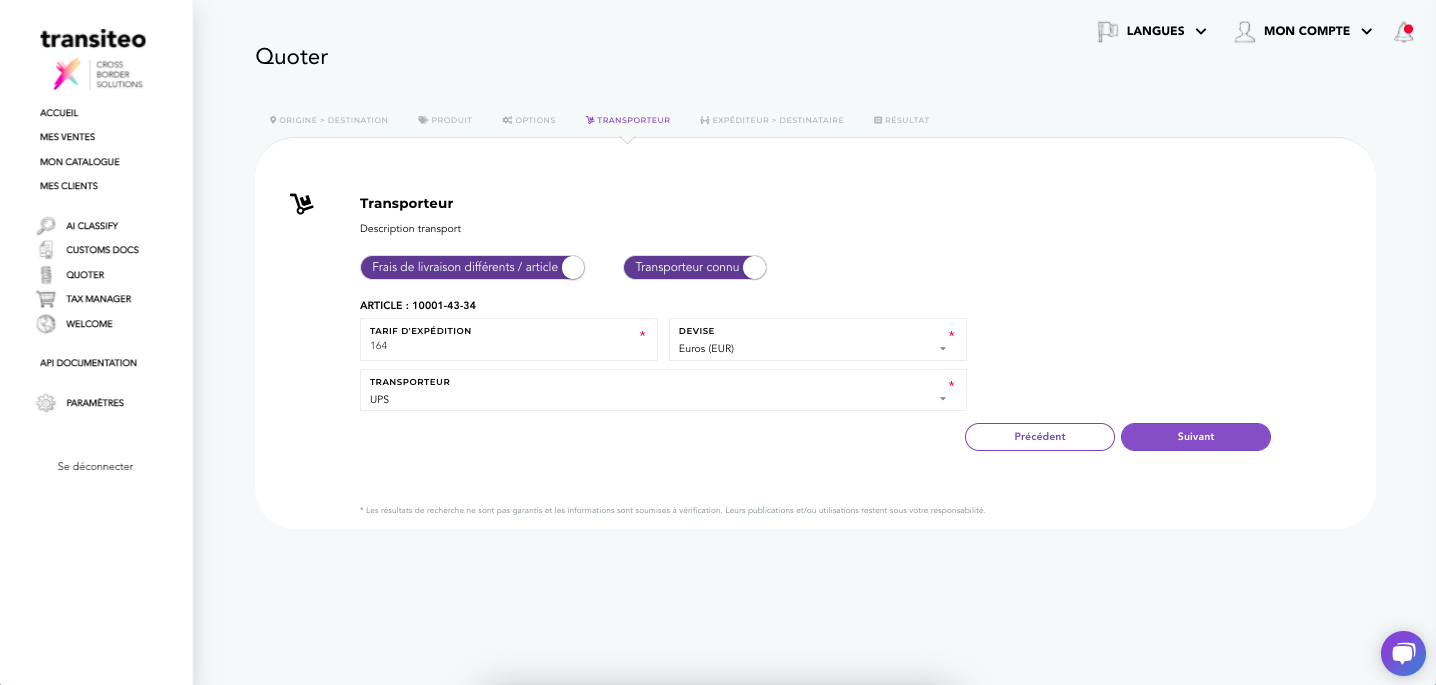
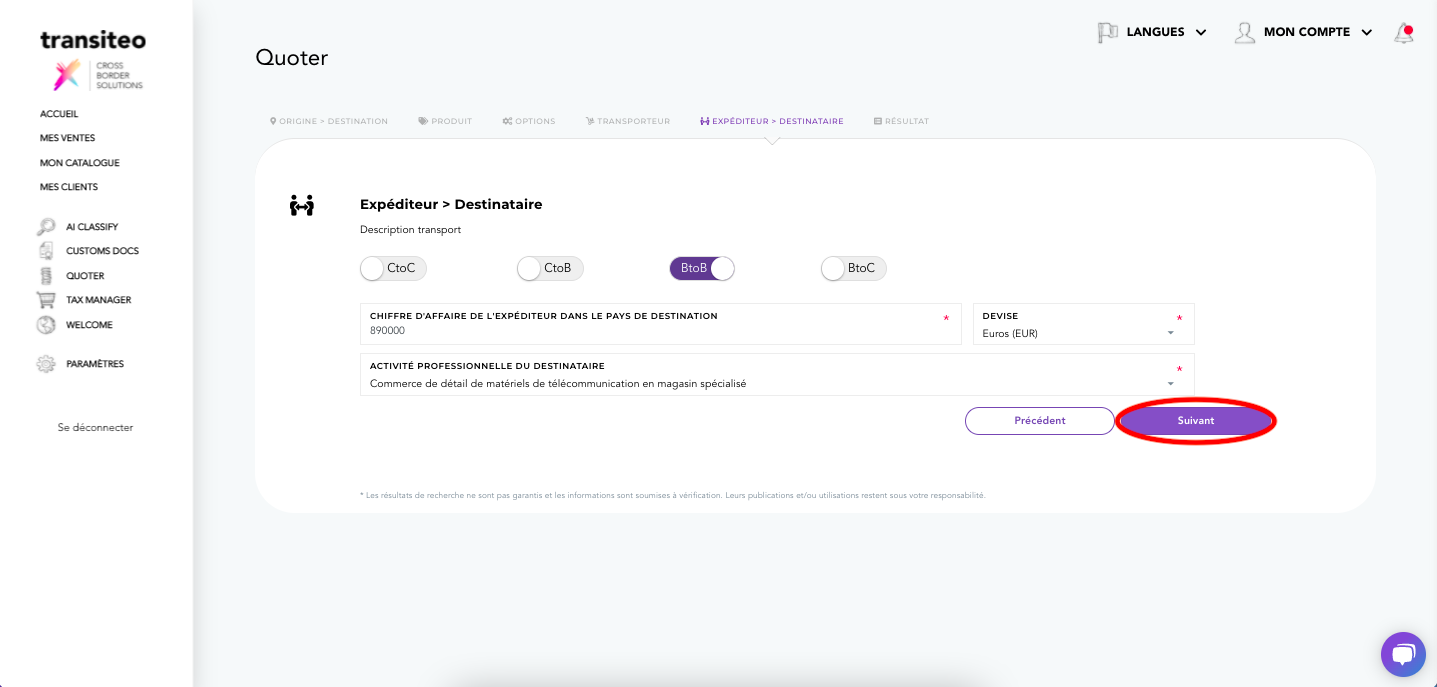
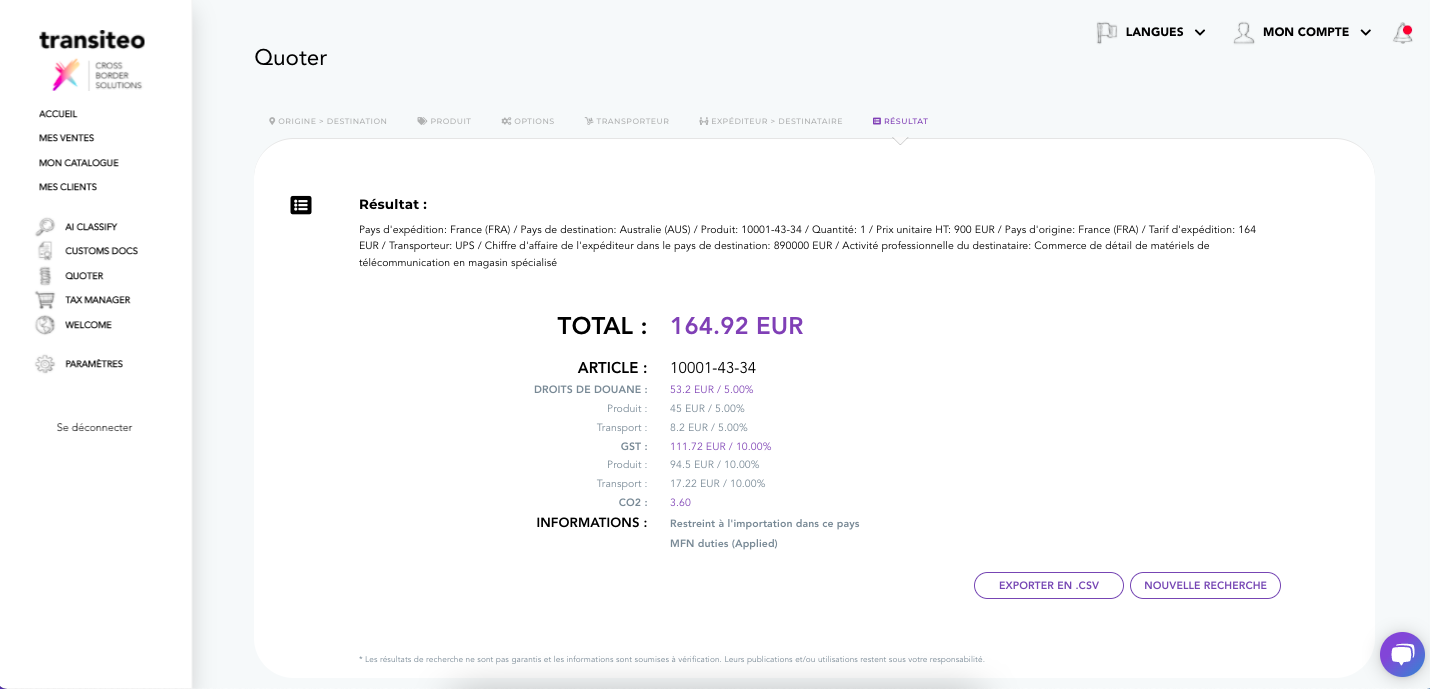
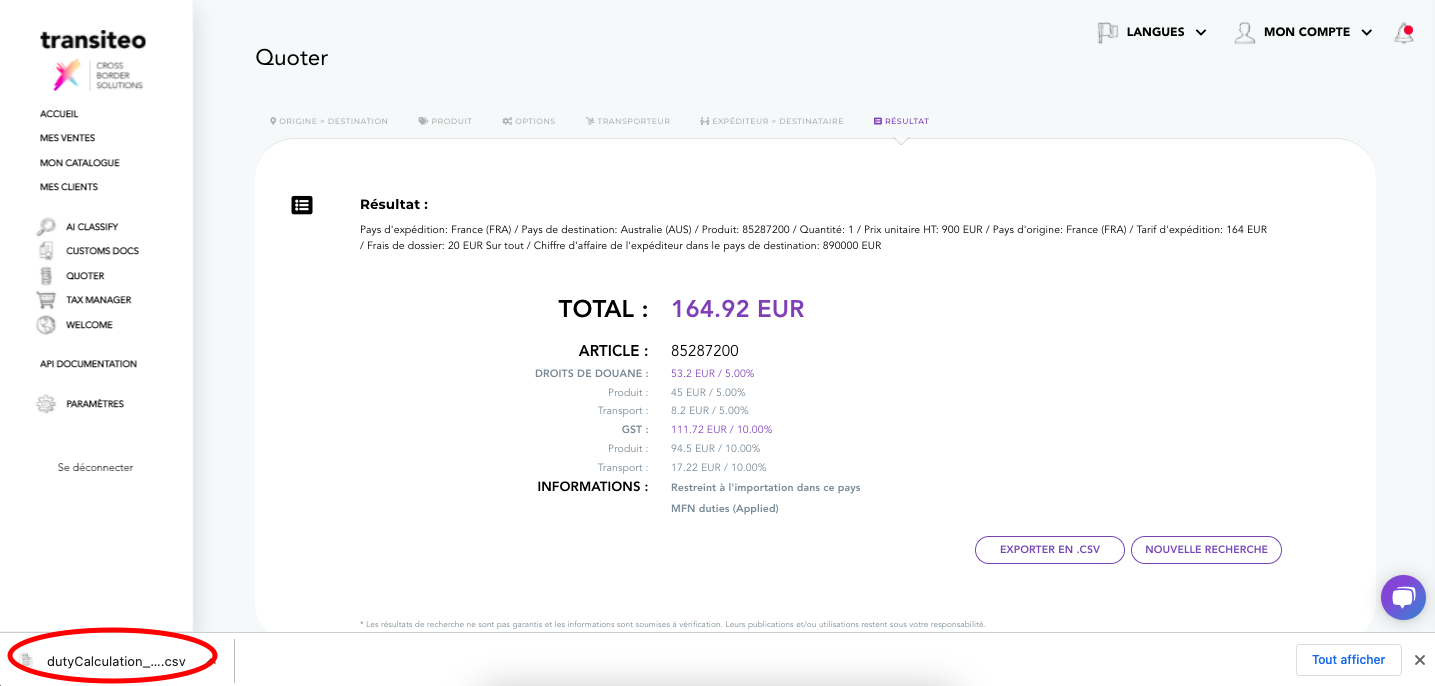
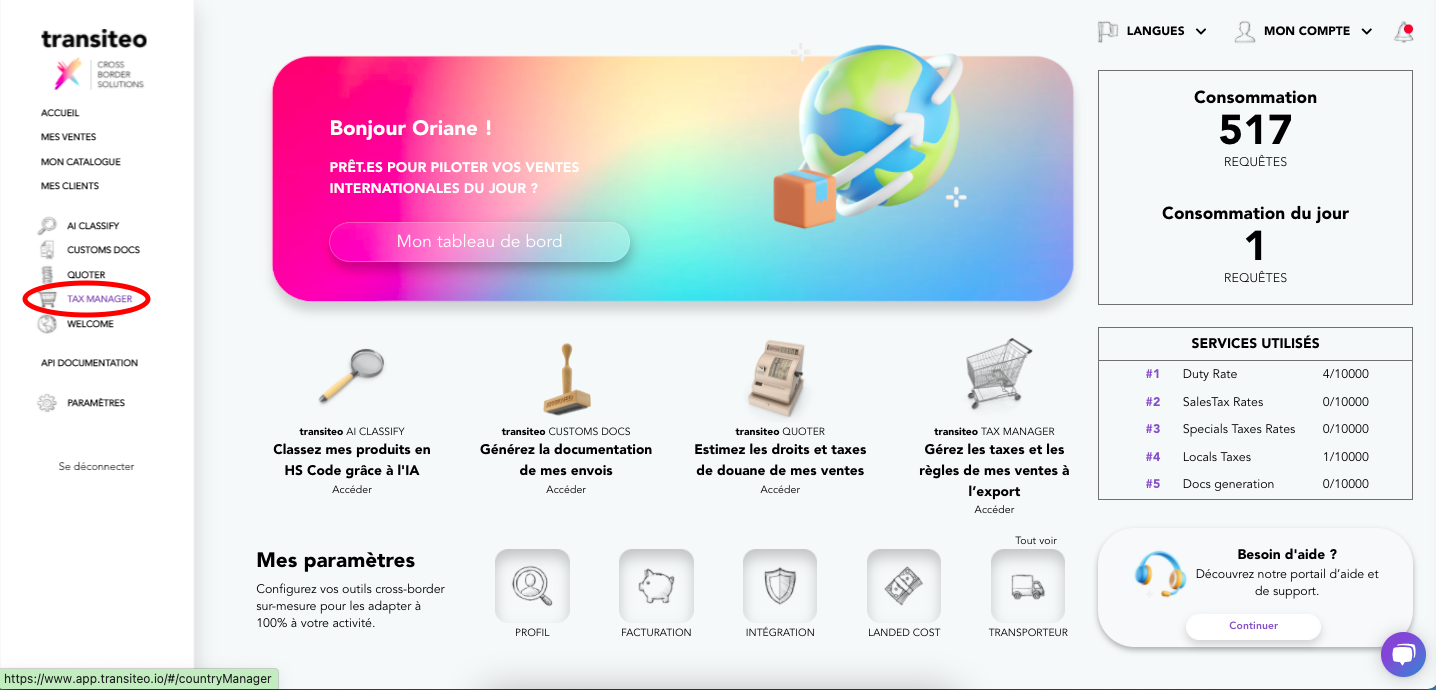
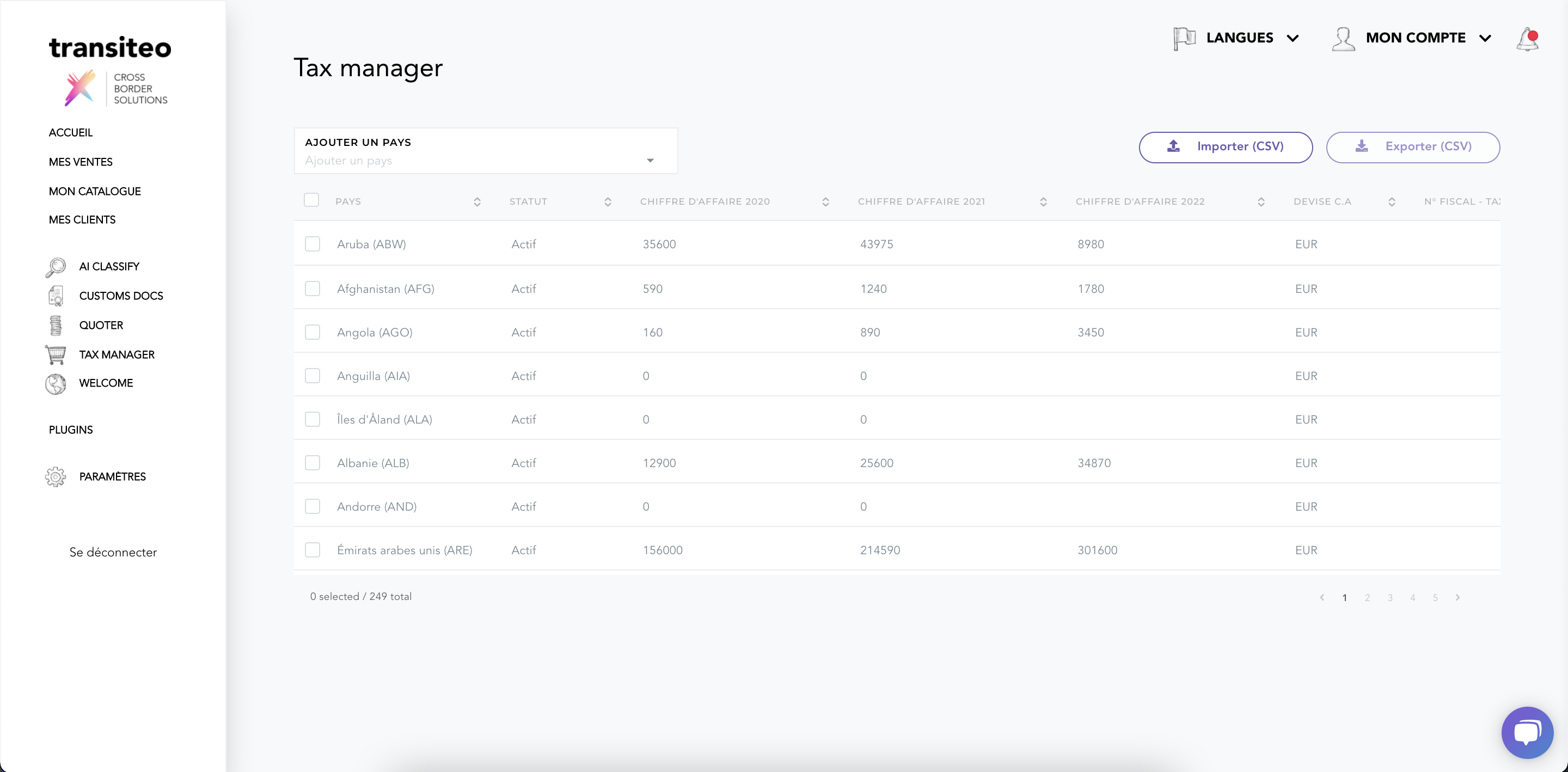
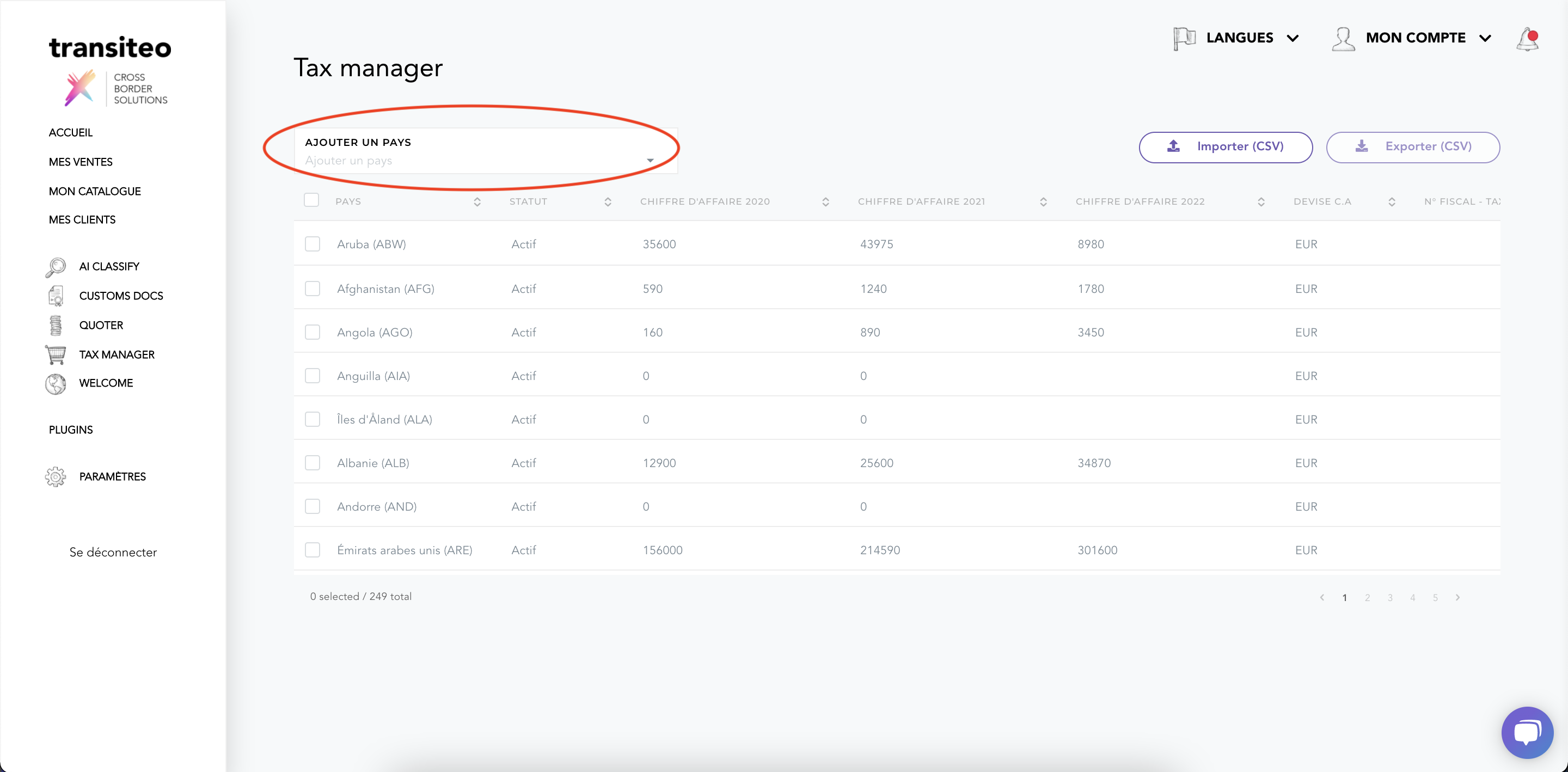
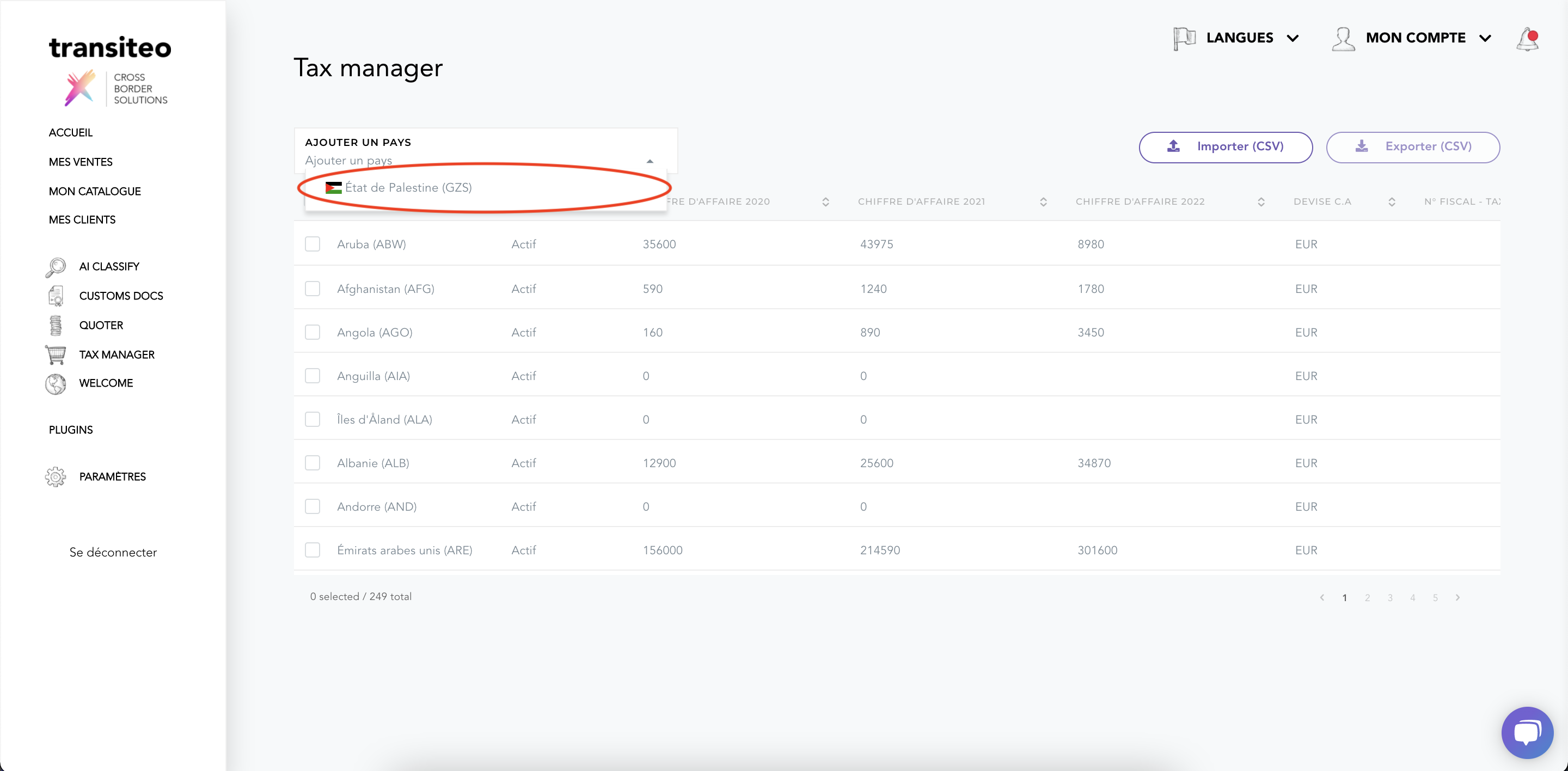
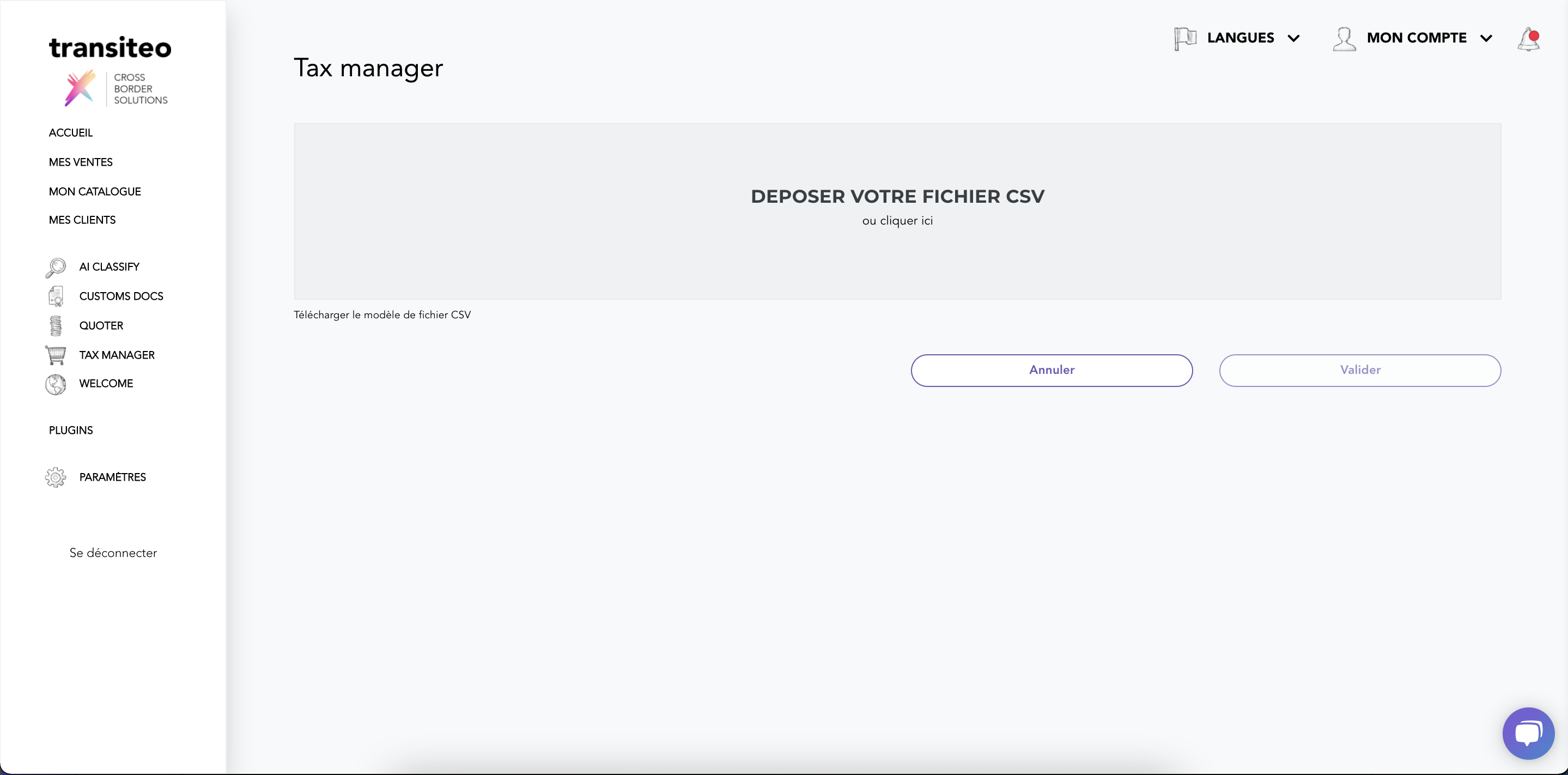
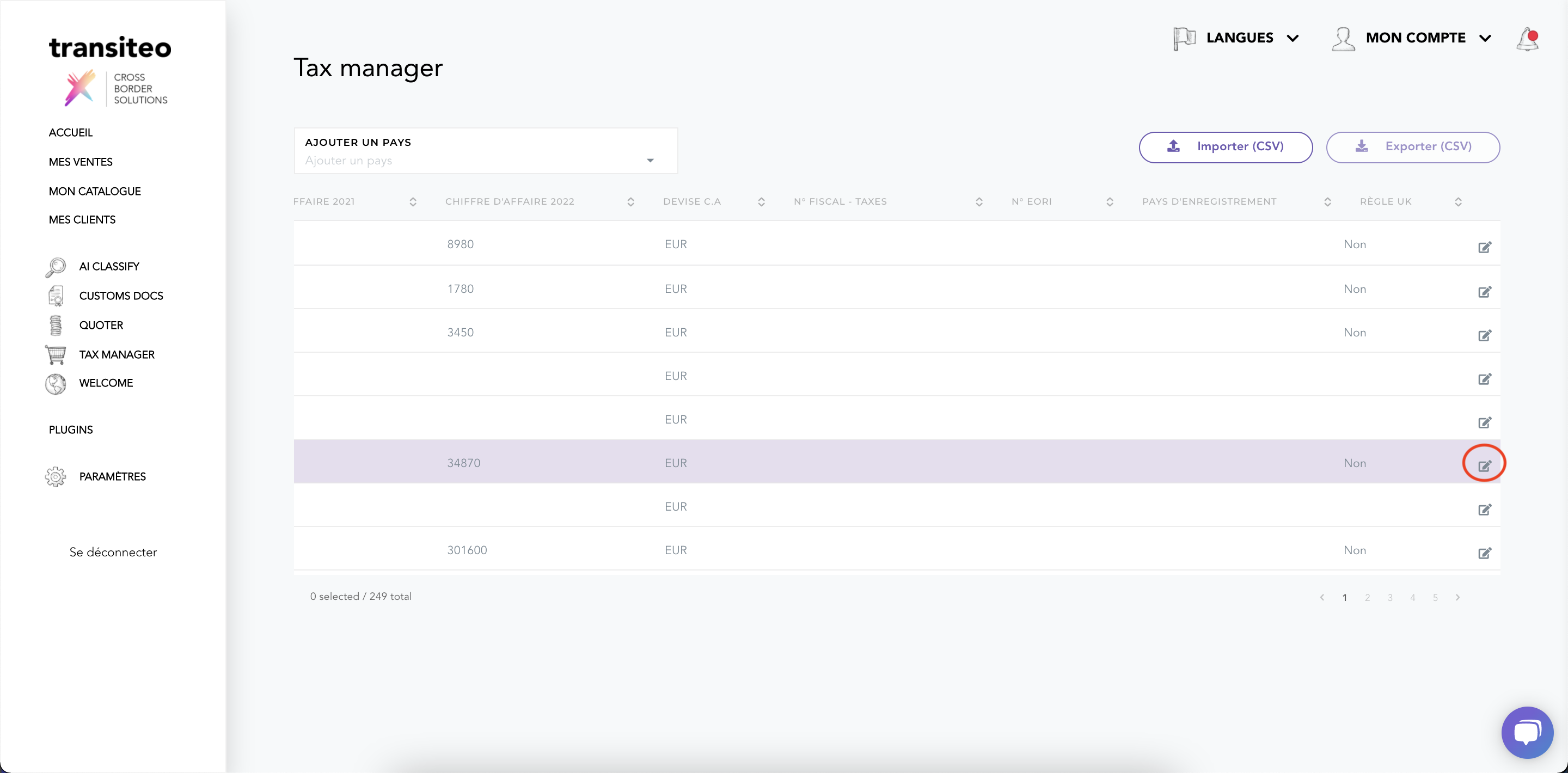
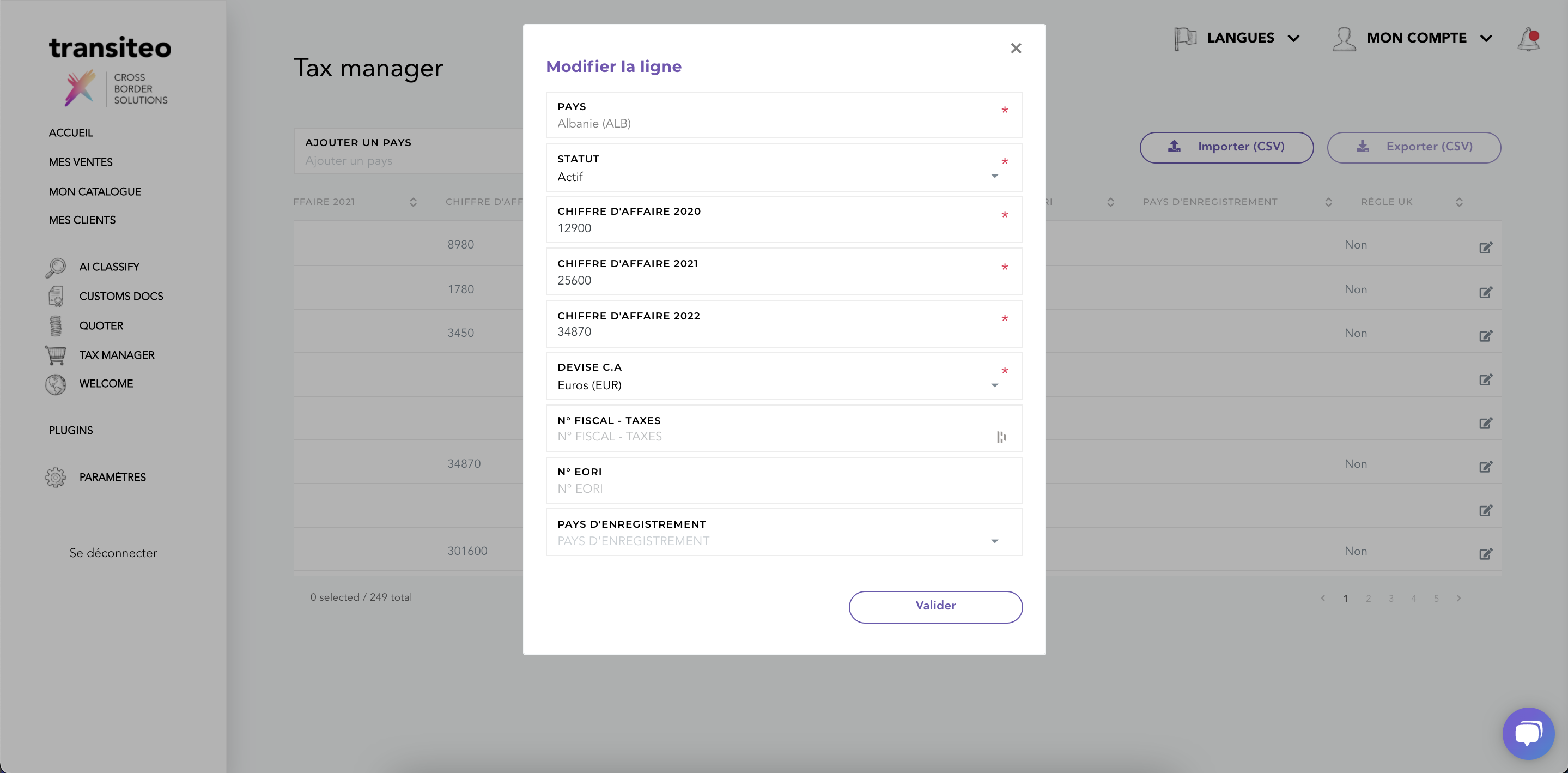
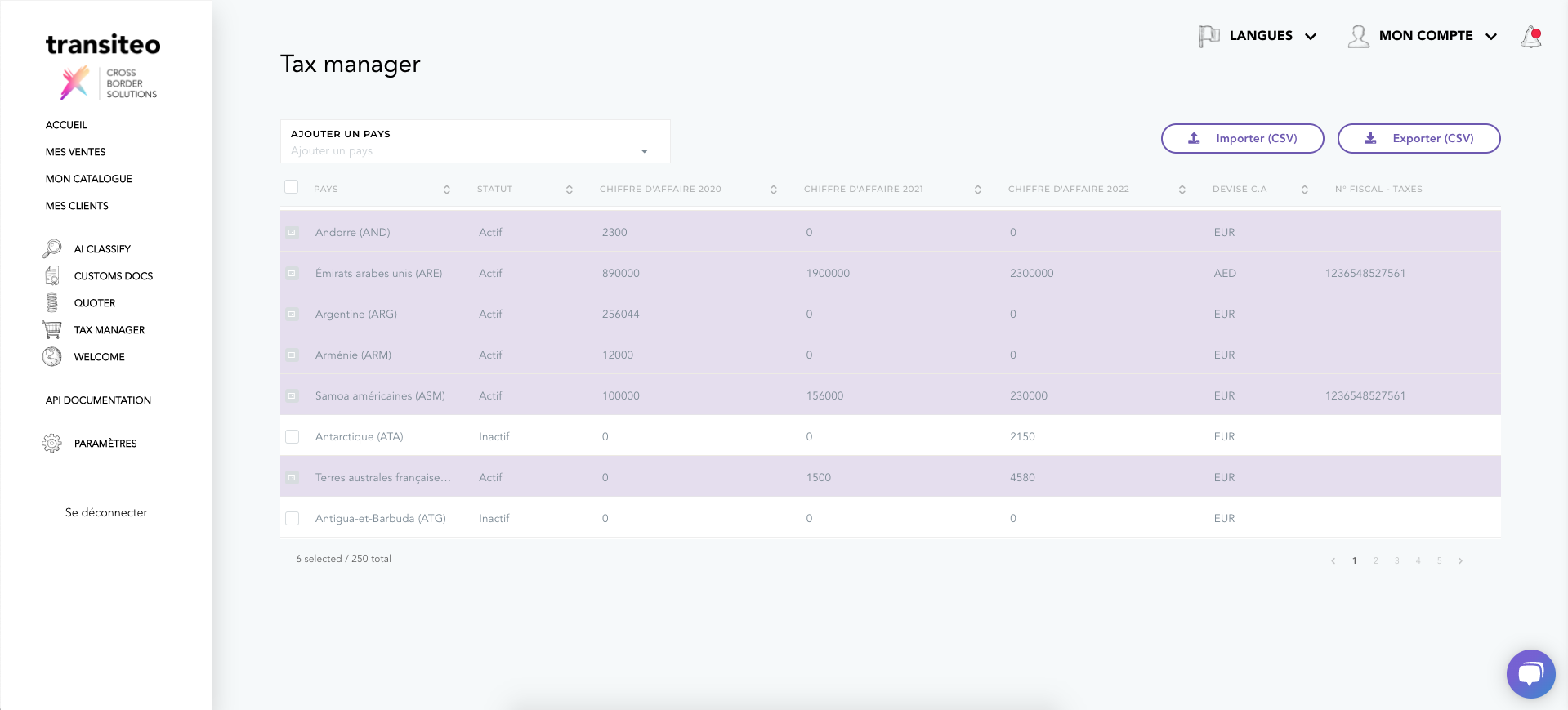
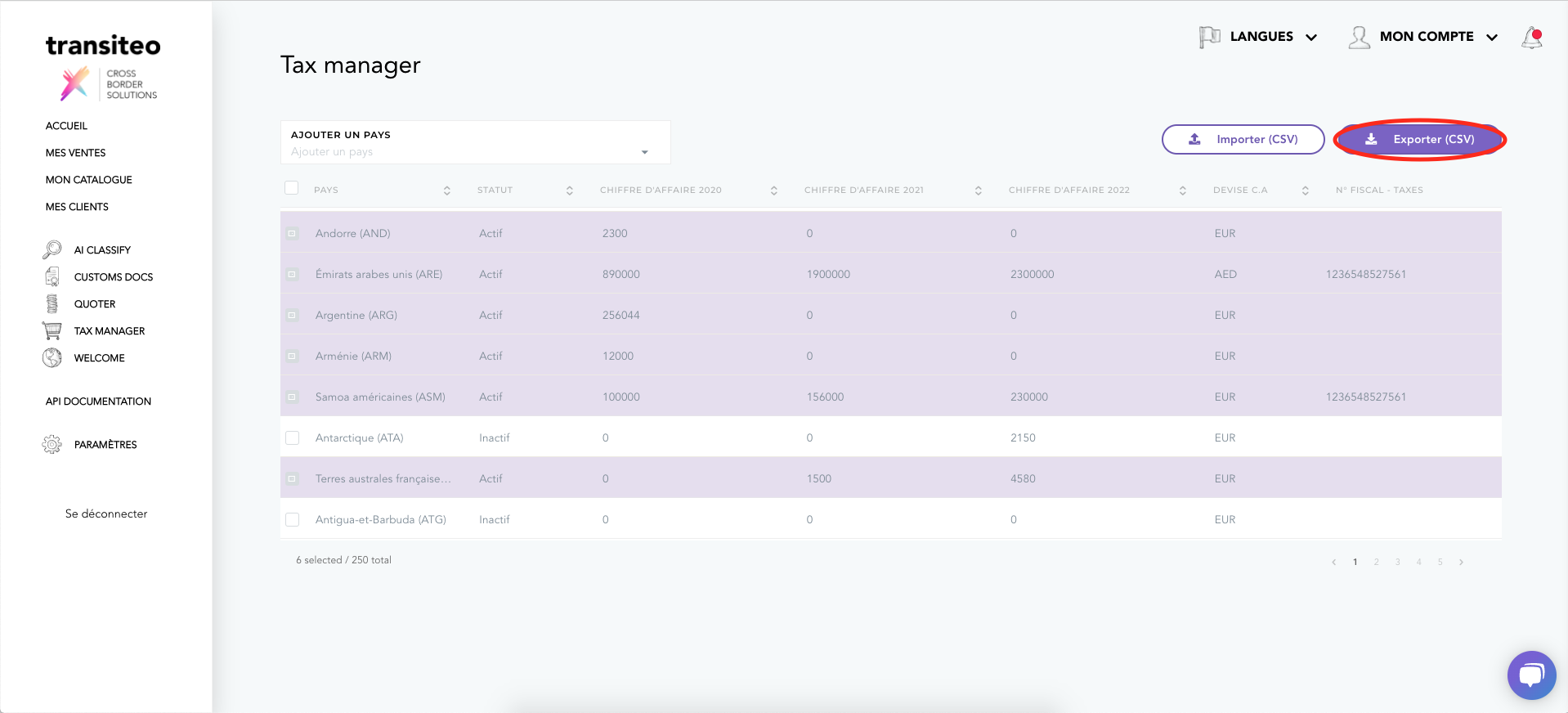
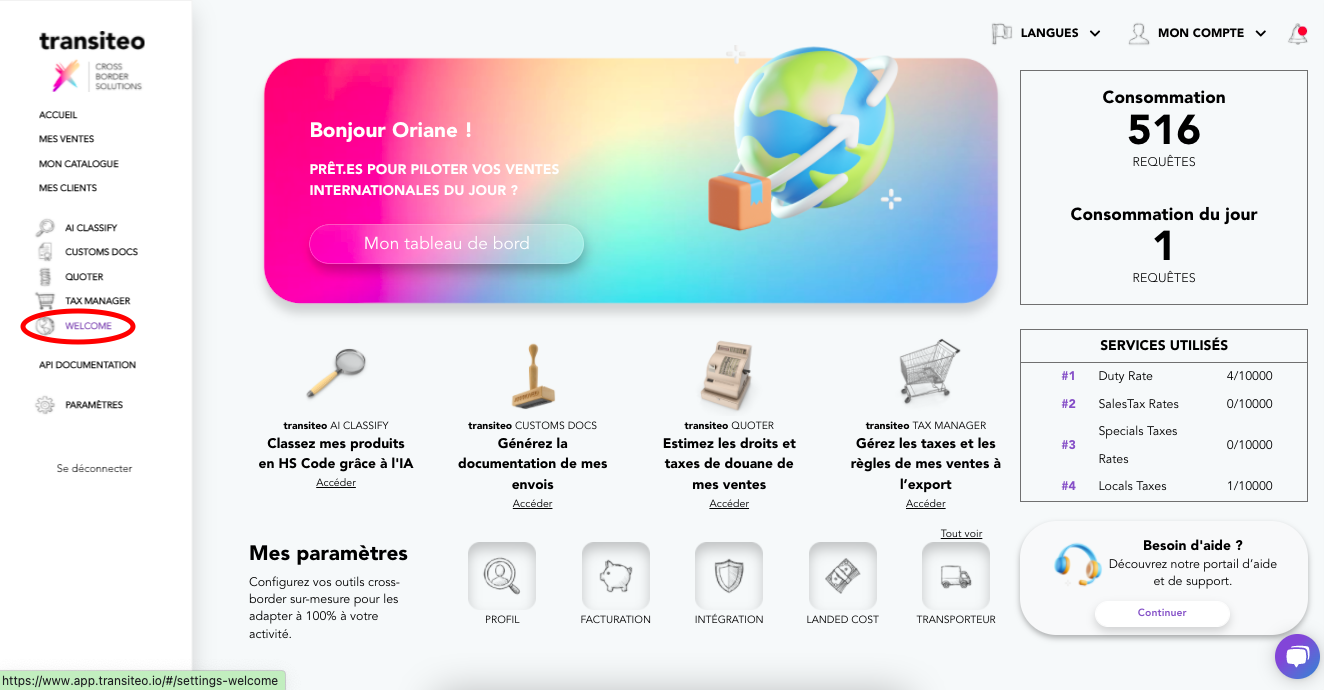
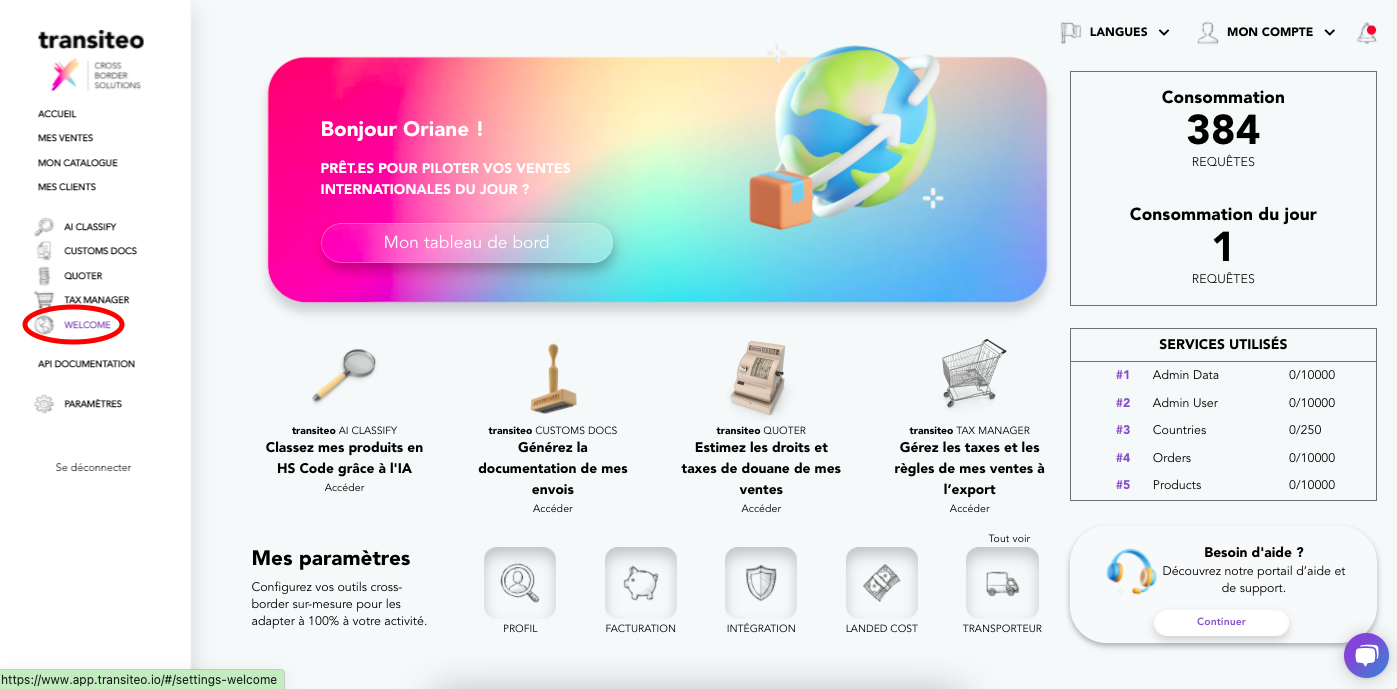
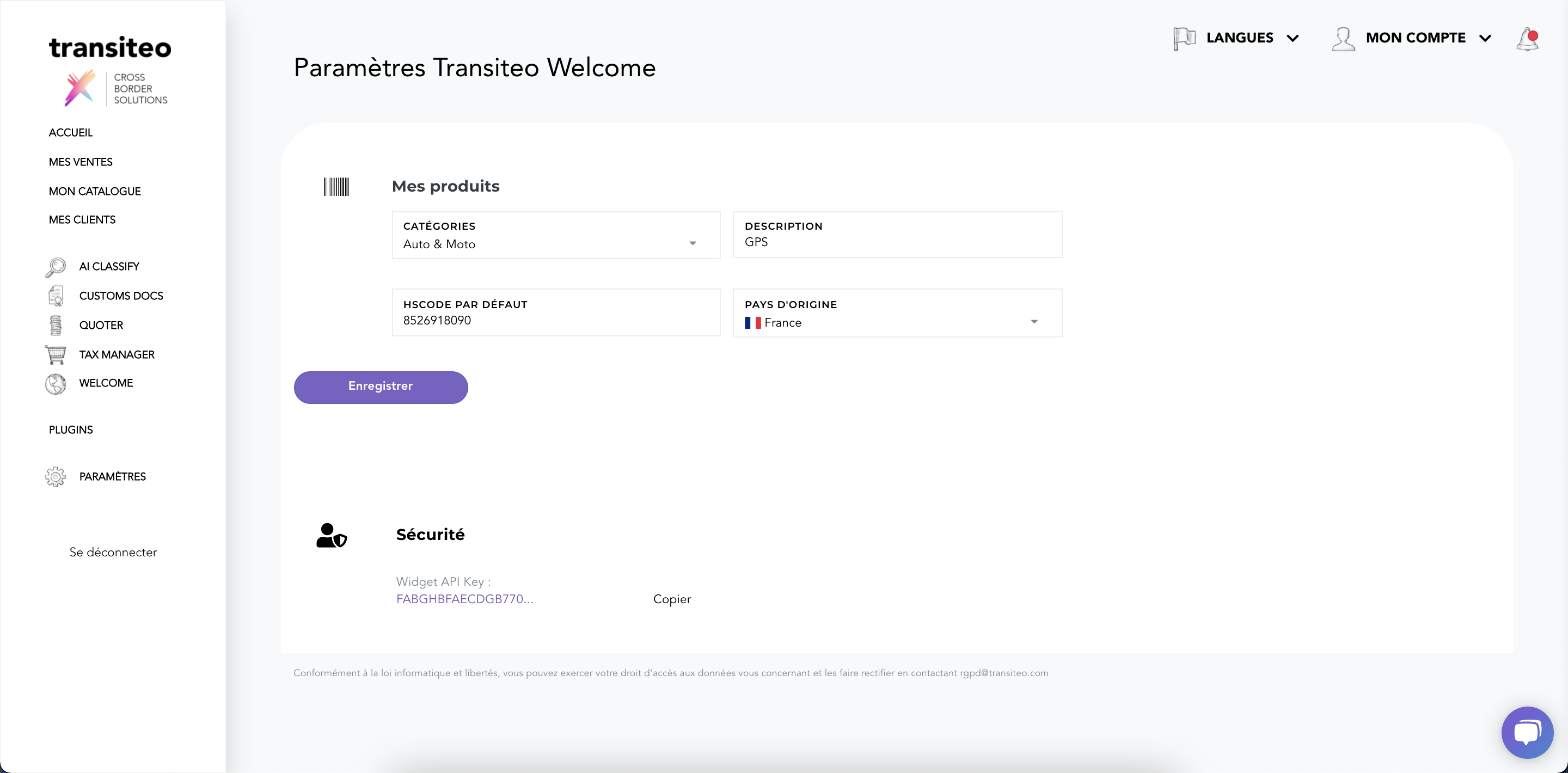
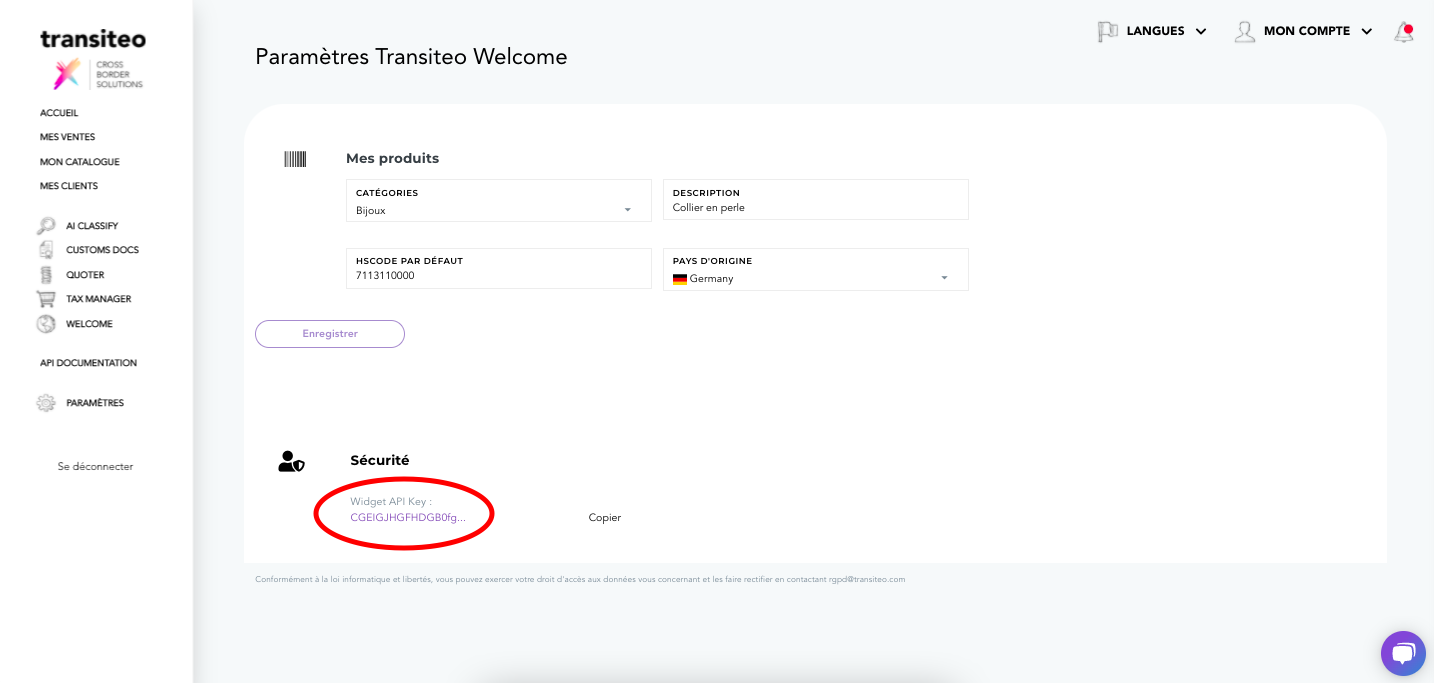
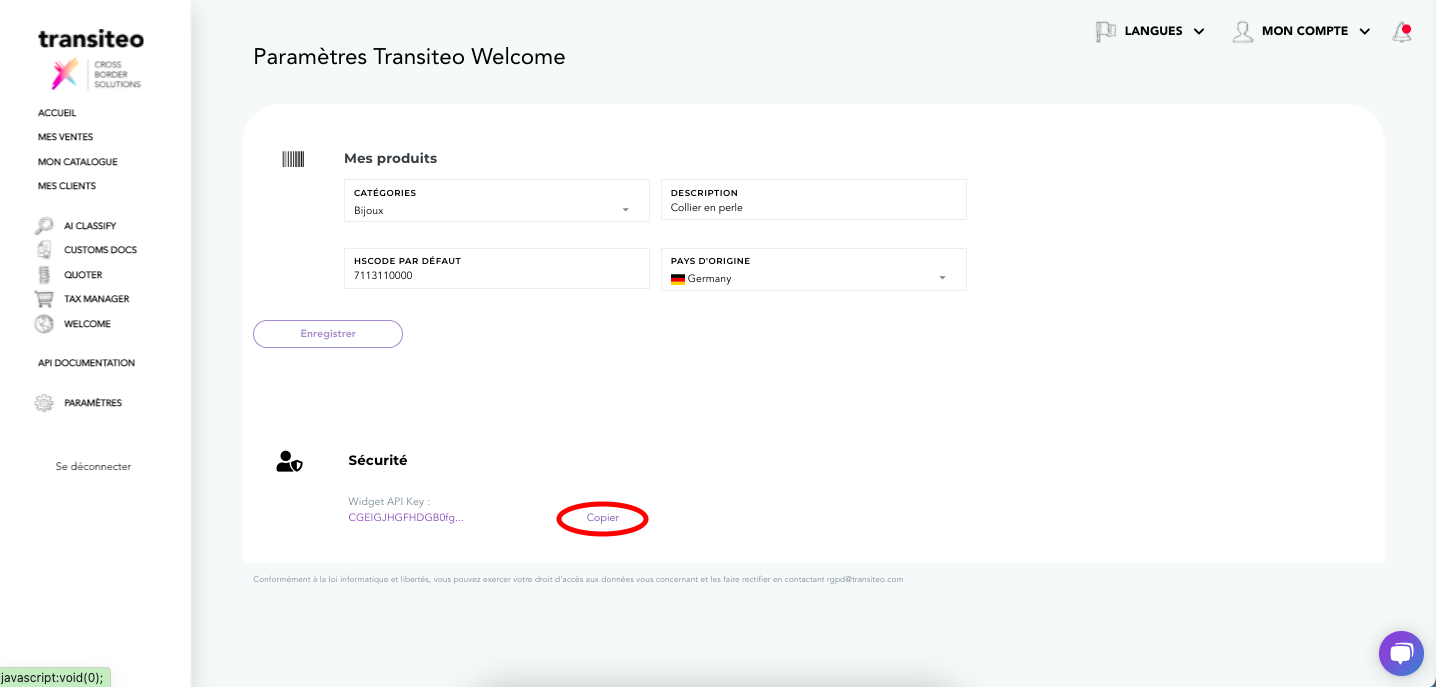
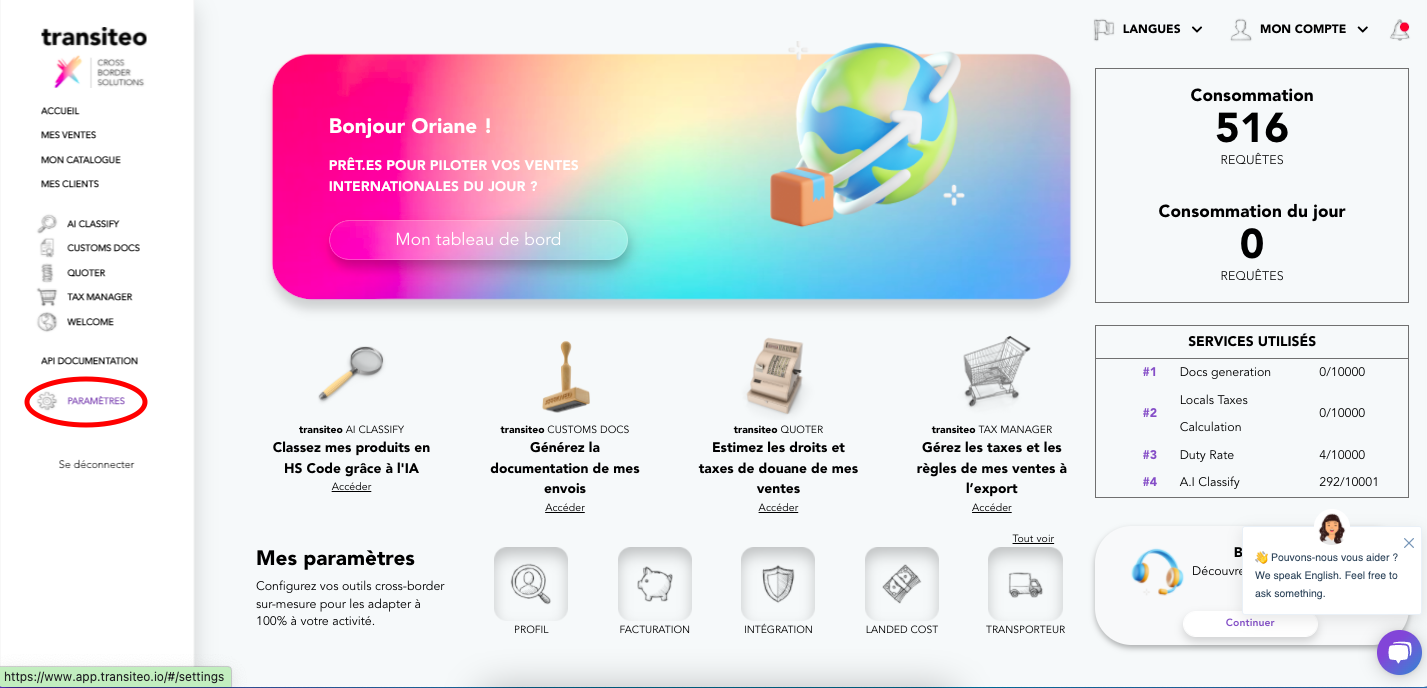
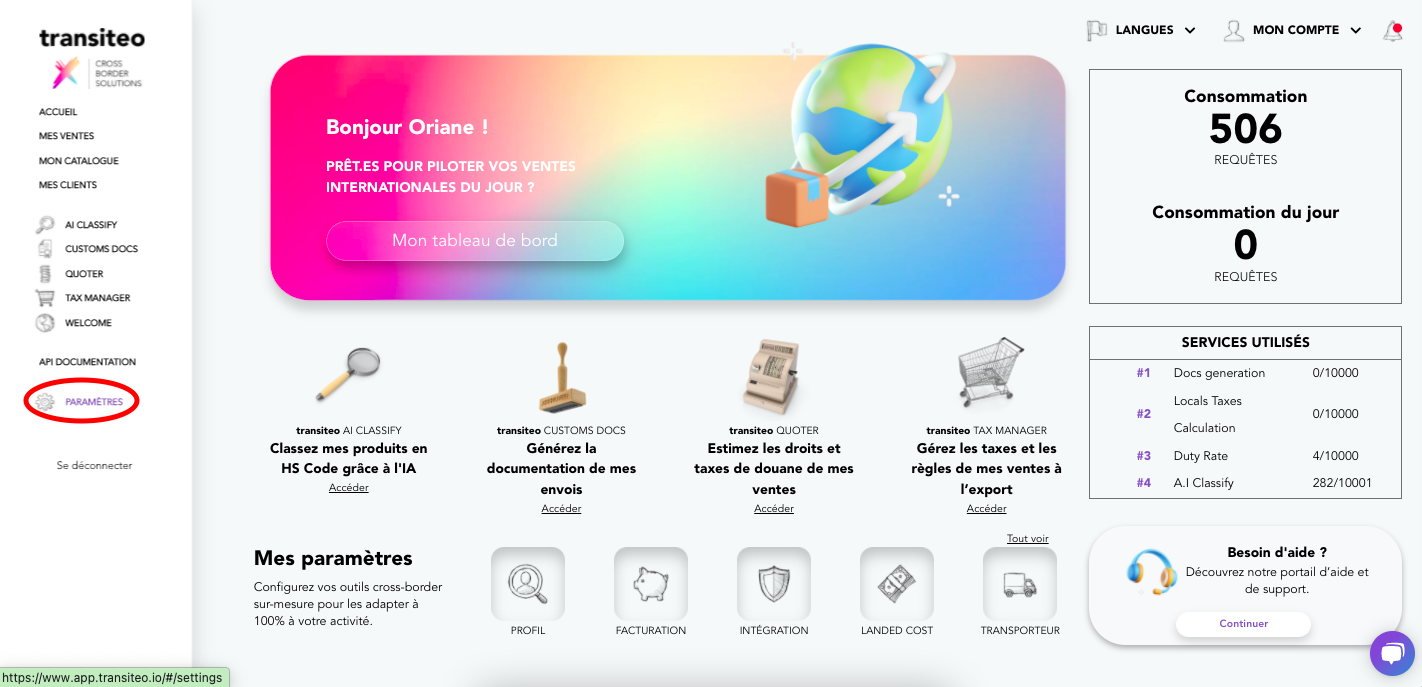
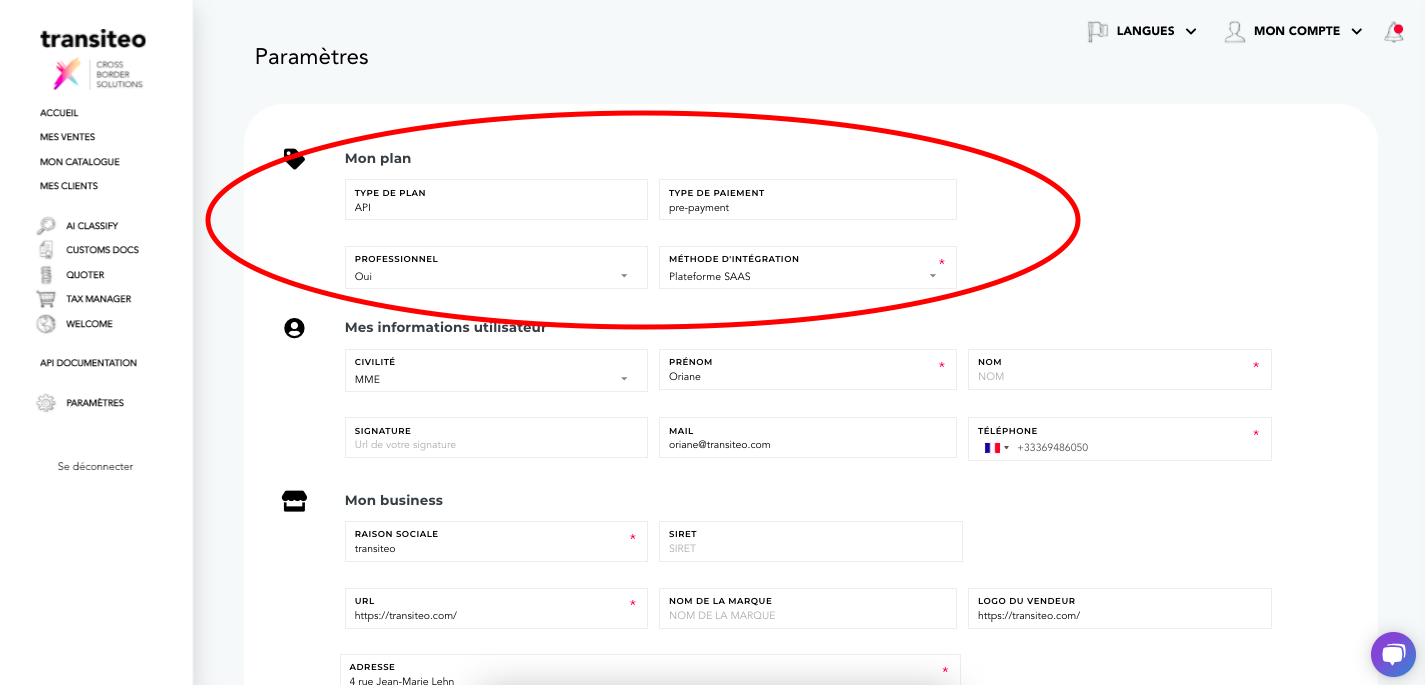
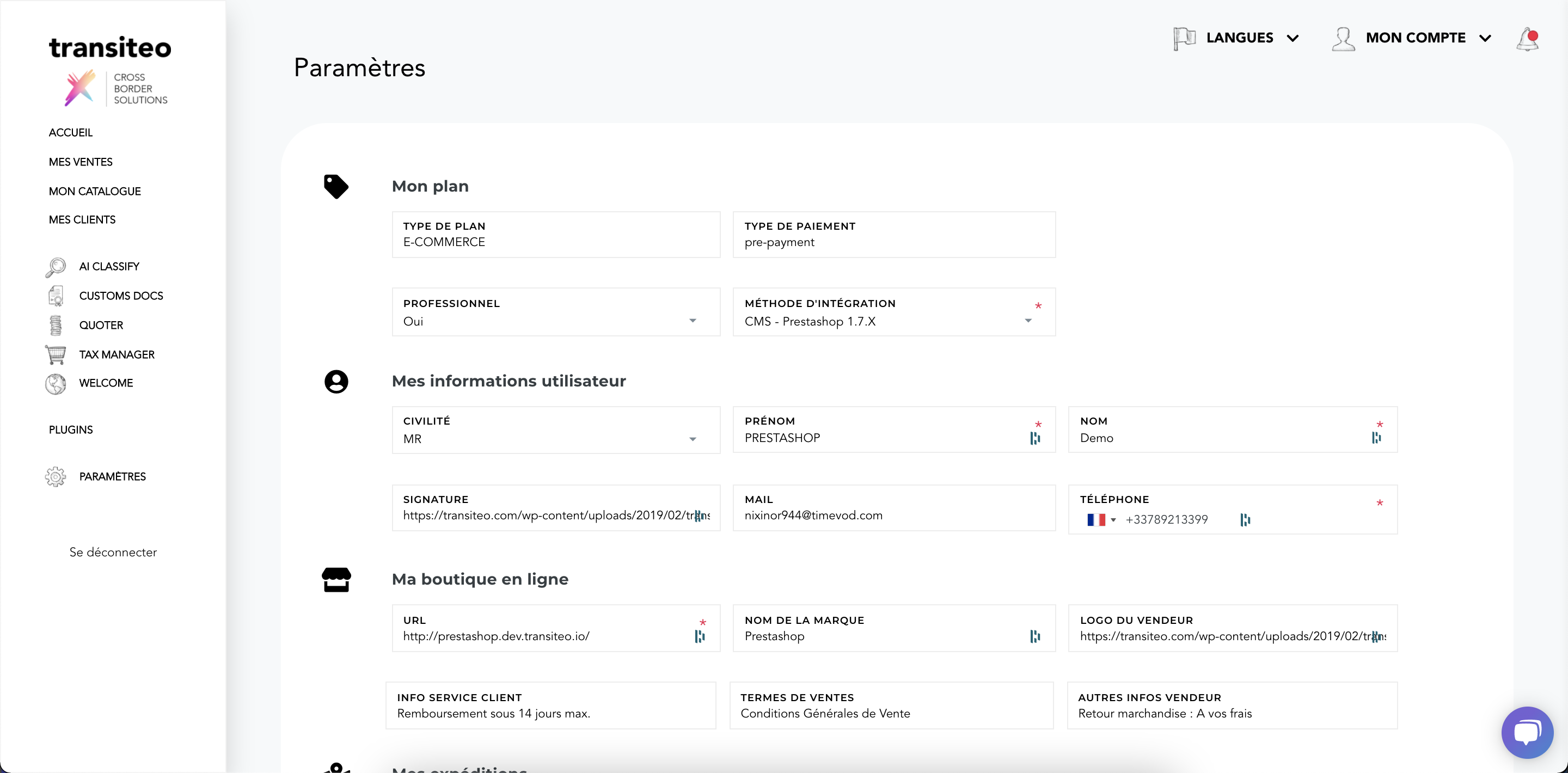
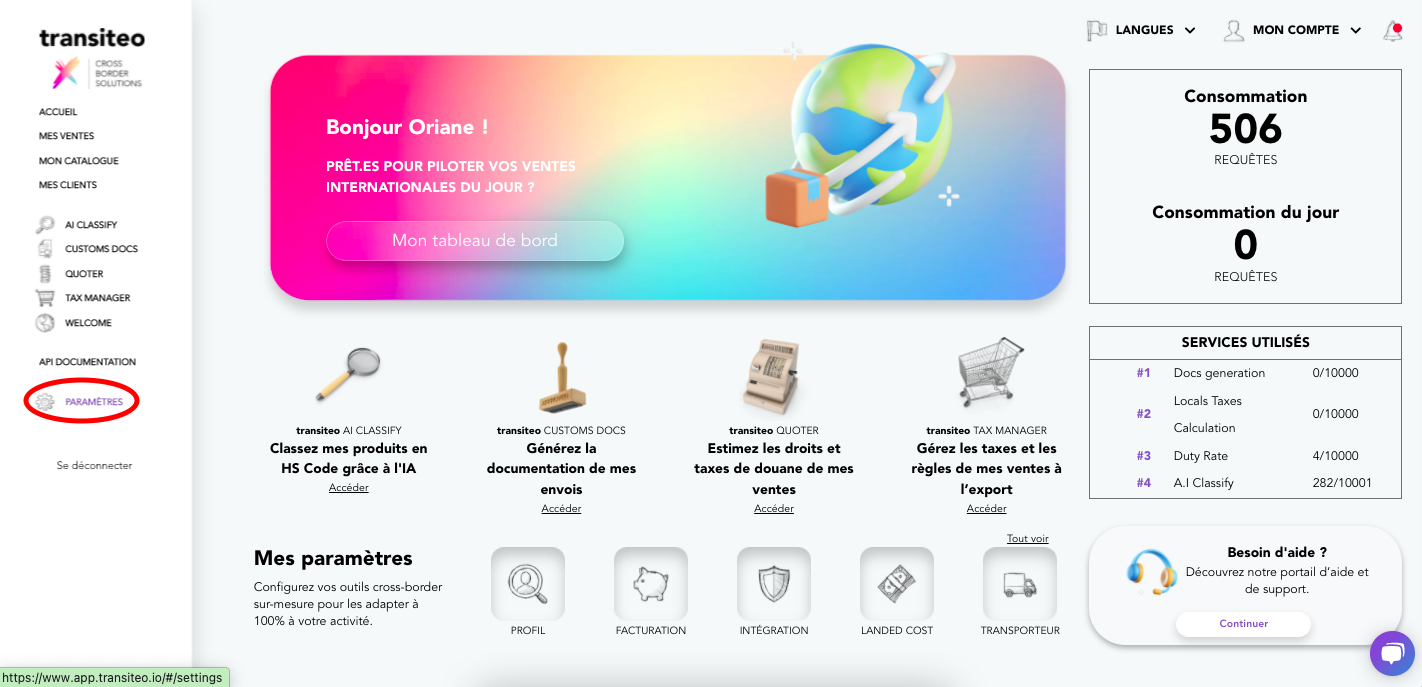
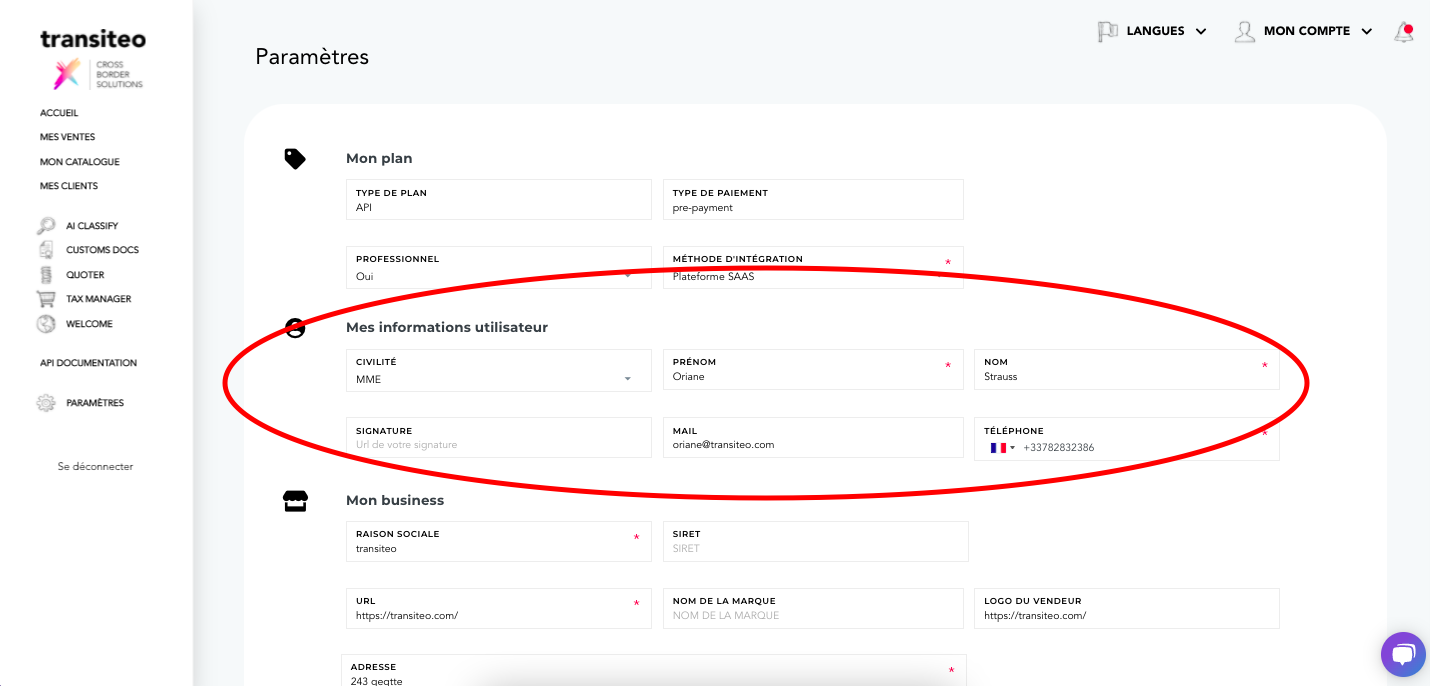
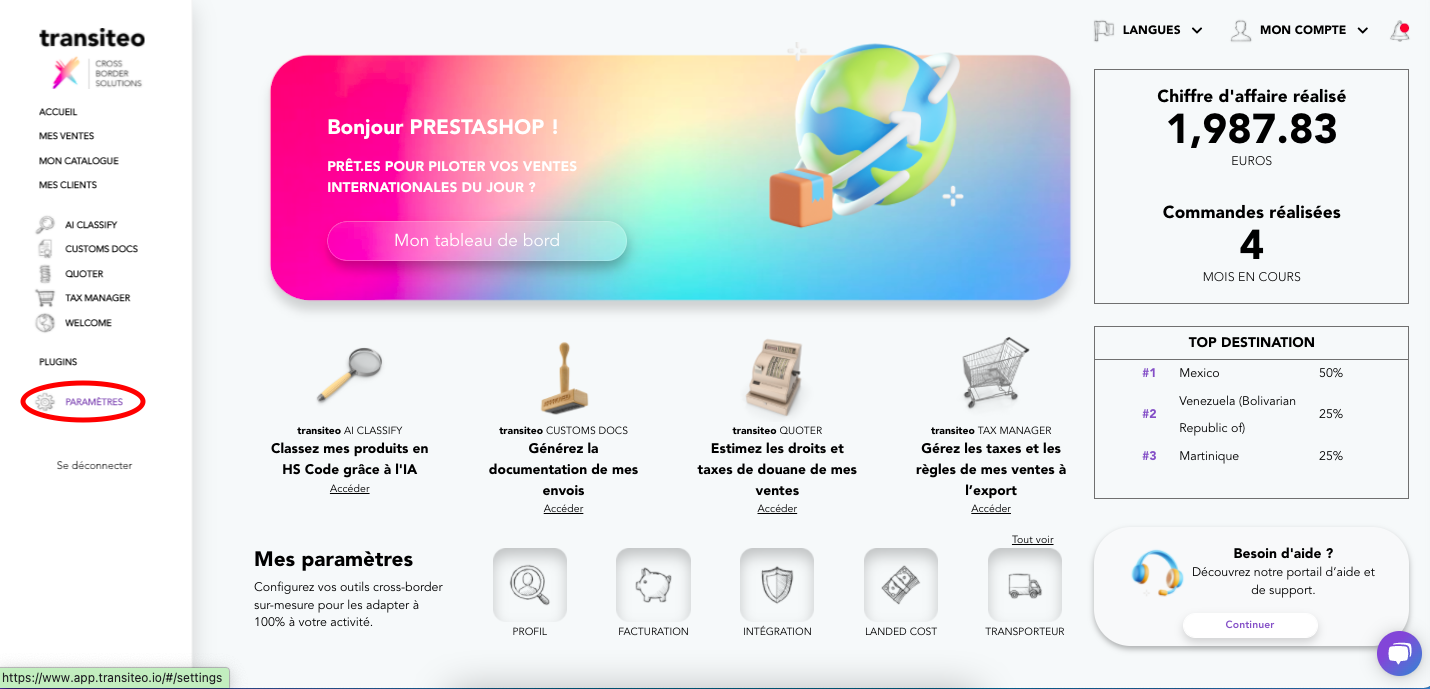
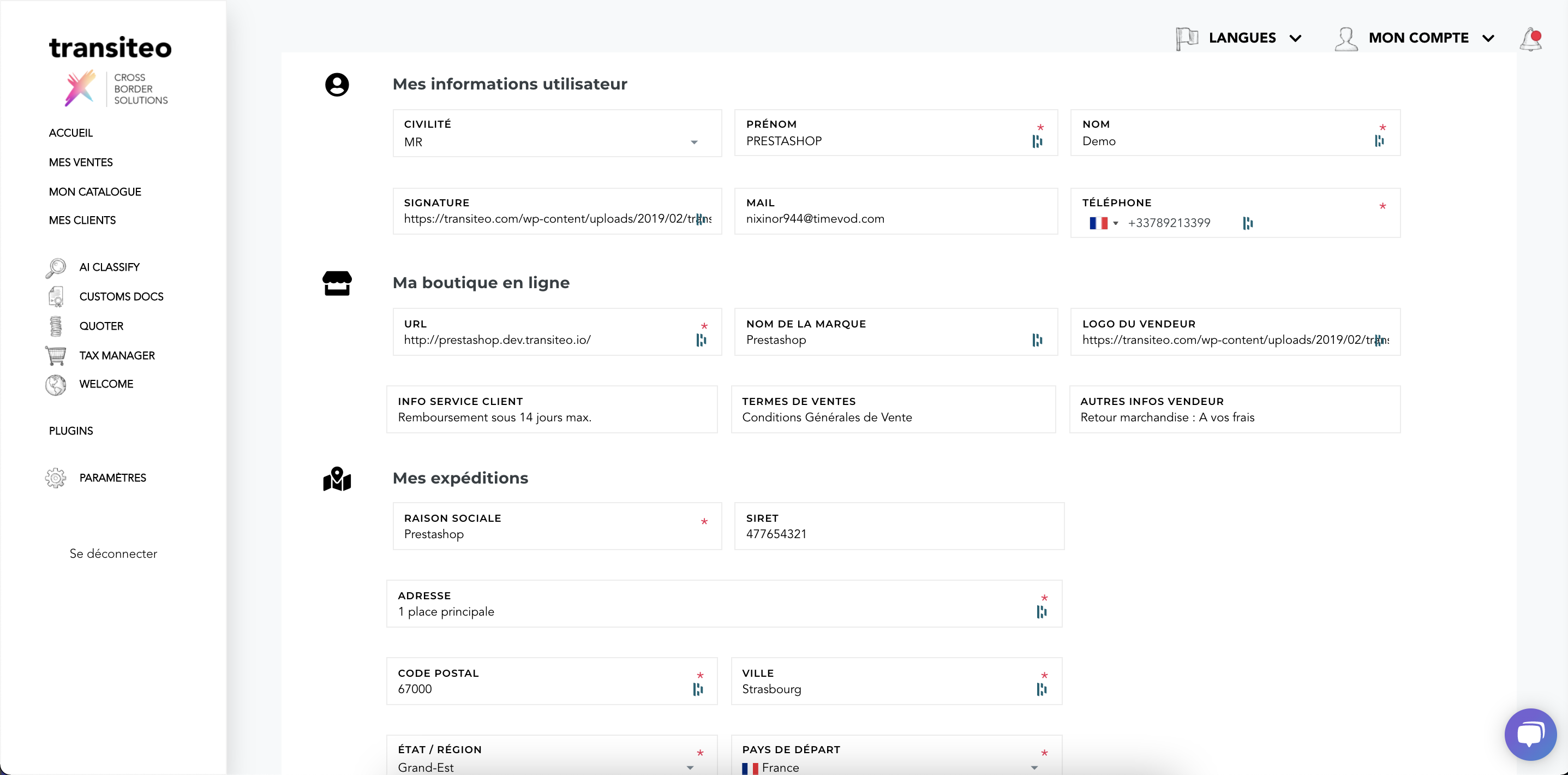
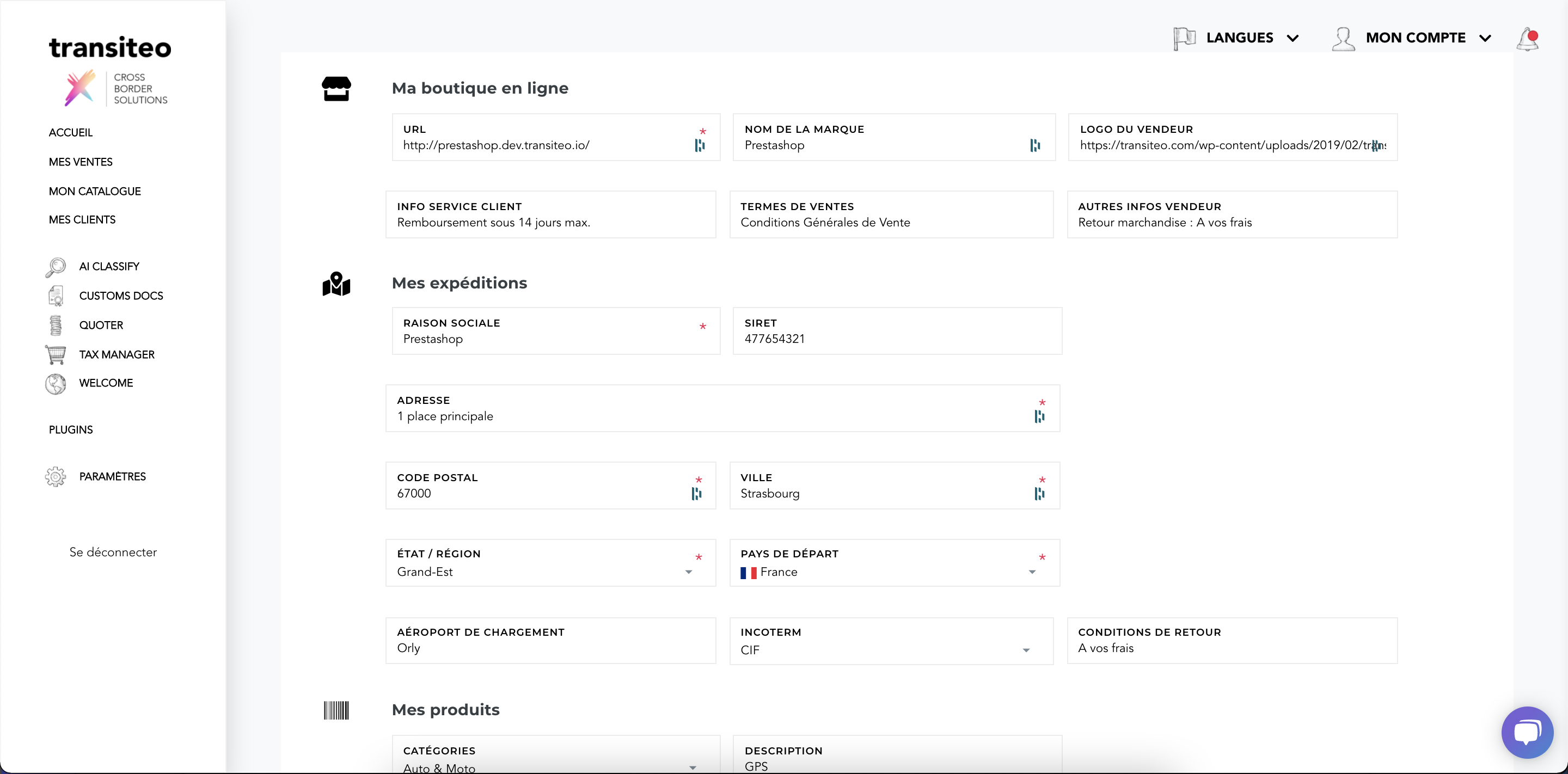
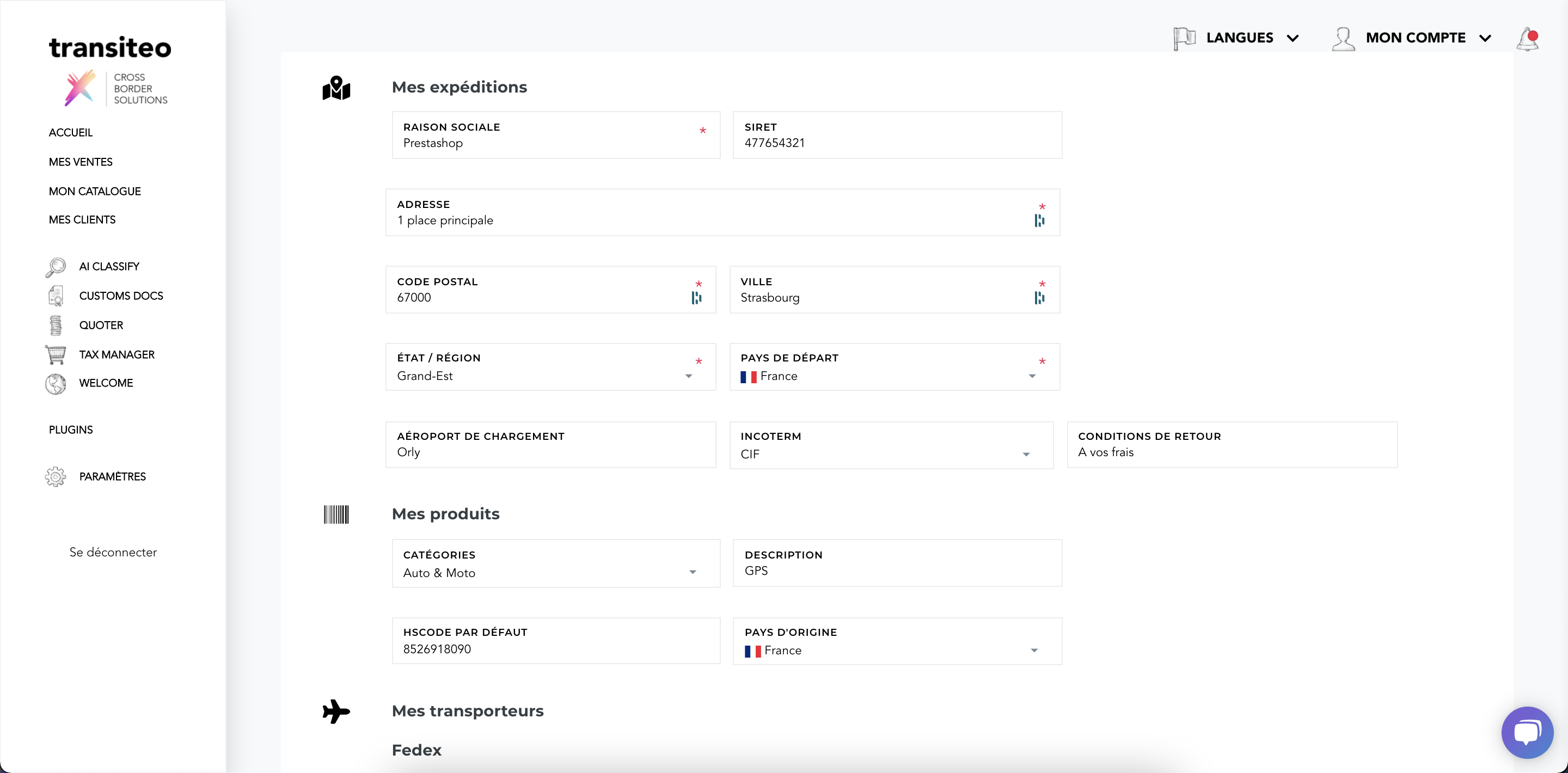
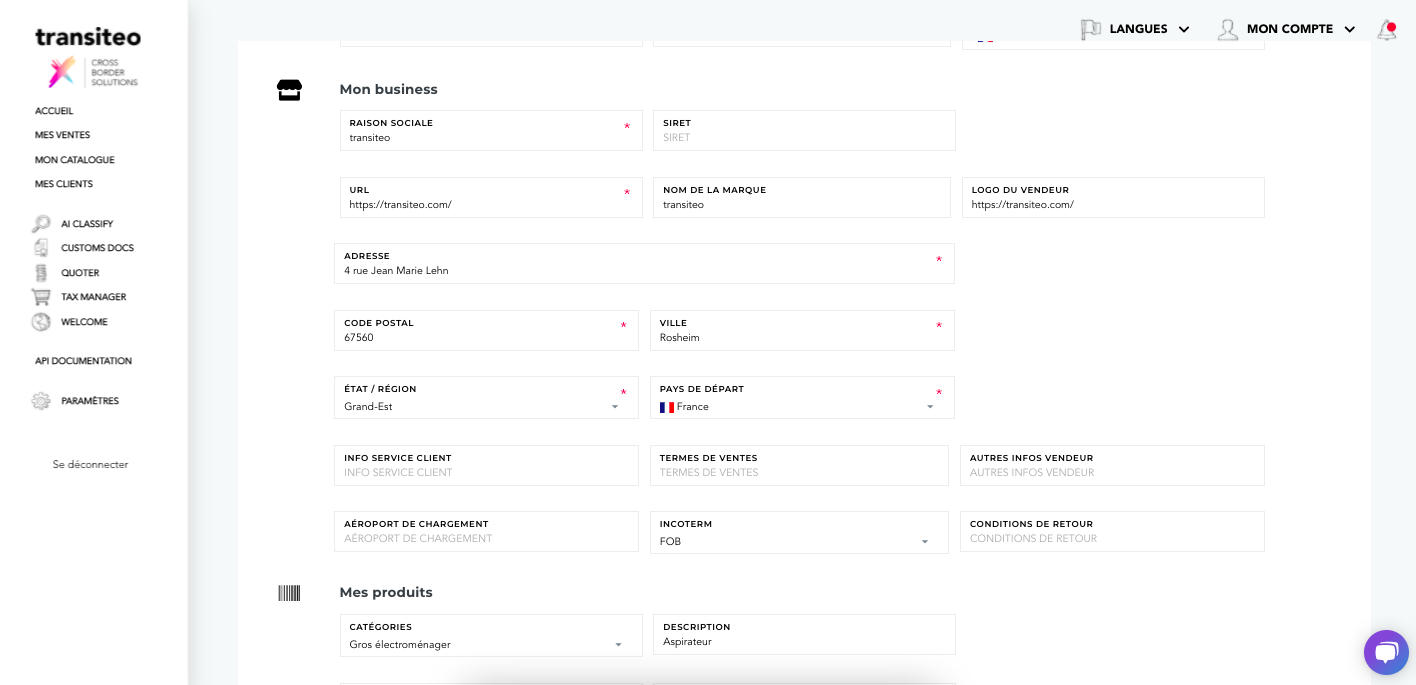
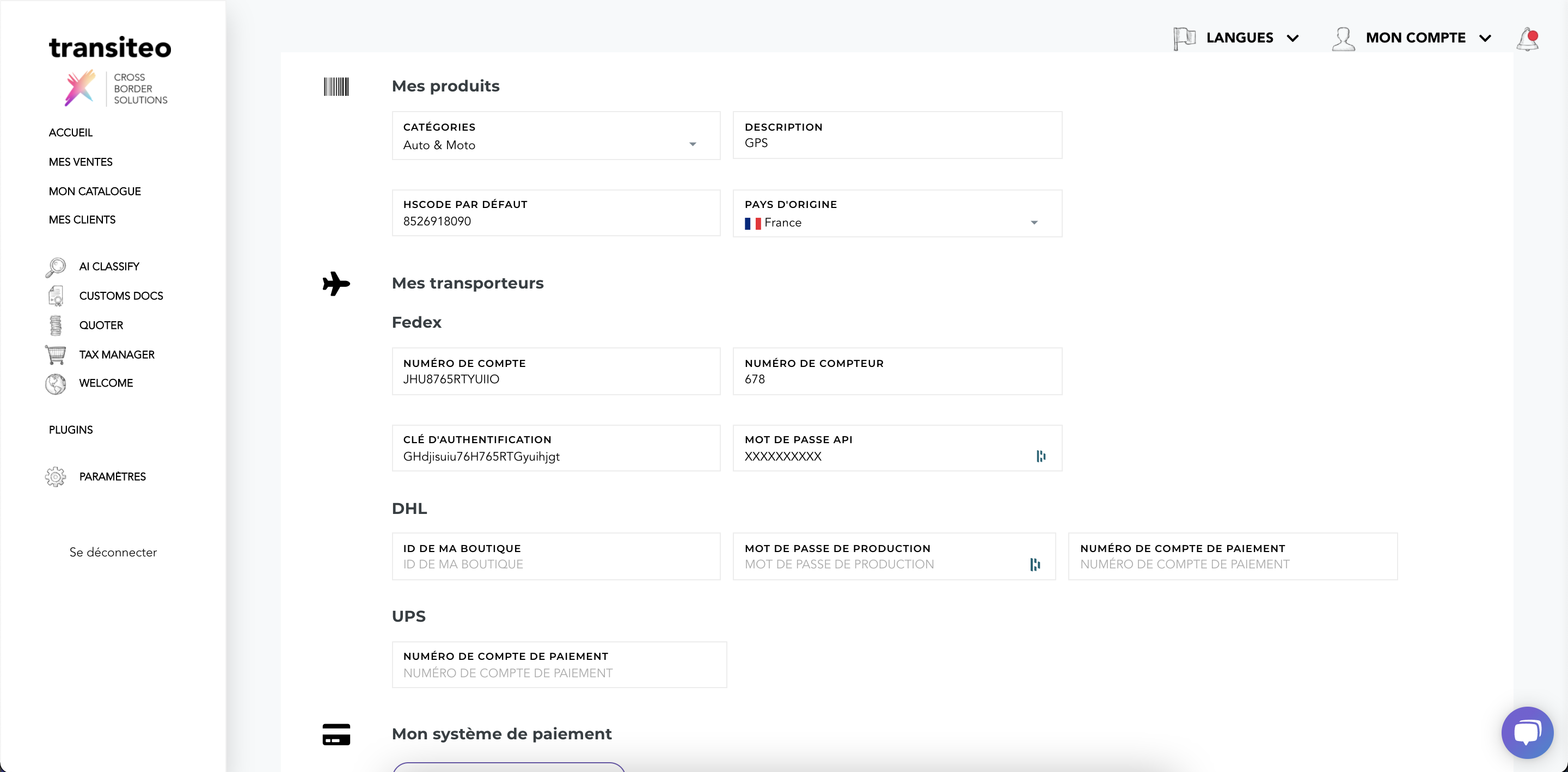
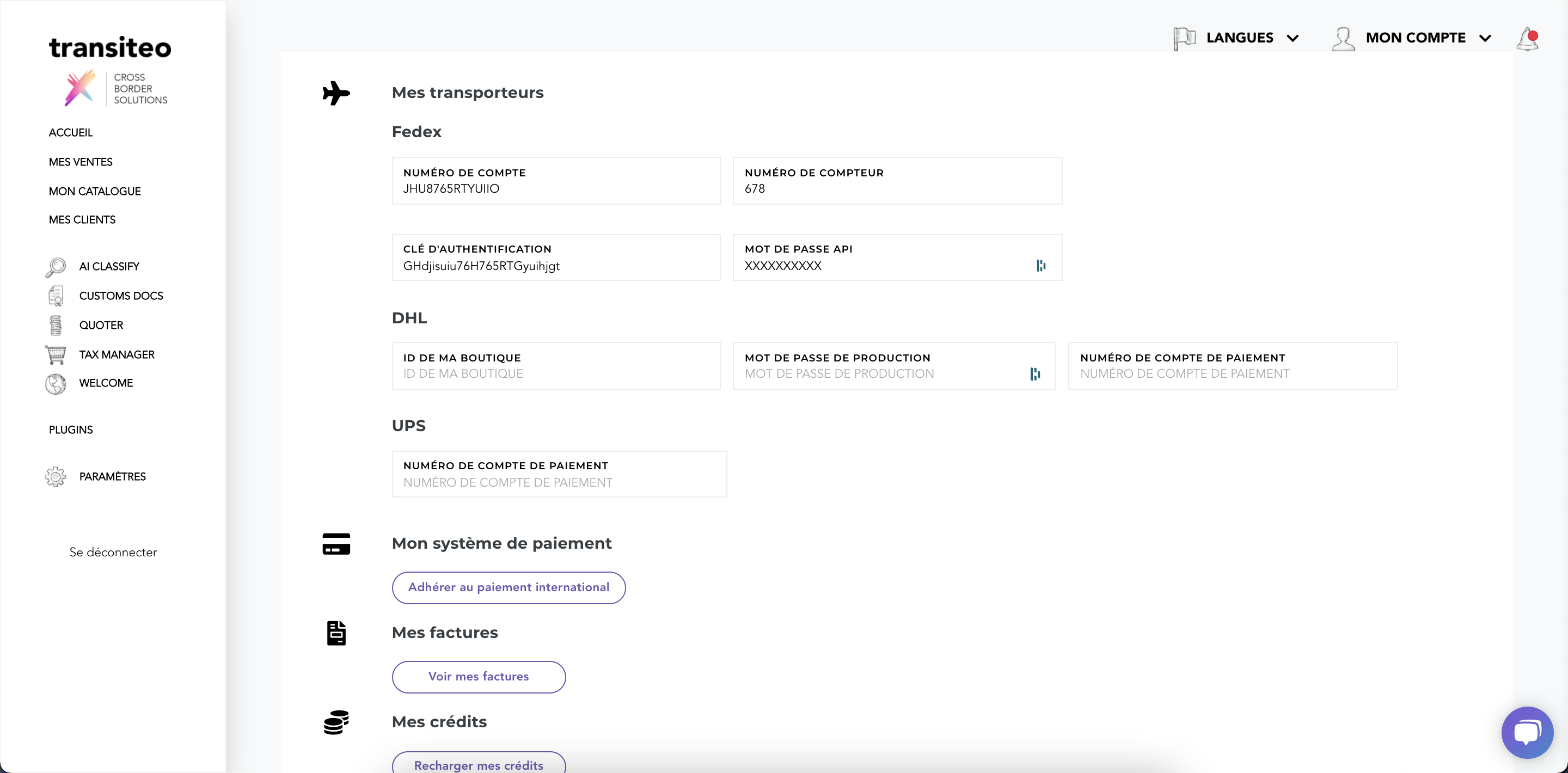
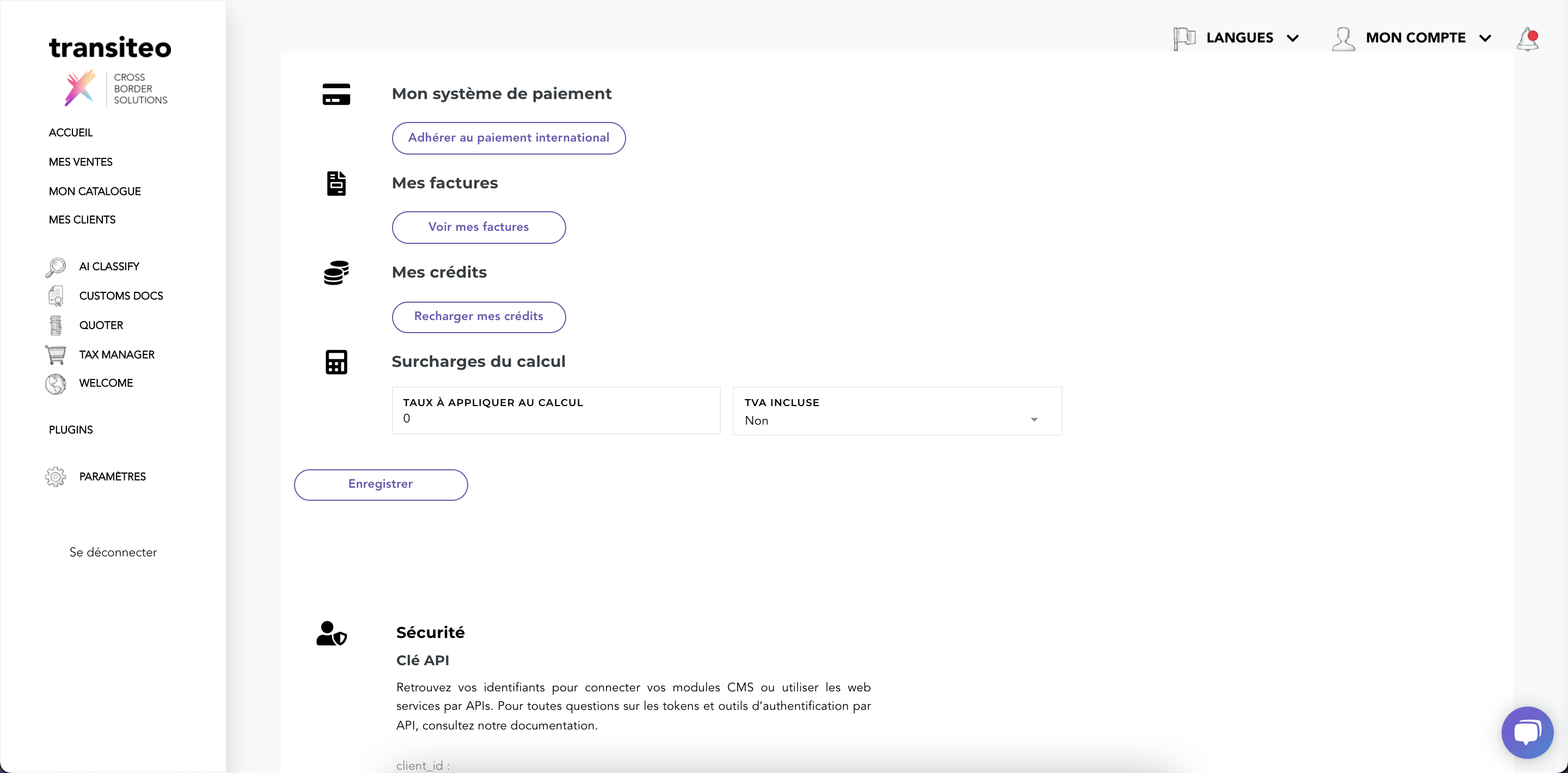
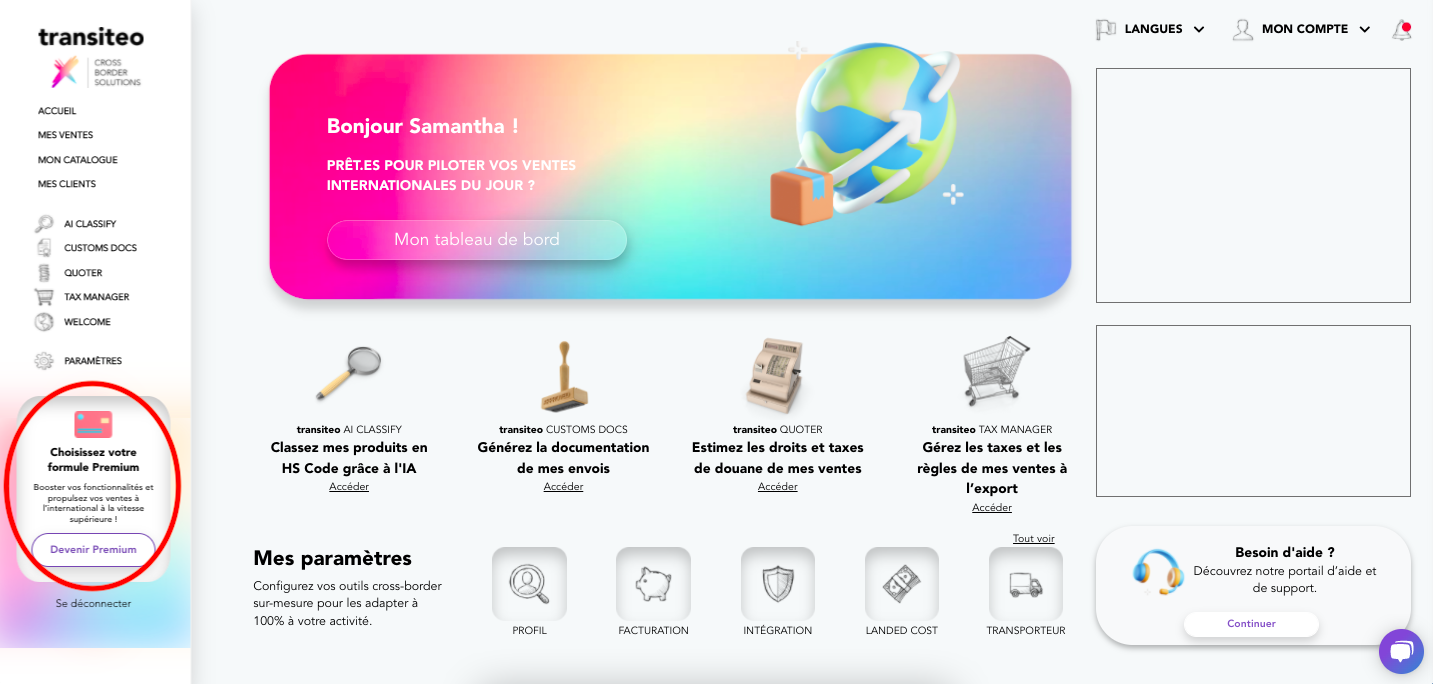
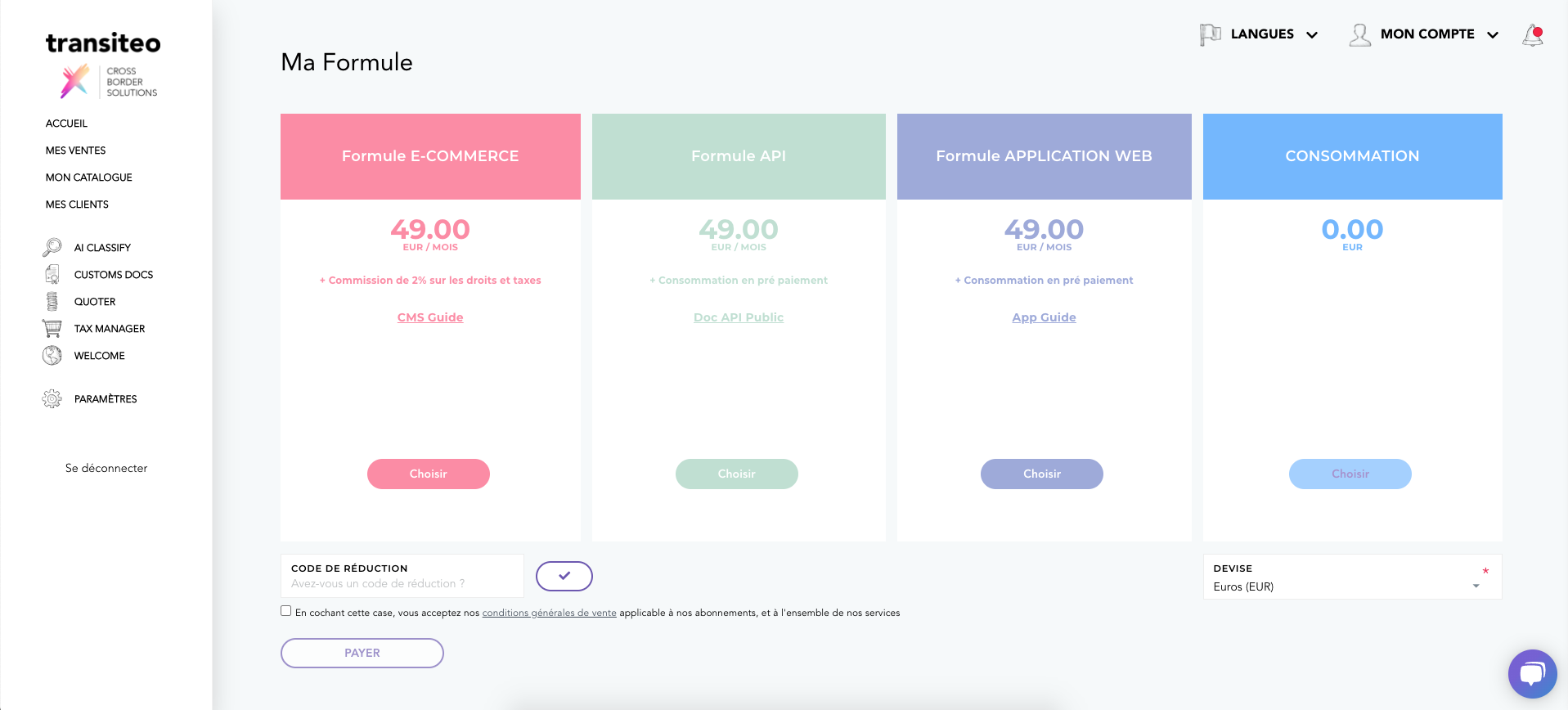
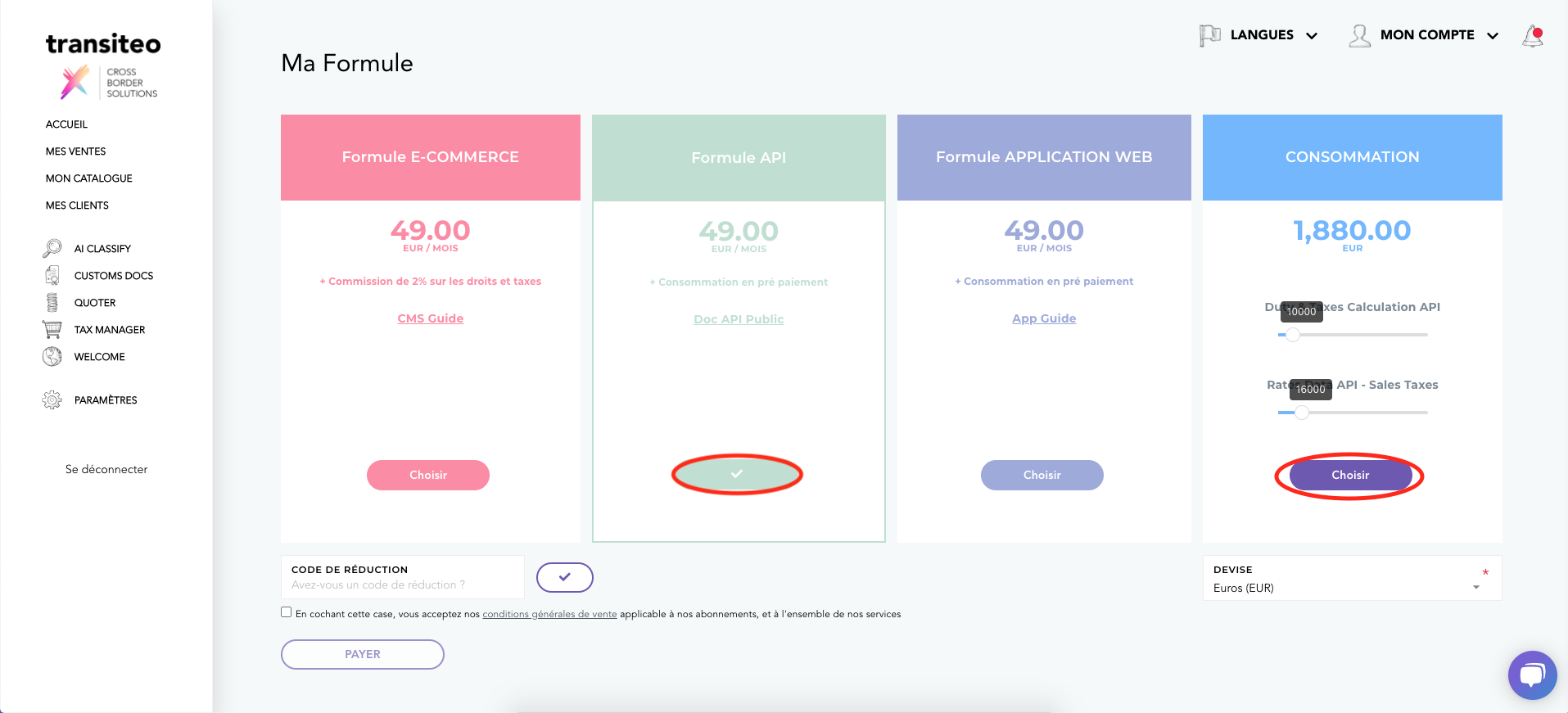
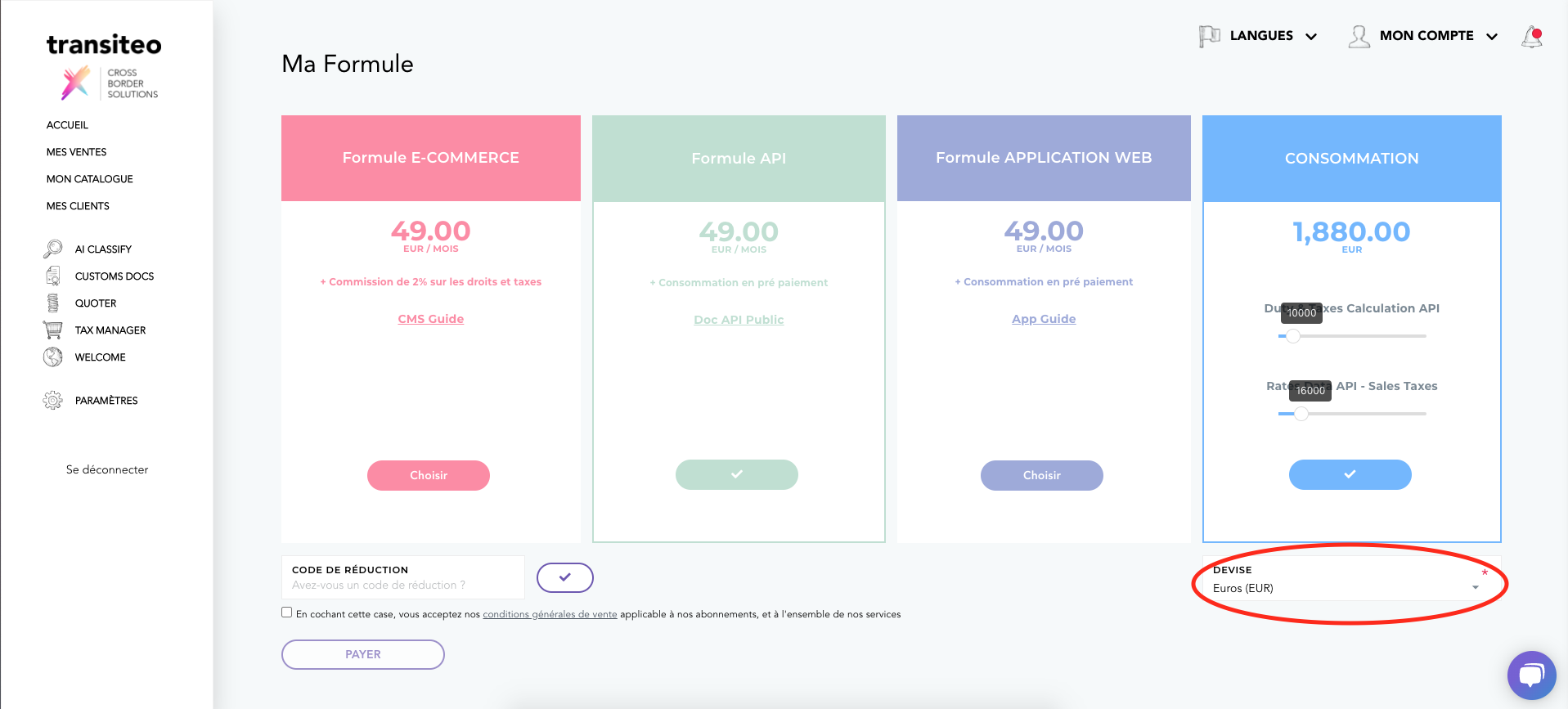
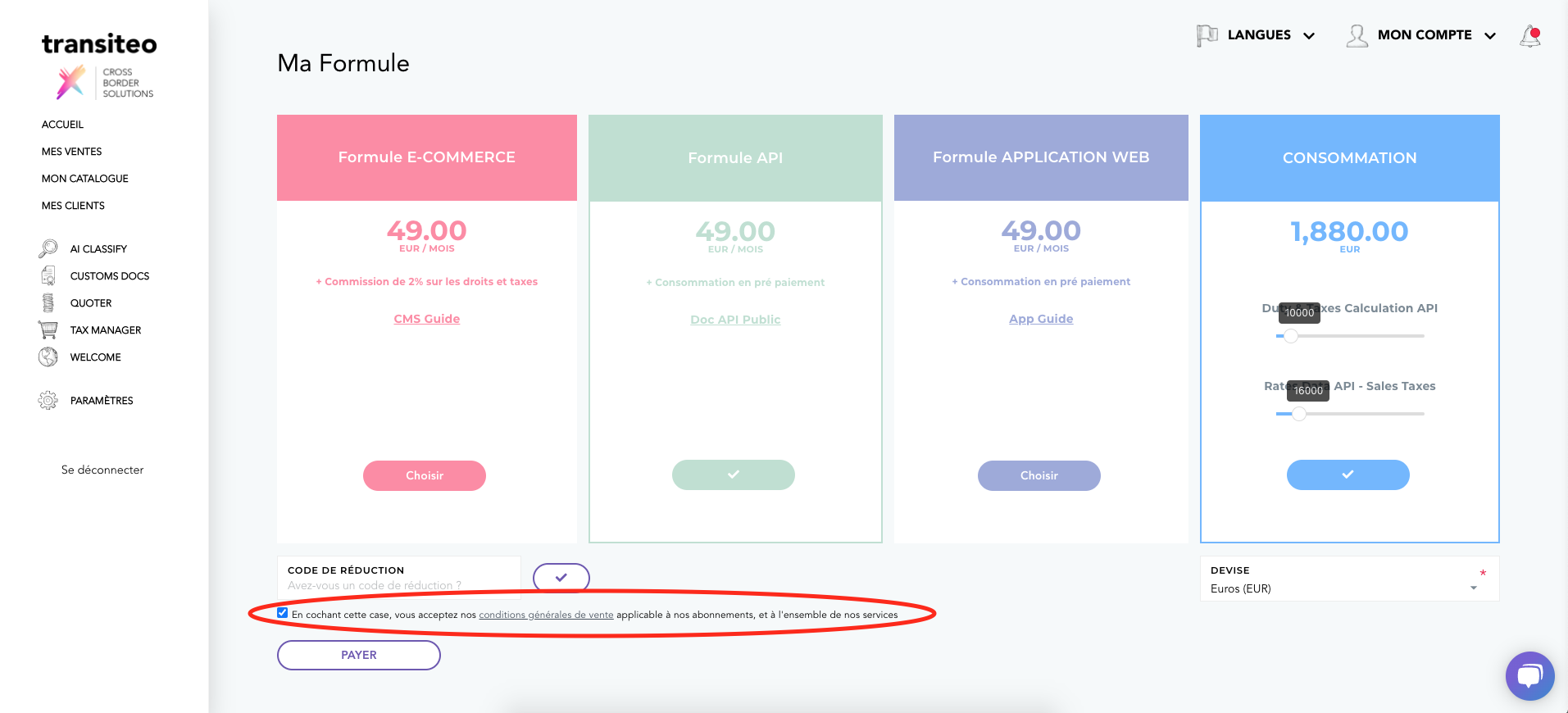
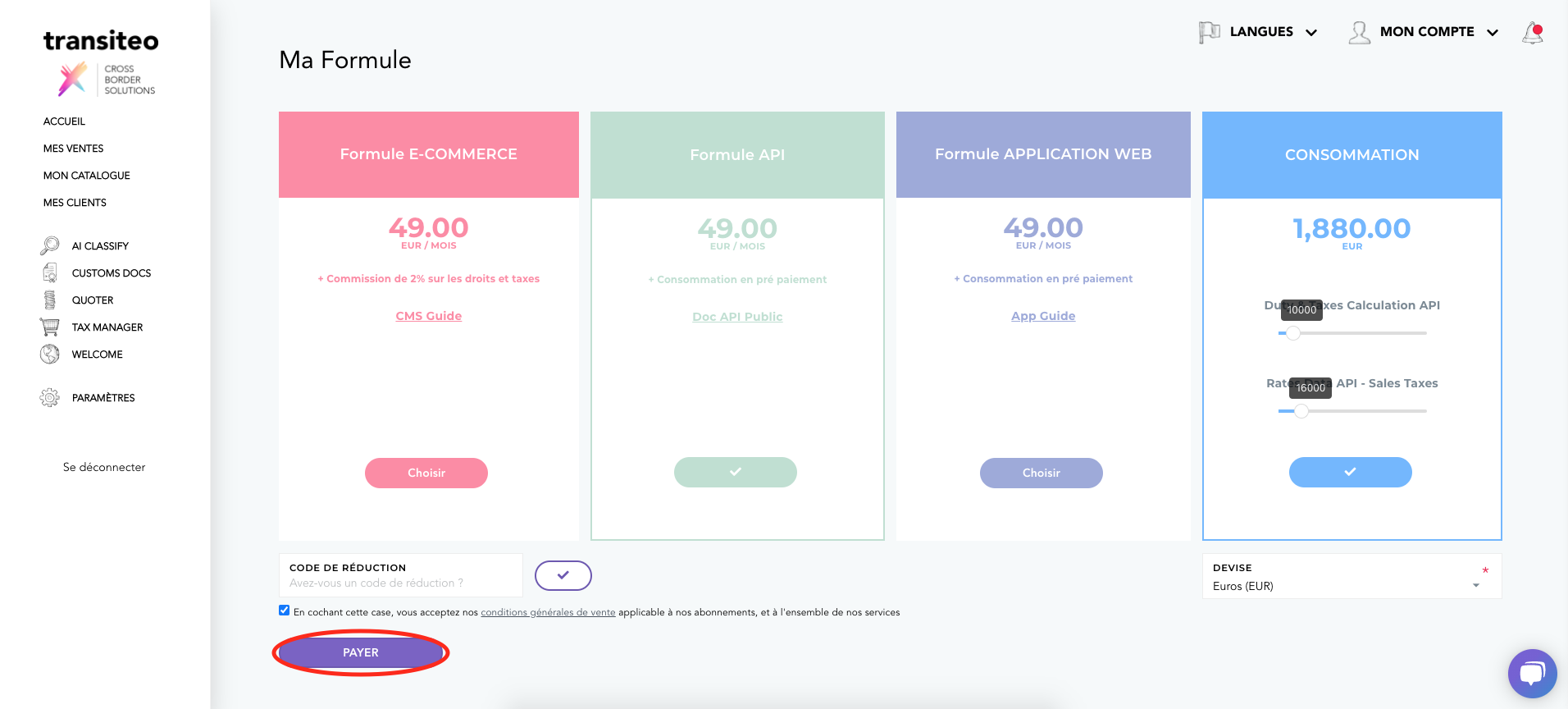
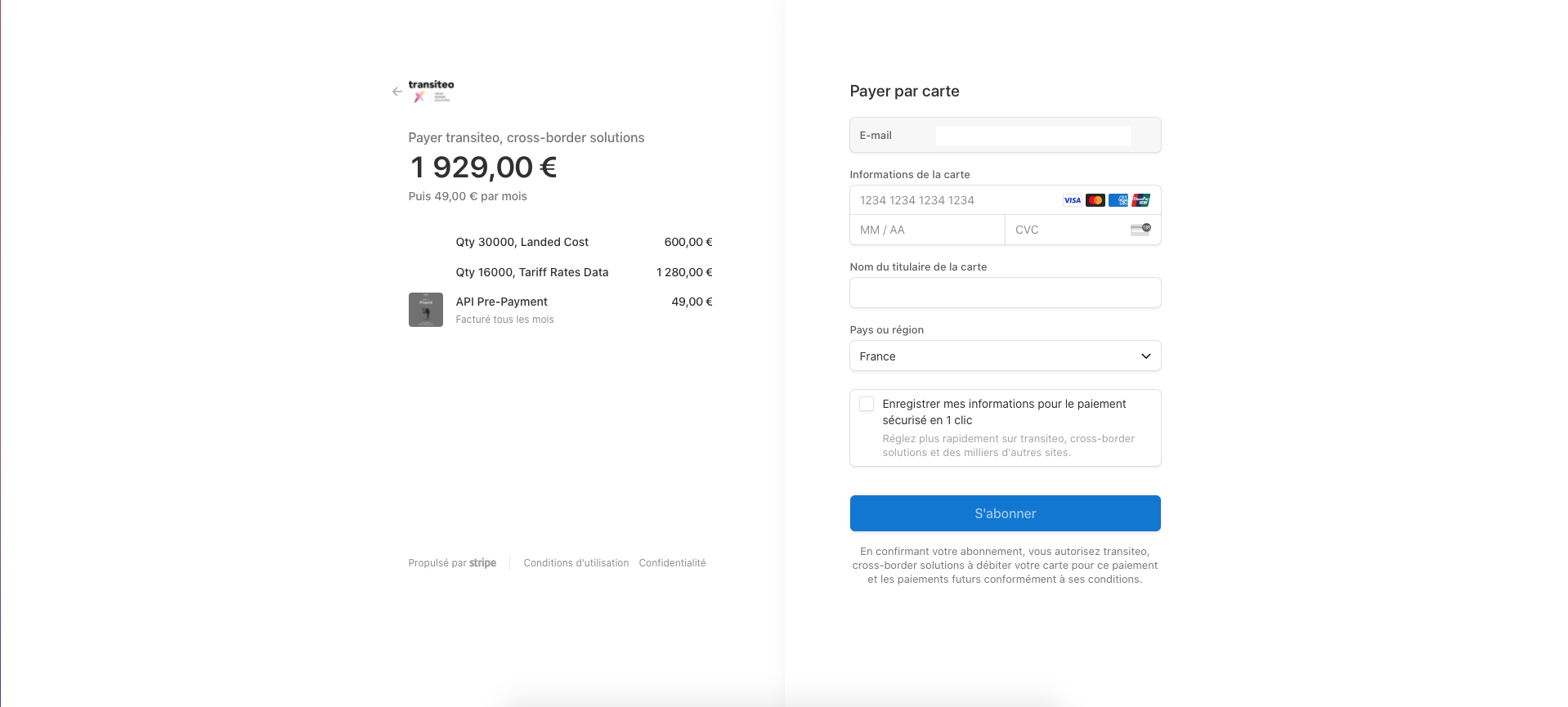
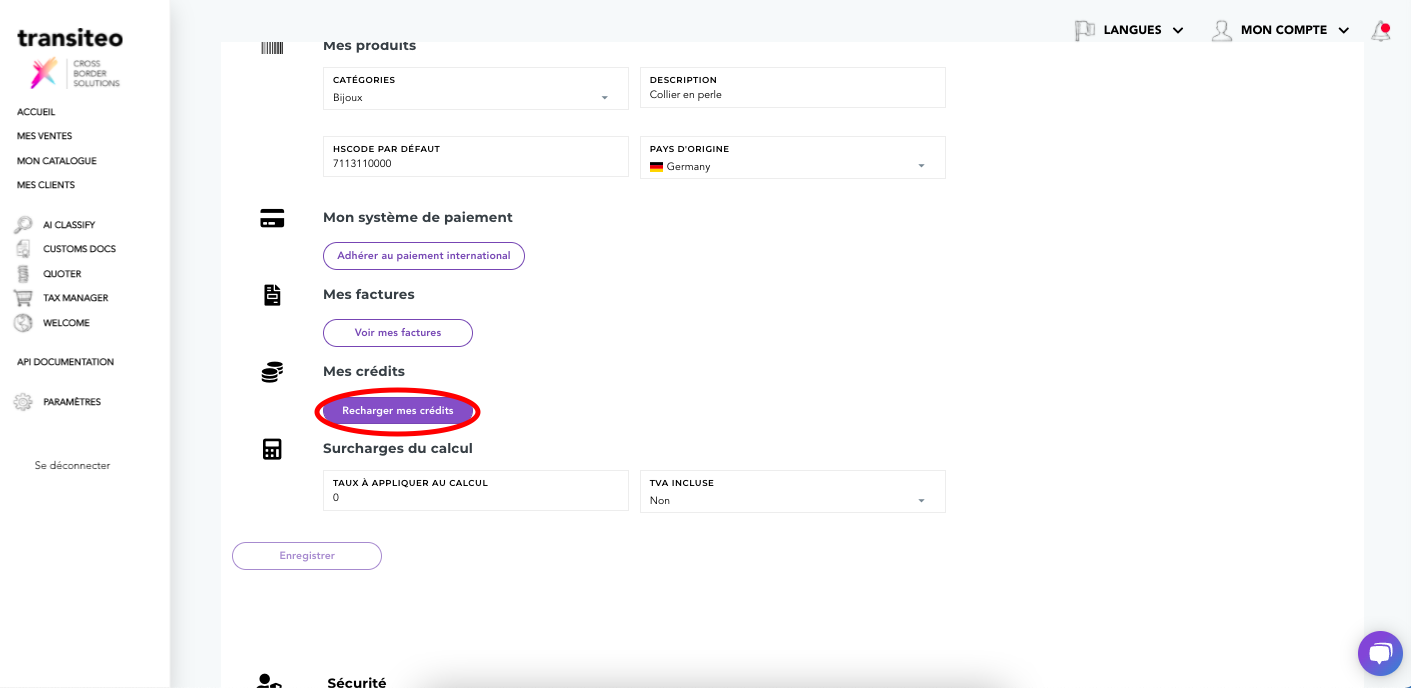
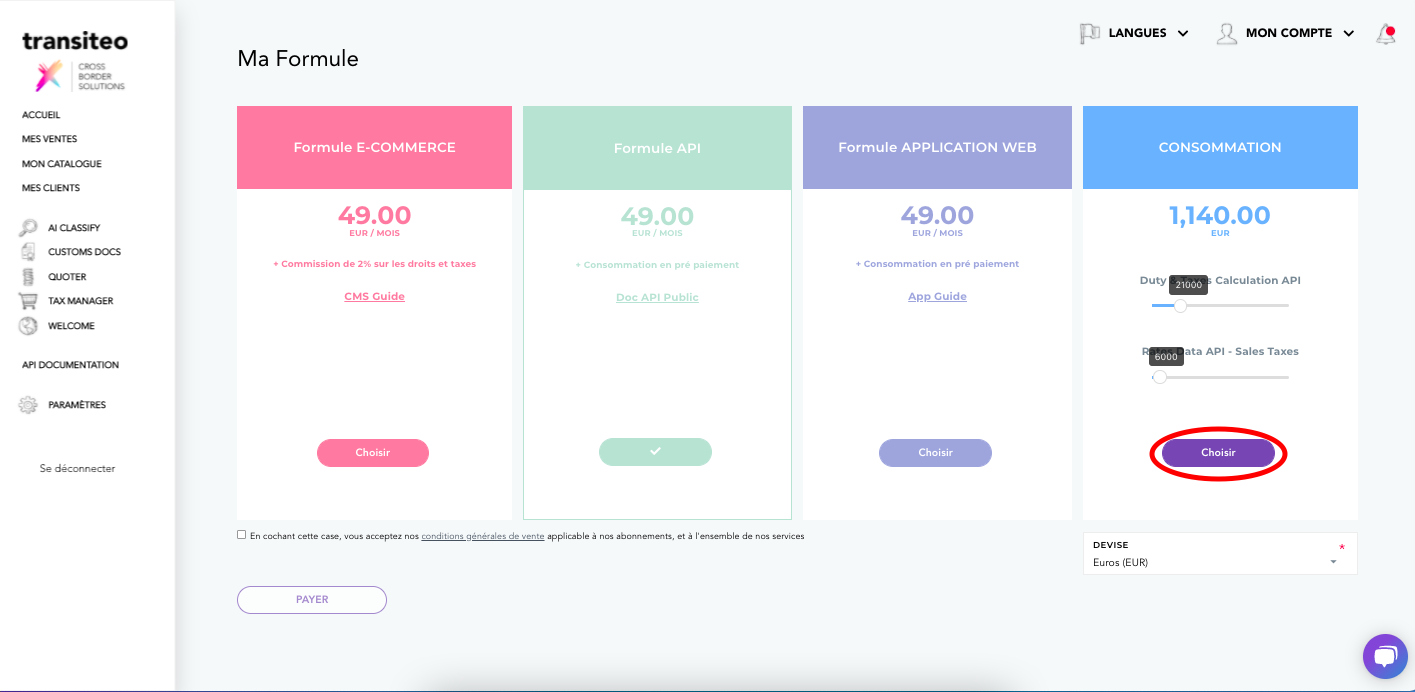
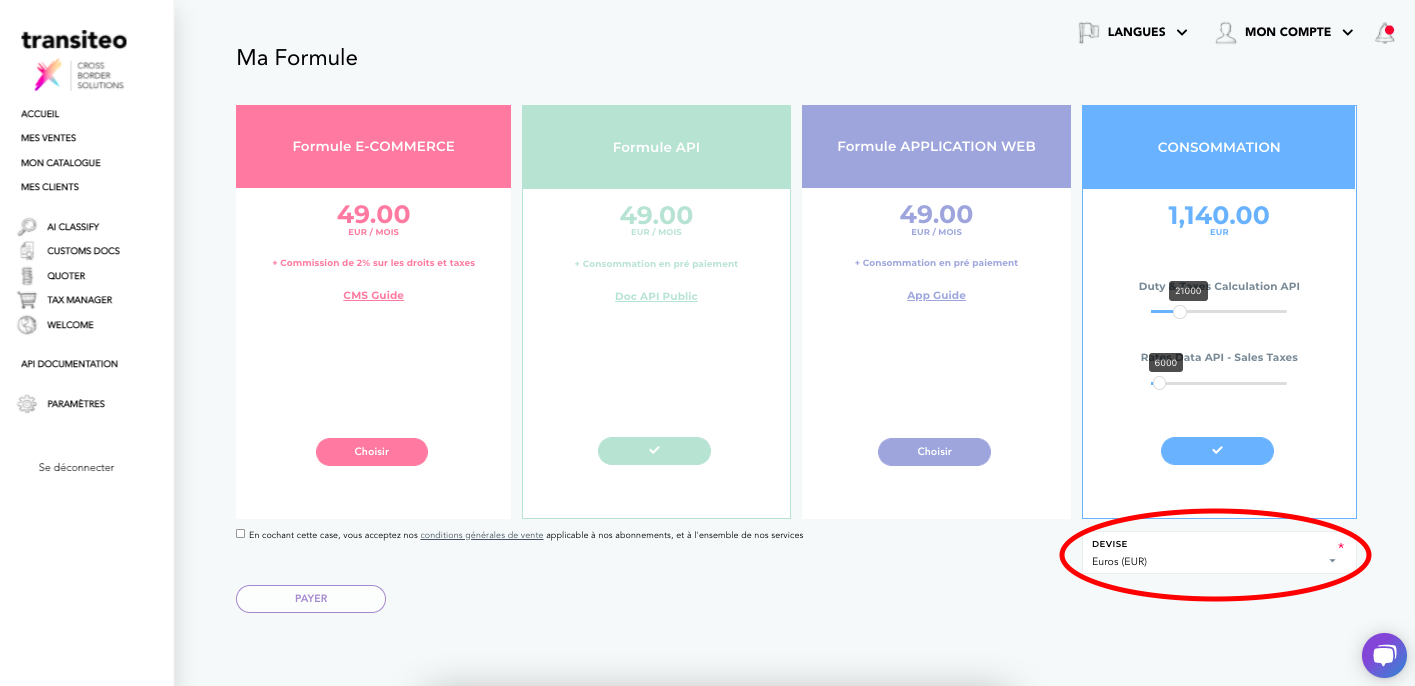
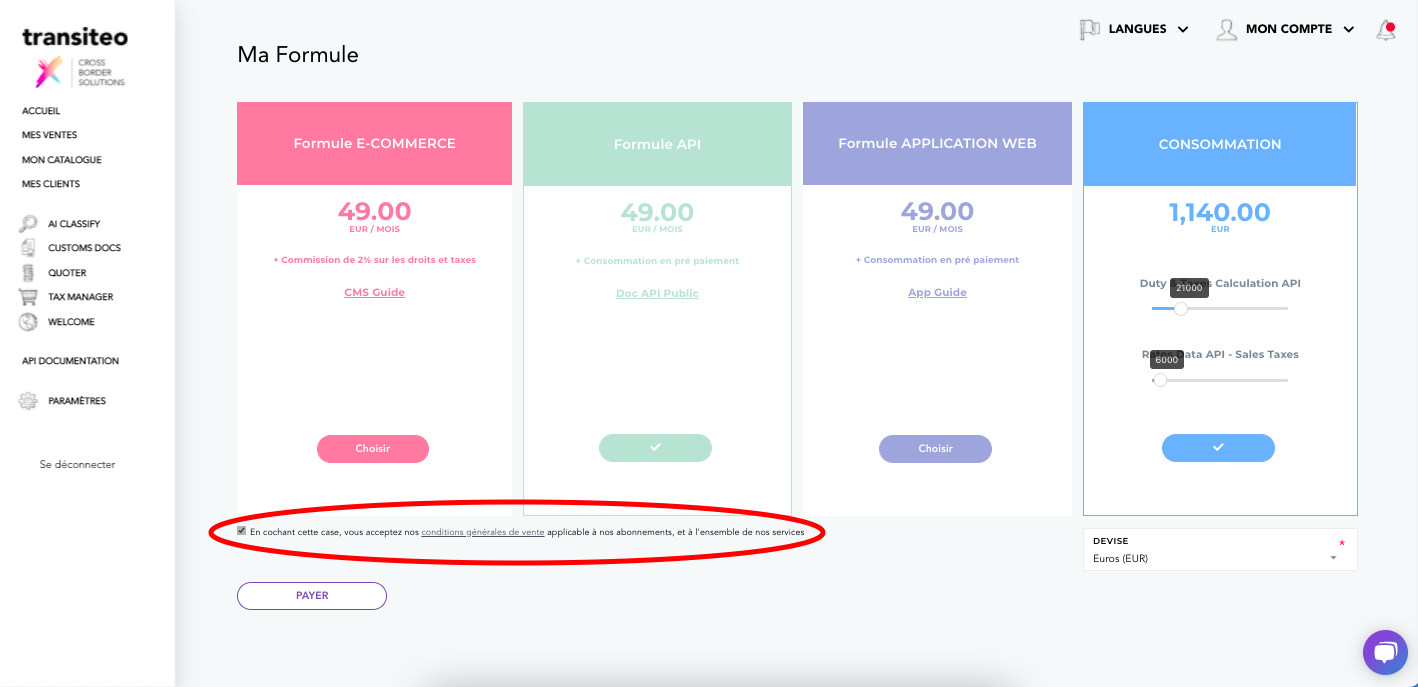
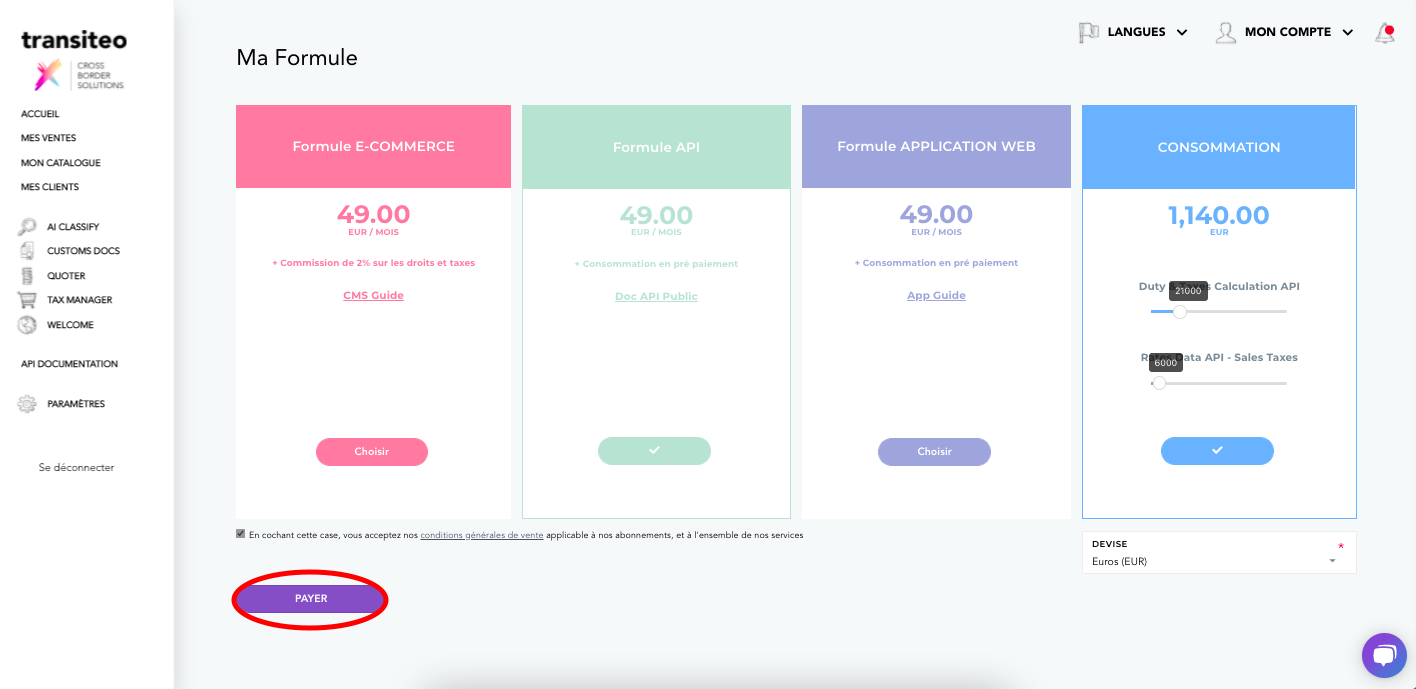
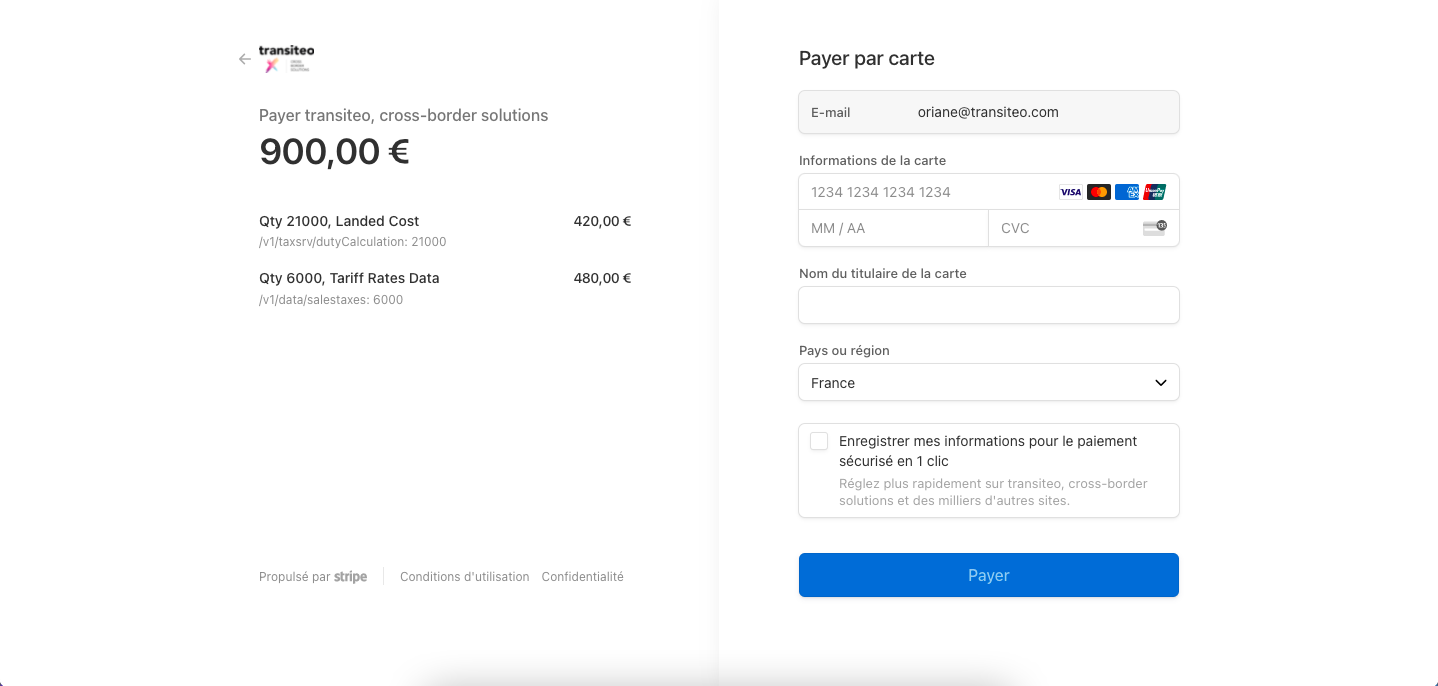
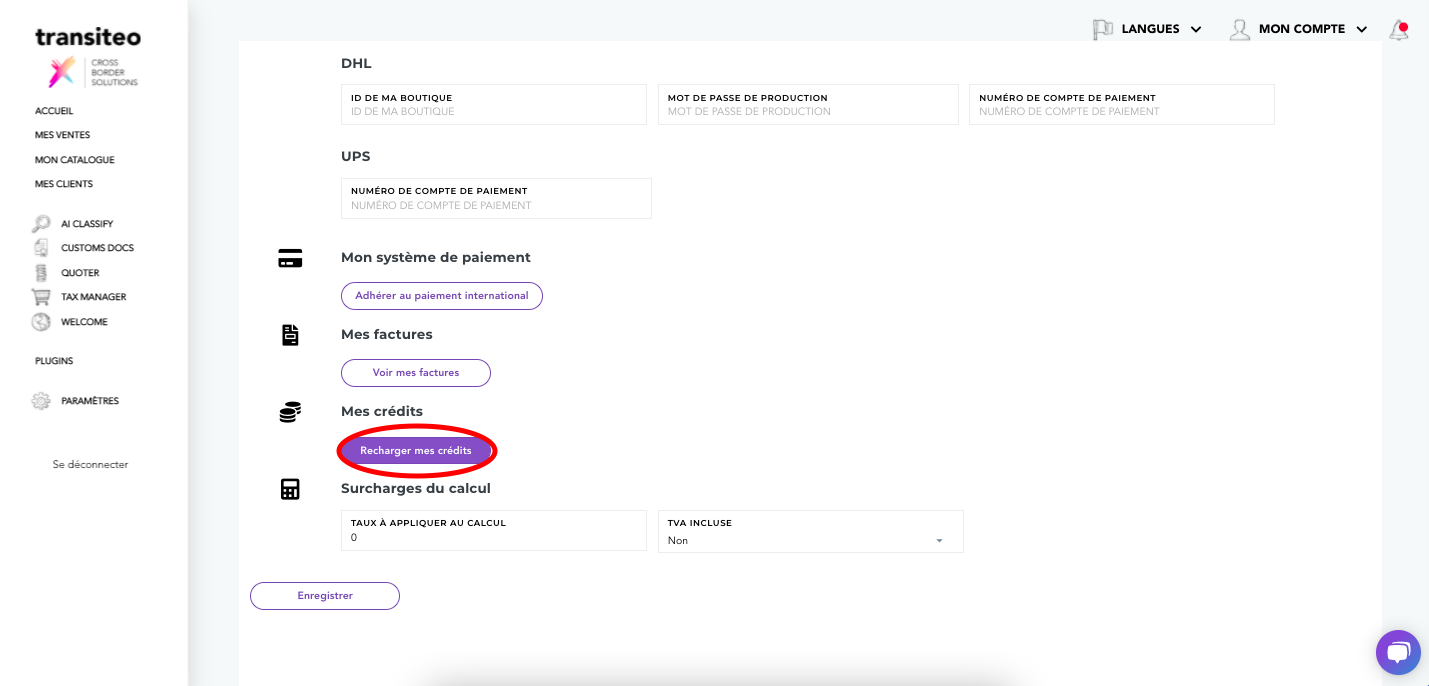
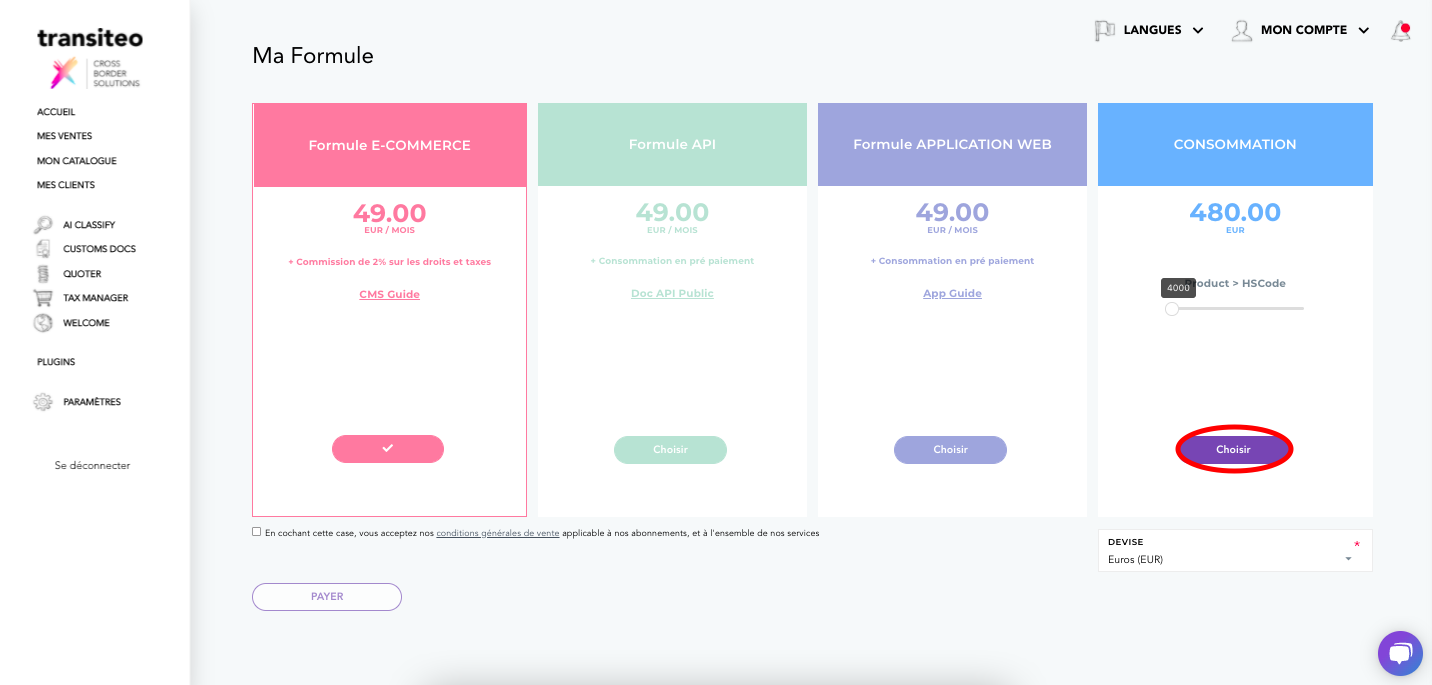
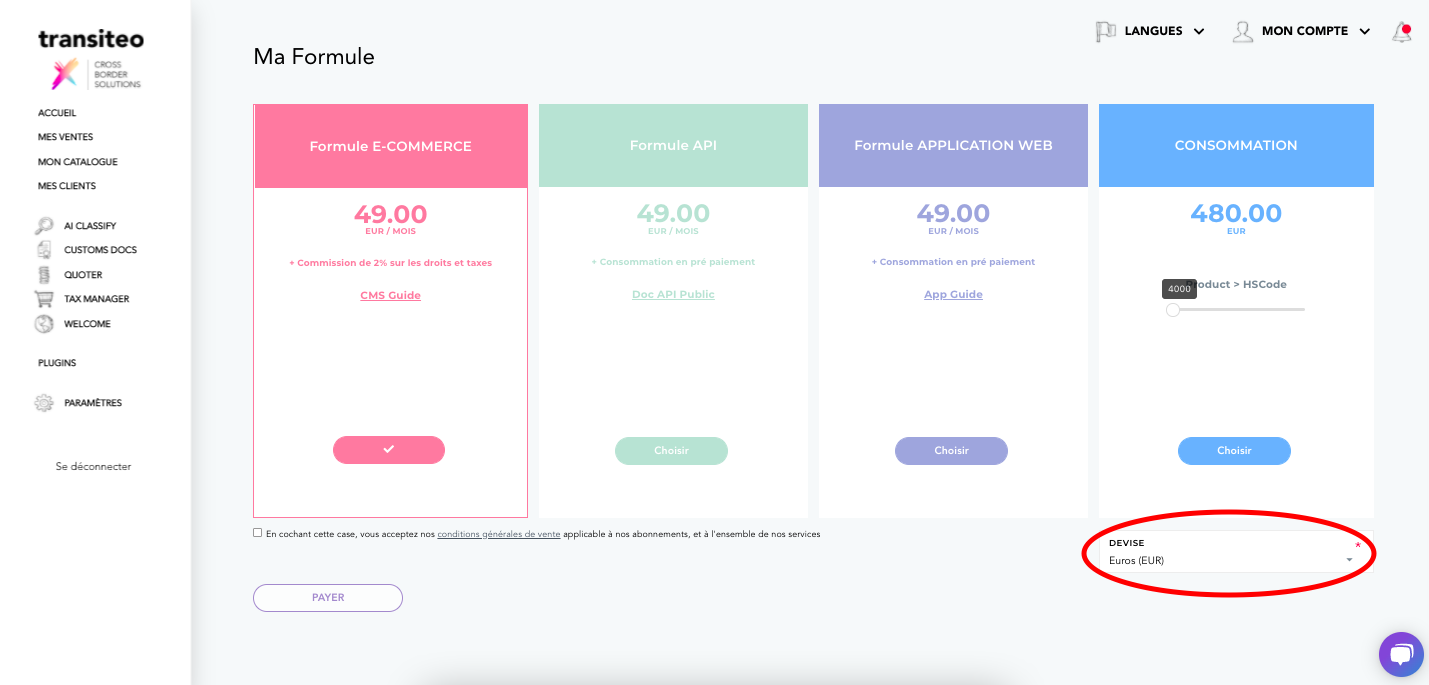
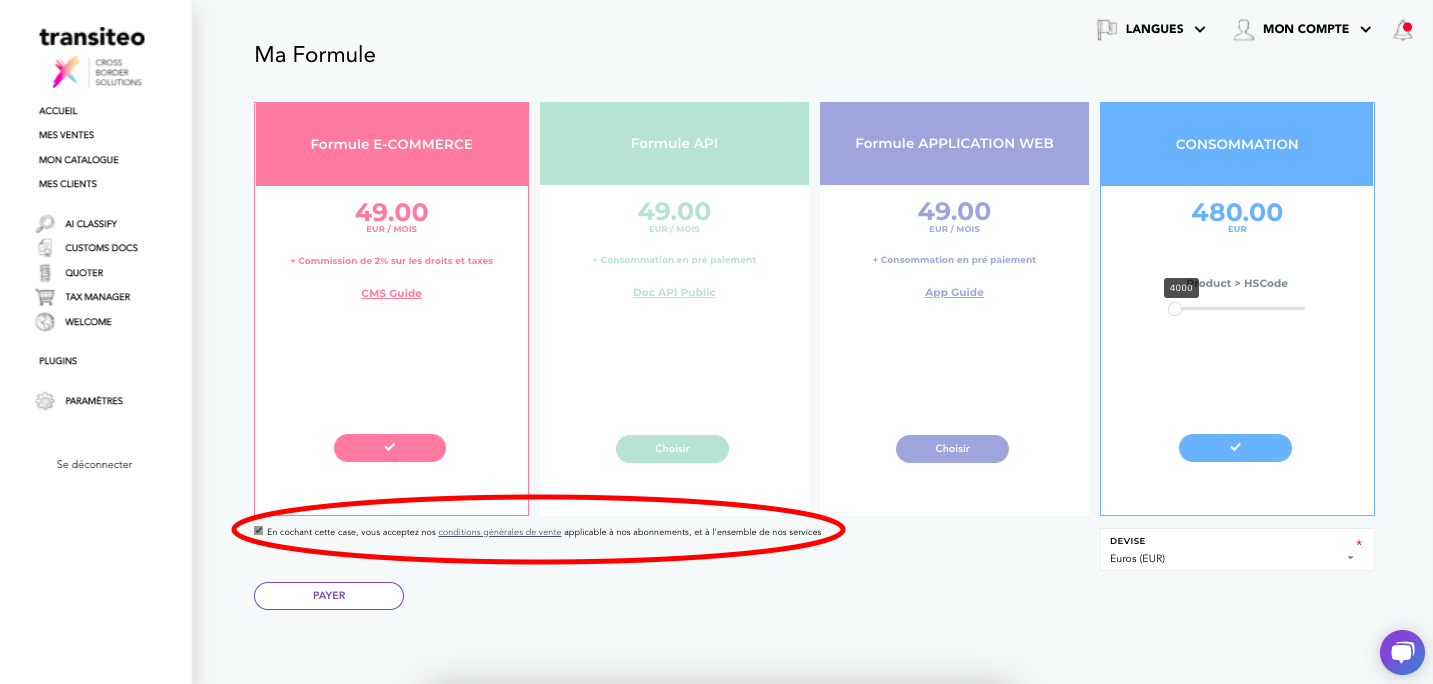
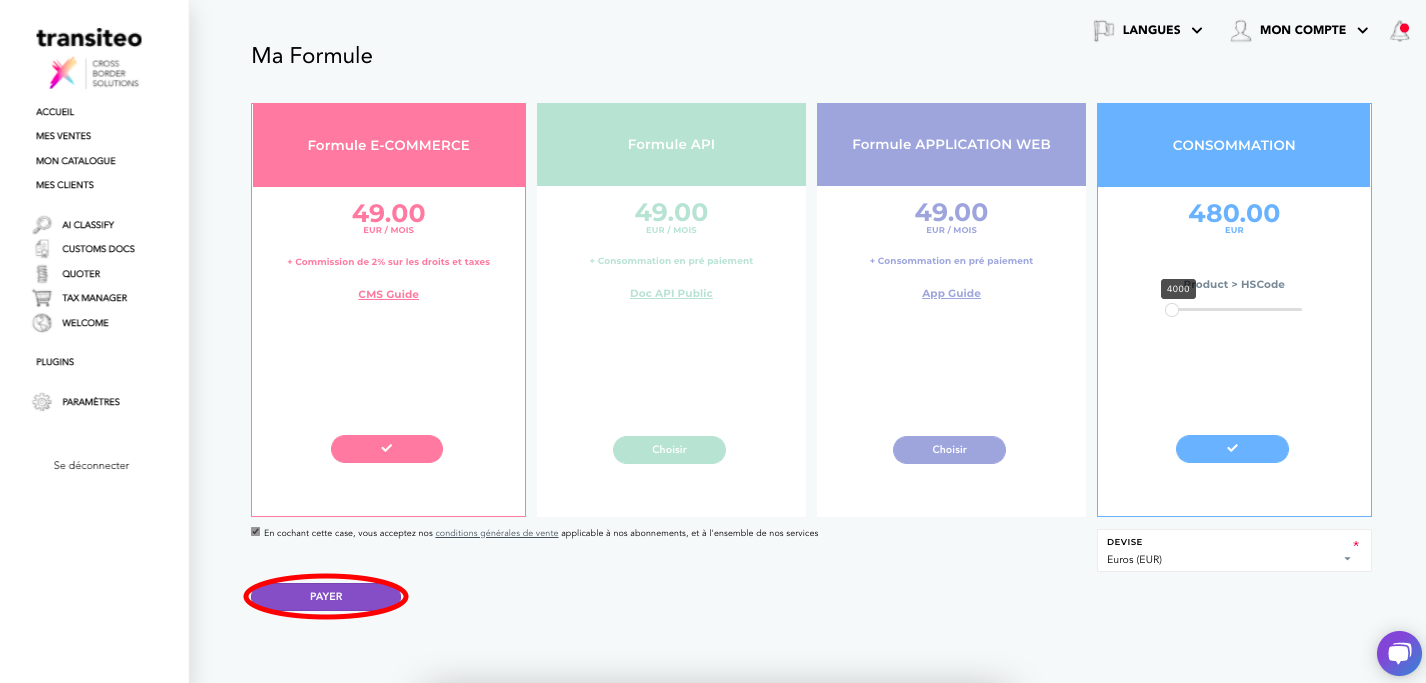
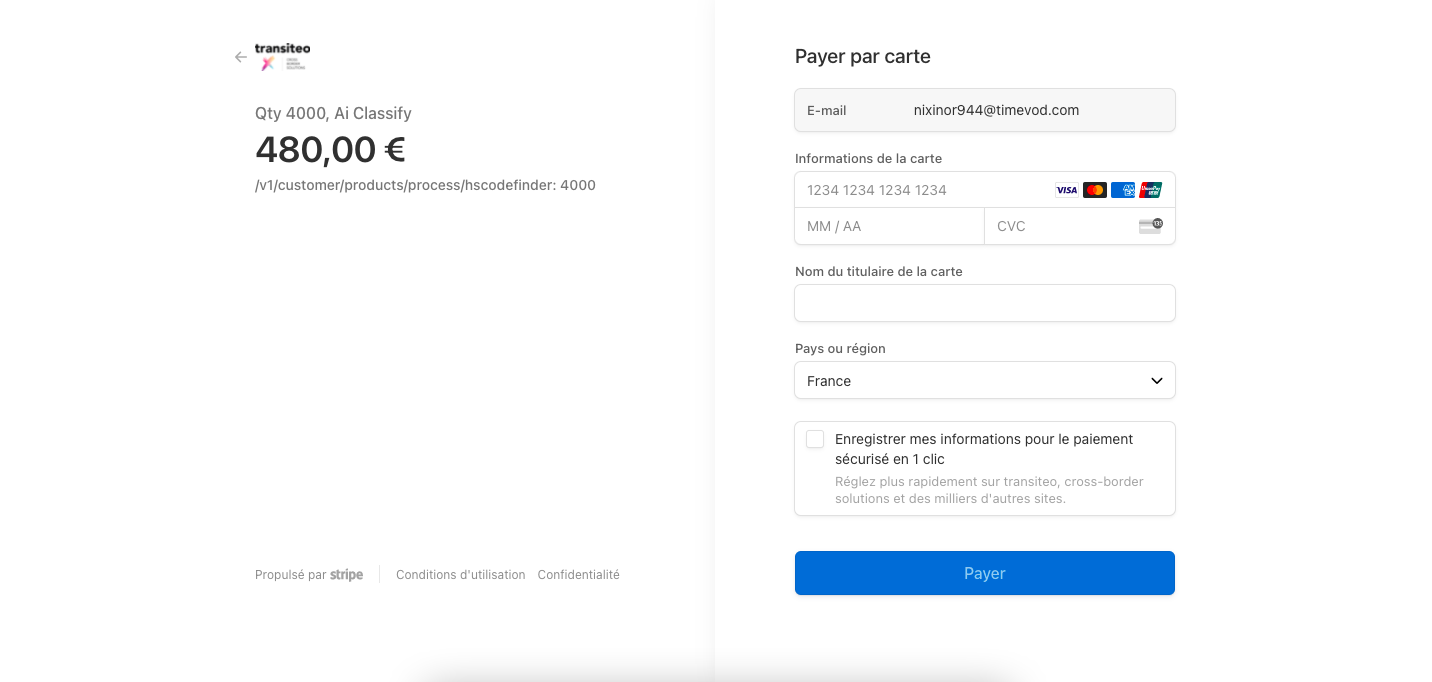
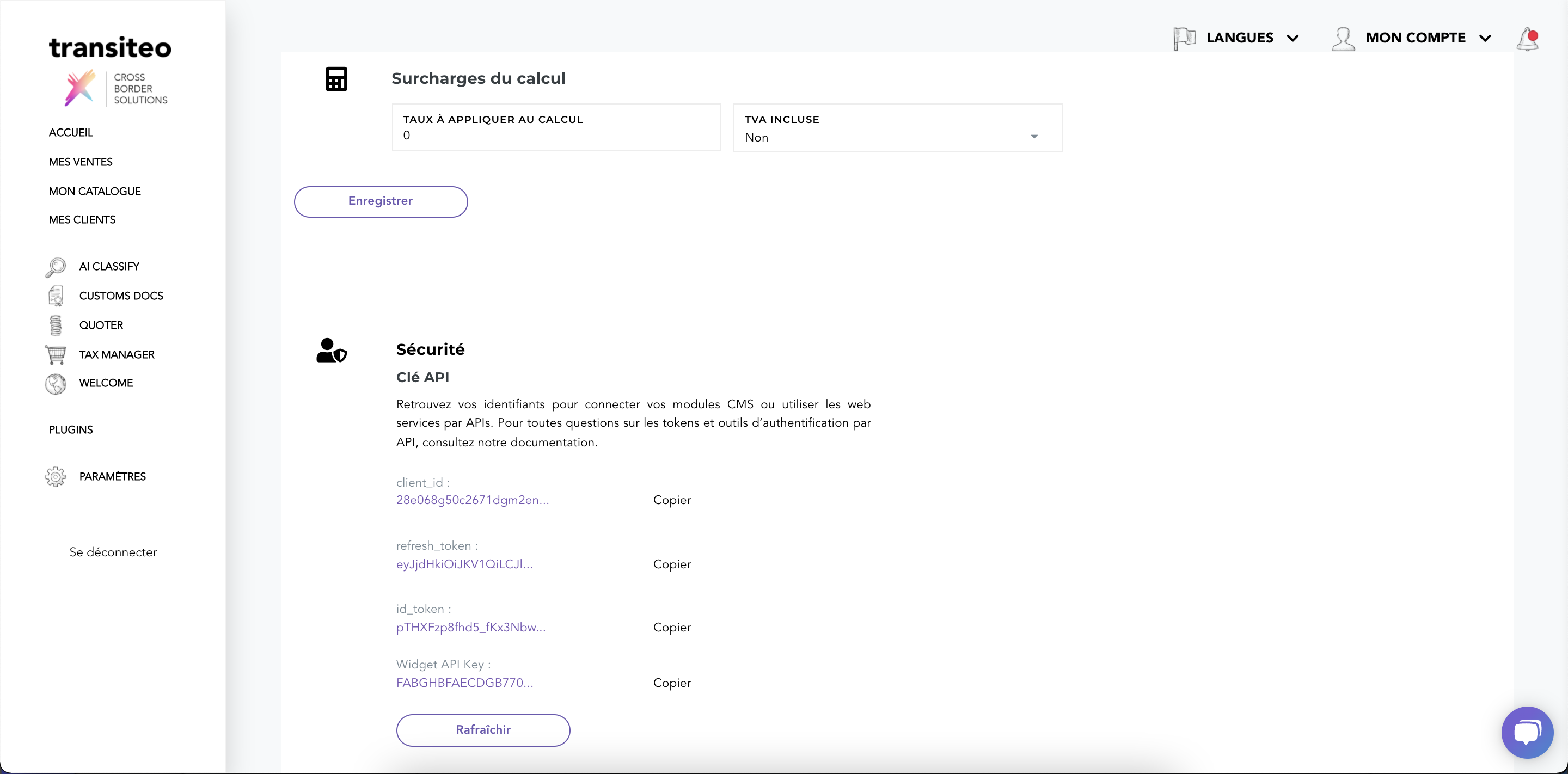
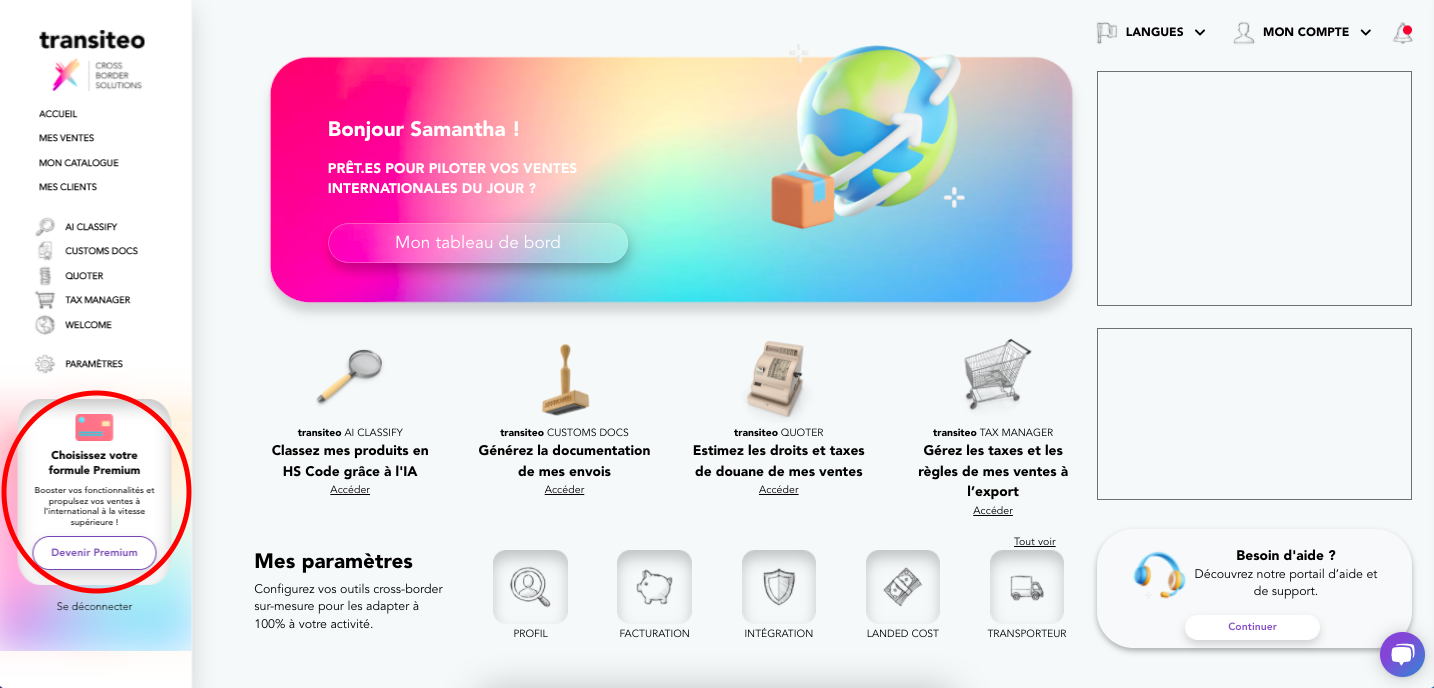
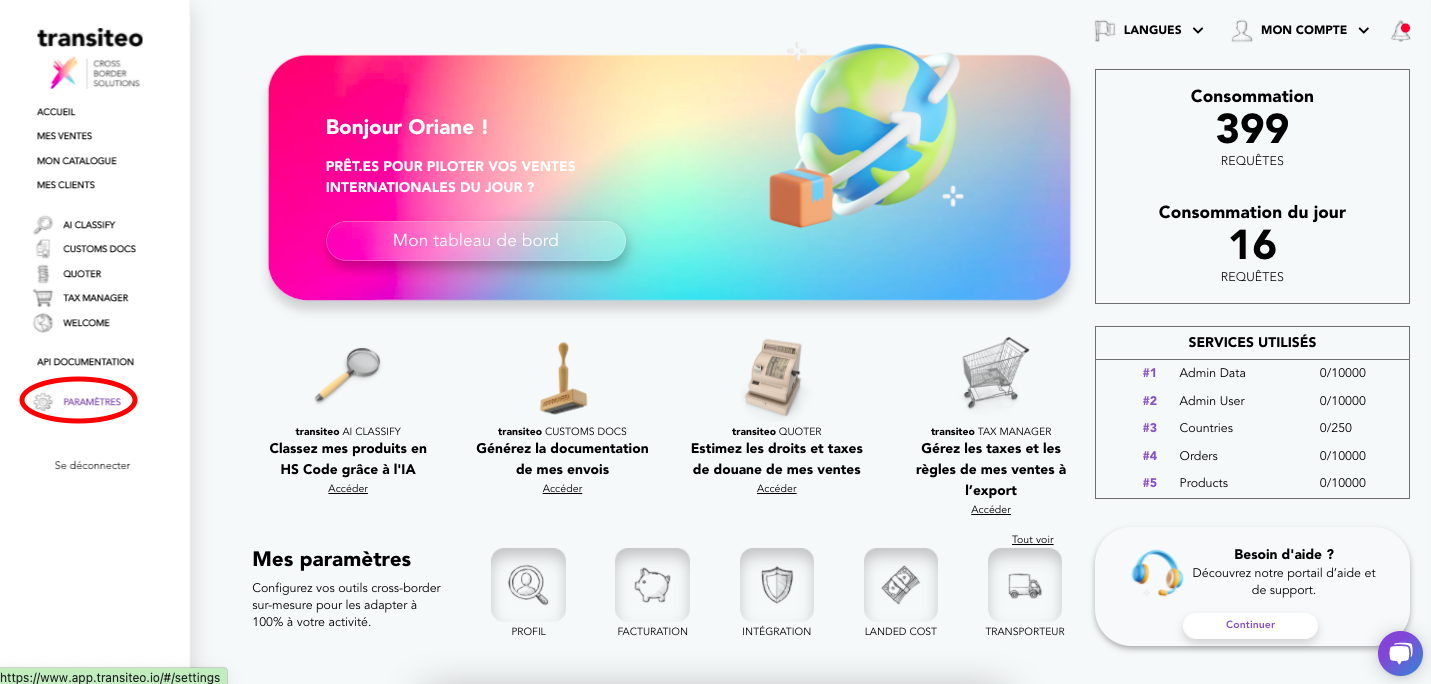
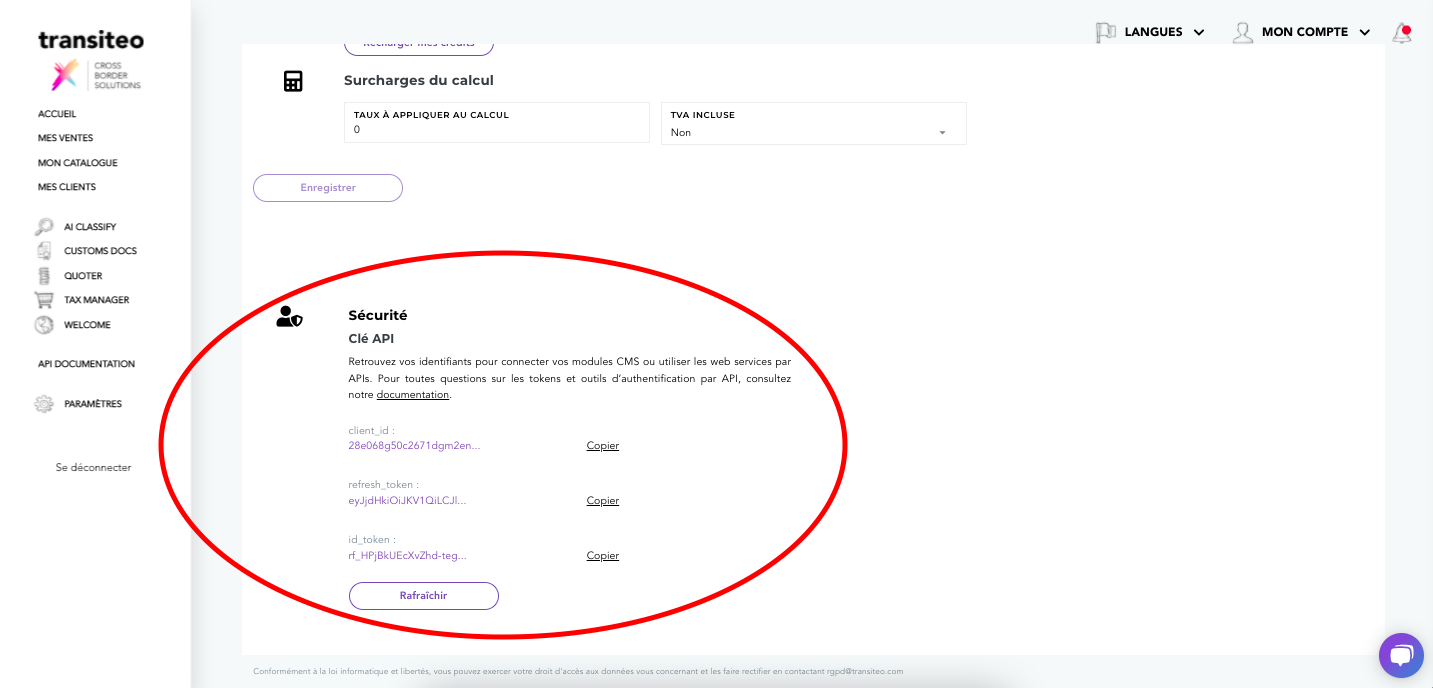
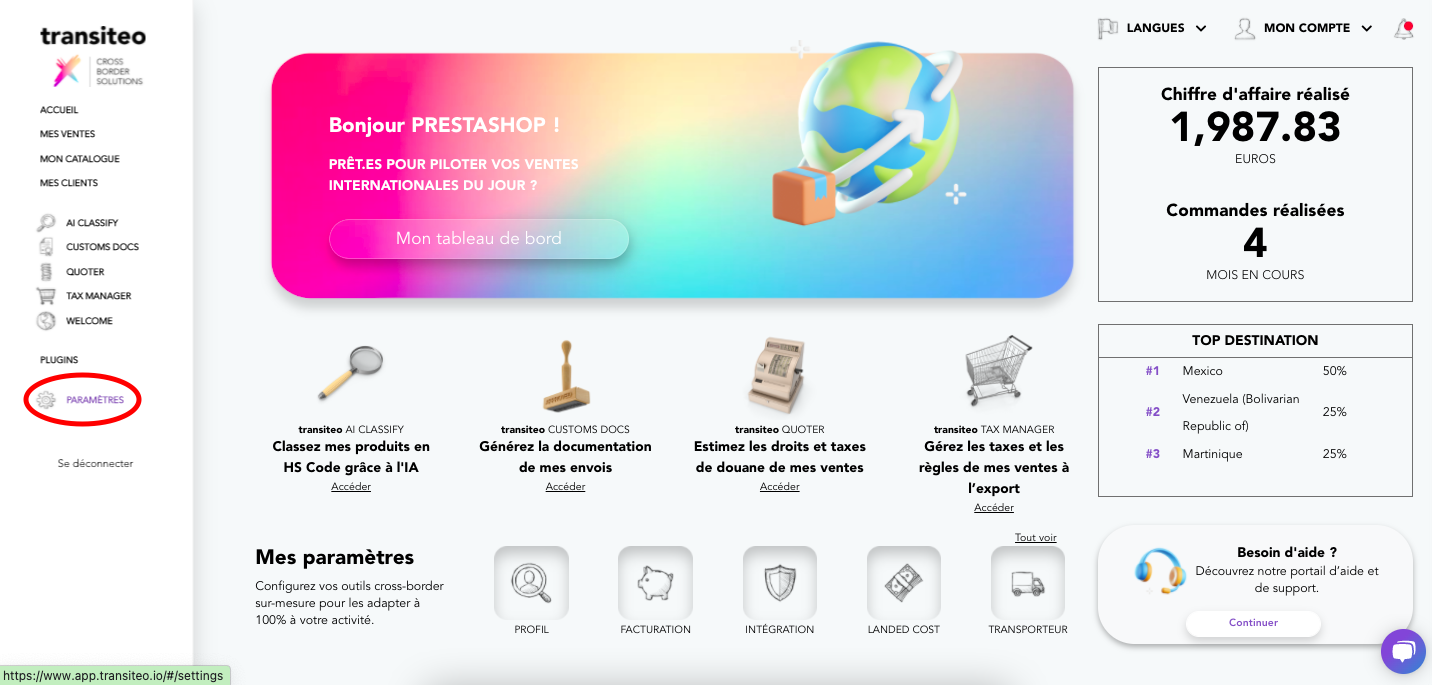
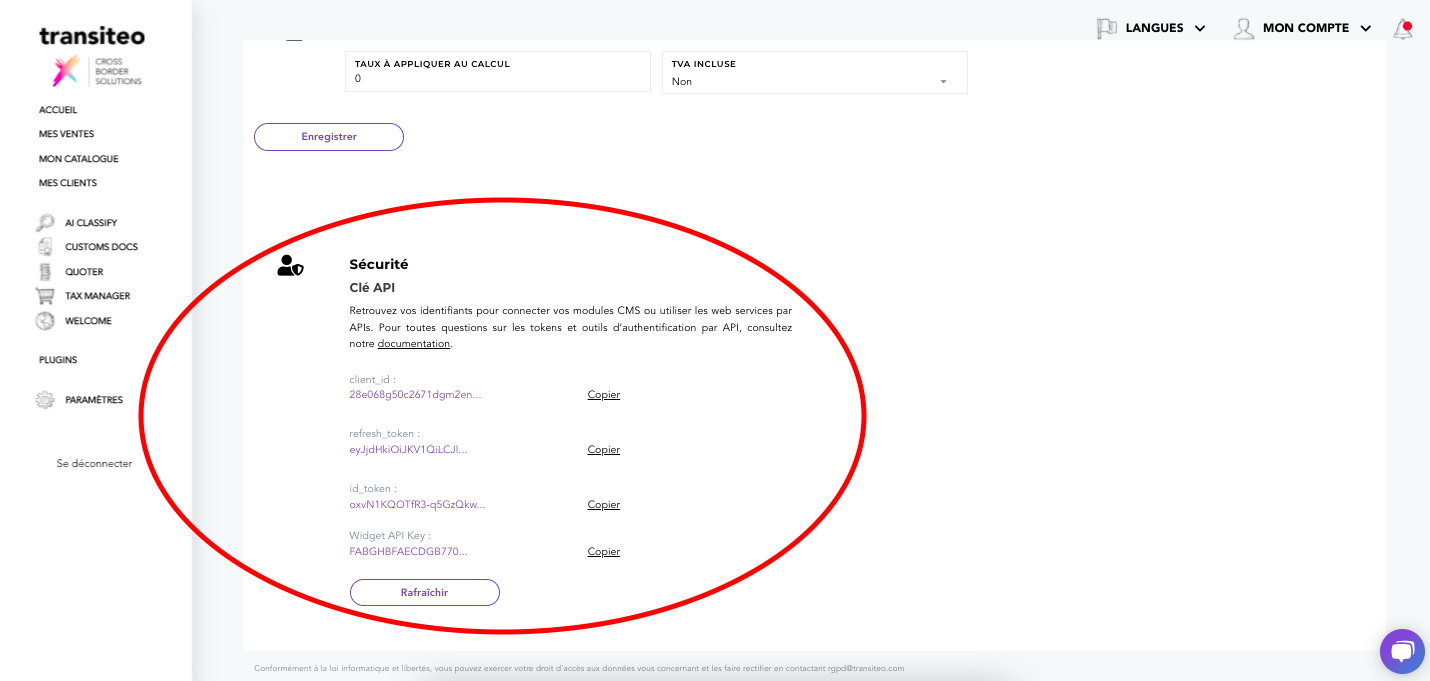
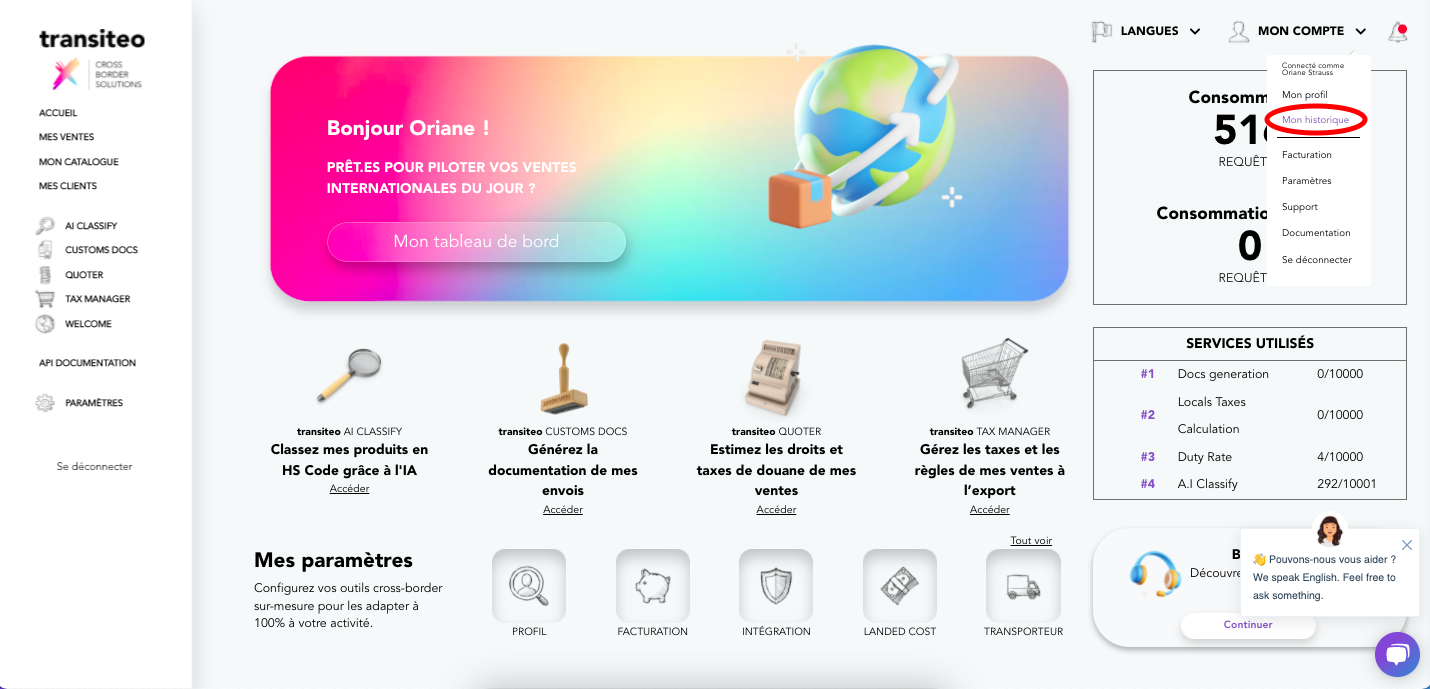
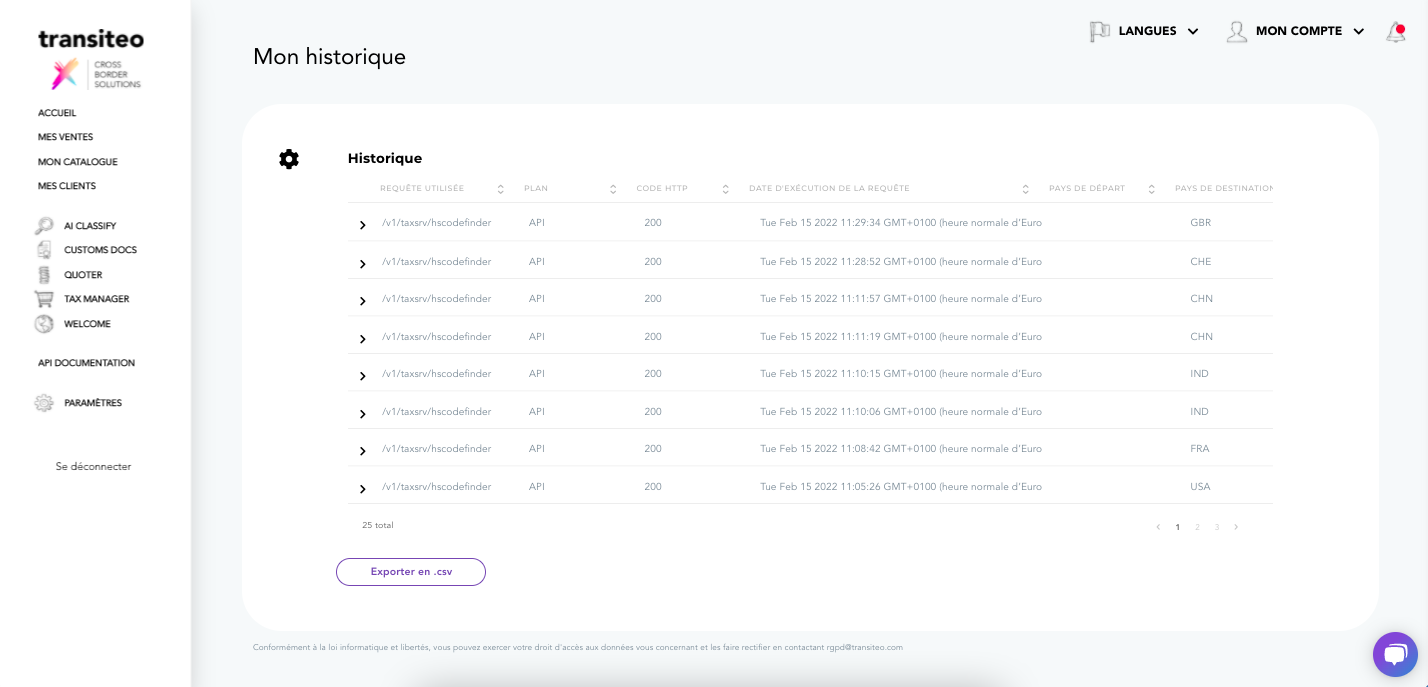
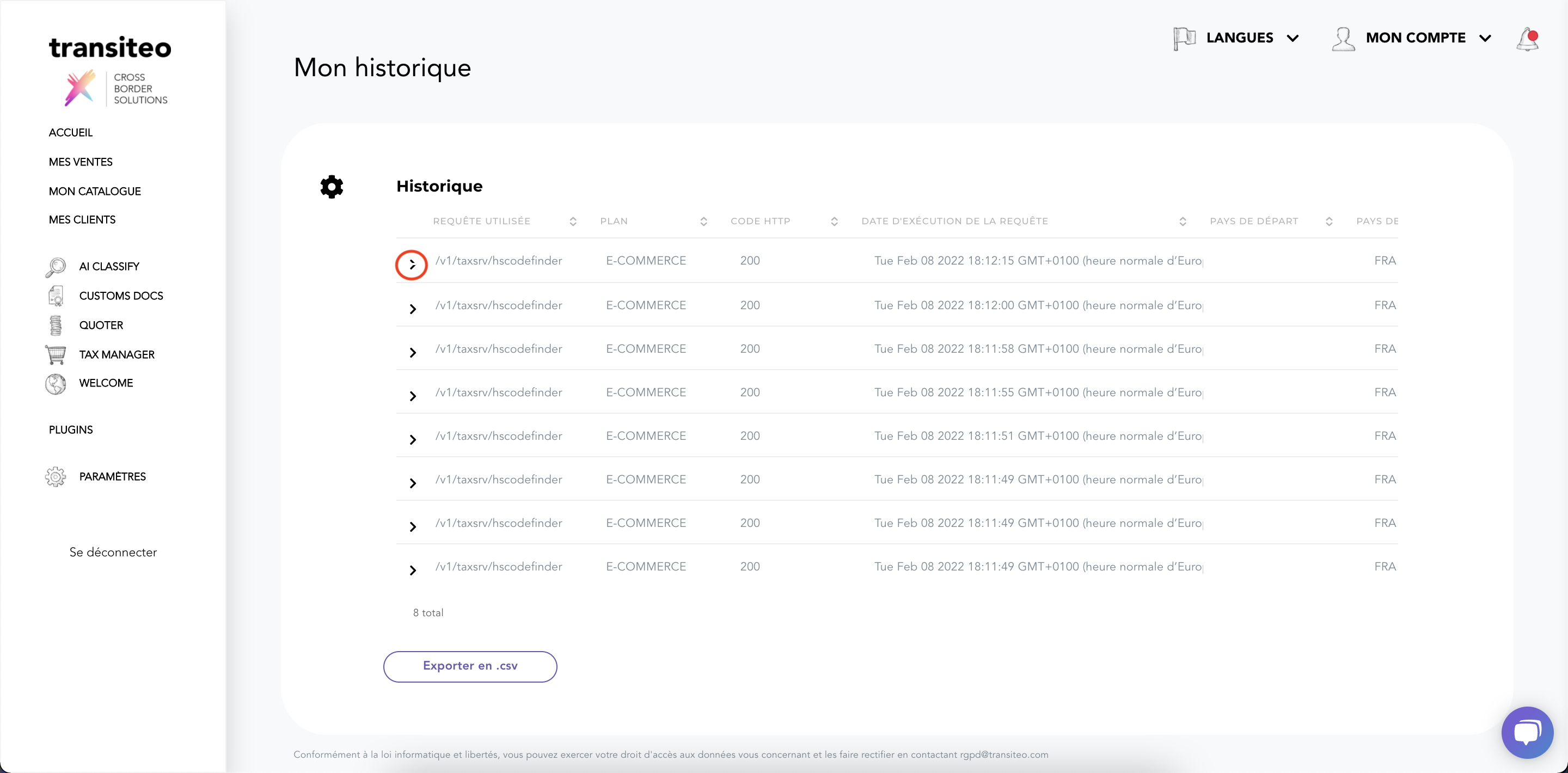
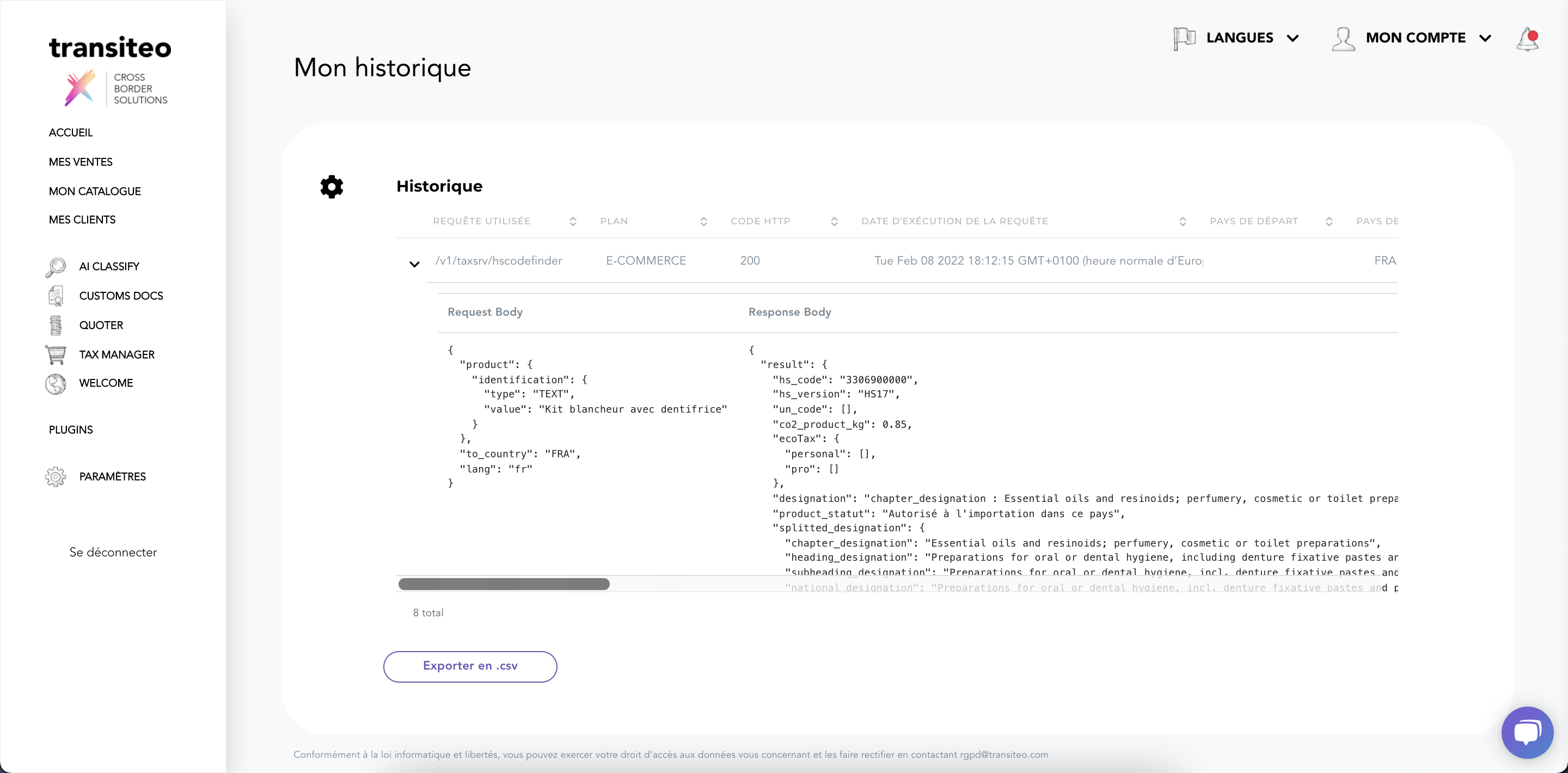
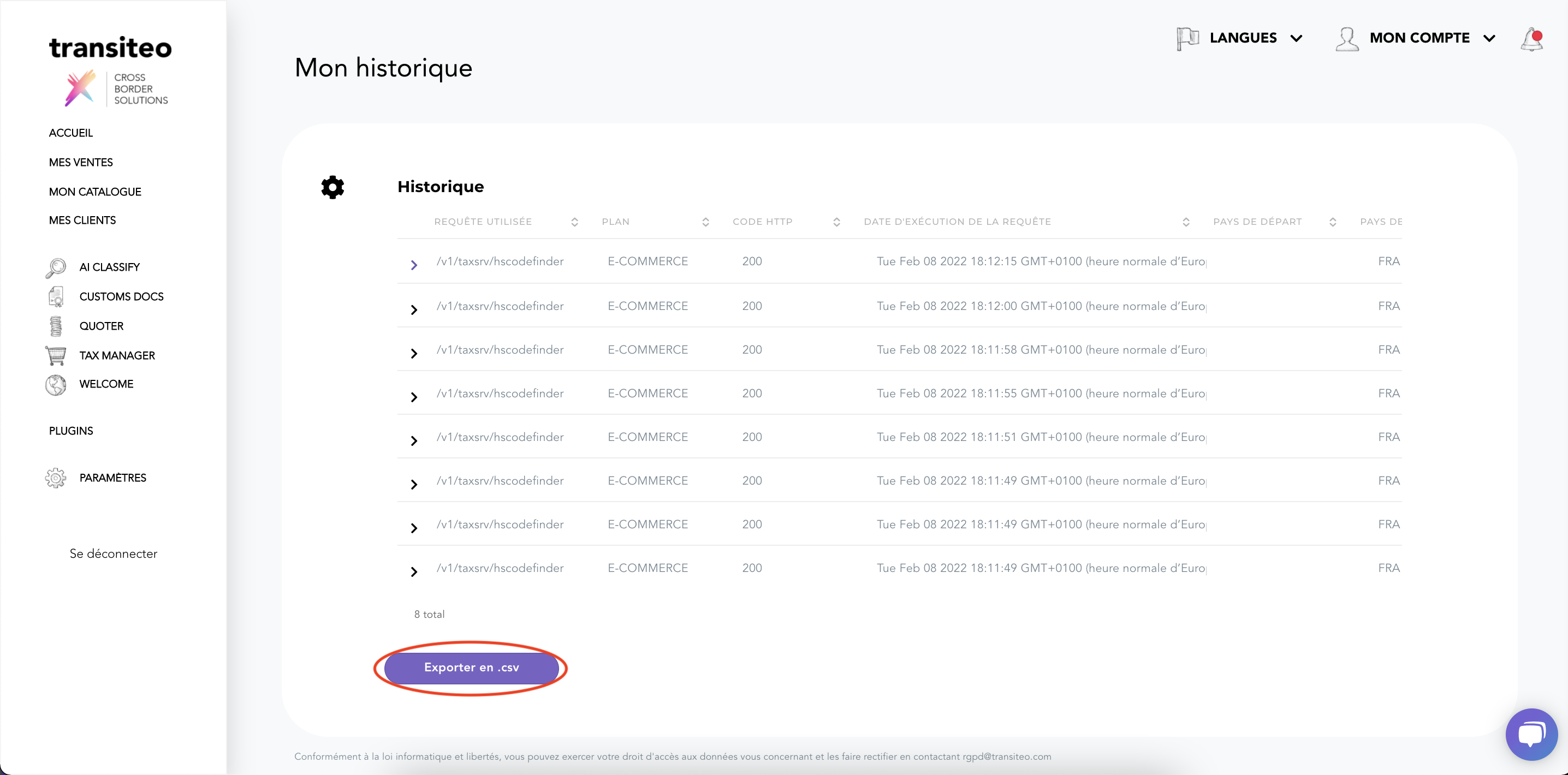
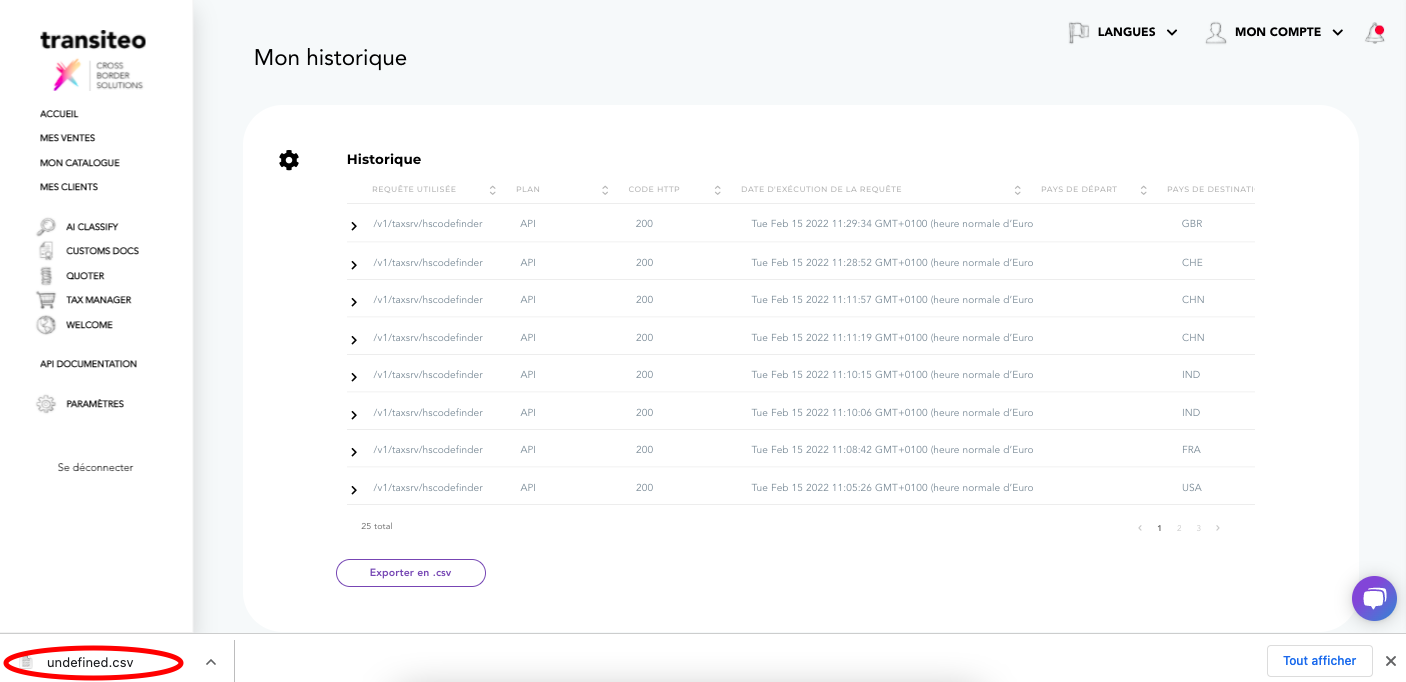
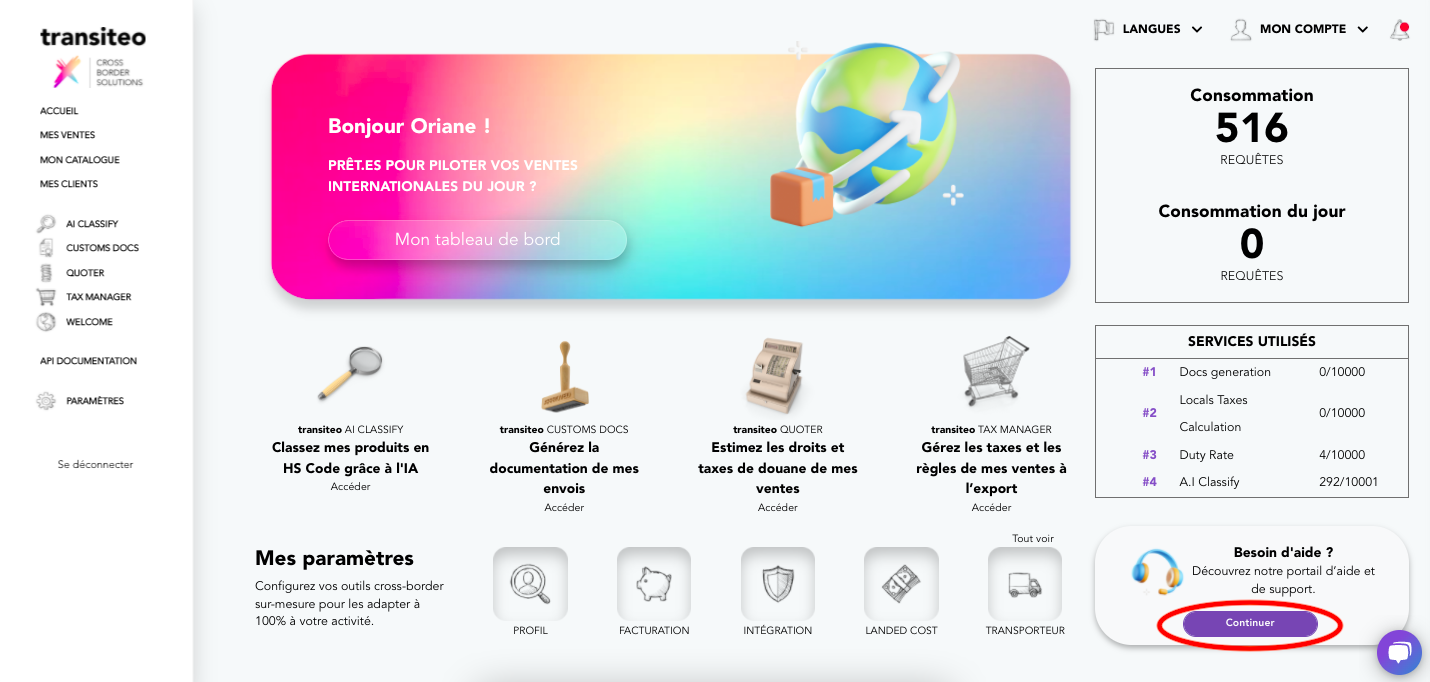
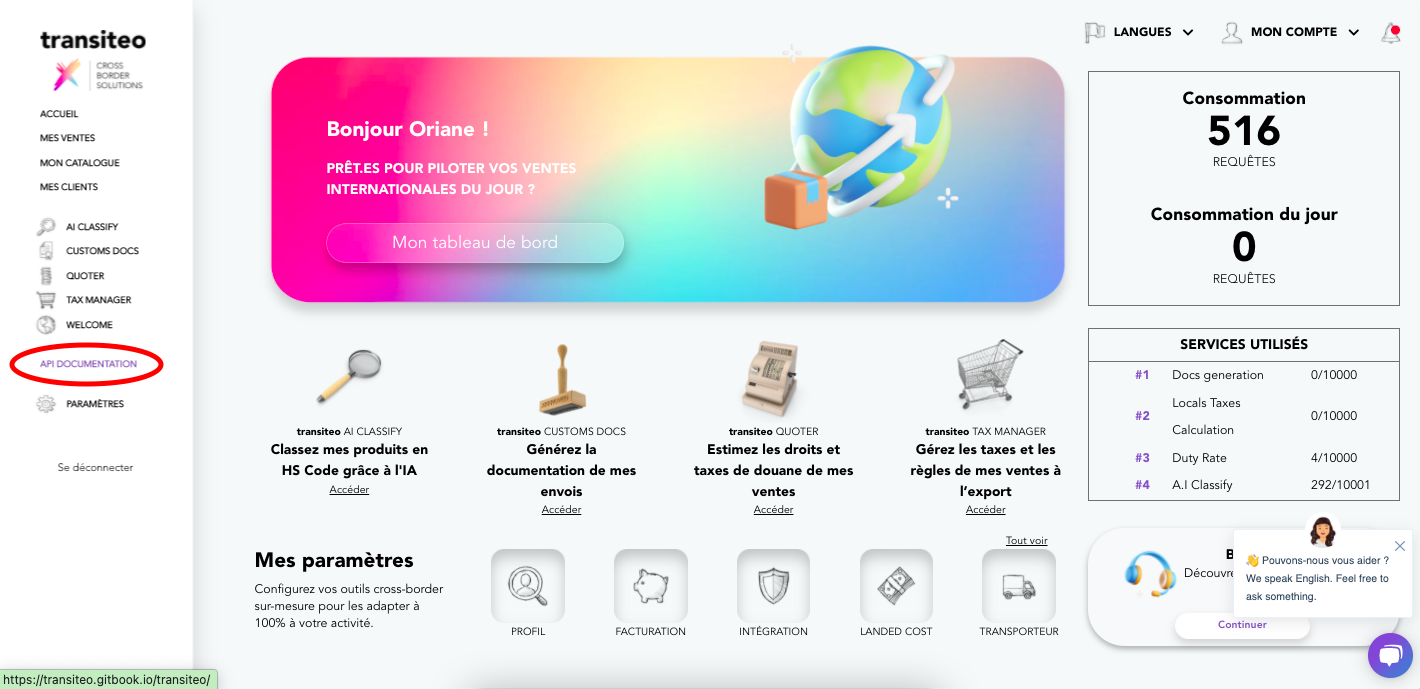
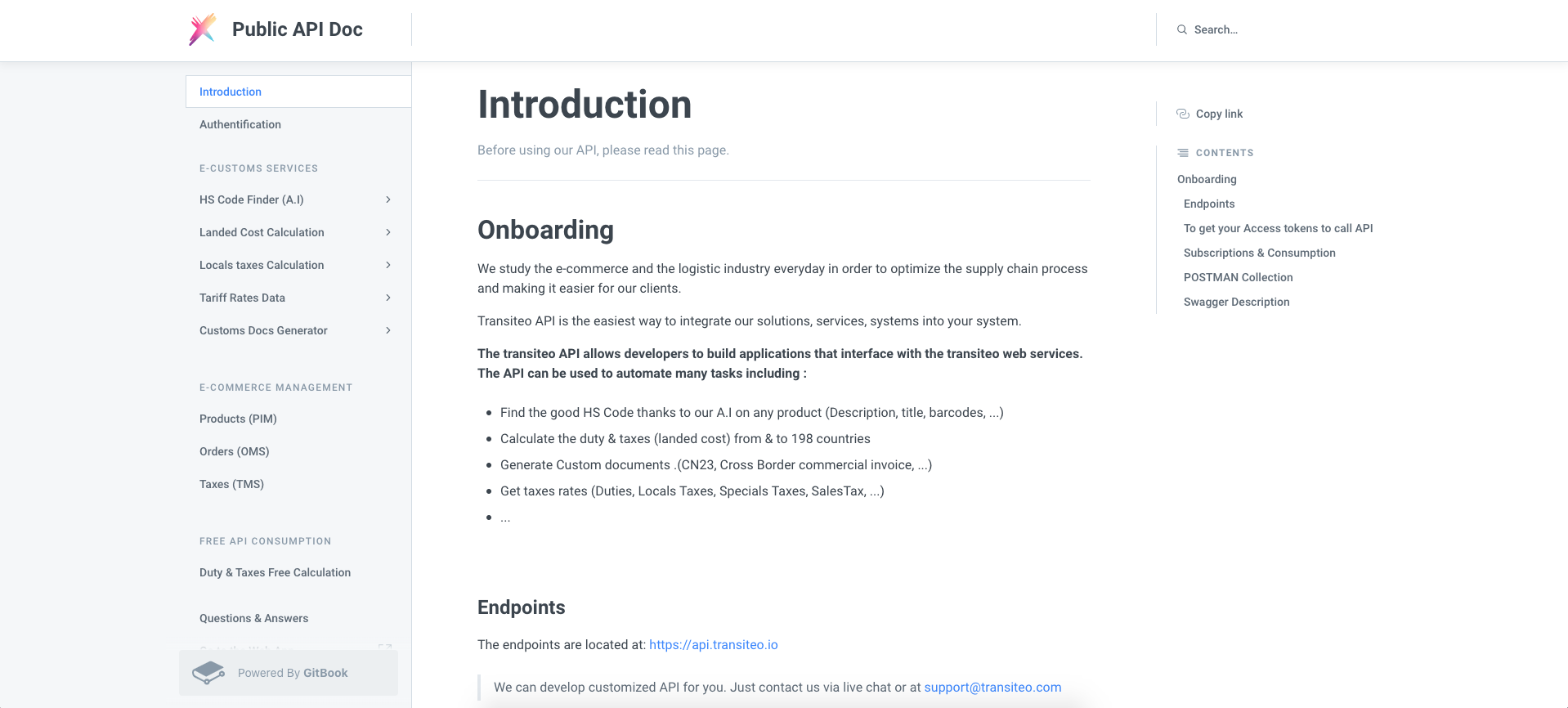
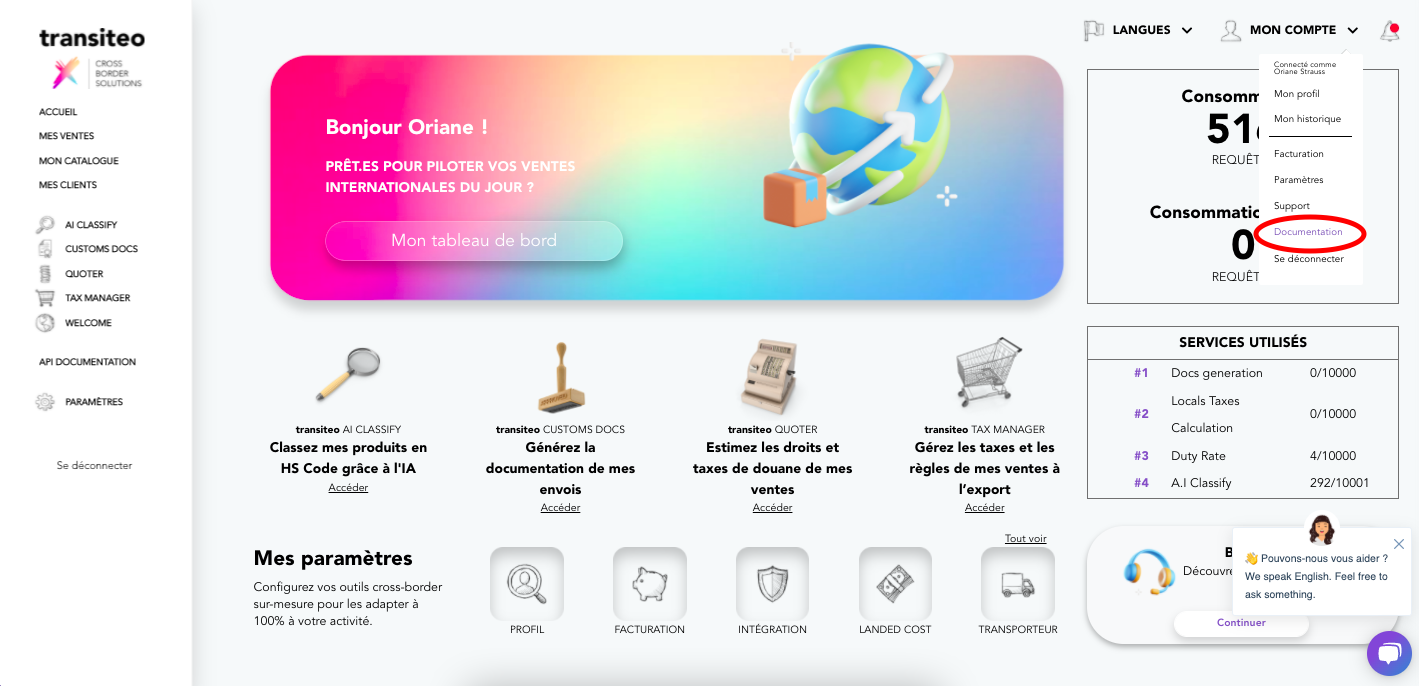
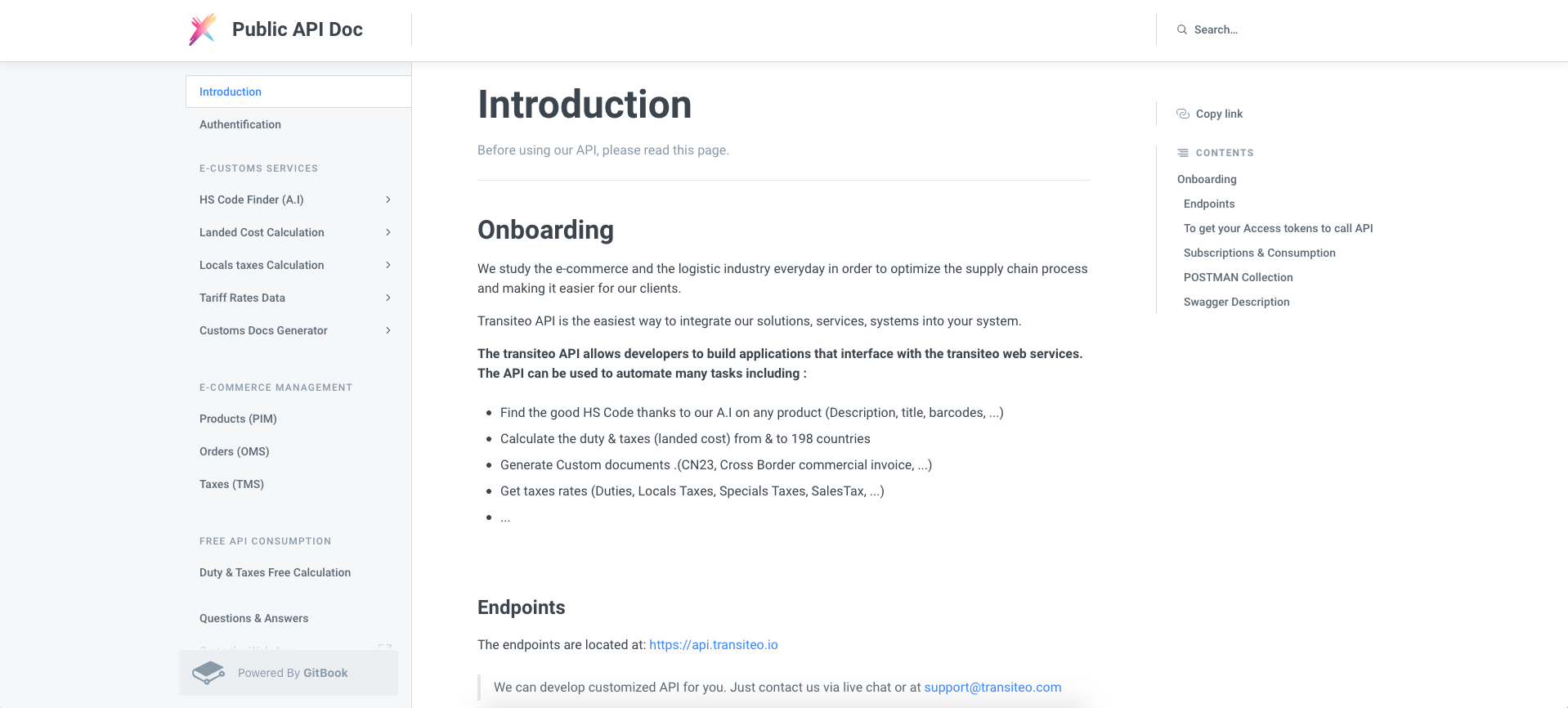
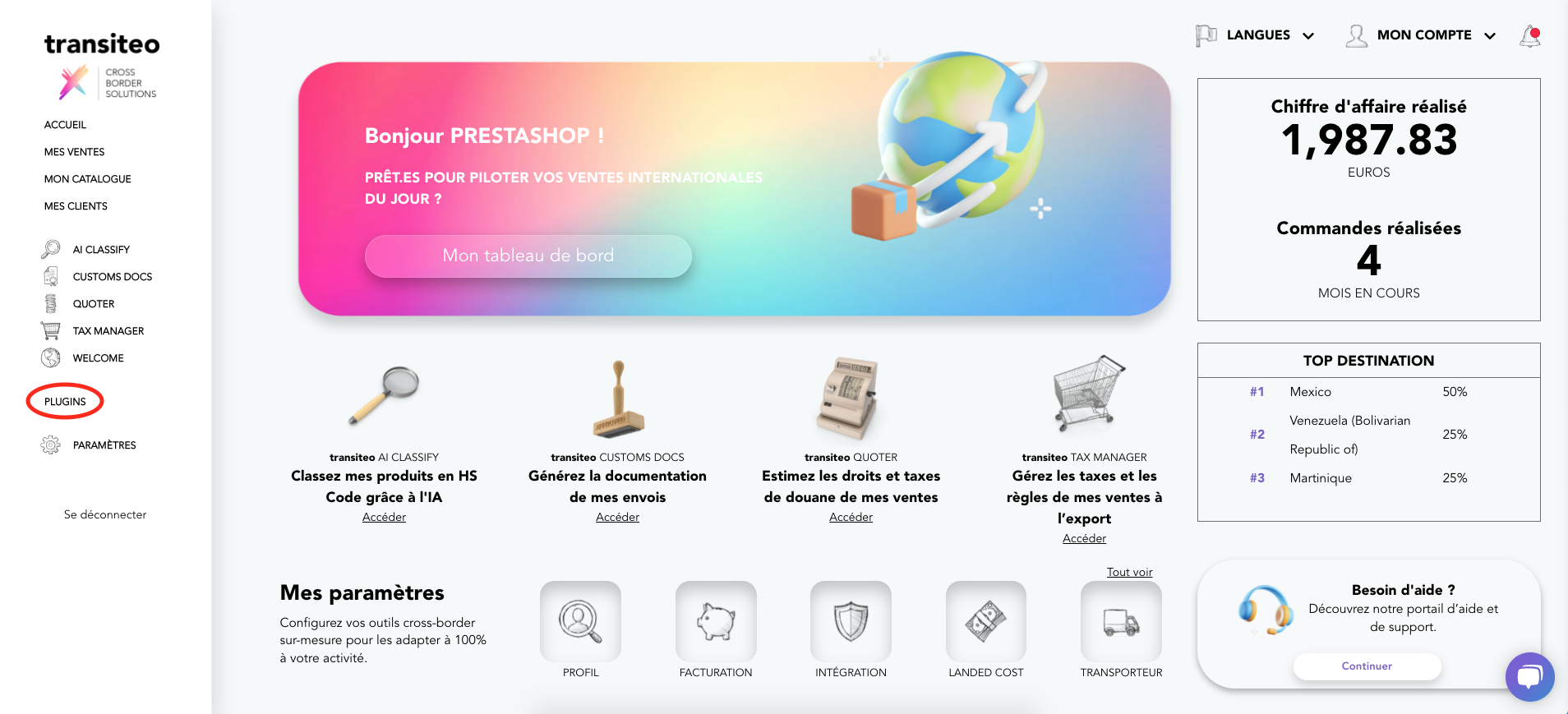
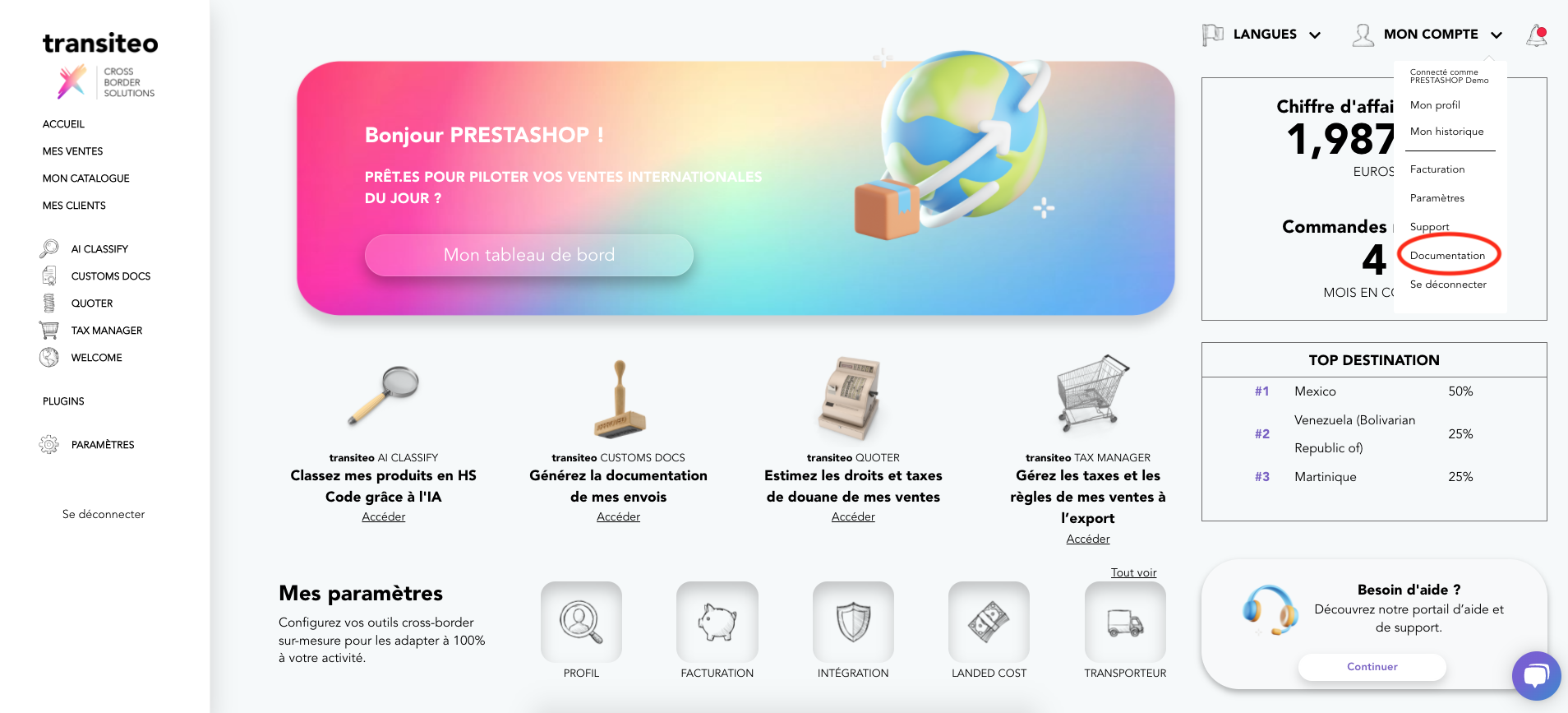
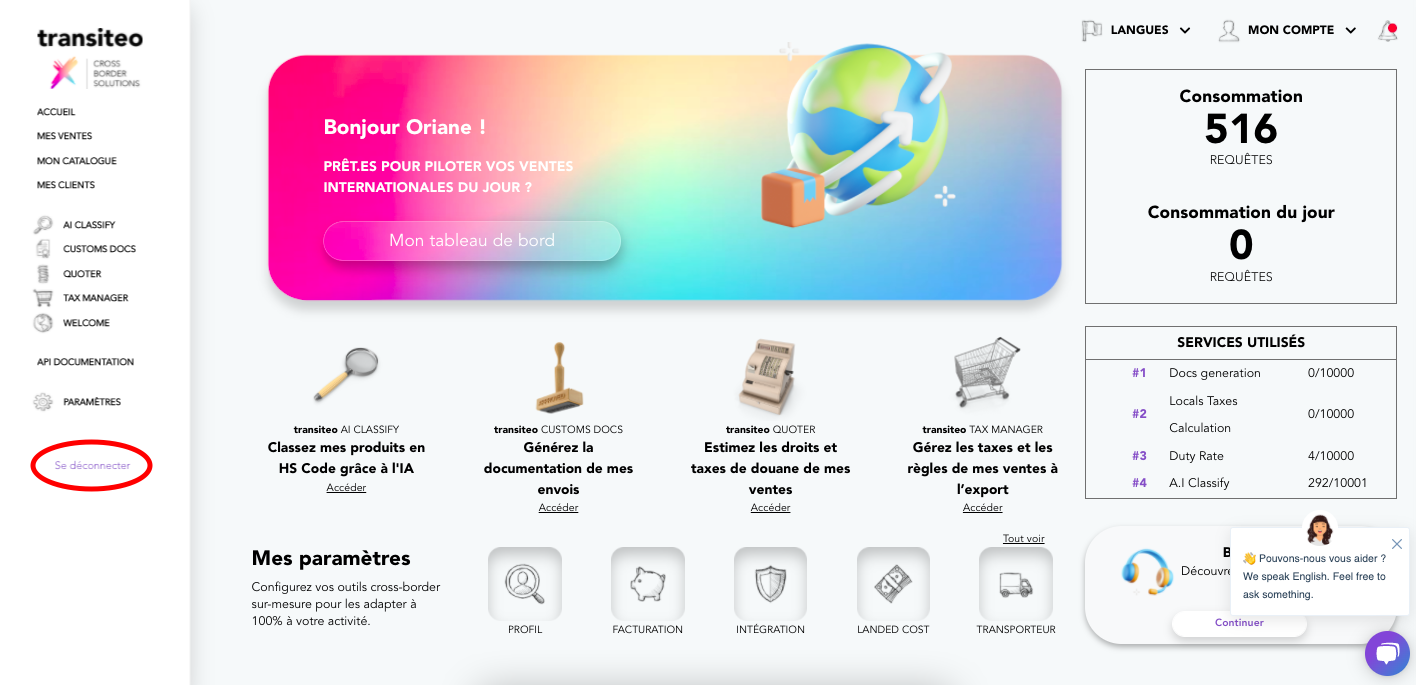
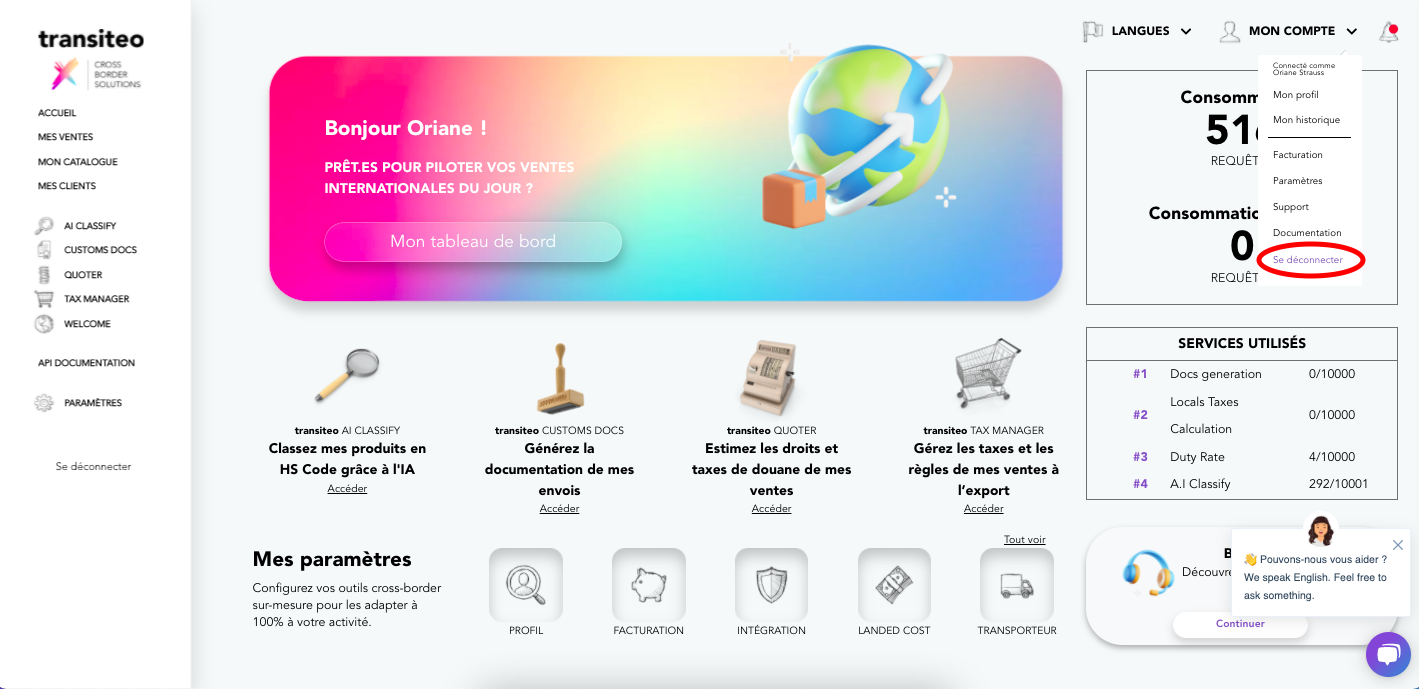
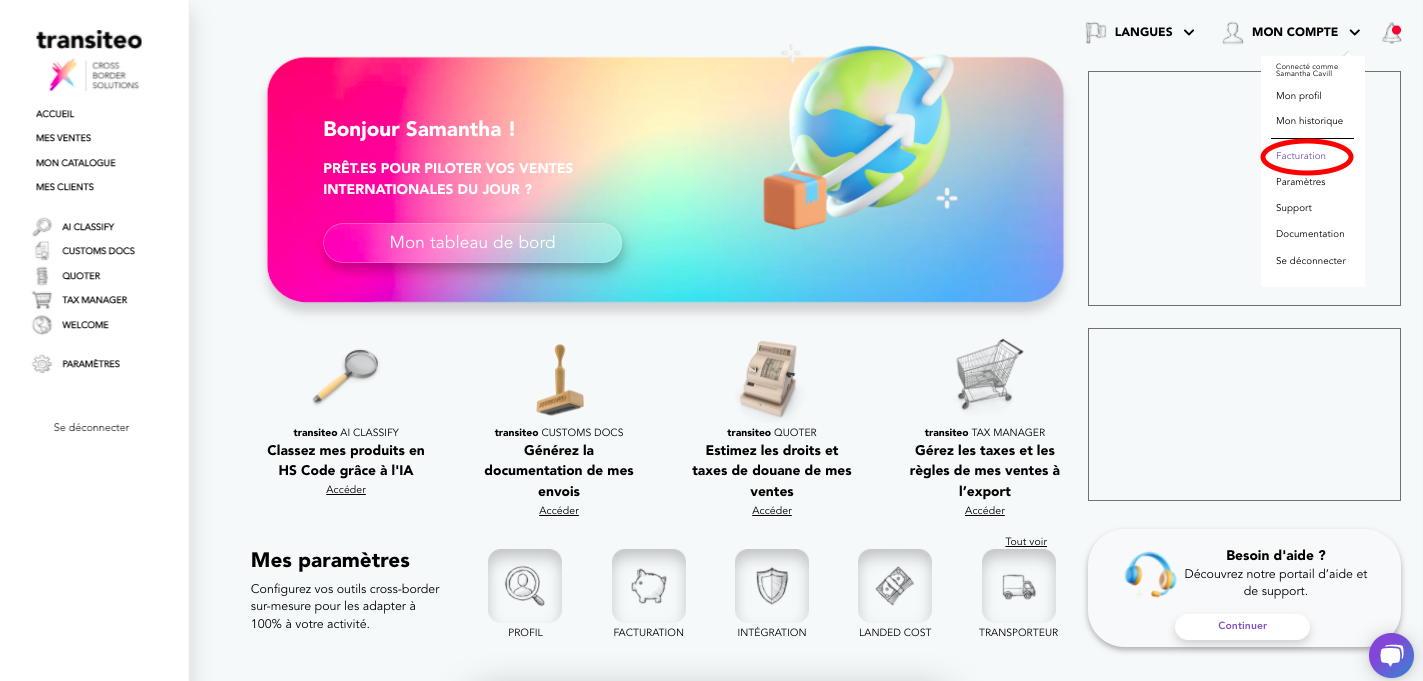
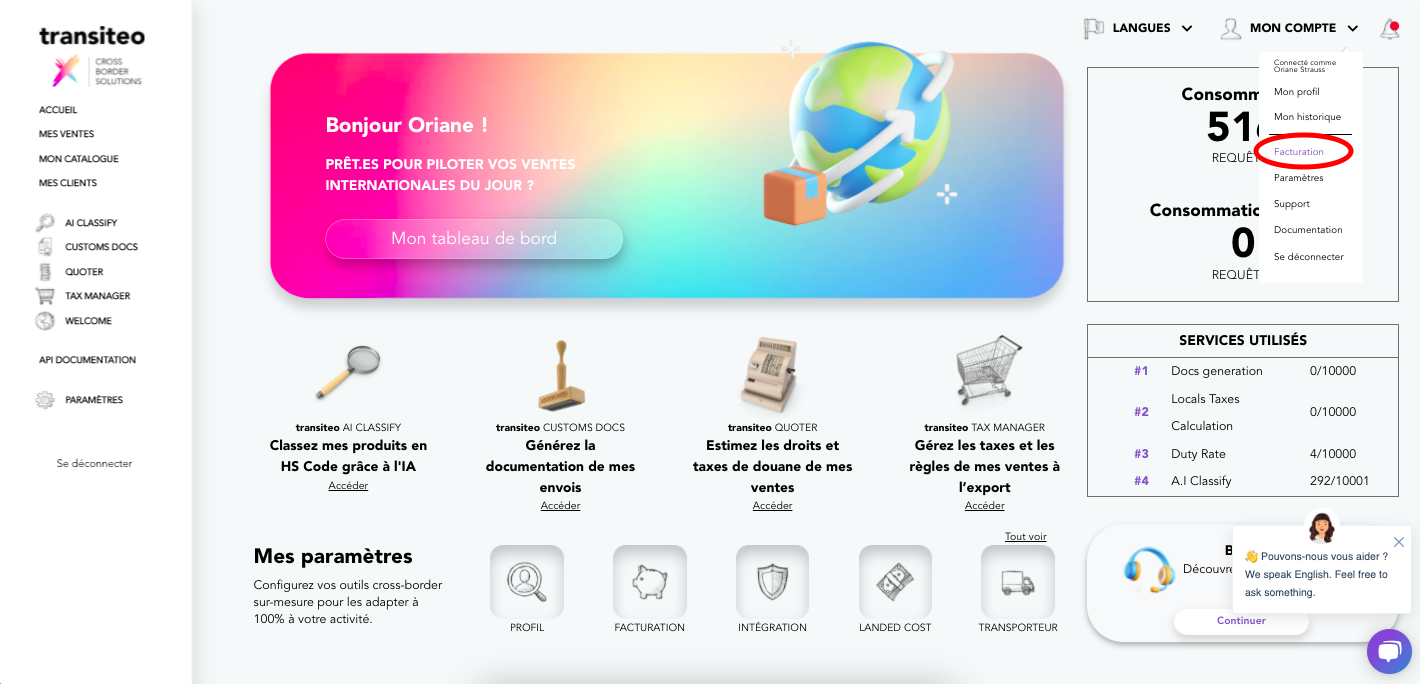
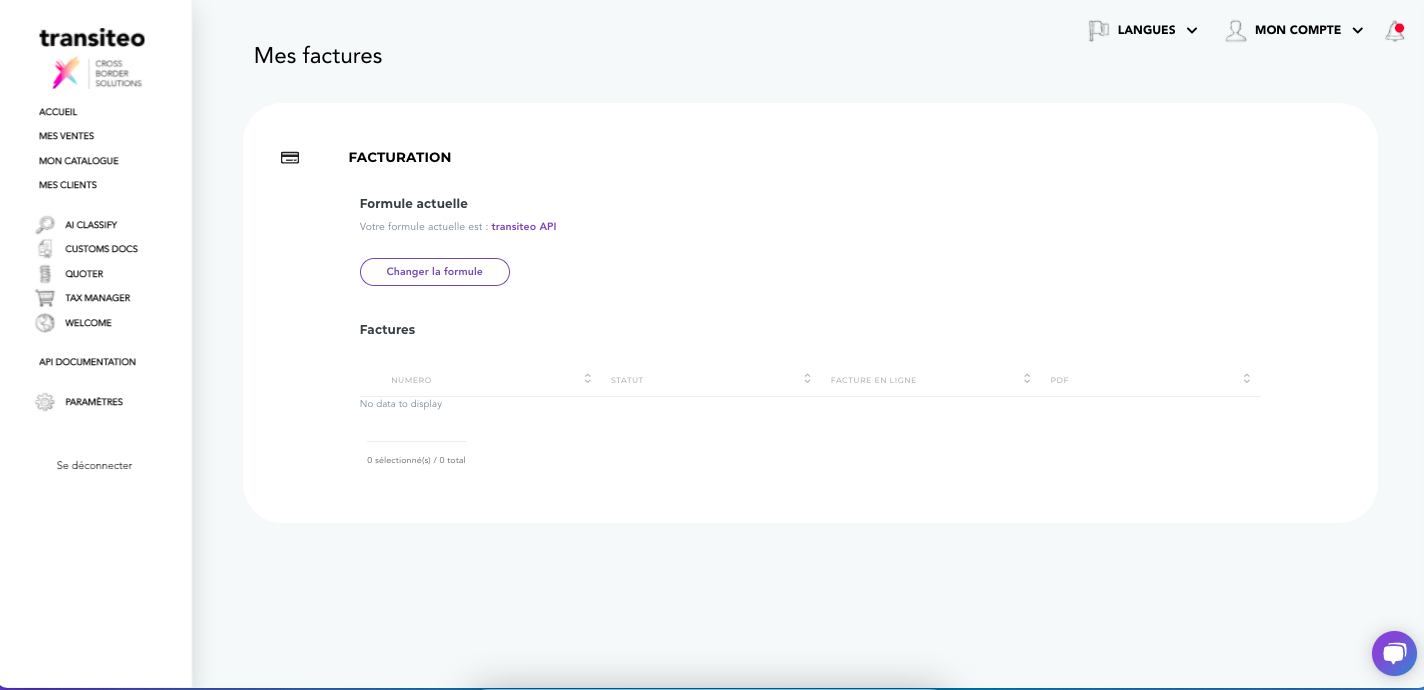
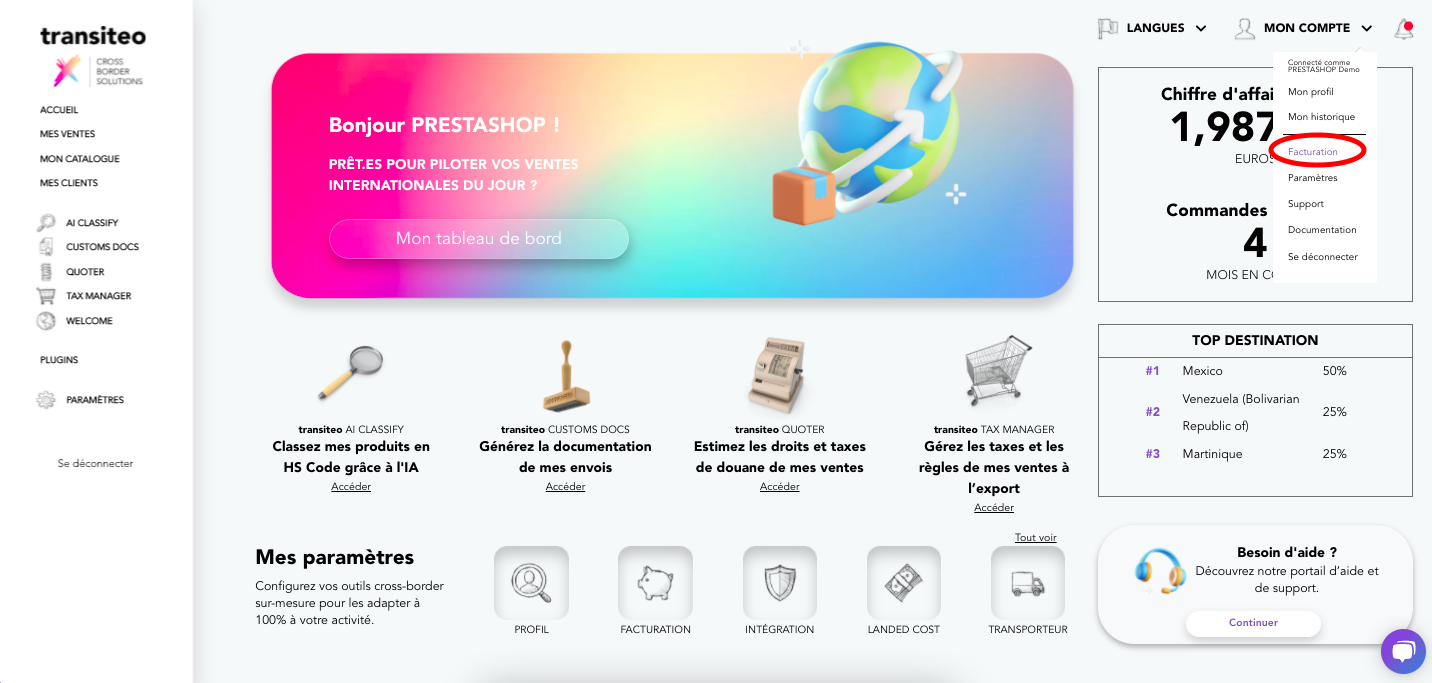
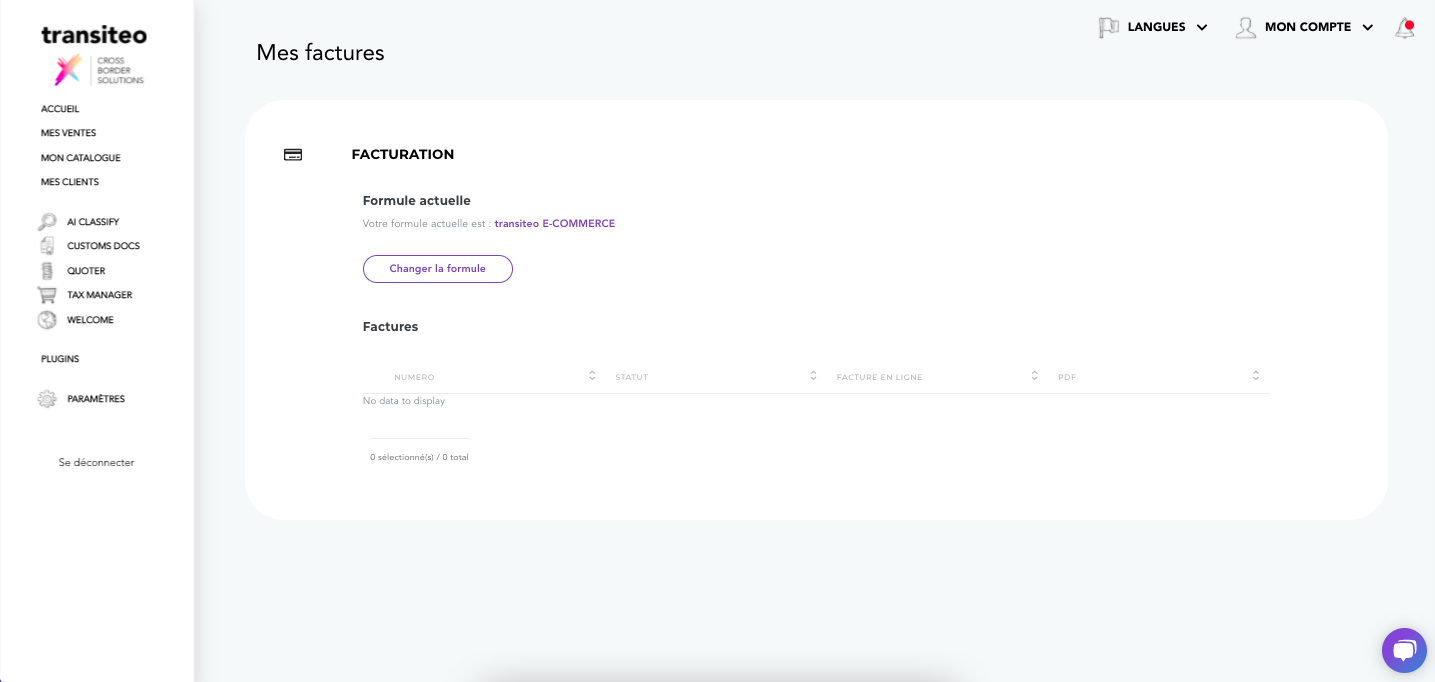
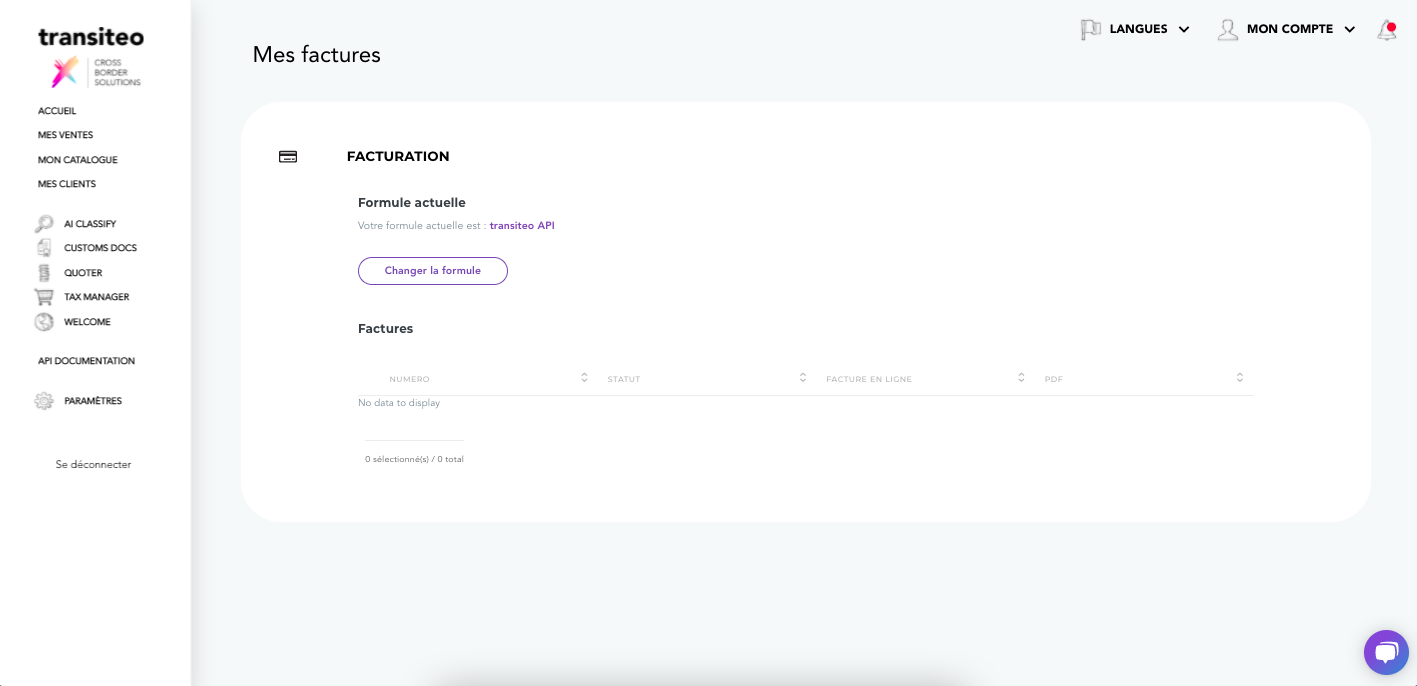
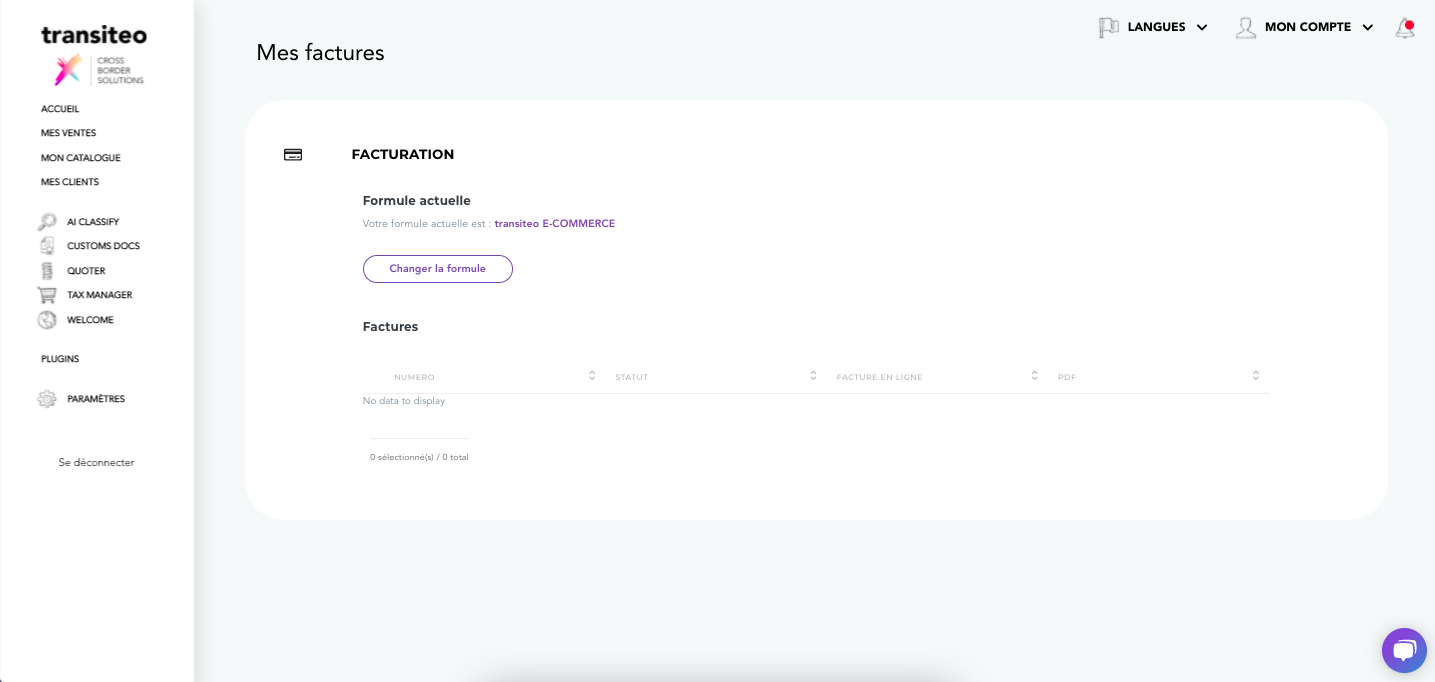
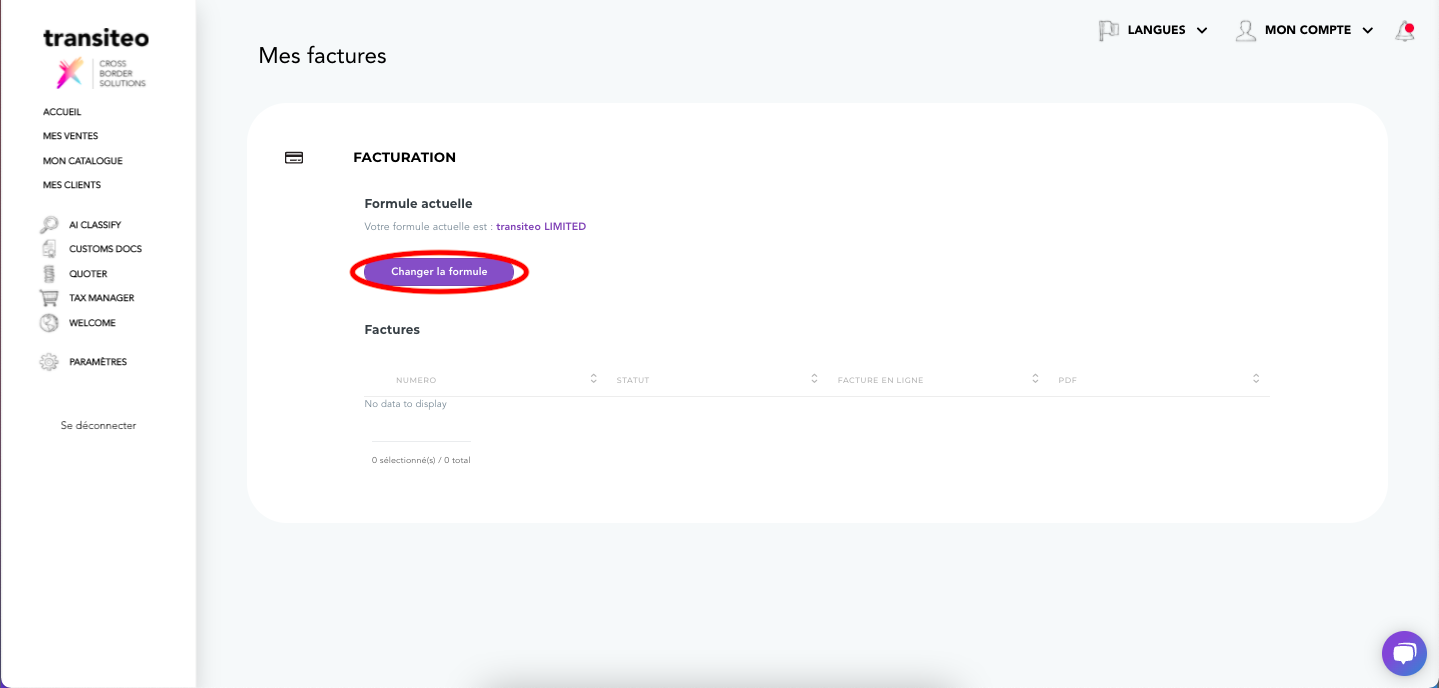
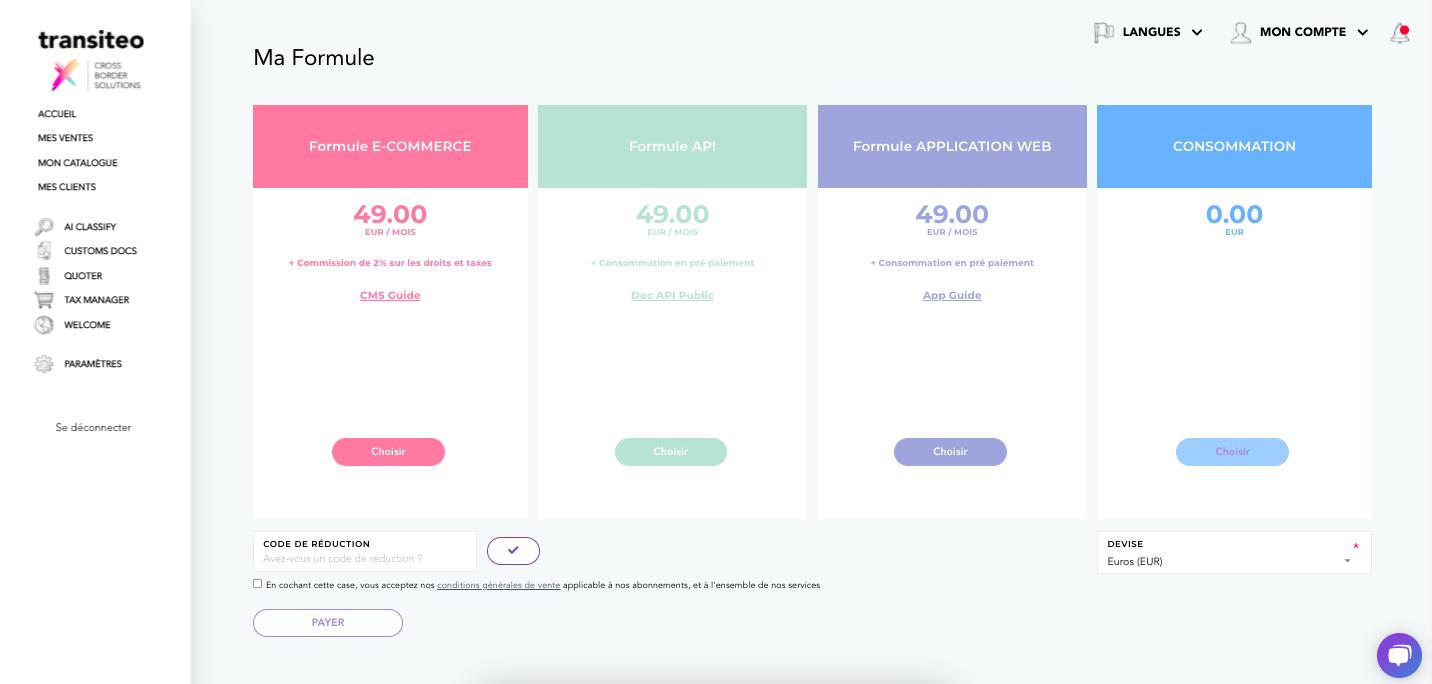
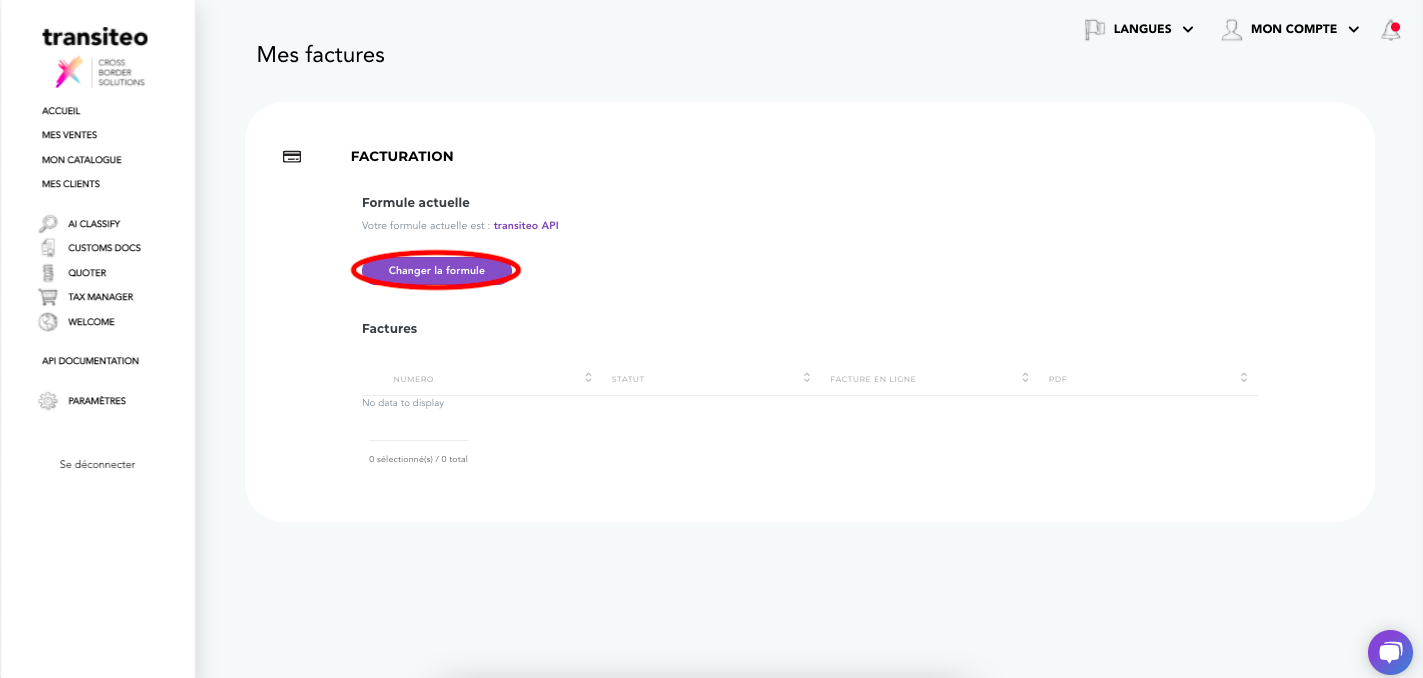
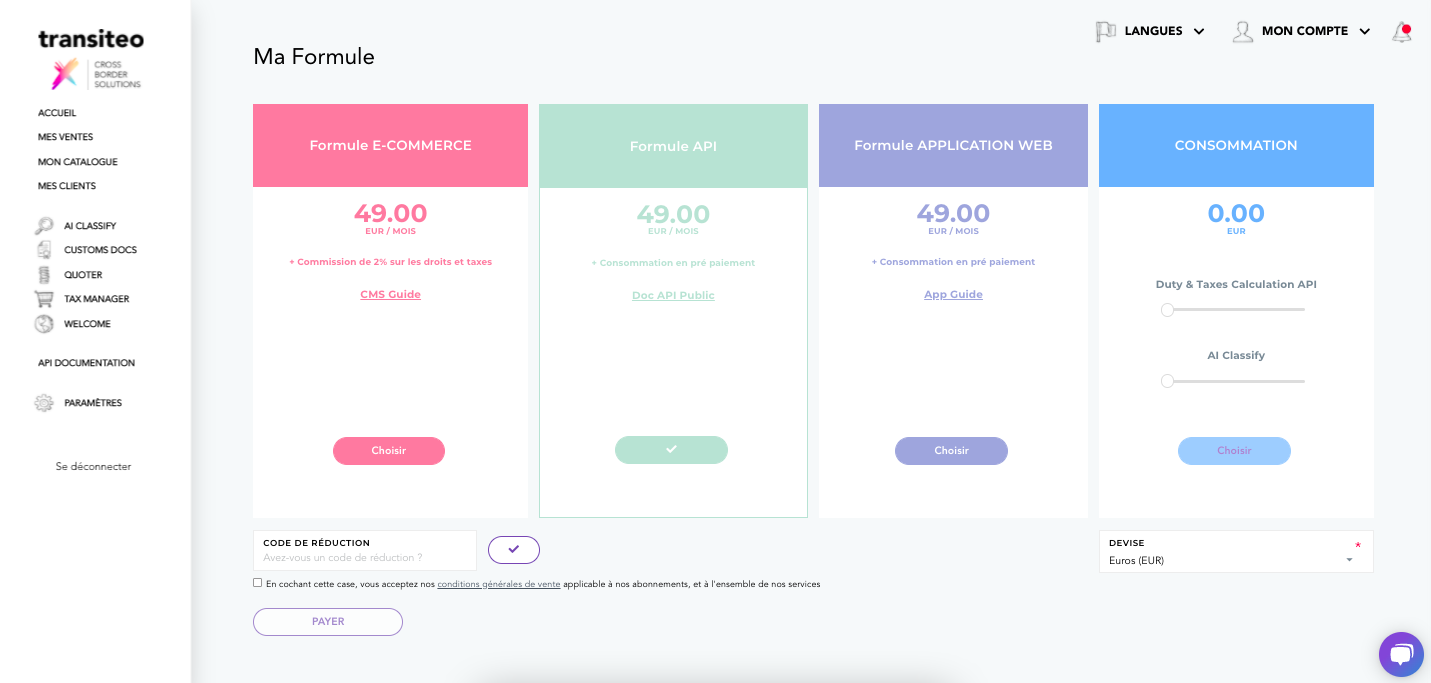
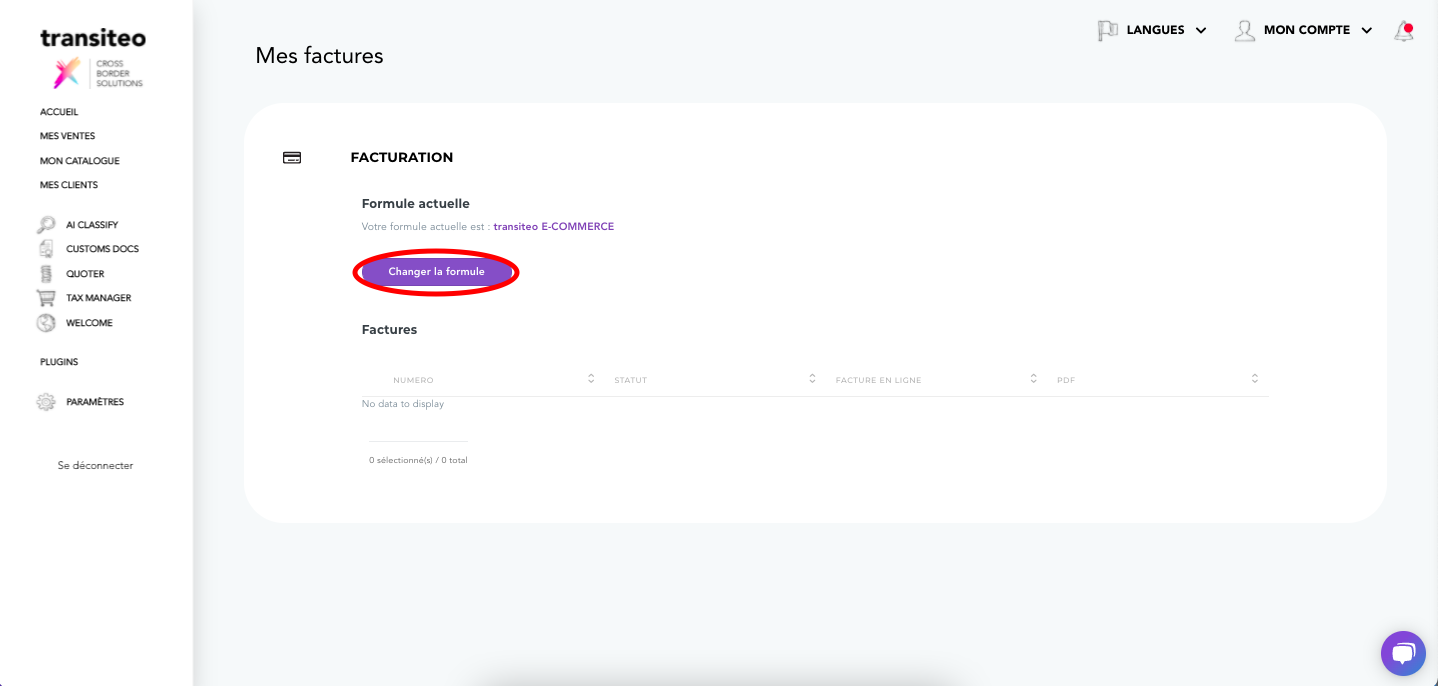
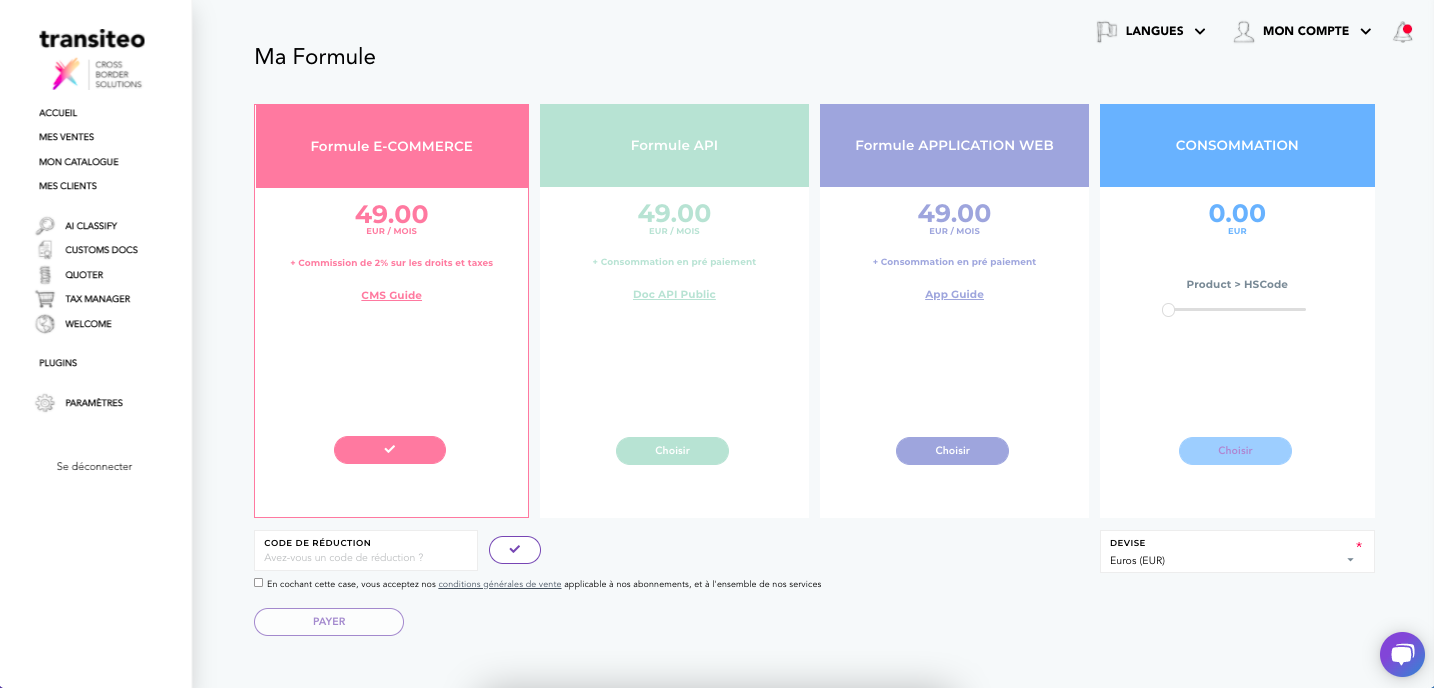






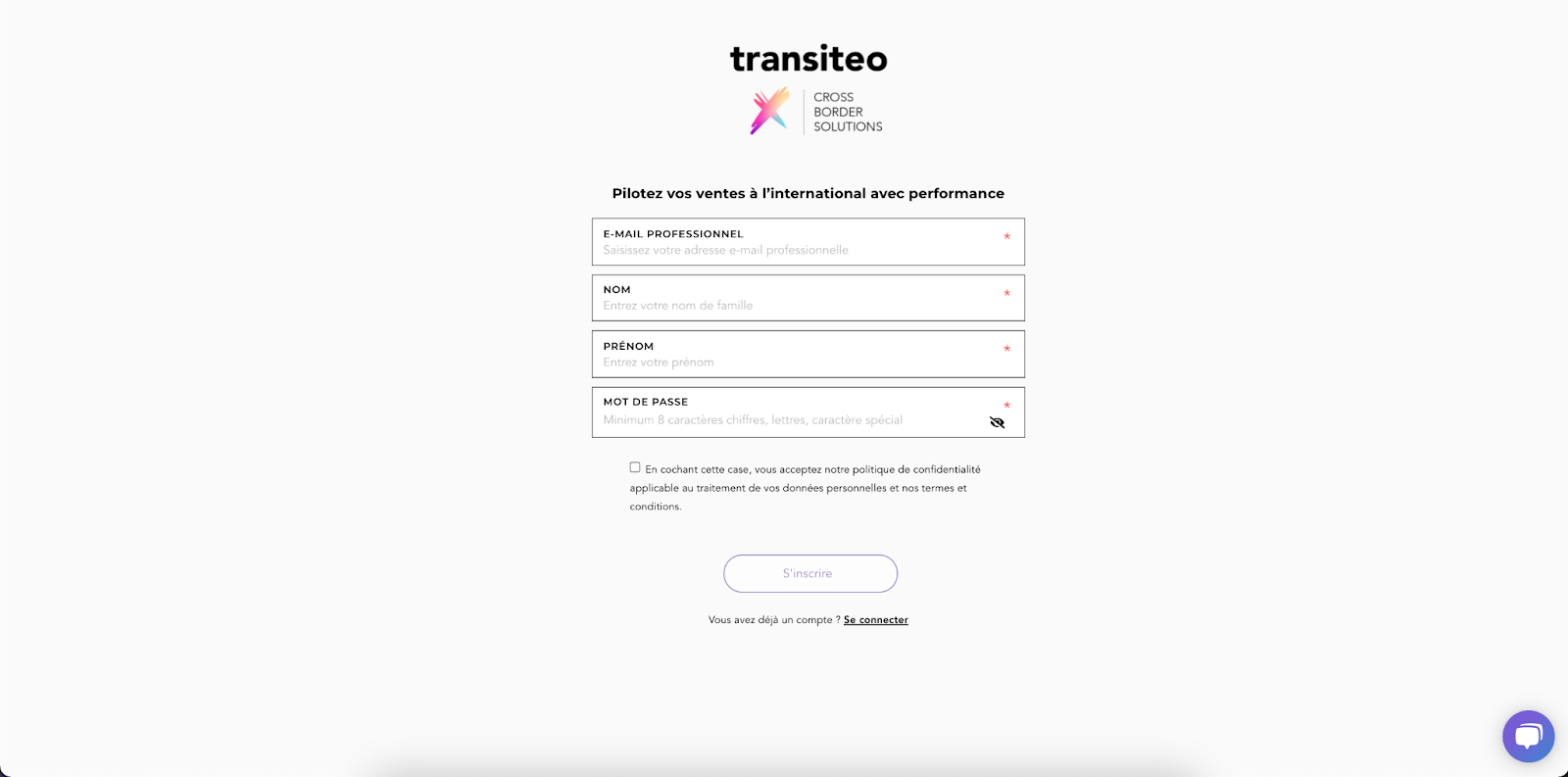
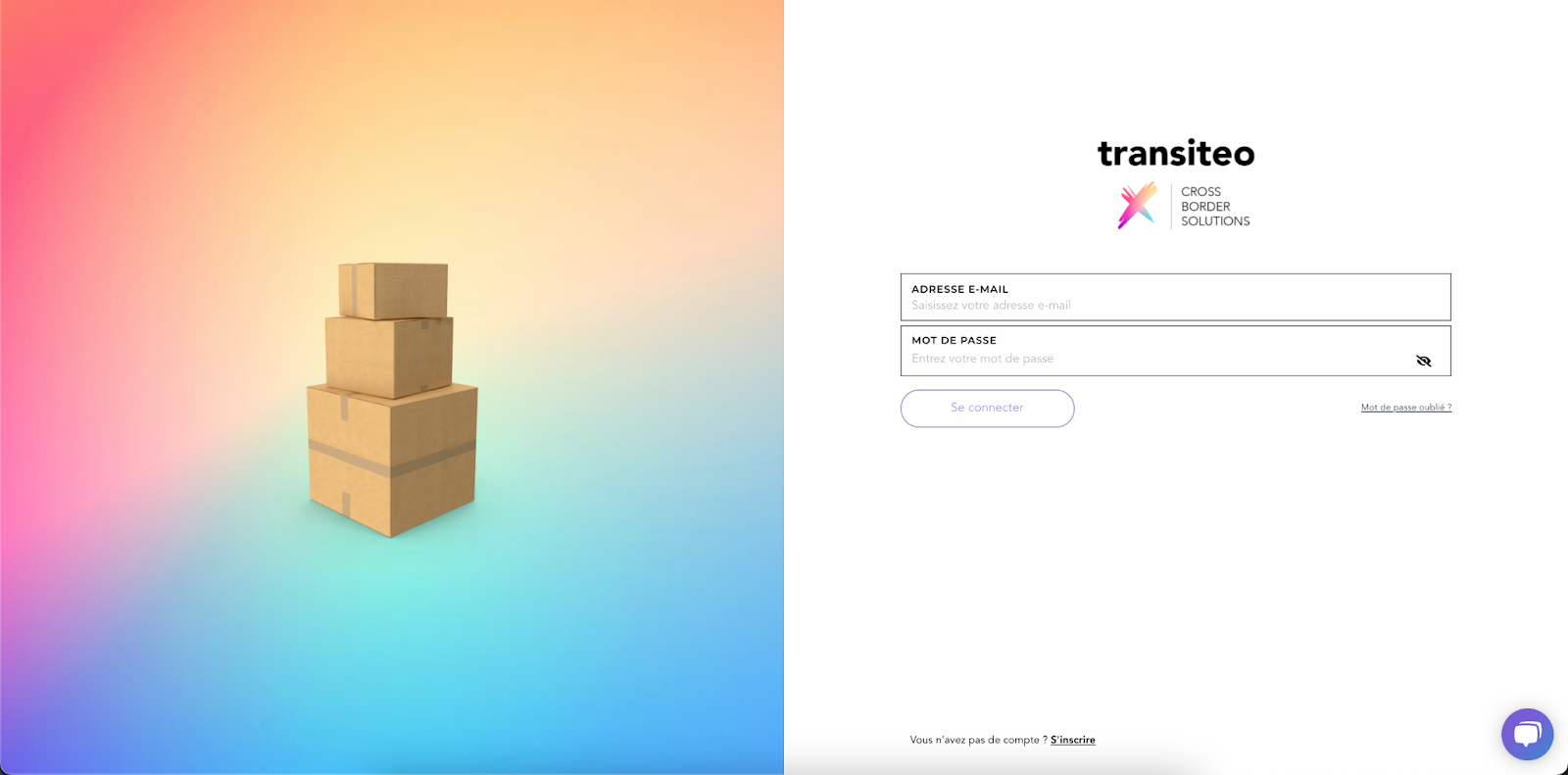
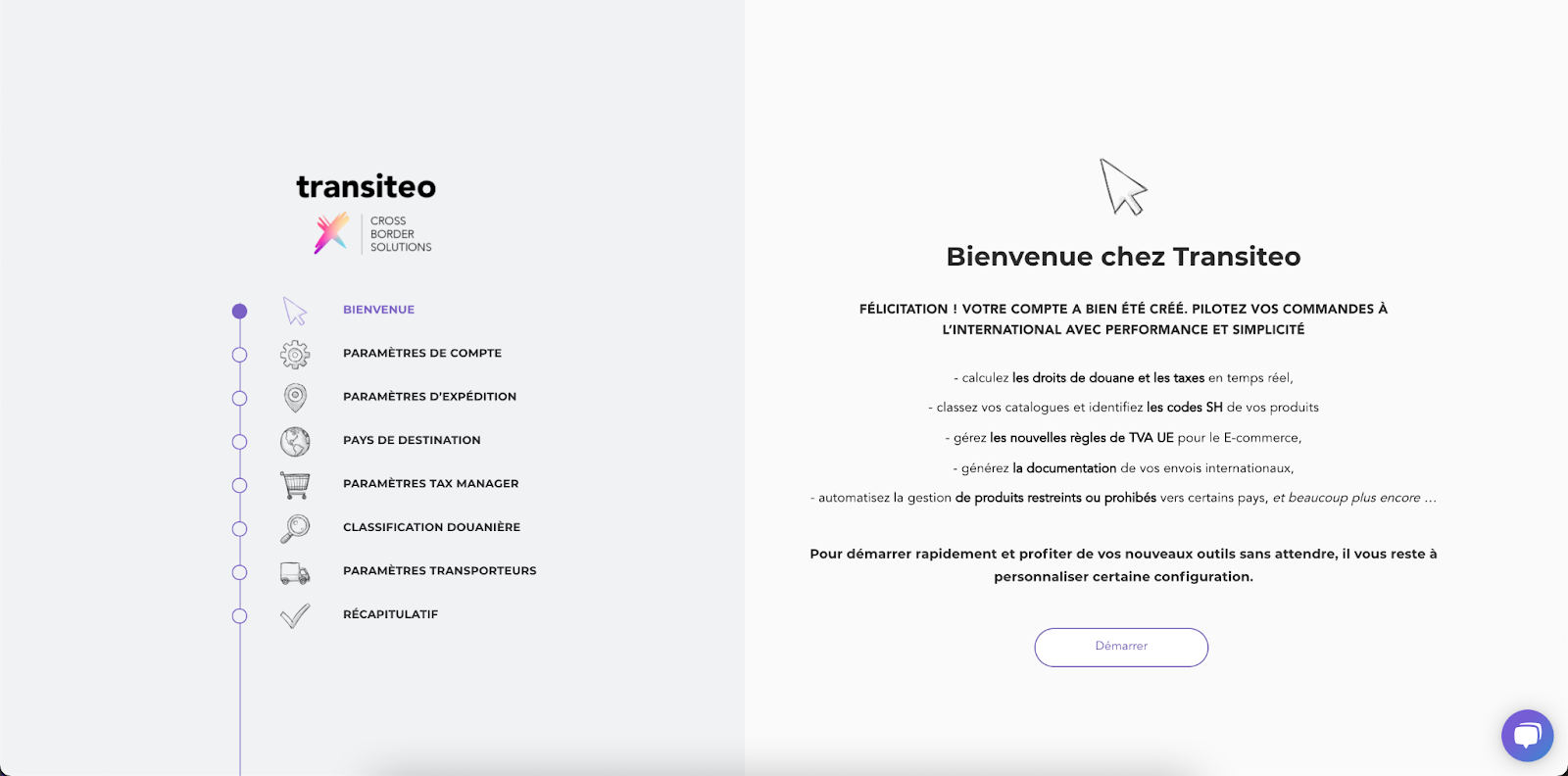

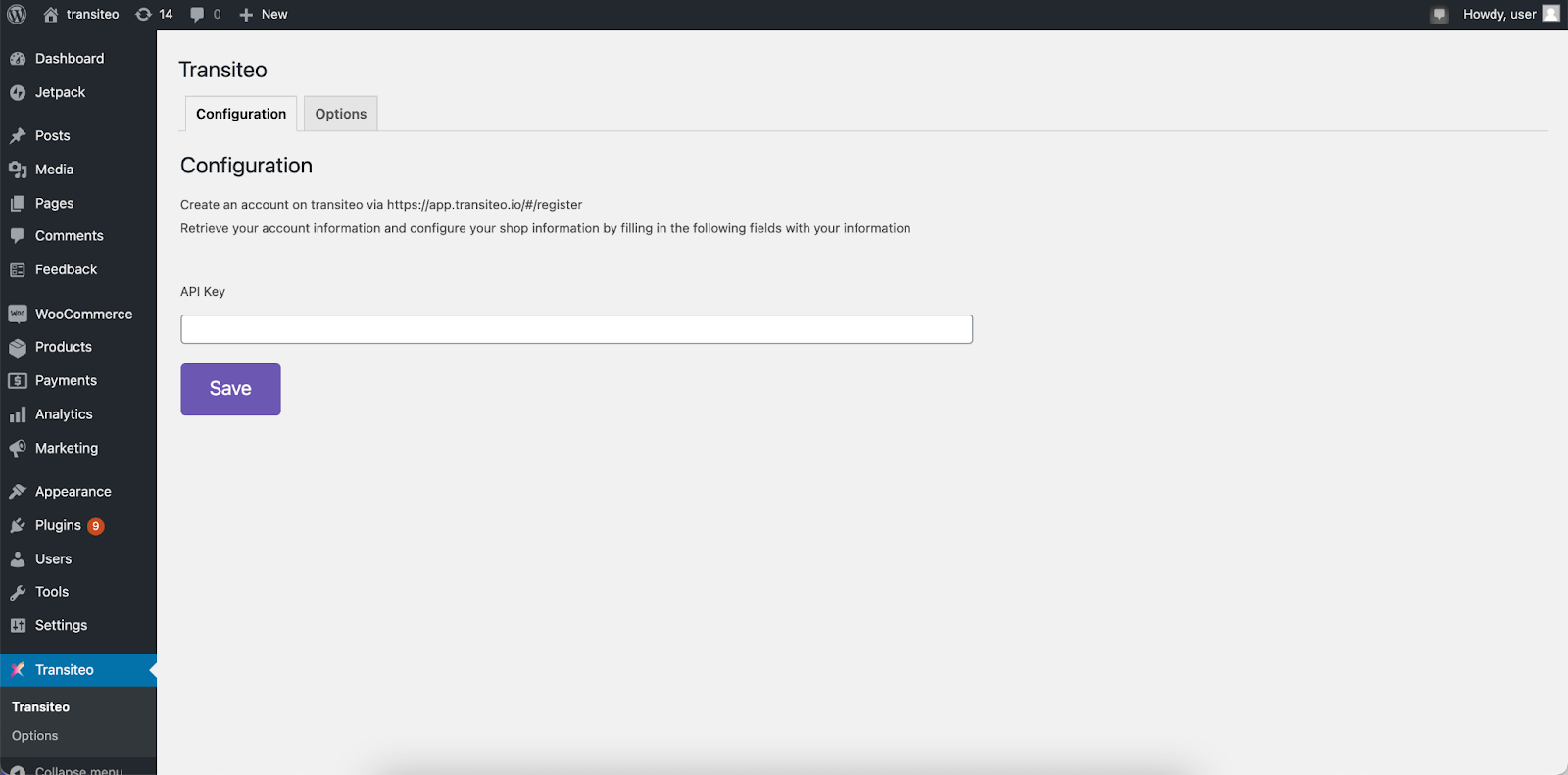
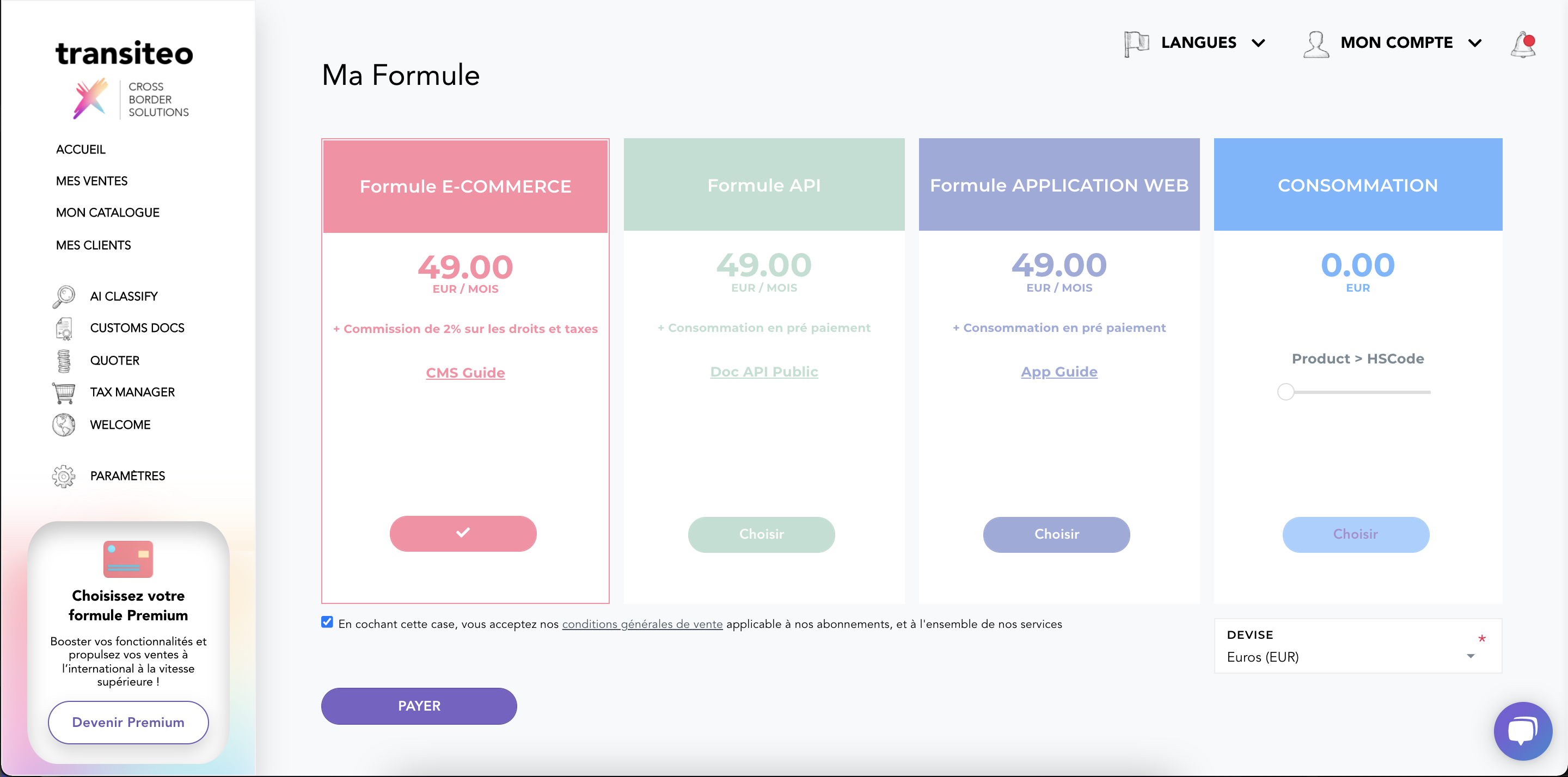

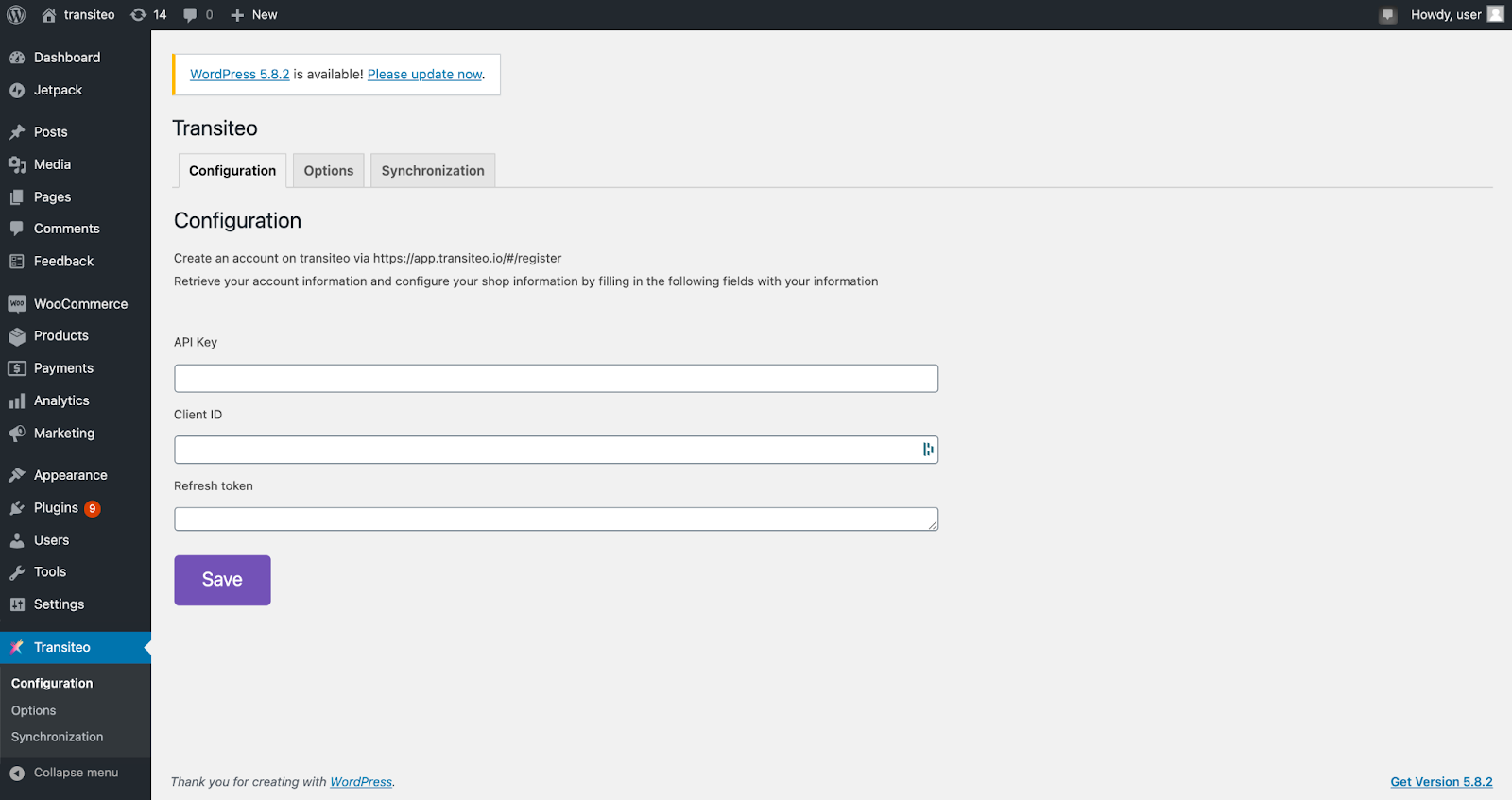

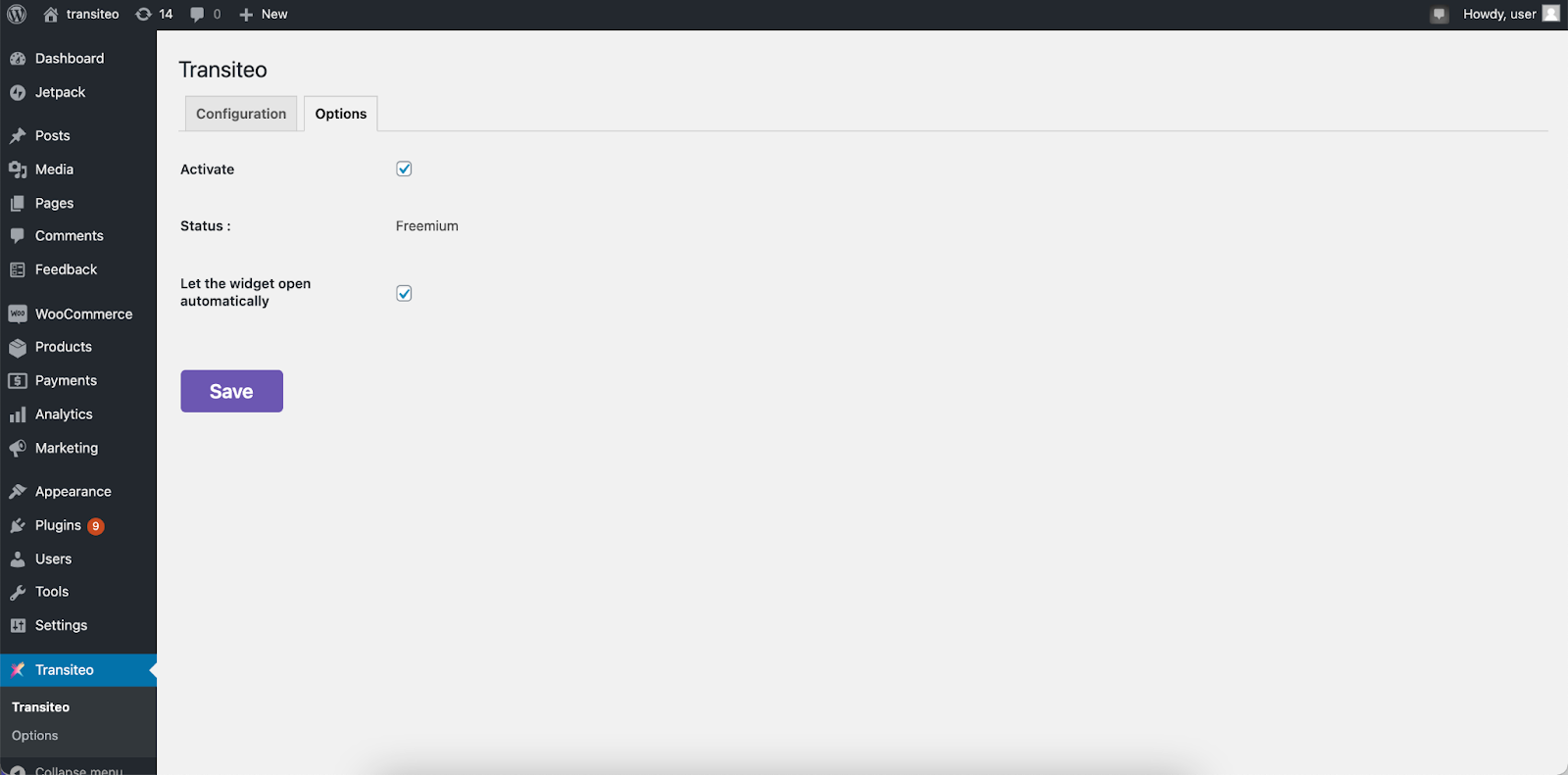

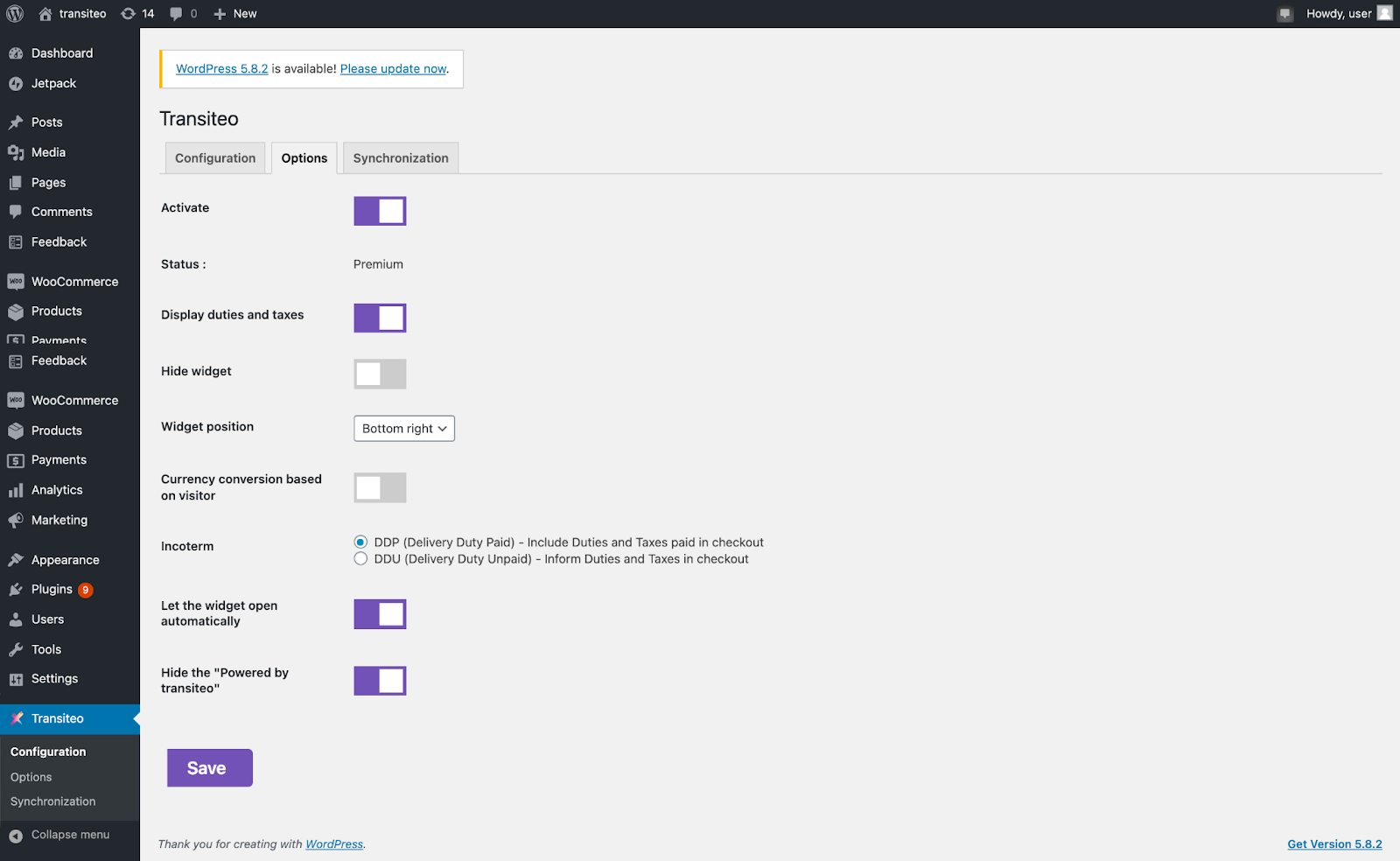

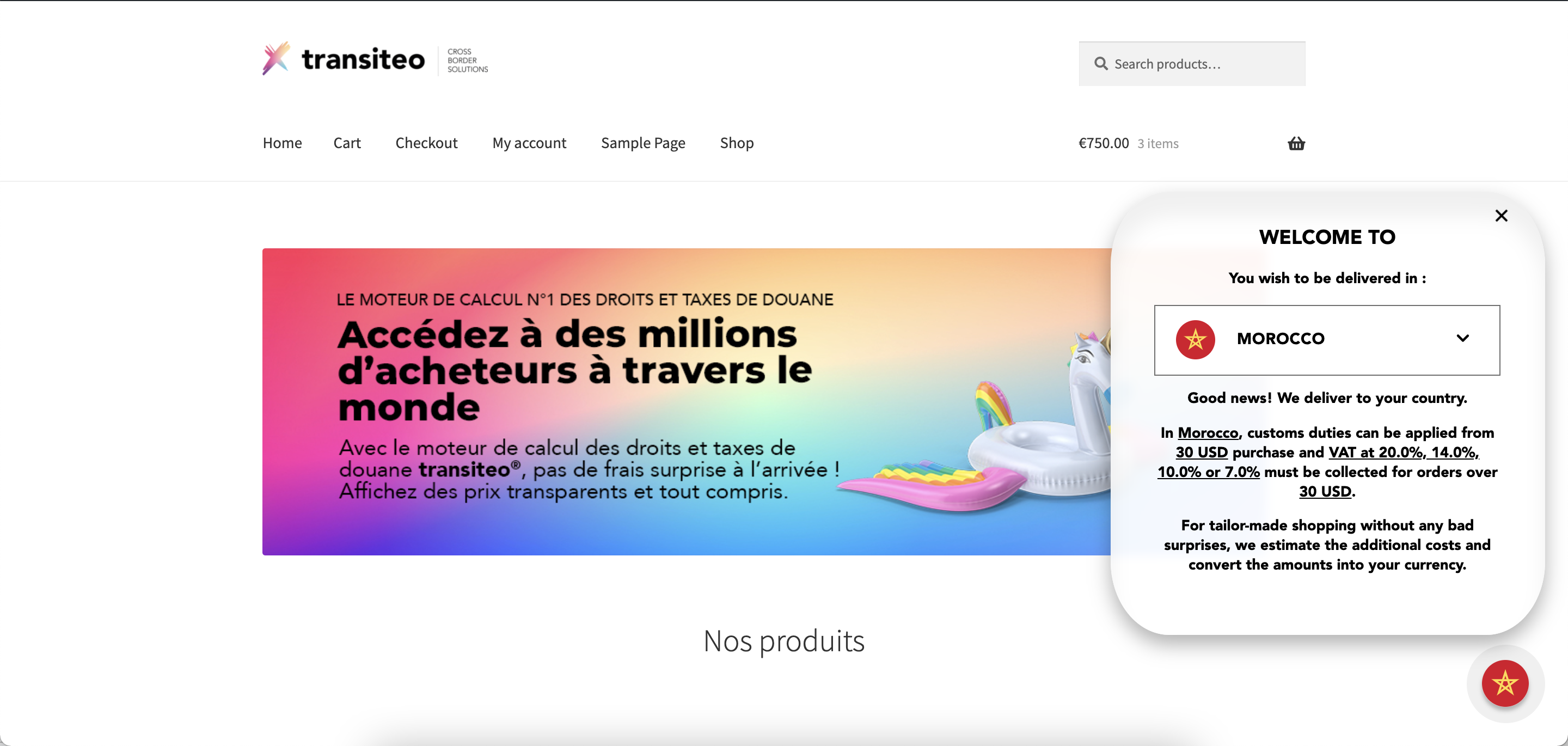
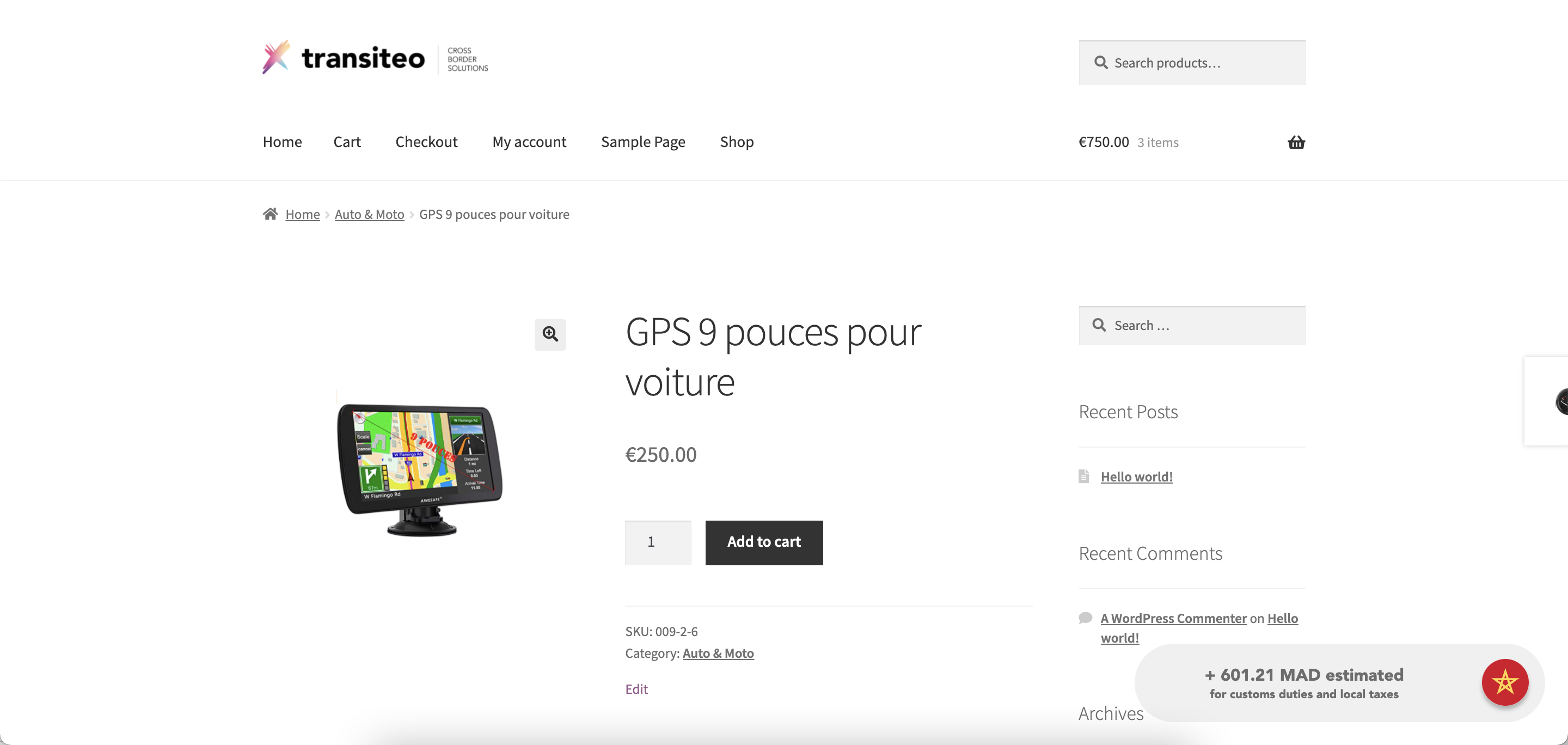
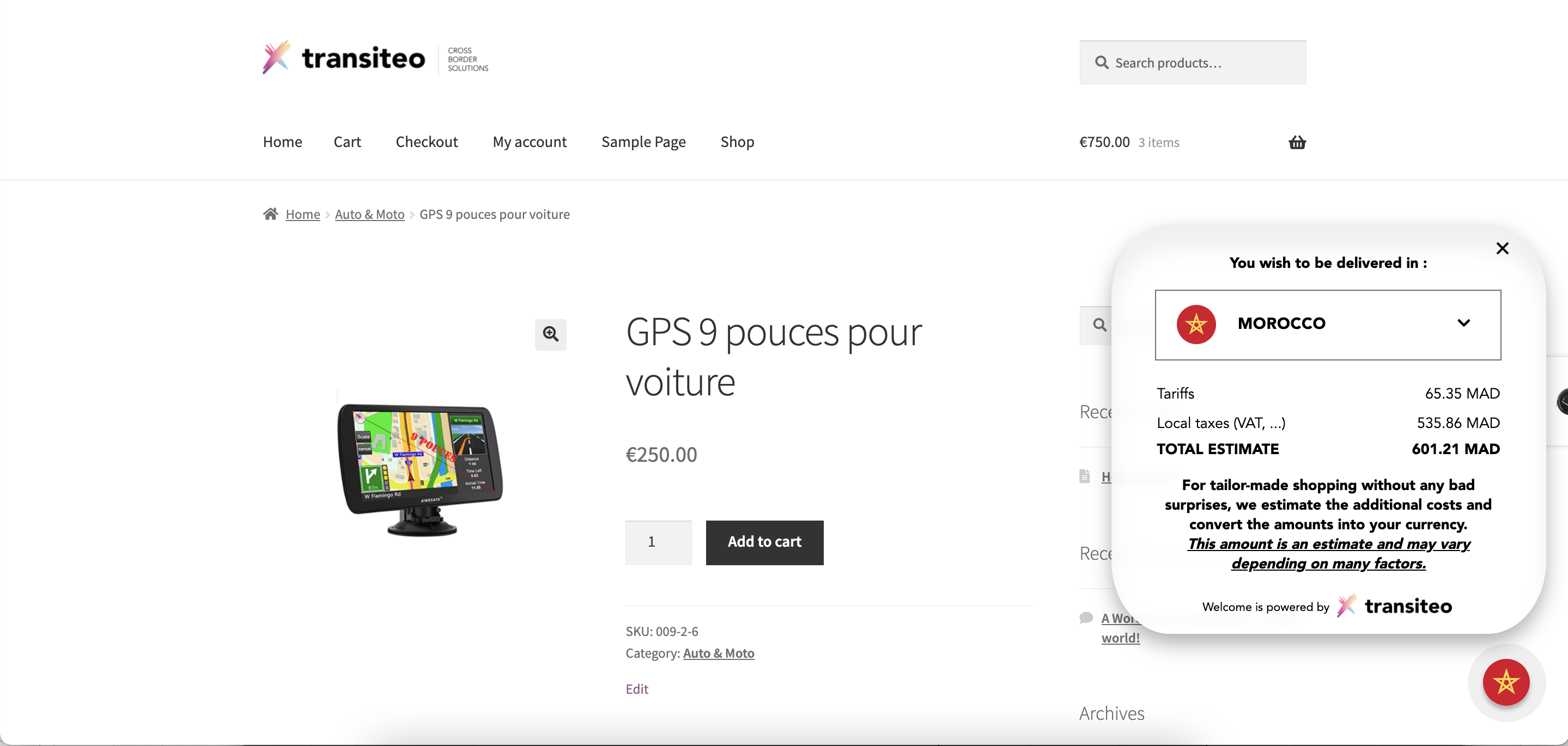
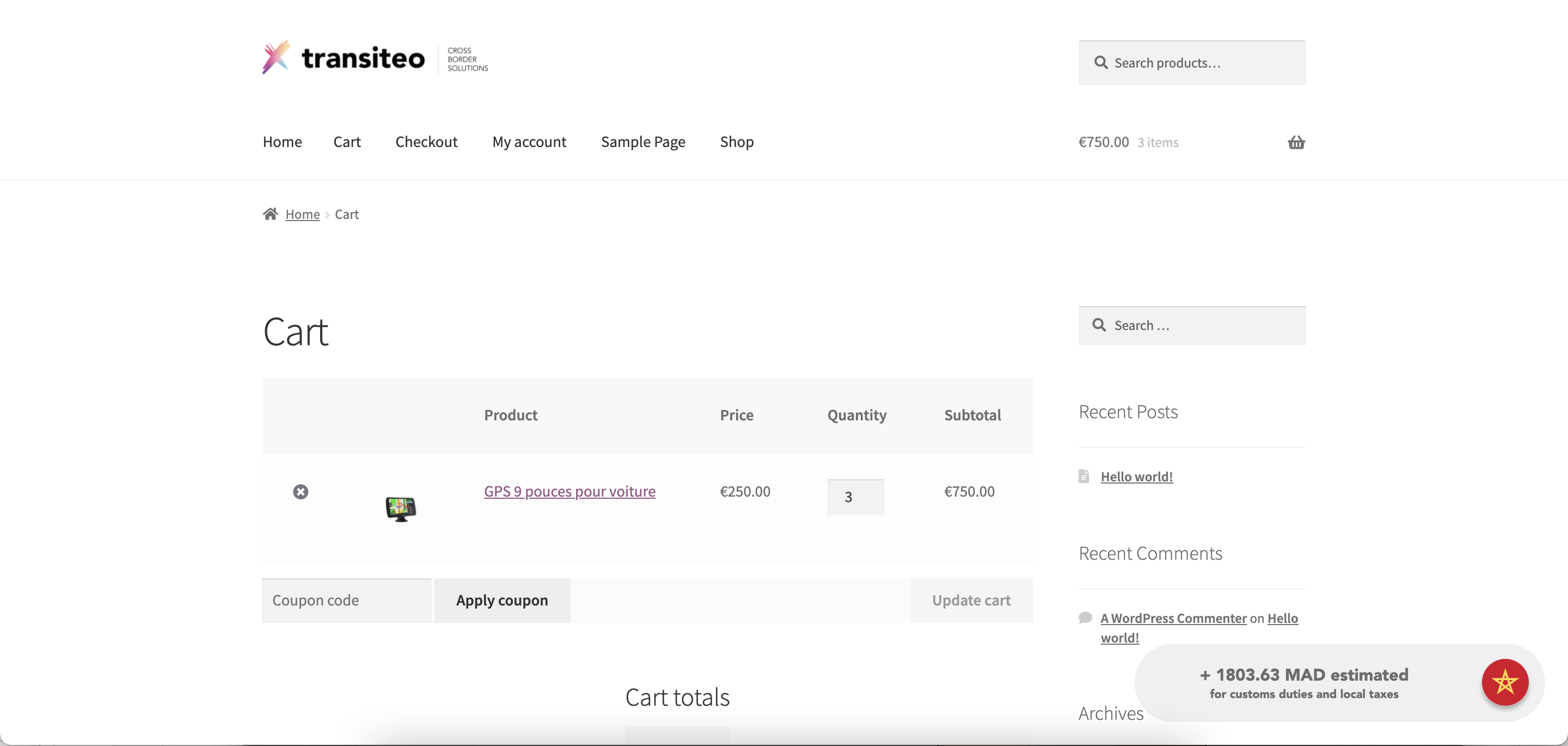
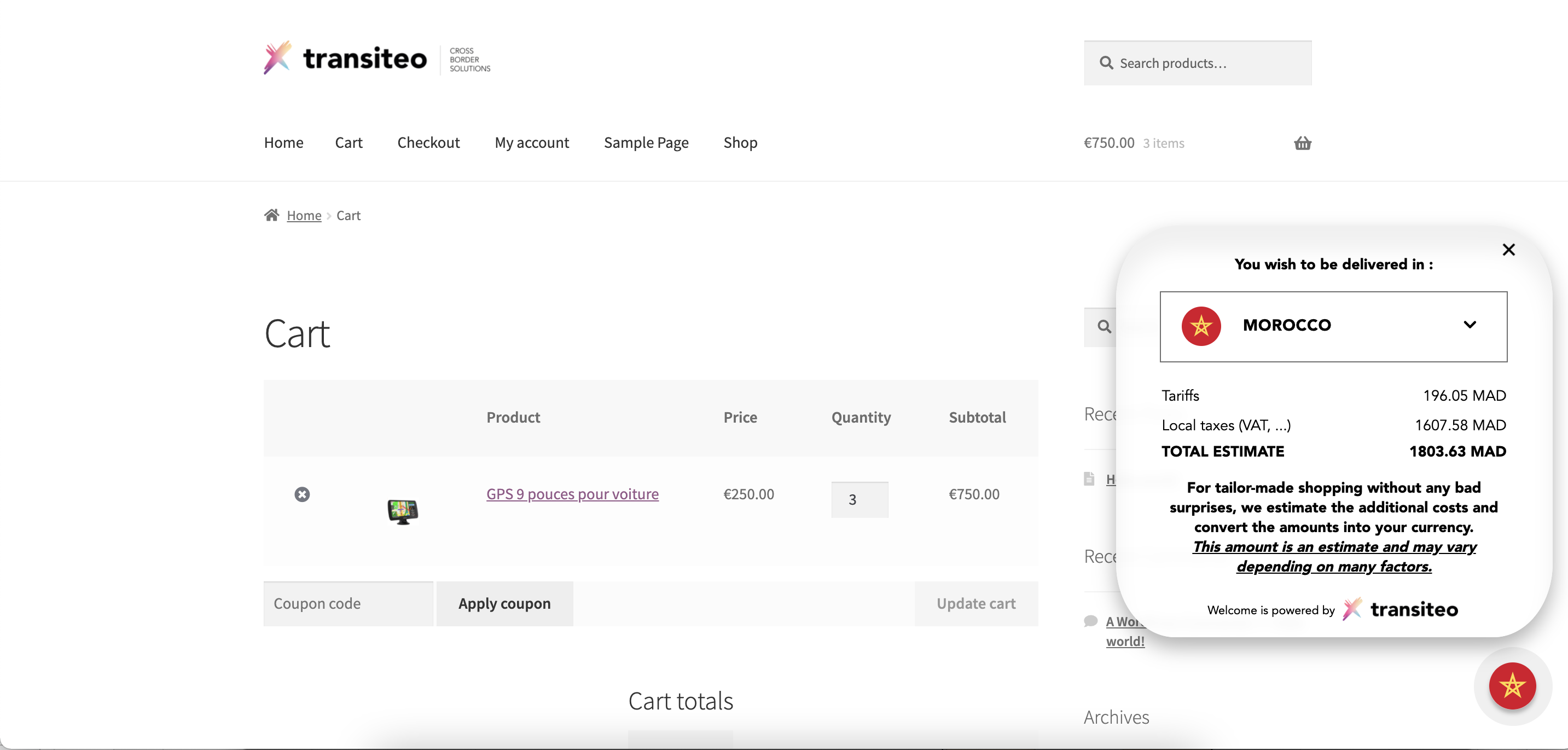
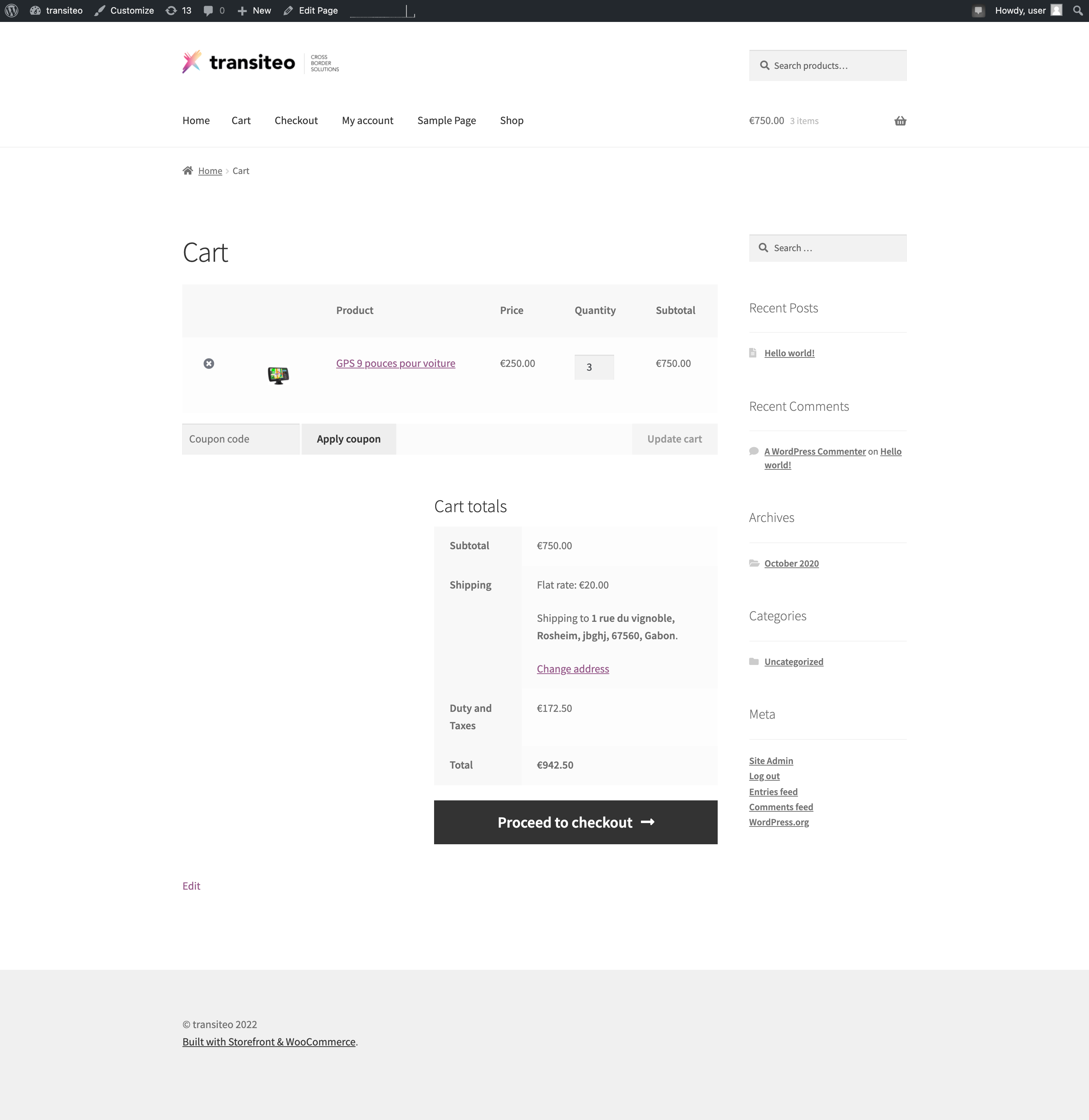
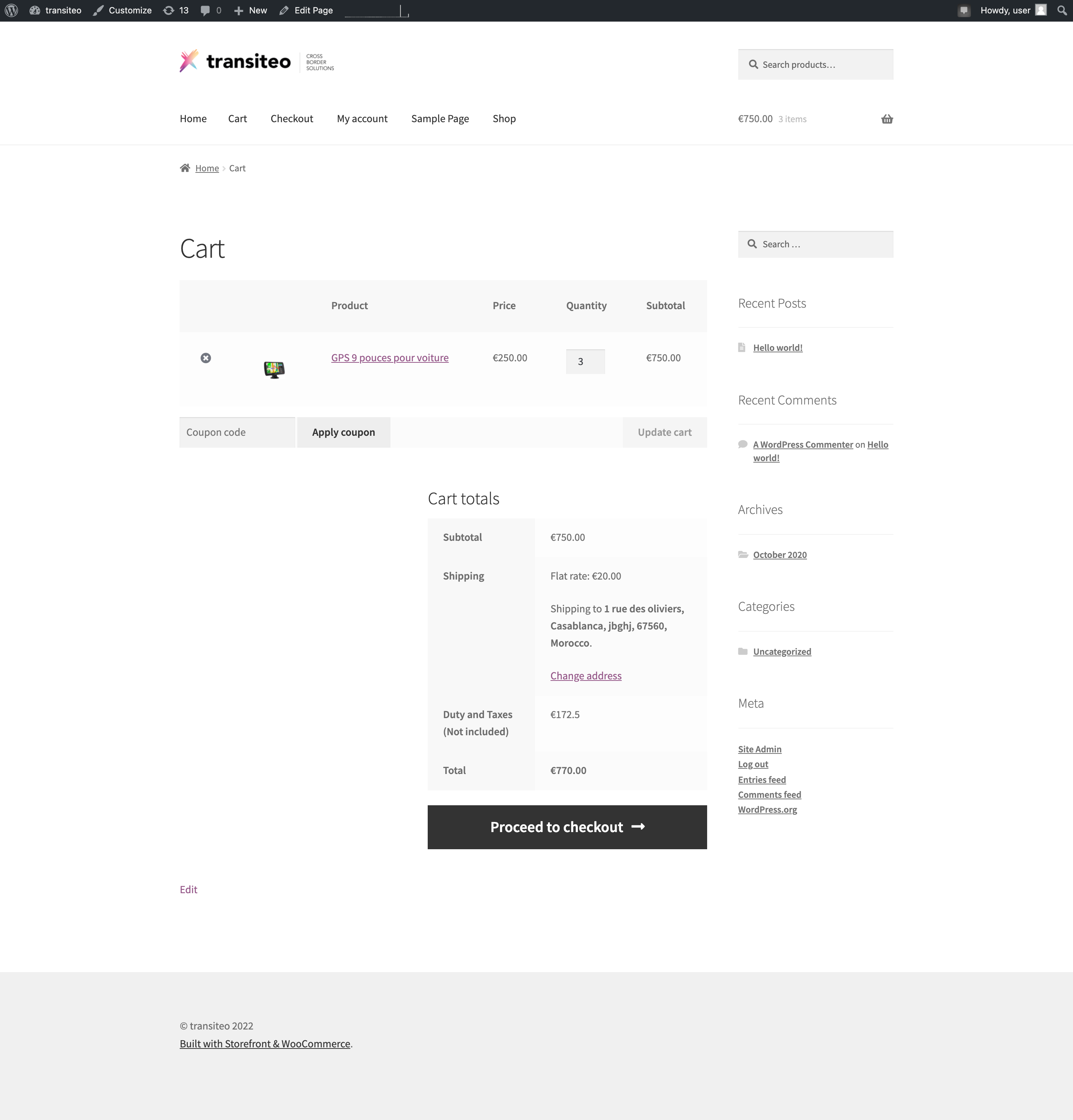
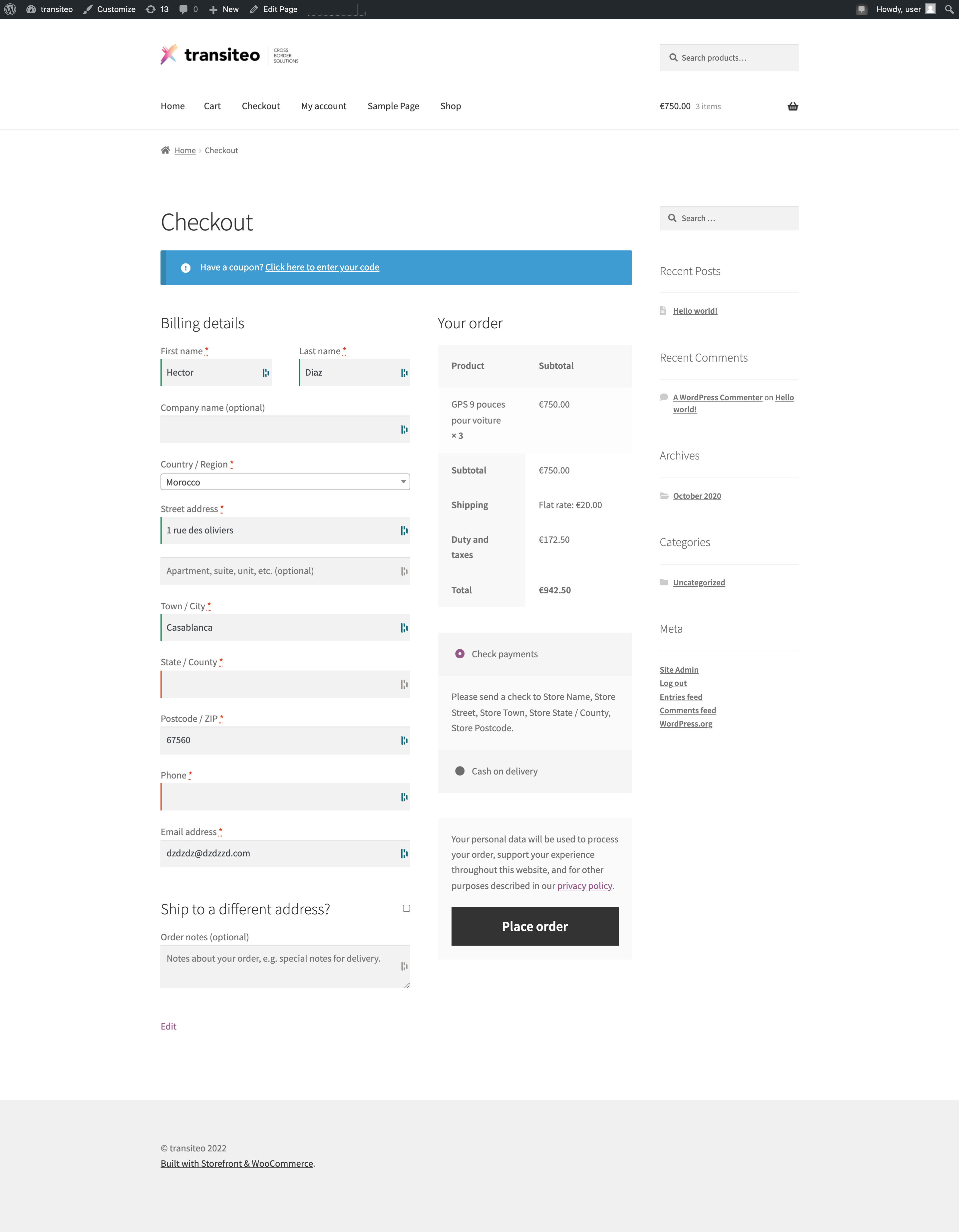
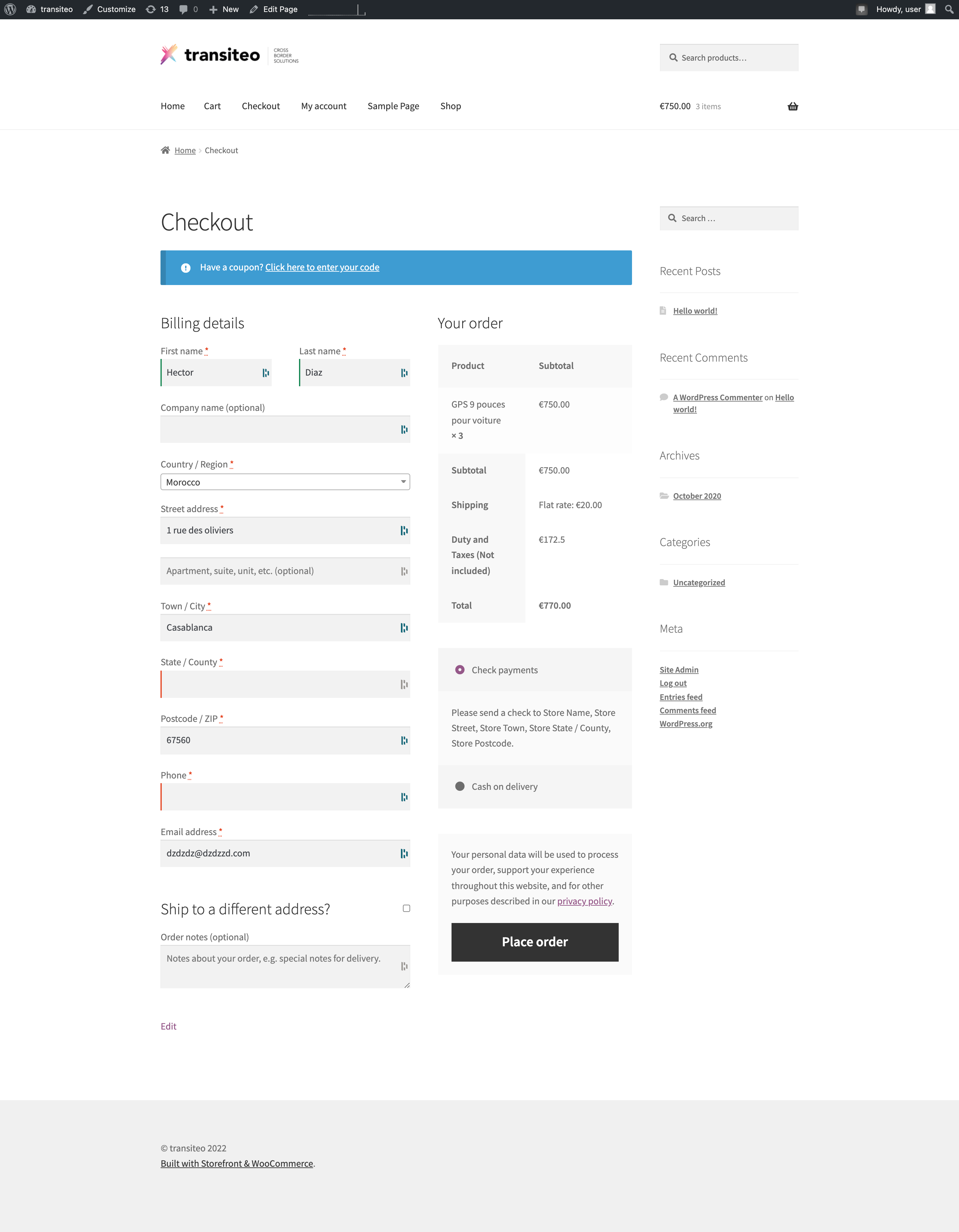
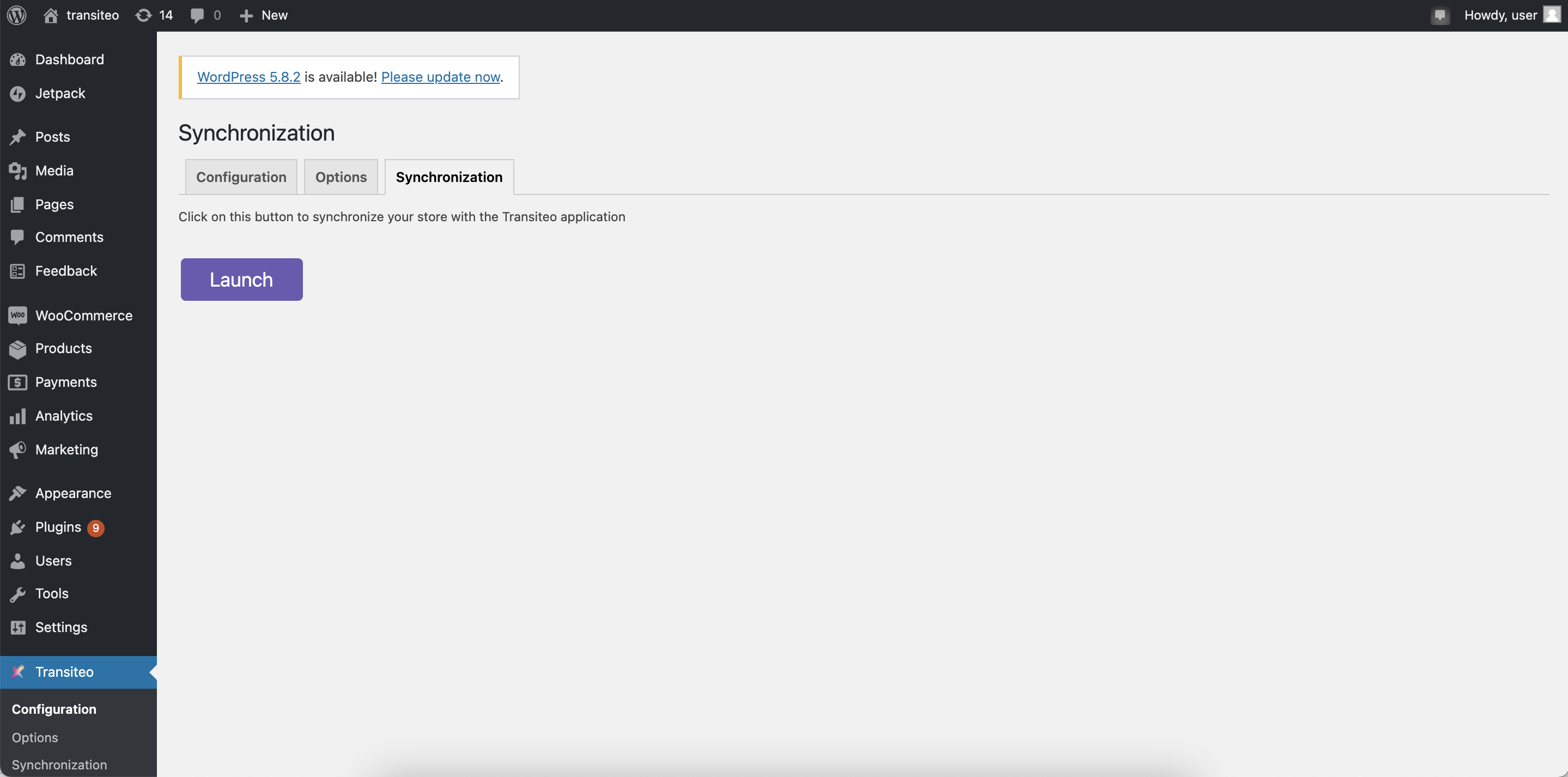 \
\
Vous verrez dans la plateforme transiteo dans la page MON CATALOGUE, vos produits : \
\
\
\
Vous verrez dans la plateforme transiteo dans la page MON CATALOGUE, vos produits : \
\
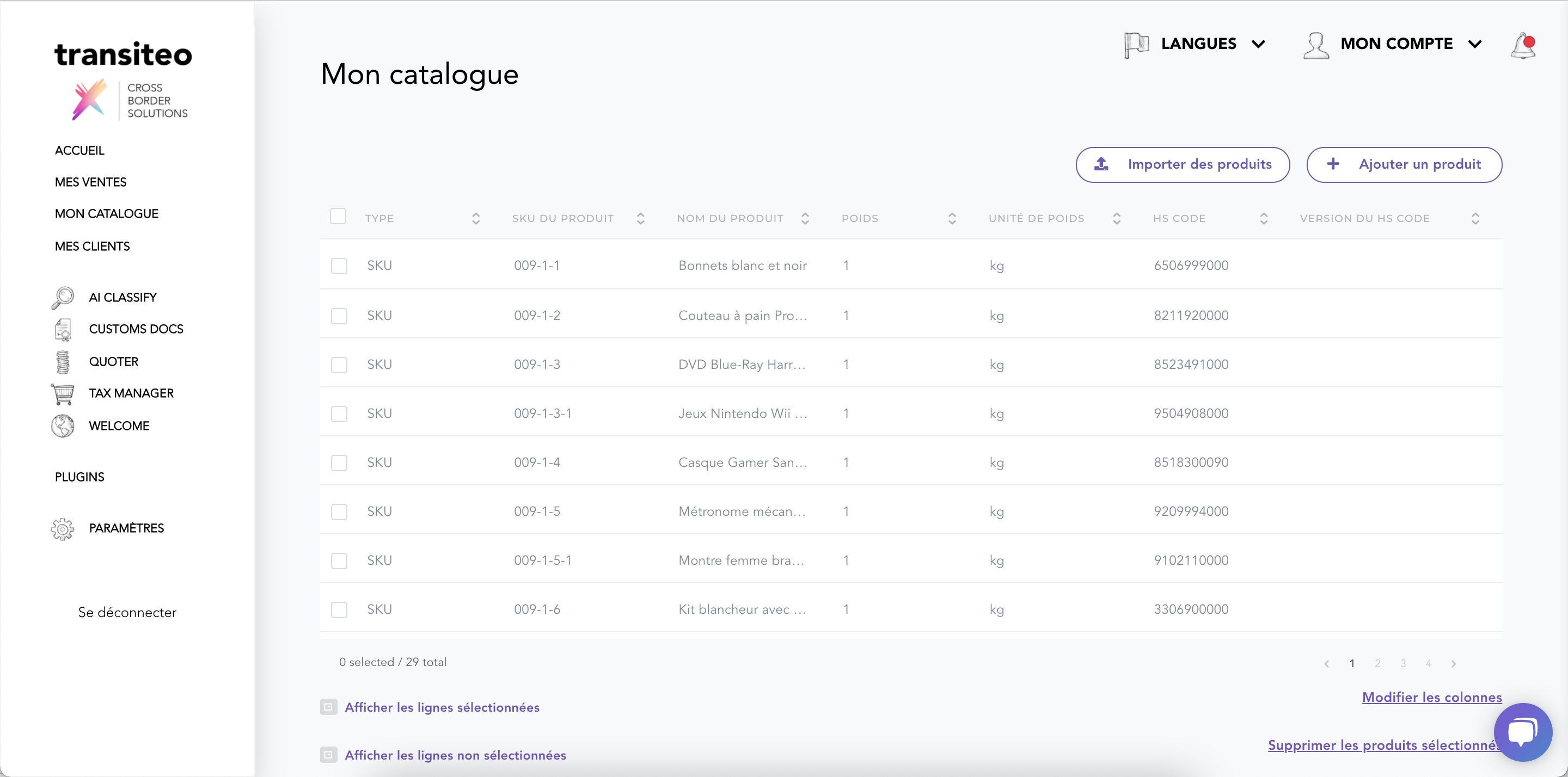 \
\
&#xNAN;ou
\
\
&#xNAN;ou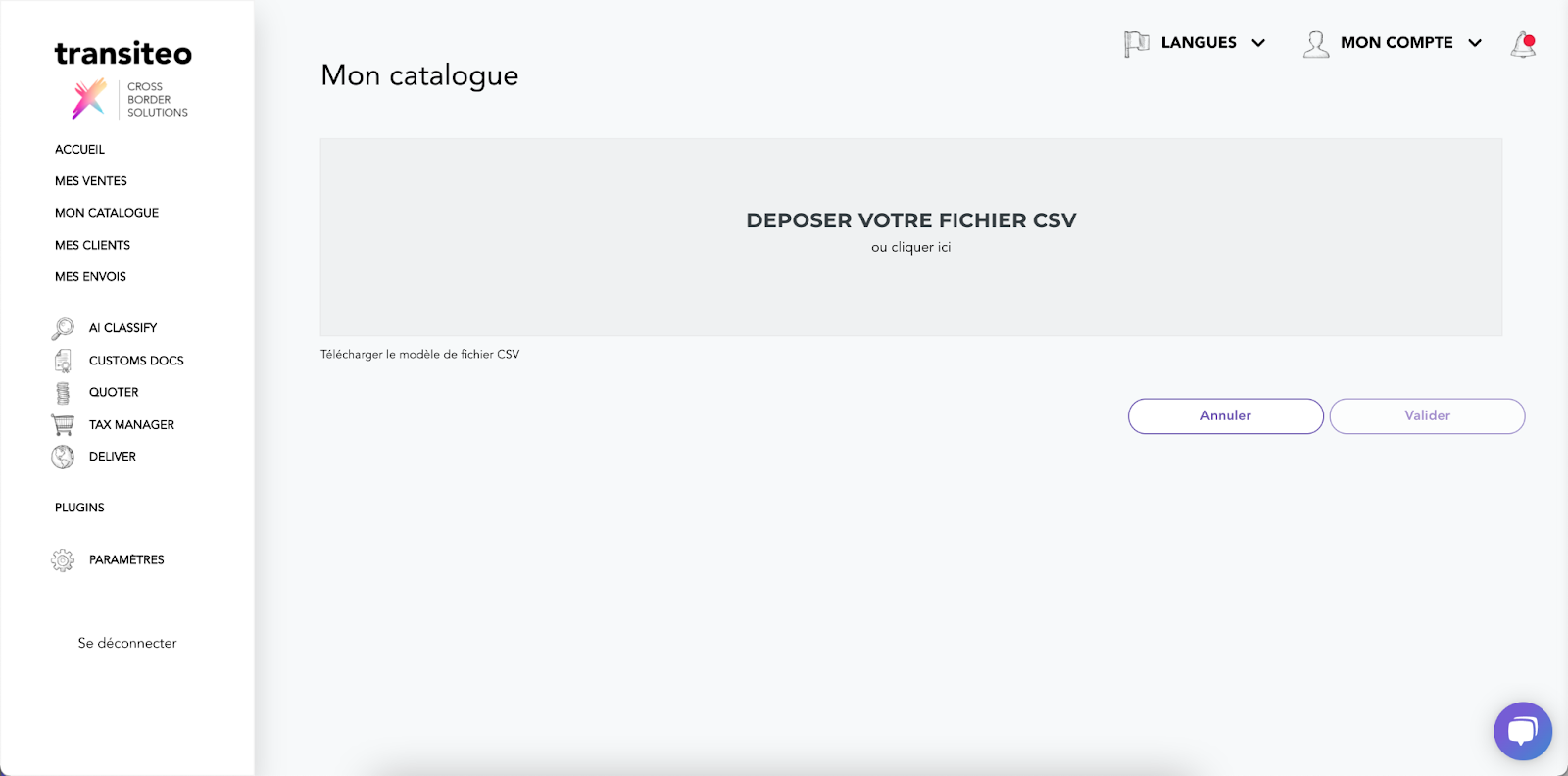 \
\
\
Associer des codes douaniers à vos produits : \
\
Automatiquement :
\
\
\
Associer des codes douaniers à vos produits : \
\
Automatiquement :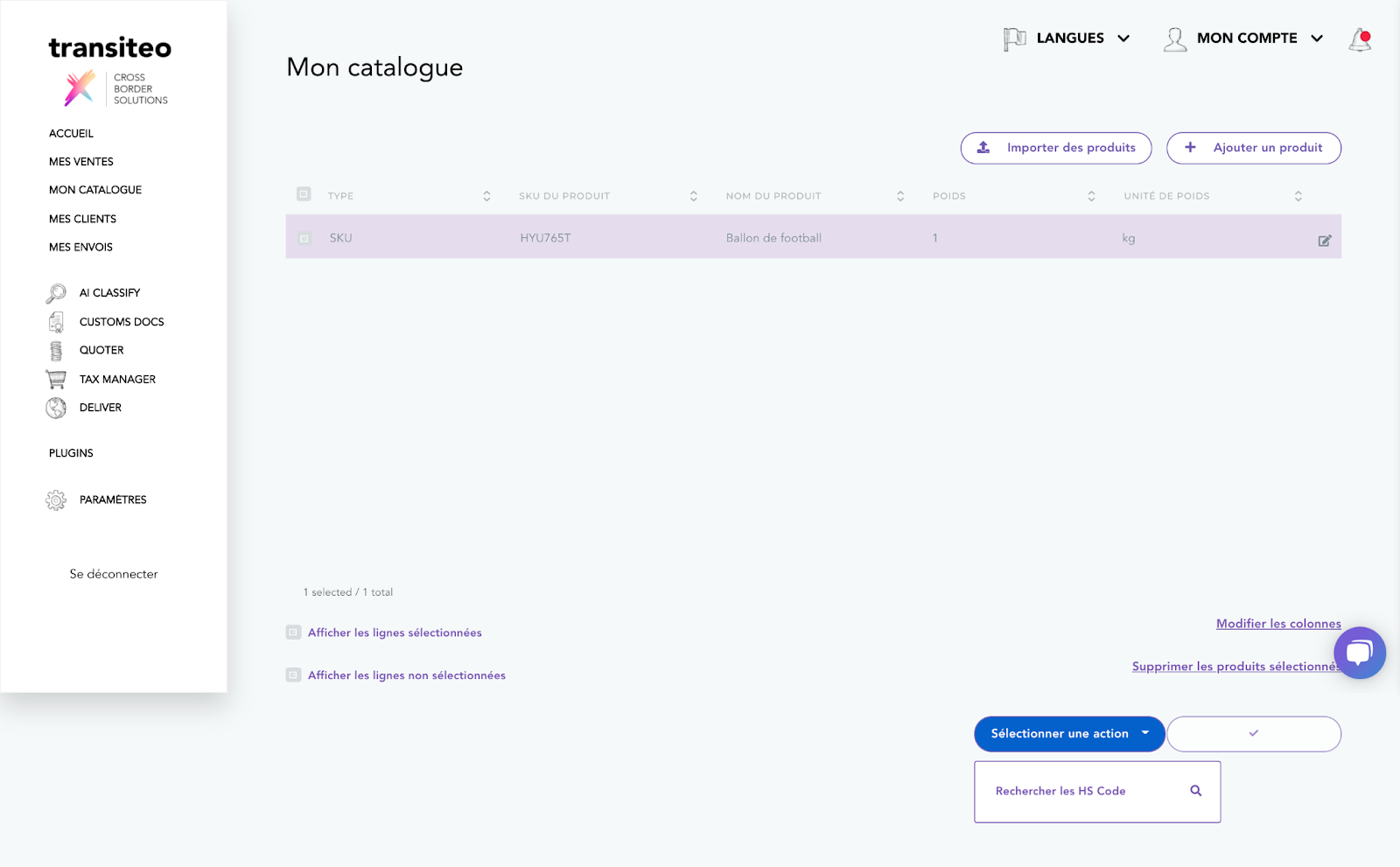
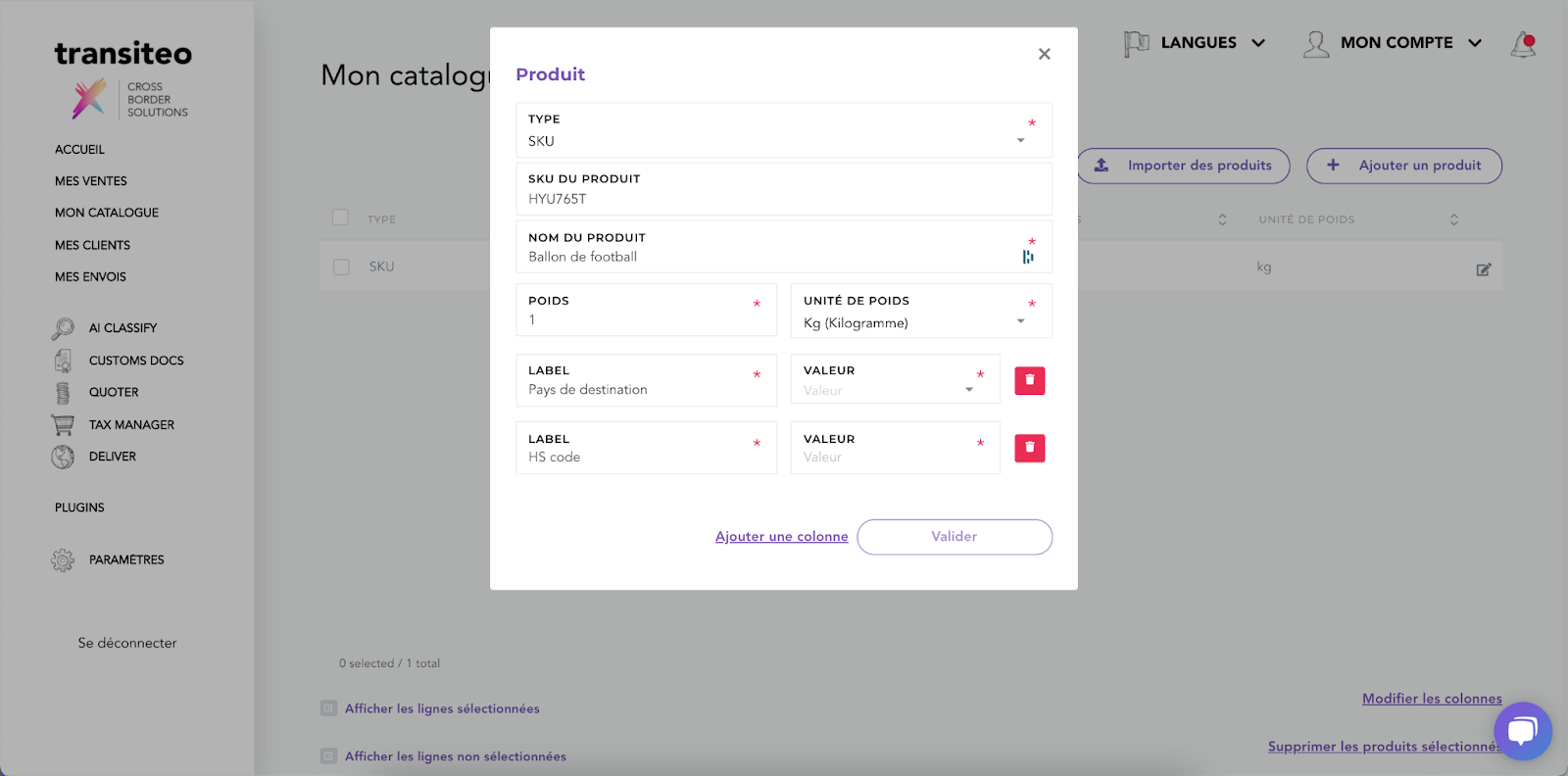











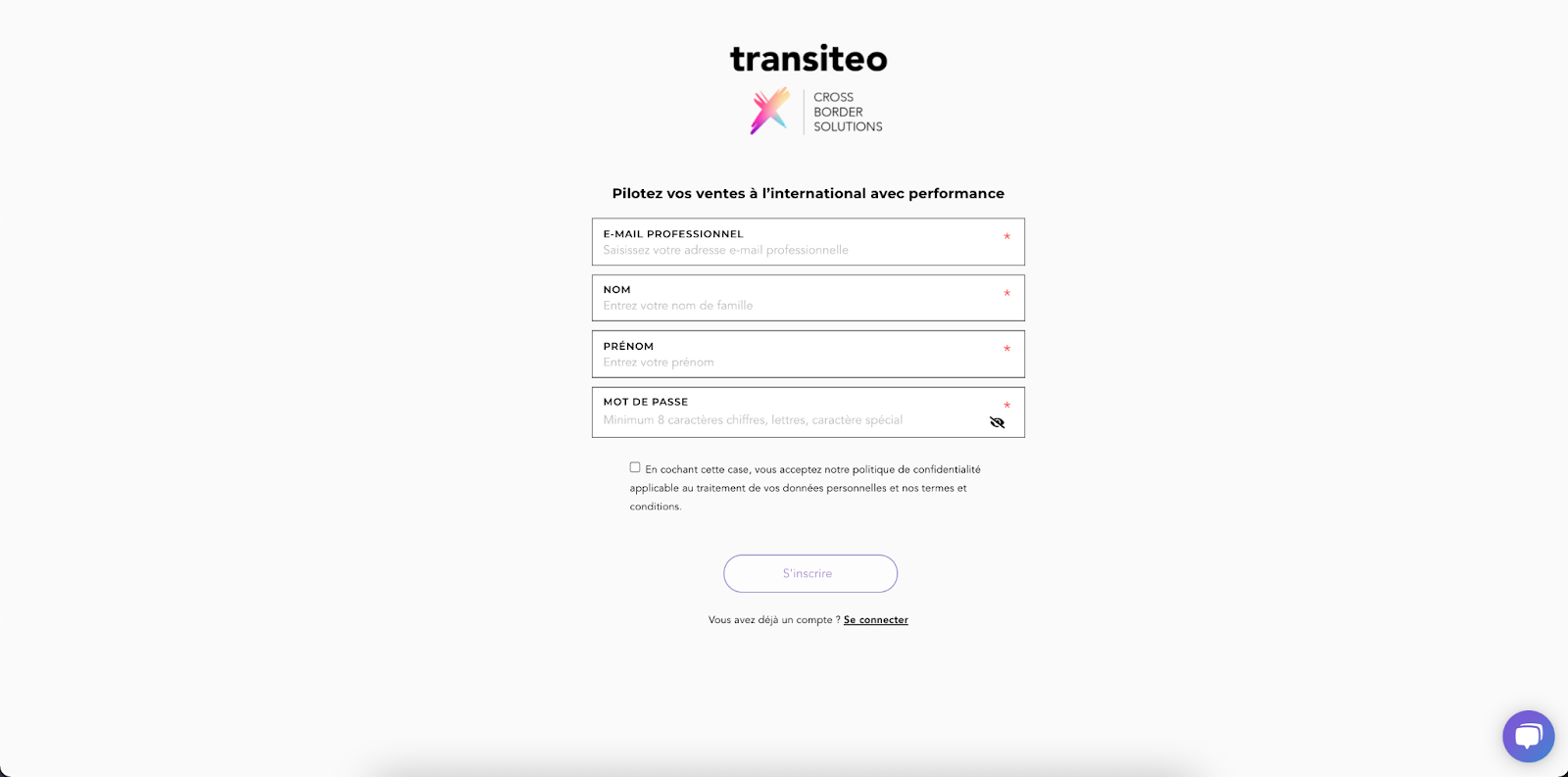
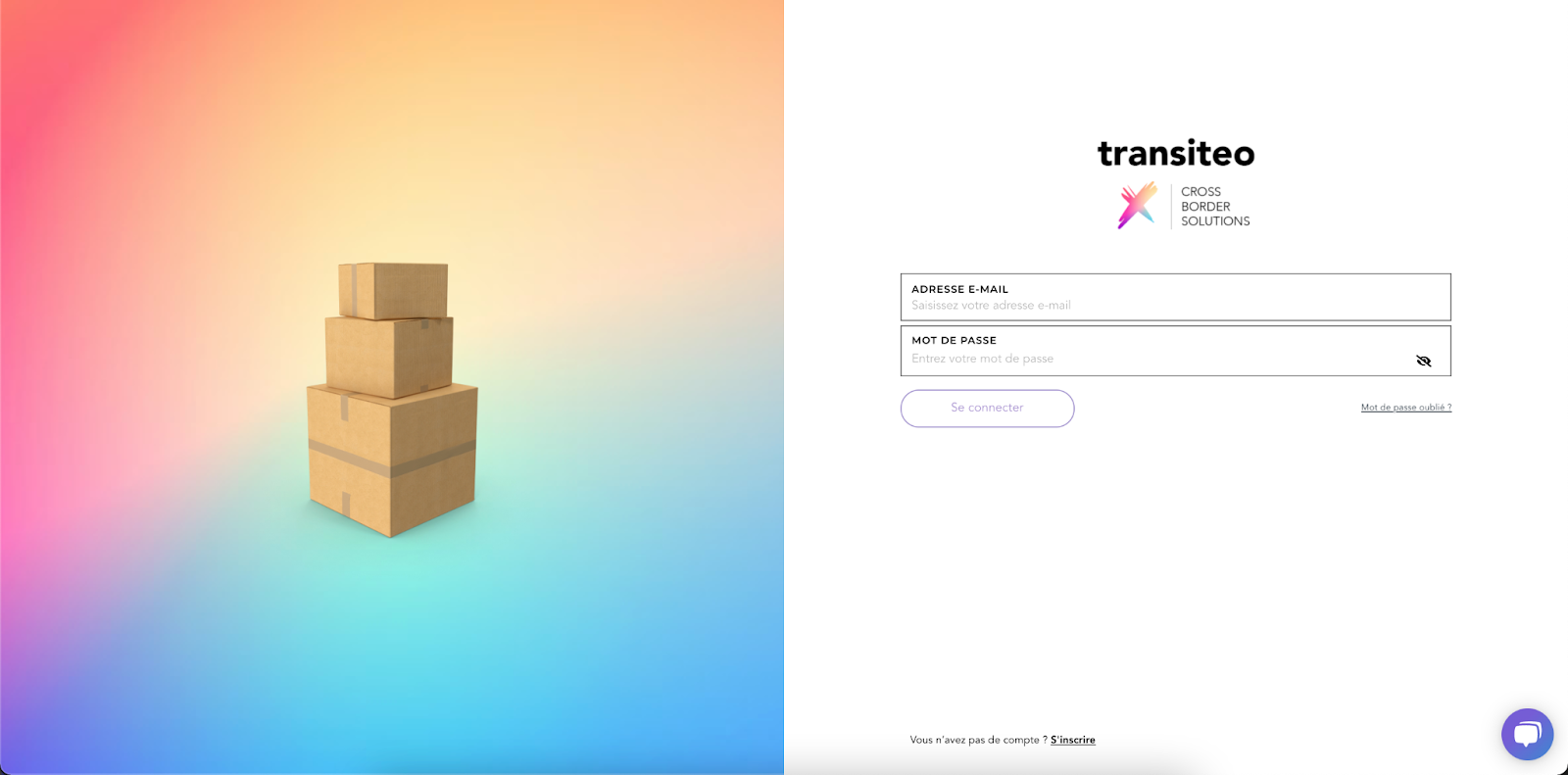
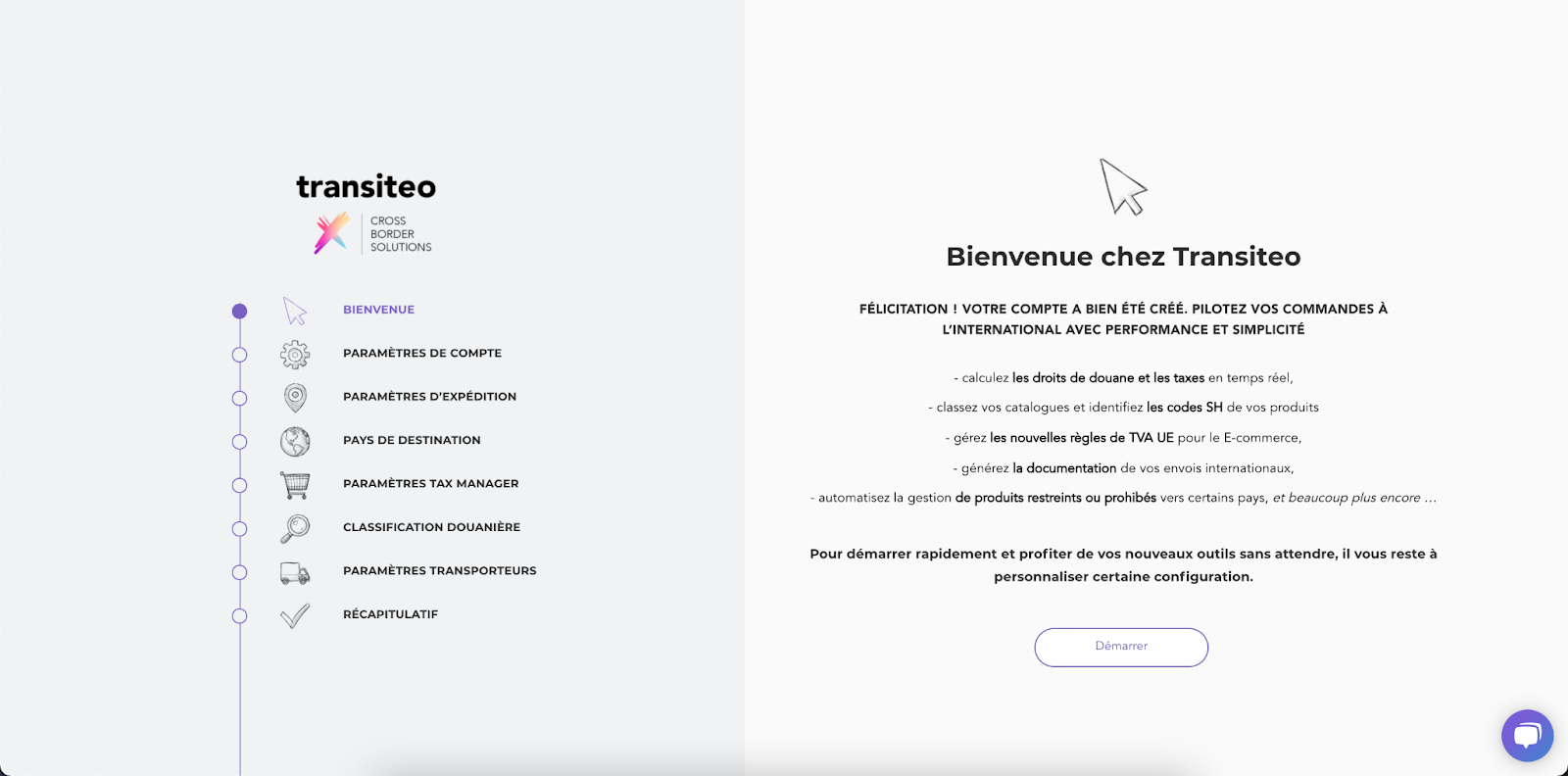

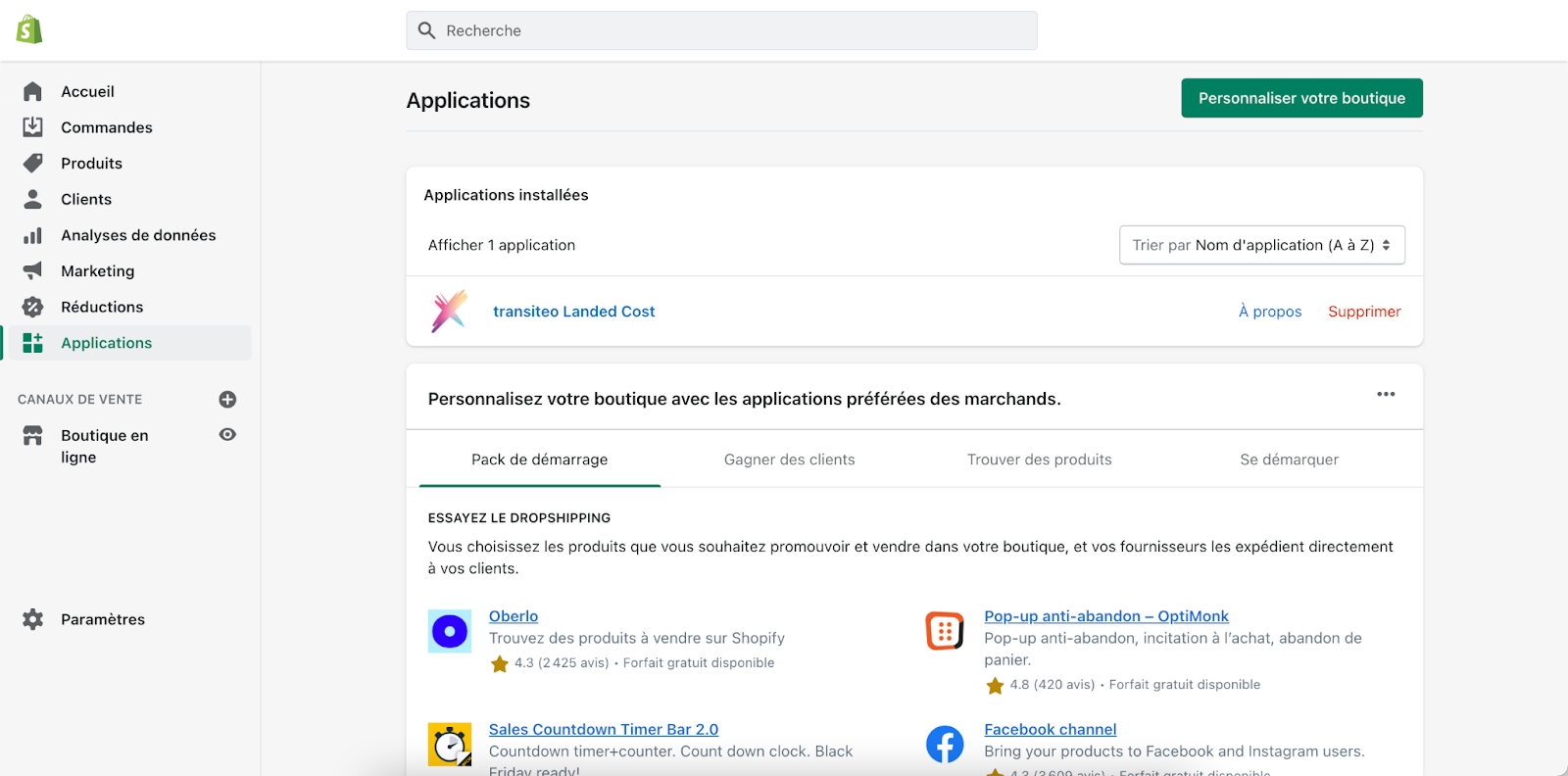
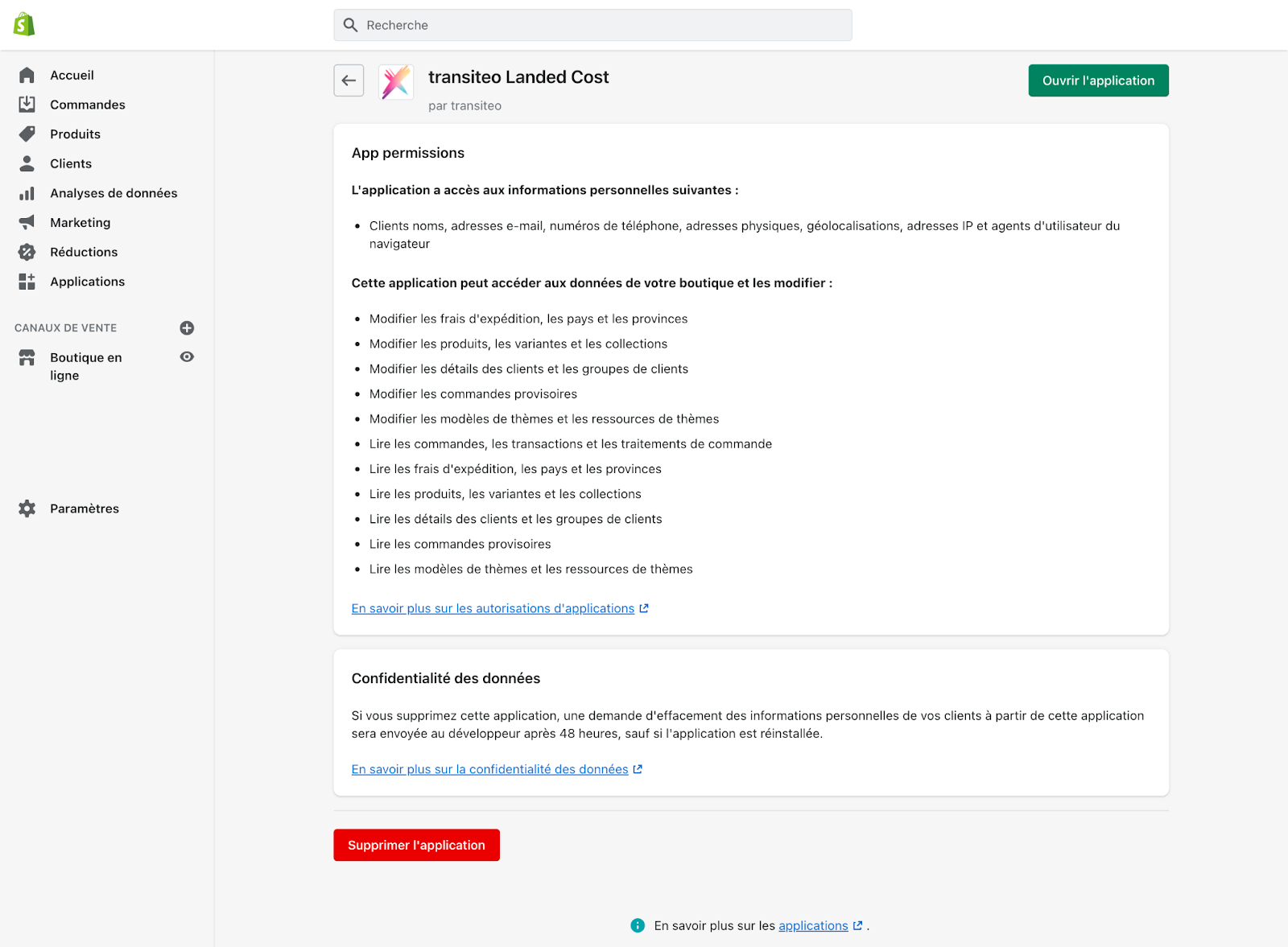
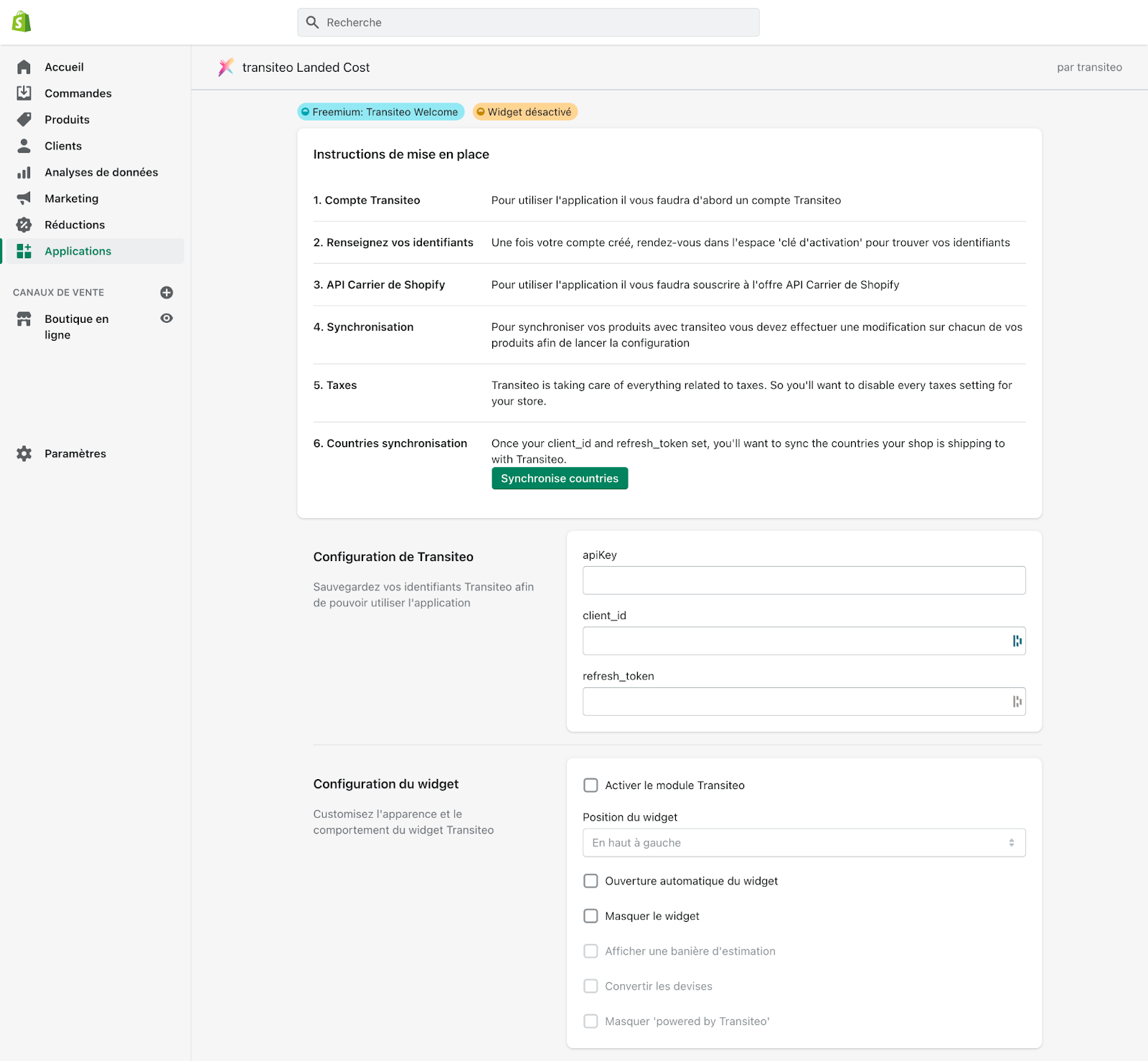
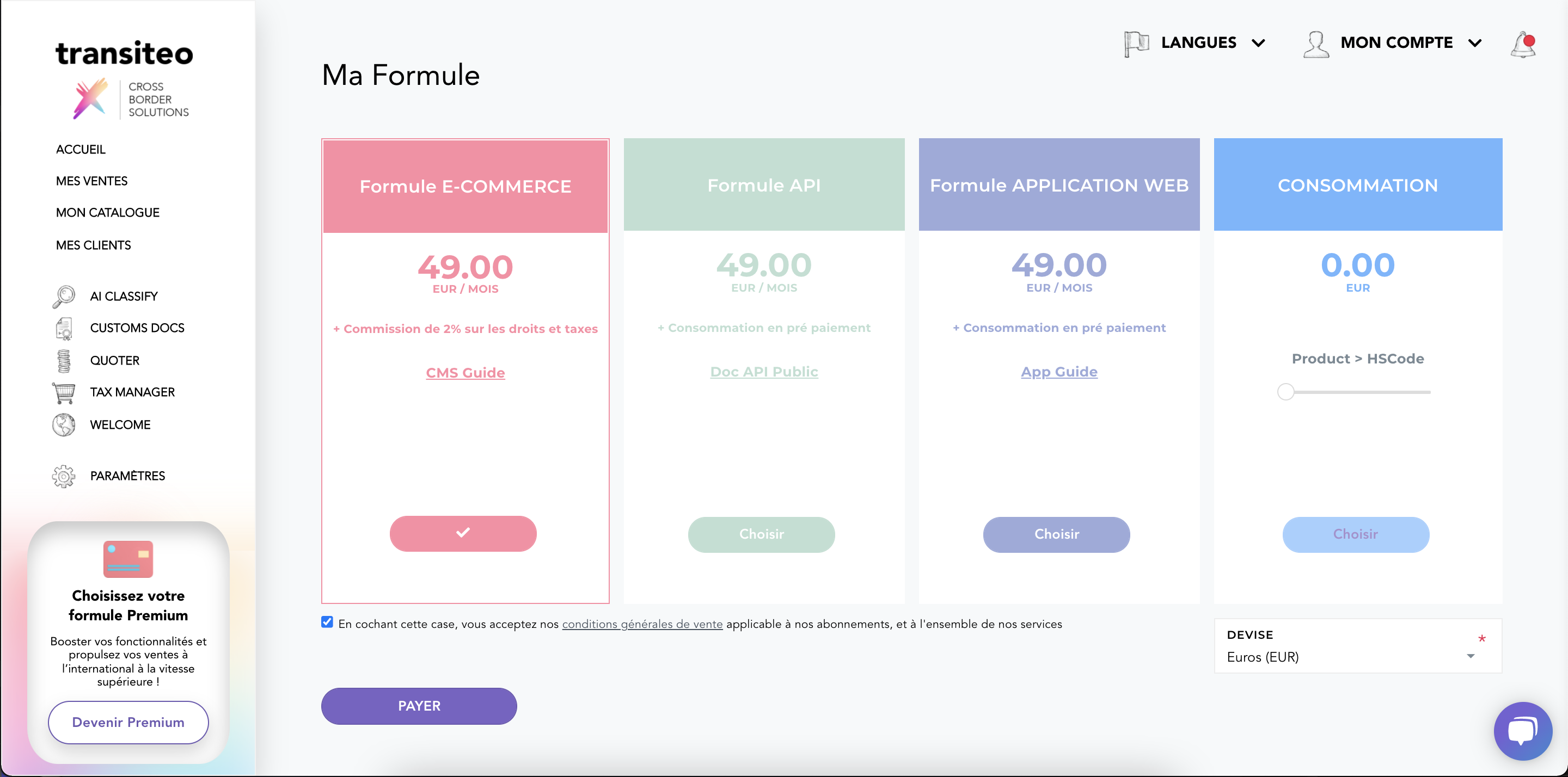


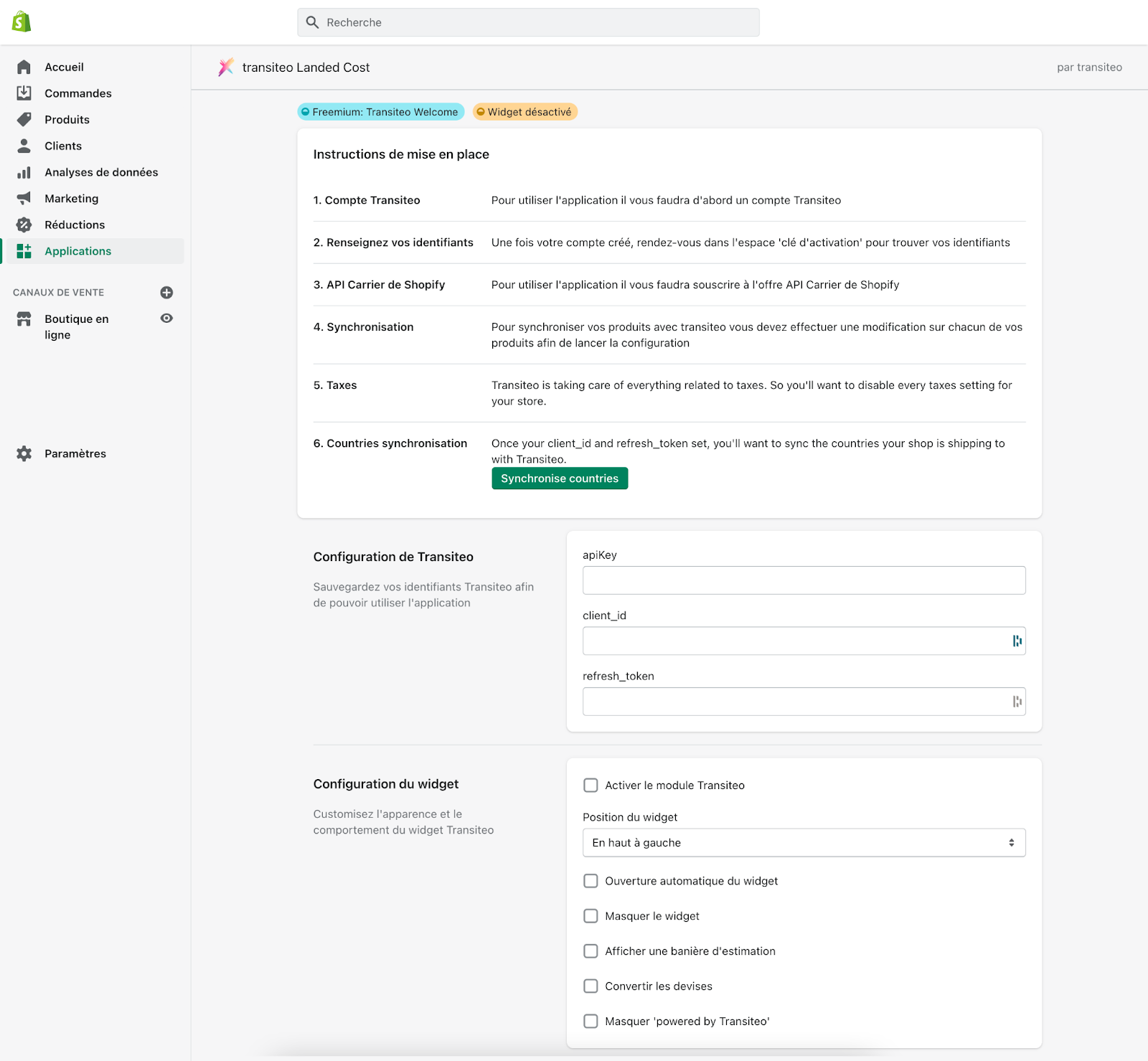



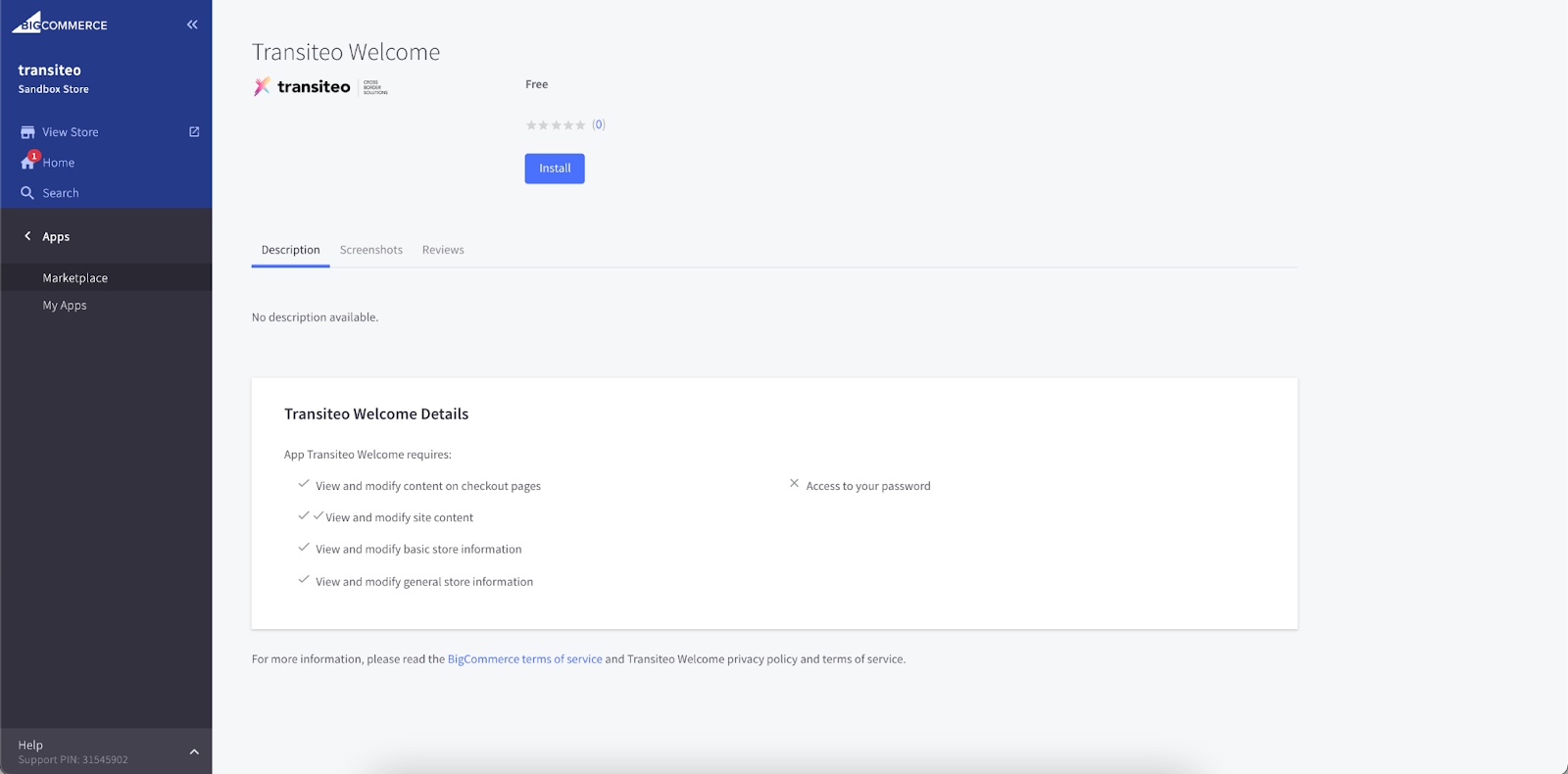
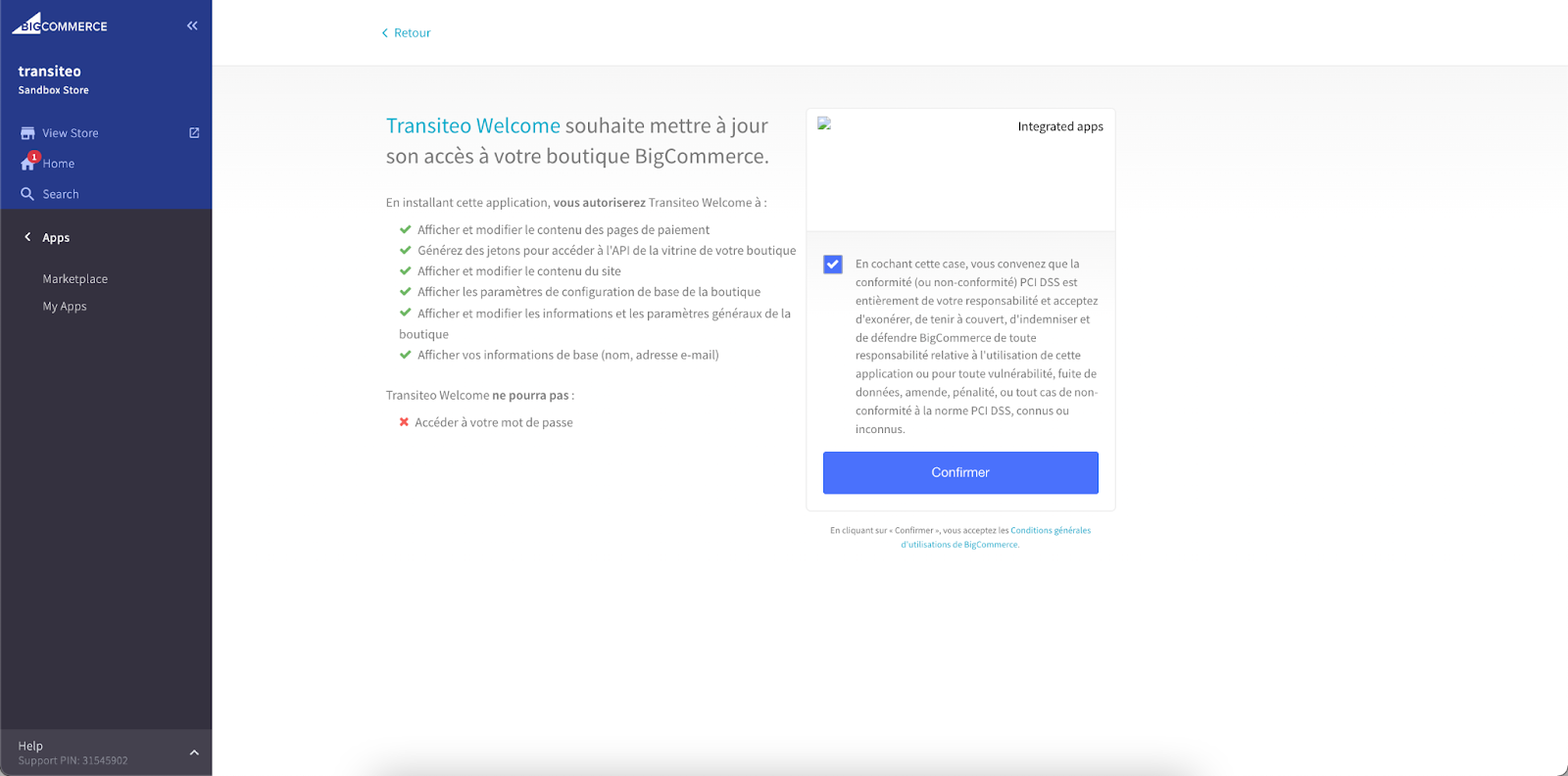

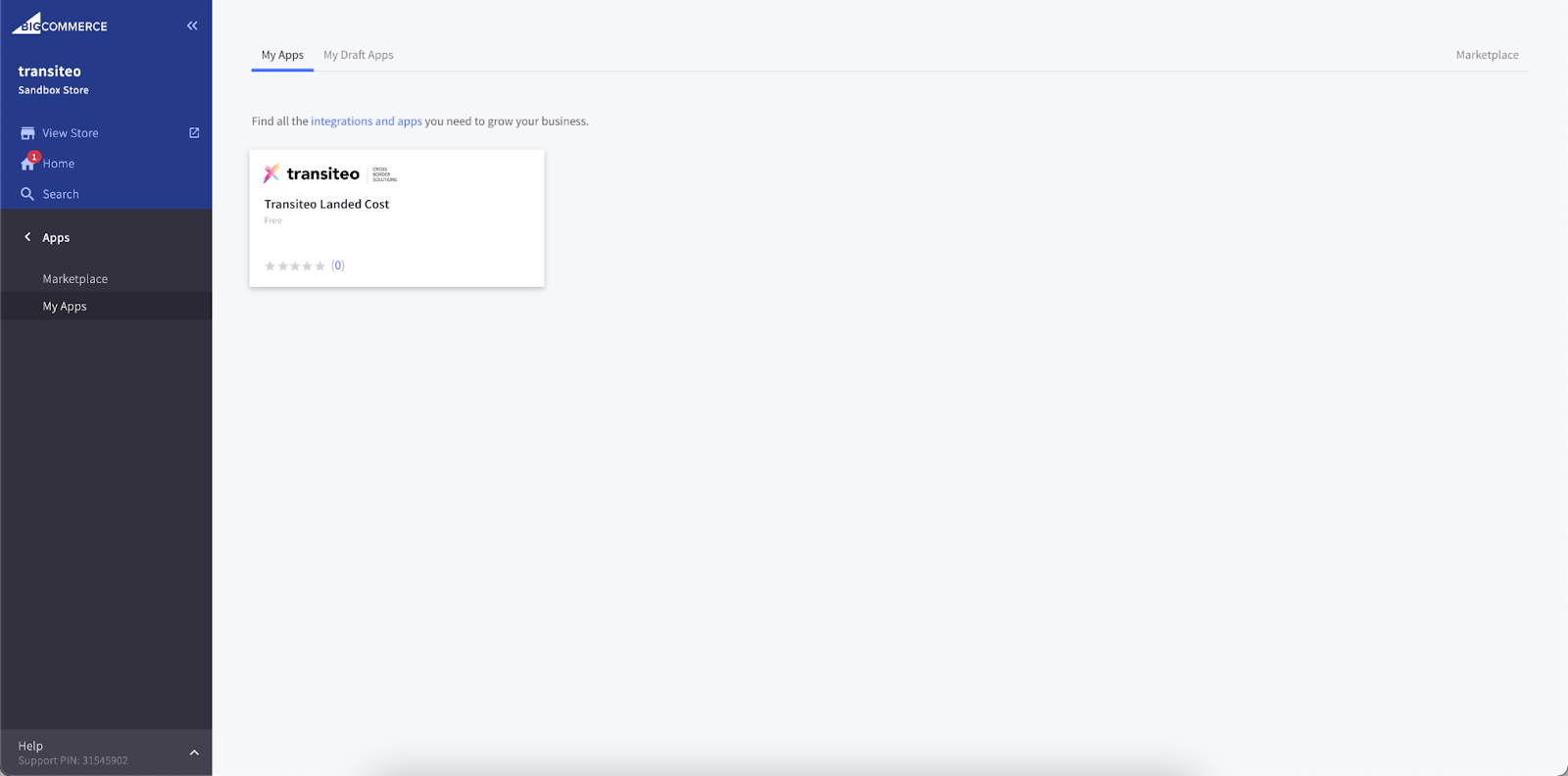
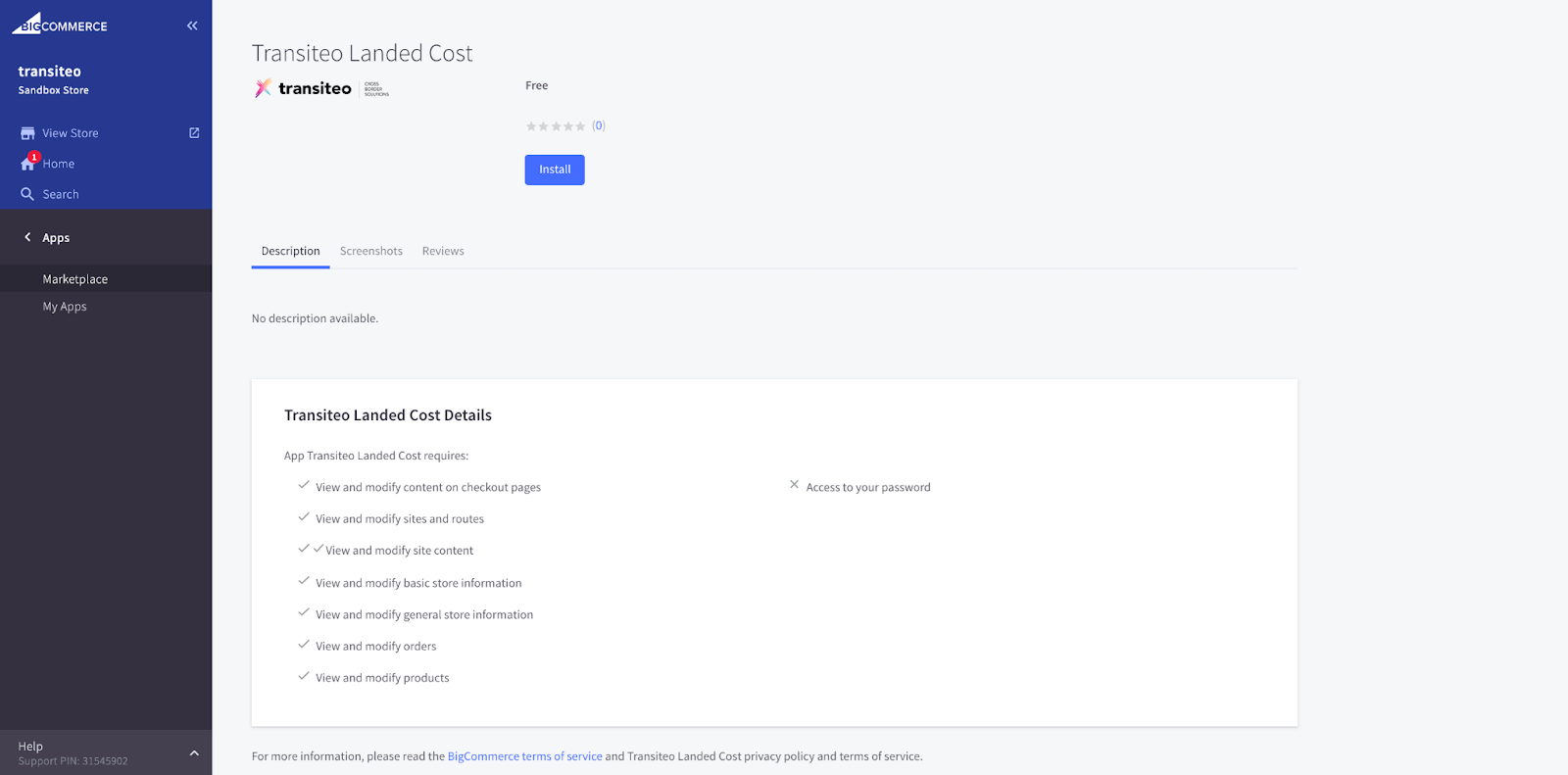
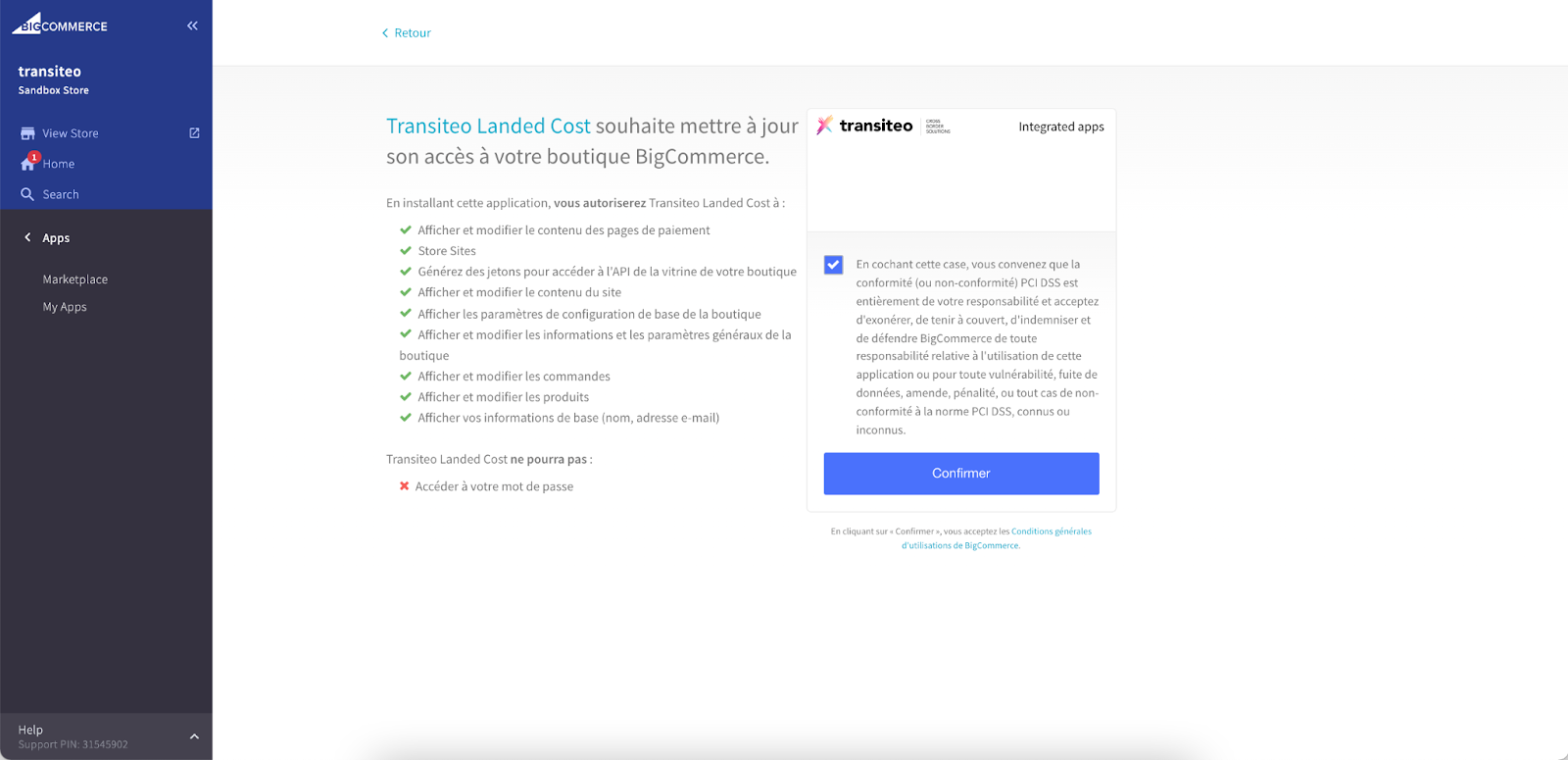
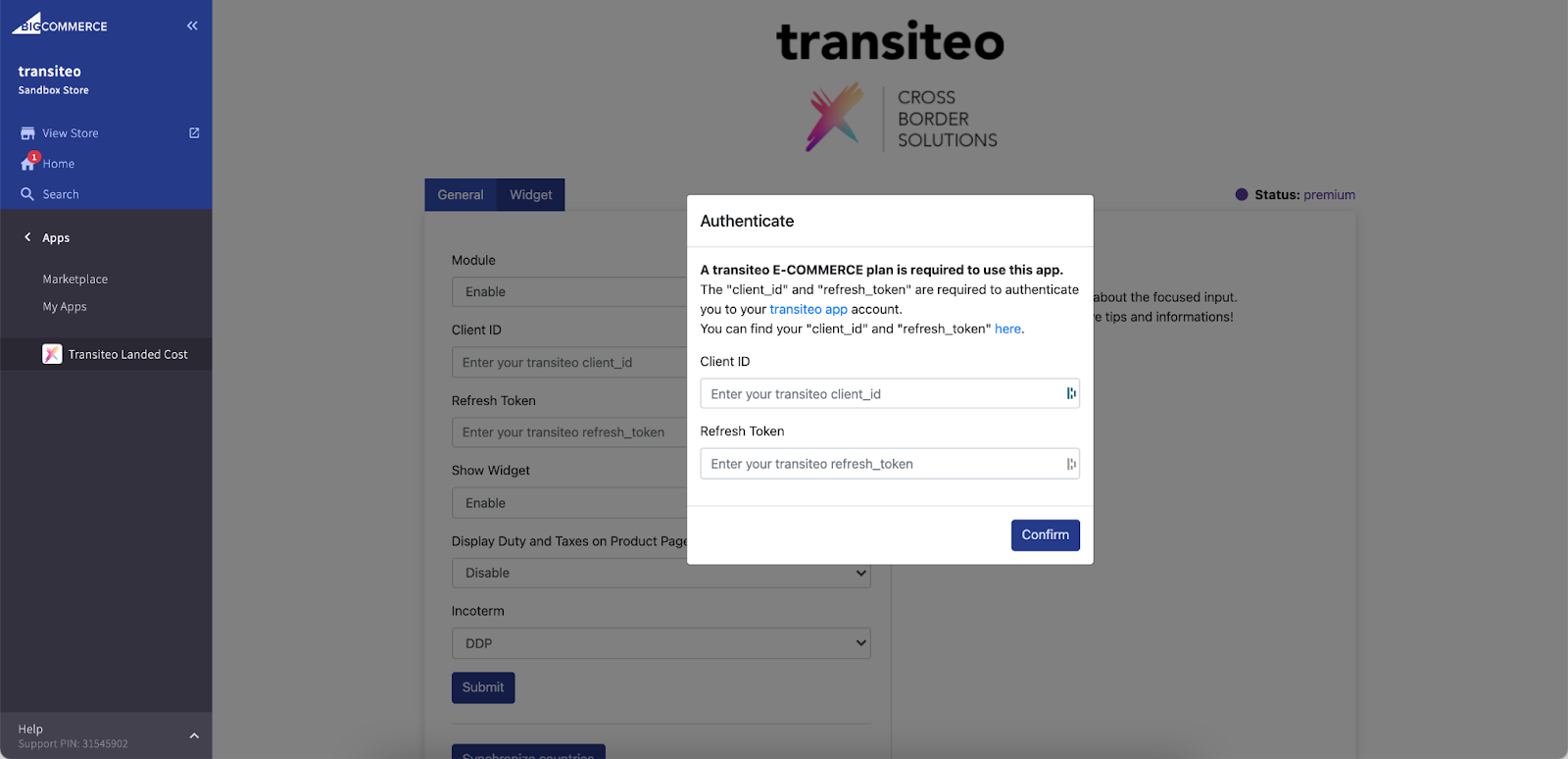

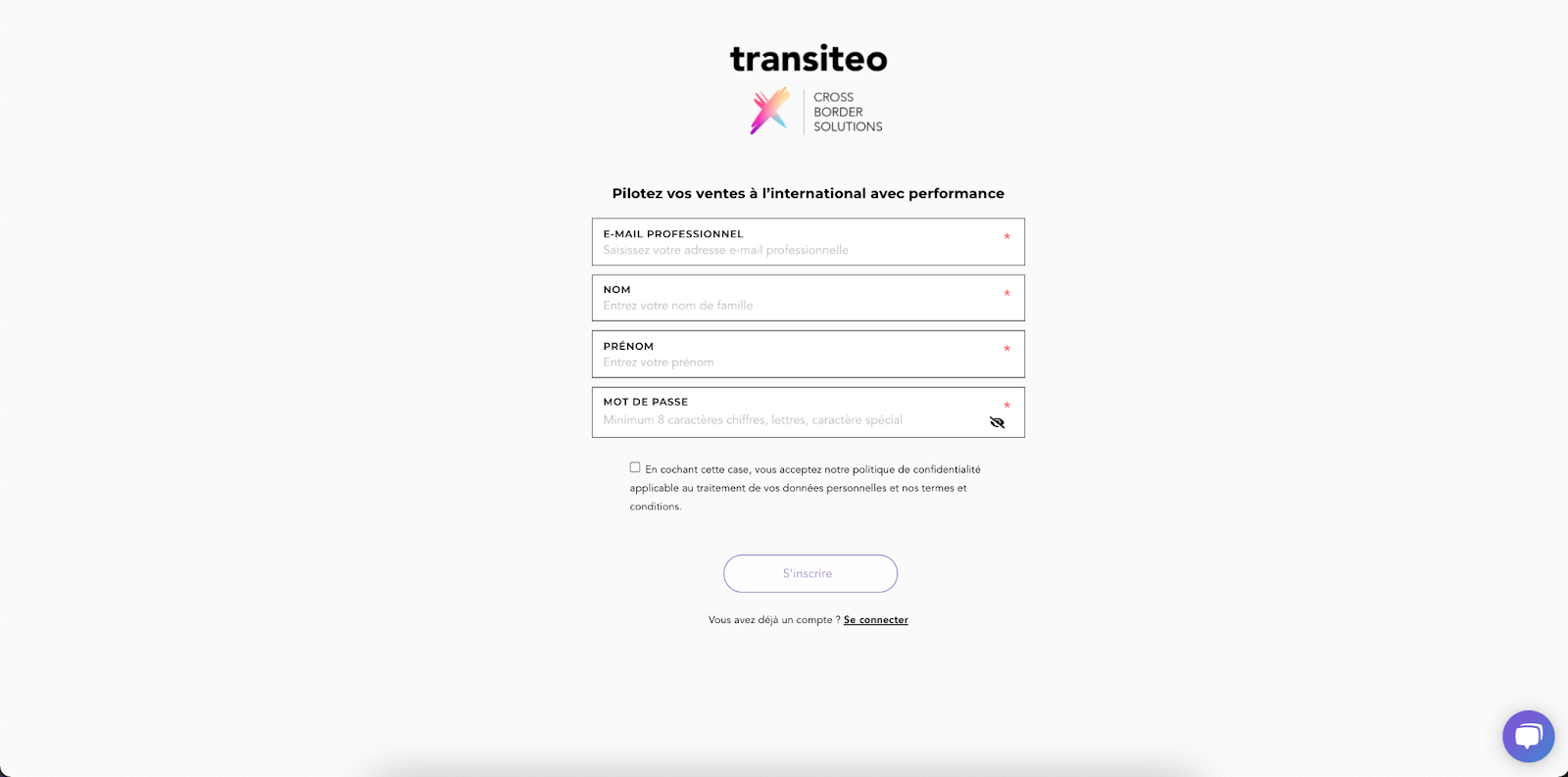
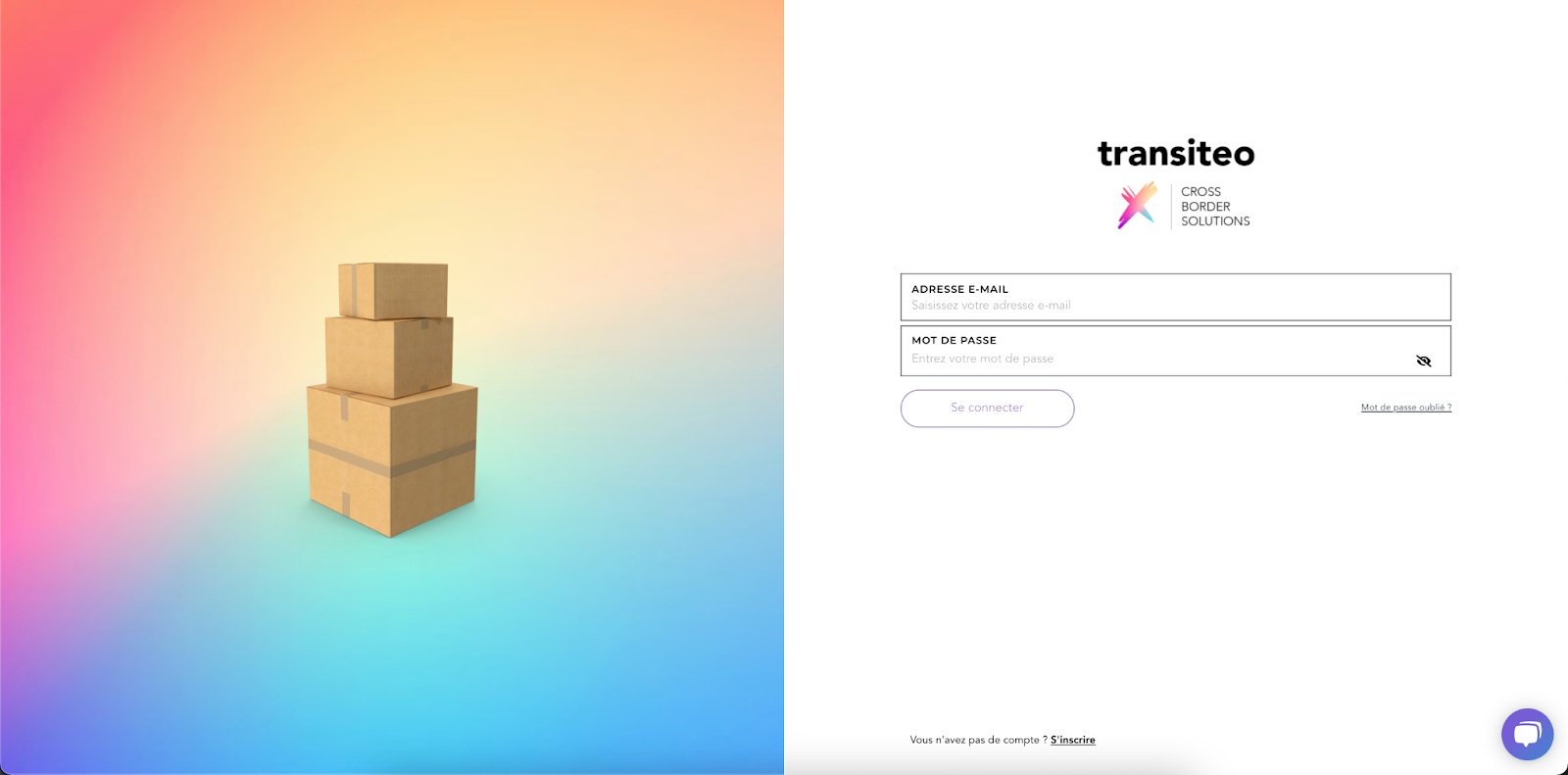
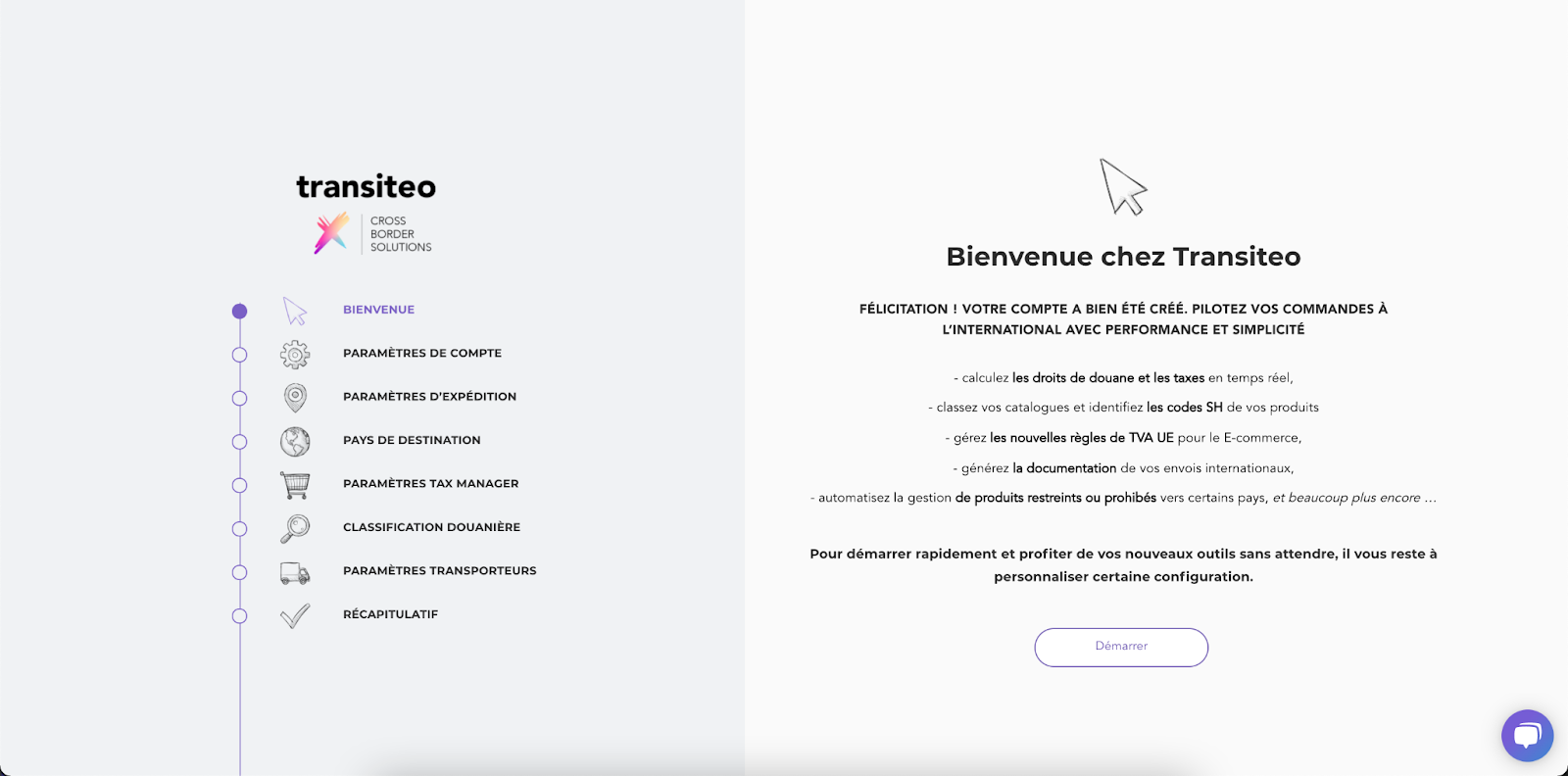

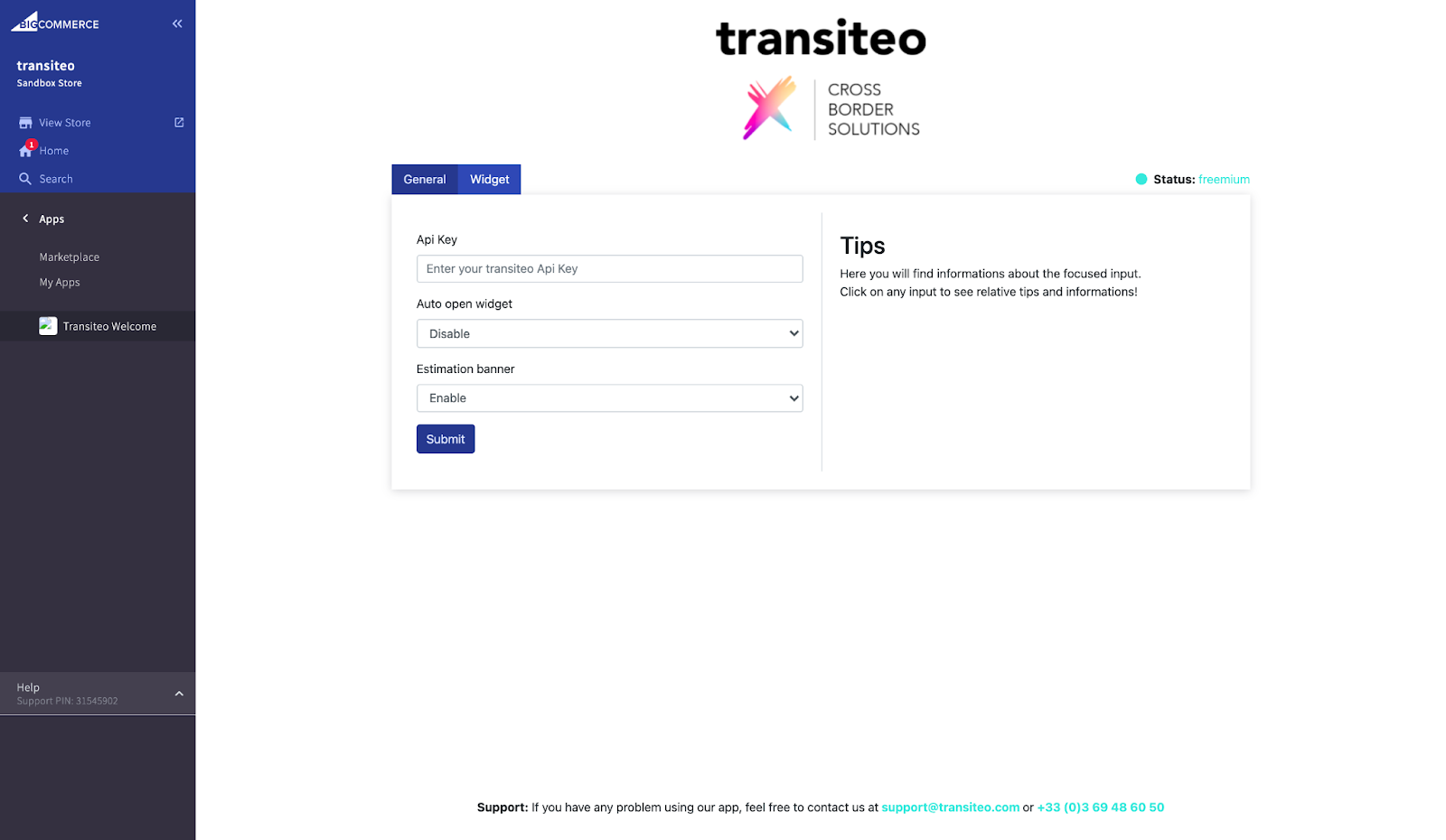
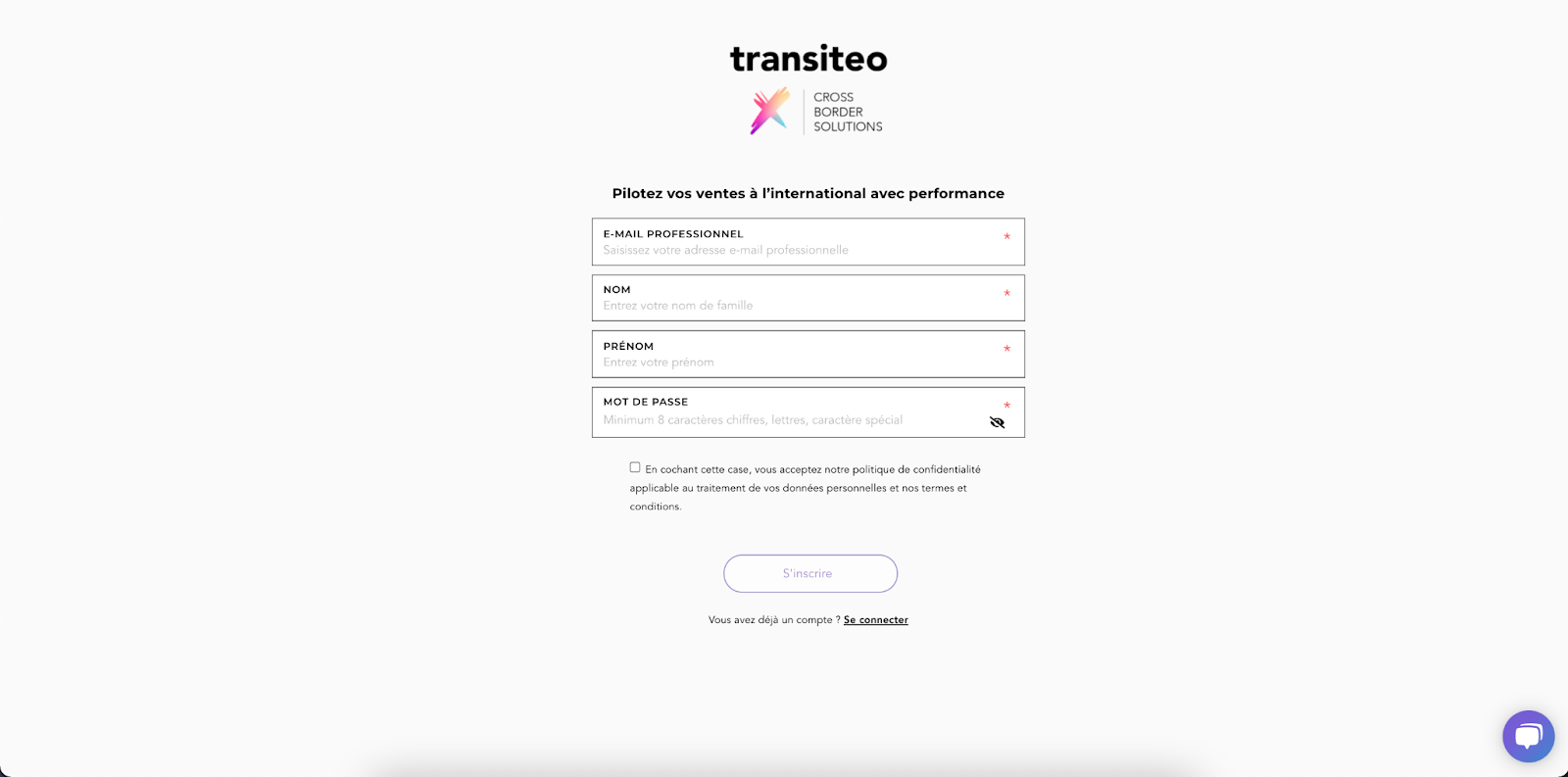
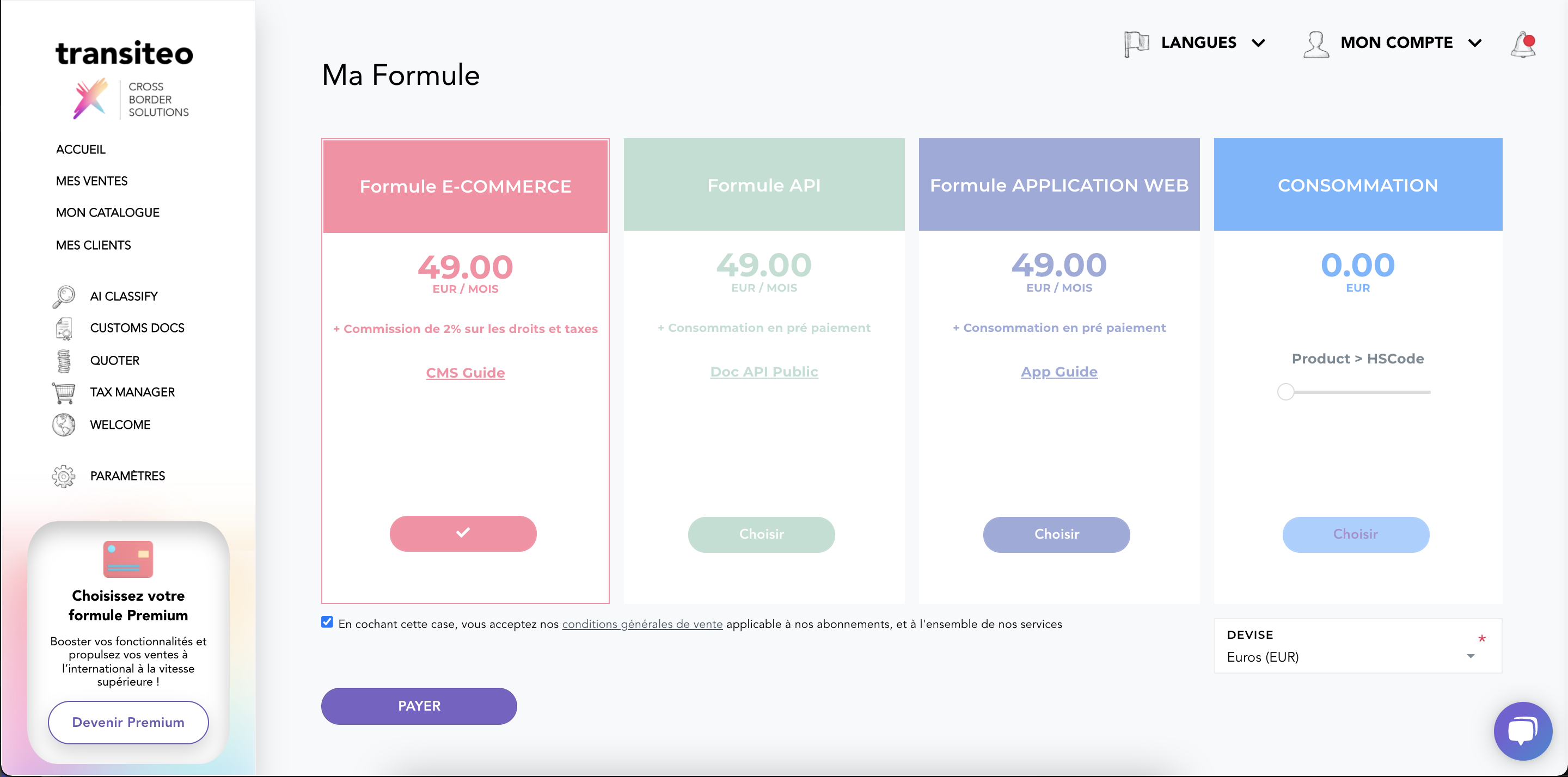

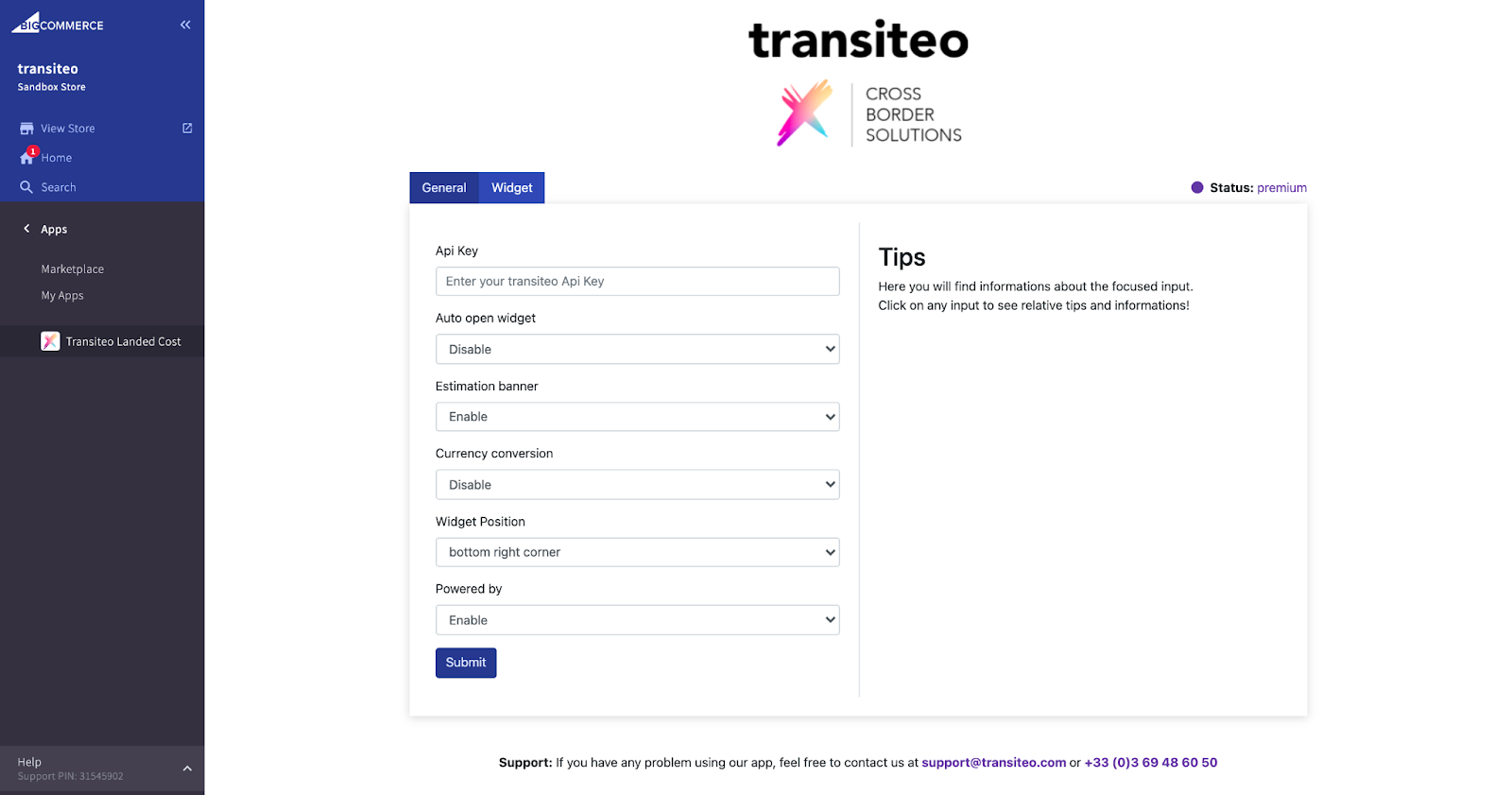

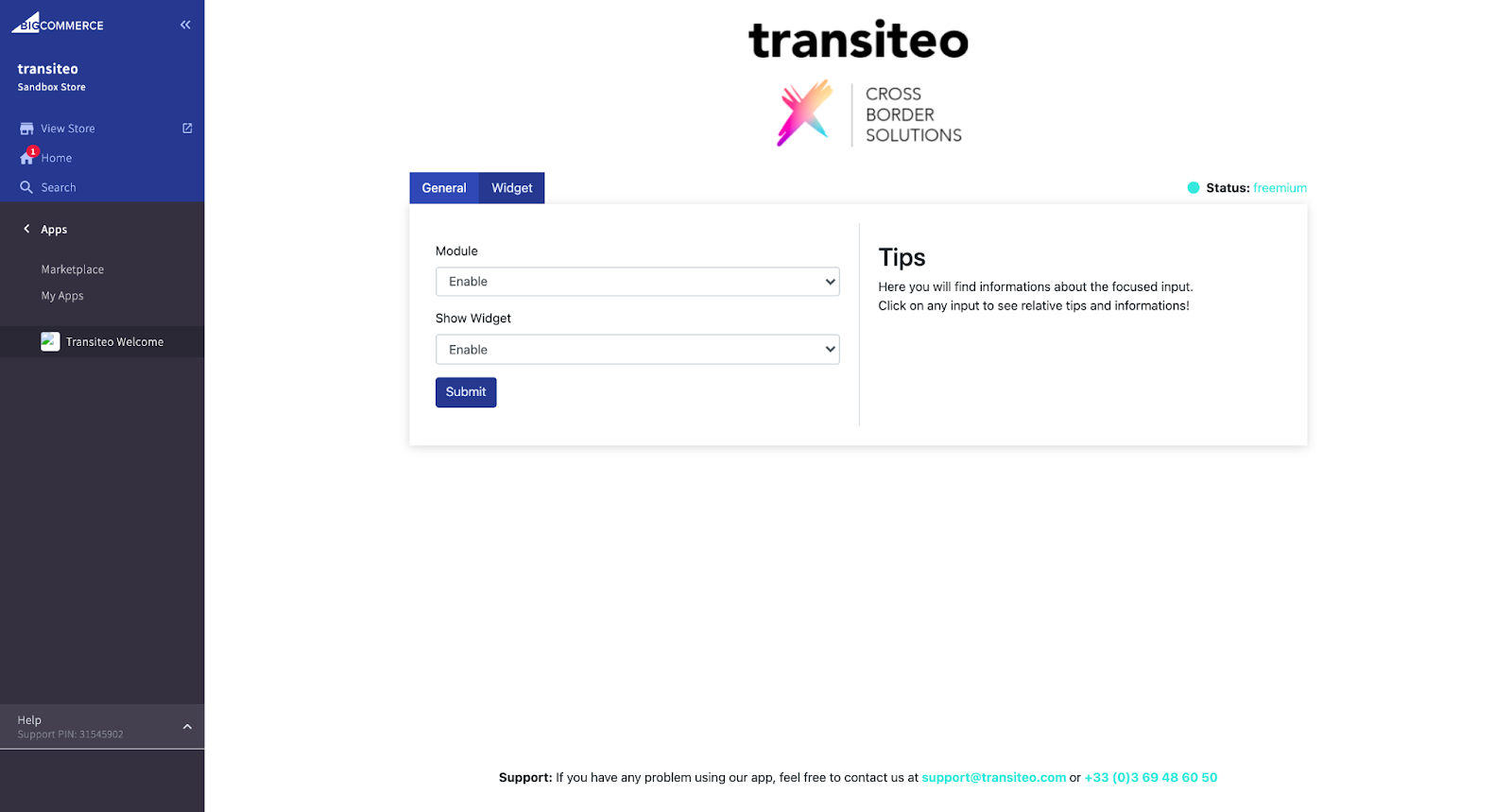
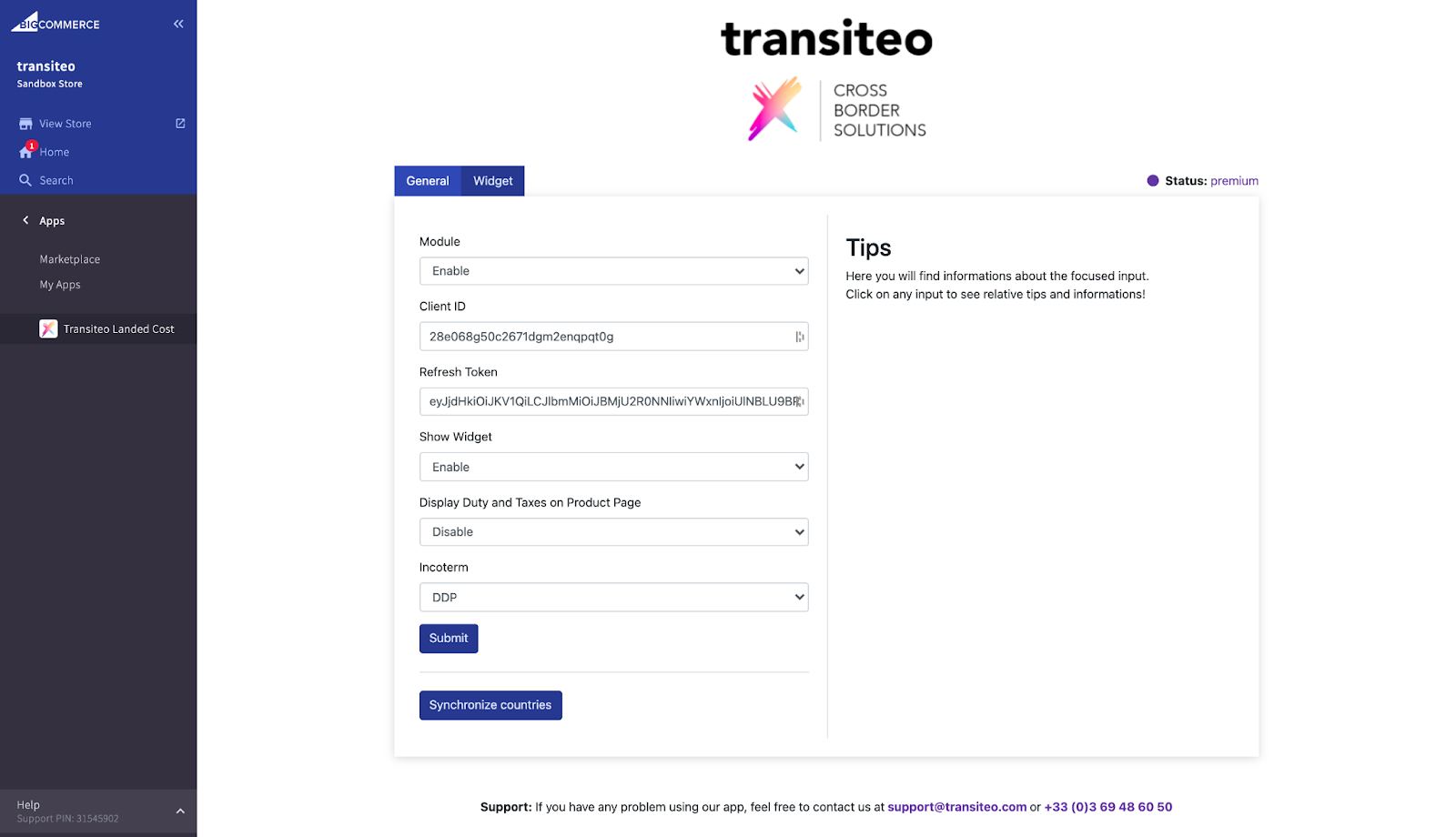
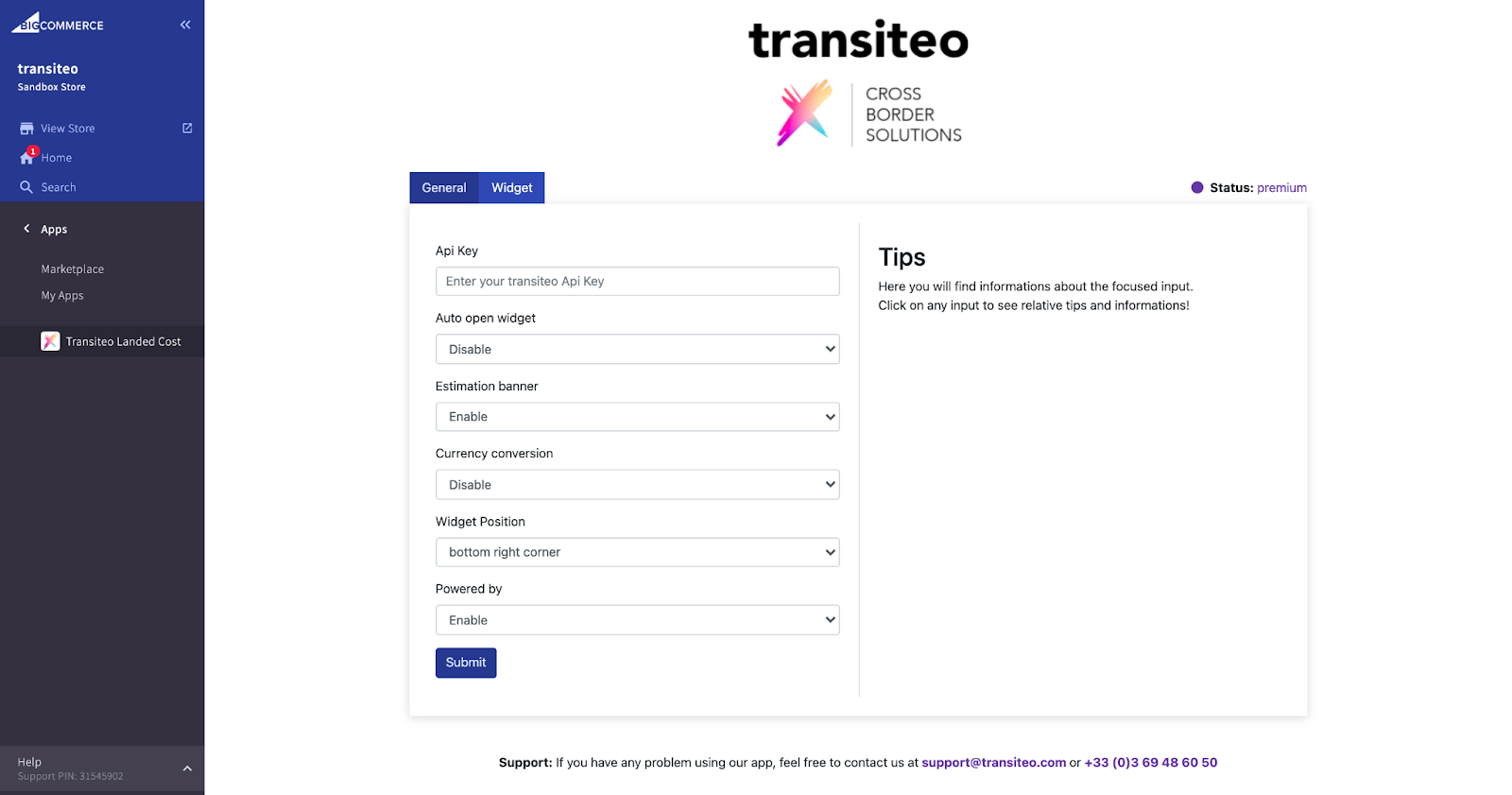

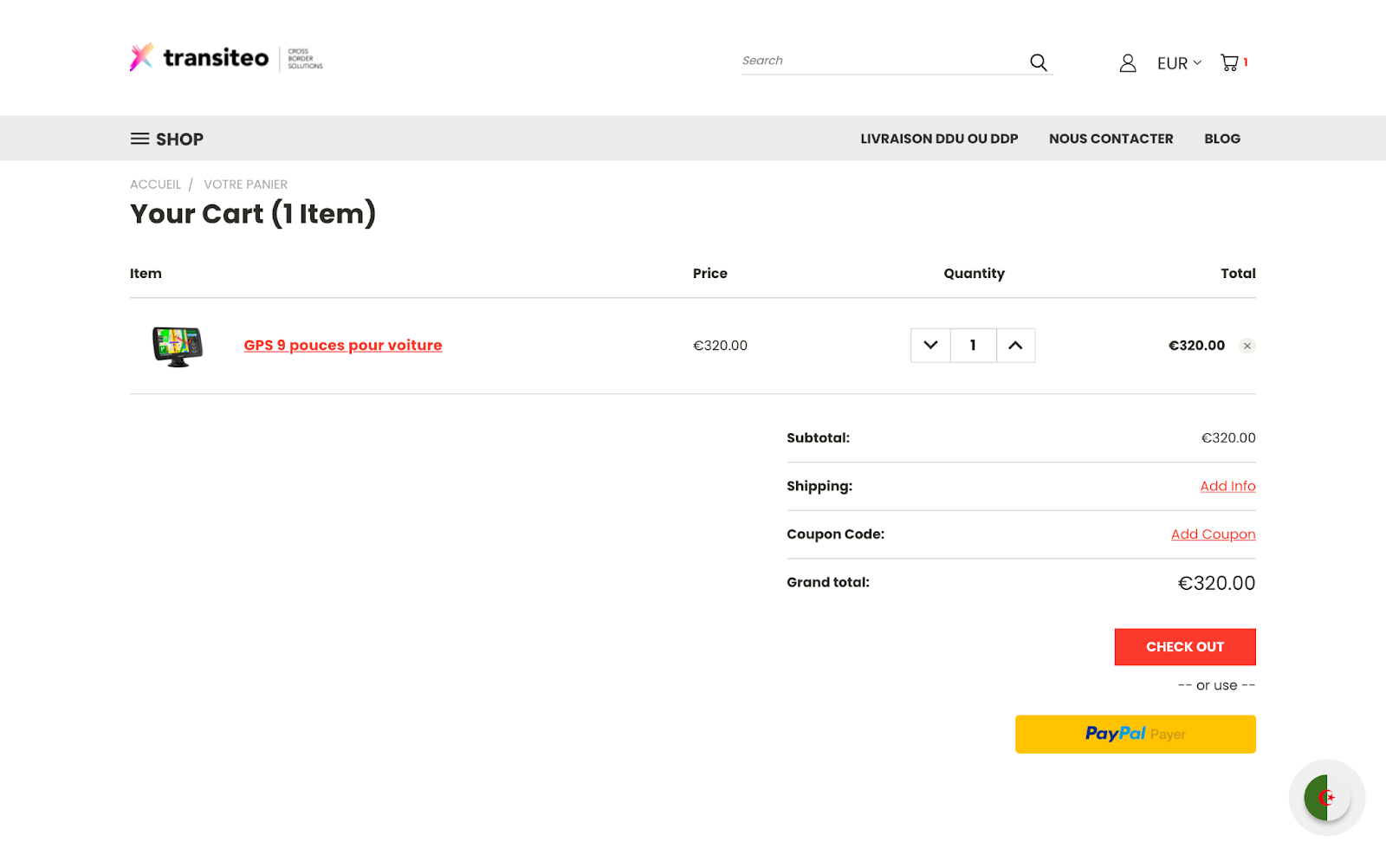
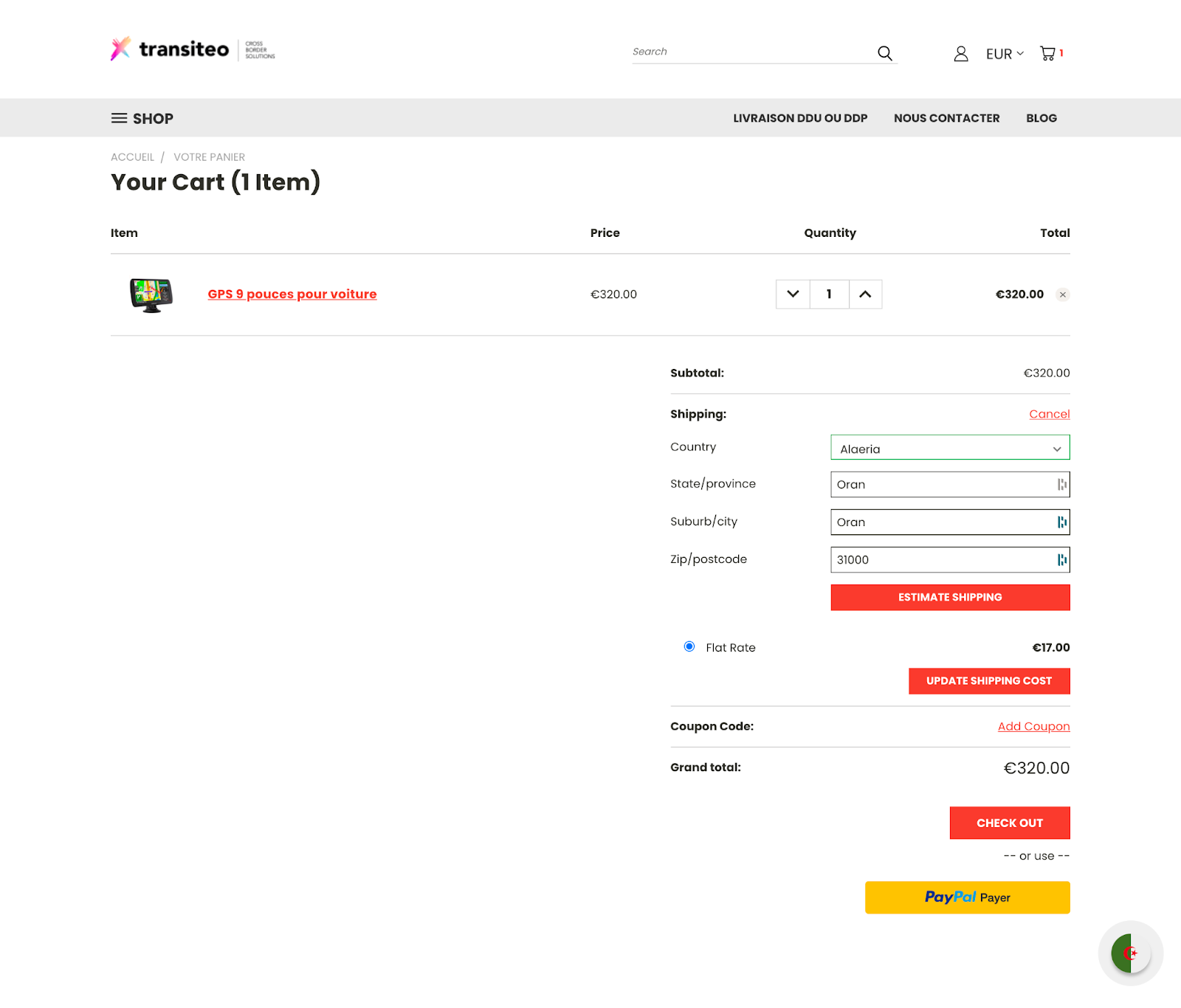
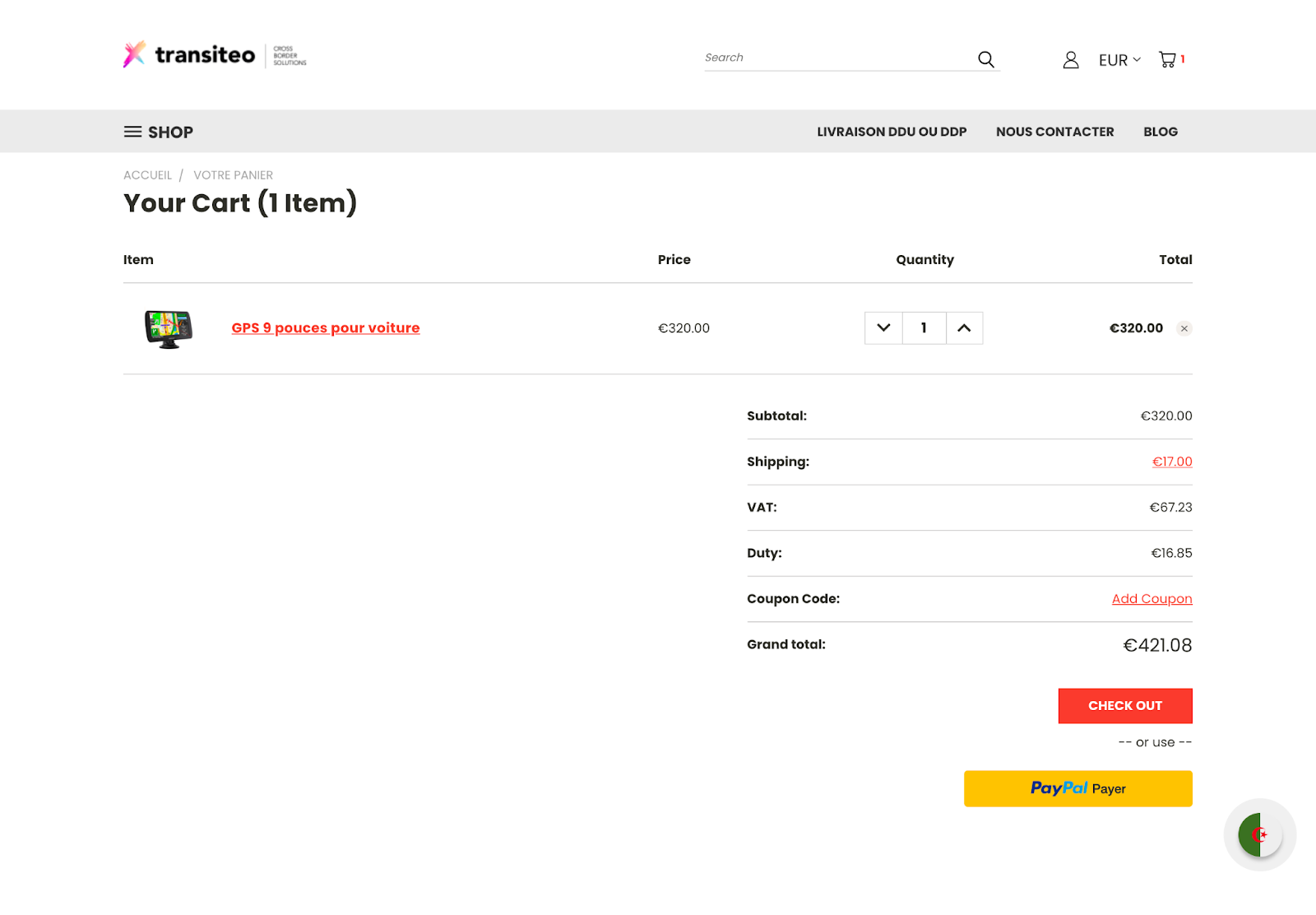
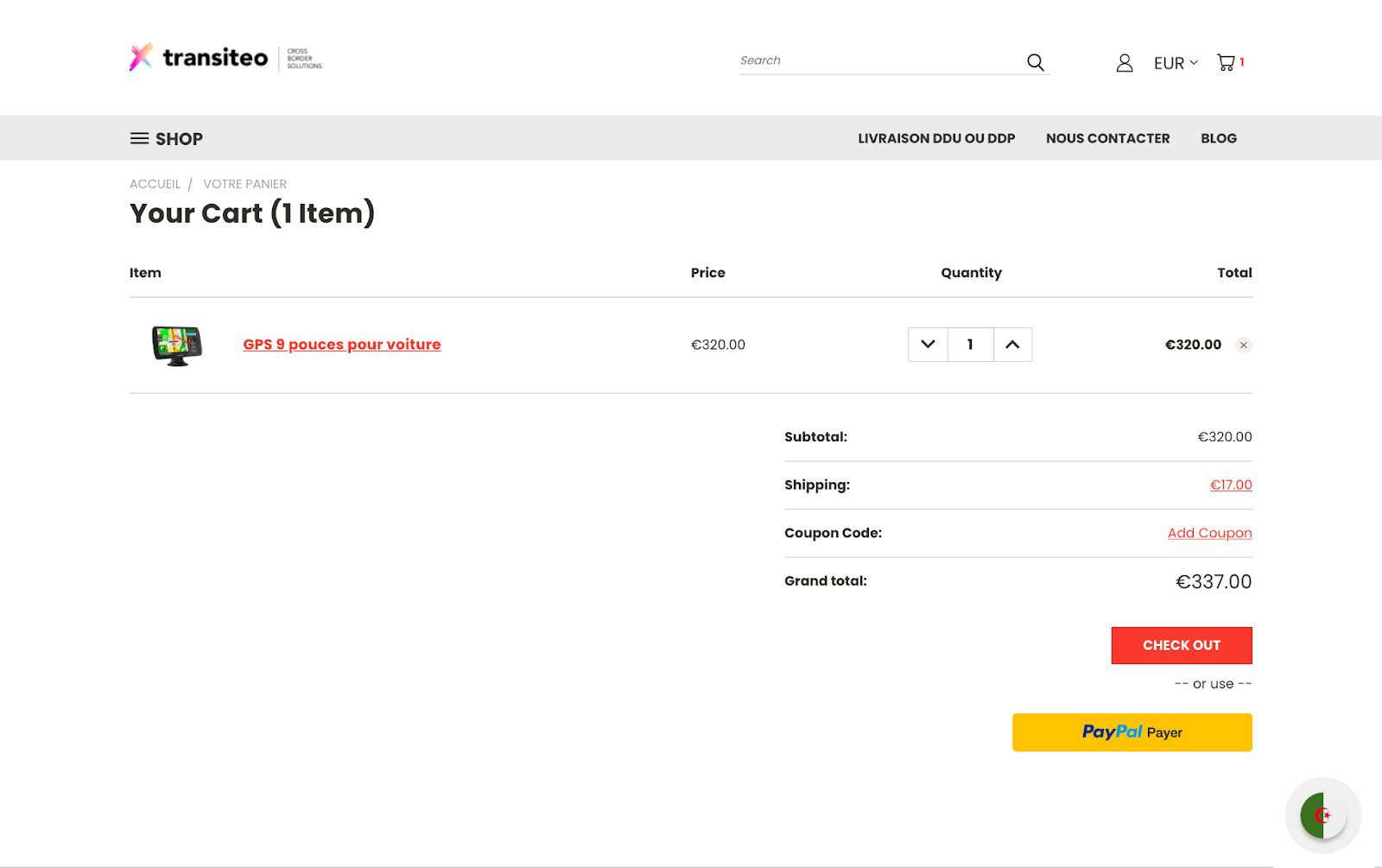
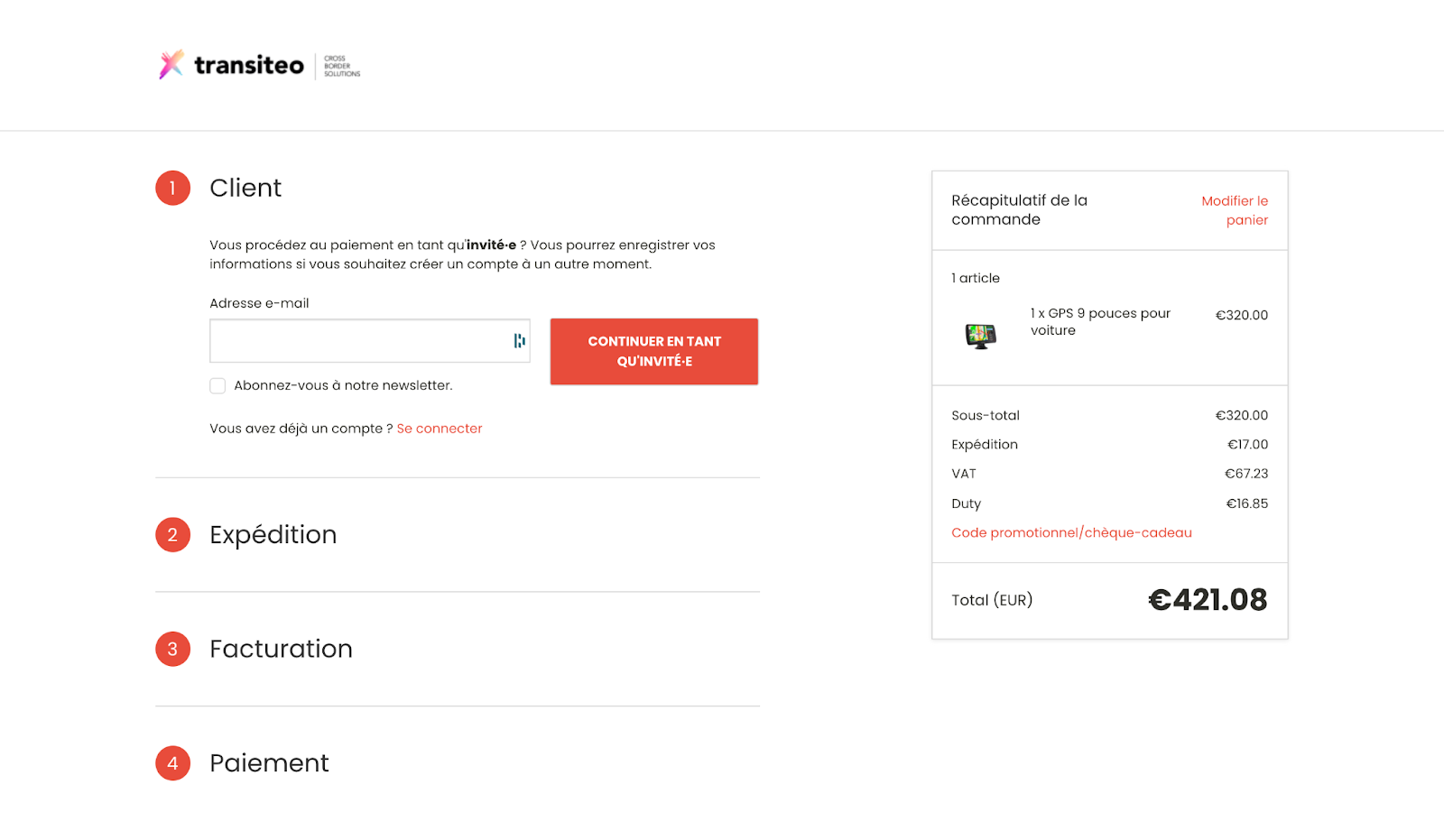
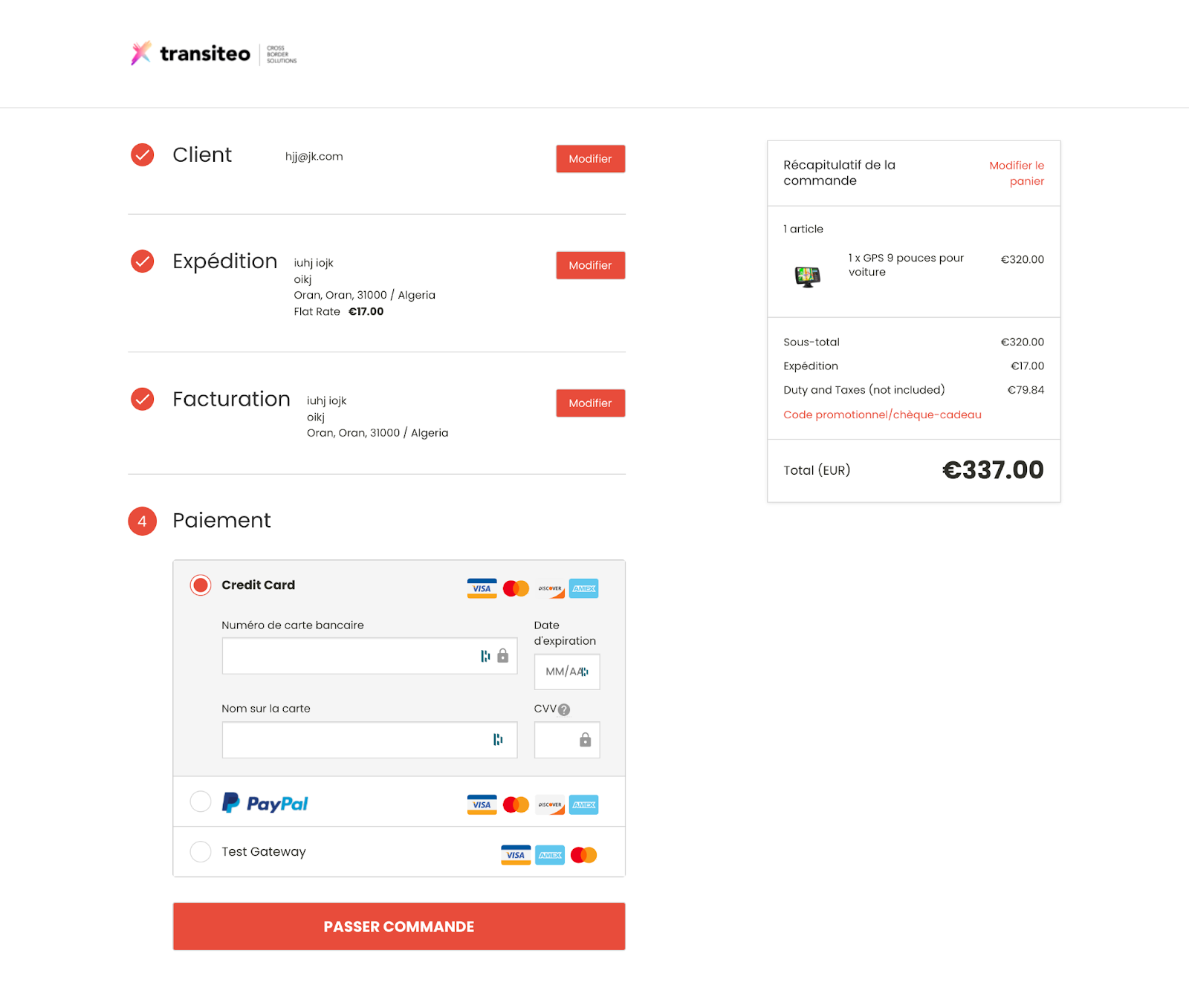
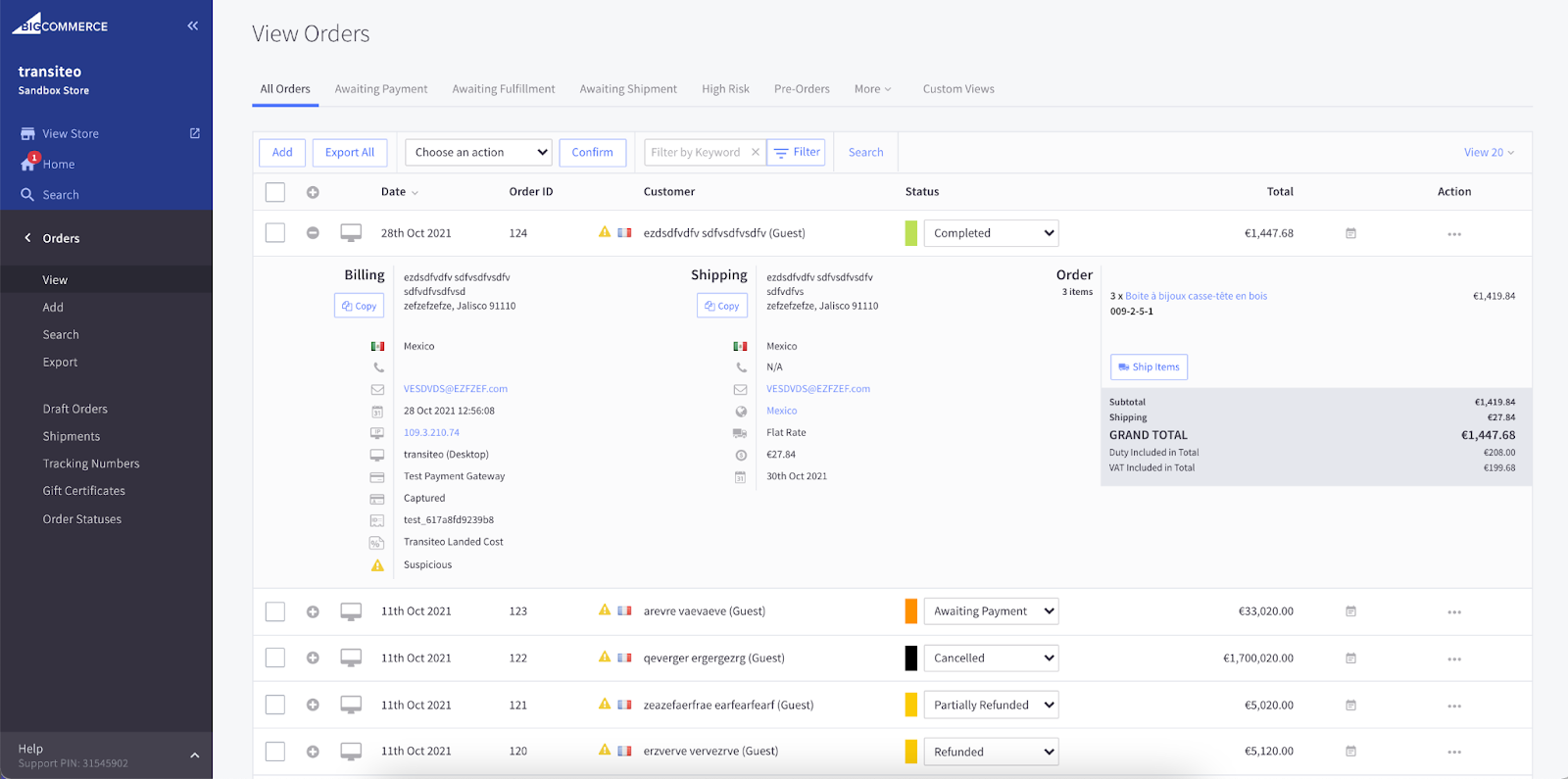
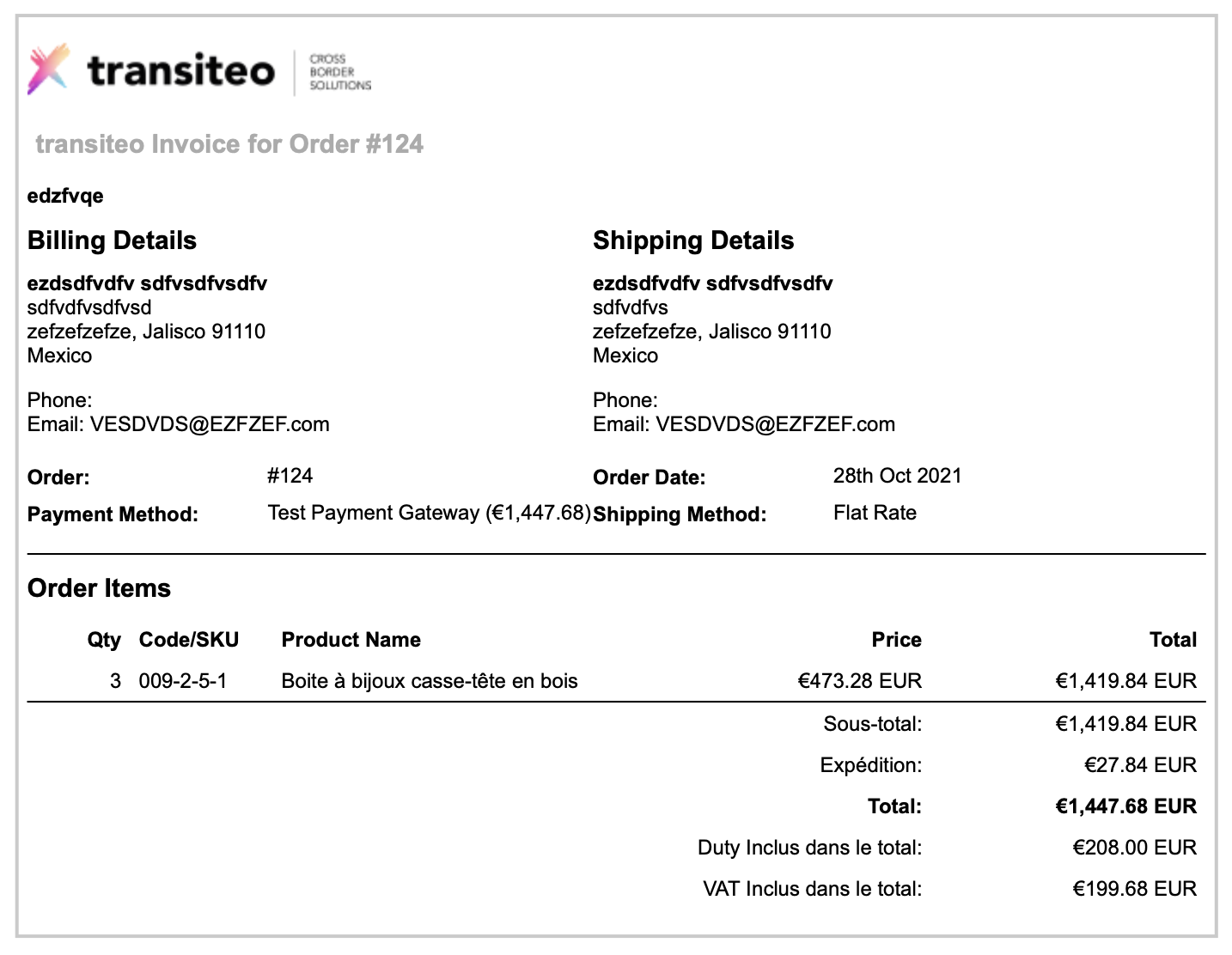
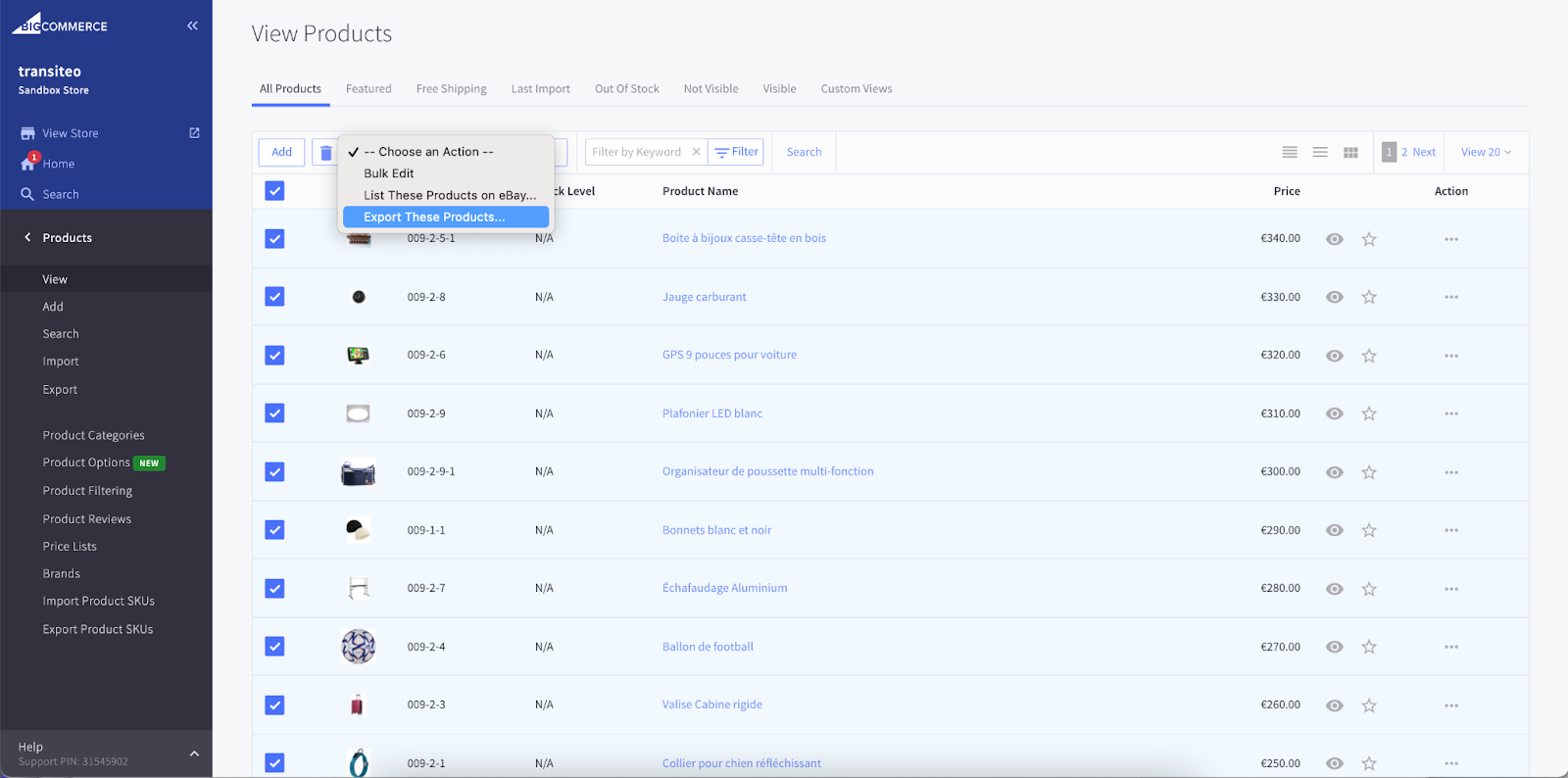
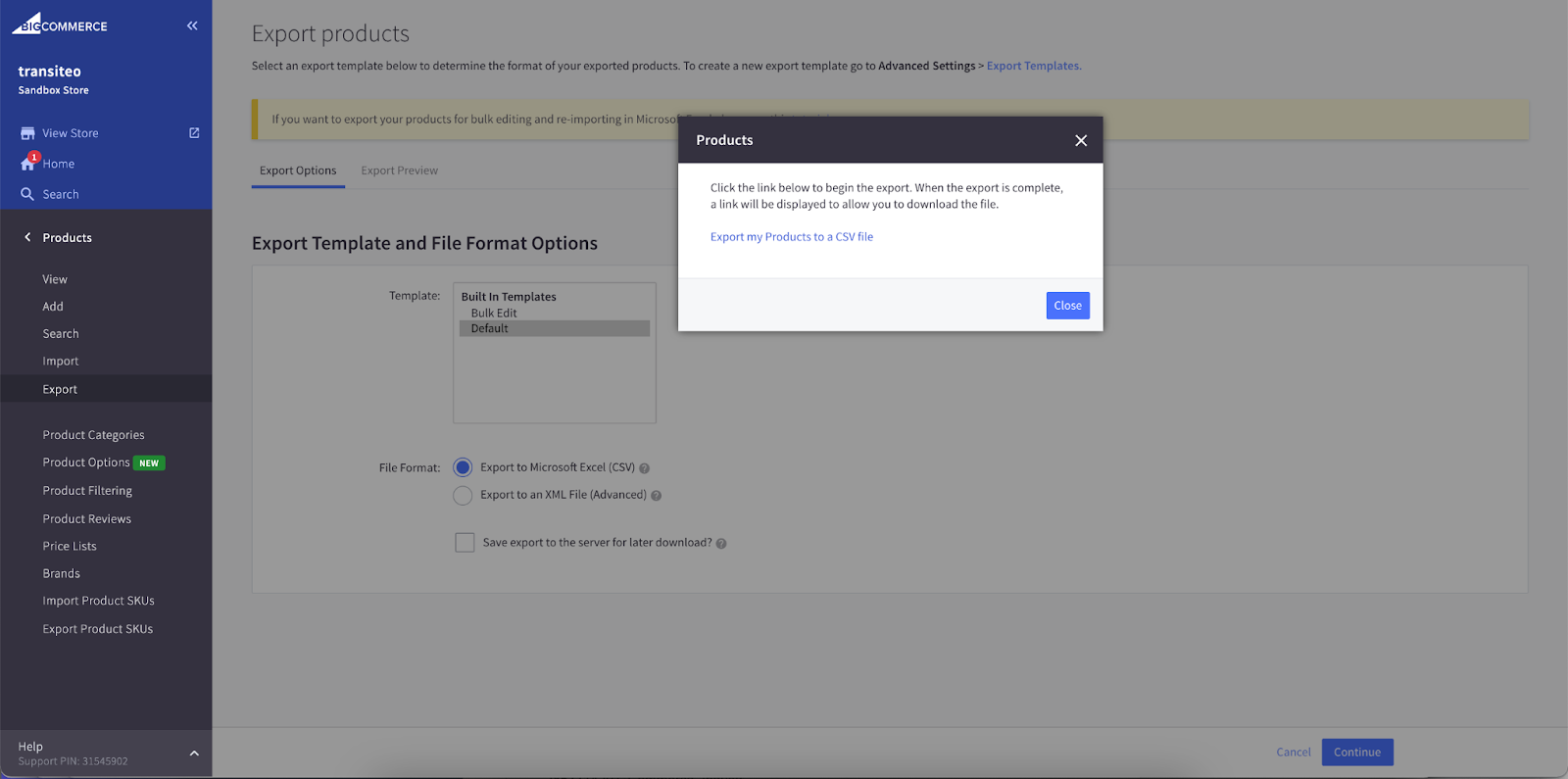


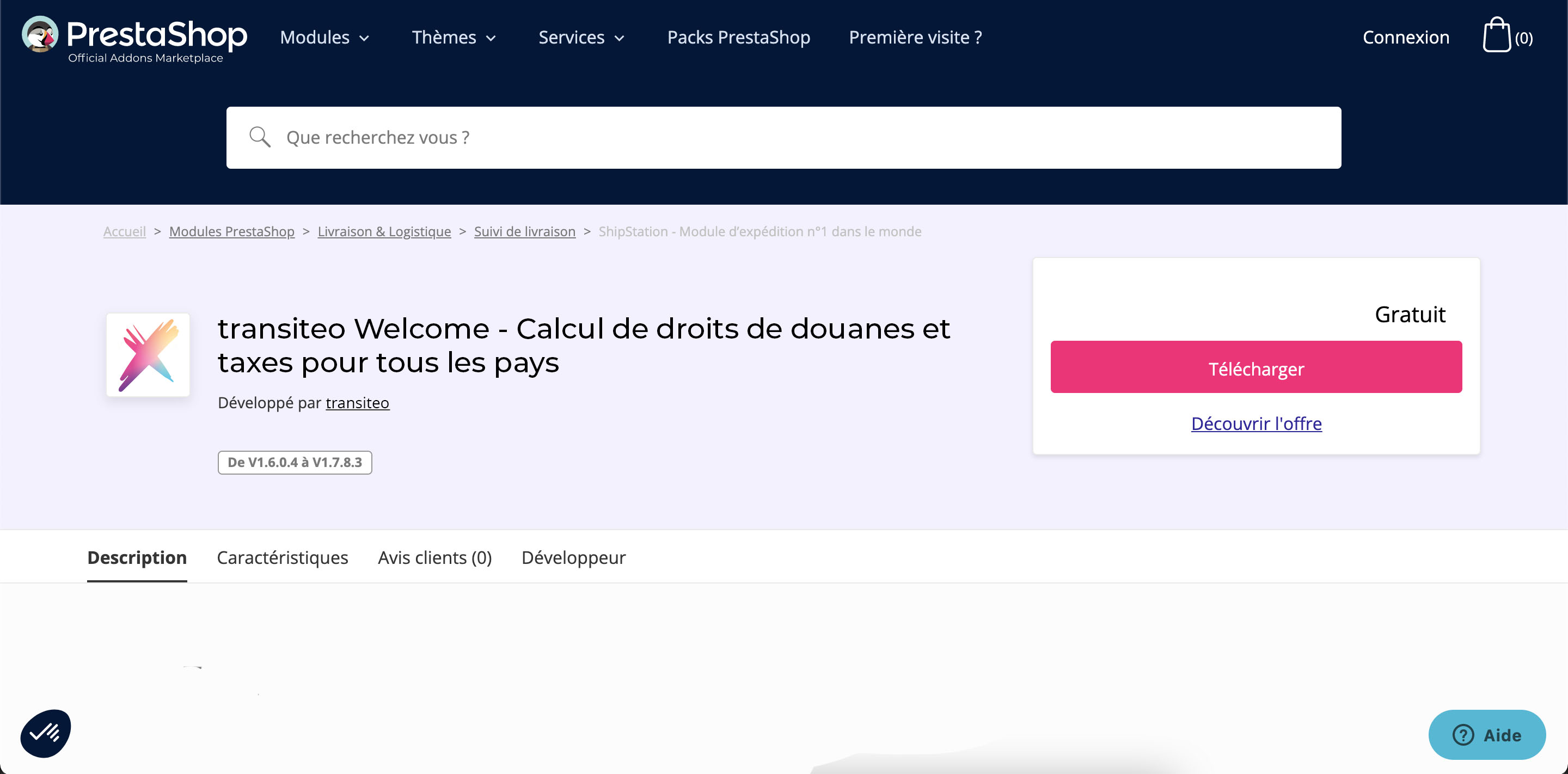
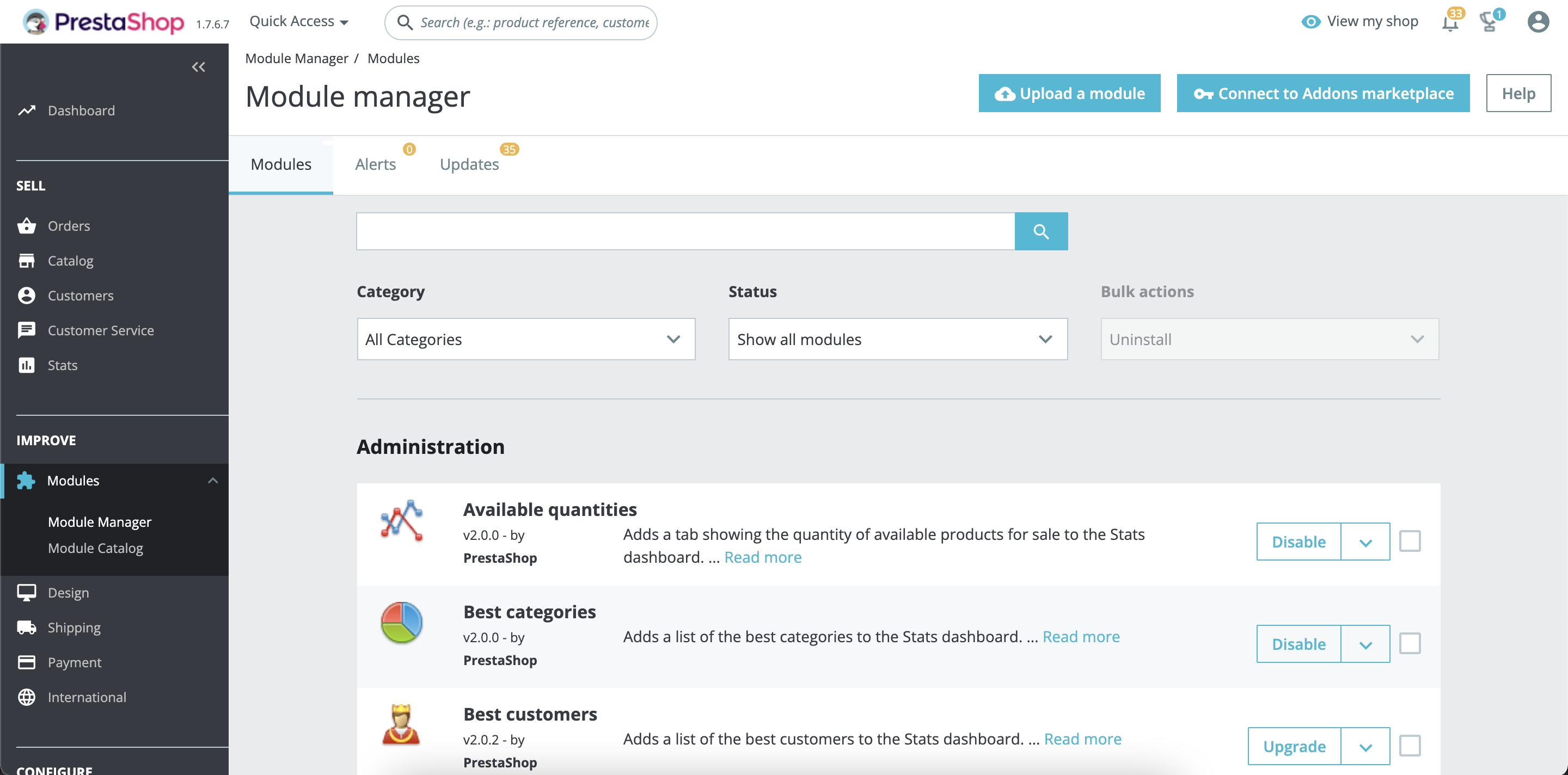
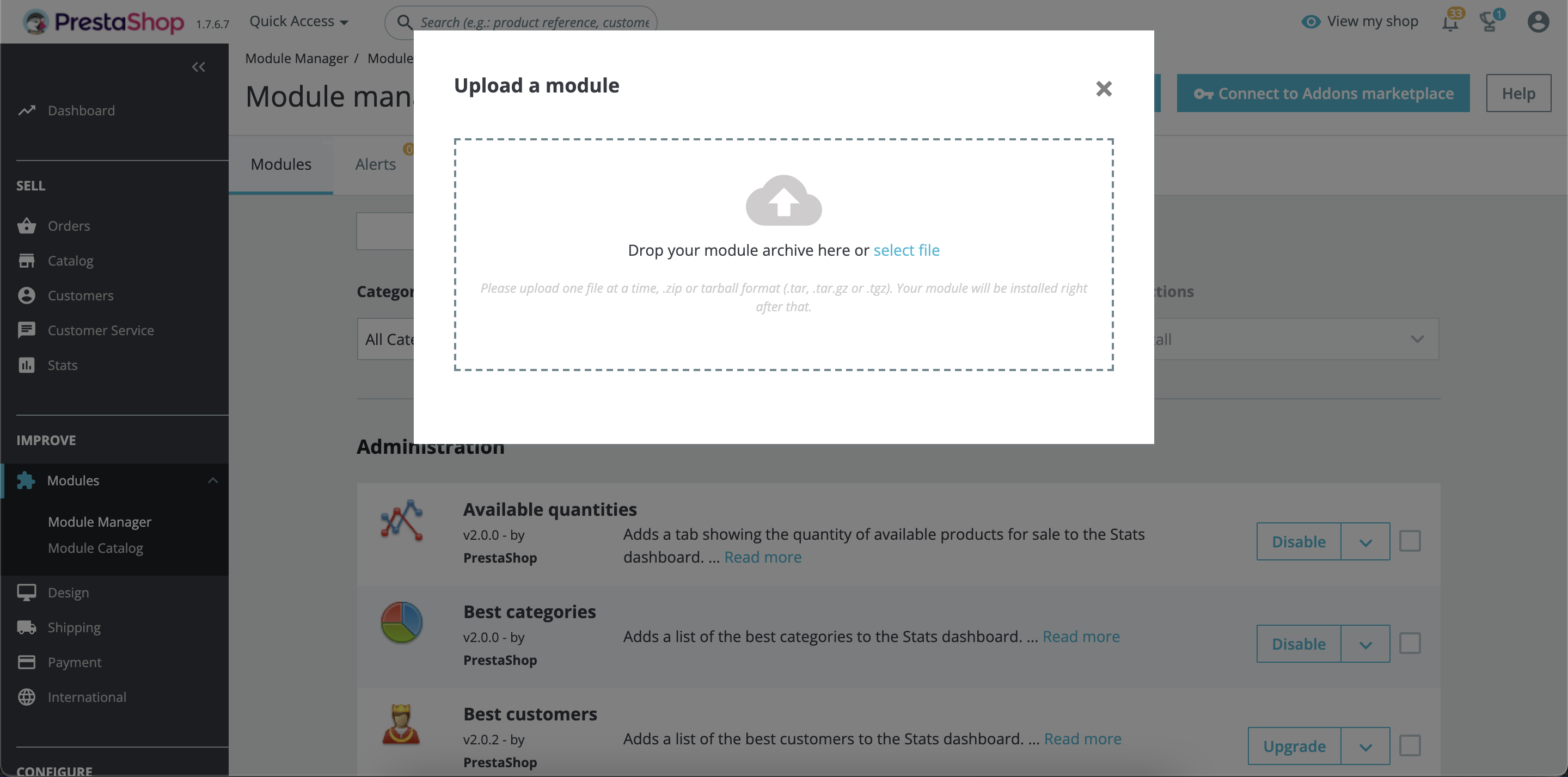


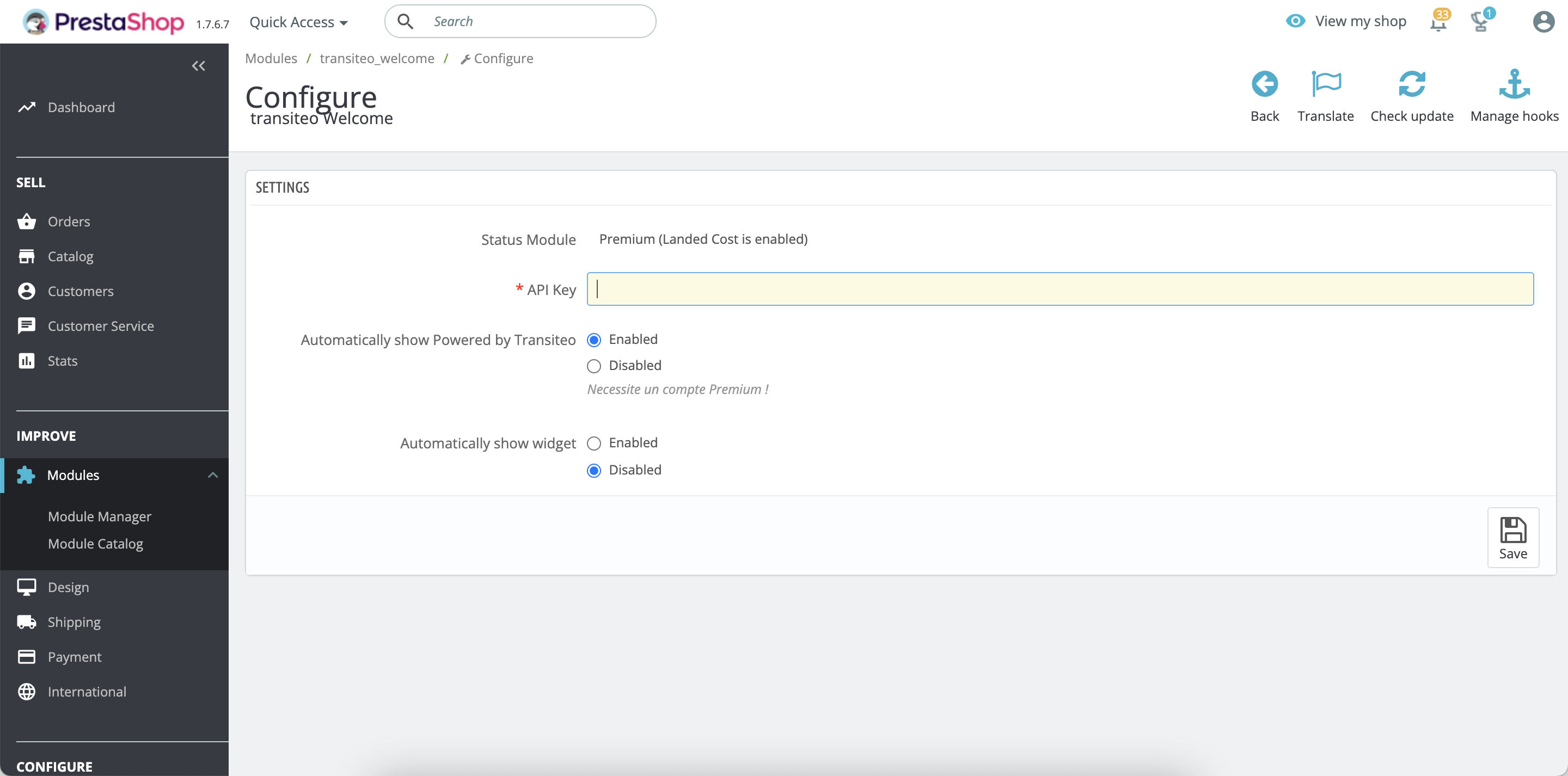

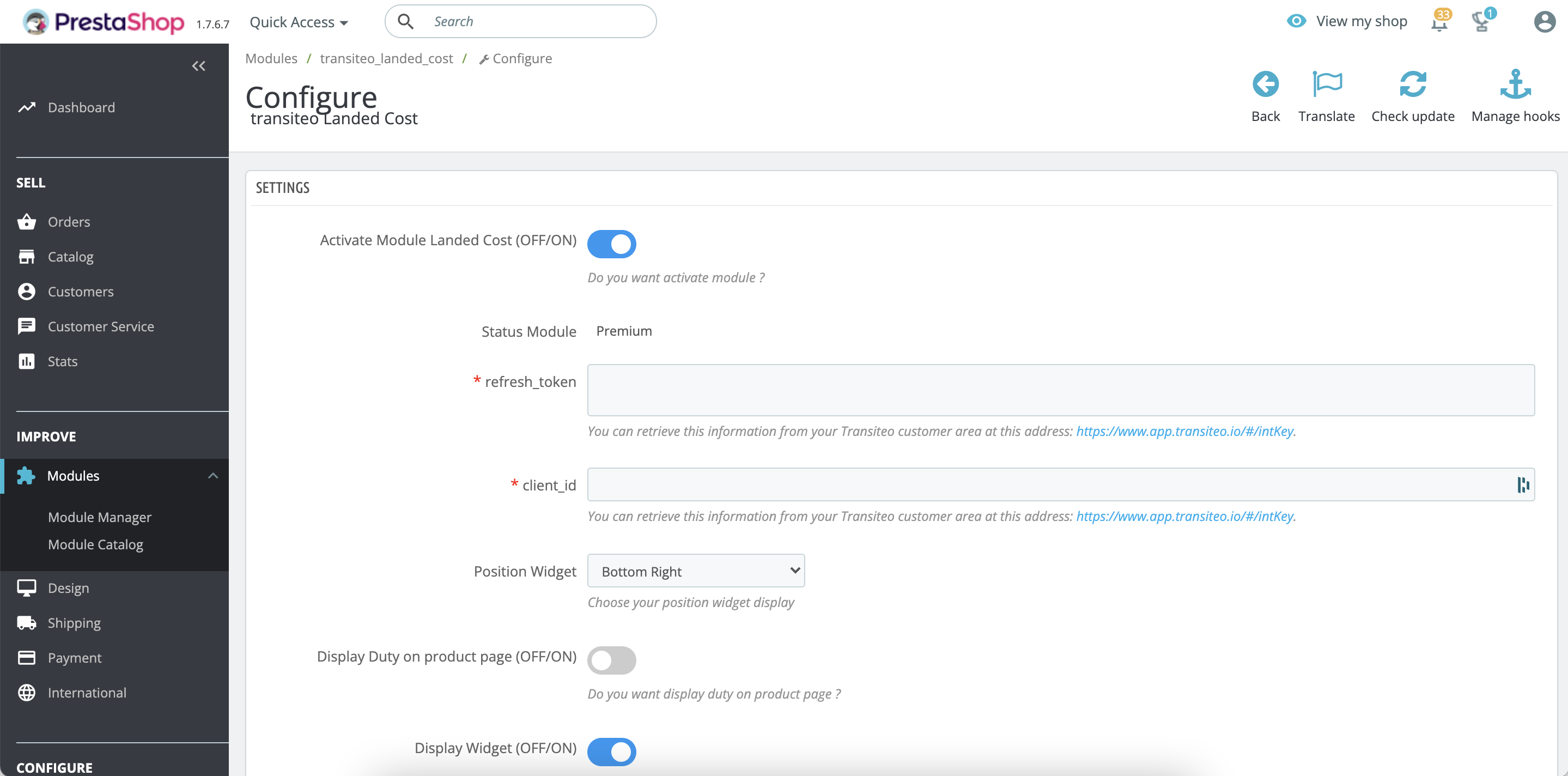

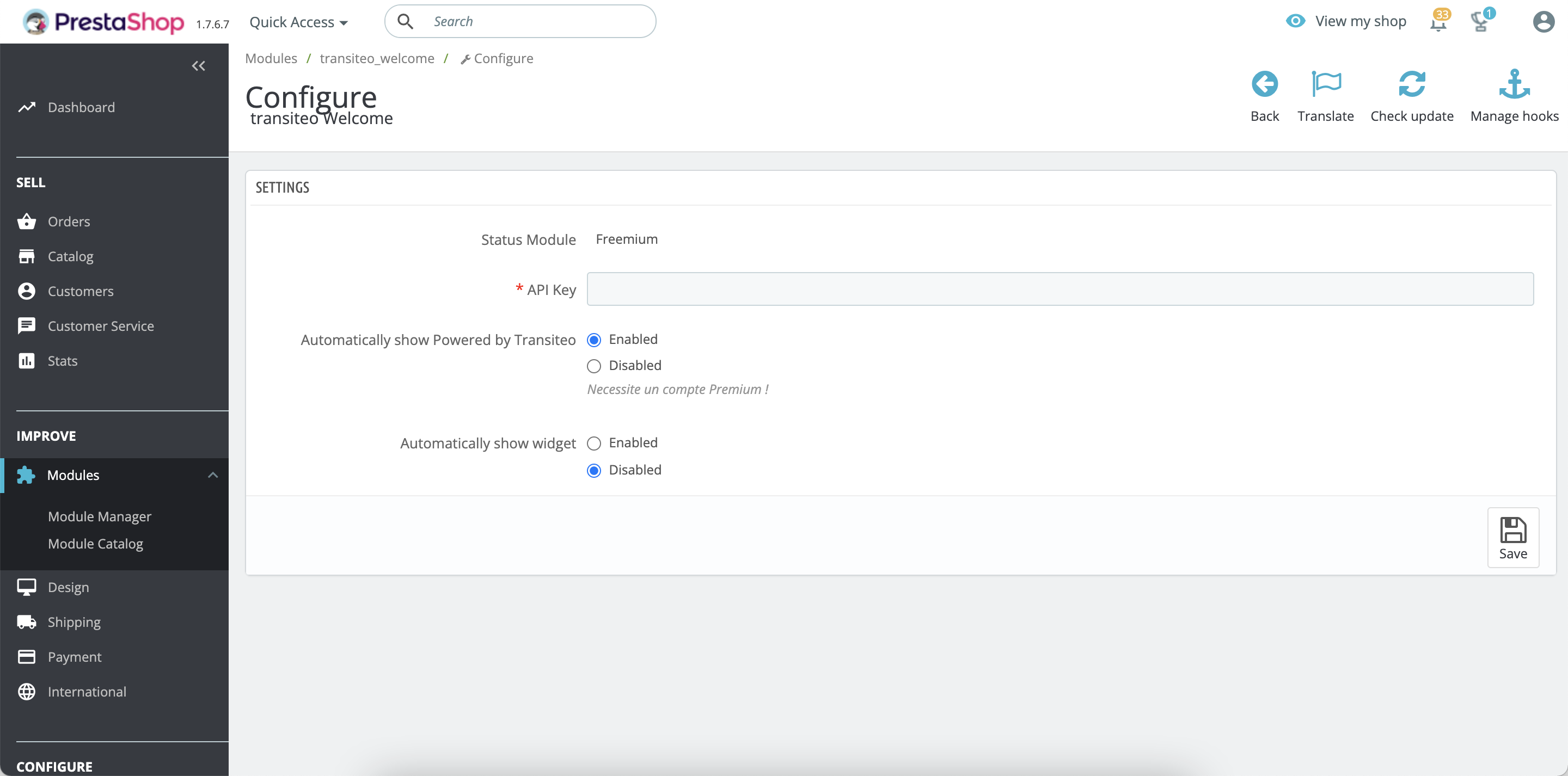
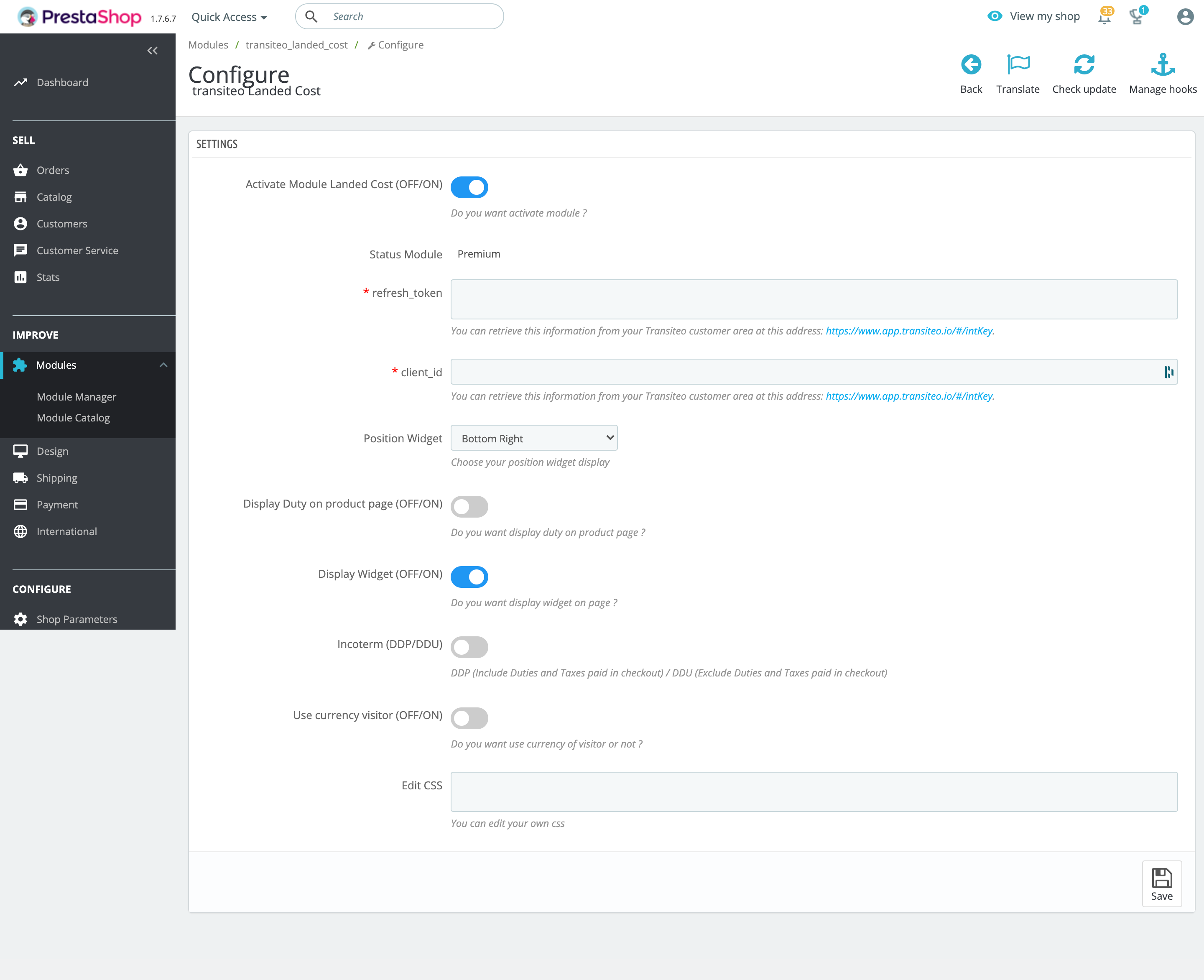

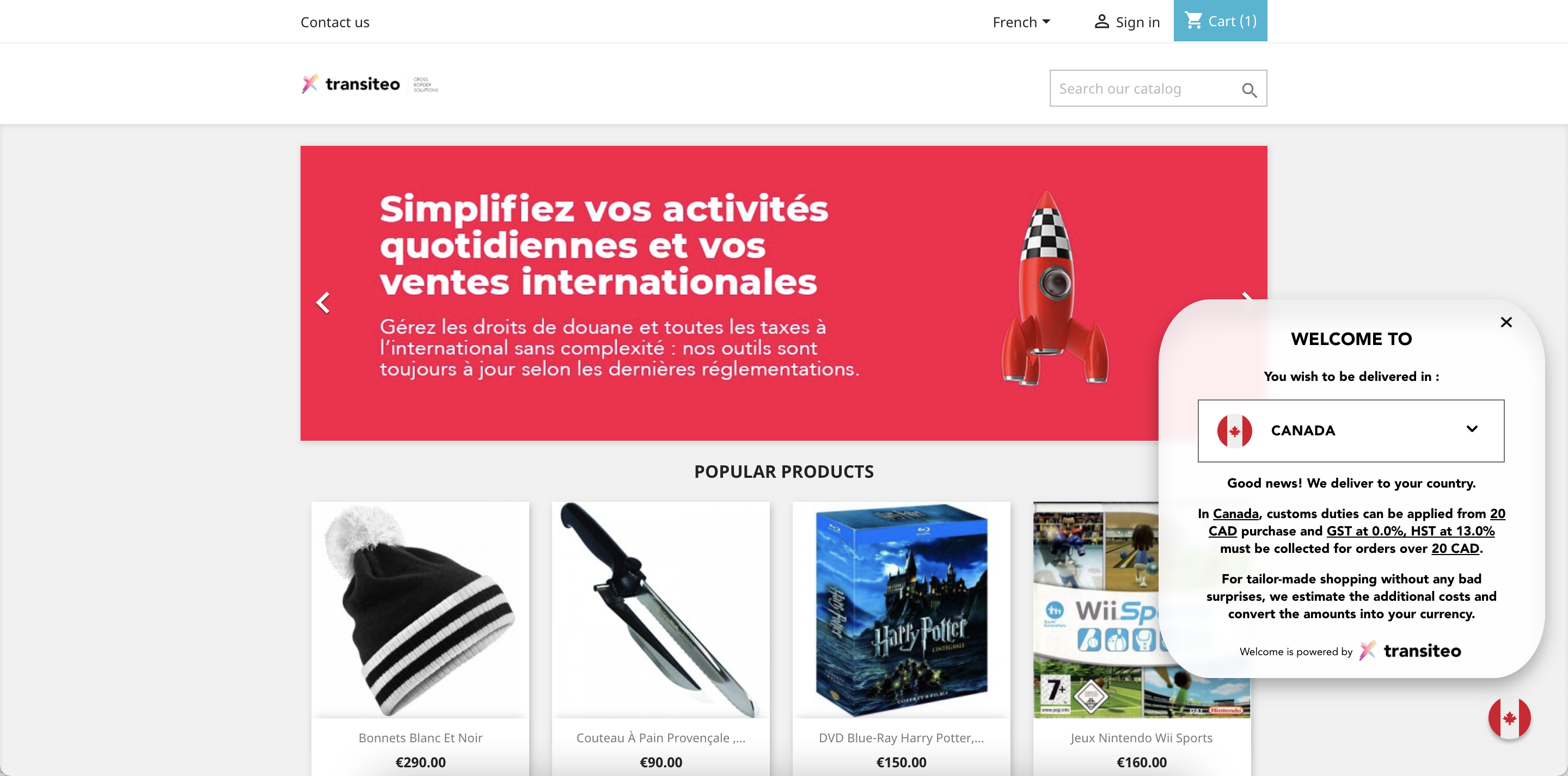
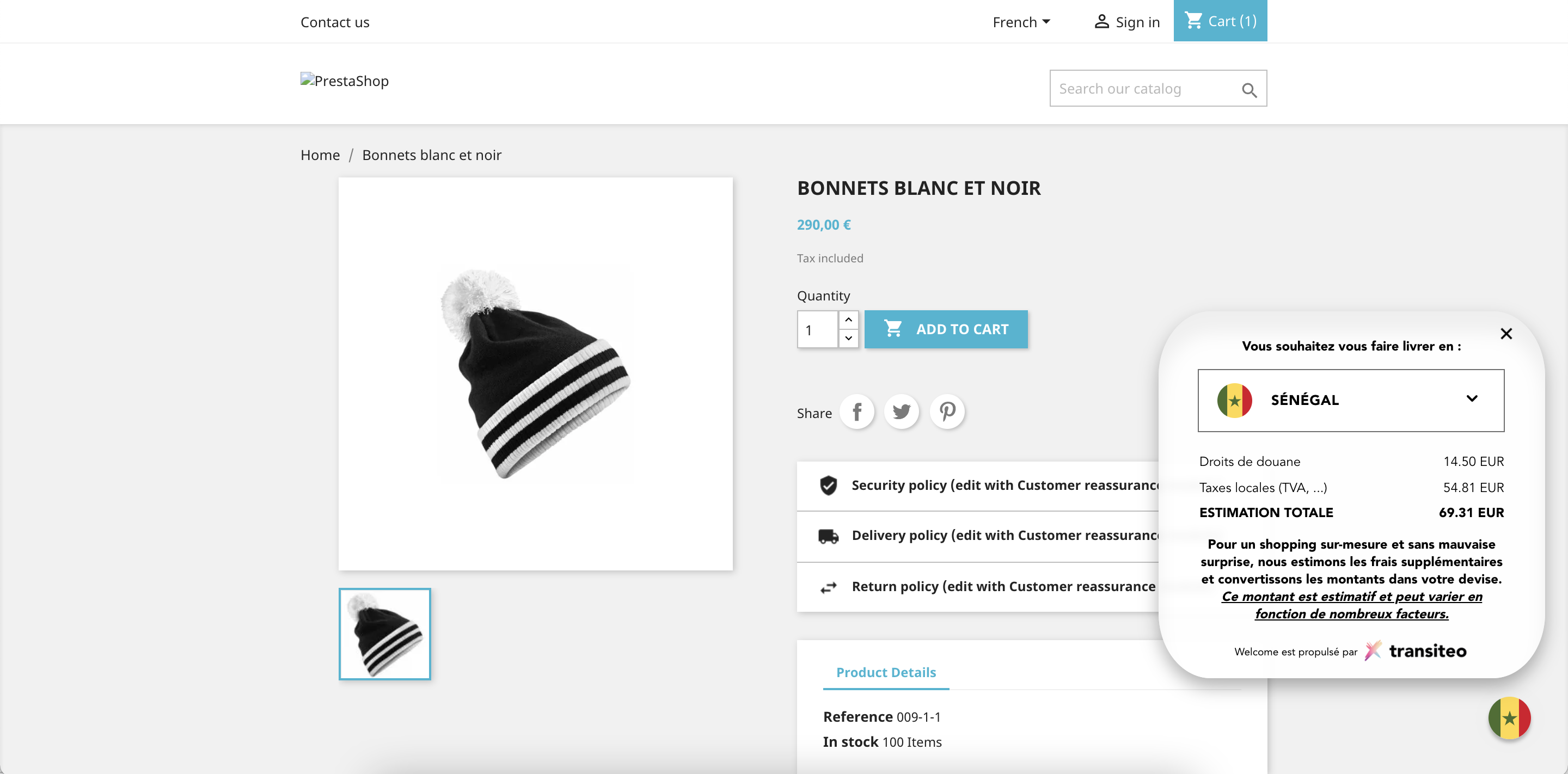
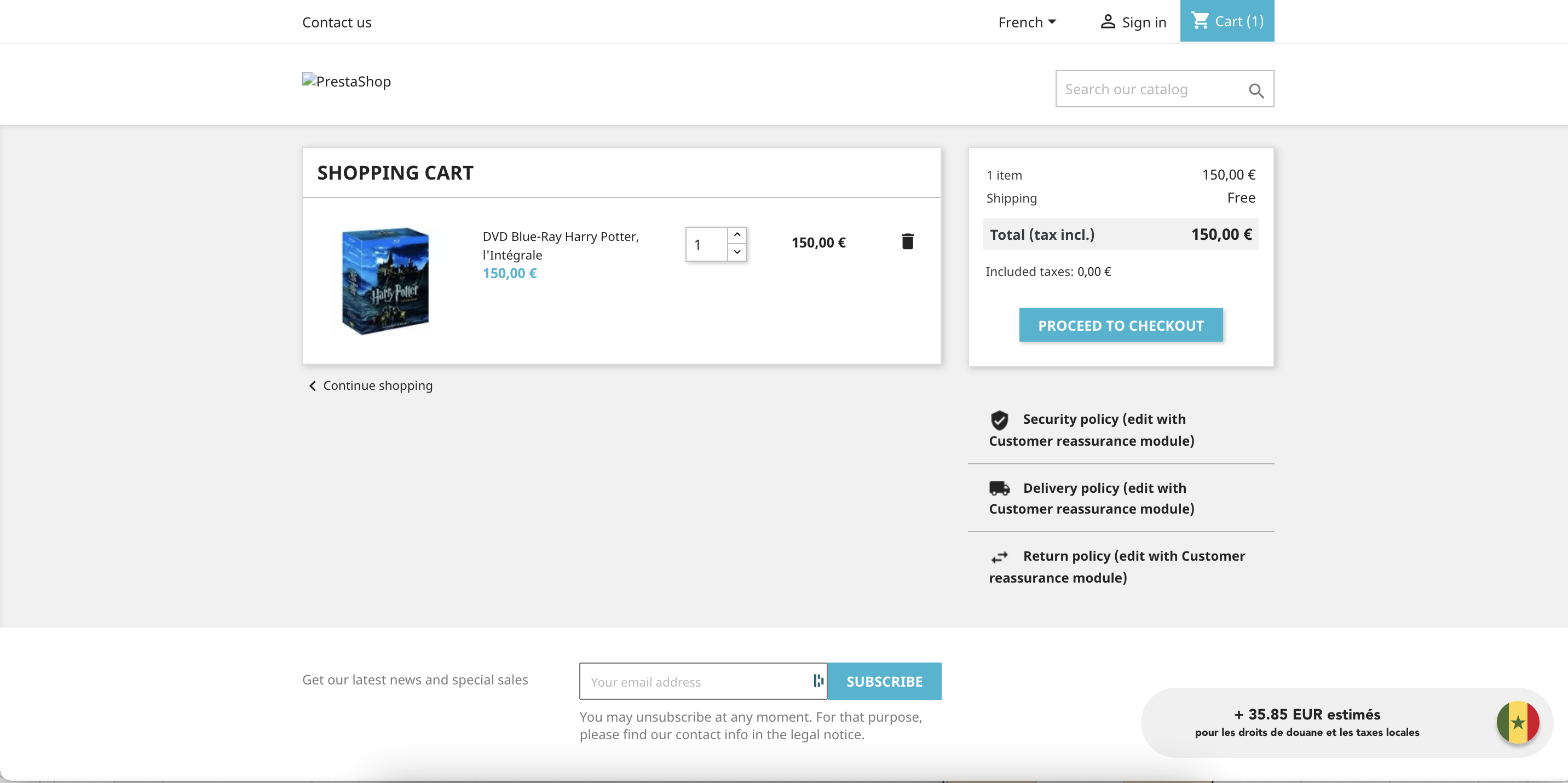
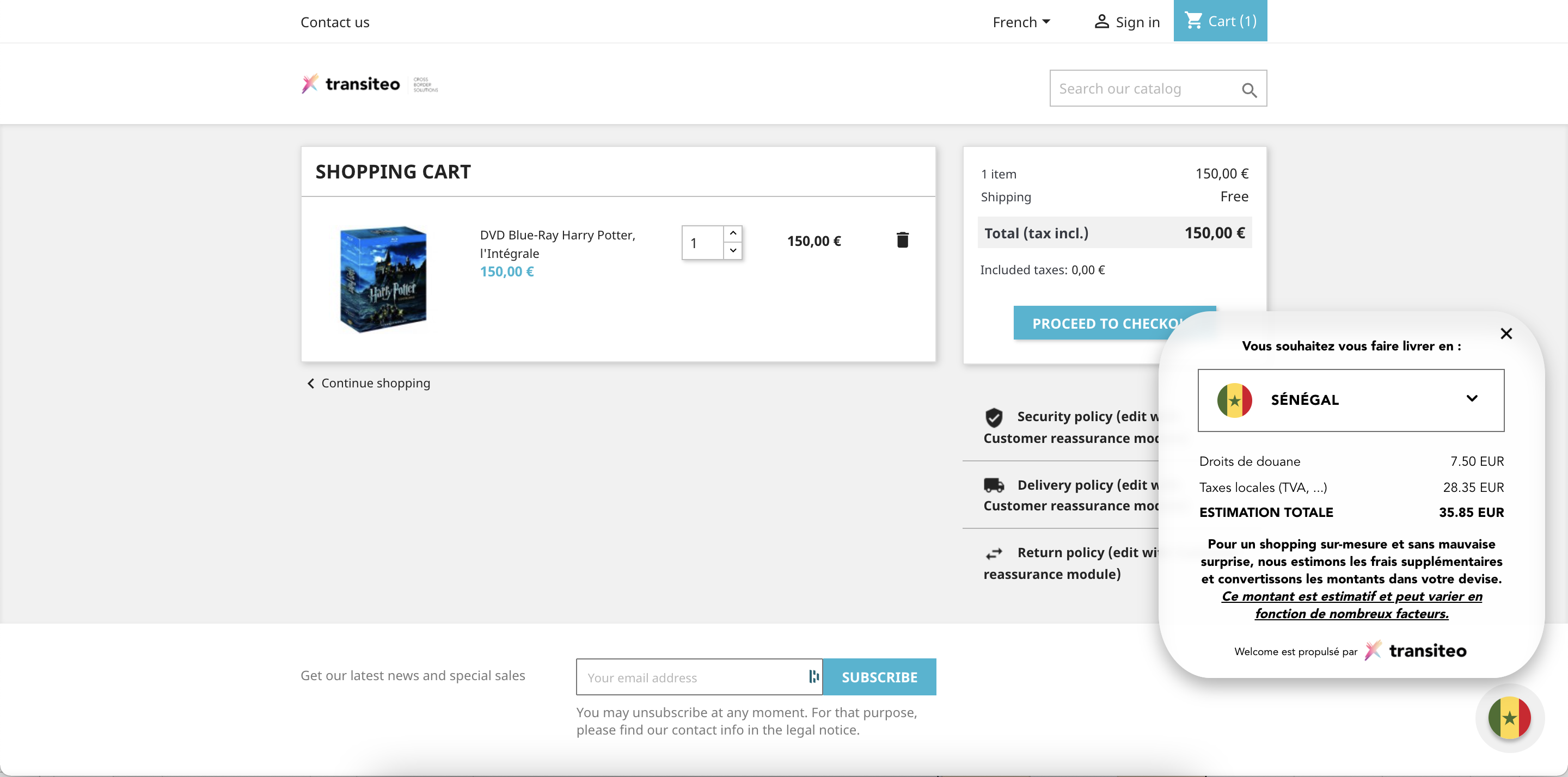





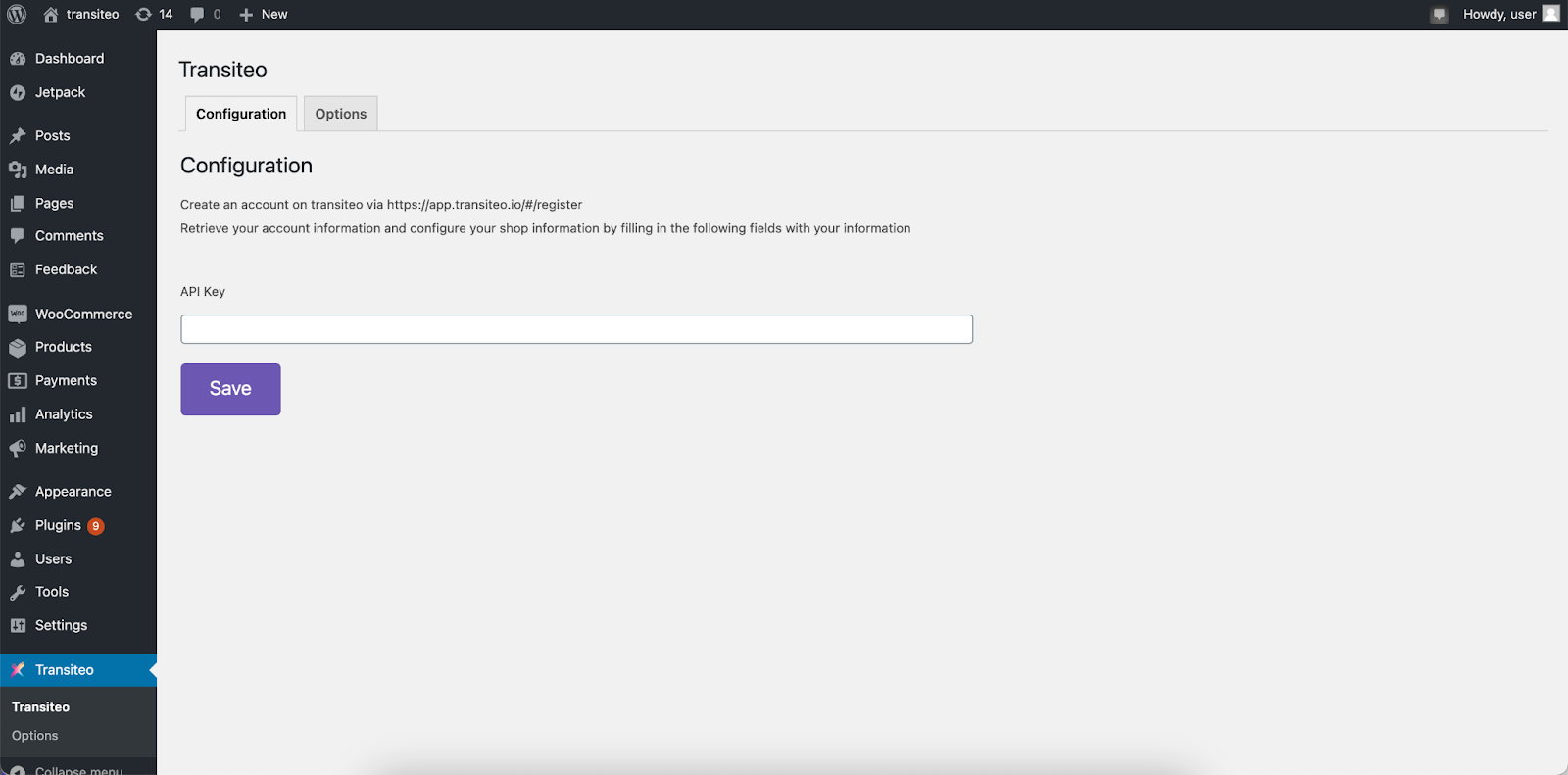
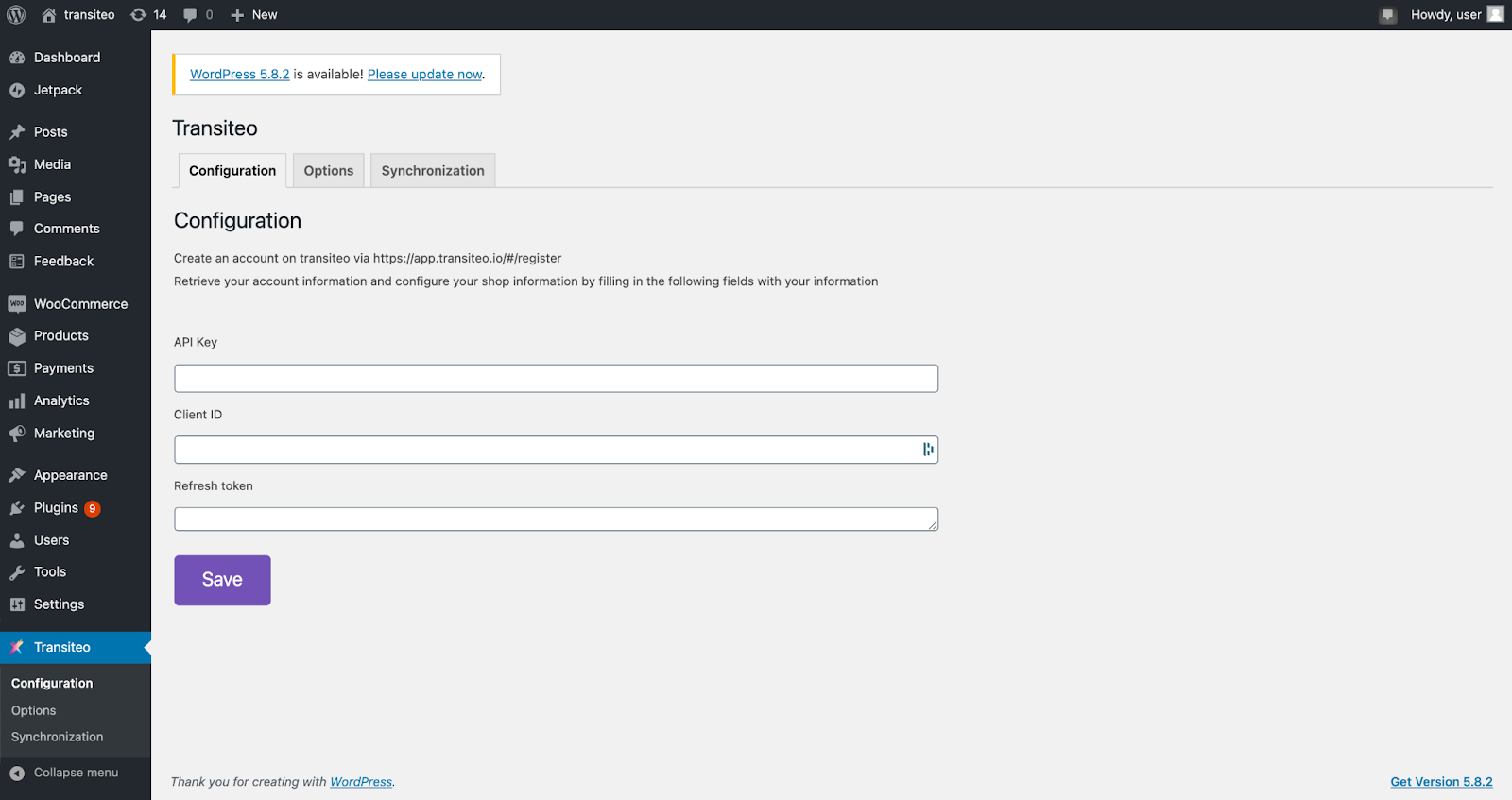
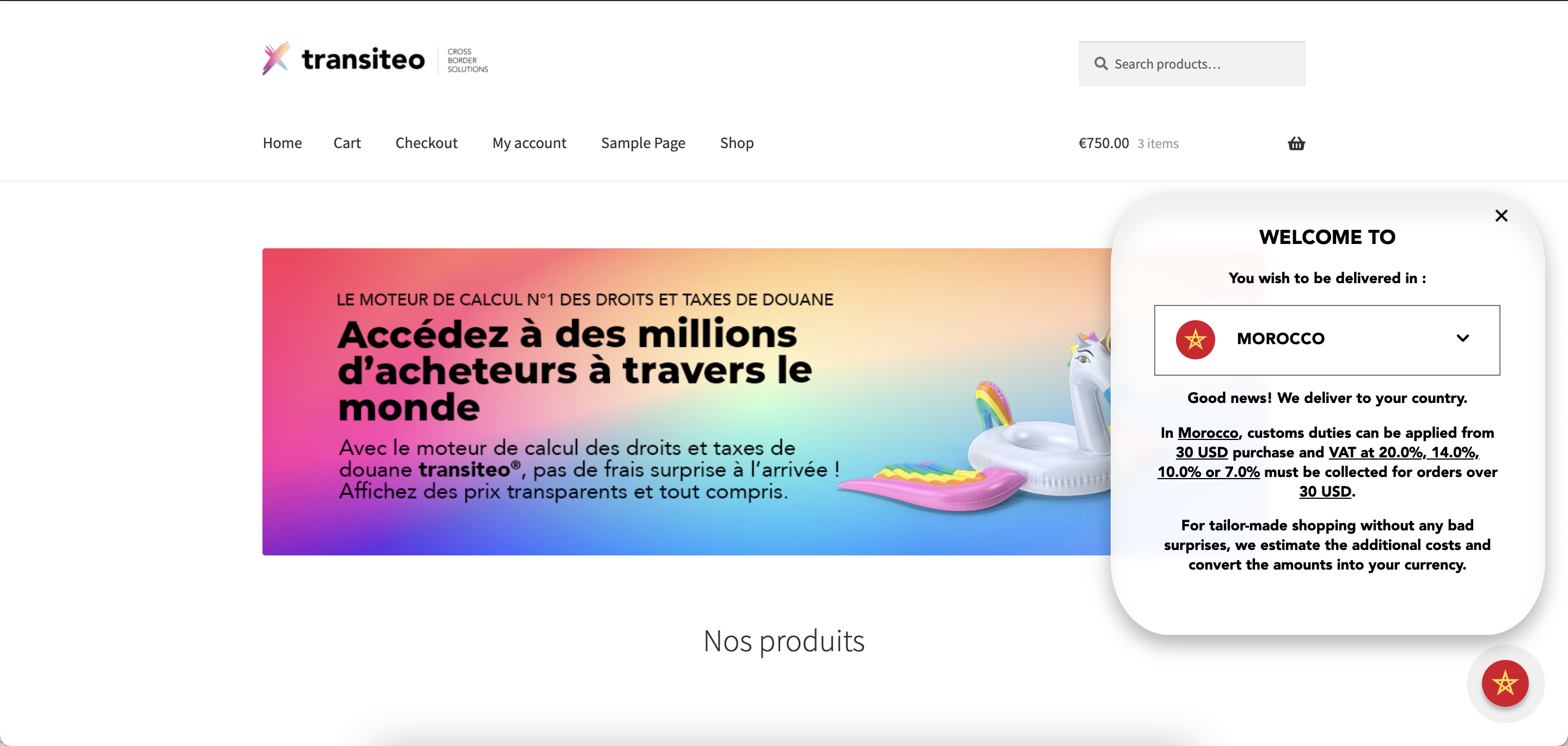
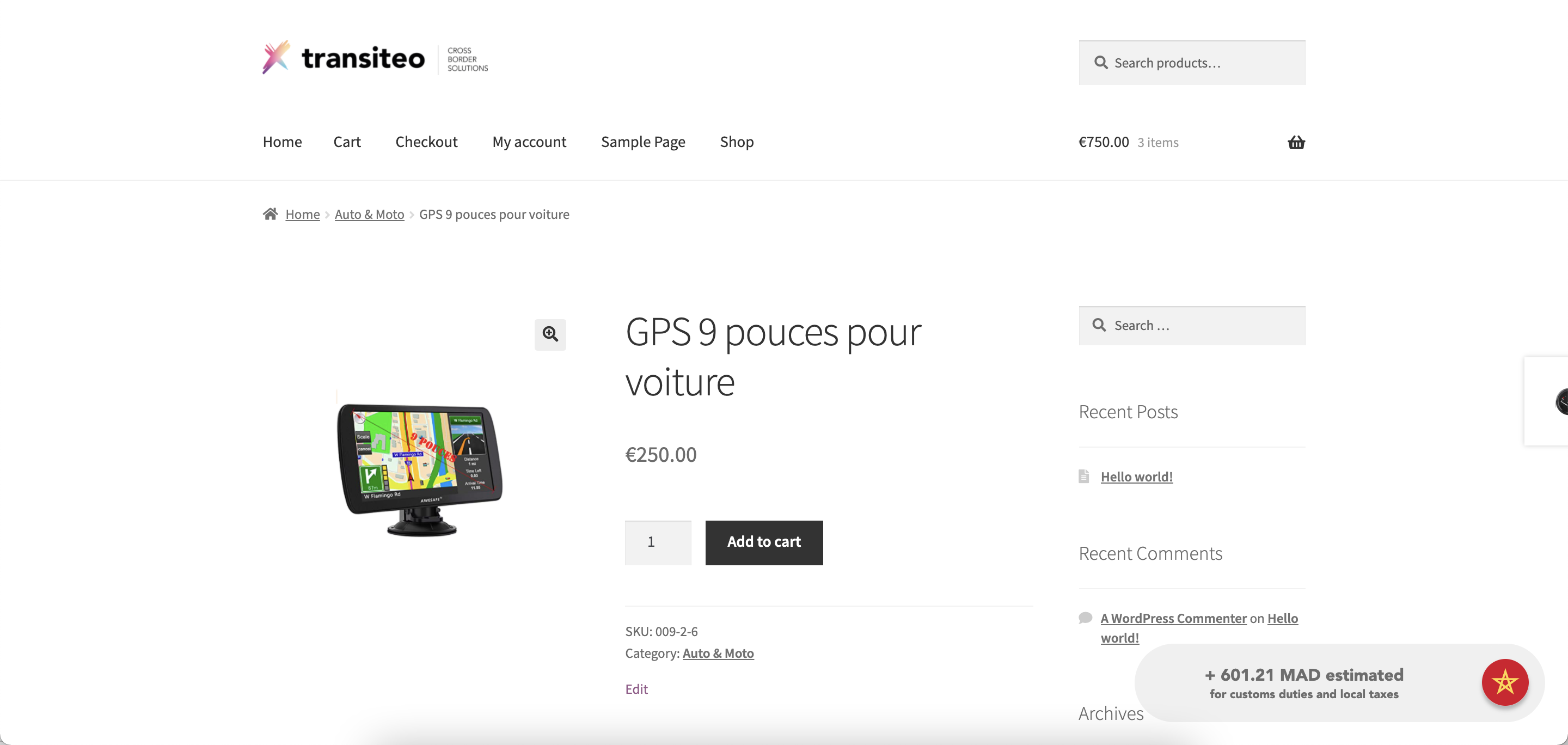
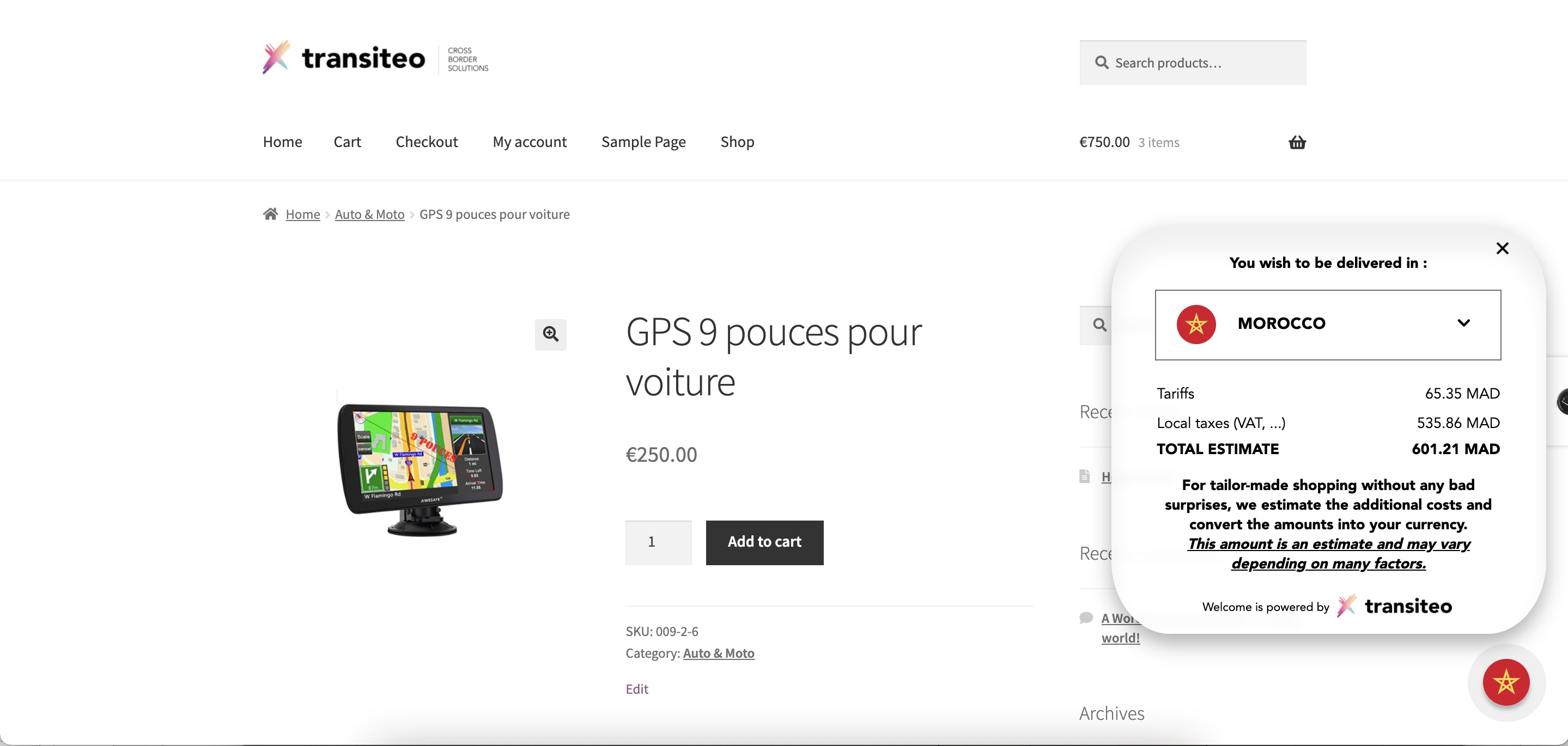
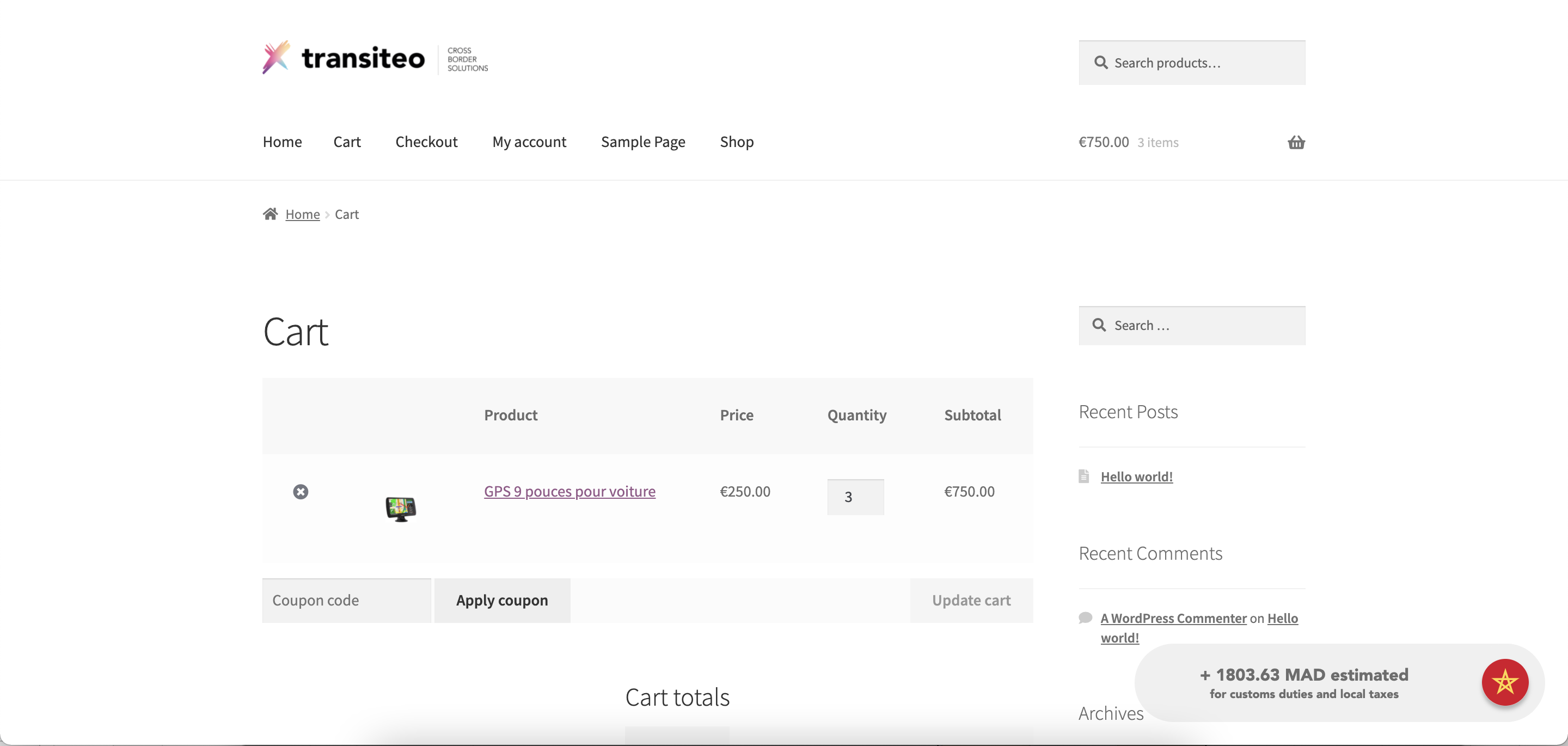
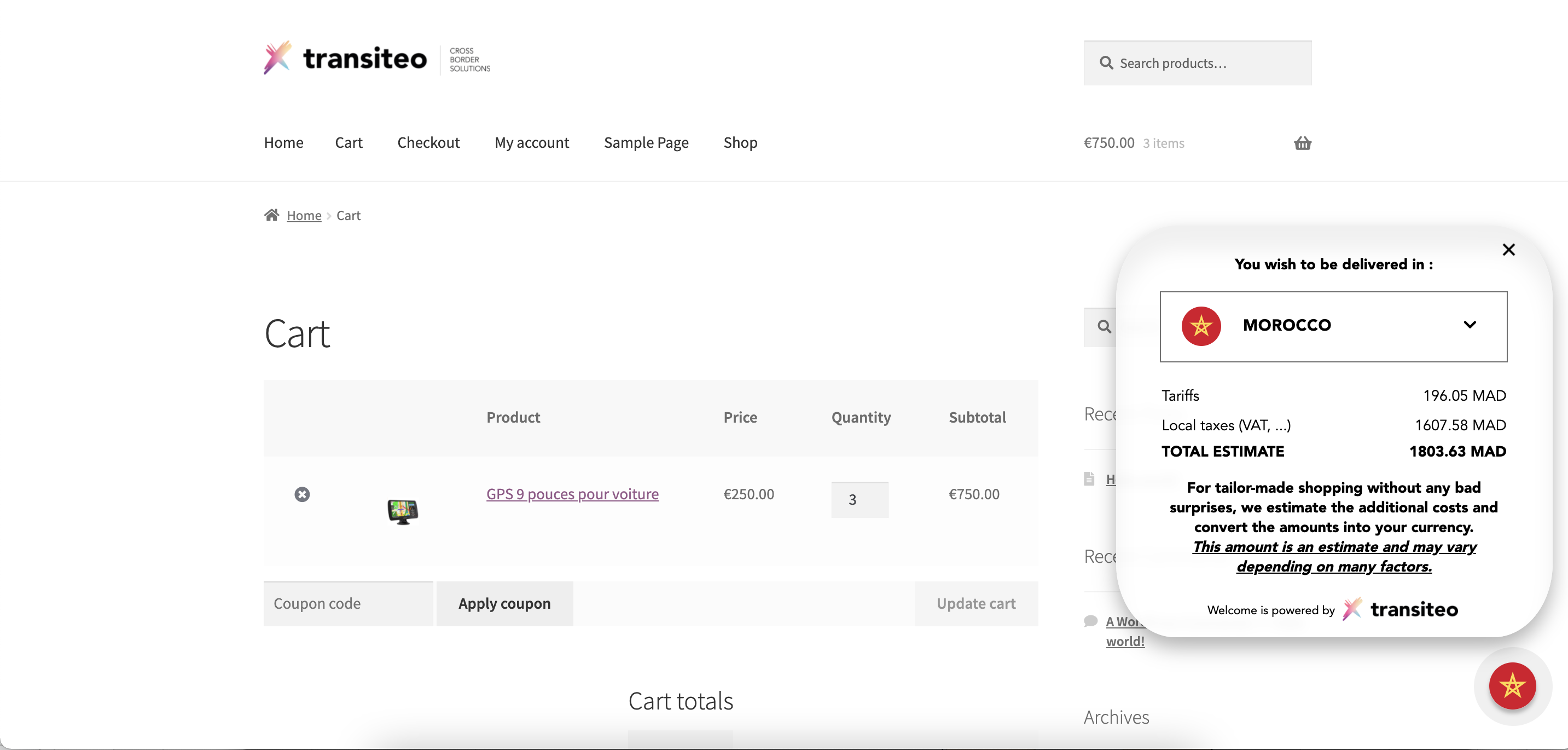
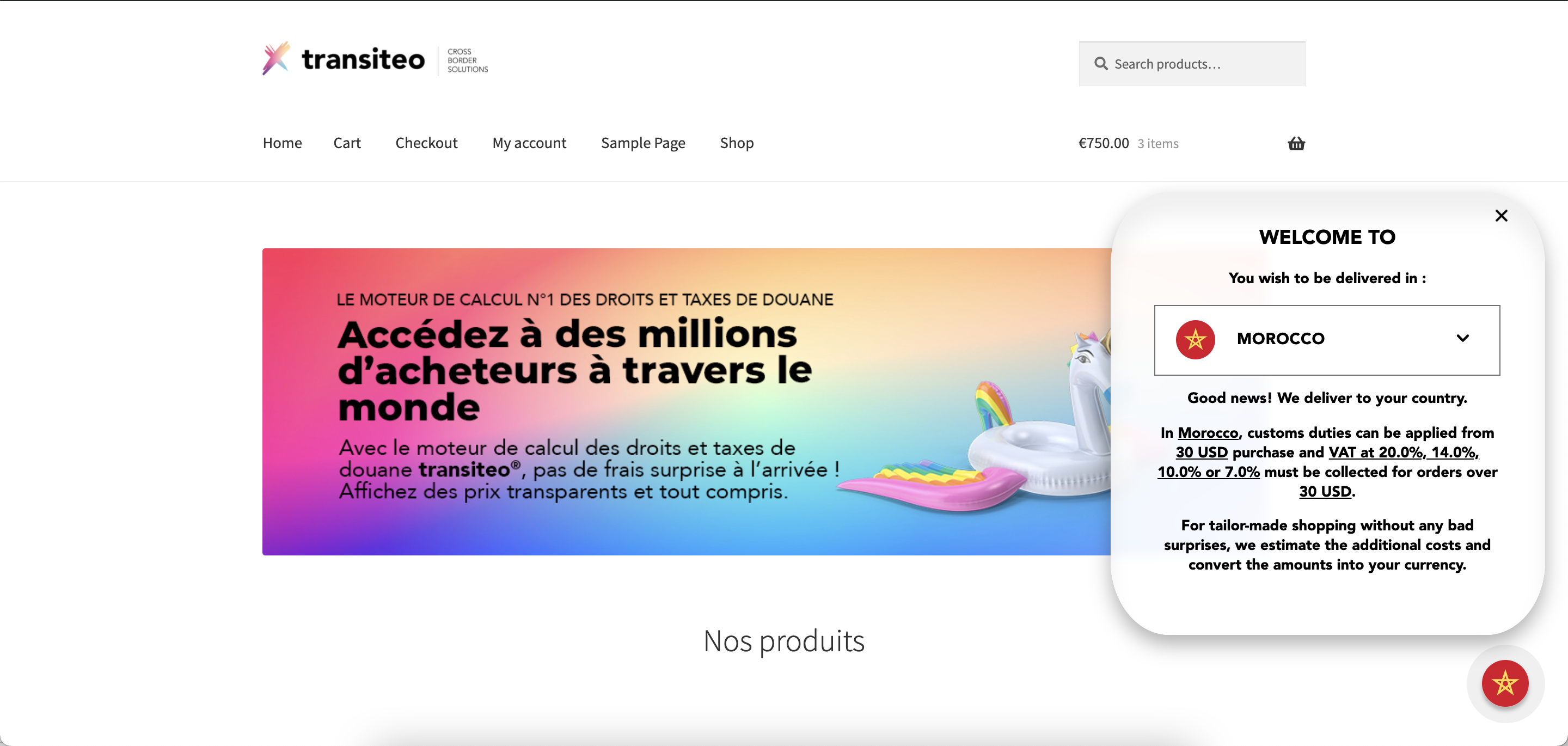
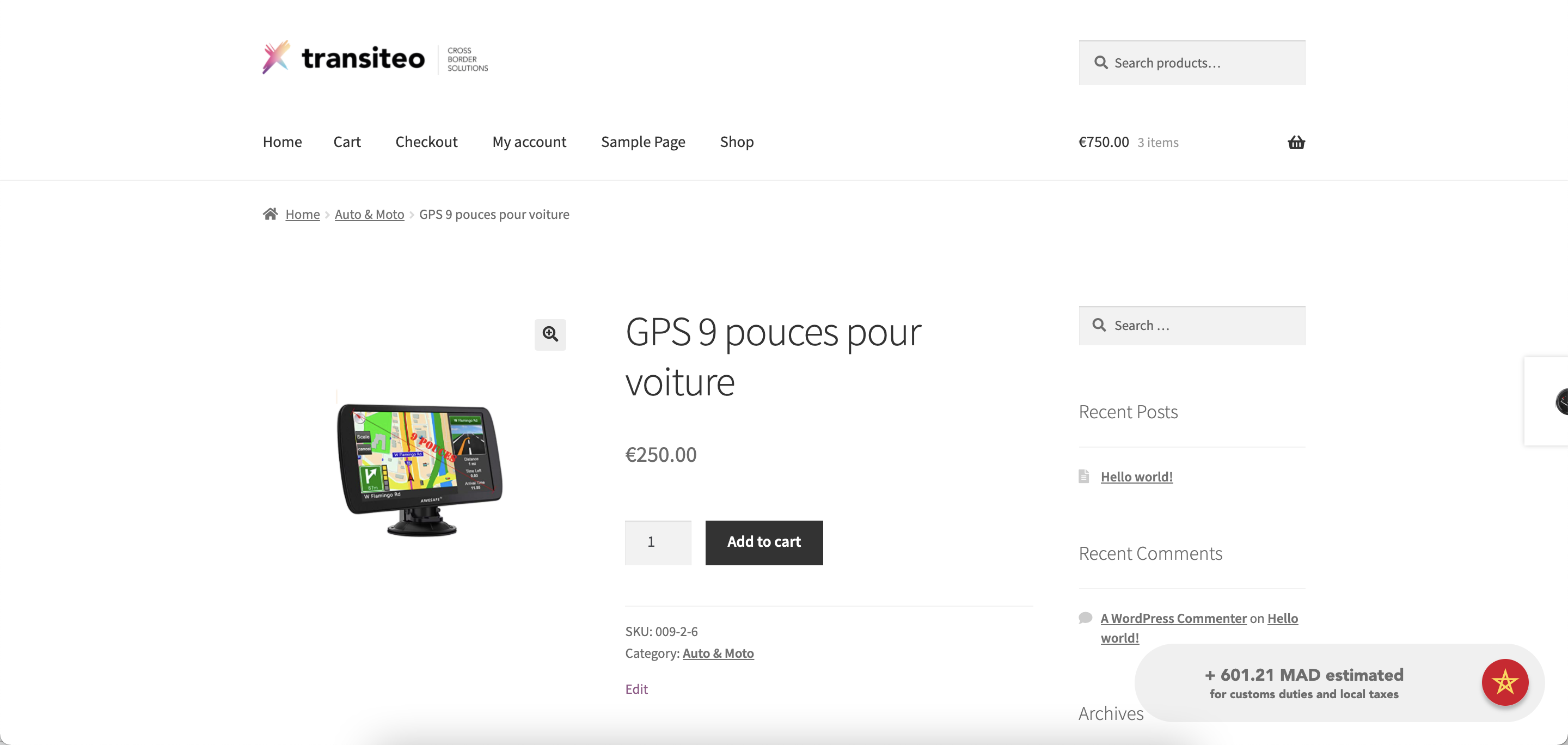
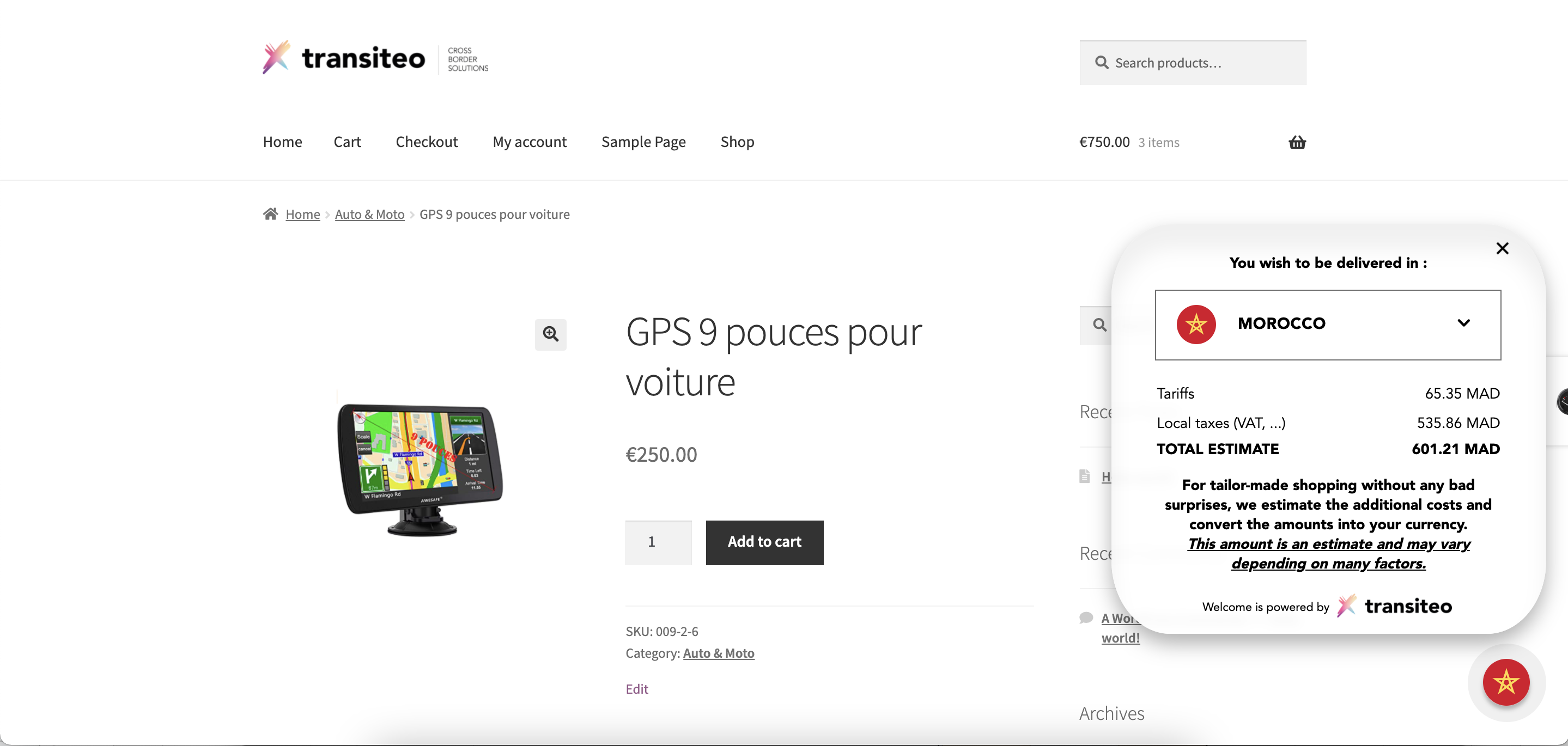
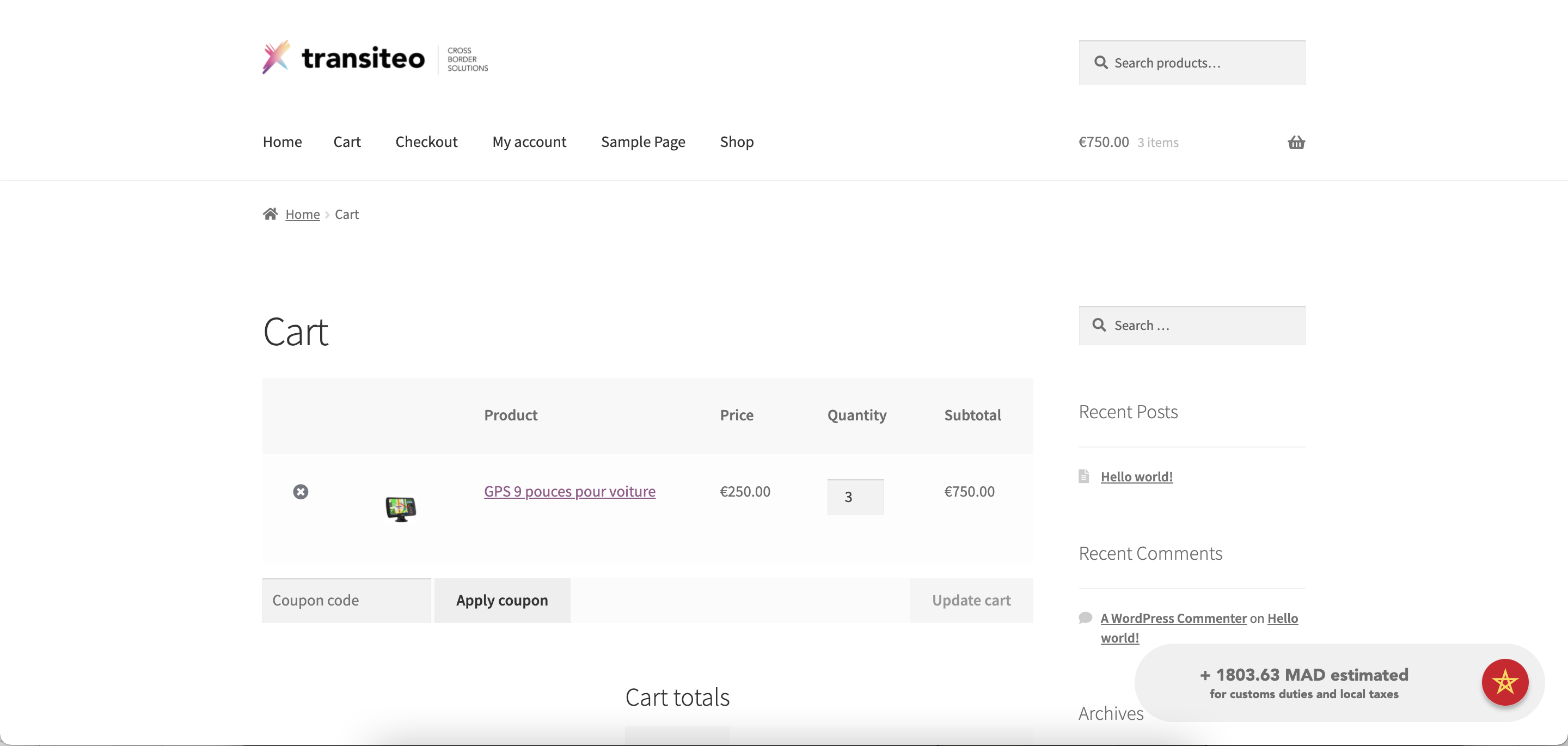
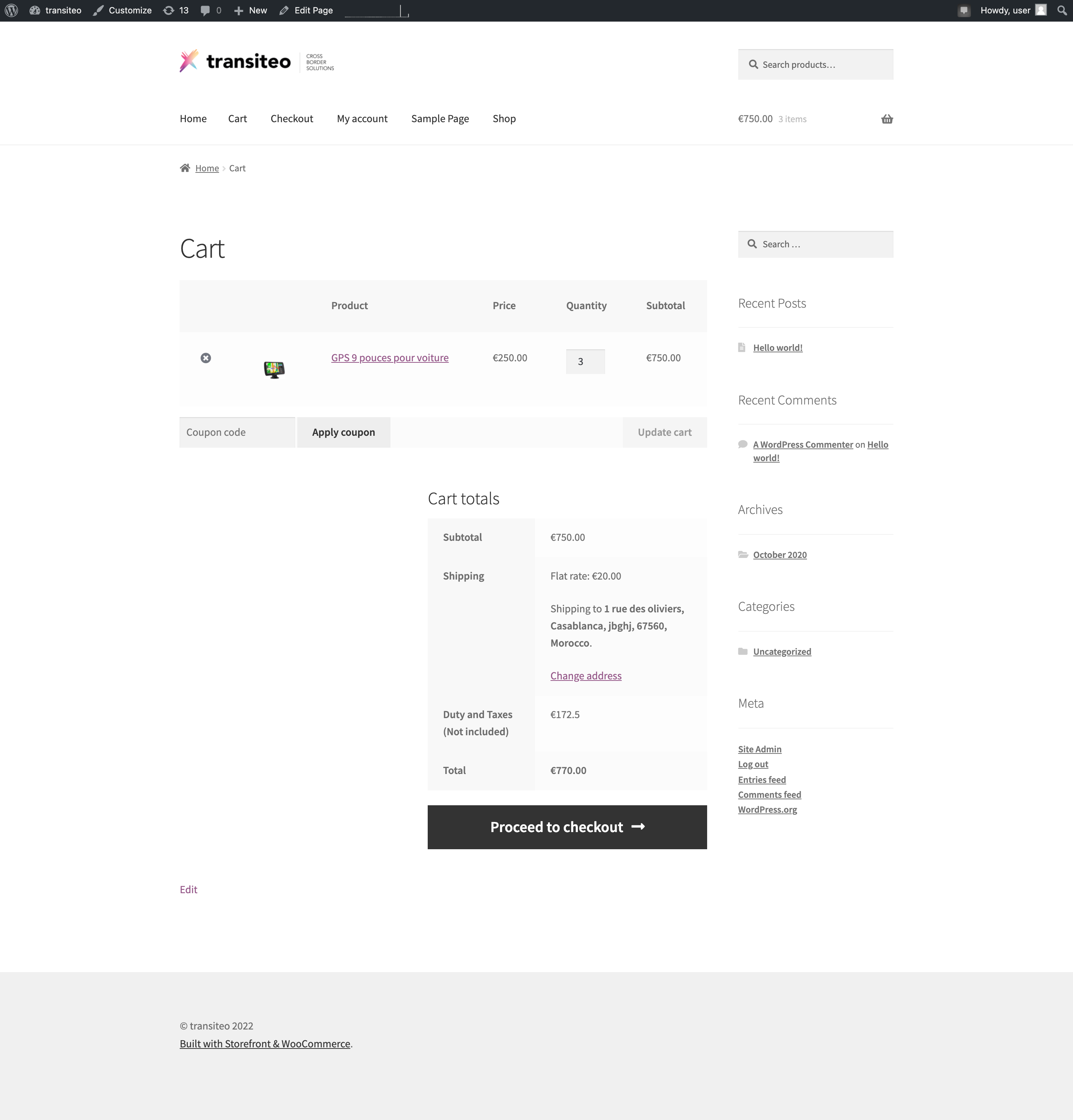
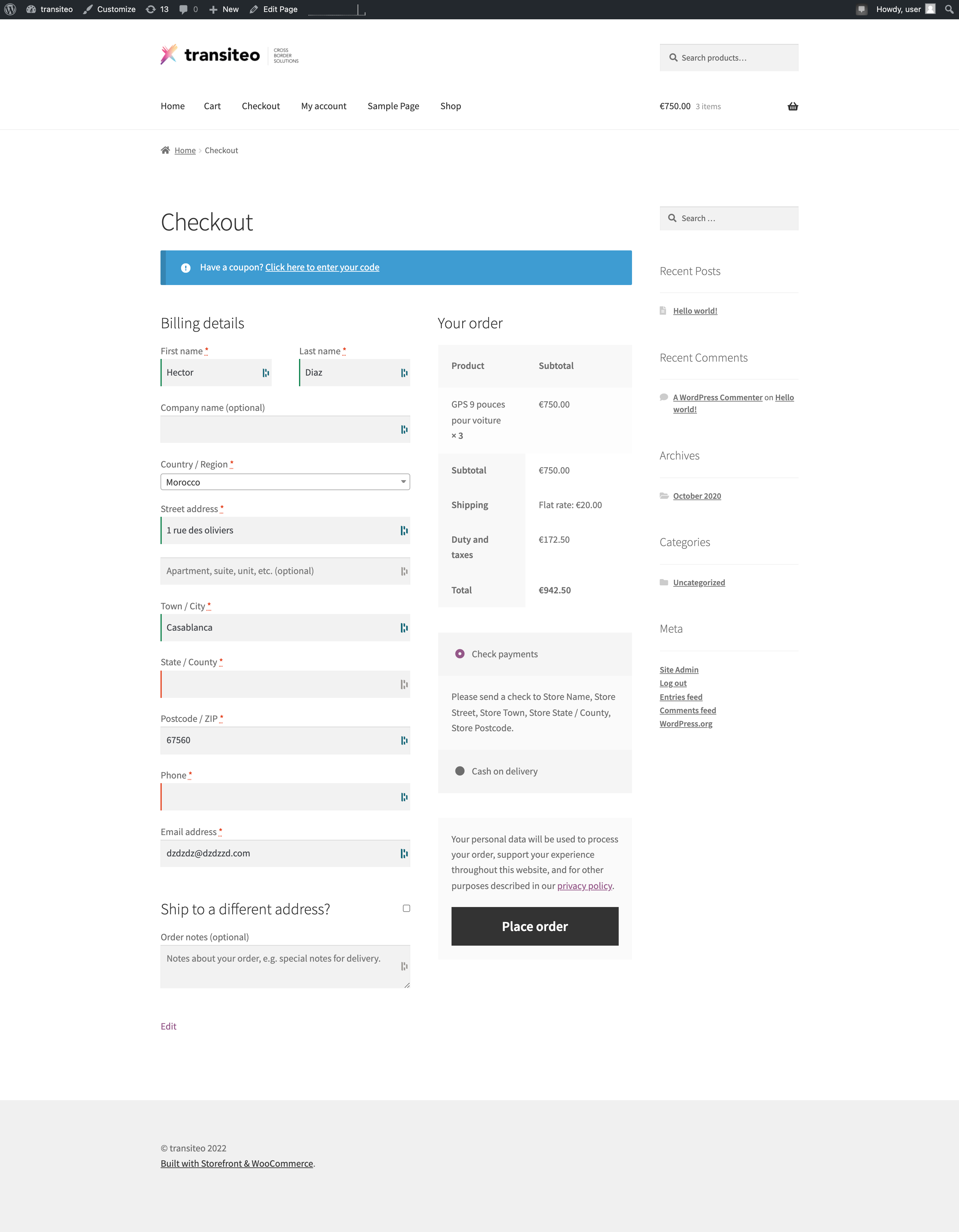
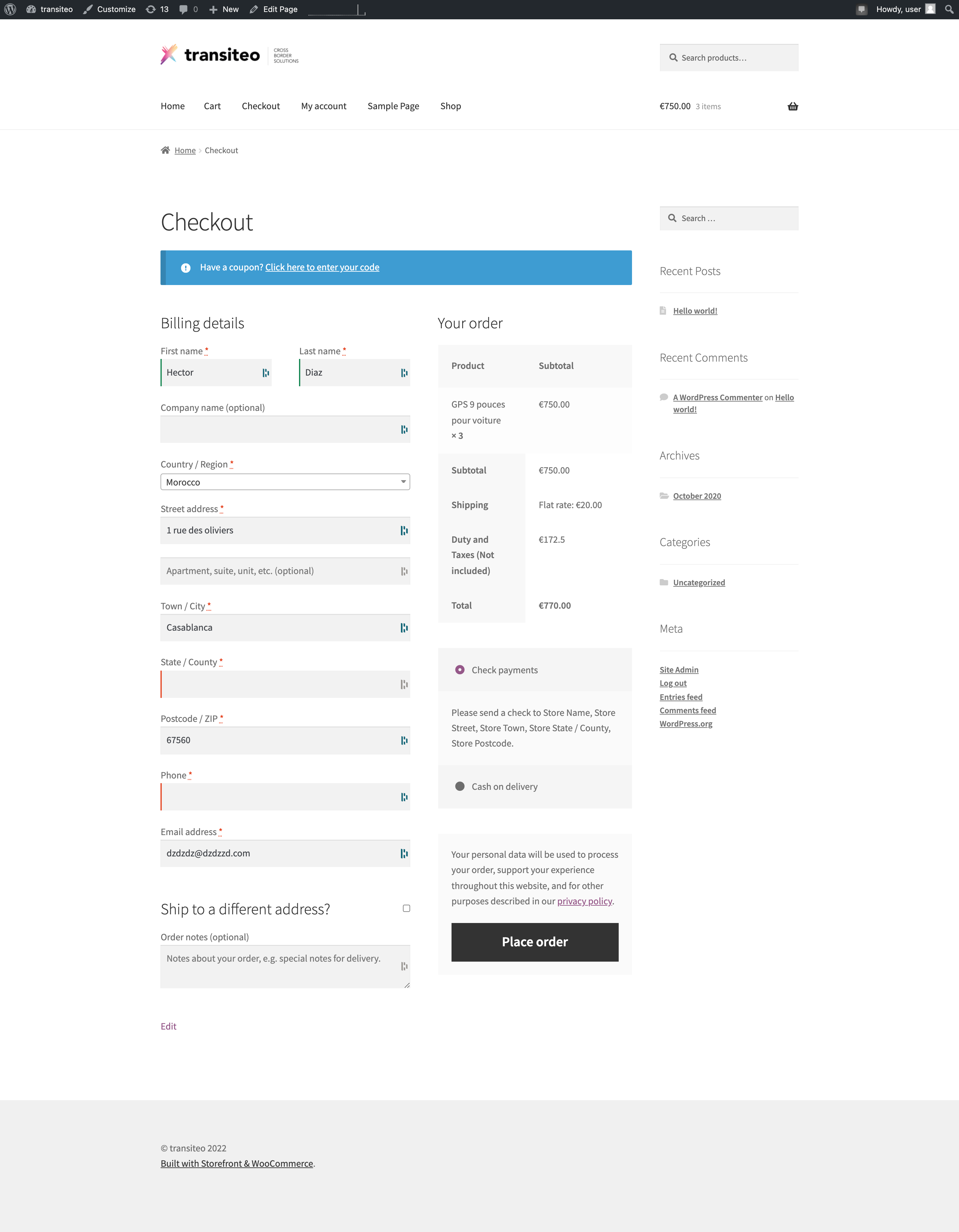
 \
\
Vous verrez dans la plateforme transiteo dans la page MON CATALOGUE, vos produits : \
\
\
\
Vous verrez dans la plateforme transiteo dans la page MON CATALOGUE, vos produits : \
\
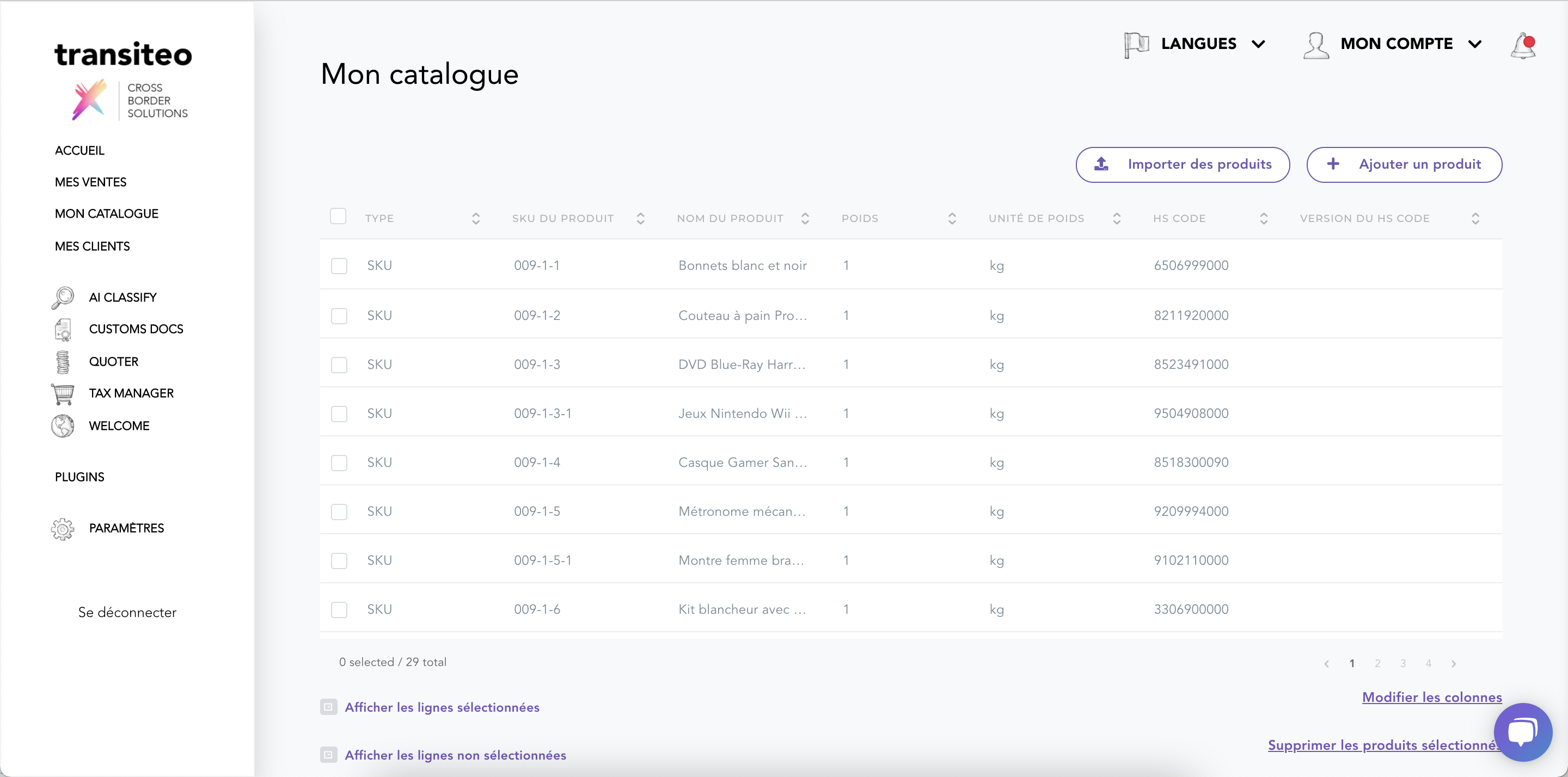 \
\
&#xNAN;ou
\
\
&#xNAN;ou